

Best 14+ AI Text-to-Speech Tools in 2026
Last Updated: August 25, 2026
Turning written text into natural sounding speech opens up new possibilities for audio content and accessibility. AI Text-to-Speech tools convert scripts into realistic voice audio, with control over tone, pacing, and language.
These tools are widely used by content creators, developers, and accessibility teams adding voice to videos, apps, and articles. High quality, natural sounding voices have made text to speech a practical alternative to hiring voice talent for many projects.
 ElevenLabs
 ElevenLabsRealistic AI Voice & Audio Tools,
  Chat Slide
 Chat SlideTransform Documents to Professional Presentations & Videos Instantly, and
  VoxImplant
 VoxImplantCloud Communication APIs for Voice, Video & AI Contact Centers are the best for AI Text-to-Speech. So, let’s take a closer look at all 14+ tools.

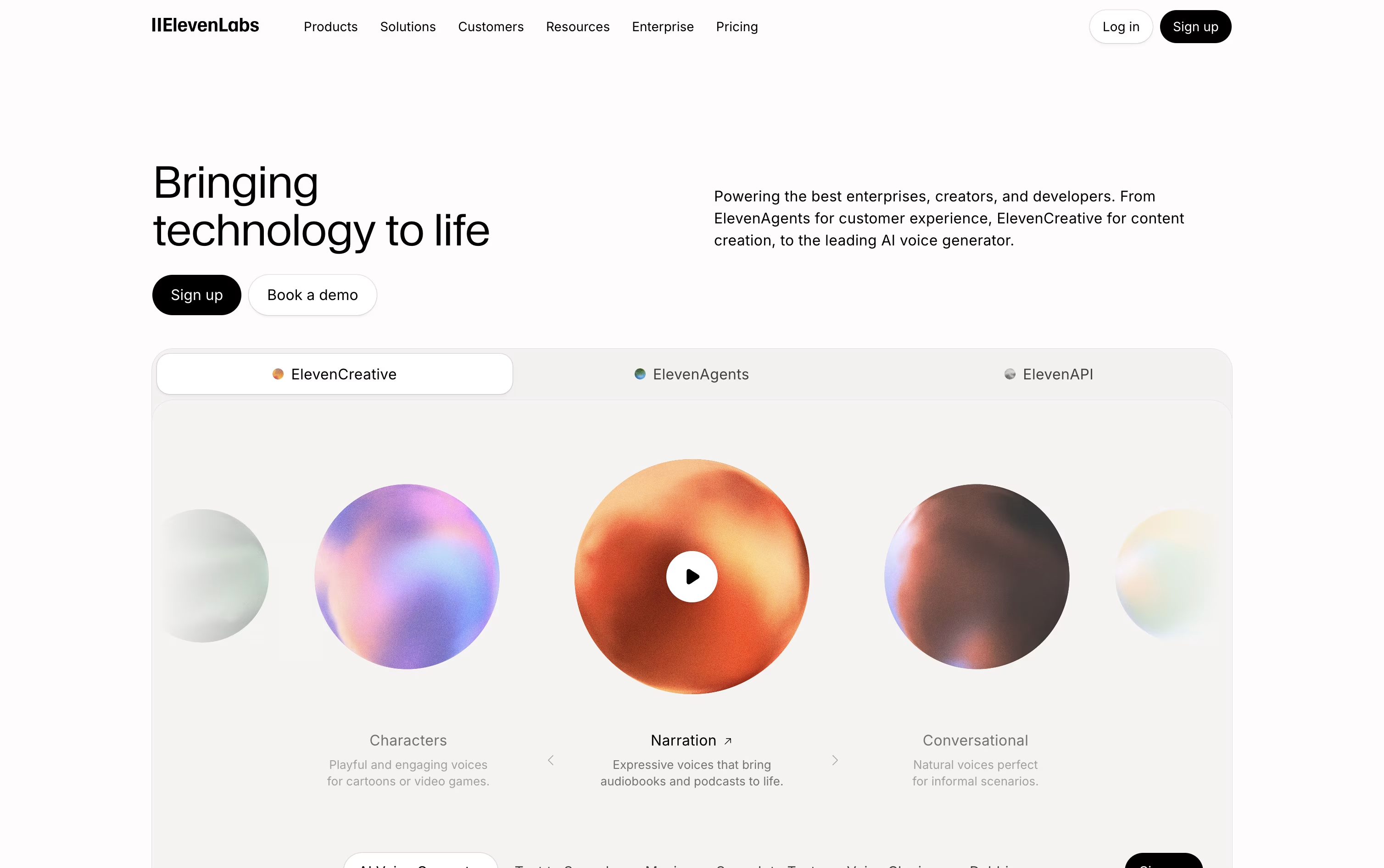
ElevenLabs is best known for making AI speech that actually sounds human, with natural pauses, tone, and emotion instead of a flat robotic voice. On top of speech, it can clone a voice from a short sample, dub videos into dozens of languages, generate music and sound effects, and run voice agents that talk to customers over the phone or in chat.
There are three main ways to use it. ElevenCreative is a web based studio built for content creators making podcasts, ads, and short videos. ElevenAgents lets you design and launch conversational voice and chat bots without needing to write code. ElevenAPI opens up the same technology to developers through a REST API with ready made Python and JavaScript SDKs.
The Free plan gives 10,000 credits a month so anyone can try the basics at no cost. Starter is $6 a month and adds commercial licensing plus instant voice cloning. Creator, the most popular tier, is normally $22 a month, sometimes offered at $11 for the first month, and includes professional grade voice cloning with a much larger credit allowance.
Bigger needs are covered by Pro at $99 a month, Scale at $299 a month with shared workspace seats, and Business at $990 a month with ten seats and lower cost, low latency speech. Enterprise pricing is discussed directly with the ElevenLabs team and includes custom security and priority support.
Since every plan draws from the same underlying voice and audio models, the quality does not drop as you scale up, whether you are producing a single video or running thousands of live customer calls.
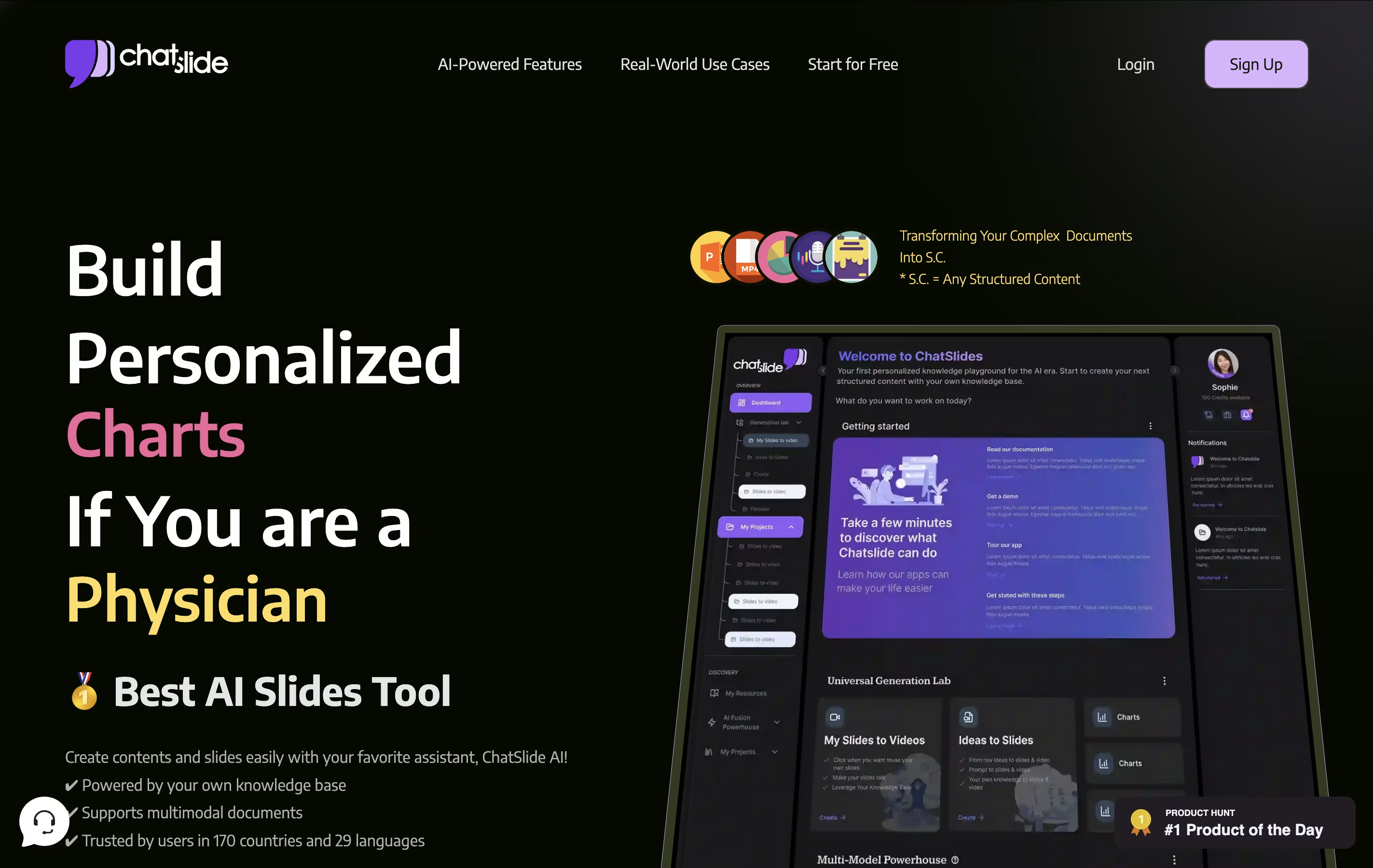
Chat Slide AI is an AI workspace for knowledge sharing that converts various types of content into structured presentations, videos, and audio content. Unlike traditional presentation tools that require manual slide creation, Chat Slide analyzes your input materials and automatically generates professional-looking slides with proper formatting, visuals, and layout.
The platform offers multiple content transformation options. You can create slide presentations, generate videos with AI avatars that speak your content, convert presentations into podcasts, or produce social media posts. It supports file uploads including PDFs, Word documents, images, and web links.
Chat Slide uses advanced AI models to understand your content and create appropriate visuals, charts, and layouts. The tool includes over 100 AI avatars, voice cloning capabilities, and supports 100+ languages. It provides different pricing tiers from basic free usage to professional plans with advanced features like custom branding and longer video generation limits.
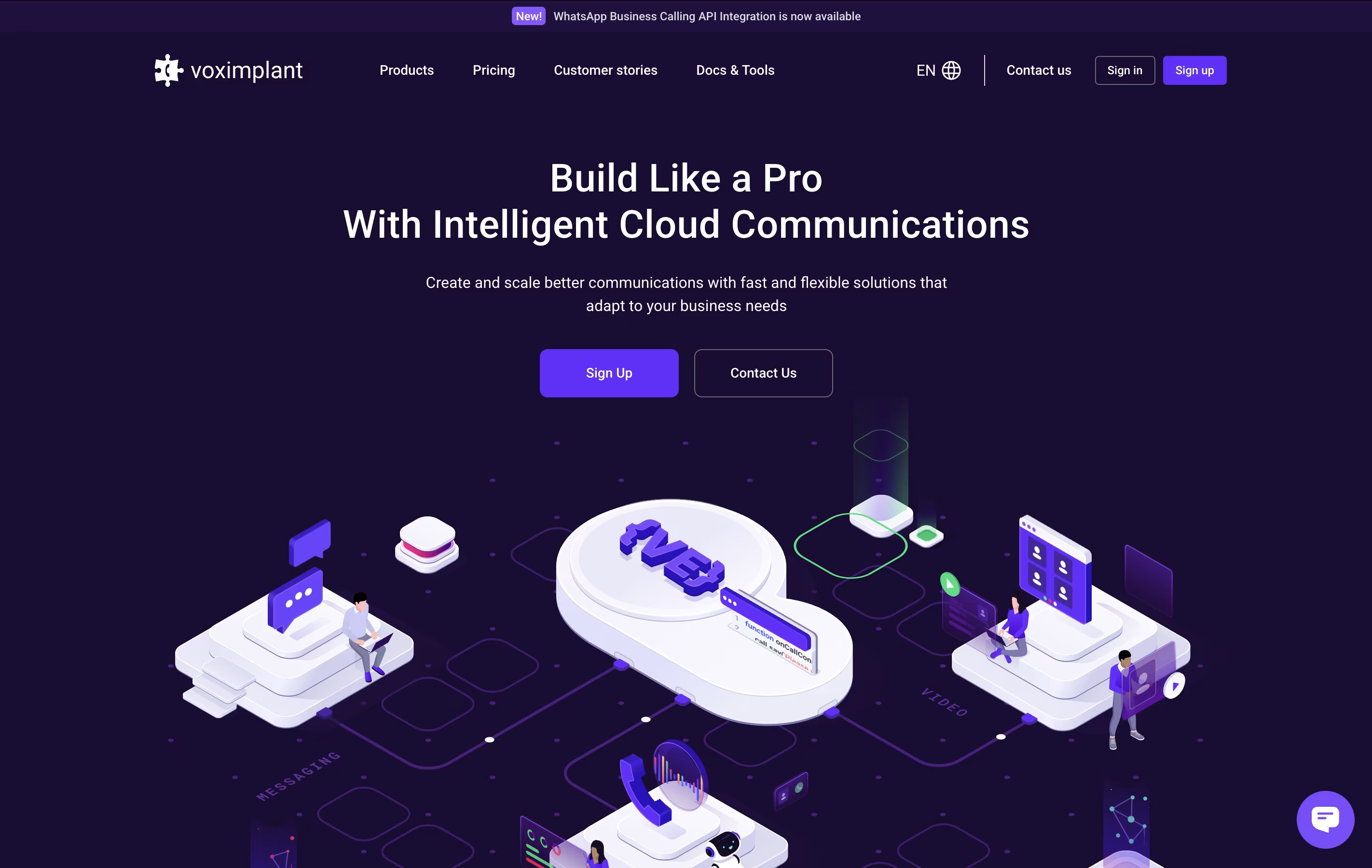
VoxImplant is a comprehensive cloud communications platform that enables businesses and developers to integrate voice, video, and messaging capabilities into their applications and services. Founded in 2013 and based in Palo Alto, the company serves millions of users worldwide through its innovative Communication Platform as a Service (CPaaS) solution.
The platform consists of two main products: VoxImplant Platform, which provides APIs and SDKs for custom development, and VoxImplant Kit, an omnichannel contact center solution. VoxImplant Platform supports multiple programming languages and frameworks including iOS, Android, React Native, Flutter, Unity, and web applications. The service includes advanced features like AI-powered voice bots, natural language processing, call recording, transcription, and seamless integration with popular AI providers like OpenAI, Google Gemini, and Dialogflow, making it perfect for creating sophisticated communication experiences.
Resemble AI is an AI-powered voice cloning and text-to-speech platform that transforms written text into natural-sounding speech using cloned voices. The platform can create voice copies from minimal audio samples and generate speech that sounds remarkably human-like.
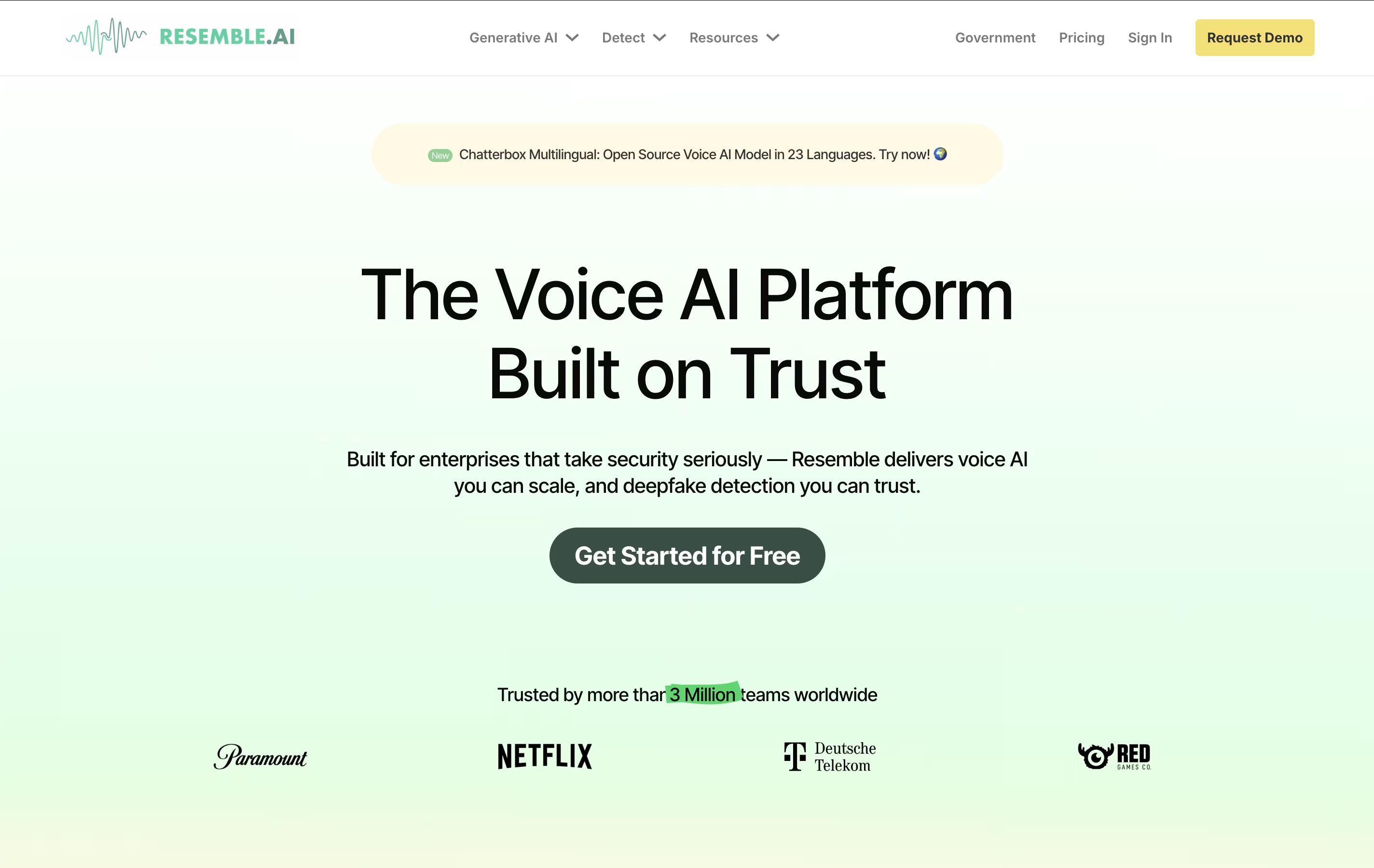
Unlike traditional text-to-speech tools that offer generic robotic voices, Resemble AI specializes in creating personalized voices that maintain the original speaker's unique characteristics, accent, and speaking style. The platform supports two main approaches: Rapid Voice Cloning that works with just 10 seconds of audio for quick results, and Professional Voice Cloning that uses 10 minutes of audio for higher quality output.
The service includes advanced features like emotion control, multilingual support across 149+ languages, real-time voice generation, and built-in security measures. It offers both web-based access and API integration for developers building voice-enabled applications.

Alter is a native macOS AI assistant designed specifically for Mac power users who want seamless AI integration across their entire workflow. It works as a system-wide productivity tool that understands context from any app you're using.
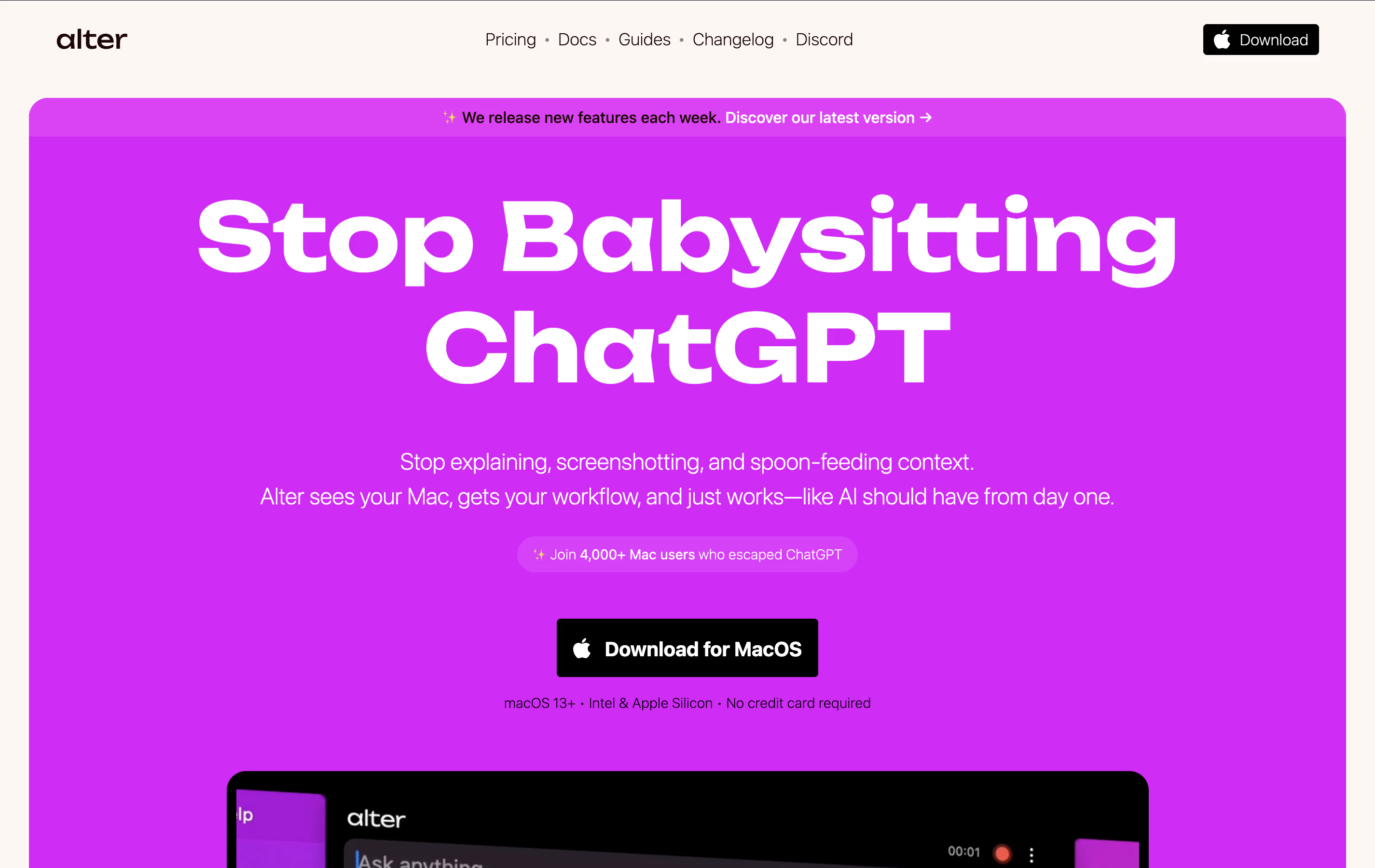
The tool operates through voice commands and contextual menus, allowing you to perform AI-powered actions without switching between applications. It can record meetings, transcribe audio, summarize content, write emails, create presentations, and handle complex tasks across apps like Finder, Keynote, and Apple Mail.
What sets Alter apart is its privacy-first approach. Your data stays encrypted locally, and you can run AI models completely offline using Ollama or LM Studio, ensuring sensitive information never leaves your device.

Speechify is built around one idea: let people take in information by ear instead of by eye. Drop in a PDF, paste some text, share a link, or point your phone's camera at a printed page, and Speechify reads it aloud in a natural voice.
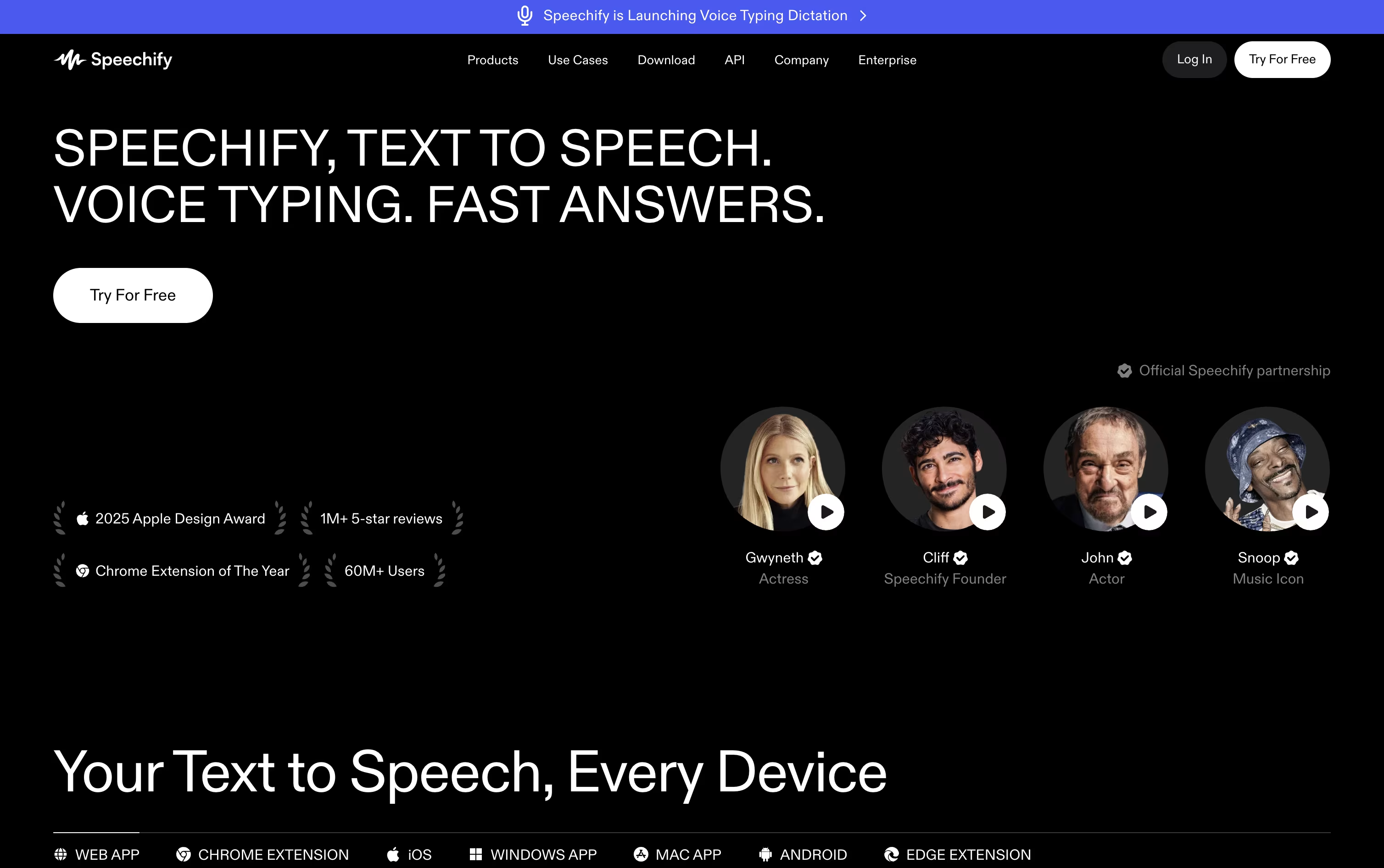
It goes further than plain narration too. You can ask its Voice AI Assistant questions about the material, request a quick summary, or generate a quiz to test what stuck.
Getting started costs nothing, with a free plan offering basic robotic voices and standard reading. Stepping up to Premium at $29 a month, or $139 a year for roughly 60% savings, unlocks over a thousand natural voices, speeds up to 4.5 times normal, voice typing, and instant AI podcasts.
If your focus is creating rather than consuming, Speechify Studio is a separate tool for voiceovers, video dubbing, and voice cloning, priced from $100 to $300 a year.
There is also a developer focused SpeechifyAI API, free to start and scaling up to $499 a month, or custom pricing for enterprise voice agents.

Fish Audio is an AI voice tool that generates lifelike speech from text and can copy a voice using only a short sample. It also converts speech to text, swaps voices, and offers sound effects, audio separation, and translation features.
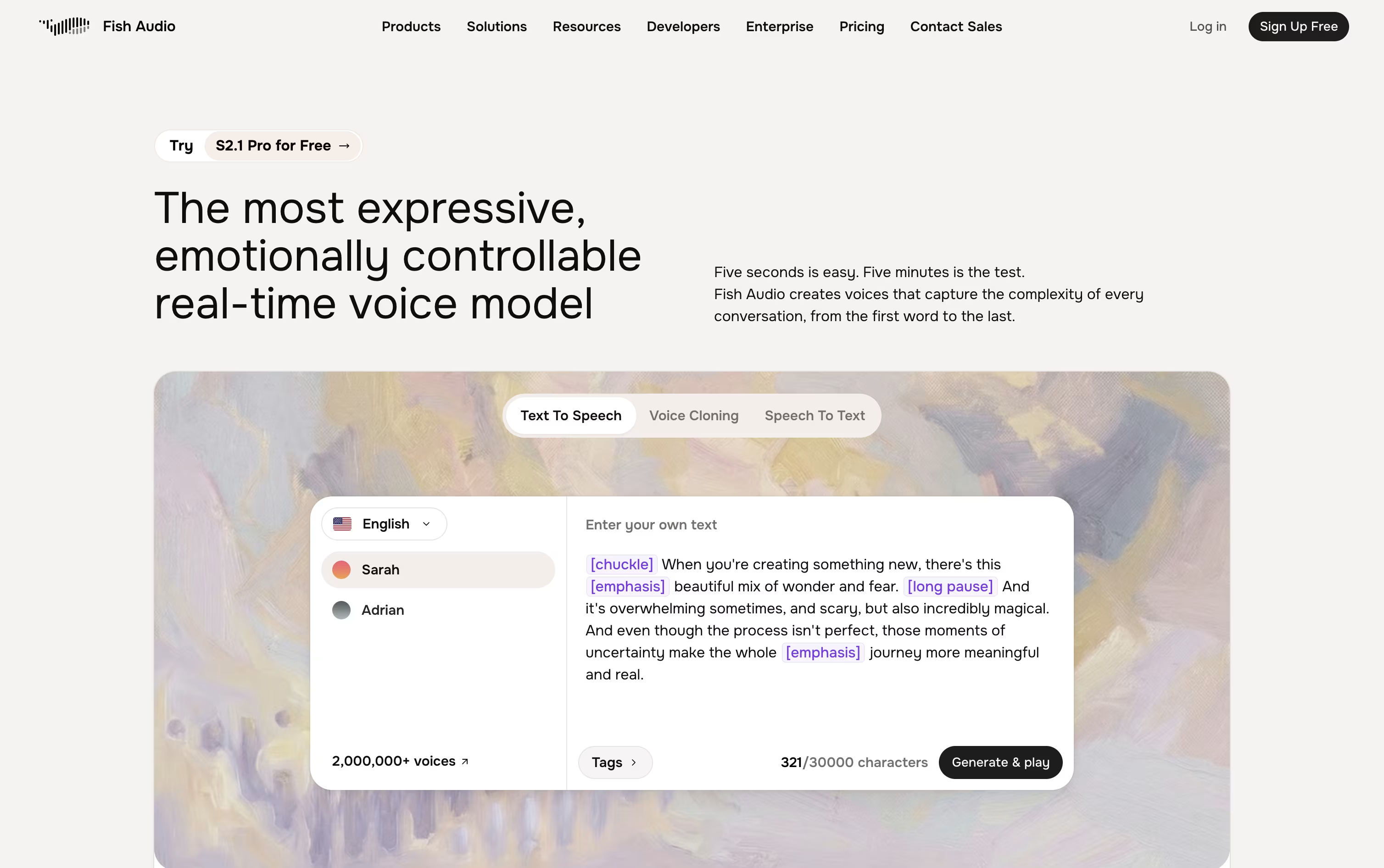
Getting started costs nothing on the Free tier, which gives 8,000 credits a month for around 7 minutes of audio and access to 3 public voices.
The Plus plan runs $7.50 a month, or $5.50 a month on annual billing, and unlocks 250,000 credits, private voice slots, and the right to use audio commercially.
Stepping up to Pro brings the price to $50 a month, or $37.50 a month annually, along with 2 million credits, 3 team seats, and 5 professional voices.
Max is priced for bigger teams at $999 a month, or $749 a month with annual billing, offering 25 million credits and 10 team seats, while Enterprise pricing is custom and built around compliance and on-premise needs.
For builders, an API charges only for what is used, covering speech generation, transcription, and voice design without any monthly commitment.

Murf AI is built around turning written text into speech that sounds genuinely human, drawing from over 200 voices in more than 35 languages and accents. The same platform also covers voice agents for calls and chat, video dubbing, and voice cloning.
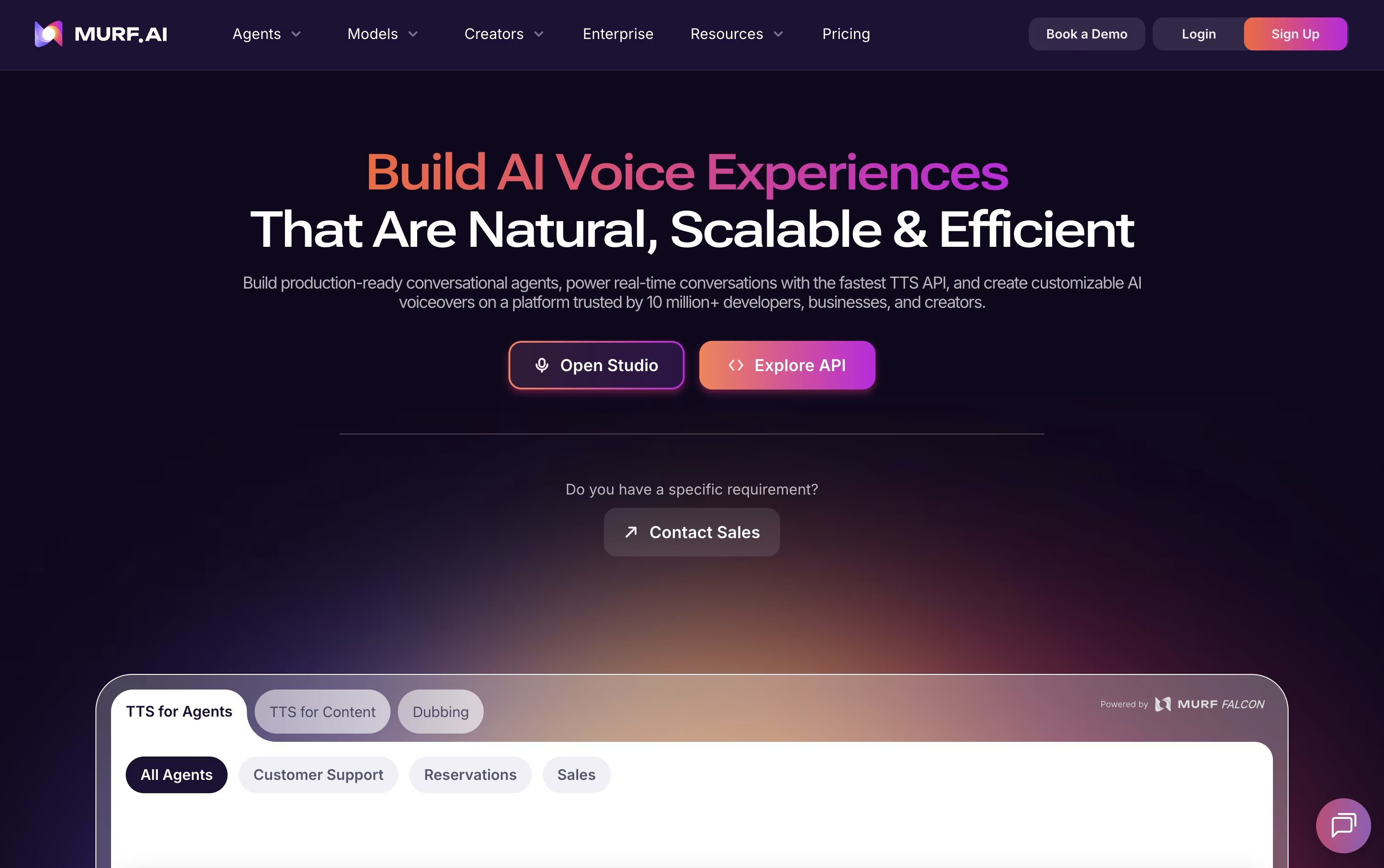
The Studio editor gives you control over pitch, speed, emphasis, pauses, and pronunciation, letting you mix multiple voices in one project before exporting audio you can use commercially.
Getting started costs nothing, since the Free plan includes 10 projects and 10 minutes of voice generation.
Creator picks up from there at $19 a month on the yearly plan, or $29 month to month, unlocking 100 projects, 2 hours of monthly voice generation, unlimited downloads, and commercial rights.
Business steps up to $66 a month yearly, or $99 monthly, and adds 8 hours of generation along with emphasis, variability, and PowerPoint support.
Bigger organizations can request a custom Enterprise plan with unlimited generation and dedicated account support, while Dub and API pricing are billed separately by usage.

Cartesia is a voice AI platform focused on speed and natural sound, built by researchers behind State Space Models, an approach designed for quick responses and long context handling.
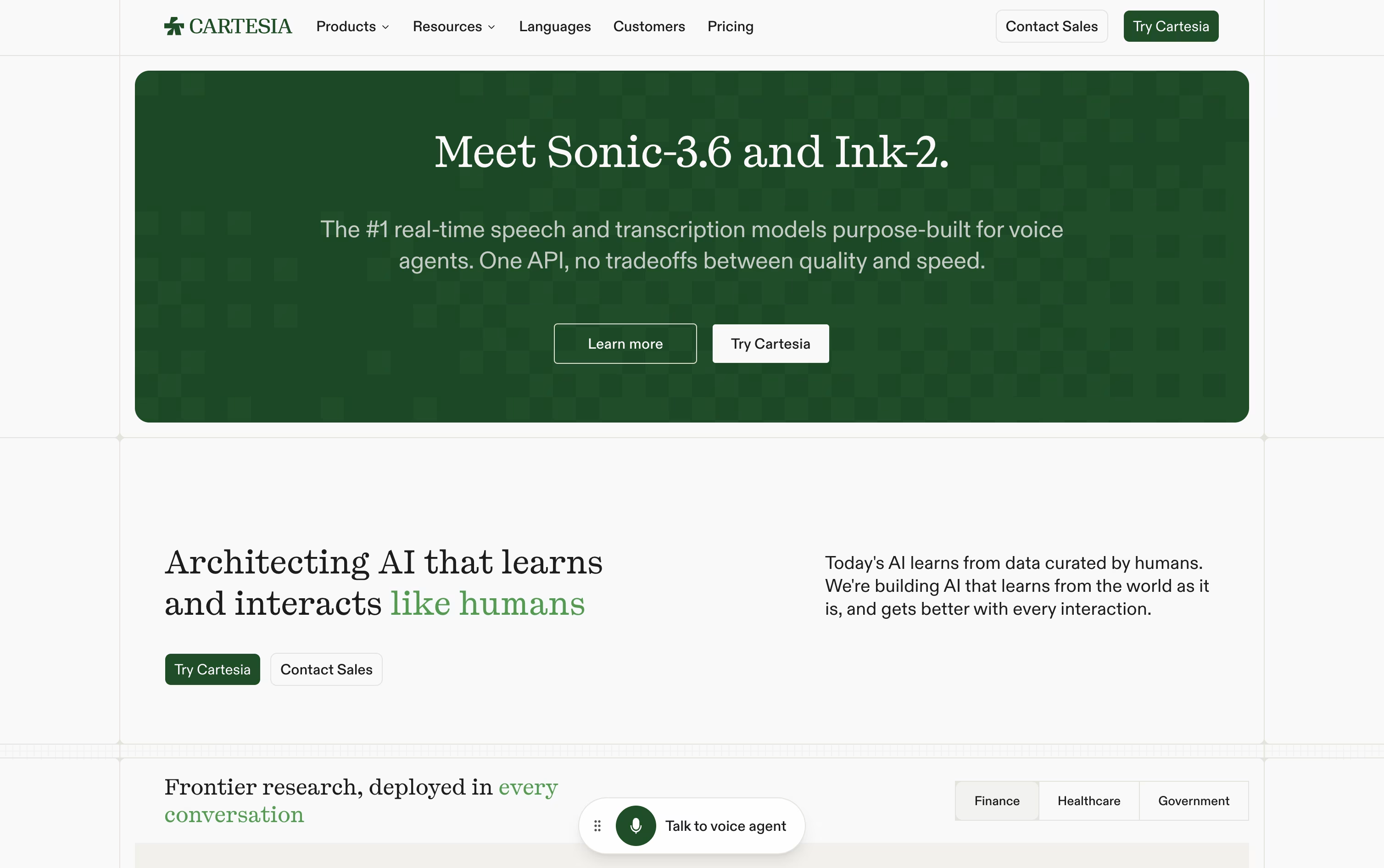
Three tools sit at its core. Sonic converts text into human sounding speech, Ink listens and turns speech into text while detecting when a speaker starts and stops, and Line combines both into full voice agents you control with your own code.
The Free plan costs nothing and includes 20K monthly credits along with basic Text to Speech and Speech to Text access.
Moving up, Pro at $5 a month unlocks commercial use and instant voice cloning, and Startup at $49 a month adds professional voice cloning plus organization support.
Scale, at $299 a month, brings priority support and higher concurrency, while Enterprise offers custom pricing with SSO and compliance features for larger teams.
Phone numbers and call minutes are billed on top of a plan, and any subscription can be paused or stopped whenever needed.

Smallest AI builds compact, fast AI models for voice conversations rather than relying on one large model for everything. This approach lets each model react quickly and handle speech in a natural way.
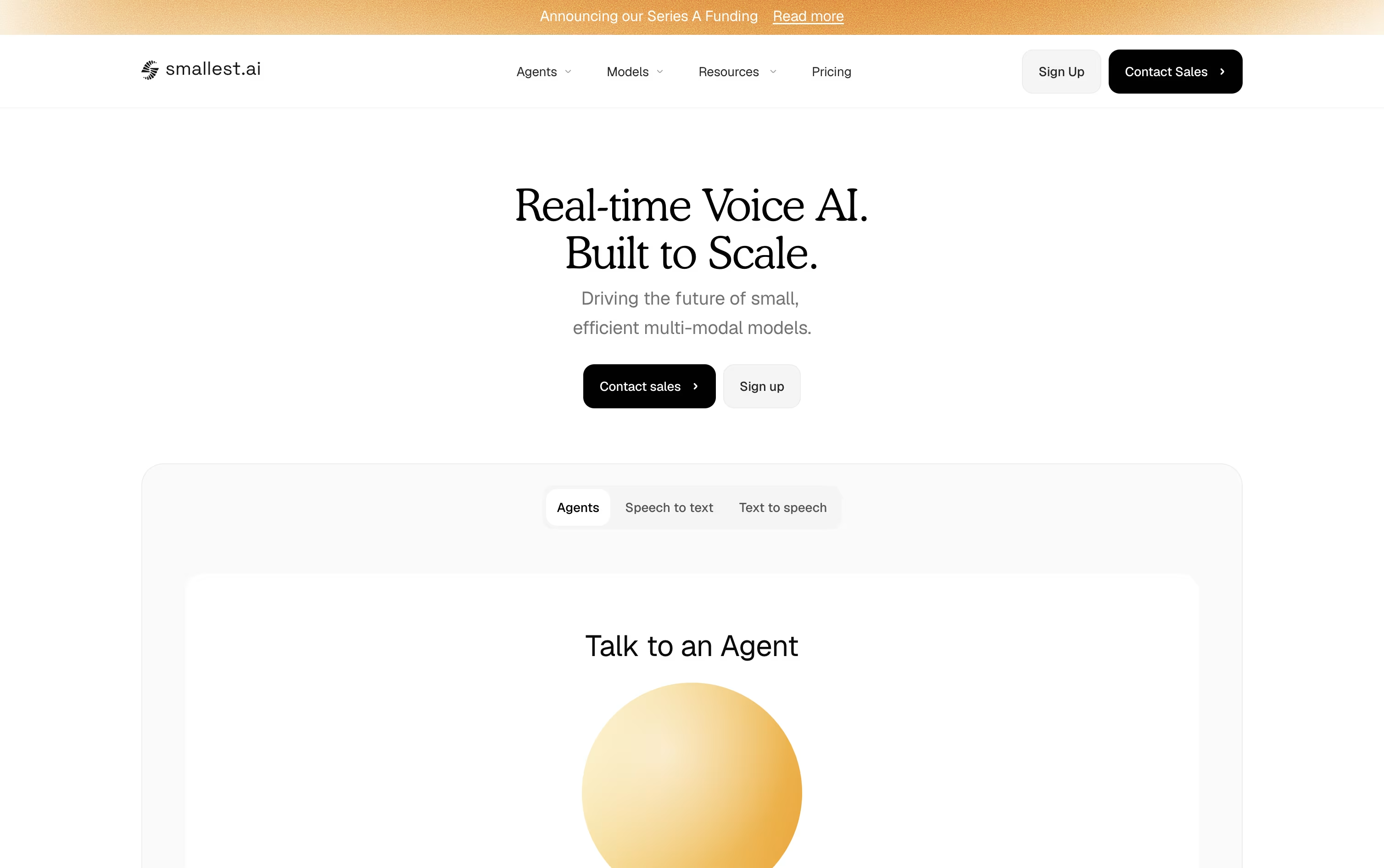
The platform's main models are Lightning for turning text into speech, Pulse for turning speech into text, Hydra for direct speech to speech conversation, and Electron, a small language model that handles reasoning during a call.
Teams that want to build voice agents can use Atoms, a no-code platform for creating, testing, and launching agents, along with knowledge bases and calling campaigns.
Billing works on a pay as you go basis. New users start with $10 in free credits, then usage is billed per minute for calls, per character for speech generation, and small fees for extras like knowledge base queries.
Bigger teams can choose the Enterprise plan for custom pricing, dedicated infrastructure, on-premise options, and compliance support, with per minute agent costs starting as low as $0.05.

Deepgram gives developers one platform for speech-to-text, text-to-speech, and real-time voice agents, instead of stitching together separate tools.
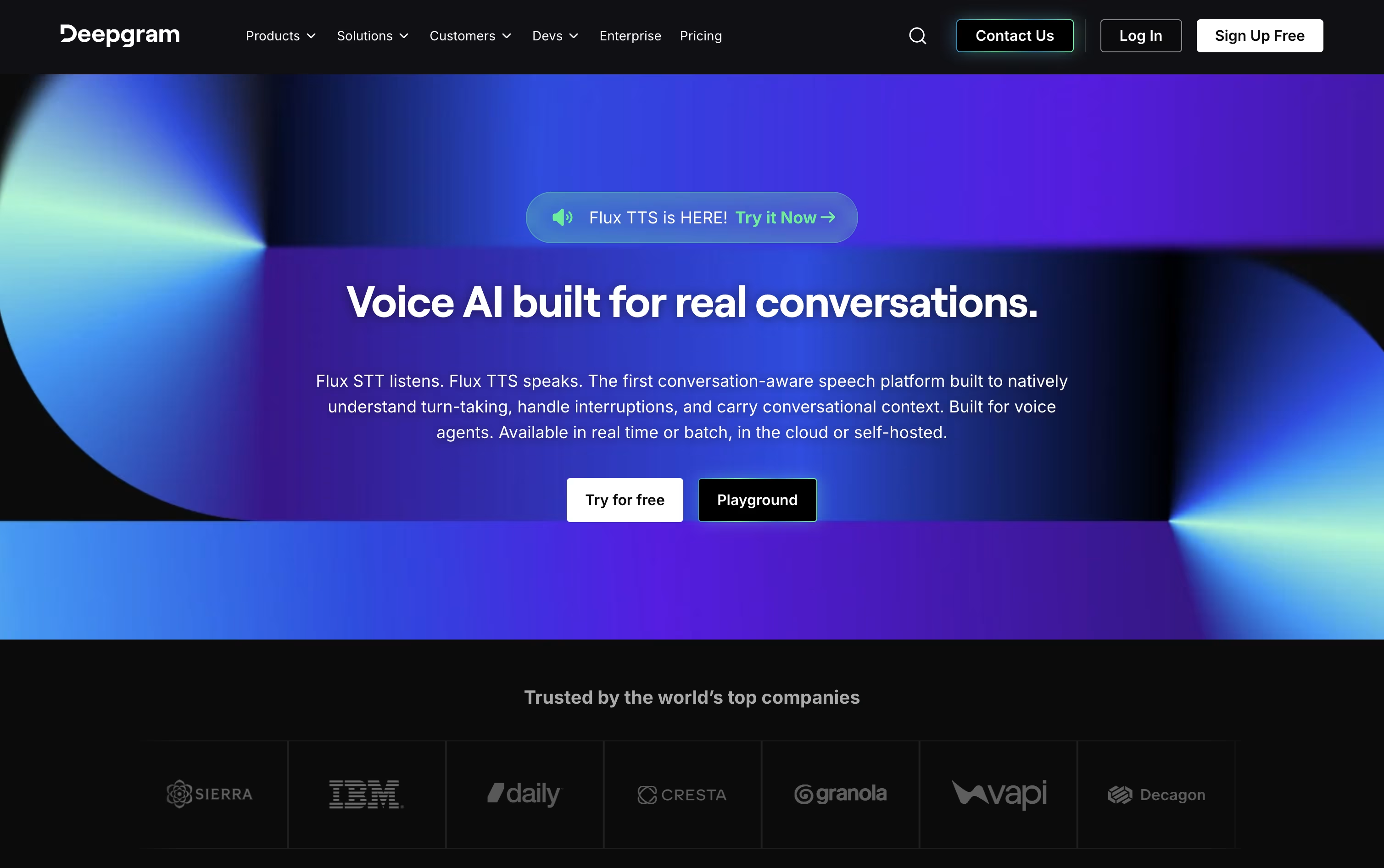
Its Nova-3 and Flux models transcribe audio quickly and accurately in more than 45 languages, with built-in speaker labels, formatting, and redaction of private information.
On the speech side, Aura voice models generate natural sounding replies fast, and the Voice Agent API ties listening, reasoning, and speaking together into one smooth, low-latency conversation.
New users start on Pay As You Go, which comes with a $200 free credit and charges only for actual usage after that.
Growth suits busier teams for $4,000 or more a year in prepaid credits, bringing lower rates on most services and higher concurrency limits.
Larger organizations can move to Enterprise, a custom priced plan through sales that adds dedicated support, custom models, and options to self-host for stricter data control.

A lot of teams come to Inworld AI looking for a way to add natural sounding voices to games, apps, or AI agents without piecing together several different tools. Inworld combines text-to-speech, speech-to-text, and a full speech-to-speech Realtime API in one platform.
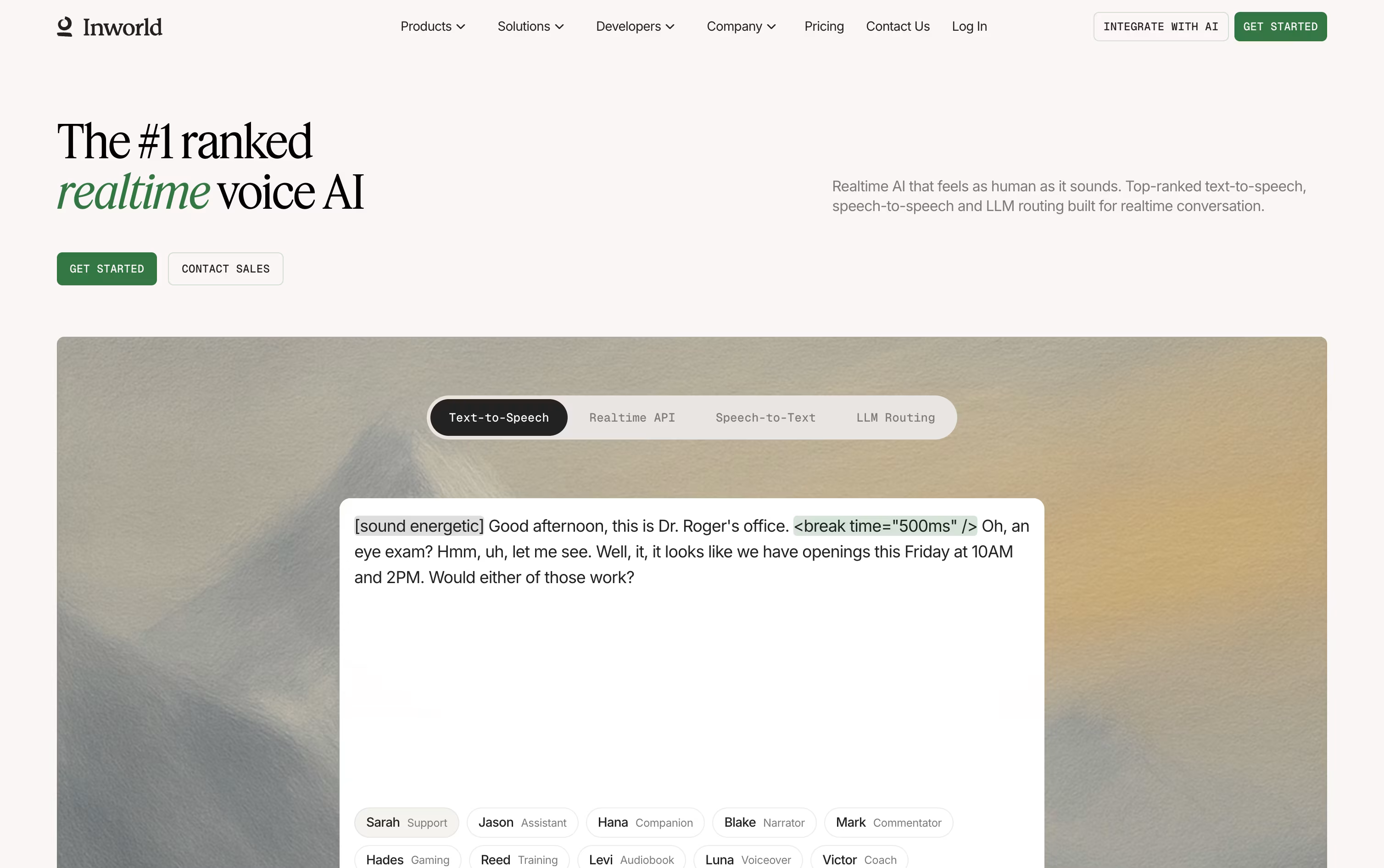
The free On-Demand plan is a good place to start, offering around 70 minutes of speech generation, 100 custom voices, and access to the Realtime API and LLM Router with over 220 models.
Paid tiers scale from Creator at $25 a month up to Growth at $1,500 a month, each one lowering the per character and per hour usage rates while raising the number of custom voices and concurrent sessions allowed.
Character based TTS pricing runs from $25 per million characters on the free plan down to $12.50 on Growth, with Enterprise customers able to negotiate rates as low as $5. Speech to text starts at $0.15 an hour and falls to $0.10 on every paid plan.
For larger organizations, Enterprise adds custom limits, on-premises hosting, data residency options, and a dedicated account manager, on top of SOC 2 Type II, HIPAA, and GDPR compliance built into the platform.

Most voice assistants read text out loud without any real feel for the moment. Hume AI takes a different approach, building an Empathic Voice Interface that listens for tone and emotion, then responds in a voice that actually matches how the conversation feels.
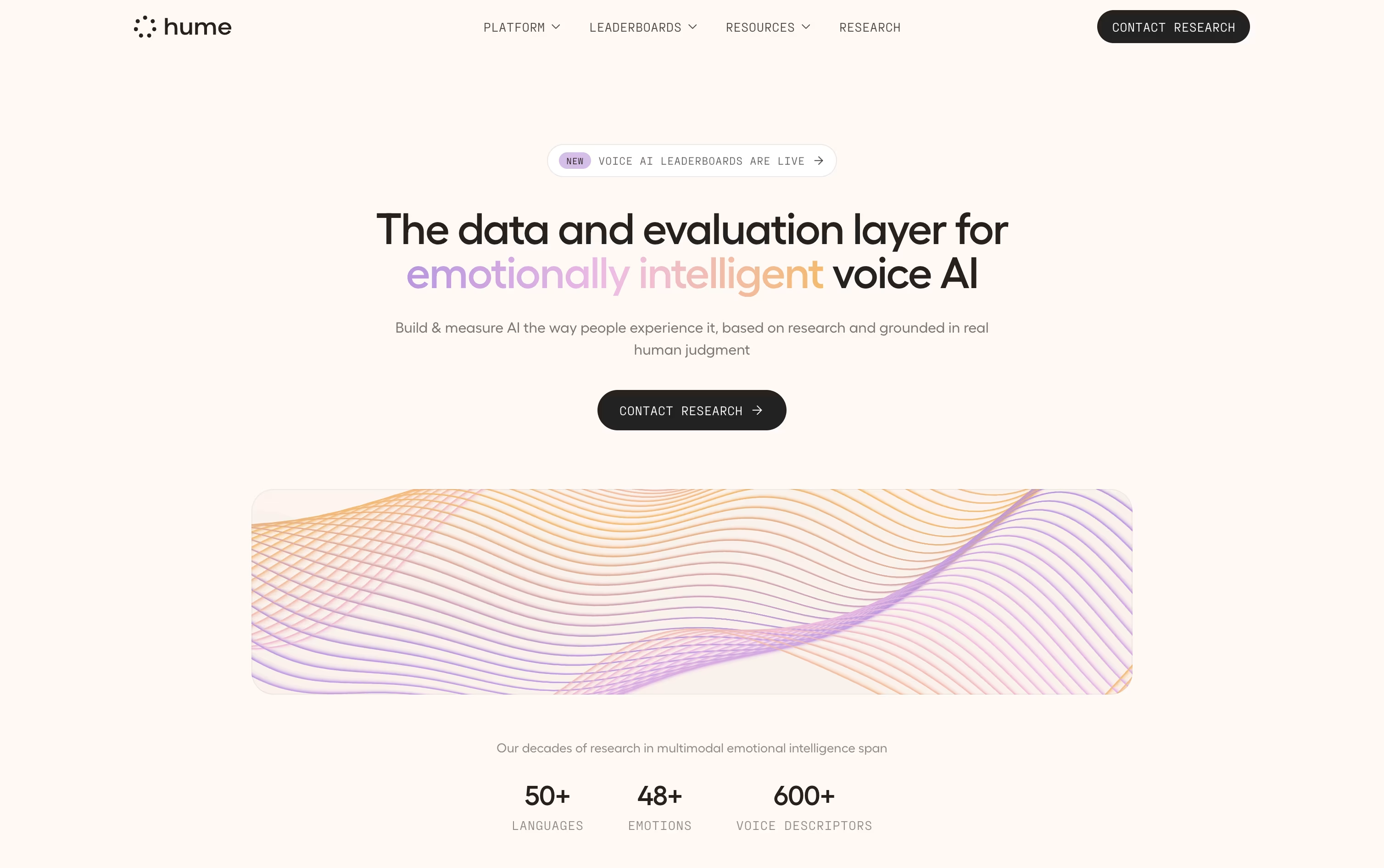
Its Octave text-to-speech model works the same way, using context to control pitch, pace, and emphasis rather than reading in a flat, mechanical voice.
A free plan is available with 10,000 characters of speech and 5 minutes of voice conversation each month, enough to try things out.
From there, Starter starts at $3 a month, with Creator, Pro, Scale, and Business each stepping up in usage, request speed, and lower overage pricing along the way.
Businesses that need more can move to a custom Enterprise plan, which includes unlimited team seats, Slack based support, and compliance with SOC 2 Type II, GDPR, and HIPAA.
Since Hume's voice layer works with outside models such as Claude, GPT, and Gemini, teams can change the brain behind the assistant without changing how it sounds.

Instead of a flat, machine-like voice, Typecast turns your script into speech that sounds like a real person speaking with feeling. It is built on voice recordings from professional actors and a model called SSFM that Neosapience has developed over several years.
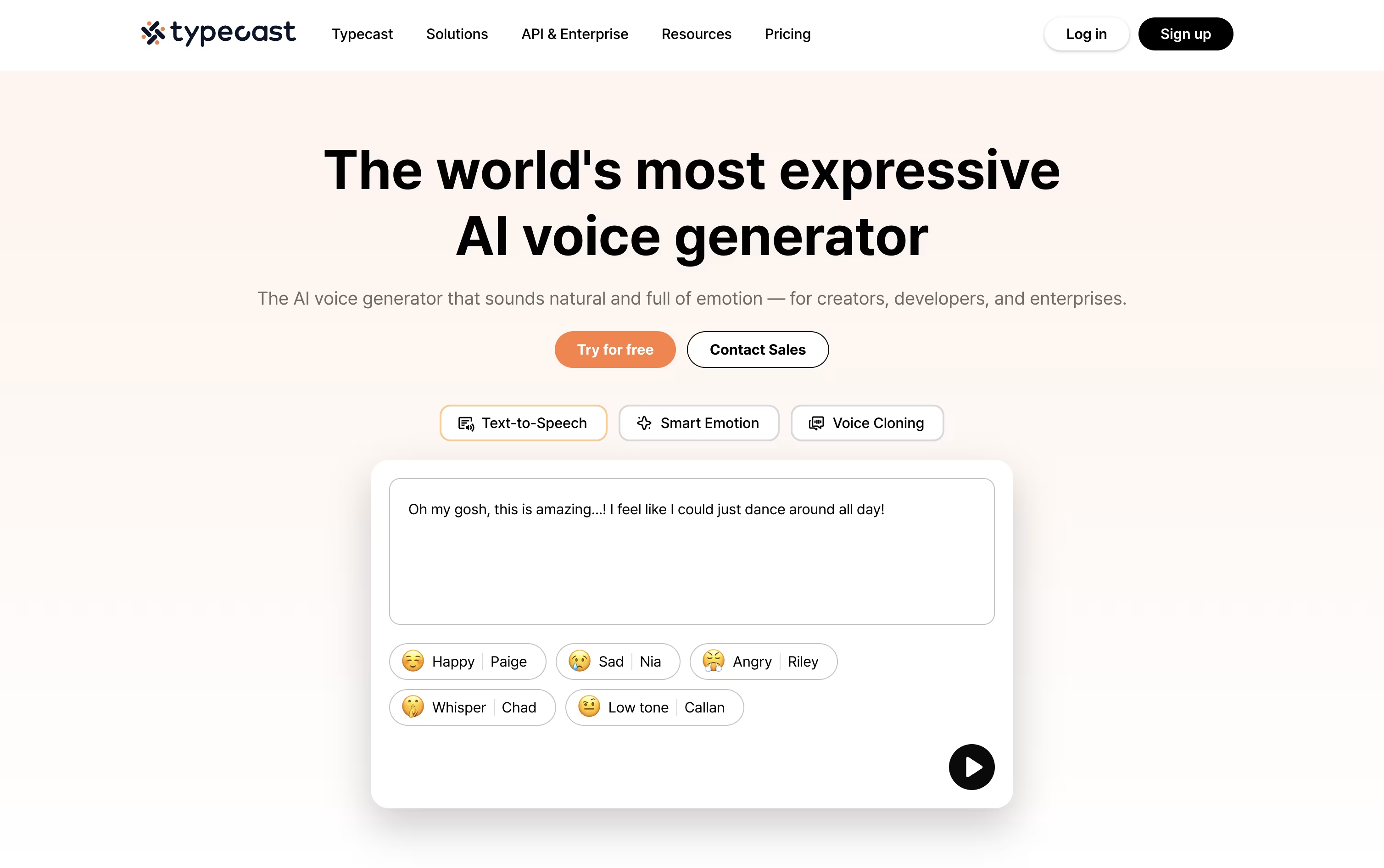
The stand-out feature is Smart Emotion, which reads through your text and applies the right emotional tone on its own. You can also step in manually, choosing an emotion, adjusting pitch, and changing speed for more control.
A built-in video editor lets you go further than audio alone, adding images, backgrounds, music, and an AI avatar with lip-sync, so a script becomes a finished video for YouTube, marketing, or e-learning.
Developers get a full API and SDKs in many programming languages, with streaming and timestamped audio for building voice features into apps or real-time assistants.
On price, Studio plans start free and go up to $69 a month for the Business tier, while a separate API track starts free and grows with usage, with custom pricing for large Enterprise needs.

Rime AI converts text into speech that sounds like a real person talking, which makes it a strong fit for voice agents, customer calls, and automated phone systems.
Pricing is usage based, so you only pay for what you generate. It starts at $0.03 per 1,000 characters, and new accounts get roughly 800 minutes free with no credit card needed.
Two models are offered. Mist v3 responds the fastest, while Coda focuses on natural, expressive sounding speech and covers more languages.
The Starter plan supports 20 concurrent voice generations along with streaming audio, word level timestamps, and precise control over how names and numbers are pronounced.
Bigger teams can move to Enterprise for custom pricing, unlimited concurrent generations, unlimited voice cloning, and cloud, on prem, or private network deployment.
Enterprise customers also get HIPAA compliance and SOC 2 Type II reporting for handling sensitive conversations safely.





