

Best 14+ AI Code Generator Tools in 2026
Last Updated: August 27, 2026
Turning a plain language description into working code is one of the more impressive capabilities of modern AI. AI Code Generators produce functional code from natural language prompts, covering everything from small snippets to full functions.
These tools are popular with developers, students, and no code builders looking to move from idea to working code quickly. They are especially useful for prototyping or handling boilerplate that would otherwise take time to write by hand.
 Lovable
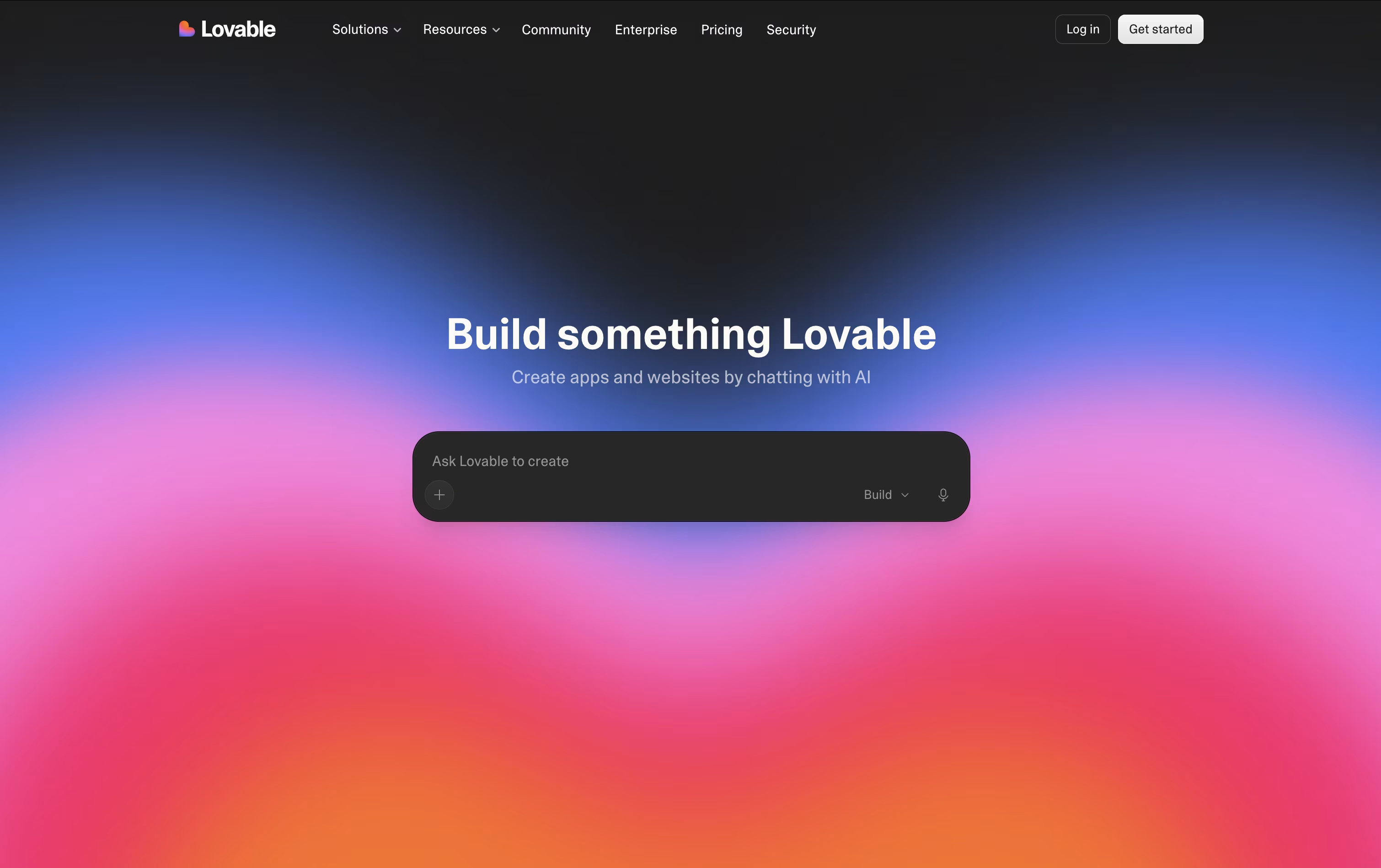 LovableBuild Full Apps With Simple Prompts,
  Meku
Meku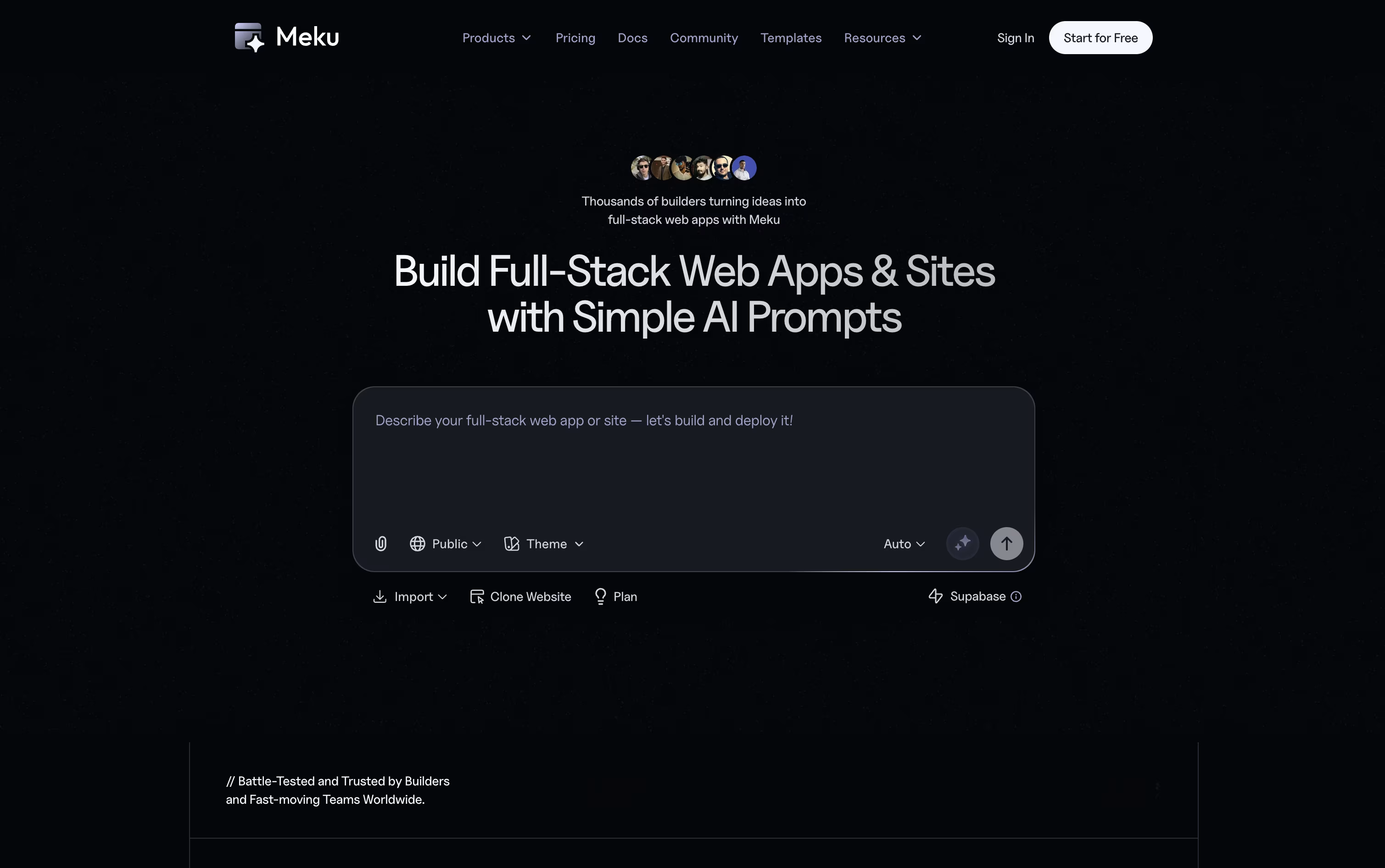 MekuBuild Real Web Apps From Simple Prompts, and
  Tempo
Tempo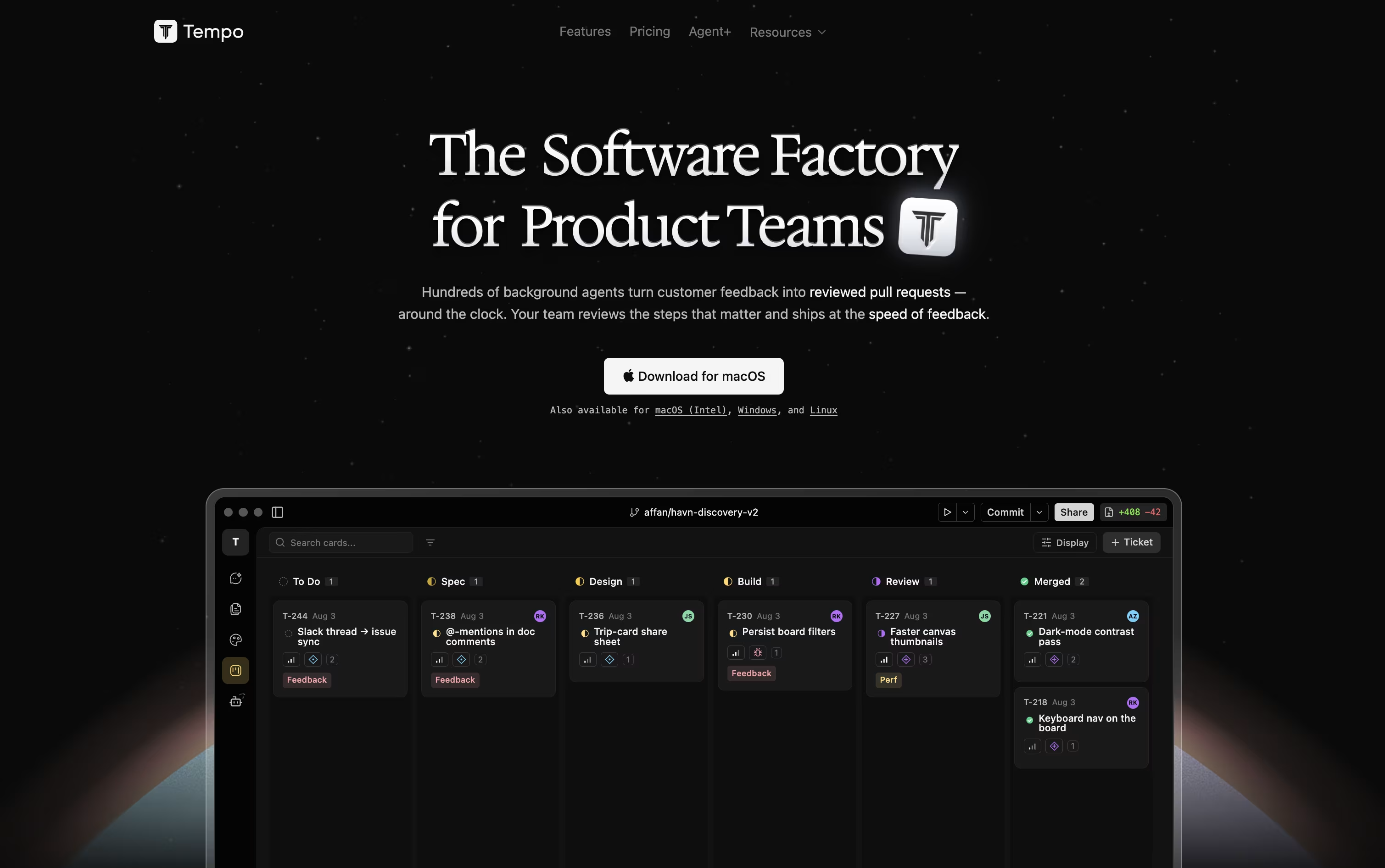 TempoCode-First Workspace for Product Teams are the best for AI Code Generator. So, let’s take a closer look at all 14+ tools.

Lovable lets you build a real, working web application just by describing it in everyday language. The AI handles the frontend design, backend logic, database setup, and user login, so you do not need to write code yourself.
The platform includes its own cloud backend built on Supabase, meaning your app gets a database, file storage, and authentication without any separate setup. You can start a project from a text prompt, a screenshot, or even an existing website link.
Getting started is free, with no credit card required. If you need more, the Pro plan is $25 a month and unlocks custom domains, credit rollovers, and badge removal.
For teams, the Business plan at $50 a month adds shared workspaces, single sign on, and extra security tools. Larger companies can request Enterprise pricing for dedicated support, audit logs, and custom connectors.
When your app is ready, you can publish it with one click or sync the code to GitHub so you fully own it.
Meku lets you build real websites and apps just by describing what you want in plain words. It puts together a working first version in under a minute, with a clean, modern look already in place.
From there, you can shape the project through chat. Ask Meku to change a page, add a feature, or fix something, and you will see it update live as you go.
It also reads Figma files and turns them into working code, and connects with GitHub and Supabase so your project can have logins, a database, and proper version control.
The Free plan costs nothing and gives you 100 credits a month with three public projects. Starter is $16 a month, or $12 a month billed yearly, and opens up private projects, exports, and integrations.
Pro runs $25 a month with more credits and room for a bigger team, and Growth at $49 a month covers larger teams that need more projects, domains, and members.
On any paid plan you can export your code and run it anywhere, so your project is always fully yours.
Product teams often lose time switching between design tools, docs, and separate trackers. Tempo solves this by keeping design, planning, tasks, and AI agents inside one workspace connected to your actual codebase.
Its Canvas feature turns your React components into a live, editable design surface, so changes reflect the real app instead of a mockup. Docs works like a simple writing tool for specs and notes, and Issues gives you a Kanban board to track work.
AI agents can be chatted with directly, using Claude or OpenAI models, and they make code changes safely inside their own git branch. You can also build custom agents that run automatically based on triggers such as issue updates or Slack messages.
Getting started costs nothing with the Starter plan, which includes 100 AI messages a month and room for up to 10 team members. Growing teams can move to the Team plan at $20 per seat a month for unlimited issues and documents.
For companies that want features built for them, Agent+ starts at $500 a month, pairing AI agents with human engineers and designers who review every change, typically delivering within 48 to 72 hours.
Tempo is built for React, Next.js, and Expo projects, and runs as a web app or desktop app on macOS, Windows, and Linux.

Building a website usually means juggling JavaScript, HTML, CSS, and a separate backend. Reflex removes that split by letting you write the entire app, interface and logic, in one Python codebase.
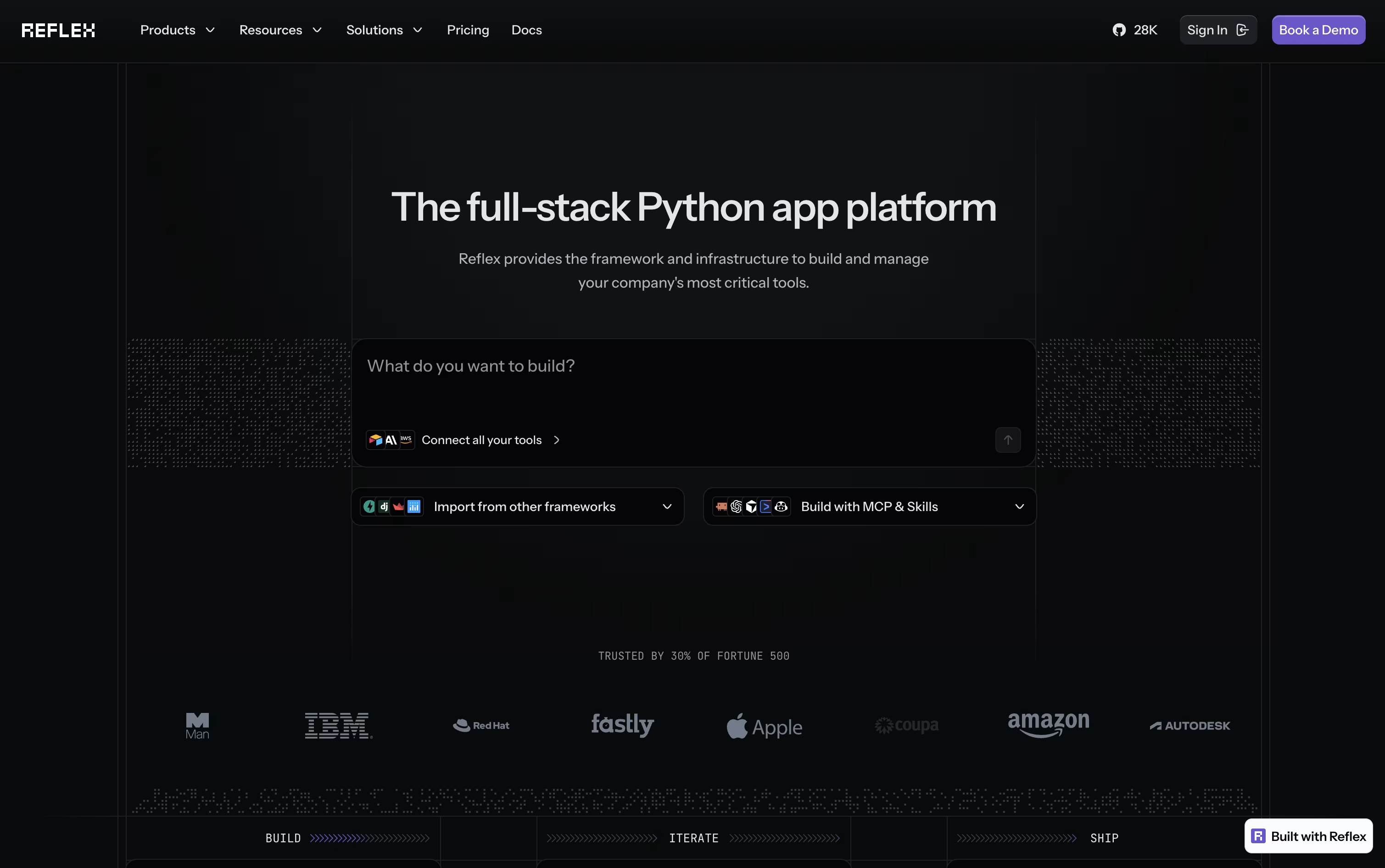
Your Python components get converted into a React frontend automatically, while a FastAPI backend handles the logic. WebSockets keep the two connected in real time, so any change in your data appears on screen right away.
If you would rather not code from scratch, the built-in AI Builder can generate a full working app from a short description or even a screenshot, along with basic tests.
Getting started is free, with 50 monthly credits and one hosted app included. Stepping up to Pro brings 2,000 credits, 10 hosted apps, and custom domains for $200 a month, though it is priced at just $3 a month for a limited time.
For companies that need more control, the Enterprise plan adds dedicated infrastructure, team workspaces, and security features like SSO and HIPAA support, with pricing built around each organization's needs.

Replit lets you build real software just by typing or speaking what you have in mind. The AI Agent takes it from there, planning the work, writing the code, setting up the database, testing the result, and getting it ready to publish, all without you needing to set up anything yourself.
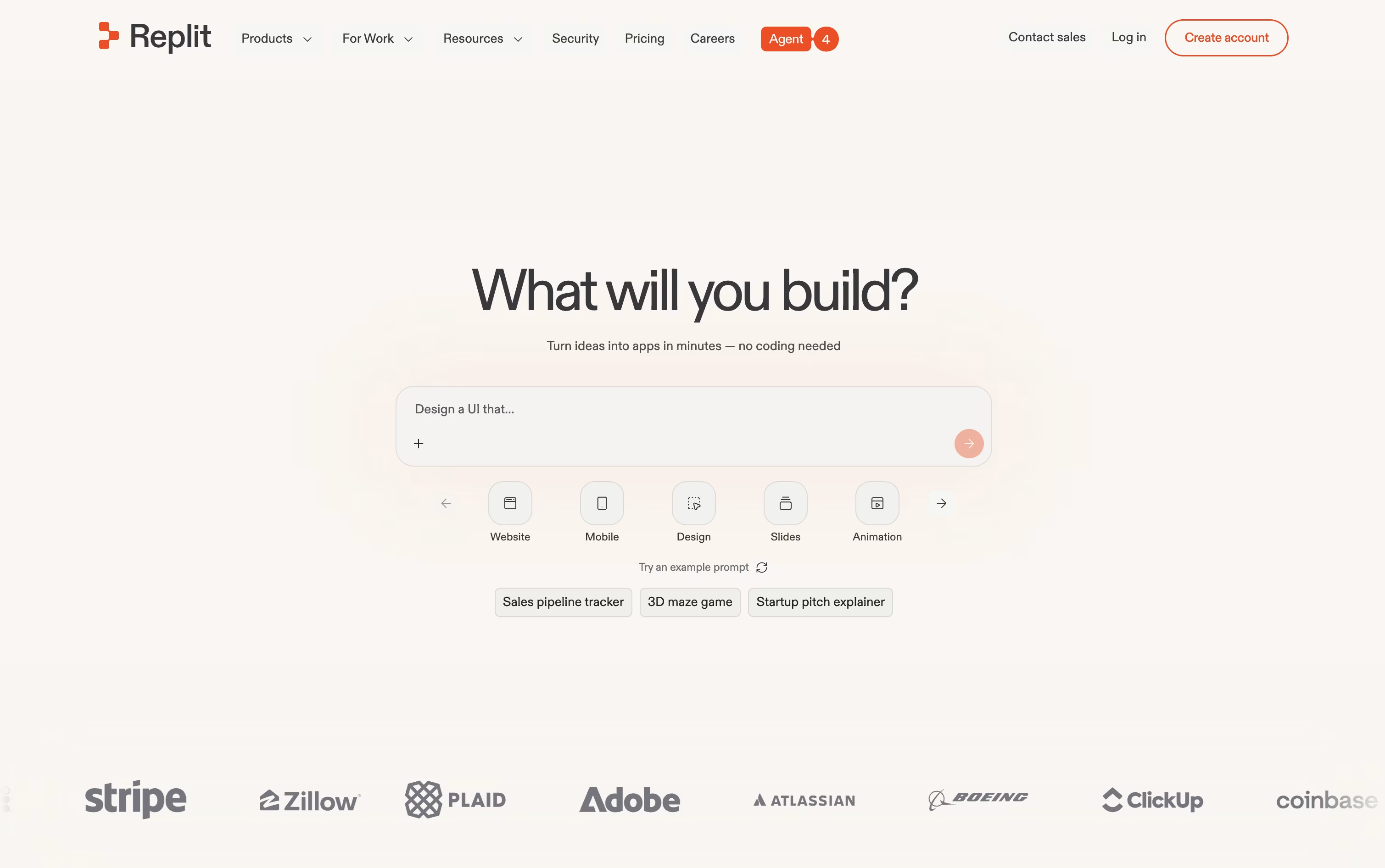
One project can hold many kinds of output at once, such as a website, a mobile app, a slide deck, or a short video, and the Infinite Canvas gives you a visual way to design and adjust things as you go. When a project is big, Parallel Agents can split up the work and handle several parts at the same time.
Anyone can start for free on the Starter plan, which includes daily Agent credits and one published project.
Stepping up to Core runs $20 a month, or $18 a month if you pay yearly, and brings more credits, room for 5 collaborators, and 2 agents working together.
The Pro plan, at $100 a month or $90 a month yearly, is built for professional teams, offering the strongest AI models, 10 parallel agents, and 28 days of database rollbacks.
Larger companies can move to Enterprise for custom pricing with SSO, extra privacy controls, and dedicated support.

Bolt, built by StackBlitz, is a coding agent that builds full apps from simple text instructions. Type what you want, and it writes the code, installs what is needed, and opens a live preview right in the browser.
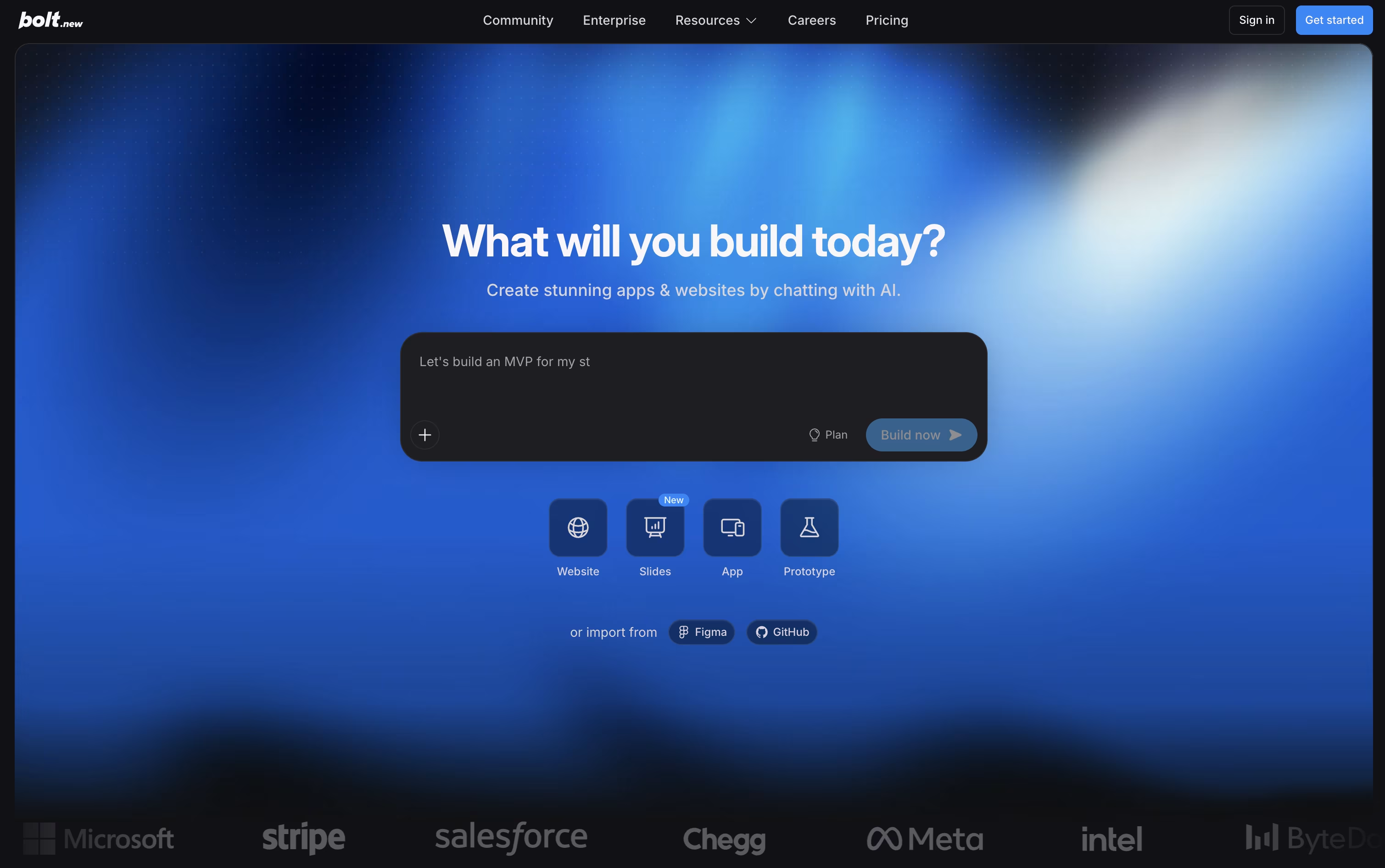
Because it runs on WebContainers, a complete coding environment inside the browser, there is nothing to install on your machine. Claude AI models power the agent, letting it scaffold projects, run servers, and correct errors as the conversation continues.
Getting started costs nothing. The Free plan includes 300K tokens a day, 1M tokens a month, website hosting, and unlimited databases, though the site shows Bolt branding.
Upgrading to Pro runs $25 a month, or $18 a month on the yearly plan. It lifts the daily token cap, gives 10M tokens a month, removes branding, and unlocks custom domains, SEO boosting, and AI image editing.
The Teams plan is $30 per member monthly, or $27 yearly, adding centralized billing and access controls, while Enterprise offers custom pricing with SSO, audit logs, and a dedicated account manager.
With built in support for Figma, GitHub, Supabase, and Stripe, Bolt suits founders, product teams, and developers who want a working app quickly while still owning the code.

Insomnia is a desktop application that lets you test and work with APIs. Think of it as a specialized tool for developers who need to send requests to APIs and check the responses they get back. It supports all major API types, so you don't need different tools for different projects.
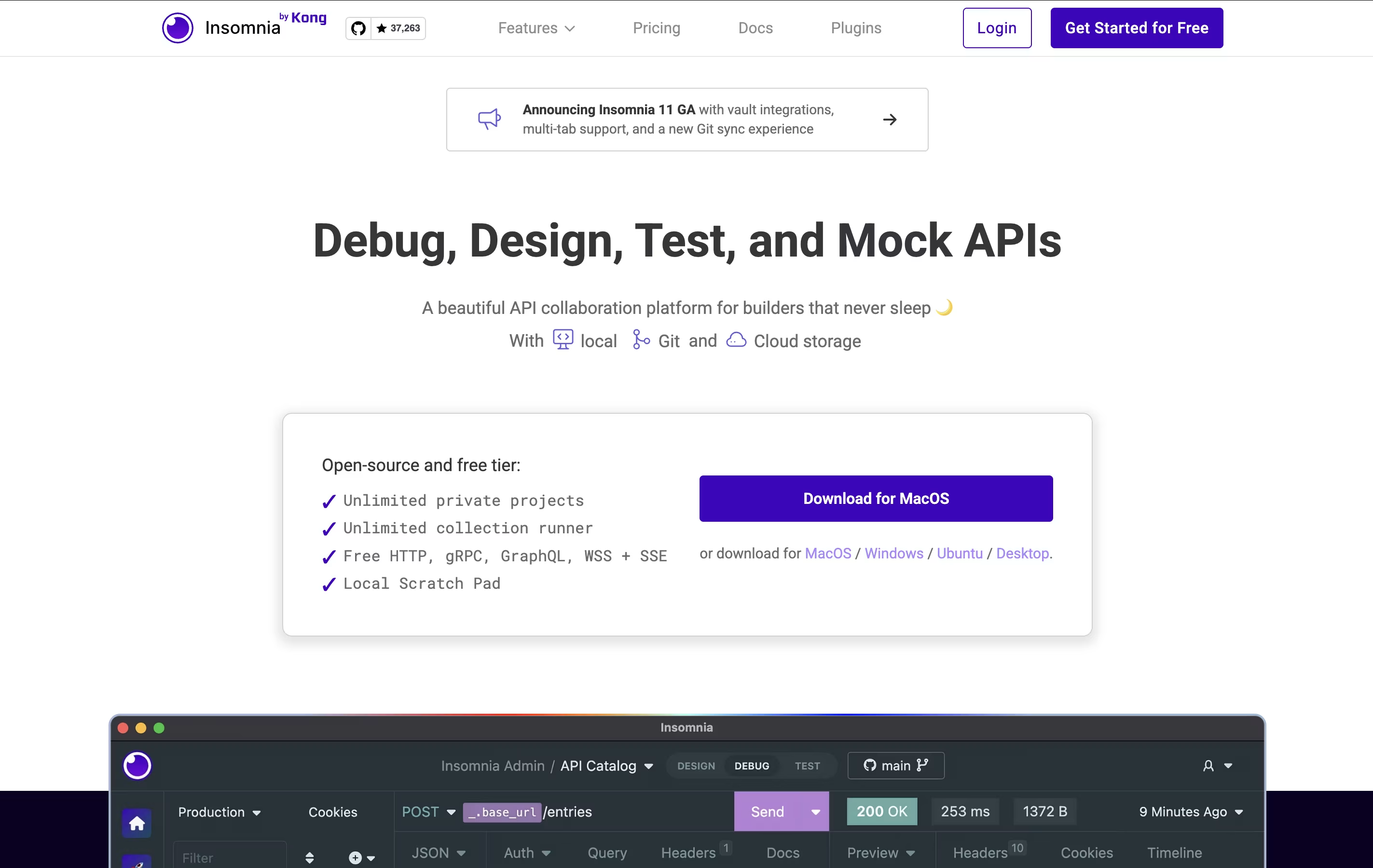
The tool includes helpful features like environment variables (which let you switch between different settings easily), code generation (which creates code snippets you can use), and authentication helpers (which handle login details). You can also create mock servers to test your APIs before they're fully built.
Insomnia offers both free and paid versions. The free version works great for most individual developers, while paid plans add team features and extra tools.

Postman is an all-in-one platform for working with APIs throughout their entire lifecycle. It provides tools to send API requests, view responses, write tests, create documentation, and monitor performance. Unlike basic HTTP clients, Postman offers a complete environment where teams can organize their work into collections, share them with teammates, and automate testing.
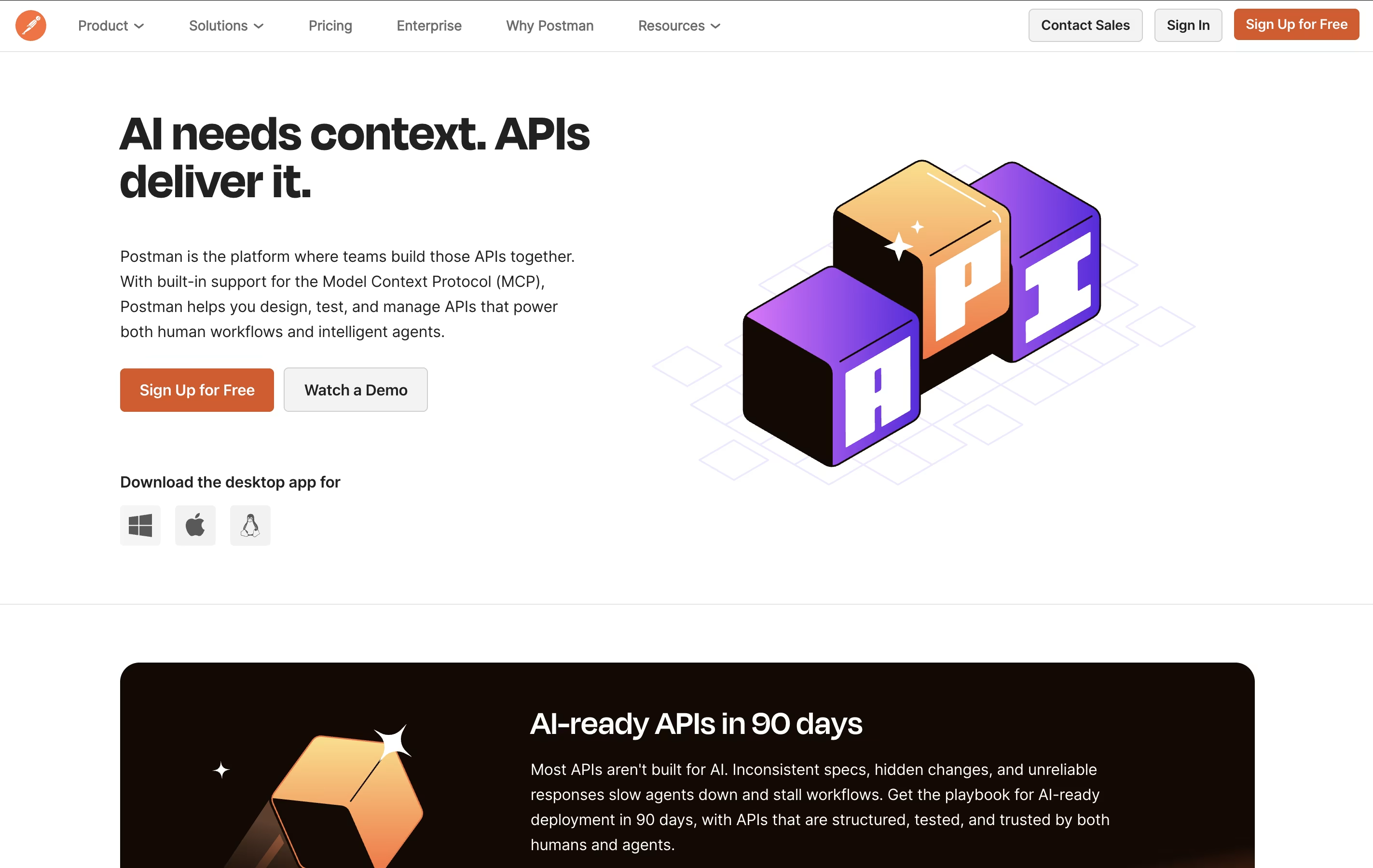
The platform includes an easy-to-use interface where you can build requests without writing code, though it also supports advanced scripting when needed. Postman works as a desktop app, web app, or through command-line tools for automation. It integrates with popular development tools and supports team collaboration through workspaces, making it ideal for both individual developers and large organizations building complex API systems.

Bruno is an "offline-first API client" that revolutionizes how developers test and manage APIs. Instead of forcing you to create accounts or store data in the cloud, Bruno saves everything directly on your device using a simple text format called "Bru."
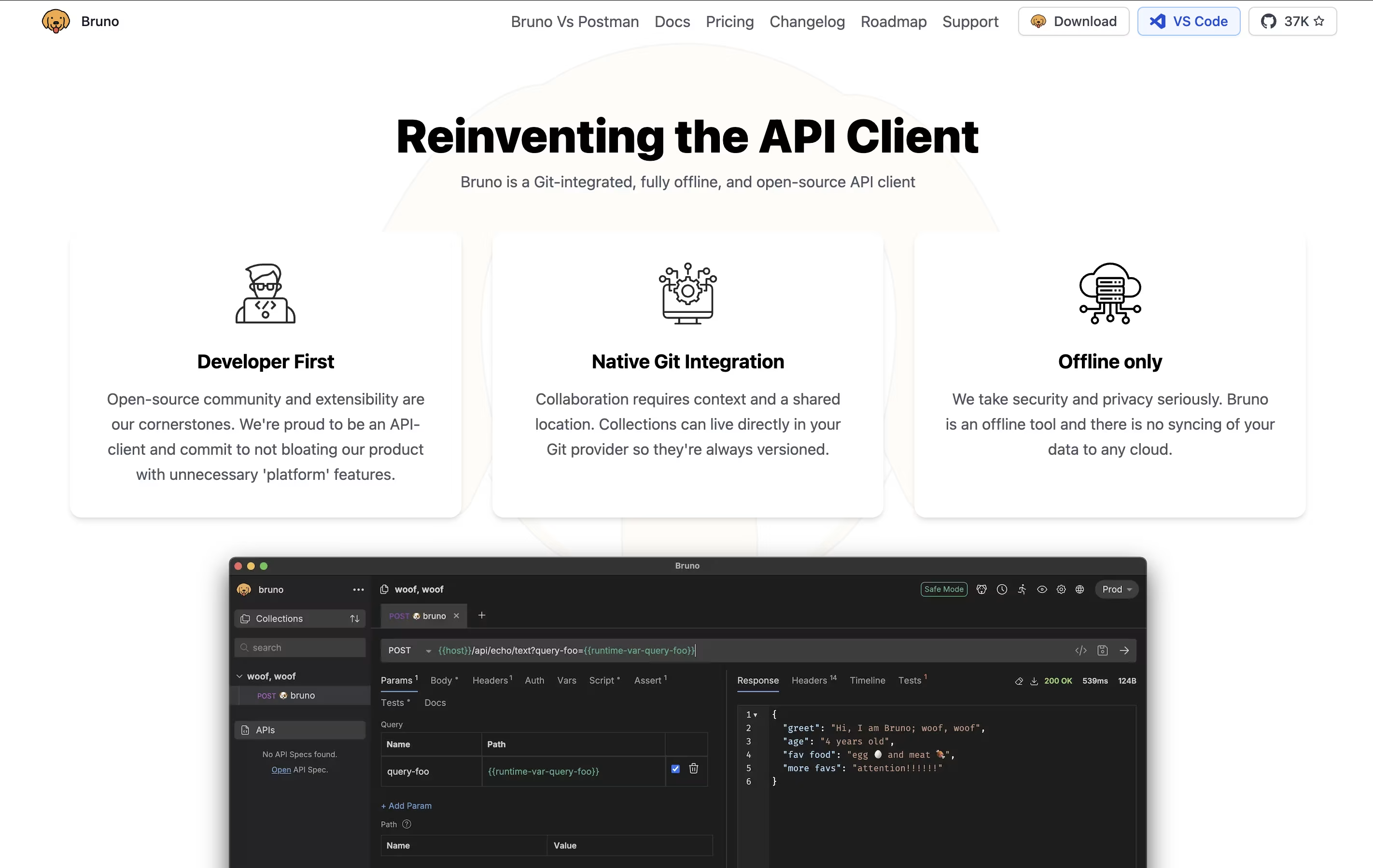
This approach means your API collections, tests, and sensitive data never leave your computer unless you choose to share them. Bruno supports all major API types including REST, GraphQL, and gRPC, making it versatile for any project.
The tool integrates seamlessly with Git and other version control systems, allowing teams to collaborate on API collections just like they do with code. Bruno also includes JavaScript-based testing, environment management, and command-line support for automation and continuous integration workflows.

Hoppscotch is an API development environment that runs in your web browser. You can test any API by sending requests and viewing the responses instantly. Unlike traditional tools, Hoppscotch is completely free and open-source, meaning anyone can use it or even contribute to improving it.
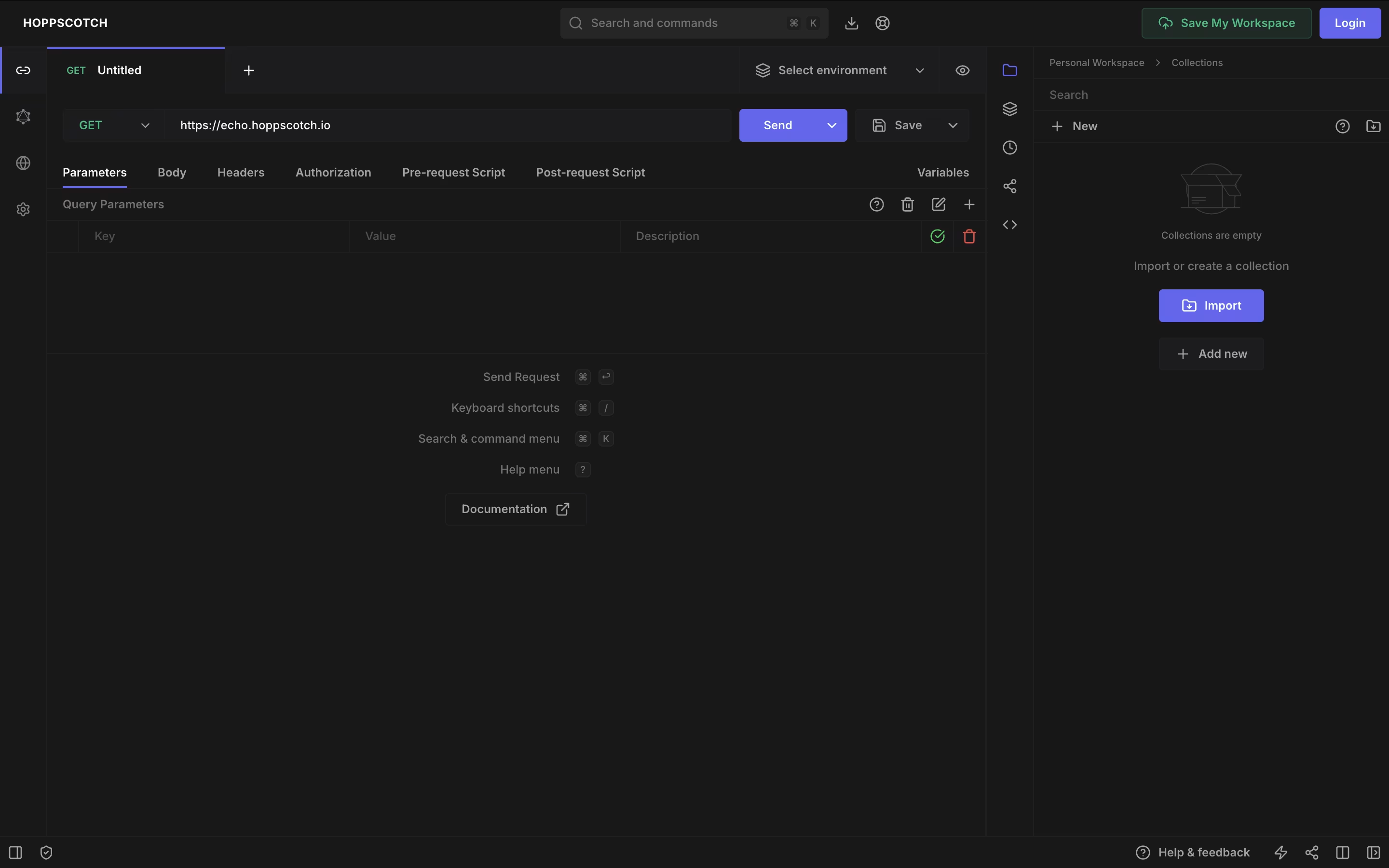
The platform supports various API types including REST, GraphQL, WebSocket, Socket.IO, MQTT, and Server-Sent Events. This makes it useful for testing modern real-time applications as well as standard web services. You can organize your API requests into collections, use environment variables for different setups, and write tests to check if APIs work correctly.
Hoppscotch offers both a free version with full features and an Organization plan for teams needing extra collaboration tools and support.

Testfully is a platform that helps developers test and monitor APIs during development and after deployment. You can use it to send requests to your APIs, create automated tests, and set up monitoring to catch problems before they affect users.
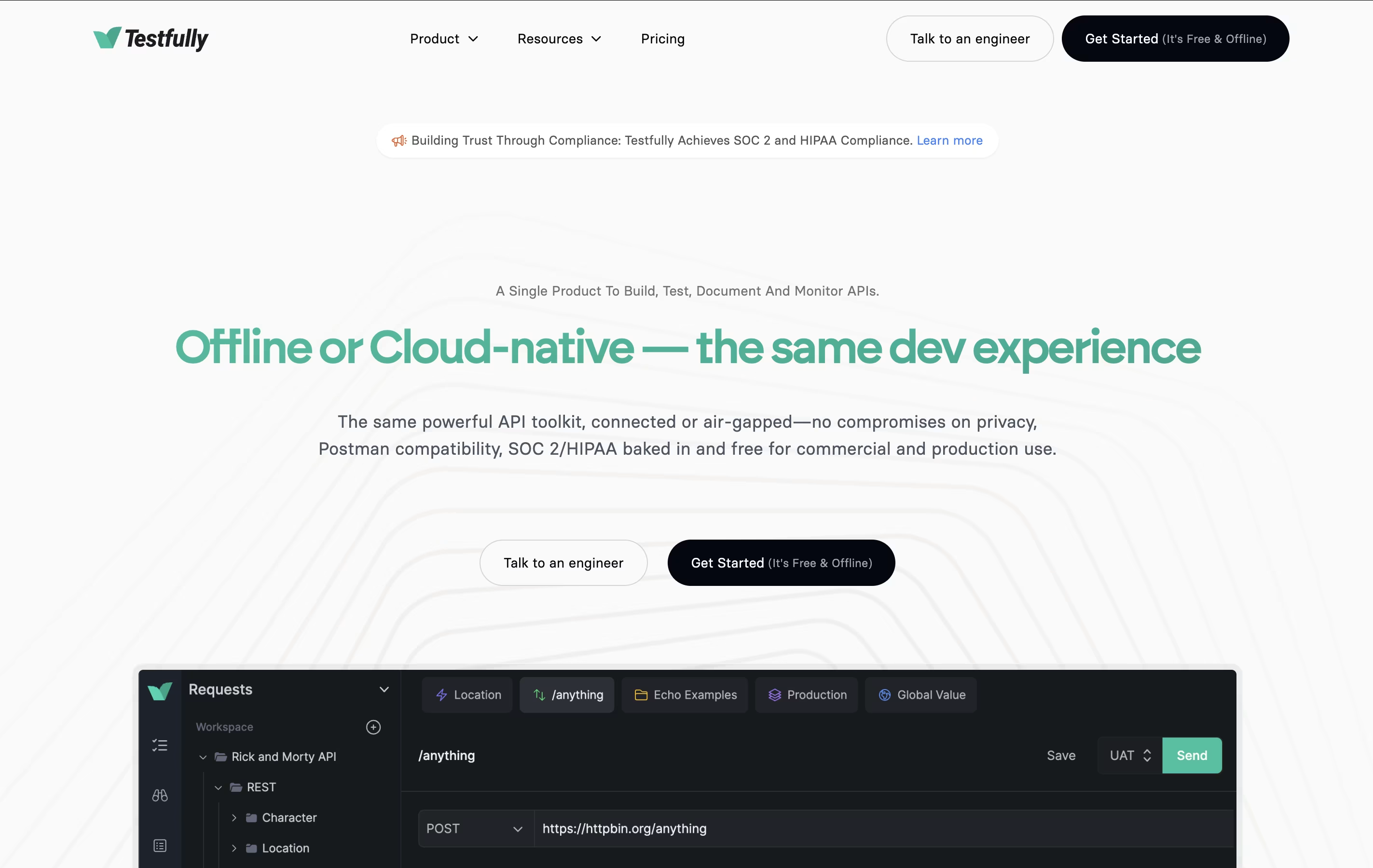
The tool comes in two versions: Cloud and Offline. The Cloud version stores your data online and makes collaboration easy. The Offline version keeps everything on your computer for enhanced privacy and security. Both versions have identical features, so you can choose based on your needs.
Testfully works with major API types including REST, GraphQL, and XML. It includes an API client for building requests, testing tools for validation, and monitoring features for tracking API health around the clock.

Katalon is a complete testing solution that automates the process of checking if software works correctly. Instead of testing applications manually every time, Katalon lets you create automated tests that run on their own.
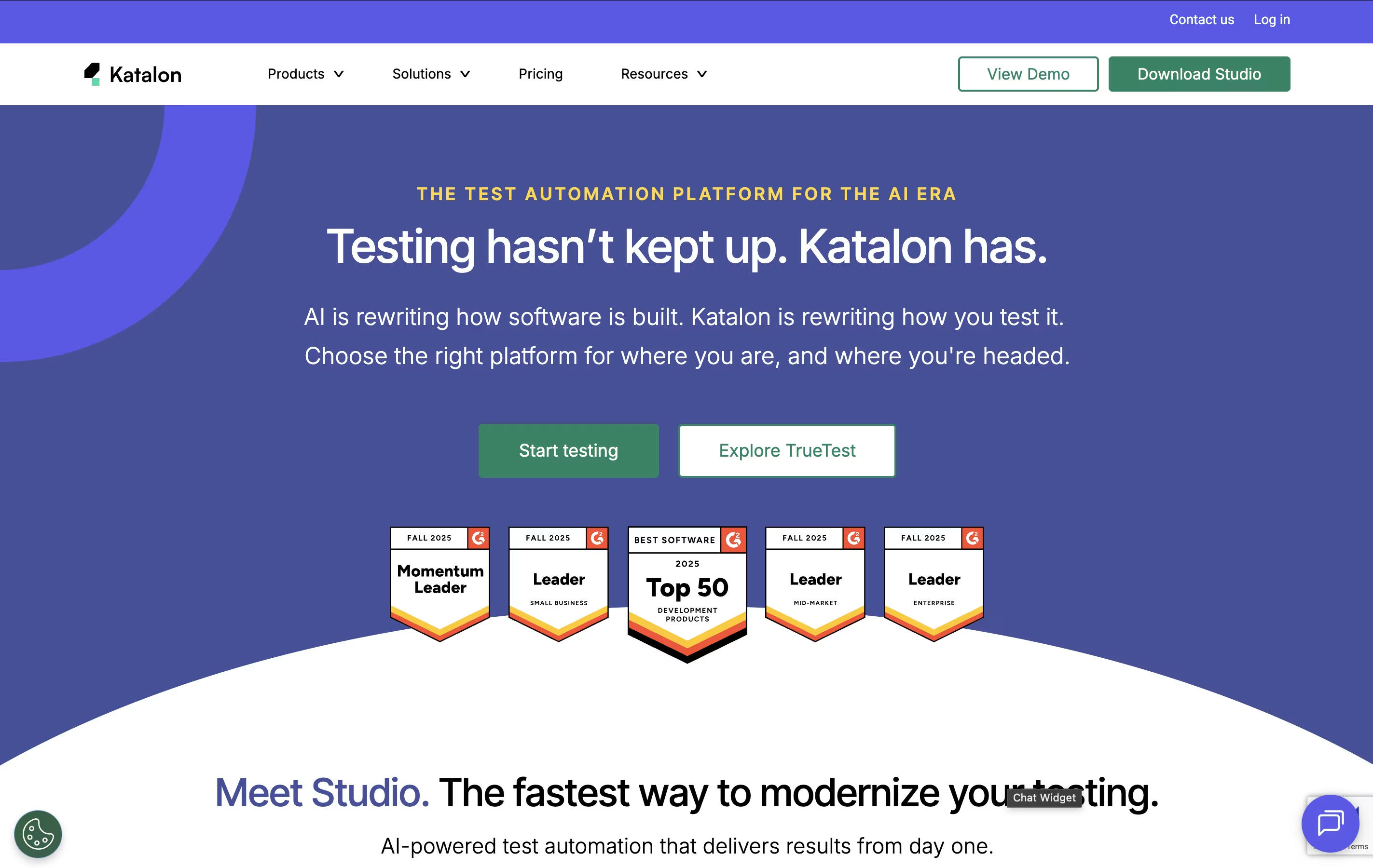
The platform supports four main types of testing in one place: web applications, mobile apps (Android and iOS), APIs, and desktop programs. You can create tests using simple point-and-click recording, basic drag-and-drop actions, or by writing code if you prefer more control.
Katalon uses artificial intelligence to make testing easier. The AI can write test code from simple instructions, explain existing code, fix tests when websites change, and spot problems automatically. Tests can run on your computer or in the cloud.

With Softgen, you describe the app you want in everyday language, and the AI handles the planning and coding for you. A quick request like a SaaS dashboard with billing and analytics becomes a real, working project.
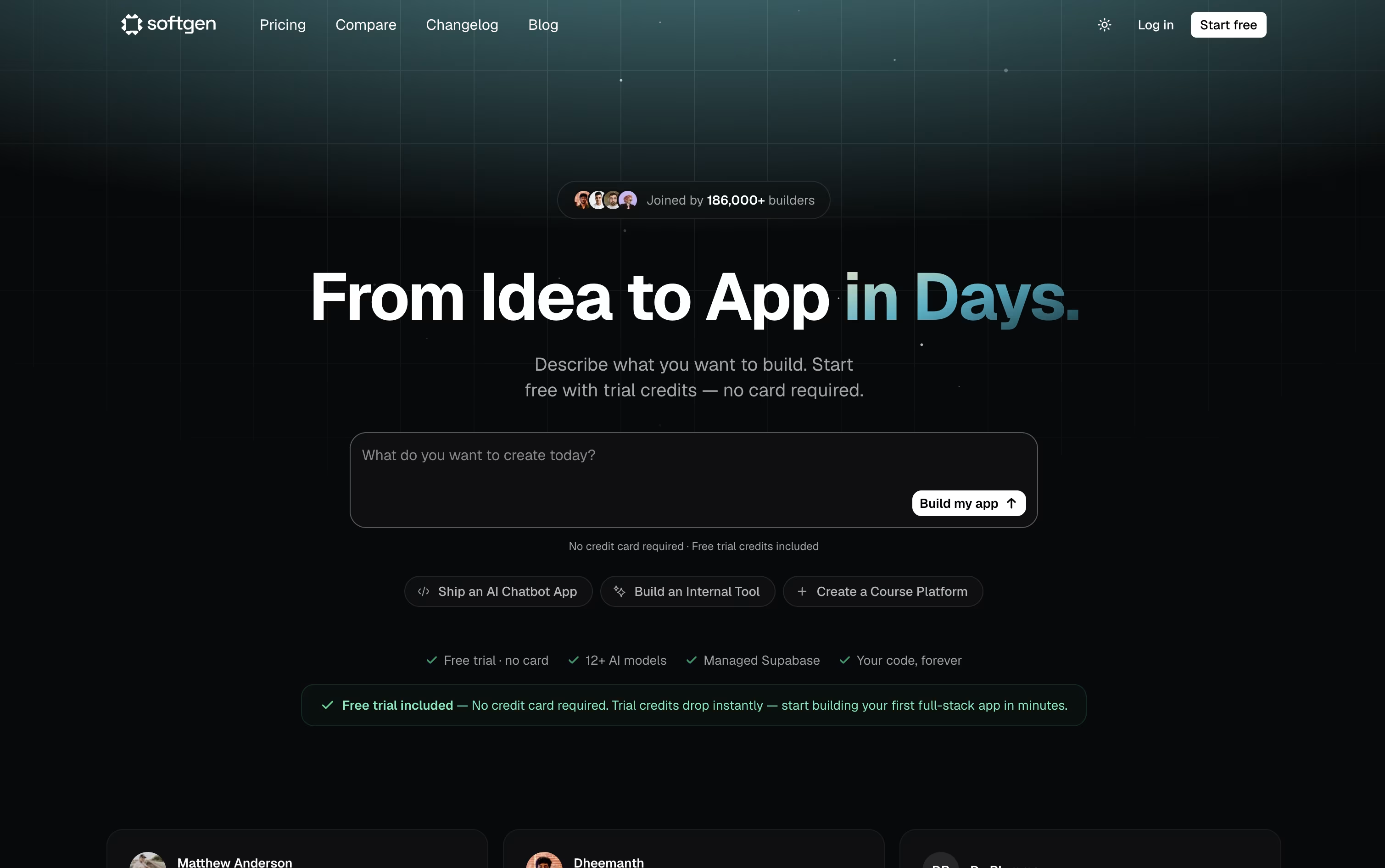
The platform writes the frontend and backend together, sets up the database and login system, and gives you a live preview so you can watch it come together. Further changes just take another chat message.
You can pick from over 12 AI models, including Claude 4.5, GPT 5.4, and Gemini 3.1 Pro, and every project comes with a managed Supabase database, custom domain support, and a Kanban style project board.
Your project is stored as a genuine GitHub repository, so you always own the code and can open it in any editor. Deployment goes straight to your own Vercel account with a single click.
The Starter plan is 25 dollars a month with 500 credits and 10 projects, while the Pro plan is 49 dollars a month with 1,500 credits, unlimited projects, and priority support.
Since the code and hosting belong to you, the app you build stays live even after your subscription ends.

Paw is a complete API testing and development tool designed for Mac computers. You can use it to create and send HTTP requests, then see detailed responses with headers, status codes, and body content. The app supports all common HTTP methods including GET, POST, PUT, DELETE, and PATCH.
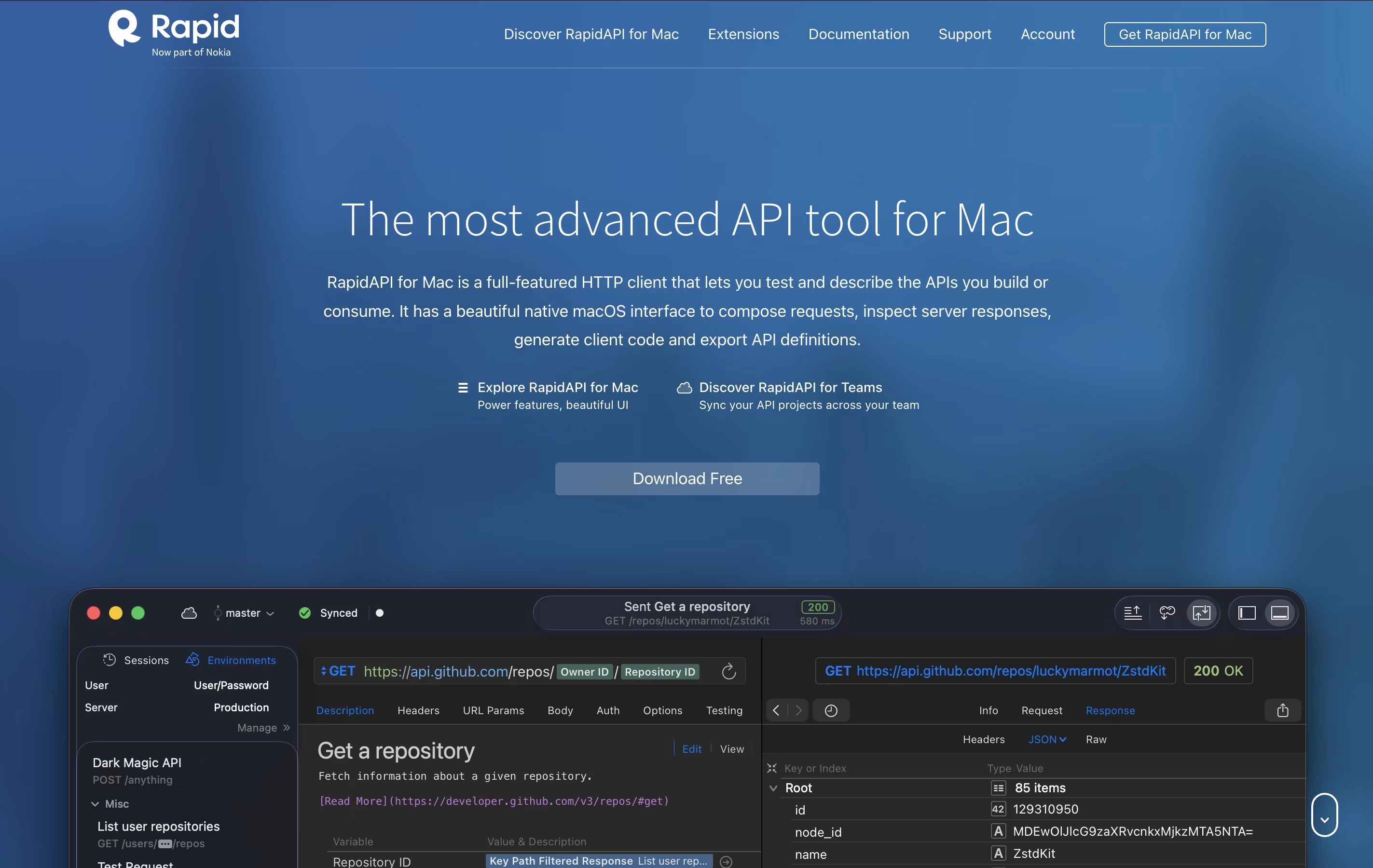
It includes features like dynamic values, environment management, and the ability to chain requests together. You can describe your APIs using JSON Schema and export documentation in standard formats. The tool also generates ready-to-use code snippets in languages like Swift, Python, JavaScript, and more.
There's a free version for personal use and team plans with cloud sync and collaboration features for organizations that need to work together.

SoapUI is a testing platform that checks how APIs and web services perform. You can use it to send requests to your API, check the responses, and make sure everything works as expected. It runs on Windows, Mac, and Linux computers because it is built using Java.
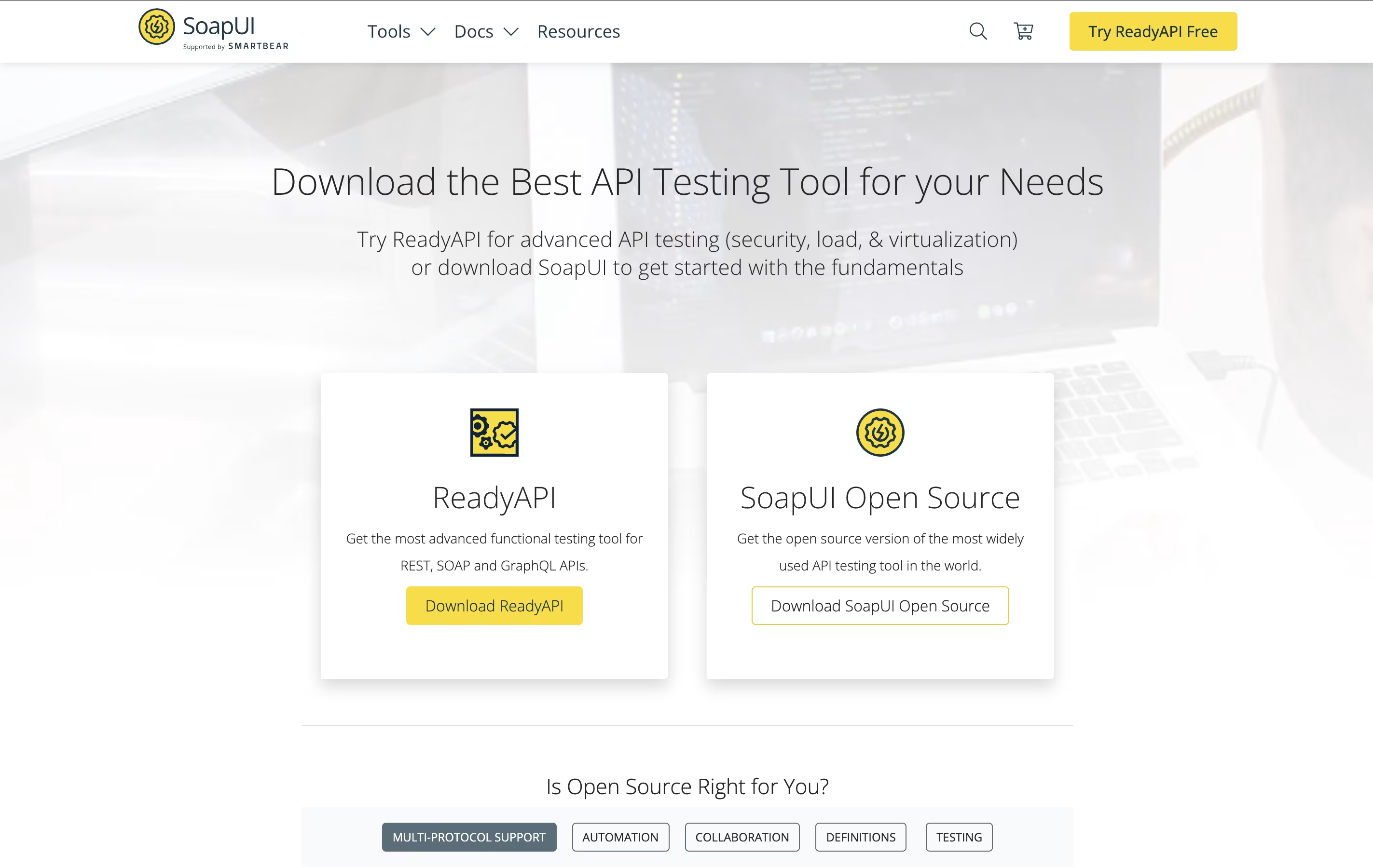
The tool lets you do functional testing to verify your API works correctly, load testing to see how it handles many users, and security testing to find weak points. You can also write custom test scripts using Groovy programming language for more complex scenarios.
SoapUI works well with popular tools like Jenkins for continuous testing in your development process. The open-source version is completely free, while ReadyAPI offers extra productivity features.





