

Best 14 AI Note Taker Tools in 2026
Last Updated: October 1, 2026
Capturing ideas and information quickly, without breaking focus, is essential for staying organized throughout the day. AI Note Takers transcribe, organize, and summarize notes automatically, whether typed, spoken, or pulled from a meeting.
These tools are helpful for students, professionals, and researchers who take a lot of notes and need them organized and searchable later. Smart tagging and summarization make it far easier to find a specific note weeks after it was taken.
 Granola
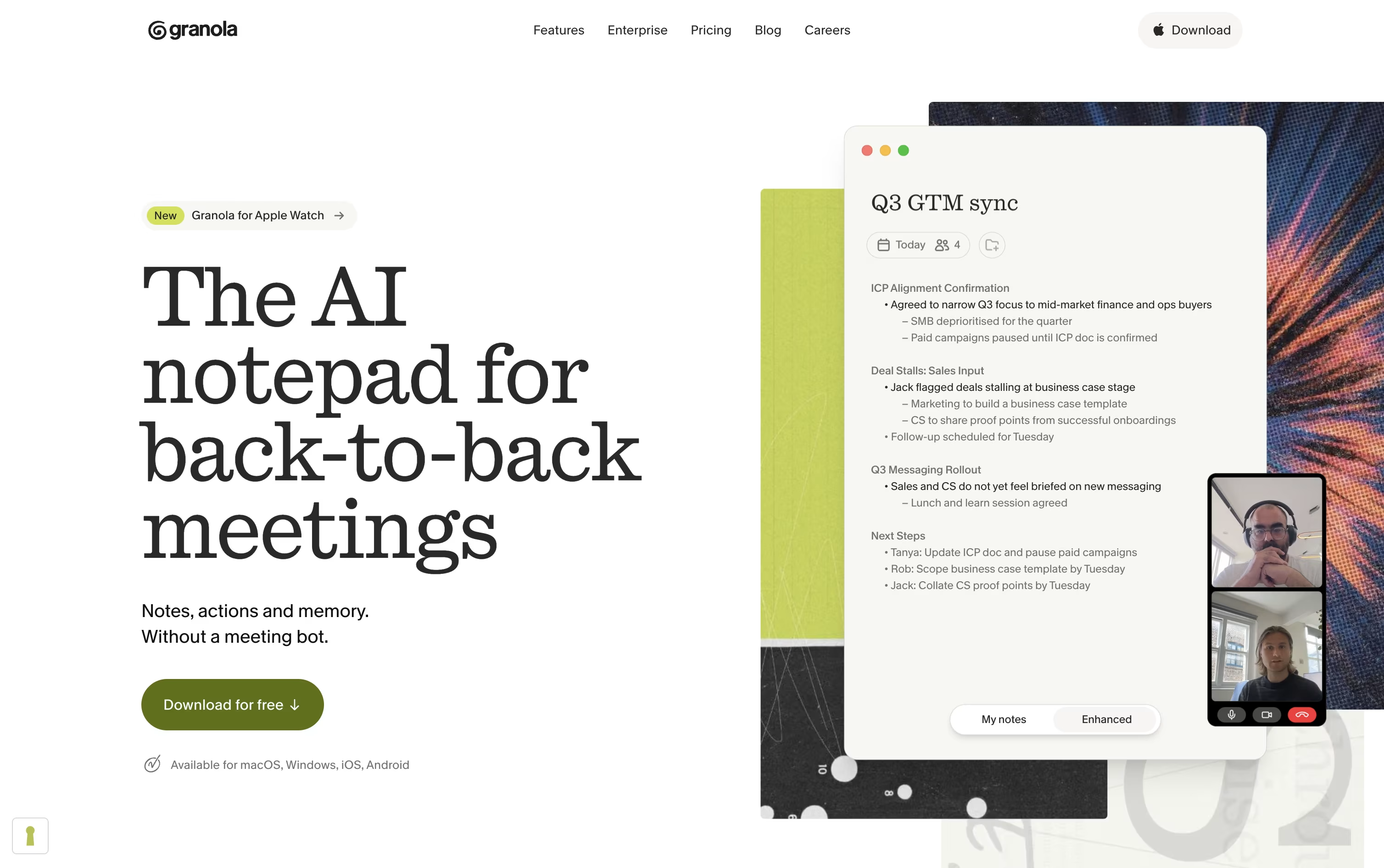 GranolaAI Notepad for Smarter Meeting Notes,
  Motion
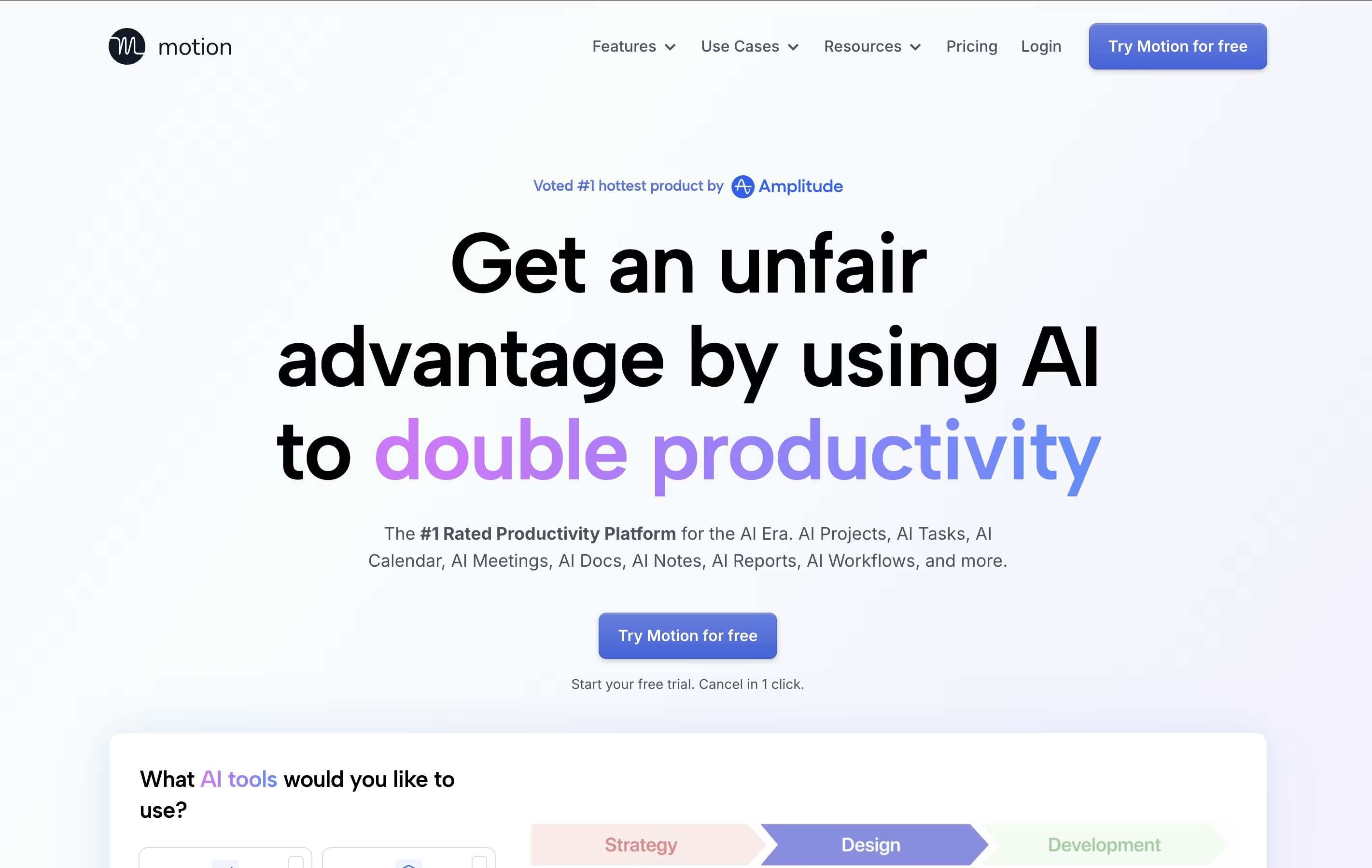 MotionAI-Powered Productivity & Task Management, and
  Alter
Alter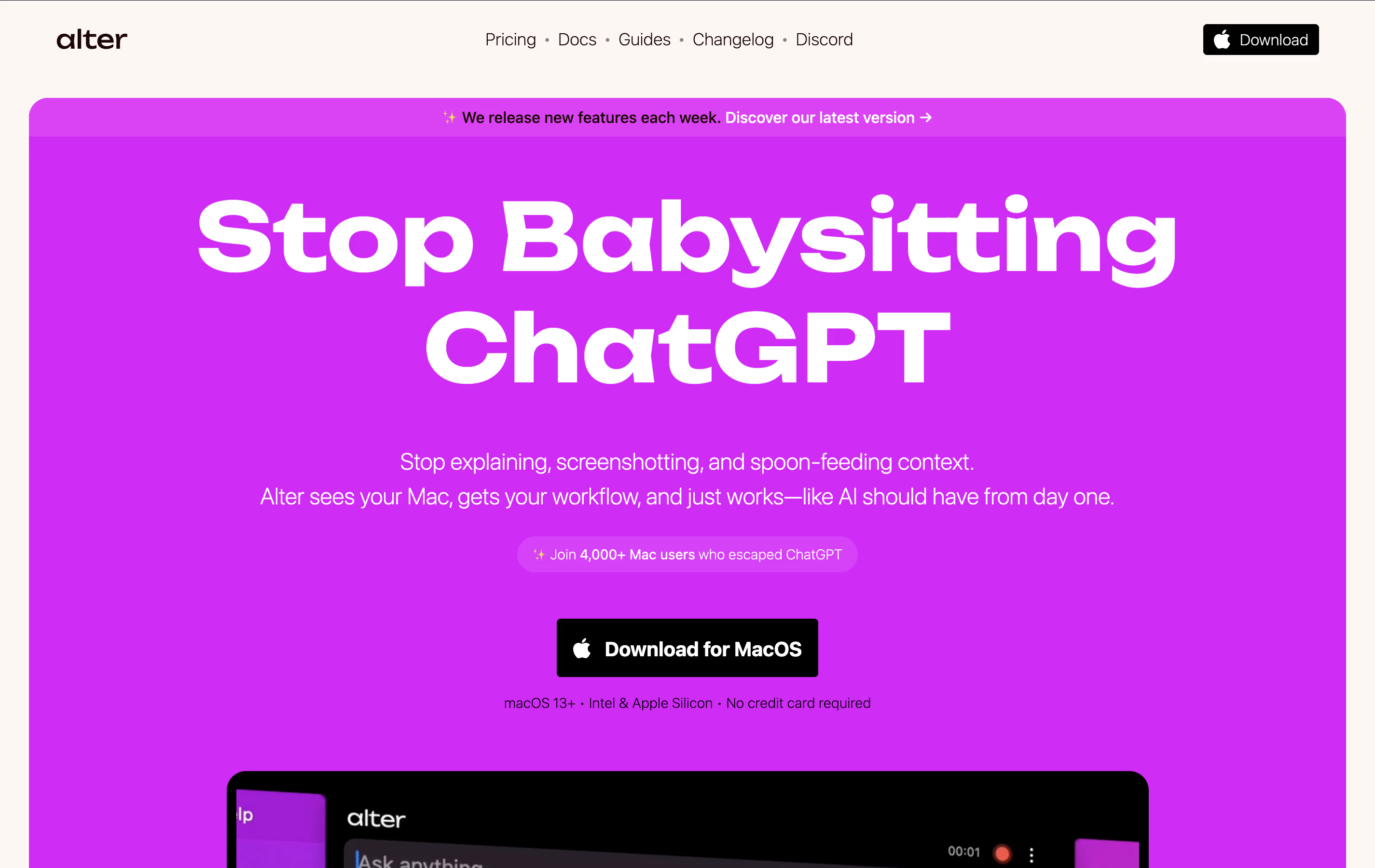 AlterNative macOS Assistant for Voice Workflows are the best for AI Note Taker. So, let’s take a closer look at all 14 tools.

If your calendar is packed with back to back calls, Granola is built to take the note taking off your plate. It works alongside you rather than joining as a visible bot, capturing audio on your device and combining it with your own typed notes.
After each call, it hands you organized notes complete with decisions, highlights, and next steps, ready to edit or send along. It handles Zoom, Google Meet, Teams, phone calls, and face to face chats just as easily.
Granola also keeps a searchable memory of everything you have discussed, letting you chat with your meeting history through Granola Chat or plug it into tools like Slack, Notion, and HubSpot, with API and MCP support for connecting to other AI apps.
The free Basic plan covers the essentials with limited history. Business costs $14 a user each month for unlimited history and integrations, and Enterprise moves up to $35 a user each month, adding single sign on, priority support, and stronger admin controls for bigger organizations.
Motion is an all-in-one productivity tool that uses artificial intelligence to manage your time and tasks. Instead of spending hours organizing your workday, Motion automatically schedules everything based on deadlines, priorities, and your available time.
The platform combines several tools into one: a smart calendar that syncs with Google Calendar and Outlook, a task manager that auto-schedules work, a project management system with Kanban and Gantt views, and meeting scheduling features similar to Calendly. Motion also includes AI Employees—smart assistants that can draft emails, create content, analyze data, and handle repetitive tasks.
Motion continuously monitors your schedule and adjusts tasks when meetings pop up or deadlines change, ensuring everything gets done on time.
Alter is a native macOS AI assistant designed specifically for Mac power users who want seamless AI integration across their entire workflow. It works as a system-wide productivity tool that understands context from any app you're using.
The tool operates through voice commands and contextual menus, allowing you to perform AI-powered actions without switching between applications. It can record meetings, transcribe audio, summarize content, write emails, create presentations, and handle complex tasks across apps like Finder, Keynote, and Apple Mail.
What sets Alter apart is its privacy-first approach. Your data stays encrypted locally, and you can run AI models completely offline using Ollama or LM Studio, ensuring sensitive information never leaves your device.

Notion is a versatile all-in-one workspace that functions like a set of digital building blocks. Think of it as a combination of Google Docs, Trello, Airtable, and Evernote all rolled into one seamless platform. Every page in Notion is built using 'blocks' - individual pieces of content like text, images, databases, or embedded files that you can arrange however you want.
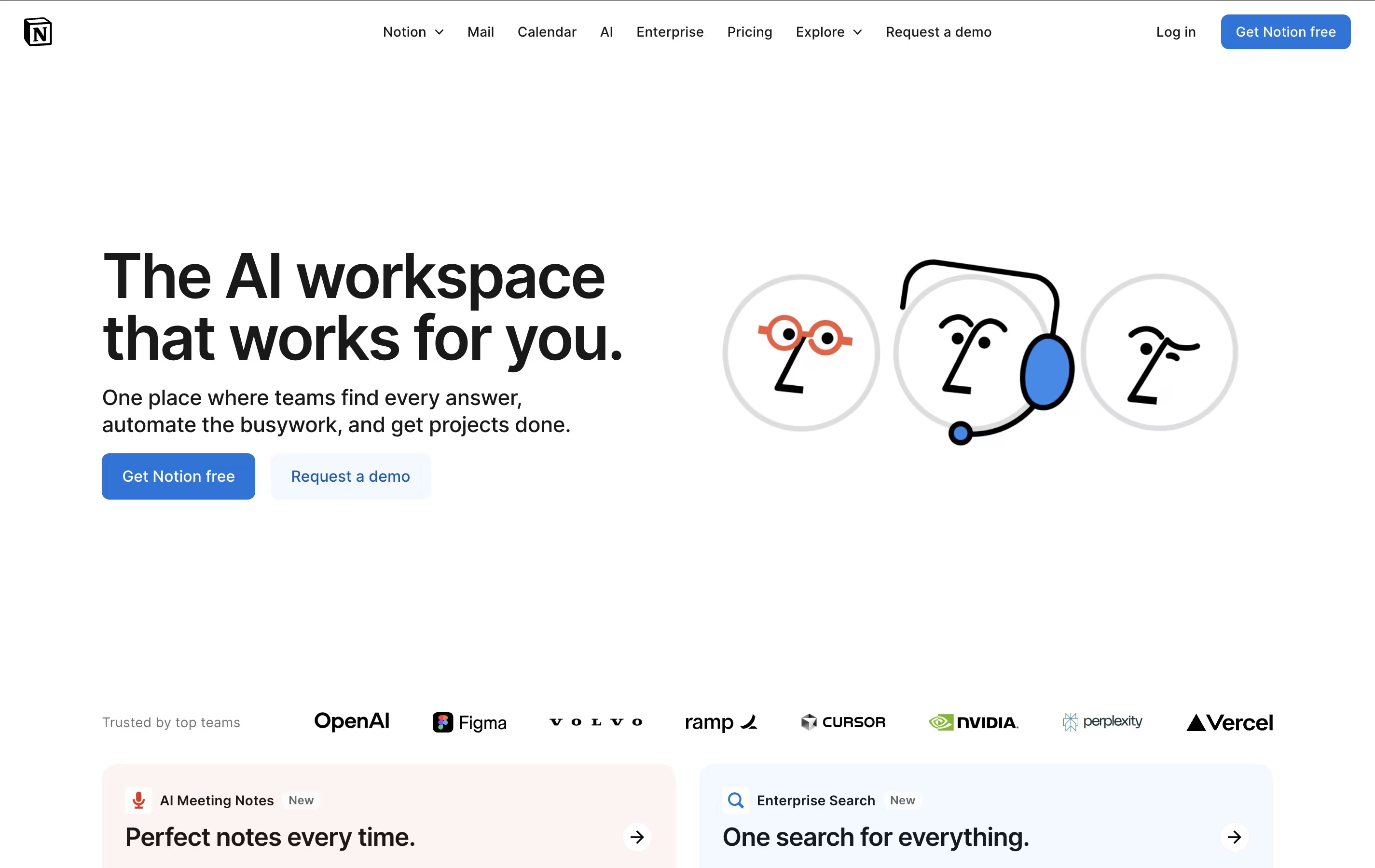
What sets Notion apart is its flexibility. You can create simple notes, complex project management systems, company wikis, or personal journals using the same tool. The platform supports real-time collaboration, allowing teams to work together on documents, databases, and projects simultaneously. With templates for common use cases and the ability to create custom workflows, Notion scales from personal use to enterprise-level operations while maintaining simplicity and elegance.
Akiflow is a comprehensive productivity platform that combines task management, calendar scheduling, and time-blocking in one powerful application. Think of it as the control center for your entire work life, designed specifically for busy professionals who use multiple tools throughout their day.
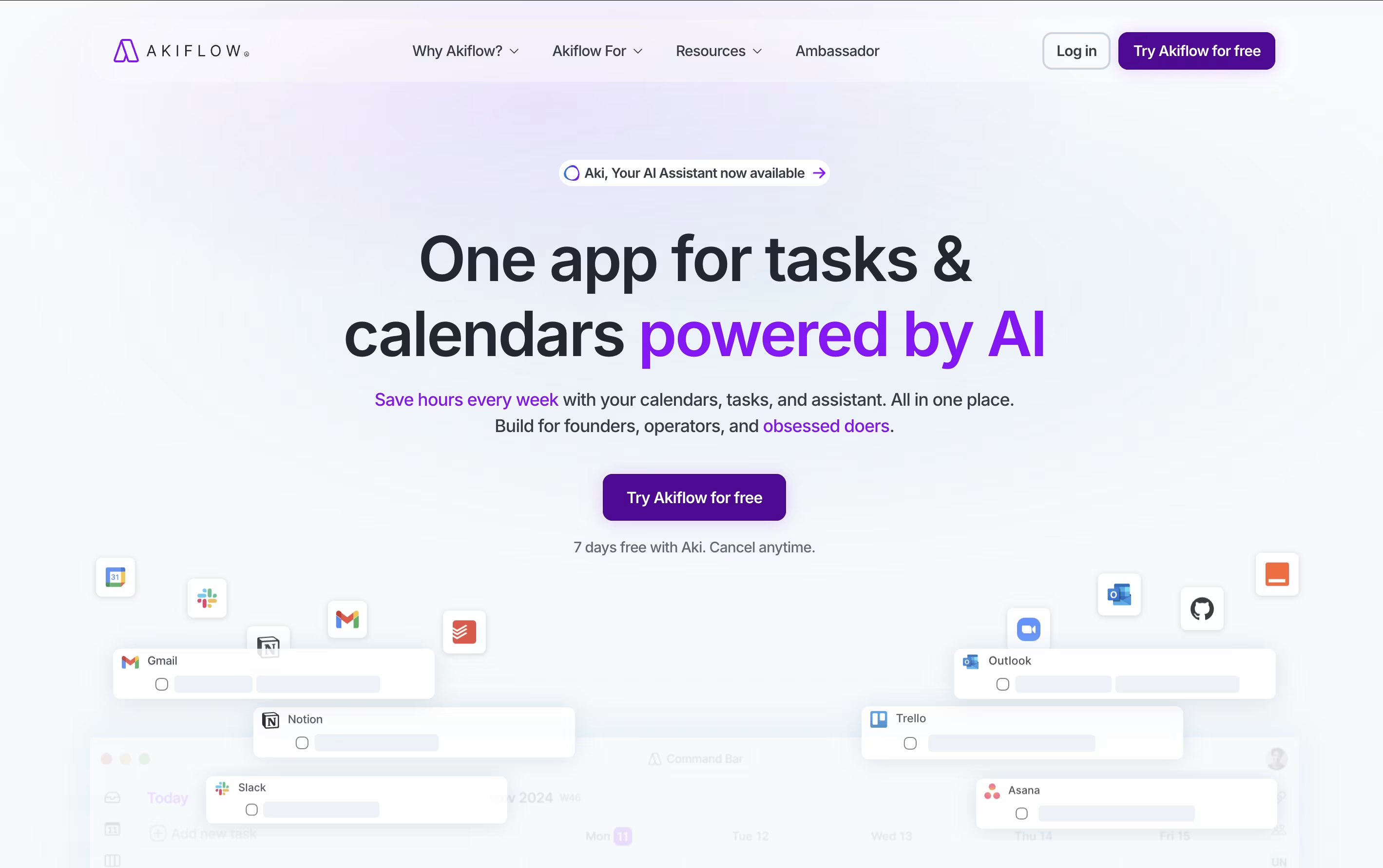
The platform automatically imports tasks from popular apps like Gmail, Slack, Asana, Notion, and thousands of others through smart integrations. What makes Akiflow special is its time-blocking approach - you can drag and drop tasks directly onto your calendar, ensuring every important item gets the time it deserves.
The platform also features an AI assistant called Aki that helps organize your schedule, suggests optimal time slots, and even handles routine scheduling tasks. Founded in 2020 and backed by Y Combinator, Akiflow has quickly become a favorite among founders, developers, and productivity enthusiasts who need to stay organized without the complexity.

A lot of meeting tools work by dropping a visible bot into your call, which can feel awkward. Jamie takes a different route by recording straight from your device and staying invisible to everyone else in the meeting.
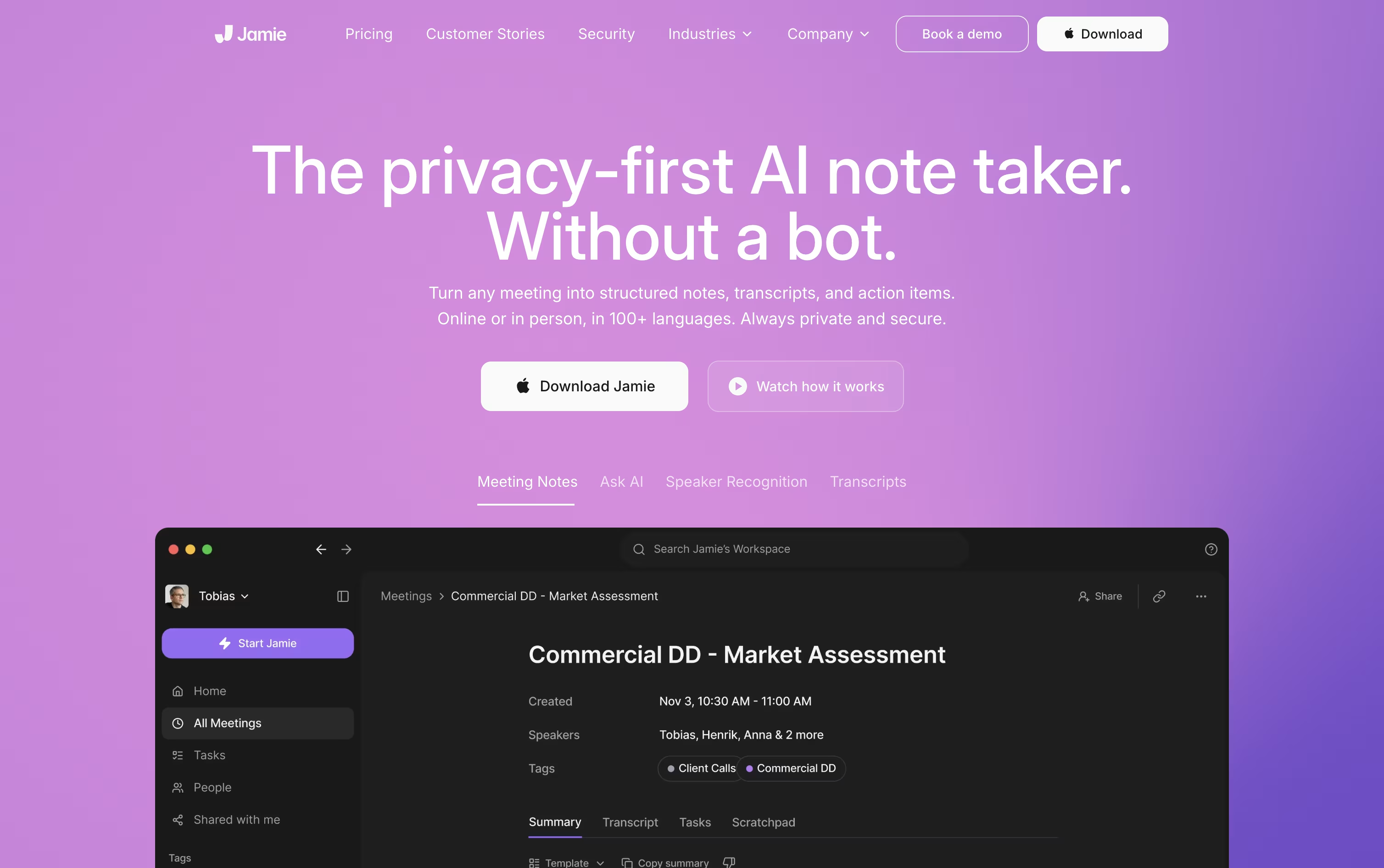
Once the call ends, it processes the audio into a clean transcript, a plain language summary, and a list of tasks with owners attached, then deletes the original recording.
Getting started costs nothing. The Free plan allows 10 AI notes a month with meetings capped at 30 minutes, using core integrations like Notion and Google Docs.
Plus runs €25 a month, or €21 when billed yearly, and raises the limits to 20 notes and 2 hour meetings.
Pro costs €47 a month, or €39 annually, and removes the note limit entirely while adding Salesforce, HubSpot, and MCP support for tools like Claude and ChatGPT.
Teams of 2 to 10 pay €39 per seat monthly, and larger organizations can move to Enterprise for custom pricing with added security controls.

Think of HappyScribe as a way to skip typing out audio and video by hand. Upload a recording, or link it to Zoom, Google Meet, or Microsoft Teams, and it hands back a transcript with speakers marked and timestamps included, across more than 150 languages.
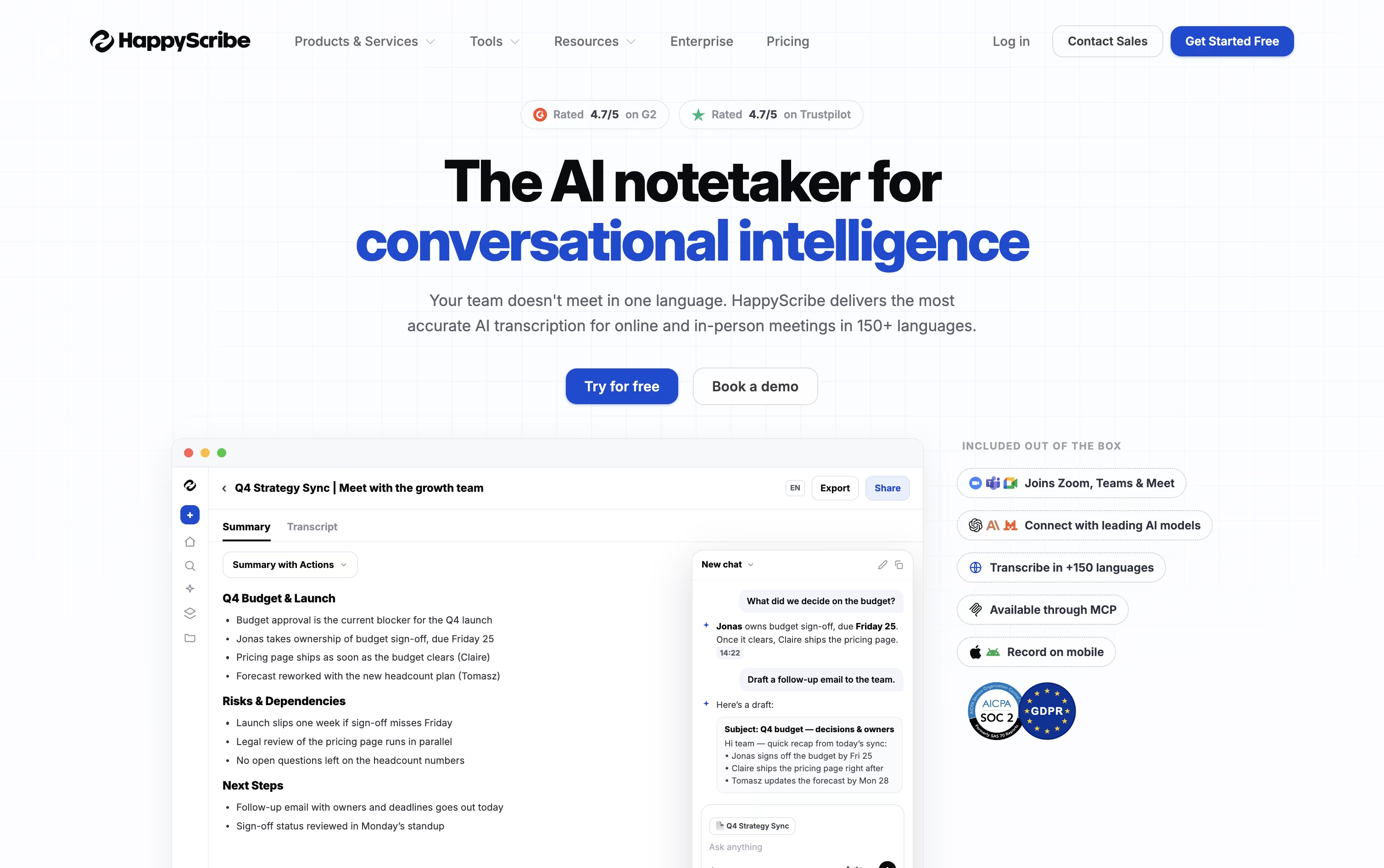
It also acts like a meeting assistant. The AI Notetaker can join calls on its own, put together a summary with action items, and email notes out to everyone afterward.
From there, you can clean up the text in an online editor, translate it, turn it into subtitles, and download it as DOCX, SRT, PDF, or several other formats. There is also an AI Chat tool for asking questions about a single recording or everything in your workspace at once.
Starting out is free, with a 10 minute AI trial and 45 minute recordings. Basic runs $17 a month for one person, Pro is $29 a month and adds unlimited AI Chat for small teams, and Business is $89 a month with unlimited style guides and glossaries for bigger groups.
Every paid plan gets cheaper when billed yearly, and an Enterprise option is available through sales for extra support and single sign on. Professional human proofreading can also be added starting around $1.90 to $2.00 a minute.
Instead of handing you a plain transcript, Circleback turns your meetings into organized notes with topics, decisions, and numbers pulled out clearly, across Zoom, Teams, Google Meet, and other platforms.
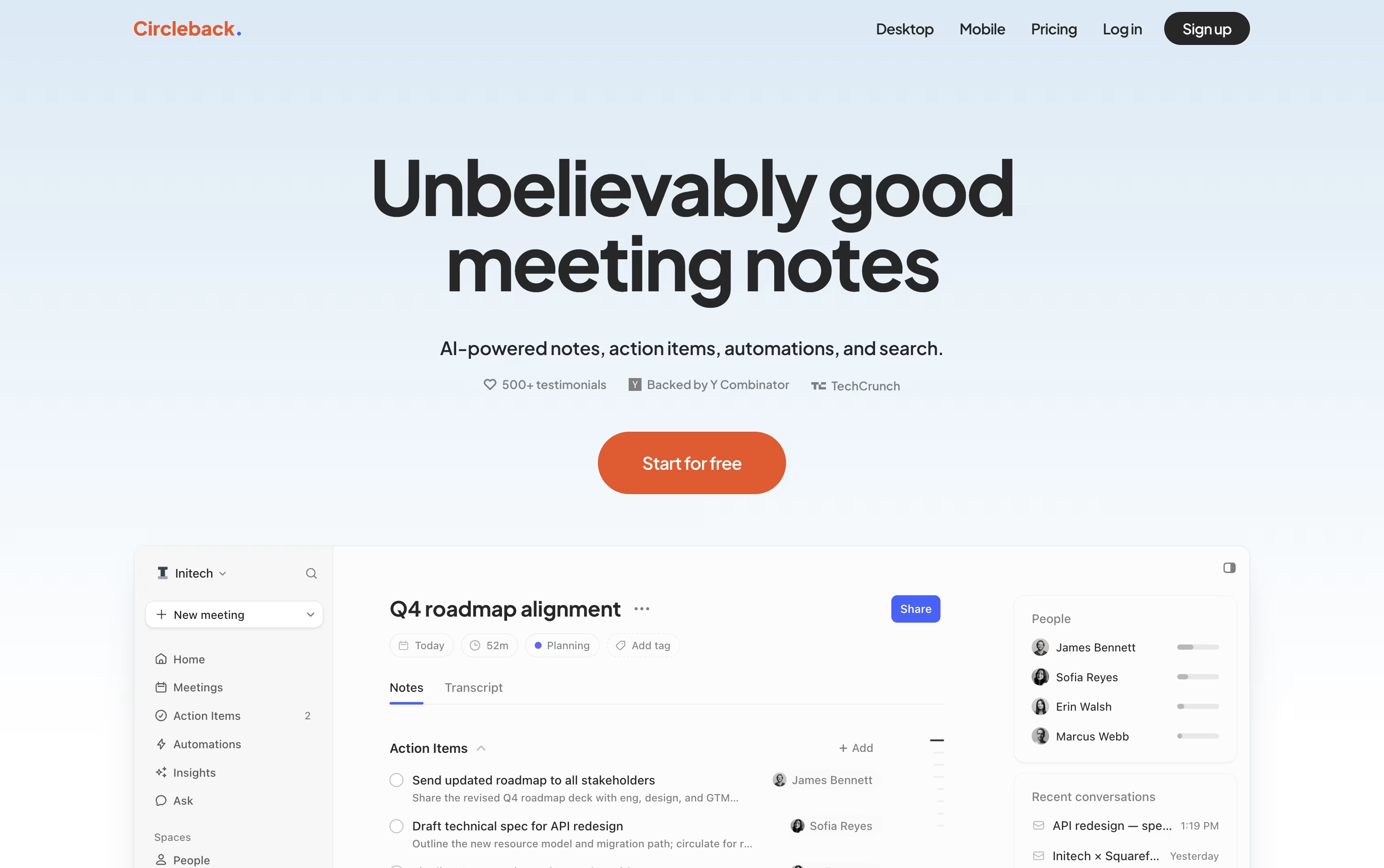
It picks out action items as people speak, assigns them to the right person, and keeps everything in one list you can check off later.
A built-in search lets you ask a question about one meeting or all of them at once, and every answer points back to the exact moment it came from.
Automations connect meetings to your other tools, so a demo call can automatically create a Linear ticket or update a deal in your CRM without extra typing.
The Individual plan starts at $25 a user per month, dropping to about $20.83 a month when billed yearly, while Team runs $30 a month, or $25 a month yearly, adding shared meetings, team search, and admin settings. Enterprise is priced by request and adds priority support and stronger security controls.
All paid plans can be tried for free before you commit to a subscription.

Instead of just recording a meeting, Supernormal captures the audio from your computer with no bot visibly joining the call, then hands back a transcript, a summary, and action items right after.
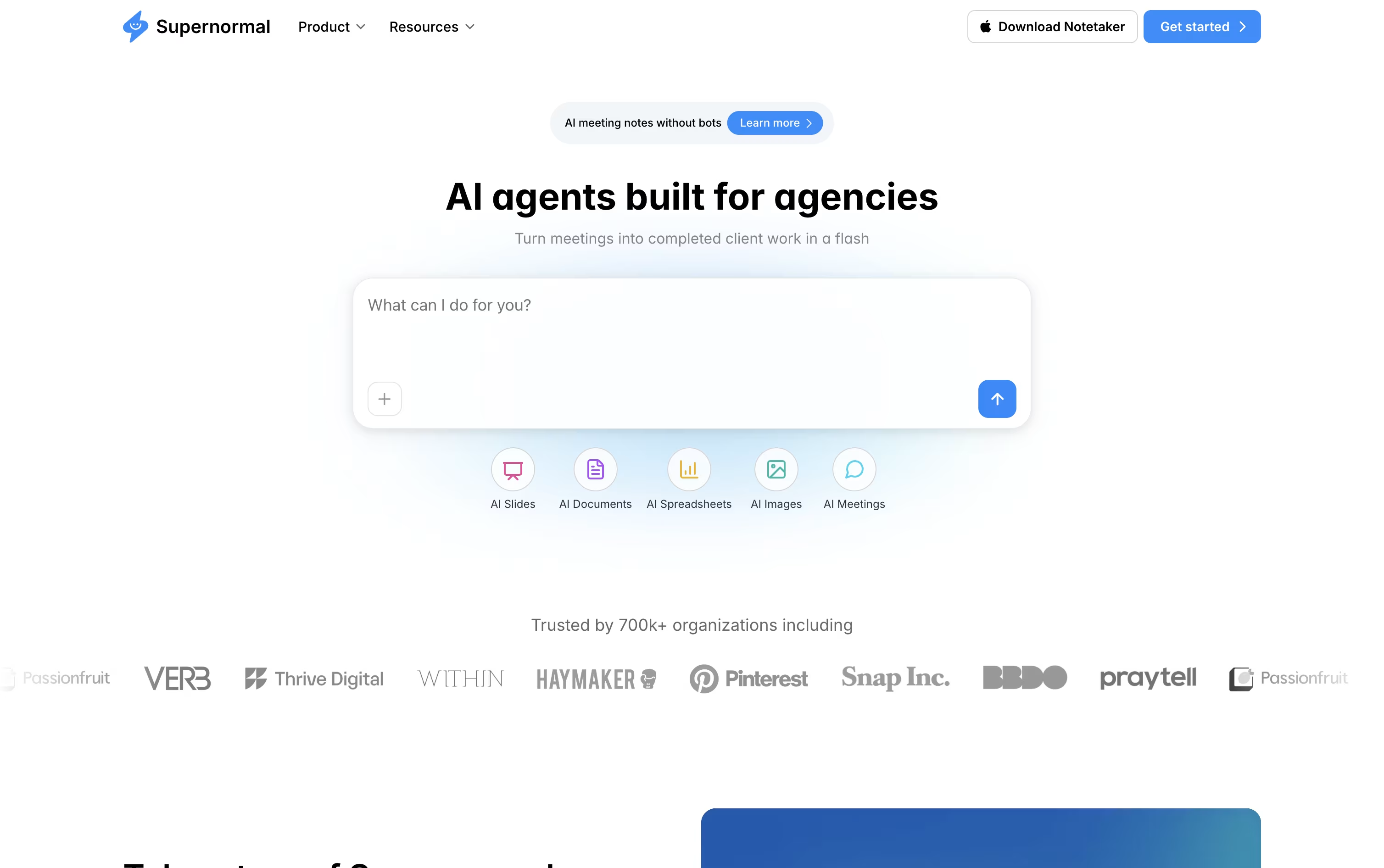
From there, AI agents pick up the work a meeting usually creates, turning a client call into a proposal, a kickoff into a brief, or a planning session into a set of slides.
Meetings can be organized into Projects, so an agent answering a question draws on everything discussed with a client, not just one recording. Through MCP, tools such as Claude, Cursor, and ChatGPT can also read that same meeting context.
Getting started costs nothing on the Free plan, which includes 15 monthly credits, 5 daily credits, and unlimited projects.
Growing teams can move to Team at $20 a month, or $18 a month billed annually, for unlimited seats and shared credits, while Business at $40 a month, or $36 a month billed annually, adds SSO, audit logs, and organization-wide admin controls.
Instead of typing notes during a call, Notta records the conversation and hands you a clean transcript afterward, complete with speaker labels and timestamps.
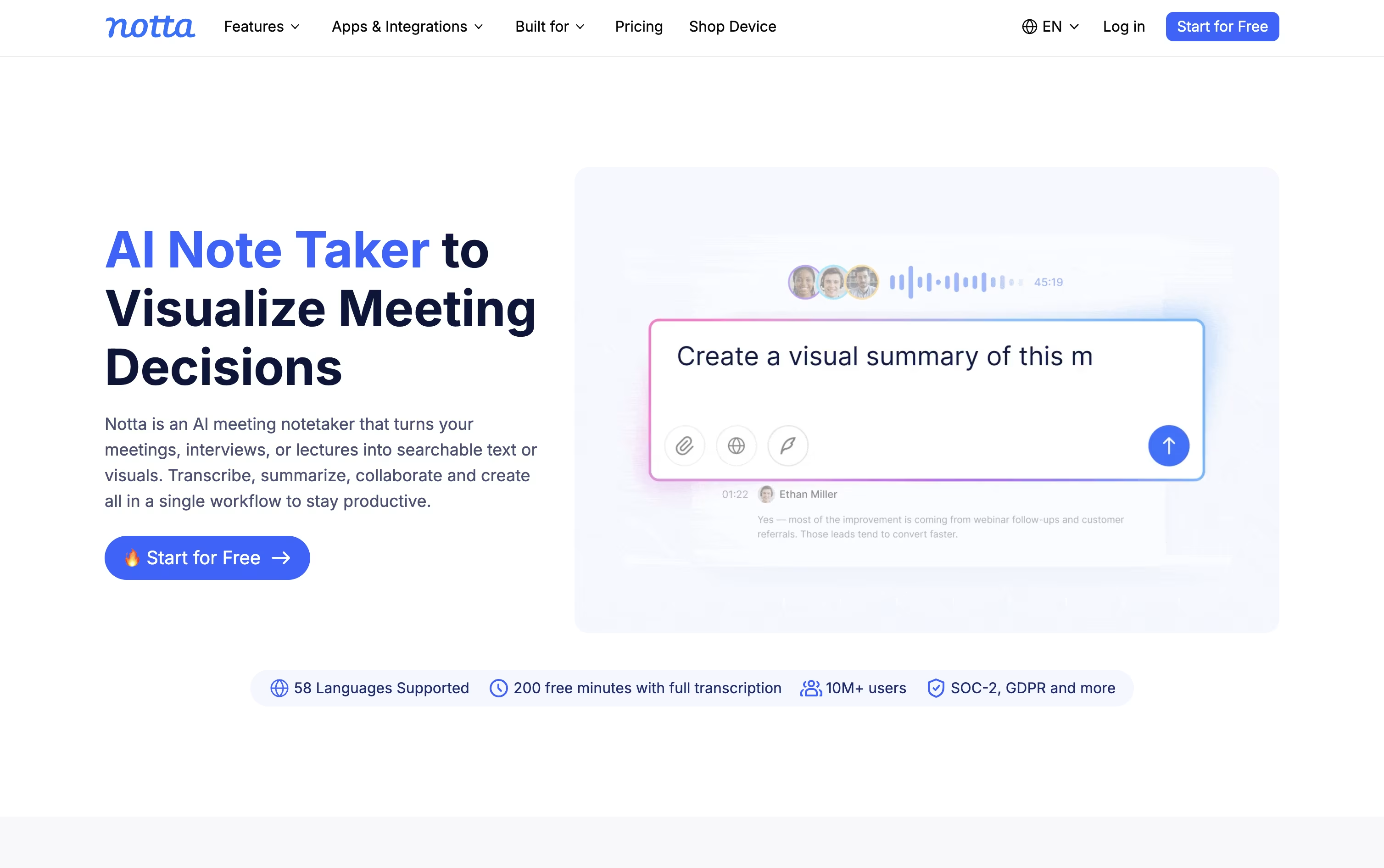
It joins Zoom, Google Meet, Microsoft Teams, and Webex meetings on its own, or you can let the desktop app capture audio in the background without anyone noticing a bot in the room.
Every recording comes with an AI summary and a list of action items, so catching up on a meeting takes minutes rather than a full replay.
Notta Brain builds on this by looking across many meetings and files at once, answering questions and turning them into slides, reports, or a follow-up email.
Pricing starts free with 120 minutes a month, moves to Pro at $13.49 a month for 1,800 minutes and translation tools, then Business at $27.99 a month per seat for unlimited transcription and team features.
Larger organizations can move to Enterprise for custom pricing with extra security, while the Notta Memo recorder and mobile apps extend capture beyond the desktop.

Most meeting tools hand you a transcript and a summary once the call is over. Tana works differently, its AI agents are active participants during the meeting itself, filing tickets, drafting documents, and updating your other tools while the conversation is still going.
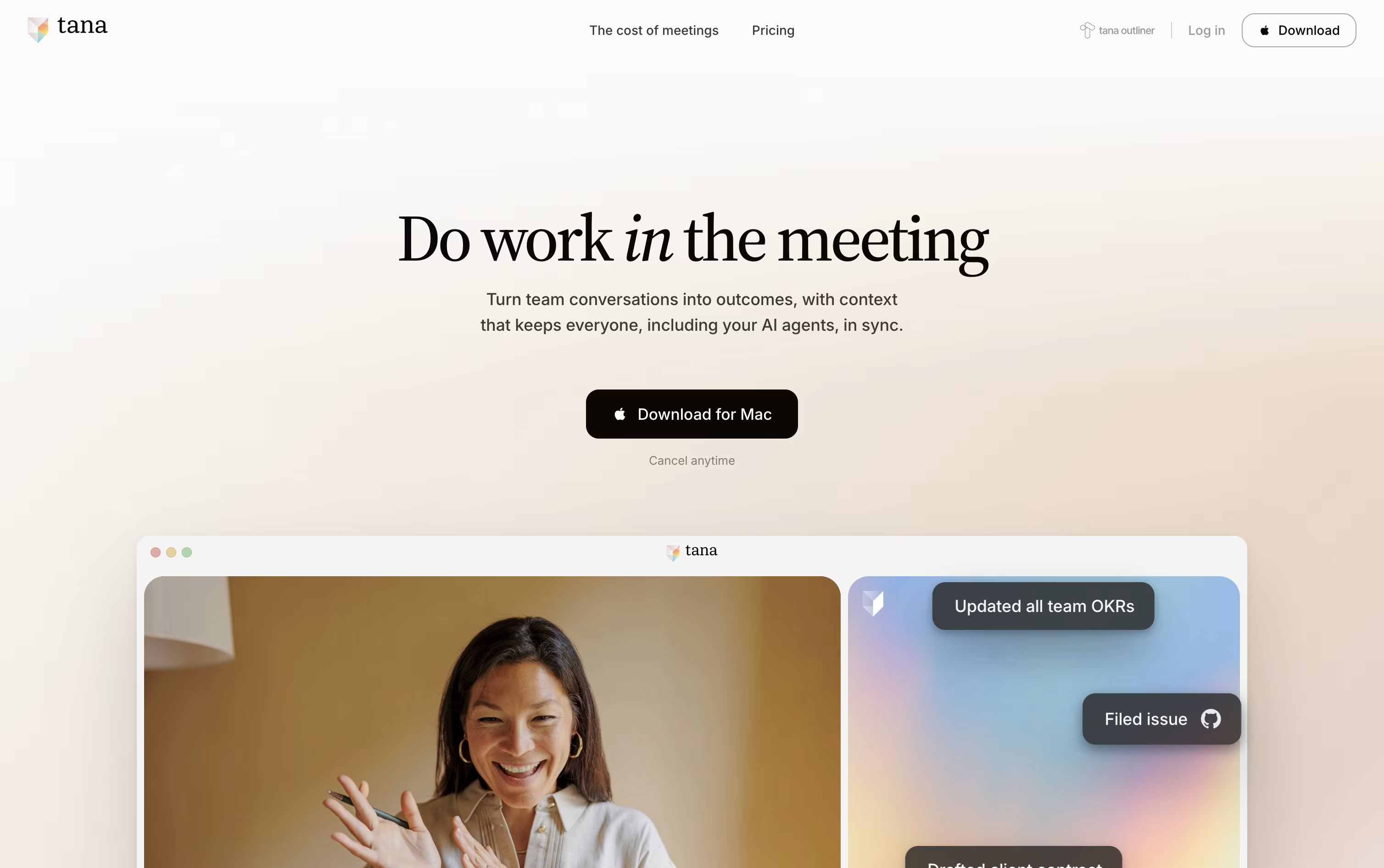
Because every meeting adds to a shared knowledge graph, agents and teammates arrive at future meetings already aware of past decisions and open items, so nobody has to repeat themselves.
Getting started costs nothing on the Free plan, which includes 5 hosted meetings a month, one connected calendar, and 50 AI queries.
Stepping up to Pro costs $25 per user a month, or $20 a month when paid yearly, and adds unlimited meetings, a botless agent that joins Zoom, Teams, and Google Meet calls, plus deeper integrations through MCP.
Max is priced at $100 a user monthly, or $80 yearly, and is built for teams that live in meetings, offering five times the AI capacity of Pro and dedicated onboarding support.
Larger organizations can move to the custom priced Business plan for SAML SSO, audit logs, and control over data residency and retention.

Instead of juggling recorders and notebooks, Voicenotes lets you hit record for any meeting, memo, or passing thought and get a clean transcript back in moments, without needing a meeting bot to join the call.
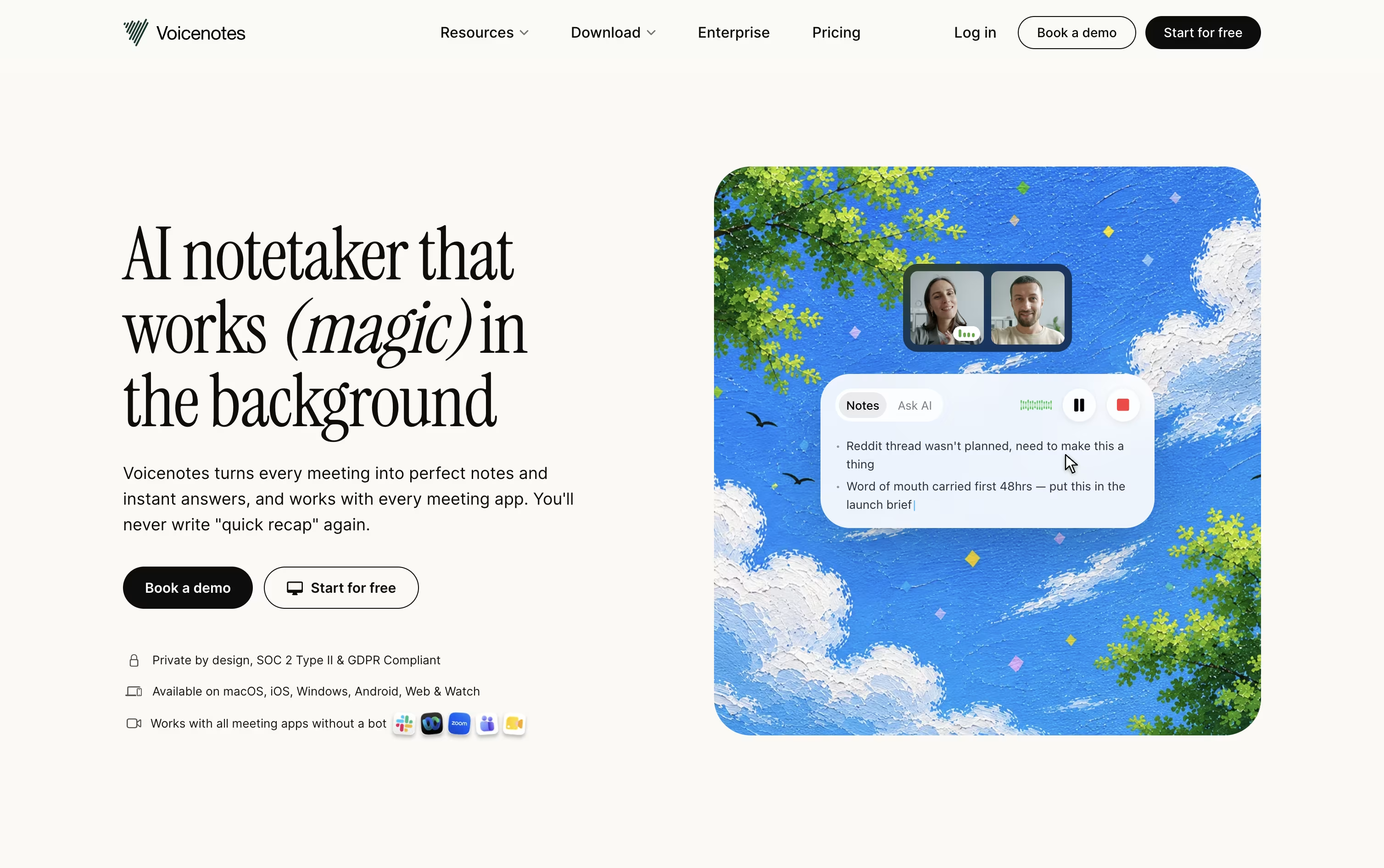
Every recording is followed by an automatic summary, key points, and action items, and the app understands 100+ languages, even with strong accents. It works the same way on web, iOS, Android, Mac, Windows, and Chrome.
Ask AI lets you search or ask questions across your entire note history whenever you need to recall something, and Voicenotes MCP connects your notes directly to tools like Claude and ChatGPT.
Getting started costs nothing on the Basic plan, which includes 100 weekly transcription minutes and 30 days of history. Pro is $9 per user a month for unlimited use, and Enterprise is $24 per user a month with added security, admin controls, and dedicated support.

Routine is a workspace tool that helps you manage your time and tasks more effectively. You can connect your existing calendars from Google, Outlook, or iCloud, and view everything in one timeline. The app lets you create tasks, take notes, schedule events, and store contact information all in the same place.
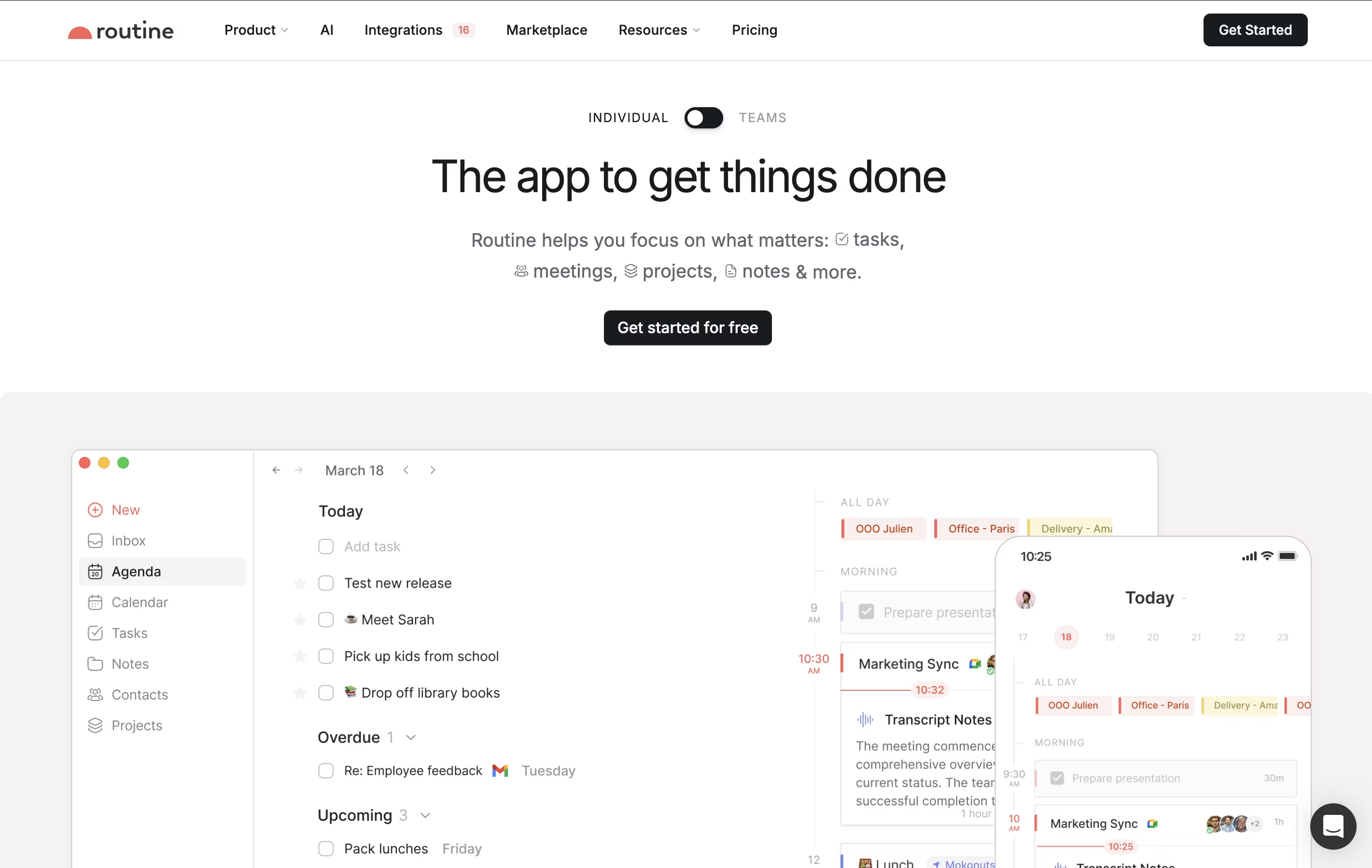
What makes Routine different is its quick capture feature called the Console. You can press a keyboard shortcut anywhere on your computer, type what you need to do, and it automatically gets organized. The app works offline, so you never lose access to your information. It also uses natural language, meaning you can type things like "meeting with John next Tuesday at 3pm" and it understands what you mean.

Amie is a calendar and productivity app that combines scheduling, task management, and email handling in one tool. You can view your calendar events and to-do lists side by side, making it easier to plan your day. The app connects with Google Calendar, Apple Calendar, and other services you already use.
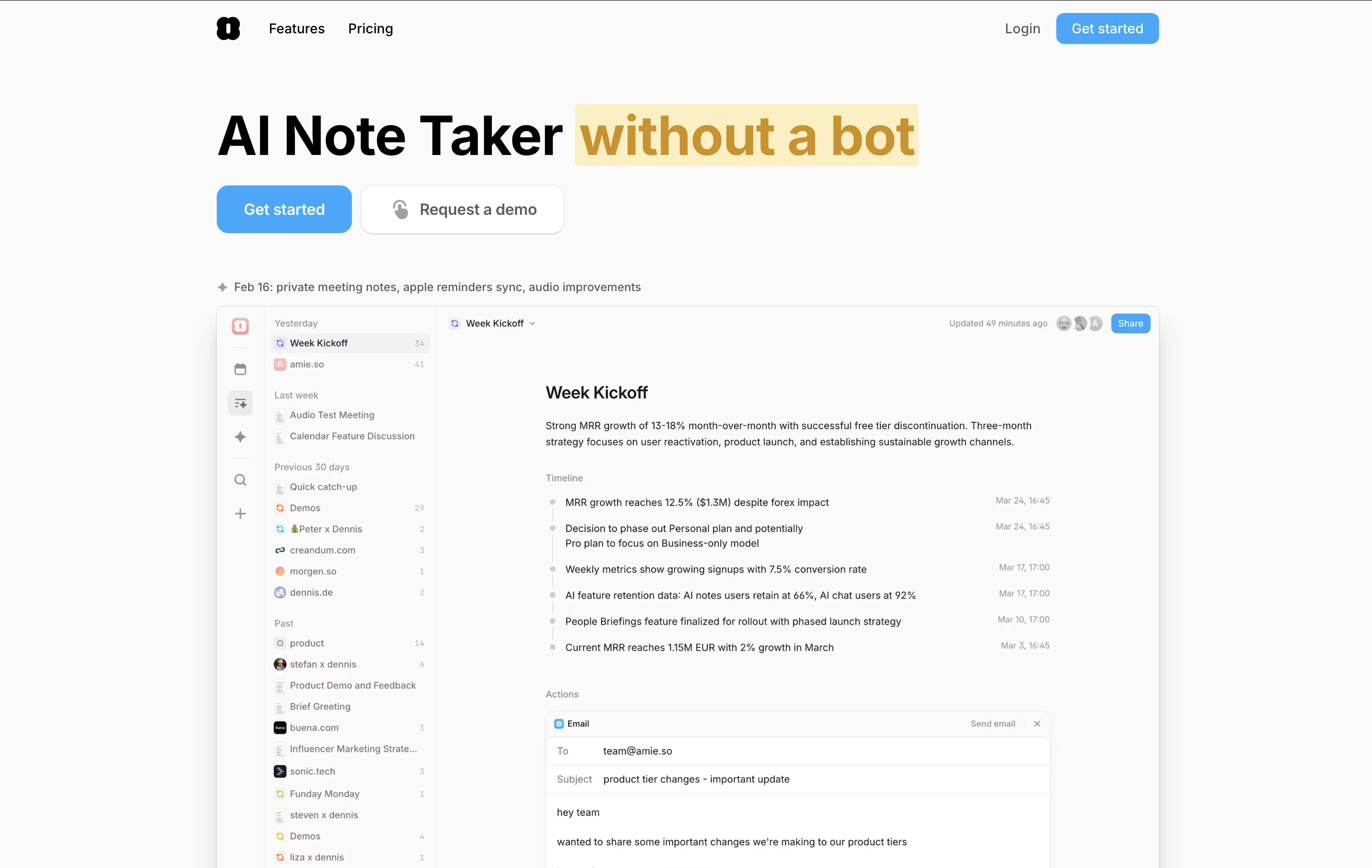
The standout feature is AI-powered meeting notes. Amie records your calls in the background without joining as a bot, then creates summaries and action items automatically. You can ask the AI questions about your meetings later, and it will pull information from all your past conversations.
Amie also lets you time-block tasks, color-code events, share scheduling links with others, and manage emails right from your calendar view.




