ToolQuestor Logo
Routine
No reviews yet
0 Saved
Added:3/21/2026
Type:Saas
Monthly Traffic:-
Pricing:
FREEMIUMSUBSCRIPTION
SaaSWeb-BasedMobile AppDesktop AppProject Management
BASE44

BASE44

FEATURED
Granola

Granola

FEATURED
Wispr Flow

Wispr Flow

FEATURED
Routine screenshot 2
Routine screenshot 3
Routine screenshot 4
Routine screenshot 5

What is Routine

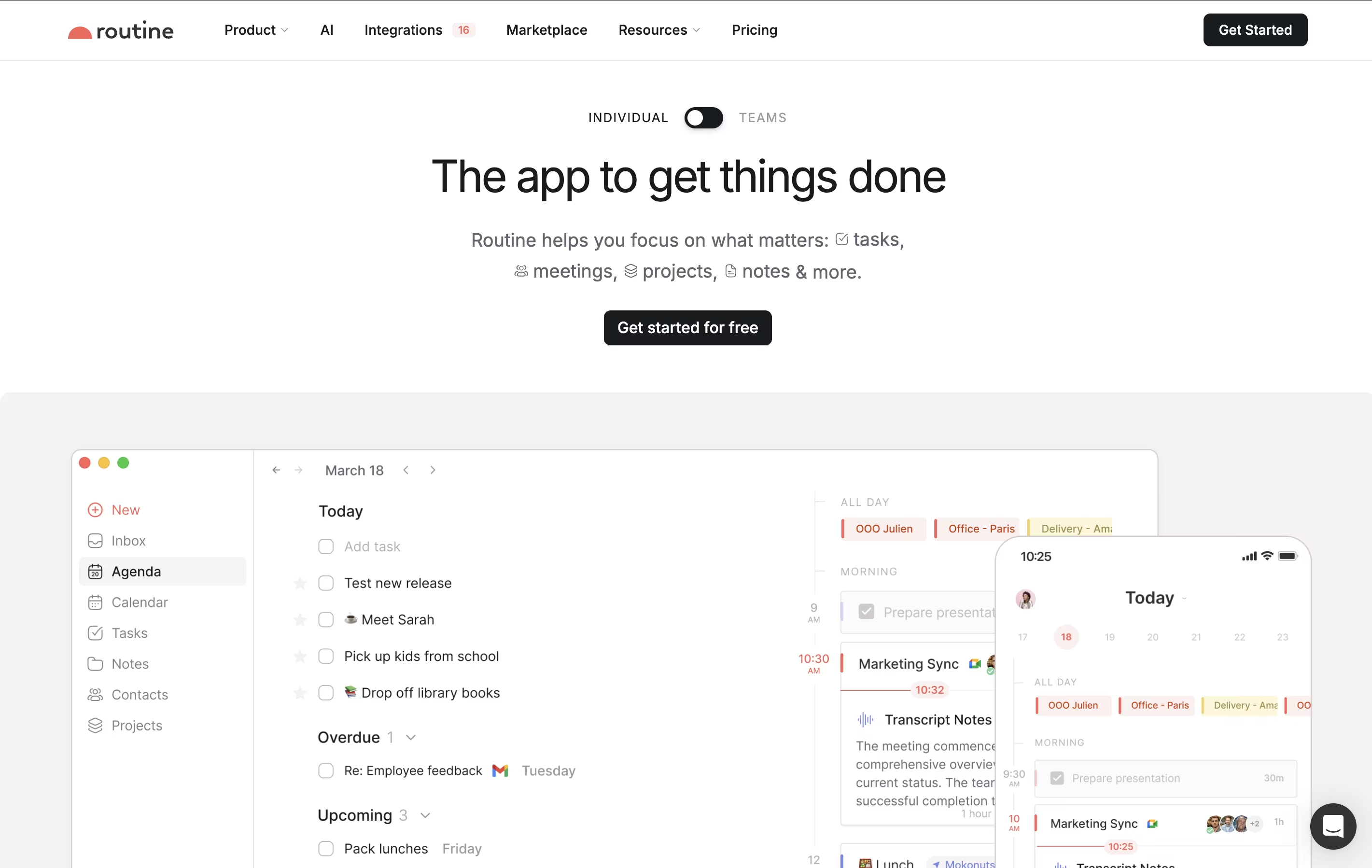
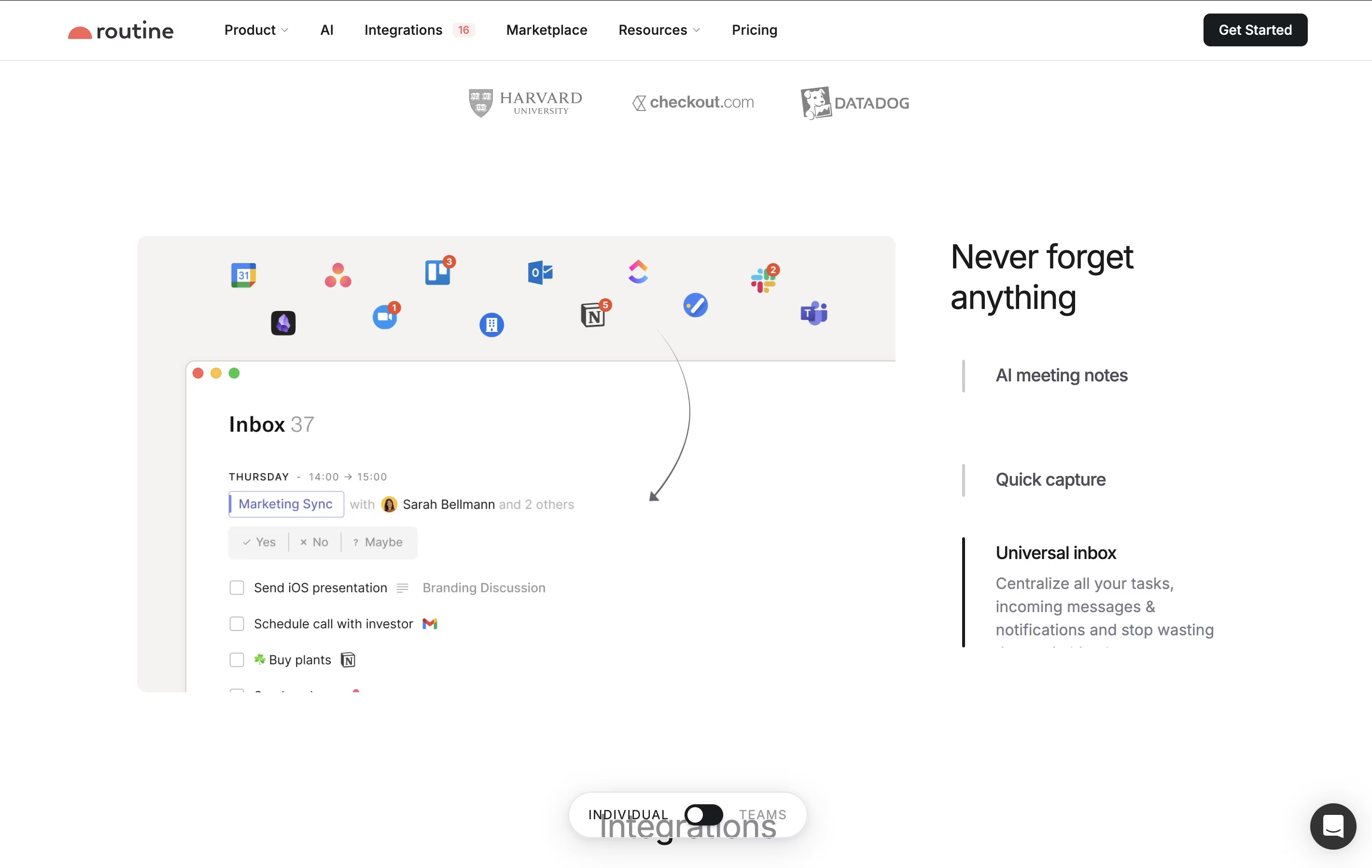
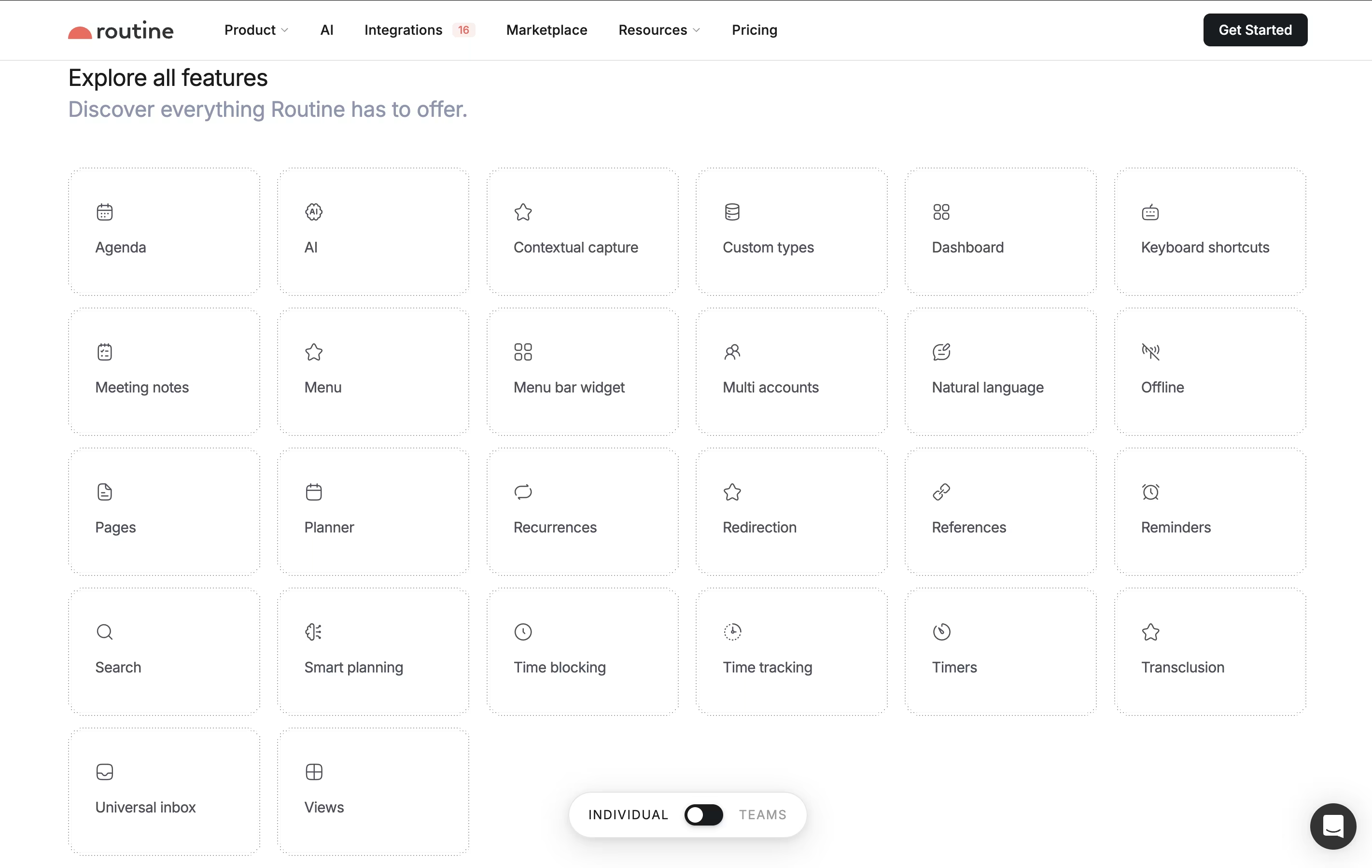
Routine is a workspace tool that helps you manage your time and tasks more effectively. You can connect your existing calendars from Google, Outlook, or iCloud, and view everything in one timeline. The app lets you create tasks, take notes, schedule events, and store contact information all in the same place.

What makes Routine different is its quick capture feature called the Console. You can press a keyboard shortcut anywhere on your computer, type what you need to do, and it automatically gets organized. The app works offline, so you never lose access to your information. It also uses natural language, meaning you can type things like "meeting with John next Tuesday at 3pm" and it understands what you mean.

How to Use Routine

Using Routine is straightforward. Here are steps to get started and work efficiently:

  • Download the app for your device (available on Mac, Windows, iOS, Android, and web browsers), then create your free account.

  • Connect your calendar accounts like Google Calendar or Outlook to see all your events in one place.

  • Use the Console by pressing the keyboard shortcut to quickly add tasks, notes, or events without opening the full app.

  • Type in natural language to create items faster. For example, "Buy groceries tomorrow at 5pm" automatically schedules the task.

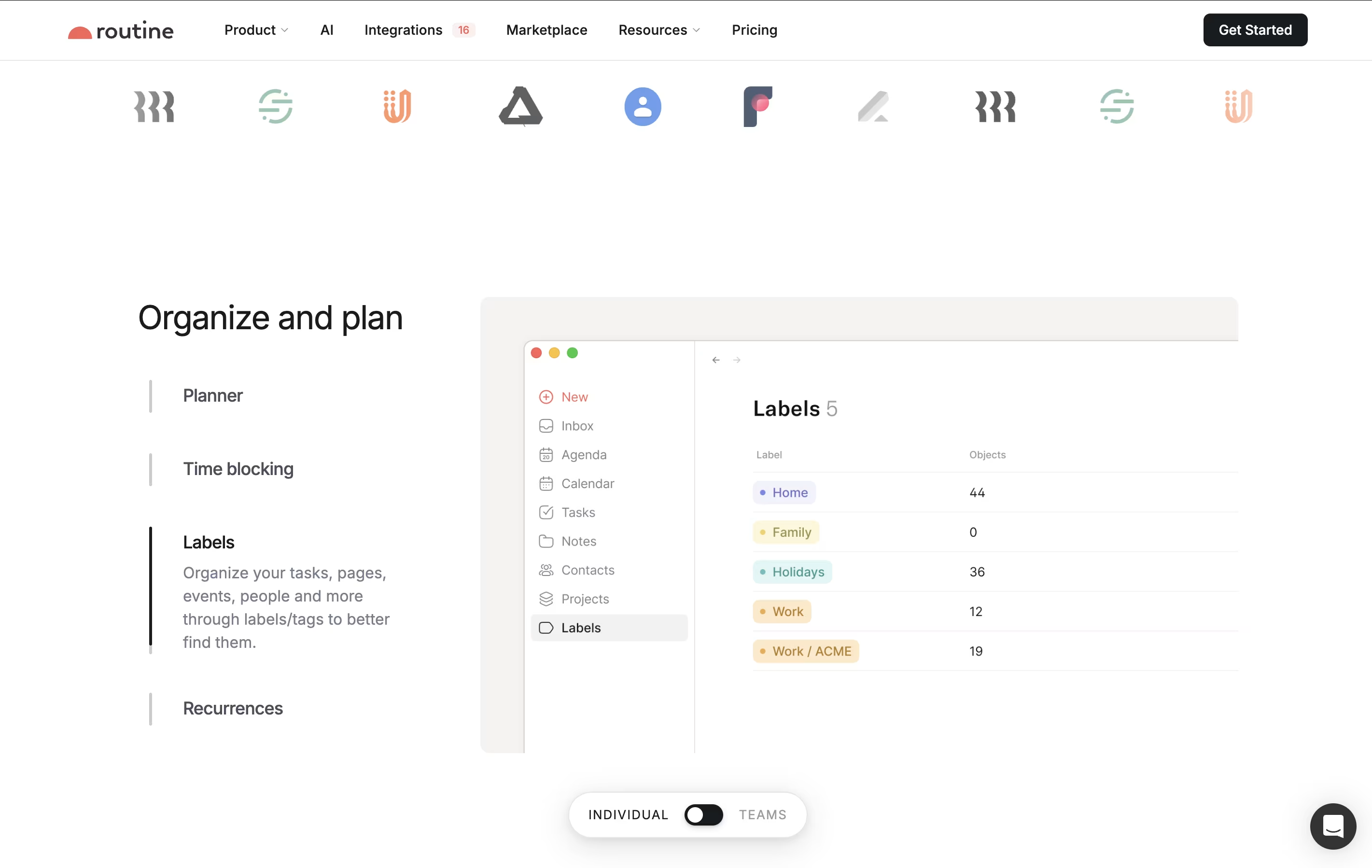
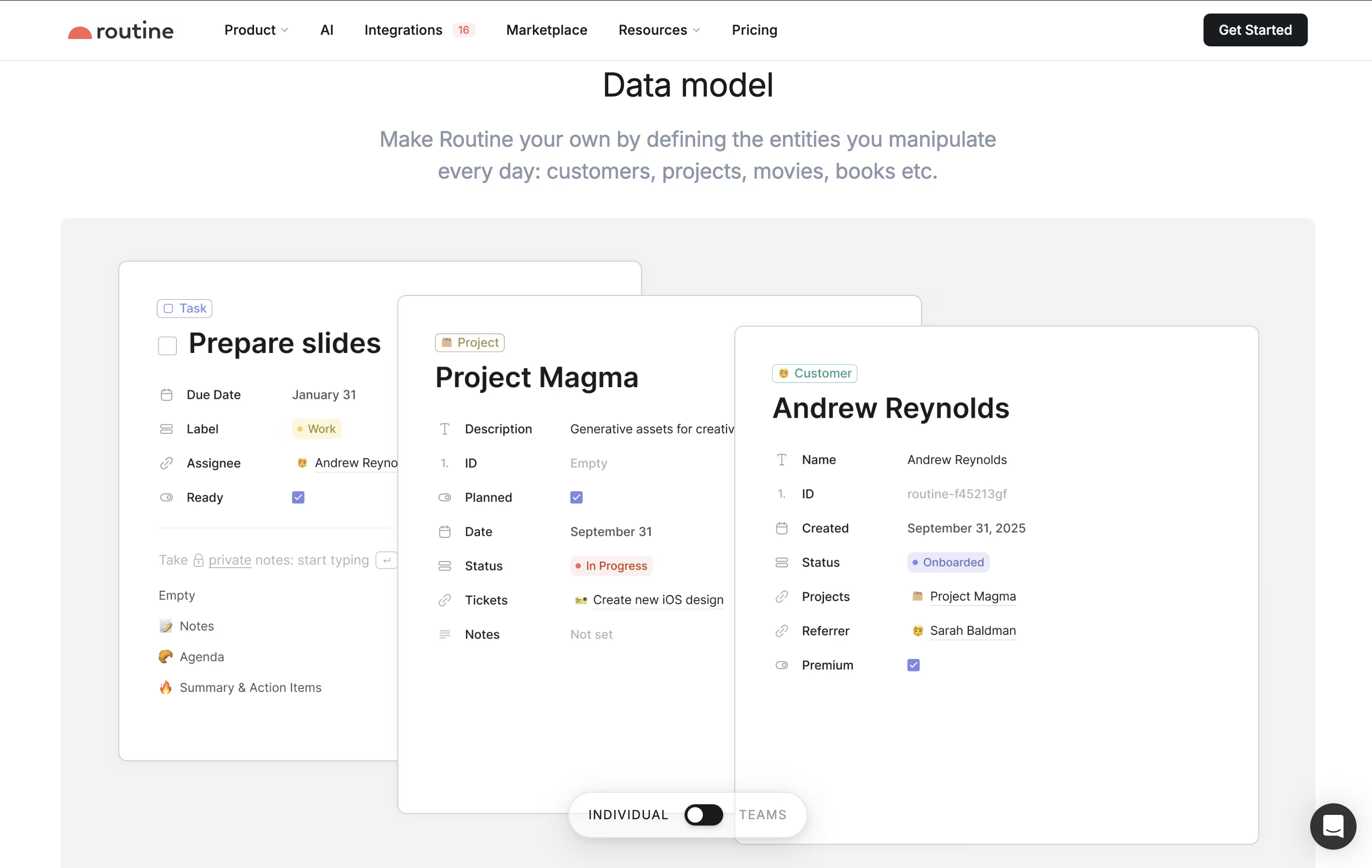
  • Organize your work using Pages to group related notes and tasks together, similar to creating folders for different projects.

  • Time block your day by dragging tasks onto your calendar to reserve time for important work.

  • Access the menu bar widget to see your schedule at a glance without switching apps.

Features of Routine

  • All-in-one workspace for tasks, calendar, notes, and contacts

  • Natural language input for quick task creation

  • Keyboard-first design with shortcuts

  • Offline functionality with automatic sync

  • Multiple calendar integrations (Google, Outlook, iCloud)

  • Time blocking and time tracking

  • Menu bar widget for quick access

  • Cross-platform support (Mac, Windows, iOS, Android, Web)

  • Team workspaces and collaboration

  • Zapier integration with 5000+ tools

Routine Pricing

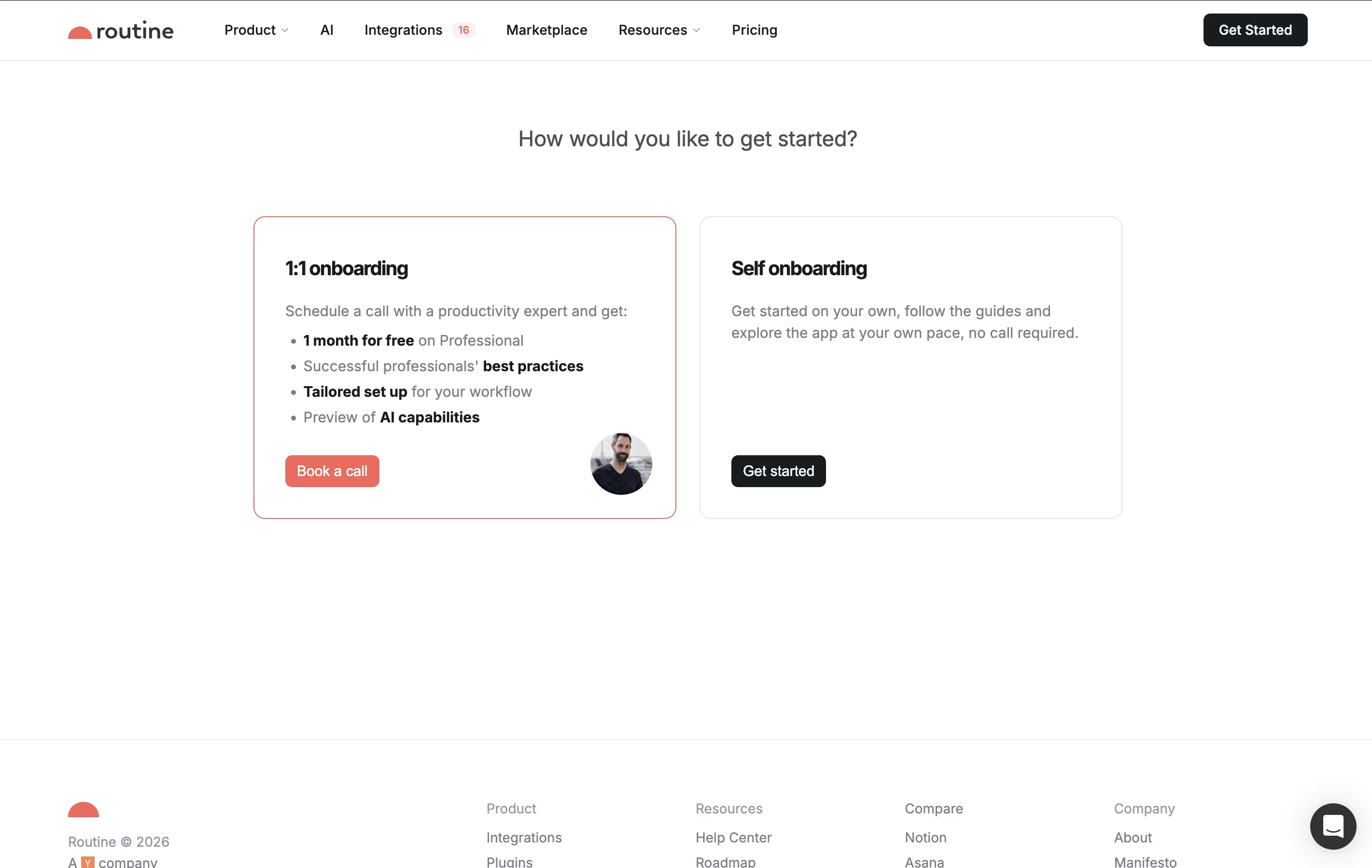
Free

Free

What's included:
  • Tasks, calendars, notes & contacts
  • Custom types
  • Natural language input
  • Unlimited integrations
  • Collaboration tools
  • Offline mode
  • Cross-platform sync
Most Popular
Professional

$12

What's included:
  • All Free features
  • Calendar layouts
  • Menu bar widget
  • Time tracking
  • Contextual capture
  • Custom views
  • 30-day history
  • Premium support
Business

$18

What's included:
  • All Professional features
  • Workspaces
  • Access control
  • AI agents
  • Versioning
  • 90-day history
  • Priority support
Enterprise

Custom

What's included:
  • All Business features
  • Unlimited history
  • Compliance features
  • Audit logs
  • Analytics
  • User provisioning
  • Dedicated success manager
  • Custom integrations

FAQ's About Routine

Is Routine free to use?
Yes, Routine offers a completely free plan that includes all essential features like tasks, calendars, notes, contacts, natural language input, and offline mode. There's no time limit on the free plan. You can upgrade to Professional ($12/month) or Business ($18/month) for advanced features like time tracking and extended history.
What devices does Routine work on?
Routine works on Mac, Windows, iOS, Android, and through web browsers. Your data syncs automatically across all devices, so you can start work on your computer and continue on your phone seamlessly. The app also works offline, syncing changes when you reconnect.
Can I connect my existing calendar to Routine?
Yes, Routine integrates with Google Calendar, Microsoft Outlook, and iCloud Calendar. You can connect multiple calendar accounts and view all your events together in one place. The integration is two-way, meaning changes made in Routine appear in your connected calendars.
How does the natural language feature work?
You can type tasks and events using everyday language instead of filling out forms. For example, typing "Call Sarah tomorrow at 2pm" automatically creates a task scheduled for 2pm the next day. The app understands dates, times, and recurring patterns like "every Monday."
Can teams use Routine together?
Yes, Routine offers team features starting with the Business plan ($18/month per person). Teams can create shared workspaces, assign tasks to members, collaborate on notes, and control who has access to different information. The Enterprise plan adds more advanced team management tools.

Share your experience with Routine

Loading...

See what users are saying about Routine

0.0

0 Reviews

5
0
4
0
3
0
2
0
1
0

No reviews yet

Be the first to review Routine

Embed Routine badges

Show your community that Routine is featured on Tool Questor. Add these beautiful badges to your website, documentation, or social profiles to boost credibility and drive more traffic.

Light Badge Preview