ToolQuestor Logo
Any.do
No reviews yet
0 Saved
Added:3/21/2026
Type:Saas
Monthly Traffic:-
Pricing:
FREEMIUMSUBSCRIPTION
CollaborationAutomationSchedulingNotificationsProject Management
Bubble

Bubble

FEATURED
BASE44

BASE44

FEATURED
Wispr Flow

Wispr Flow

FEATURED
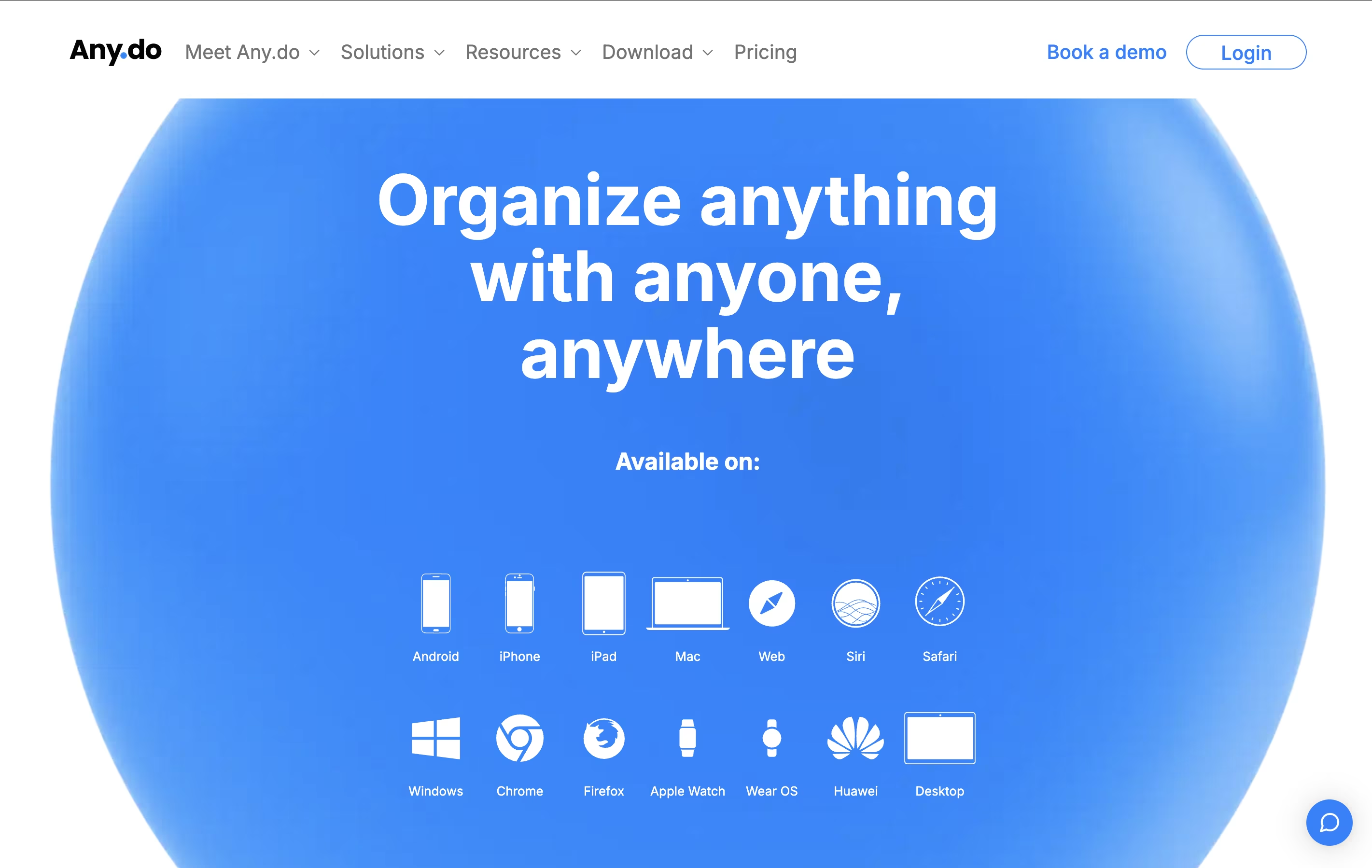
Any.do screenshot 2
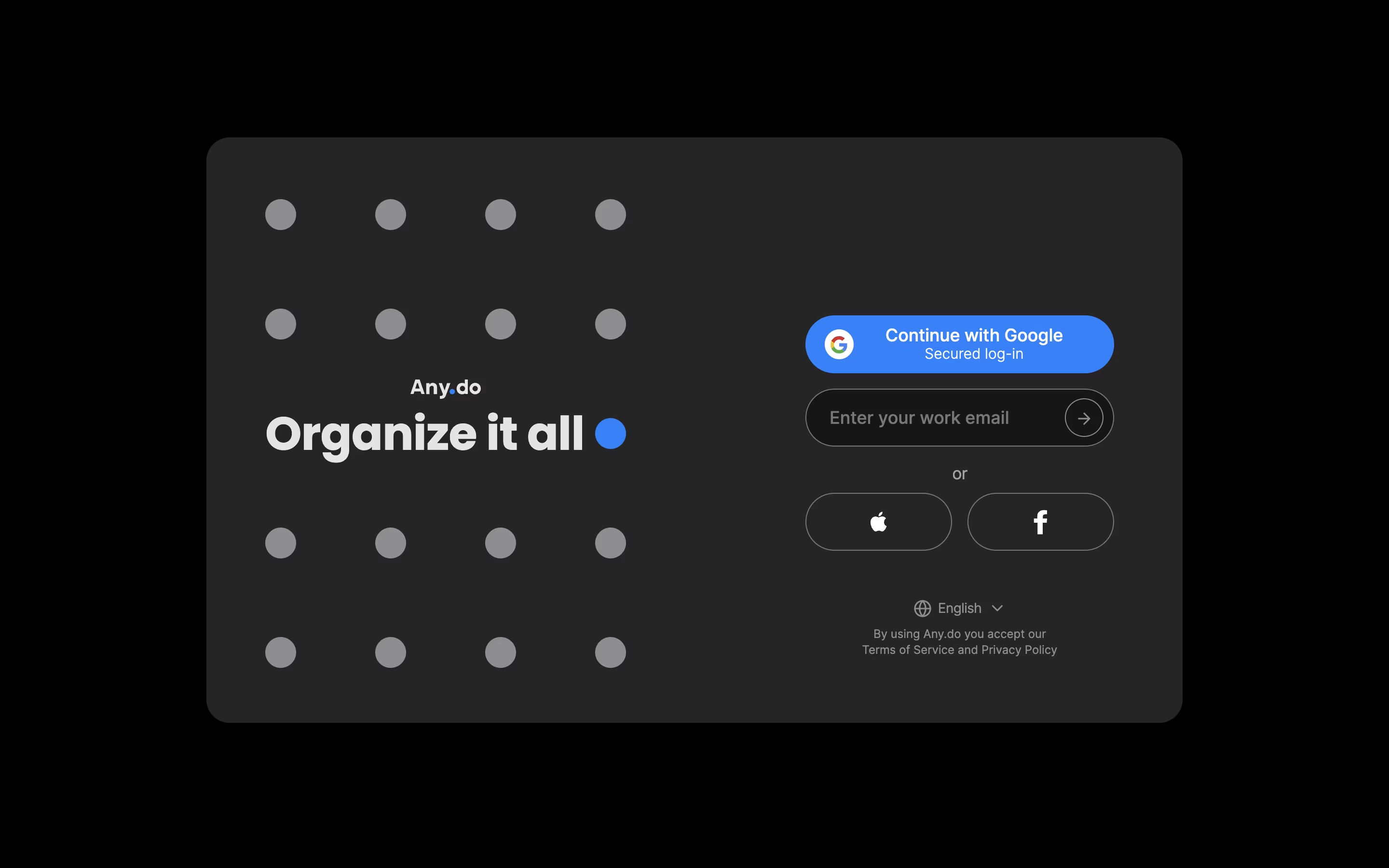
Any.do screenshot 3
Any.do screenshot 4
Any.do screenshot 5

What is Any.do

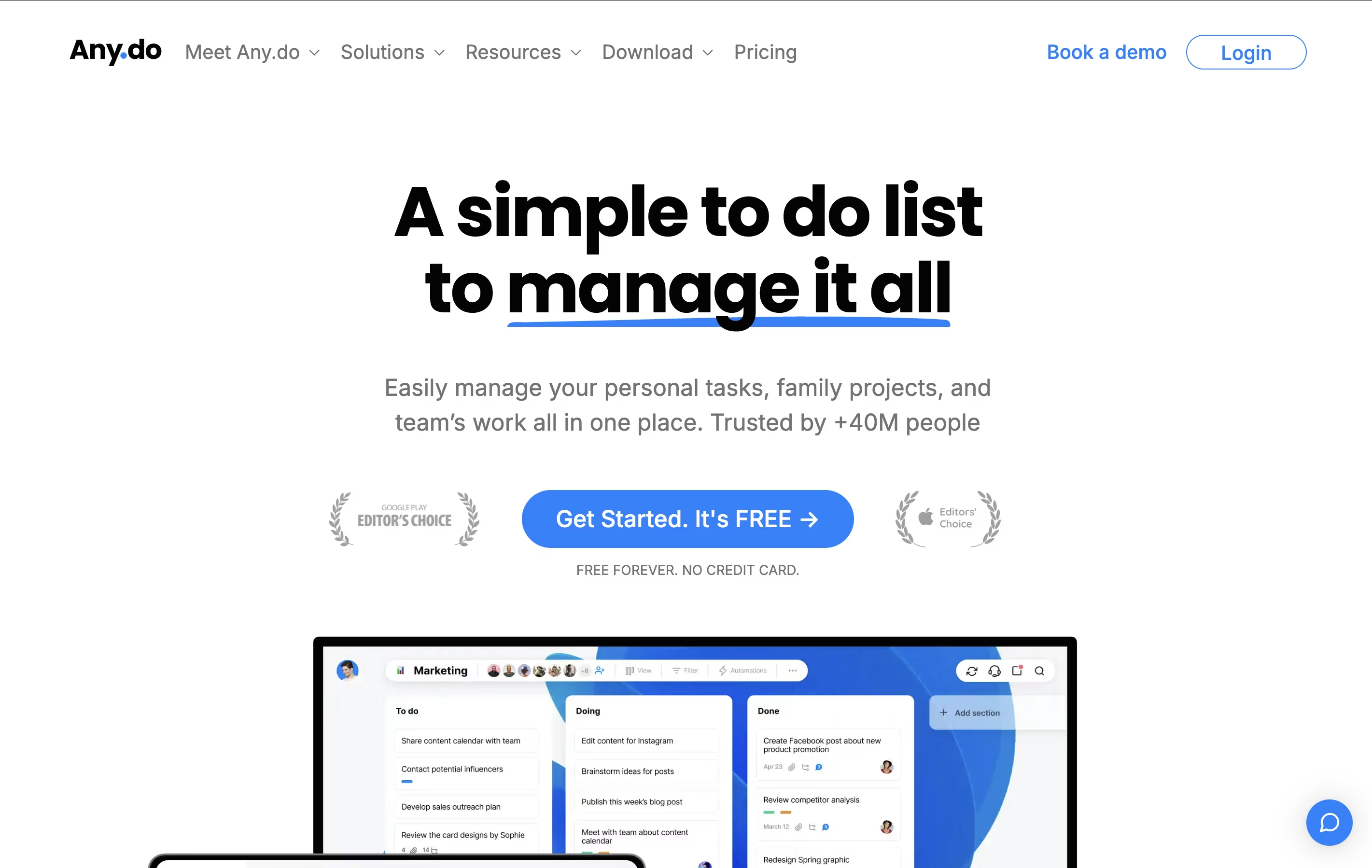
Any.do is a tool that helps you manage your tasks and organize your time effectively. You can create lists of things to do, set reminders so you don't forget important items, and see your schedule in a calendar view. Unlike complicated project tools, Any.do keeps things simple and easy to understand.

The app works on your phone, computer, and tablet, and everything stays in sync. This means you can add a task on your phone and see it on your computer later. It also lets you share lists with family members or team members, making it great for group projects or household planning.

Both free and paid versions are available, with the paid plans offering extra features like recurring tasks, color tags, and team collaboration tools.

How to Use Any.do

Using Any.do is simple and quick. Here's how to get started:

  • Download the app or visit the website and create your free account using your email, Google, or Apple account.

  • Start by creating your first task. Just type what you need to do and press enter. You can add as many tasks as you want.

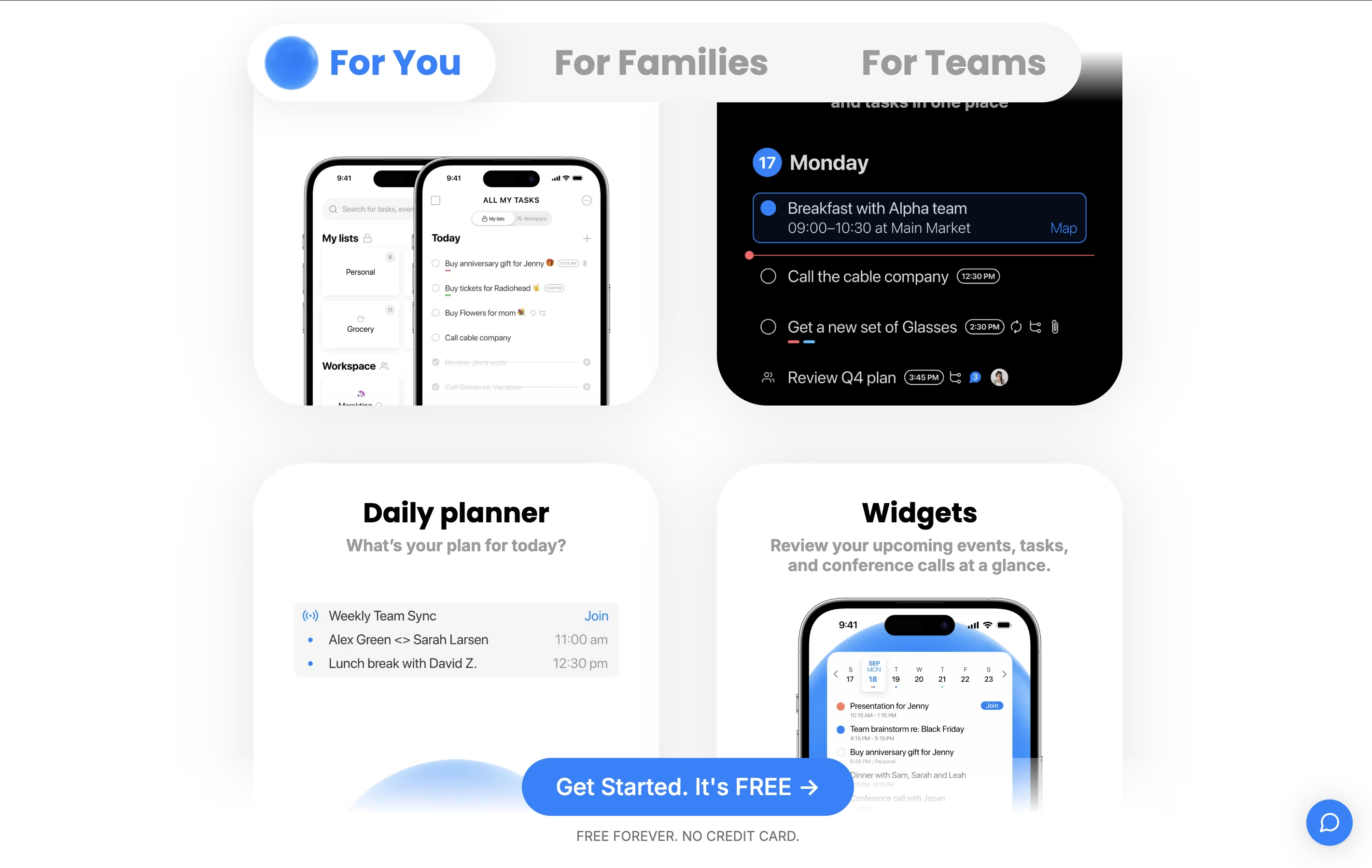
  • Set reminders for important tasks by clicking on them and choosing a time. You can also set location-based reminders that alert you when you arrive somewhere.

  • Use the calendar view to see all your tasks and events in one place. You can drag tasks to different dates to reschedule them easily.

  • Create different lists to organize tasks by category, like work, personal, or shopping.

  • For team projects, upgrade to a paid plan and invite others to share boards where everyone can see and update tasks together.

Features of Any.do

  • Task lists with unlimited tasks

  • Calendar integration with Google and Outlook

  • One-time and recurring reminders

  • Location-based alerts

  • Daily planning with My Day feature

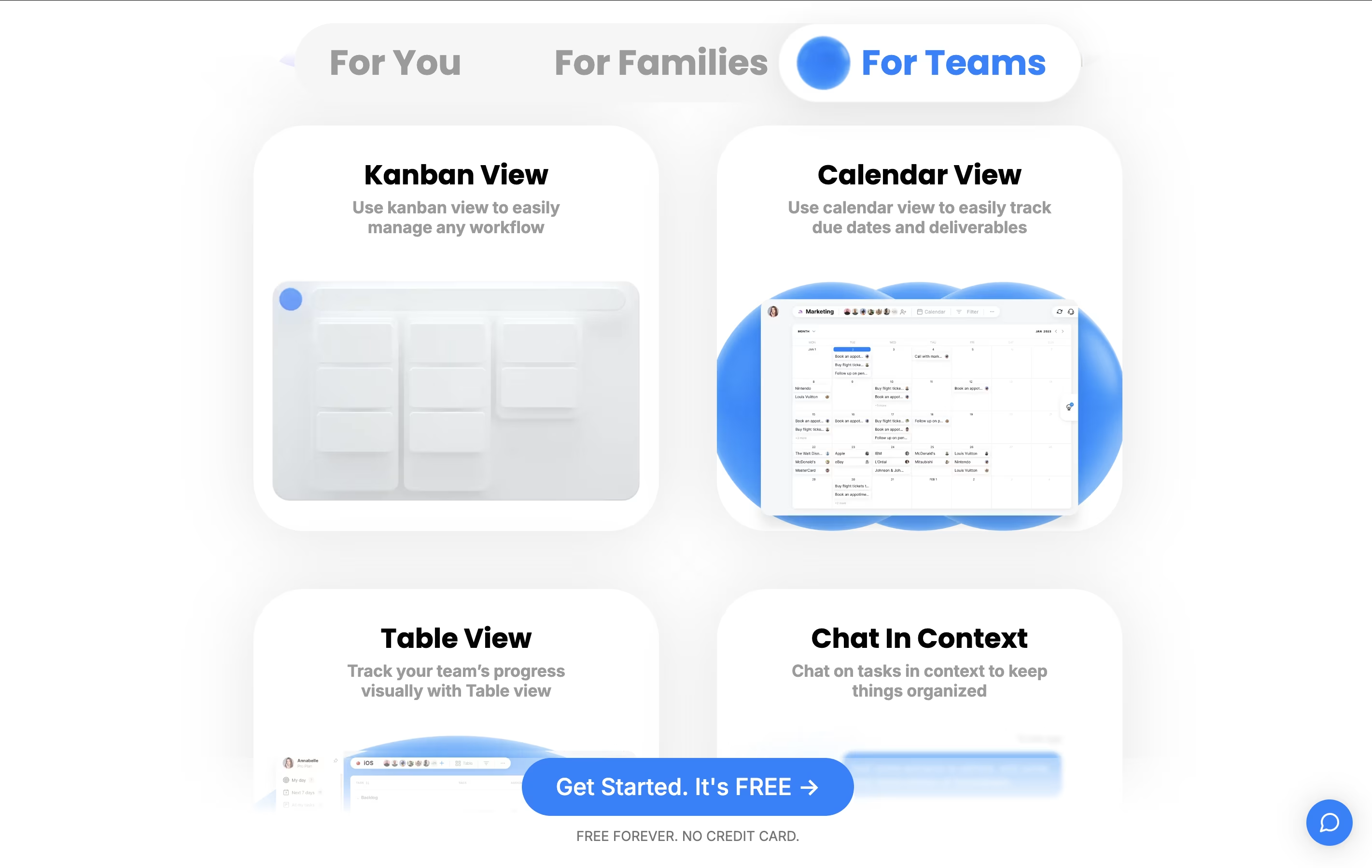
  • Team collaboration and task sharing

  • WhatsApp integration for reminders

  • Voice input for hands-free task creation

  • Smart grocery lists with auto-sorting

  • Color tags and priority markers

  • Mobile, web, and desktop apps

Any.do Pricing

Free

Free

What's included:
  • Unlimited tasks
  • Tasks & lists
  • Basic reminders
  • Calendar integration
  • Daily planner
  • Sync across devices
Most Popular
Premium

$7.99 /mo

What's included:
  • Everything in Free
  • Recurring tasks
  • WhatsApp reminders
  • AI-powered features
  • Color tags
  • Location reminders
  • Priority support
Family

$9.99 /mo

What's included:
  • Everything in Premium
  • Up to 4 family members
  • Shared family space
  • Shared grocery list
  • Up to 4 shared projects
  • Family calendar view
Teams

$7.99

What's included:
  • Everything in Premium
  • Collaborative workspace
  • Unlimited project boards
  • Unlimited team members
  • 100+ workflow templates
  • Admin tools & permissions
  • Team performance tracking

FAQ's About Any.do

Is Any.do free to use?
Yes, Any.do offers a free plan that includes unlimited tasks, basic reminders, calendar integration, and sync across all your devices. For more advanced features like recurring tasks, color tags, and team collaboration, you can upgrade to Premium ($7.99/month), Family ($9.99/month), or Teams ($7.99/member/month) plans.
Can I use Any.do offline?
Yes, Any.do works offline. You can create and edit tasks without an internet connection, and all changes will automatically sync across your devices once you're back online. This makes it perfect for staying productive even when you don't have internet access.
How does Any.do compare to other task apps?
Any.do stands out by combining task management with calendar features in a simple, user-friendly interface. Unlike basic to-do apps, it offers calendar integration, location reminders, and team collaboration. It's simpler than complex project tools but more powerful than basic task lists, making it perfect for everyday use.
Can I share tasks with my family or team?
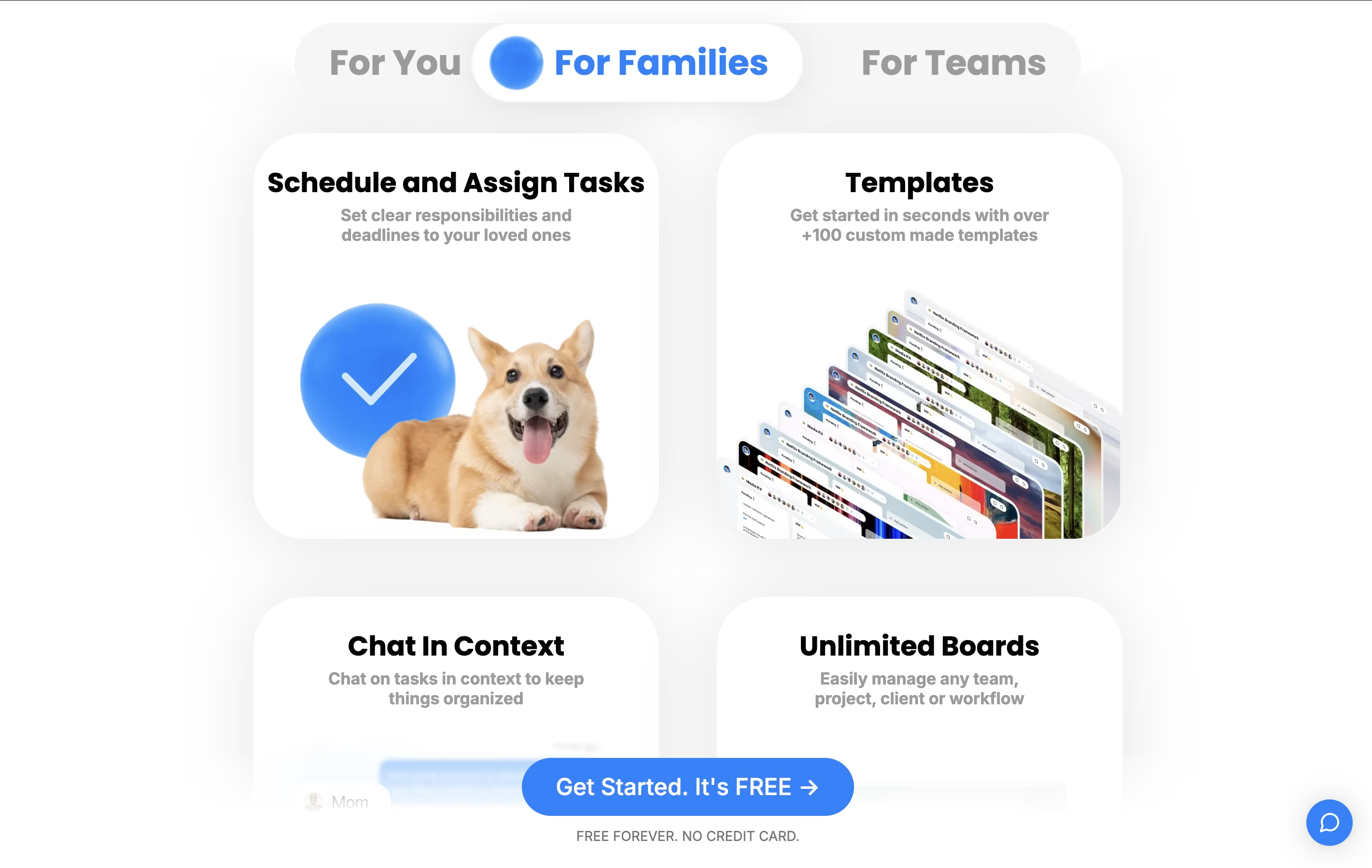
Yes, Any.do allows task sharing. With the Family plan, you can share boards with up to 4 family members for managing household activities. The Teams plan lets you collaborate with unlimited team members on projects, assign tasks, and track progress together in shared workspaces.
Does Any.do integrate with other apps?
Yes, Any.do integrates with many popular apps including Google Calendar, Outlook, WhatsApp, Gmail, Slack, Zapier, Alexa, Google Assistant, and Siri. These integrations help you create tasks from emails, get reminders through WhatsApp, and manage your schedule without switching between apps.

Share your experience with Any.do

Loading...

See what users are saying about Any.do

0.0

0 Reviews

5
0
4
0
3
0
2
0
1
0

No reviews yet

Be the first to review Any.do

Embed Any.do badges

Show your community that Any.do is featured on Tool Questor. Add these beautiful badges to your website, documentation, or social profiles to boost credibility and drive more traffic.

Light Badge Preview