

Best 12 Tools for Goal Setting in 2026
Last Updated: March 24, 2026
Vague intentions rarely turn into results without a clear structure behind them. Goal Setting tools help define, track, and break down goals into actionable steps.
Individuals and teams use goal setting tools to stay focused and measure progress toward what actually matters.
 Operately
 OperatelyOpen Source Startup Operating System,
  TickTick
 TickTickSmart Task Management with Calendar & Habits, and
  Remember The Milk
 Remember The MilkSmart To-Do List and Task Manager are the best for Goal Setting. So, let’s take a closer look at all 12 tools.

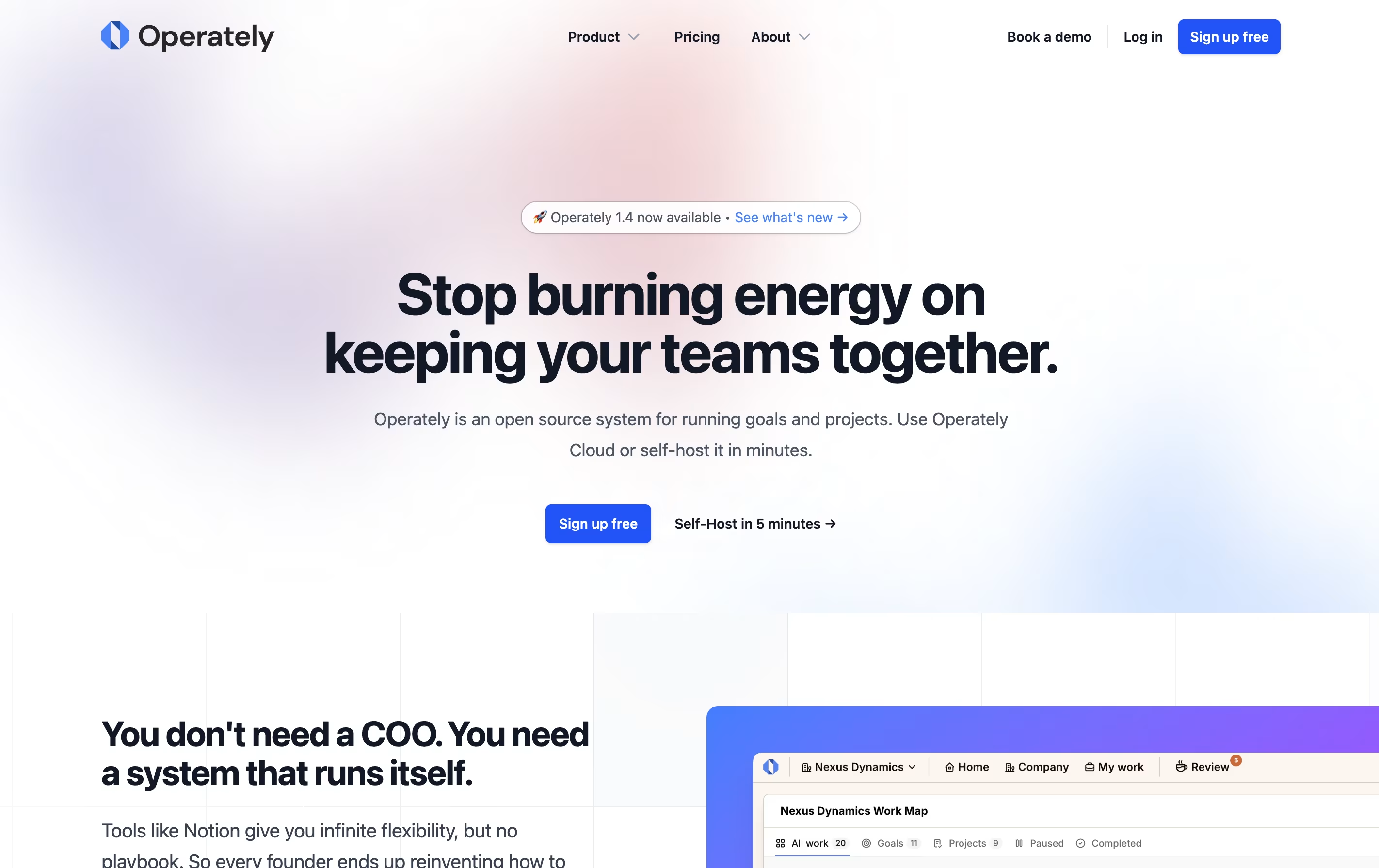
Operately is an all-in-one platform that helps teams manage their work without needing a full-time operations manager. It brings together three main areas: goal tracking similar to OKRs, project management with tasks and milestones, and team collaboration through message boards and documents.
The tool is open source, which means the code is publicly available and you can even host it on your own servers if you want full control over your data. This makes it appealing to companies that care about privacy and security.
Operately also includes an AI assistant called Alfred that reviews your goals and projects, giving helpful feedback and suggestions to keep your team on track and improve how you work.
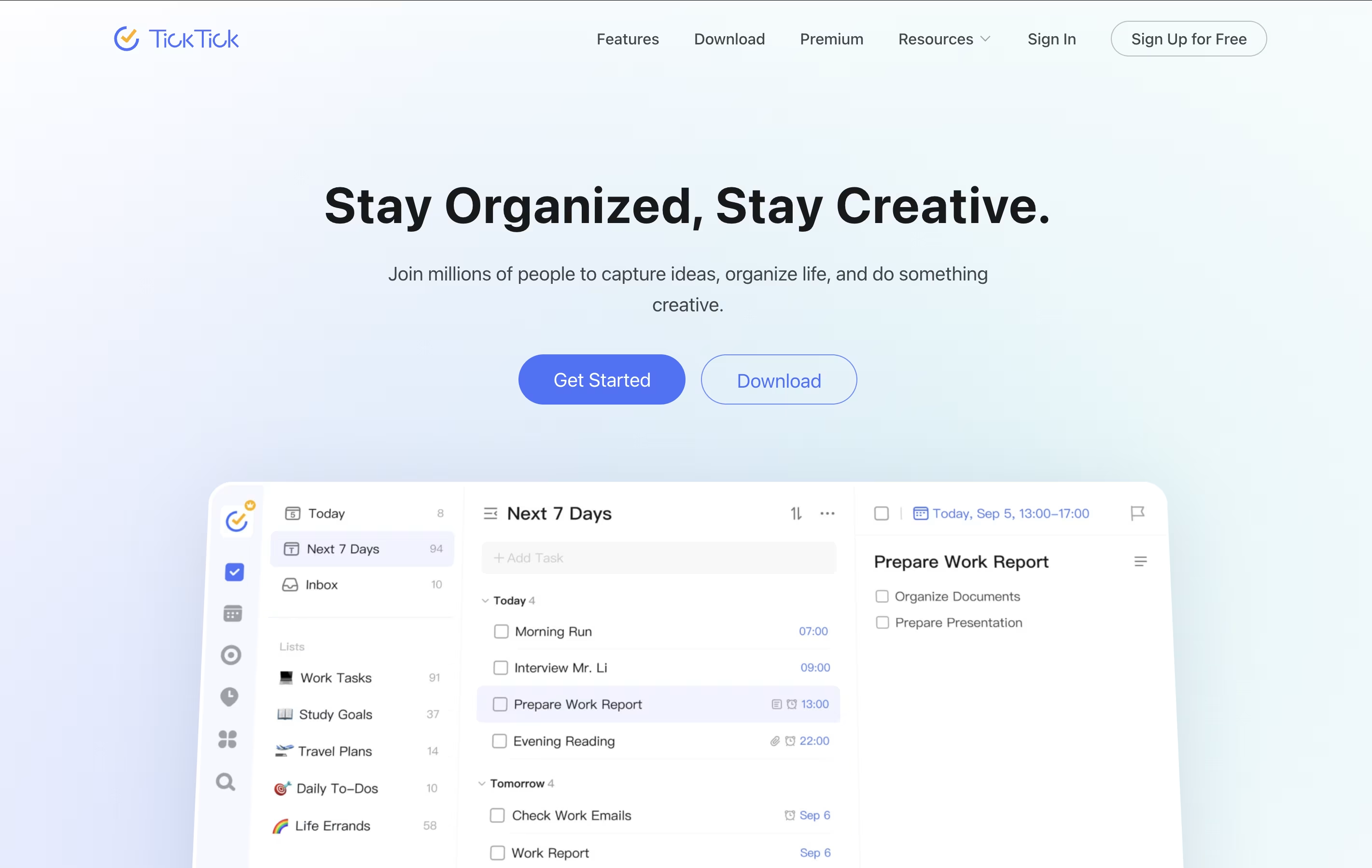
TickTick is a complete task management system that helps you organize everything you need to do. It lets you create tasks, set due dates, add reminders, and check things off when finished. Beyond simple to-do lists, it includes a built-in calendar to see your schedule, a Pomodoro timer to stay focused, and a habit tracker to build better routines.
The app uses cloud technology to keep your information synced across all your devices. You can access your tasks from your phone, tablet, computer, or web browser, and changes appear everywhere instantly. TickTick also includes natural language processing, which means you can type something like "call mom tomorrow at 3pm" and it automatically sets the right date and time. This makes adding tasks quick and natural.
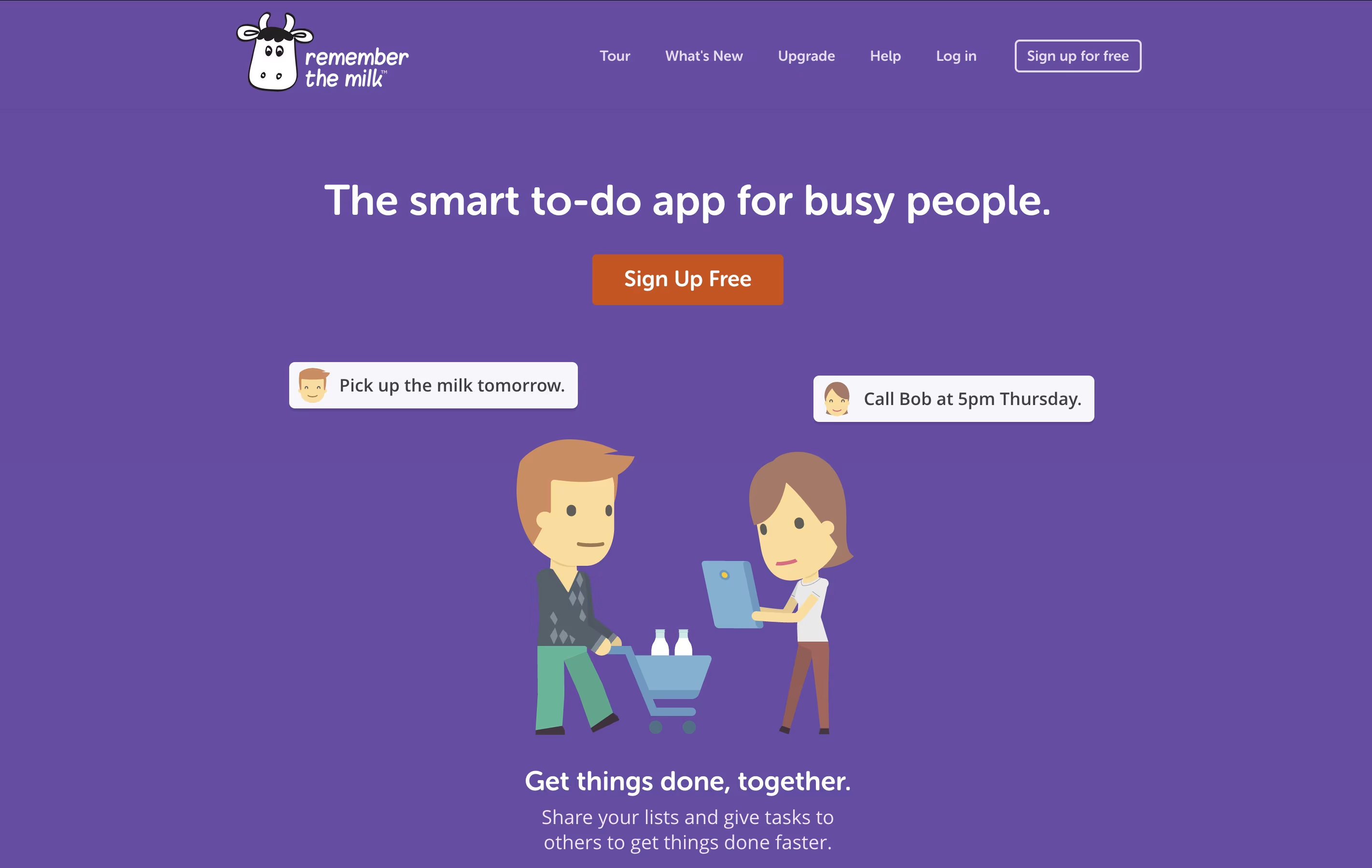
Remember The Milk is a task management application that works on web browsers, desktop computers, and mobile devices. It helps you keep track of everything you need to do in one place. The tool allows you to create multiple lists, organize tasks with tags, set due dates, and receive reminders when tasks are approaching their deadlines.
The app offers both free and paid versions. The free version includes basic task management features like creating unlimited tasks, organizing them into lists, and syncing across devices. The paid Pro version adds advanced features like subtasks, colored tags, mobile reminders, file attachments, and integration with services like Zapier and Microsoft Outlook. Whether you need simple reminders or complex project management, Remember The Milk adapts to your needs.
Any.do is a tool that helps you manage your tasks and organize your time effectively. You can create lists of things to do, set reminders so you don't forget important items, and see your schedule in a calendar view. Unlike complicated project tools, Any.do keeps things simple and easy to understand.
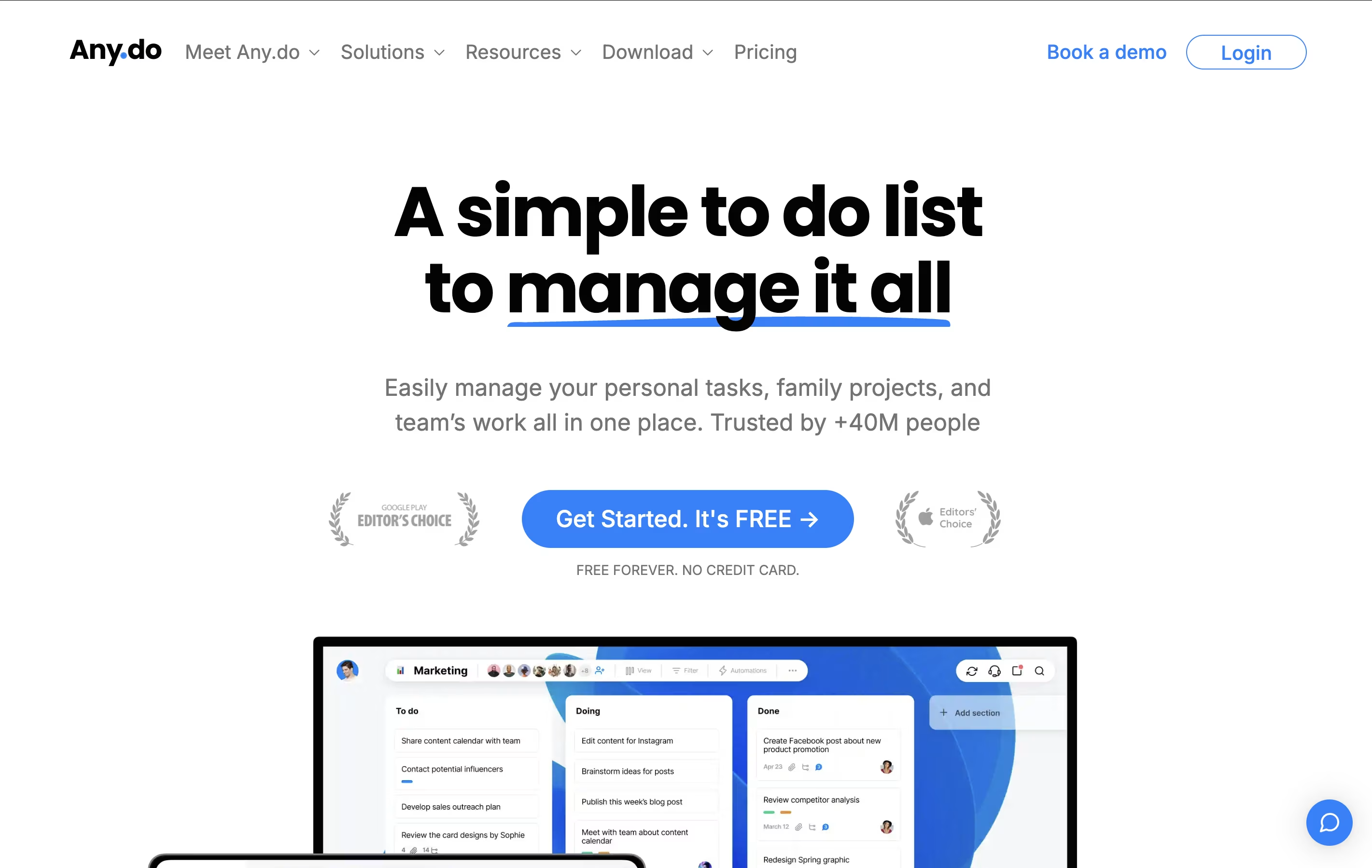
The app works on your phone, computer, and tablet, and everything stays in sync. This means you can add a task on your phone and see it on your computer later. It also lets you share lists with family members or team members, making it great for group projects or household planning.
Both free and paid versions are available, with the paid plans offering extra features like recurring tasks, color tags, and team collaboration tools.
Todoist is a task management app that helps you organize tasks and projects in one place. You can add tasks using simple language, set priorities, and group related items into projects. The app shows your tasks in different views like lists, boards, or calendars so you can see what needs attention.
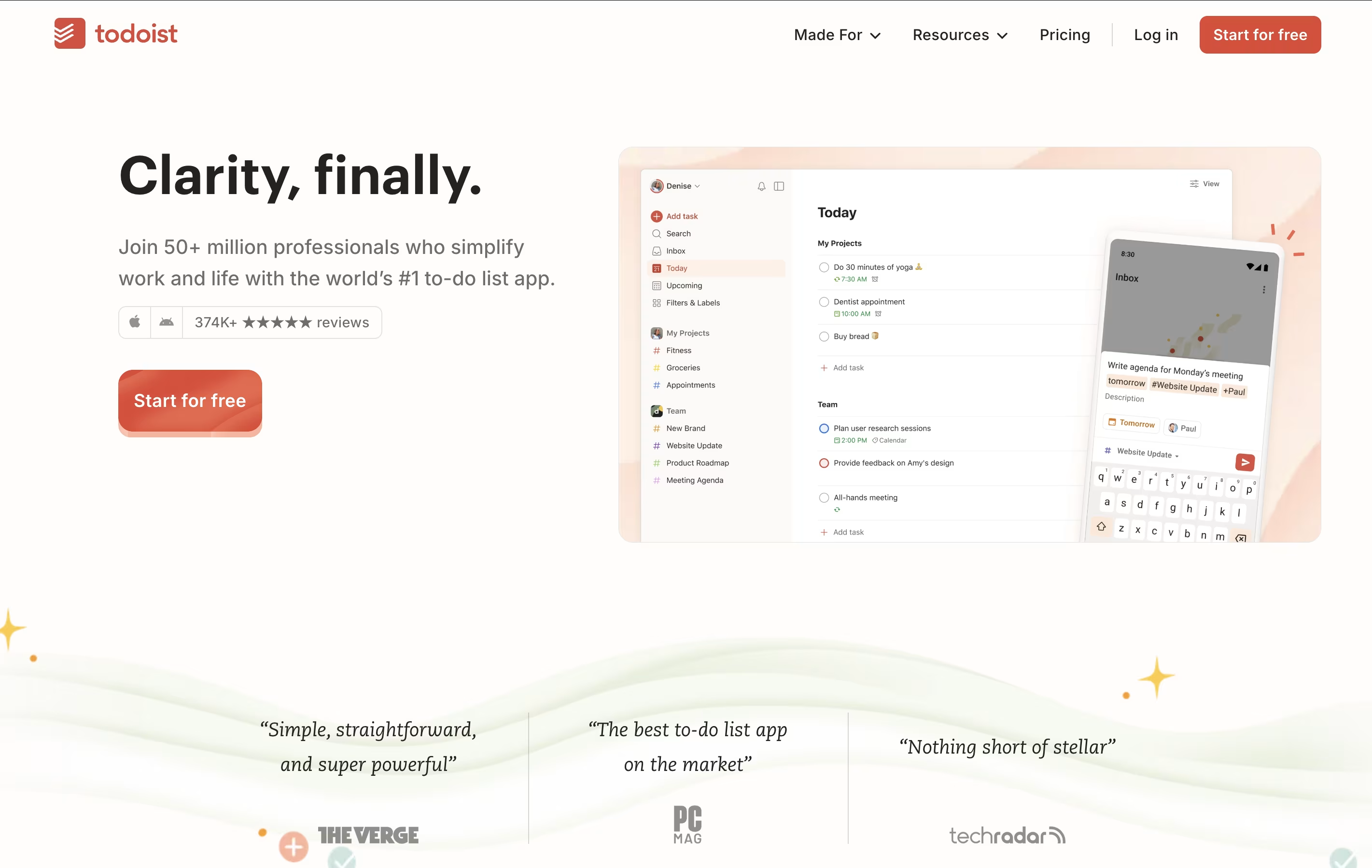
It works across all your devices and updates everything automatically. You can set reminders for important tasks, add notes and files, and work together with others on shared projects. The app also includes smart features like filters to find specific tasks quickly and templates to start common projects faster.
There is a free version with basic features and paid plans that add more power, including an AI assistant to help manage your workload better.

Rize is an intelligent time tracking and productivity coaching application designed for macOS and Windows users who want to maximize their work efficiency. Think of it as a fitness tracker for your productivity - it automatically monitors how you spend time on your computer, identifies patterns, and provides personalized recommendations to improve focus and reduce distractions.
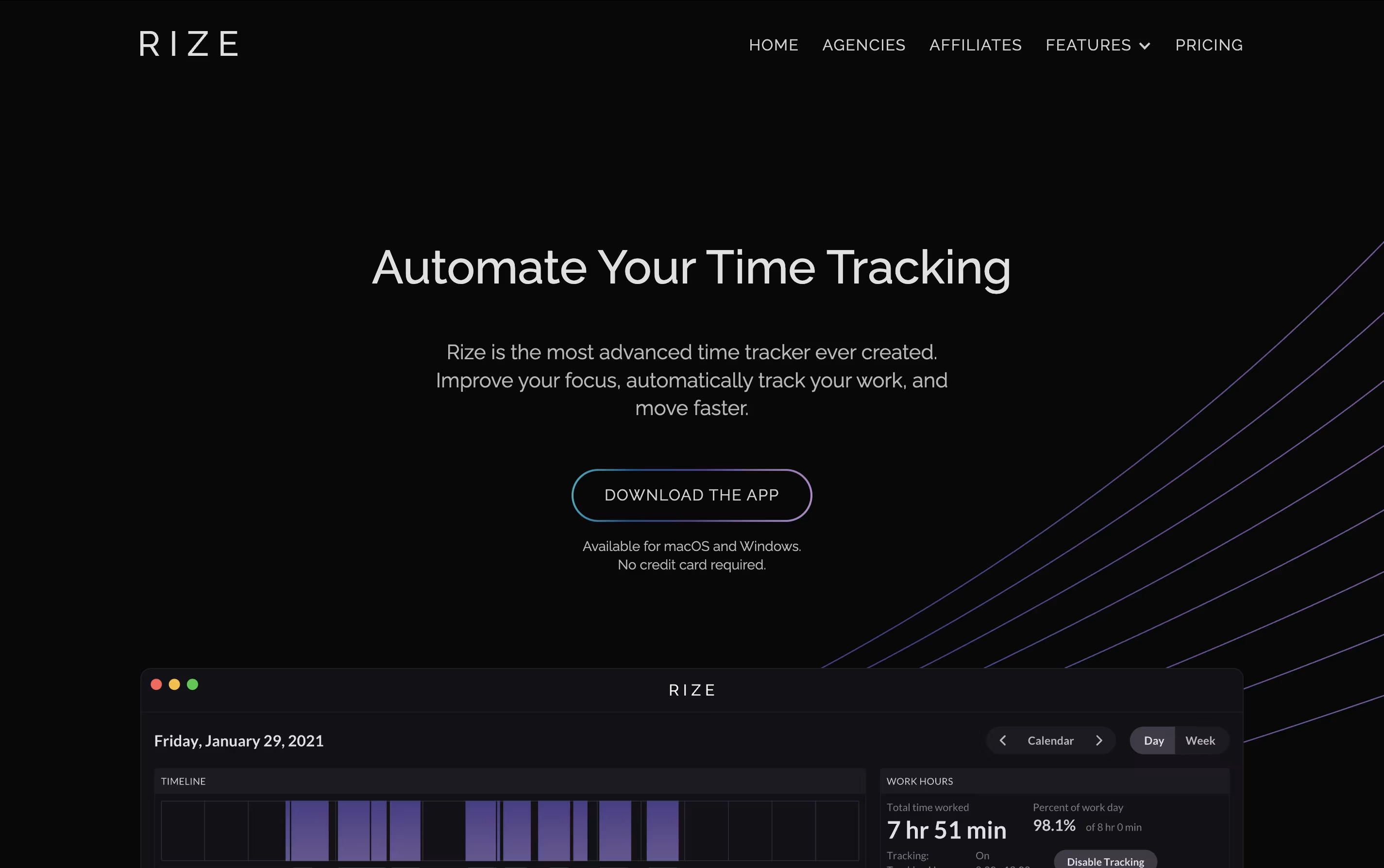
The software tracks your active windows, categorizes activities, and generates detailed reports without requiring you to start or stop timers manually. What sets Rize apart from basic time trackers is its AI-powered insights that help you understand not just where your time goes, but how to optimize it.
The platform includes focus-enhancement tools like website blocking, ambient focus music, break notifications, and detailed analytics that show you exactly which apps or websites interrupt your productive flow most frequently.

Vikunja is a complete task management system that you can use in different ways depending on your needs. It lets you create tasks, organize them into projects, set due dates, add reminders, and share work with others. The tool is built with speed in mind and every action happens quickly without loading delays.
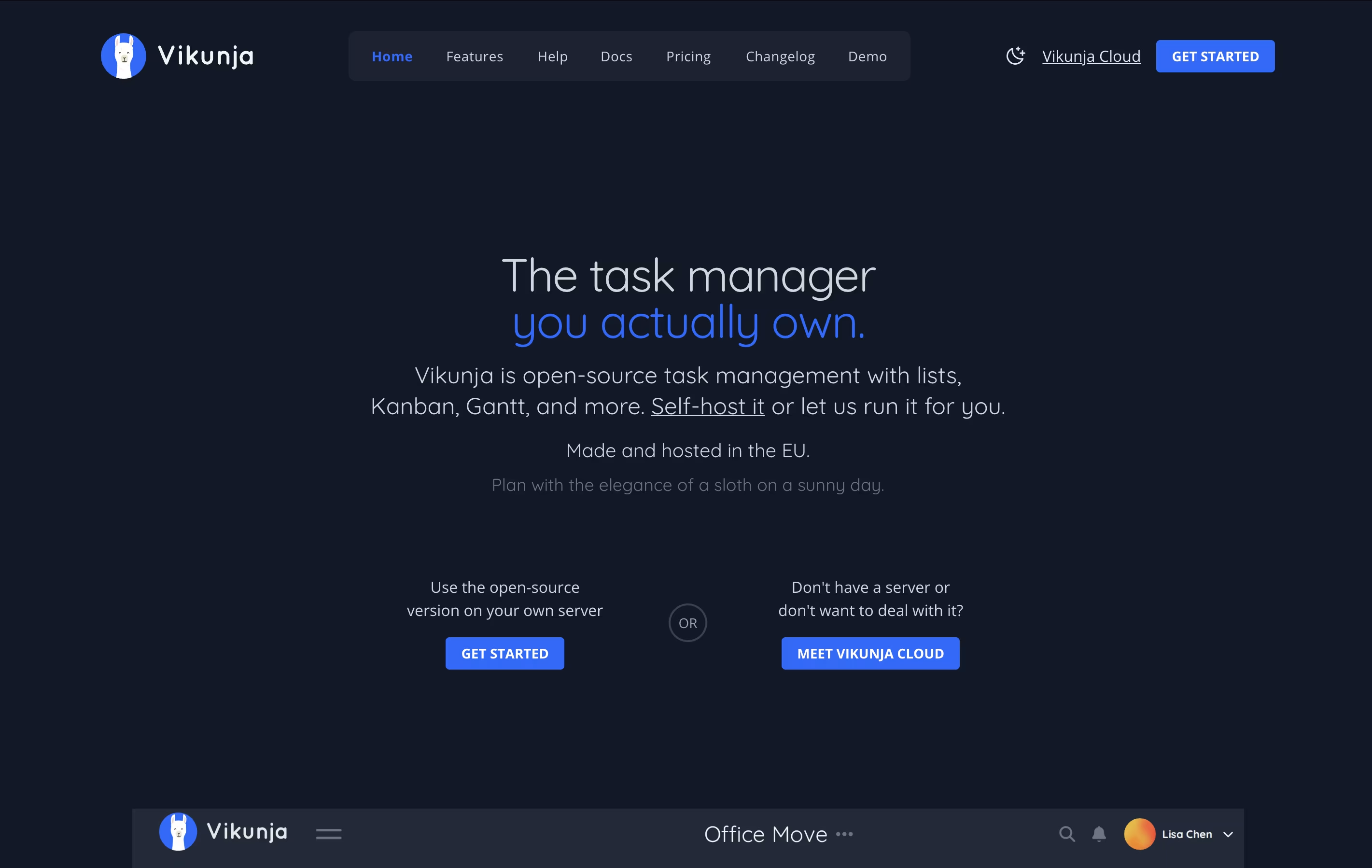
What makes Vikunja special is that it is completely open-source under the AGPL license. This means you can check the code, run it yourself, or use the cloud version. You get features like task relationships, filters, labels, subtasks, and file attachments. The interface is clean and modern, making it easy to focus on your work instead of learning complex software.
OmniFocus is a task manager that turns chaos into organized action. You can capture any task the moment you think of it, then organize it later with tags, projects, and dates. The tool helps you see what needs attention today while keeping future tasks out of sight until you need them.
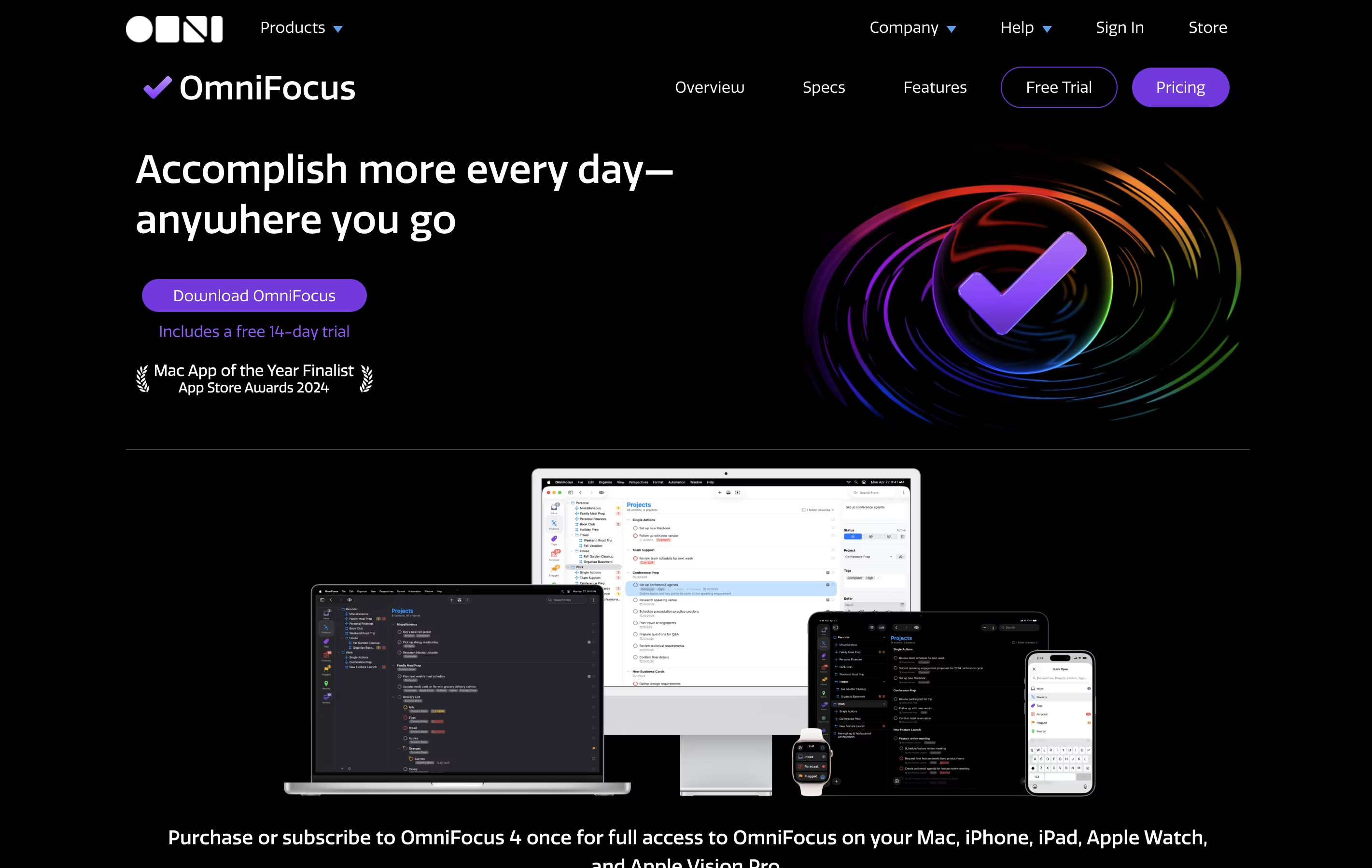
Unlike basic to-do apps, OmniFocus offers custom views called Perspectives that show your work exactly how you want to see it. The Forecast feature displays upcoming tasks alongside your calendar events. The Review function reminds you to check your projects regularly, making sure nothing gets forgotten.
There are different versions available: Standard and Pro licenses for one-time purchase, plus a subscription option that includes web access from any browser.
Akiflow is a comprehensive productivity platform that combines task management, calendar scheduling, and time-blocking in one powerful application. Think of it as the control center for your entire work life, designed specifically for busy professionals who use multiple tools throughout their day.
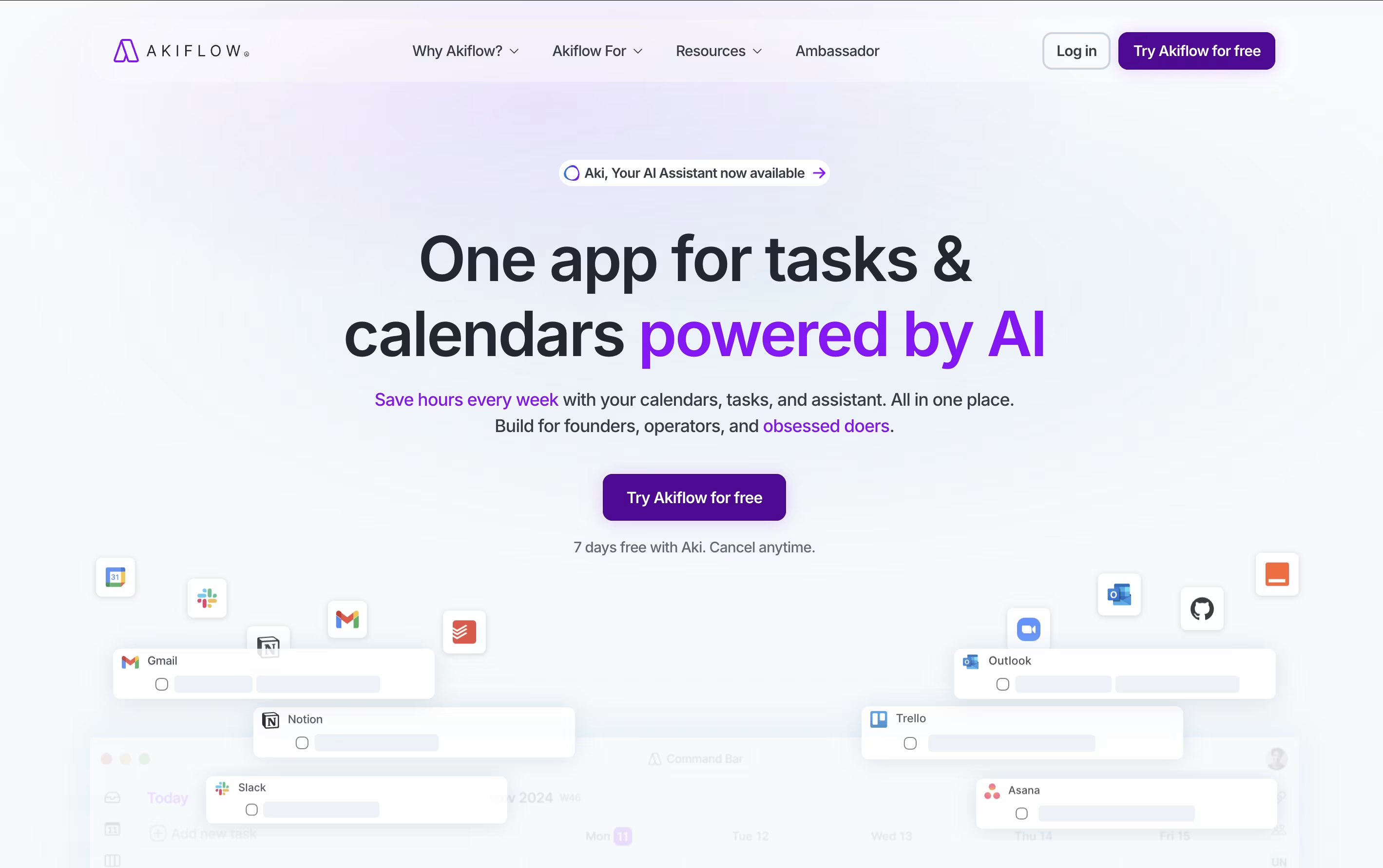
The platform automatically imports tasks from popular apps like Gmail, Slack, Asana, Notion, and thousands of others through smart integrations. What makes Akiflow special is its time-blocking approach - you can drag and drop tasks directly onto your calendar, ensuring every important item gets the time it deserves.
The platform also features an AI assistant called Aki that helps organize your schedule, suggests optimal time slots, and even handles routine scheduling tasks. Founded in 2020 and backed by Y Combinator, Akiflow has quickly become a favorite among founders, developers, and productivity enthusiasts who need to stay organized without the complexity.

Sunsama is a digital daily planner that combines task management with calendar planning. You can pull tasks from tools like Asana, Trello, Notion, and GitHub into one focused view. Each morning, Sunsama guides you through planning your day by setting time estimates and blocking time on your calendar.
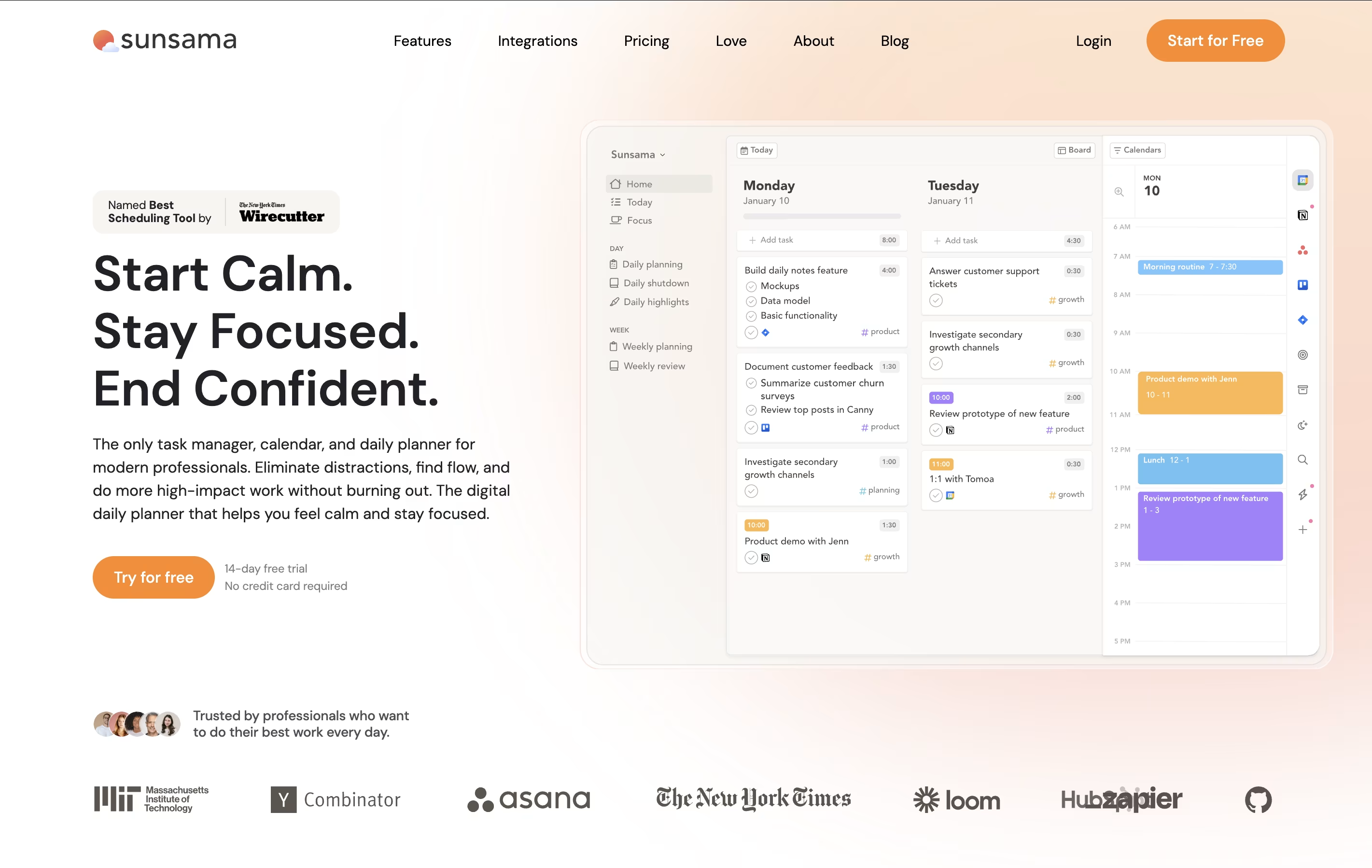
Unlike other task managers that just list everything you need to do, Sunsama helps you choose what to work on today. It syncs with your calendar so you can see meetings alongside tasks. The tool includes daily planning rituals, end-of-day reviews, and weekly reflection sessions to help you stay on track.
There is a 14-day free trial with no credit card required. After that, paid plans start at $16 per month when billed yearly, or $20 per month when billed monthly.

Morgen is an AI-powered calendar and task management platform designed to help you manage all your time commitments in one place. Think of it as your personal scheduling assistant that combines multiple calendars with intelligent task planning.
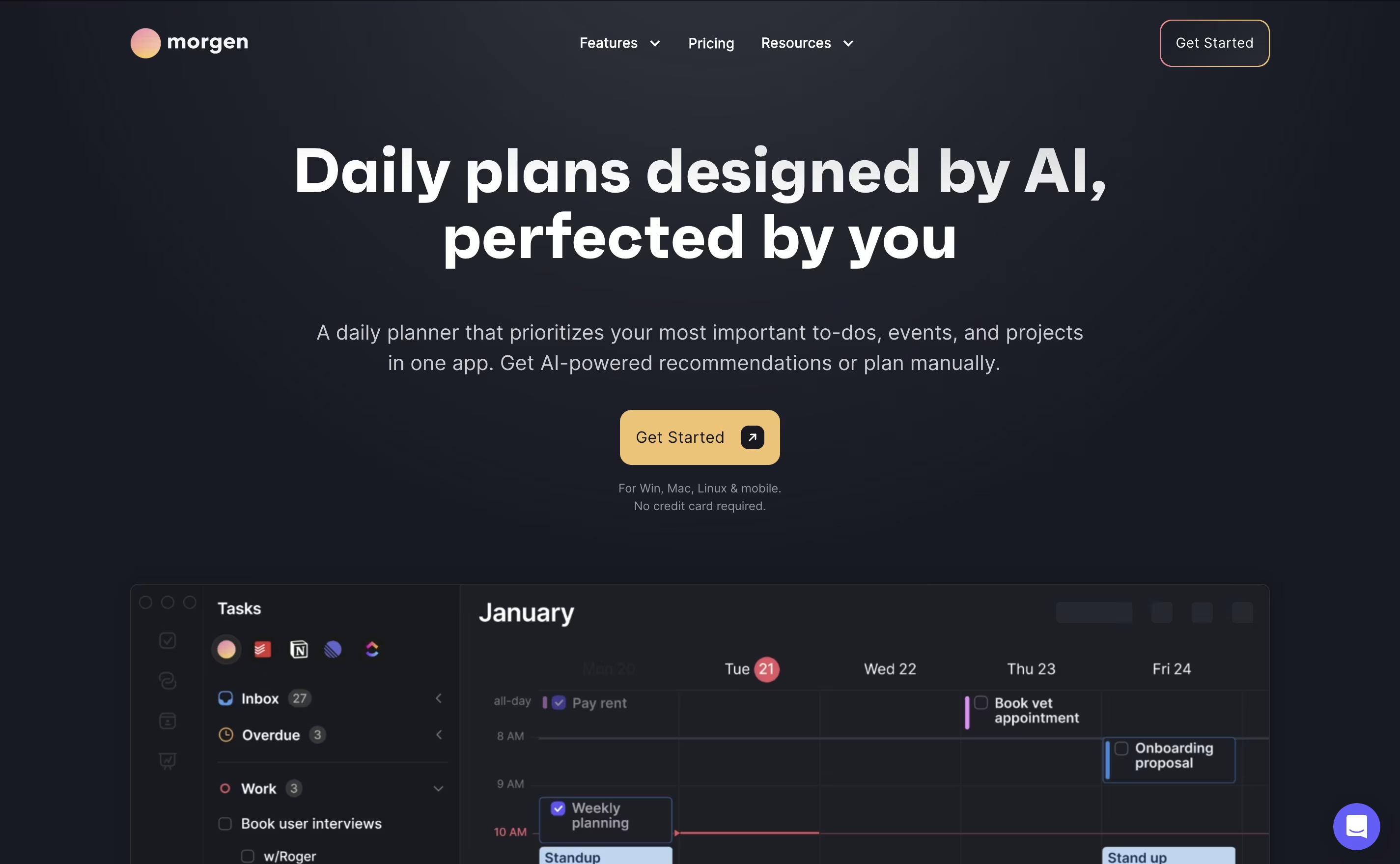
The app works by connecting your existing calendars from Google, Outlook, Apple, and other providers, then adding powerful features like task integration, AI-powered scheduling, and workflow automation. The main difference from regular calendar apps is simple: instead of just showing events, Morgen helps you plan productive days by scheduling tasks alongside meetings.
Founded as a cross-platform solution, Morgen works on Windows, Mac, Linux, iOS, and Android. The AI Planner feature analyzes your available time and creates daily schedules that prioritize important tasks while protecting focus time. You can share booking links, automate calendar workflows, and sync tasks from your favorite productivity tools seamlessly.

ClickUp is the world's only all-in-one productivity platform that flexes to the way people want to work. Founded in 2017 and based in San Diego, it replaces all individual workplace productivity tools with a single, unified workspace.
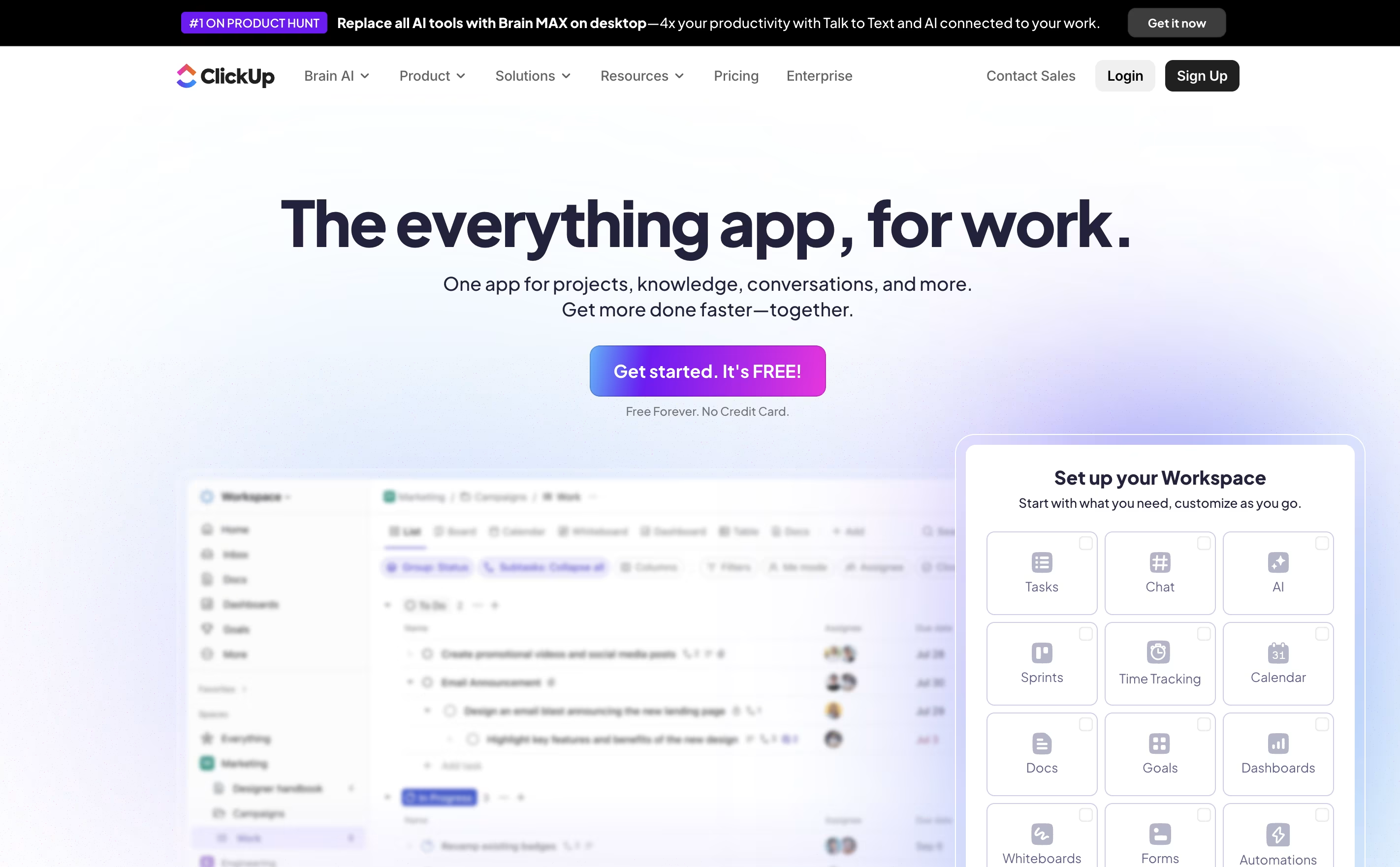
The platform combines project management, task tracking, document collaboration, whiteboards, spreadsheets, time tracking, and goal setting in one place. Unlike traditional project management tools that focus on just one area, ClickUp aims to be the "everything app for work" that eliminates app switching and increases team efficiency.
Used by over 10 million users and 2 million teams worldwide, ClickUp serves businesses of all sizes across different industries. The platform is designed to handle any type of work, from simple task lists to complex enterprise workflows, making it suitable for marketing teams, developers, agencies, and large corporations alike.





