



TickTick
Smart Task Management with Calendar & Habits
TickTick is an all-in-one task management and productivity app with to-do lists, calendar, reminders, and habit tracking features.



What is TickTick
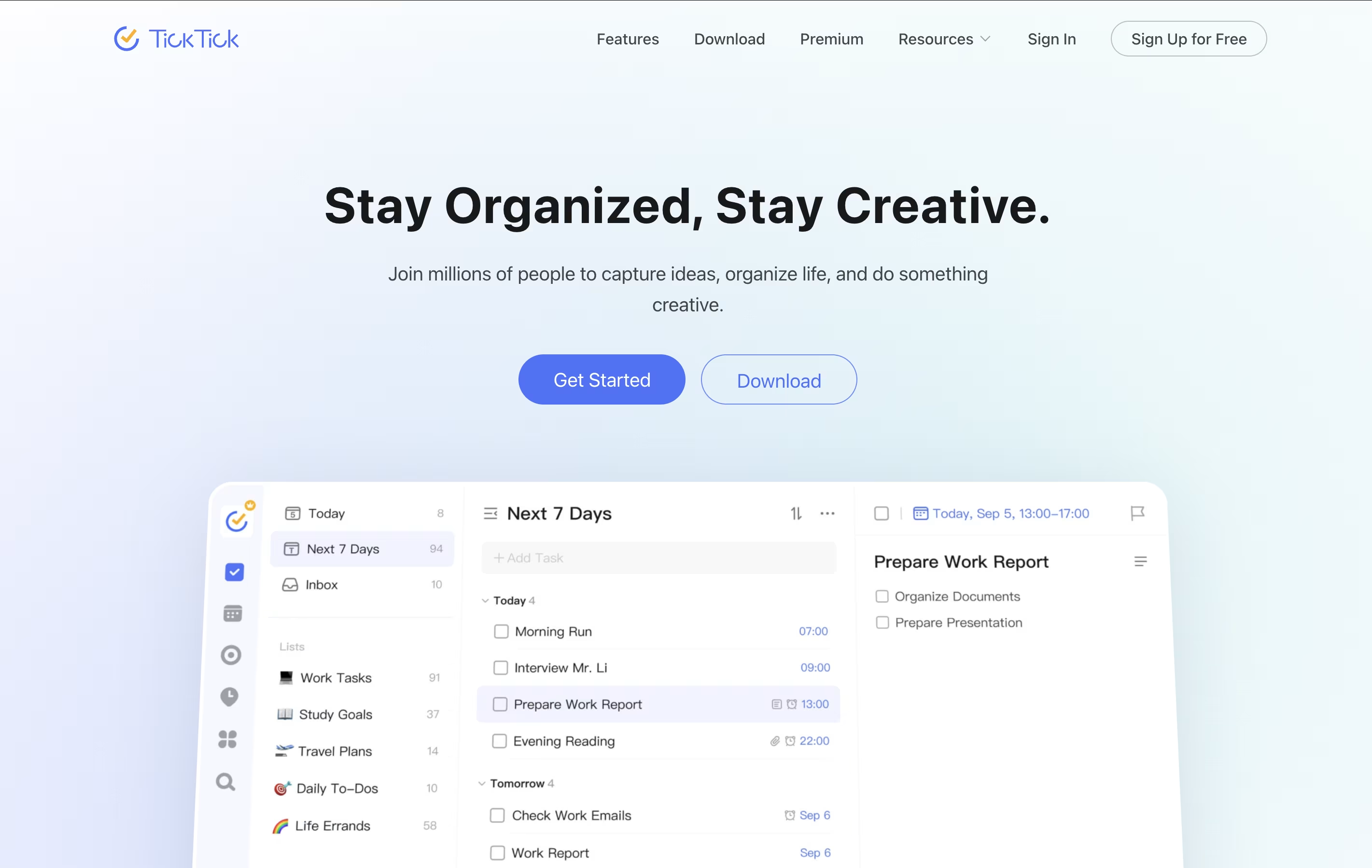
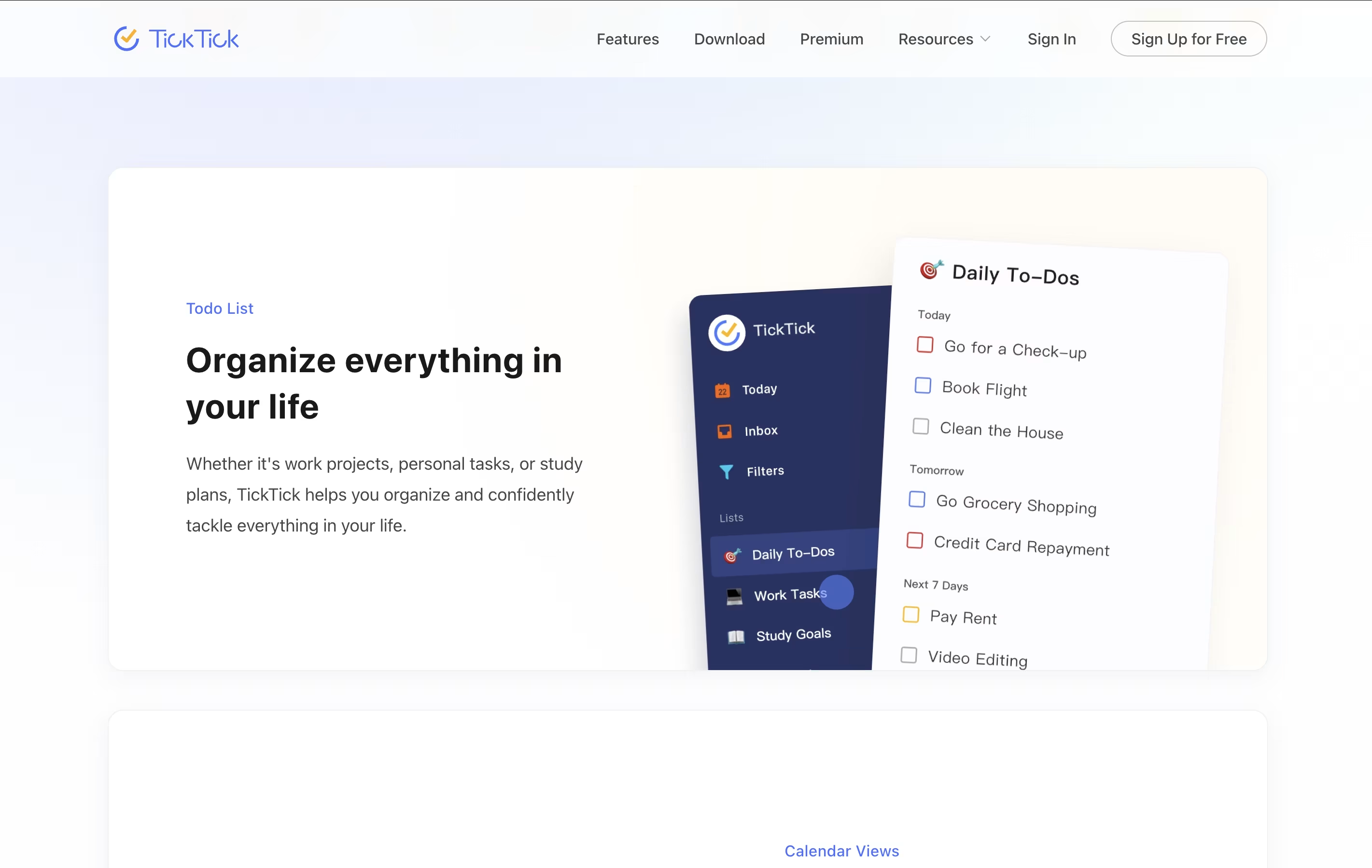
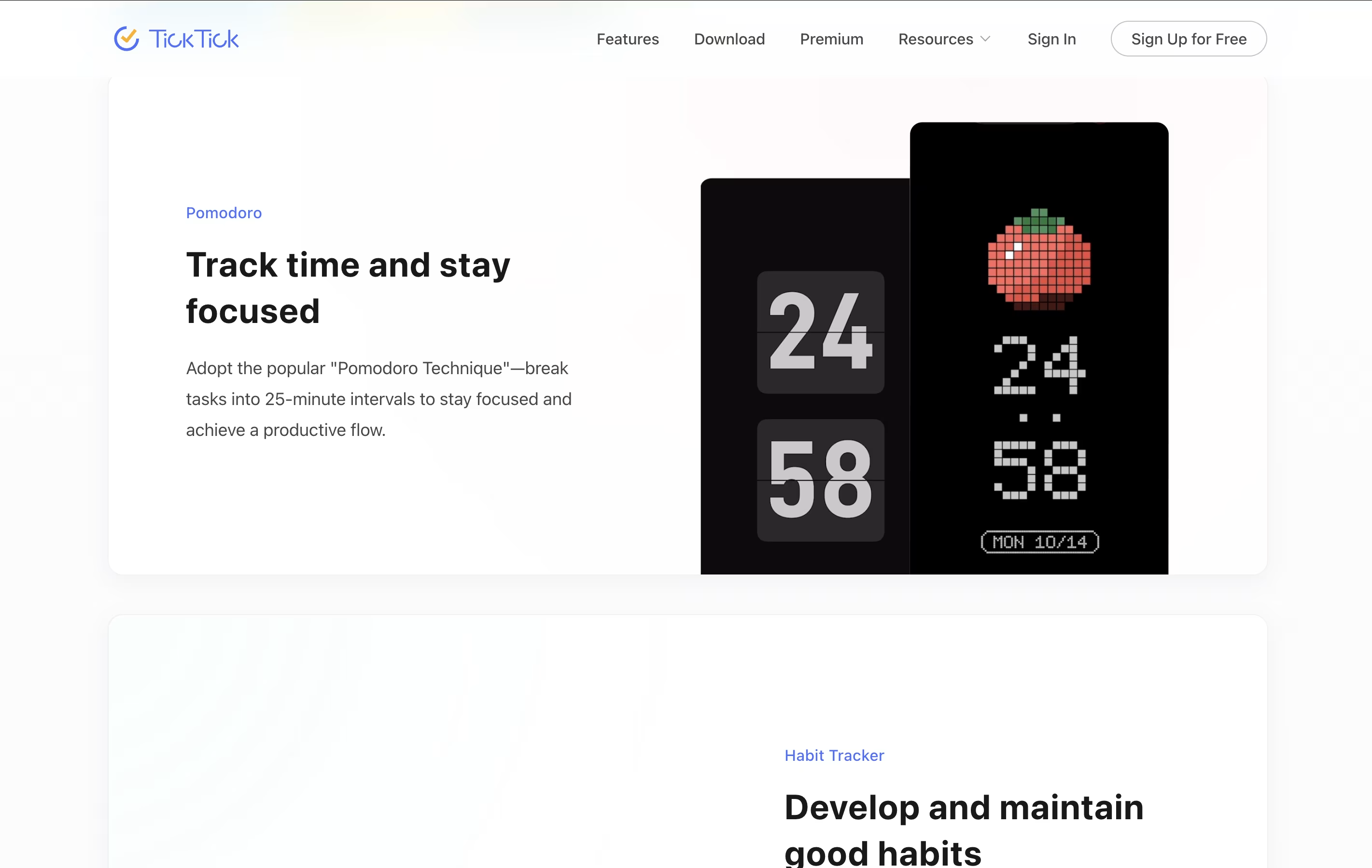
TickTick is a complete task management system that helps you organize everything you need to do. It lets you create tasks, set due dates, add reminders, and check things off when finished. Beyond simple to-do lists, it includes a built-in calendar to see your schedule, a Pomodoro timer to stay focused, and a habit tracker to build better routines.
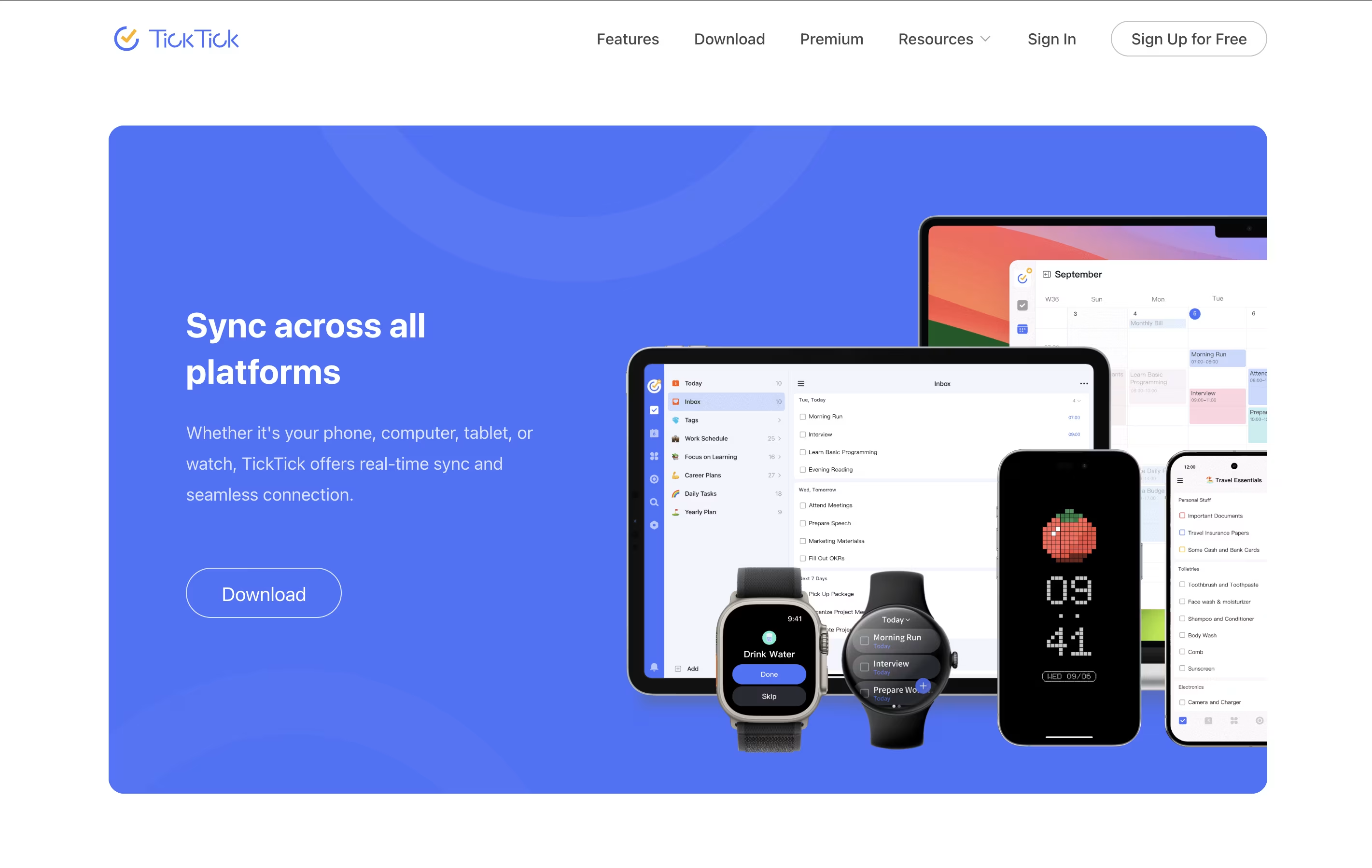
The app uses cloud technology to keep your information synced across all your devices. You can access your tasks from your phone, tablet, computer, or web browser, and changes appear everywhere instantly. TickTick also includes natural language processing, which means you can type something like "call mom tomorrow at 3pm" and it automatically sets the right date and time. This makes adding tasks quick and natural.
Features of TickTick
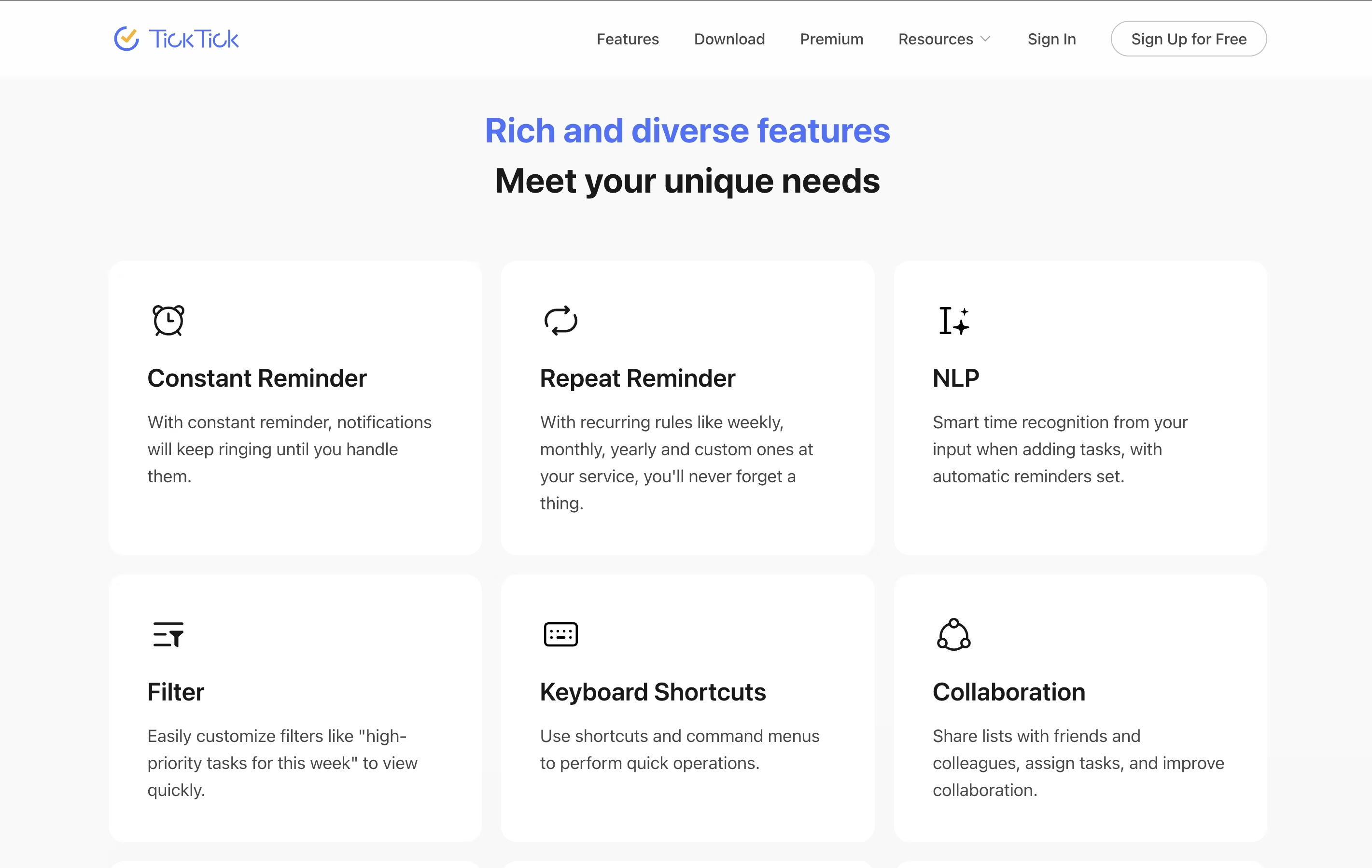
Task lists with subtasks and priorities
Natural language task entry
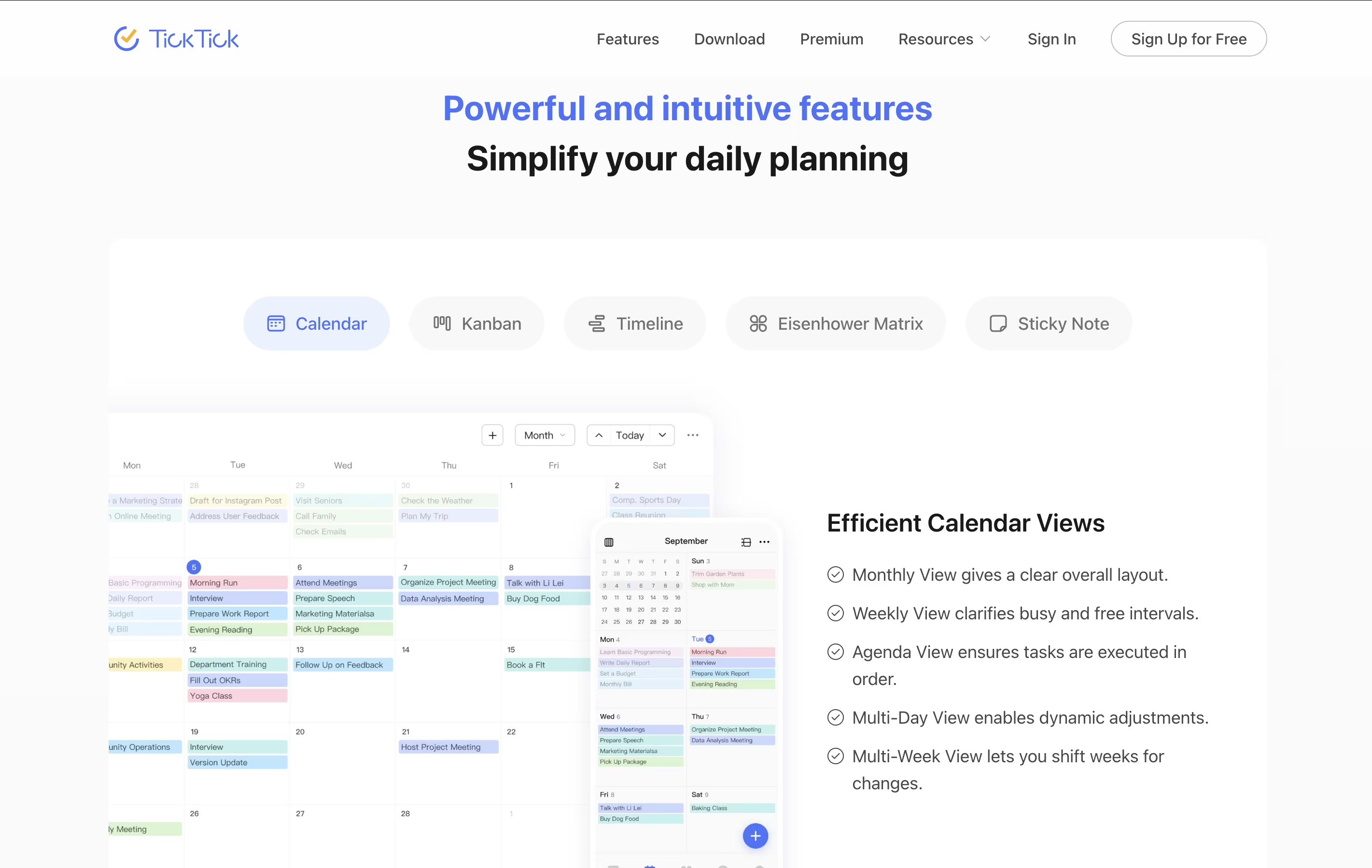
Calendar with multiple views
Pomodoro timer with white noise
Habit tracker with streak counting
List sharing and collaboration
Multiple reminders per task
Tags and smart filters
Cross-platform syncing
Eisenhower Matrix view
Offline access
Recurring tasks
File attachments
Voice input support
Custom themes and backgrounds
TickTick Pricing
Free
- Unlimited basic tasks
- Up to 9 lists with 99 tasks each
- 19 subtasks per task
- 2 reminders per task
- Basic calendar views
- 1 collaborator per list
- Natural language input
- Cross-platform syncing
Premium
- 299 lists with 999 tasks per list
- 199 subtasks per task
- 5 reminders per task
- Share lists with up to 29 people
- Full calendar functionality
- Custom filters and smart lists
- Upload 99 files per day
- Activity history tracking
Student/Educator
- All Premium features included
- 25% discount for students and educators
- Valid educational email required
- Same features as Premium plan
- Priority support included
FAQ's About TickTick








See what users are saying about TickTick
0 Reviews
No reviews yet
Be the first to review TickTick