ToolQuestor Logo
Motion
No reviews yet
0 Saved
Added:3/21/2026
Type:Saas
Monthly Traffic:-
Pricing:
FREEMIUMSUBSCRIPTION
AI-PoweredMachine LearningCloud-BasedAutomationAnalytics
Granola

Granola

FEATURED
Bubble

Bubble

FEATURED
BASE44

BASE44

FEATURED
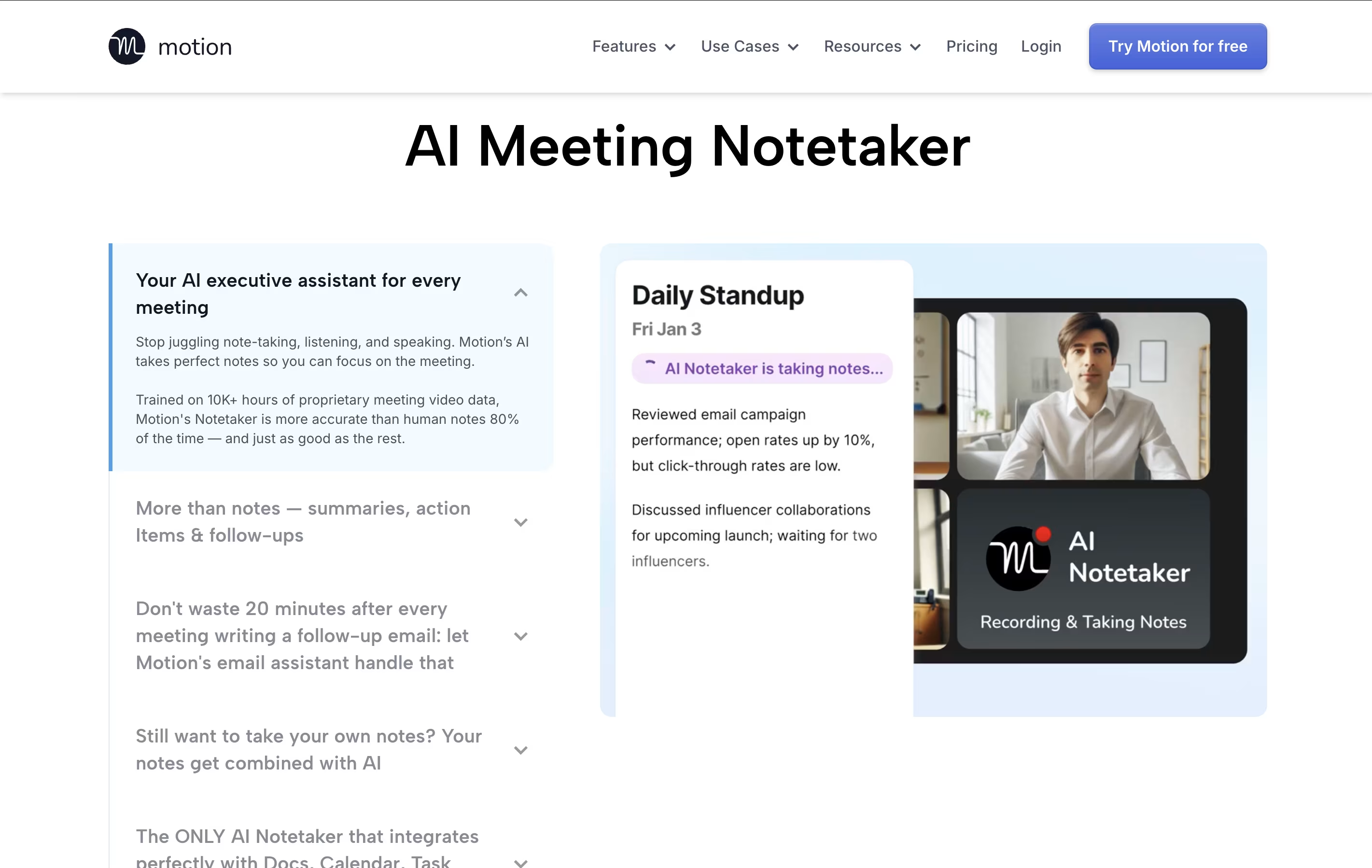
Motion screenshot 2
Motion screenshot 3
Motion screenshot 4
Motion screenshot 5

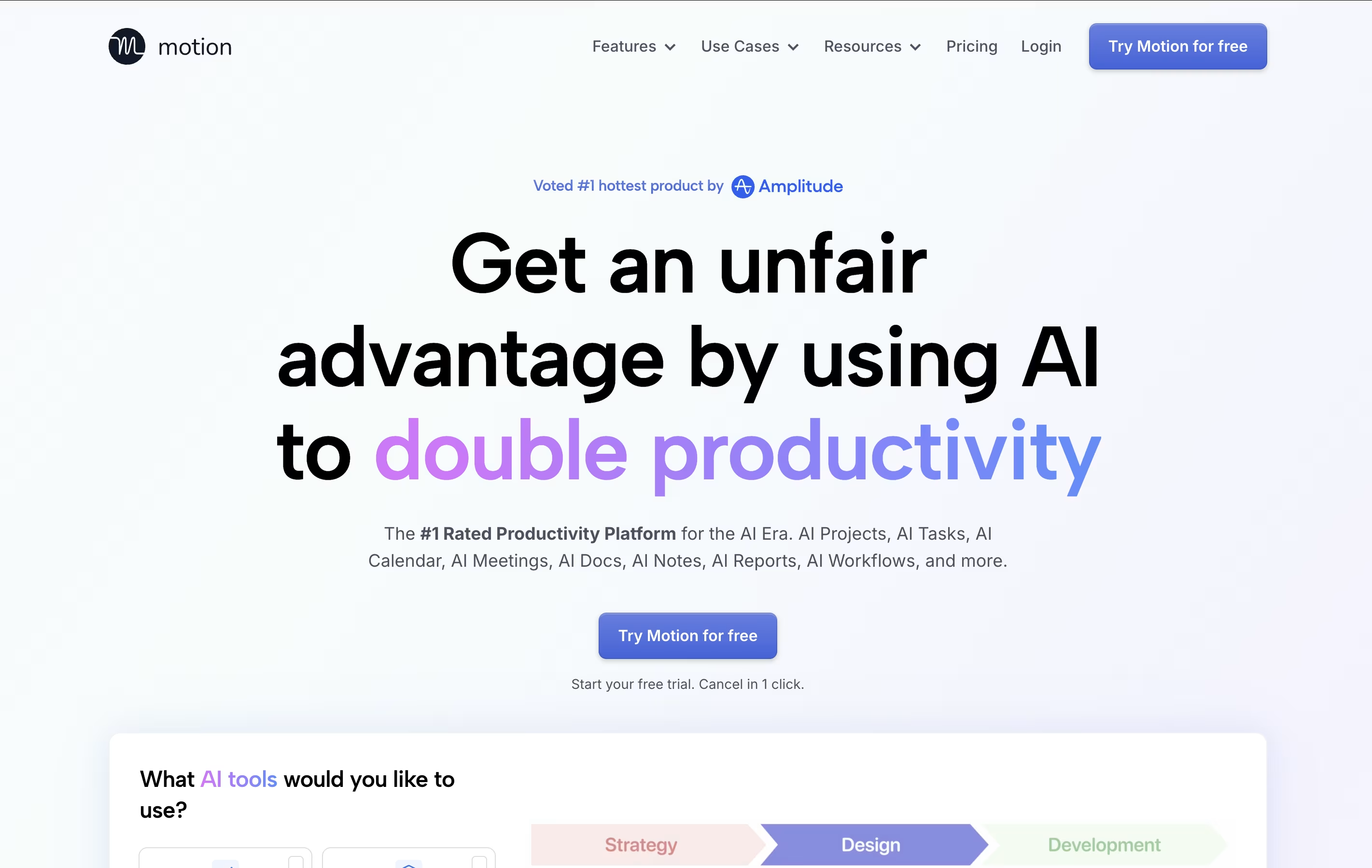
What is Motion

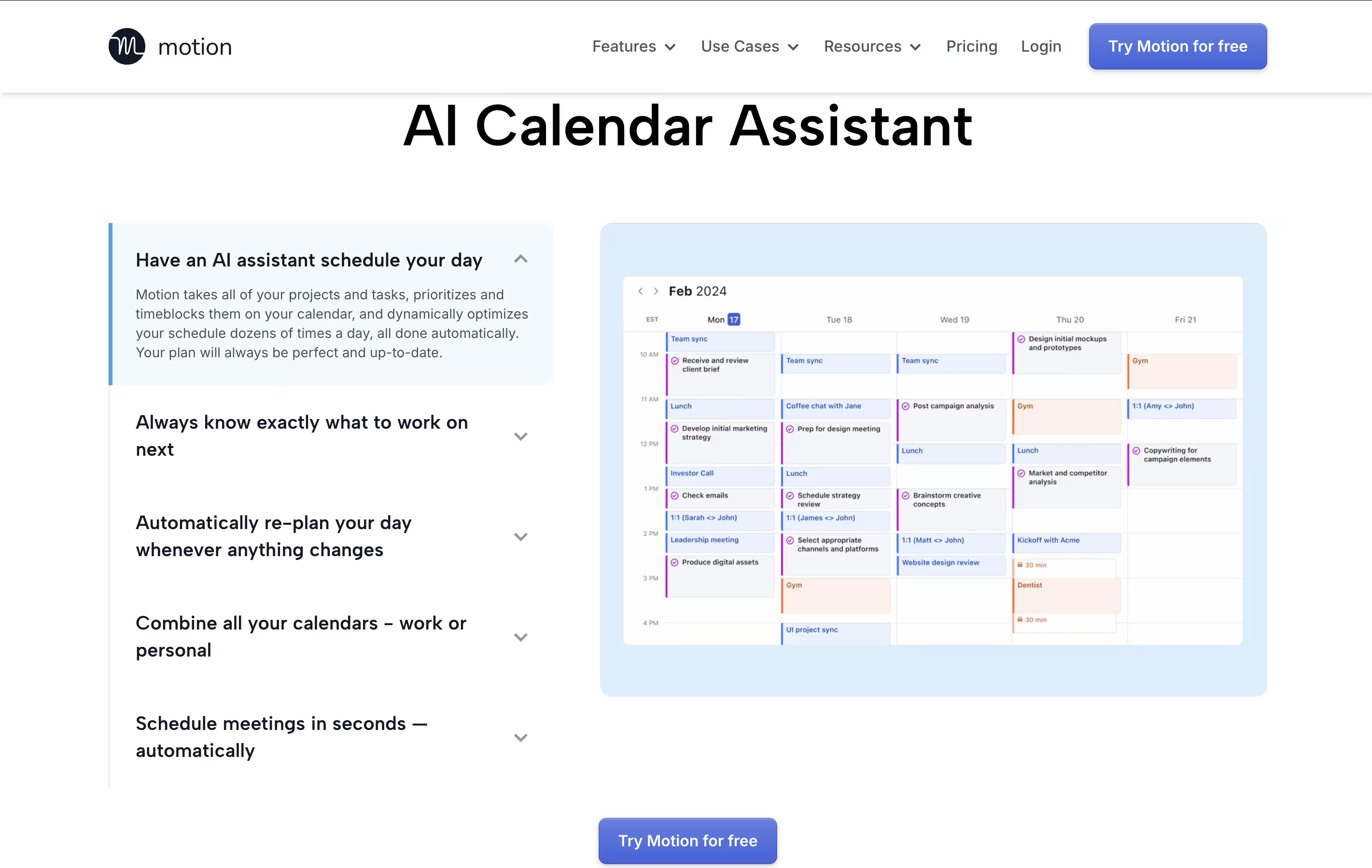
Motion is an all-in-one productivity tool that uses artificial intelligence to manage your time and tasks. Instead of spending hours organizing your workday, Motion automatically schedules everything based on deadlines, priorities, and your available time.

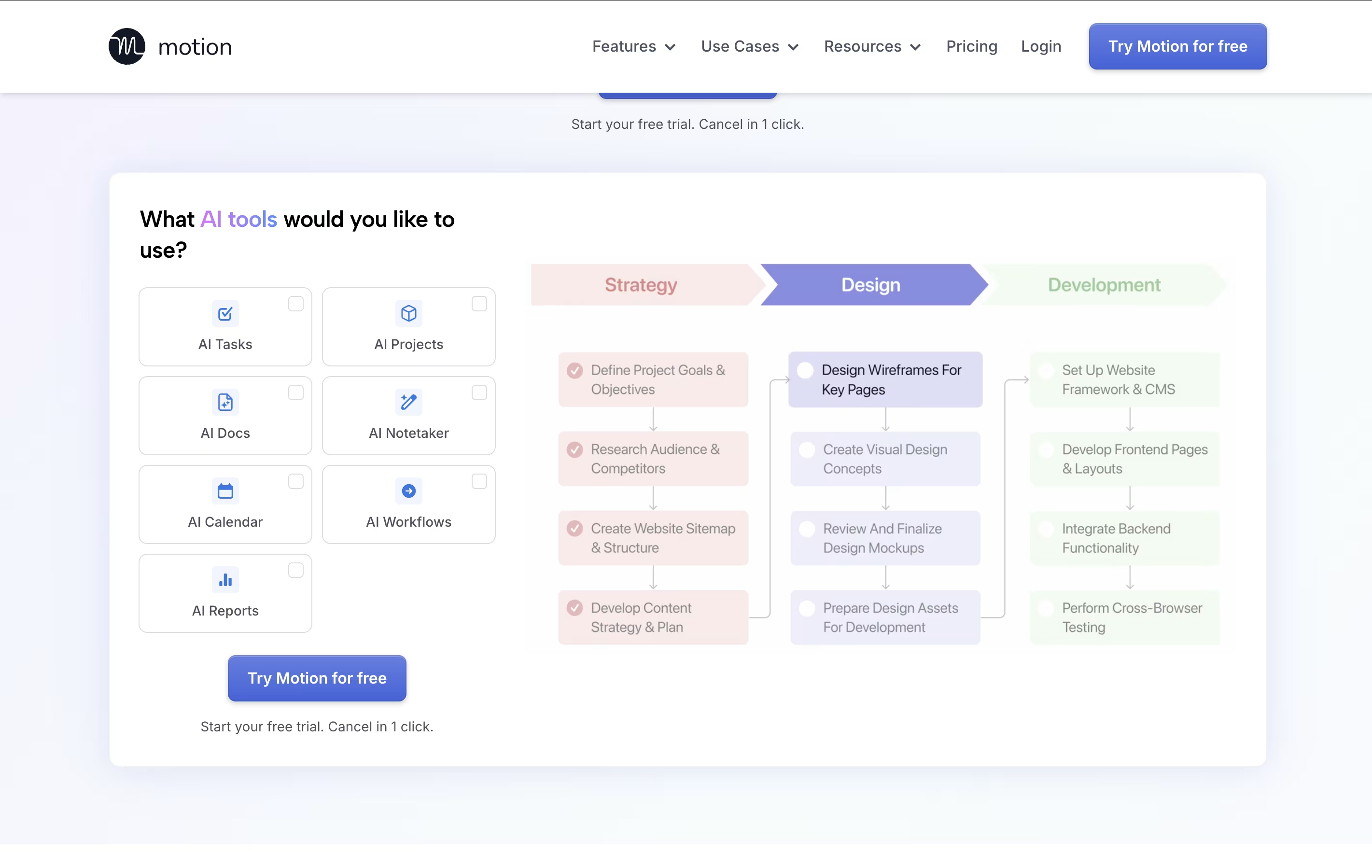
The platform combines several tools into one: a smart calendar that syncs with Google Calendar and Outlook, a task manager that auto-schedules work, a project management system with Kanban and Gantt views, and meeting scheduling features similar to Calendly. Motion also includes AI Employees—smart assistants that can draft emails, create content, analyze data, and handle repetitive tasks.

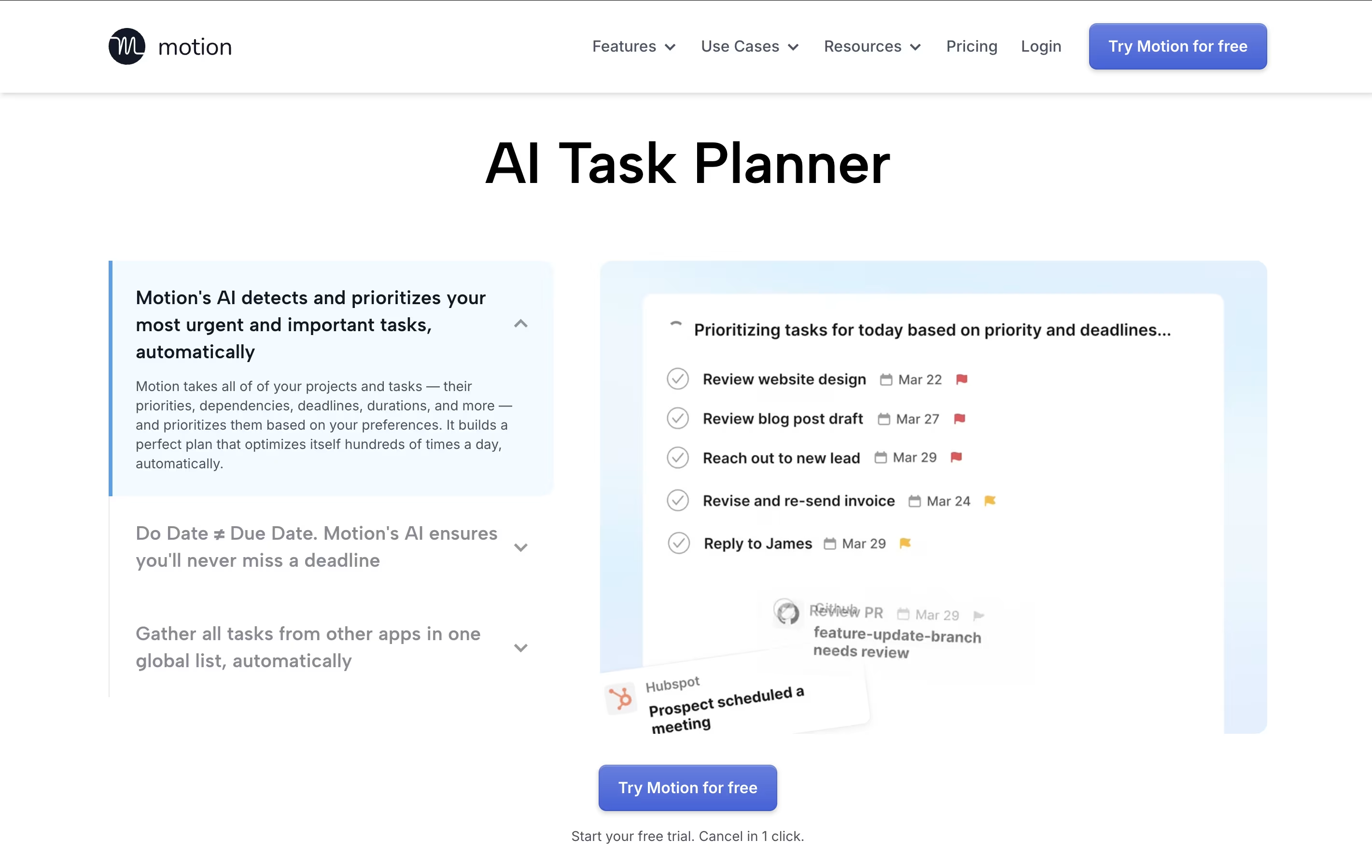
Motion continuously monitors your schedule and adjusts tasks when meetings pop up or deadlines change, ensuring everything gets done on time.

How to Use Motion

Getting started with Motion is simple and requires minimal setup:

  • Create your account and connect your calendar (Google Calendar, Outlook, or iCloud) to sync your existing meetings and events.

  • Set up your work schedule by defining your available hours and personal time blocks in the settings menu.

  • Add your tasks by entering what needs to be done, setting deadlines, and choosing priority levels. Motion will automatically schedule them in your calendar.

  • Create projects by adding multiple related tasks, assigning team members, and setting project deadlines. Motion handles the scheduling across your team.

  • Let Motion work by allowing it to automatically reschedule tasks when your day changes. If a meeting runs long or gets canceled, Motion instantly adjusts your schedule.

  • Use AI Employees to automate repetitive work like drafting emails, creating reports, or managing data entry tasks.

Features of Motion

  • AI auto-scheduling that adapts to changes instantly

  • Smart calendar with Google/Outlook integration

  • Project management with Kanban and Gantt views

  • AI Employees for automating repetitive tasks

  • Meeting booking links for easy scheduling

  • Task prioritization based on deadlines

  • Team collaboration and workload balancing

  • Mobile apps for iOS and Android

  • Real-time schedule adjustments

  • Integration with Zoom, Teams, and Slack

Motion Pricing

AI Workplace

$29

What's included:
  • 1 seat included
  • 1,000 AI credits per month
  • AI Calendar & Meetings
  • AI Projects & Tasks
  • Basic AI features
  • Calendar scheduling
  • Mobile and desktop apps
  • Customer support
AI Employees Starter

$49

What's included:
  • 1 seat included
  • 10,000 AI credits per month
  • AI Chat
  • AI Projects & Tasks
  • AI Calendar & Meetings
  • AI Docs, Wiki, & Notes
  • Enhanced automation features
  • Customer support
AI Employees Light

$148 /mo

What's included:
  • 3 seats included
  • 25,000 AI credits per month
  • All AI features
  • AI Sheets & Databases
  • Project management tools
  • Team collaboration
  • iOS, Android, Desktop apps
  • Priority customer support
Most Popular
AI Employees Standard

$446 /mo

What's included:
  • 10 seats included
  • 100,000 AI credits per month
  • All AI features
  • AI Dashboards & Reports
  • Advanced AI Employees
  • Full project management suite
  • Team collaboration tools
  • Priority support
AI Employees Plus

$894 /mo

What's included:
  • 25 seats included
  • 250,000 AI credits per month
  • All premium AI features
  • Advanced AI Employees
  • Unlimited projects
  • Advanced reporting and analytics
  • Team workload management
  • Priority support
Enterprise

Custom

What's included:
  • Custom number of seats
  • Custom AI credits
  • AI Strategy Consulting
  • Custom implementation
  • Dedicated account manager
  • Advanced security features
  • SOC 2 Type 2 compliance
  • 24/7 priority support

FAQ's About Motion

How does Motion's AI scheduling work?
Motion analyzes all your tasks, deadlines, priorities, and calendar events to create an optimized daily schedule. It automatically places tasks in your calendar at the best times based on your available hours and continuously reschedules when meetings or priorities change.
What are AI Employees in Motion?
AI Employees are customizable AI assistants that complete actual work within Motion. They can draft emails, create content, analyze data, manage databases, handle customer support, and automate repetitive tasks. They learn from your company's data including projects, tasks, meetings, and notes.
Can I use Motion with my existing calendar?
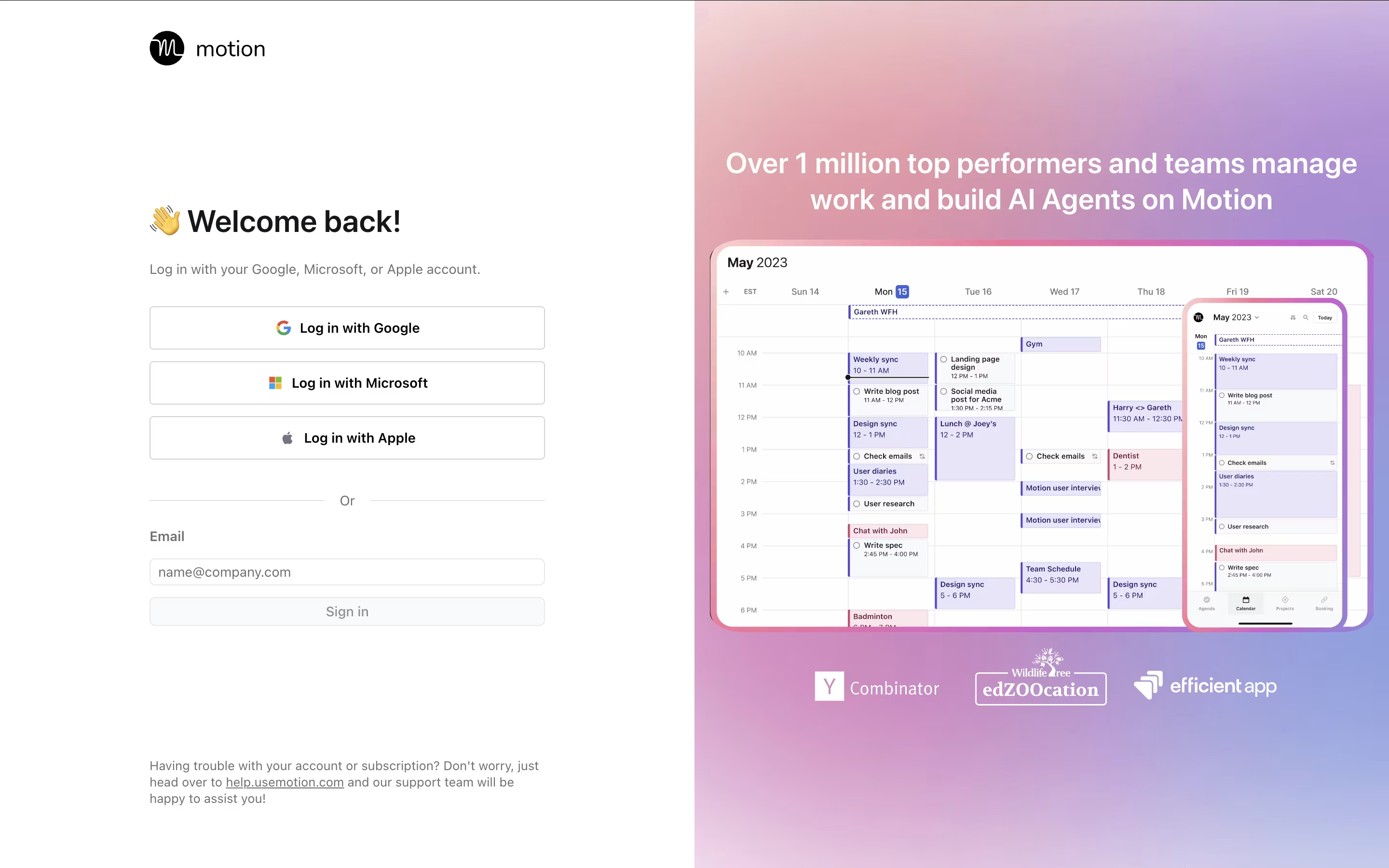
Yes, Motion integrates seamlessly with Google Calendar, Outlook Calendar, and iCloud Calendar. You can sync multiple calendars, and Motion will display all your meetings alongside automatically scheduled tasks in one unified view.
Is there a free trial for Motion?
Yes, Motion offers a 7-day free trial for all plans. You can cancel anytime during the trial period with just one click. This allows you to test the AI scheduling and see if Motion fits your workflow.
What makes Motion different from other task managers?
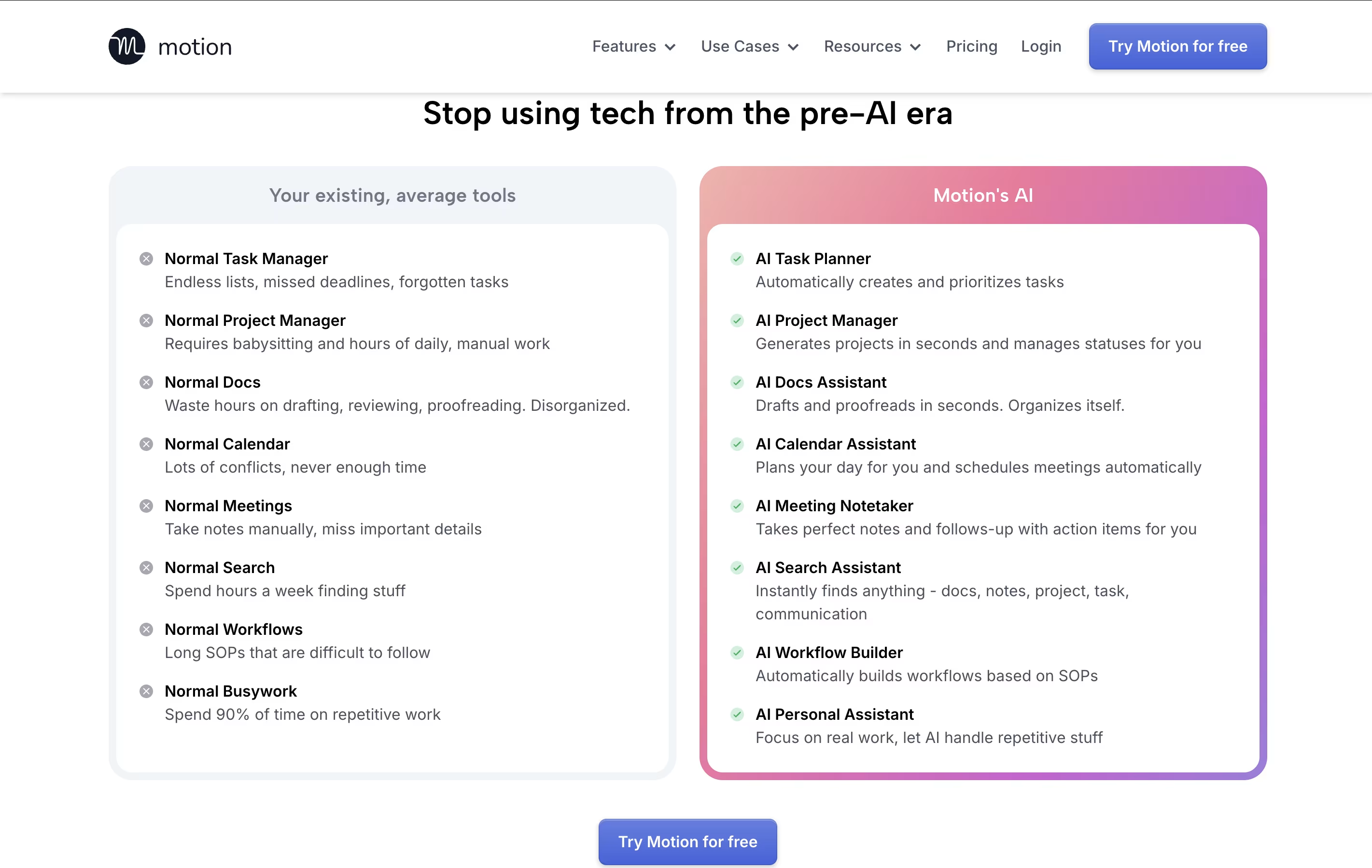
Unlike traditional task managers that just list your work, Motion automatically schedules tasks in your calendar based on deadlines and priorities. When your day changes, Motion instantly reschedules everything. It combines task management, calendar, and project management into one AI-powered system.

Share your experience with Motion

Loading...

See what users are saying about Motion

0.0

0 Reviews

5
0
4
0
3
0
2
0
1
0

No reviews yet

Be the first to review Motion

Embed Motion badges

Show your community that Motion is featured on Tool Questor. Add these beautiful badges to your website, documentation, or social profiles to boost credibility and drive more traffic.

Light Badge Preview