

Best 14+ AI Productivity Tools in 2026
Last Updated: August 22, 2026
Staying focused and efficient throughout the day means cutting down on repetitive, low value tasks. AI Productivity tools automate scheduling, organization, and routine work, freeing up time for the tasks that actually require human judgment.
These tools are popular with professionals, freelancers, and teams looking to get more done without working longer hours. Small automations across your daily workflow add up to meaningful time savings over a week or month.
 TickTick
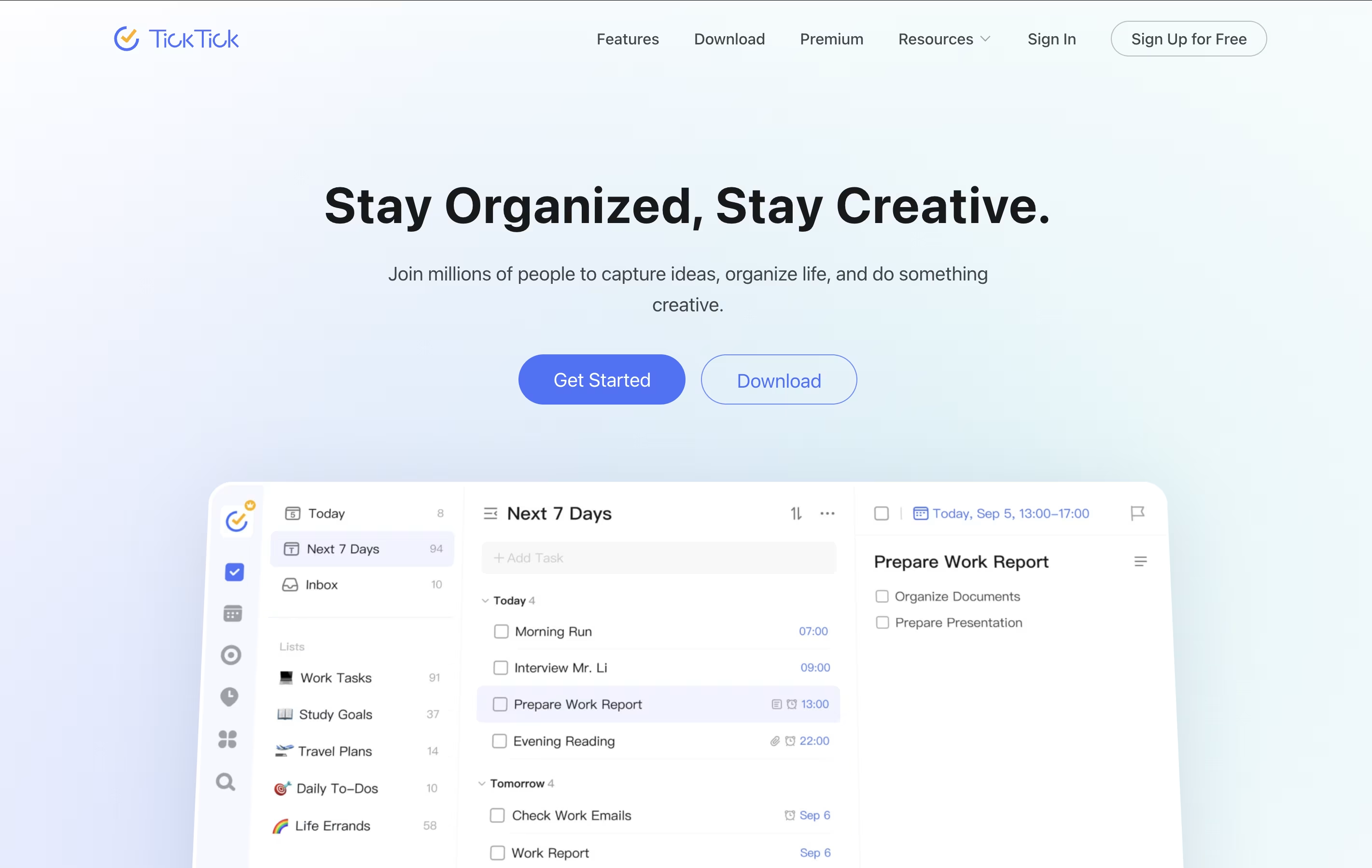 TickTickSmart Task Management with Calendar & Habits,
  Motion
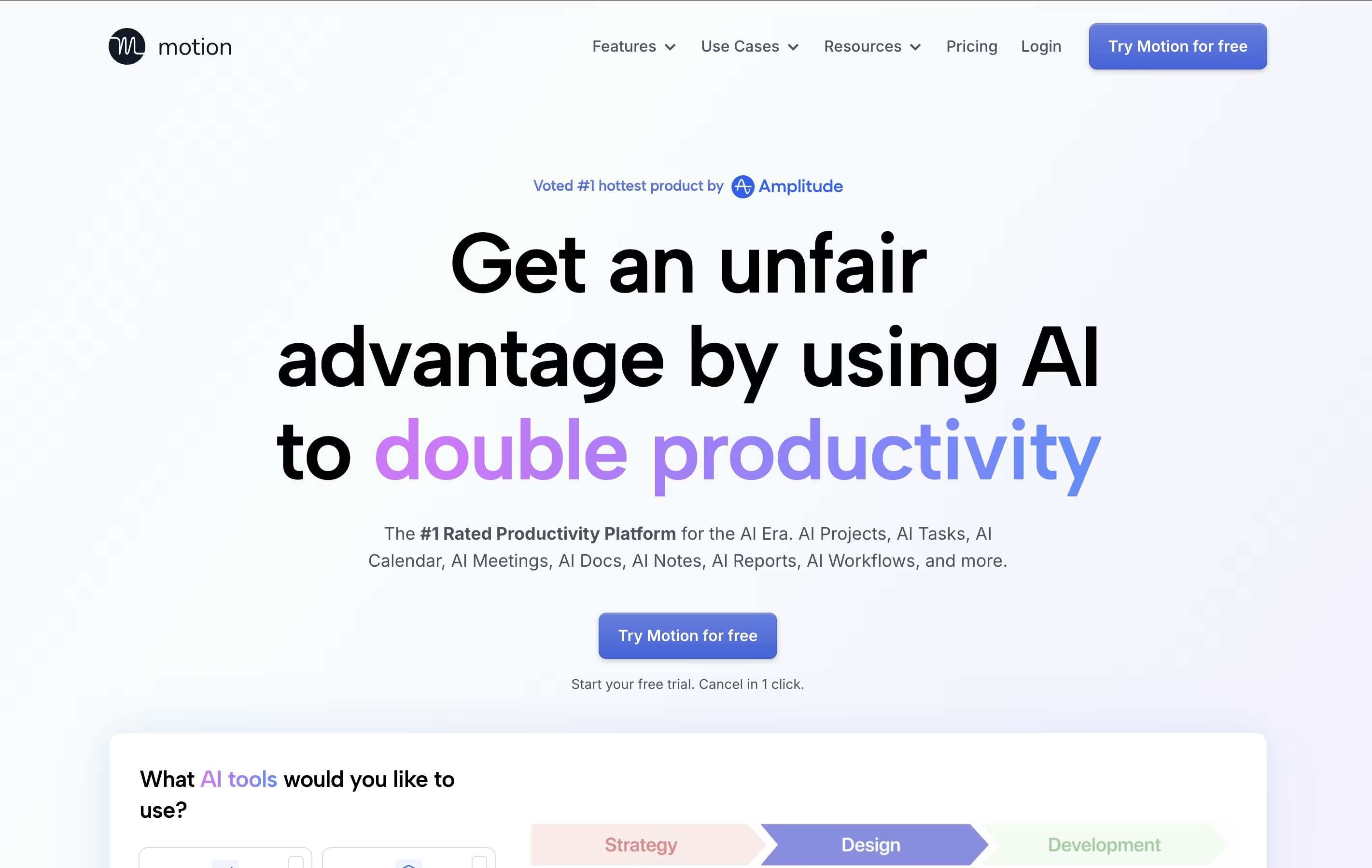 MotionAI-Powered Productivity & Task Management, and
  Todoist
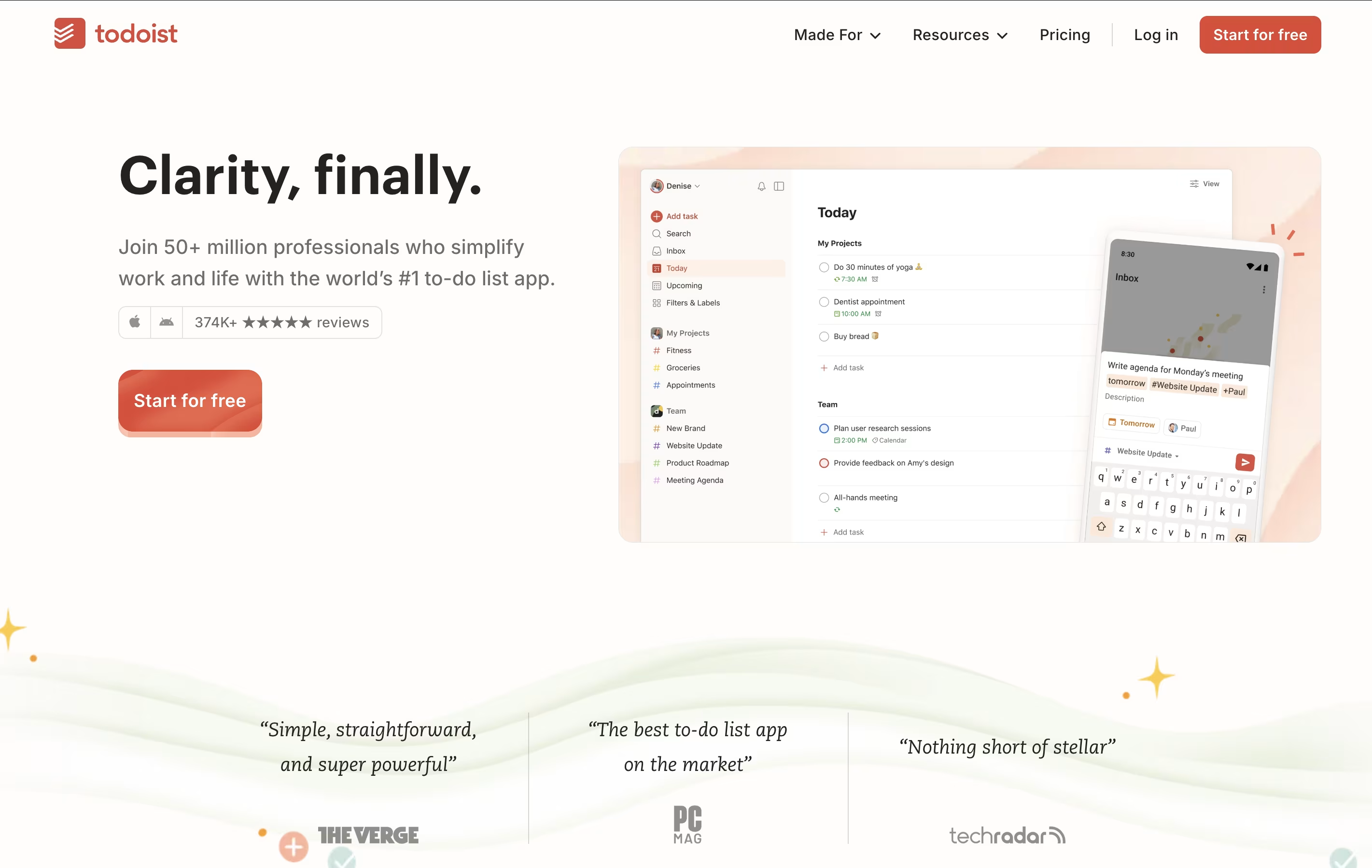 TodoistSimple Task Manager & To-Do List App are the best for AI Productivity. So, let’s take a closer look at all 14+ tools.

TickTick is a complete task management system that helps you organize everything you need to do. It lets you create tasks, set due dates, add reminders, and check things off when finished. Beyond simple to-do lists, it includes a built-in calendar to see your schedule, a Pomodoro timer to stay focused, and a habit tracker to build better routines.
The app uses cloud technology to keep your information synced across all your devices. You can access your tasks from your phone, tablet, computer, or web browser, and changes appear everywhere instantly. TickTick also includes natural language processing, which means you can type something like "call mom tomorrow at 3pm" and it automatically sets the right date and time. This makes adding tasks quick and natural.
Motion is an all-in-one productivity tool that uses artificial intelligence to manage your time and tasks. Instead of spending hours organizing your workday, Motion automatically schedules everything based on deadlines, priorities, and your available time.
The platform combines several tools into one: a smart calendar that syncs with Google Calendar and Outlook, a task manager that auto-schedules work, a project management system with Kanban and Gantt views, and meeting scheduling features similar to Calendly. Motion also includes AI Employees—smart assistants that can draft emails, create content, analyze data, and handle repetitive tasks.
Motion continuously monitors your schedule and adjusts tasks when meetings pop up or deadlines change, ensuring everything gets done on time.
Todoist is a task management app that helps you organize tasks and projects in one place. You can add tasks using simple language, set priorities, and group related items into projects. The app shows your tasks in different views like lists, boards, or calendars so you can see what needs attention.
It works across all your devices and updates everything automatically. You can set reminders for important tasks, add notes and files, and work together with others on shared projects. The app also includes smart features like filters to find specific tasks quickly and templates to start common projects faster.
There is a free version with basic features and paid plans that add more power, including an AI assistant to help manage your workload better.

Paste is a clipboard manager that remembers everything you copy on your Apple devices. Think of it as a powerful upgrade to the standard clipboard that comes with your Mac, iPhone, or iPad.
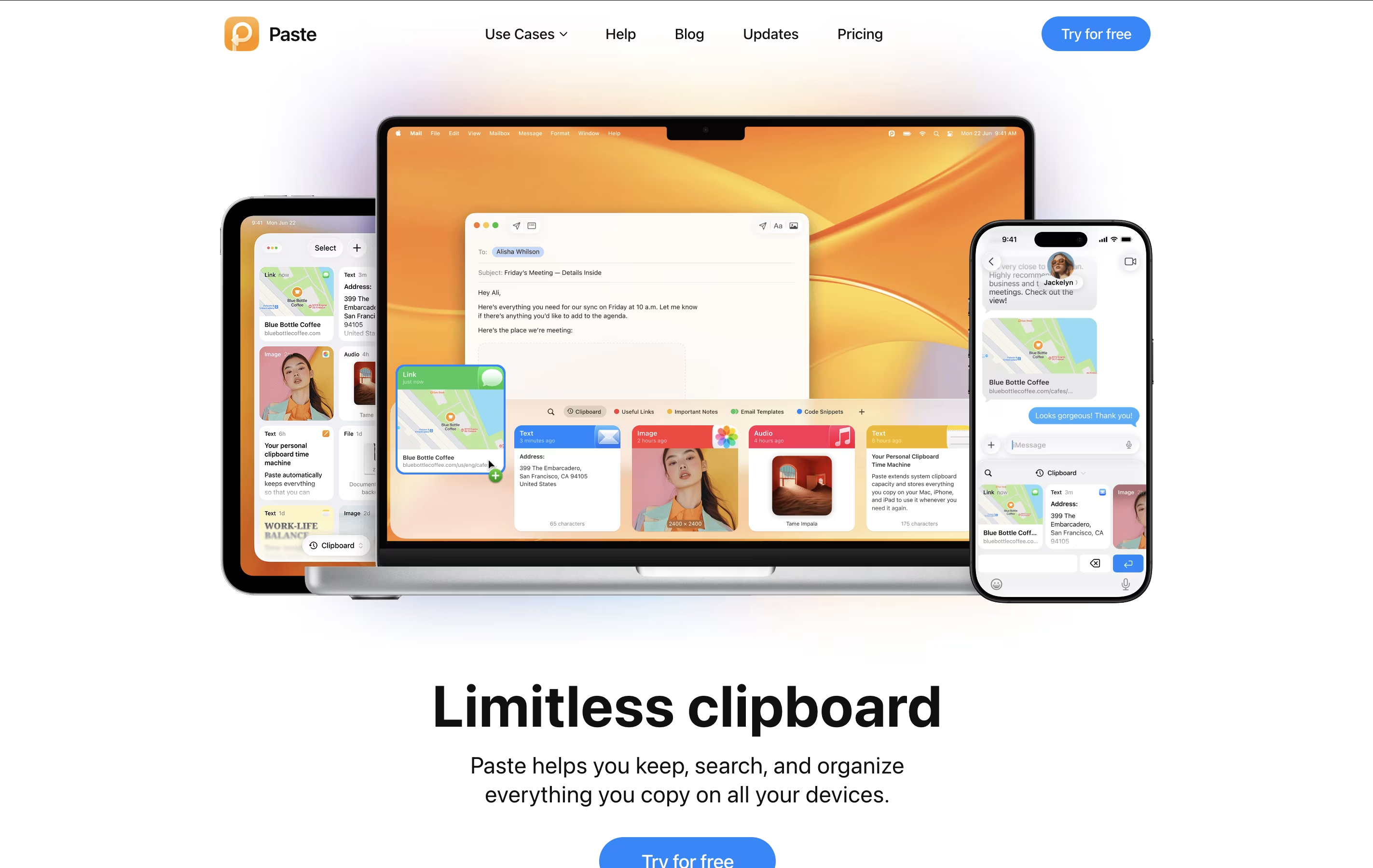
The regular clipboard only holds one item at a time. When you copy something new, the old item disappears. Paste changes this by keeping a visual history of everything you've copied – text, links, images, files, and even colors. You can scroll through your history, search for specific items, and paste them whenever you need them.
Paste also lets you create Pinboards, which are custom collections where you can store frequently used items like email templates, code snippets, or design assets. The app uses iCloud to sync everything across your devices, so your clipboard history follows you everywhere.

Papermark is a secure document sharing tool that helps you track how people engage with your files. Unlike traditional file sharing services, Papermark shows you exactly who viewed your documents, how long they spent on each page, and which sections got the most attention.
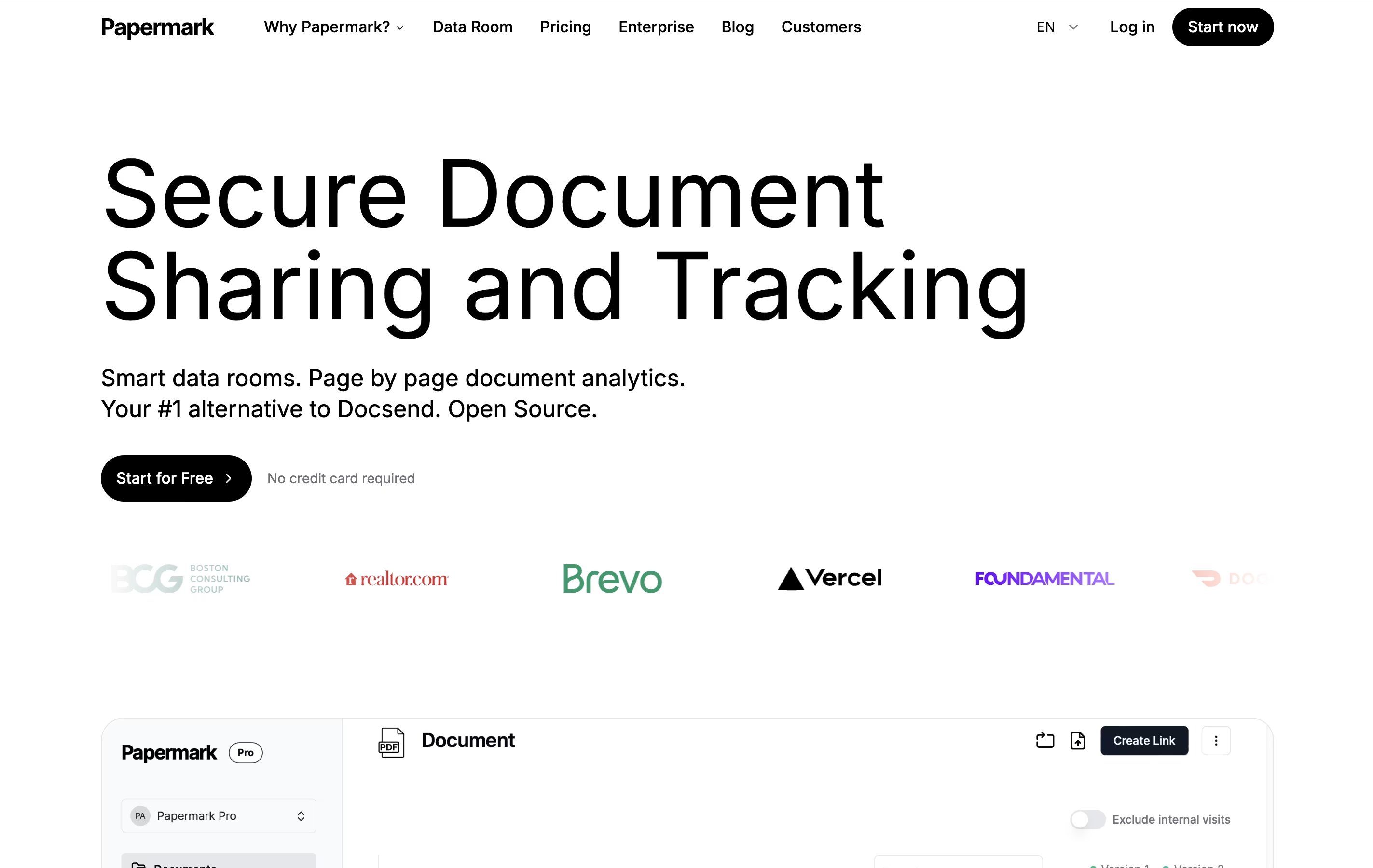
The platform supports various file types including PDFs, presentations, Word documents, spreadsheets, and videos. You can create shareable links with custom settings like password protection, email requirements, and viewing time limits. For teams handling sensitive deals or important presentations, Papermark offers data room features that organize multiple documents in secure virtual spaces.
Being open-source means you can host Papermark on your own servers for complete data control, or use the cloud version for convenience.

ClickUp is the world's only all-in-one productivity platform that flexes to the way people want to work. Founded in 2017 and based in San Diego, it replaces all individual workplace productivity tools with a single, unified workspace.
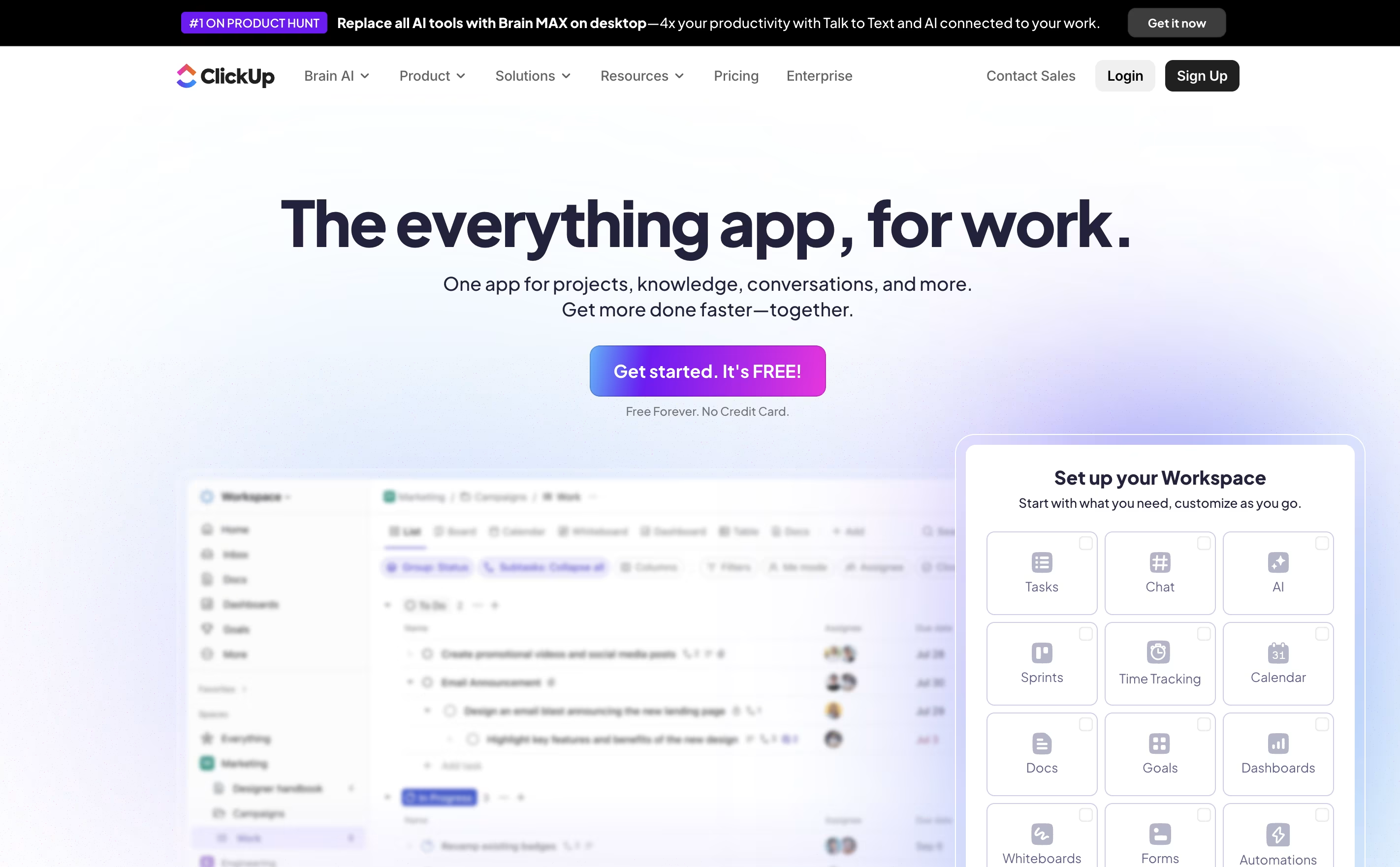
The platform combines project management, task tracking, document collaboration, whiteboards, spreadsheets, time tracking, and goal setting in one place. Unlike traditional project management tools that focus on just one area, ClickUp aims to be the "everything app for work" that eliminates app switching and increases team efficiency.
Used by over 10 million users and 2 million teams worldwide, ClickUp serves businesses of all sizes across different industries. The platform is designed to handle any type of work, from simple task lists to complex enterprise workflows, making it suitable for marketing teams, developers, agencies, and large corporations alike.

Tencent RTC is a comprehensive real-time communication platform that gives developers powerful tools to build interactive audio and video experiences. It offers SDKs and APIs that work across all platforms, making it easy to add features like video calling, voice chat, live streaming, and instant messaging to any application.
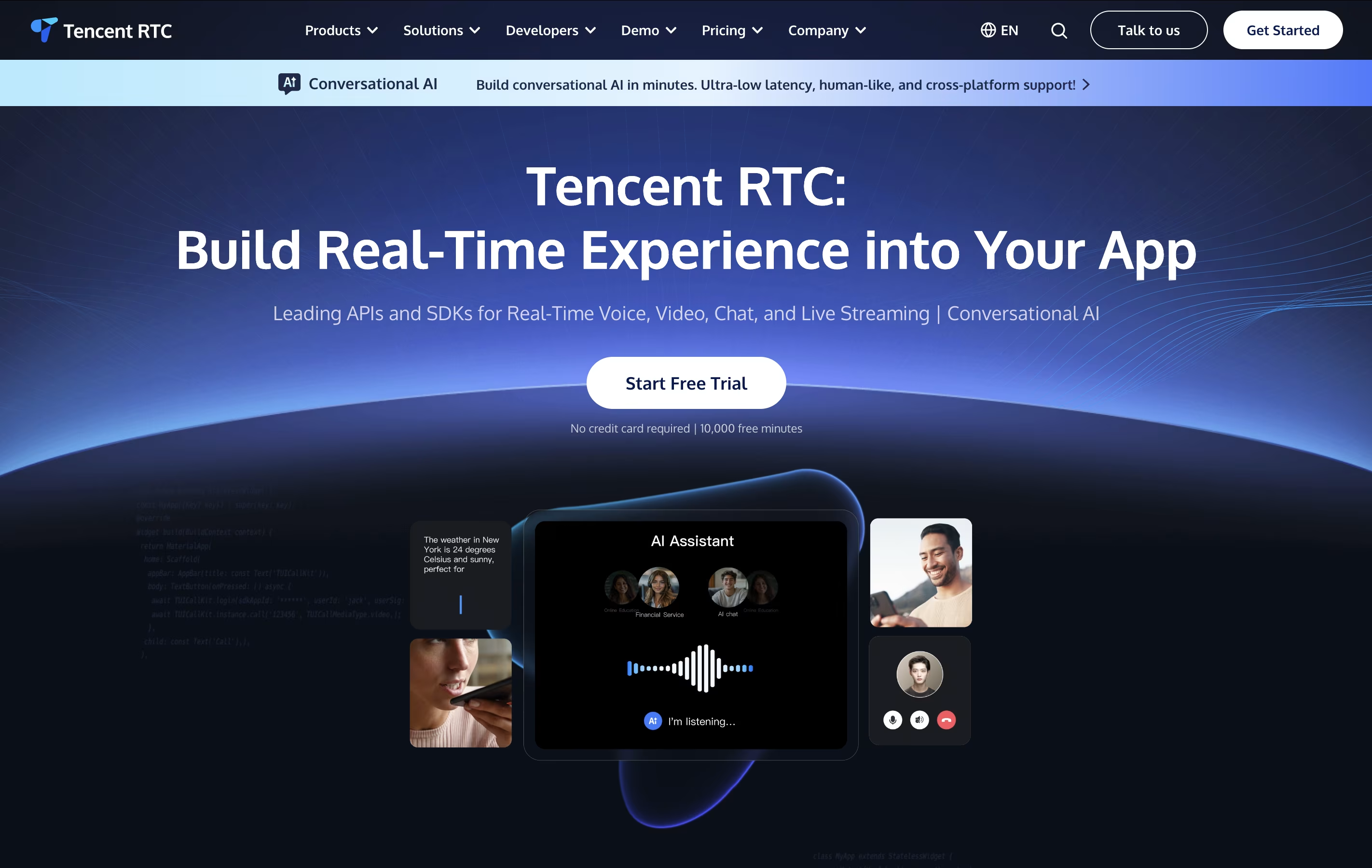
The platform handles complex technical challenges like network optimization, audio processing, and video encoding automatically. This means developers can focus on building great user experiences instead of worrying about technical details. It supports everything from simple one-on-one video calls to massive live streaming events with thousands of viewers.
With built-in features like beauty filters, screen sharing, recording, and AI-powered noise reduction, Tencent RTC provides enterprise-grade communication tools that scale from small startups to large businesses serving millions of users.

FuseBase is an AI-powered collaboration platform designed specifically for service businesses that need to work closely with clients and teams. Think of it as your complete business workspace that combines project management, client portals, and AI automation in one easy-to-use platform.
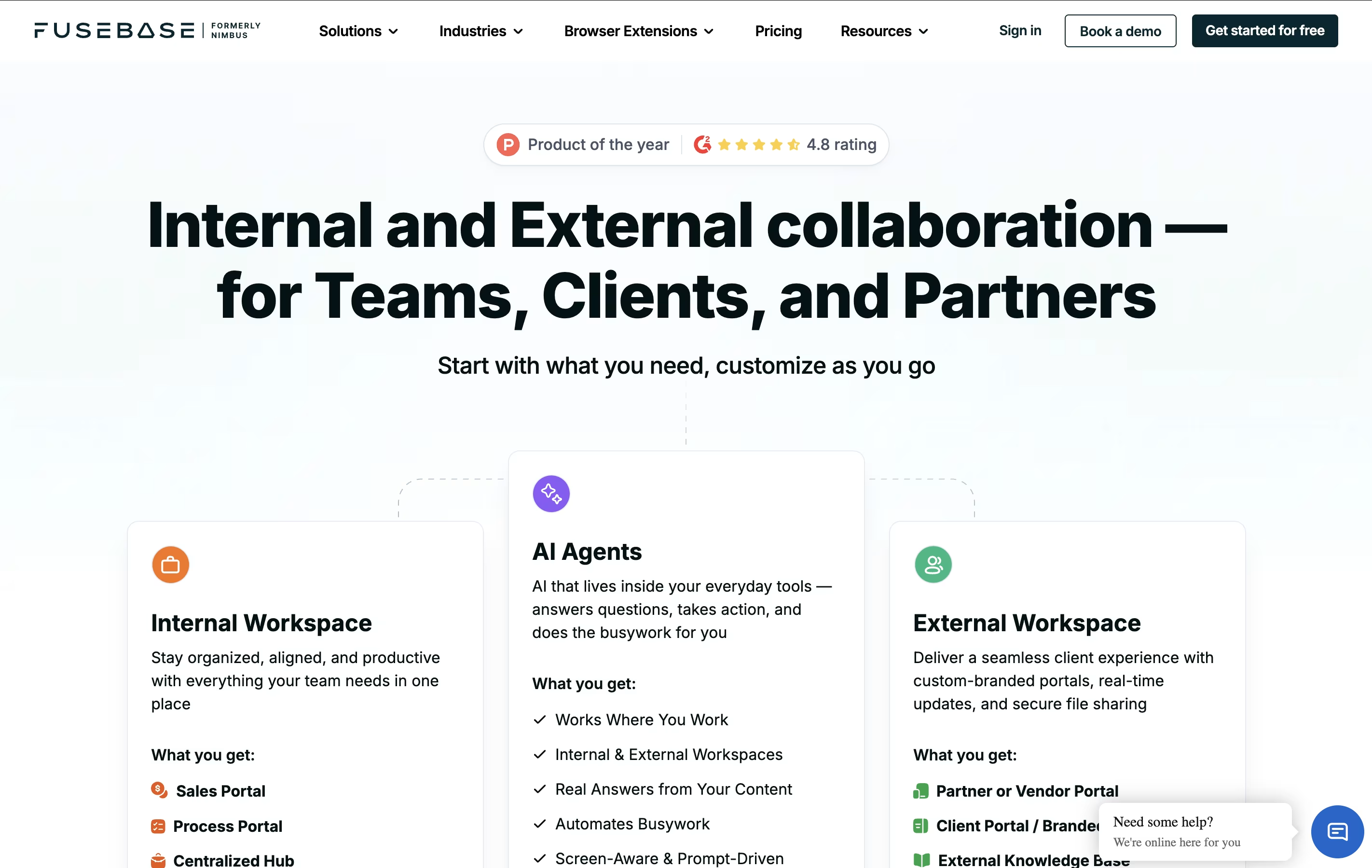
The tool allows you to create branded, secure workspaces where your team can collaborate internally while also providing professional client portals where customers can access project updates, documents, and communicate with your team.
What makes FuseBase special is its AI agents that can automate repetitive tasks, transcribe meetings, generate content, and handle routine workflows. Founded by Pavel Sher and based in Ohio, FuseBase integrates with over 2000 apps and offers white-label solutions so everything looks like your brand. It's particularly popular among digital agencies, marketing firms, and consulting businesses.

Kagi is a subscription-based search engine that eliminates ads, tracking, and algorithmic manipulation. Instead of making money from advertisers, Kagi is funded directly by users, which means search results serve your needs rather than corporate interests.
The search engine combines results from multiple sources with its own web index to deliver high-quality, relevant results. Kagi offers powerful customization features like domain ranking, where you can promote or block specific websites, and "lenses" that filter results by category such as academic papers, forums, or news sources.
Beyond basic search, Kagi includes several tools like Universal Summarizer for quick content summaries, Kagi Translate for language translation, and Kagi Assistant powered by multiple AI models including GPT-4 and Claude. The service also offers Orion Browser, a privacy-focused web browser designed to work seamlessly with Kagi search.

GitMind is an AI-powered mind mapping and collaboration platform that transforms how you organize and share ideas. Unlike traditional mind mapping tools, GitMind uses artificial intelligence to automatically generate mind maps from your text, documents, or even voice recordings.
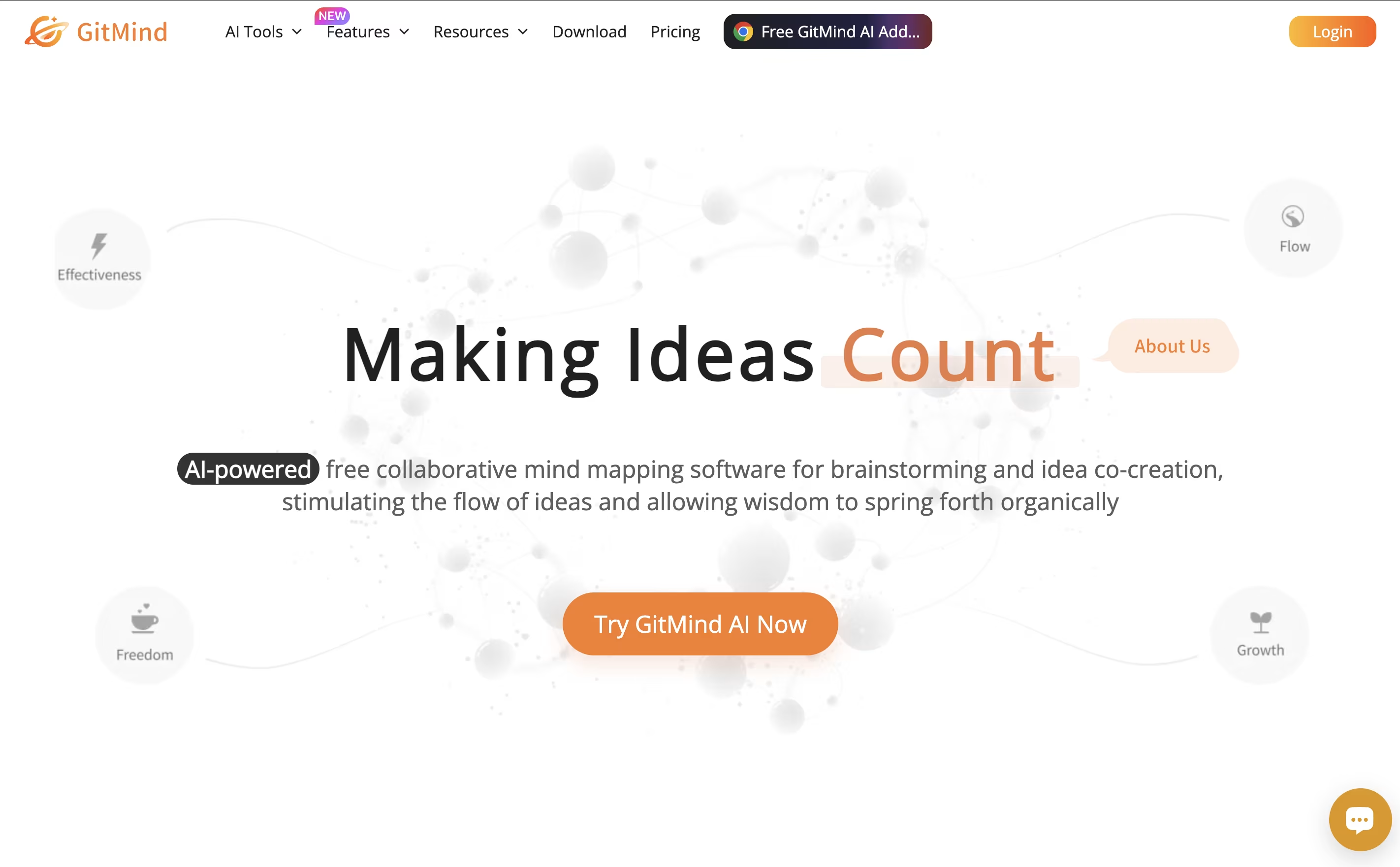
The platform supports multiple types of visual diagrams including mind maps, flowcharts, organizational charts, UML diagrams, and whiteboards. You can upload files like PDFs, Word documents, or PowerPoint presentations, and GitMind's AI will analyze the content and create a structured mind map for you.
What makes GitMind special is its real-time collaboration features. Multiple team members can work on the same mind map simultaneously, making it ideal for group brainstorming and project planning. The tool works seamlessly across all devices - web browsers, desktop apps, and mobile apps - keeping your work synchronized everywhere.

Typing Mind is an advanced chat frontend for popular AI models like ChatGPT, Claude, Gemini, and others. Instead of using the official websites, you use your own API keys with Typing Mind to get a much better chat experience.
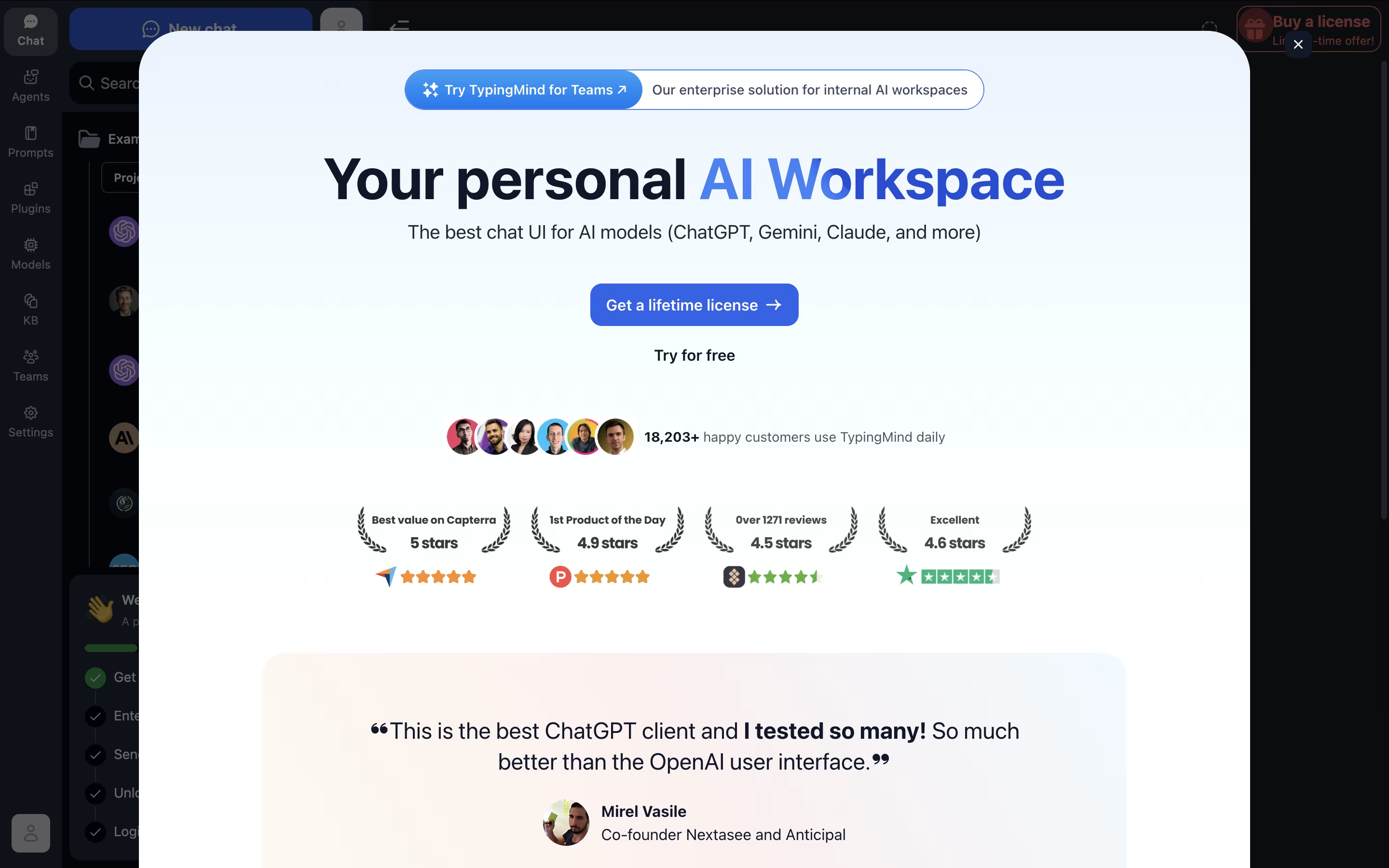
Think of it as a replacement interface that makes AI chatting more powerful and organized. You get features like chat folders, history search, voice input, text-to-speech, and the ability to chat with multiple AI models from one place.
The big advantage is cost and privacy. You only pay for actual API usage (often much cheaper than ChatGPT Plus), and your conversations stay completely private. The tool works offline-first, storing everything locally on your device, so no one else can see your chats.

Chronicle is an AI presentation platform that reimagines how people create and deliver presentations. Instead of traditional slides, it uses a widget-based canvas where you can drag and drop elements to build your story. The AI handles design decisions like typography, spacing, and visual flow automatically.
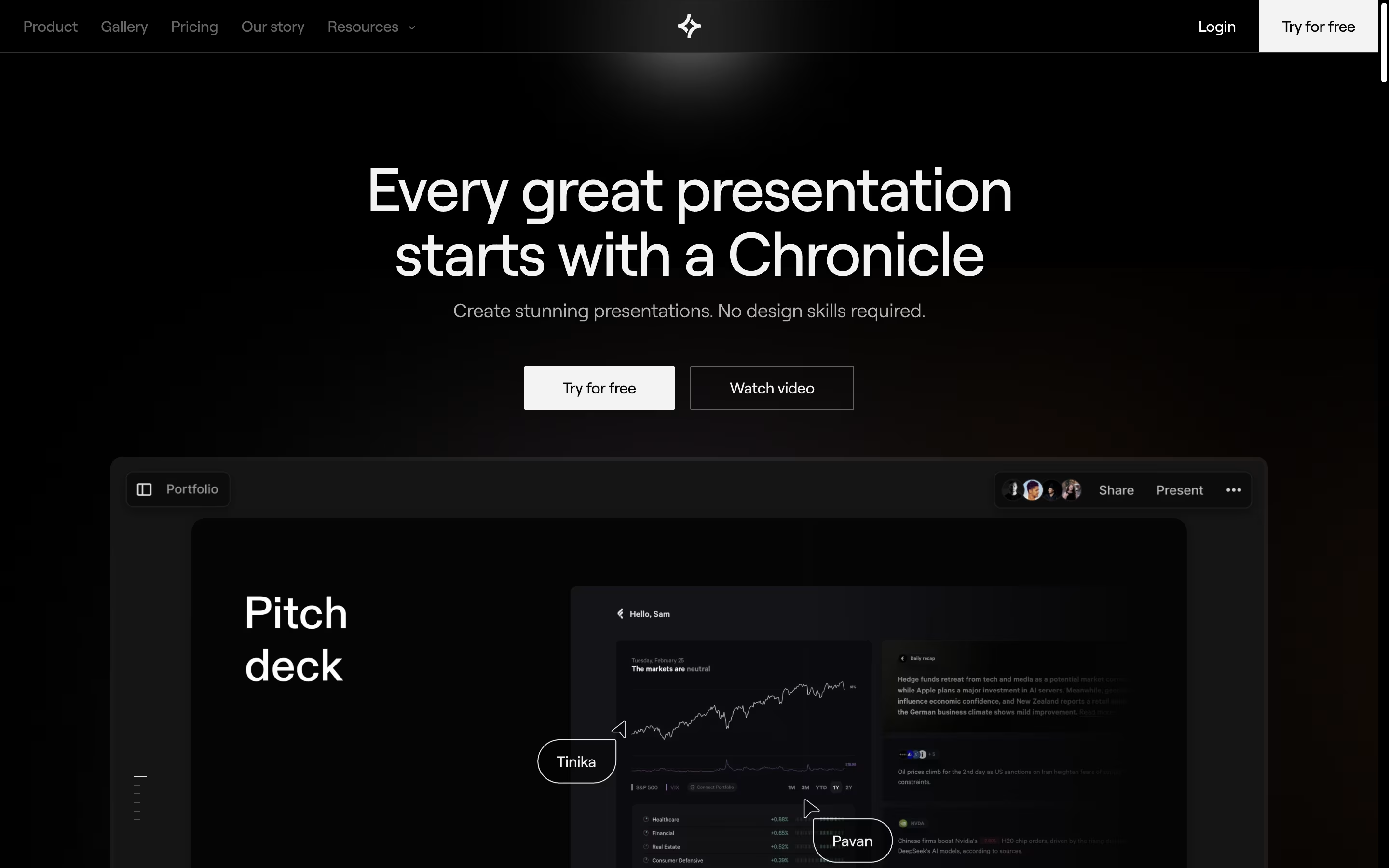
The tool focuses on storytelling rather than just slide creation. It helps you structure your content, suggests layouts, and creates interactive elements that keep audiences engaged. You can add zoom effects, highlights, and smooth transitions without design skills.
Chronicle works entirely in your web browser and supports real-time collaboration with team members. You can export presentations as PDFs, animated GIFs, or publish them online with engagement tracking. It's designed for professionals who want presentation quality without the time investment of traditional design work.
JobCopilot is an AI-driven platform that automates the entire job application process from start to finish. You simply set your job preferences, upload your resume, and let the AI copilot handle the rest. It searches for new job postings daily across verified company websites and applies to positions that match your requirements.
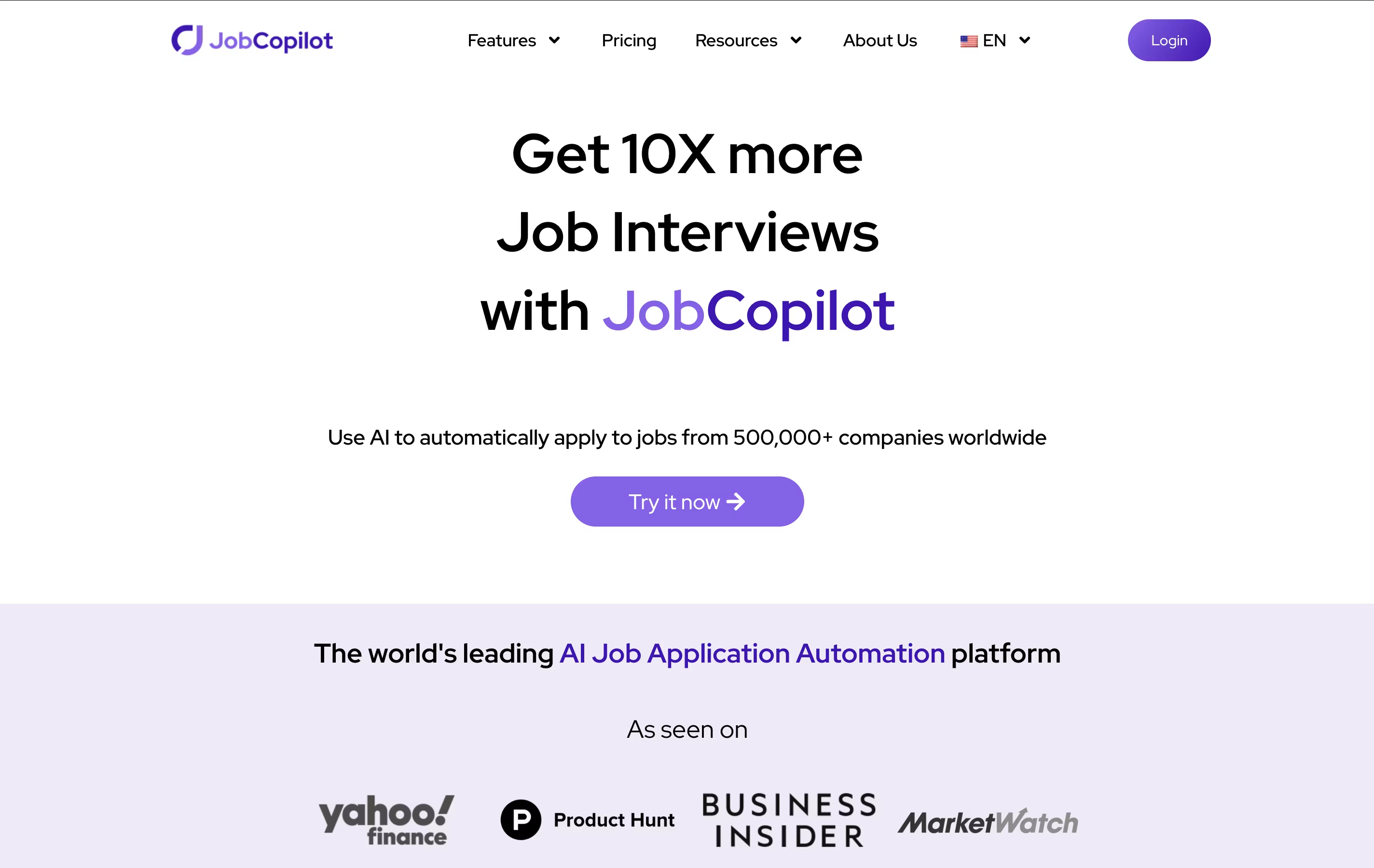
The platform uses advanced AI to fill out application forms just like a human would, providing natural-sounding answers to screening questions. It only applies to verified jobs on official company career pages, ensuring you're dealing with legitimate employers and avoiding scam listings.
JobCopilot offers various subscription plans starting from weekly billing, making it accessible for job seekers at different budget levels. The tool also includes features like resume optimization, cover letter generation, and application tracking to provide a complete job search solution.

Lumenore is a complete business intelligence platform that helps companies analyze their data using artificial intelligence. Unlike traditional analytics tools that require technical expertise, Lumenore works with simple, everyday language. You can ask questions like "What are my top-selling products?" and get instant visual answers.
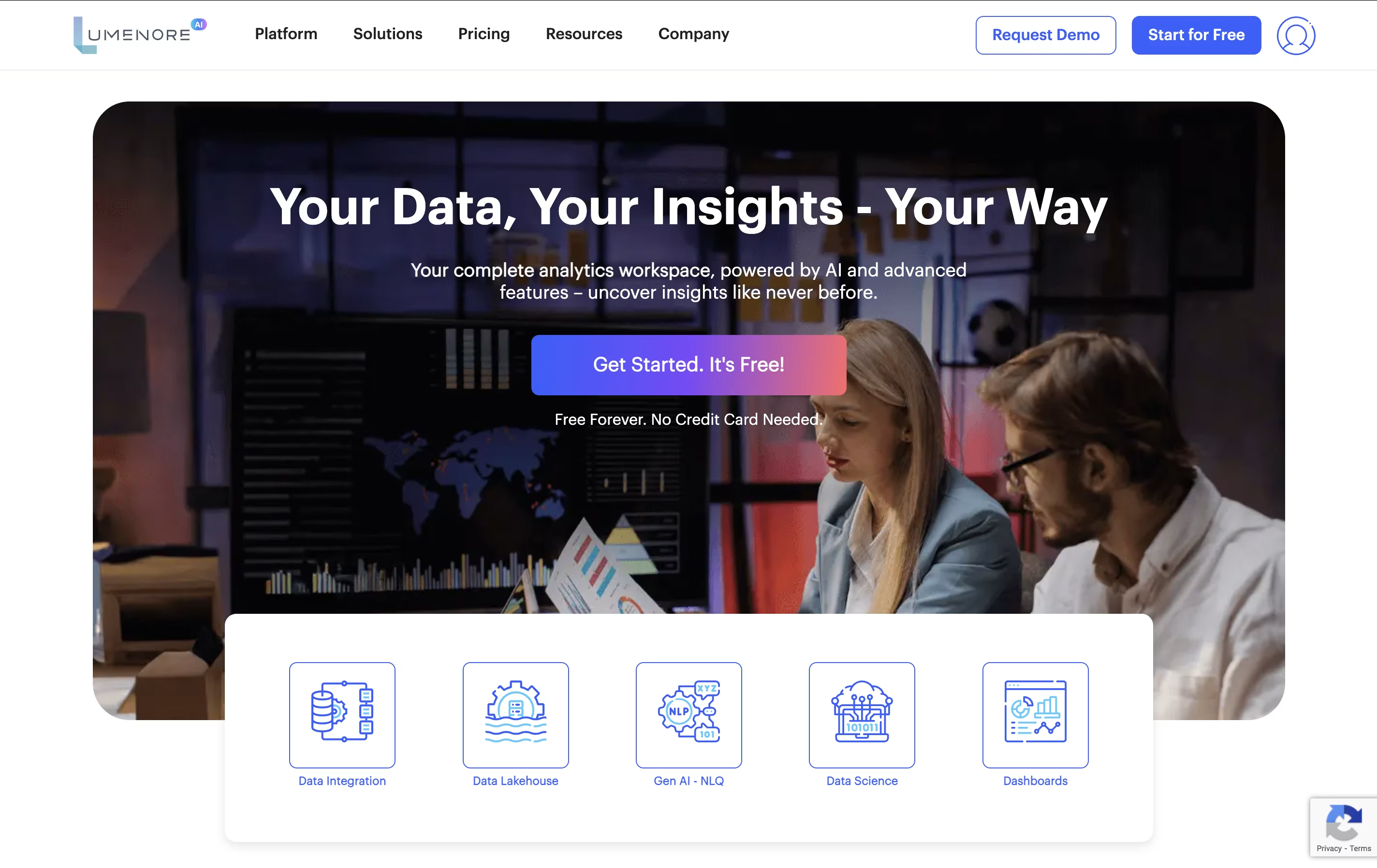
The platform connects to over 50 different data sources, including databases, spreadsheets, and popular business tools. It creates a single place where all your company data comes together. The AI engine, called "Do You Know," automatically finds patterns, trends, and unusual changes in your data. It also predicts future outcomes to help with planning. With customizable dashboards and easy-to-understand charts, anyone in your organization can access insights and make data-driven decisions quickly.

Flowla is an AI-powered digital sales room platform that creates collaborative workspaces for sales and customer success teams. Think of it as a smart command center that replaces messy email chains with organized, branded spaces where all your sales activities happen in one place.
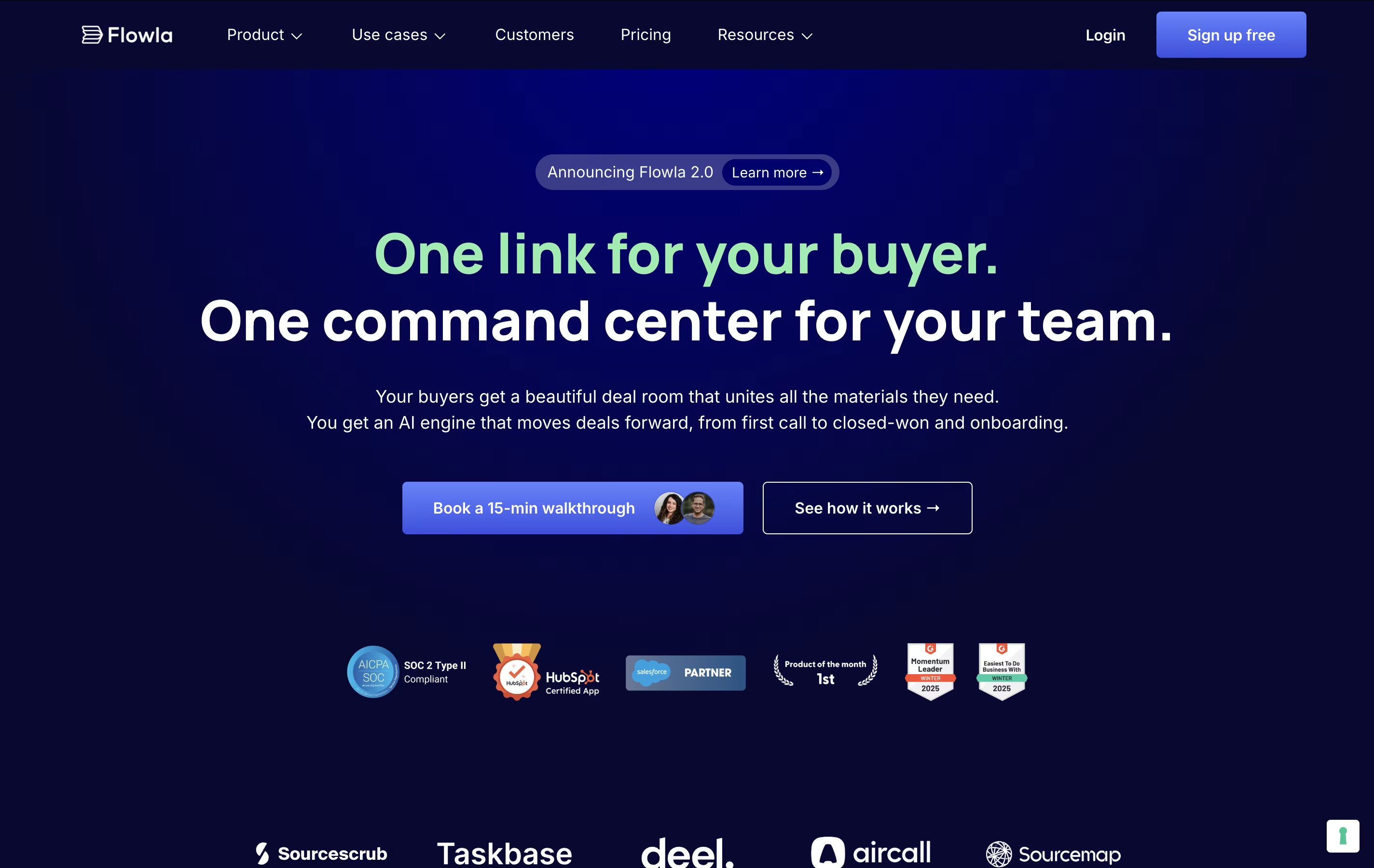
The platform combines traditional digital sales rooms with intelligent automation. While you get the benefits of centralized content and mutual action plans, Flowla's AI agents work behind the scenes to draft follow-ups, identify new stakeholders, sync data to your CRM, and prepare onboarding materials. Everything the AI suggests goes through a review queue, so you stay in complete control.
Flowla integrates seamlessly with popular tools like HubSpot, Salesforce, Slack, and DocuSign, making it easy to incorporate into existing workflows without disrupting your current setup.

Pendo is an all-in-one Software Experience Management platform designed to help businesses understand and improve how users interact with their digital products. Think of it as the central command center for your product team, combining analytics, guidance, and feedback tools in one place.
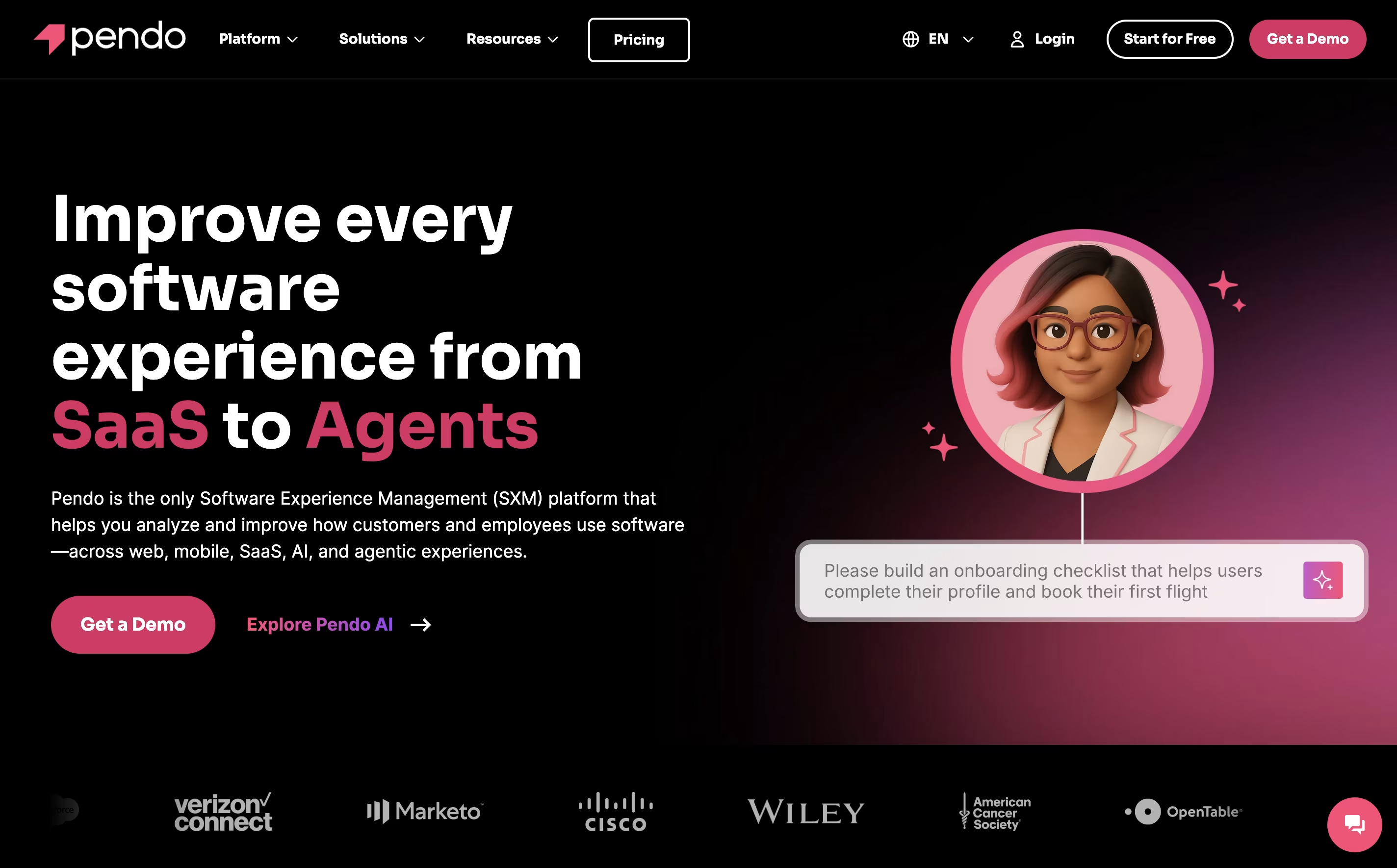
The platform automatically captures user interactions like clicks, page views, and navigation patterns without requiring manual coding or event tracking. This means you can see exactly how people use your software from day one. Pendo goes beyond just showing numbers by providing in-app messaging capabilities, allowing you to guide users with tooltips, walkthroughs, and announcements directly within your application.
What sets Pendo apart is its no-code approach. Product teams can create user guides, launch surveys, and analyze behavior without needing developers. The platform serves companies of all sizes, from startups to enterprise organizations, helping them increase user adoption, reduce churn, and make informed product decisions.

Lindy is an AI-powered automation platform that lets anyone create intelligent assistants called "Lindies" without any coding knowledge. Think of it as a smart combination of ChatGPT's intelligence and Zapier's connectivity, but much more powerful.
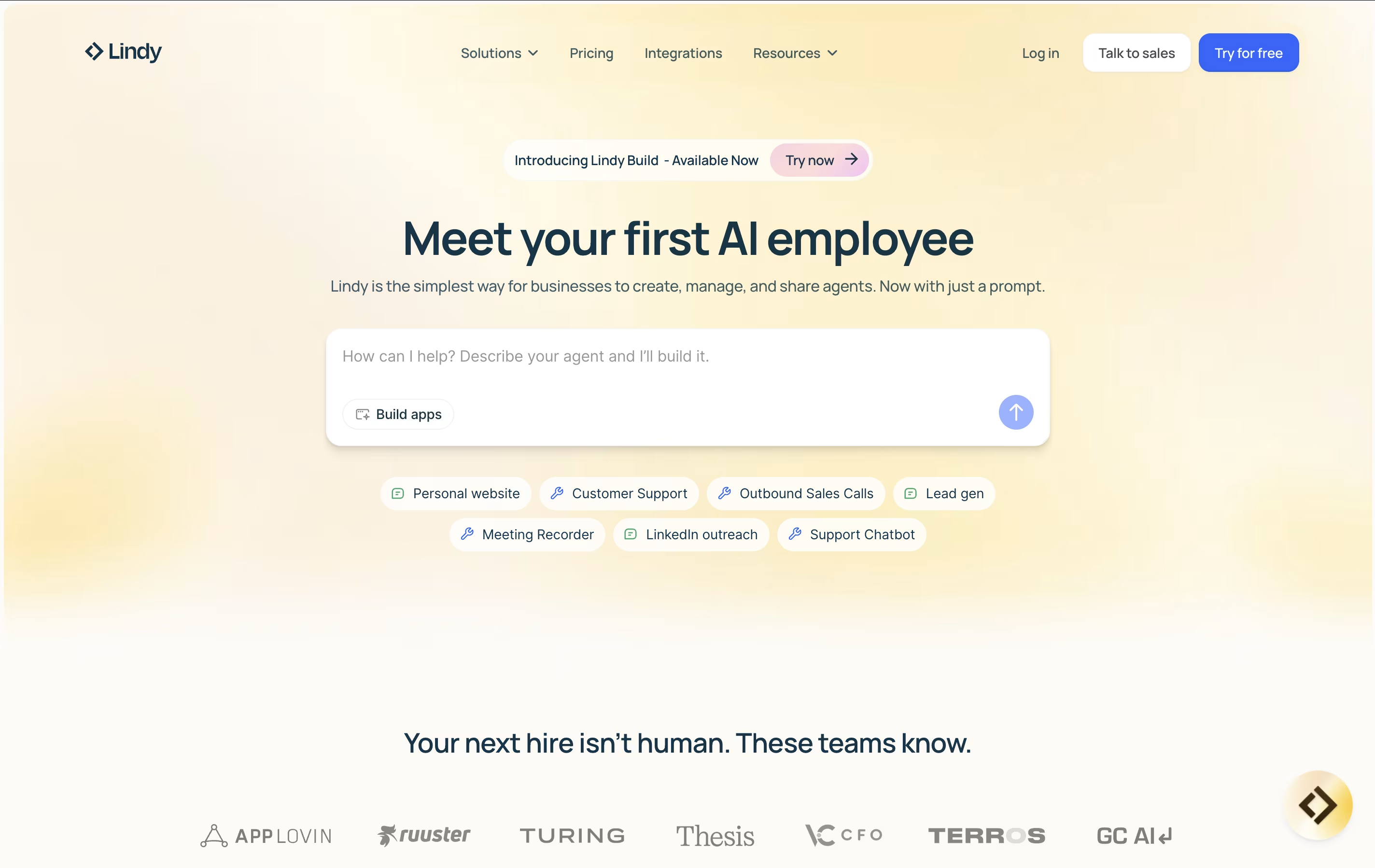
Each Lindy you create can understand context, make decisions, and take actions across your entire tech stack. Unlike basic automation tools that just move data around, Lindy's AI agents can read emails and understand what they mean, research leads and write personalized outreach, join meetings and take detailed notes, or handle customer support with human-like responses.
The platform uses simple "if this, then that" logic combined with natural language commands, making it accessible to everyone from small business owners to large enterprise teams. You can start with pre-built templates or create completely custom agents tailored to your specific business needs.

Integry is an enterprise-grade integration platform that serves as the bridge between SaaS applications and hundreds of third-party tools. Unlike traditional integration solutions, Integry focuses on embedded, user-facing integrations that work directly within your product interface.
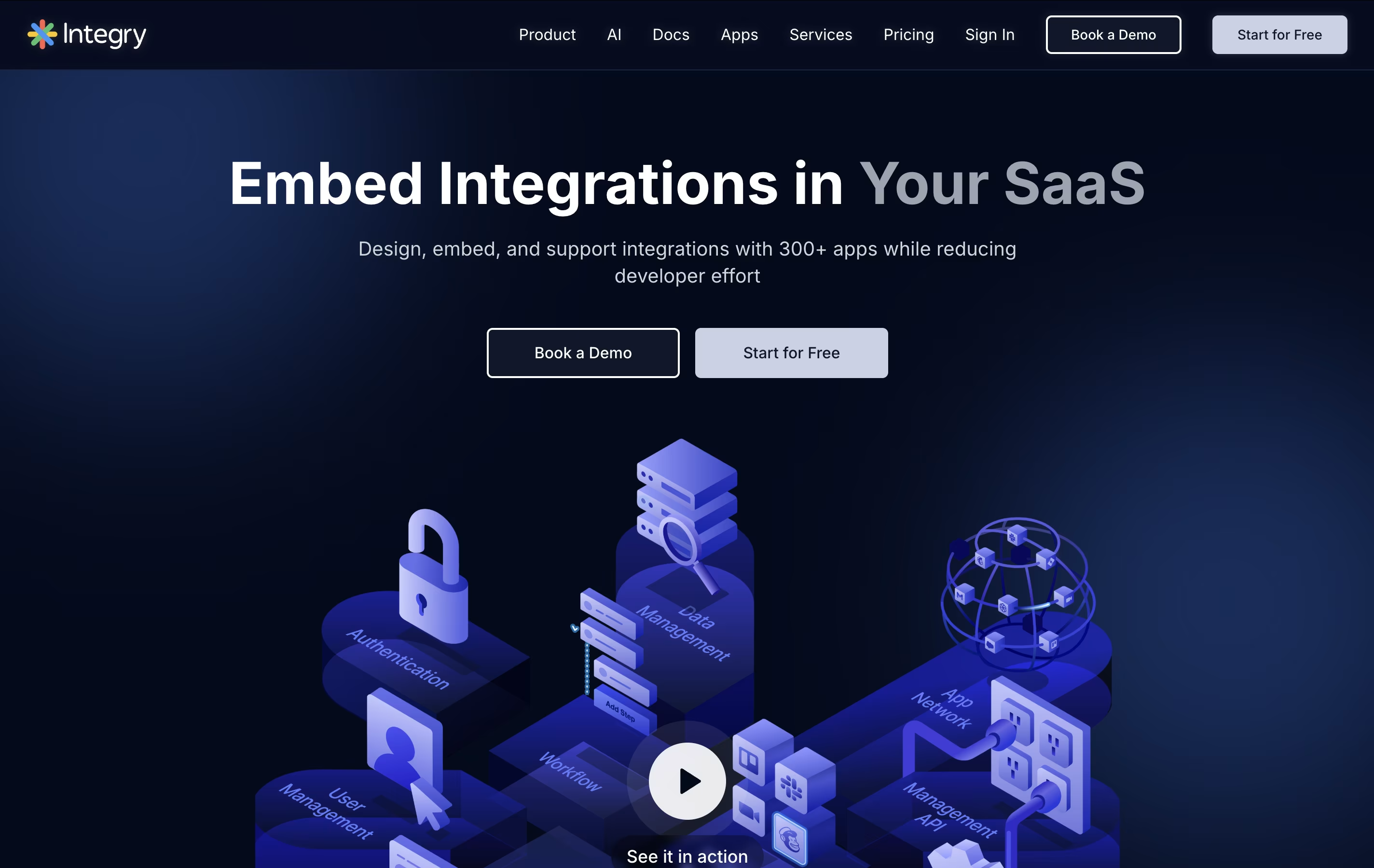
The platform offers AI-powered function calling capabilities, allowing artificial intelligence systems to predict and execute actions across different applications automatically. This makes it particularly valuable for AI agents and chatbots that need to interact with external tools.
Integry handles the complex technical aspects of integrations including OAuth authentication, data mapping, error handling, and API management. The visual programming environment lets product teams build sophisticated workflows without writing code, while the white-label components ensure the integration experience matches your brand perfectly.
Coupler.io is a "no-code data integration and automation platform" that connects different business applications to create unified reports and dashboards. It acts as a bridge between your marketing tools, sales software, accounting systems, and reporting platforms.
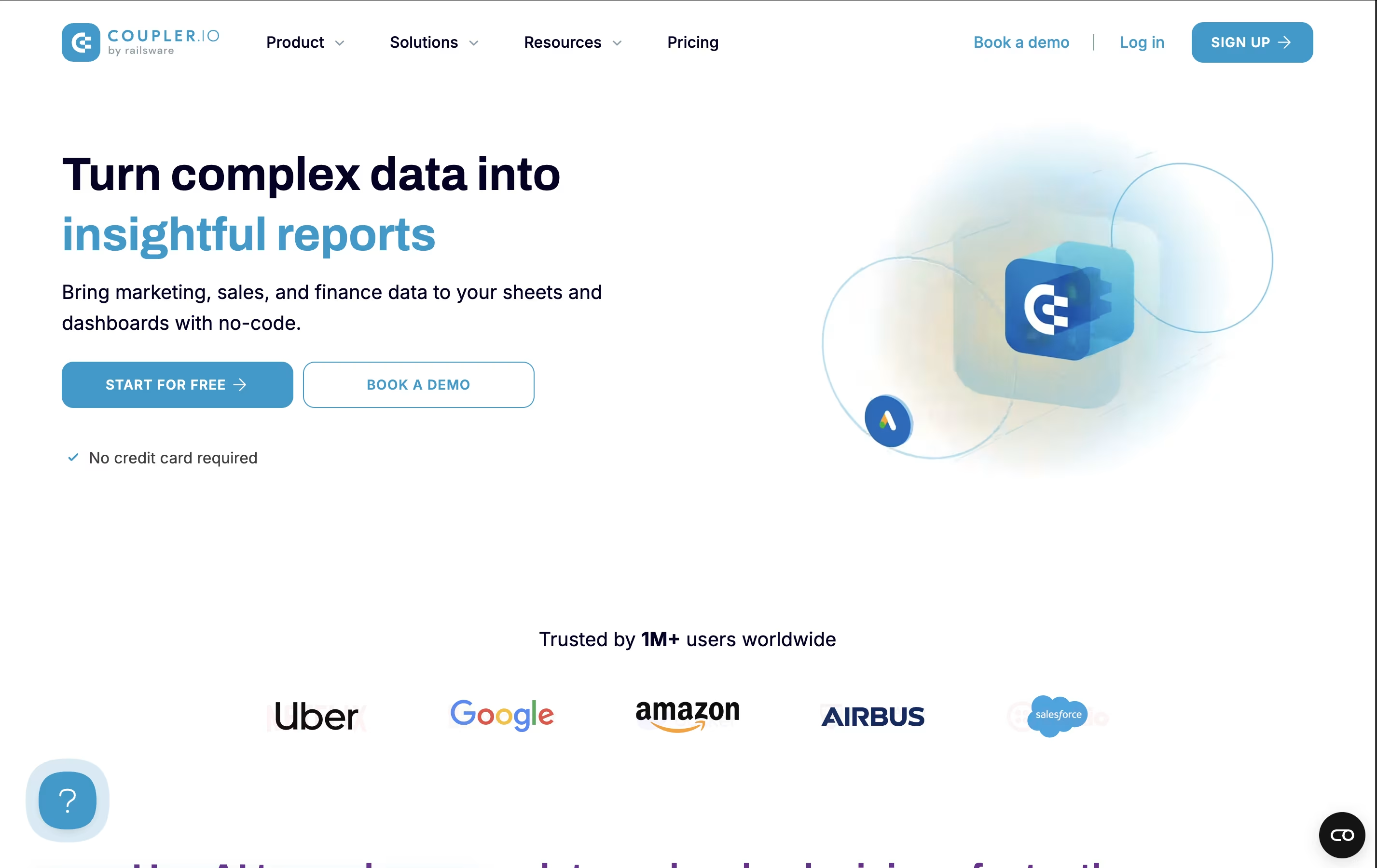
The tool automatically pulls data from sources like Google Analytics, HubSpot, Xero, and social media platforms, then sends it to destinations like Google Sheets, Excel, Power BI, or Looker Studio. This happens on a schedule you set, so your reports stay fresh without manual work.
What makes it special is its ability to transform and combine data from multiple sources, creating custom reports that update themselves. This helps businesses track performance, spot trends, and make data-driven decisions faster than traditional manual reporting methods.

Gumloop is an AI-native automation platform designed to help businesses automate complex workflows using artificial intelligence and machine learning. Think of it as a visual programming tool that connects your favorite business applications with cutting-edge AI models.
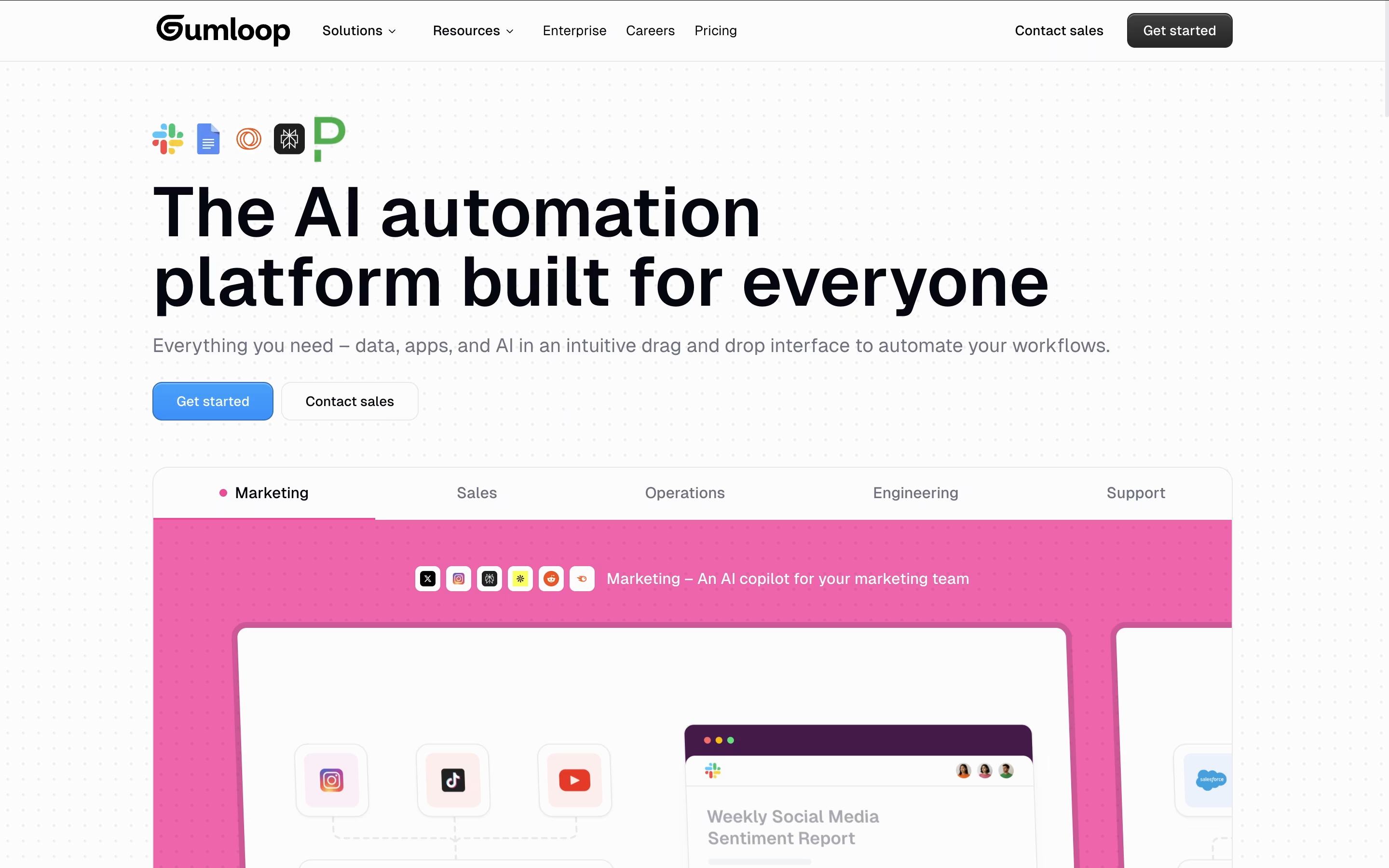
The platform works by letting users drag and drop "nodes" (individual components) onto a visual canvas to build complete automation workflows. These nodes can be anything from web scrapers and document processors to AI models like GPT-4 and Claude. Users connect these nodes together to create "flows" that can handle complex business processes automatically.
Founded in 2023, Gumloop has quickly gained popularity among teams at companies like Webflow, Instacart, and Shopify. What makes it special is its AI-first approach - instead of just moving data between apps, it can actually process, analyze, and make decisions about that data using artificial intelligence. This makes it perfect for automating tasks that previously required human judgment.

Hexomatic is a no-code automation platform designed to help businesses extract data from websites and automate time-consuming tasks. Think of it as your digital assistant that can visit websites, collect information, and perform actions automatically without any technical knowledge required.
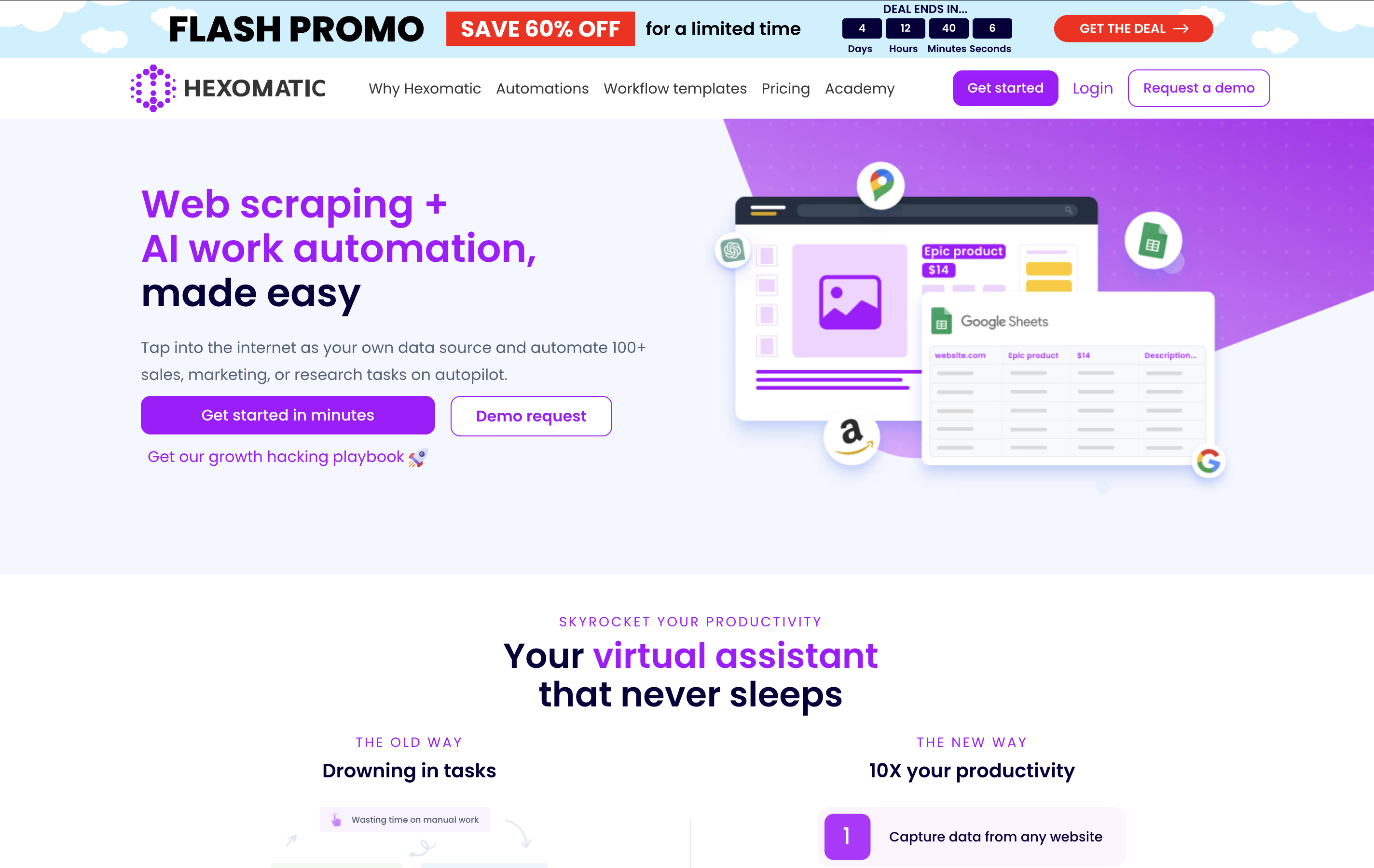
The platform works by combining web scraping capabilities with workflow automation. You can create "recipes" to extract specific data from websites like product prices, contact information, or social media profiles. Then, use over 100 built-in automations to process this data - validate emails, translate content, generate reports, or send notifications.
What makes Hexomatic special is its visual, drag-and-drop interface that lets anyone build complex automation workflows. It runs continuously in the cloud, so your automations work even when you're offline. The platform also includes AI-powered features through integrations with ChatGPT and Google Gemini for advanced content creation and data analysis tasks.

Relevance AI is a no-code platform where anyone can build AI agents and complete AI teams to handle business tasks automatically. These AI agents work like digital employees that can be trained to follow your exact processes and procedures.
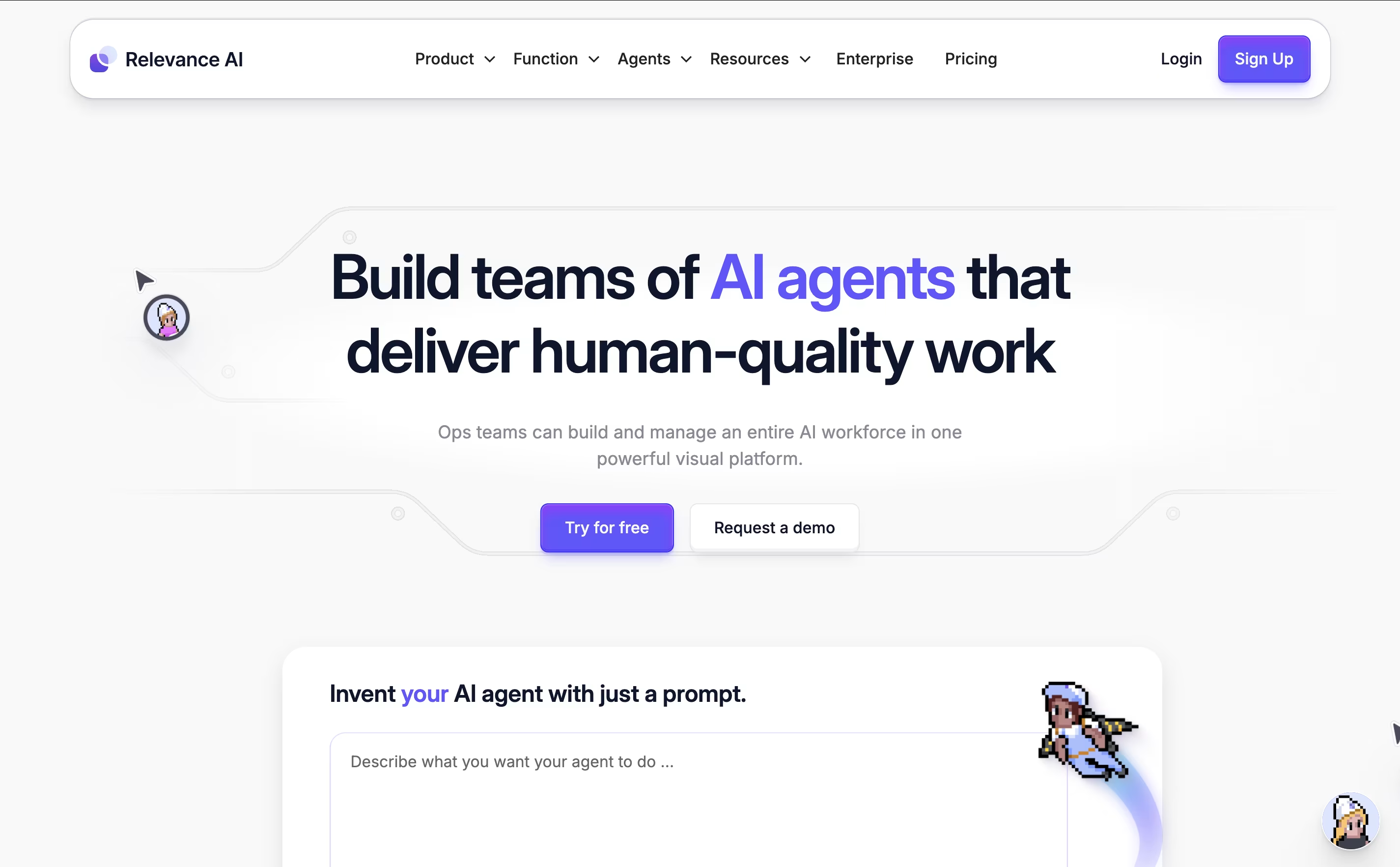
The platform supports multiple AI models including GPT-4, Claude, and Gemini, so you get access to the most advanced AI technology. You can create custom tools and workflows, then give these tools to your AI agents so they can complete complex tasks on their own.
What makes it special is that everything happens without coding. You simply drag and drop to build workflows, connect your existing apps, and train your agents using plain English. The platform is SOC 2 compliant and offers data centers in the US, EU, and Australia for security and privacy.

Alter is a native macOS AI assistant designed specifically for Mac power users who want seamless AI integration across their entire workflow. It works as a system-wide productivity tool that understands context from any app you're using.
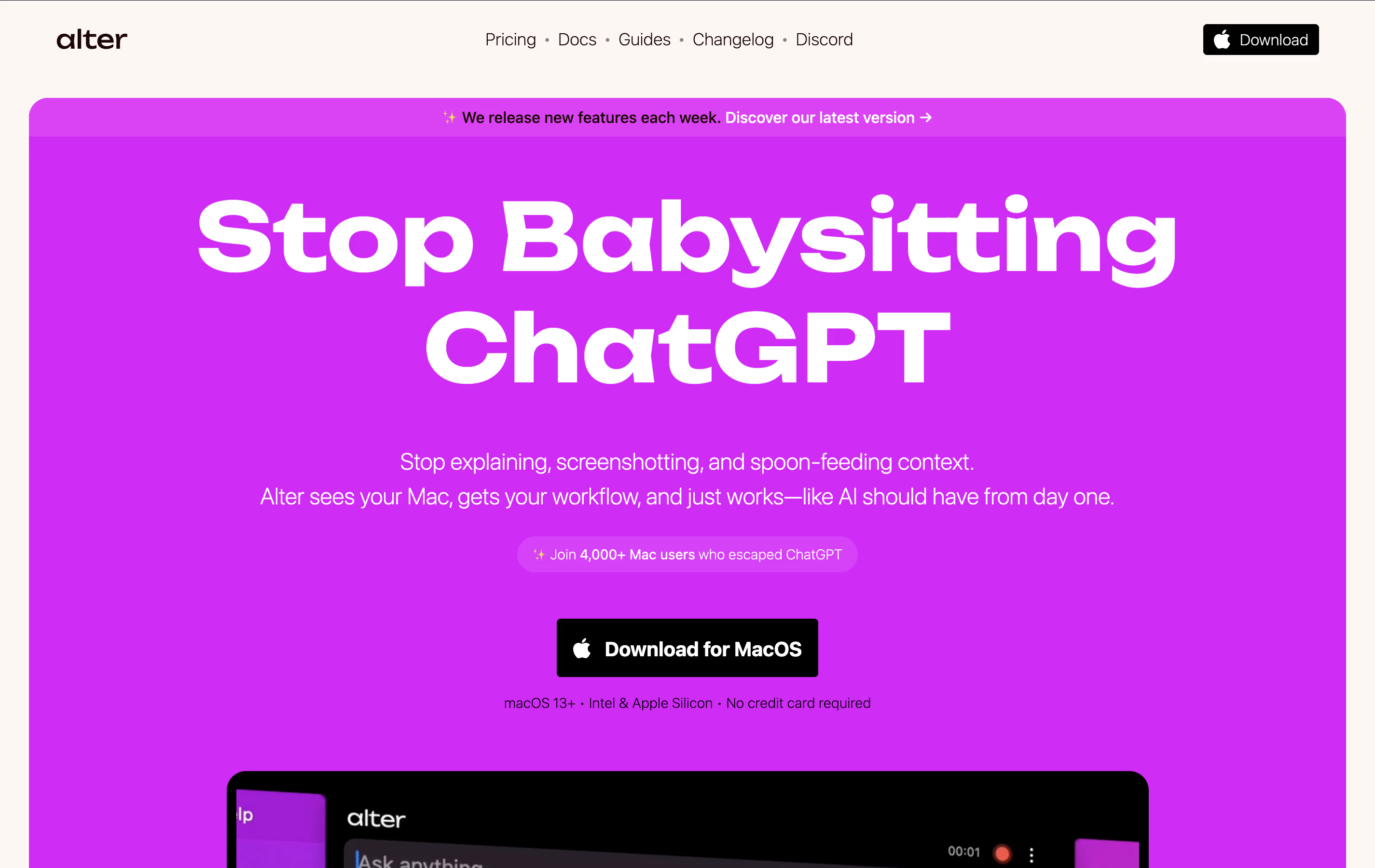
The tool operates through voice commands and contextual menus, allowing you to perform AI-powered actions without switching between applications. It can record meetings, transcribe audio, summarize content, write emails, create presentations, and handle complex tasks across apps like Finder, Keynote, and Apple Mail.
What sets Alter apart is its privacy-first approach. Your data stays encrypted locally, and you can run AI models completely offline using Ollama or LM Studio, ensuring sensitive information never leaves your device.
Zimyo is a comprehensive Human Resource Management System (HRMS) that runs in the cloud. It brings together all the important HR tasks that companies need - from hiring new employees to processing their monthly salaries. The platform works like a digital assistant for HR departments, handling time-consuming tasks automatically.
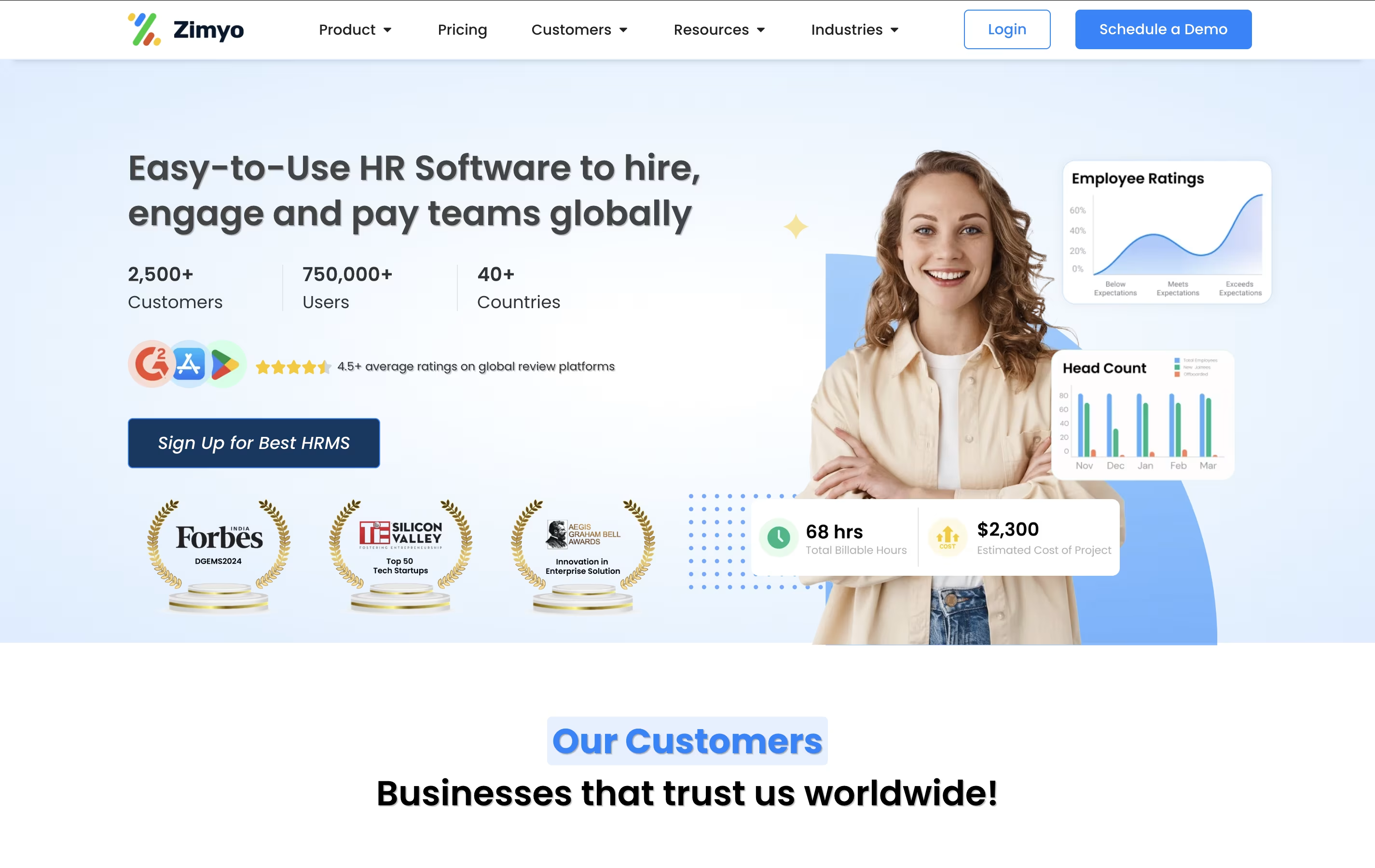
The software includes modules for employee data management, attendance tracking, leave management, payroll processing, performance reviews, and recruitment. It also has employee engagement features like surveys, announcements, and feedback systems. What makes Zimyo special is its user-friendly design - employees can access their information, apply for leaves, and view payslips through a simple mobile app or web portal.
The system ensures legal compliance and data security while providing real-time analytics to help managers make better decisions about their workforce.
Kula AI is an intelligent recruiting platform that streamlines the entire hiring process from sourcing candidates to making offers. Unlike traditional recruiting tools that require multiple add-ons, Kula provides everything in one system including candidate sourcing, CRM functionality, interview scheduling, and hiring analytics.
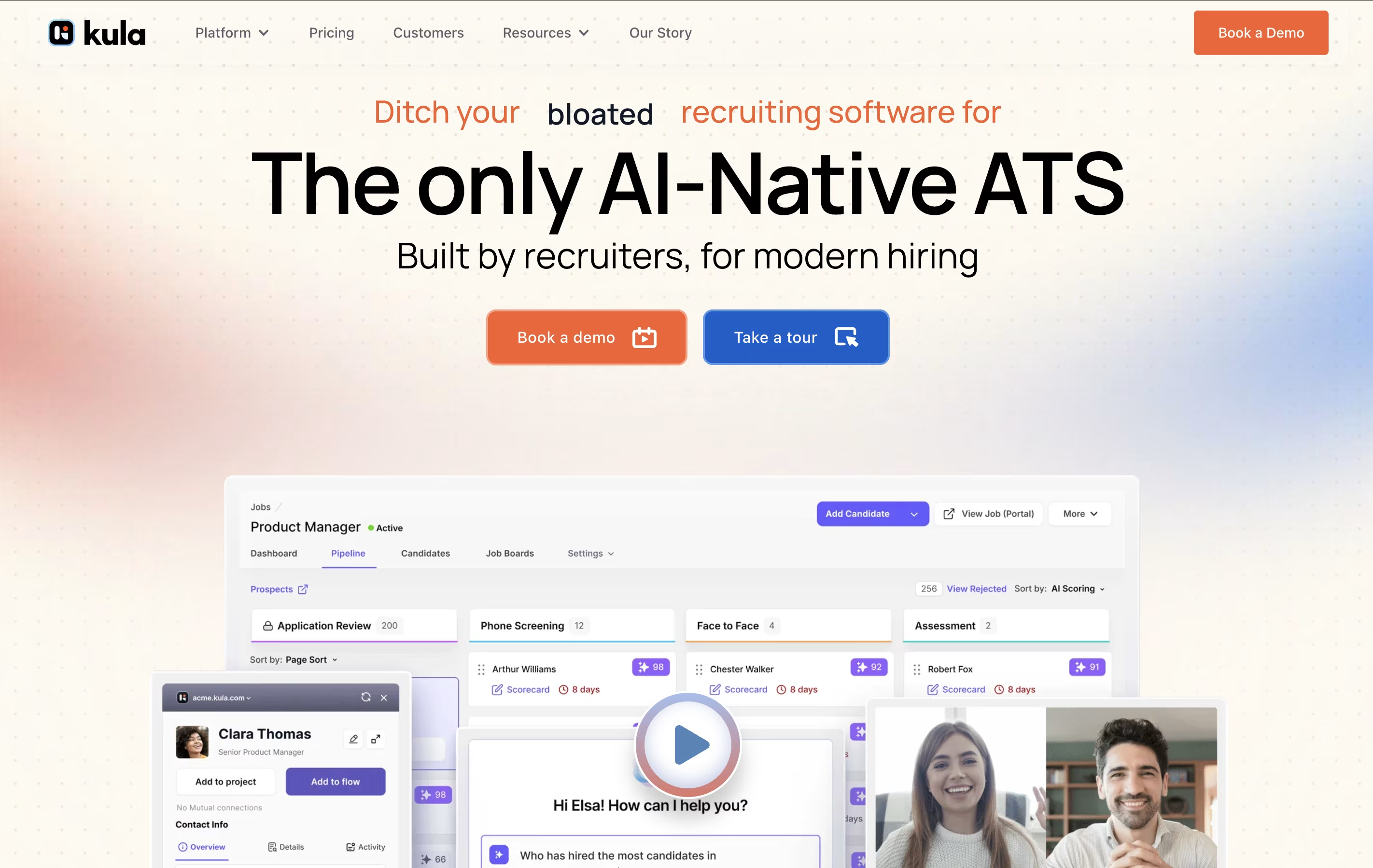
The platform uses AI to automatically find and rank candidates based on your requirements, saving hours spent manually reviewing resumes. It can send personalized outreach messages across email, LinkedIn, and other channels without human intervention. Kula also includes interview recording and analysis features that help teams make better hiring decisions.
The system works for startups to enterprise companies, replacing the need for separate tools like sourcing platforms, email automation software, and basic ATS systems with one comprehensive solution.
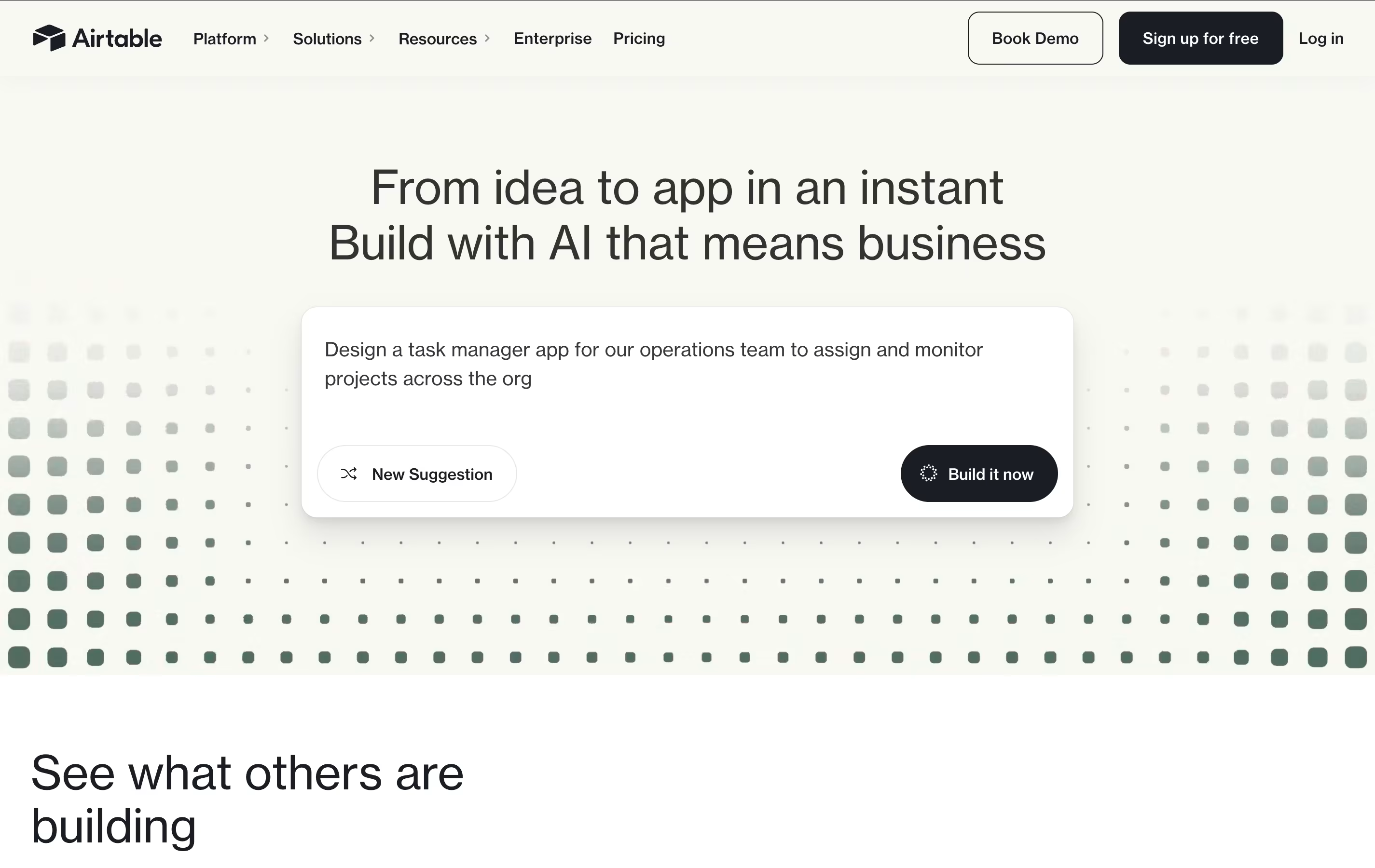
Airtable is a no-code platform that works like a supercharged spreadsheet with database capabilities. You can store, organize, and connect different types of information while creating custom views like grids, calendars, forms, and boards to see your data in different ways.
What makes Airtable special is its ability to link related information across different tables. For example, you can connect customer records to their orders, or link project tasks to team members. This creates a web of connected data that gives you a complete picture of your business operations.
The platform includes built-in automation, AI features, and hundreds of integrations with other business tools. Teams use Airtable for project management, customer tracking, content planning, inventory management, and many other business processes. It requires no technical skills to get started, making it accessible to everyone on your team.

CREAO is a "no-code AI app builder" that turns natural language descriptions into working software applications. When you describe your app idea in simple words, CREAO's AI automatically builds the complete application including the user interface, backend systems, database, and web hosting.
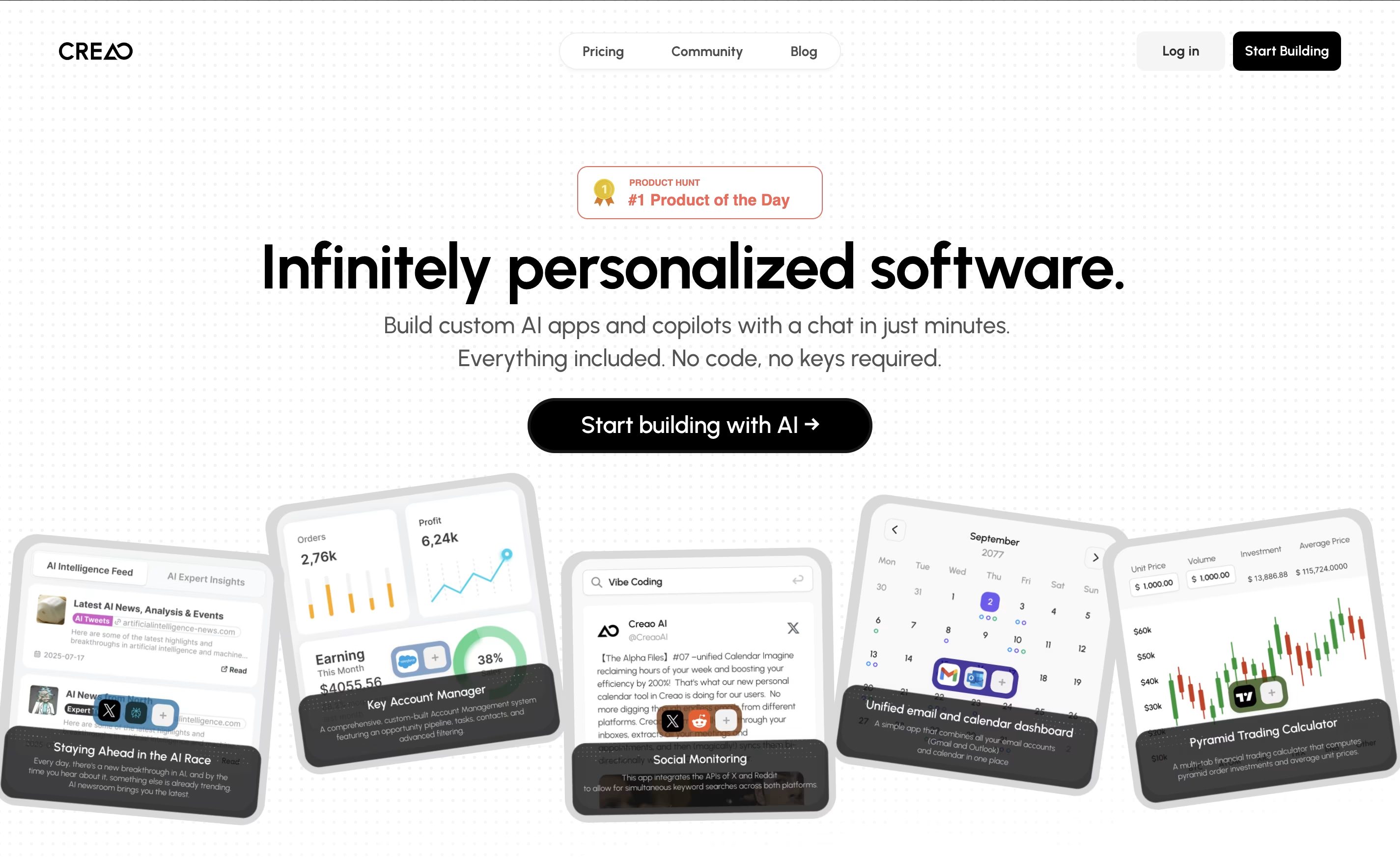
What makes CREAO special is that every app it creates is "AI-native," meaning each one includes a smart AI assistant that understands your specific workflow and data. This built-in copilot can answer questions, manage information, and help users complete complex tasks within the app.
The platform also offers easy connections to popular business tools and services, so your custom app can work alongside your existing software. This makes it perfect for creating internal business tools, customer portals, or workflow management systems.

Notion is a versatile all-in-one workspace that functions like a set of digital building blocks. Think of it as a combination of Google Docs, Trello, Airtable, and Evernote all rolled into one seamless platform. Every page in Notion is built using 'blocks' - individual pieces of content like text, images, databases, or embedded files that you can arrange however you want.
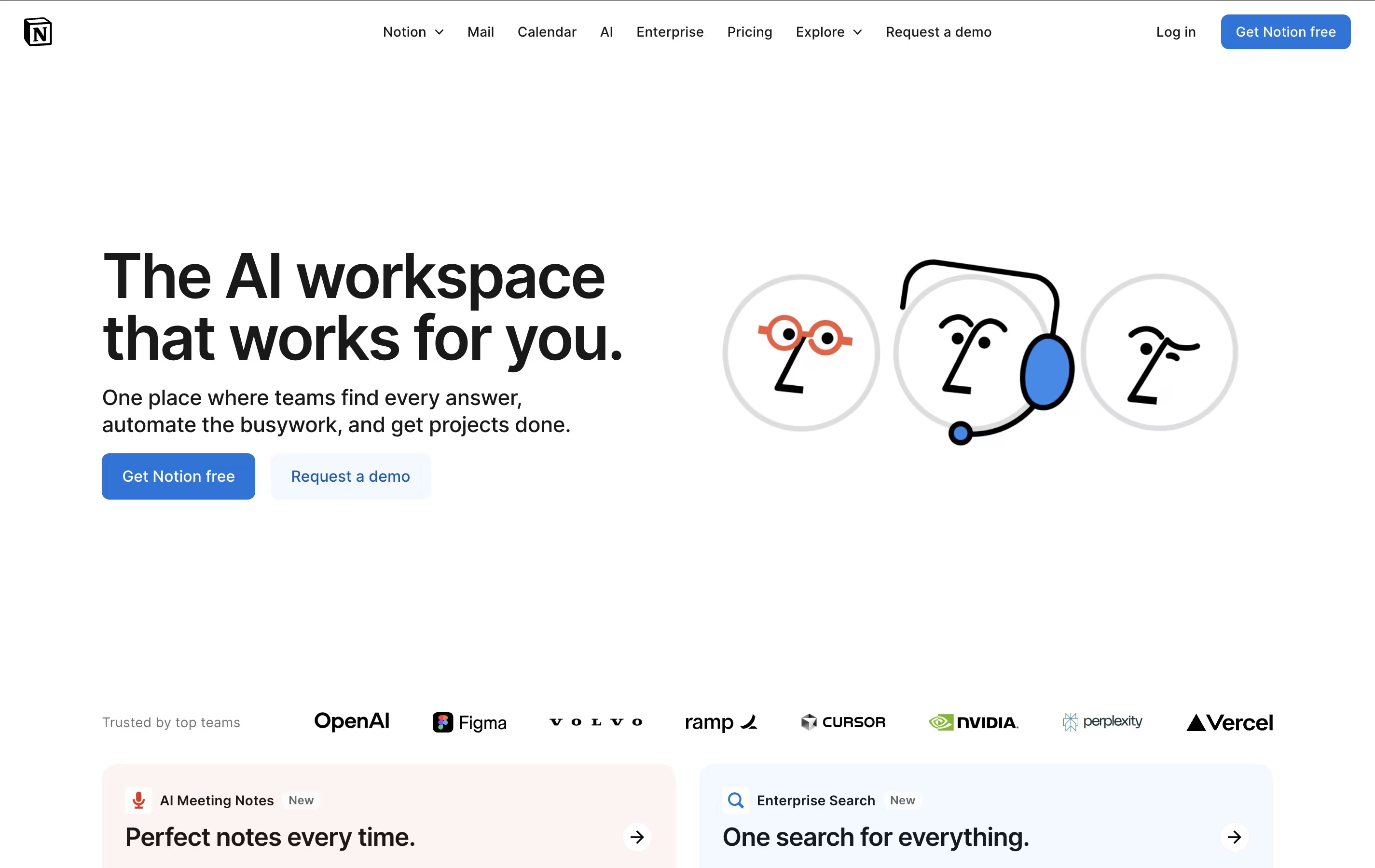
What sets Notion apart is its flexibility. You can create simple notes, complex project management systems, company wikis, or personal journals using the same tool. The platform supports real-time collaboration, allowing teams to work together on documents, databases, and projects simultaneously. With templates for common use cases and the ability to create custom workflows, Notion scales from personal use to enterprise-level operations while maintaining simplicity and elegance.

Morgen is an AI-powered calendar and task management platform designed to help you manage all your time commitments in one place. Think of it as your personal scheduling assistant that combines multiple calendars with intelligent task planning.
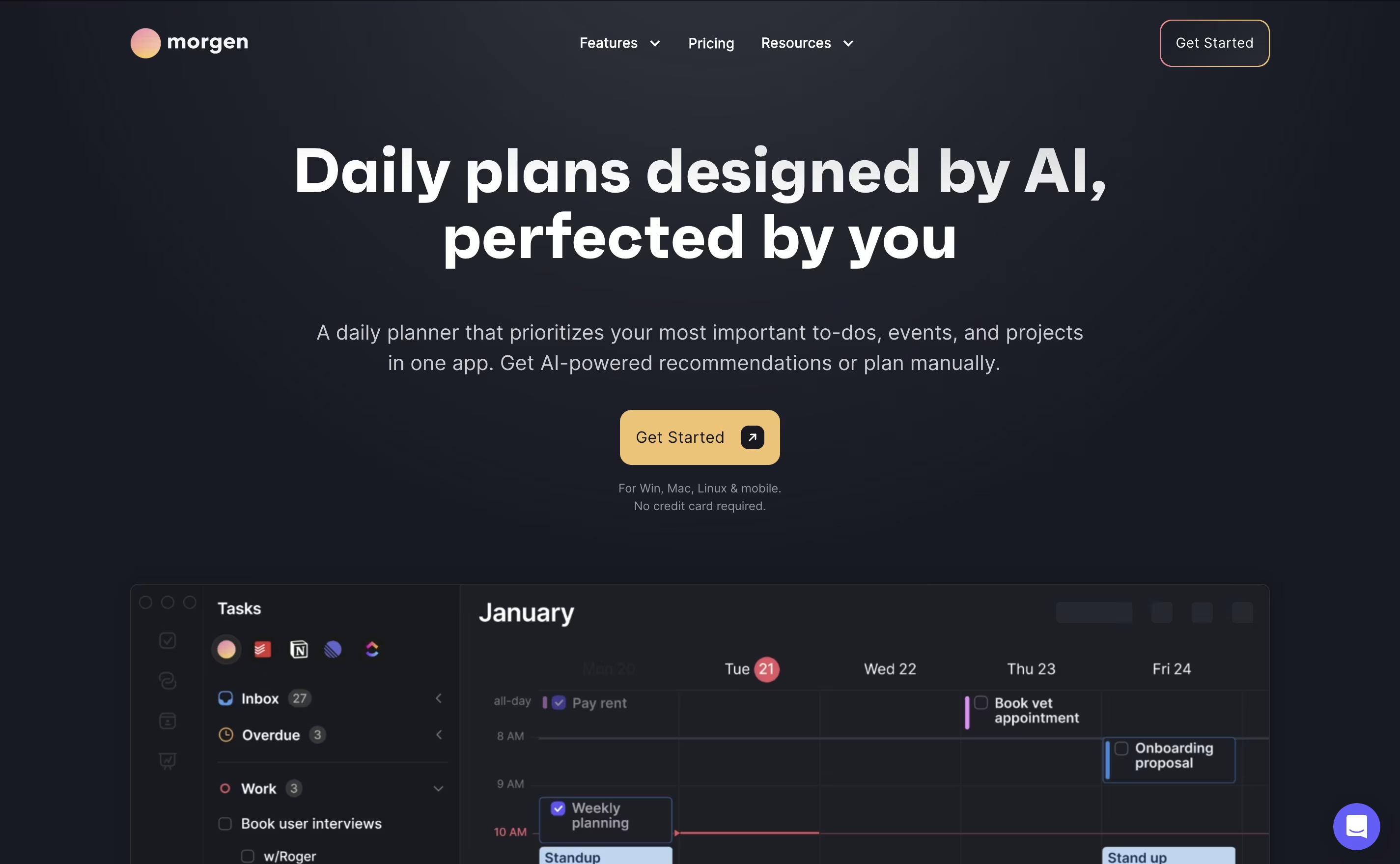
The app works by connecting your existing calendars from Google, Outlook, Apple, and other providers, then adding powerful features like task integration, AI-powered scheduling, and workflow automation. The main difference from regular calendar apps is simple: instead of just showing events, Morgen helps you plan productive days by scheduling tasks alongside meetings.
Founded as a cross-platform solution, Morgen works on Windows, Mac, Linux, iOS, and Android. The AI Planner feature analyzes your available time and creates daily schedules that prioritize important tasks while protecting focus time. You can share booking links, automate calendar workflows, and sync tasks from your favorite productivity tools seamlessly.

Rize is an intelligent time tracking and productivity coaching application designed for macOS and Windows users who want to maximize their work efficiency. Think of it as a fitness tracker for your productivity - it automatically monitors how you spend time on your computer, identifies patterns, and provides personalized recommendations to improve focus and reduce distractions.
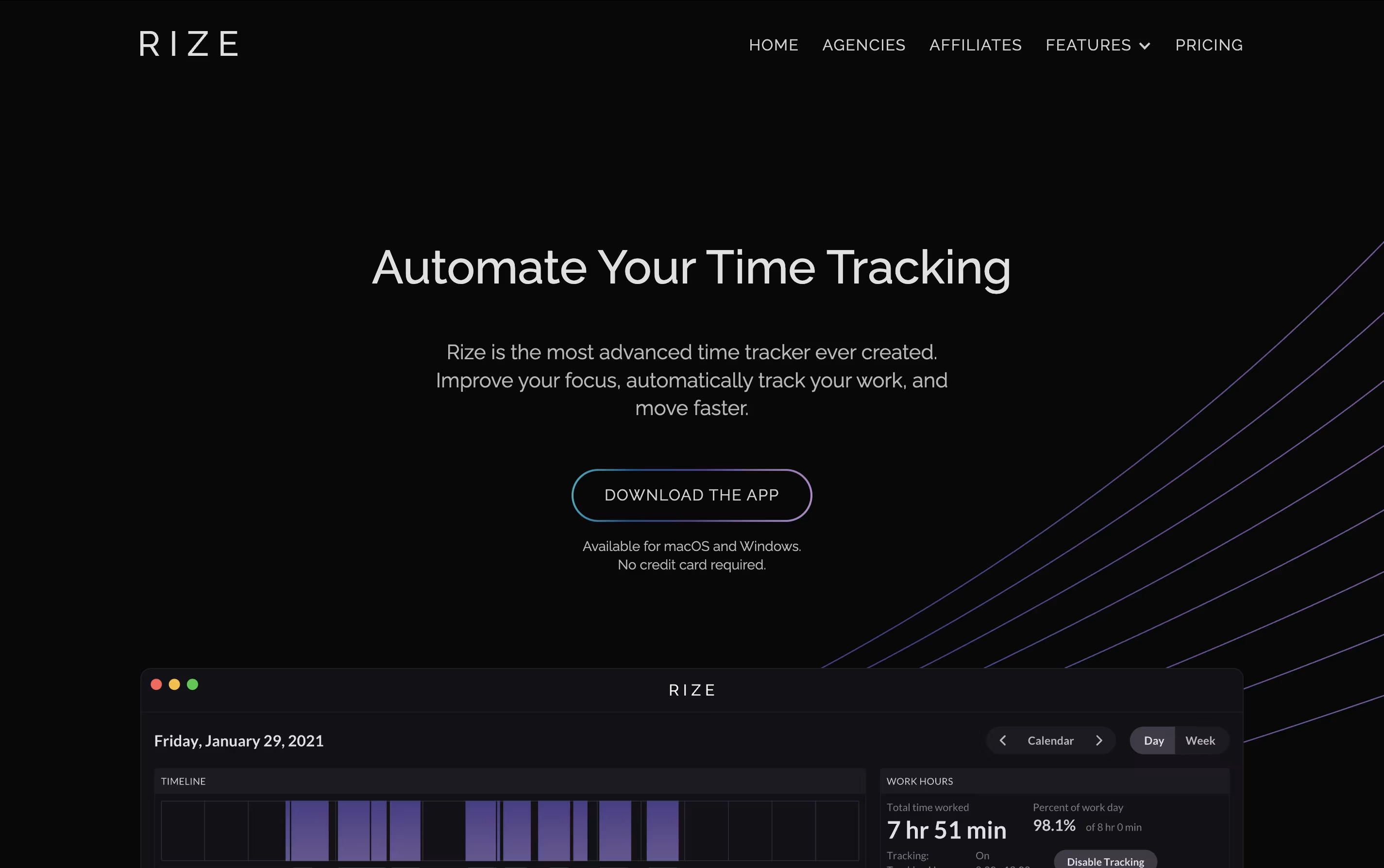
The software tracks your active windows, categorizes activities, and generates detailed reports without requiring you to start or stop timers manually. What sets Rize apart from basic time trackers is its AI-powered insights that help you understand not just where your time goes, but how to optimize it.
The platform includes focus-enhancement tools like website blocking, ambient focus music, break notifications, and detailed analytics that show you exactly which apps or websites interrupt your productive flow most frequently.

DevRev is an AI-powered platform that combines customer support and software development into one unified system. Think of it as the bridge that connects what customers need with what developers build. The platform uses advanced AI technology called AgentOS, which includes a knowledge graph that understands relationships between customers, products, and development work.
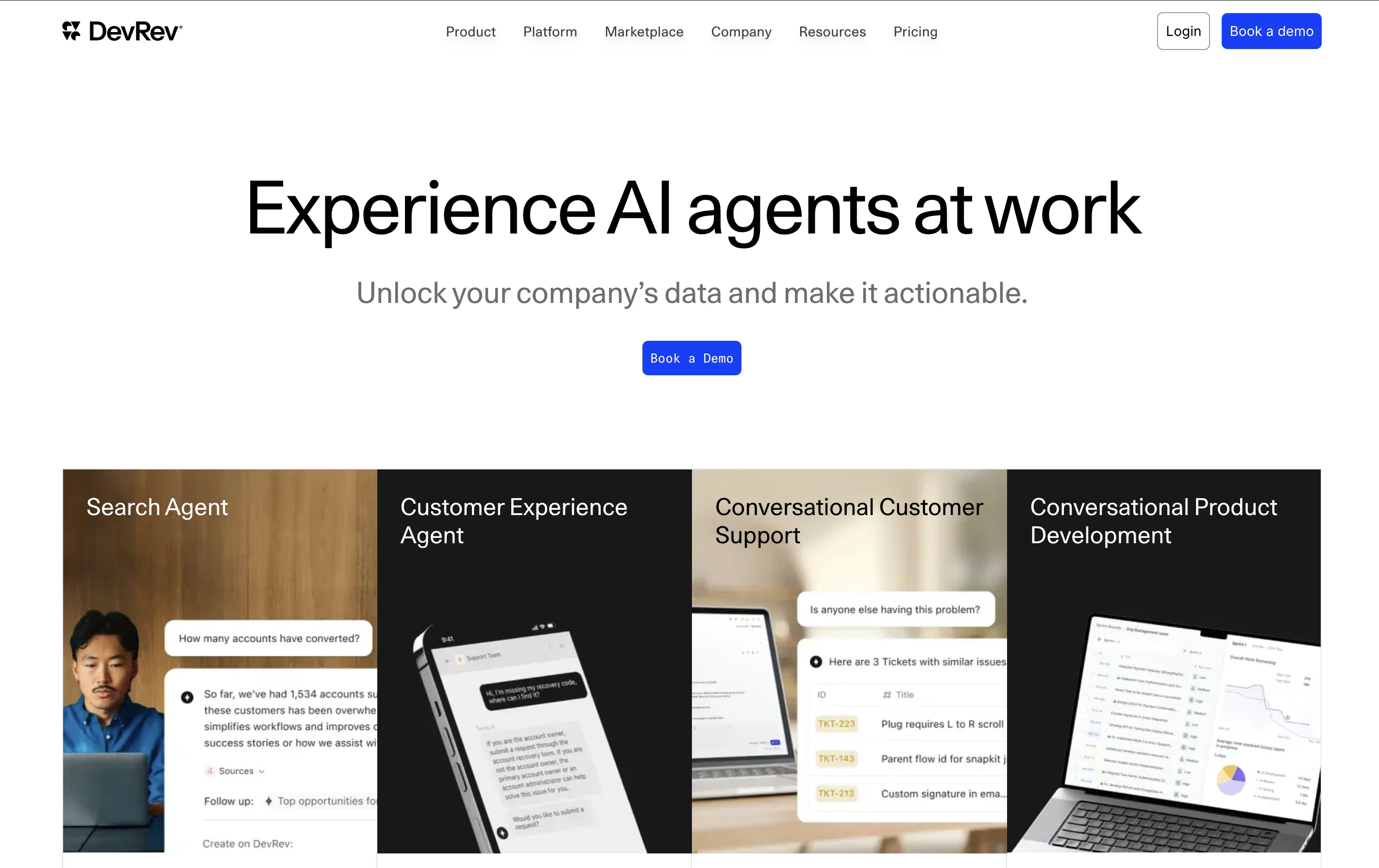
Unlike traditional tools that keep support and development teams separated, DevRev brings everyone together. Support agents can see exactly what developers are working on, while developers understand which customer issues need priority. The platform includes modern CRM features, AI-powered customer support tools, project management capabilities, and real-time analytics.
Founded by experienced technology leaders, DevRev has revolutionized how SaaS and technology companies operate. The platform helps teams work faster, make better decisions, and create products that truly solve customer problems by keeping the voice of the customer at the center of everything.
Scribe is an AI-powered documentation tool that automatically creates step-by-step guides by recording your screen actions and converting them into professional tutorials. Think of it as a smart assistant that watches everything you do on your computer and turns those actions into clear, easy-to-follow instructions.
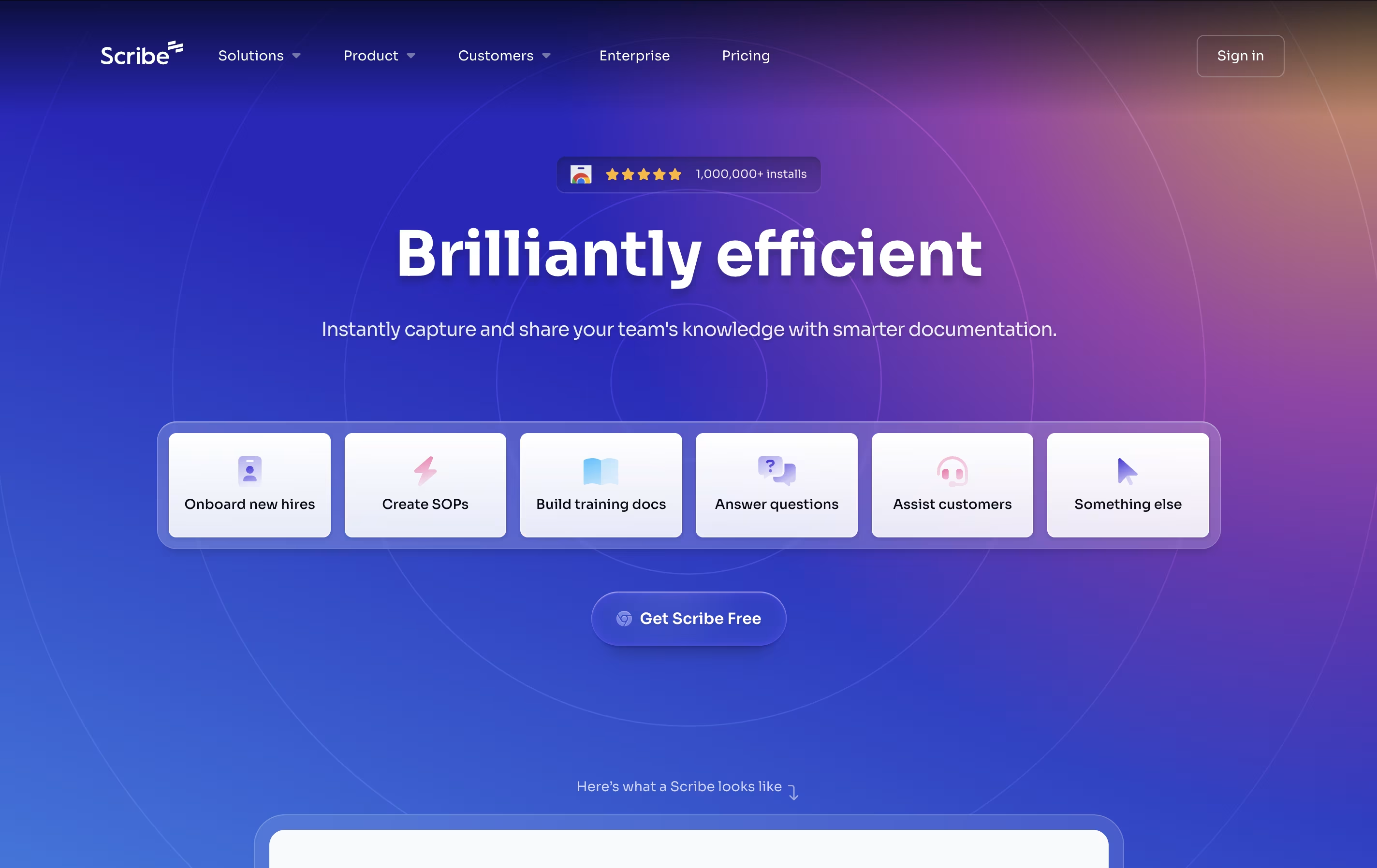
The platform works through a browser extension for web-based tasks and a desktop application for software processes. As you click, type, and navigate through any workflow, Scribe captures each step and automatically generates screenshots with helpful annotations, written instructions, and clickable elements.
What makes Scribe special is its ability to understand context and create meaningful documentation without any manual effort. The tool serves businesses of all sizes, from solo consultants documenting client processes to large companies creating training materials for hundreds of employees. It transforms the tedious task of creating documentation into an automatic, seamless experience.
Membership.io is a dedicated membership platform that helps creators build and manage content-rich communities. Originally known as Searchie, this platform revolutionizes how members interact with content through its powerful search engine that works inside videos and audio files.
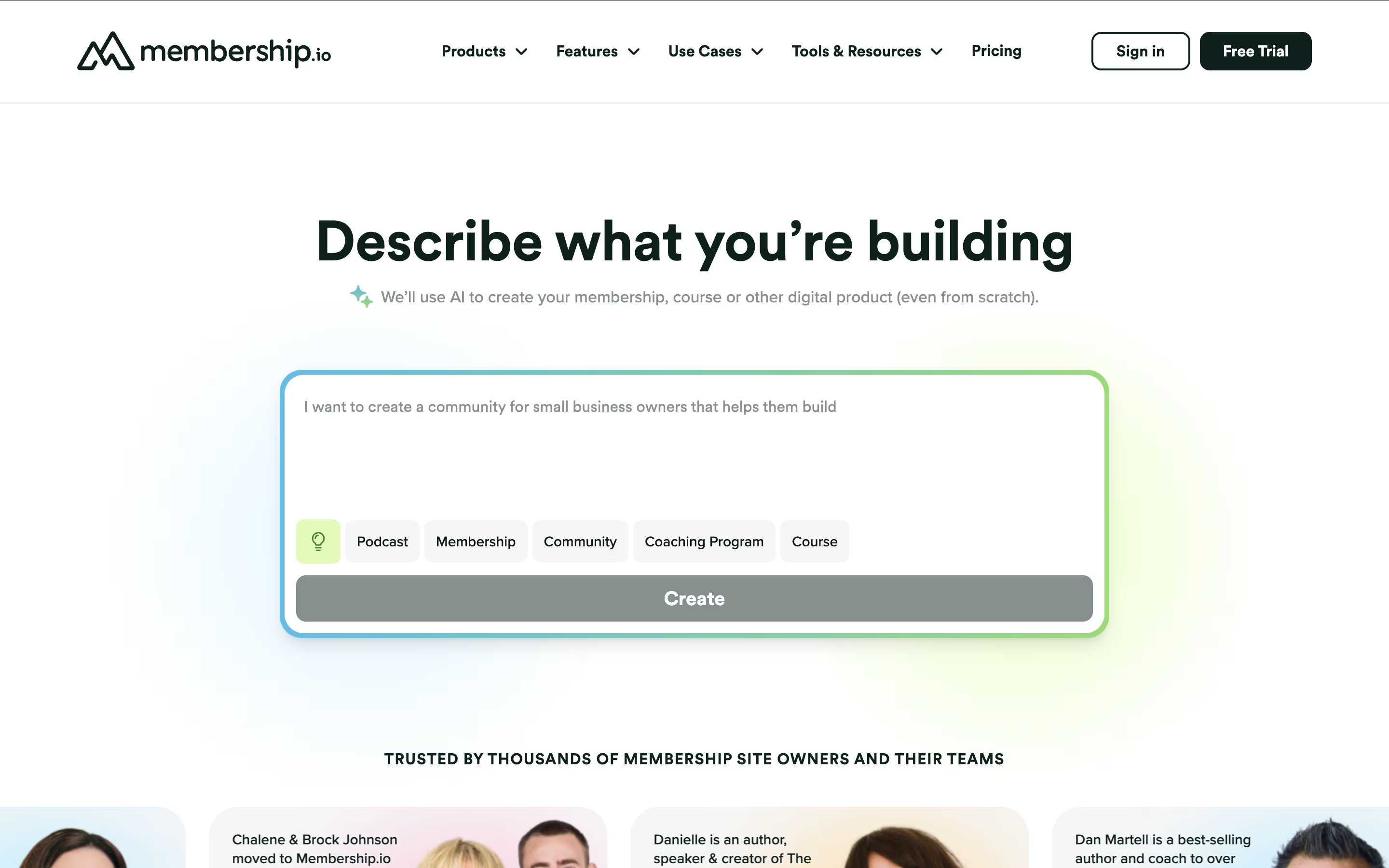
The platform serves as an all-in-one solution for membership sites, online courses, coaching programs, and content communities. Unlike generic course platforms, Membership.io was built specifically for membership businesses from the ground up.
Key features include AI-powered content management, automatic transcriptions, community tools, custom branding, and seamless payment processing. The platform's signature feature allows members to search for specific topics within video content, instantly jumping to relevant moments without watching entire videos.
This makes content more accessible and valuable, leading to higher member satisfaction and retention rates. Perfect for coaches, consultants, educators, and content creators who want to monetize their expertise.

Pulsetic is a comprehensive website uptime monitoring service designed to help businesses ensure their websites stay online and perform well. Think of it as a digital watchdog that never sleeps, constantly checking if your website is accessible to visitors around the world. The platform monitors your site from multiple global locations and sends immediate notifications when downtime is detected.
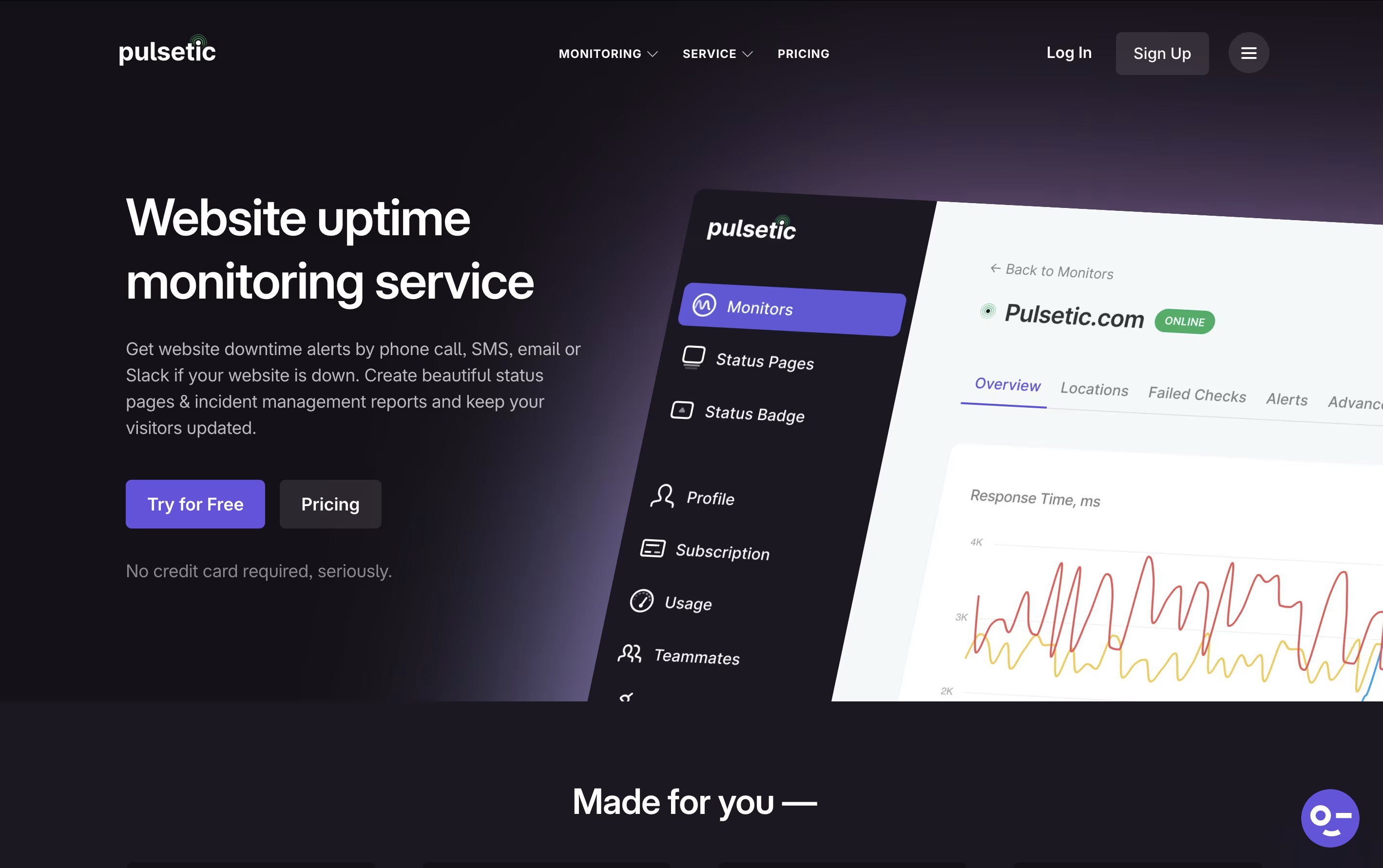
What makes Pulsetic special is its focus on both monitoring and communication. Beyond just alerting you about problems, it helps you communicate with customers through customizable status pages and incident reports. The service tracks various metrics including response times, SSL certificate health, and server connectivity. Built by the team at Designmodo, Pulsetic combines powerful monitoring capabilities with an easy-to-use interface that doesn't require technical expertise to set up and manage effectively.

Tango is an AI-powered sales automation platform that creates browser agents to handle repetitive sales tasks and guide reps through complex CRM workflows. Unlike traditional automation tools that require extensive integrations or API connections, Tango works directly in the browser where your sales team already operates.
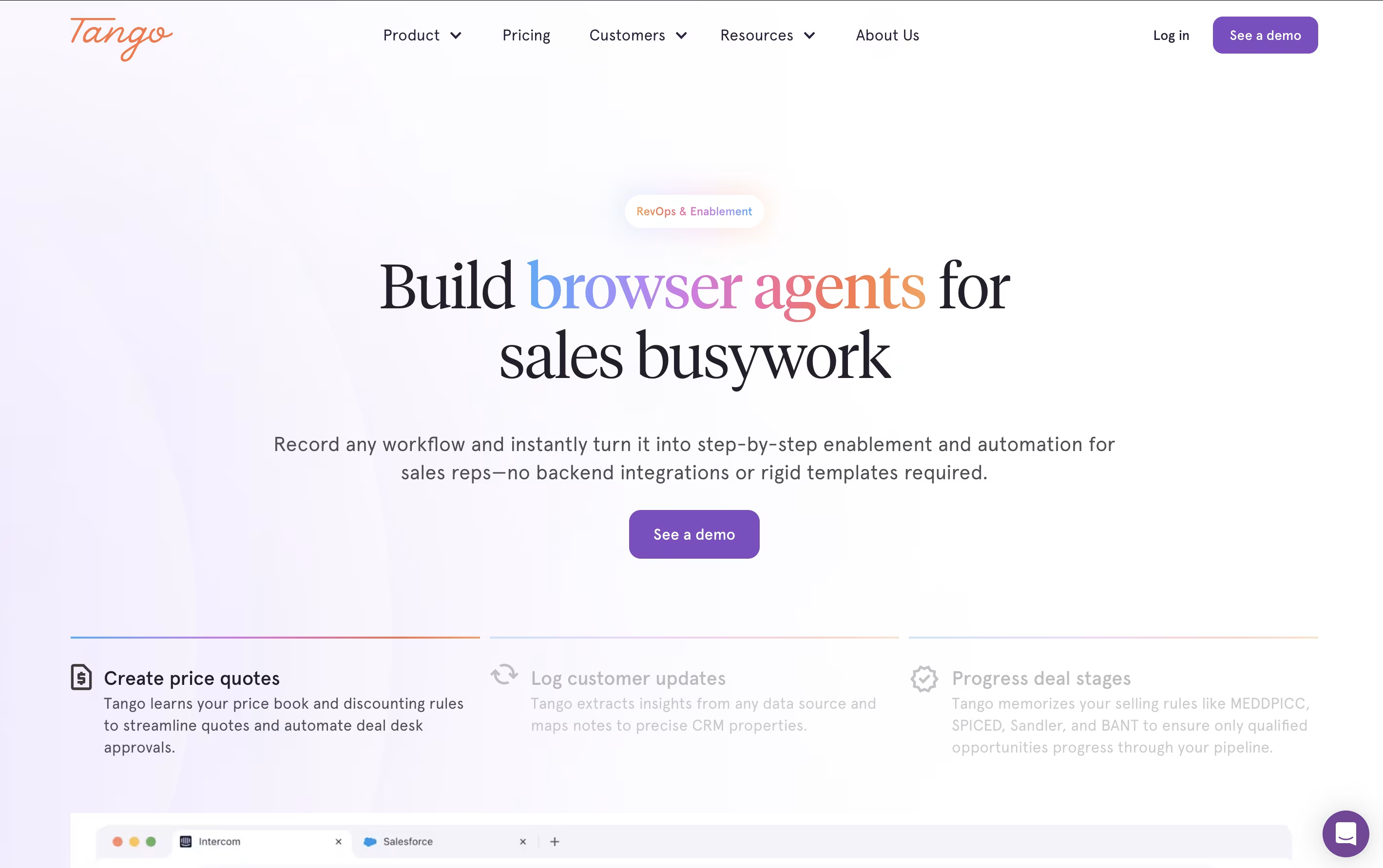
The platform combines three key elements: workflow capture, intelligent automation, and real-time guidance. Sales managers simply record their processes by clicking through them once, and Tango automatically creates browser agents that can replicate these actions. These agents handle data entry, enforce pipeline rules, validate information, and provide step-by-step guidance to sales reps.
What makes Tango unique is its human-in-the-loop approach. The system automates routine tasks while keeping sales reps in control of important decisions. This hybrid model ensures accuracy while dramatically reducing the time spent on administrative work, helping sales teams increase productivity and maintain clean, consistent CRM data.
Akiflow is a comprehensive productivity platform that combines task management, calendar scheduling, and time-blocking in one powerful application. Think of it as the control center for your entire work life, designed specifically for busy professionals who use multiple tools throughout their day.
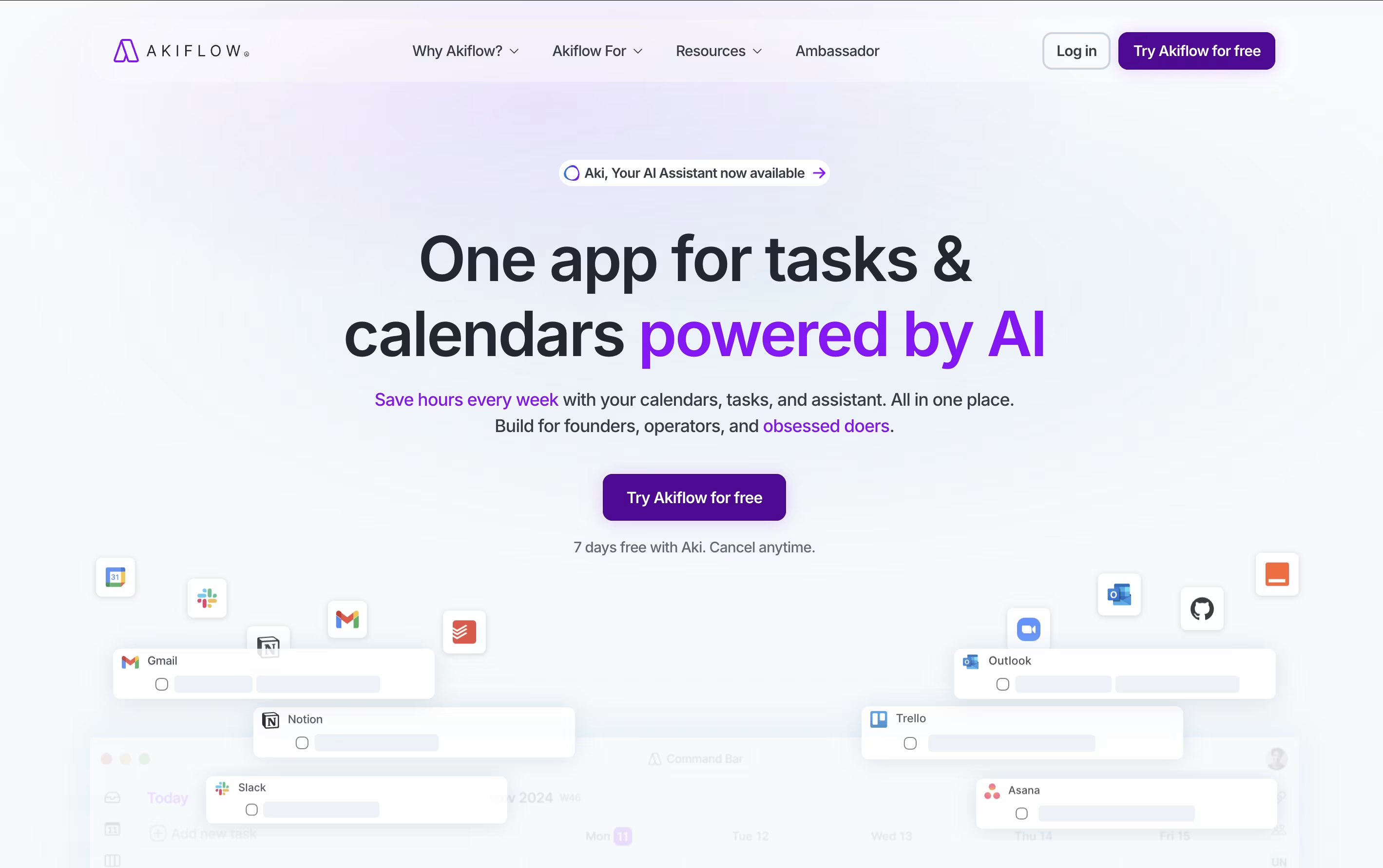
The platform automatically imports tasks from popular apps like Gmail, Slack, Asana, Notion, and thousands of others through smart integrations. What makes Akiflow special is its time-blocking approach - you can drag and drop tasks directly onto your calendar, ensuring every important item gets the time it deserves.
The platform also features an AI assistant called Aki that helps organize your schedule, suggests optimal time slots, and even handles routine scheduling tasks. Founded in 2020 and backed by Y Combinator, Akiflow has quickly become a favorite among founders, developers, and productivity enthusiasts who need to stay organized without the complexity.
Raycast is a comprehensive productivity platform built specifically for Mac users that serves as both an app launcher and a complete workflow automation system. Think of it as a much more powerful version of Spotlight search, but with AI capabilities built right in.
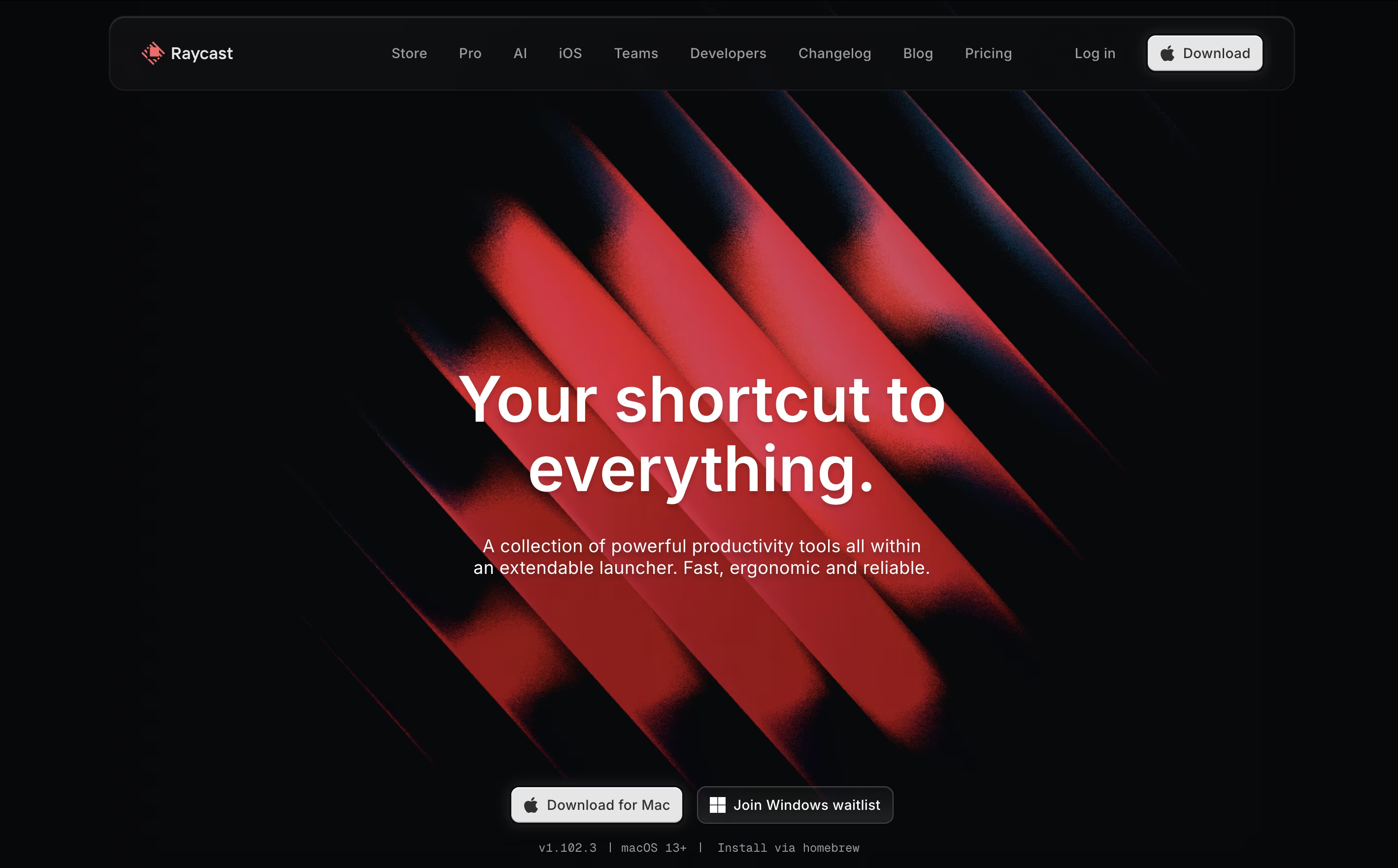
At its core, Raycast lets you quickly launch applications, search files, perform calculations, and control your Mac entirely through keyboard shortcuts. What sets it apart is its extensive ecosystem of over 1000 free extensions that integrate with popular tools like GitHub, Slack, Notion, and Google Calendar. You can manage your entire digital workflow without ever leaving the Raycast interface.
The app also includes advanced AI features powered by leading models like GPT-4, Claude, and DeepSeek R1, allowing you to chat with AI, generate content, and automate repetitive tasks. Whether you need quick answers, help with coding, or assistance writing emails, Raycast's AI integration makes it feel like having a smart assistant built into your operating system.

Trigger.dev is an open source background jobs framework that allows developers to create reliable, long-running tasks directly in their codebase. Think of it as a better way to handle any job that takes more than a few seconds to complete, without worrying about timeouts or server management.
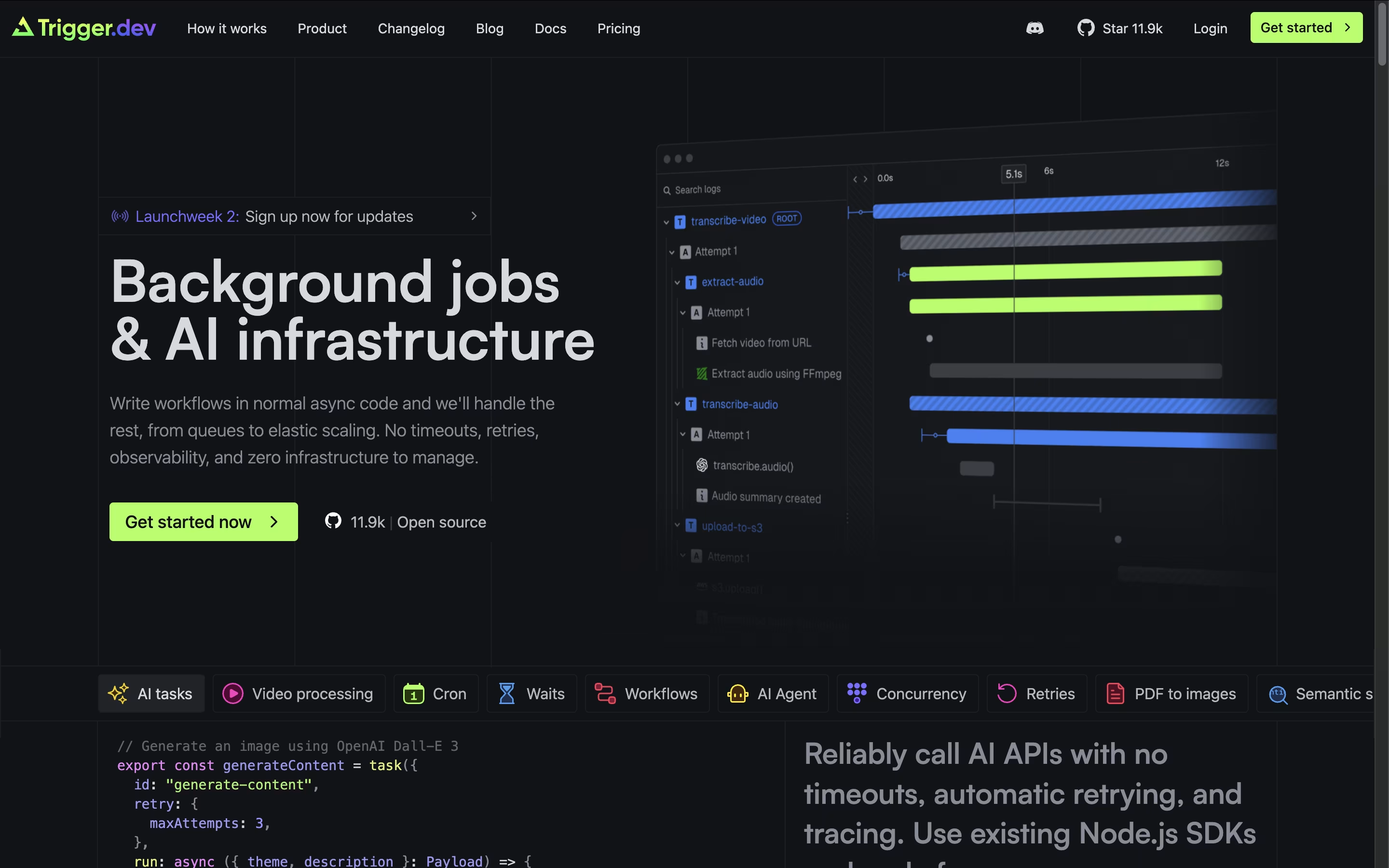
The platform excels at tasks like AI content generation, video processing, data analysis, email campaigns, and complex workflows that traditional serverless functions struggle with. What makes Trigger.dev special is its simplicity - you write regular JavaScript or TypeScript code, deploy it through their CLI, and it runs on their managed infrastructure with no timeout limits.
With automatic retries, real-time monitoring, and seamless integration with your existing codebase, Trigger.dev handles the complex parts of background job management while you focus on building great features. It supports multiple environments and can be self-hosted or used as a cloud service.

Browser Use is an AI-powered browser automation framework designed to make websites accessible for artificial intelligence agents. Think of it as giving AI the ability to see and interact with web pages just like a human would, but much faster and more accurately.
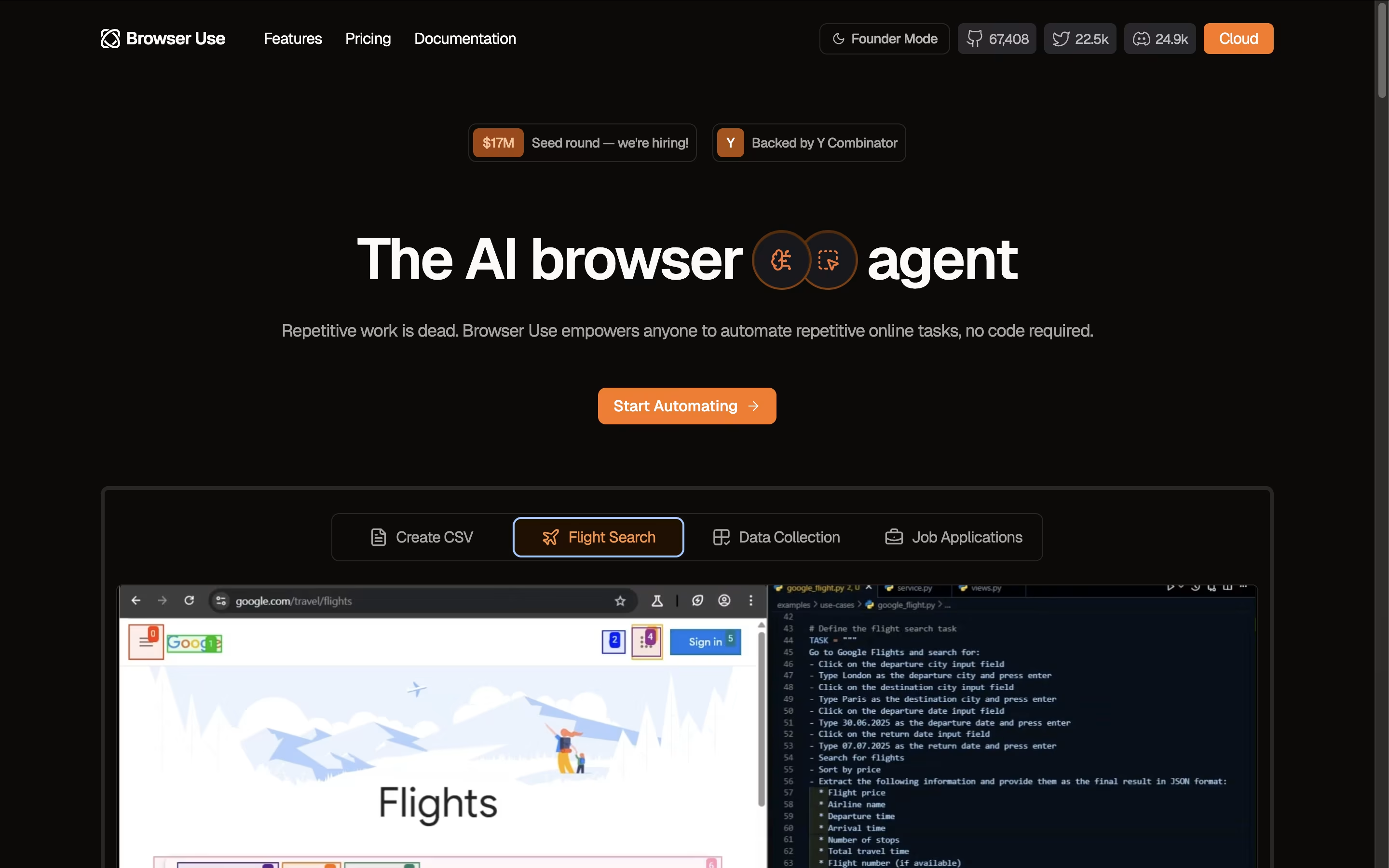
The key innovation lies in how Browser Use converts website elements like buttons, forms, and menus into a text-based format that AI models can easily understand and manipulate. Unlike traditional automation tools that rely on rigid scripts, Browser Use uses large language models to make intelligent decisions about how to navigate and interact with websites.
The framework supports multiple AI models including OpenAI GPT, Claude, Google AI, and others. It offers both an open-source version for developers and a cloud API service for businesses. Browser Use excels at complex tasks like logging into websites, extracting dynamic content, filling forms with contextual data, and performing multi-step web workflows automatically.
Sider is an innovative AI-powered browser extension that transforms your web browsing experience by integrating multiple advanced AI models directly into your browser sidebar. Think of it as your personal AI assistant that never leaves your side while you work online.
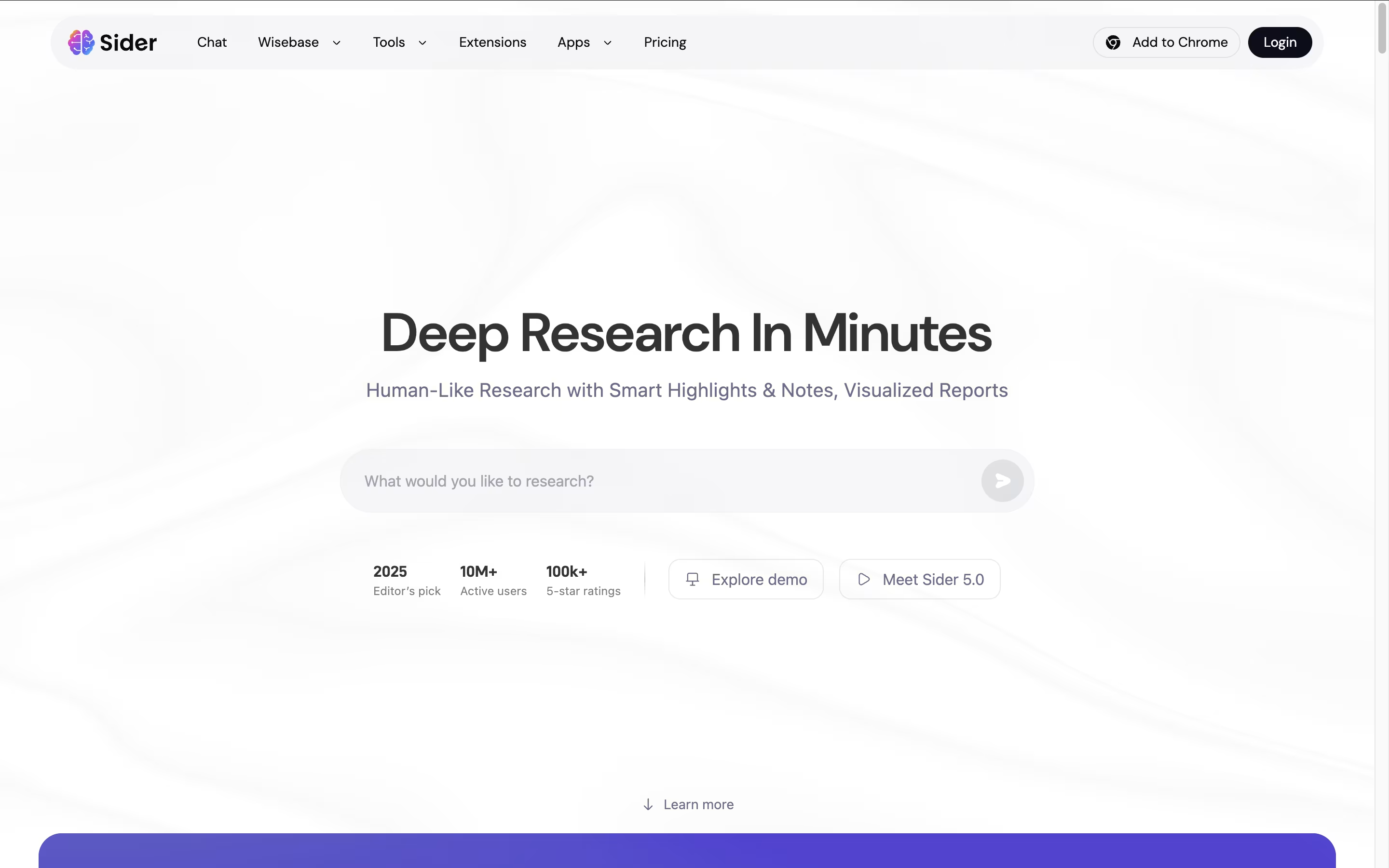
The tool combines popular AI models like GPT-4o, Claude 3.5 Sonnet, Gemini 2.0 Pro, and DeepSeek into one easy-to-use interface. Instead of jumping between different AI websites, you can access all these powerful tools with a simple click while browsing any webpage.
Sider understands that modern work requires flexibility, so it offers group chats where multiple AI models can respond to your questions simultaneously, giving you diverse perspectives on any topic. Founded in 2023, Sider has quickly gained popularity for making AI accessible and practical for everyday tasks, saving users hours of time each week.

Littlebird acts like a second mind for your work, remembering your screen activity and meetings so you do not have to repeat yourself or dig through old files.
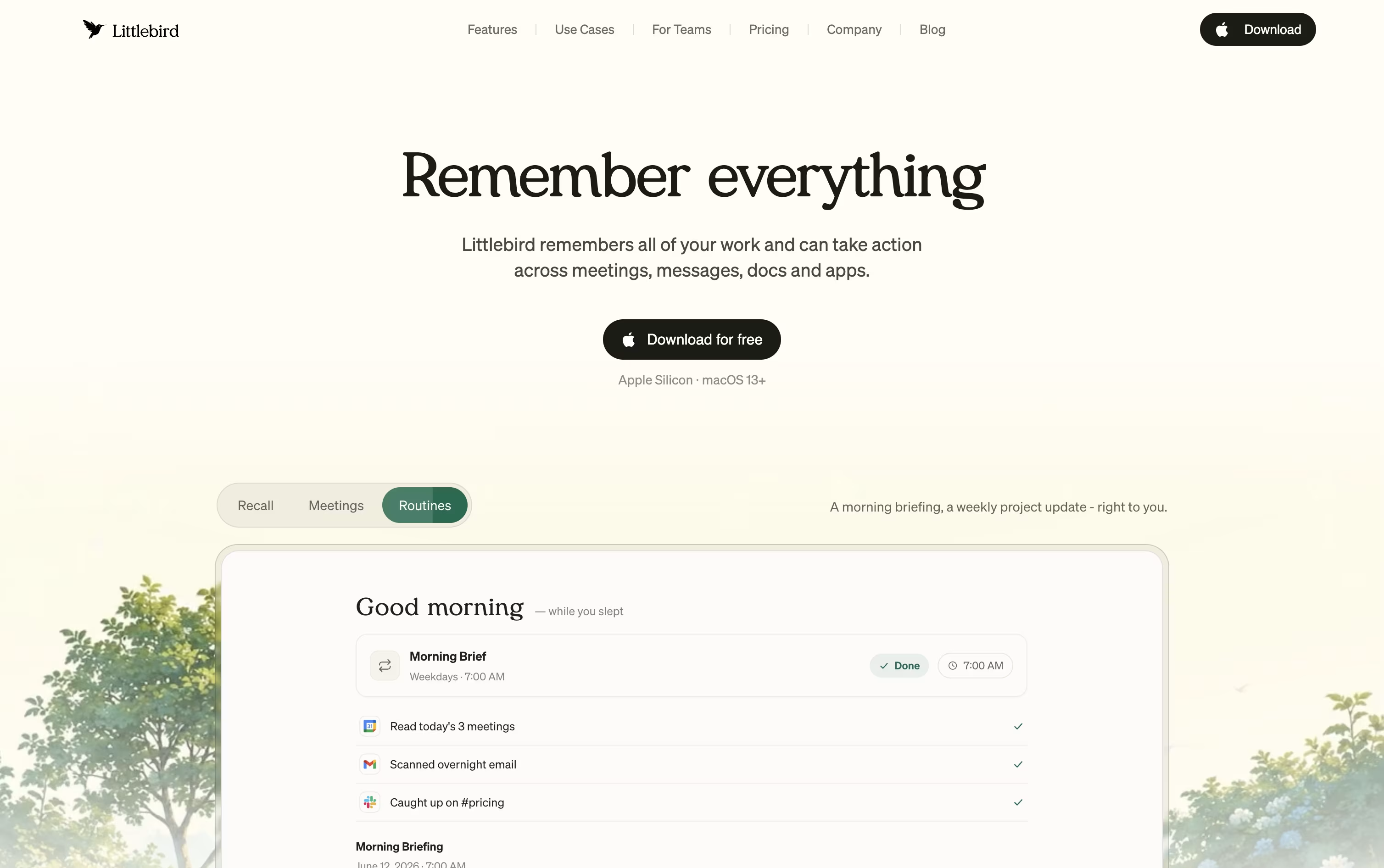
It captures text from whichever window is active on your desktop and listens in on meetings through system audio, without any bot joining the call. Everything it collects feeds into a private, searchable memory.
Chat lets you ask natural questions about anything you saw or discussed earlier, and it can also draft emails, documents, and reports using your own history as context. On Mac, the Hummingbird overlay answers quick questions about your current screen at any moment.
The free Basic plan gives you daily usage credits, limited meeting notes, and core screen context at no cost. Plus is priced at $17 a month with yearly billing, or $20 a month if billed monthly, and includes a 14 day trial along with unlimited meeting notes and image generation.
Power costs $42 a month yearly, or $50 monthly, adding MCP access, more credits, and priority support. Pro starts at $100 a month for the highest usage limits and earliest access to new features.
For groups, Team plans start at $17 per seat, and Enterprise pricing is custom with added security and support.

Pipedream is a serverless workflow automation platform designed specifically for developers who need to connect different applications and APIs. Think of it as a bridge that lets your apps talk to each other automatically.
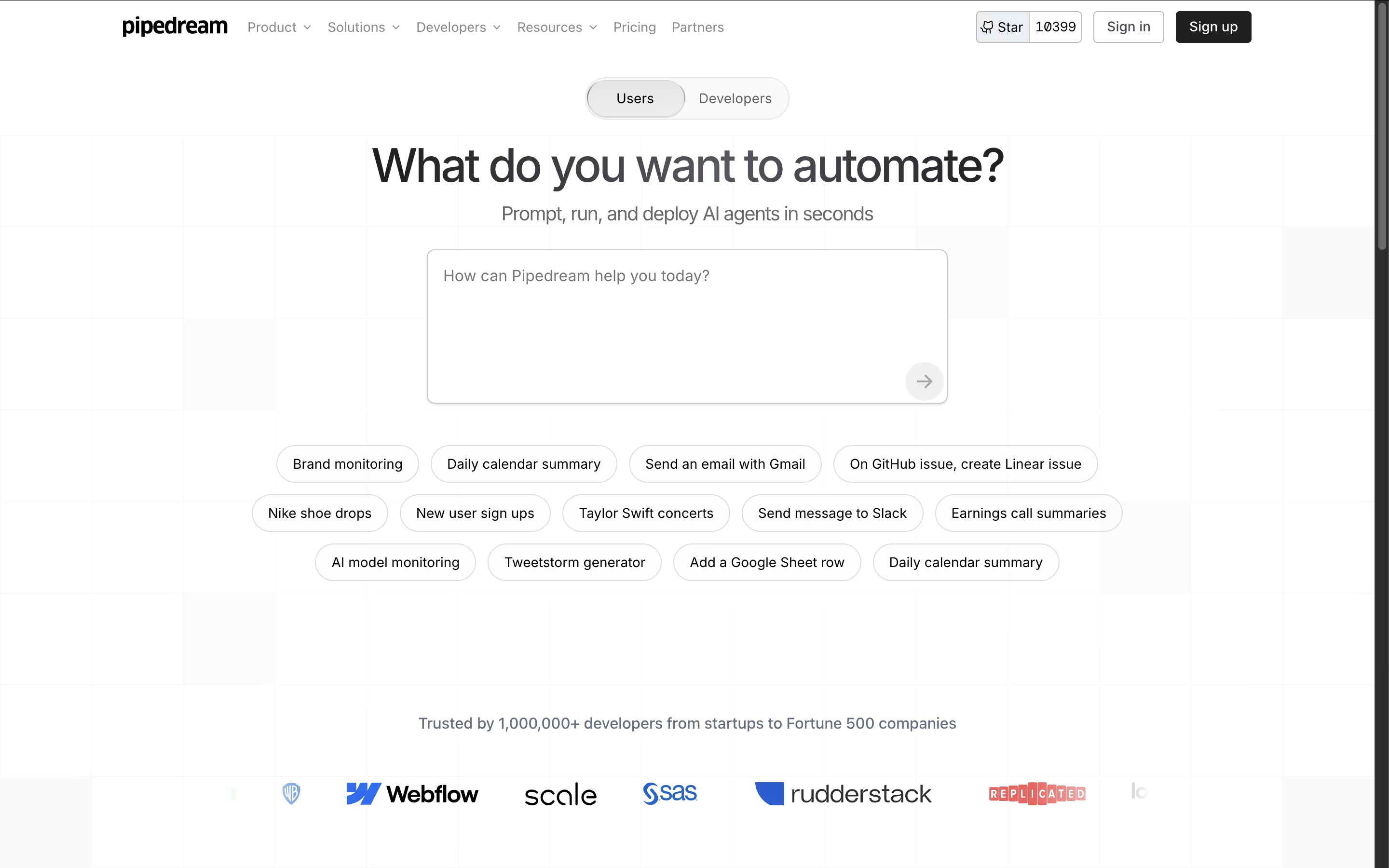
Unlike traditional automation tools, Pipedream gives you the power to write custom code when needed while providing thousands of pre-built components for common tasks. The platform handles all the infrastructure, authentication, and scaling automatically, so you can focus on building workflows instead of managing servers.
Each workflow is a series of steps that run when triggered by events like new emails, API calls, or scheduled times. With support for major programming languages and integration with popular services like Slack, Google Sheets, GitHub, and Stripe, Pipedream makes it easy to automate almost any business process or technical workflow.

Focalboard is a project management platform that lets you organize work in different ways. You can view tasks as cards on a Kanban board, rows in a table, items in a gallery, or events on a calendar. This flexibility helps you work in the style that suits you best.
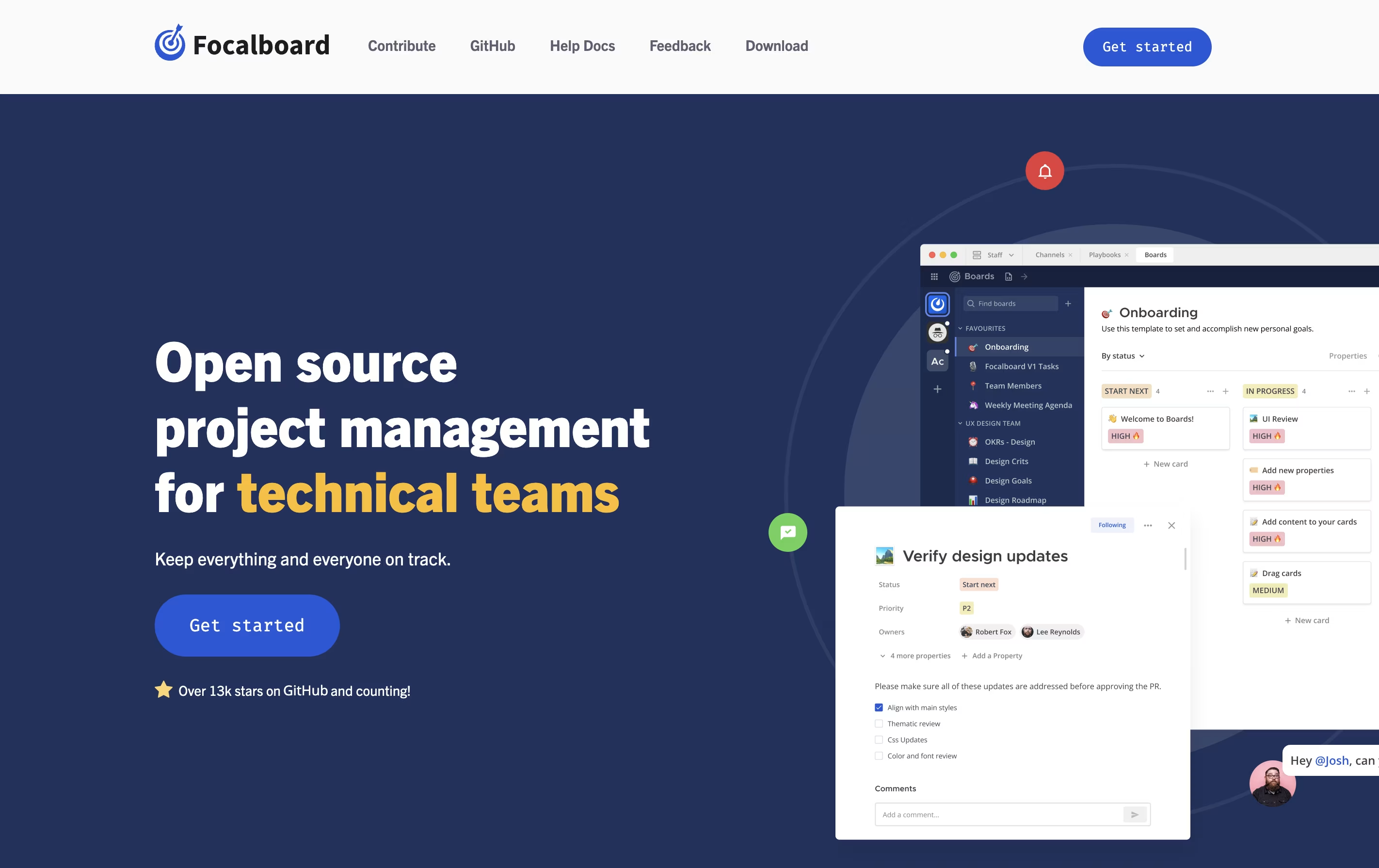
It comes in two main versions. The Personal Desktop version is a single-user app for managing your own tasks and projects. The Personal Server version supports multiple users and works well for teams. When used with Mattermost, it integrates messaging and project management in one place.
The tool is completely free to use and modify because it is open source. You can find the source code on GitHub and contribute to its development.

Vikunja is a complete task management system that you can use in different ways depending on your needs. It lets you create tasks, organize them into projects, set due dates, add reminders, and share work with others. The tool is built with speed in mind and every action happens quickly without loading delays.
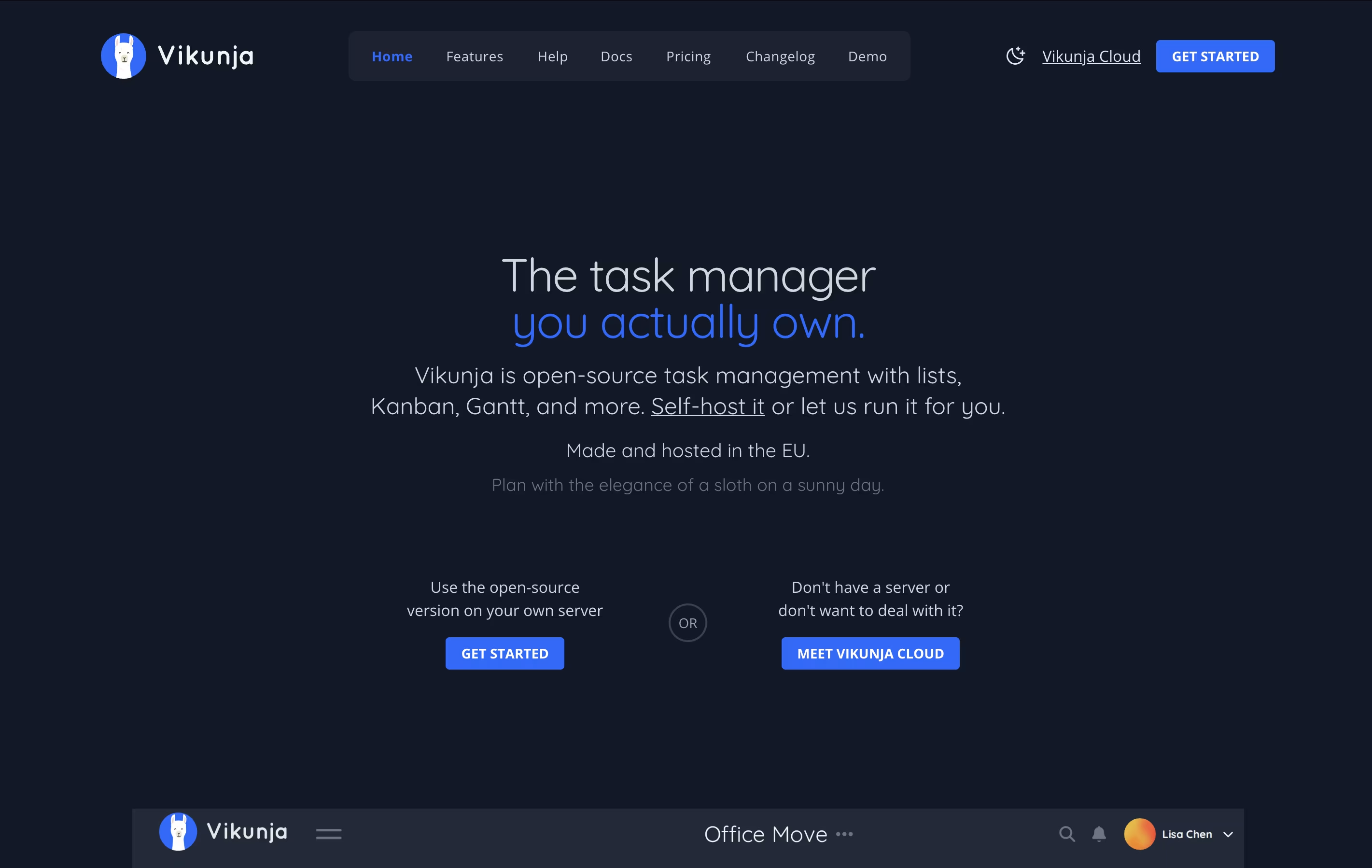
What makes Vikunja special is that it is completely open-source under the AGPL license. This means you can check the code, run it yourself, or use the cloud version. You get features like task relationships, filters, labels, subtasks, and file attachments. The interface is clean and modern, making it easy to focus on your work instead of learning complex software.
OmniFocus is a task manager that turns chaos into organized action. You can capture any task the moment you think of it, then organize it later with tags, projects, and dates. The tool helps you see what needs attention today while keeping future tasks out of sight until you need them.
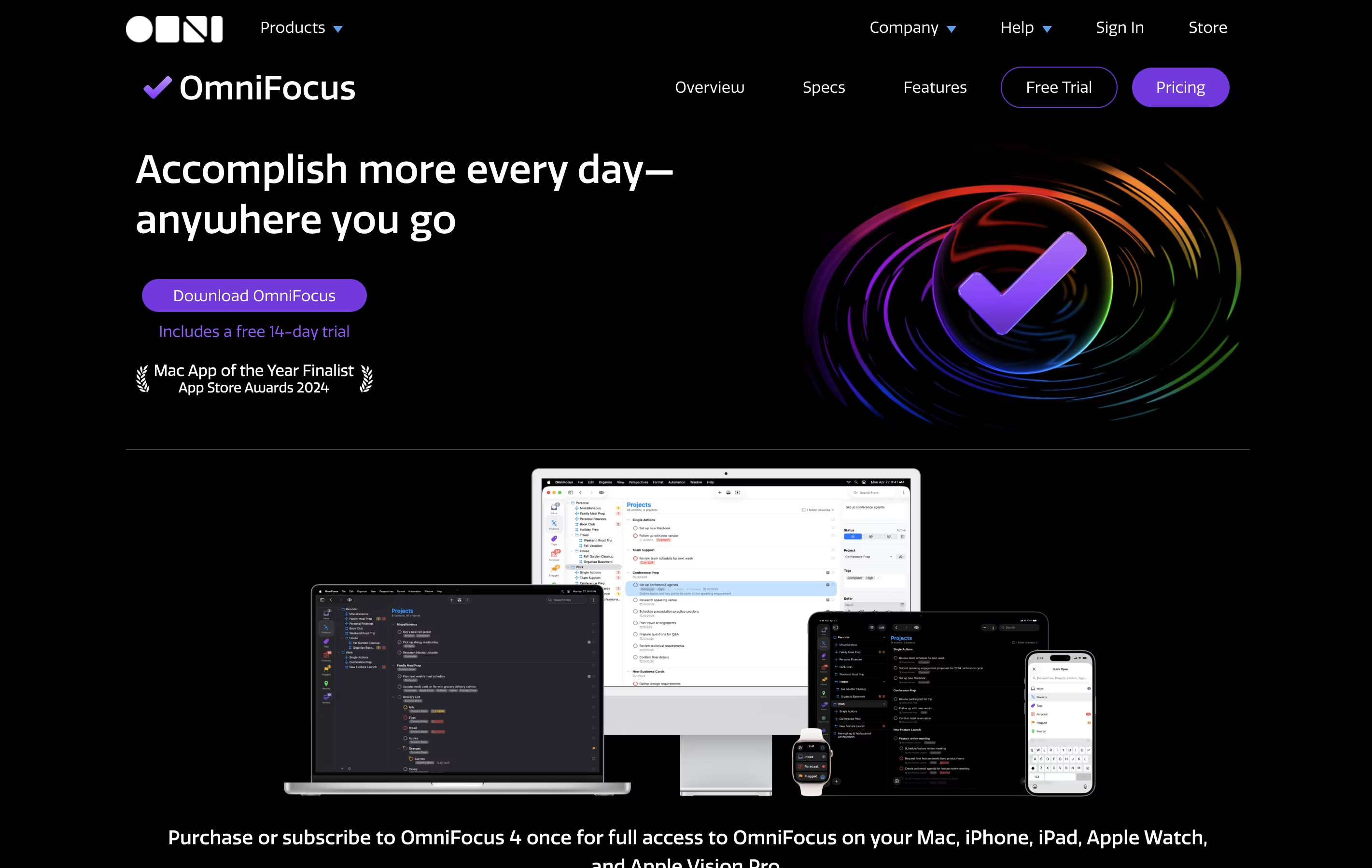
Unlike basic to-do apps, OmniFocus offers custom views called Perspectives that show your work exactly how you want to see it. The Forecast feature displays upcoming tasks alongside your calendar events. The Review function reminds you to check your projects regularly, making sure nothing gets forgotten.
There are different versions available: Standard and Pro licenses for one-time purchase, plus a subscription option that includes web access from any browser.

Remember The Milk is a task management application that works on web browsers, desktop computers, and mobile devices. It helps you keep track of everything you need to do in one place. The tool allows you to create multiple lists, organize tasks with tags, set due dates, and receive reminders when tasks are approaching their deadlines.
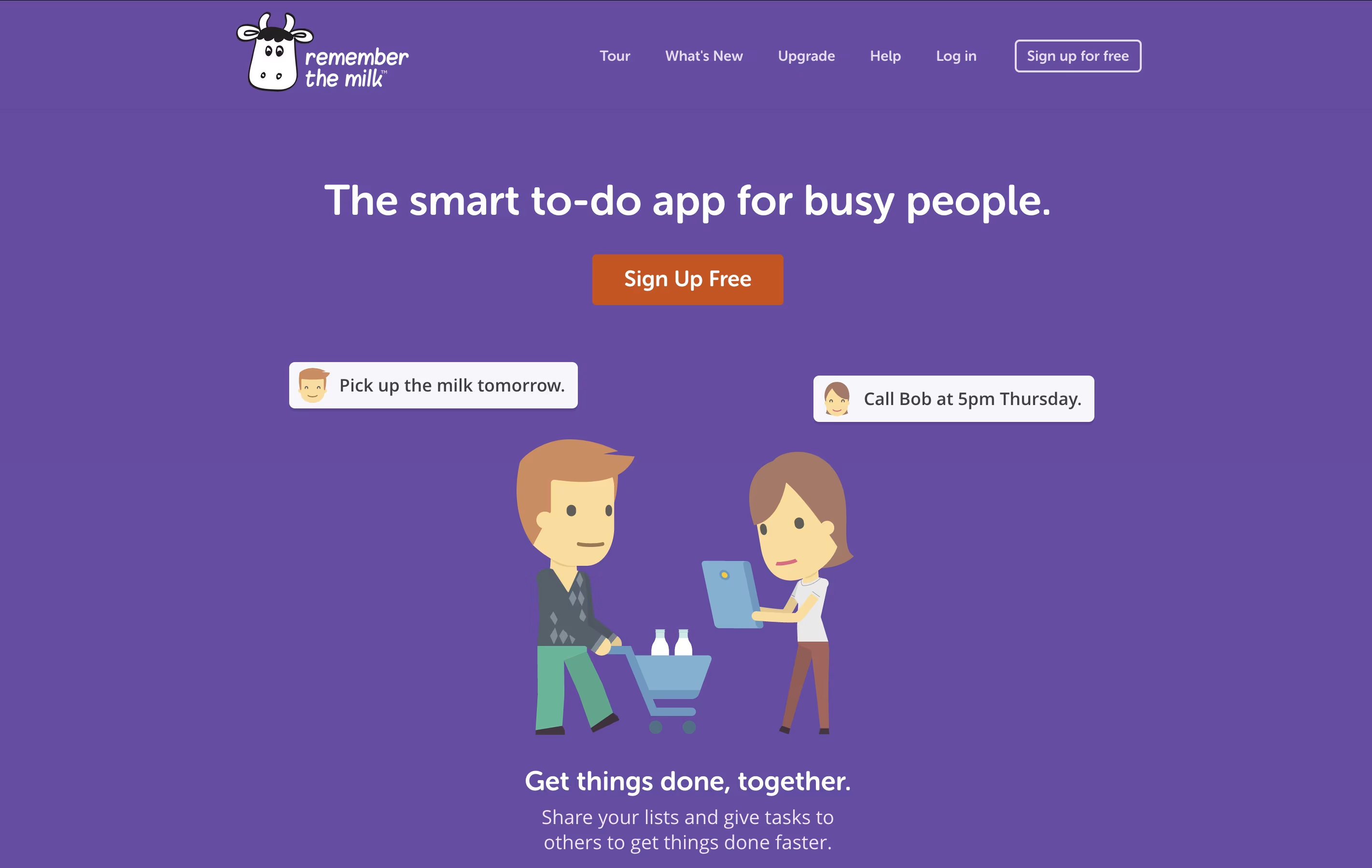
The app offers both free and paid versions. The free version includes basic task management features like creating unlimited tasks, organizing them into lists, and syncing across devices. The paid Pro version adds advanced features like subtasks, colored tags, mobile reminders, file attachments, and integration with services like Zapier and Microsoft Outlook. Whether you need simple reminders or complex project management, Remember The Milk adapts to your needs.
Any.do is a tool that helps you manage your tasks and organize your time effectively. You can create lists of things to do, set reminders so you don't forget important items, and see your schedule in a calendar view. Unlike complicated project tools, Any.do keeps things simple and easy to understand.
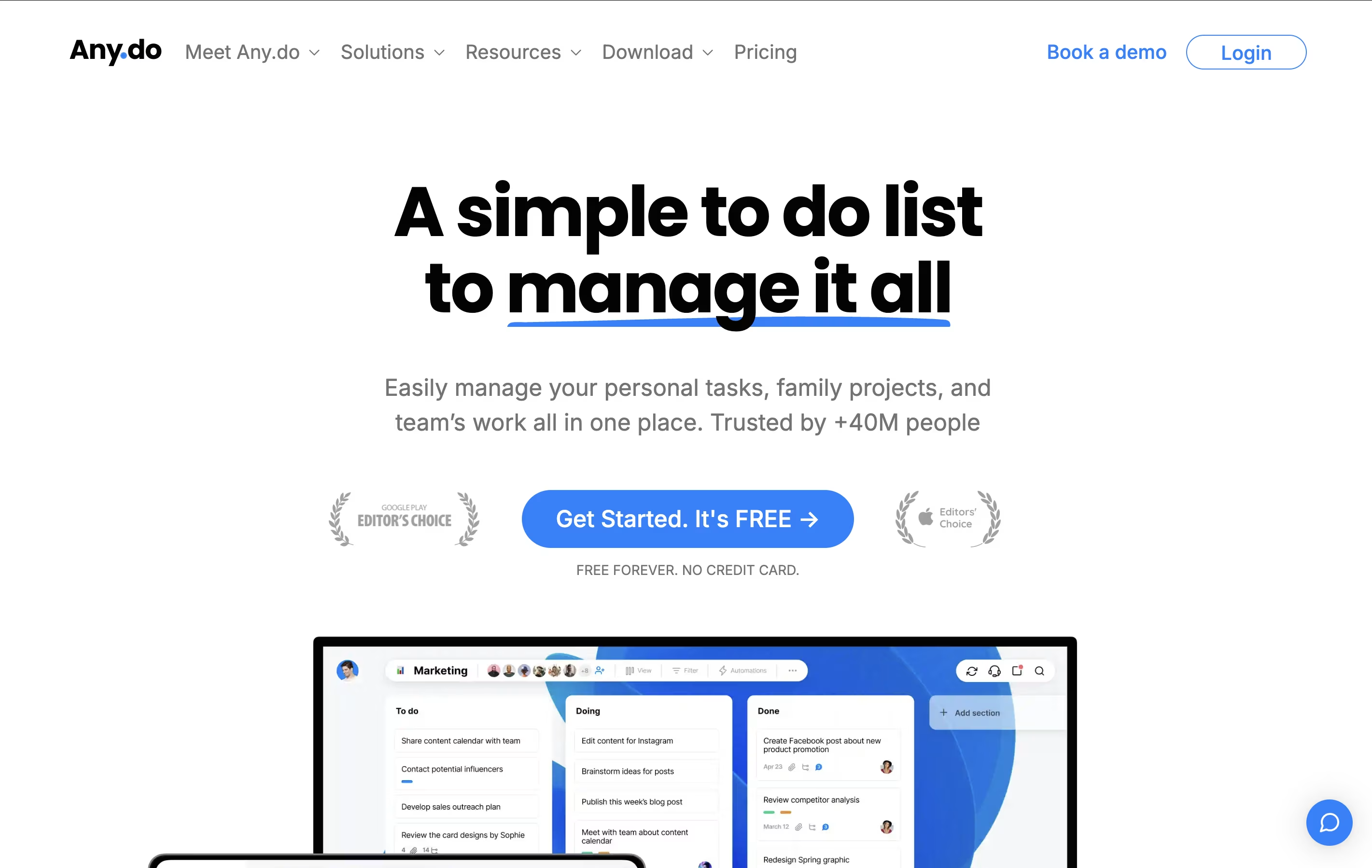
The app works on your phone, computer, and tablet, and everything stays in sync. This means you can add a task on your phone and see it on your computer later. It also lets you share lists with family members or team members, making it great for group projects or household planning.
Both free and paid versions are available, with the paid plans offering extra features like recurring tasks, color tags, and team collaboration tools.

Sunsama is a digital daily planner that combines task management with calendar planning. You can pull tasks from tools like Asana, Trello, Notion, and GitHub into one focused view. Each morning, Sunsama guides you through planning your day by setting time estimates and blocking time on your calendar.
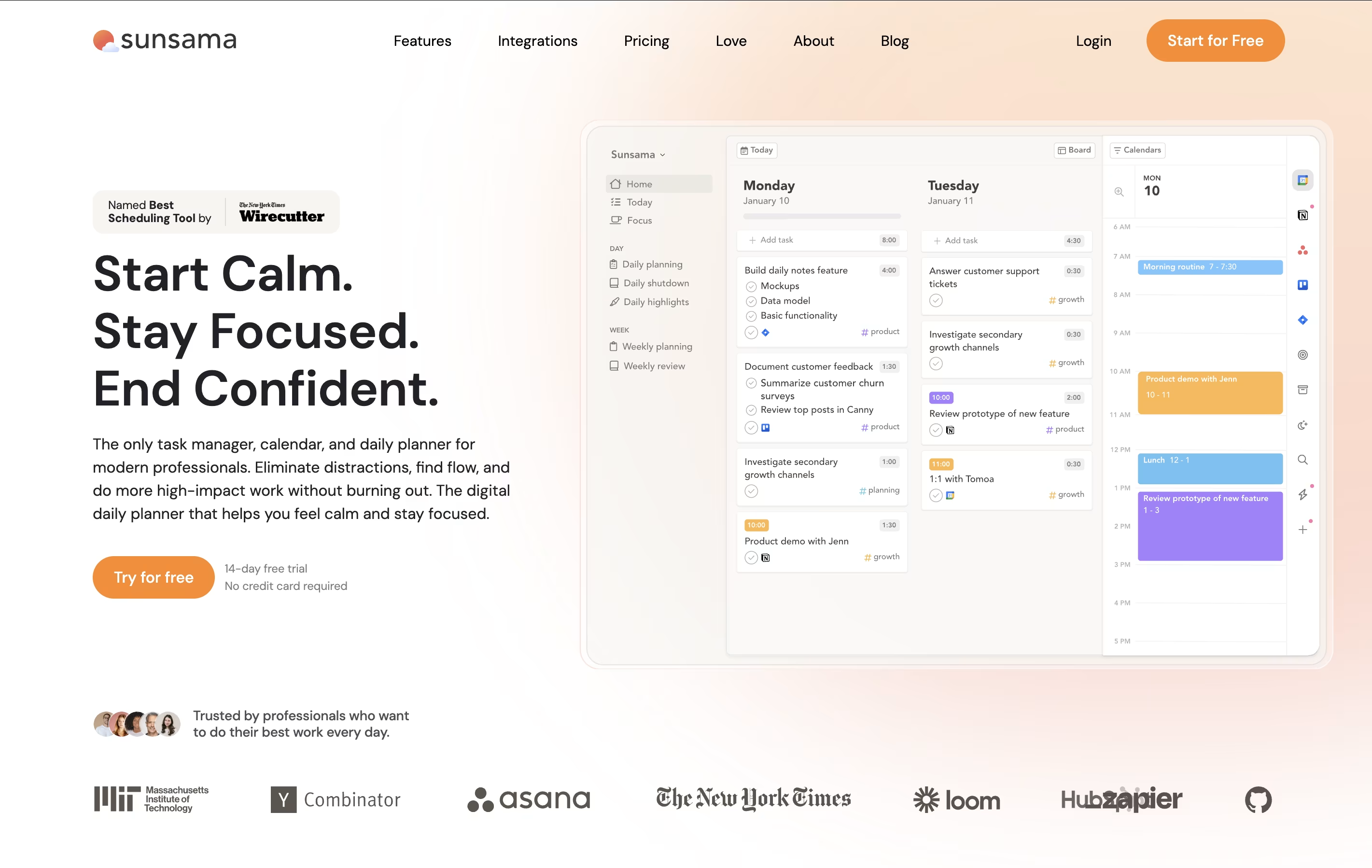
Unlike other task managers that just list everything you need to do, Sunsama helps you choose what to work on today. It syncs with your calendar so you can see meetings alongside tasks. The tool includes daily planning rituals, end-of-day reviews, and weekly reflection sessions to help you stay on track.
There is a 14-day free trial with no credit card required. After that, paid plans start at $16 per month when billed yearly, or $20 per month when billed monthly.

WonsultingAI is an AI-powered job search platform that combines multiple tools to help you get hired faster. Instead of using separate apps for different tasks, everything you need is in one place.
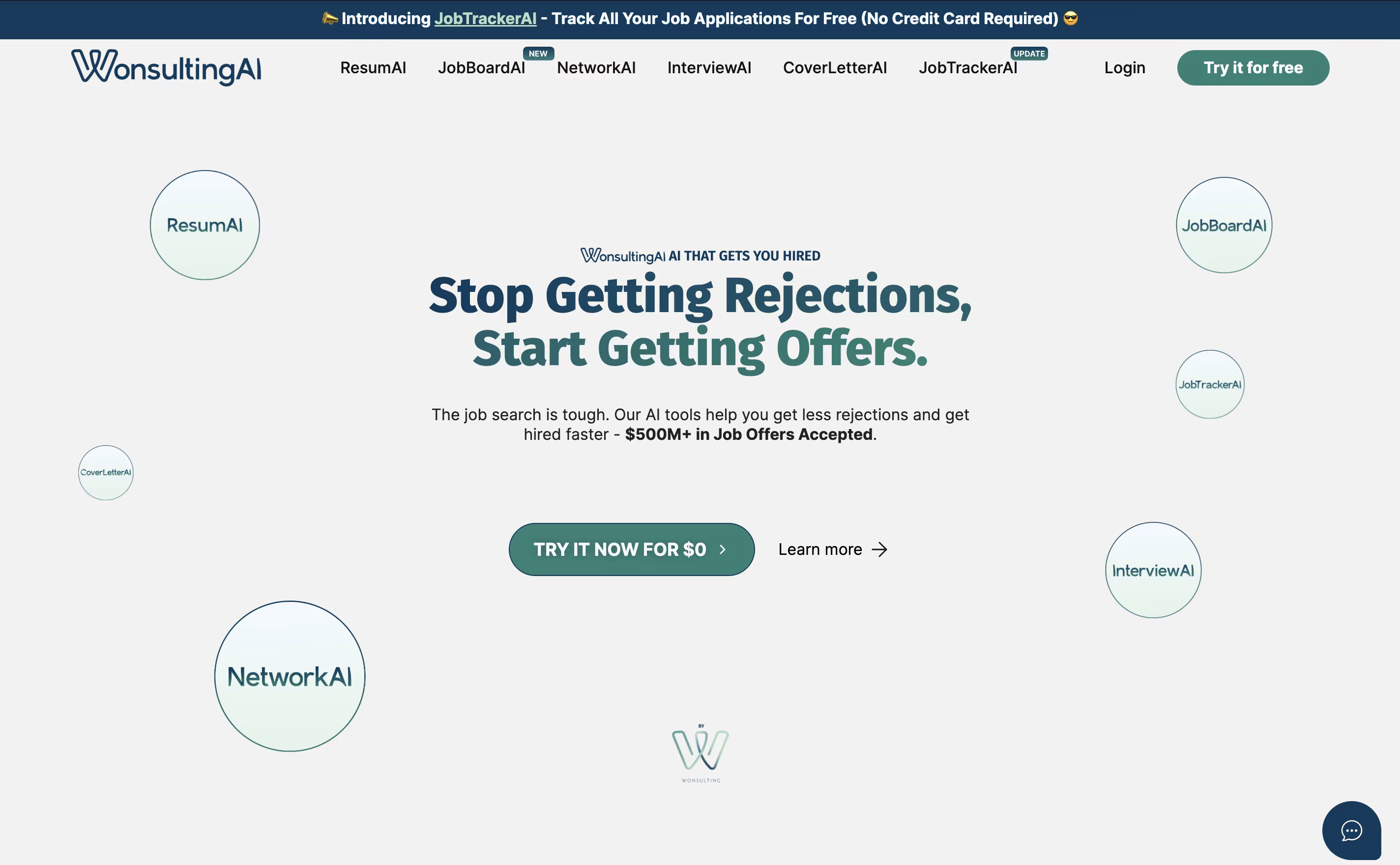
The platform includes six main tools: ResumAI builds professional resumes, CoverLetterAI creates personalized cover letters, NetworkAI helps with LinkedIn networking, InterviewAI provides mock interview practice, JobTrackerAI organizes your applications, and JobBoardAI finds and applies to relevant jobs automatically.
What makes it special is how these tools work together and learn from successful job applications. The AI technology uses data from thousands of successful job seekers to create content that actually gets results. WonsultingAI users book 182% more interviews compared to traditional job search methods, and 62% of premium users land an interview within 30 days.

Kickresume is a comprehensive AI-powered career platform that helps job seekers create professional resumes, cover letters, and personal websites. Unlike traditional resume builders that simply provide templates, Kickresume uses advanced GPT-4 technology to actually write content for you based on your job title and experience.
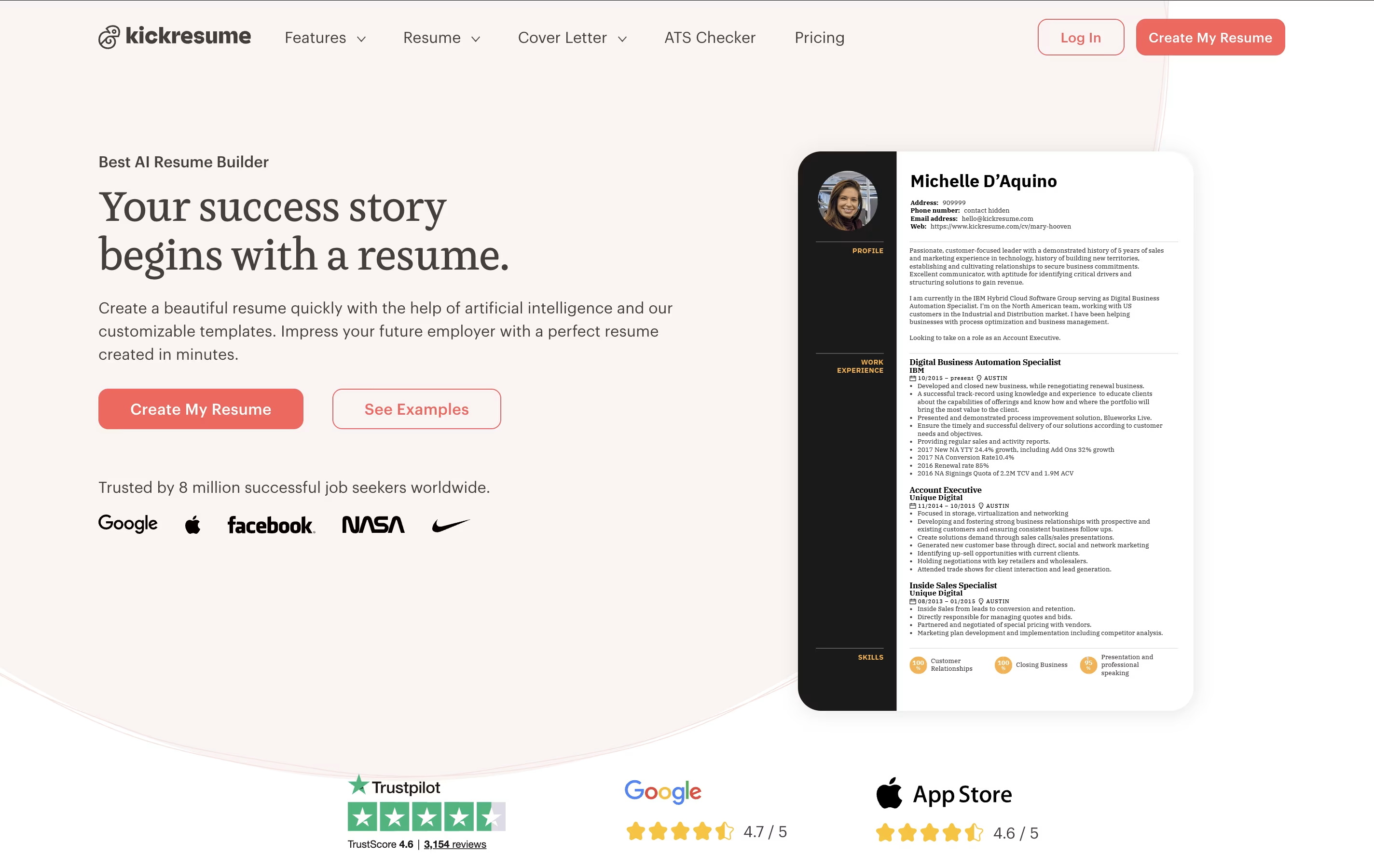
The platform offers over 40 professionally designed templates created by HR experts and typographers, ensuring your documents look polished and pass through Applicant Tracking Systems (ATS). Founded in 2013 and based in Slovakia, Kickresume has grown into a global platform serving millions of users.
What makes it special is the combination of AI writing assistance, LinkedIn integration for quick profile imports, and additional features like a personal website builder and mobile apps. The platform focuses on making job searching easier by providing all the tools you need in one place, from creating documents to analyzing your resume's effectiveness.
Huntr is a smart job search platform that acts like your personal career assistant. It helps you create tailored resumes using AI technology that matches your skills to specific job requirements. The platform includes a powerful job tracker that organizes all your applications in a visual board, similar to project management tools.
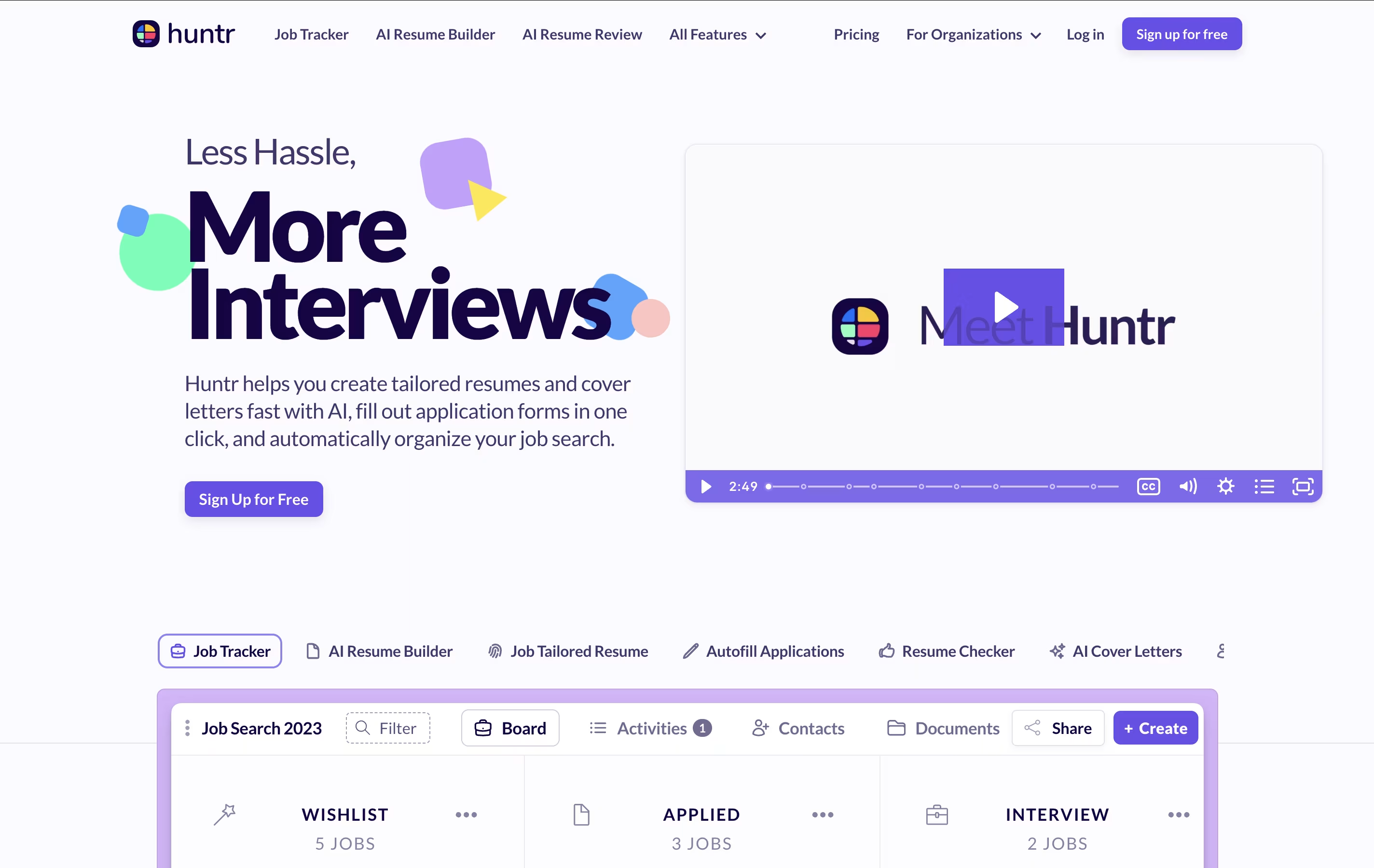
You can drag and drop jobs between different stages like "Applied," "Interview," and "Offer" to see your progress at a glance. Huntr also saves you time by automatically filling out job application forms with one click through its browser extension. The tool works across all devices with web, mobile, and Chrome extension versions, making it easy to manage your job search wherever you are.
Teal is an AI-powered career platform designed to streamline your entire job search process. Instead of juggling multiple spreadsheets and losing track of applications, Teal puts everything in one organized place.
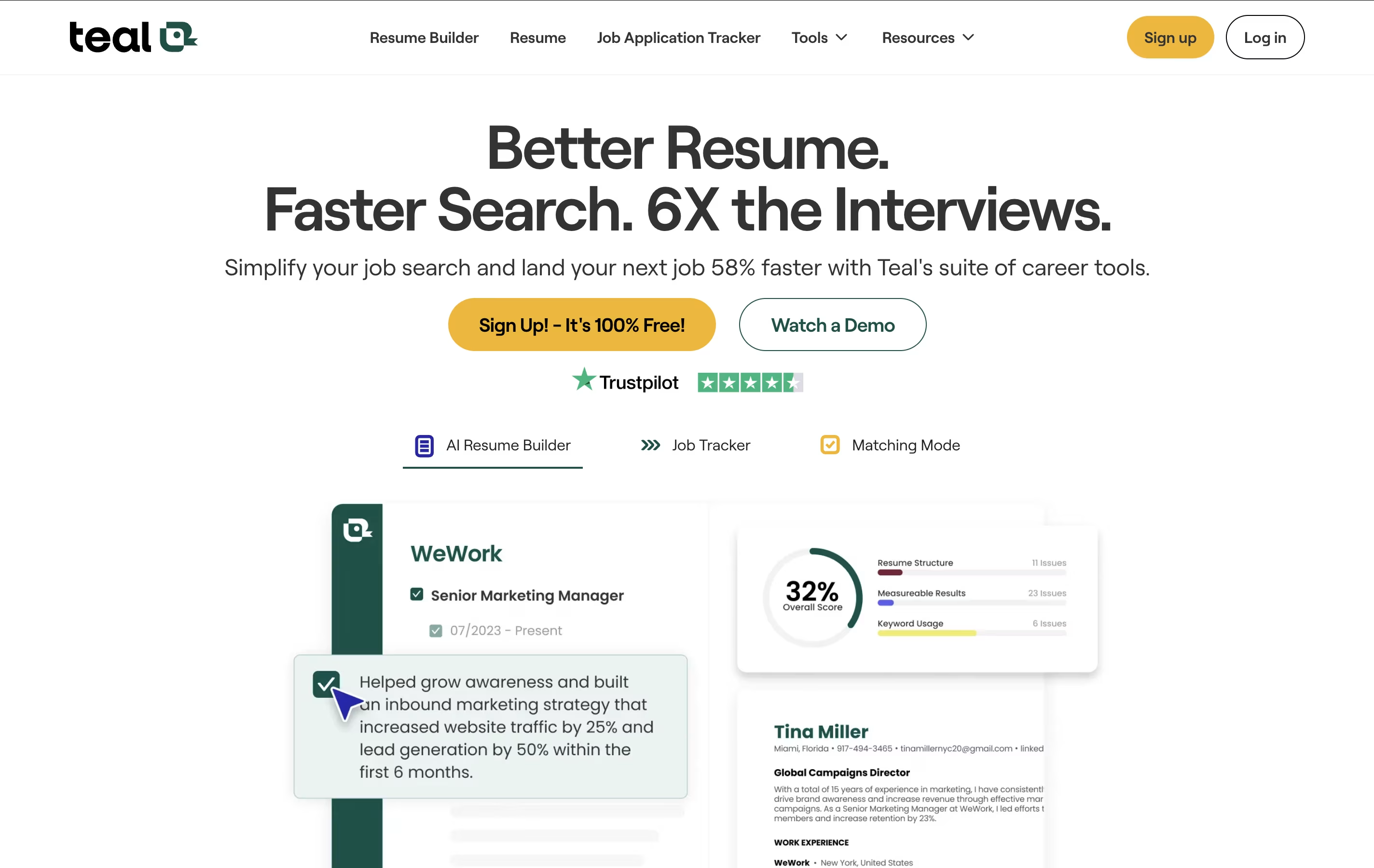
The platform centers around three main tools: an AI Resume Builder that creates tailored resumes for specific jobs, a Job Application Tracker that organizes all your applications, and a Chrome Extension that saves jobs from any major job board. Teal also uses AI to help write cover letters, analyze your resume for improvements, and match keywords from job descriptions.
What makes Teal special is how it connects everything together. You can save a job, customize your resume for that specific role, generate a cover letter, and track your application progress - all within the same platform. It offers both free and premium plans, making professional job search tools available to everyone.

Inngest is an event-driven durable execution platform built to run reliable, multi-step workflows on any platform without managing infrastructure. Think of it as a mix between traditional queues and modern serverless functions, but much better.
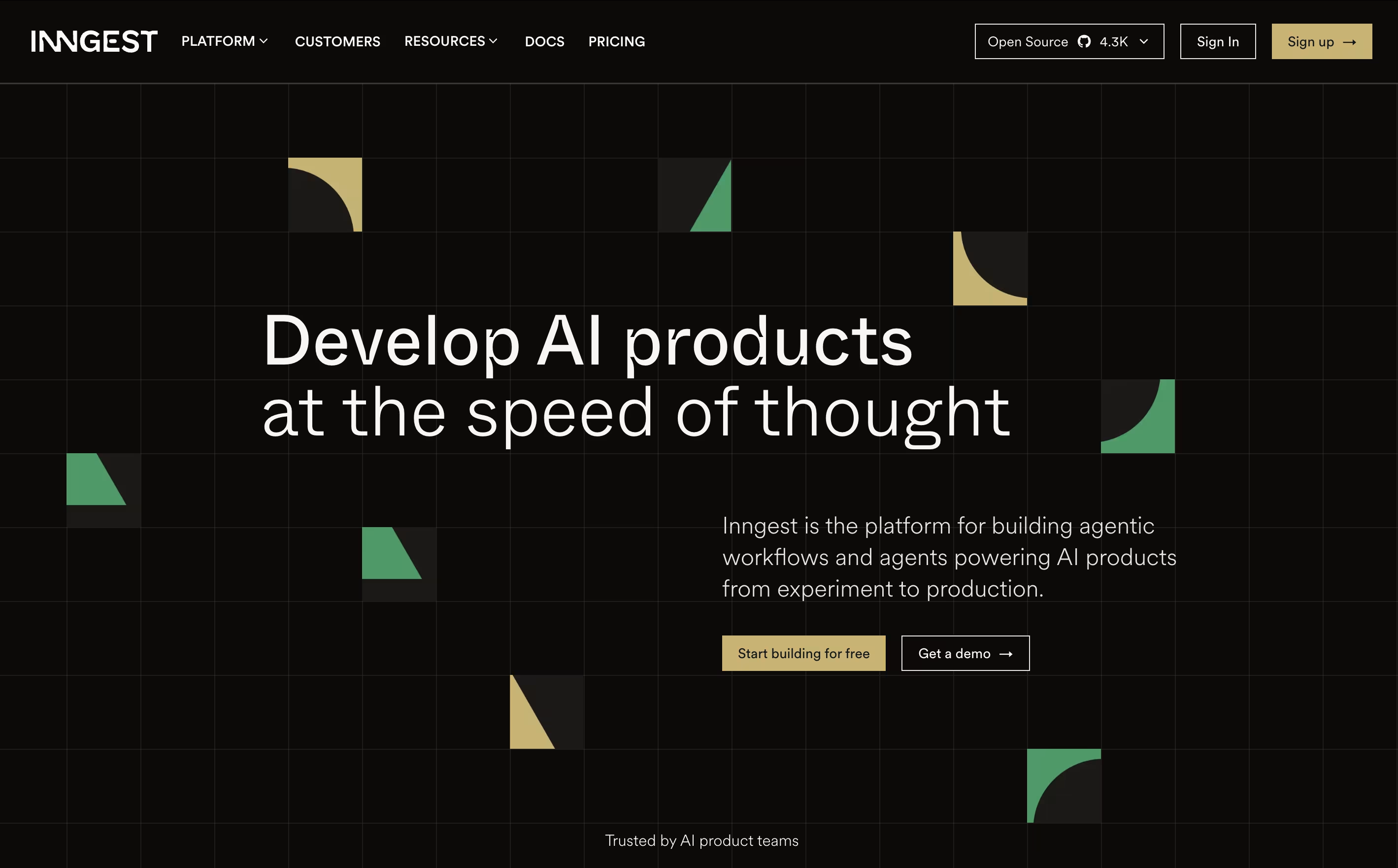
It uses step functions and incorporates real-time event processing, enabling developers to build complex workflows that can run for days or months with automatic error recovery. The main difference from regular workflow tools is simple: instead of setting up queues and managing state, you write normal code and Inngest handles all the infrastructure complexity.
Each step in your workflow automatically retries on failure and maintains state between executions, allowing you to easily build reliable systems. Founded in 2021, this tool has become popular because it eliminates infrastructure headaches and makes complex workflows easy. You can write functions in TypeScript, Python, or Go and deploy anywhere.
Poe AI is a multi-model platform that connects you to dozens of leading AI models through a single, unified interface. Think of it as your personal AI command center where you can chat with ChatGPT, Claude, Gemini, and many other top models without switching between different apps or websites.
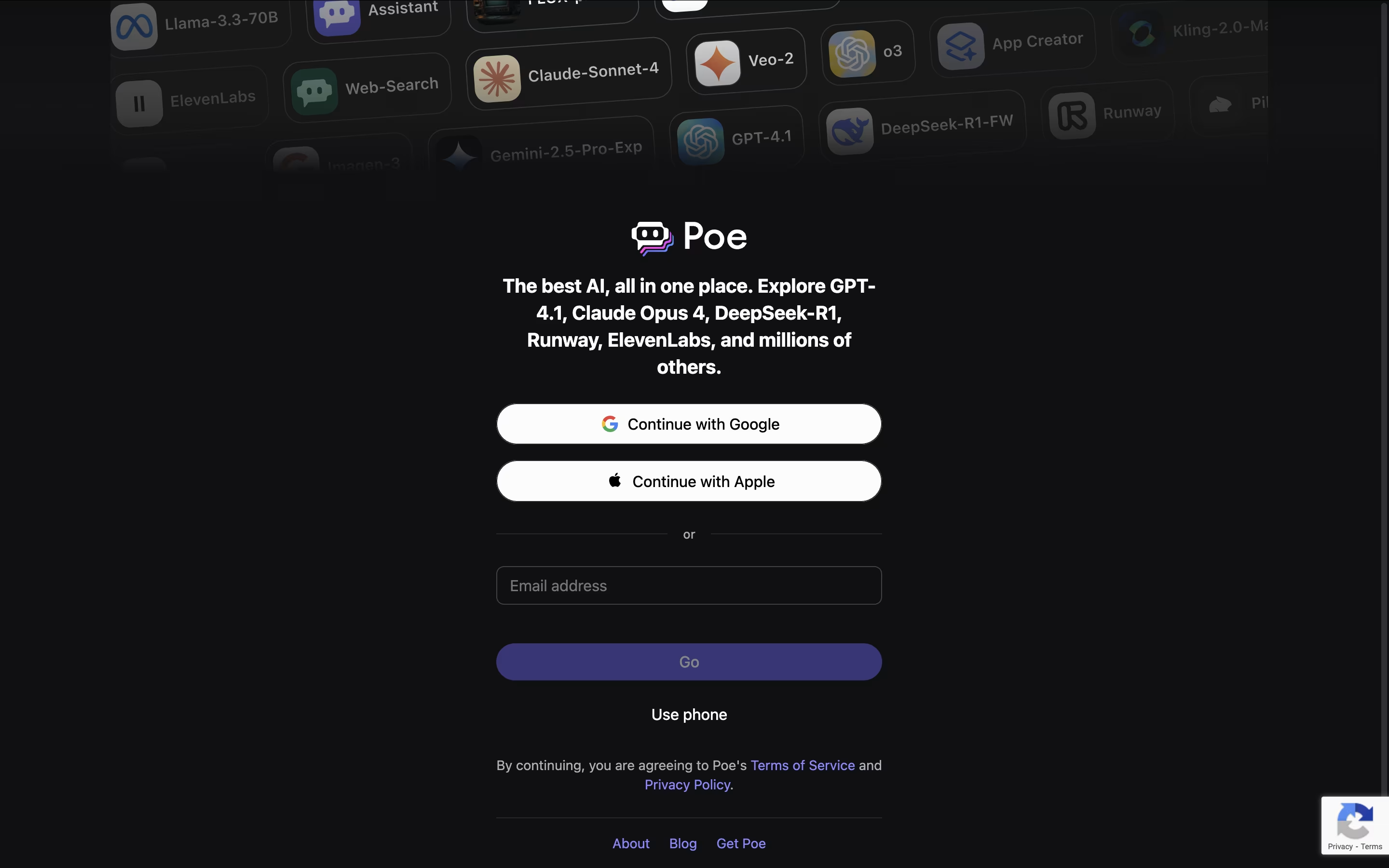
The platform stands out because it lets you compare responses from different AI models side by side, helping you find the best answer for your specific needs. Poe also allows users to create custom AI bots using simple prompts, no coding required. These custom bots can be shared with the community and even generate income for their creators.
Founded by Quora, Poe has become popular because it saves time and makes AI more accessible. You can ask questions in normal language, switch between different AI models instantly, and even use multiple models in the same conversation to get different perspectives on your questions.

Rather than handing you another meeting transcript to sort through, Timeless organizes calls, chats, and voice notes into Rooms, living spaces built around a project or client that keep every decision and next step in one place.
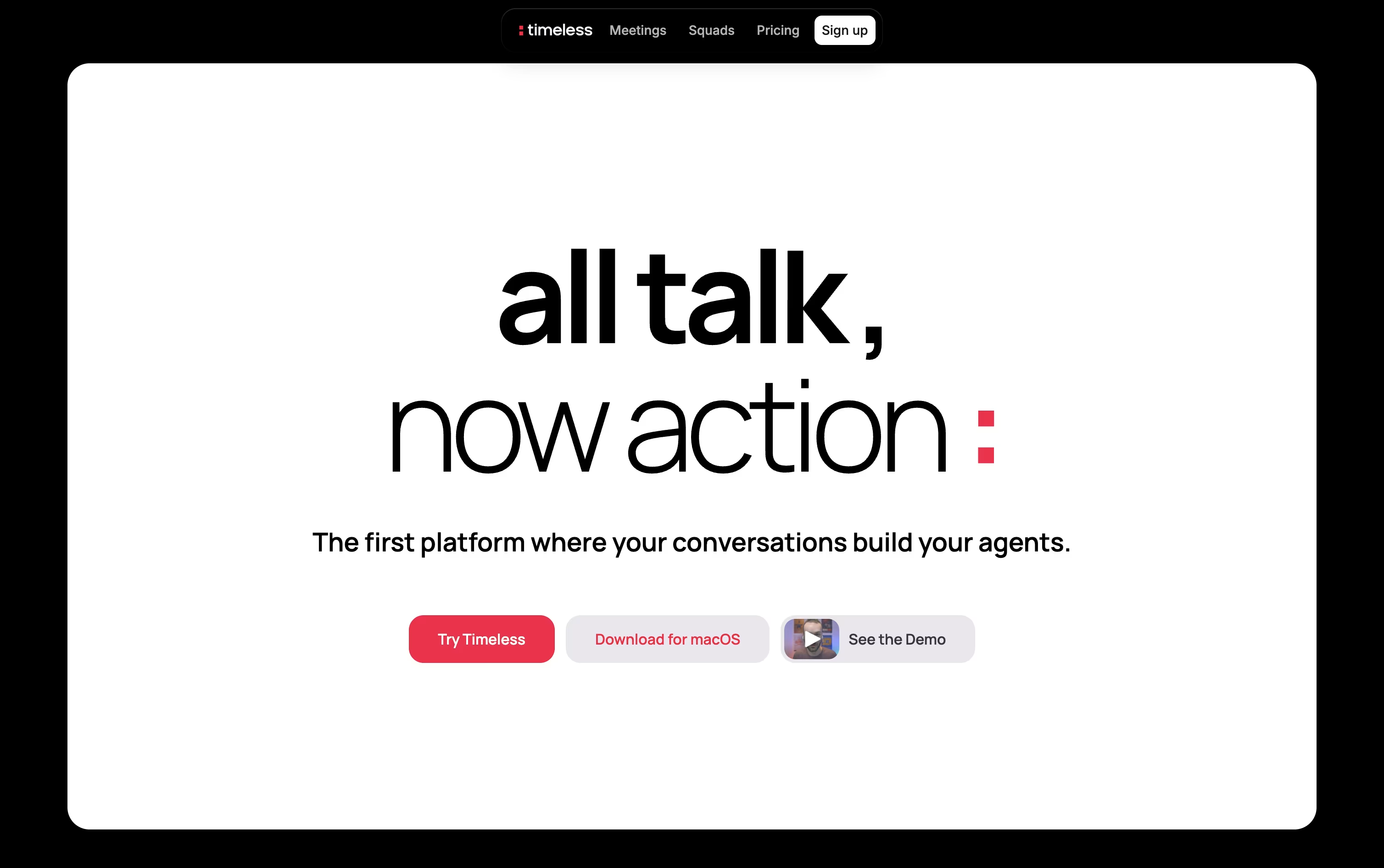
AI agents inside each Room pick up on spoken commitments, such as agreeing to send a proposal, and then complete the work themselves by drafting emails, updating tasks, or messaging teammates.
Getting started costs nothing, the Free plan includes up to 5 AI meetings with no credit card required.
Individuals who need more can move to Pro at $29 a month, or $19 a month when billed yearly, which adds unlimited notes and storage.
The Max plan at $39 a month opens up unlimited API and MCP access.
Teams and larger organizations can pick from Team, Business, or a custom Enterprise plan with added security.

Instead of taking your own notes during a call, Fellow listens in, records the meeting, and hands you a clean summary once it ends.
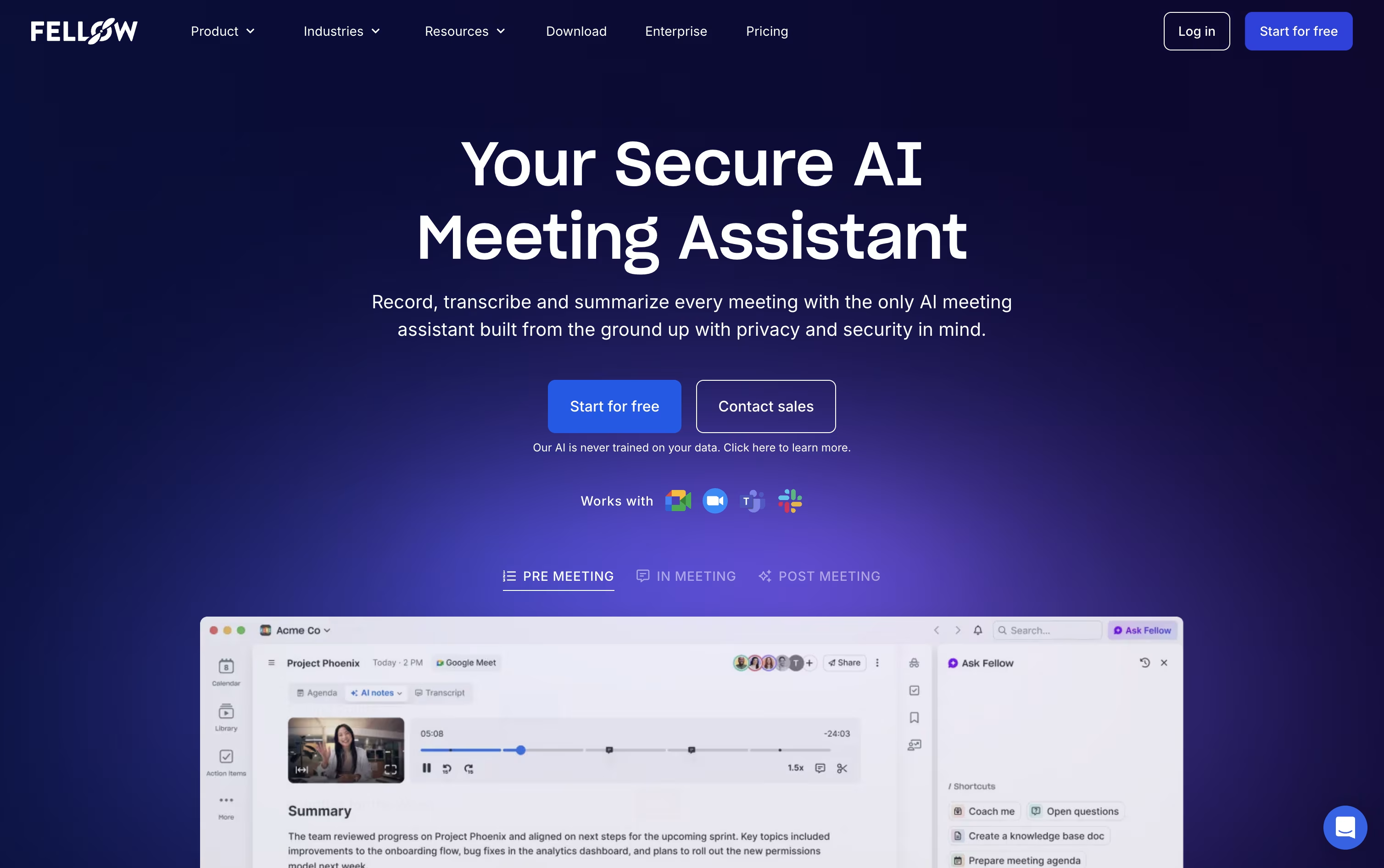
It connects with the tools you already use, Zoom, Google Meet, and Microsoft Teams, and it can also skip sending a bot altogether by recording straight from your desktop.
Every meeting gets turned into a transcript, a short summary, and a list of action items with names and due dates attached.
You can also chat with Ask Fellow, its built in AI helper, to pull up what was discussed weeks ago or get a quick recap of a meeting you missed.
The free plan covers the basics, Solo runs $19 a month for individuals, and team pricing runs from $7 to $25 per user a month, with the top plan adding stronger security for regulated industries.

Most meeting tools hand you a transcript and a summary once the call is over. Tana works differently, its AI agents are active participants during the meeting itself, filing tickets, drafting documents, and updating your other tools while the conversation is still going.
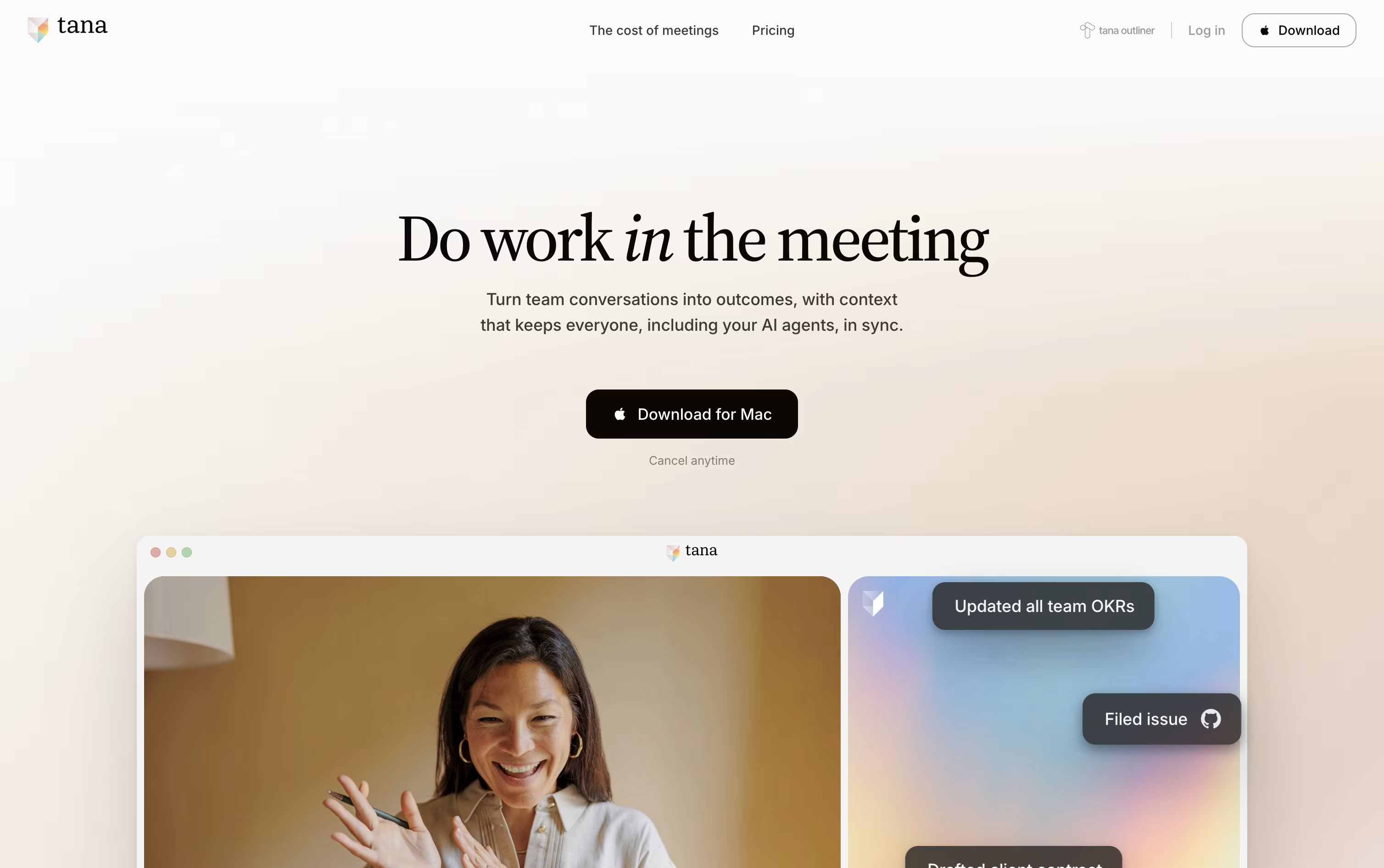
Because every meeting adds to a shared knowledge graph, agents and teammates arrive at future meetings already aware of past decisions and open items, so nobody has to repeat themselves.
Getting started costs nothing on the Free plan, which includes 5 hosted meetings a month, one connected calendar, and 50 AI queries.
Stepping up to Pro costs $25 per user a month, or $20 a month when paid yearly, and adds unlimited meetings, a botless agent that joins Zoom, Teams, and Google Meet calls, plus deeper integrations through MCP.
Max is priced at $100 a user monthly, or $80 yearly, and is built for teams that live in meetings, offering five times the AI capacity of Pro and dedicated onboarding support.
Larger organizations can move to the custom priced Business plan for SAML SSO, audit logs, and control over data residency and retention.
Plane is a project management tool built to track work, manage sprints, and organize team projects without unnecessary complexity. It gives teams a clear view of their work through multiple layouts like lists, boards, calendars, and charts. You can create tasks called work items, group them into projects, and track progress over time.
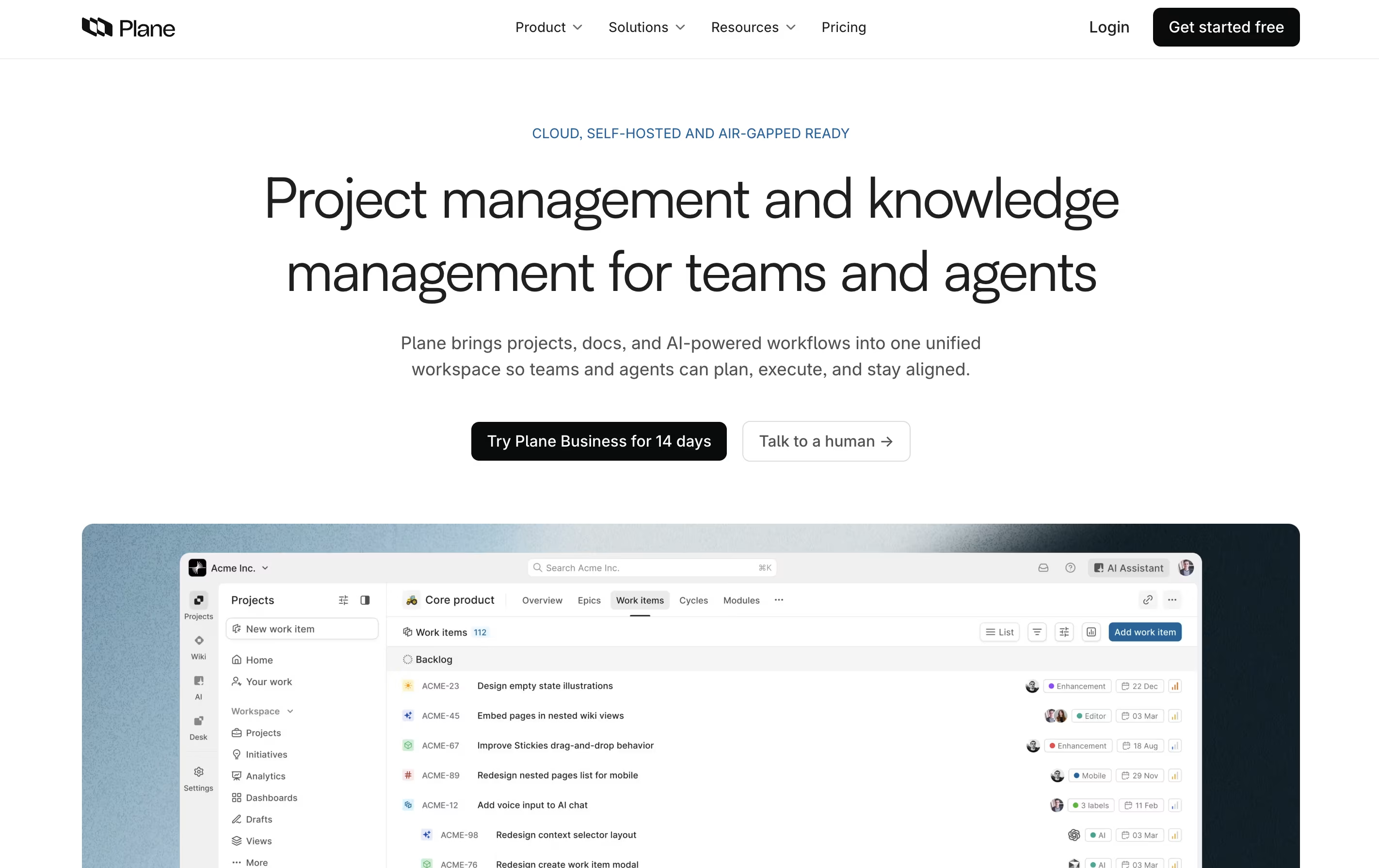
The platform includes AI-powered pages for documenting ideas and plans, built-in time tracking, and detailed analytics to understand team performance. Plane supports both cloud hosting and self-hosting, so you can choose where your data lives. It connects with tools like GitHub and Slack, making it easy to fit into your existing workflow. Whether you use agile methods, scrum, or your own process, Plane adjusts to match how your team actually works.

Huly is an all-in-one workspace that combines project tracking, real-time chat, video meetings, and document editing. Unlike traditional tools that focus on one thing, Huly handles multiple team needs together. You can create tasks, chat with teammates, hold video calls, write documents, and plan your schedule without leaving the platform.
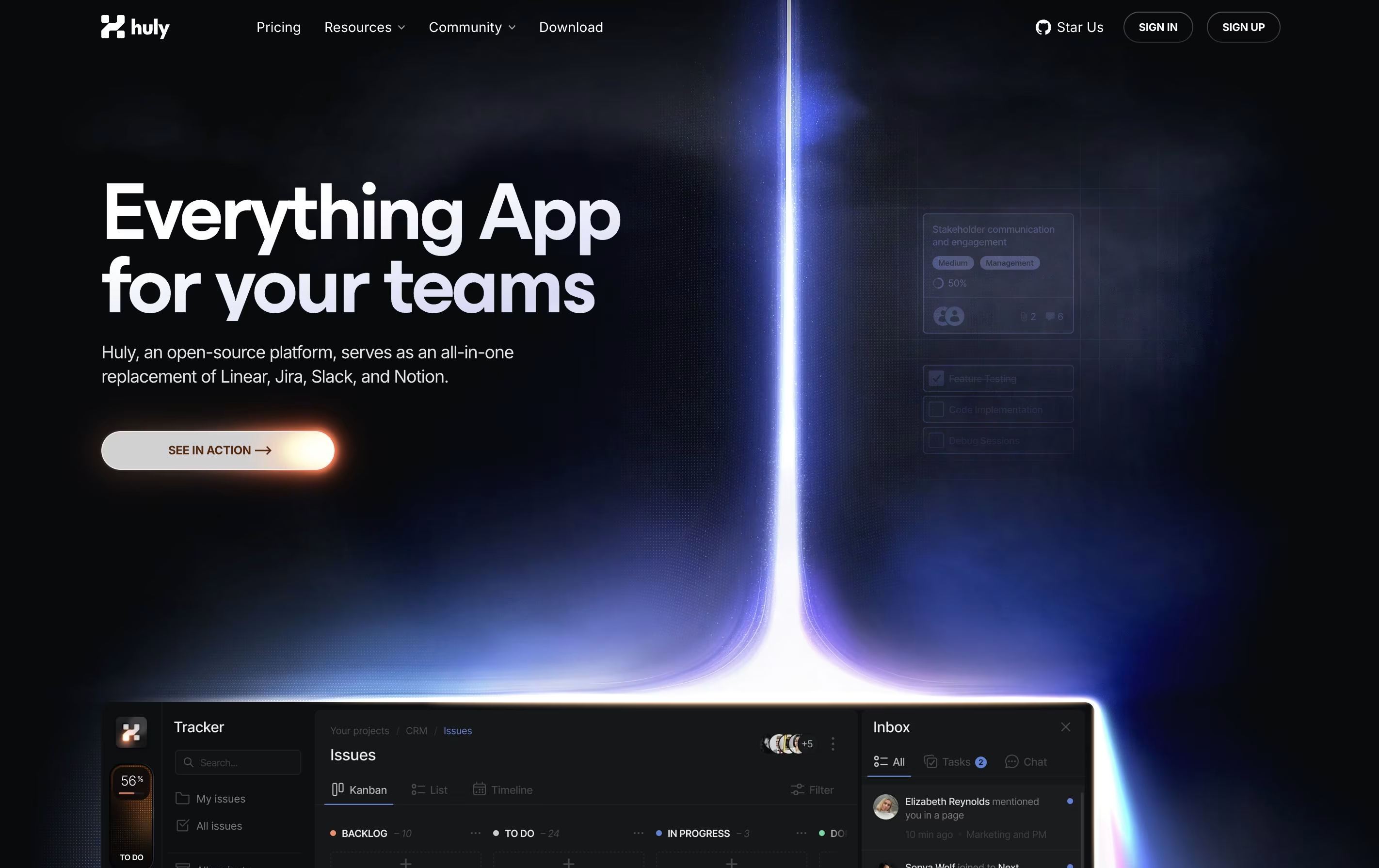
The platform works especially well with GitHub, syncing issues and pull requests automatically. This makes it popular with software development teams. Huly is open-source, meaning the code is publicly available and can be customized. You can use it as a cloud service or host it on your own servers.
There are four pricing levels, starting with a free plan that includes unlimited users and basic features for small teams getting started.
OpenProject is software that helps teams plan, track, and complete projects together. You can create tasks, assign them to team members, set deadlines, and watch progress in real time. It works for any project style: traditional waterfall planning, agile sprints, or a combination of both.
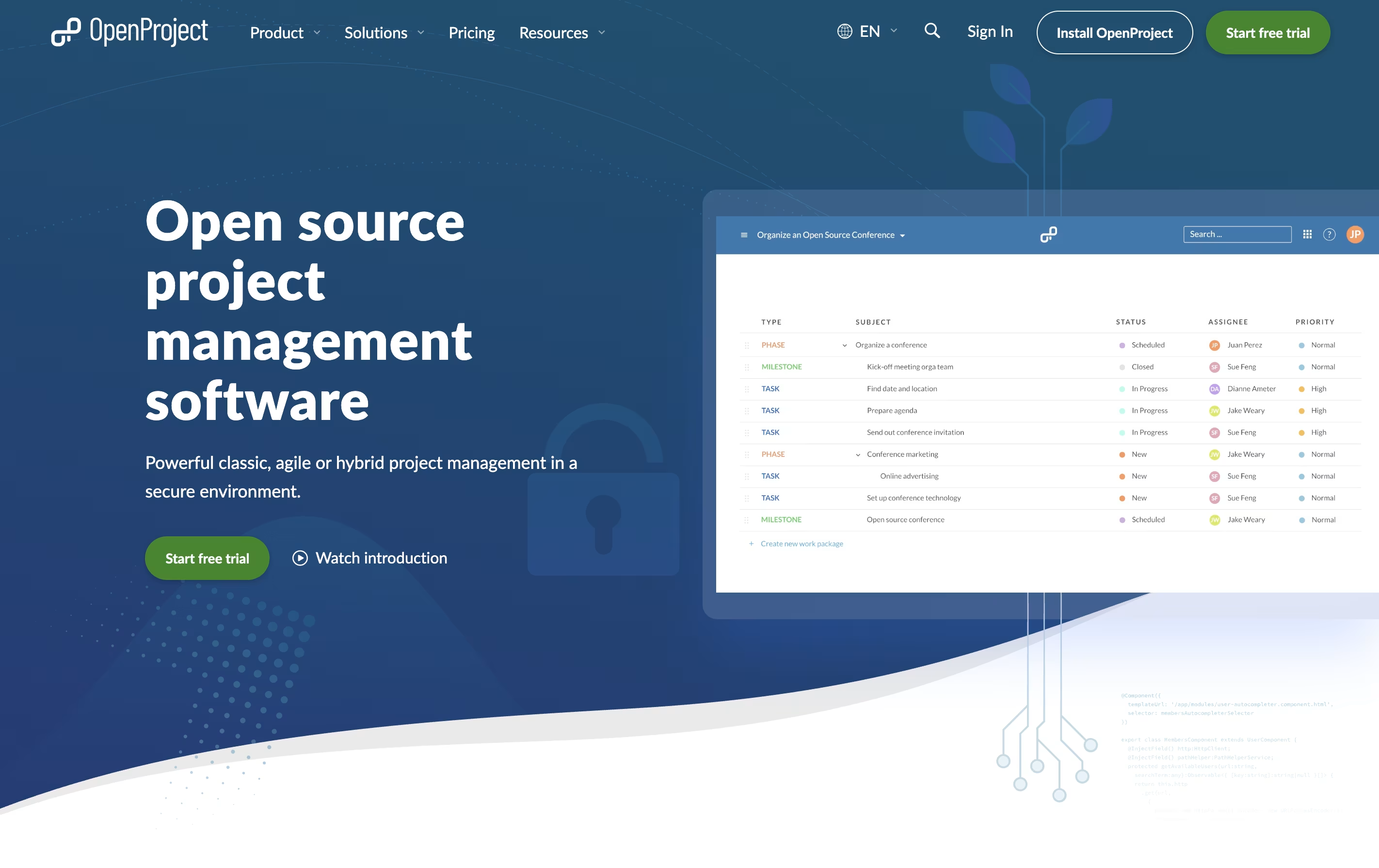
The platform includes visual tools like Gantt charts for timeline planning, Kanban boards for workflow tracking, and calendars for scheduling. Everything stays in one place: your task lists, documents, team discussions, and time tracking.
There is a free community version you can install yourself, plus paid enterprise plans with extra features and support. The cloud version requires no setup, while self-hosted versions give you complete control over your data and privacy.

Taiga is a project management tool that helps teams organize their work using agile methods. You can create projects, add tasks, track progress, and work with your team all in one place. The tool shows your work in different views like boards, lists, and charts to match how your team likes to work.
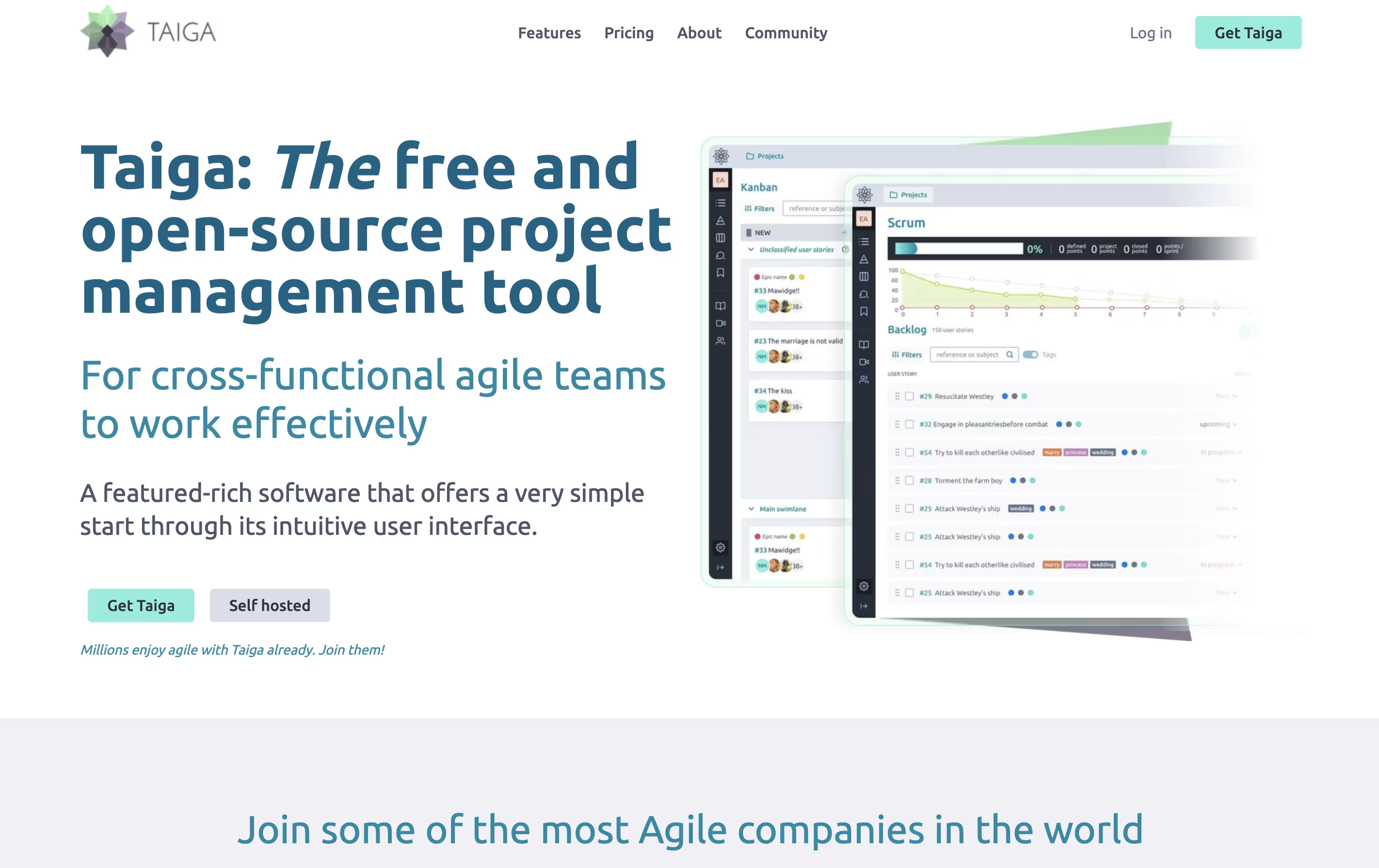
Unlike many project tools, Taiga is completely open source. This means you can see how it works, change it to fit your needs, or install it on your own computers. The platform includes everything teams need: task boards, sprint planning, progress tracking, file sharing, and team chat. It connects with tools you already use like GitHub, Slack, and GitLab to keep everything linked together.

Routine is a workspace tool that helps you manage your time and tasks more effectively. You can connect your existing calendars from Google, Outlook, or iCloud, and view everything in one timeline. The app lets you create tasks, take notes, schedule events, and store contact information all in the same place.
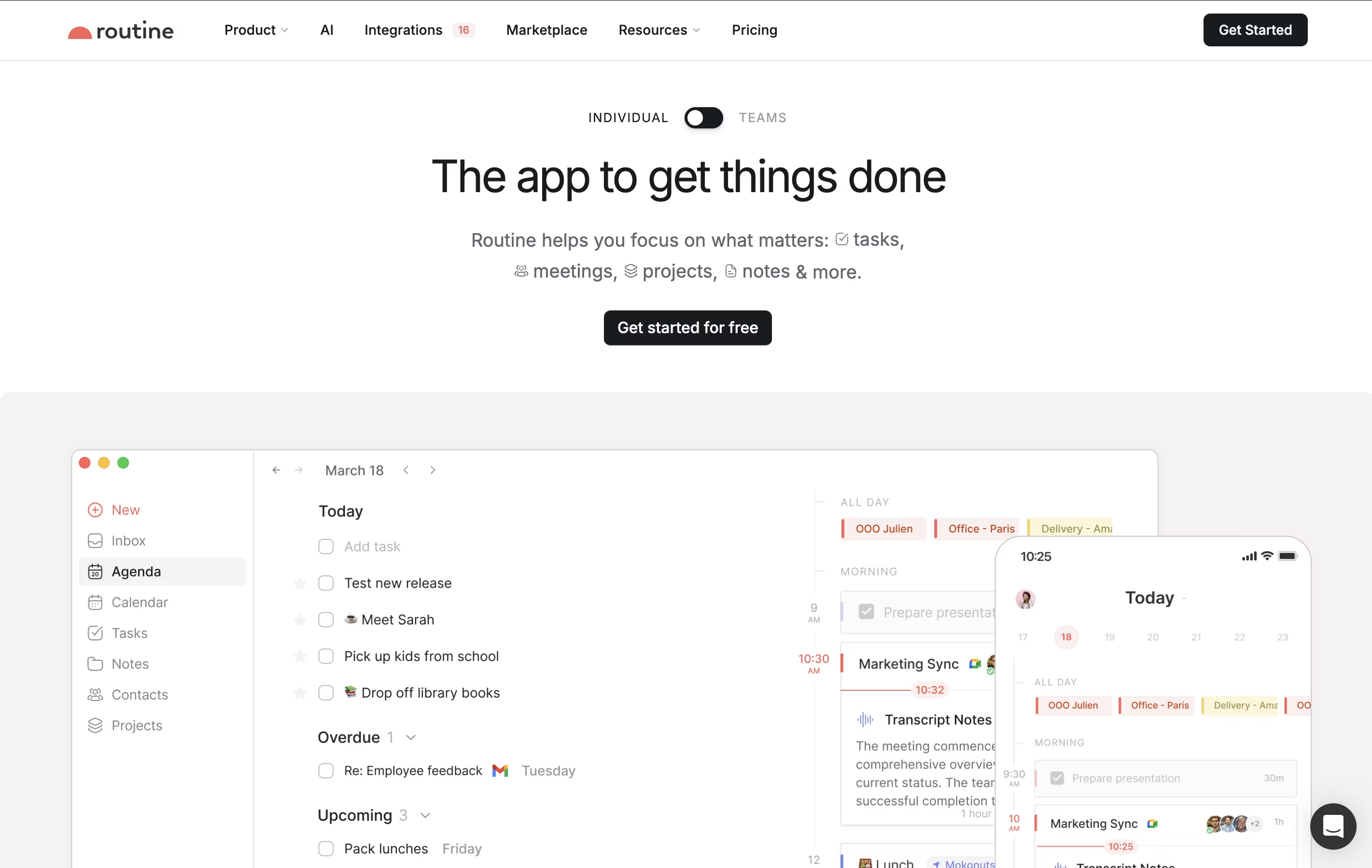
What makes Routine different is its quick capture feature called the Console. You can press a keyboard shortcut anywhere on your computer, type what you need to do, and it automatically gets organized. The app works offline, so you never lose access to your information. It also uses natural language, meaning you can type things like "meeting with John next Tuesday at 3pm" and it understands what you mean.

Amie is a calendar and productivity app that combines scheduling, task management, and email handling in one tool. You can view your calendar events and to-do lists side by side, making it easier to plan your day. The app connects with Google Calendar, Apple Calendar, and other services you already use.
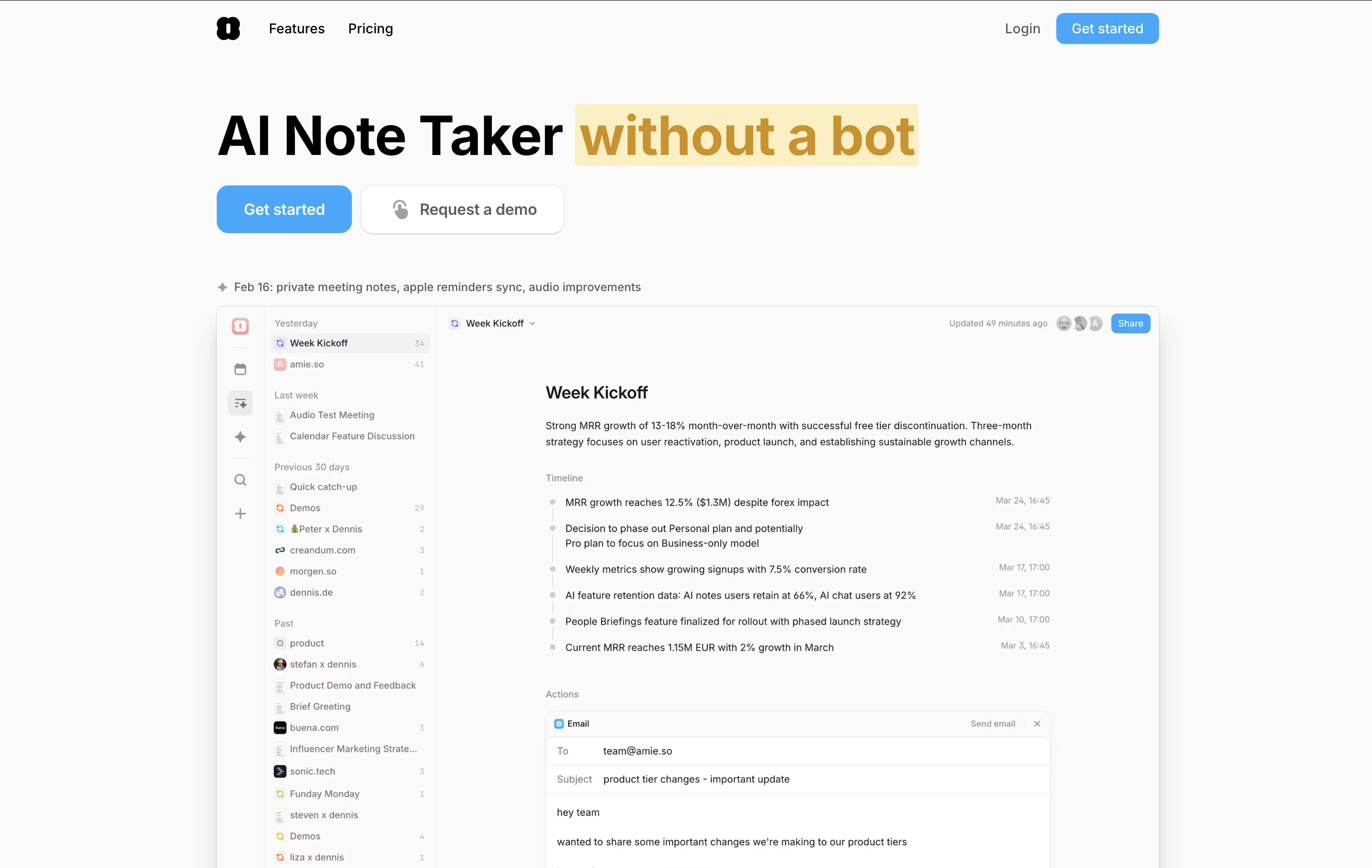
The standout feature is AI-powered meeting notes. Amie records your calls in the background without joining as a bot, then creates summaries and action items automatically. You can ask the AI questions about your meetings later, and it will pull information from all your past conversations.
Amie also lets you time-block tasks, color-code events, share scheduling links with others, and manage emails right from your calendar view.
ClassPoint is an interactive presentation add-in that transforms regular PowerPoint slides into engaging classroom experiences. Think of it as a superpower for your existing PowerPoint presentations, adding features like live quizzes, real-time polling, gamification, and AI-powered question generation directly into your slides.
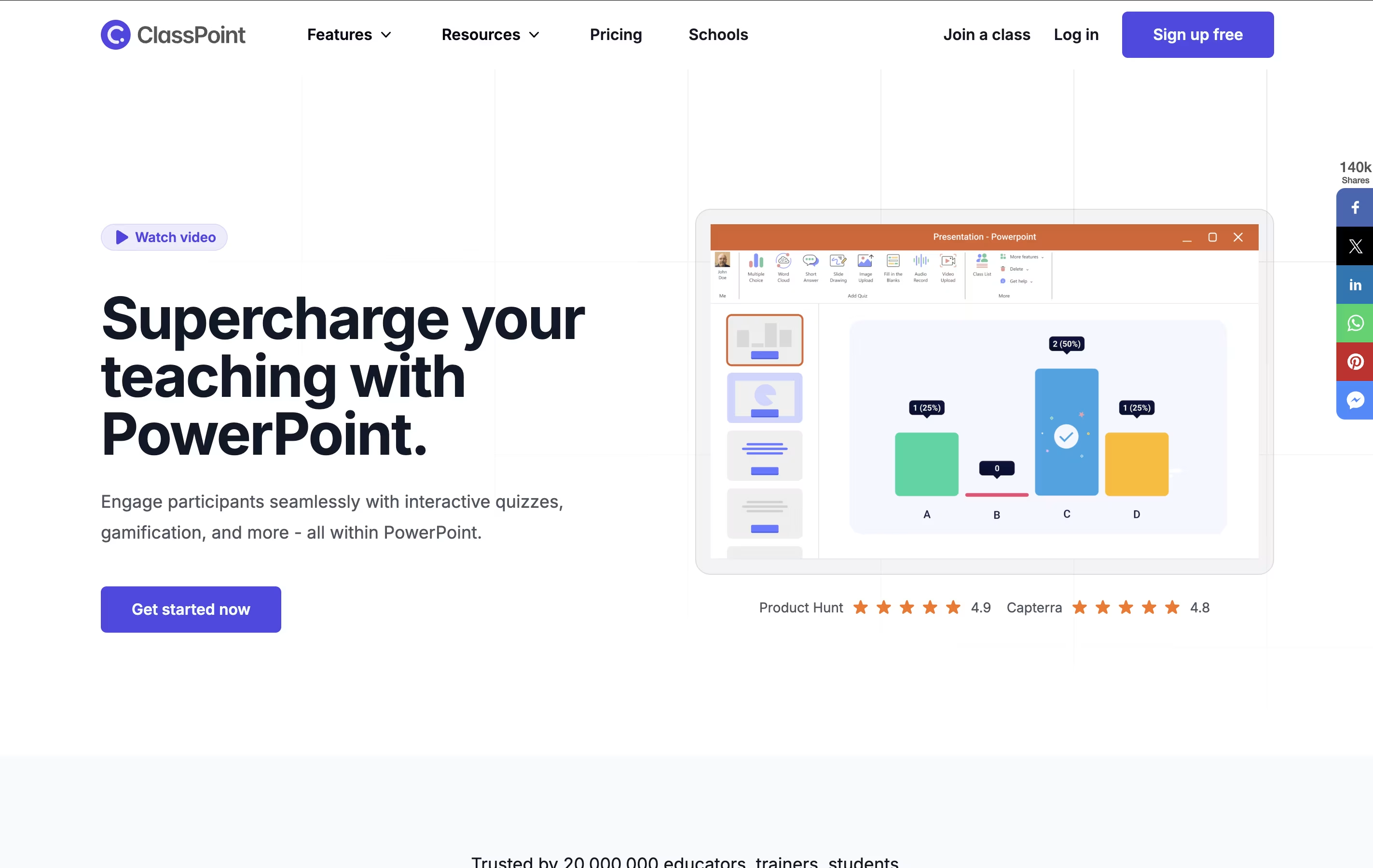
The tool allows teachers to create interactive content without technical skills or switching between multiple applications. Students can participate using any device by joining with a simple class code, answering questions, and earning stars through the built-in gamification system.
ClassPoint includes eight different question types, from multiple choice and word clouds to drawing activities and video uploads. The platform also offers presentation tools like timers, name pickers, annotation capabilities, and embedded web browsers. All responses are collected in real-time, providing immediate feedback to both teachers and students while maintaining engagement throughout the entire lesson.
Monica AI is a comprehensive AI assistant that integrates multiple advanced AI models including GPT-4o, Claude 3.7, Gemini 2.0, and DeepSeek R1. Instead of using different AI tools separately, Monica brings them all together in one platform.
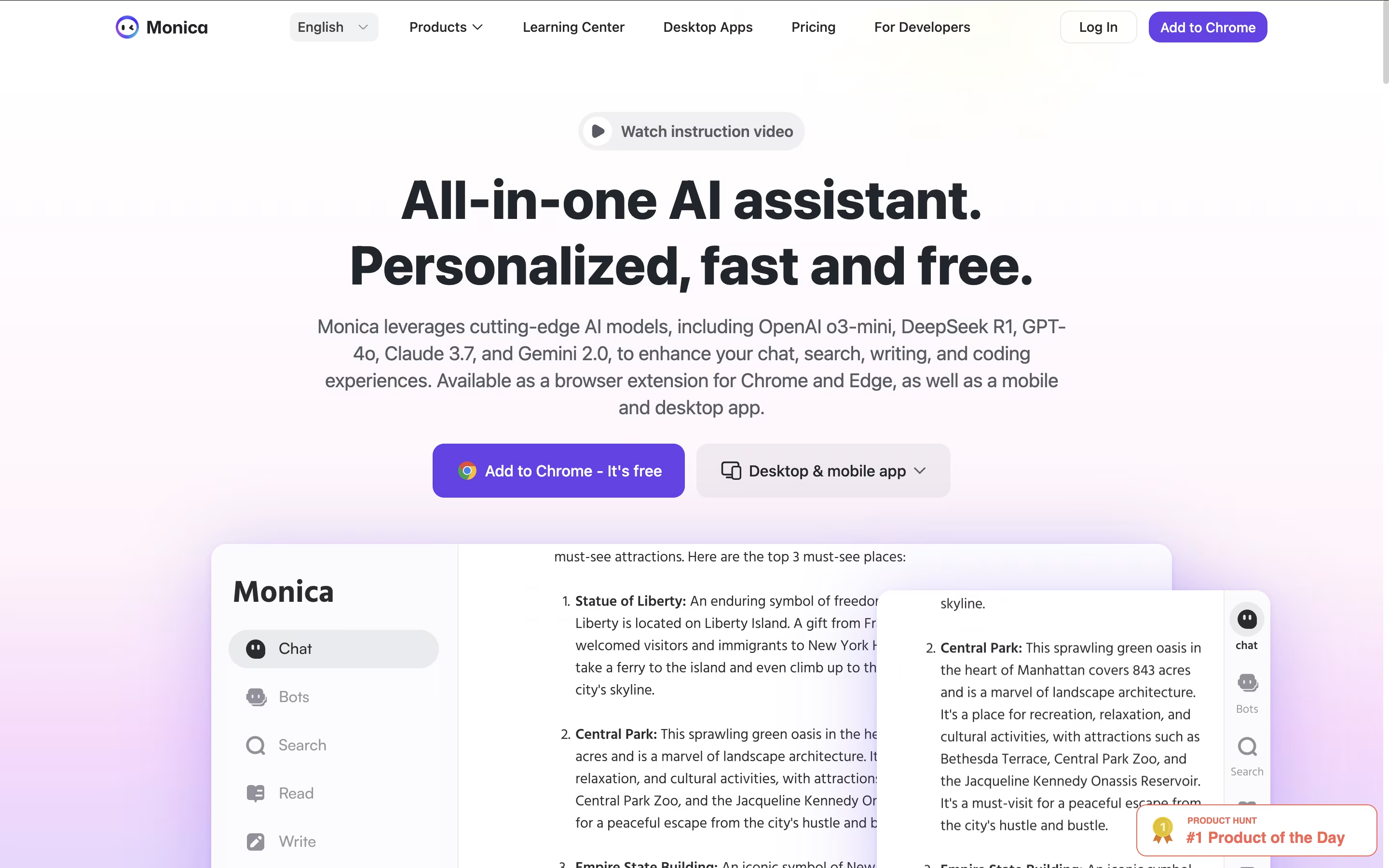
It works as a browser extension for Chrome and Edge, plus mobile and desktop apps for all your devices. Monica can help you chat with AI, write and improve content, create images and videos, translate text, summarize web pages and documents, and even help with coding.
The tool is designed for anyone who wants to boost their productivity with AI. Whether you're a student, professional, content creator, or developer, Monica provides the AI assistance you need without switching between different platforms. It's like having multiple AI assistants combined into one smart helper.

Genspark AI is an advanced AI agent engine that serves as both a next-generation search platform and an autonomous task automation system. At its core, Genspark uses specialized AI agents that work together to deliver personalized, real-time results through custom-generated pages called Sparkpages.
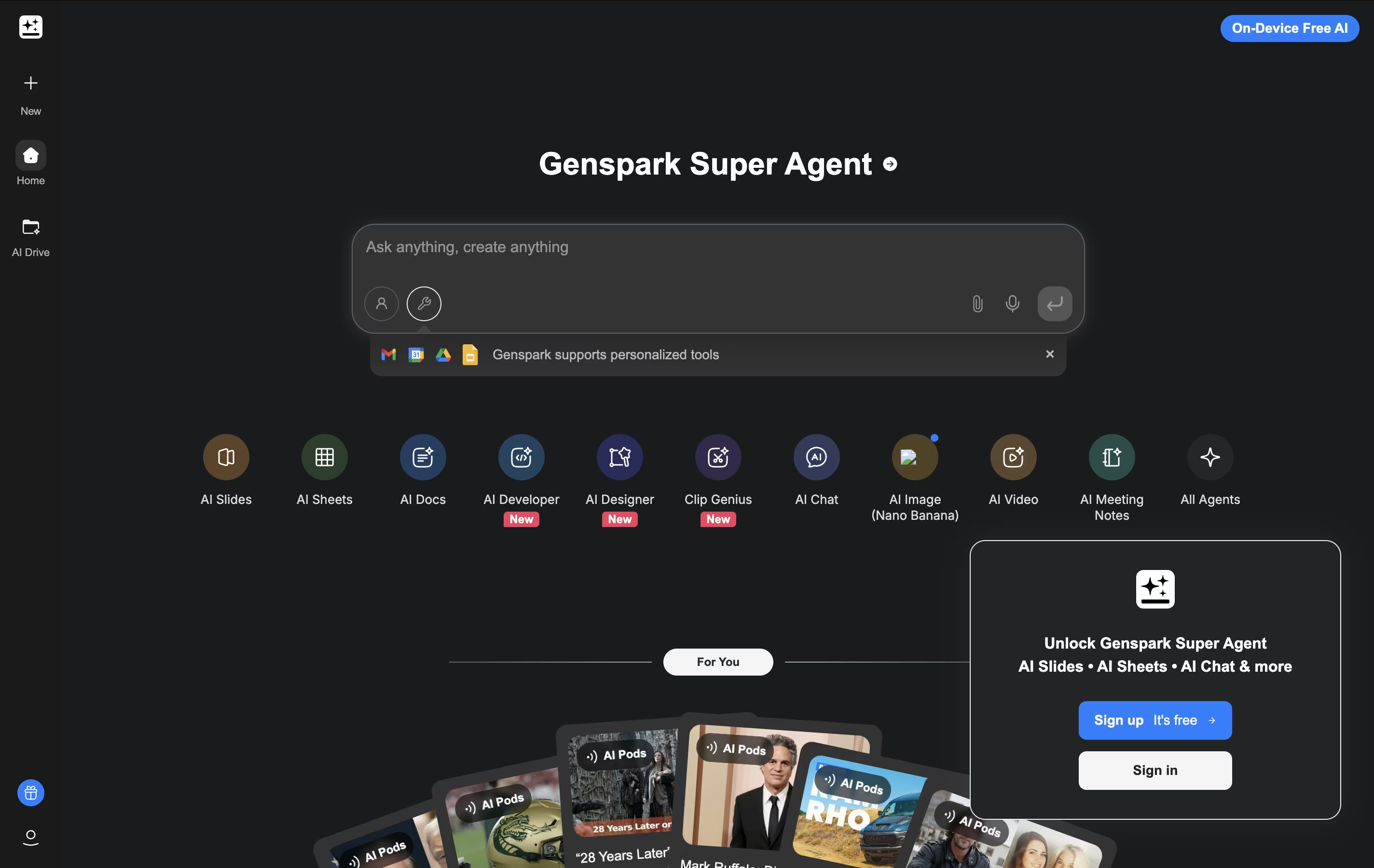
What makes Genspark unique is its Super Agent functionality. Instead of just providing information, it can actually execute tasks in the real world. The platform integrates over 80 specialized tools and combines multiple large language models (including GPT-4 and Claude) to handle everything from research and content creation to making actual phone calls and building functional websites.
The system operates on a multi-agent framework where different AI specialists handle specific types of queries and tasks. This approach ensures highly accurate, unbiased results free from commercial influences, while providing users with interactive, editable content that goes far beyond traditional search results.

Questflow is a decentralized AI automation platform that orchestrates multiple AI agents to complete tasks automatically across different platforms. Think of it as having a team of smart digital workers who never get tired and can handle repetitive tasks 24/7.
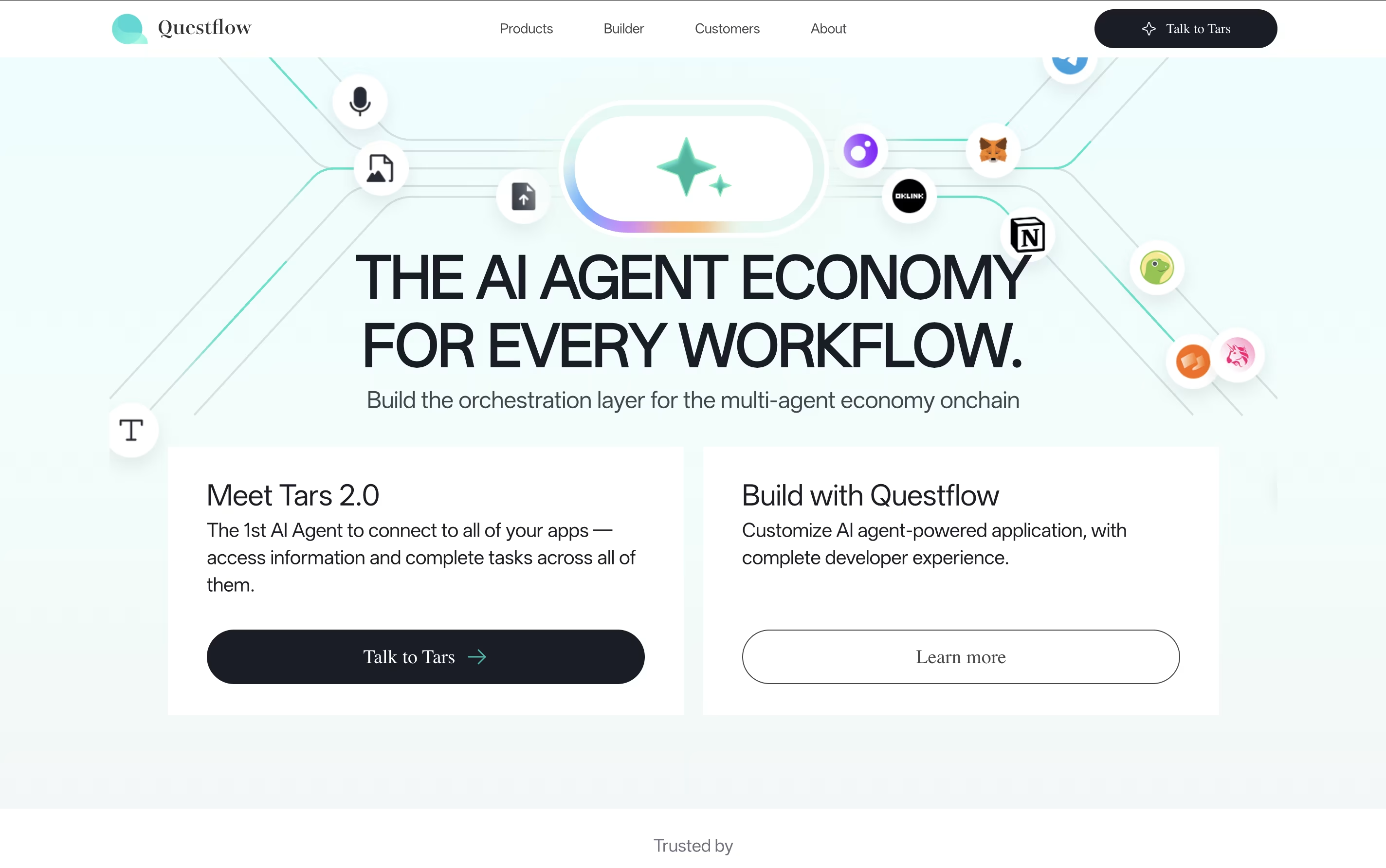
The platform uses a no-code approach, meaning you don't need programming skills to create powerful automation workflows. You simply describe what you want to accomplish, and Questflow's AI agents figure out how to do it. What makes it special is the multi-agent approach - instead of one AI doing everything, different specialized agents work together like a real team.
The platform also uses blockchain technology with QF Coin for secure transactions and rewards. Founded by experts in AI and automation, Questflow aims to make AI accessible to everyone, from small businesses to large enterprises.
Operately is an all-in-one platform that helps teams manage their work without needing a full-time operations manager. It brings together three main areas: goal tracking similar to OKRs, project management with tasks and milestones, and team collaboration through message boards and documents.
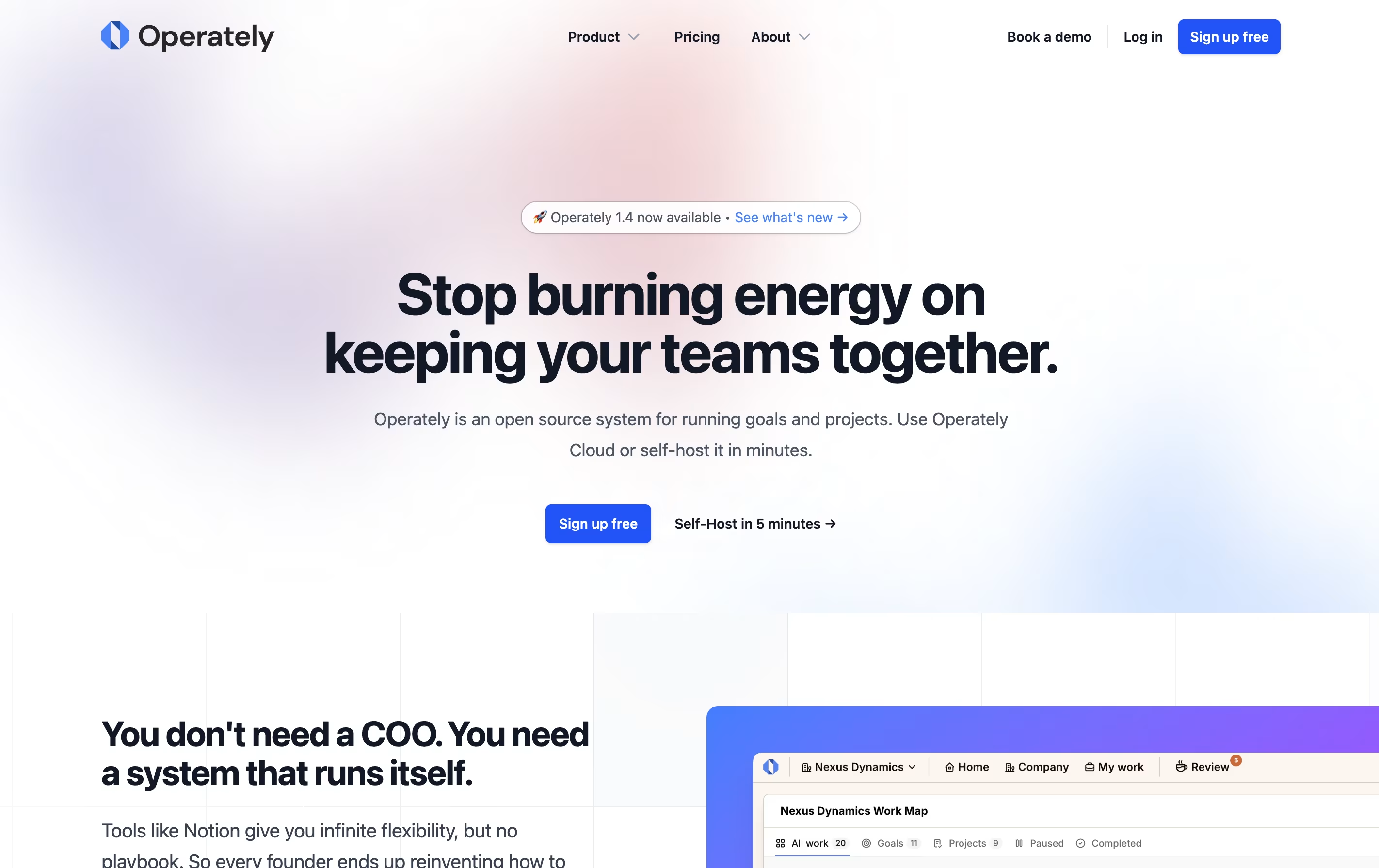
The tool is open source, which means the code is publicly available and you can even host it on your own servers if you want full control over your data. This makes it appealing to companies that care about privacy and security.
Operately also includes an AI assistant called Alfred that reviews your goals and projects, giving helpful feedback and suggestions to keep your team on track and improve how you work.

Freeter is a desktop application that organizes all your work tools in one place. Instead of switching between many apps and browser tabs, you create project-based workspaces that contain everything you need for each task.
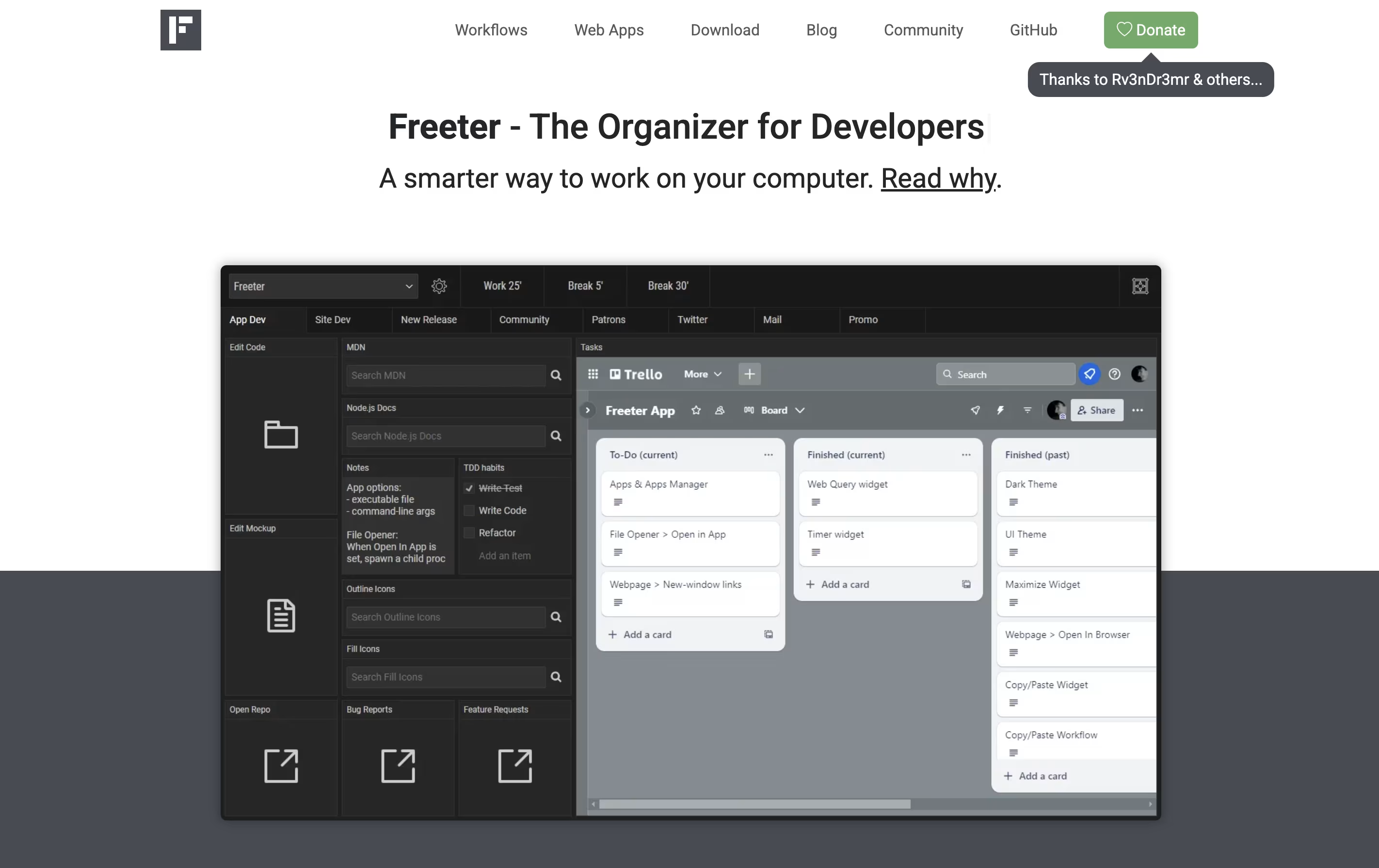
The app uses widgets to bring different tools together. You can embed web apps like Gmail or Trello, open project files with one click, run command-line scripts, keep to-do lists, set timers, and write quick notes. Each project can have multiple workflow tabs to organize different activities.
Freeter works on Windows, Linux, and Mac computers. It is completely free and open-source under the GNU GPL license. The app works offline and does not send any data to external servers, making it secure and private.

Process Street is the world's first AI-powered process management platform that helps teams document, share, and automate their core business processes. Think of it as turning your company handbook into smart, interactive workflows that guide your team through every step of important tasks.
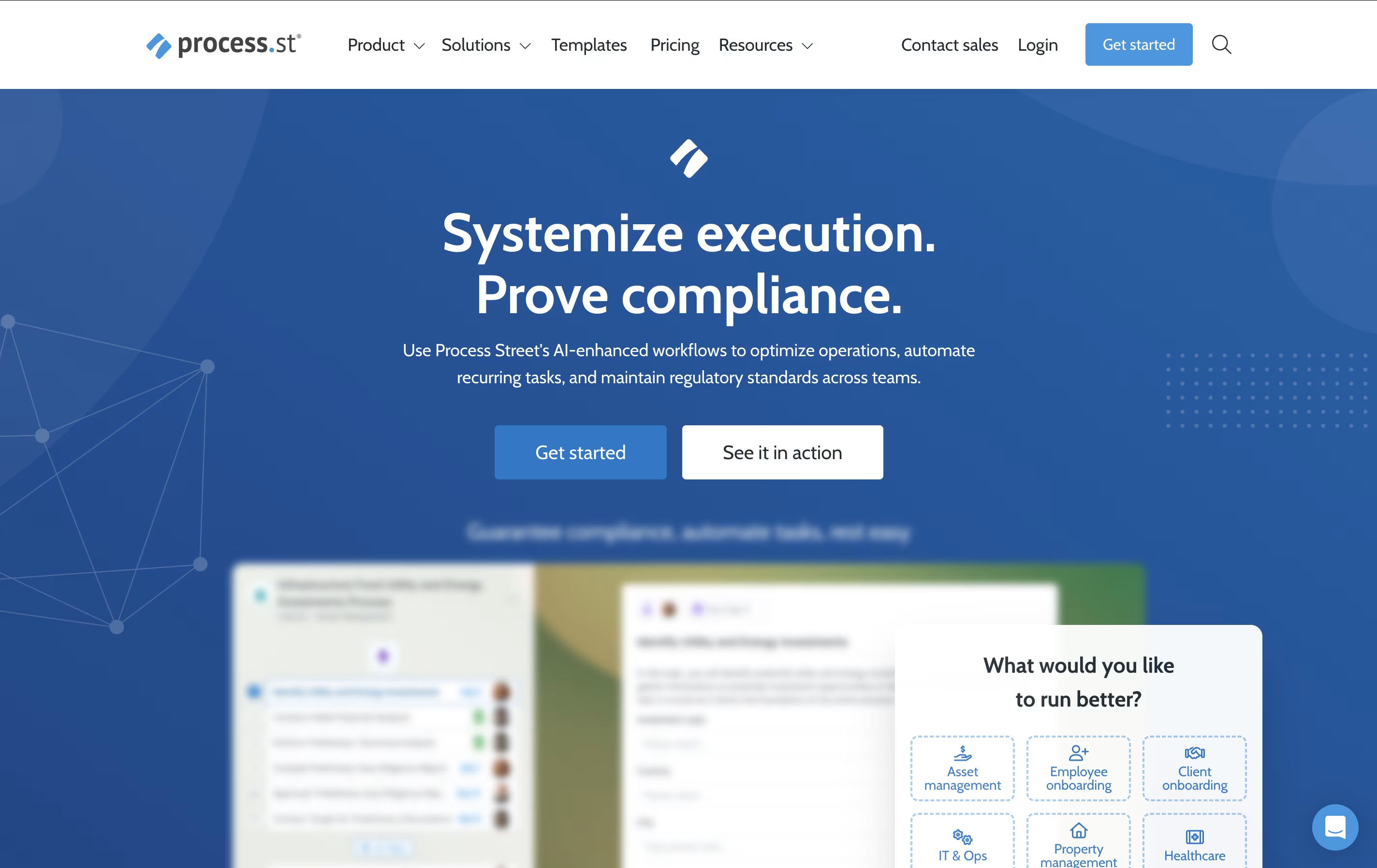
The platform allows you to create dynamic checklists with conditional logic, automated actions, and real-time tracking capabilities. Unlike static documents or basic task managers, Process Street creates living workflows that adapt based on different scenarios and automatically trigger actions across your tech stack.
From employee onboarding and customer implementations to compliance audits and quality control processes, the platform ensures nothing falls through the cracks. With features like AI-generated workflows, approval routing, and comprehensive analytics, Process Street transforms how organizations manage their operations. The result is improved consistency, reduced errors, faster completion times, and better team collaboration across all your business processes.

Tonkean is an enterprise-grade process orchestration platform that uses artificial intelligence to automate and coordinate business workflows across teams and systems. Think of it as the missing link between all your business applications, creating seamless experiences for employees who need to get things done.
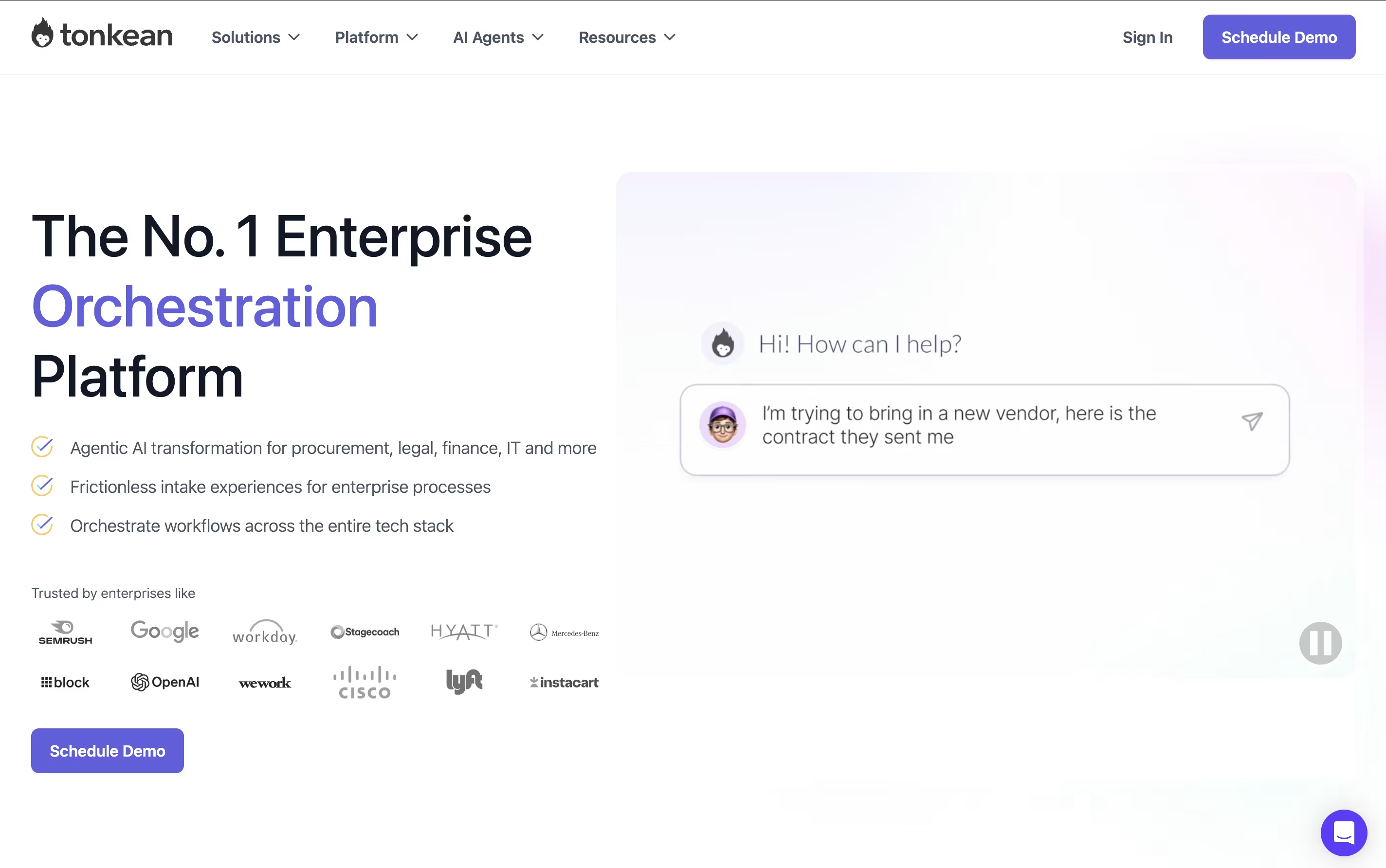
The platform specializes in "process orchestration," which means it doesn't just automate individual tasks—it manages entire workflows that involve multiple people, departments, and software systems. For example, when someone submits a purchase request, Tonkean can automatically check company policies, route it to the right approver, create purchase orders in your procurement system, and send updates to everyone involved.
Founded in 2015 and trusted by companies like Google, Netflix, and Instacart, Tonkean stands out because it requires no coding skills and works with your existing tools. You can build complex automated processes using simple drag-and-drop tools, making it accessible to business users rather than just IT professionals.





