

Best 8 LLM Application Builder Tools in 2026
Last Updated: August 4, 2026
Building applications powered by large language models involves prompt design, context management, and integration work beyond a simple API call. LLM Application Builders provide the frameworks and tooling needed to build, test, and deploy LLM powered applications.
These tools are used by AI developers and product teams building chatbots, assistants, and other language model driven features. Purpose built tooling significantly speeds up the process of going from prototype to production ready application.
 Google AI Studio
 Google AI StudioBuild Apps with Gemini AI Models,
  camelAI
 camelAIAI Software Engineer That Deploys Apps, and
  Reflex
 ReflexBuild Full-Stack Apps in Pure Python are the best for LLM Application Builder. So, let’s take a closer look at all 8 tools.

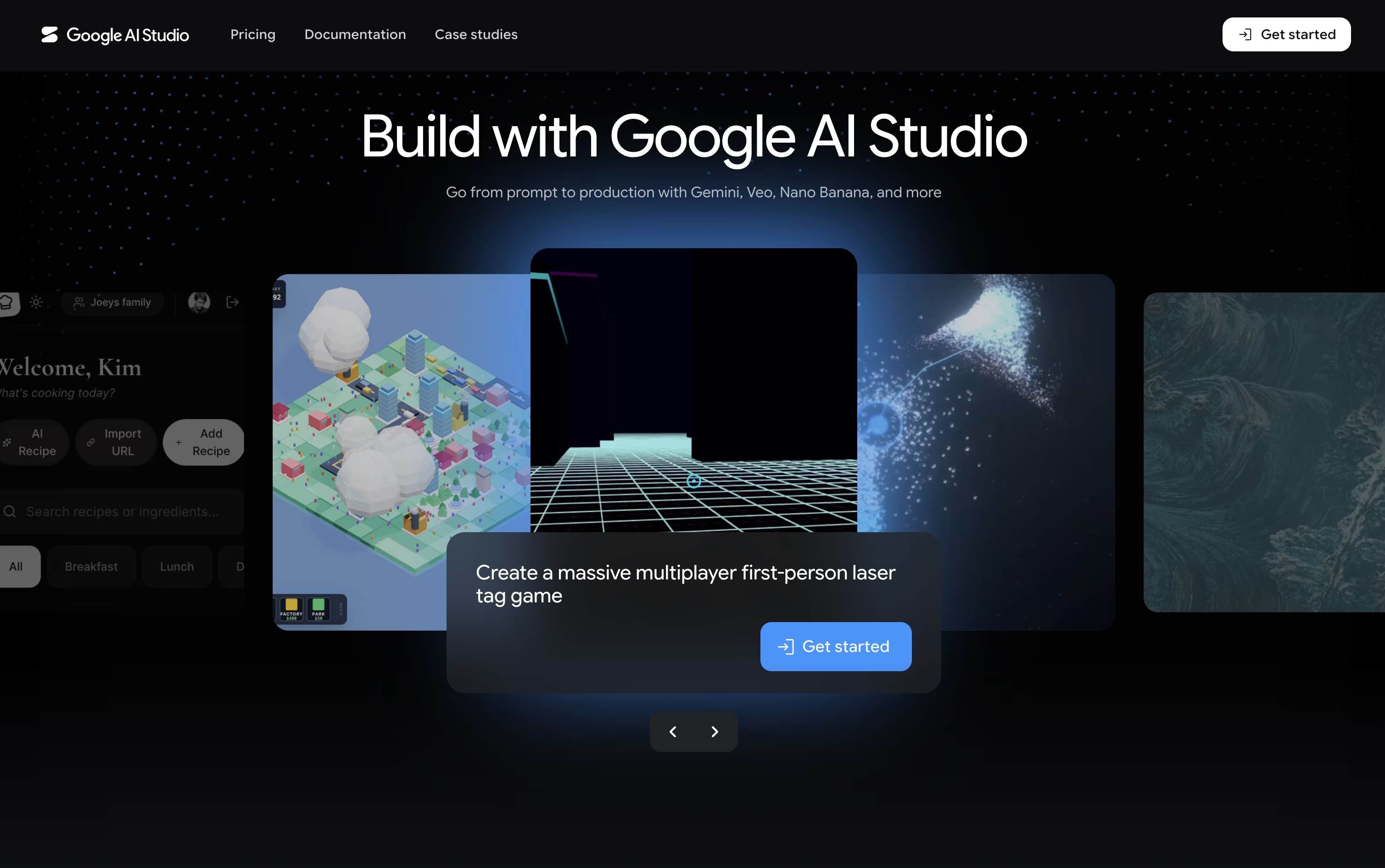
Think of Google AI Studio as a free workshop for Google's Gemini models. You can chat with a model, tweak its settings, and see how it responds, all inside your browser with no setup needed.
It goes beyond text too, letting you create images, video, audio, and music, and even hold live voice and video conversations with the AI through Gemini Live.
The standout feature is Build mode, where describing an app in everyday language produces a working React or Android app, along with a live preview you can adjust just by describing the change.
Getting started costs nothing on the Free plan, though usage is limited. The Paid plan bills by the token, so a model like Gemini 3.6 Flash runs about $1.50 per million input tokens and $7.50 per million output tokens, and it adds higher limits and batch discounts.
Larger organizations can move to the Enterprise plan for dedicated support, stronger security, and pricing built around their scale.
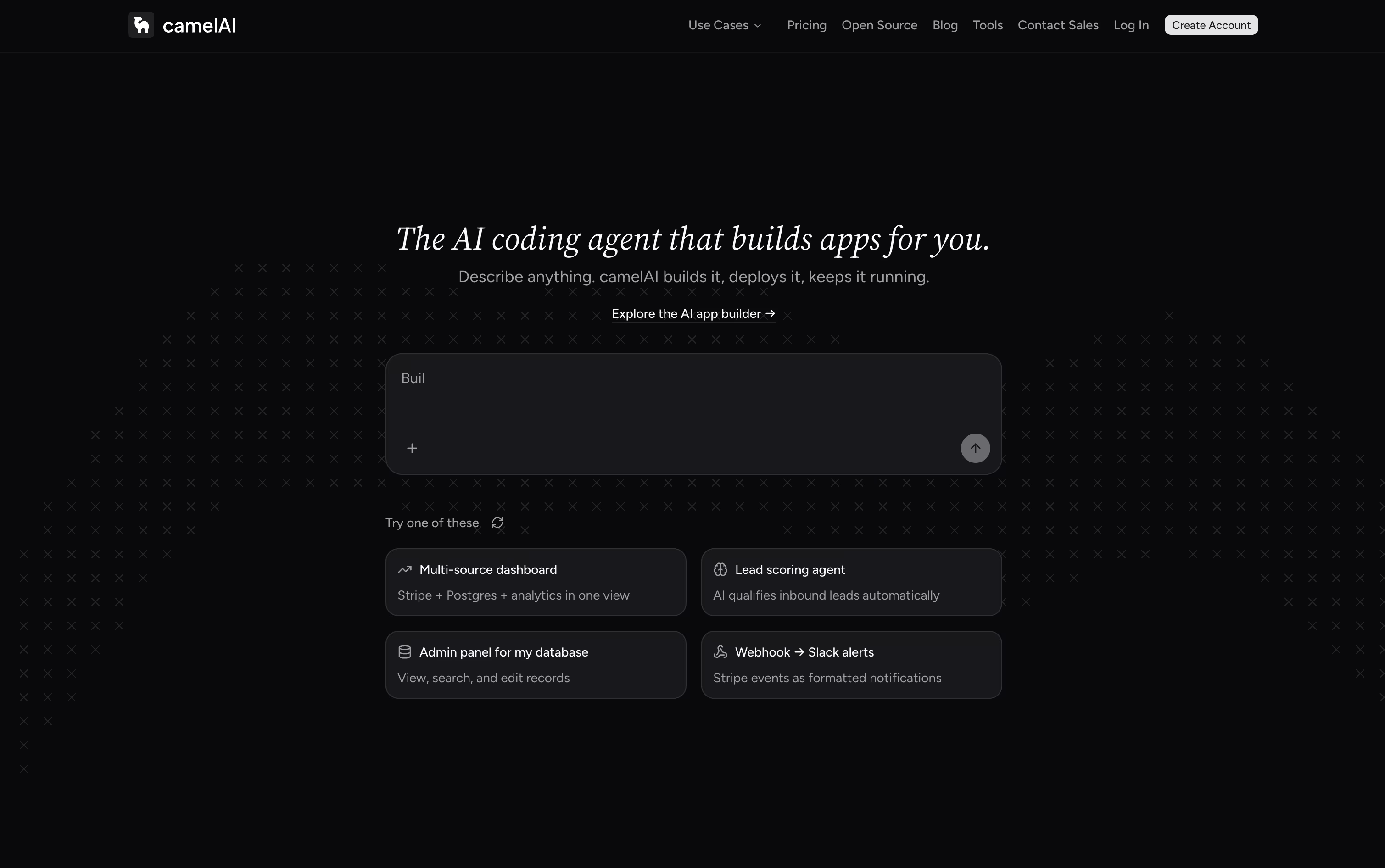
Instead of a plain chat box, camelAI gives its agent a real computer that keeps running and remembers your project. You type what you want in plain English, and it builds a complete application, covering the frontend, backend, database, and API in one go.
The finished app is published to a live URL right away, with SSL and domain setup handled automatically. Because the workspace saves your files and history, the agent already knows your project when you come back, and you can chat with it over email or Slack too.
Over 50 integrations come ready to use, such as Postgres, Stripe, HubSpot, and Slack, and you can schedule the agent to run jobs on its own, like checking Stripe metrics or emailing a summary report.
Getting started is free, with the Free plan giving 1 workspace, 3 apps, and 5 GB storage using your own API key. The Starter plan runs $10 a month, and the Pro plan, the most popular option, is $40 a month with unlimited apps and domains.
For teams, the Team plan costs $50 per seat monthly with a 3 seat minimum, adding shared workspaces and role based permissions. Enterprise plans are custom priced and include SSO, dedicated support, and compliance features.
Every paid plan comes with a 7 day free trial, and an open source, self hostable version of camelAI is on the way as well.
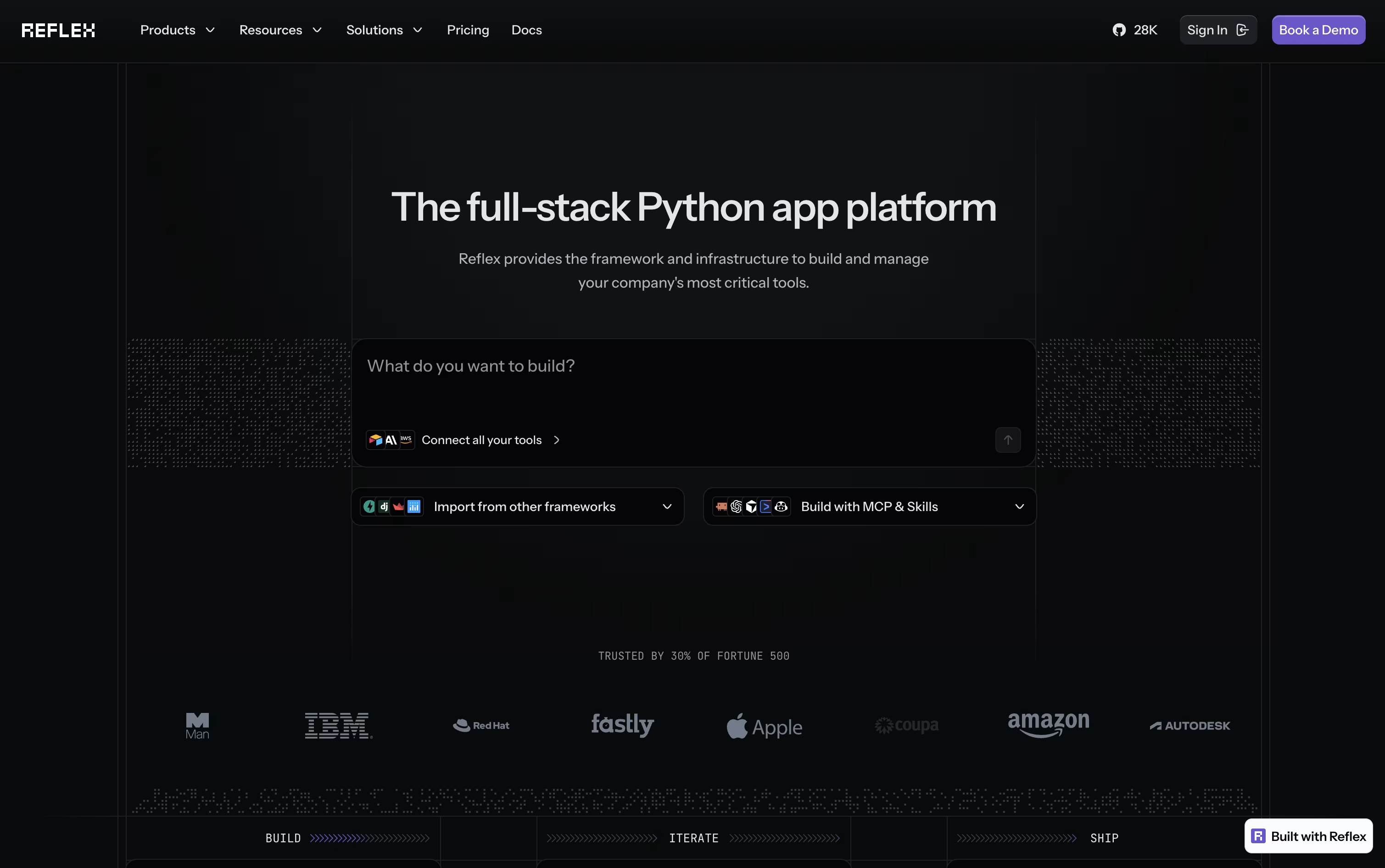
Building a website usually means juggling JavaScript, HTML, CSS, and a separate backend. Reflex removes that split by letting you write the entire app, interface and logic, in one Python codebase.
Your Python components get converted into a React frontend automatically, while a FastAPI backend handles the logic. WebSockets keep the two connected in real time, so any change in your data appears on screen right away.
If you would rather not code from scratch, the built-in AI Builder can generate a full working app from a short description or even a screenshot, along with basic tests.
Getting started is free, with 50 monthly credits and one hosted app included. Stepping up to Pro brings 2,000 credits, 10 hosted apps, and custom domains for $200 a month, though it is priced at just $3 a month for a limited time.
For companies that need more control, the Enterprise plan adds dedicated infrastructure, team workspaces, and security features like SSO and HIPAA support, with pricing built around each organization's needs.

Langflow is an open-source platform for building AI applications through a visual interface. You create workflows by connecting building blocks called components. Each component performs a specific task, such as loading data, talking to an AI model, or storing information in a database.
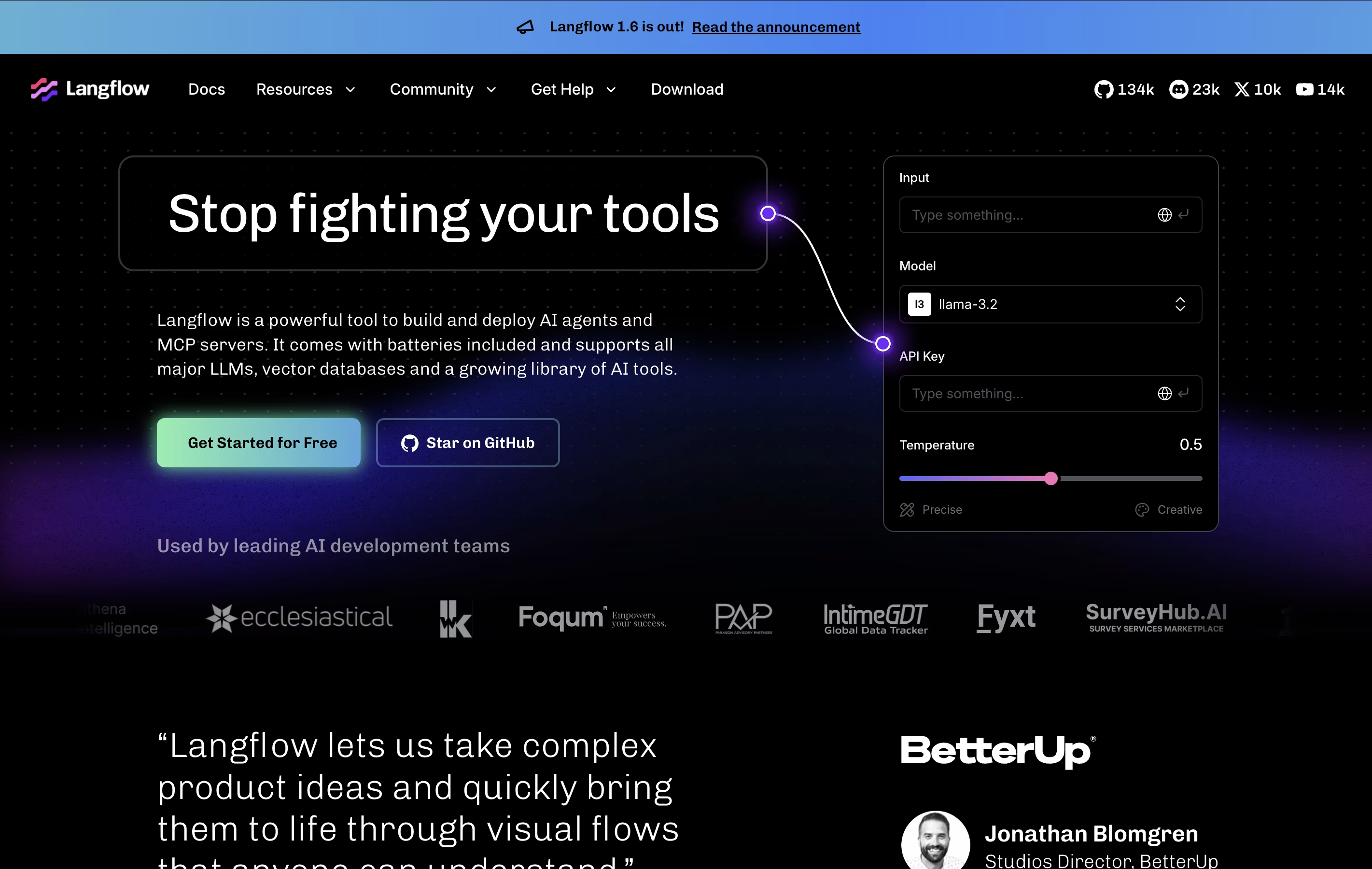
The platform supports agents that can make decisions, use tools, and perform multiple tasks automatically. It also enables Retrieval Augmented Generation (RAG), which lets AI applications search through your documents and provide accurate answers based on your specific data.
There is no cost to use Langflow. It's completely free and open-source. You only pay for external services you connect to it, such as AI model providers like OpenAI or cloud hosting if you choose to deploy your application online.

Dify is a complete platform for building AI-powered applications using a visual interface. You can create workflows by connecting different components without writing code. The platform supports many AI models from providers like OpenAI, Anthropic, and others, letting you switch between them easily.
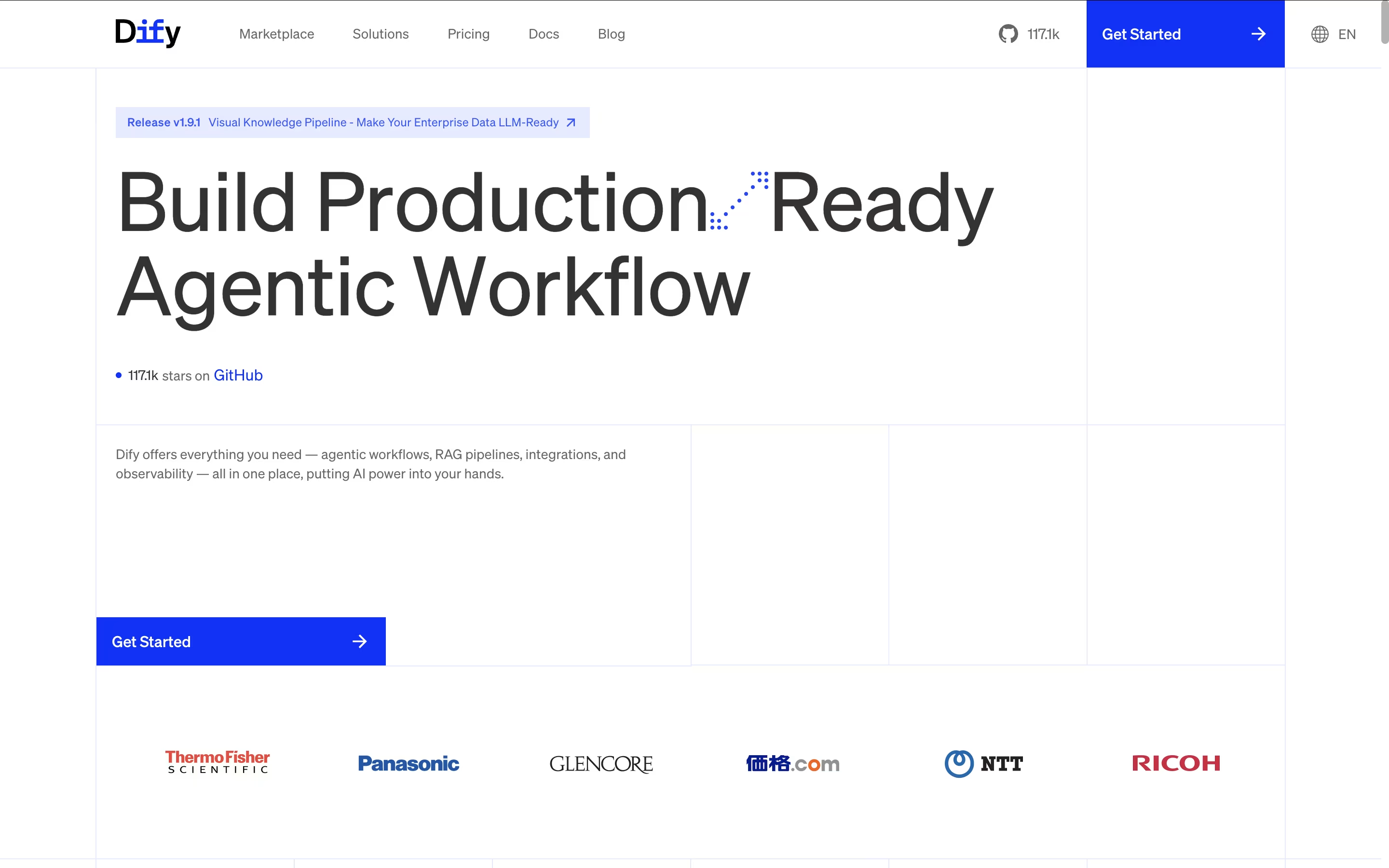
The platform includes tools for managing knowledge bases, creating custom agents, and monitoring application performance. It offers both cloud-based service and self-hosted options, giving you control over where your data lives. The visual workflow builder lets you design complex logic through simple drag-and-drop actions.
Dify is open-source, meaning a community of developers constantly improves it. This makes it reliable and feature-rich while remaining free to use for basic needs, with premium plans available for advanced features.

StackAI is a platform where you build AI agents through a visual canvas. Instead of coding, you drag components onto a screen and connect them together. These components can be language models, your company documents, or connections to other software you use.
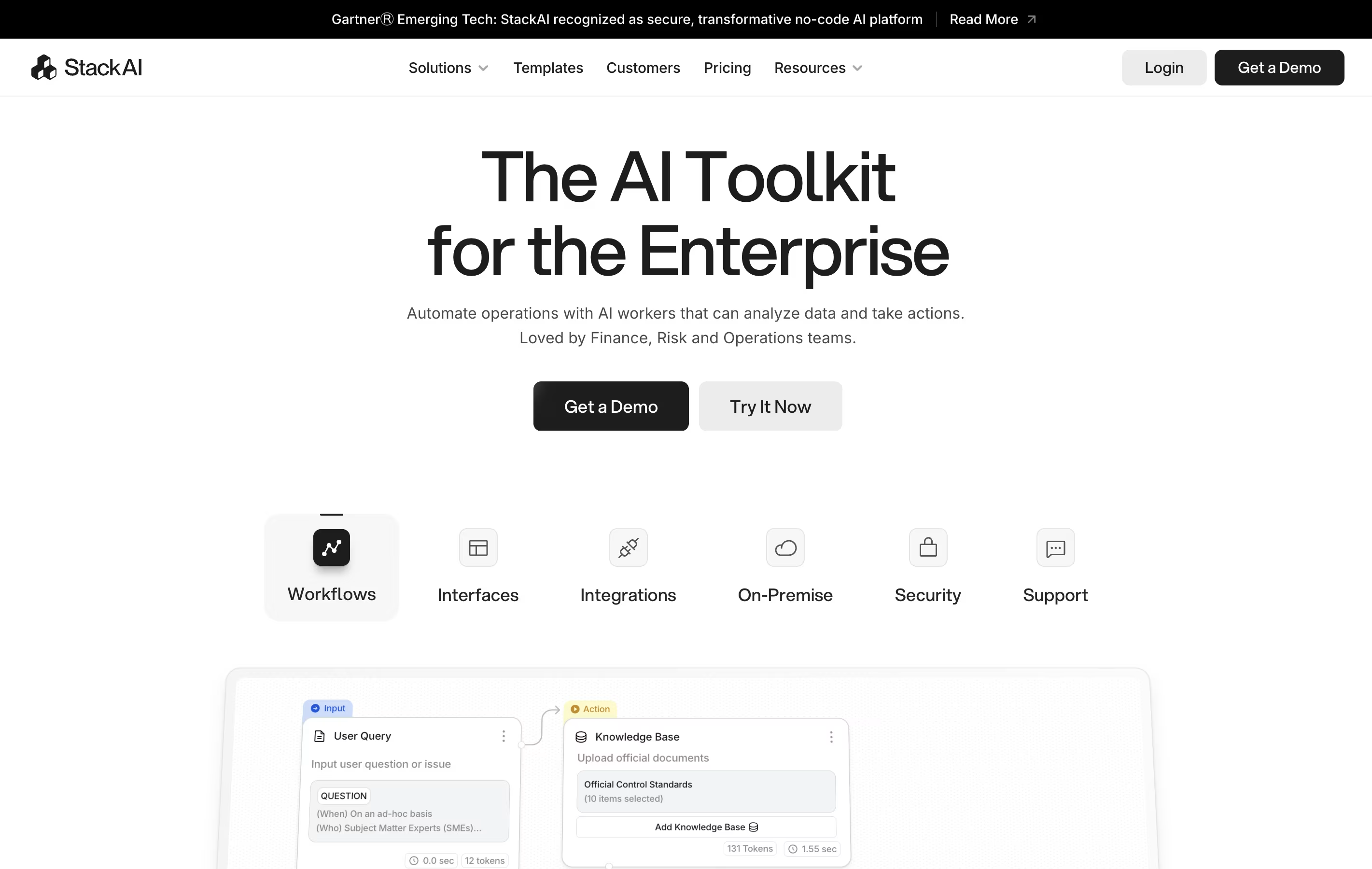
The platform specializes in helping businesses automate their internal processes. You can build chatbots that answer employee questions, systems that analyze documents, or tools that generate reports from your data. Everything runs in a secure environment that follows industry rules for data protection.
StackAI works with multiple AI models from companies like OpenAI and Anthropic. You can also choose where your data lives, including keeping everything on your own servers if needed for extra security.

Vellum is a platform that helps you create AI applications from start to finish. You can build chatbots, content tools, data analysis systems, or custom AI assistants. The platform works with all major AI models including GPT-4, Claude, and open source options.
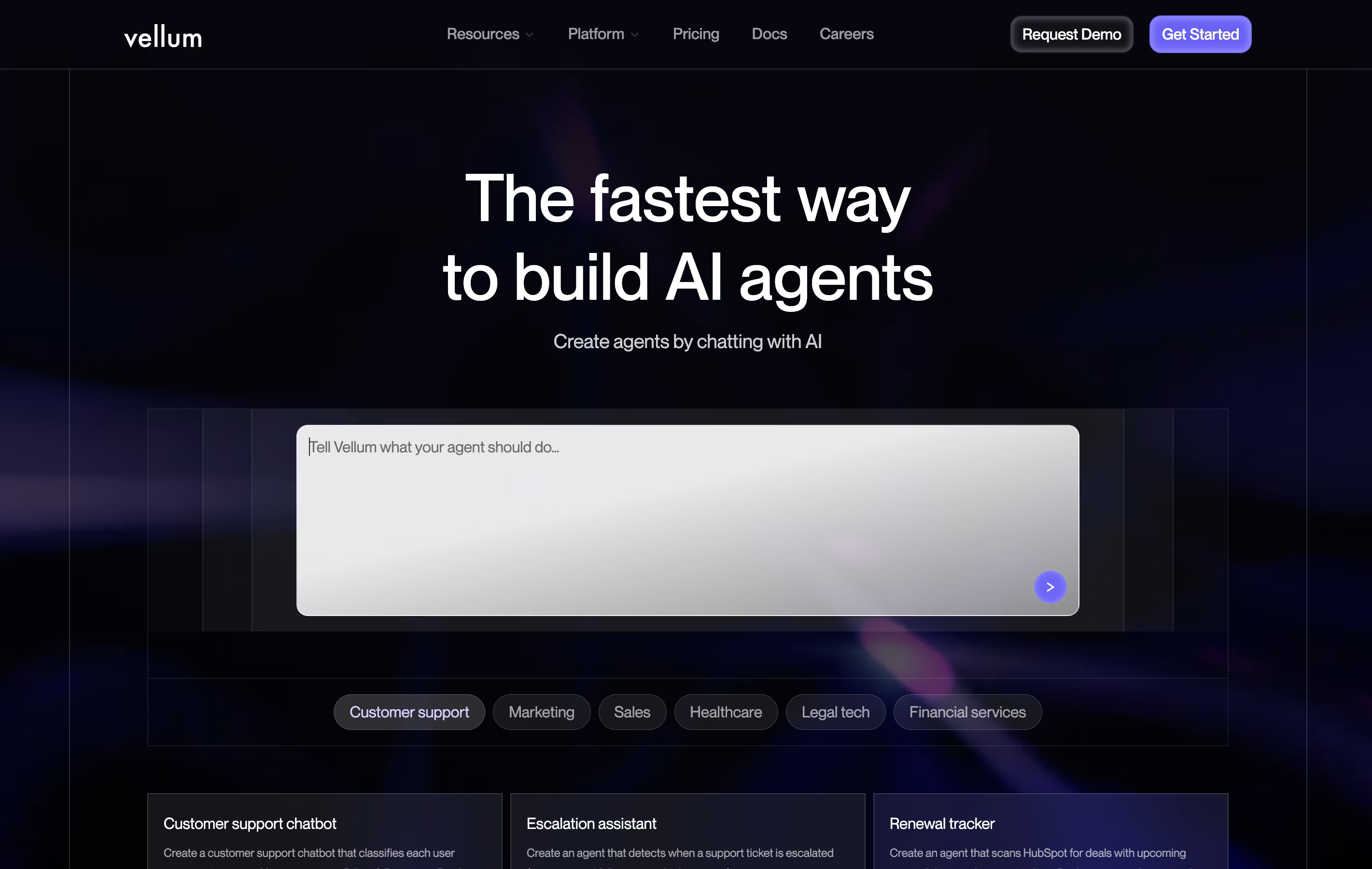
What makes Vellum different is its agent builder. You describe what you want your AI to do in plain language, and it automatically creates the workflow. You can connect your AI to business tools like HubSpot, Slack, and Google Drive. The platform includes testing tools to check quality before launch and monitoring to track how well things work after launch.
Both technical and non-technical team members can use Vellum. Developers set up connections and security, while other team members adjust prompts and workflows without touching code.
Flowise is a visual development platform for creating AI-powered applications using large language models. Think of it as building blocks for AI: you drag components onto a canvas and connect them together to create smart systems.
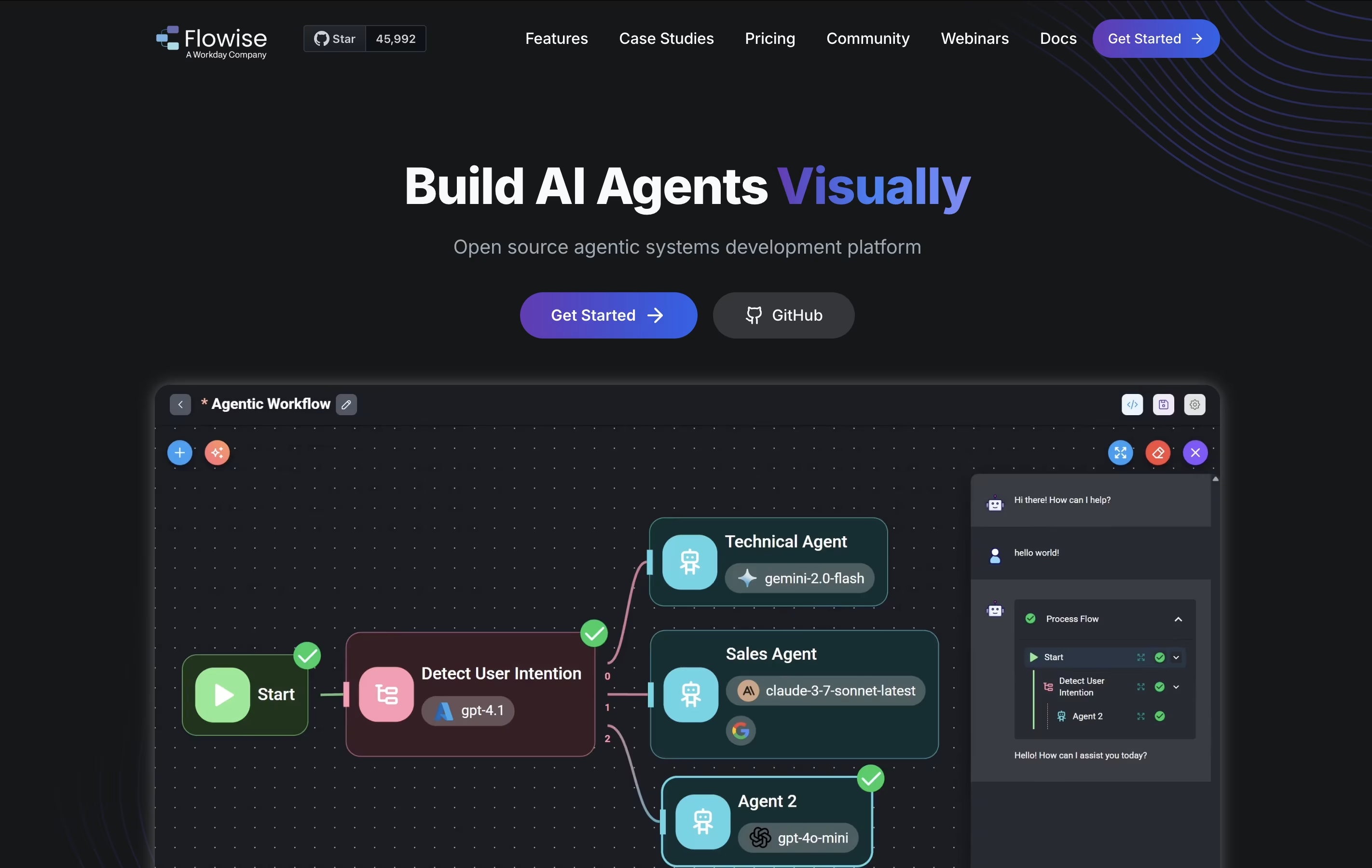
The platform lets you build chatbots that understand documents, create AI agents that can perform tasks automatically, and set up workflows that combine multiple AI tools. It supports retrieval-augmented generation, which means your AI can pull information from your own documents and databases to give accurate answers.
You can start with ready-made templates or build custom solutions from scratch. Flowise works with both cloud-based and locally-hosted AI models, giving you flexibility in how you deploy your applications. The platform is open-source, meaning the community constantly adds new features and improvements.



