



Cap
Open Source Screen Recording with AI Features
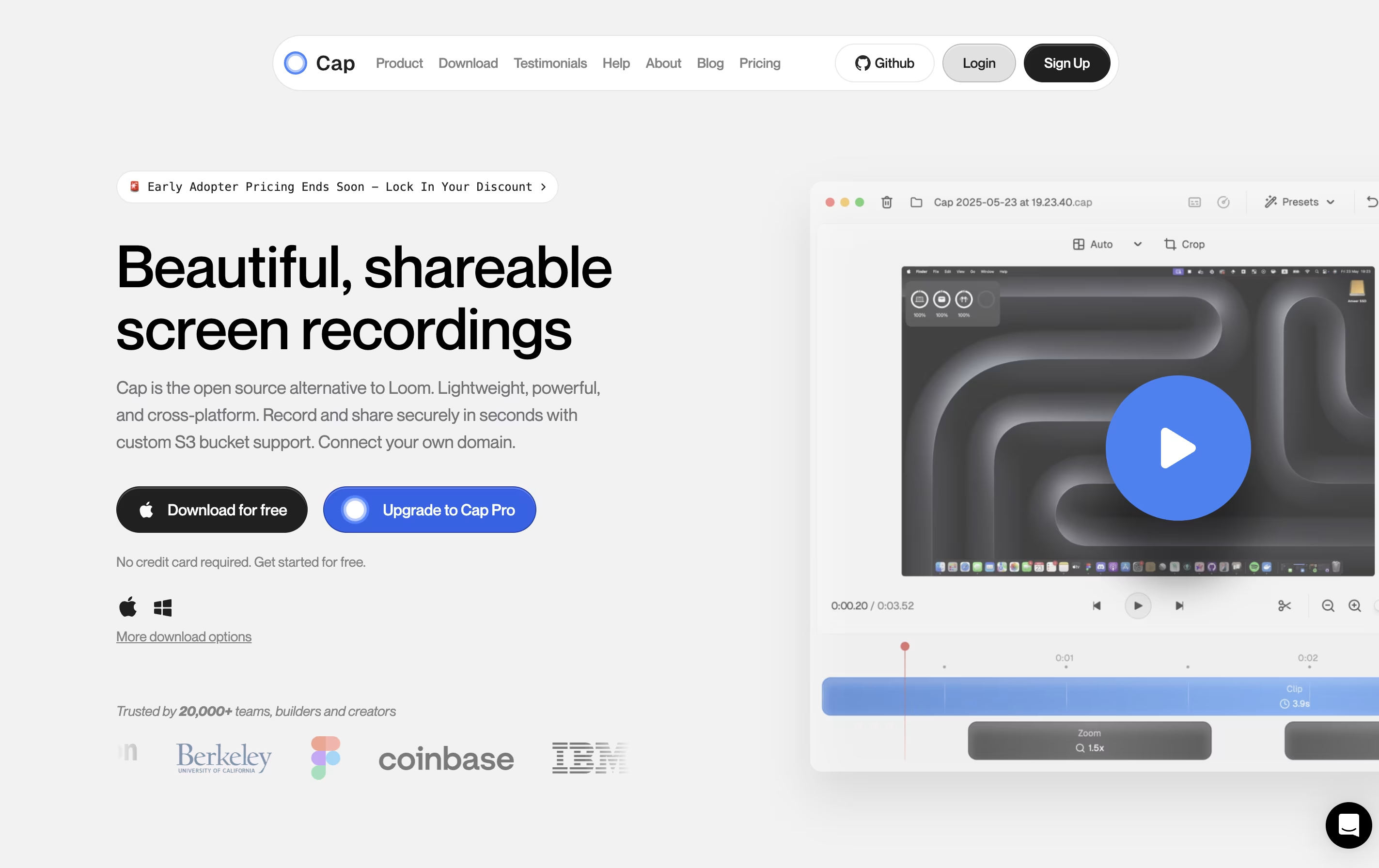
Cap is an open source screen recording tool with instant sharing and AI features for teams and creators.




What is Cap
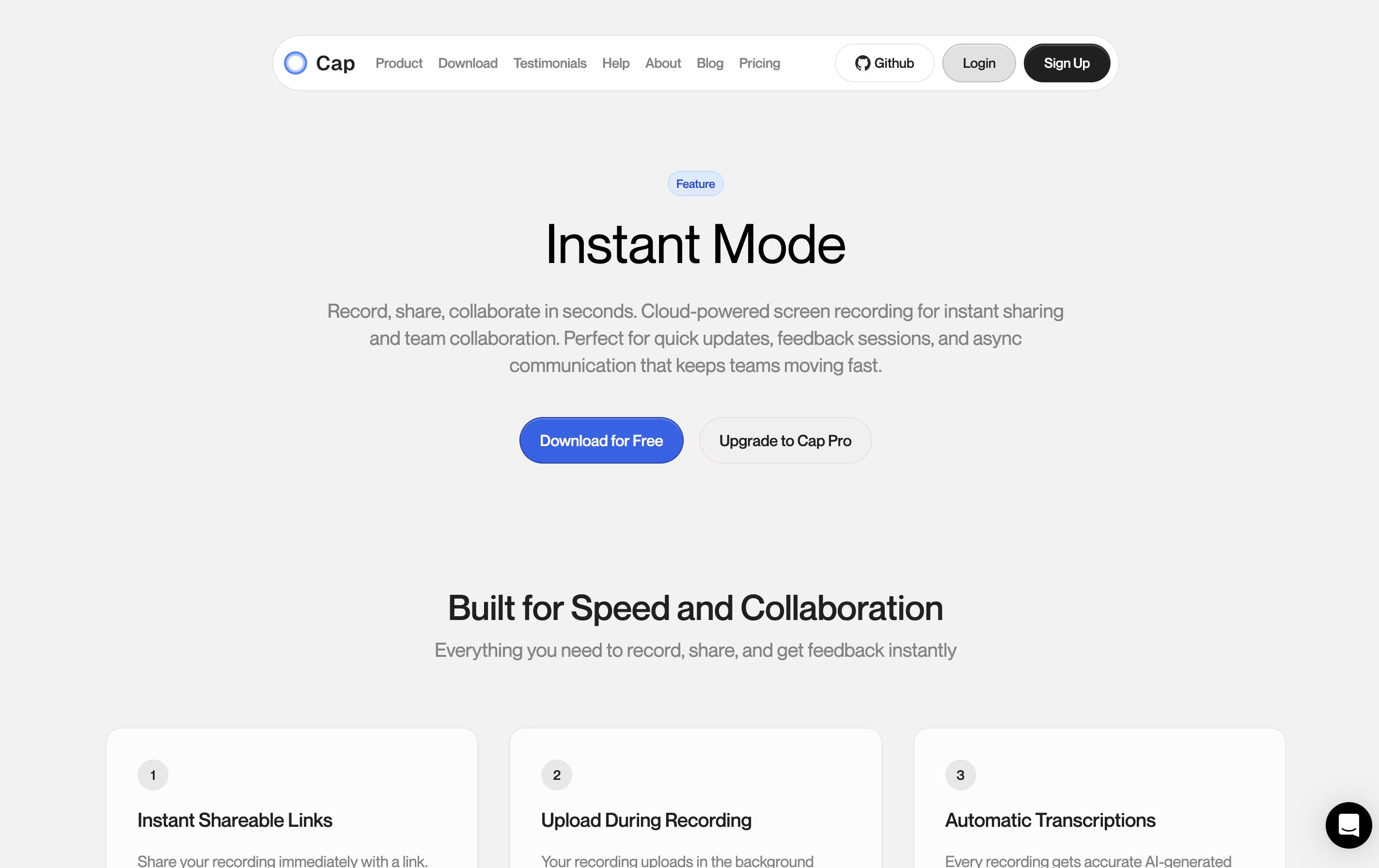
Cap is a screen recording application that offers two recording modes for different needs. Instant Mode lets you record and share immediately with automatic transcription and chapter generation. Studio Mode provides local recording with a full editing timeline for professional content creation.
The tool includes AI-powered features that automatically create titles, summaries, and chapters for each recording. You can record in up to 4K resolution at 60 frames per second, with separate tracks for screen, webcam, and audio.
Cap is completely open source, meaning you can see how it works and even host it yourself. It supports both quick team communication and high-quality content production in one application.
Features of Cap
Instant and Studio recording modes
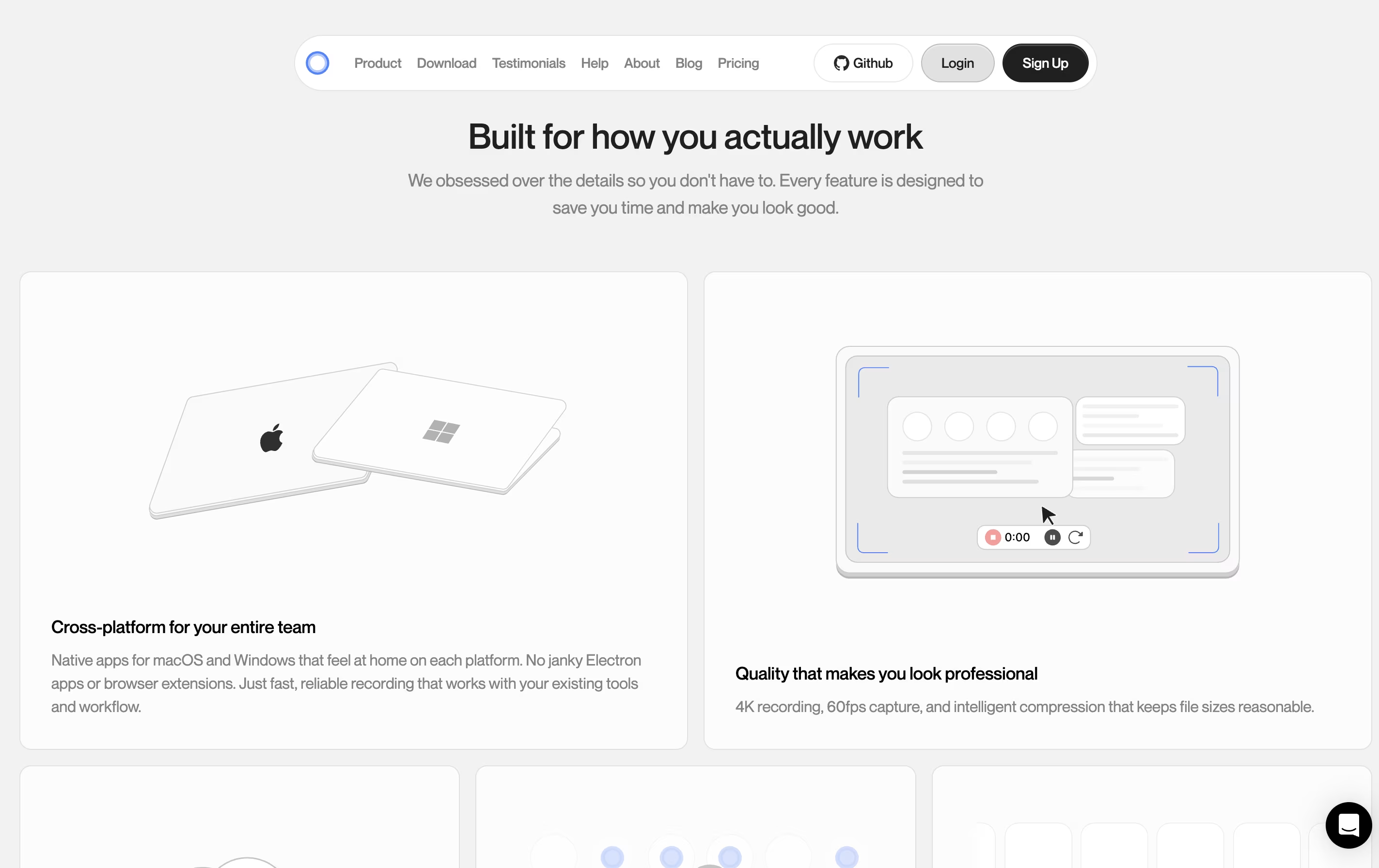
4K 60fps screen capture
AI-generated titles, summaries, and chapters
Professional timeline editor
Custom S3 bucket support
Password-protected sharing
Viewer analytics and engagement tracking
Native Mac and Windows apps
Export to MP4 and GIF
Open source with self-hosting option
Cap Pricing
Free
- Basic screen recording
- Shareable links up to 5 minutes
- Standard quality recording
- Basic features
- Community support
Desktop License (Annual)
- Studio Mode with full editor
- Commercial usage rights
- Unlimited local recordings
- Shareable links up to 5 minutes
- Export to MP4 or GIF
- Community support
Desktop License (One-time)
- Studio Mode with full editor
- Commercial usage rights
- Unlimited local recordings
- Shareable links up to 5 minutes
- Export to MP4 or GIF
- Lifetime access
- Community support
Cap Pro (Monthly)
- Everything from Desktop License
- Unlimited cloud storage and shareable links
- AI-generated titles, transcriptions, summaries, and chapters
- Custom domain support (cap.yourdomain.com)
- Password-protected shares
- Viewer analytics and engagement tracking
- Team workspaces
- Custom S3 bucket support
Cap Pro (Annual)
- Everything from Desktop License
- Unlimited cloud storage and shareable links
- AI-generated titles, transcriptions, summaries, and chapters
- Custom domain support (cap.yourdomain.com)
- Password-protected shares
- Viewer analytics and engagement tracking
- Team workspaces
- Custom S3 bucket support
Cap for Enterprise
- All Pro features included
- SLAs and Priority Support
- Loom Video Importer
- Bulk Discounts
- Managed self-hosting
- SAML SSO Login
- Advanced Security Controls
- Custom integrations
Cap Repository
View on Github| Stars | 23,292 |
| Forks | 2,068 |
| Repository Age | 2 years |
| Last Commit | 12 minutes ago |
FAQ's About Cap









See what users are saying about Cap
0 Reviews
No reviews yet
Be the first to review Cap