ToolQuestor Logo
Kite
No reviews yet
0 Saved
Added:10/25/2025
Type:Saas
Monthly Traffic:-
Pricing:
FREEMIUMSUBSCRIPTION
AI-PoweredCloud-BasedMobile AppNo-CodeFreemiumVideosImage GenerationChatbot
OpenArt AI

OpenArt AI

FEATURED
Vidnoz AI

Vidnoz AI

FEATURED
Wispr Flow

Wispr Flow

FEATURED
Kite screenshot 2
Kite screenshot 3
Kite screenshot 4
Kite screenshot 5

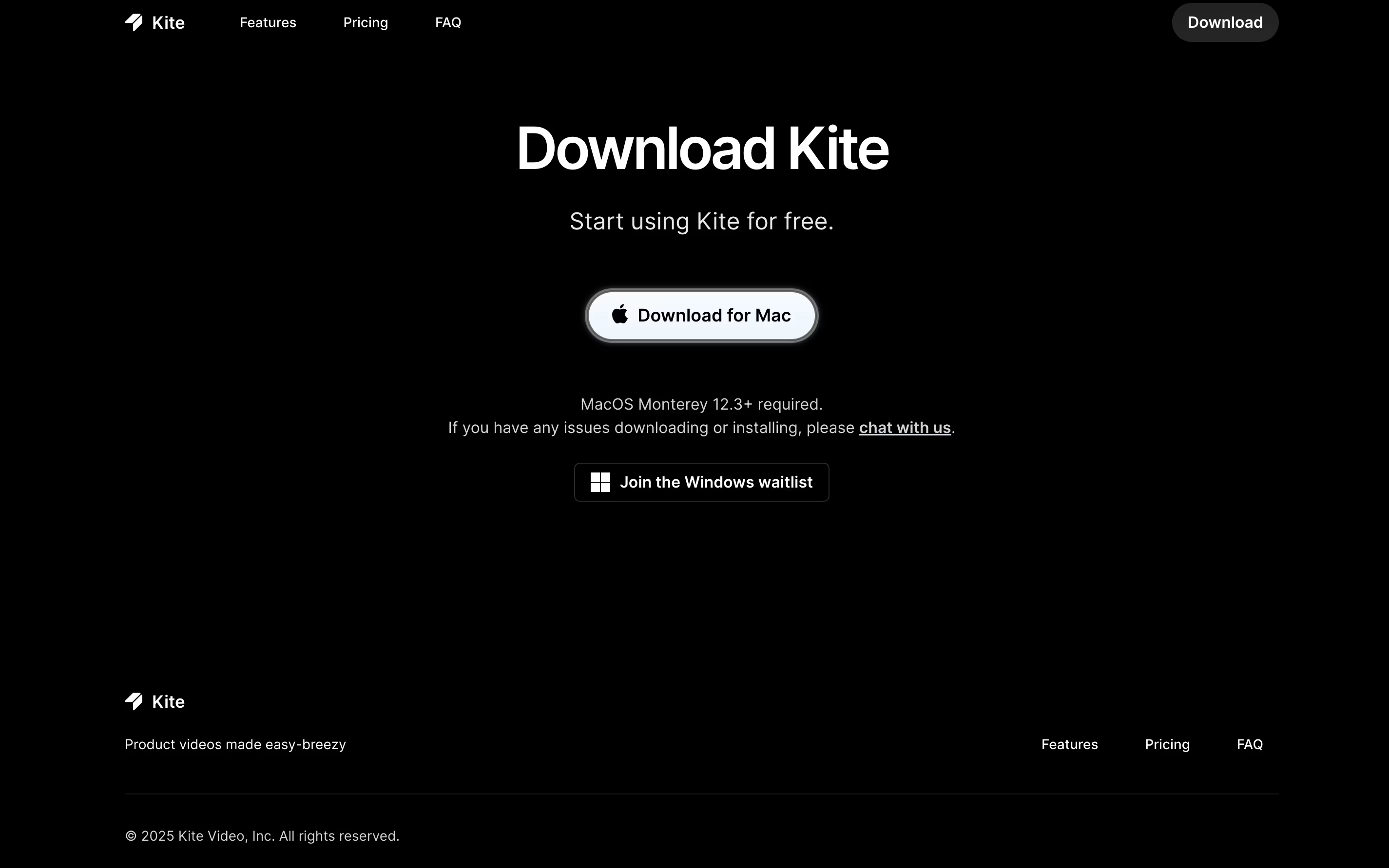
What is Kite

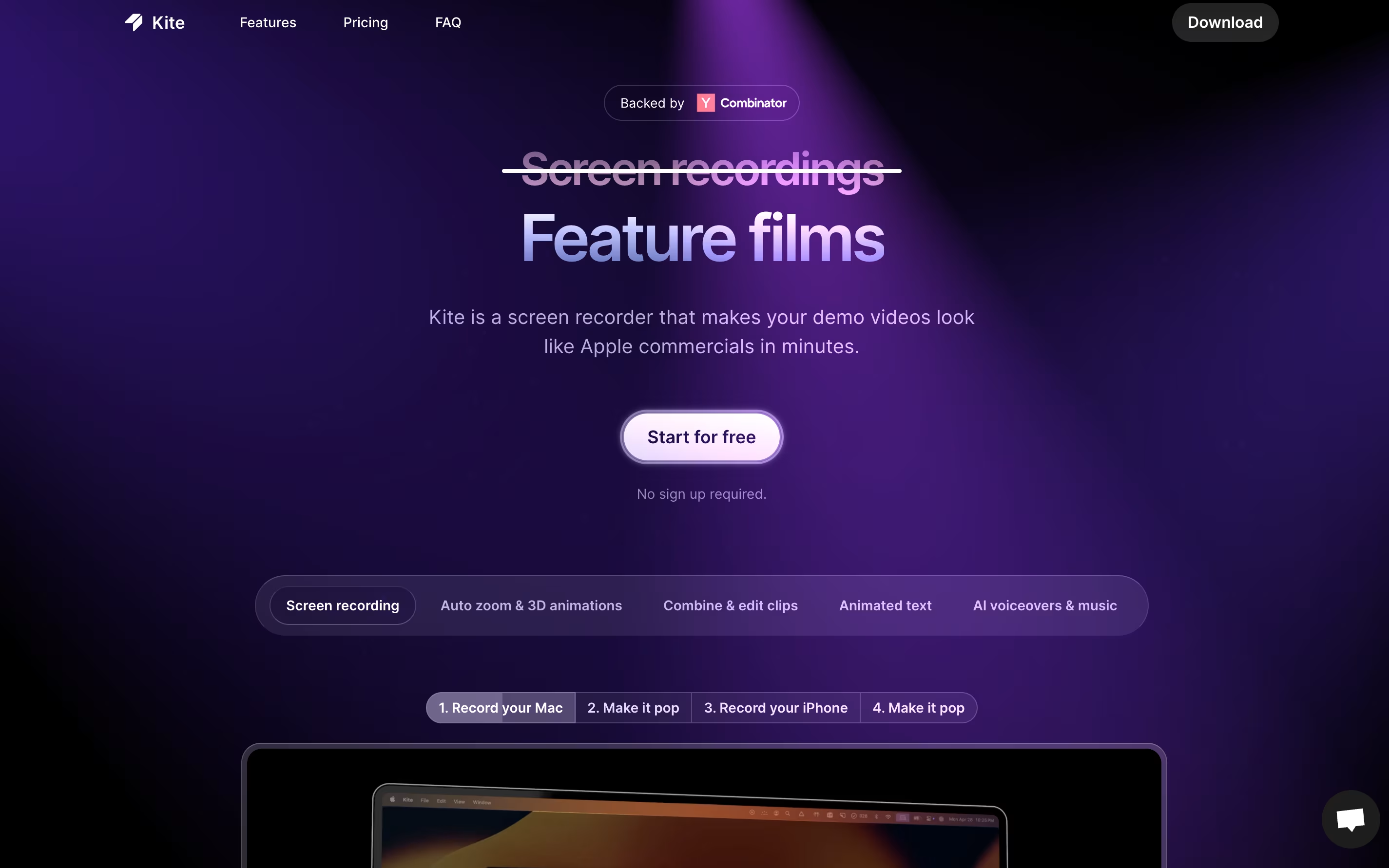
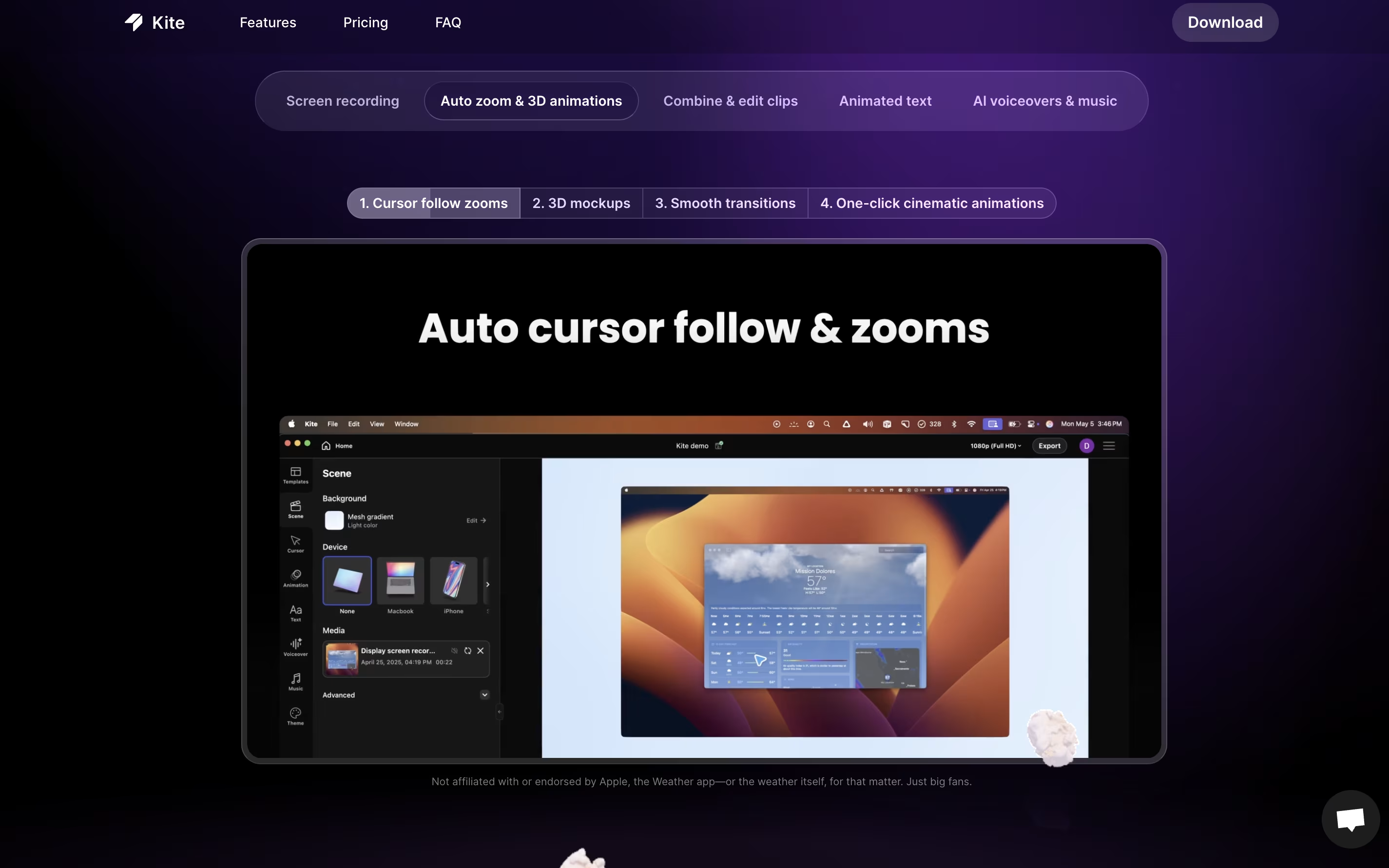
Kite is a screen recording tool that creates professional product videos automatically. You record your software or app, and Kite handles the rest. It watches where your cursor moves and automatically zooms in on important actions with smooth animations. Your recording appears on realistic 3D models of devices like laptops or phones.

The tool includes features for adding animated text, music tracks, and AI voiceovers. You can upload your brand colors, fonts, and logos to keep everything consistent. Kite also offers ready-made templates to help you start quickly.

The platform works entirely in your web browser, so there is no software to install. It offers a free version with most features available, though videos will have a watermark after your first project.

How to Use Kite

Using Kite is straightforward and requires no video editing experience. Here are the steps to create your video:

  • Visit the Kite website and sign up for a free account to get started.

  • Record your screen showing your product or app, just like you would with any screen recorder.

  • Upload the recording to Kite, and the tool will automatically track your cursor movements and keyboard actions.

  • Choose a 3D device mockup to display your recording, such as a MacBook, iPhone, or other device models.

  • Add text scenes between recordings to explain features or provide context to viewers.

  • Use the brand kit feature to upload your company logos, colors, and fonts for consistent branding.

  • Add background music from the free library or upload your own audio file.

  • Generate AI voiceover narration by typing your script, and the tool will create natural-sounding speech.

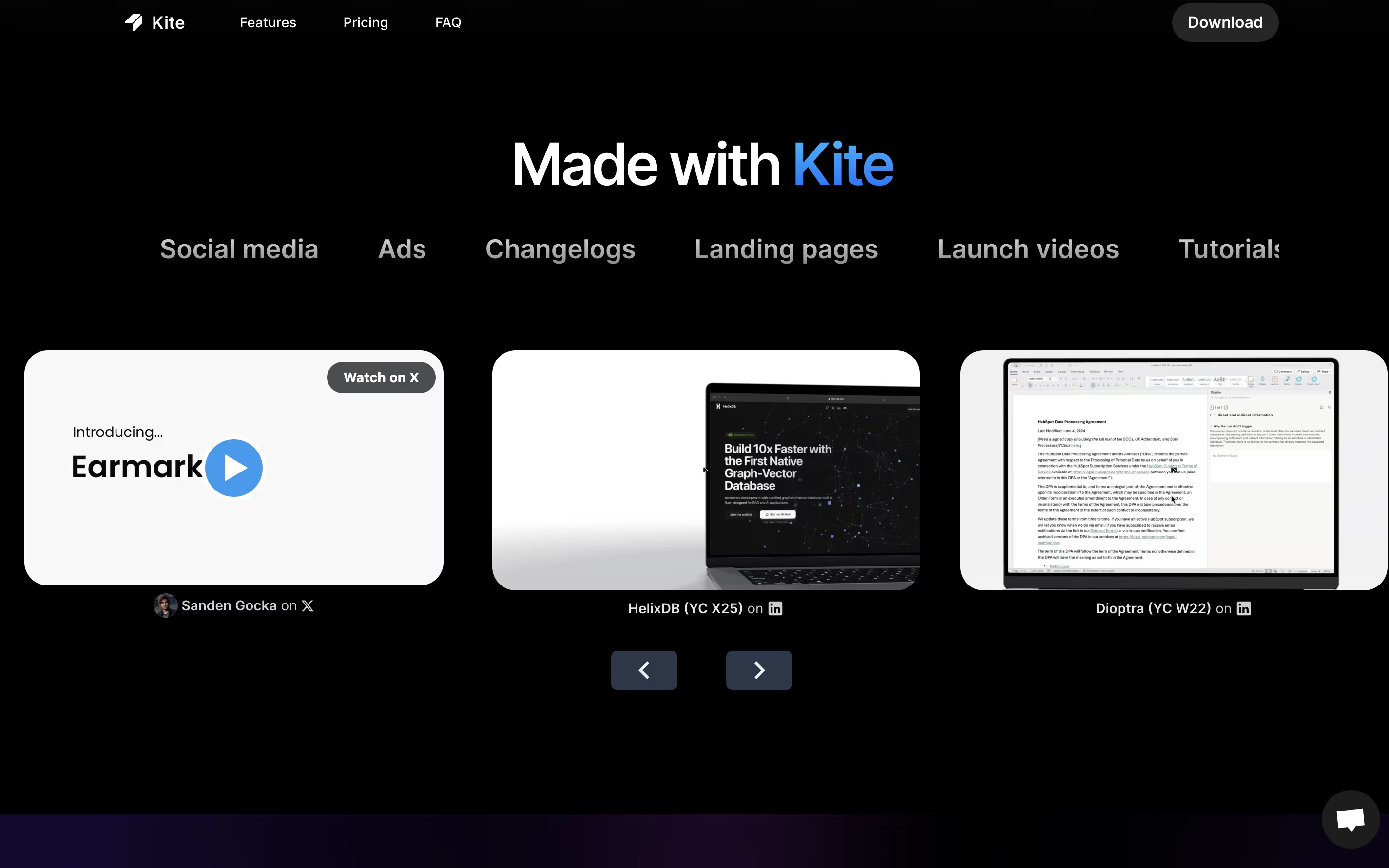
  • Export your finished video and share it on social media, landing pages, or other platforms.

Features of Kite

  • Automatic cursor follow and zoom tracking

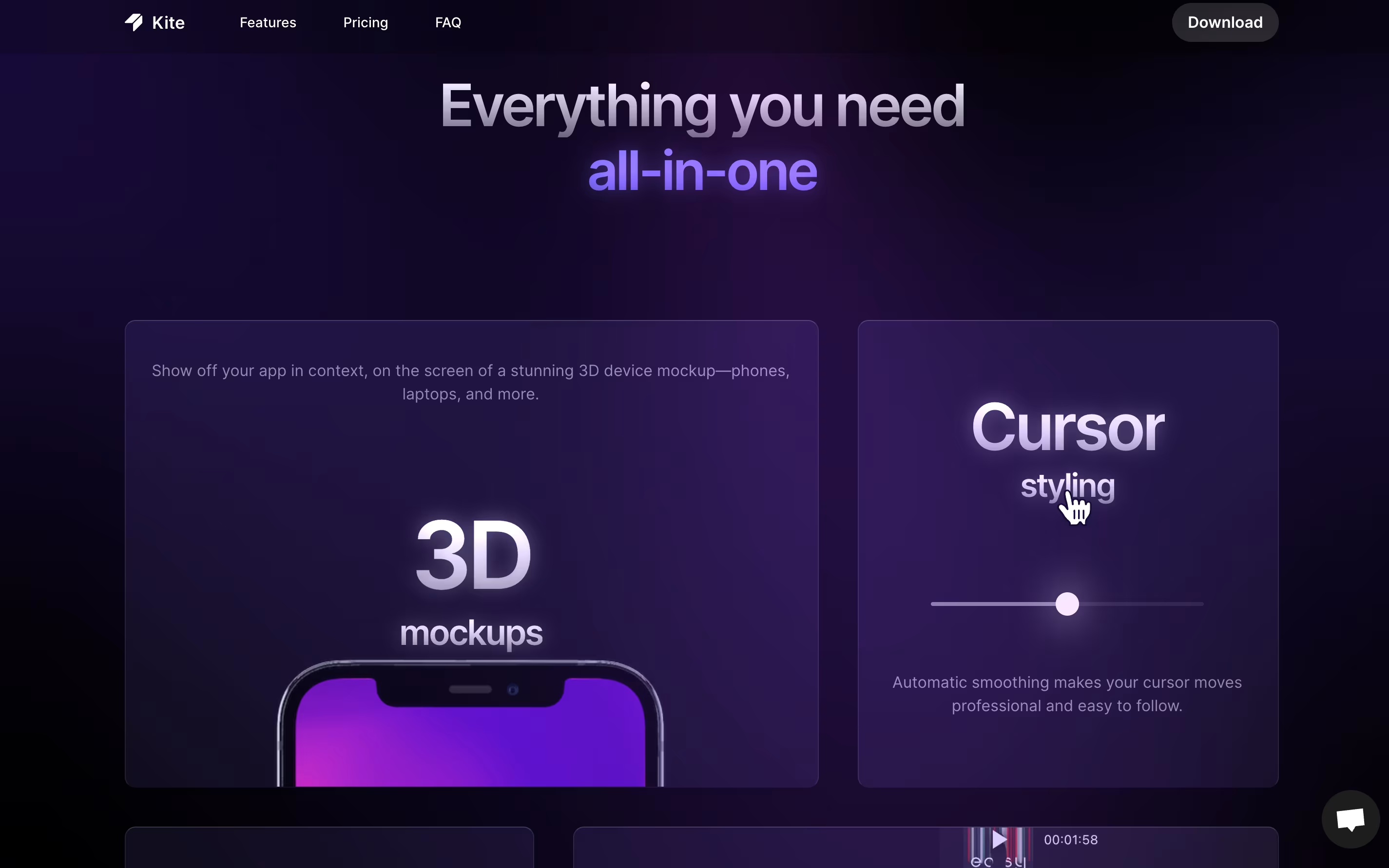
  • 3D device mockups for MacBook and iPhone

  • AI-powered voiceover generation

  • Animated text and kinetic typography

  • Free music library included

  • Brand kit for logos and colors

  • Professional template library

  • Combine multiple recordings

  • Video editing and trimming tools

  • High-quality video exports

  • No software installation needed

  • Cloud-based platform

Kite Pricing

Free

Free

What's included:
  • All features available
  • Unlimited exports
  • 1,000 sample AI voiceover characters
  • First project without watermark
  • Subsequent projects watermarked
  • No sign up required
  • 3D device mockups
  • Music library access
Most Popular
Pro

$29 /mo

What's included:
  • No watermarks on videos
  • Unlimited exports
  • One authorized user
  • 10,000 AI voiceover characters per month
  • All 3D device mockups
  • Full music library access
  • Brand kit with custom logos and fonts
  • Template library access
  • Priority support
Team

$29

What's included:
  • Everything in Pro plan
  • Cloud project sharing
  • Centralized billing
  • 10,000 AI voiceover characters per seat per month
  • Team collaboration tools
  • Minimum 3 seats ($87/month total)
  • Shared brand kit
  • Multi-user access

FAQ's About Kite

Is Kite really free to use?
Yes, Kite offers a free plan with all features available, unlimited exports, and 1,000 AI voiceover characters. Your first project exports without a watermark, while additional projects will have the Kite watermark. Upgrade to Pro ($29/month) to remove watermarks completely.
Do I need video editing experience to use Kite?
No experience needed! Kite is designed for anyone to use. Simply record your screen, and Kite automatically handles cursor tracking, zooming, and animations. The interface is as simple as Canva, making it perfect for founders and marketers without technical skills.
What devices can I show my recordings on?
Kite includes 3D mockups of popular devices like MacBook laptops, iPhones, iPads, and other tablets. You can display your screen recordings on these realistic device models to make your videos look more professional and polished.
Can I use Kite with my team?
Yes, the Team plan ($29 per seat with minimum 3 seats) includes cloud project sharing and centralized billing. Team members can collaborate on videos, share templates, and maintain consistent branding across all projects using the shared brand kit.
What video formats does Kite support for export?
Kite exports high-quality videos suitable for all platforms including social media posts, landing pages, YouTube, and presentations. The exact formats available include standard video formats that work across all major platforms and devices.

Share your experience with Kite

Loading...

See what users are saying about Kite

0.0

0 Reviews

5
0
4
0
3
0
2
0
1
0

No reviews yet

Be the first to review Kite

Embed Kite badges

Show your community that Kite is featured on Tool Questor. Add these beautiful badges to your website, documentation, or social profiles to boost credibility and drive more traffic.

Light Badge Preview