

Best 5 Async Video Messaging Tools in 2026
Last Updated: November 18, 2025
Not every conversation needs a live meeting, and a quick video message can often communicate context faster than a long email. Async Video Messaging tools let you record and share short videos that recipients can watch on their own time.
These tools are popular with remote teams and distributed companies reducing the number of live meetings needed for routine updates. Recorded video often conveys tone and context that a written message struggles to capture.
 Loom
Loom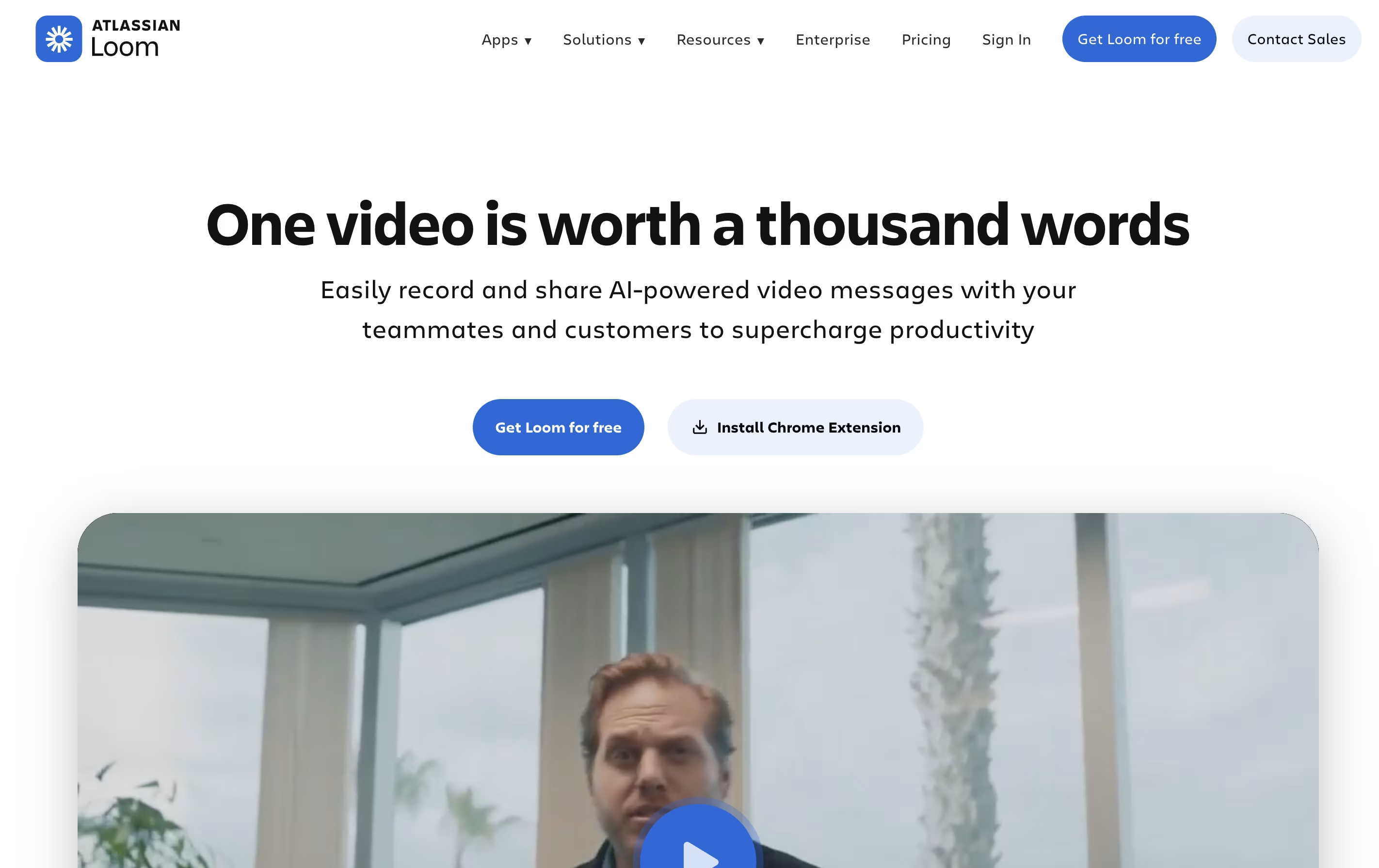 LoomEasy Video Messaging for Teams,
  Tella
Tella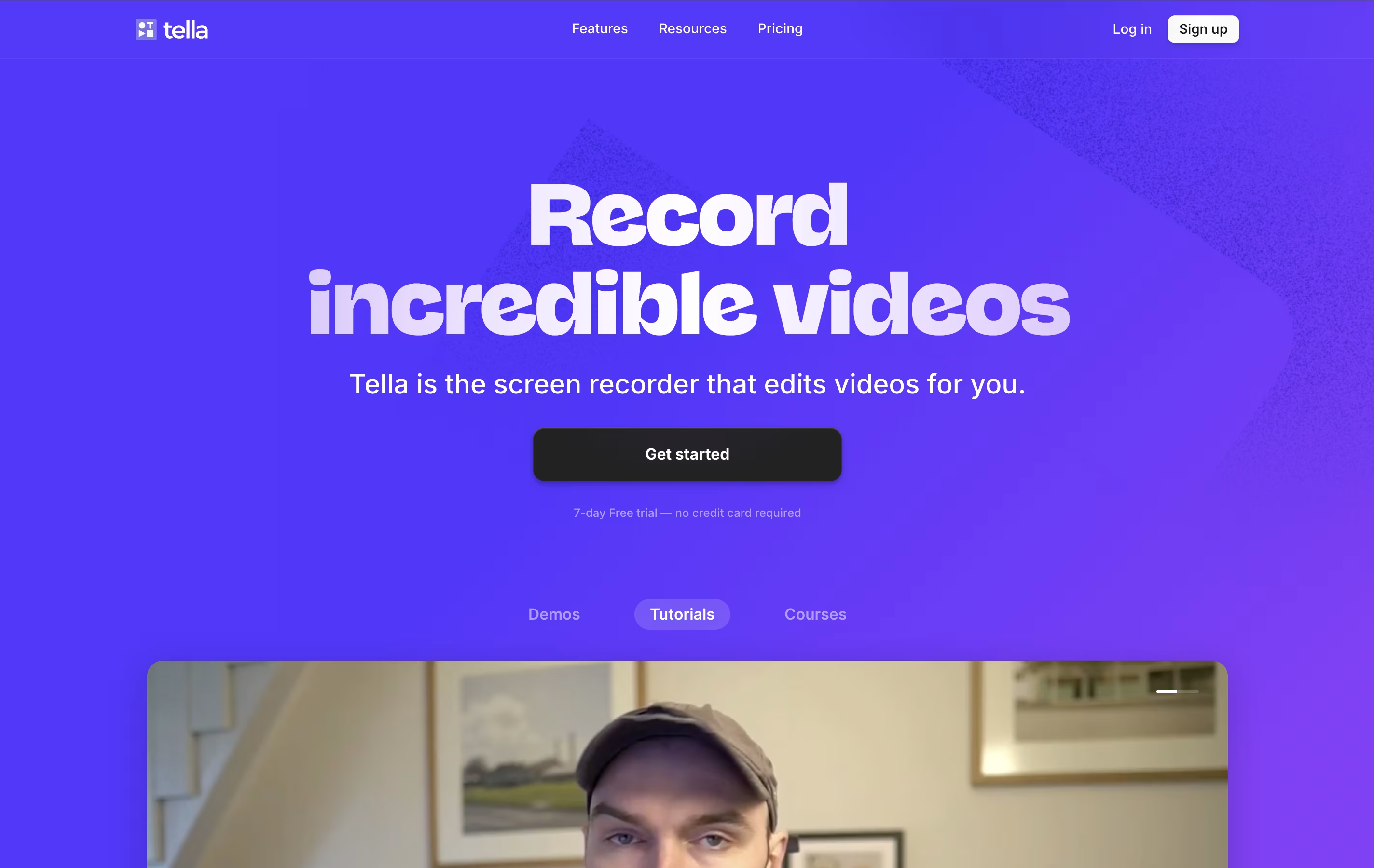 TellaAI Screen Recorder with Smart Video Editing, and
  Cap
Cap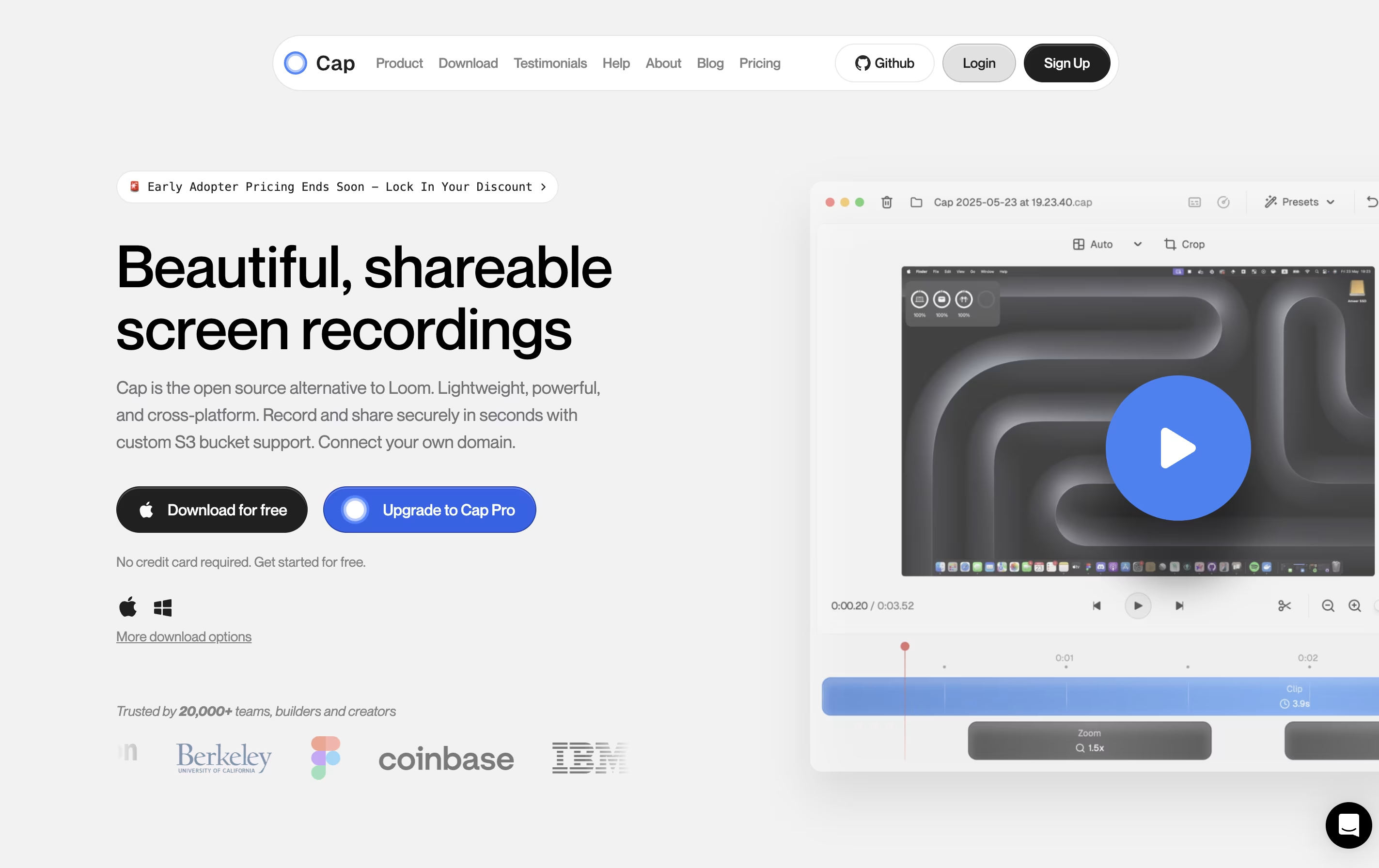 CapOpen Source Screen Recording with AI Features are the best for Async Video Messaging. So, let’s take a closer look at all 5 tools.
Loom is a tool that lets you create video messages by recording what's on your screen along with your voice and face. It's different from video calls because people can watch your message whenever it's convenient for them, without needing to schedule a meeting.
When you record with Loom, it saves the video to the cloud right away and creates a link you can share. The person watching can leave comments on specific parts of your video, making feedback easy and clear. Loom works through a Chrome extension, desktop app, or mobile app.
The platform includes smart AI features that automatically remove pauses and filler words from your videos, add titles and summaries, and create written versions of what you said. This makes your videos more professional without extra effort.
Tella is a screen recorder with built-in video editing features. It lets you record your screen, webcam, or both at the same time. The main difference from other screen recorders is that Tella uses a clip-based system - you can record your video in small parts and then arrange them together.
The tool includes AI features that automatically edit your videos. It can remove quiet moments, cut out filler words like "um" and "ah," and add professional transitions between clips. You can also change layouts, add zoom effects, and customize backgrounds without using separate editing software.
Tella works great for creating product demos, online courses, tutorials, team updates, and social media content. You can export videos in 4K quality or share them instantly with a link.
Cap is a screen recording application that offers two recording modes for different needs. Instant Mode lets you record and share immediately with automatic transcription and chapter generation. Studio Mode provides local recording with a full editing timeline for professional content creation.
The tool includes AI-powered features that automatically create titles, summaries, and chapters for each recording. You can record in up to 4K resolution at 60 frames per second, with separate tracks for screen, webcam, and audio.
Cap is completely open source, meaning you can see how it works and even host it yourself. It supports both quick team communication and high-quality content production in one application.

Kite is a screen recording tool that creates professional product videos automatically. You record your software or app, and Kite handles the rest. It watches where your cursor moves and automatically zooms in on important actions with smooth animations. Your recording appears on realistic 3D models of devices like laptops or phones.
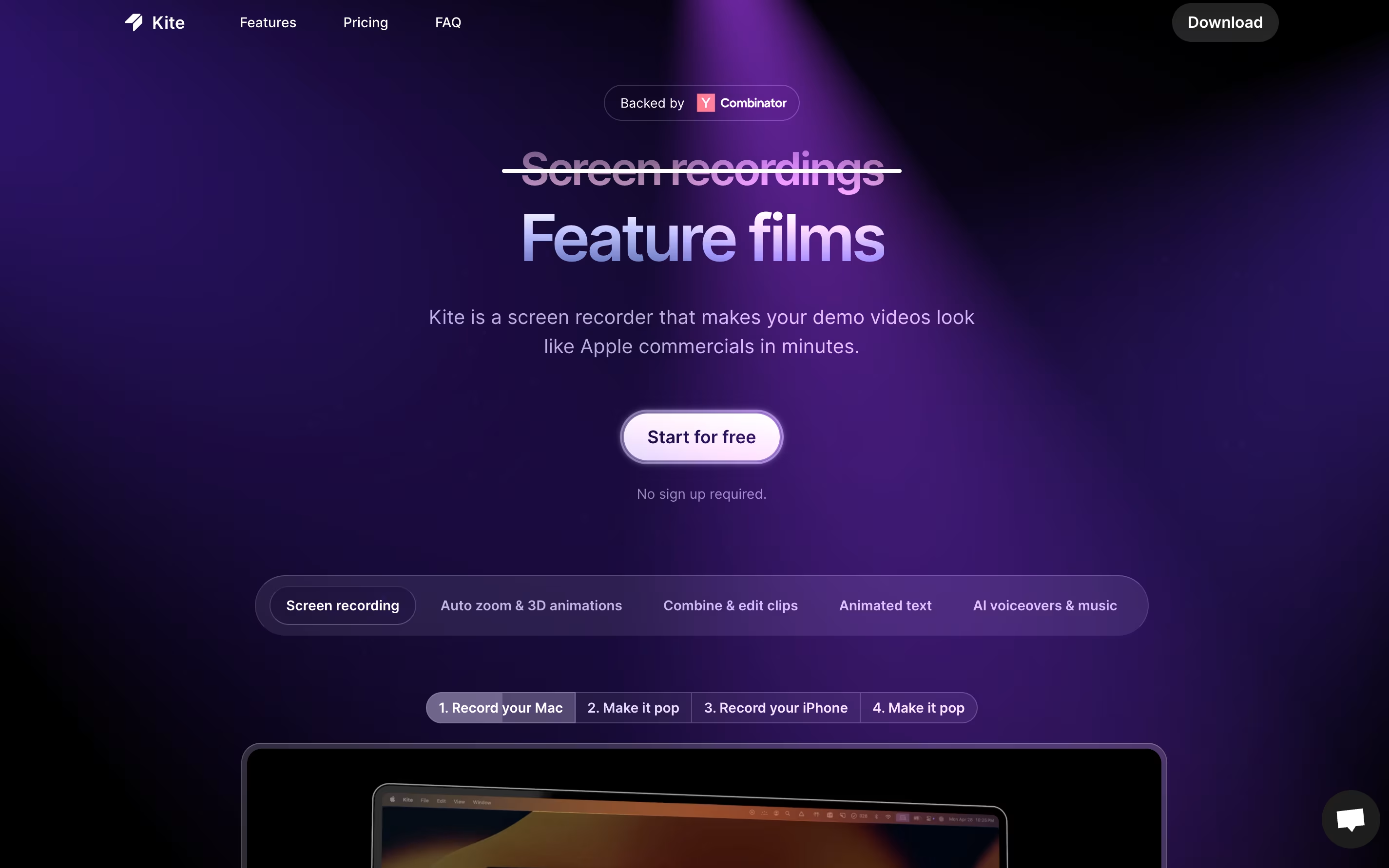
The tool includes features for adding animated text, music tracks, and AI voiceovers. You can upload your brand colors, fonts, and logos to keep everything consistent. Kite also offers ready-made templates to help you start quickly.
The platform works entirely in your web browser, so there is no software to install. It offers a free version with most features available, though videos will have a watermark after your first project.

Sendspark is a video communication platform that combines screen recording with artificial intelligence to help businesses send personalized video messages at scale. You can record yourself, your screen, or both together, then use AI to automatically add personal touches like each viewer's name spoken naturally in your voice.
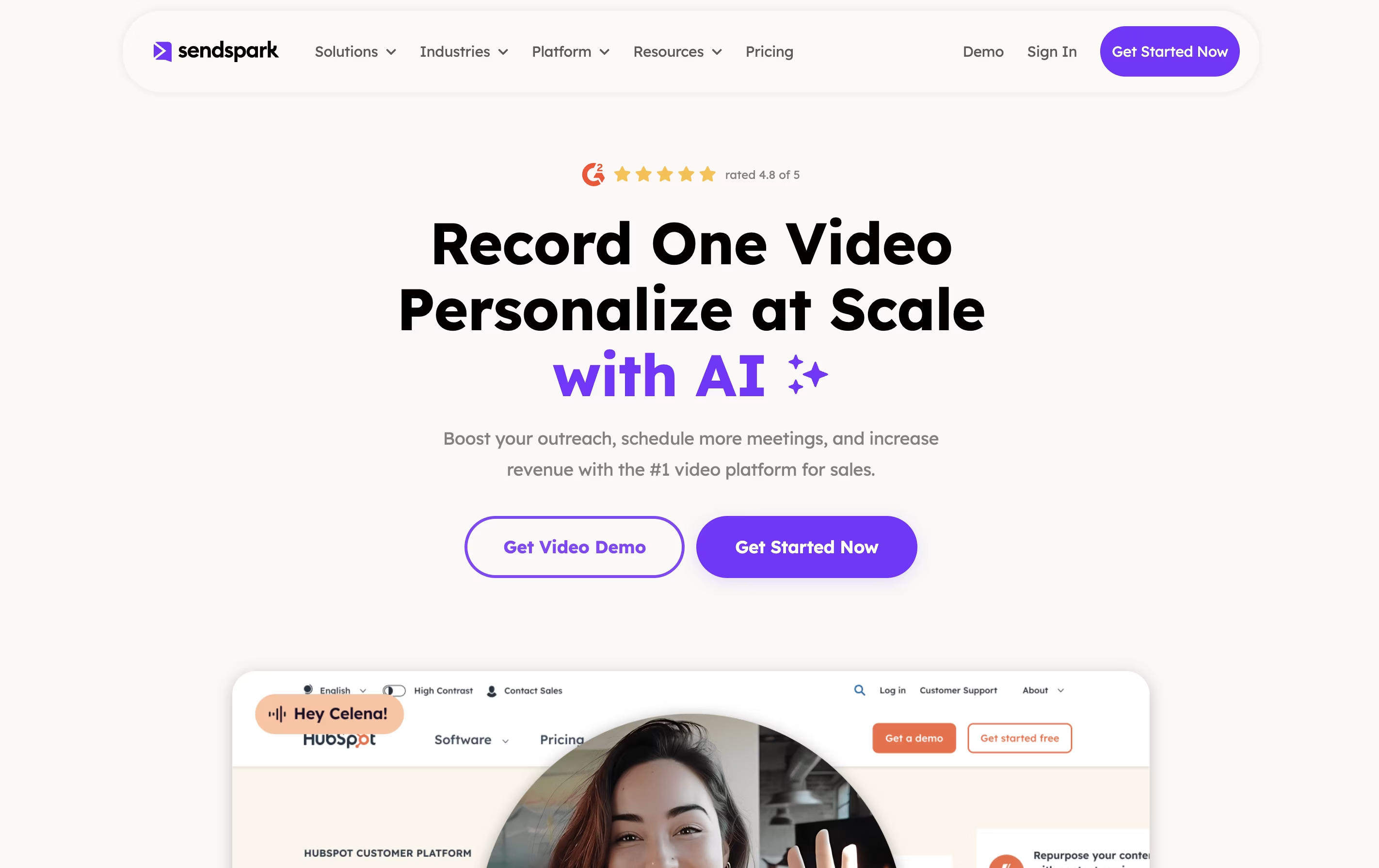
The platform's standout feature is dynamic backgrounds, which lets you overlay your video on top of a prospect's website or LinkedIn profile. This creates a highly personalized viewing experience that grabs attention and builds trust. Sendspark works through a web app, Chrome extension, and desktop application, making it easy to record and share videos anywhere.
The tool integrates with over 50 platforms including HubSpot, Salesforce, Outreach, and LinkedIn, fitting seamlessly into your existing sales and marketing workflow.





