



Tella
AI Screen Recorder with Smart Video Editing
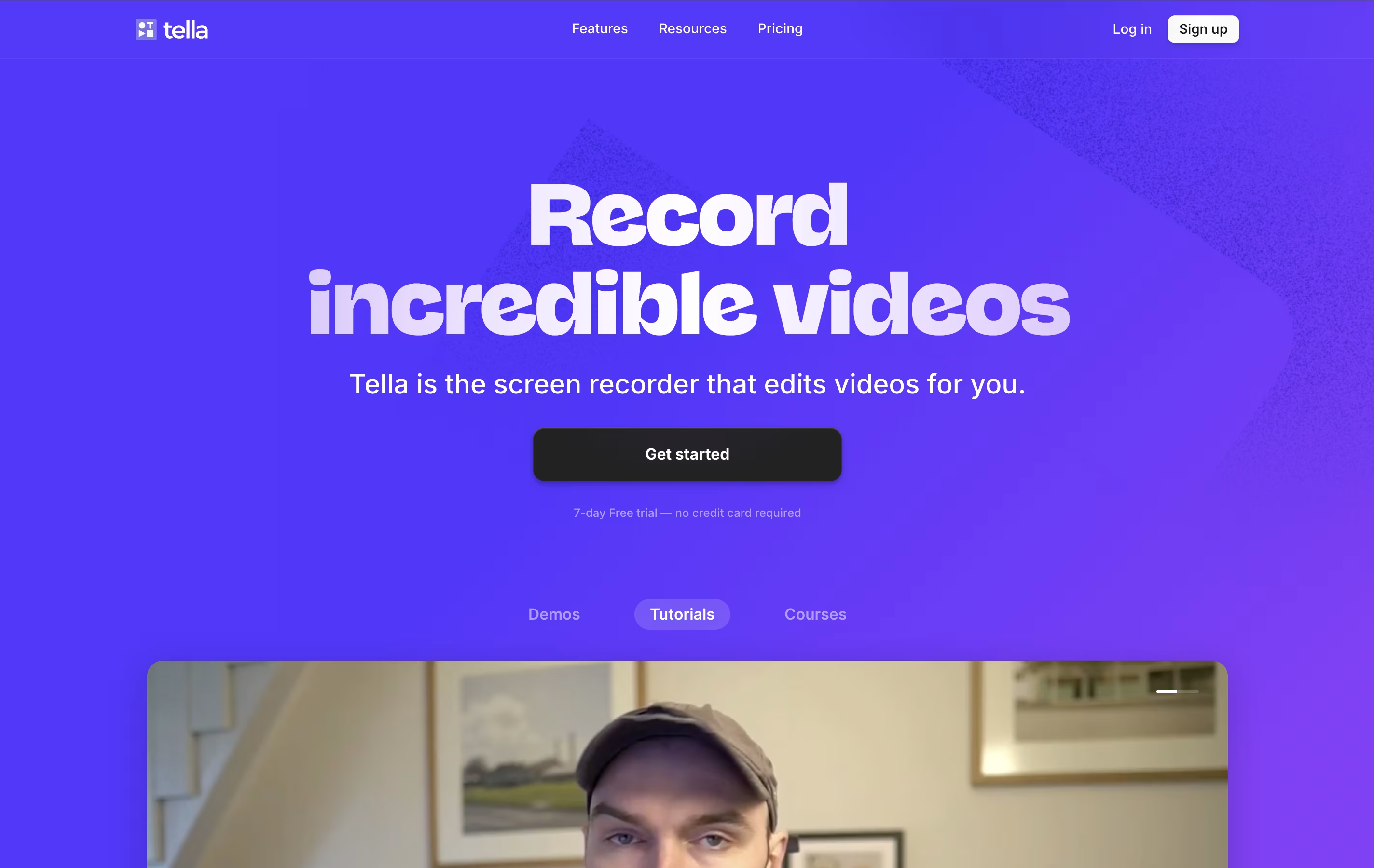
Tella is an AI-powered screen recorder that lets you create, edit and share professional videos easily.


What is Tella
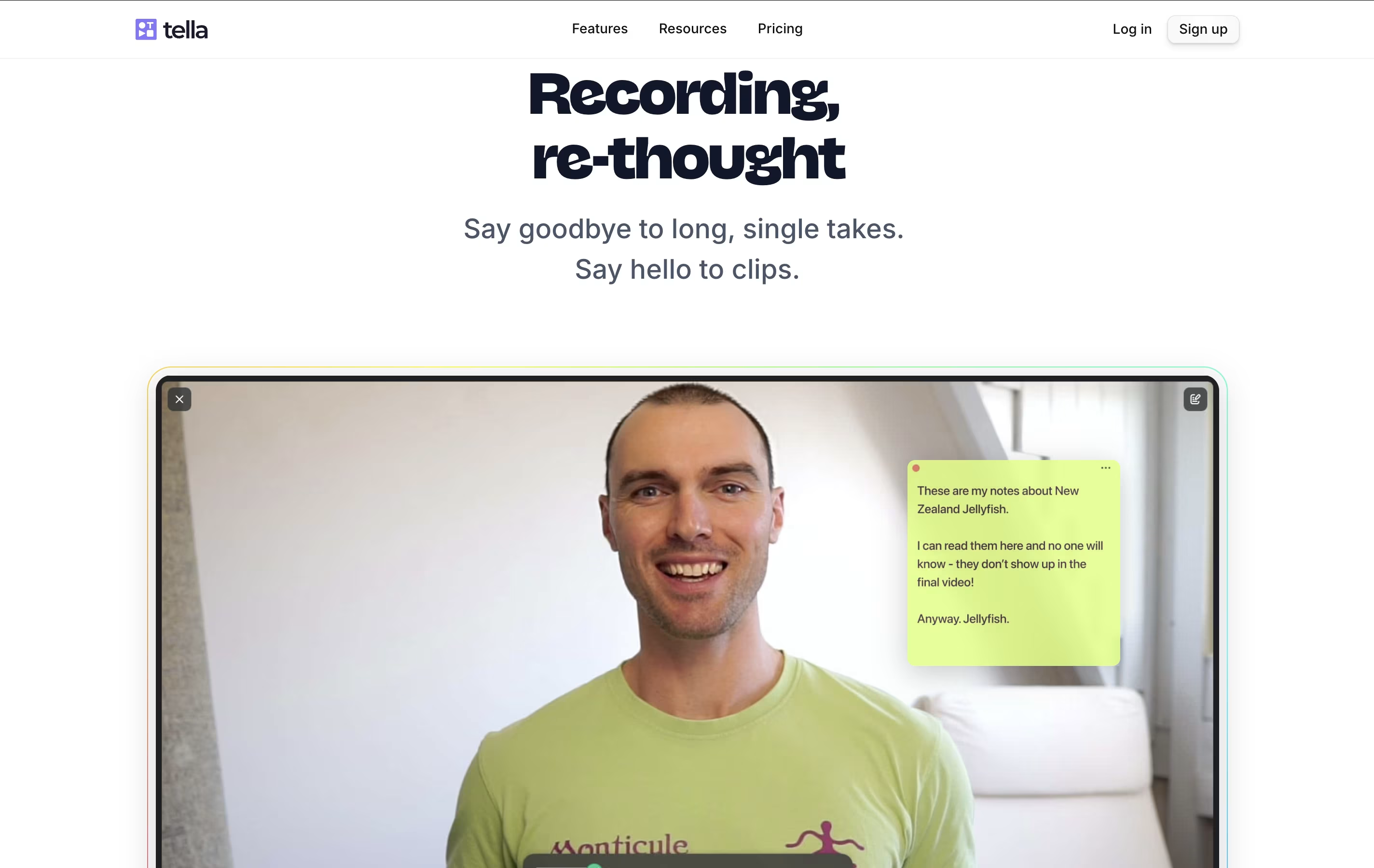
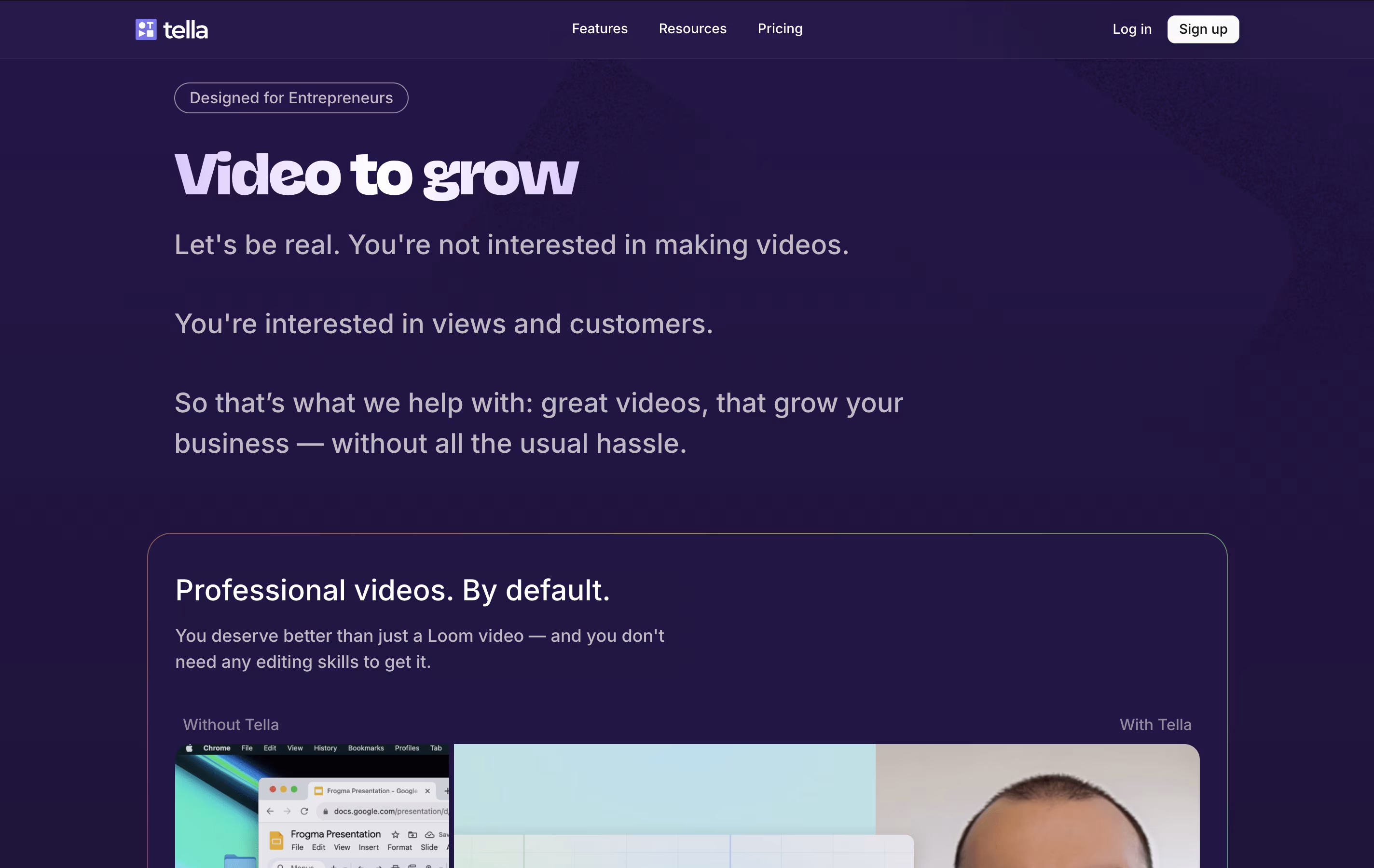
Tella is a screen recorder with built-in video editing features. It lets you record your screen, webcam, or both at the same time. The main difference from other screen recorders is that Tella uses a clip-based system - you can record your video in small parts and then arrange them together.
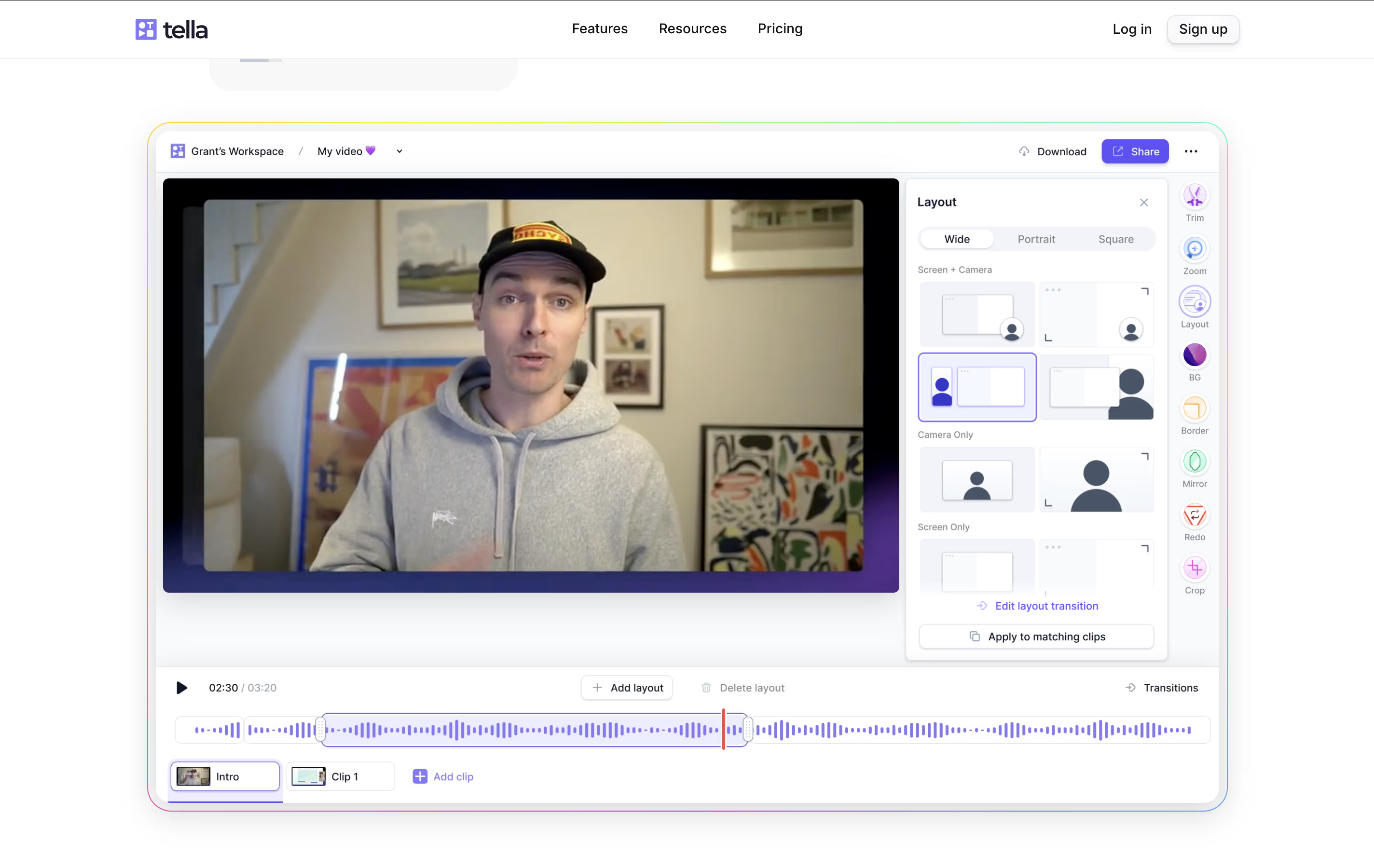
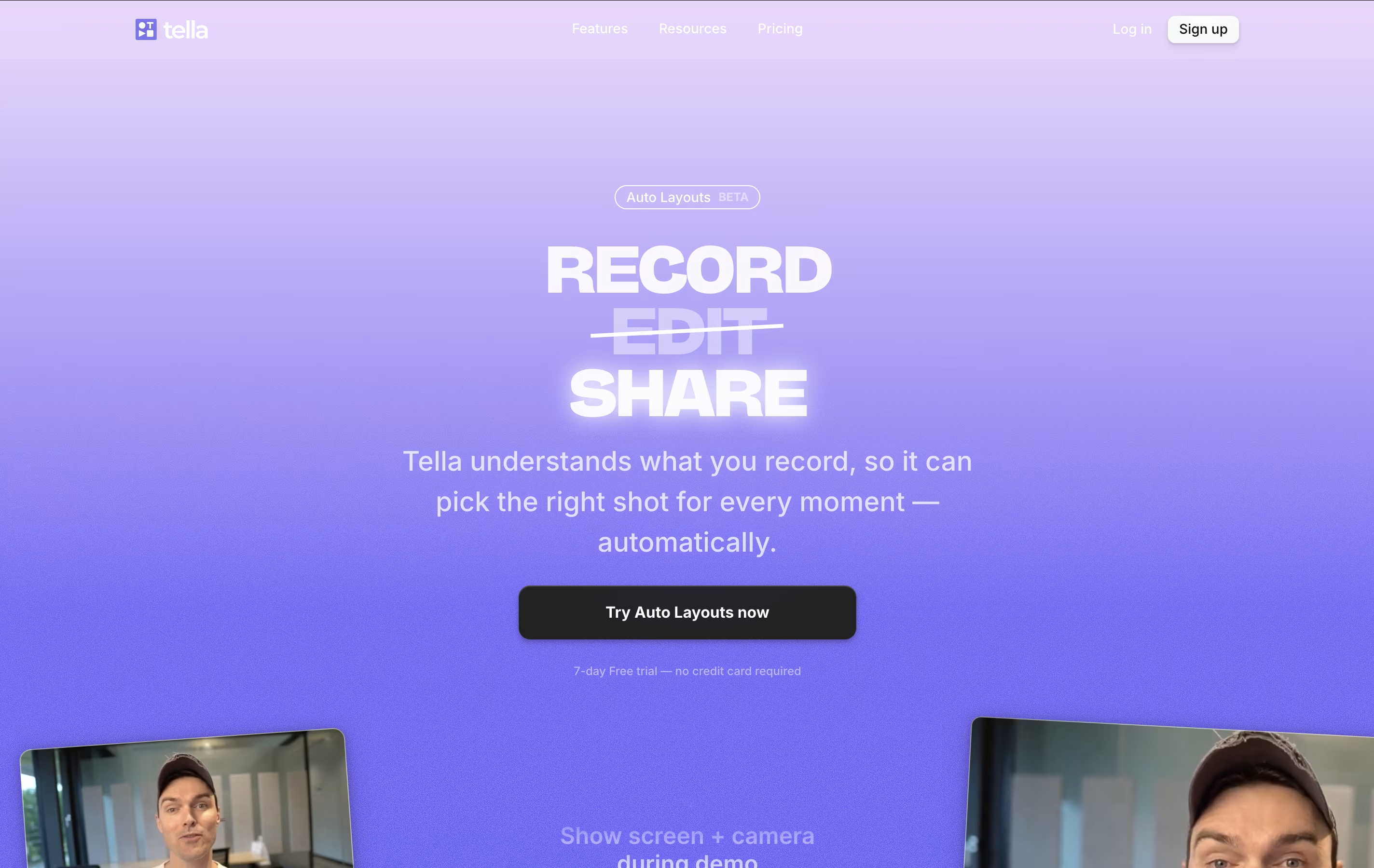
The tool includes AI features that automatically edit your videos. It can remove quiet moments, cut out filler words like "um" and "ah," and add professional transitions between clips. You can also change layouts, add zoom effects, and customize backgrounds without using separate editing software.
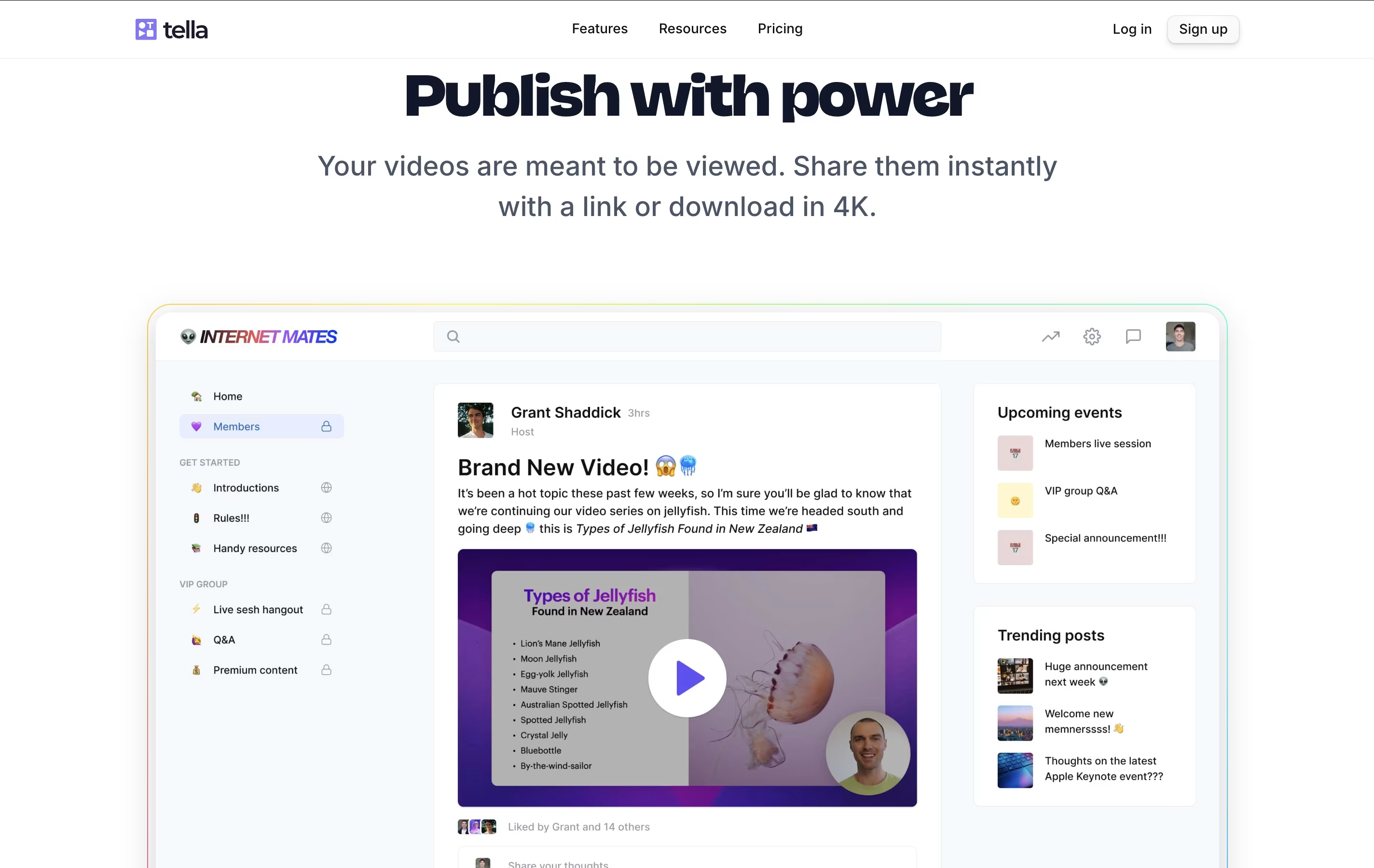
Tella works great for creating product demos, online courses, tutorials, team updates, and social media content. You can export videos in 4K quality or share them instantly with a link.
Features of Tella
AI-powered editing removes silences and filler words automatically
Clip-based recording for easier video creation
Multiple layout and transition options
4K video export and instant sharing
Screen, webcam, or combined recording modes
Custom backgrounds and zoom effects
Browser-based and desktop apps available
Team collaboration features
Professional branding options
Real-time video hosting
Tella Pricing
Pro
- Unlimited videos and recording duration
- AI editing features (remove silences, filler words)
- Multiple layouts and transitions
- 4K video export
- Instant sharing with links
- Team workspace access
- Custom backgrounds and zoom effects
- Browser and desktop app access
Premium
- Everything in Pro plan
- Custom branding options
- Custom domain for video hosting
- Video analytics and performance tracking
- Advanced sharing features
- Priority customer support
- Enhanced team collaboration tools
Tella Use Cases
FAQ's About Tella











See what users are saying about Tella
0 Reviews
No reviews yet
Be the first to review Tella