

Best 12 Tools for Product Demo Creation in 2026
Last Updated: November 15, 2025
Showing exactly how a product works usually convinces someone faster than describing it does. Product Demo Creation tools help build clear, guided walkthroughs of a product's features.
Sales and marketing teams use product demos to give prospects a hands-on sense of the product.
 Screen Studio
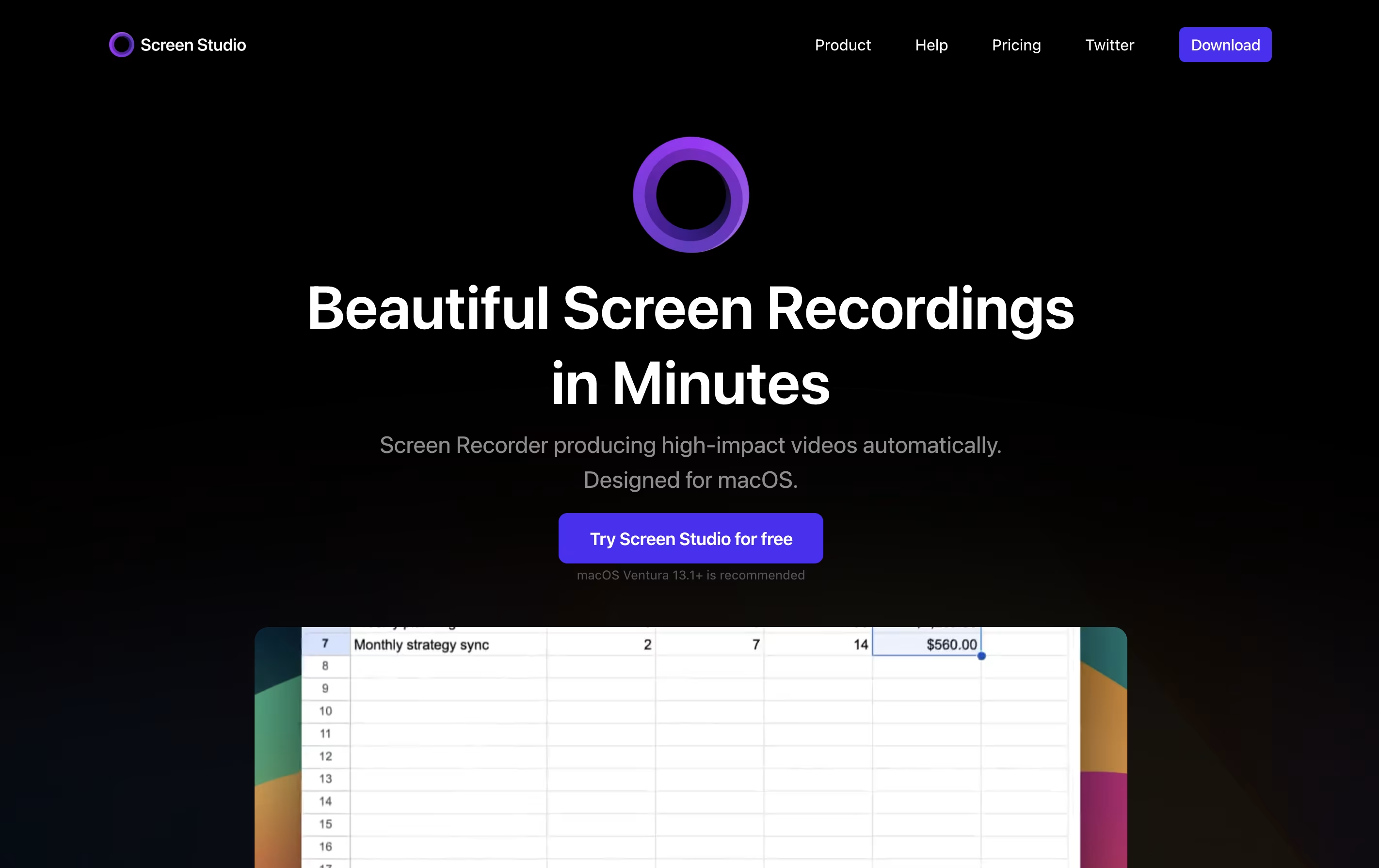 Screen StudioProfessional Mac Screen Recorder,
  Dadan
Dadan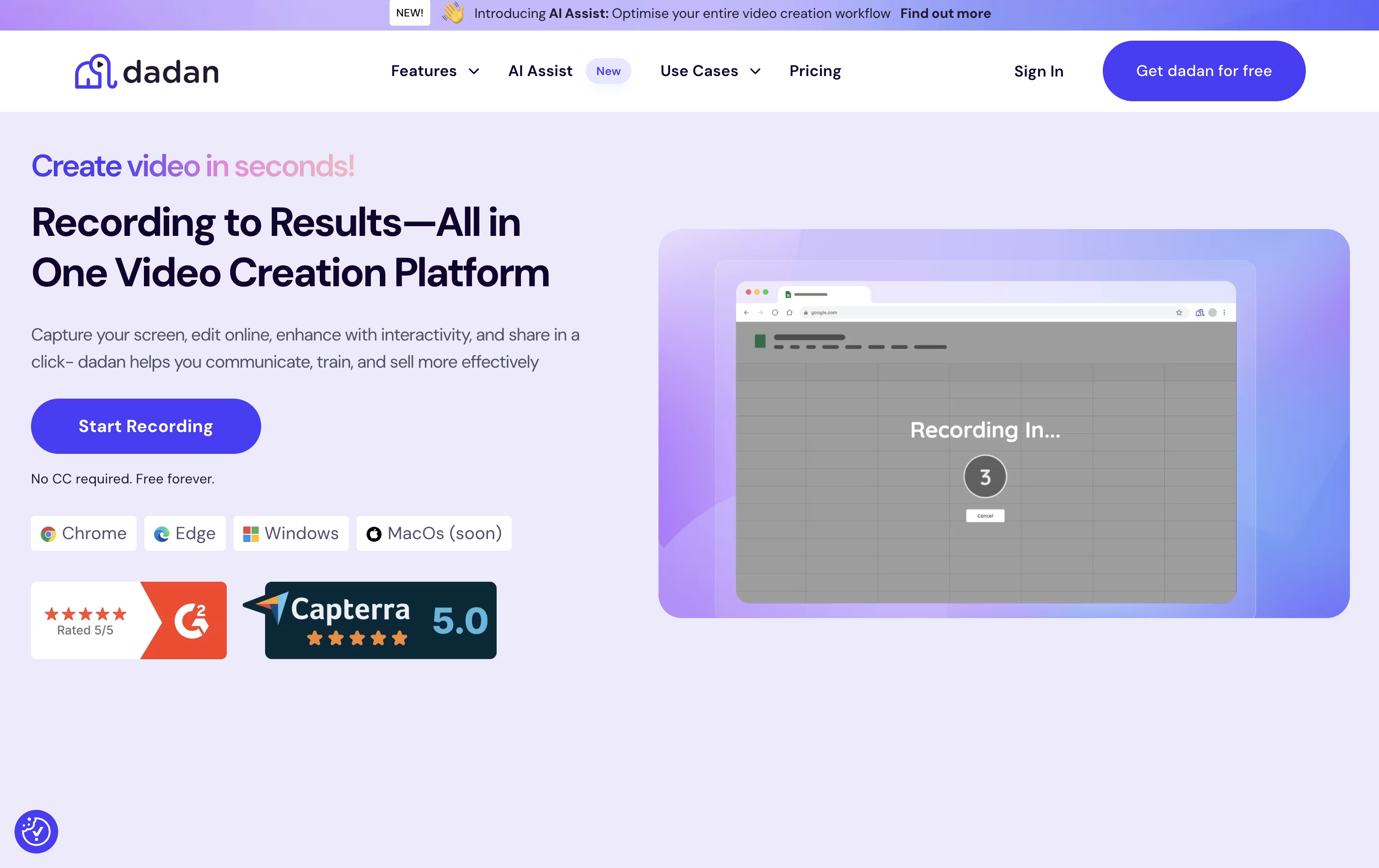 DadanAI Video Messaging Platform for Teams, and
  Tight Studio
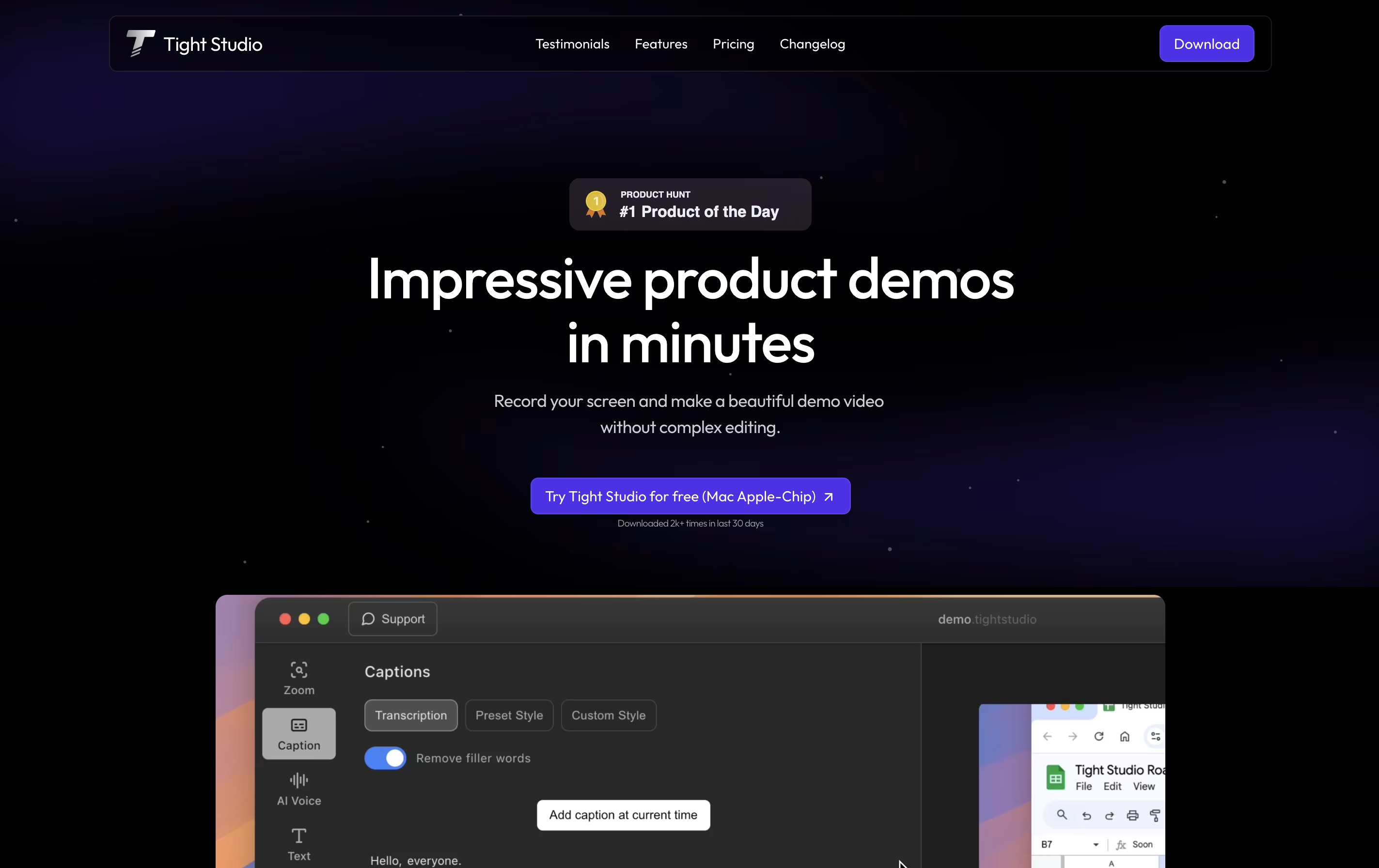 Tight StudioAI-Powered Product Demo Video Editor are the best for Product Demo Creation. So, let’s take a closer look at all 12 tools.
Screen Studio is a screen recording application designed for macOS users. It captures everything happening on your screen and automatically enhances the video to look professional. Unlike basic screen recorders, it does not just record; it improves your recording with automatic zoom when you click, smooth cursor movement, and beautiful animations.
The tool works by following your cursor and zooming in on important actions, making it easier for viewers to see what you are doing. You can record your entire screen, a specific window, or just a selected area. It also lets you record your webcam, microphone audio, and system sounds at the same time. After recording, you can make quick edits, add different backgrounds, and export your video in various formats including high-quality 4K videos or smaller GIF files.
Dadan is a tool that lets you create and share video messages quickly and easily. You can record your screen, camera, or both together, then edit and share the video without downloading files or using complicated software.
The platform uses AI to help you work faster. It can automatically create transcripts of your videos, generate titles and descriptions, add chapters, and create meeting notes. You can also add interactive features like forms, quizzes, and polls directly into your videos to keep viewers engaged.
Dadan works through a browser extension, desktop app, or mobile app. When you share a video, viewers get a link they can watch on any device. They can leave comments, react with emojis, or even reply with their own video message.
Tight Studio is a video editor built specifically for creating product demos from screen recordings. You can record your screen and the tool automatically enhances it with professional touches. Unlike traditional video editors that require technical skills, Tight Studio uses AI to handle the complex work for you.
The platform focuses on making demos look polished without manual editing. It automatically zooms into important actions on your screen, adds styled captions for viewers watching without sound, and can replace your voice with clear AI narration. You can also add text overlays, import other media, and choose background music from their library.
There is a free version for basic needs and a Pro version with advanced AI features and no watermark on exports.

ScreenRun is a video editing platform that converts static images and recordings into dynamic, professional videos. You can upload screenshots, PDFs, or screen recordings, and the tool automatically creates smooth animations with zoom effects and cursor movements.
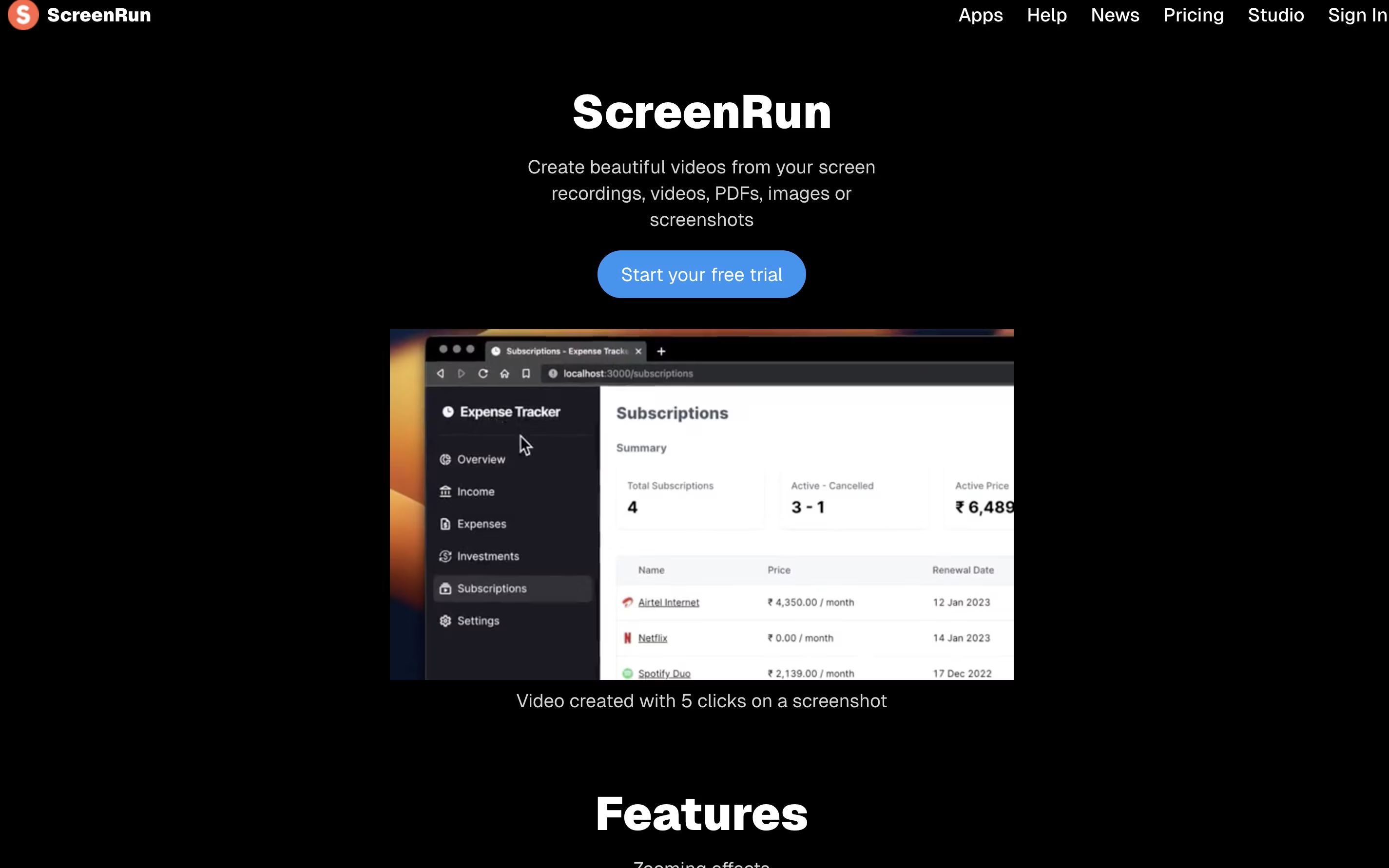
The platform runs completely in your browser without needing to install software or send files to a server. This means your content stays private and secure on your device. You can add features like AI-generated captions, voice narration, background music, and webcam overlays to enhance your videos.
ScreenRun offers both free and paid plans. The free trial lets you test all features for 15 days, while the Pro plan provides lifetime access with no recurring payments or subscription fees.

Tella is a screen recorder with built-in video editing features. It lets you record your screen, webcam, or both at the same time. The main difference from other screen recorders is that Tella uses a clip-based system - you can record your video in small parts and then arrange them together.
The tool includes AI features that automatically edit your videos. It can remove quiet moments, cut out filler words like "um" and "ah," and add professional transitions between clips. You can also change layouts, add zoom effects, and customize backgrounds without using separate editing software.
Tella works great for creating product demos, online courses, tutorials, team updates, and social media content. You can export videos in 4K quality or share them instantly with a link.

Focusee is a screen recording and video editing program that runs on your computer. When you record your screen, it watches where you click and automatically zooms in to show important details. This happens without any extra work from you.
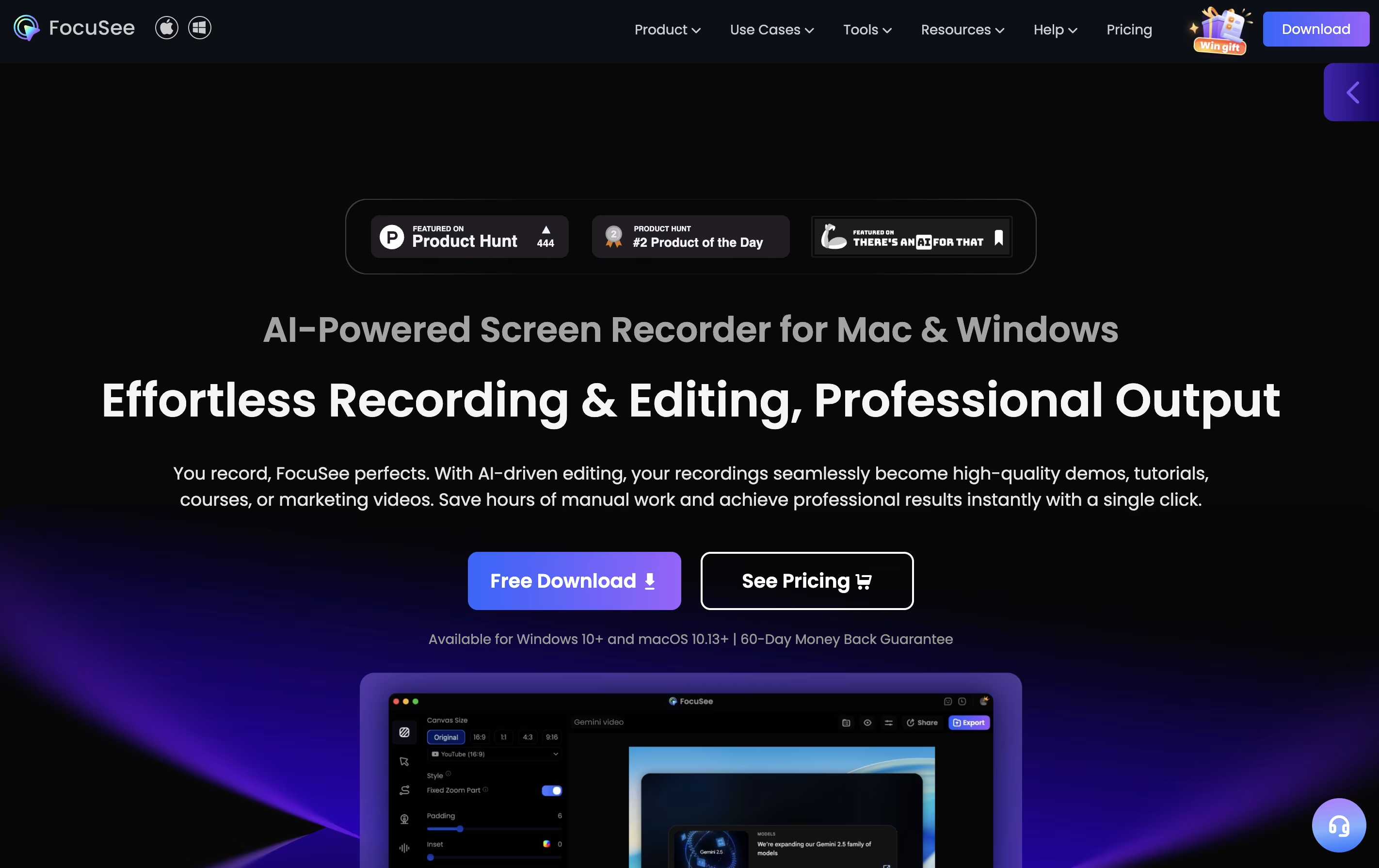
The software records your screen, webcam, and voice all at once. After recording, it gives you a video that looks professionally edited, complete with smooth movements, nice backgrounds, and clear focus on key actions. You can customize colors, add effects, and change the layout to match your style.
Focusee also includes new artificial intelligence features that remove background noise, delete awkward pauses, add captions in over 50 languages, and even create virtual presenters so you don't need to appear on camera yourself.
Clueso is an AI video editor that helps you create professional training content quickly. You record your screen while showing a process or feature, and Clueso automatically transforms it into two things: a polished video with professional voiceover and a written guide with screenshots.
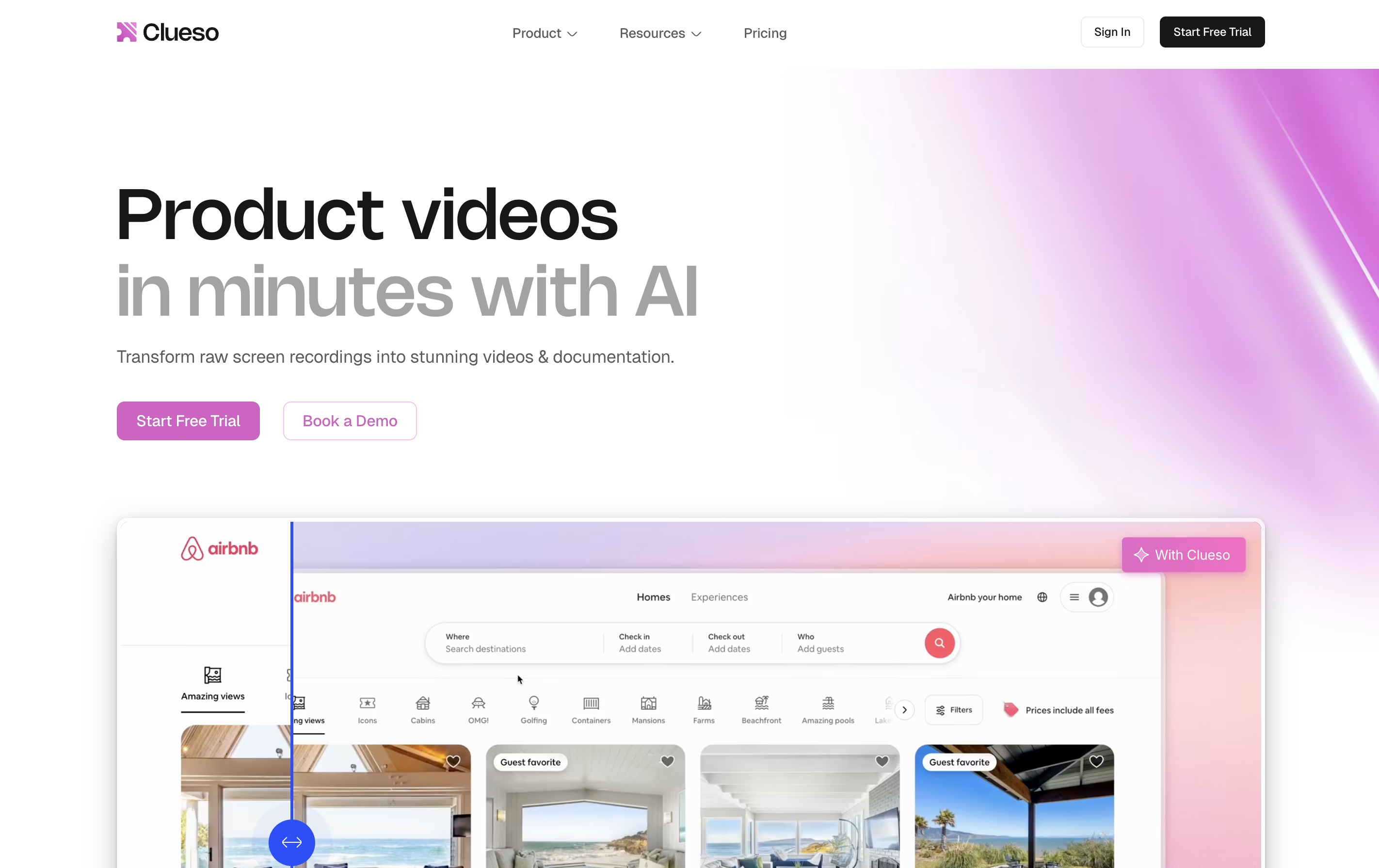
The platform removes filler words from your audio, adds automatic zoom effects to highlight important clicks, and generates natural-sounding AI voices in over 37 languages. You can edit the script like text, and the video updates automatically without losing sync.
Clueso is perfect for product marketing teams, customer success managers, training departments, and anyone who needs to create clear instructions or demonstrations. The tool works through a browser extension and web platform, with no complex software to install.

Arcade is a tool that transforms screen recordings into interactive product demos. You record your screen using the browser extension or desktop app, and Arcade automatically captures each step. Then you can add voiceovers, tooltips, and clickable hotspots to guide viewers through your product.
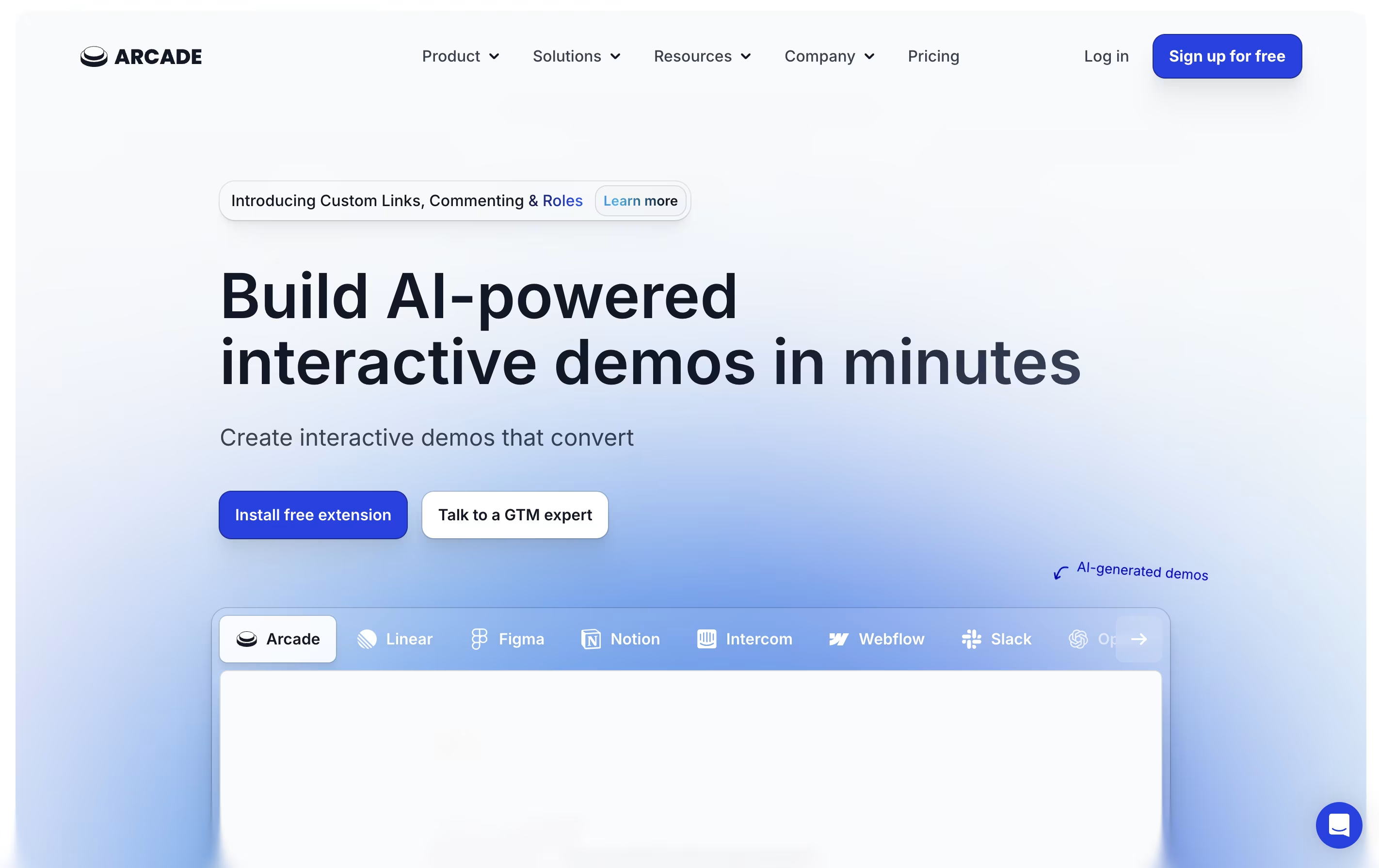
The platform uses artificial intelligence to add features like synthetic voiceovers in multiple languages and automated translations. You can customize demos with your brand colors and style, making them look professional without design skills.
Arcade demos can be shared as links, embedded on websites, or exported as videos and GIFs for social media. The platform also provides detailed tracking to see who views your demos and how they interact with them.

Kommodo is a recording platform that captures your screen, voice, and webcam, then transforms recordings into searchable documents. Unlike basic recorders, it includes AI features that work in the background to organize and analyze your content.
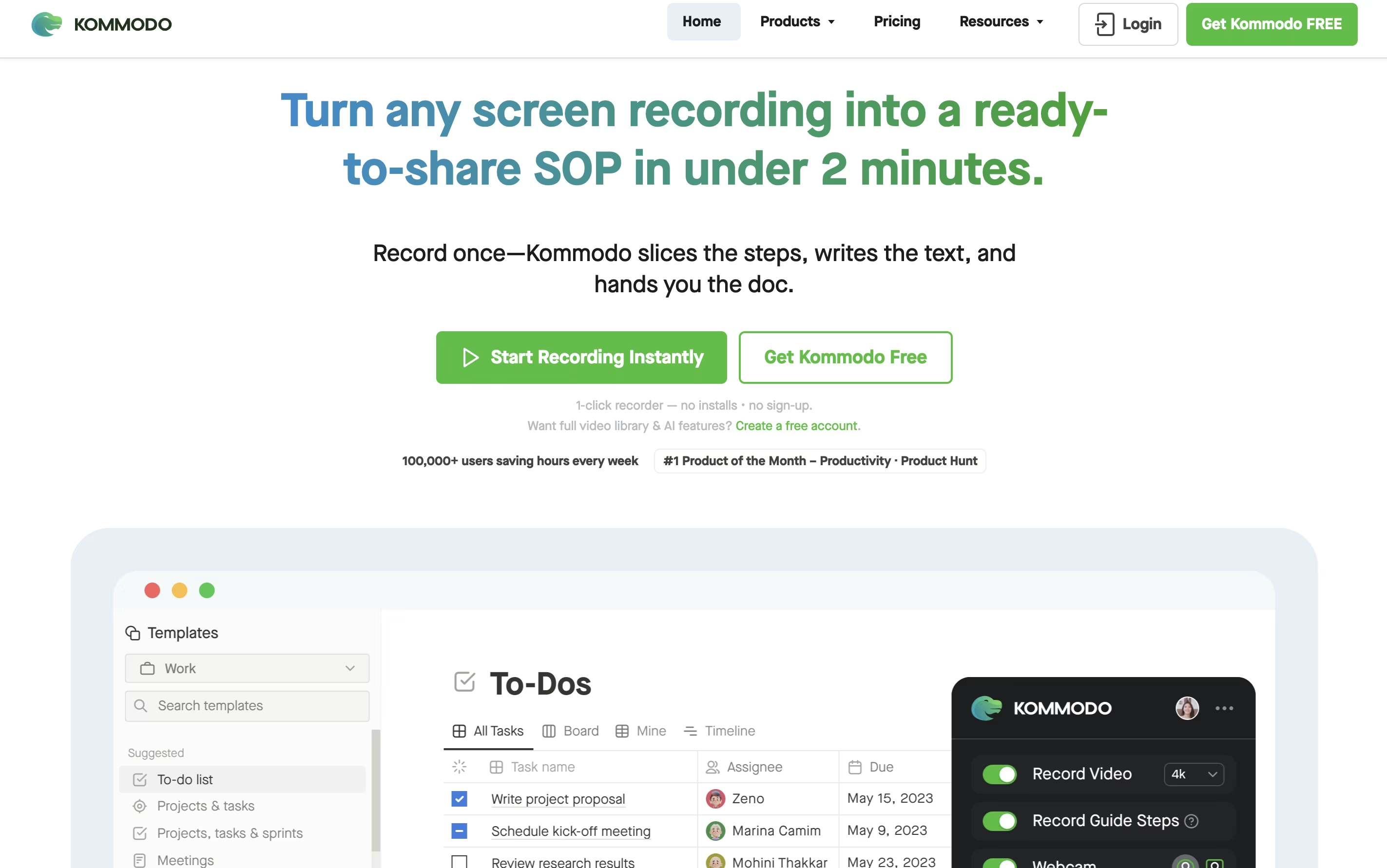
The tool automatically generates transcripts for every video, allowing you to search across your entire library instantly. It creates chapter markers, summaries, and action items from meetings without manual effort. You can also build step-by-step guides as you record, perfect for training materials and documentation.
Kommodo works across browsers, desktop apps, and mobile devices. The free version includes unlimited recording time with 60 days of access. Paid plans unlock permanent storage, unlimited AI features, custom branding, and advanced collaboration tools for teams.

ScreenPal is a complete video creation platform that combines screen recording, video editing, and hosting in one place. You can record your screen, webcam, or both together with audio narration. The tool includes drawing tools to highlight important parts while recording.
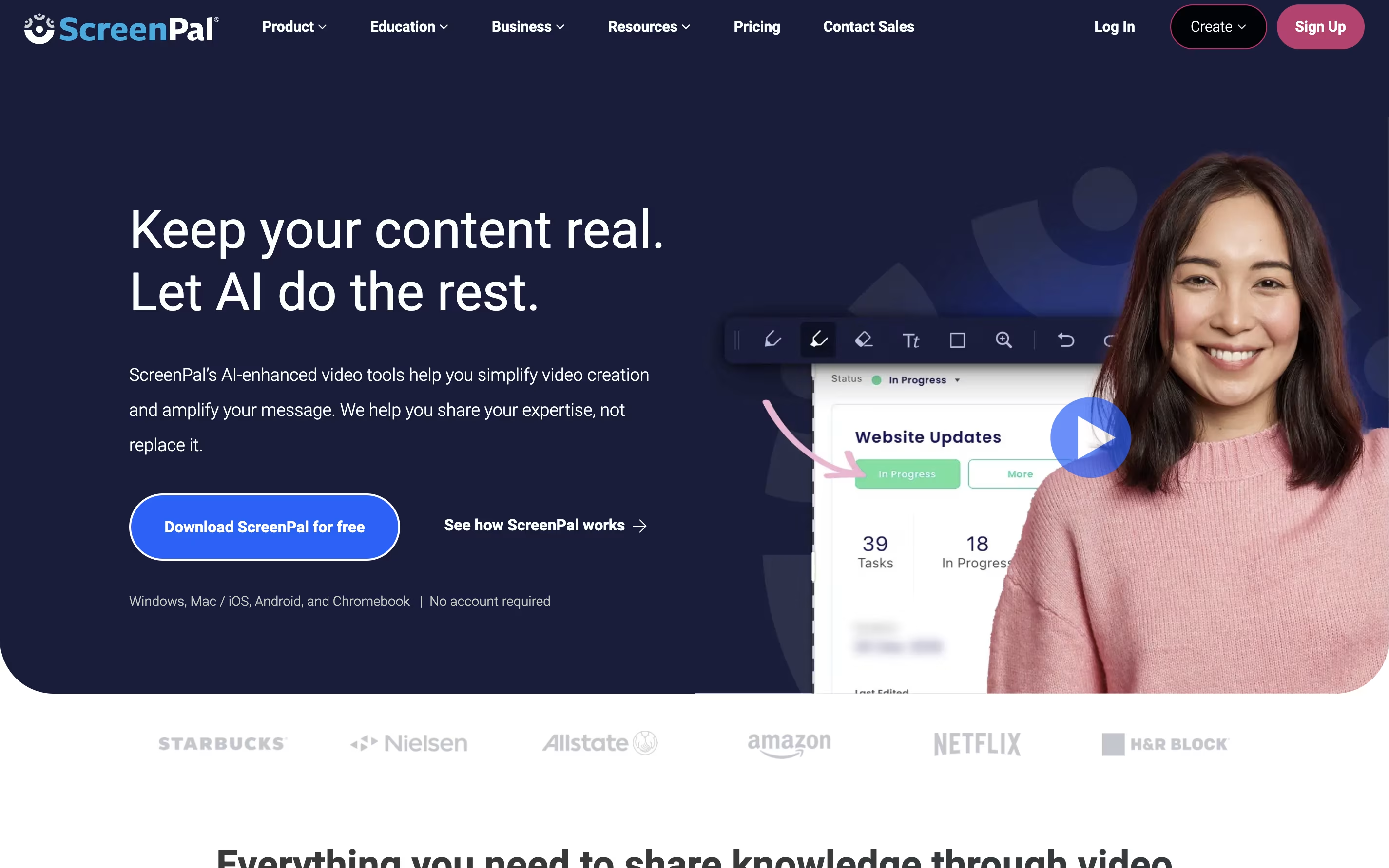
After recording, you can edit videos with cuts, trims, text overlays, and transitions. The platform also includes AI features like automatic captions, transcriptions, and text-to-speech narration. You can add quizzes and interactive elements to your videos.
ScreenPal offers cloud hosting where you can store unlimited videos and share them with secure links. The free version includes basic features with a 15-minute recording limit on desktop. Paid plans unlock unlimited recording, advanced AI tools, and premium editing features.

Camtasia is a desktop software that records your computer screen and edits the footage into finished videos. You can capture everything happening on your screen, add your webcam feed, record voice narration, and include system audio all at the same time. Each element records on its own track, giving you complete control when editing.
The software comes with AI-powered tools that help create scripts, generate voiceovers, remove background noise, and produce captions automatically. You also get access to millions of royalty-free images, videos, and music tracks. Camtasia works on both Windows and Mac computers, and now includes a free web version for quick recordings. The editing interface uses simple drag-and-drop actions, making it accessible for beginners while still offering advanced features for experienced creators.

Sendspark is a video communication platform that combines screen recording with artificial intelligence to help businesses send personalized video messages at scale. You can record yourself, your screen, or both together, then use AI to automatically add personal touches like each viewer's name spoken naturally in your voice.
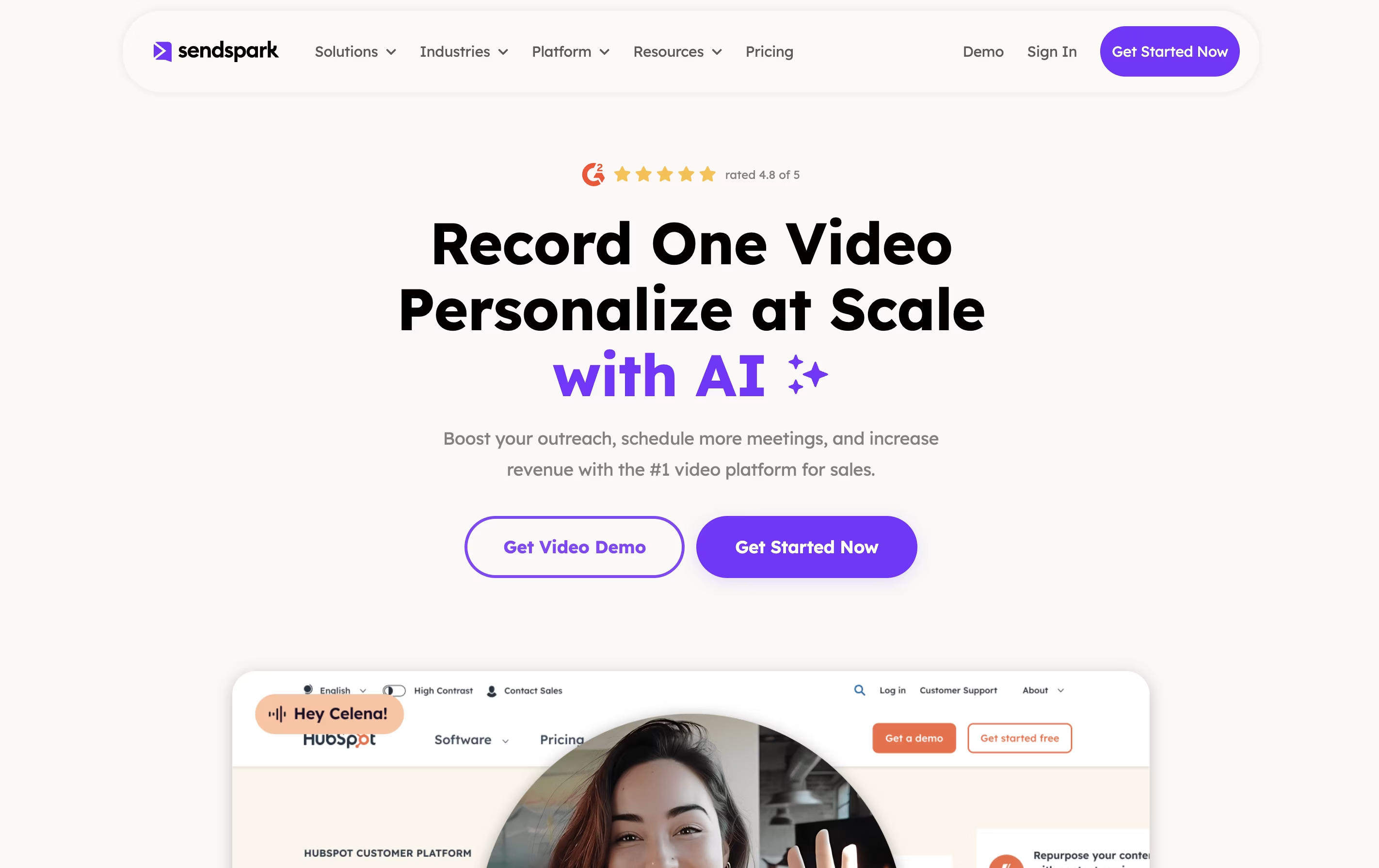
The platform's standout feature is dynamic backgrounds, which lets you overlay your video on top of a prospect's website or LinkedIn profile. This creates a highly personalized viewing experience that grabs attention and builds trust. Sendspark works through a web app, Chrome extension, and desktop application, making it easy to record and share videos anywhere.
The tool integrates with over 50 platforms including HubSpot, Salesforce, Outreach, and LinkedIn, fitting seamlessly into your existing sales and marketing workflow.