



Tight Studio
AI-Powered Product Demo Video Editor
Tight Studio is an AI-powered video editing tool that transforms screen recordings into professional product demos in minutes with smart features.


What is Tight Studio
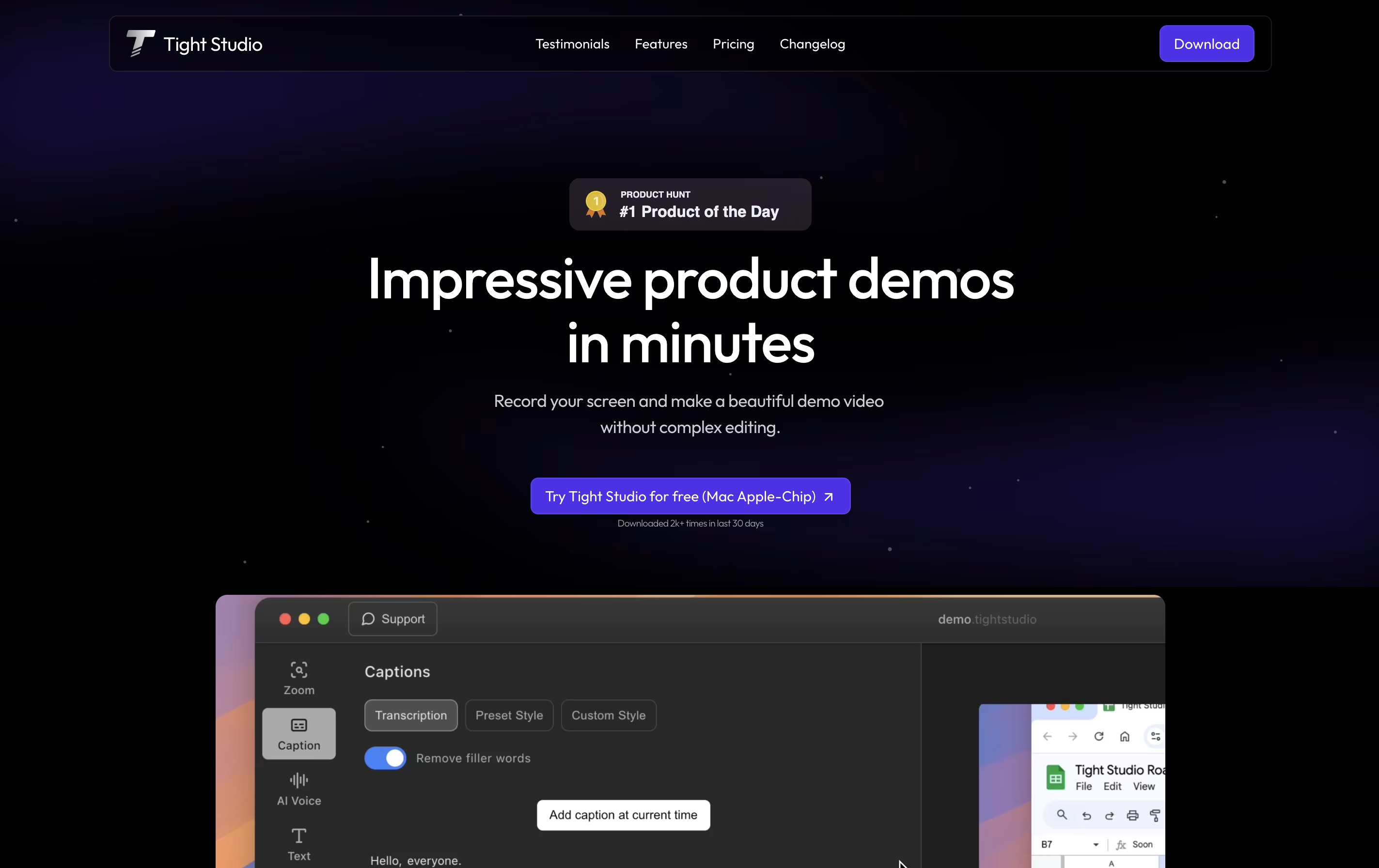
Tight Studio is a video editor built specifically for creating product demos from screen recordings. You can record your screen and the tool automatically enhances it with professional touches. Unlike traditional video editors that require technical skills, Tight Studio uses AI to handle the complex work for you.
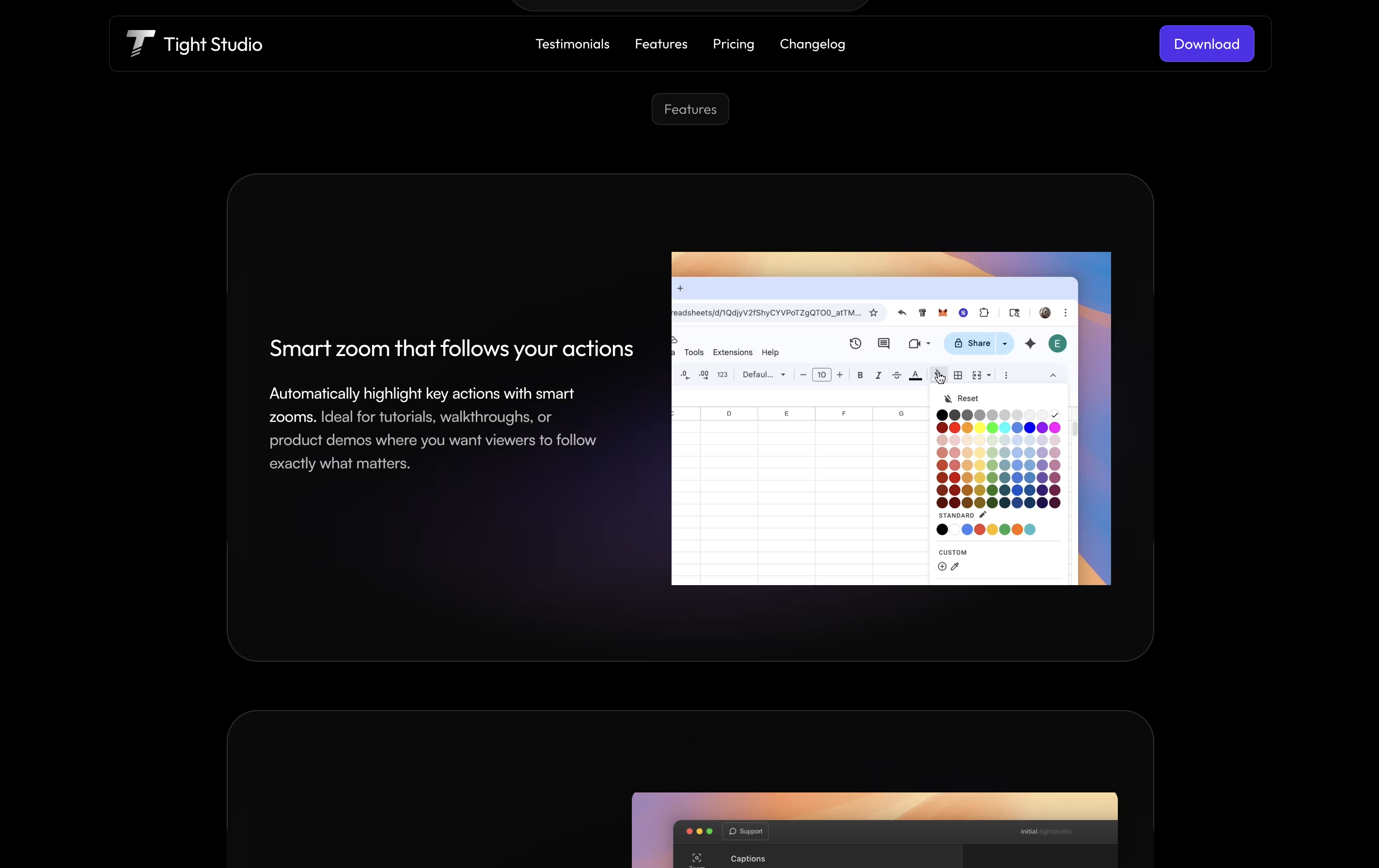
The platform focuses on making demos look polished without manual editing. It automatically zooms into important actions on your screen, adds styled captions for viewers watching without sound, and can replace your voice with clear AI narration. You can also add text overlays, import other media, and choose background music from their library.
There is a free version for basic needs and a Pro version with advanced AI features and no watermark on exports.
Features of Tight Studio
Automatic smart zoom on key actions
Professional caption styles and editing
Natural AI voiceover generation
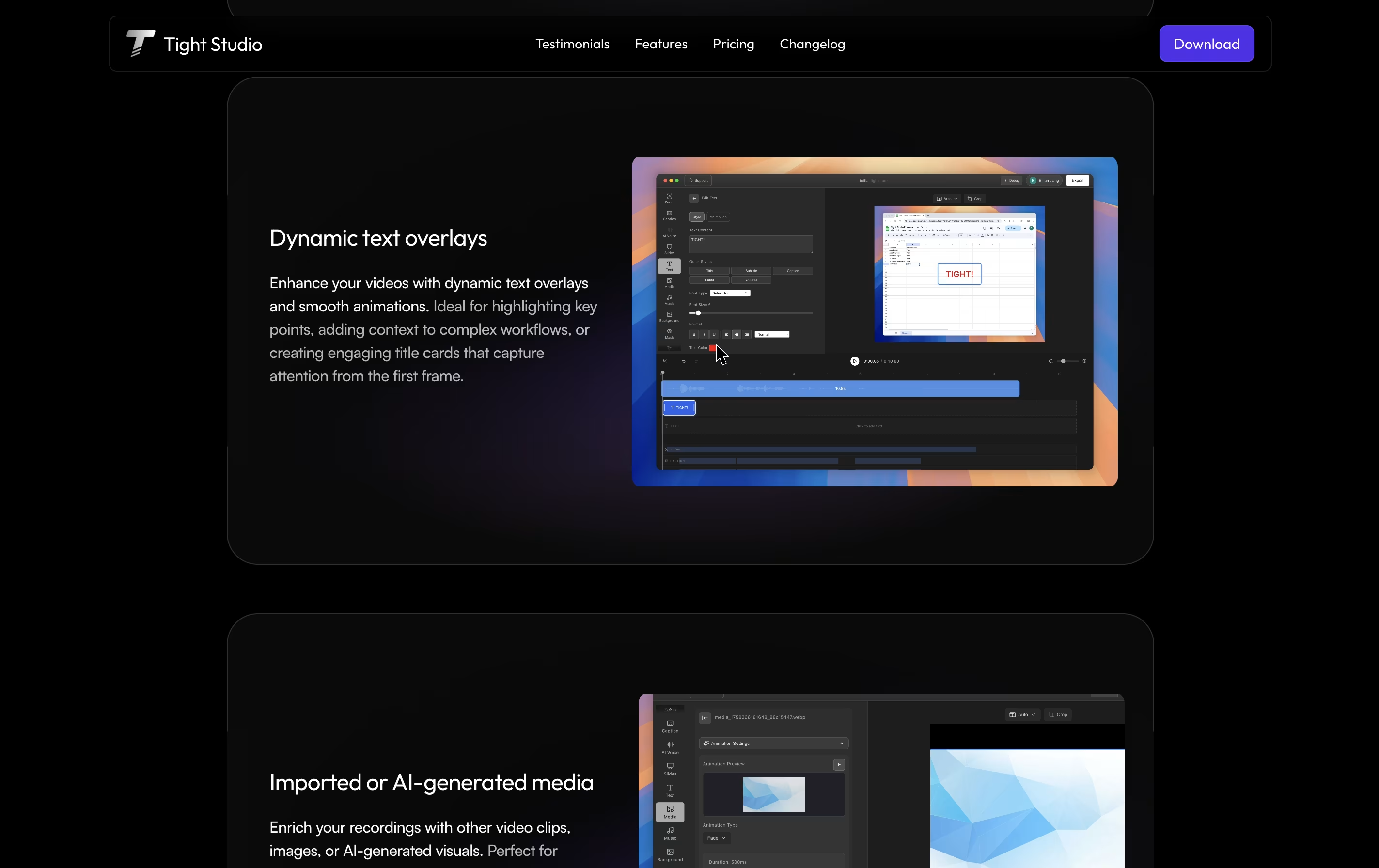
Dynamic text overlays with animation
Import media or generate with AI
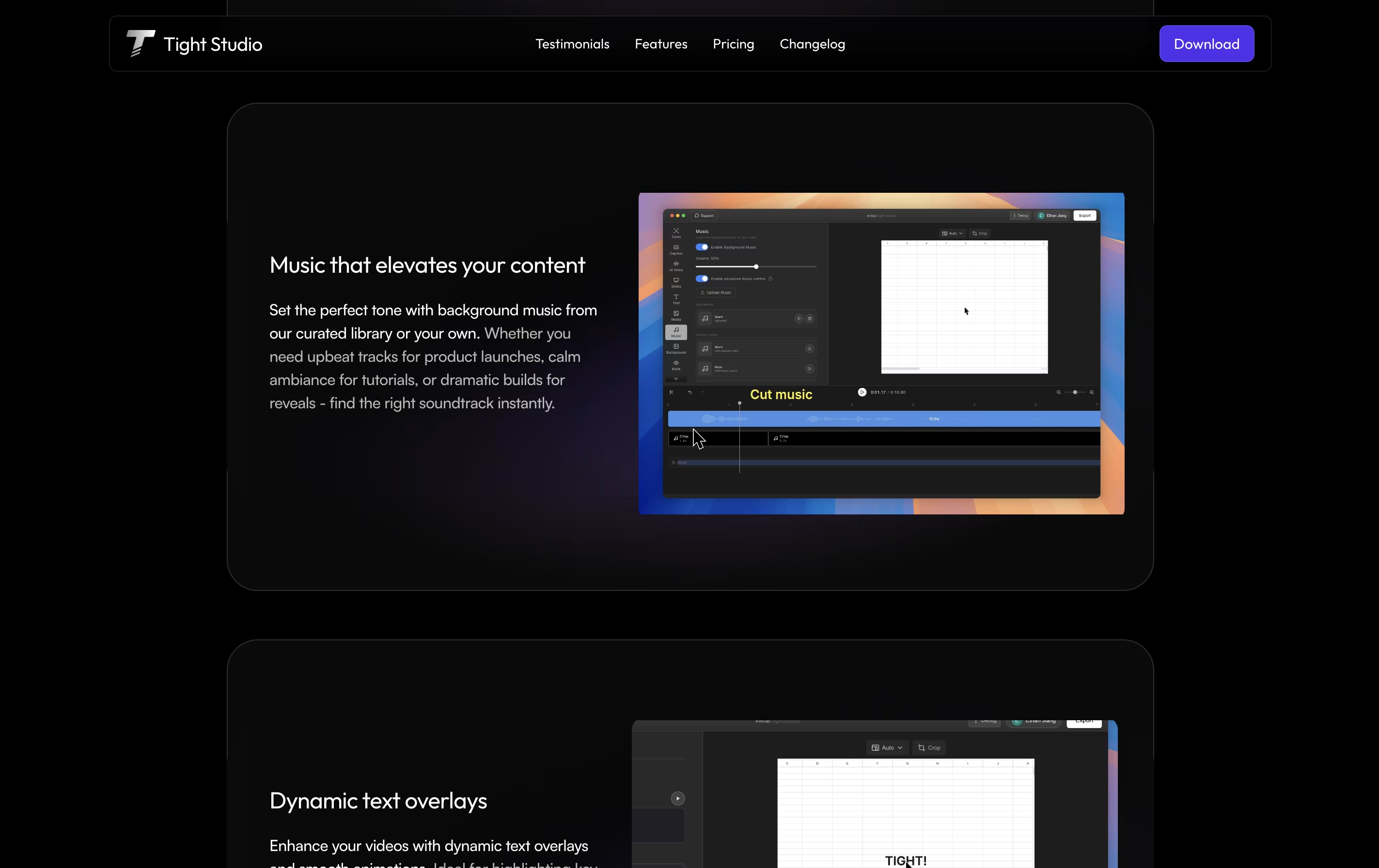
Curated background music library
Video clipping and trimming tools
Multiple export options
No editing skills required
Fast demo creation in minutes
Tight Studio Pricing
Free
- Basic features with watermark
- Automatic professional captions
- Zoom in to engage audience
- Video clipping tools
- Background music
- Screen recording
- Export with Tight Studio watermark
Pro
- All free plan features
- AI voiceover generation
- AI media generation
- 1000 AI credits per month
- Export without watermark
- Professional caption styles
- Text overlay and animations
- Advanced editing tools
Custom
- All Pro features
- Customized solutions for your needs
- We prepare your video from raw recordings
- Produced video delivered to you
- 100% happiness guarantee
- Priority support
- Dedicated account management
Tight Studio Use Cases
FAQ's About Tight Studio











See what users are saying about Tight Studio
0 Reviews
No reviews yet
Be the first to review Tight Studio