



ScreenPal
Easy Screen Recorder & Video Editor
ScreenPal is a free screen recorder and video editor that lets you capture, create, and share videos easily.






What is ScreenPal
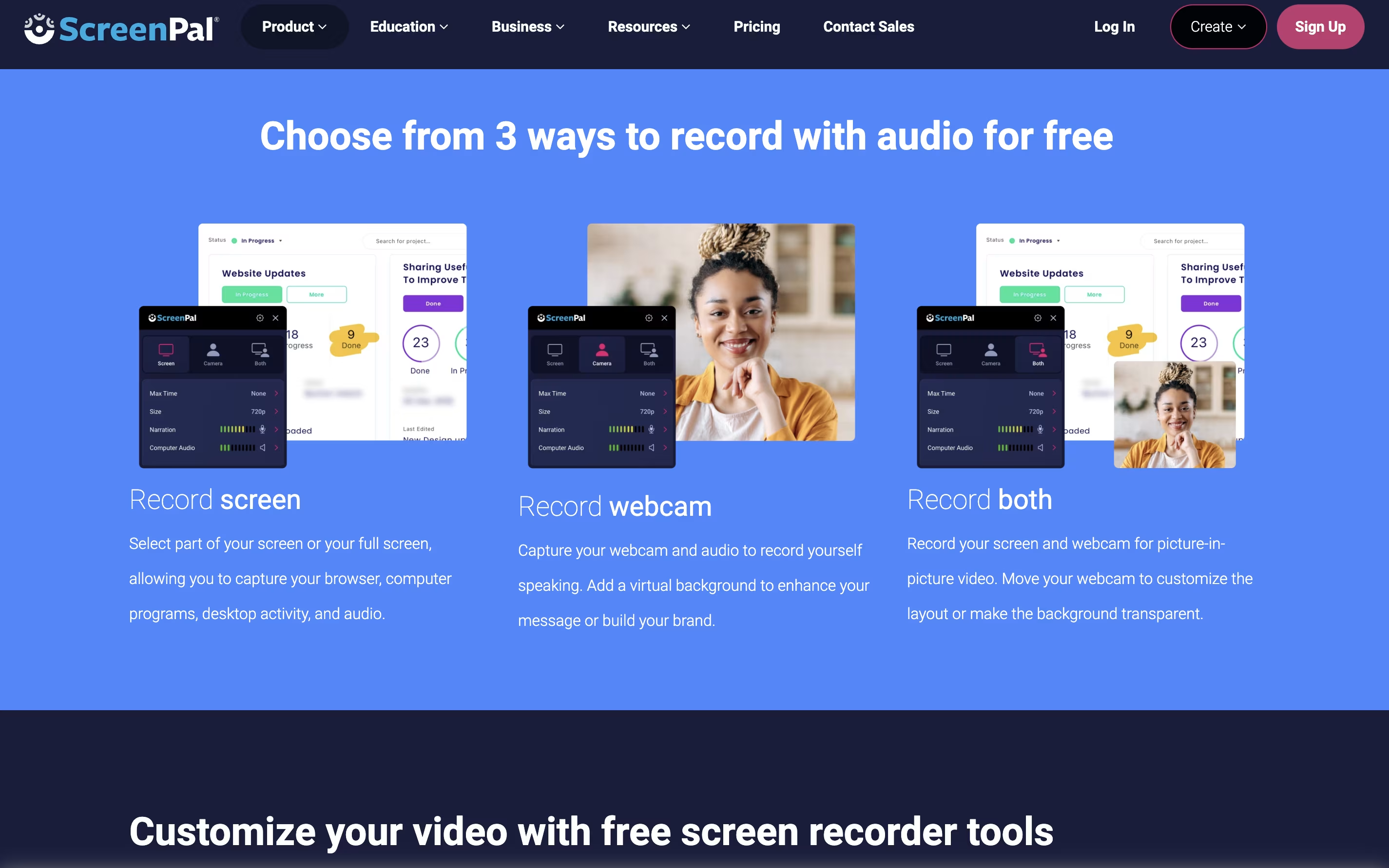
ScreenPal is a complete video creation platform that combines screen recording, video editing, and hosting in one place. You can record your screen, webcam, or both together with audio narration. The tool includes drawing tools to highlight important parts while recording.
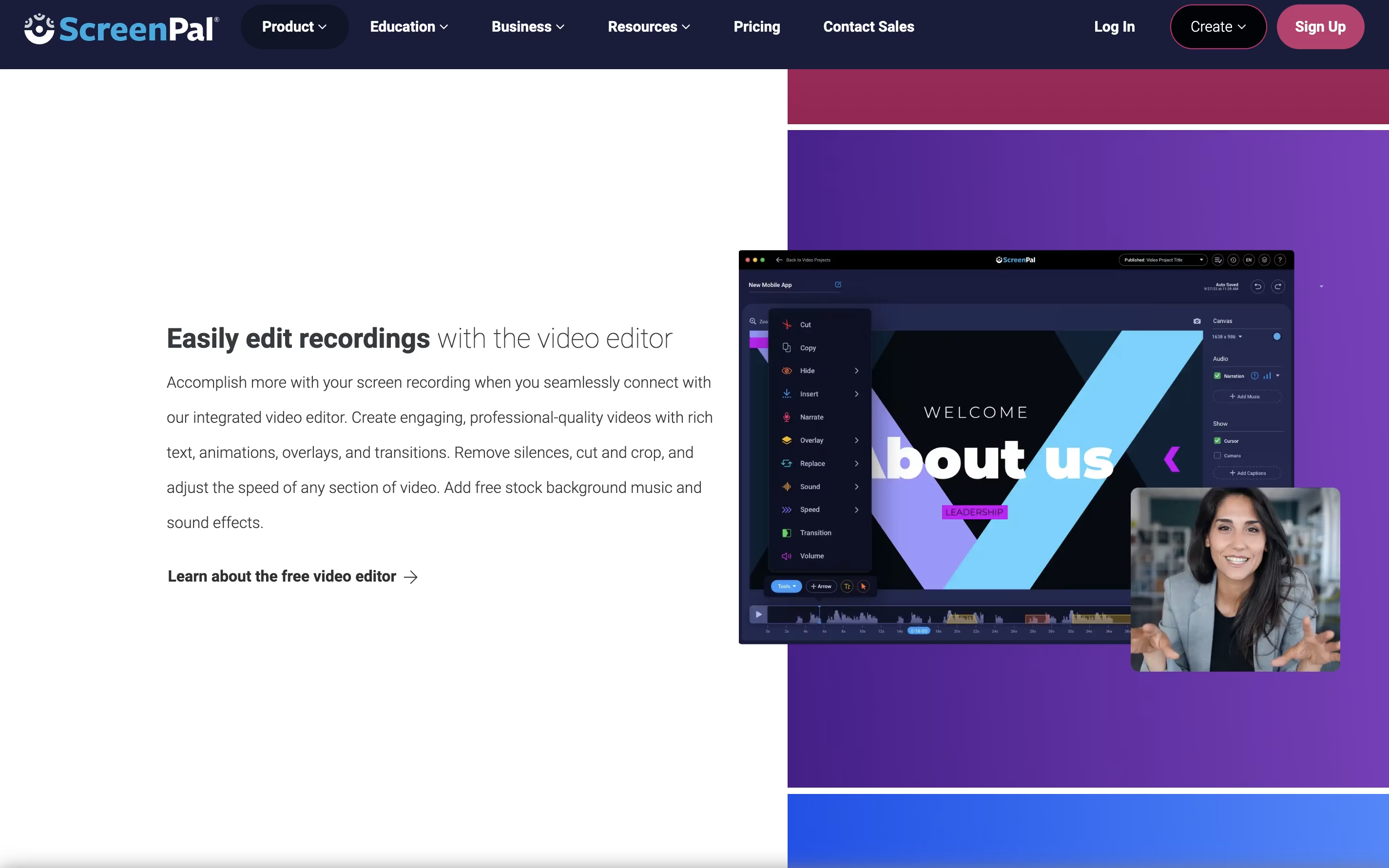
After recording, you can edit videos with cuts, trims, text overlays, and transitions. The platform also includes AI features like automatic captions, transcriptions, and text-to-speech narration. You can add quizzes and interactive elements to your videos.
ScreenPal offers cloud hosting where you can store unlimited videos and share them with secure links. The free version includes basic features with a 15-minute recording limit on desktop. Paid plans unlock unlimited recording, advanced AI tools, and premium editing features.
Features of ScreenPal
Record screen and webcam with audio narration
15-minute recording limit on desktop (unlimited on mobile free version)
Easy video editor with trim, cut, and overlay tools
AI auto-captions and transcriptions
Text-to-speech narration in 100+ languages
Interactive quizzes and polls
Unlimited cloud video hosting
Chrome extension for quick video messages
Mobile apps for iOS and Android
Stock media library access
ScreenPal Pricing
Free
- 15 minute recording limit
- Easy video editing
- Blur webcam background
- Host & share unlimited videos
- Edit & share screenshots
- 5 video quizzes
Deluxe
- Unlimited recorder
- Full video editor
- Audio recording & editing
- Interactive video storyboards
- AI speech-to-text captions
- Standard stock media
Max
- Includes ScreenPal AI
- Auto-captions & transcriptions
- AI text-to-speech narration
- Advanced video analytics
- Unlimited stock assets
- Unlimited quizzes & polls
Team Business
- Includes ScreenPal AI
- Collaboration tools
- Team management
- Advanced integrations
- Transfer ownership
- SSO including SAML
FAQ's About ScreenPal










See what users are saying about ScreenPal
0 Reviews
No reviews yet
Be the first to review ScreenPal