



Screencastify
Simple Screen Recording Tool
Screencastify is a simple screen recording tool that lets you capture, edit, and share videos directly from your browser.


What is Screencastify
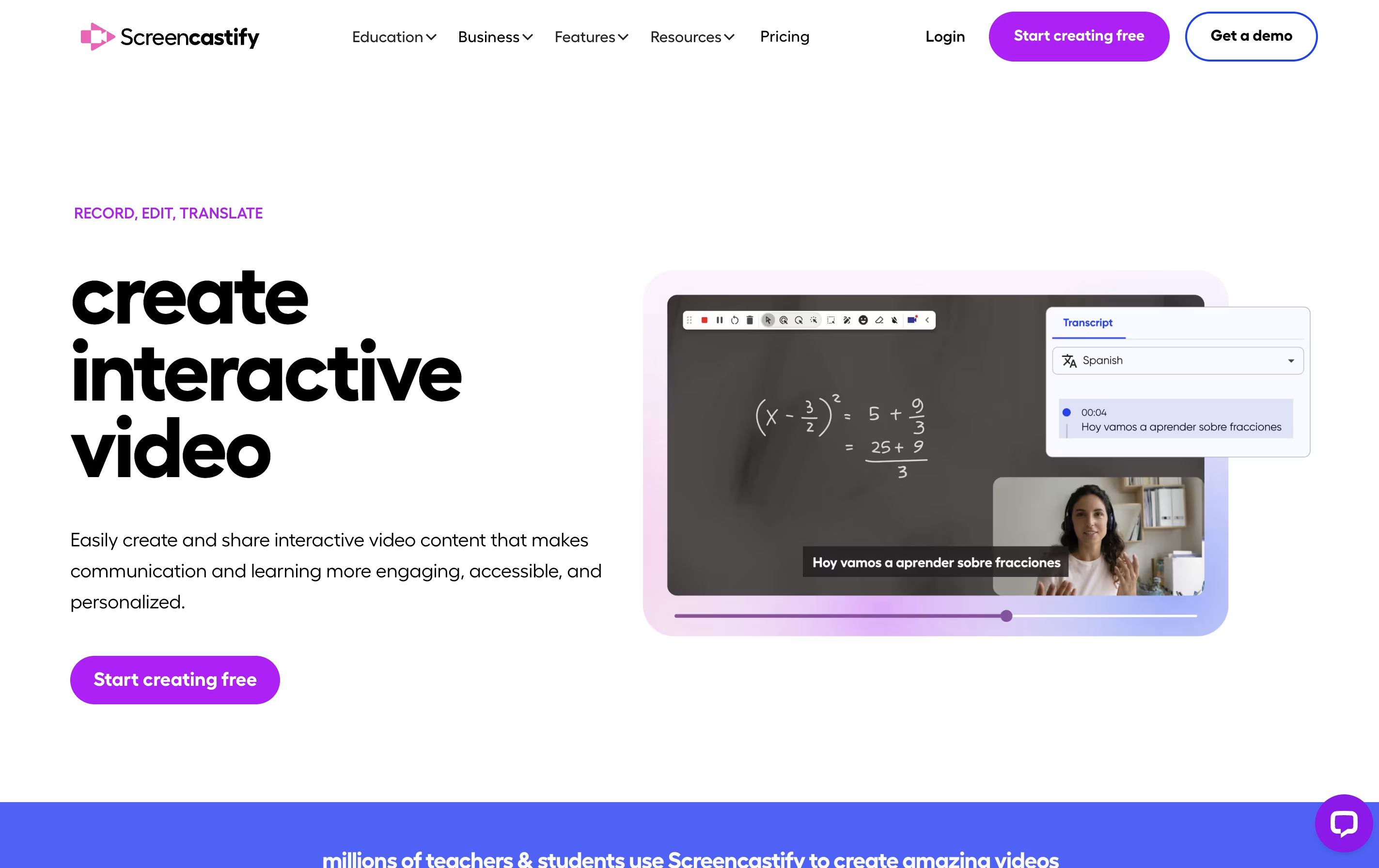
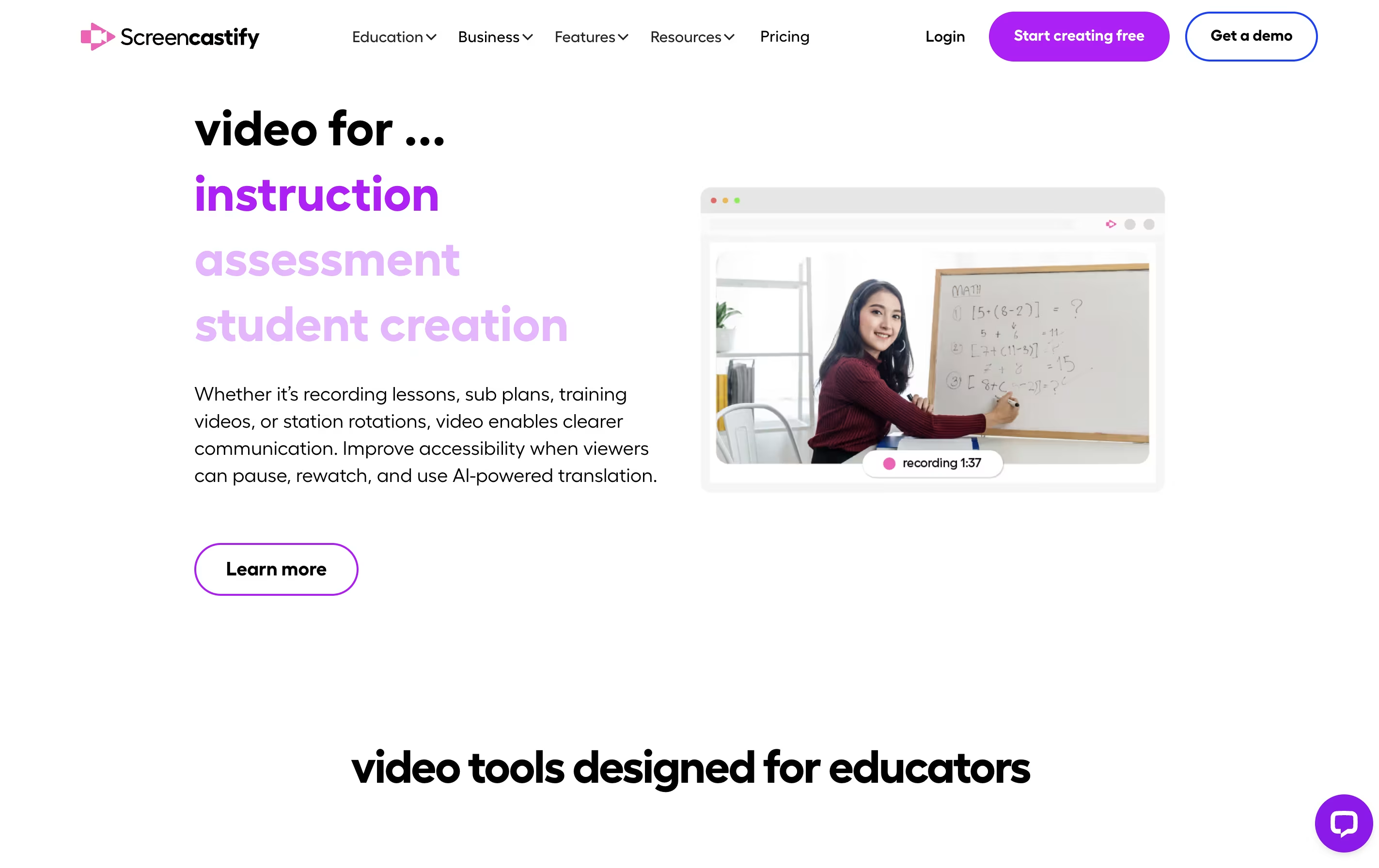
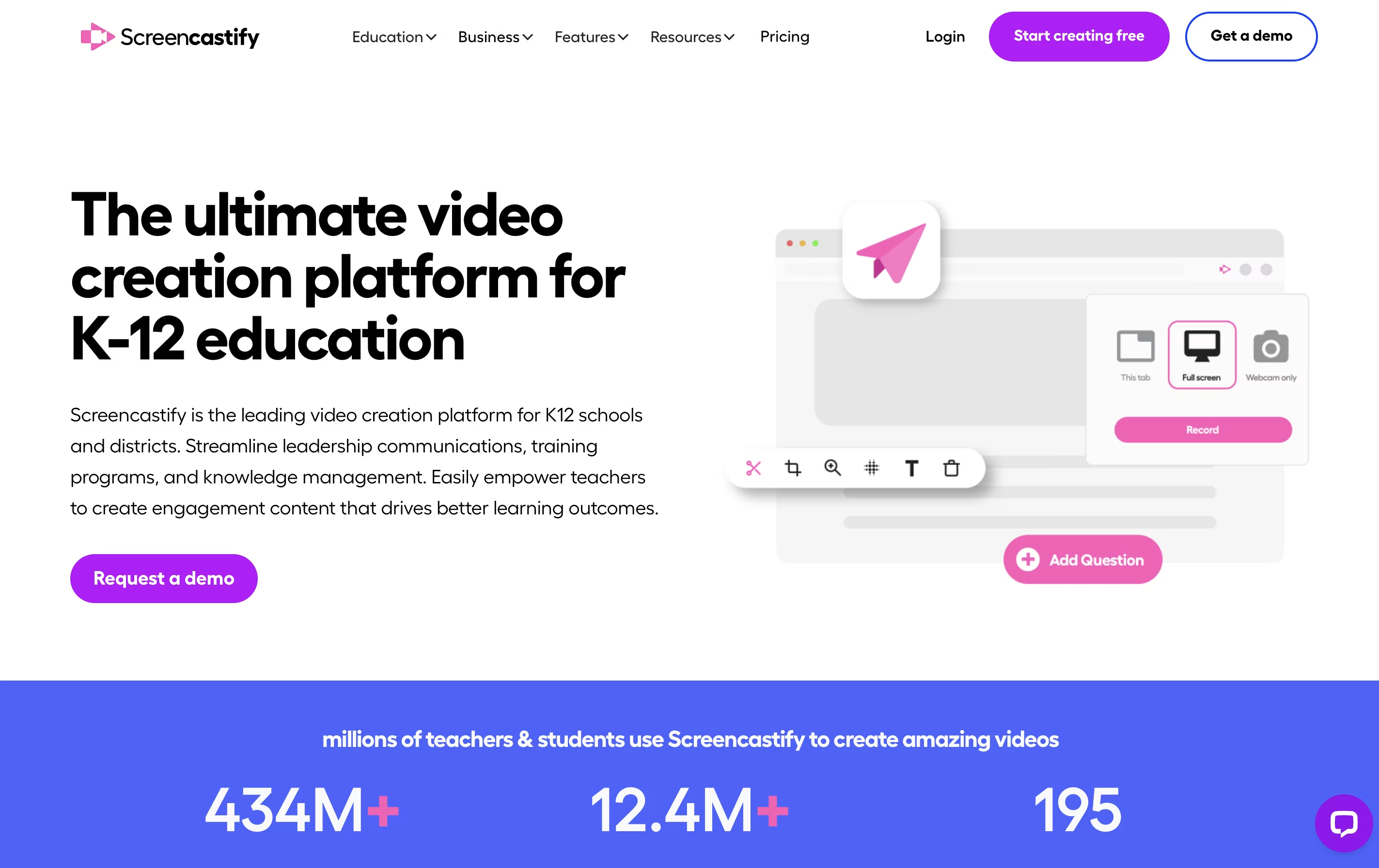
Screencastify is a screen recording extension built for Chrome browsers. It lets you capture anything on your screen with just a few clicks. You can record a single browser tab, your entire desktop, or just your webcam.
The tool includes built-in editing features so you can trim videos, add text, and merge clips without using separate software. It also has interactive features like adding questions and polls to your videos, making it great for teaching and training.
Your recordings save directly to Google Drive, and you can share them through links, upload to YouTube, or export as MP4 files. The Pro version adds advanced features like AI-powered editing, automatic captions, and translations into many languages.
Features of Screencastify
Record screen, webcam, or both together
Basic and advanced video editing tools
Add interactive questions and polls
Automatic captions and transcripts
AI video enhancements and editing
Translate videos into 90+ languages
Teleprompter with AI-generated scripts
Share via link, YouTube, or Google Drive
Collect video submissions from others
Export as MP4, GIF, or MP3
Screencastify Pricing
Free
- Record up to 10 videos
- Record up to 30 minutes per video
- Upload your own videos
- Share instantly with a link
- Control video privacy
- Basic annotation tools
- Save to Google Drive
Starter
- Create unlimited videos
- Record up to 60 minutes
- Basic video editing tools
- Remove Screencastify watermark
- Add questions and polls
- Request & collect videos
- Advanced collaboration
- Priority customer support
Pro
- Everything in Starter
- AI video enhancements
- Record up to 180 minutes
- Advanced AI editing
- AI questions & polls
- Captions & transcripts
- Translations & voiceovers (90+ languages)
- Teleprompter with AI scripts
Screencastify Use Cases
FAQ's About Screencastify










See what users are saying about Screencastify
0 Reviews
No reviews yet
Be the first to review Screencastify