

Best 12 Tools for Training Video Creation in 2026
Last Updated: August 28, 2026
Teaching a process on video often communicates it more clearly than written instructions alone. Training Video Creation tools help produce instructional videos for onboarding or skill-building.
L&D teams and educators use training video tools to create consistent, reusable learning content.
 Vyond
Vyond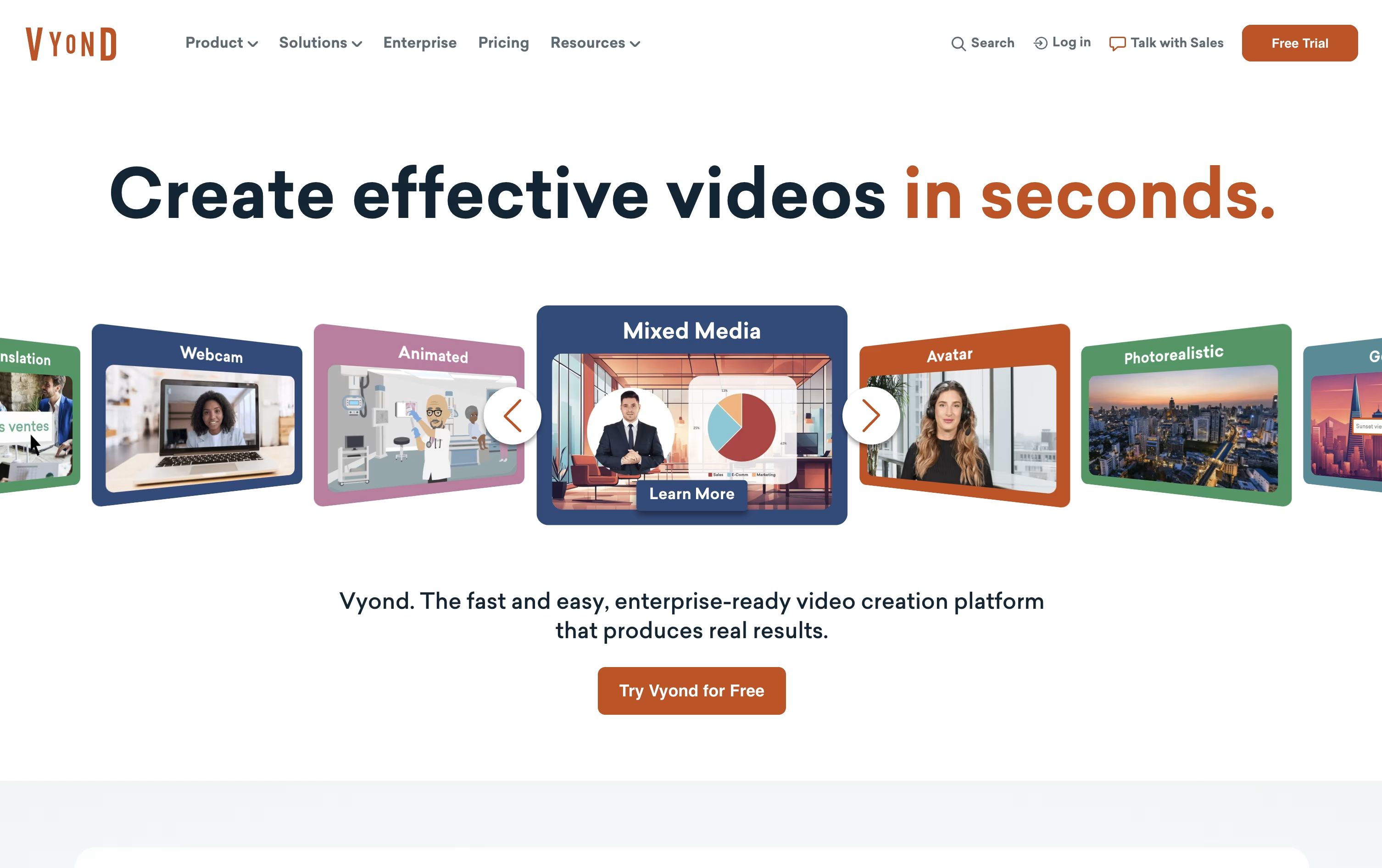 VyondAI-Powered Business Video Creation Tool,
  Elai.io
 Elai.ioAI Avatar Videos for Training & L&D, and
  AI Studios
 AI StudiosCreate AI Avatar Videos Easily Now are the best for Training Video Creation. So, let’s take a closer look at all 12 tools.

If you need videos for training, HR, or marketing but do not have an animation team, Vyond is built to fill that gap. It runs fully in the browser, with no software to download.
Start by typing a prompt, pasting a script, uploading a document, or dropping in a URL, and Vyond Go will generate a working draft with characters, scenes, and voice in under a minute. Then move into Studio to adjust the details, from character actions to timing.
The toolkit includes AI avatars, hundreds of animated characters, over 650 voices for text to speech, and built in screen and webcam recording, along with thousands of ready made templates.
The Starter plan is $99 a month or $699 billed yearly, meant for one person, with 10,000 credits and a 25 minute video cap.
Professional moves to $1,199 a year per user and brings in team features, Shutterstock's asset library, and translation into 95 languages.
For larger organizations, Enterprise and Agency plans run $1,649 and $1,999 a year per user, adding near unlimited usage, brand controls, and enterprise grade security like single sign on.
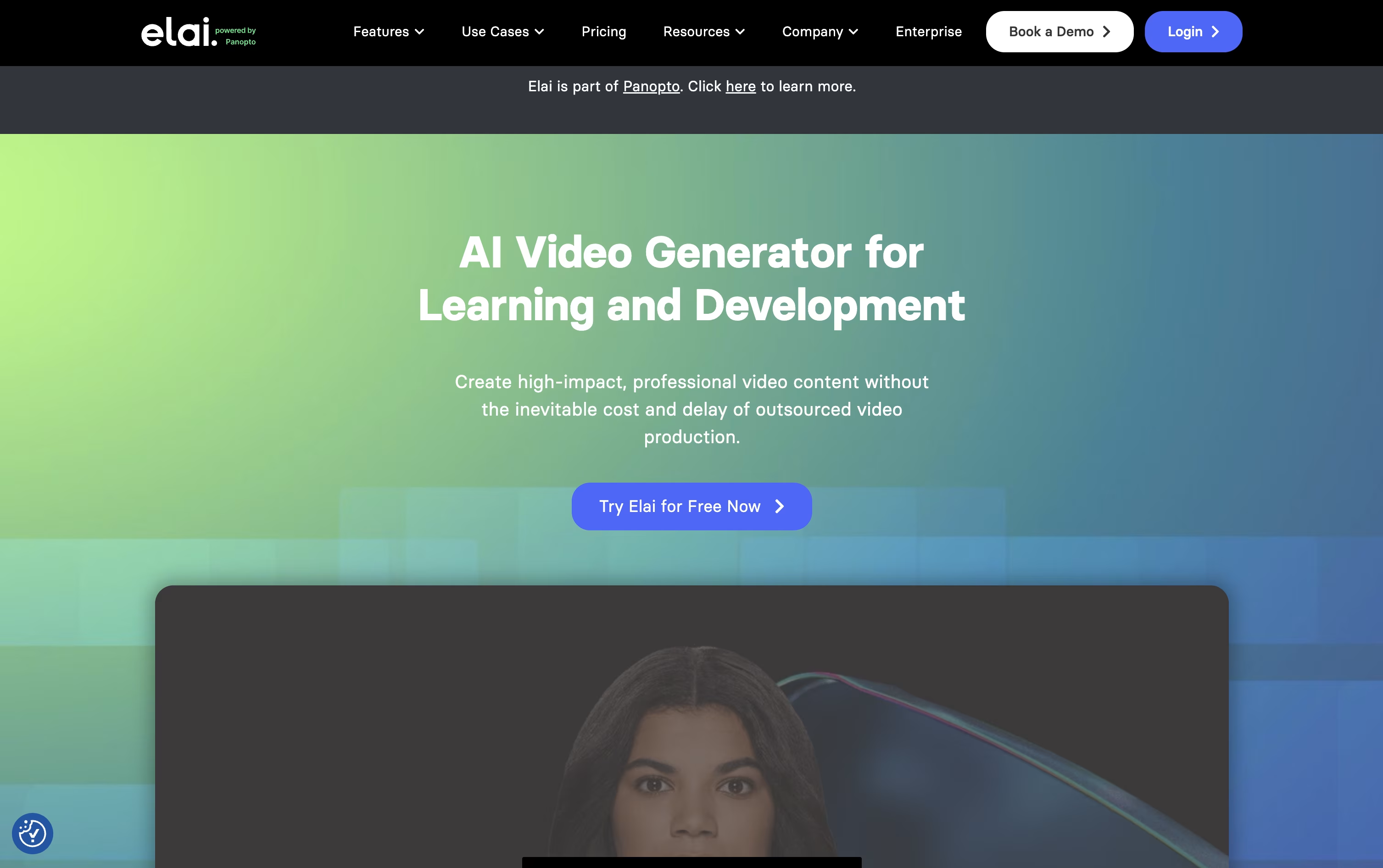
Elai.io lets you turn text, a web article, or a PowerPoint file into a video with a realistic AI avatar speaking the content, without any filming.
It leans heavily toward L&D and training use cases, with built in quizzes, branching paths, and SCORM export for learning platforms.
Anyone can start for free with 1 minute of video, 80+ avatars, and 75+ languages included from the start.
The Creator plan is $29 a month for 15 minutes, while Team is $125 a month for 50 minutes, 3 seats, and 4K video, and both drop 20% when billed yearly.
Enterprise pricing is custom and unlocks unlimited seats, SSO, and workspaces for bigger teams.
Being part of Panopto now also means Elai videos can be managed, shared, and tracked in one connected system.
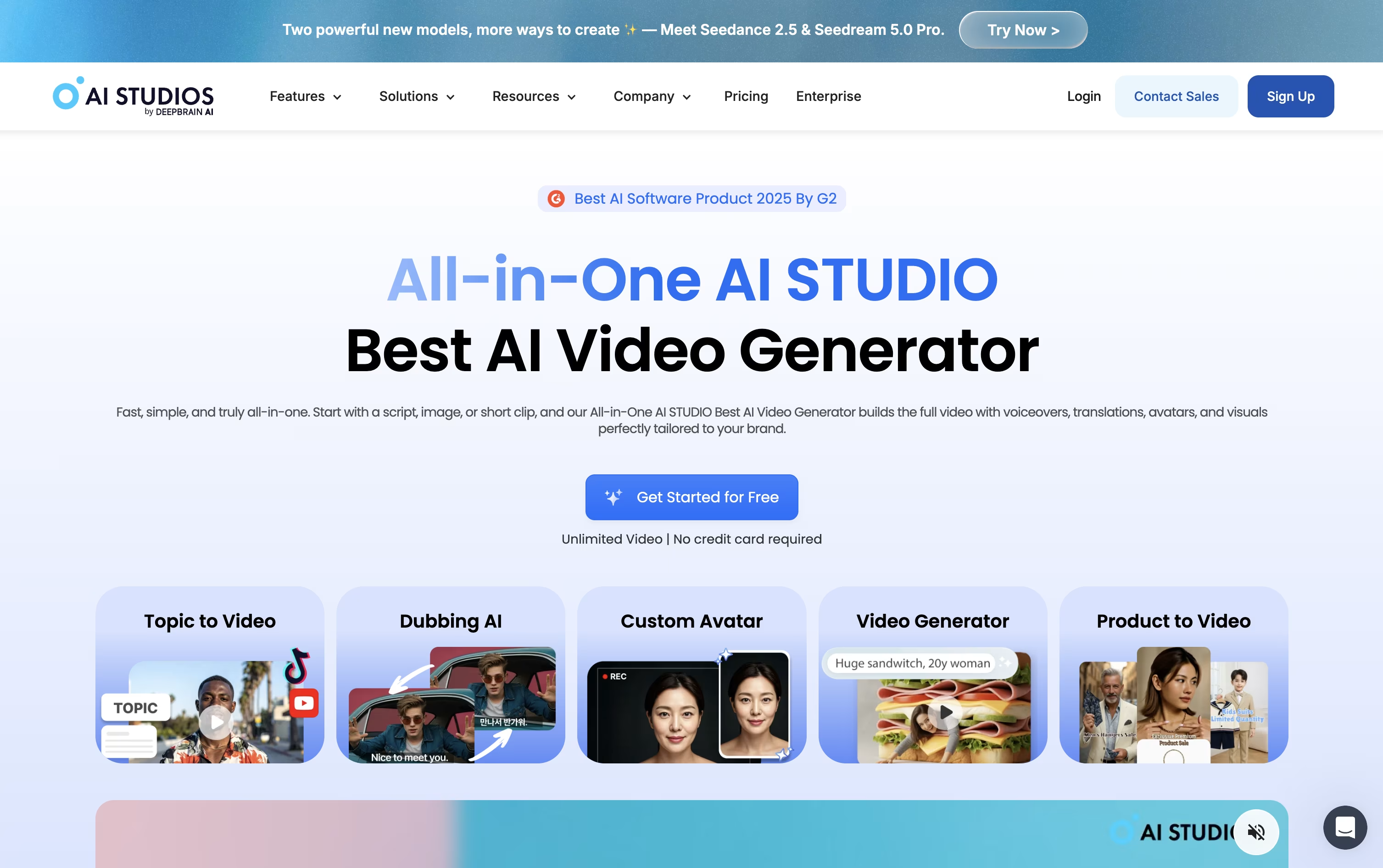
Making a video with AI Studios starts with typing a script, pasting a link, uploading a document, or just describing an idea. The platform builds the rest, including a talking AI avatar, matching voice, scenes, and captions.
Avatars come from a library of over 2,000 options, or you can create your own from a short recording or a photo, complete with a cloned voice if you choose.
For existing videos, AI dubbing rewrites the spoken audio into another language while keeping the speaker's lips in sync, supporting more than 150 languages.
Pricing starts free, letting you try 3 short videos at 720p. Moving to Personal at $29 a month unlocks unlimited videos up to 30 minutes and 1080p export, with a lower $24 rate if billed yearly.
Teams pay $69 per seat monthly, or $55 annually, for 4K export, longer clips, and shared project spaces, while Enterprise moves to custom pricing with unlimited everything and priority support.
There's also a standalone Interactive Avatar plan for live, real-time avatar conversations, priced free to start and $99 a month for the Standard tier.

Instead of hiring actors or booking a studio, Synthesia turns written text into a video with an AI avatar reading it aloud.
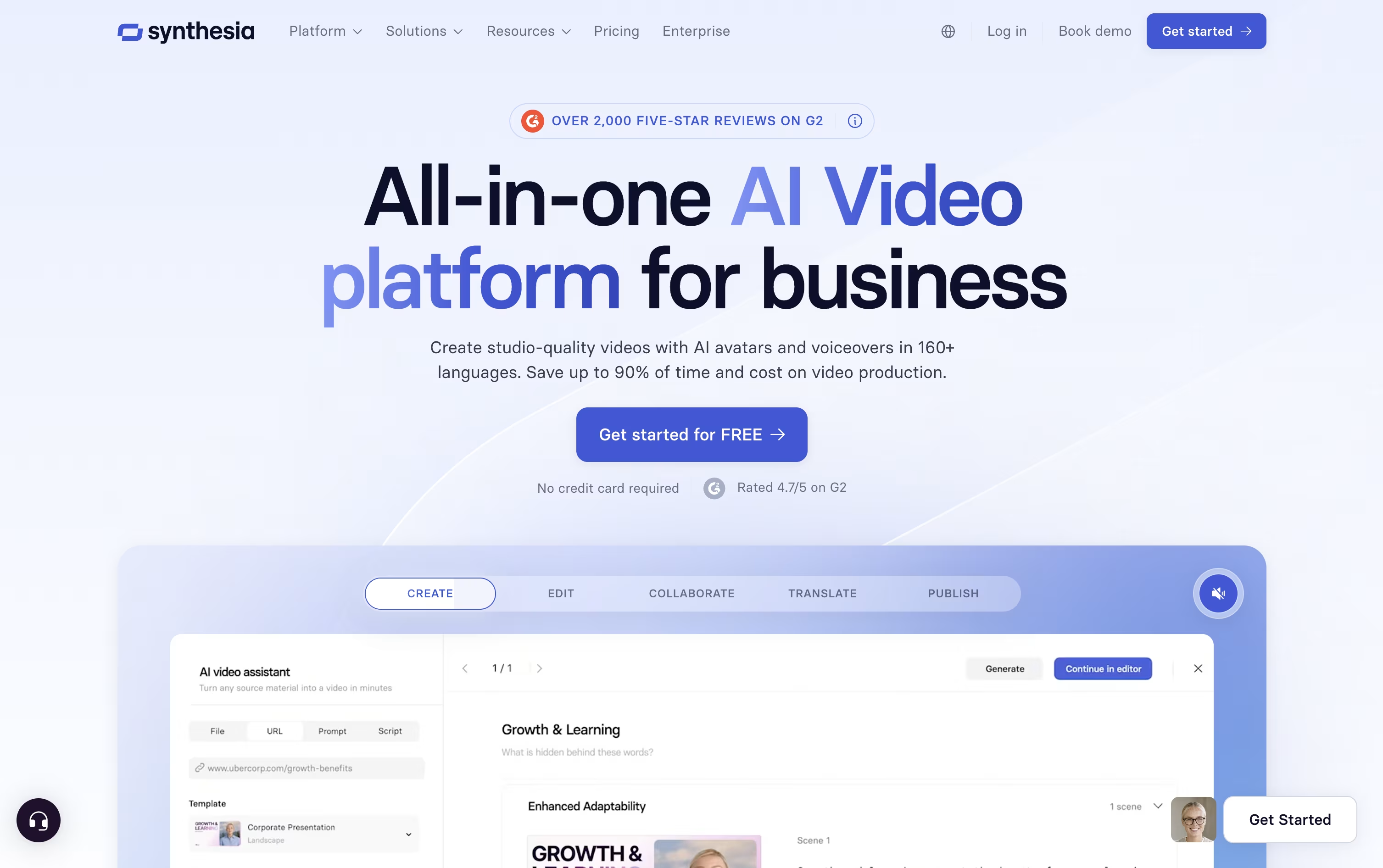
The avatar library has grown past 240 options, and you can also create a personal avatar plus a cloned voice so the video sounds and looks like you.
Getting started costs nothing on the Basic plan, which includes 10 minutes of video each month and 9 avatars.
Moving up, Starter is $18 a month on the yearly plan and adds downloads plus dubbing, while Creator at $64 a month brings API access, interactive elements, and branded pages, and is the most popular tier.
Enterprise drops the limits entirely with custom pricing, unlimited minutes, unlimited personal avatars, SSO, and hands-on onboarding support.
Since updates just mean changing the script rather than filming again, it fits well for training material and internal videos that change often.

Screencastify is a screen recording extension built for Chrome browsers. It lets you capture anything on your screen with just a few clicks. You can record a single browser tab, your entire desktop, or just your webcam.
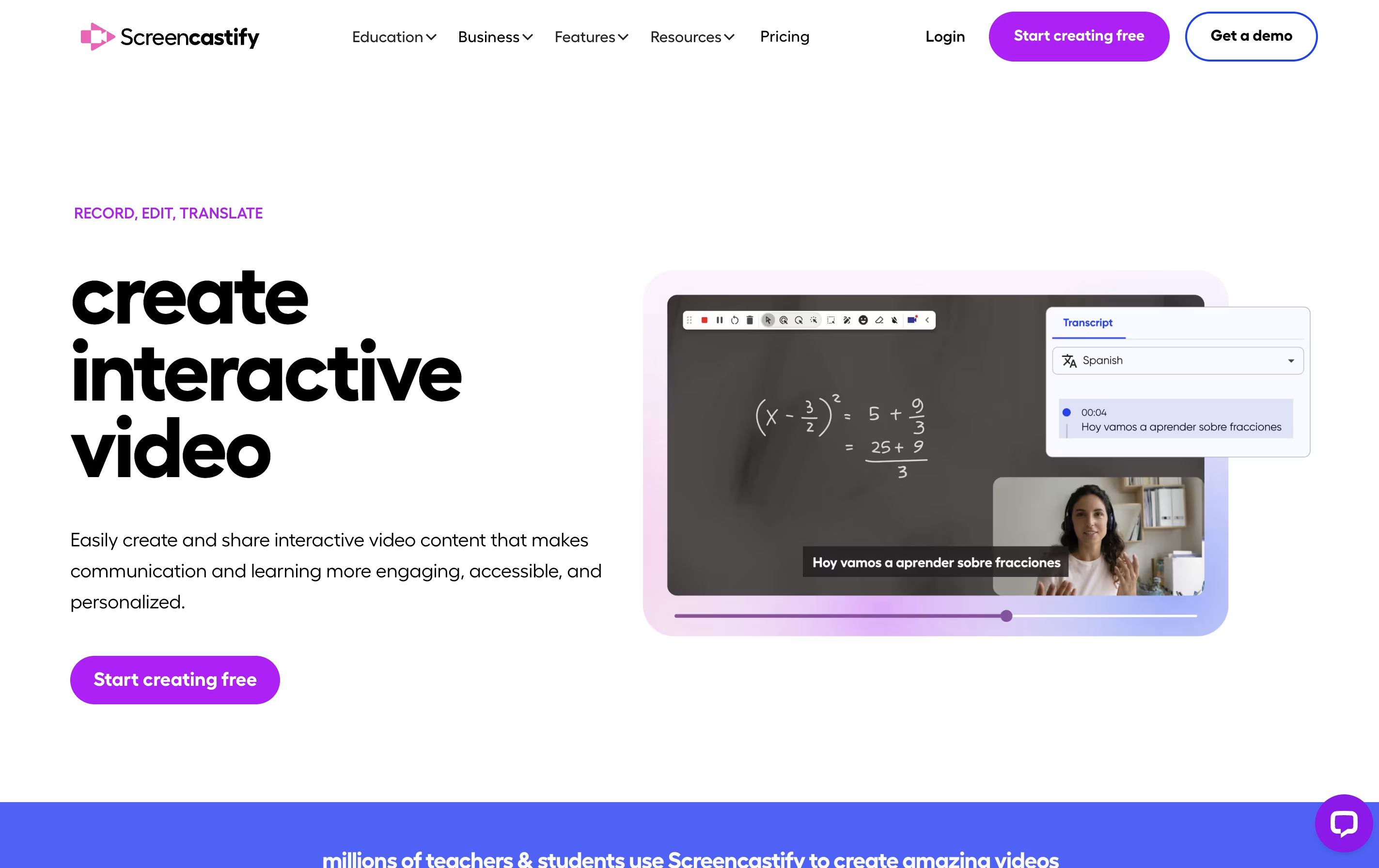
The tool includes built-in editing features so you can trim videos, add text, and merge clips without using separate software. It also has interactive features like adding questions and polls to your videos, making it great for teaching and training.
Your recordings save directly to Google Drive, and you can share them through links, upload to YouTube, or export as MP4 files. The Pro version adds advanced features like AI-powered editing, automatic captions, and translations into many languages.

ScreenPal is a complete video creation platform that combines screen recording, video editing, and hosting in one place. You can record your screen, webcam, or both together with audio narration. The tool includes drawing tools to highlight important parts while recording.
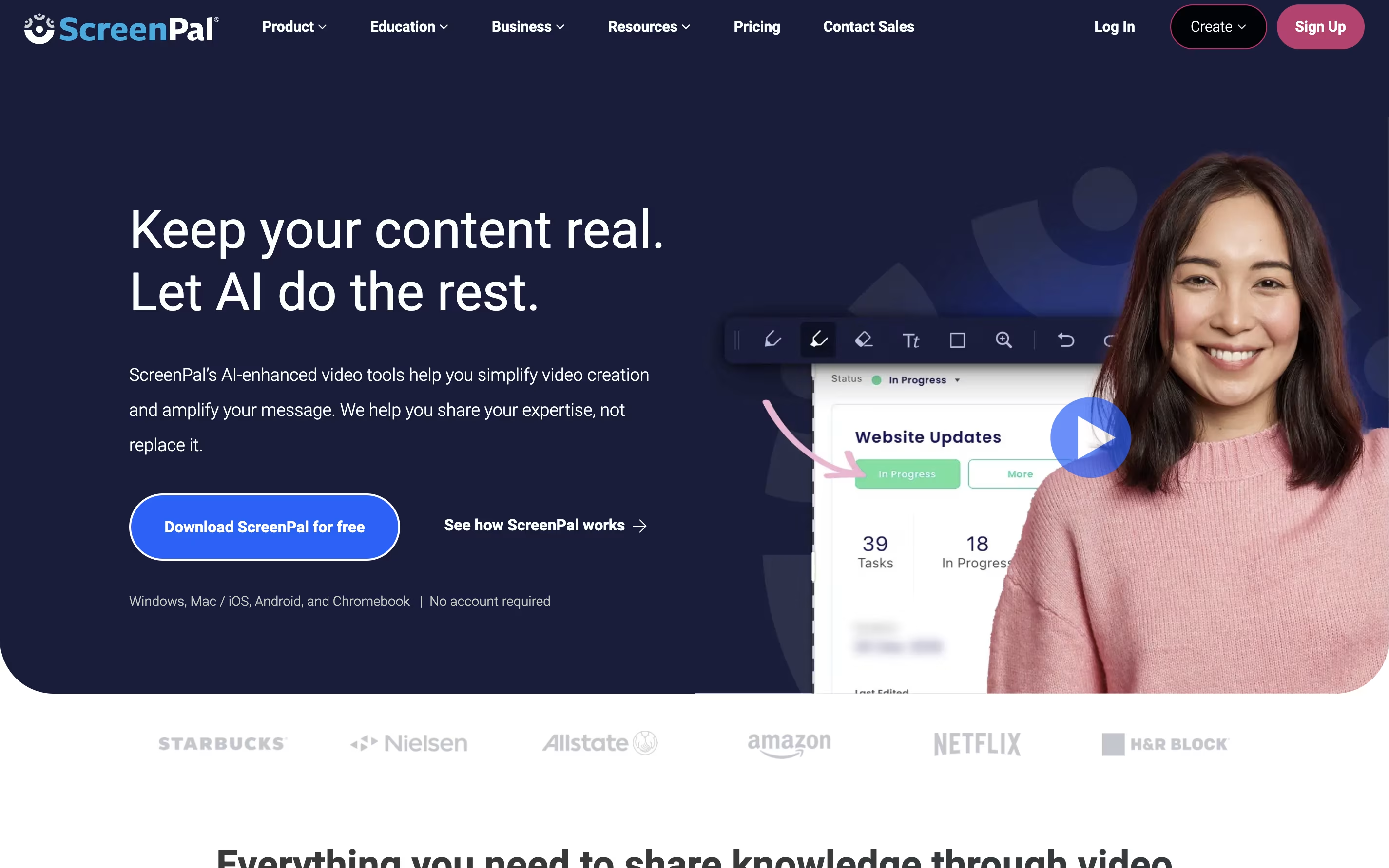
After recording, you can edit videos with cuts, trims, text overlays, and transitions. The platform also includes AI features like automatic captions, transcriptions, and text-to-speech narration. You can add quizzes and interactive elements to your videos.
ScreenPal offers cloud hosting where you can store unlimited videos and share them with secure links. The free version includes basic features with a 15-minute recording limit on desktop. Paid plans unlock unlimited recording, advanced AI tools, and premium editing features.

Camtasia is a desktop software that records your computer screen and edits the footage into finished videos. You can capture everything happening on your screen, add your webcam feed, record voice narration, and include system audio all at the same time. Each element records on its own track, giving you complete control when editing.
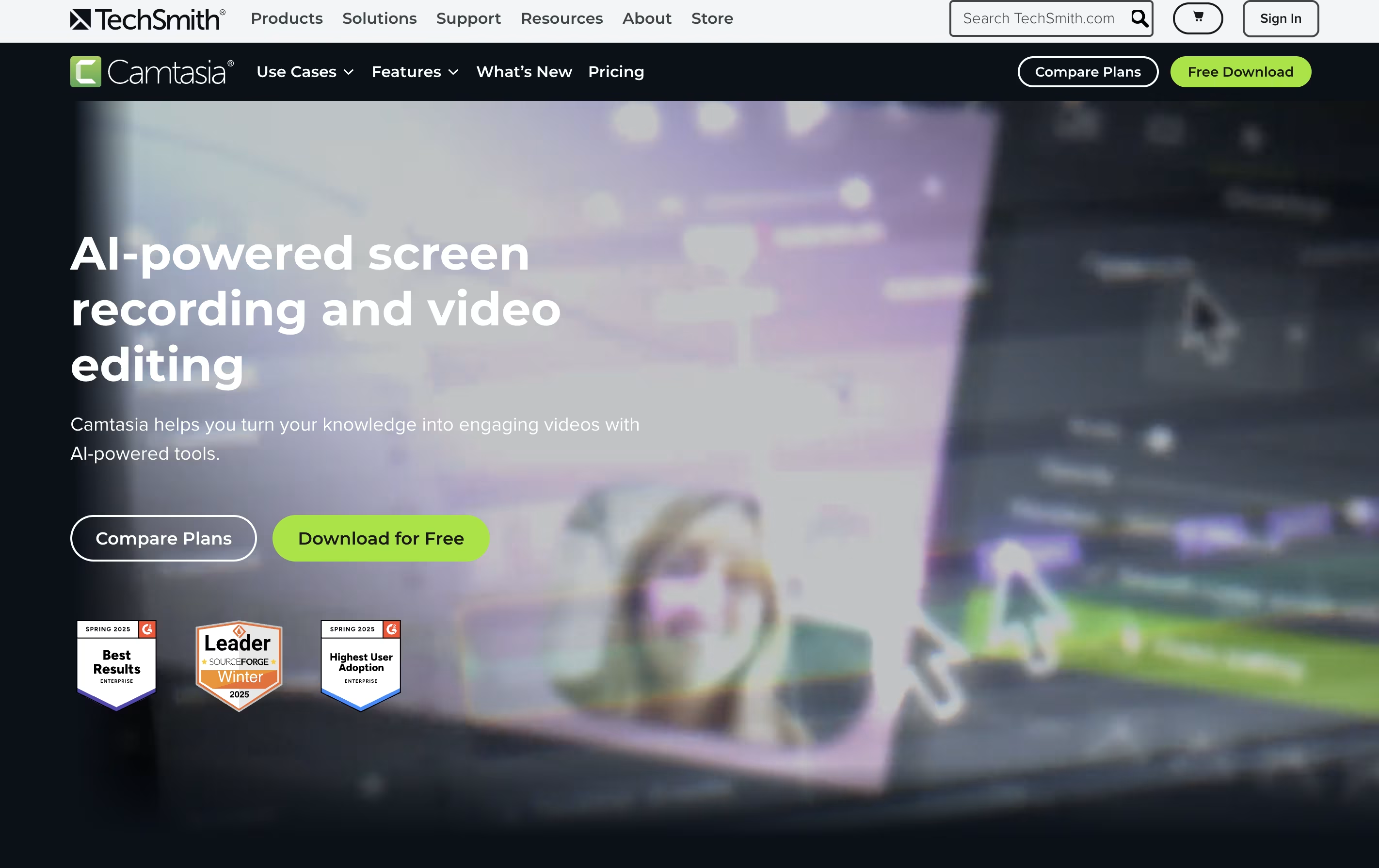
The software comes with AI-powered tools that help create scripts, generate voiceovers, remove background noise, and produce captions automatically. You also get access to millions of royalty-free images, videos, and music tracks. Camtasia works on both Windows and Mac computers, and now includes a free web version for quick recordings. The editing interface uses simple drag-and-drop actions, making it accessible for beginners while still offering advanced features for experienced creators.

Turning a document or slide deck into a finished training video usually means hiring a producer or spending hours in editing software. Colossyan Creator skips that step by generating an avatar narrated video straight from your script, PDF, or PowerPoint file.
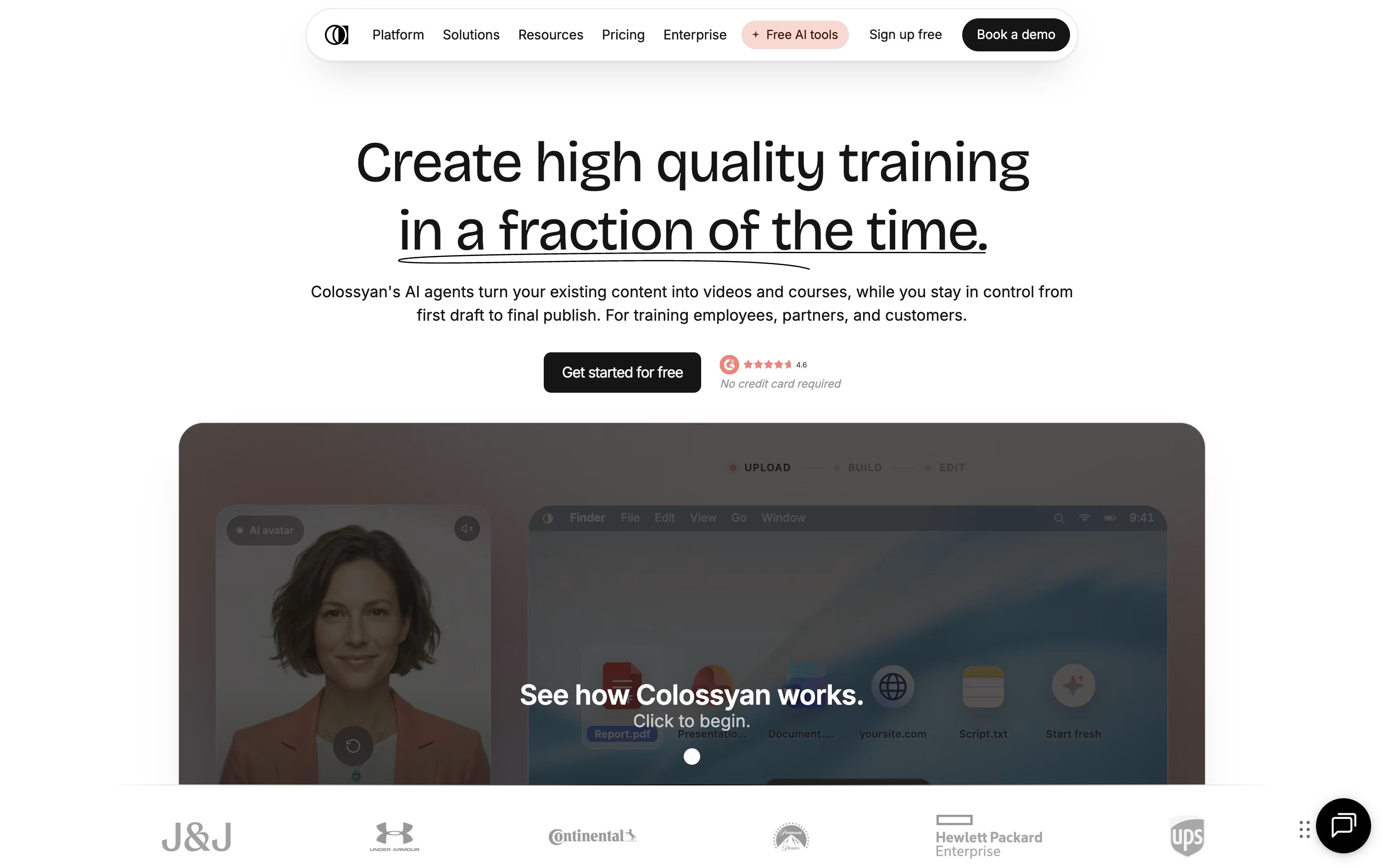
Once your content is in, you choose from hundreds of stock avatars and voices, or build a custom avatar from a short recording of yourself. The editor lays out scenes automatically, and you can drop in quizzes, branching scenarios, or clickable buttons so viewers actively engage instead of just watching.
A single video can also be auto translated into over 100 languages, with the lip sync and on screen text adjusted for each one, which saves a lot of manual localization work for global teams.
Pricing starts with a free Starter plan that includes 20 minutes of video a month and 15 custom avatars. Professional runs $89 a month, or $59 a month on the annual plan, a saving of about 34 percent, and unlocks more minutes, SCORM export, and watermark removal.
Enterprise teams get custom pricing with unlimited usage, 4K video, analytics, and dedicated account support.

Flashback is a desktop application that records everything happening on your Windows screen and turns it into a video file. You can capture full screen, a specific window, or a custom area. The tool also records system sounds and microphone audio at the same time.
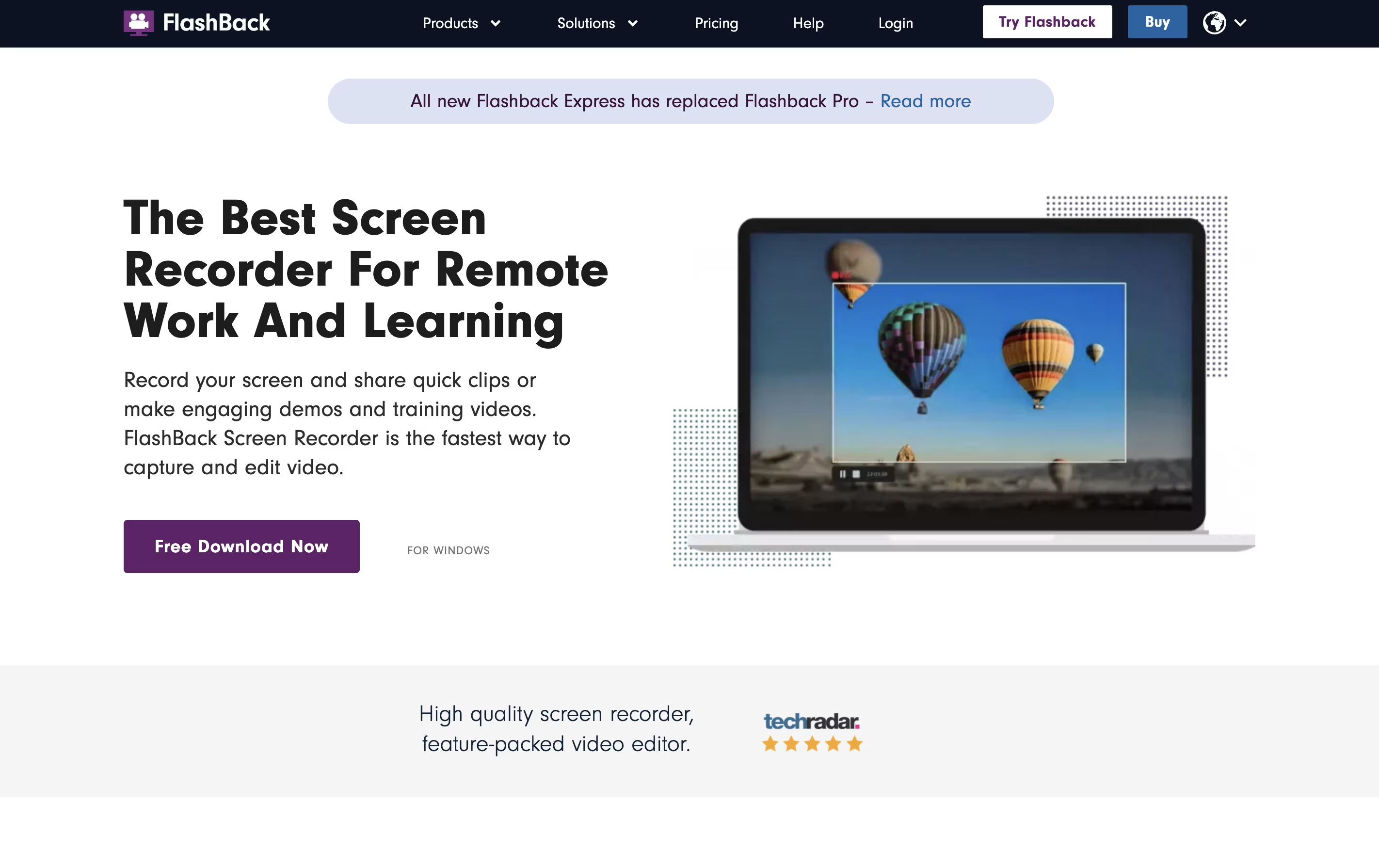
What makes Flashback different is its complete editing suite. After recording, you can trim clips, add text and arrows, blur sensitive information, and apply transitions. The newest version includes AI features that create captions automatically and can change your voice to sound clearer.
There are two main versions: Flashback Express is free with all basic features, while paid plans add more storage credits and advanced tools. The software saves videos in common formats like MP4, AVI, and WMV.

Tella is a screen recorder with built-in video editing features. It lets you record your screen, webcam, or both at the same time. The main difference from other screen recorders is that Tella uses a clip-based system - you can record your video in small parts and then arrange them together.
The tool includes AI features that automatically edit your videos. It can remove quiet moments, cut out filler words like "um" and "ah," and add professional transitions between clips. You can also change layouts, add zoom effects, and customize backgrounds without using separate editing software.
Tella works great for creating product demos, online courses, tutorials, team updates, and social media content. You can export videos in 4K quality or share them instantly with a link.

Loom is a tool that lets you create video messages by recording what's on your screen along with your voice and face. It's different from video calls because people can watch your message whenever it's convenient for them, without needing to schedule a meeting.
When you record with Loom, it saves the video to the cloud right away and creates a link you can share. The person watching can leave comments on specific parts of your video, making feedback easy and clear. Loom works through a Chrome extension, desktop app, or mobile app.
The platform includes smart AI features that automatically remove pauses and filler words from your videos, add titles and summaries, and create written versions of what you said. This makes your videos more professional without extra effort.
Clipchamp is a cloud-based video editing platform owned by Microsoft that enables users to create, edit, and share videos entirely within their web browser. Think of it as a simplified version of professional video editing software that runs online without requiring any downloads or installations.
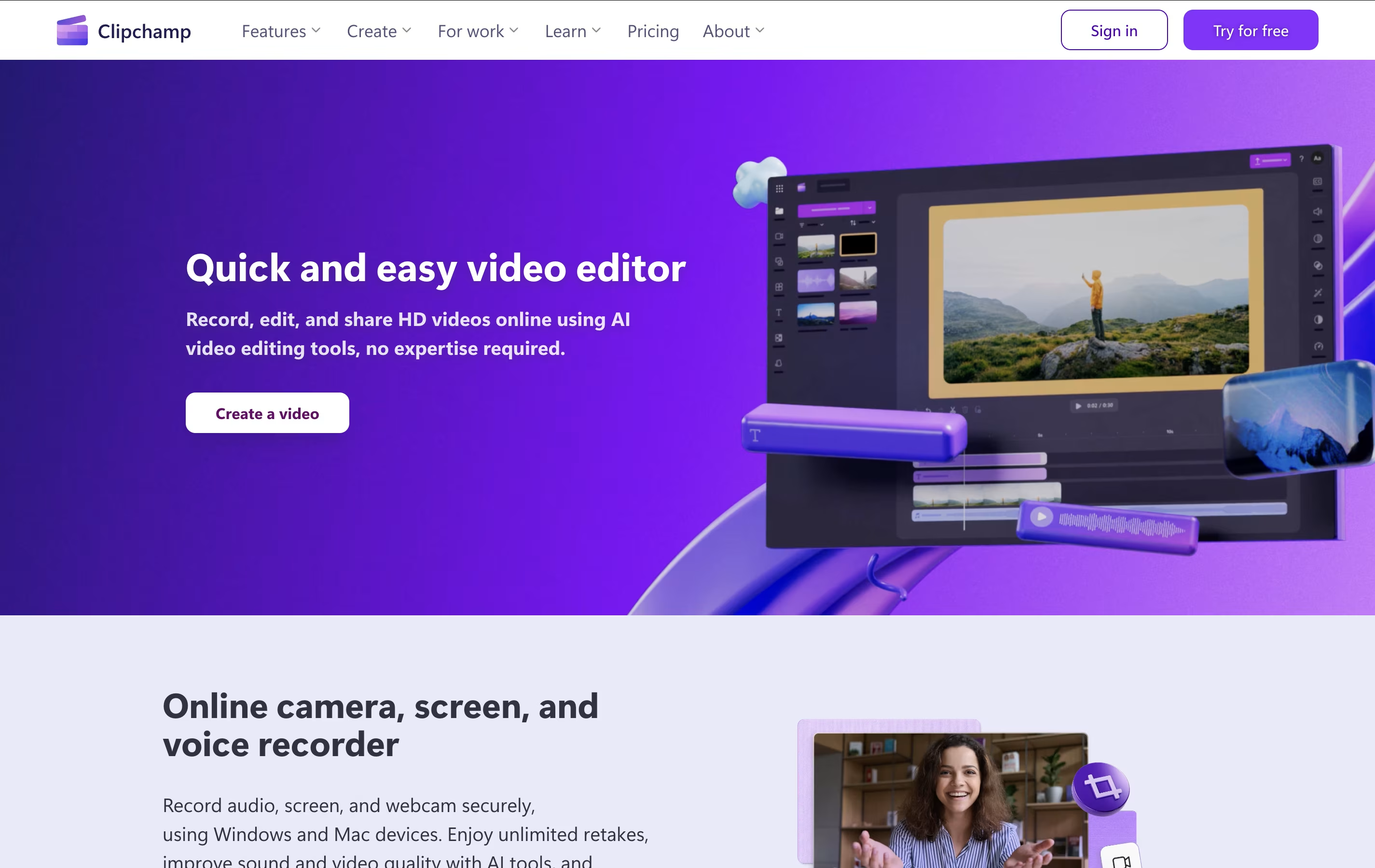
The platform offers both basic and advanced editing tools, including trimming, cropping, adding text, applying filters, and incorporating transitions. What sets Clipchamp apart is its AI-powered features like auto-compose video creation, background removal, and text-to-speech capabilities. Users can access thousands of royalty-free stock videos, images, and music tracks to enhance their projects.
Originally launched in 2014, Clipchamp was acquired by Microsoft in 2021 and is now integrated into Windows 11 and Microsoft 365. The platform serves millions of users worldwide, from content creators and small businesses to educators and enterprise teams looking for an accessible video creation solution.





