



Flashback
Easy Screen Recorder and Video Editor for Windows
Flashback is a Windows screen recorder with video editing tools for creating tutorials, demos, and training videos easily.
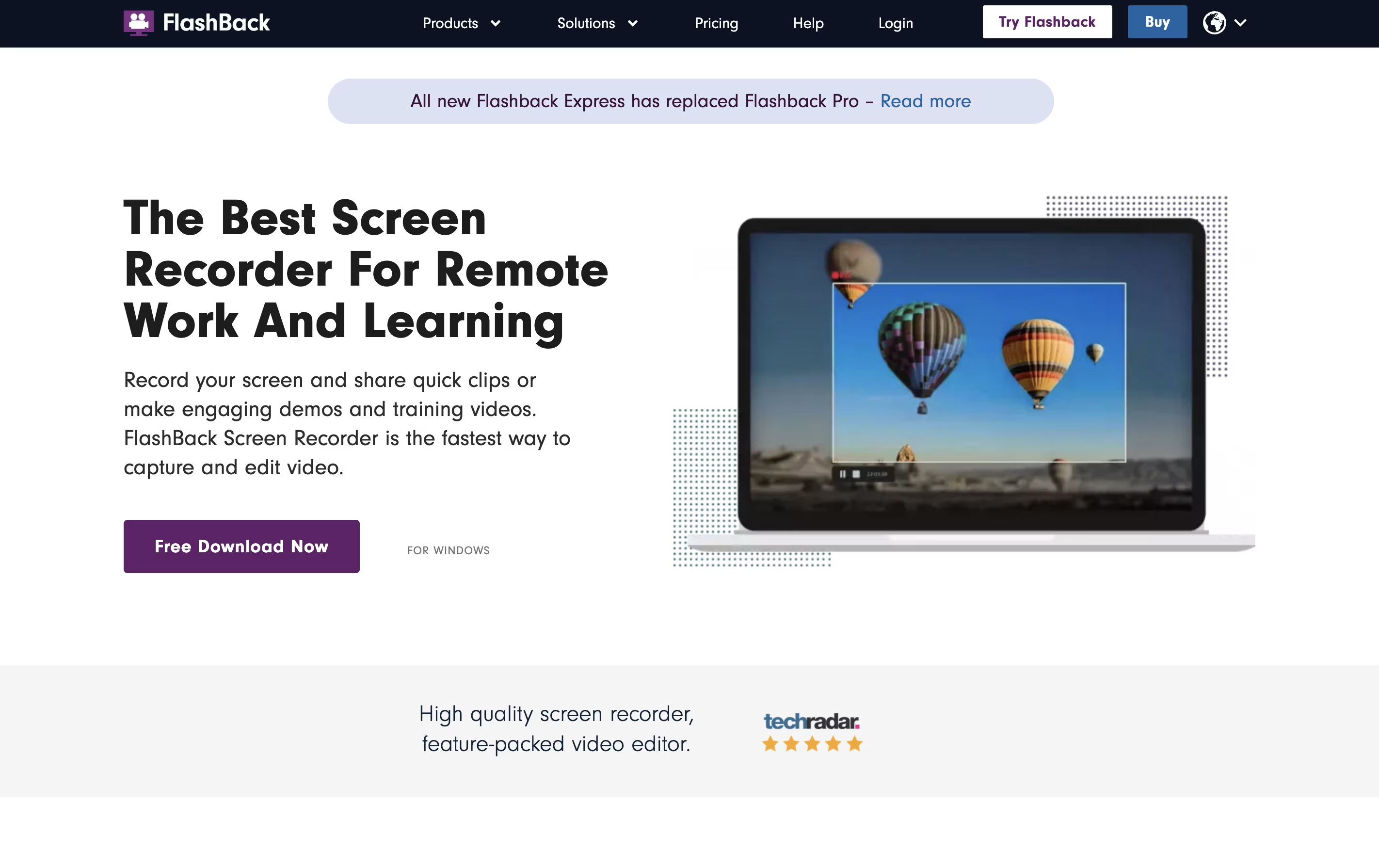





What is Flashback
Flashback is a desktop application that records everything happening on your Windows screen and turns it into a video file. You can capture full screen, a specific window, or a custom area. The tool also records system sounds and microphone audio at the same time.
What makes Flashback different is its complete editing suite. After recording, you can trim clips, add text and arrows, blur sensitive information, and apply transitions. The newest version includes AI features that create captions automatically and can change your voice to sound clearer.
There are two main versions: Flashback Express is free with all basic features, while paid plans add more storage credits and advanced tools. The software saves videos in common formats like MP4, AVI, and WMV.
Features of Flashback
Full screen and custom area recording with multi-monitor support
Webcam and audio recording with system sound capture
AI-powered auto-captions and voice changer
Video editing with trim, cut, crop, and timeline controls
Annotation tools for drawing and highlighting during recording
Blur and transition effects for professional results
Stock library with music and images
Export to MP4, AVI, WMV, GIF formats
Direct YouTube upload
Scheduling and automated recording
Flashback Pricing
Express (Free)
- Unlimited recording time
- No watermarks
- Basic screen recording (full screen, window, custom area)
- Webcam and audio recording
- Basic video editing tools
- Export to MP4, AVI, WMV
- Direct YouTube upload
- Multi-monitor support
1-Year Plan
- All free features included
- 600 feature credits for AI tools
- AI-powered auto-captions
- AI voice changer (multi-lingual)
- Advanced editing features
- Priority support
- Free fixes and minor updates
- 50% discount on major updates
Lifetime Plan
- Lifetime access to Version 7
- 600 feature credits for AI tools
- AI-powered auto-captions
- AI voice changer (multi-lingual)
- Advanced editing features
- Priority support
- Free fixes and minor updates
- 50% discount on major updates
Flashback Use Cases
FAQ's About Flashback










See what users are saying about Flashback
0 Reviews
No reviews yet
Be the first to review Flashback