

Best 8 Professional Screen Recorders Tools in 2026
Last Updated: November 18, 2025
Producing high quality screen recordings for tutorials or demos benefits from more control than a basic capture tool offers. Professional Screen Recorders give creators advanced controls over resolution, audio, and multi source recording.
These tools are favored by content creators, trainers, and video professionals who need reliable, high quality recordings for polished final output. Advanced features like multi track recording give more flexibility during the editing process afterward.
 Screen Studio
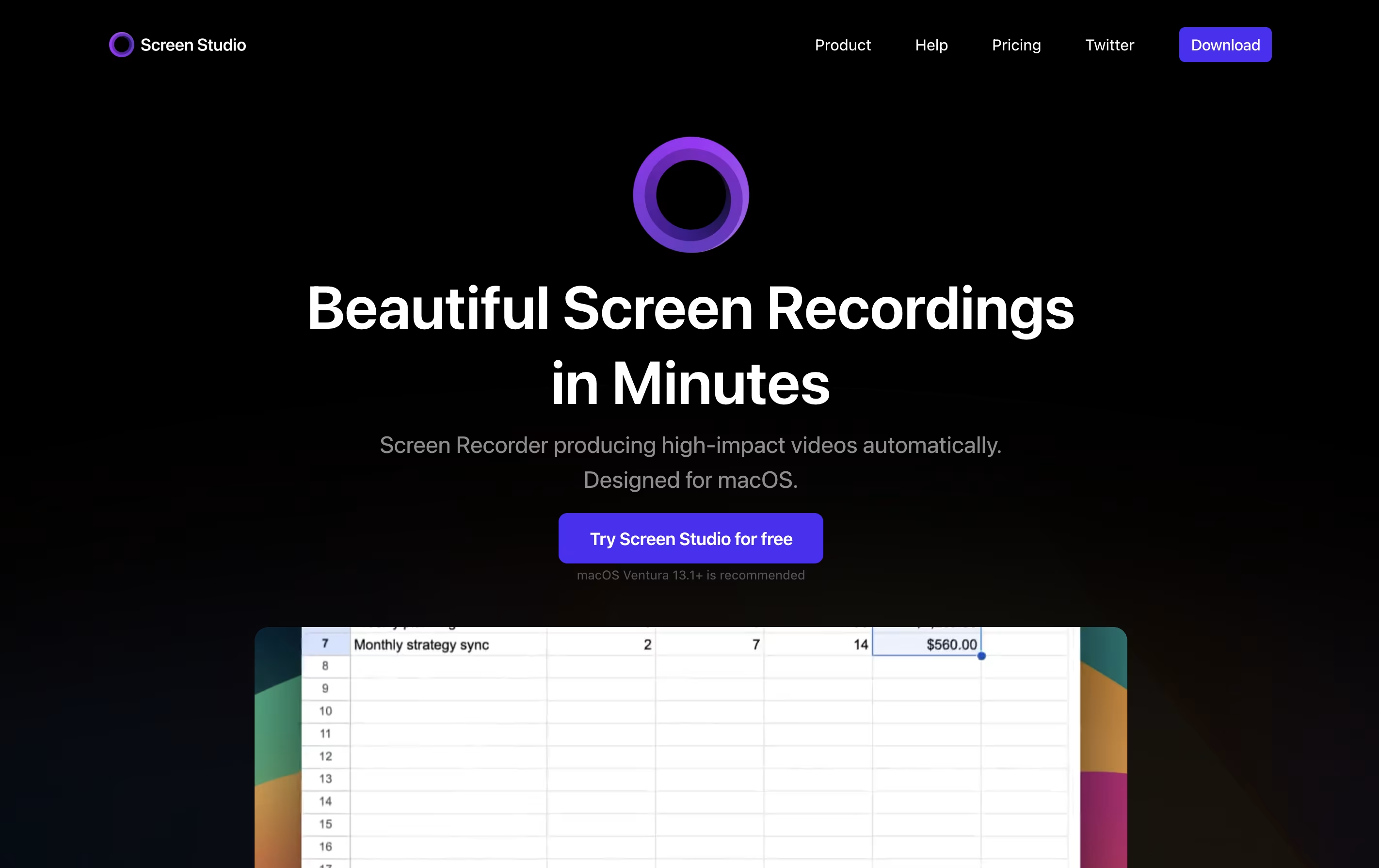 Screen StudioProfessional Mac Screen Recorder,
  Tella
Tella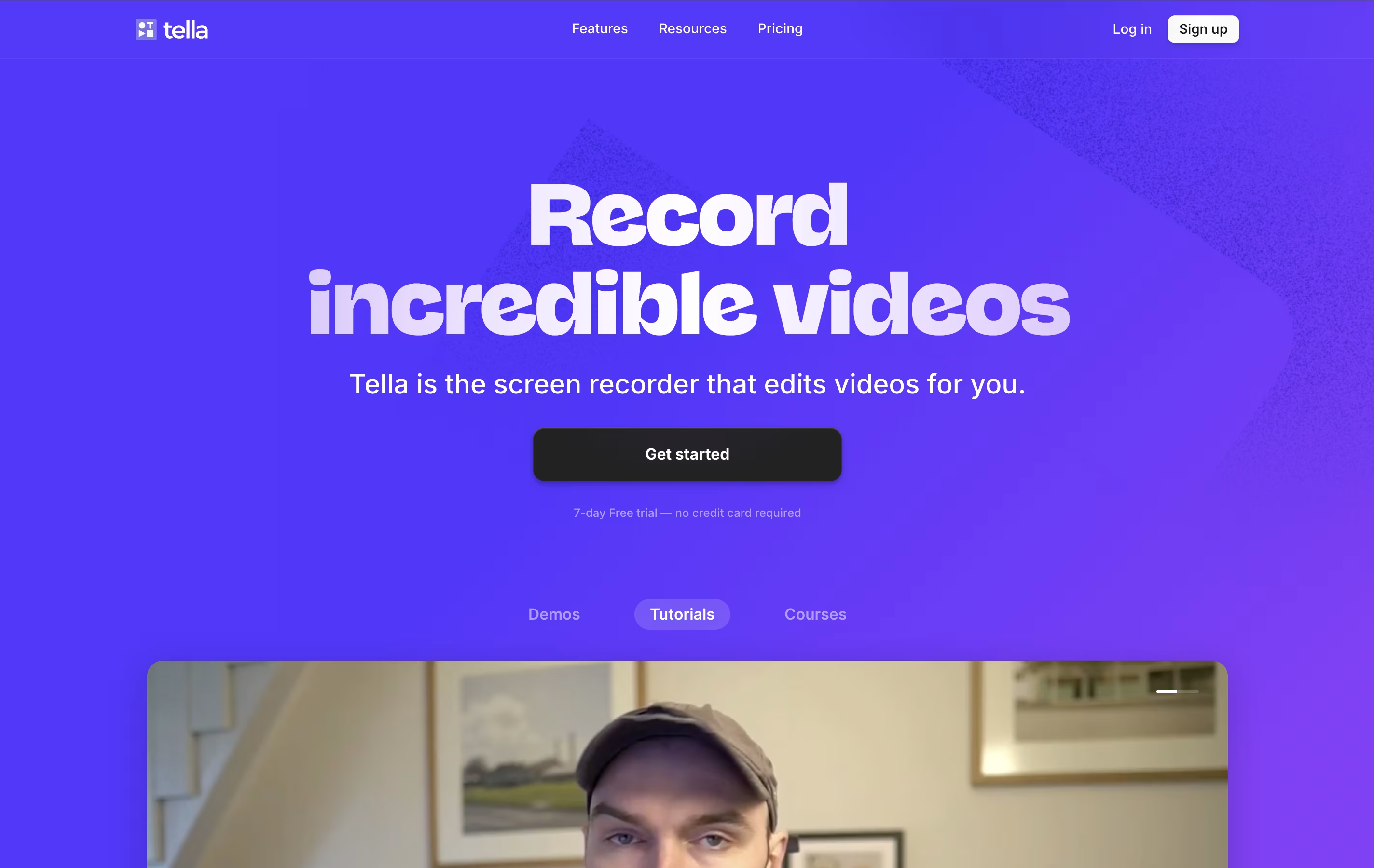 TellaAI Screen Recorder with Smart Video Editing, and
  ScreenPal
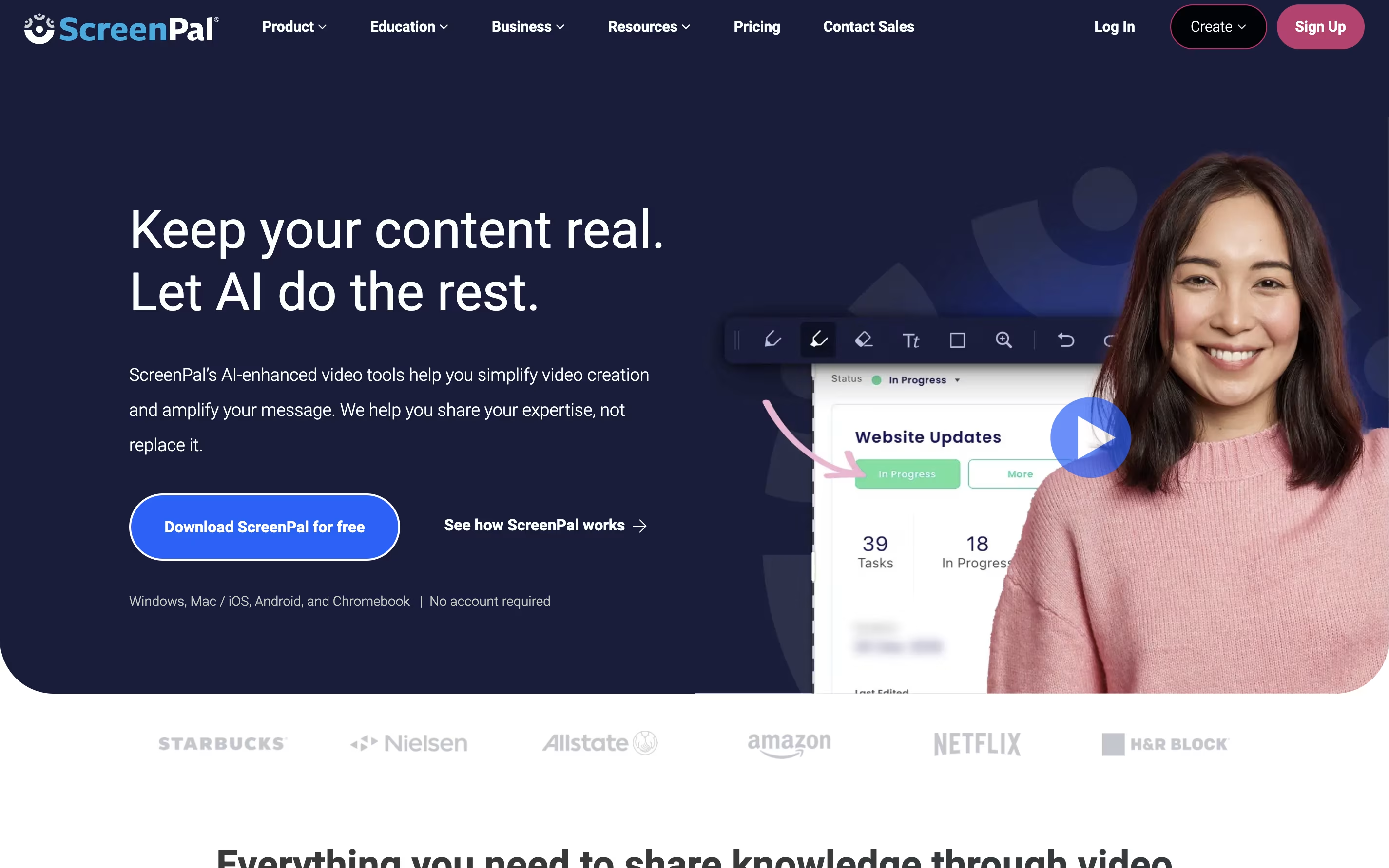 ScreenPalEasy Screen Recorder & Video Editor are the best for Professional Screen Recorders. So, let’s take a closer look at all 8 tools.
Screen Studio is a screen recording application designed for macOS users. It captures everything happening on your screen and automatically enhances the video to look professional. Unlike basic screen recorders, it does not just record; it improves your recording with automatic zoom when you click, smooth cursor movement, and beautiful animations.
The tool works by following your cursor and zooming in on important actions, making it easier for viewers to see what you are doing. You can record your entire screen, a specific window, or just a selected area. It also lets you record your webcam, microphone audio, and system sounds at the same time. After recording, you can make quick edits, add different backgrounds, and export your video in various formats including high-quality 4K videos or smaller GIF files.
Tella is a screen recorder with built-in video editing features. It lets you record your screen, webcam, or both at the same time. The main difference from other screen recorders is that Tella uses a clip-based system - you can record your video in small parts and then arrange them together.
The tool includes AI features that automatically edit your videos. It can remove quiet moments, cut out filler words like "um" and "ah," and add professional transitions between clips. You can also change layouts, add zoom effects, and customize backgrounds without using separate editing software.
Tella works great for creating product demos, online courses, tutorials, team updates, and social media content. You can export videos in 4K quality or share them instantly with a link.
ScreenPal is a complete video creation platform that combines screen recording, video editing, and hosting in one place. You can record your screen, webcam, or both together with audio narration. The tool includes drawing tools to highlight important parts while recording.
After recording, you can edit videos with cuts, trims, text overlays, and transitions. The platform also includes AI features like automatic captions, transcriptions, and text-to-speech narration. You can add quizzes and interactive elements to your videos.
ScreenPal offers cloud hosting where you can store unlimited videos and share them with secure links. The free version includes basic features with a 15-minute recording limit on desktop. Paid plans unlock unlimited recording, advanced AI tools, and premium editing features.

Camtasia is a desktop software that records your computer screen and edits the footage into finished videos. You can capture everything happening on your screen, add your webcam feed, record voice narration, and include system audio all at the same time. Each element records on its own track, giving you complete control when editing.
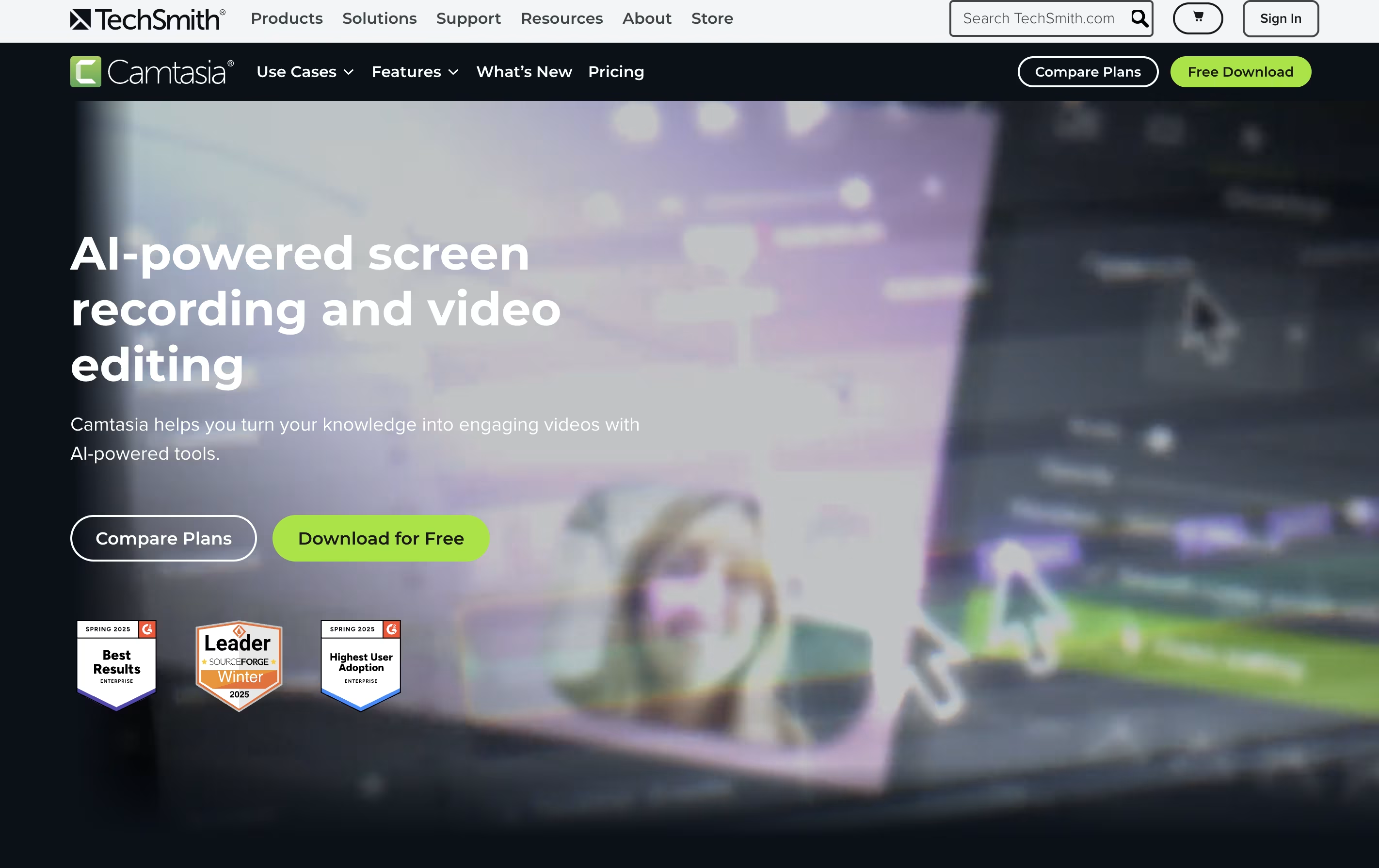
The software comes with AI-powered tools that help create scripts, generate voiceovers, remove background noise, and produce captions automatically. You also get access to millions of royalty-free images, videos, and music tracks. Camtasia works on both Windows and Mac computers, and now includes a free web version for quick recordings. The editing interface uses simple drag-and-drop actions, making it accessible for beginners while still offering advanced features for experienced creators.

Focusee is a screen recording and video editing program that runs on your computer. When you record your screen, it watches where you click and automatically zooms in to show important details. This happens without any extra work from you.
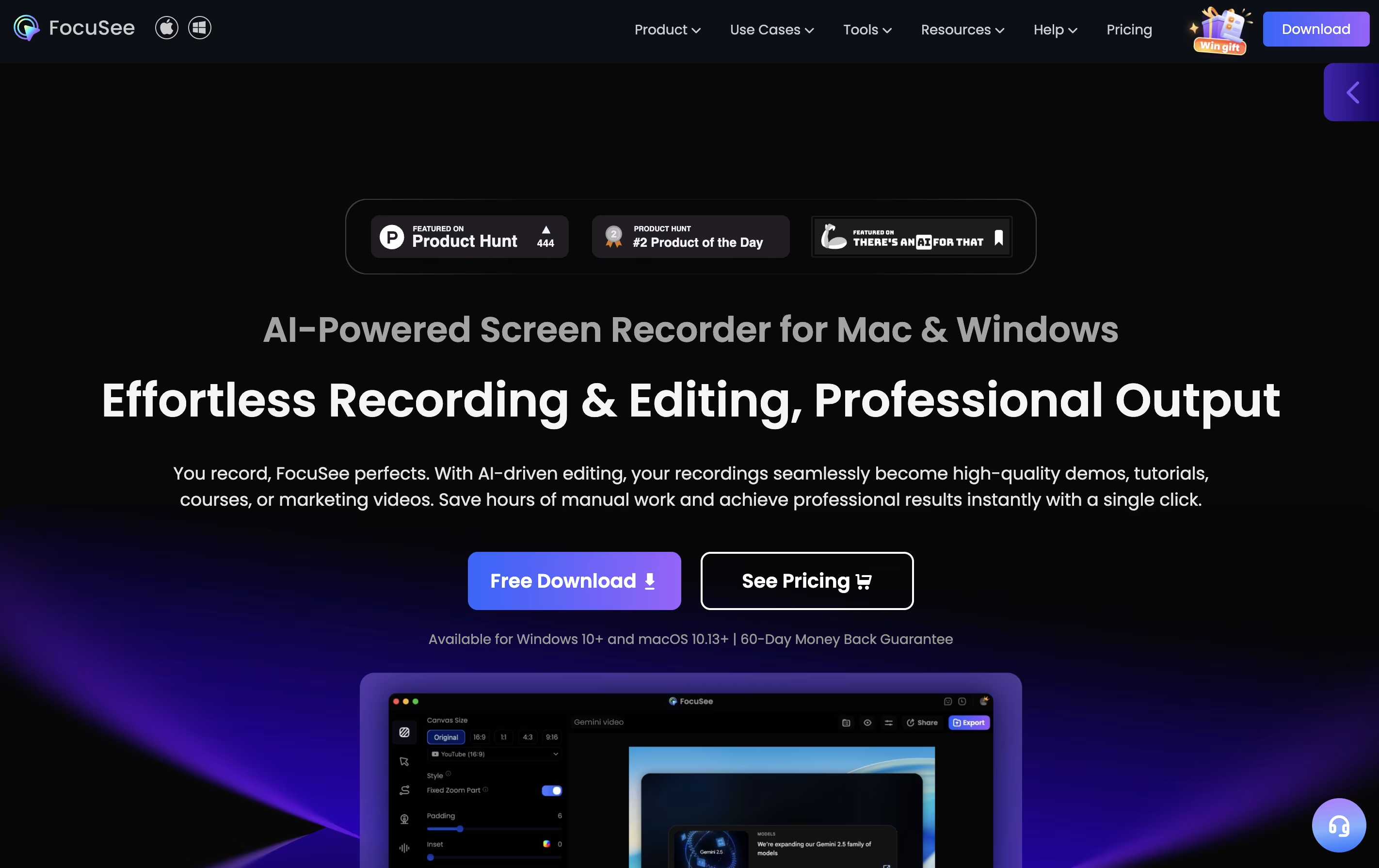
The software records your screen, webcam, and voice all at once. After recording, it gives you a video that looks professionally edited, complete with smooth movements, nice backgrounds, and clear focus on key actions. You can customize colors, add effects, and change the layout to match your style.
Focusee also includes new artificial intelligence features that remove background noise, delete awkward pauses, add captions in over 50 languages, and even create virtual presenters so you don't need to appear on camera yourself.

OBS Studio is a free software that helps you record your screen or stream live video to the internet. You can use it to capture games, presentations, tutorials, or any activity on your computer. The software lets you add your webcam, microphone, images, and other elements to create professional-looking broadcasts.
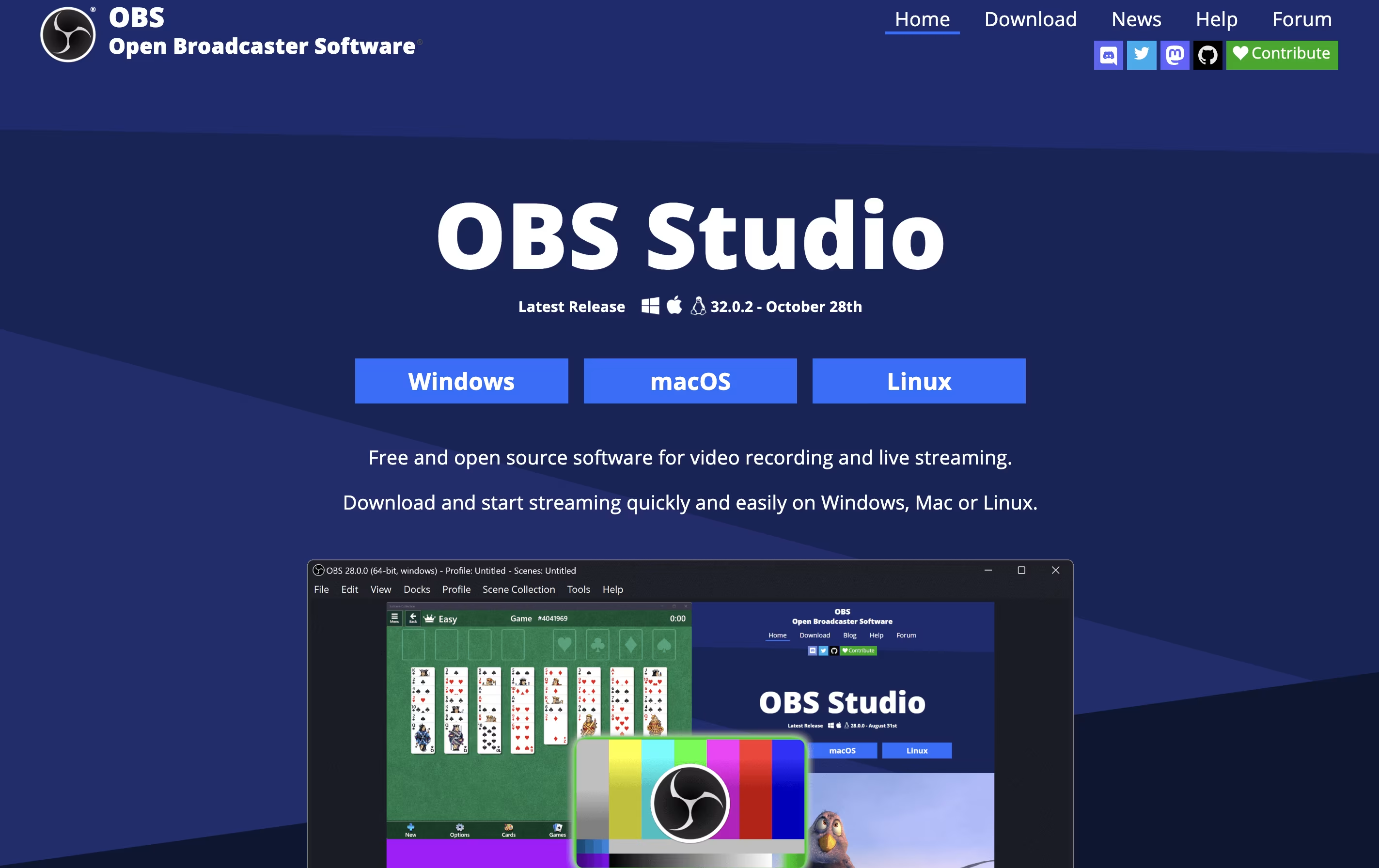
Unlike simple screen recorders, OBS Studio offers advanced features like scene switching, audio mixing, and custom transitions. You can organize different layouts for various parts of your stream and switch between them smoothly. The software also includes tools for adjusting video quality, managing audio levels, and adding filters.
Being open-source means the software is constantly improved by a community of developers. It is trusted by millions of users worldwide for both personal and professional streaming needs.
Flashback is a desktop application that records everything happening on your Windows screen and turns it into a video file. You can capture full screen, a specific window, or a custom area. The tool also records system sounds and microphone audio at the same time.
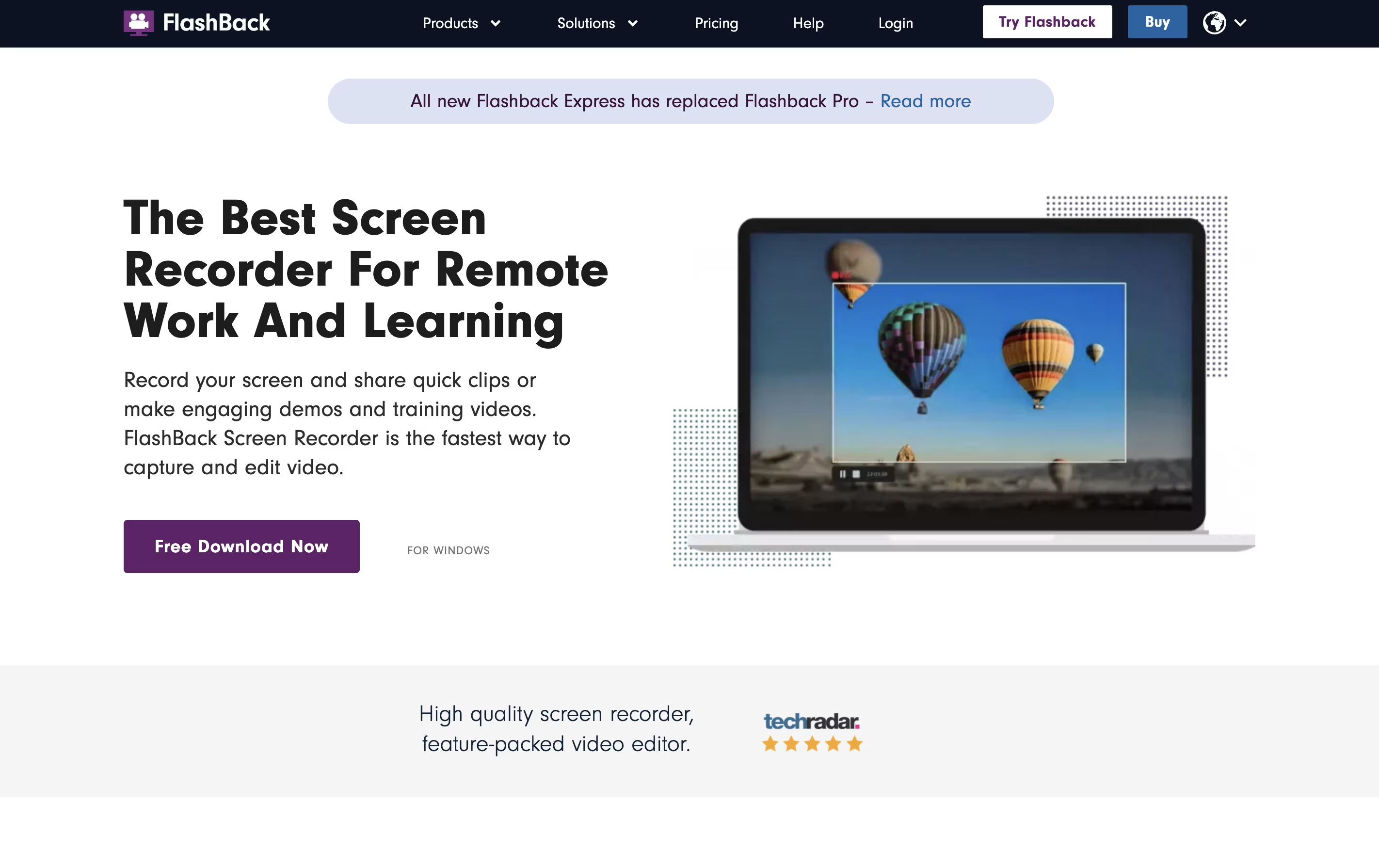
What makes Flashback different is its complete editing suite. After recording, you can trim clips, add text and arrows, blur sensitive information, and apply transitions. The newest version includes AI features that create captions automatically and can change your voice to sound clearer.
There are two main versions: Flashback Express is free with all basic features, while paid plans add more storage credits and advanced tools. The software saves videos in common formats like MP4, AVI, and WMV.

ScreenRun is a video editing platform that converts static images and recordings into dynamic, professional videos. You can upload screenshots, PDFs, or screen recordings, and the tool automatically creates smooth animations with zoom effects and cursor movements.
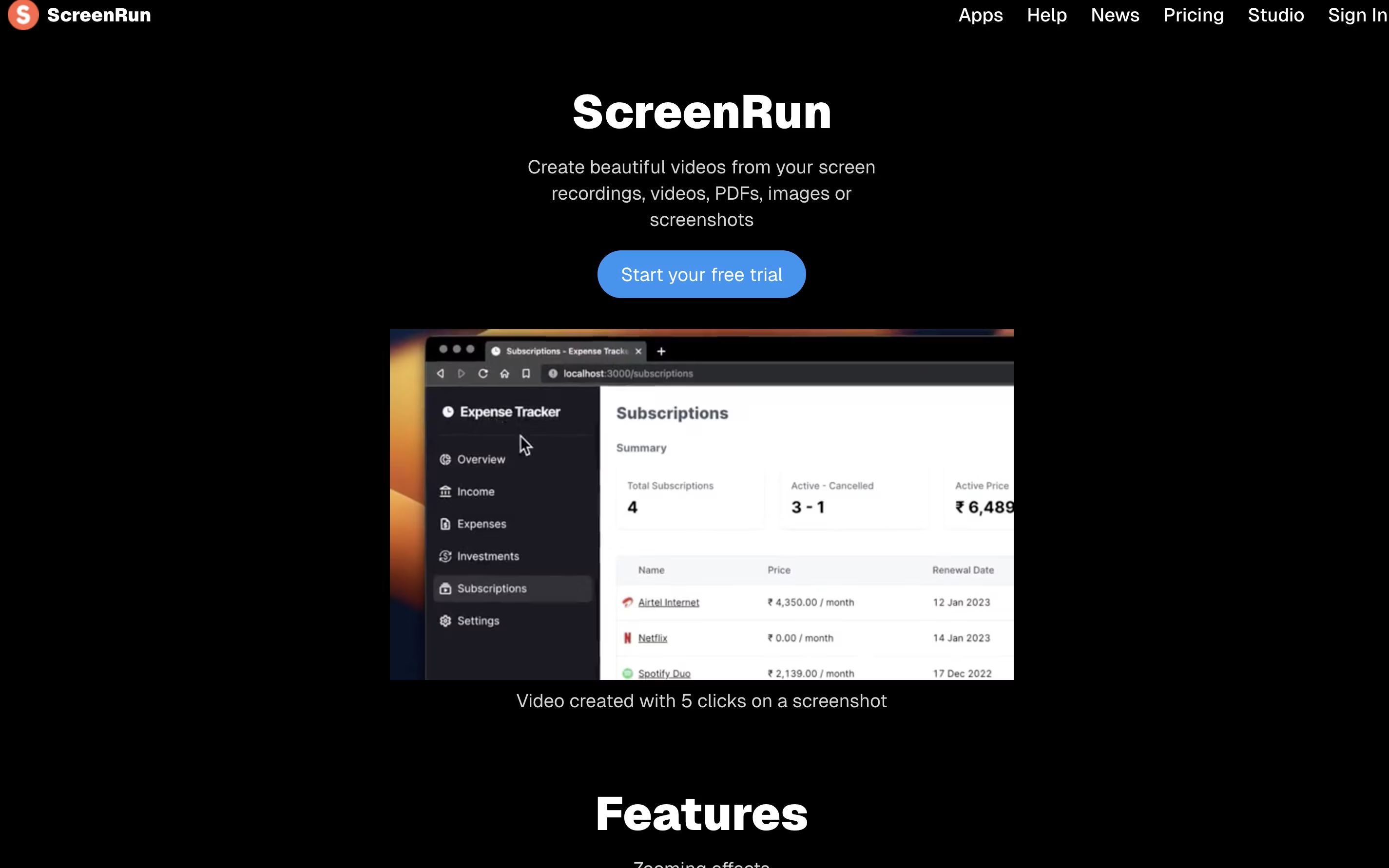
The platform runs completely in your browser without needing to install software or send files to a server. This means your content stays private and secure on your device. You can add features like AI-generated captions, voice narration, background music, and webcam overlays to enhance your videos.
ScreenRun offers both free and paid plans. The free trial lets you test all features for 15 days, while the Pro plan provides lifetime access with no recurring payments or subscription fees.
Related to
Professional Screen Recorders