



OBS Studio
Free Streaming & Recording Software
OBS Studio is a free, open-source software for video recording and live streaming with advanced features for content creators worldwide.
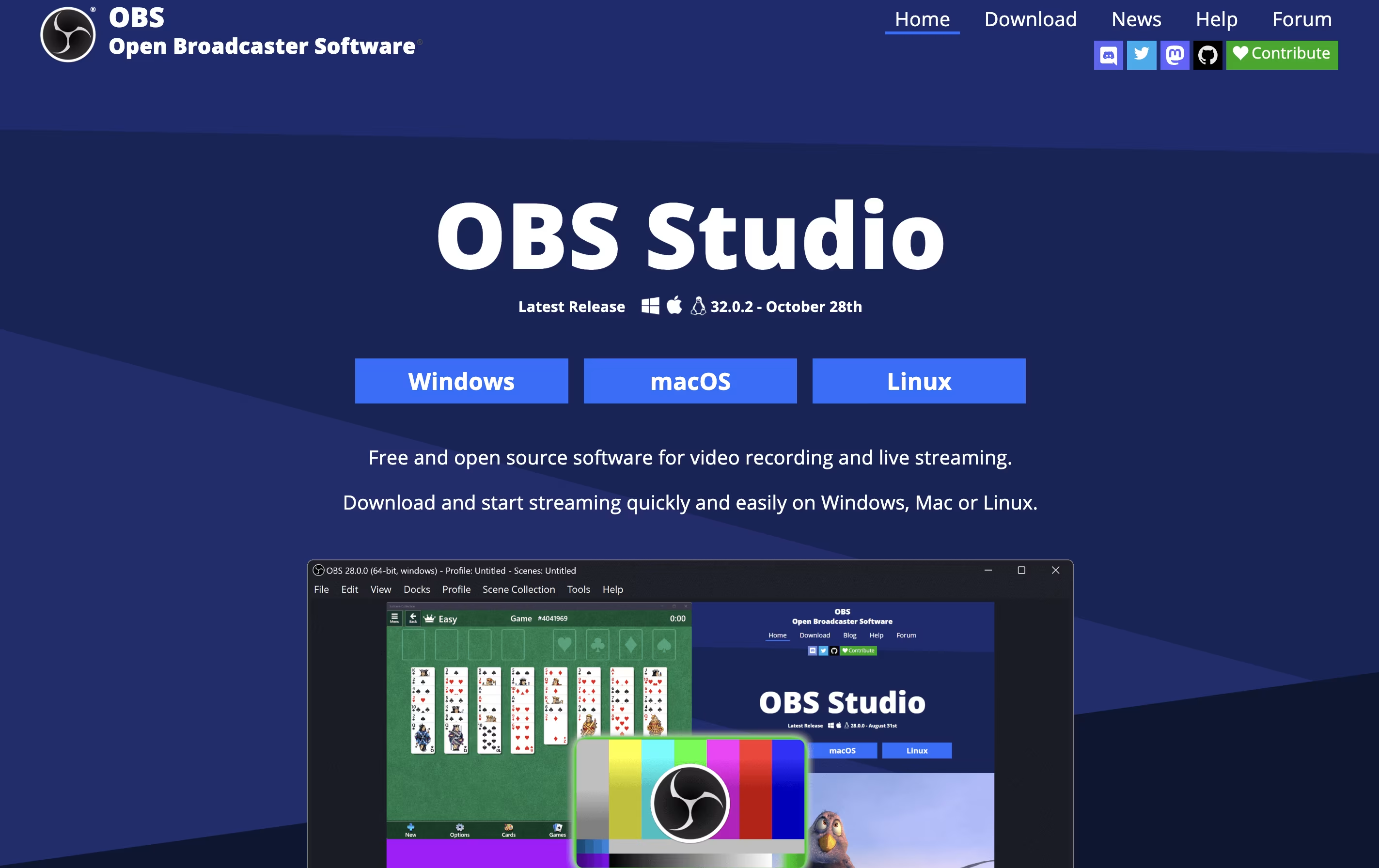


What is OBS Studio
OBS Studio is a free software that helps you record your screen or stream live video to the internet. You can use it to capture games, presentations, tutorials, or any activity on your computer. The software lets you add your webcam, microphone, images, and other elements to create professional-looking broadcasts.
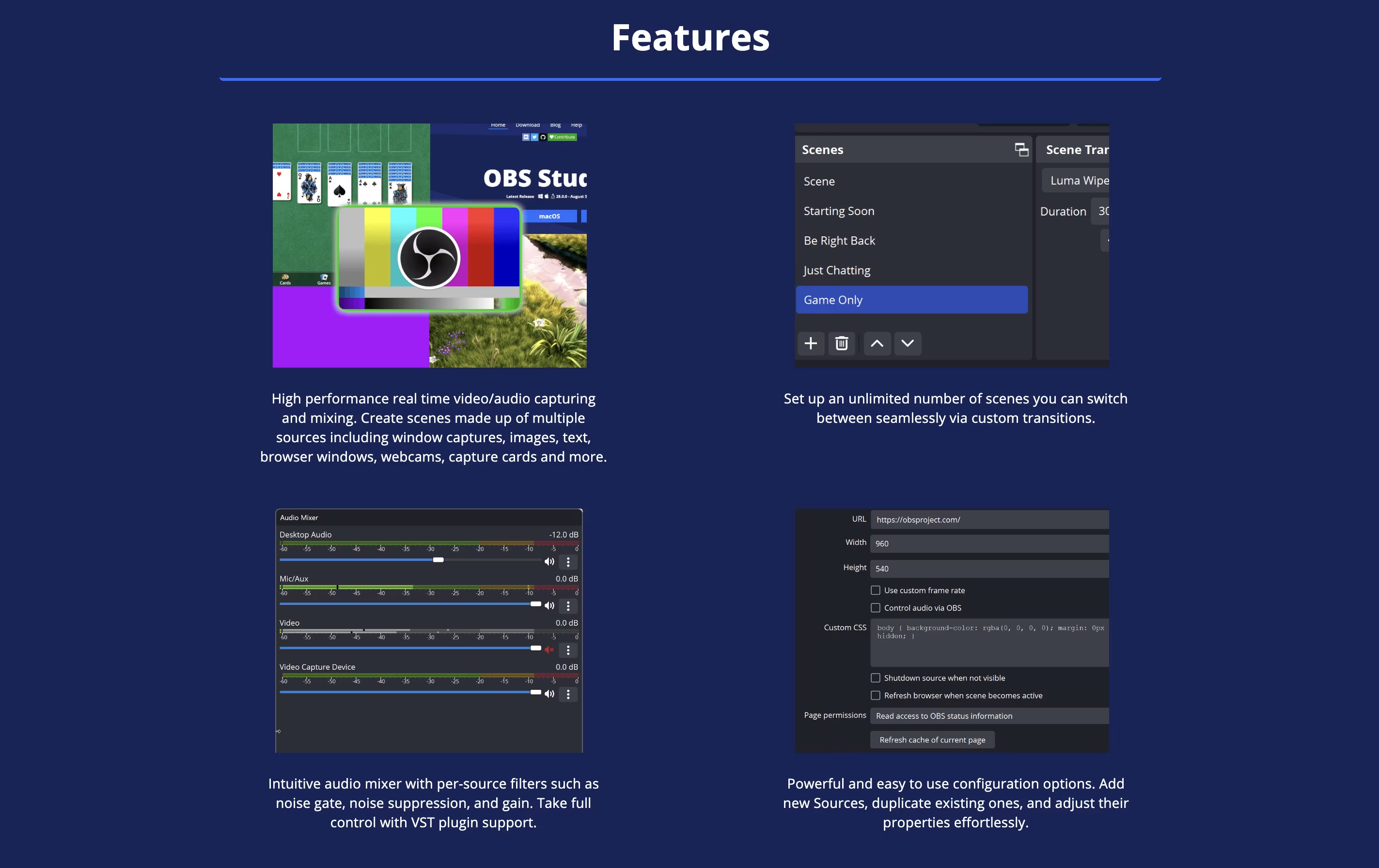
Unlike simple screen recorders, OBS Studio offers advanced features like scene switching, audio mixing, and custom transitions. You can organize different layouts for various parts of your stream and switch between them smoothly. The software also includes tools for adjusting video quality, managing audio levels, and adding filters.
Being open-source means the software is constantly improved by a community of developers. It is trusted by millions of users worldwide for both personal and professional streaming needs.
Features of OBS Studio
Free and open-source software
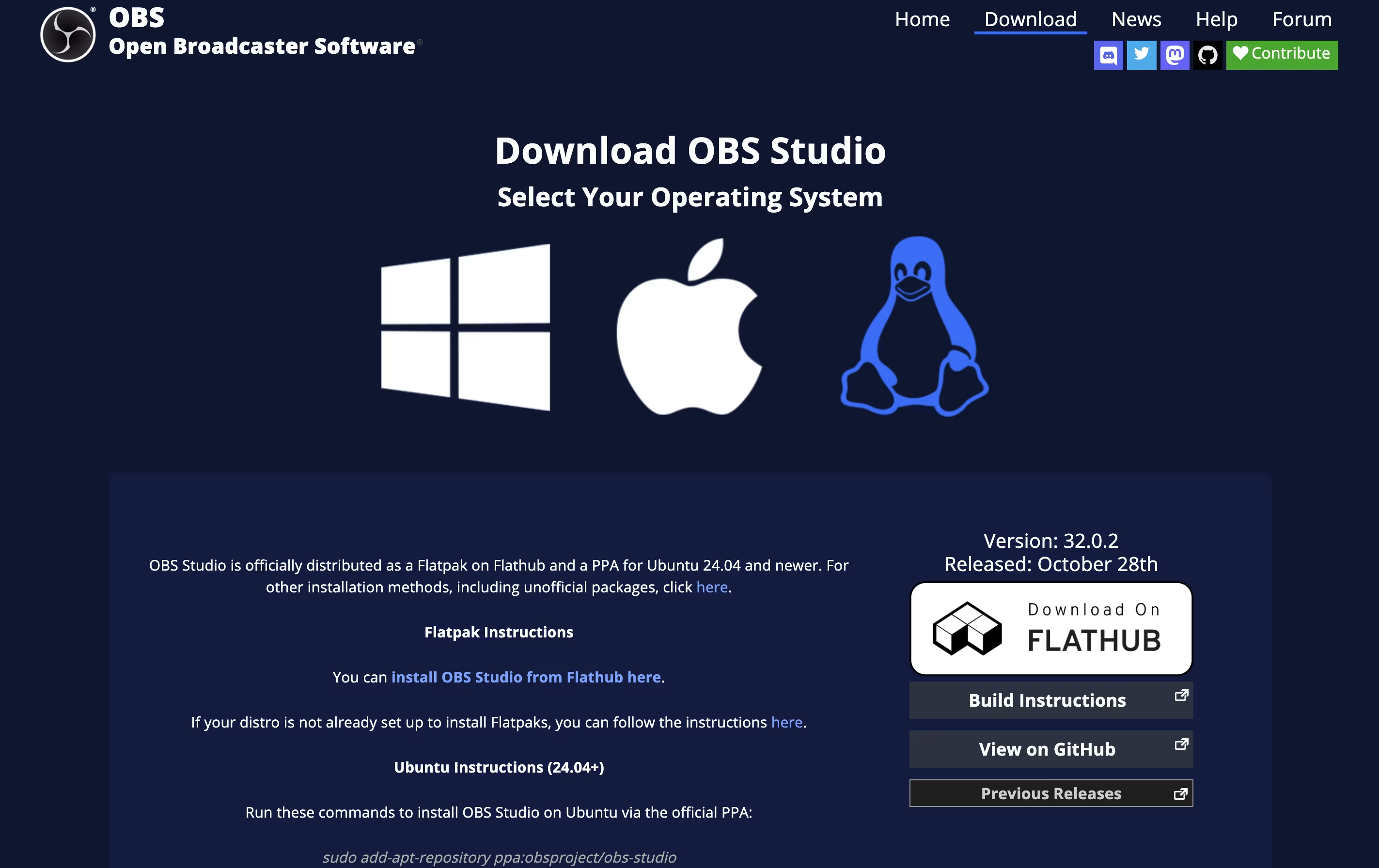
Cross-platform support for Windows, Mac, Linux
Real-time video and audio mixing
Direct streaming to major platforms
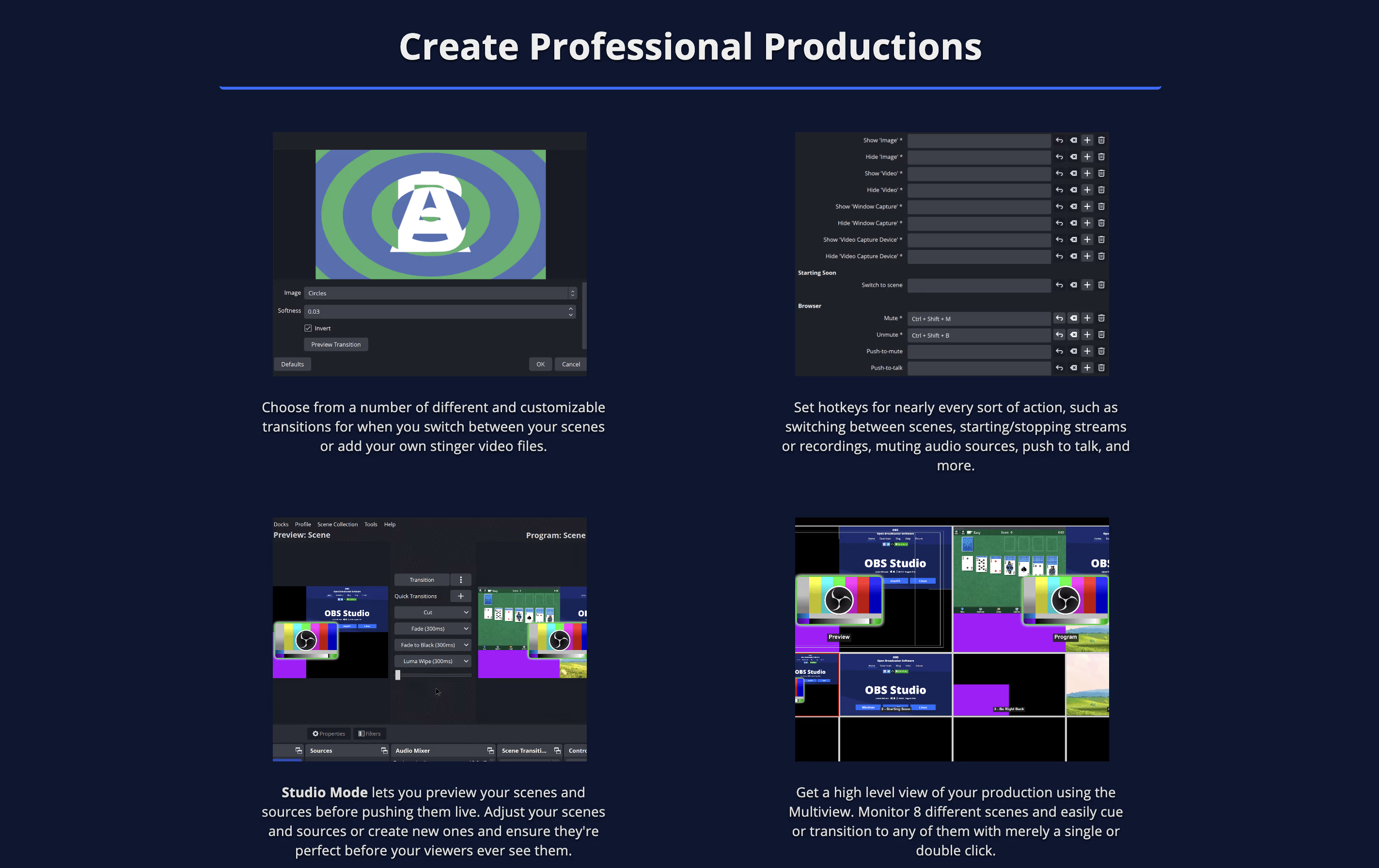
Scene switching and transitions
Advanced audio controls with filters
Plugin manager for extensions
Virtual camera output
Customizable hotkeys
Studio mode for preview
High-quality recording options
NVIDIA and AMD encoder support
Browser source integration
Unlimited scenes and sources
OBS Studio Pricing
Free
- Unlimited recording and streaming
- All professional features included
- Cross-platform support (Windows, Mac, Linux)
- Multi-source video and audio mixing
- Scene transitions and effects
- Audio mixer with filters
- Plugin manager and community plugins
- Studio mode for preview
OBS Studio Use Cases
OBS Studio Repository
View on Github| Stars | 77,489 |
| Forks | 10,638 |
| Repository Age | 13 years |
| Last Commit | 8 hours ago |
FAQ's About OBS Studio











See what users are saying about OBS Studio
0 Reviews
No reviews yet
Be the first to review OBS Studio