



Screen Charm
Mac Screen Recorder with Auto-Zoom
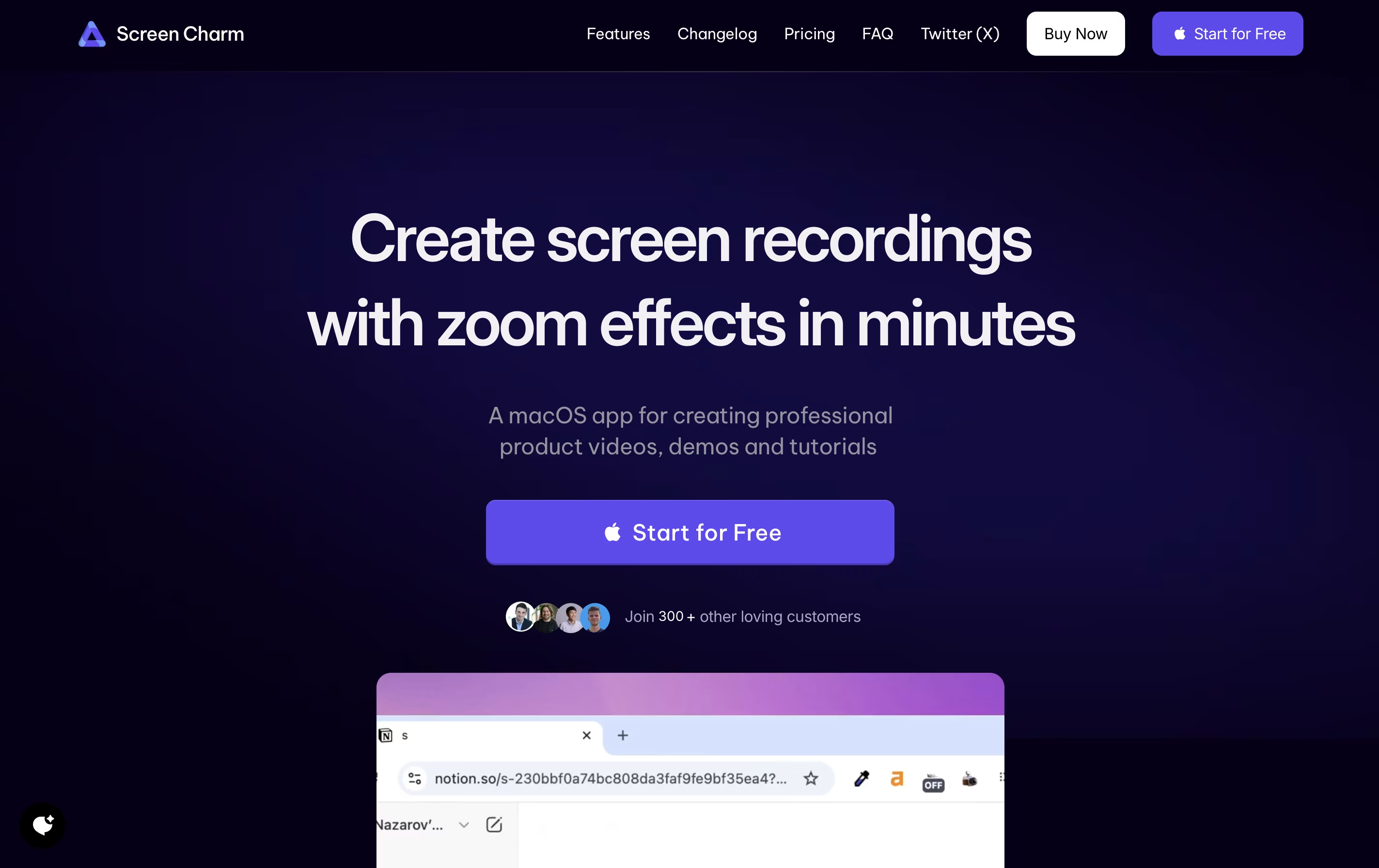
Screen Charm is a Mac screen recording tool with smart zoom effects, perfect for creating professional tutorials, demos, and presentations.

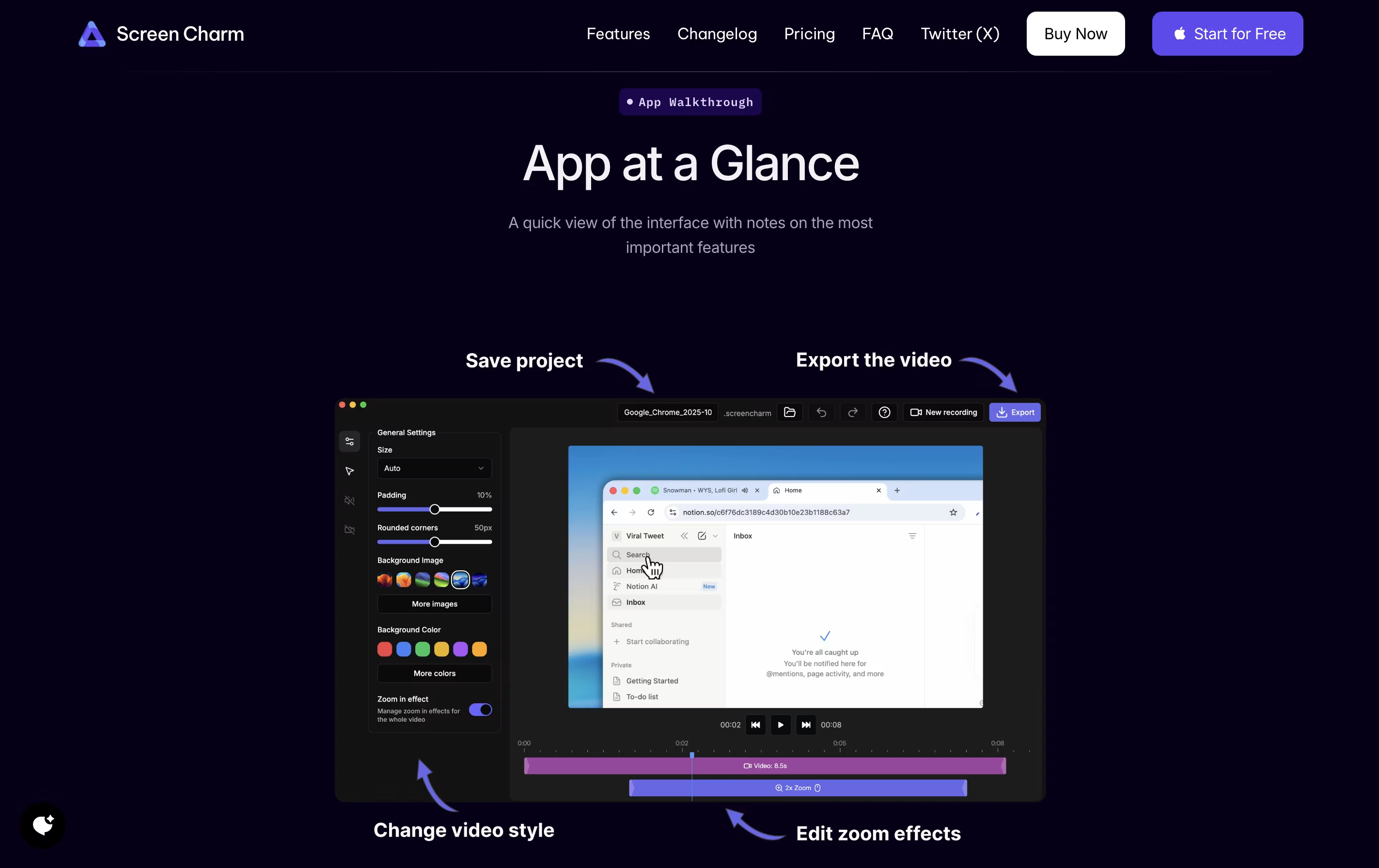


What is Screen Charm
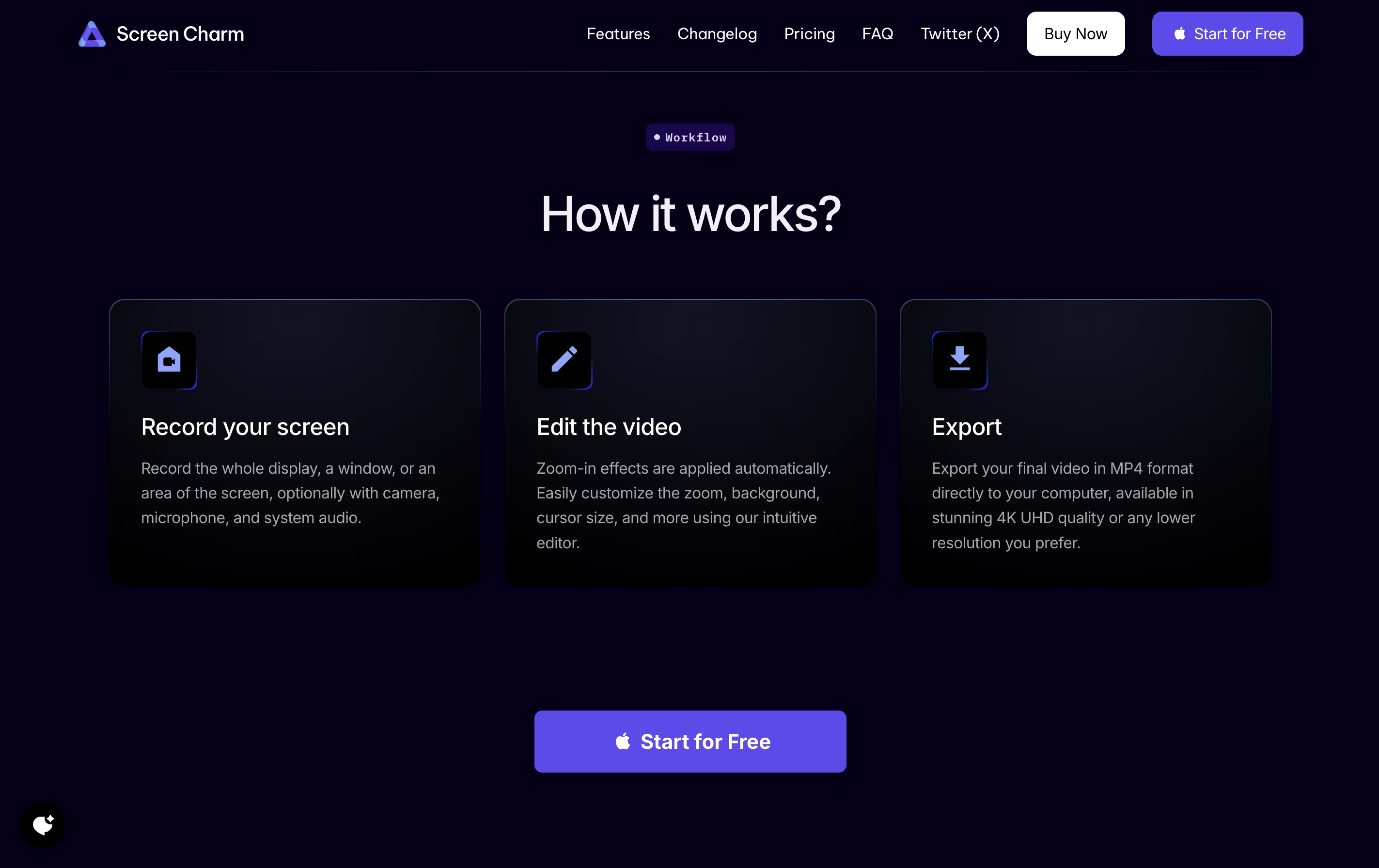
Screen Charm is a desktop application built exclusively for macOS that records your screen with professional polish. It captures your screen activity, microphone audio, and system sounds all at once, eliminating the need for complicated setups.
The standout feature is its smart zoom effect. As you move your cursor or click, the recording automatically zooms in to highlight what you're showing. This keeps viewers focused on the important parts without manual editing later.
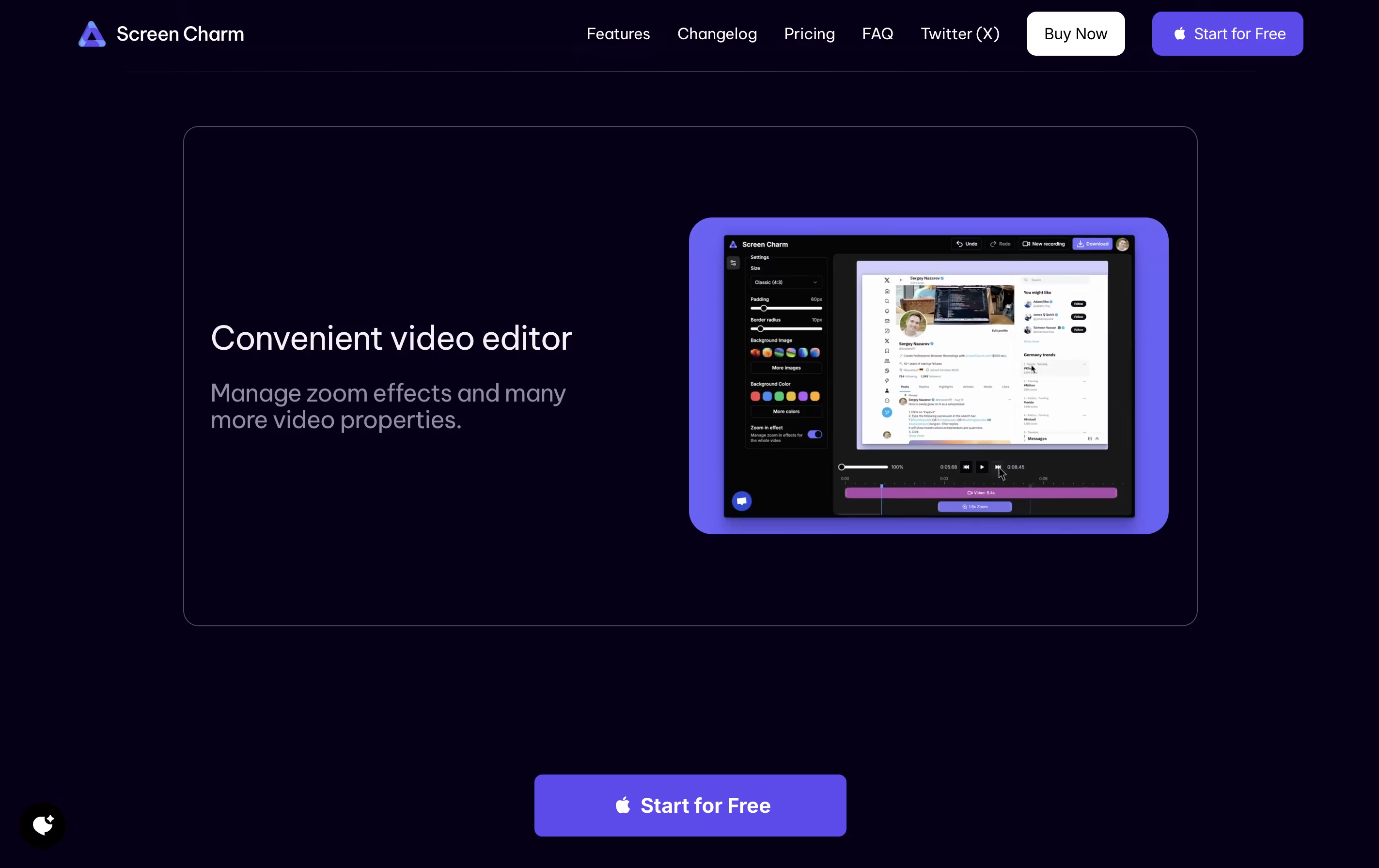
You can also add your webcam feed with custom backgrounds, making your tutorials more personal and engaging. The built-in editor lets you trim clips and add text overlays right after recording. Everything exports in stunning 4K quality or any resolution you choose.
Features of Screen Charm
Smart auto-zoom follows cursor automatically
4K UHD video export quality
Webcam overlay with custom backgrounds
Simultaneous microphone and system audio recording
Built-in video editor with trim and text tools
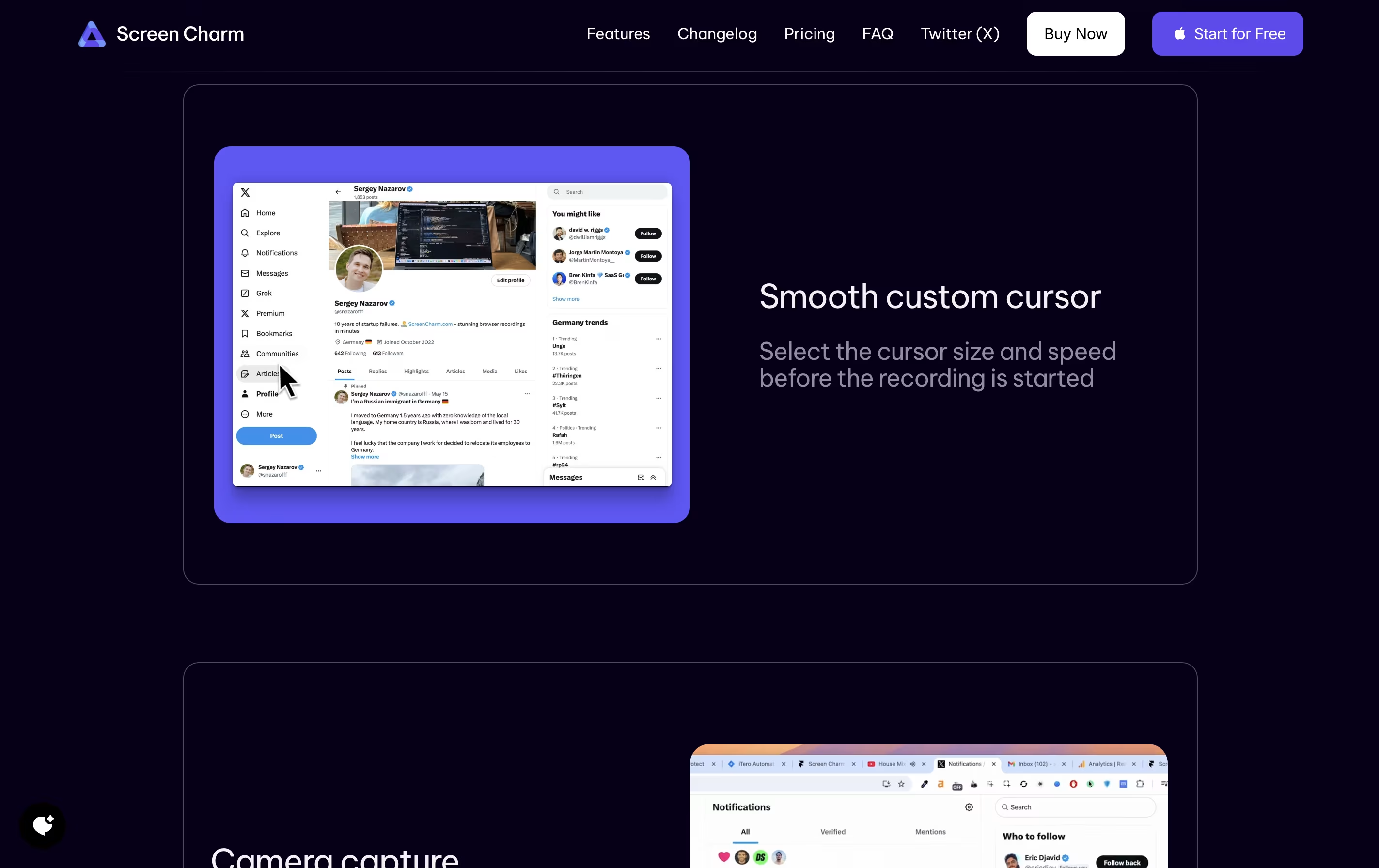
Smooth cursor movement tracking
Click effects for emphasis
Native macOS application for optimal performance
One-time payment with lifetime updates
Unlimited video exports
Screen Charm Pricing
Free Trial
- Full access to all recording features
- Test smart auto-zoom functionality
- Try webcam overlay with backgrounds
- Record with microphone and system audio
- Preview built-in editor
- No export capability (requires purchase)
Lifetime Deal
- Unlimited video exports
- Lifetime updates and new features
- 4K UHD quality exports
- Full microphone support
- Camera/webcam support
- Custom background options
- All Screen Charm features
- 30-day money-back guarantee
Screen Charm Use Cases
FAQ's About Screen Charm










See what users are saying about Screen Charm
0 Reviews
No reviews yet
Be the first to review Screen Charm