



Clipchamp
Microsoft's Free Online Video Editor with AI Features
Clipchamp is Microsoft's free online video editor that lets you create professional videos with AI features and templates.


What is Clipchamp
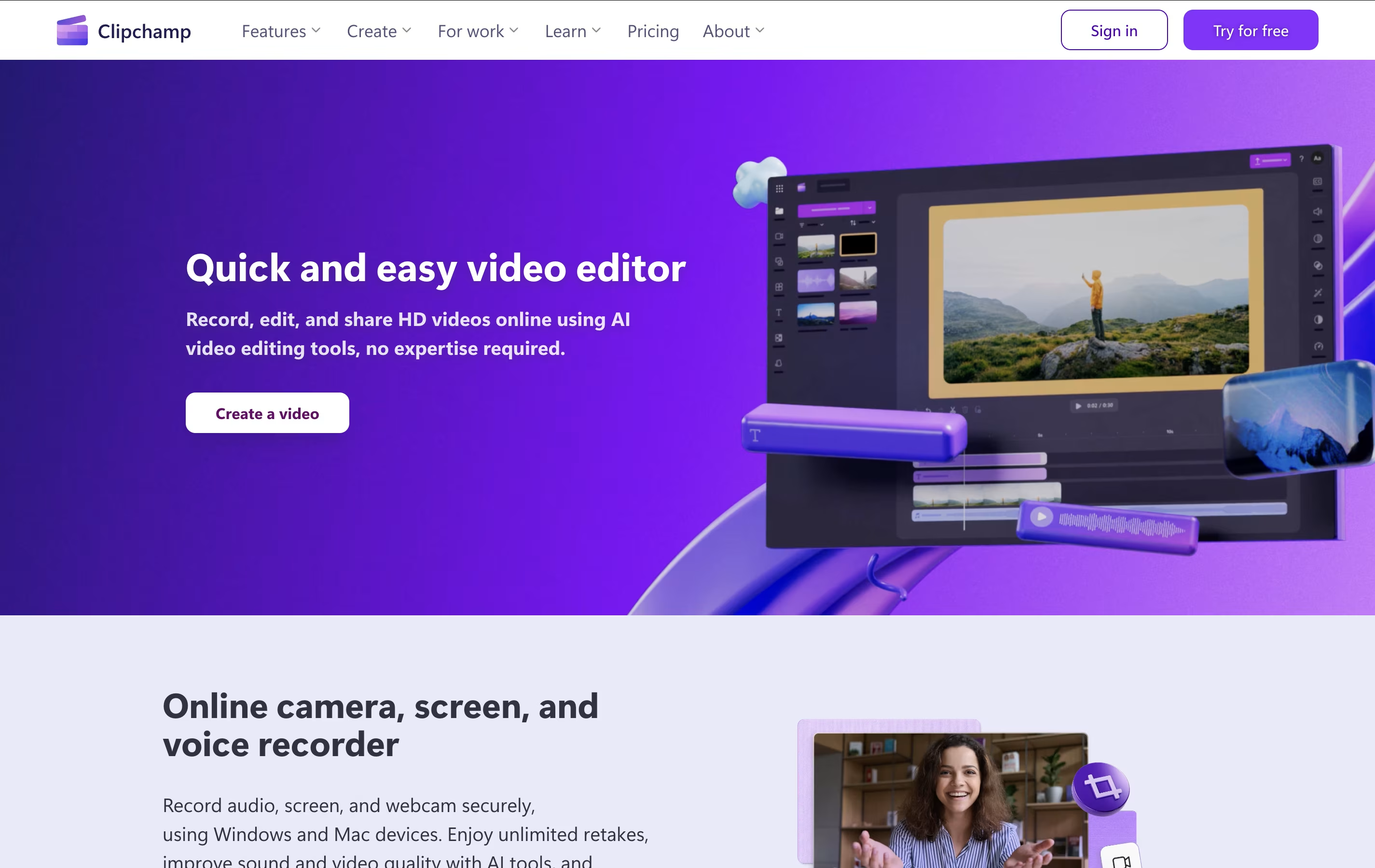
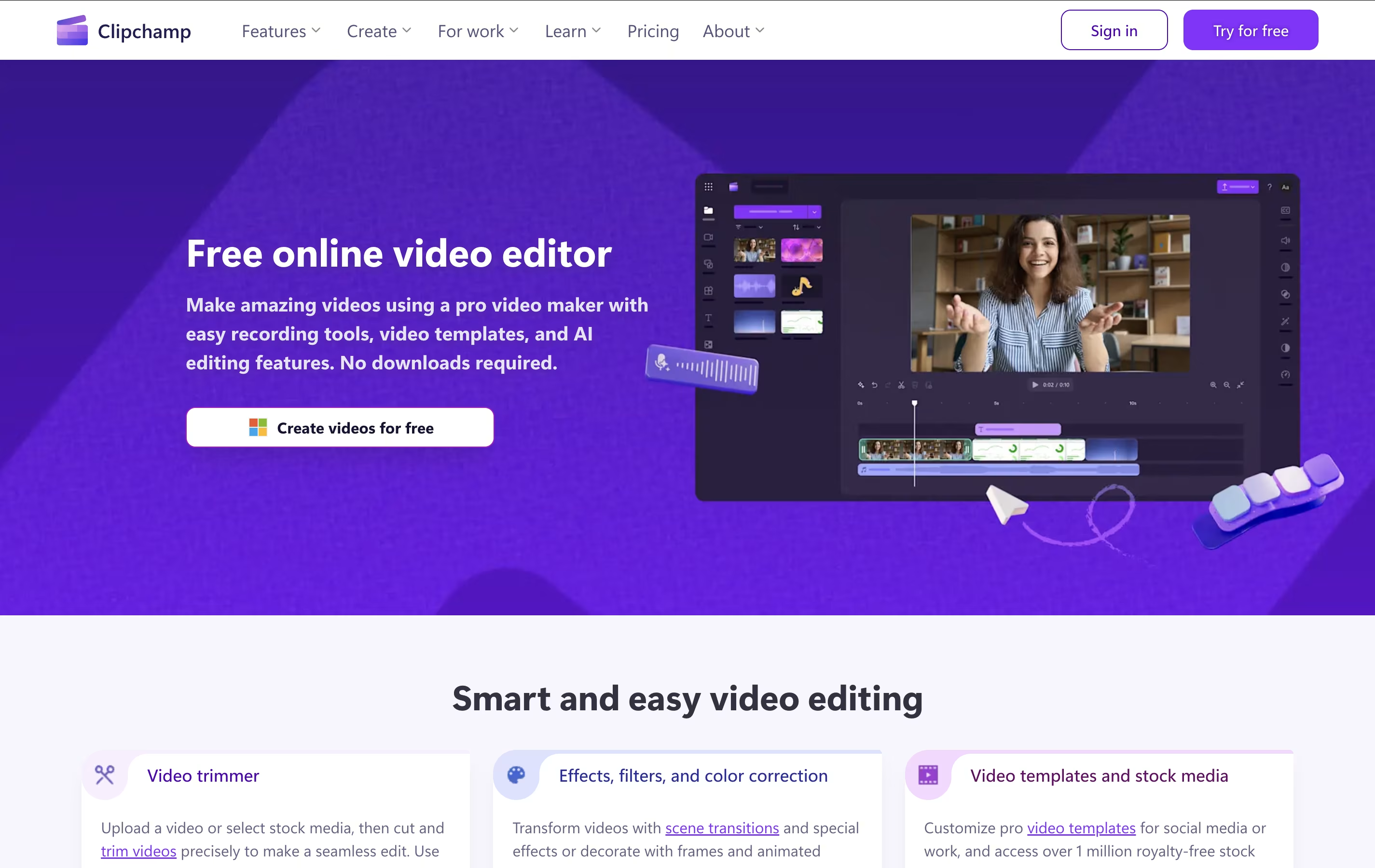
Clipchamp is a cloud-based video editing platform owned by Microsoft that enables users to create, edit, and share videos entirely within their web browser. Think of it as a simplified version of professional video editing software that runs online without requiring any downloads or installations.
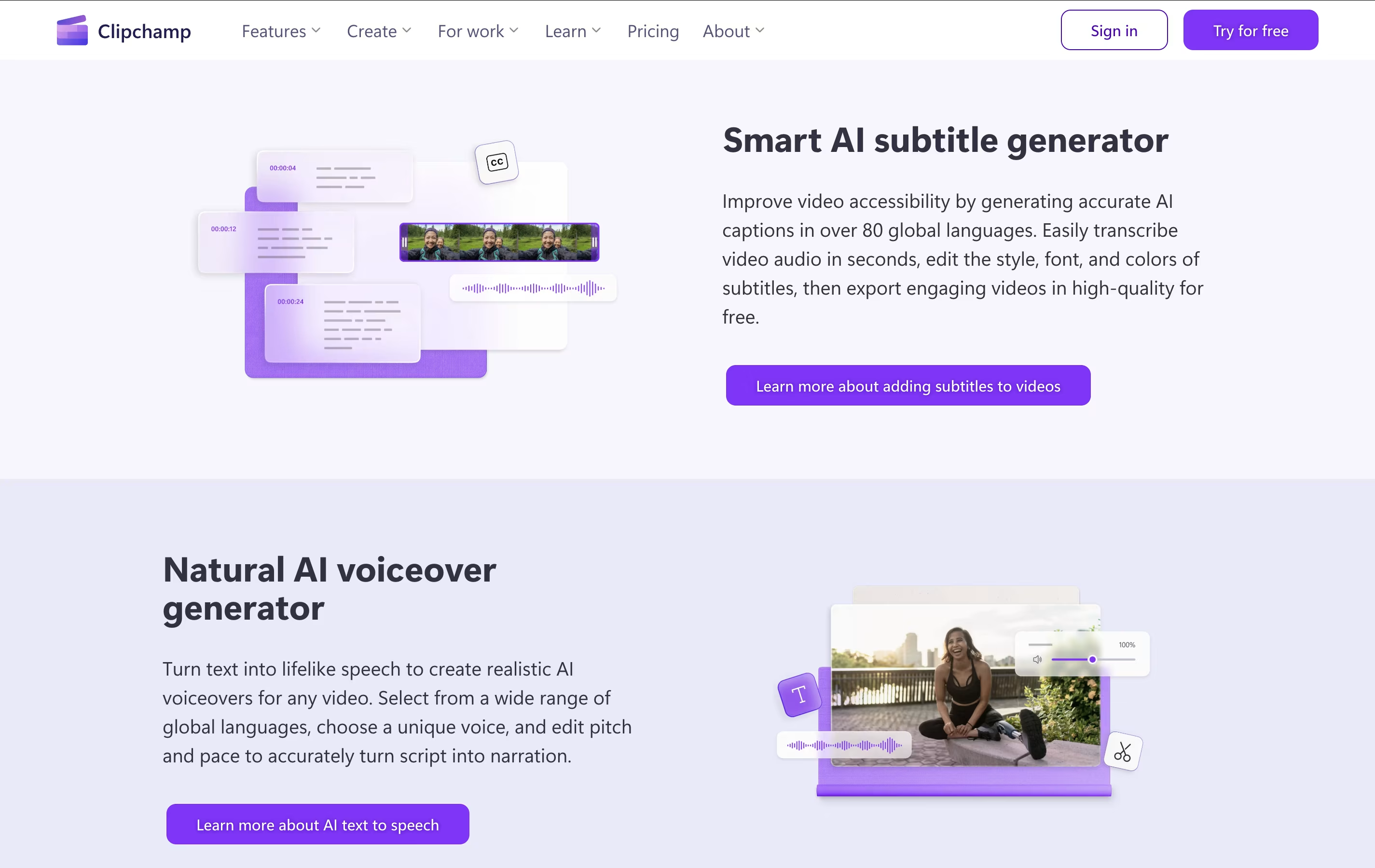
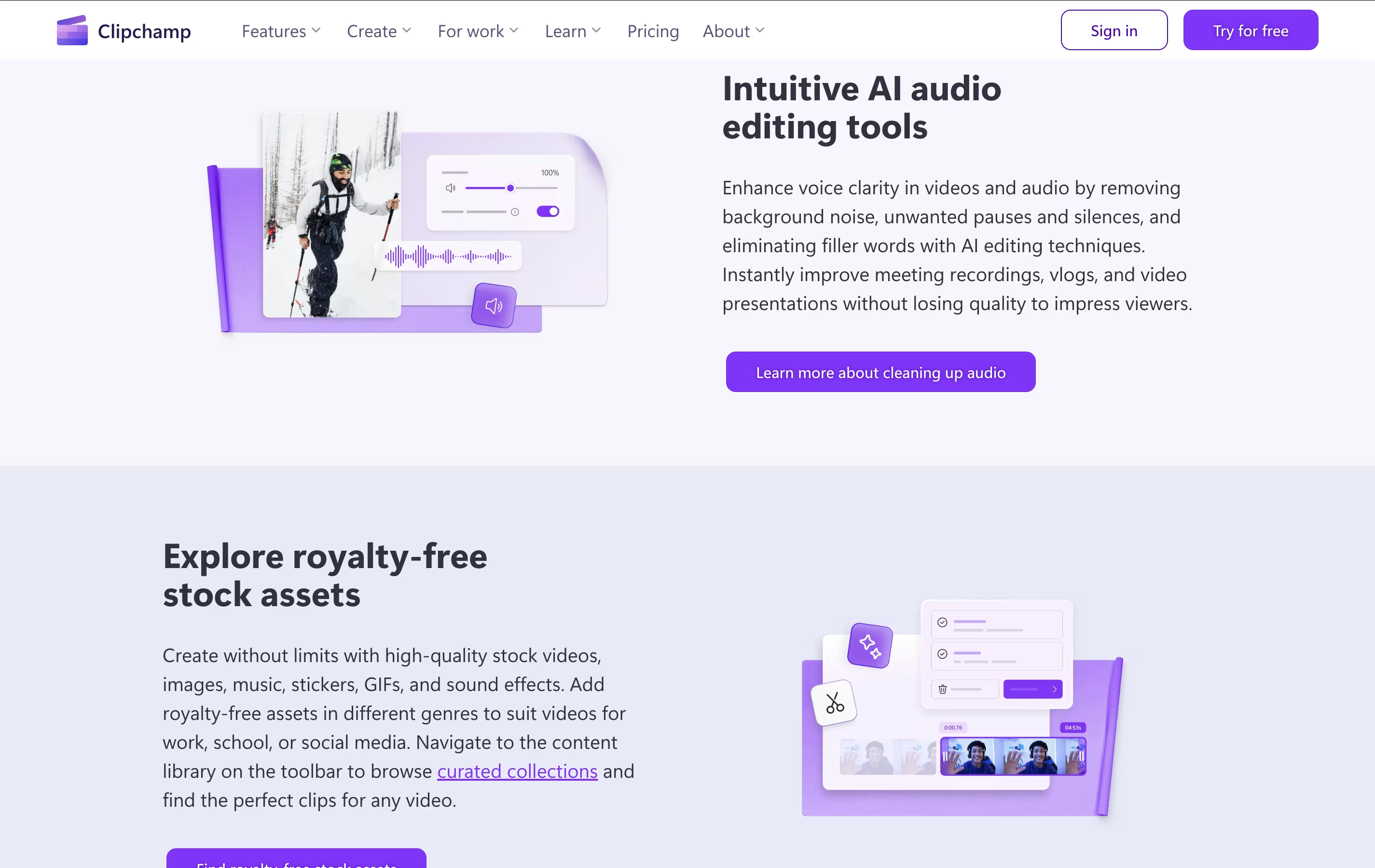
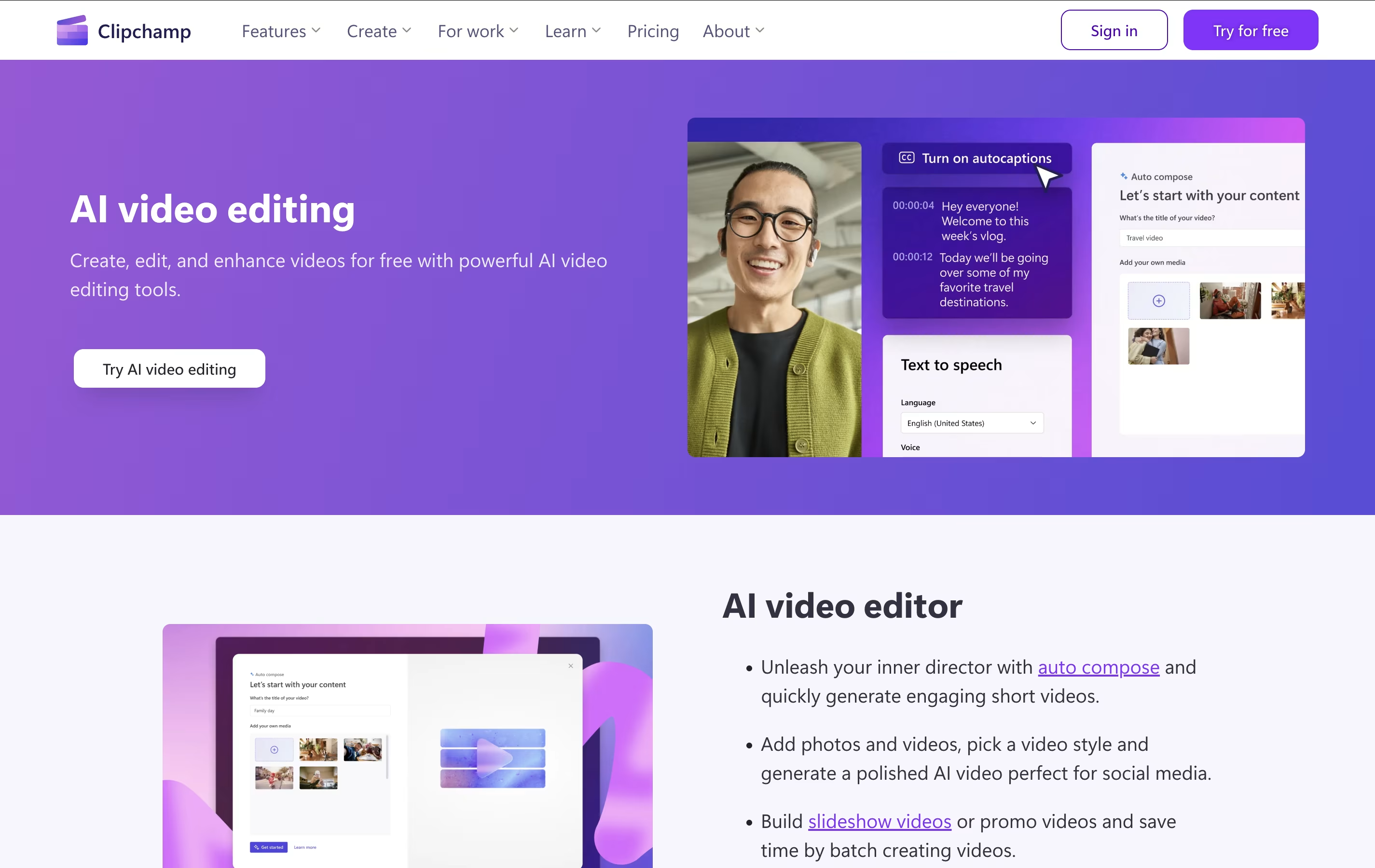
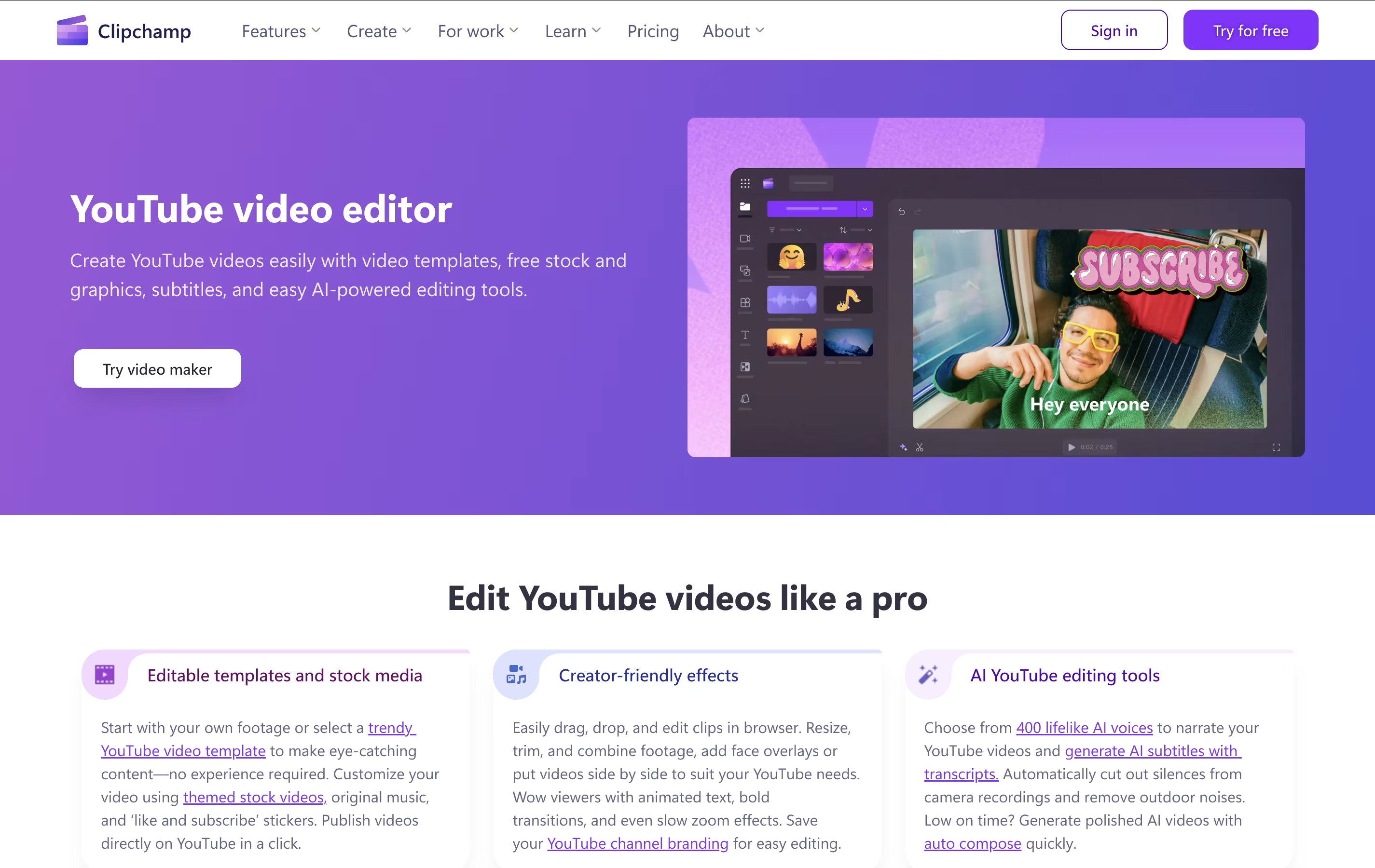
The platform offers both basic and advanced editing tools, including trimming, cropping, adding text, applying filters, and incorporating transitions. What sets Clipchamp apart is its AI-powered features like auto-compose video creation, background removal, and text-to-speech capabilities. Users can access thousands of royalty-free stock videos, images, and music tracks to enhance their projects.
Originally launched in 2014, Clipchamp was acquired by Microsoft in 2021 and is now integrated into Windows 11 and Microsoft 365. The platform serves millions of users worldwide, from content creators and small businesses to educators and enterprise teams looking for an accessible video creation solution.
Features of Clipchamp
AI-powered video editing with auto-compose and background removal
Extensive royalty-free stock library with videos, images, and music
Professional templates for social media and business use
Screen and webcam recording capabilities
Text overlays and animated graphics
Direct export to social platforms
Microsoft 365 integration
No watermarks on free plan
Up to 4K video export
Browser-based with no downloads required
Clipchamp Pricing
Free
- Unlimited video editing and exports
- Up to 1080p HD video resolution
- Basic stock media library access
- AI text-to-speech in 80+ languages
- AI subtitles with voice detection
- Background removal and basic effects
- Screen and webcam recording
- Professional video templates
Premium
- All Free plan features
- Up to 4K UHD video resolution exports
- Premium stock videos, images, and audio
- Premium filters and effects library
- Brand kit tool for logos and fonts
- Content backup and cloud storage
- Priority customer support
- Advanced AI-powered features
Microsoft 365 Integration
- Included with Microsoft 365 subscriptions
- Enterprise-grade security and compliance
- OneDrive and SharePoint integration
- Team collaboration features
- Admin controls and user management
- Enhanced stock media access
- Advanced AI features for business
- Direct sharing to Microsoft platforms
Clipchamp Use Cases
FAQ's About Clipchamp




See what users are saying about Clipchamp
0 Reviews
No reviews yet
Be the first to review Clipchamp