

Best 14 AI Video Editor Tools in 2026
Last Updated: August 28, 2026
Editing raw footage into a polished final video involves cutting, transitions, effects, and pacing decisions that take real time to get right. AI Video Editors automate much of that process, suggesting cuts, adding transitions, and even generating captions based on the footage you provide.
These tools are a big time saver for content creators, marketers, and social media teams producing video regularly. What used to require dedicated editing software and hours of work can now be done in a fraction of the time.
 OpenArt
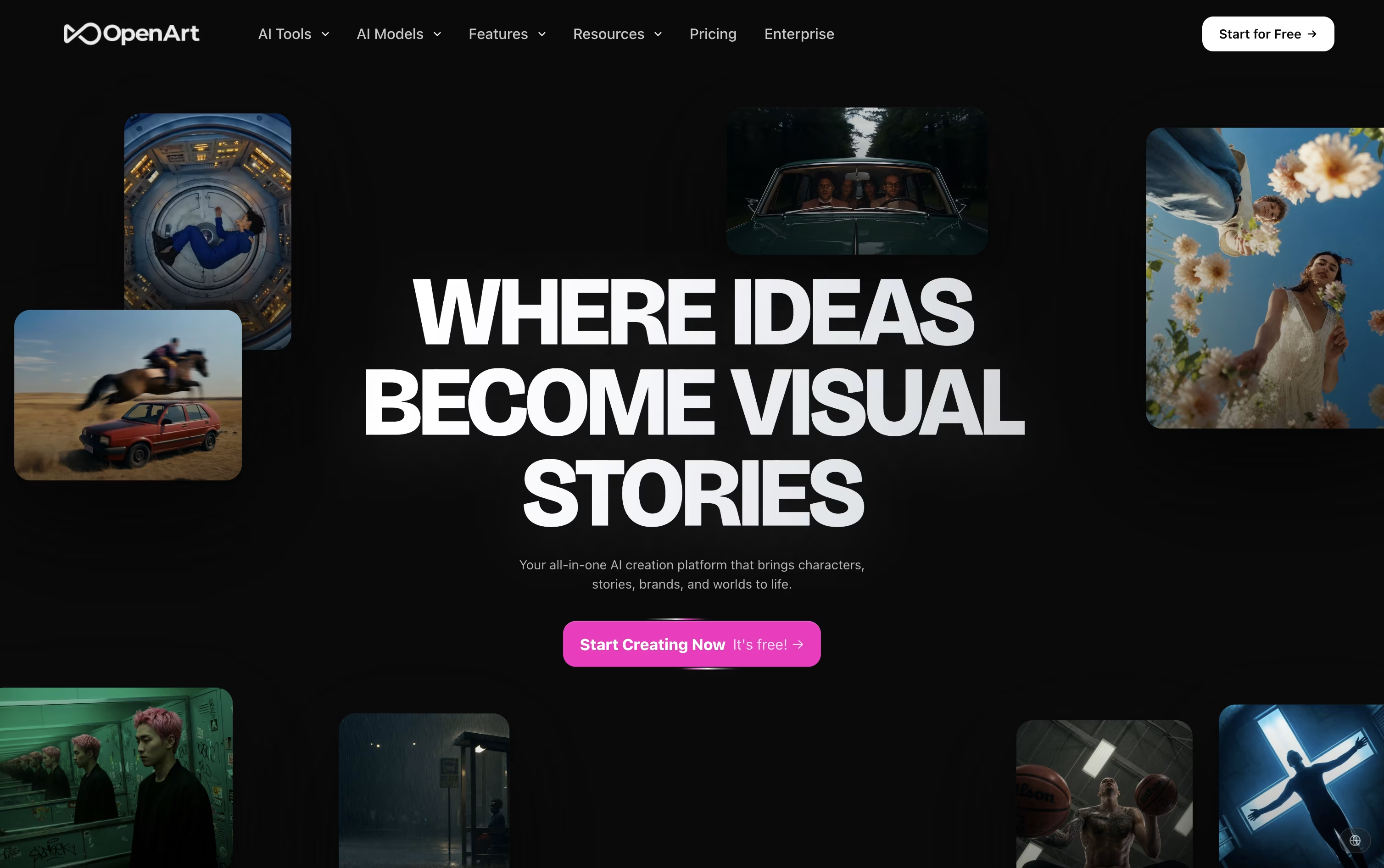 OpenArtAI Studio for Images, Video and Audio,
  LiveKit
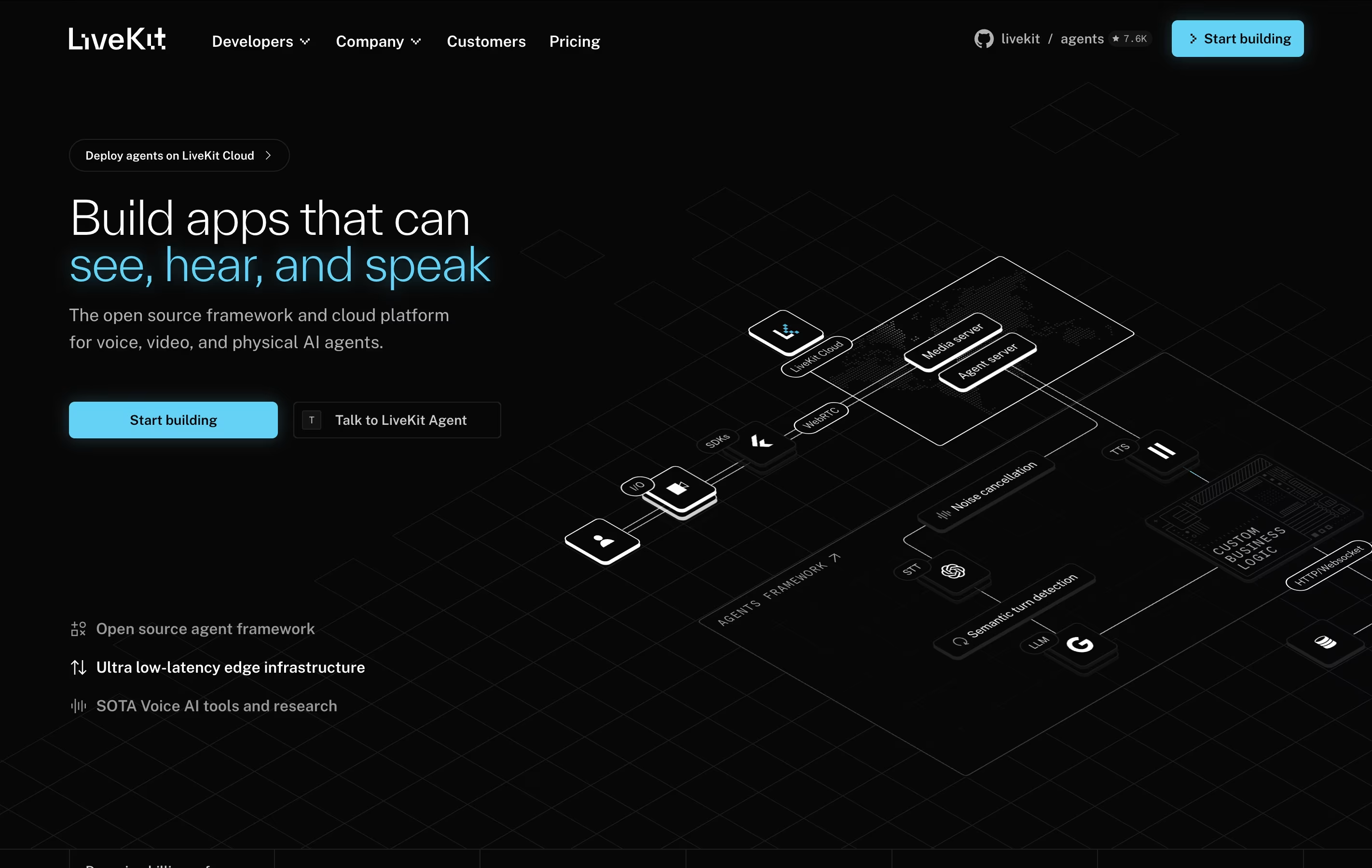 LiveKitOpen-Source Real-Time Video, Audio & AI Platform, and
  Clipchamp
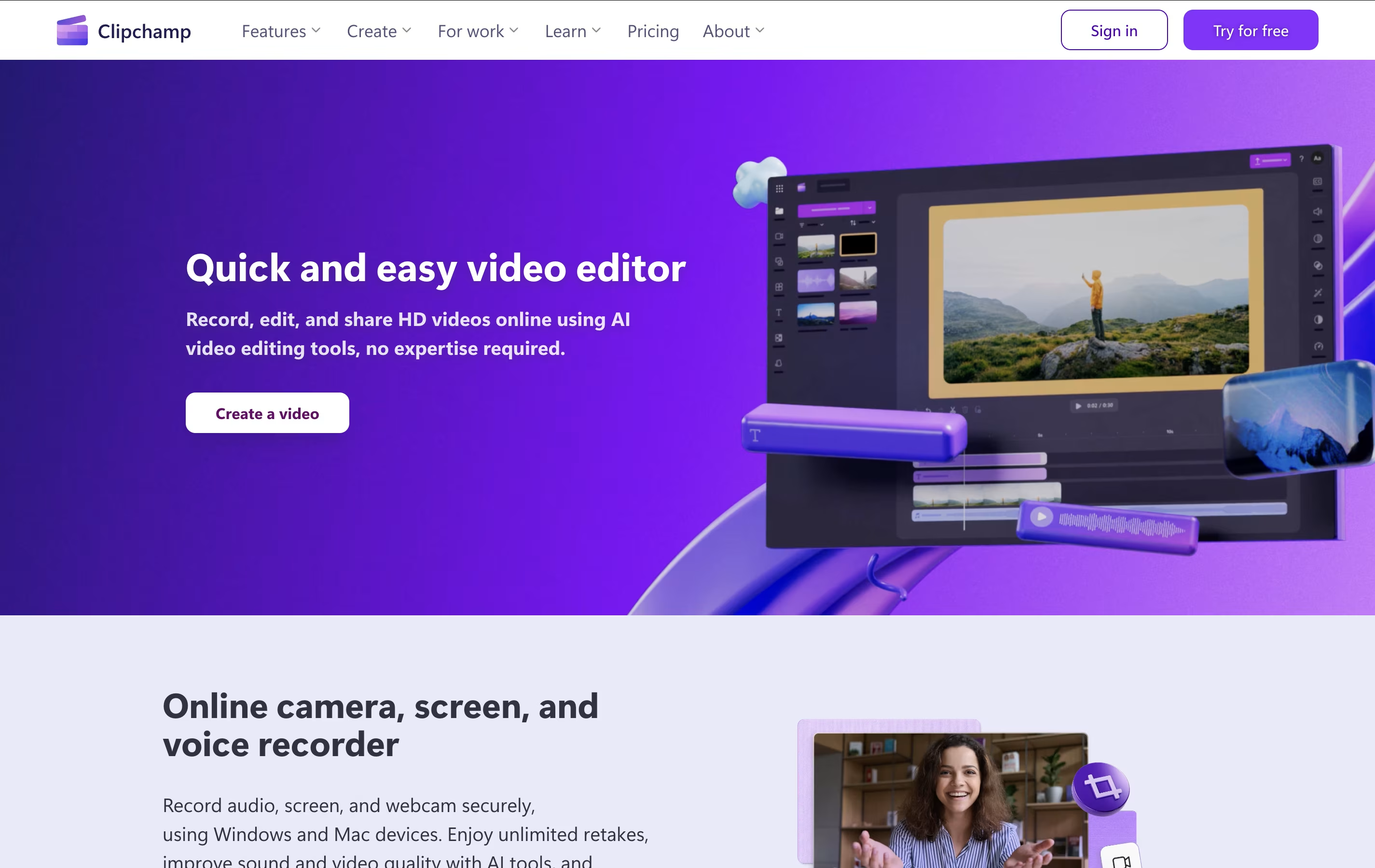 ClipchampMicrosoft's Free Online Video Editor with AI Features are the best for AI Video Editor. So, let’s take a closer look at all 14 tools.

OpenArt brings image, video, audio, and character creation into a single workspace, so a project does not need to be pulled apart across separate apps.
You describe what you want in a prompt, or upload a reference photo, and the platform sends the request to one of more than 100 connected AI models for images, video, and sound.
Its character tool is one of the main draws. Build a character once and it can appear again and again across new scenes and videos while staying recognizable.
On price, the Starter plan begins at $14 a month with 4,000 credits, while the top individual plan, Wonder, costs $240 a month for 106,000 credits and extra perks like unlimited creation.
Groups can pick the Business plan, priced from $680 a month for a shared credit pool across up to 50 people, and larger organizations can ask for custom Enterprise pricing with unlimited seats.
A free trial with starter credits is available for anyone who wants to try it first.
LiveKit is a complete real-time communication platform that uses WebRTC technology to enable low-latency audio, video, and data exchange between users and AI agents. Unlike traditional communication tools, LiveKit is built specifically for developers who want to create custom real-time experiences.
The platform consists of several parts: the open-source LiveKit server that handles media routing, client SDKs for all major platforms, and LiveKit Cloud for managed hosting. It uses a Selective Forwarding Unit (SFU) architecture, which means it can efficiently handle many participants without heavy server processing.
LiveKit is especially strong for AI applications. It can connect voice agents to phone systems, enable real-time transcription, and support multimodal AI that can see and hear simultaneously. Whether you want to build a simple video chat or a complex AI assistant, LiveKit provides the foundation you need.
Clipchamp is a cloud-based video editing platform owned by Microsoft that enables users to create, edit, and share videos entirely within their web browser. Think of it as a simplified version of professional video editing software that runs online without requiring any downloads or installations.
The platform offers both basic and advanced editing tools, including trimming, cropping, adding text, applying filters, and incorporating transitions. What sets Clipchamp apart is its AI-powered features like auto-compose video creation, background removal, and text-to-speech capabilities. Users can access thousands of royalty-free stock videos, images, and music tracks to enhance their projects.
Originally launched in 2014, Clipchamp was acquired by Microsoft in 2021 and is now integrated into Windows 11 and Microsoft 365. The platform serves millions of users worldwide, from content creators and small businesses to educators and enterprise teams looking for an accessible video creation solution.
VEED helps you make a video by typing a prompt, recording your screen, or uploading a clip, then lets AI handle the heavy editing work.
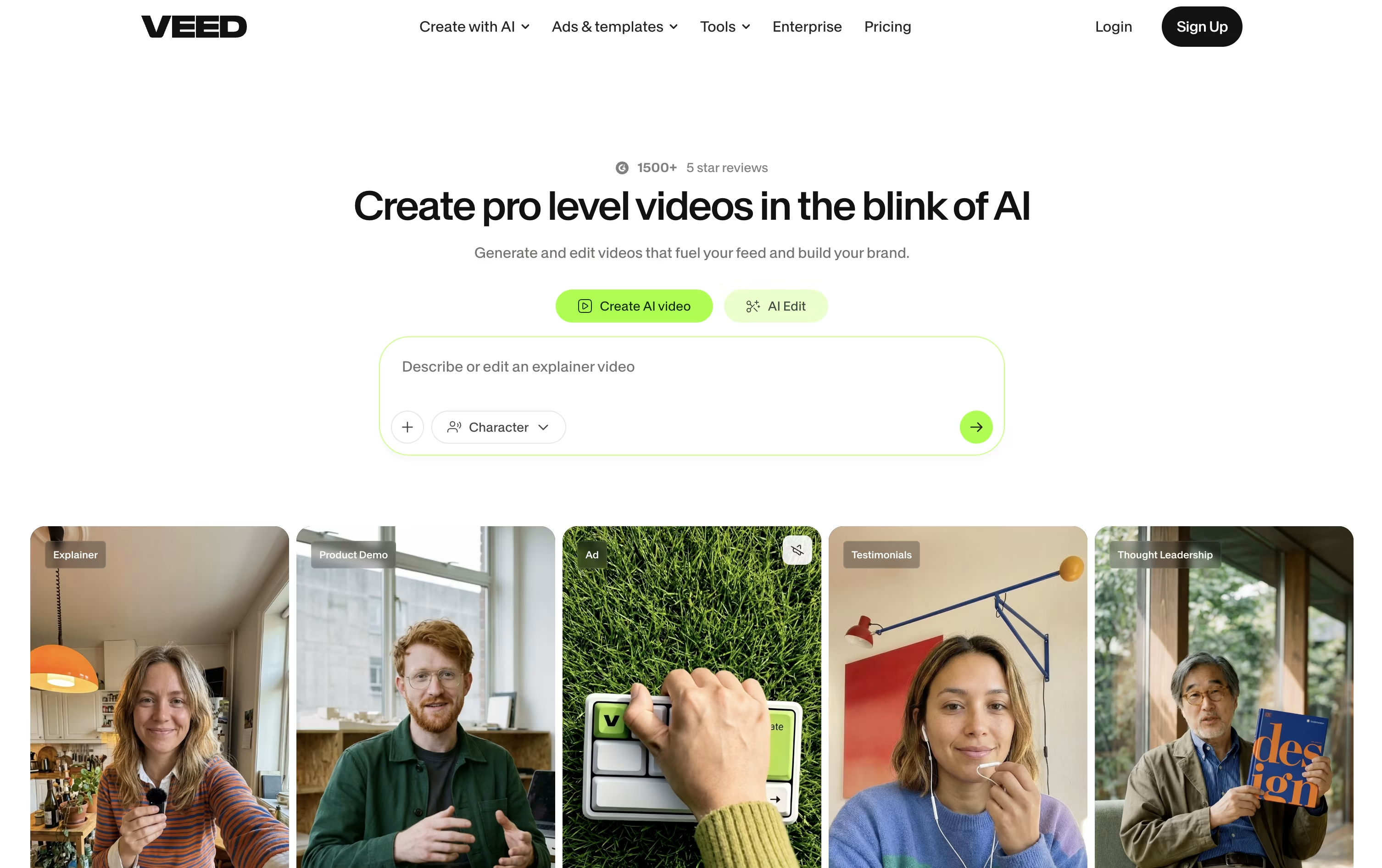
The AI Agent understands natural language, so requests like generate B-roll or make this fit TikTok get carried out automatically, while Edit with Script turns editing into simply deleting words from a transcript.
Every account, including the free one, gets auto subtitles and access to the full stock media catalog through Gen-AI Studio.
Creator starts the paid tiers at $20 a month, or $10 a month if billed yearly, and removes the watermark from exports.
Stepping up to Pro at $44 a month brings multiple Brand Kits, translation into more than 50 languages, and up to 12 hours of AI voice a month, and Studio at $70 a month multiplies the credits and adds Custom Templates.
Larger teams can move to Enterprise for custom pricing, centralized team management, and privacy controls.

Rather than dragging clips along a timeline, Descript lets you edit video and audio the same way you would edit a document. It transcribes your recording automatically, and any change you make to the text carries over to the media itself.
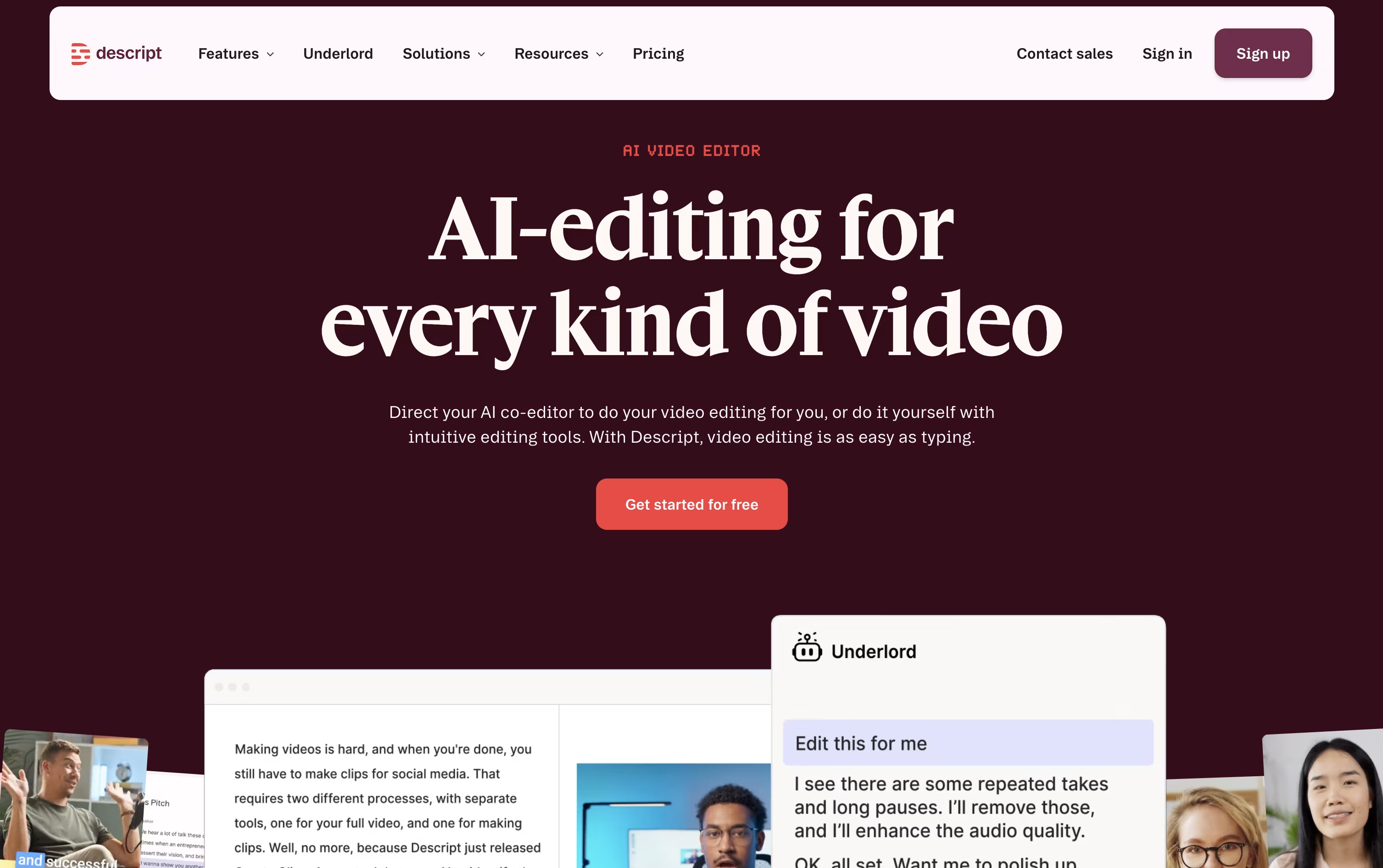
AI does a lot of the heavy lifting. Studio Sound smooths out rough audio, Remove Filler Words trims the ums and awkward pauses, and Eye Contact adjusts your gaze so you always appear to be looking at the camera. For bigger jobs, Underlord acts as an AI co-editor that can caption, clip, or restructure a project based on plain instructions.
Getting started costs nothing. The Free plan includes 1 hour of media monthly, 100 AI credits as a one-time allowance, and 720p exports.
From there, Hobbyist costs $24 per person each month and brings 10 media hours, 400 monthly AI credits, and watermark-free 1080p video. Creator, the plan most people pick, is $35 a month and opens up 4K output, full access to Underlord, and more than 20 AI tools. Business is built for teams at $65 a month, adding shared branding tools, dubbing with proofreading in over 30 languages, and priority support with a service guarantee.
Larger organizations can move to Enterprise, which uses custom pricing along with added security controls like single sign on and audit logs.

Rather than producing a single AI clip at a time, InVideo AI directs a crew of AI agents to build a full video from a prompt, script, or even a URL. It plans the scenes, generates visuals, writes and voices the script, and adds music and captions automatically.
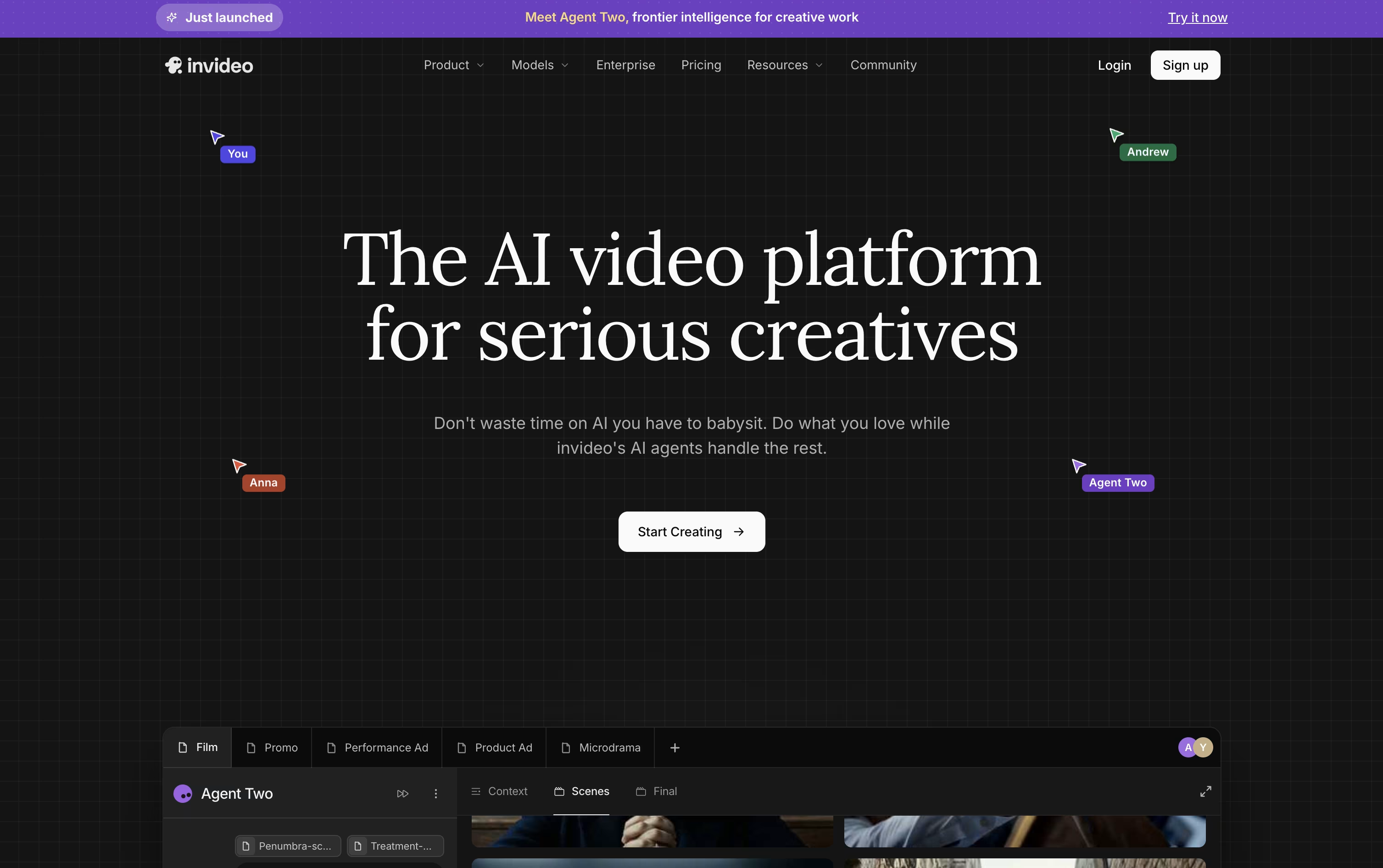
The Agent Two system keeps track of characters, settings, and style across an entire project, so you are not stuck re-explaining details for every new scene. Expert Agents can be assigned roles like storyboard artist or VFX lead, and Playbooks store custom rules the agents should always follow.
On the individual side, Plus starts at $20 a month with 75 credits, while Max, Generative, and Elite step up to $100, $200, and $1,000 a month with more credits, avatars, and storage at each level.
Small to mid-sized teams of 2 to 30 people can pick seat-based pricing at $50 or $500 per seat monthly, and larger companies can request custom Enterprise pricing that adds security features like SSO and SOC2 compliance.
Since every paid tier includes over 200 AI models and access to stock libraries such as iStock, the real difference between plans comes down to credits, storage, and how many people are working on the account.

Built by Vyro AI, ImagineArt combines image, video, voice, and music creation into a single AI platform, so you are not switching between separate apps for each format.
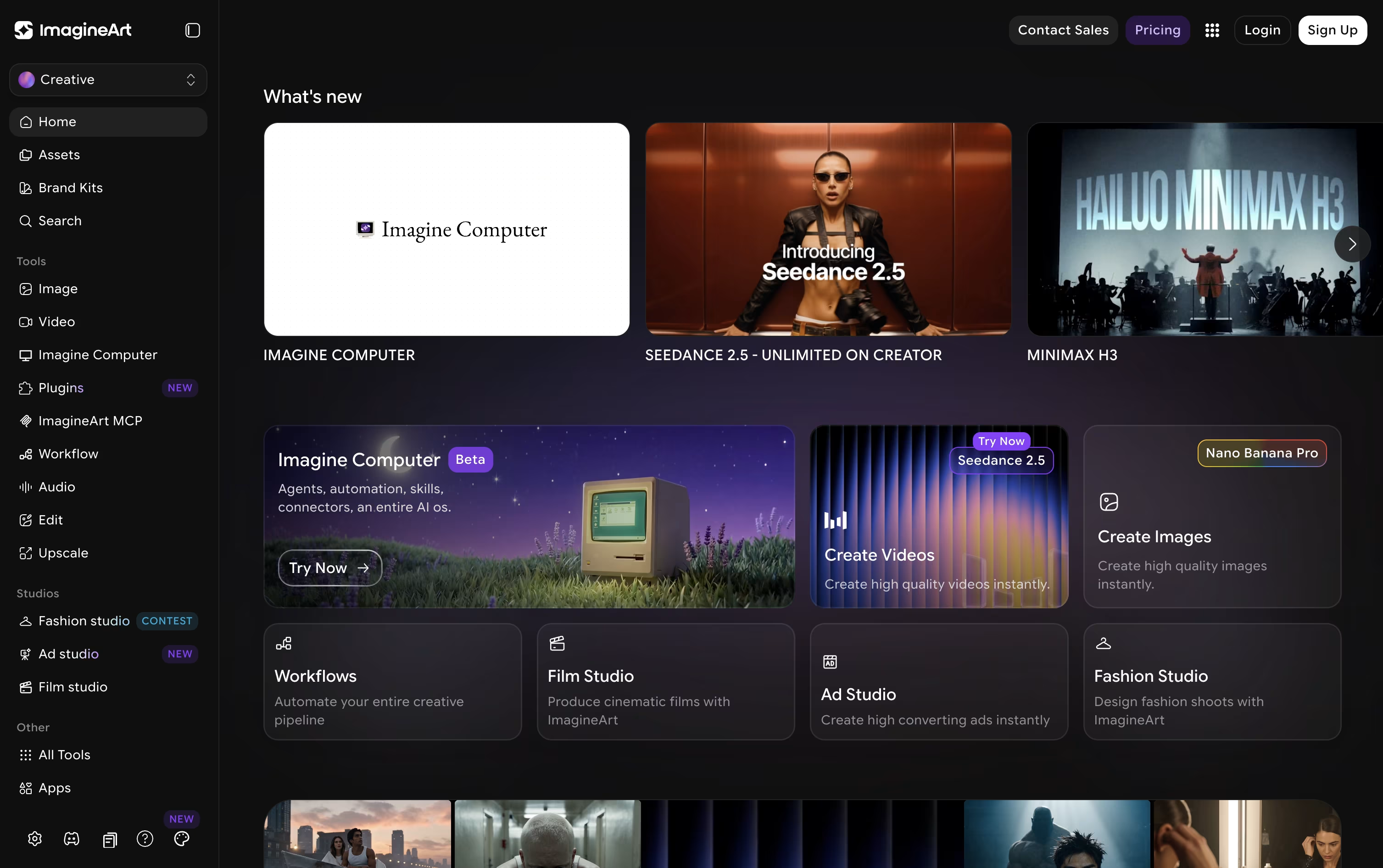
The platform pulls together many well-known AI models, such as GPT, Gemini, Claude, Seedance, and Nano Banana, and lets you access them all from one account.
For more guided output, dedicated studios cover film, advertising, and fashion projects, while Imagine Flow offers a node-based canvas for building repeatable creative pipelines.
Anyone can start free, receiving 100 credits each day with access to a small set of models.
From there, plans move from $13 a month at the Basic tier up to $250 a month for Creator, passing through Standard at $30 and the popular Ultimate plan at $50, each raising credits, concurrent generations, and model access.
Businesses can also choose Team plans or a custom-priced Enterprise plan that adds unlimited seats, single sign-on, and dedicated support.

Rather than being built around a single AI model, Higgsfield works as a layer on top of many models such as Seedance, Nano Banana, Kling, and Google Veo, adding its own camera and character tools for a more filmmaker friendly result.

Anyone can try it for free, though the free tier is limited to one job at a time and does not allow commercial use.
The first paid step is Basic at $9 a month, giving 120 credits, commercial rights, and quicker generation speeds.
Pro is the bigger upgrade at $29 a month, or $23 a month when billed yearly, since it opens up the complete Seedance lineup and removes the cap on marketplace apps.
Max sits at the top for individuals at $79 a month, or $59 annually, with 1,800 credits and the highest concurrency for video and image jobs.
Businesses can move to Team or Scale for shared seats and credits, or contact sales for a custom Enterprise plan with SSO, dedicated capacity, and compliance support.

Runway brings video, image, and audio generation together in one AI powered workspace, so creators are not stuck jumping between different apps for different tasks.
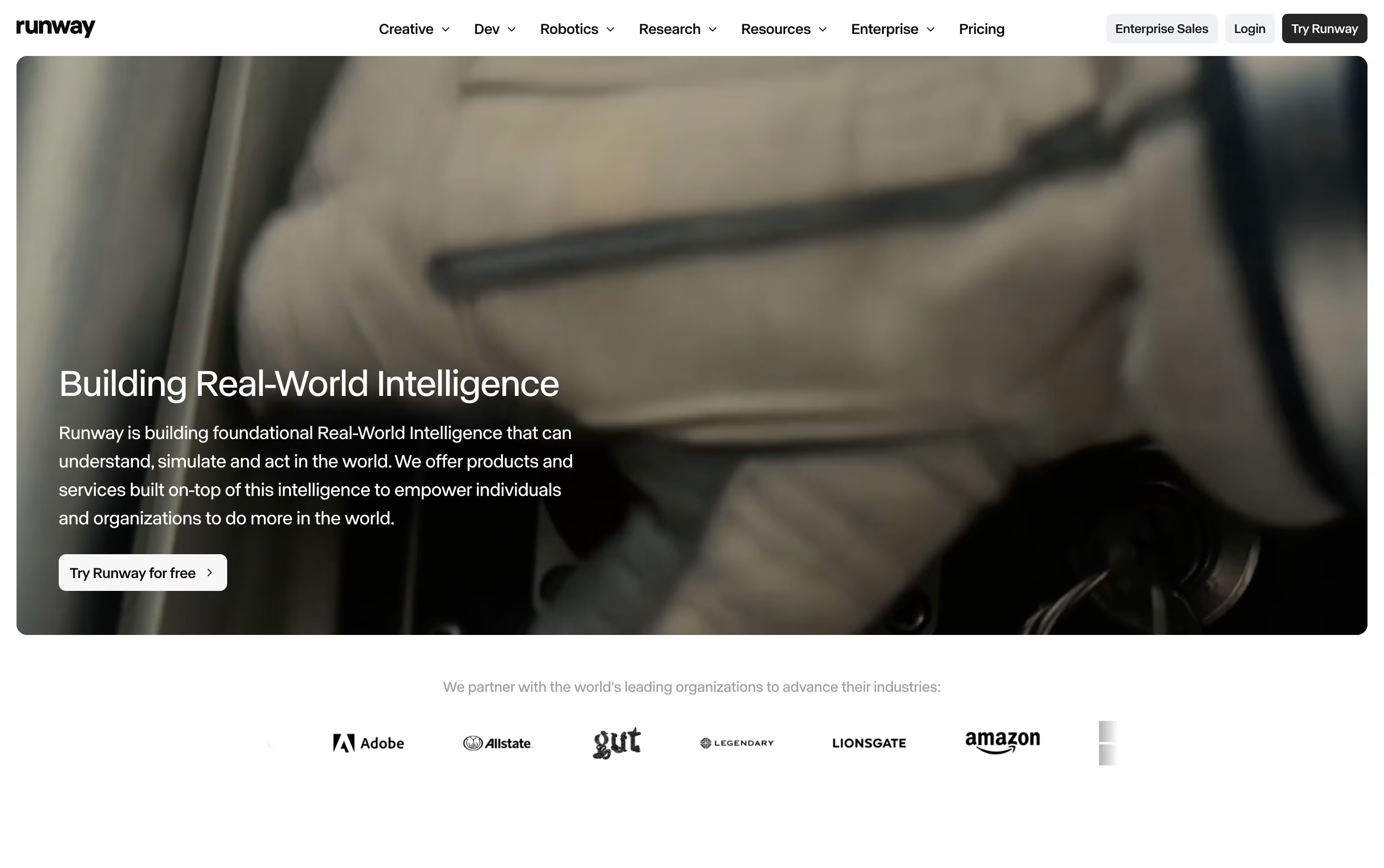
A simple text prompt or a single reference image can become a short video clip. If something needs changing, Aleph lets you edit one frame and carries that edit across the entire clip without disturbing the original motion or lighting.
For characters, Act-Two maps a performance video onto a character so their movement, expression, and lip sync all follow the reference footage. The Runway Agent can also build out full marketing campaigns from a short description.
On pricing, the Free plan hands out 125 credits one time that never expire. Standard is $15 a month for 625 credits, Pro is $35 a month for 2,250 credits with custom voices and 500GB of storage, and Max is $95 a month for 9,500 credits with one month of credit rollover and first access to new models.
Bigger teams can move to Enterprise for custom pricing with SSO, analytics, and priority support.
For building AI tools into other software, Runway Dev offers pay as you go pricing starting at $0.05 per second of video.

Editing, recording, and translating video usually means jumping between several different apps. RecCloud tries to fix that by putting AI transcription, subtitles, translation, dubbing, and video generation next to basic screen recording and editing in one browser based platform.
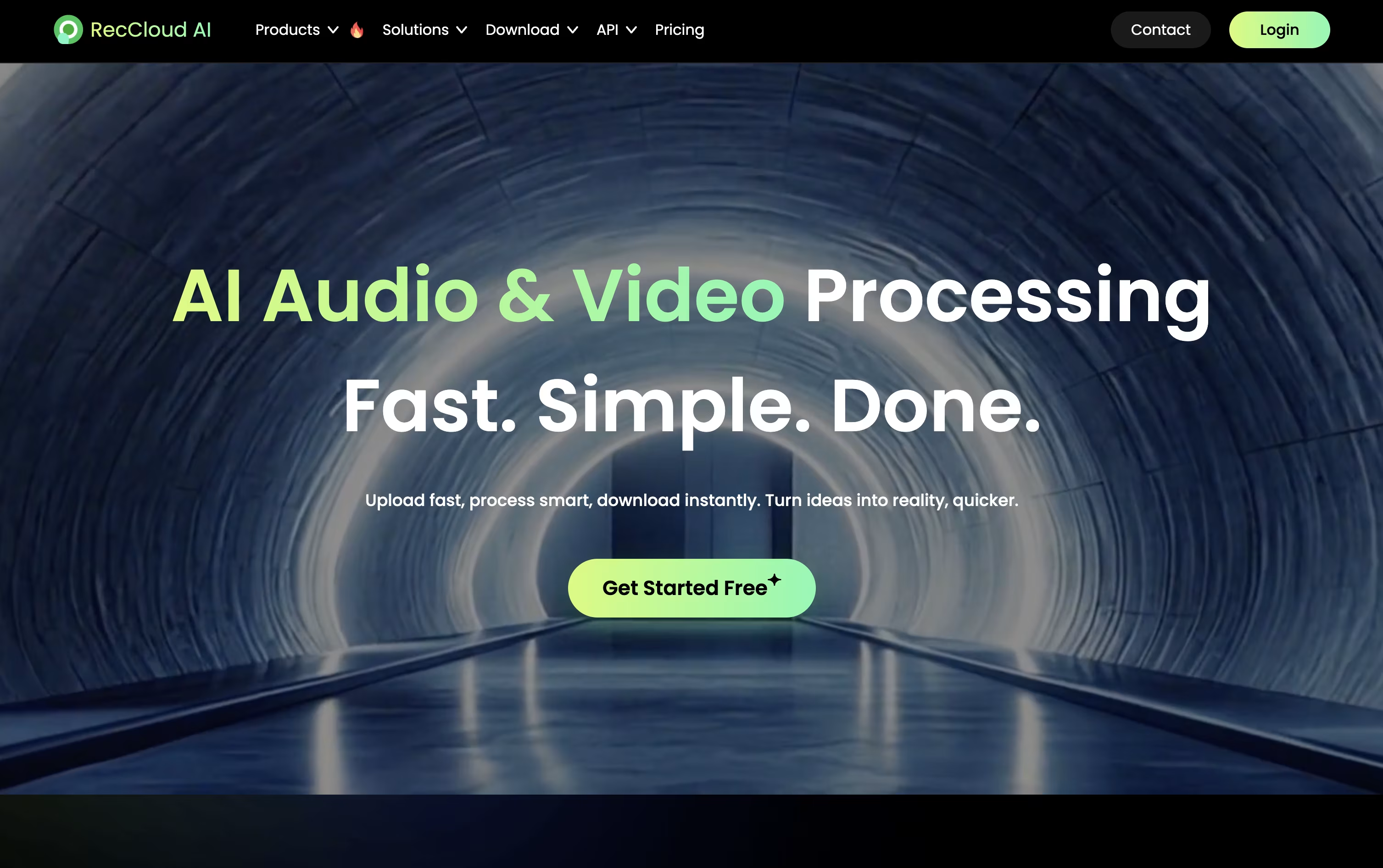
Speech is converted to text in over 99 languages, subtitles can be created and translated automatically, and full videos can be dubbed using cloned voices with lip sync. For creating new content, the AI Video Generation Agent can write a script, add voiceover, and build a video from just a short prompt.
Pricing is based on credits, which are spent as you use these AI tools. The Weekly plan is $15 for 300 credits, and Basic Annual works out to $4 a month, billed yearly at $48, for 3,000 credits.
Pro Annual costs $4.92 a month, billed at $59 a year, and includes a promotional bonus taking the yearly total to 6,000 plus 2,000 credits. Business Annual, at $188 a year, adds 24,000 credits, 100 GB storage, 10 concurrent tasks, batch processing, and commercial usage rights.
Additional credits and storage can be purchased separately, and a 7 day money back guarantee covers every plan.

Instead of juggling separate apps for video editing, logo design, and website building, Renderforest puts all of it in one AI driven workspace.
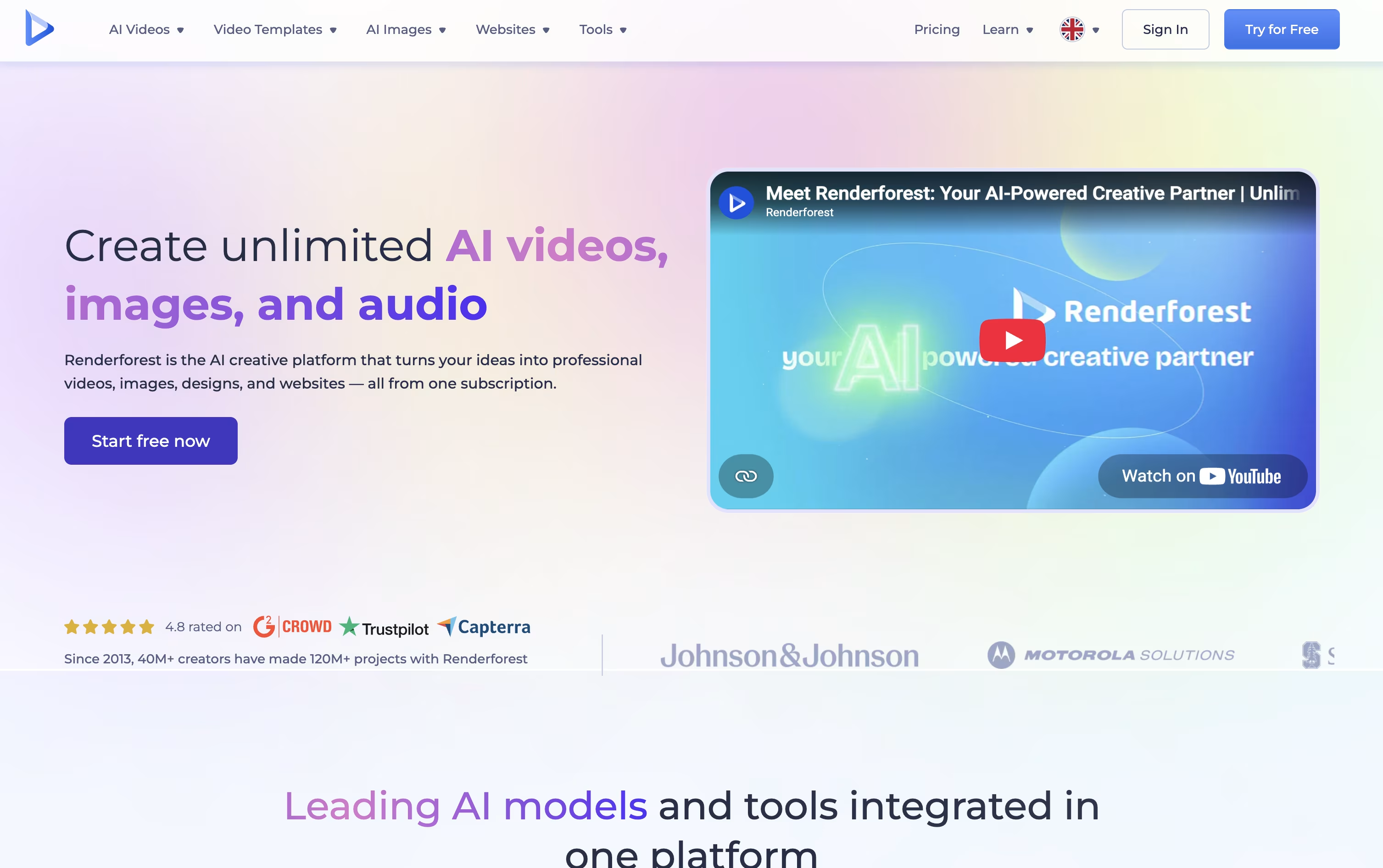
You can pick from over 1,200 templates or type a prompt and let the AI handle the scenes, visuals, voice, and music. Under the hood it taps into models like Nano Banana, Veo, Kling, and Seedance for up to date results.
Signing up is free and does not need a payment method, so you can try the editor first.
The Lite plan starts at $9 a month with 400 credits and HD720 exports, while Pro, the most popular tier, is $39 a month with 1,600 credits, HD1080 exports, and your own website domain.
Business runs $59 a month with 3,000 credits, 4K exports, unlimited image generation, and team tools plus a reseller license. Yearly billing brings the cost down to as low as $8 a month.
It suits people who want template speed and AI generation without switching between separate design tools.

Artlist works as a single home for both stock assets and AI generation, aimed at creators who don't want to jump between separate apps.
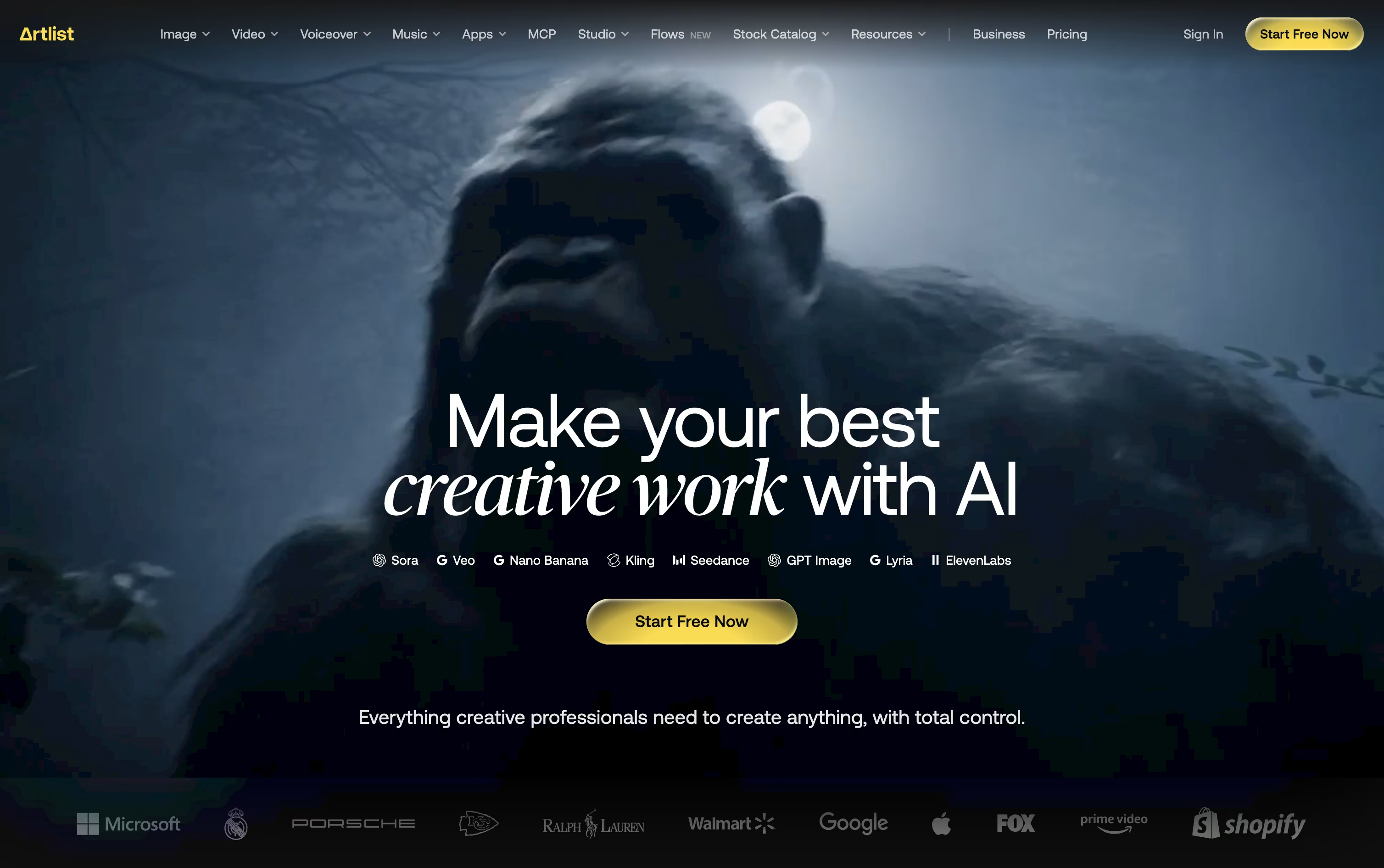
Its library covers royalty free music, sound effects, footage, templates, and LUTs, while the AI Toolkit handles text to image, text to video, voiceover, avatar, and dubbing generation across 100+ models.
The AI Suite has three main paid tiers. AI Starter runs $19.99 a month with 16,500 credits, AI Core is $39.99 a month with 40,000 credits and the Most Popular label, and AI Creator is $69.99 a month with 80,000 credits. Paying yearly drops these to $11.99, $23.99, and $41.67 a month.
Separately, the Stock Catalog starts at $9.99 a month for Music & SFX, moves up to $50.66 a month for Max, and $399 a month for Max Business teams, both on annual billing.
Custom Business options exist for both the AI Suite and Stock Catalog, offering unlimited generations, enterprise security, SSO, and a dedicated account manager at custom pricing.
Editors can also reach Artlist through Premiere Pro, After Effects, and DaVinci Resolve plugins, or generate assets directly inside Claude via the Artlist MCP integration.

Built by the team behind TikTok and CapCut, Dreamina is ByteDance's AI creative suite for turning words and pictures into finished images, videos, and talking avatars. It works right in the browser, so there is nothing to install.

Image and video work is powered by ByteDance's Seedream and Seedance models, which keep characters consistent, handle camera motion well, and add natural audio with accurate lip sync straight out of the box.
Once something is generated, it can be sent directly into CapCut for editing, so creators skip the usual back and forth of downloading and re-uploading files between separate apps.
The Free plan costs nothing and hands out bonus credits every day. Basic runs $15 a month, or $144.99 a year, for 1,575 credits along with watermark removal and 60 FPS video.
Standard sits at $35 a month, or $334.99 a year, offering 3,885 credits with the same feature list as Basic. Advanced, at $70 a month or $669.99 a year, gives 8,645 credits, top-priority generation, and a limited-time unlimited 4K benefit.
Paying yearly instead of monthly cuts the overall cost by roughly 20% on every paid tier.

Movavi Video Editor is desktop software that lets you edit videos with drag-and-drop simplicity. You can cut and trim clips, add music and effects, create titles, and export finished videos ready for sharing. The software includes AI-powered features like background removal, noise reduction, and motion tracking that work automatically.
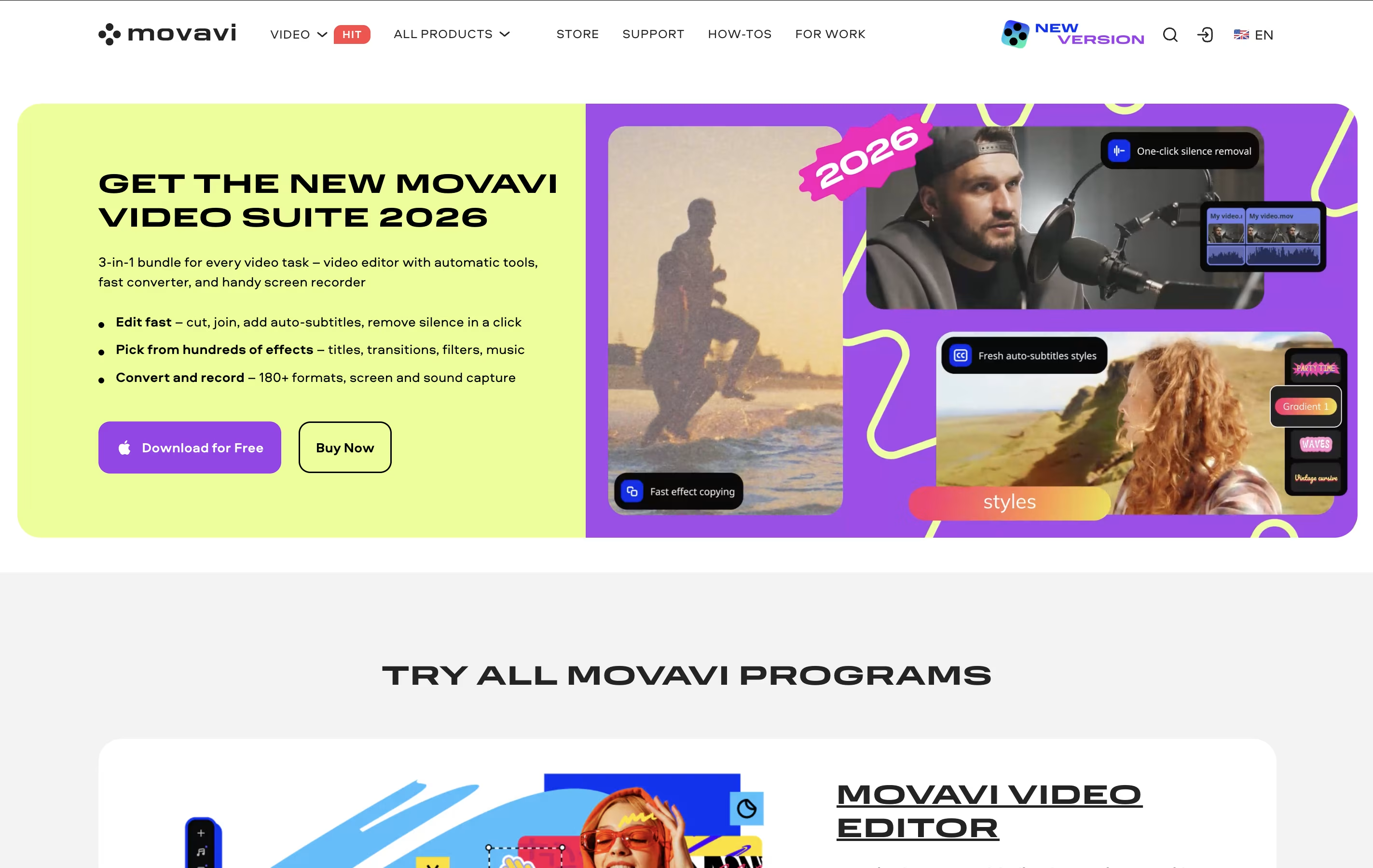
Unlike complicated professional editors, Movavi focuses on making video editing quick and easy. It comes with hundreds of built-in effects, transitions, filters, and music tracks so you don't need to find these separately. The interface is clean and organized, with most tools visible on the main screen.
There's a free version you can try, but it adds watermarks to videos and limits exports to 60 seconds. The full version removes these limits and unlocks all features.




