

Best 4 Tools for Video Editing in 2026
Last Updated: November 9, 2025
Raw footage rarely tells a clean story on its own. Video Editing tools take that footage and shape it into a finished piece, handling everything from trimming and sequencing to transitions, color grading, and sound design.
Video editors, content creators, and marketing teams depend on the quality of their editing tool, since it often directly affects how professional and engaging the final video feels.
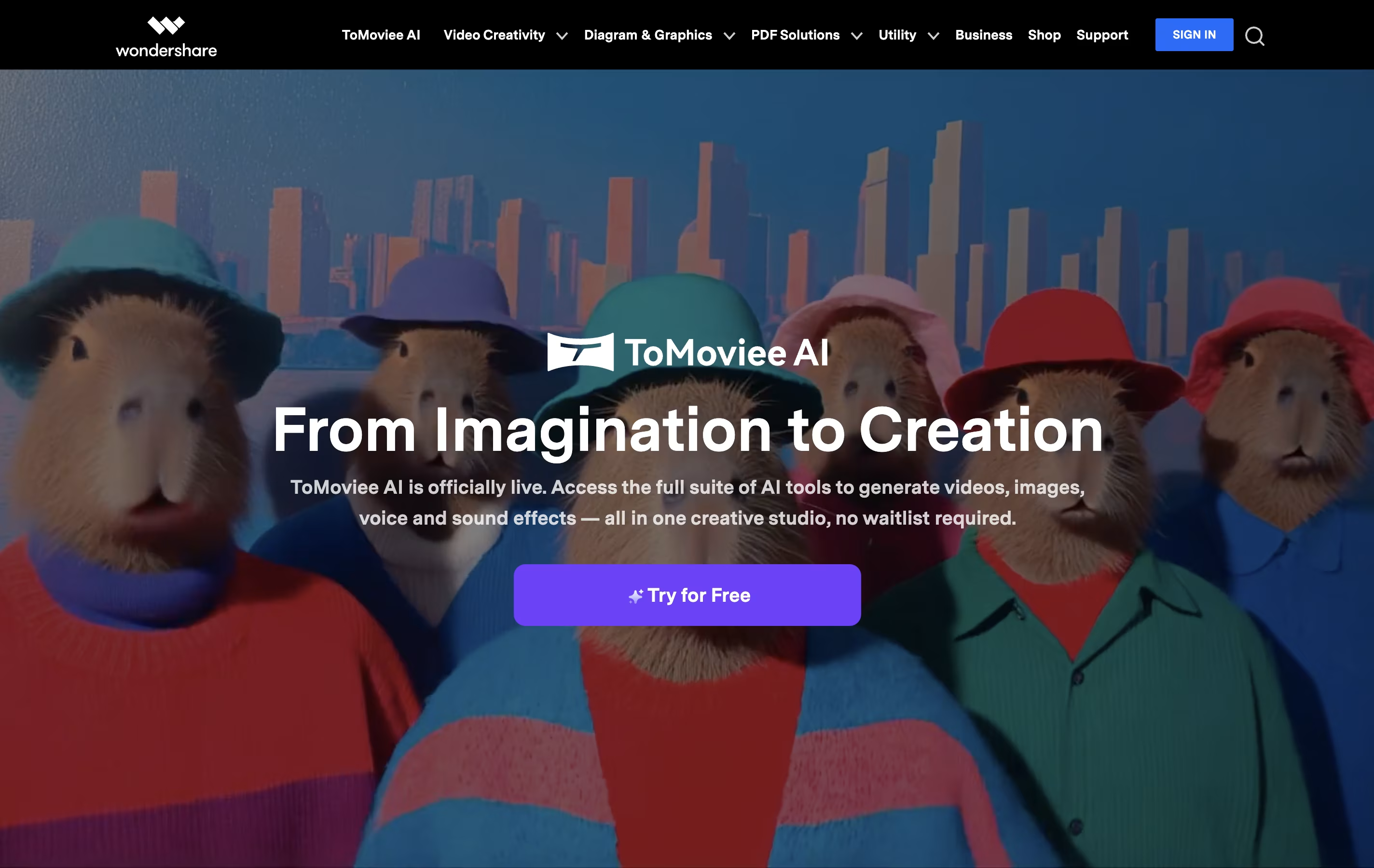
 Wondershare
 WondershareCreative Software for Video Editing, PDF Management & More,
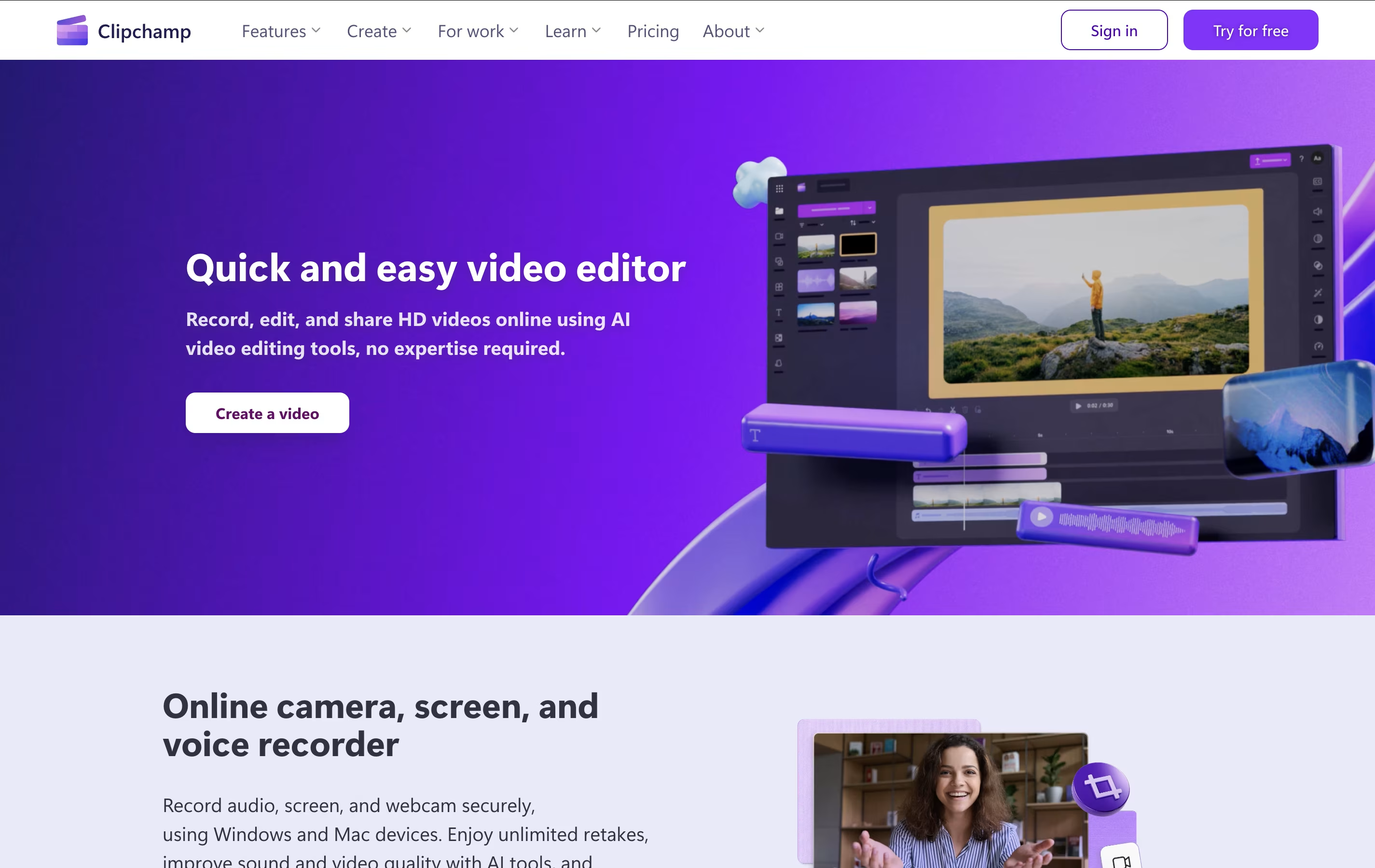
  Clipchamp
 ClipchampMicrosoft's Free Online Video Editor with AI Features, and
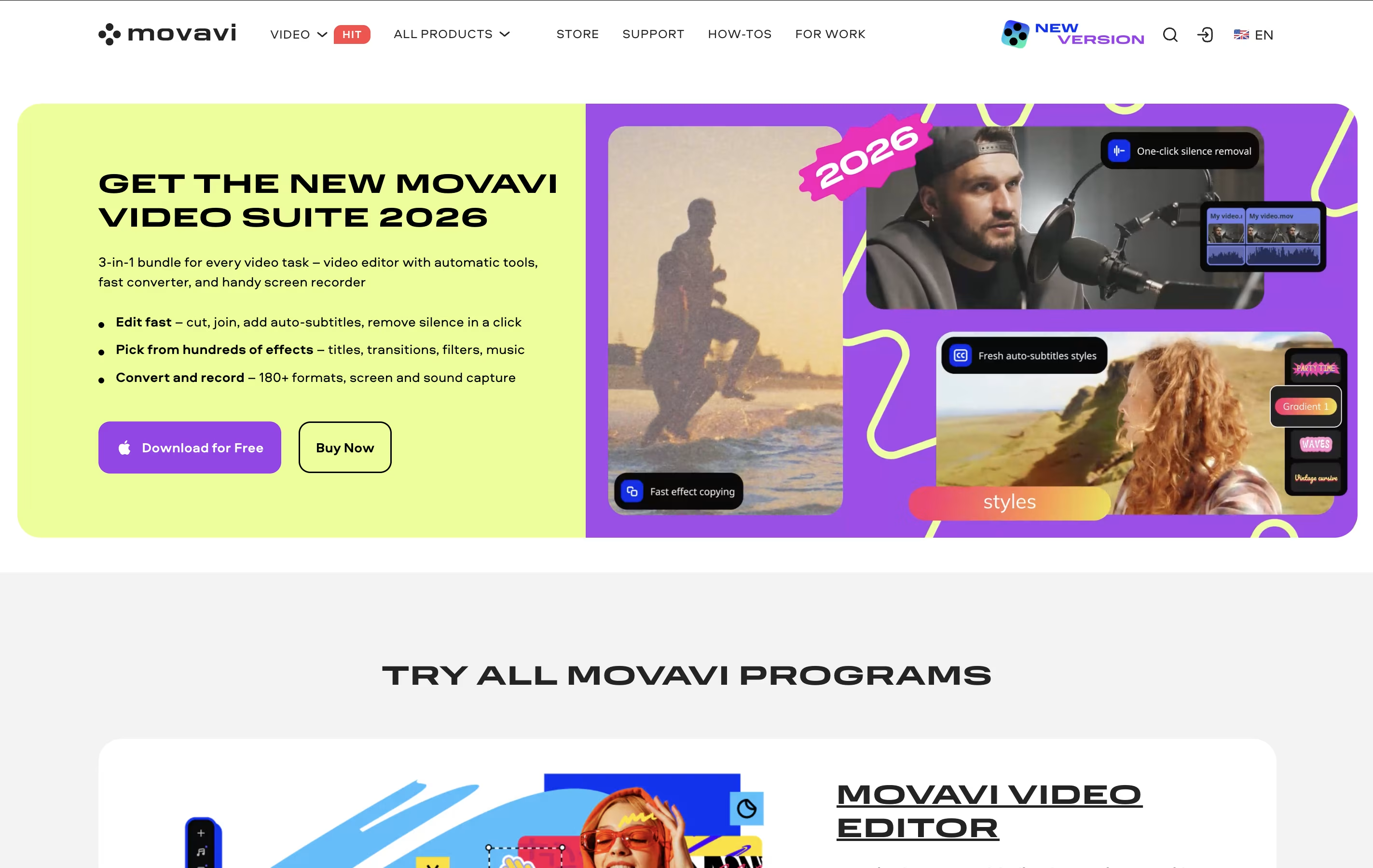
  Movavi Video Editor
 Movavi Video EditorEasy Video Editing Software with AI Tools are the best for Video Editing. So, let’s take a closer look at all 4 tools.
Wondershare is a software company that develops easy-to-use applications for creative professionals, businesses, and everyday users. Their main products solve common digital problems like editing videos, managing PDF documents, recovering lost data, and creating visual content.
The company operates as a Software-as-a-Service provider, offering both desktop applications and web-based tools. Their most popular products include Filmora for video editing, PDFelement for PDF tasks, Recoverit for data recovery, and Dr.Fone for mobile device management. Many tools now include AI features to make complex tasks simpler.
Wondershare focuses on user-friendly design, making professional-grade software accessible to people without technical backgrounds. They offer various pricing options including free versions, monthly subscriptions, annual plans, and lifetime licenses to fit different needs and budgets.
Clipchamp is a cloud-based video editing platform owned by Microsoft that enables users to create, edit, and share videos entirely within their web browser. Think of it as a simplified version of professional video editing software that runs online without requiring any downloads or installations.
The platform offers both basic and advanced editing tools, including trimming, cropping, adding text, applying filters, and incorporating transitions. What sets Clipchamp apart is its AI-powered features like auto-compose video creation, background removal, and text-to-speech capabilities. Users can access thousands of royalty-free stock videos, images, and music tracks to enhance their projects.
Originally launched in 2014, Clipchamp was acquired by Microsoft in 2021 and is now integrated into Windows 11 and Microsoft 365. The platform serves millions of users worldwide, from content creators and small businesses to educators and enterprise teams looking for an accessible video creation solution.
Movavi Video Editor is desktop software that lets you edit videos with drag-and-drop simplicity. You can cut and trim clips, add music and effects, create titles, and export finished videos ready for sharing. The software includes AI-powered features like background removal, noise reduction, and motion tracking that work automatically.
Unlike complicated professional editors, Movavi focuses on making video editing quick and easy. It comes with hundreds of built-in effects, transitions, filters, and music tracks so you don't need to find these separately. The interface is clean and organized, with most tools visible on the main screen.
There's a free version you can try, but it adds watermarks to videos and limits exports to 60 seconds. The full version removes these limits and unlocks all features.

Camtasia is a desktop software that records your computer screen and edits the footage into finished videos. You can capture everything happening on your screen, add your webcam feed, record voice narration, and include system audio all at the same time. Each element records on its own track, giving you complete control when editing.
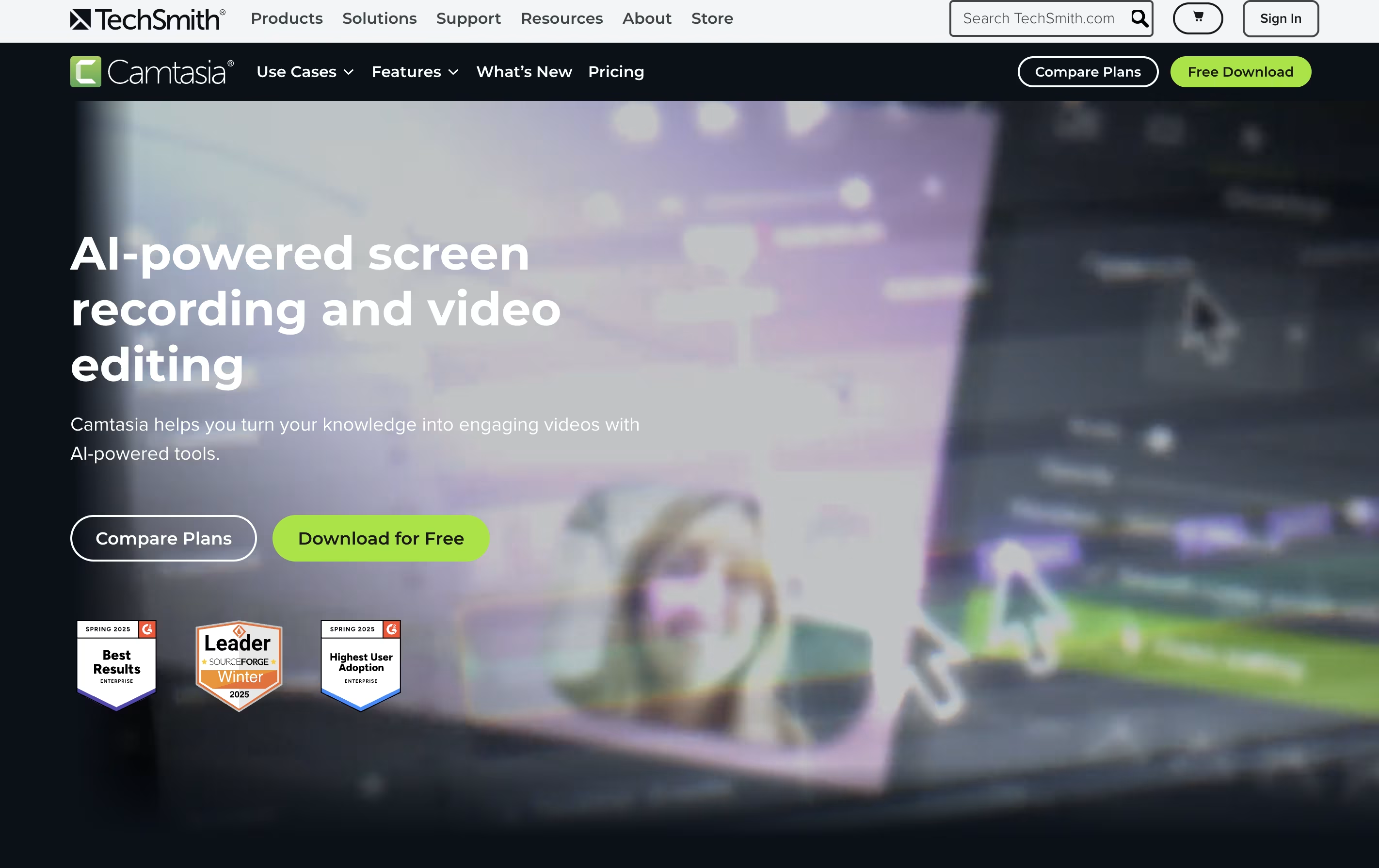
The software comes with AI-powered tools that help create scripts, generate voiceovers, remove background noise, and produce captions automatically. You also get access to millions of royalty-free images, videos, and music tracks. Camtasia works on both Windows and Mac computers, and now includes a free web version for quick recordings. The editing interface uses simple drag-and-drop actions, making it accessible for beginners while still offering advanced features for experienced creators.





