

Best 3 Tools for Audio Editing in 2026
Last Updated: October 3, 2025
Raw audio almost always needs some cleanup before it is ready to publish, whether that is removing background noise or balancing levels. Audio Editing tools handle trimming, mixing, and cleaning up sound so the final recording is clear and professional.
Podcasters, musicians, and video creators rely on audio editing to make sure their sound quality matches the quality of everything else in the production.
 Movavi Video Editor
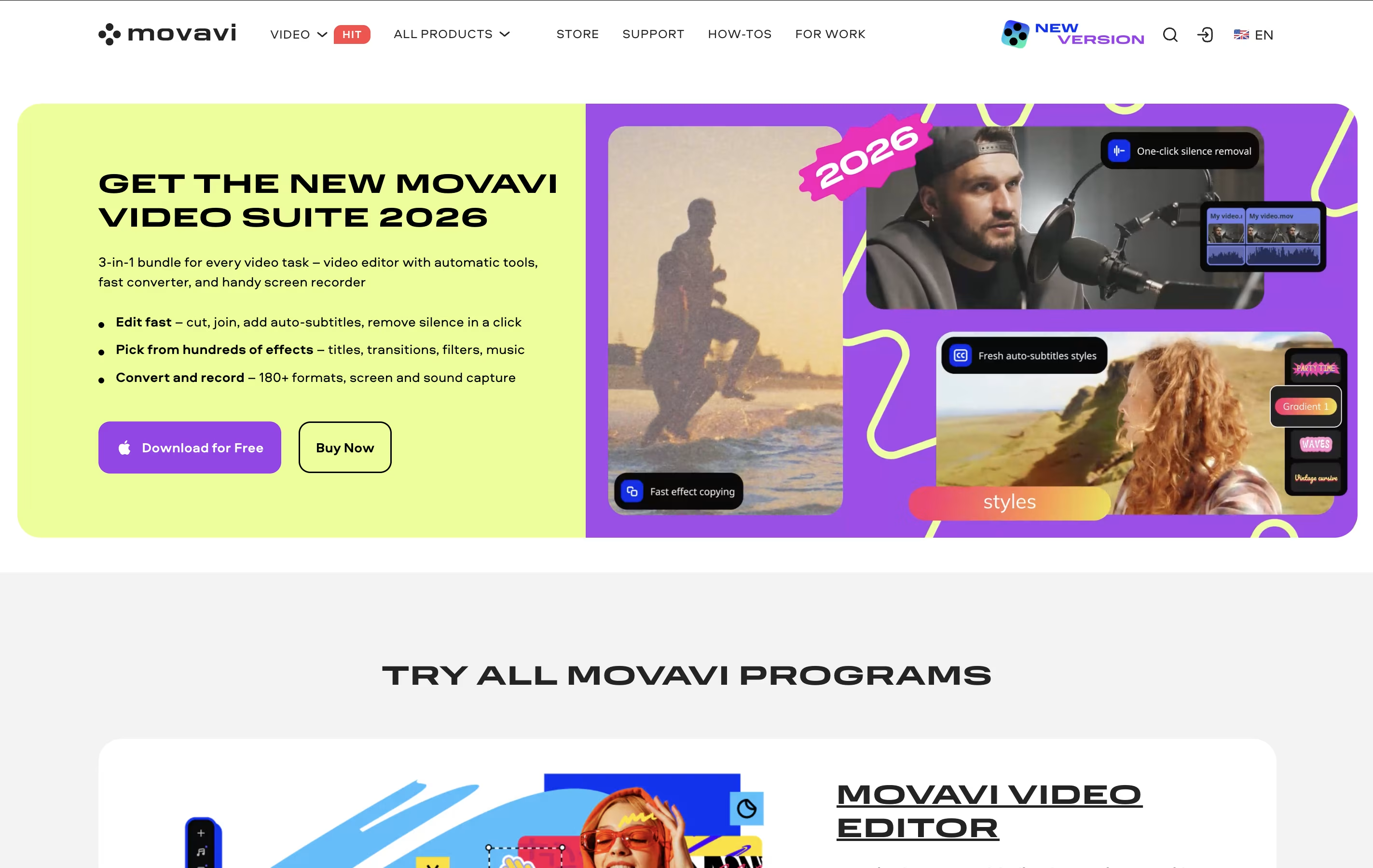 Movavi Video EditorEasy Video Editing Software with AI Tools,
  Resemble AI
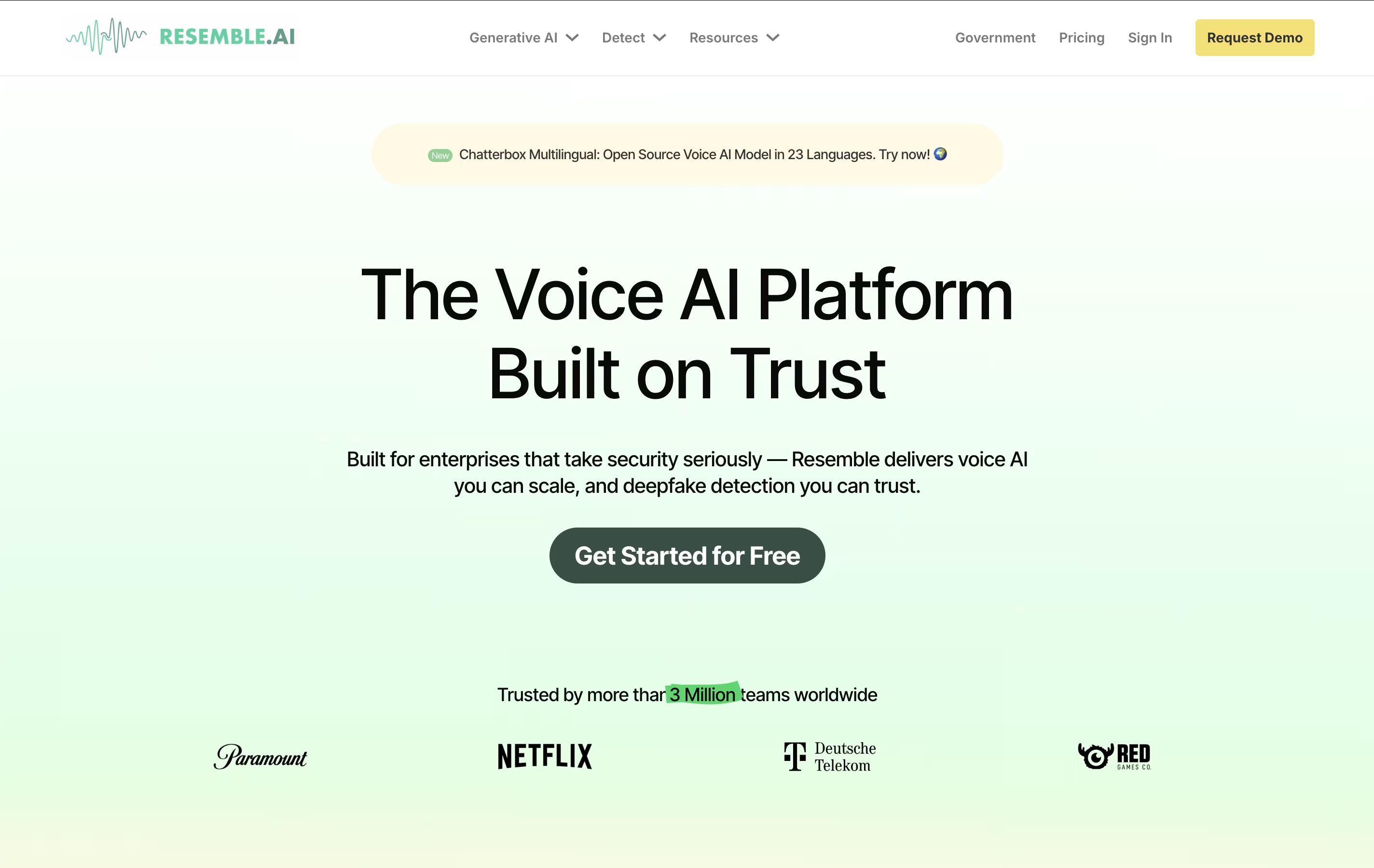 Resemble AIRealistic Voice Cloning & Text-to-Speech, and
  Clipchamp
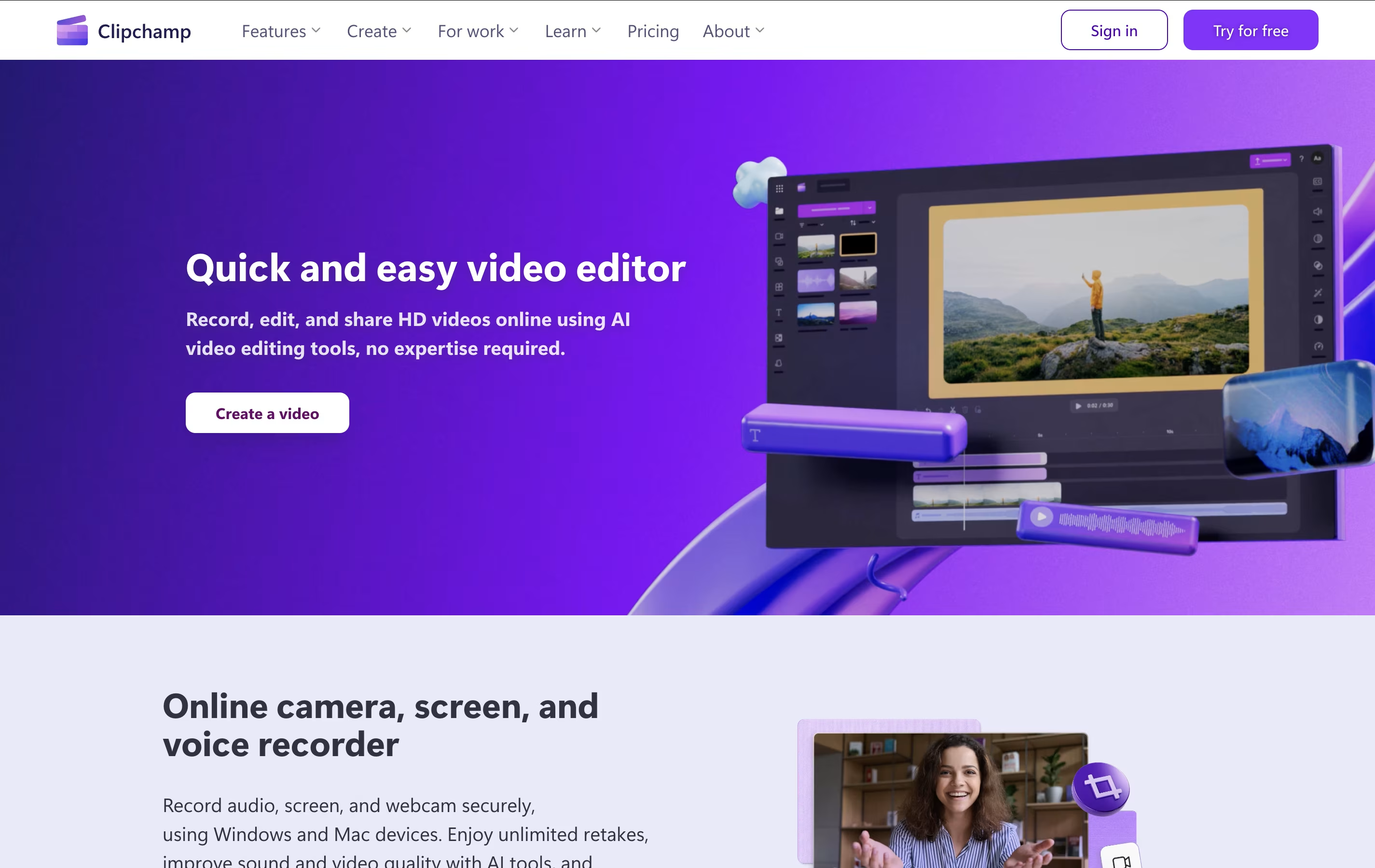 ClipchampMicrosoft's Free Online Video Editor with AI Features are the best for Audio Editing. So, let’s take a closer look at all 3 tools.
Movavi Video Editor is desktop software that lets you edit videos with drag-and-drop simplicity. You can cut and trim clips, add music and effects, create titles, and export finished videos ready for sharing. The software includes AI-powered features like background removal, noise reduction, and motion tracking that work automatically.
Unlike complicated professional editors, Movavi focuses on making video editing quick and easy. It comes with hundreds of built-in effects, transitions, filters, and music tracks so you don't need to find these separately. The interface is clean and organized, with most tools visible on the main screen.
There's a free version you can try, but it adds watermarks to videos and limits exports to 60 seconds. The full version removes these limits and unlocks all features.
Resemble AI is an AI-powered voice cloning and text-to-speech platform that transforms written text into natural-sounding speech using cloned voices. The platform can create voice copies from minimal audio samples and generate speech that sounds remarkably human-like.
Unlike traditional text-to-speech tools that offer generic robotic voices, Resemble AI specializes in creating personalized voices that maintain the original speaker's unique characteristics, accent, and speaking style. The platform supports two main approaches: Rapid Voice Cloning that works with just 10 seconds of audio for quick results, and Professional Voice Cloning that uses 10 minutes of audio for higher quality output.
The service includes advanced features like emotion control, multilingual support across 149+ languages, real-time voice generation, and built-in security measures. It offers both web-based access and API integration for developers building voice-enabled applications.
Clipchamp is a cloud-based video editing platform owned by Microsoft that enables users to create, edit, and share videos entirely within their web browser. Think of it as a simplified version of professional video editing software that runs online without requiring any downloads or installations.
The platform offers both basic and advanced editing tools, including trimming, cropping, adding text, applying filters, and incorporating transitions. What sets Clipchamp apart is its AI-powered features like auto-compose video creation, background removal, and text-to-speech capabilities. Users can access thousands of royalty-free stock videos, images, and music tracks to enhance their projects.
Originally launched in 2014, Clipchamp was acquired by Microsoft in 2021 and is now integrated into Windows 11 and Microsoft 365. The platform serves millions of users worldwide, from content creators and small businesses to educators and enterprise teams looking for an accessible video creation solution.





