

Best 8 Video Editing Software Tools in 2026
Last Updated: November 9, 2025
Serious video projects need more control than automated tools alone can offer. Video Editing Software gives creators full control over cutting, color grading, audio mixing, and effects across professional grade timelines.
These platforms range from beginner friendly editors to professional suites used by filmmakers, YouTubers, and production studios. Multi track editing and export flexibility remain essential for anyone producing video at a serious level.
 Genially
 GeniallyCreate Interactive Presentations & Content,
  VideoSDK
 VideoSDKReal-Time Video & Voice API Platform for Developers, and
  LiveKit
 LiveKitOpen-Source Real-Time Video, Audio & AI Platform are the best for Video Editing Software. So, let’s take a closer look at all 8 tools.
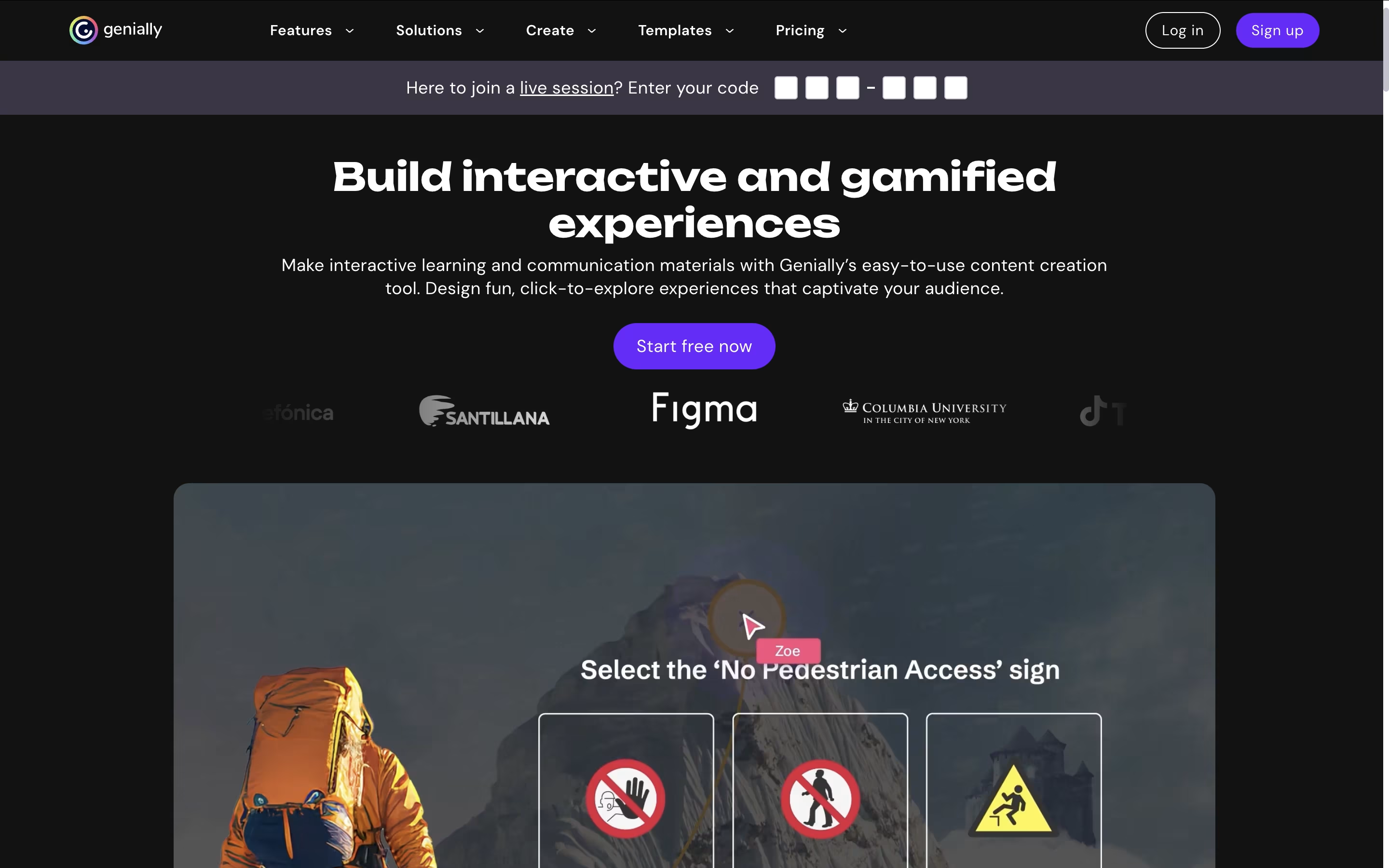
Genially is an online tool for creating interactive digital content. You can make presentations, infographics, escape rooms, quizzes, and marketing materials that people can click, explore, and interact with. Unlike traditional tools like PowerPoint, everything you create becomes interactive and animated.
The platform works entirely in your web browser with no downloads required. You start by choosing from over 1,000 professionally designed templates or creating from scratch. Then you add your content using simple drag-and-drop tools. The magic happens when you add interactions - clicking on elements can reveal pop-ups, play videos, show animations, or navigate to different pages.
Genially offers both free and paid plans. The free version lets you create unlimited content with basic features, while paid plans unlock advanced tools, premium templates, and team collaboration features.
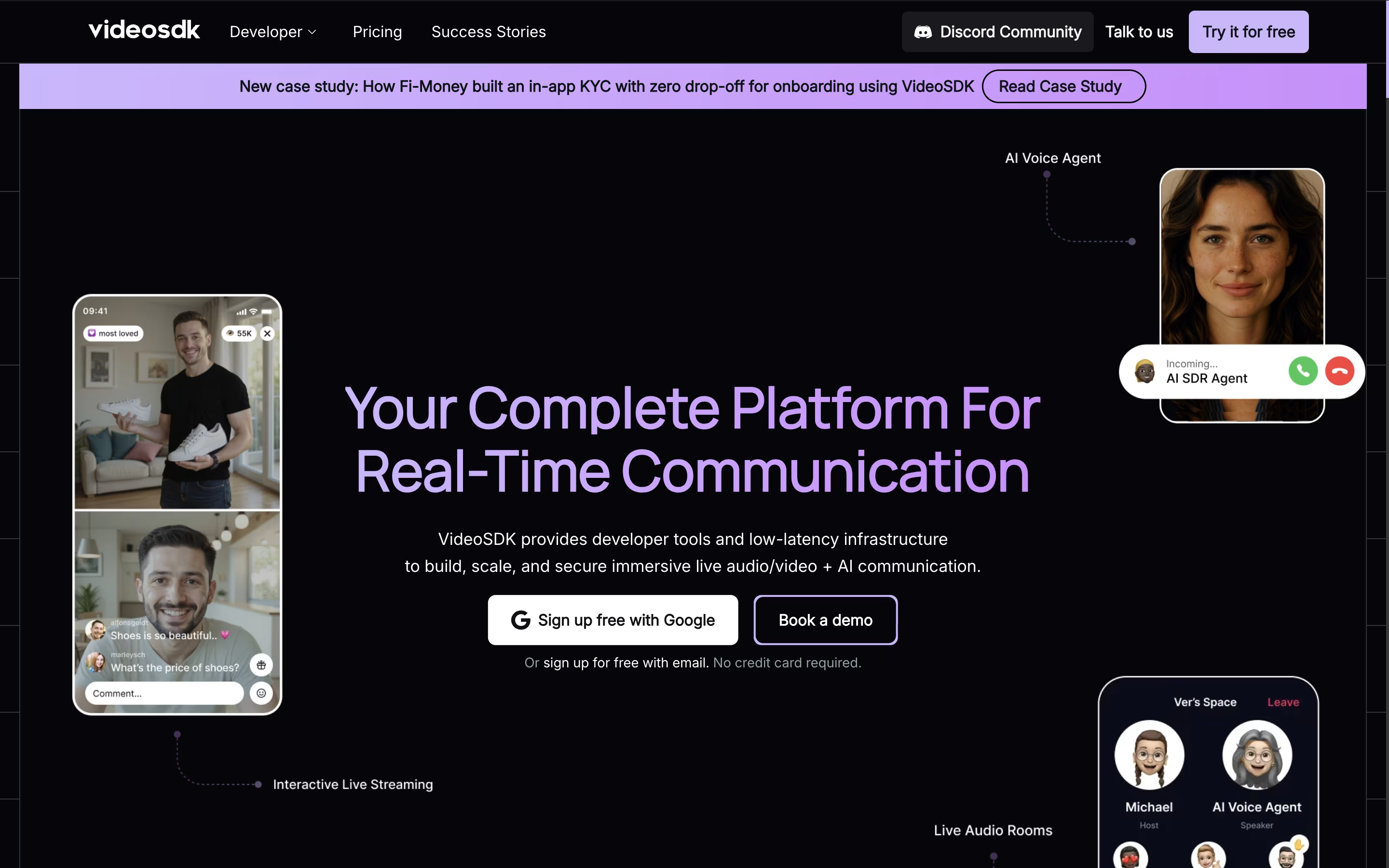
VideoSDK is a real-time communication platform that provides APIs and software tools for developers to build video and voice applications. Instead of creating video calling systems from scratch, developers can use VideoSDK's ready-made tools to add features like video meetings, live streaming, screen sharing, and AI-powered voice agents to their apps.
The platform works across all devices and operating systems, including web browsers, mobile apps, and desktop applications. It uses advanced technology to ensure smooth video quality even with poor internet connections and provides global infrastructure with 150ms worldwide latency.
VideoSDK offers both free and paid plans, starting with 10,000 free minutes every month. This makes it perfect for startups, small businesses, and large companies that need reliable video communication features without building everything from scratch.
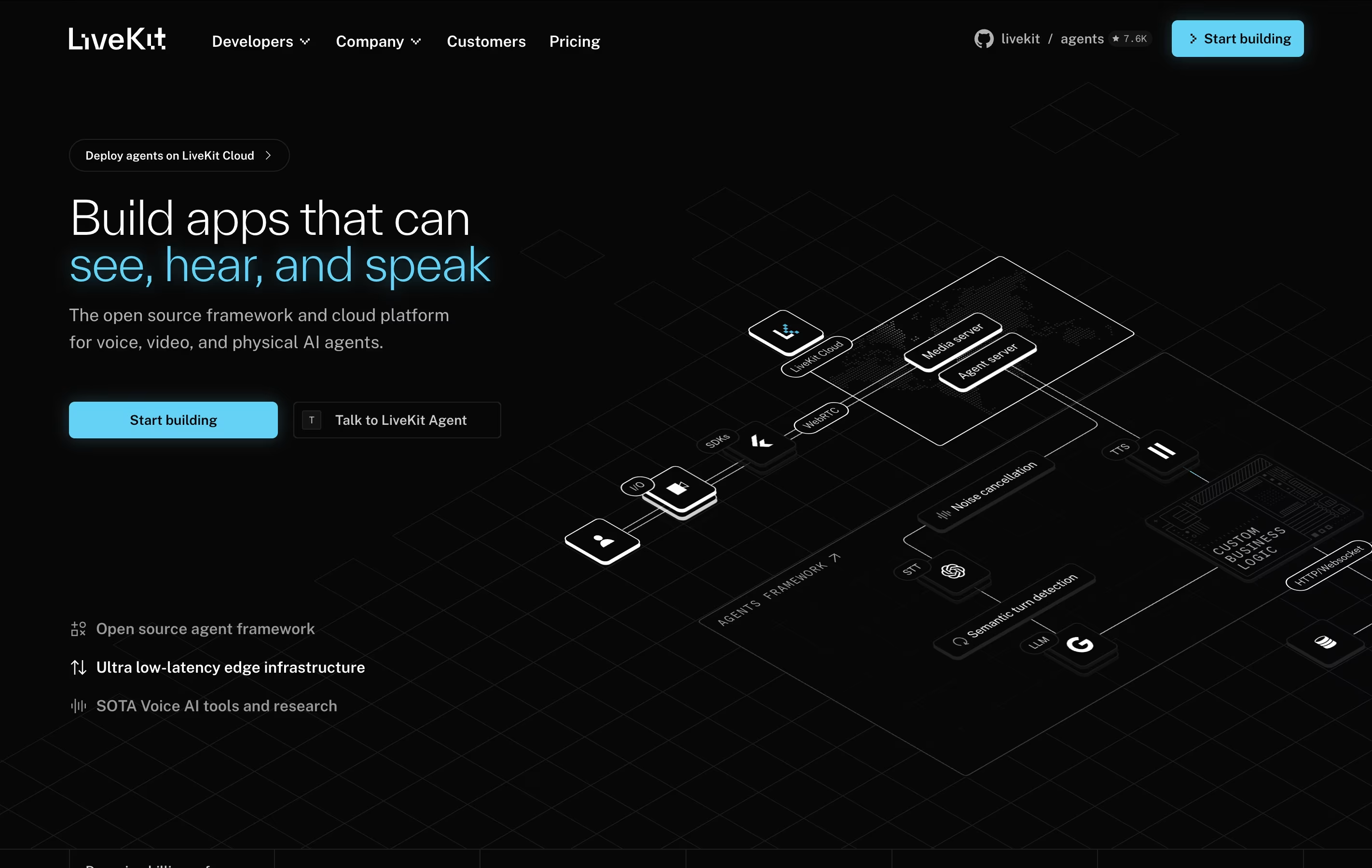
LiveKit is a complete real-time communication platform that uses WebRTC technology to enable low-latency audio, video, and data exchange between users and AI agents. Unlike traditional communication tools, LiveKit is built specifically for developers who want to create custom real-time experiences.
The platform consists of several parts: the open-source LiveKit server that handles media routing, client SDKs for all major platforms, and LiveKit Cloud for managed hosting. It uses a Selective Forwarding Unit (SFU) architecture, which means it can efficiently handle many participants without heavy server processing.
LiveKit is especially strong for AI applications. It can connect voice agents to phone systems, enable real-time transcription, and support multimodal AI that can see and hear simultaneously. Whether you want to build a simple video chat or a complex AI assistant, LiveKit provides the foundation you need.

Agora is a Platform-as-a-Service (PaaS) that provides real-time communication APIs for developers. Instead of building video calling or live streaming technology from scratch, developers can use Agora's ready-made tools to add these features to their apps quickly.
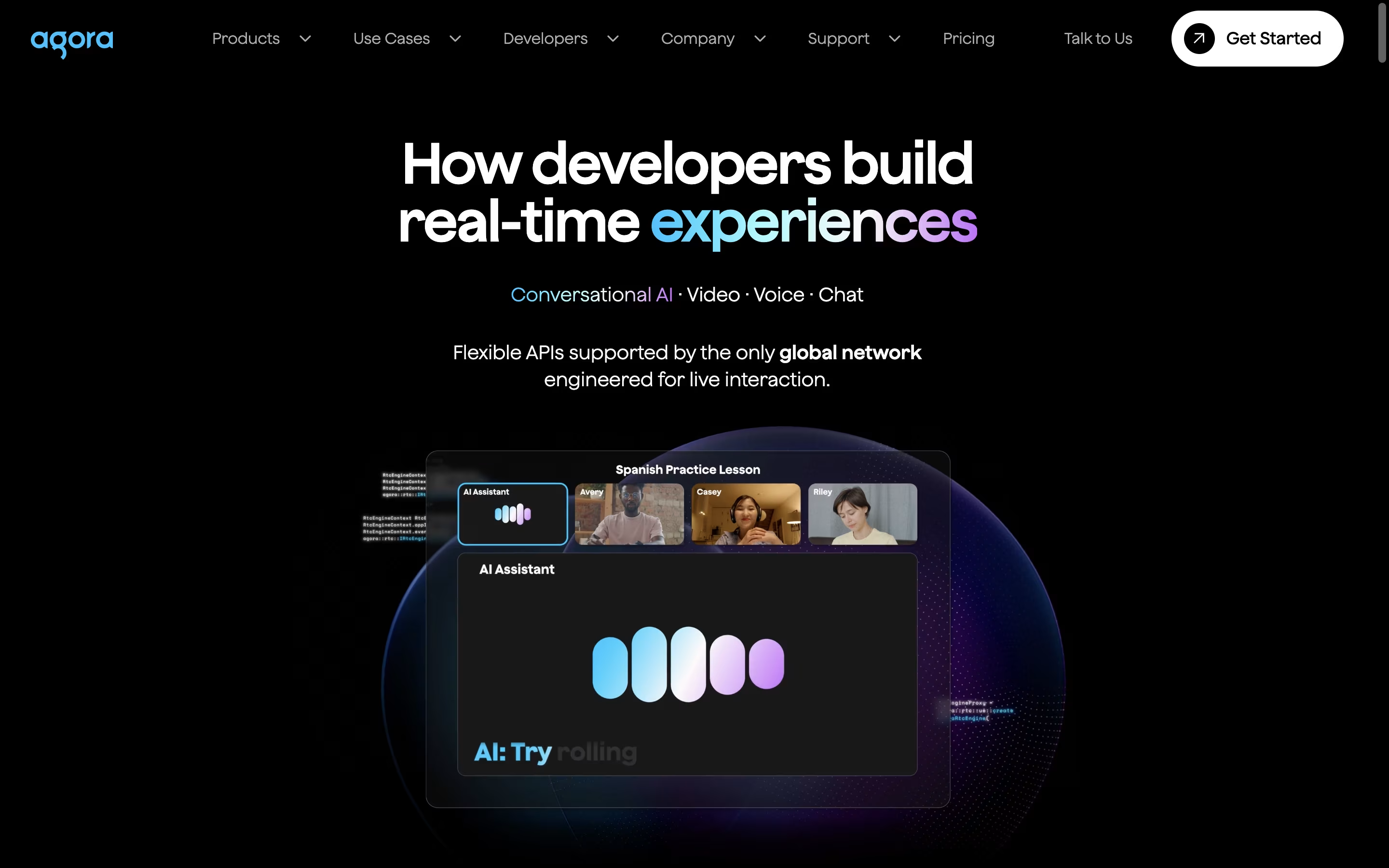
The platform offers SDKs (software development kits) for most programming languages and devices, including mobile apps, websites, and desktop applications. Agora's main strength is its global network called SD-RTN (Software-Defined Real-time Network), which automatically finds the best path for audio and video data to travel between users.
Key products include Video Calling APIs, Interactive Live Streaming, Voice Calling, Cloud Recording, and AI-powered features like noise reduction. The platform also provides analytics tools to monitor call quality and usage. Agora is publicly traded on NASDAQ under the symbol "API."

Wondershare is a software company that develops easy-to-use applications for creative professionals, businesses, and everyday users. Their main products solve common digital problems like editing videos, managing PDF documents, recovering lost data, and creating visual content.
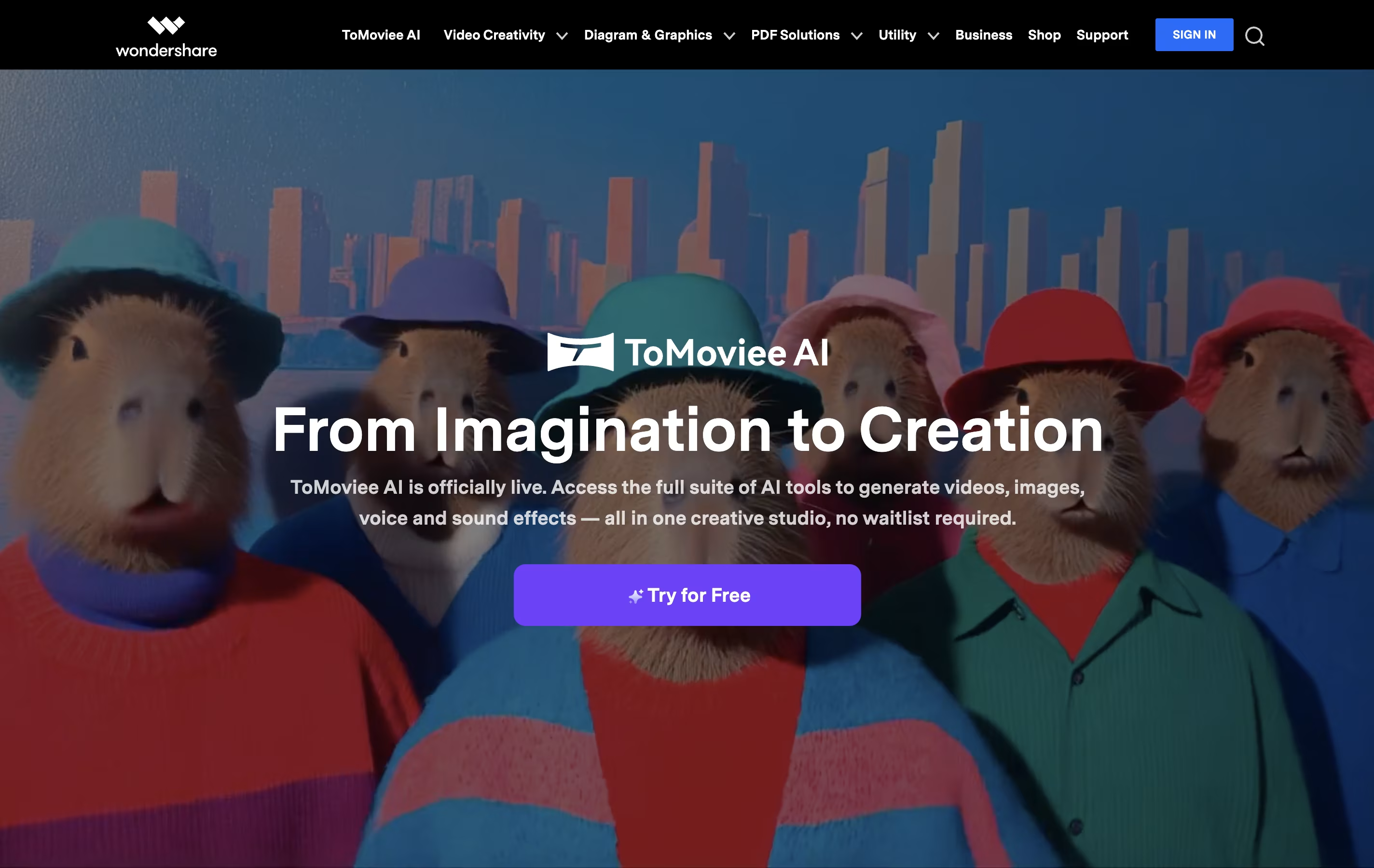
The company operates as a Software-as-a-Service provider, offering both desktop applications and web-based tools. Their most popular products include Filmora for video editing, PDFelement for PDF tasks, Recoverit for data recovery, and Dr.Fone for mobile device management. Many tools now include AI features to make complex tasks simpler.
Wondershare focuses on user-friendly design, making professional-grade software accessible to people without technical backgrounds. They offer various pricing options including free versions, monthly subscriptions, annual plans, and lifetime licenses to fit different needs and budgets.
Clipchamp is a cloud-based video editing platform owned by Microsoft that enables users to create, edit, and share videos entirely within their web browser. Think of it as a simplified version of professional video editing software that runs online without requiring any downloads or installations.
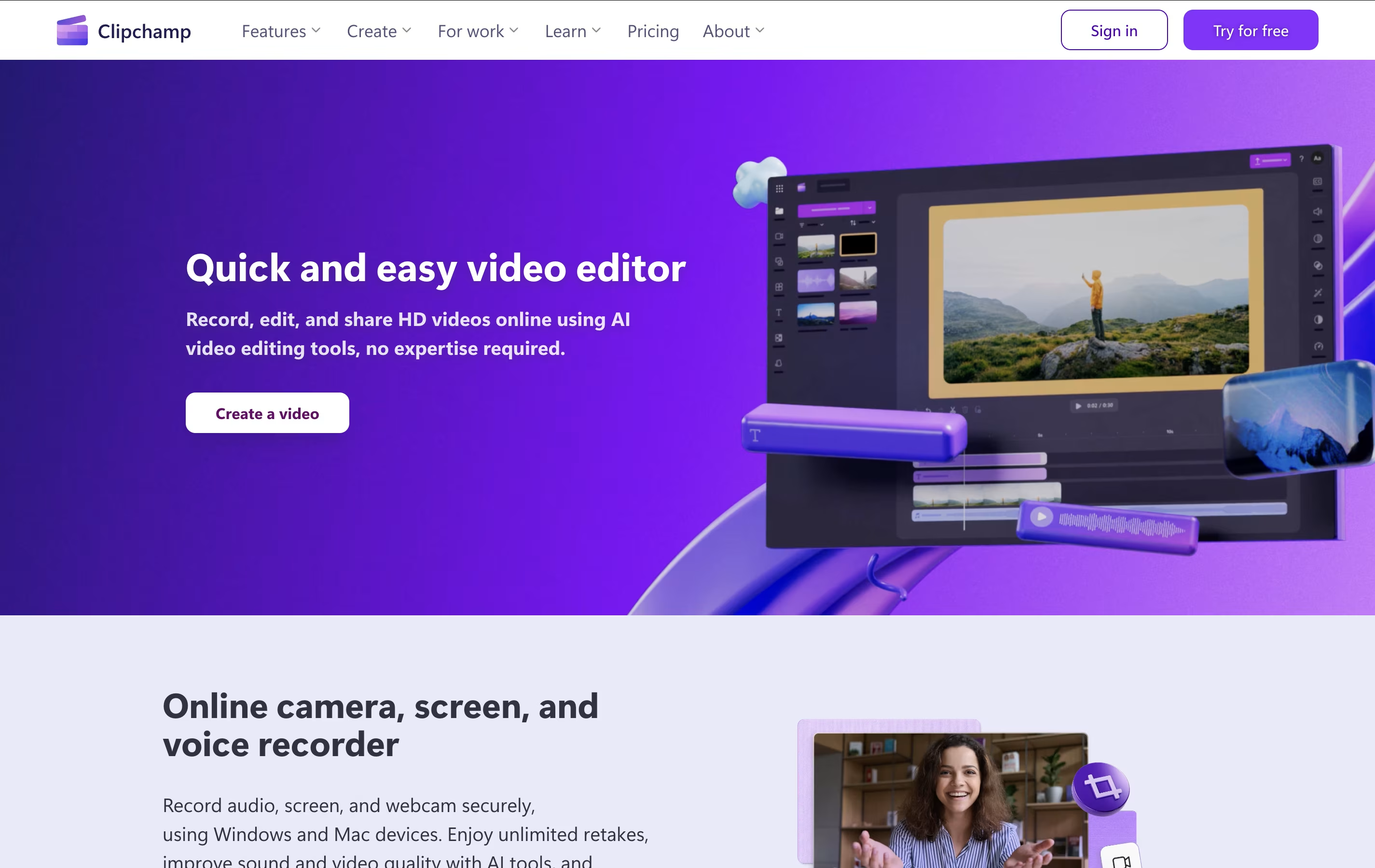
The platform offers both basic and advanced editing tools, including trimming, cropping, adding text, applying filters, and incorporating transitions. What sets Clipchamp apart is its AI-powered features like auto-compose video creation, background removal, and text-to-speech capabilities. Users can access thousands of royalty-free stock videos, images, and music tracks to enhance their projects.
Originally launched in 2014, Clipchamp was acquired by Microsoft in 2021 and is now integrated into Windows 11 and Microsoft 365. The platform serves millions of users worldwide, from content creators and small businesses to educators and enterprise teams looking for an accessible video creation solution.

Camtasia is a desktop software that records your computer screen and edits the footage into finished videos. You can capture everything happening on your screen, add your webcam feed, record voice narration, and include system audio all at the same time. Each element records on its own track, giving you complete control when editing.
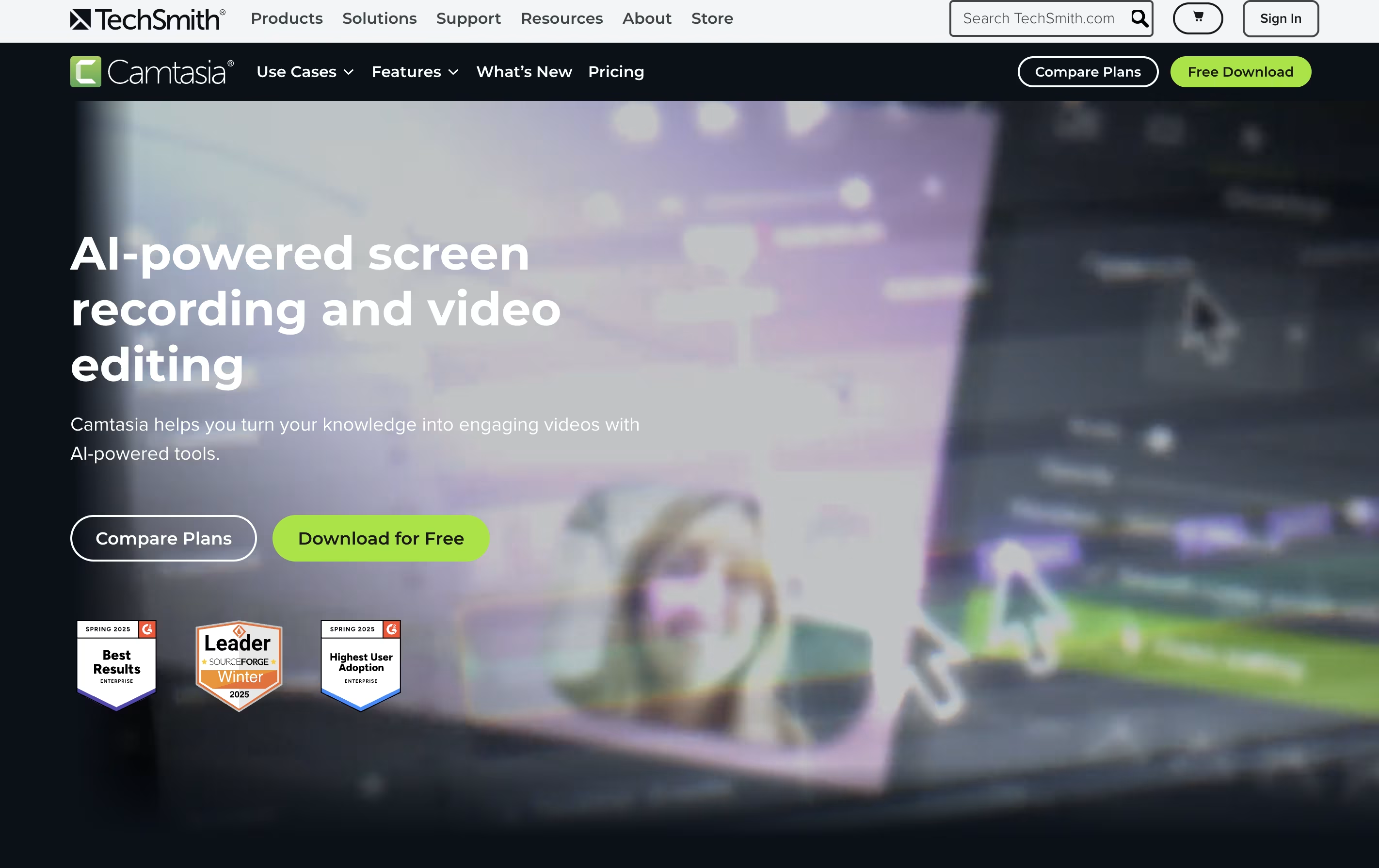
The software comes with AI-powered tools that help create scripts, generate voiceovers, remove background noise, and produce captions automatically. You also get access to millions of royalty-free images, videos, and music tracks. Camtasia works on both Windows and Mac computers, and now includes a free web version for quick recordings. The editing interface uses simple drag-and-drop actions, making it accessible for beginners while still offering advanced features for experienced creators.

Movavi Video Editor is desktop software that lets you edit videos with drag-and-drop simplicity. You can cut and trim clips, add music and effects, create titles, and export finished videos ready for sharing. The software includes AI-powered features like background removal, noise reduction, and motion tracking that work automatically.
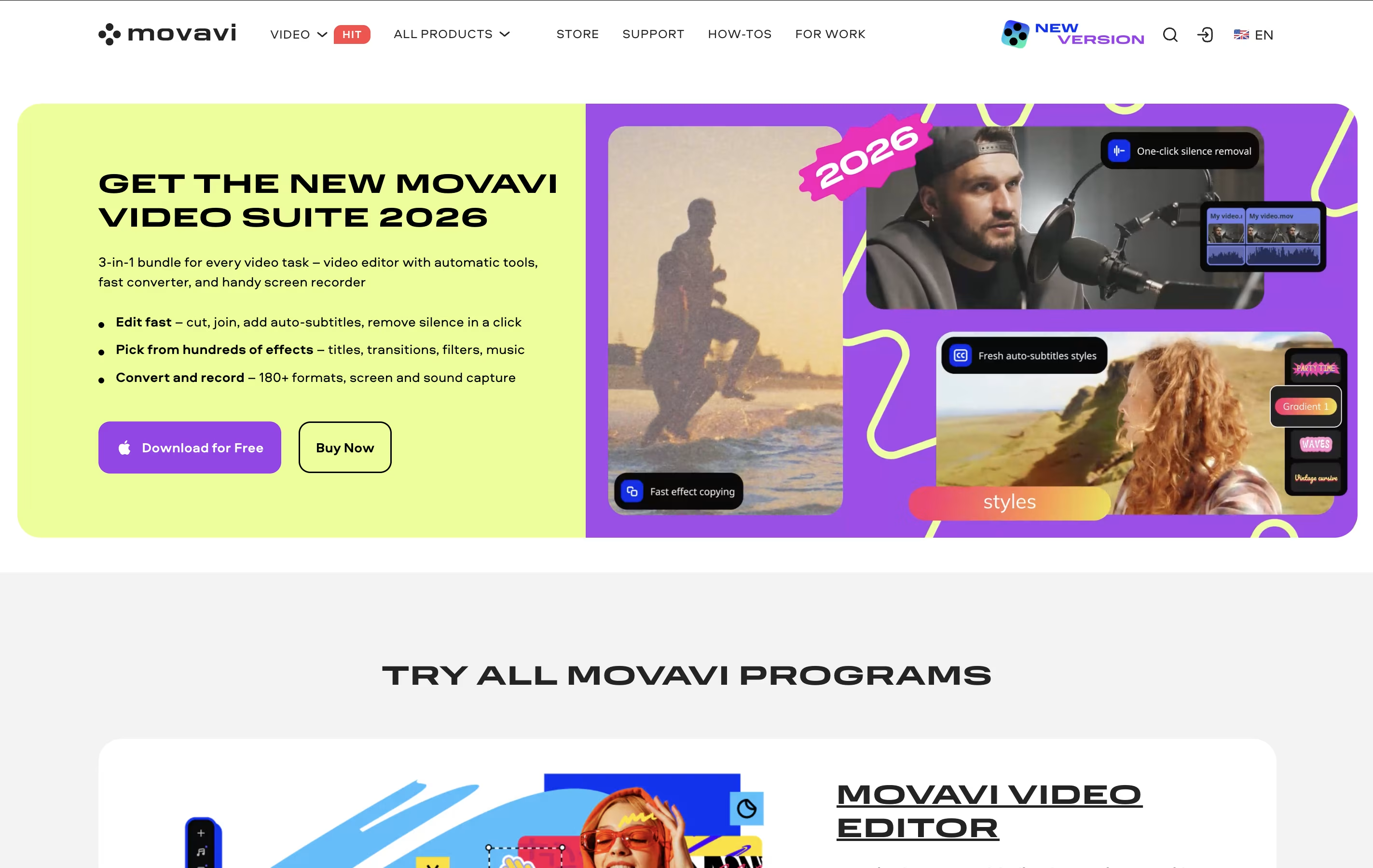
Unlike complicated professional editors, Movavi focuses on making video editing quick and easy. It comes with hundreds of built-in effects, transitions, filters, and music tracks so you don't need to find these separately. The interface is clean and organized, with most tools visible on the main screen.
There's a free version you can try, but it adds watermarks to videos and limits exports to 60 seconds. The full version removes these limits and unlocks all features.
Related to
Video Editing Software