

Best 9 AI Avatar Video Generator Tools in 2026
Last Updated: August 28, 2026
Recording on camera video is not always practical, especially for teams that need to publish content quickly and consistently. AI Avatar Video Generators turn a script into a video presented by a realistic digital avatar, complete with natural speech and expressions.
These tools are widely used by corporate trainers, marketers, and course creators who need polished video content without filming. Multiple avatar styles and voice options make it easy to match the tone of the message.
 Synthesia
 SynthesiaAI Avatar Video Creation Platform,
  HeyGen
 HeyGenCreate Realistic AI Avatar Videos Fast, and
  Tavus
Tavus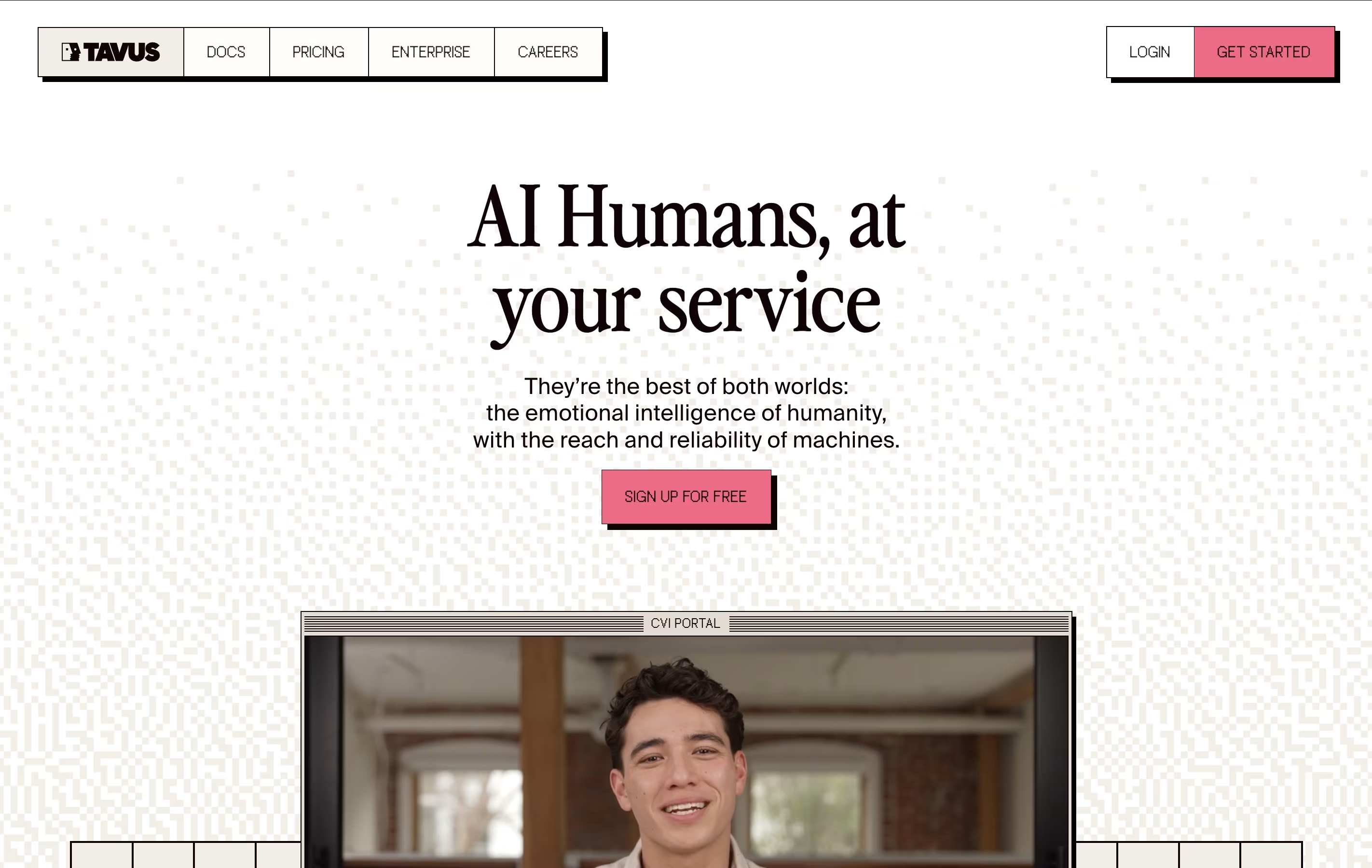 TavusAI Digital Twins for Personalized Video Generation are the best for AI Avatar Video Generator. So, let’s take a closer look at all 9 tools.

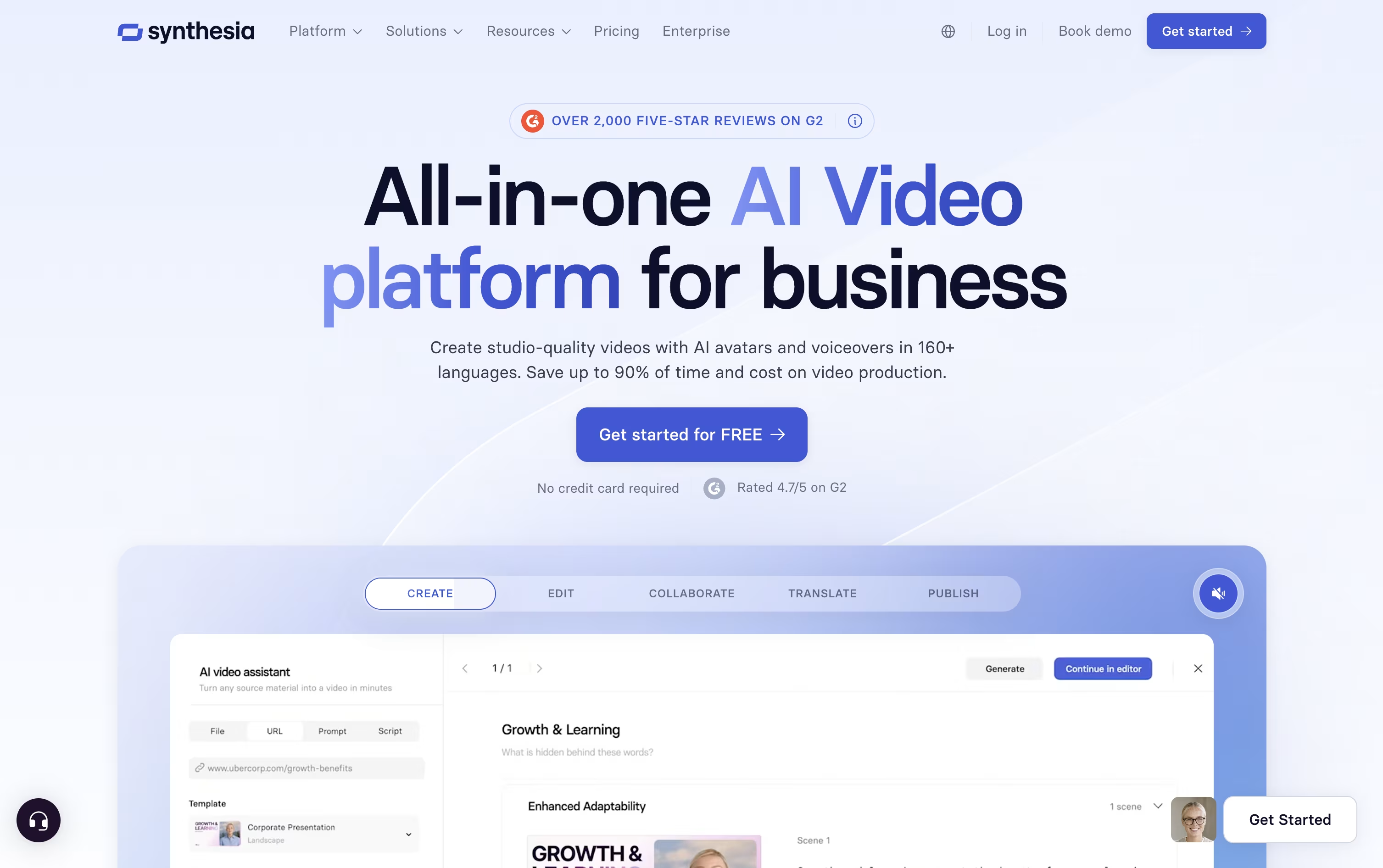
Instead of hiring actors or booking a studio, Synthesia turns written text into a video with an AI avatar reading it aloud.
The avatar library has grown past 240 options, and you can also create a personal avatar plus a cloned voice so the video sounds and looks like you.
Getting started costs nothing on the Basic plan, which includes 10 minutes of video each month and 9 avatars.
Moving up, Starter is $18 a month on the yearly plan and adds downloads plus dubbing, while Creator at $64 a month brings API access, interactive elements, and branded pages, and is the most popular tier.
Enterprise drops the limits entirely with custom pricing, unlimited minutes, unlimited personal avatars, SSO, and hands-on onboarding support.
Since updates just mean changing the script rather than filming again, it fits well for training material and internal videos that change often.
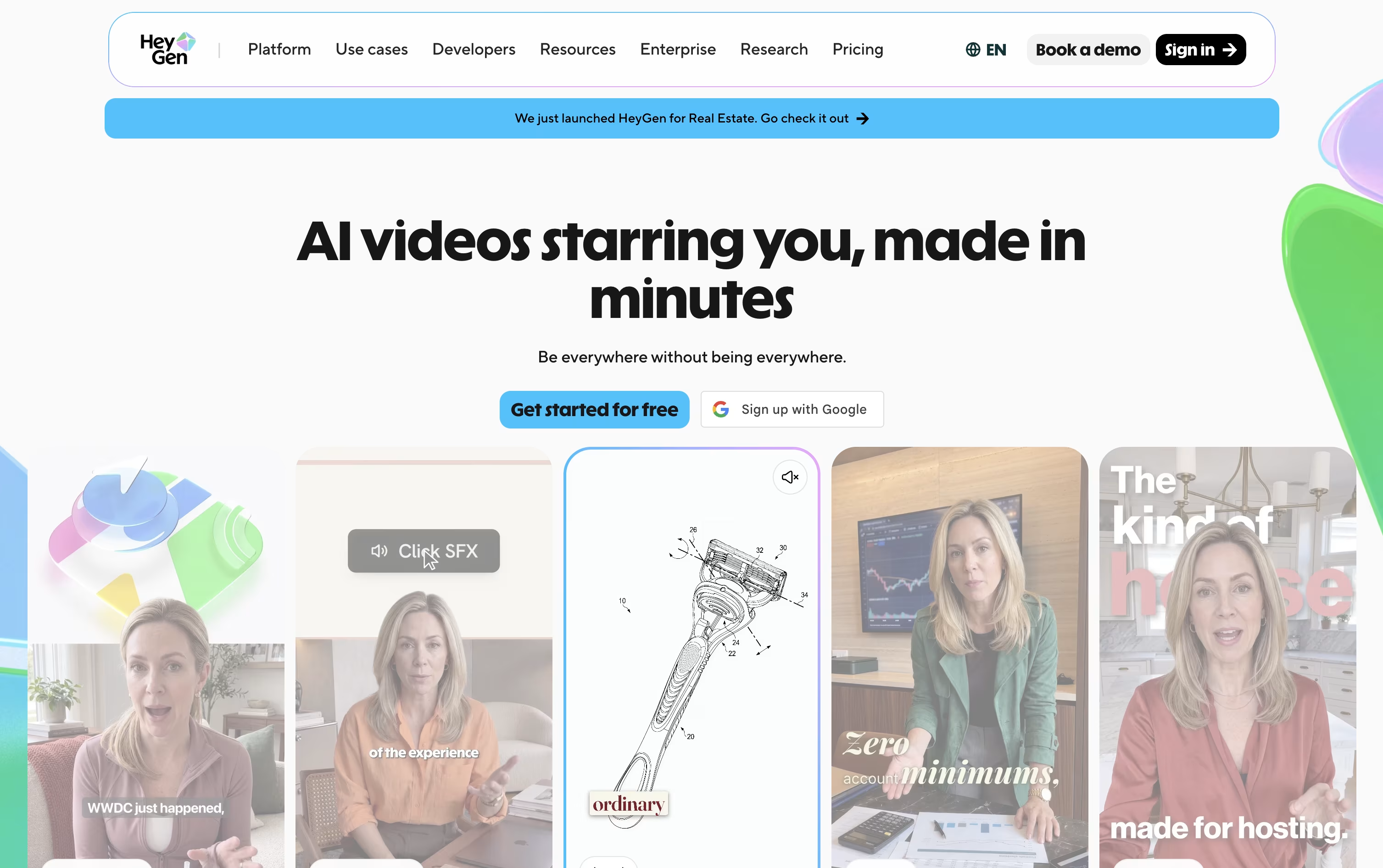
Instead of hiring actors and booking a studio, HeyGen builds your video from a script, a photo, a document, or a simple text prompt using AI avatars.
You can create a digital twin from a short recording of yourself, turn a single photo into a talking presenter, or choose from hundreds of stock avatars, all with realistic lip-sync and body movement.
Getting started costs nothing: the free plan allows 3 short videos a month without asking for a card.
Once you need more, Creator at $29 a month adds 30-minute videos, 1080p exports, voice cloning, and over 175 languages.
Pro, from $49 a month, adds 4K export and more advanced models, and Business at $149 a month brings in team workspaces, single sign-on, and app integrations.
Larger organizations can move to Enterprise, which is priced individually with dedicated support.
Tavus is an AI video platform that creates digital twins capable of both generating scripted videos and having real-time conversations. Think of it as your personal video clone that can speak any language, discuss any topic, and appear in unlimited videos without you ever recording again.
The platform uses advanced AI models including their Phoenix technology to generate realistic facial movements, expressions, and voice synchronization. What sets Tavus apart is its dual capability: you can either create traditional video content from text scripts or build interactive conversational experiences where your digital twin responds to live questions and conversations.
The technology works by analyzing your facial features, voice patterns, and speaking style from just two minutes of training footage. Within 6-9 hours, you have a digital replica that looks, sounds, and behaves like you, ready to create unlimited content or engage in real-time conversations with anyone.

VideoSDK is a real-time communication platform that provides APIs and software tools for developers to build video and voice applications. Instead of creating video calling systems from scratch, developers can use VideoSDK's ready-made tools to add features like video meetings, live streaming, screen sharing, and AI-powered voice agents to their apps.
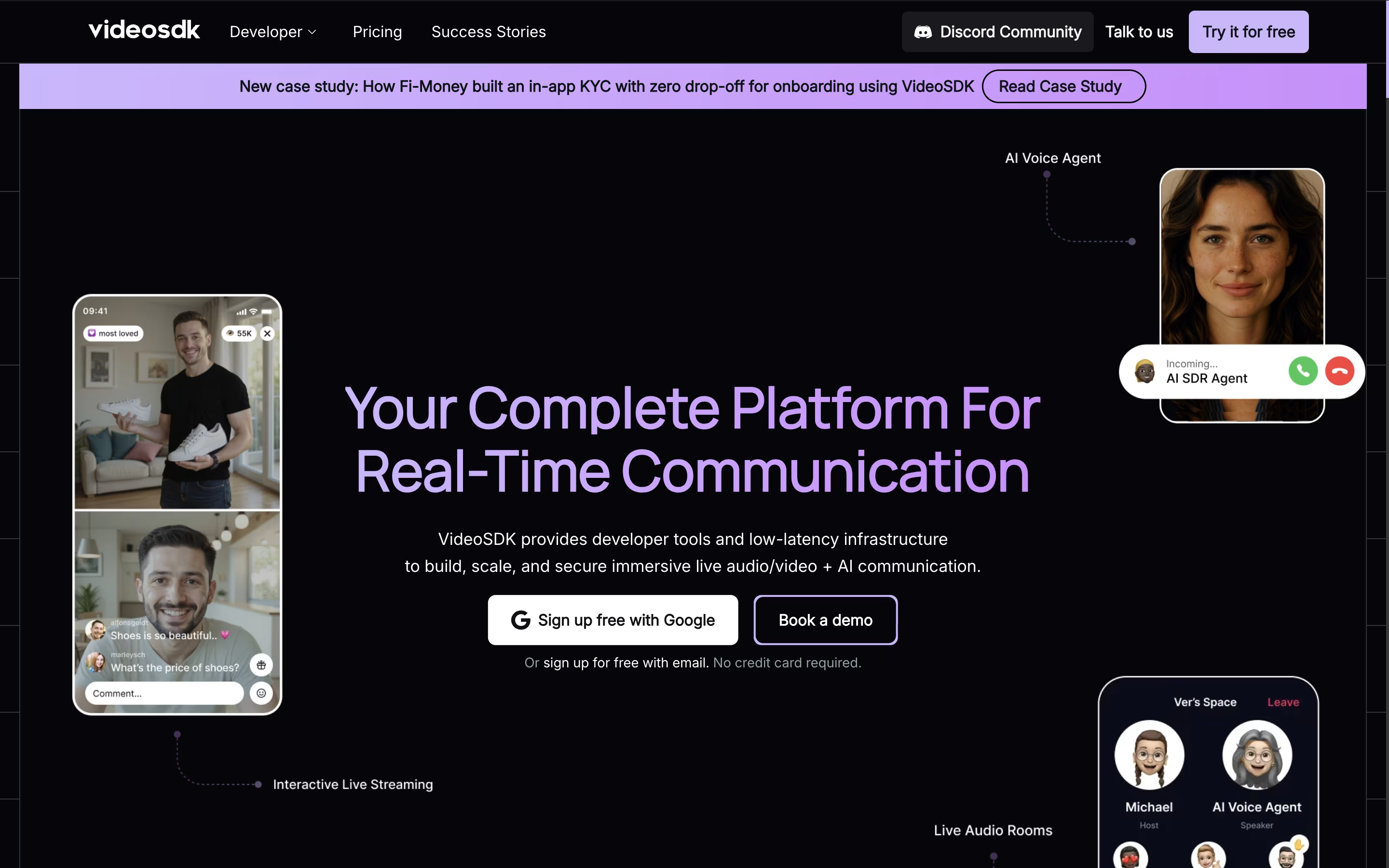
The platform works across all devices and operating systems, including web browsers, mobile apps, and desktop applications. It uses advanced technology to ensure smooth video quality even with poor internet connections and provides global infrastructure with 150ms worldwide latency.
VideoSDK offers both free and paid plans, starting with 10,000 free minutes every month. This makes it perfect for startups, small businesses, and large companies that need reliable video communication features without building everything from scratch.

Vidnoz AI lets you make talking avatar videos from a script, a document, or just an idea, without needing a camera or a studio.
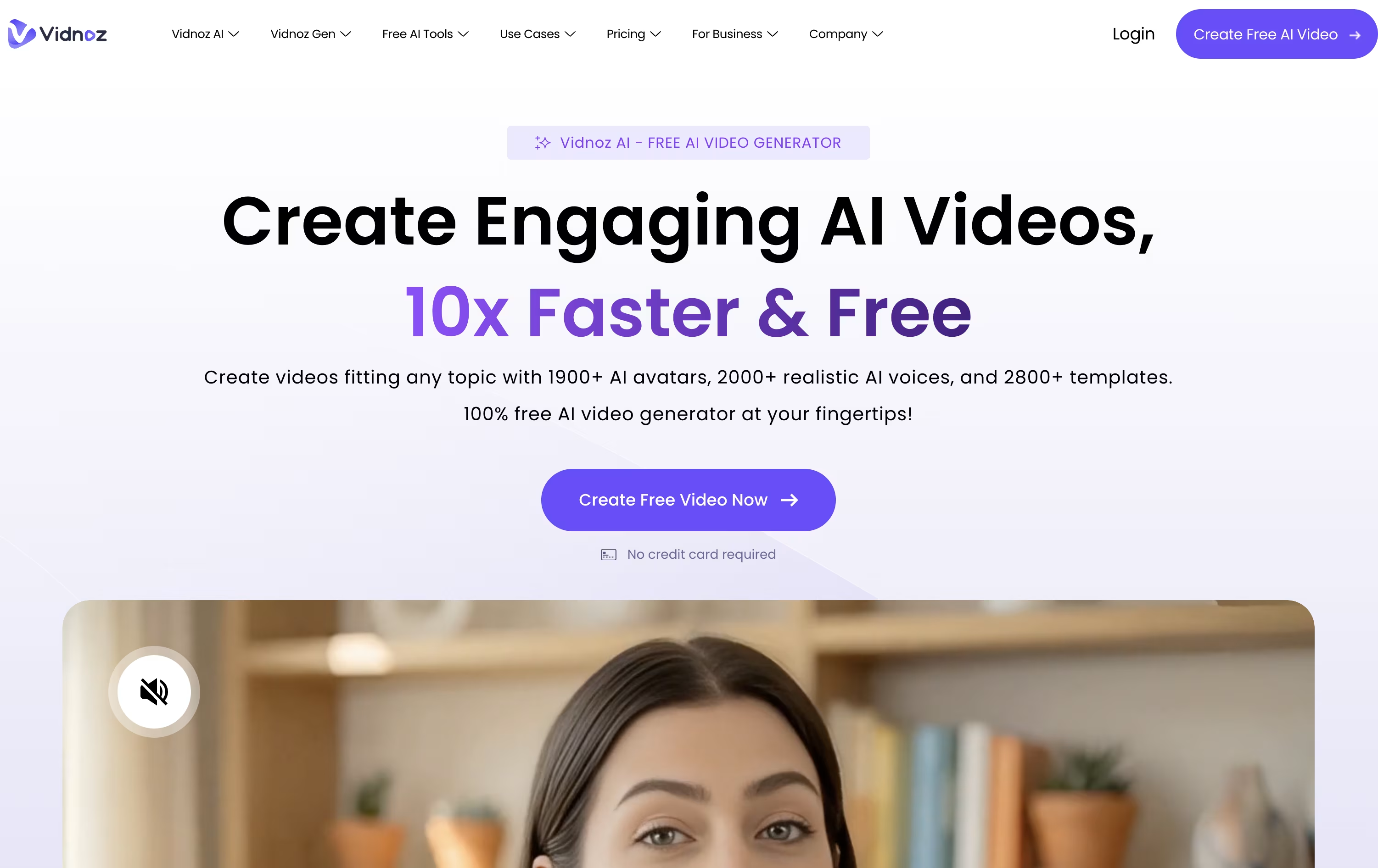
The library includes over 1,600 avatars and hundreds of voices, plus tools for face swap, photo editing, and background removal.
Starting out costs nothing, though the free plan is limited to short 3 minute clips at 720p with a watermark.
Moving to Starter for $26.99 a month, or $19.99 a month when billed yearly, removes the watermark and unlocks 1080p exports and 60 minute videos.
The Business plan at $74.99 a month, or $56.99 yearly, is built for teams, adding branding tools, video analytics, and up to 1,000 user seats.
For larger needs, Enterprise offers custom pricing with a dedicated account manager and priority support.
Rather than recording yourself on camera, Pitch Avatar lets you upload a deck, PDF, video, or screen recording and have a digital avatar present it for you, speaking in your cloned voice if you choose.
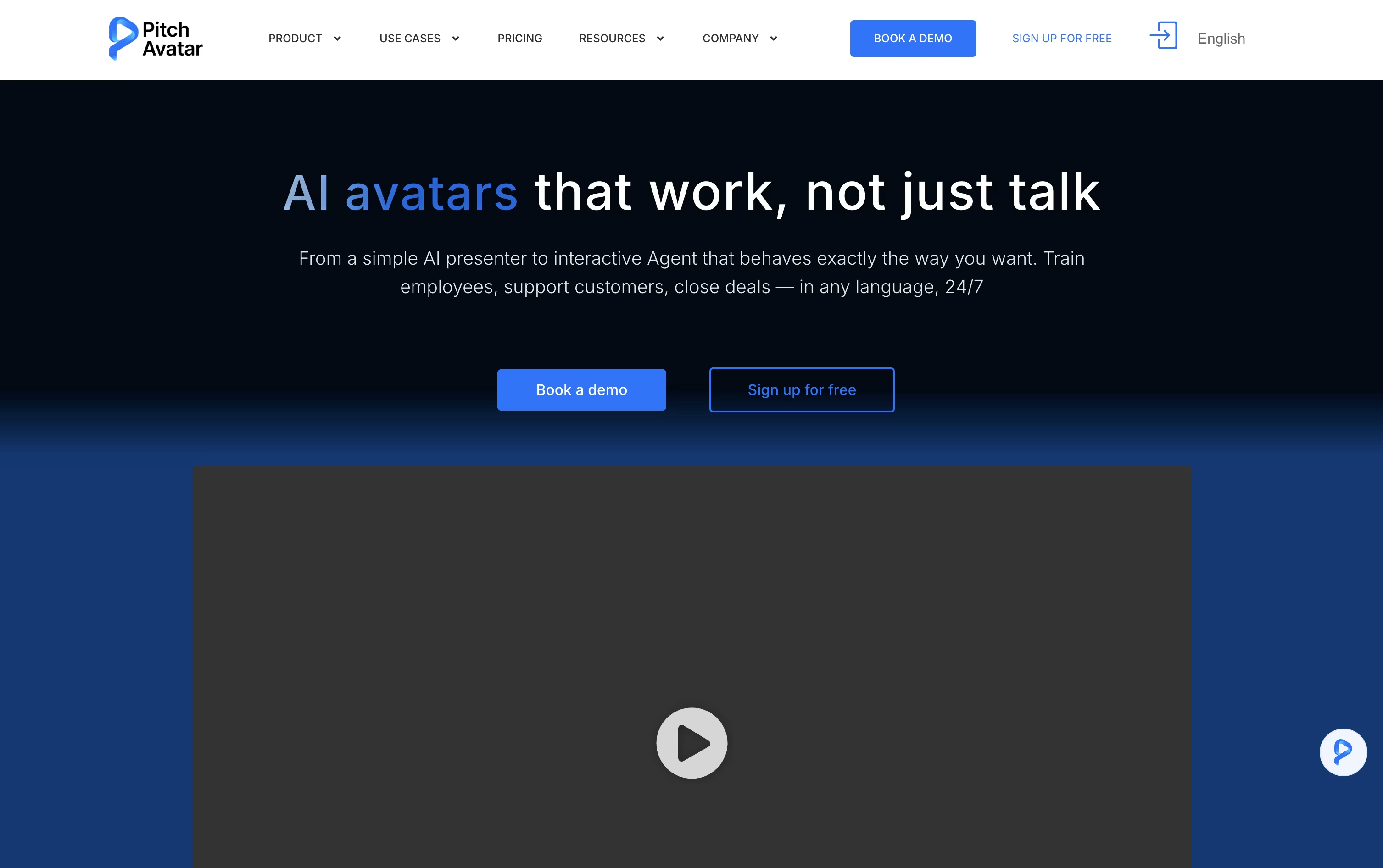
Its AI Chat-avatars go further, acting as interactive agents that answer viewer questions, qualify leads, schedule meetings, and handle support or training conversations at any time, in whatever language the viewer prefers.
Videos and presentations can also be dubbed and translated into over 76 languages, so one piece of content can reach viewers everywhere without redoing the recording.
Pricing starts with the Professional plan at $29 a month, giving 1 user, 10 presentations, 20 videos, and 5 Chat-avatars. Moving up to Business at $79 a month unlocks 5 users, 100 presentations, and 20 Chat-avatars.
Larger teams can choose Enterprise for custom limits, unlimited video length up to 60 minutes, and unlimited downloads, while extra Avatar minutes are available separately from $12 to $109.
Every paid plan comes with a 7-day free trial and a 14-day refund window, so testing the platform carries little risk.

Turning a document or slide deck into a finished training video usually means hiring a producer or spending hours in editing software. Colossyan Creator skips that step by generating an avatar narrated video straight from your script, PDF, or PowerPoint file.
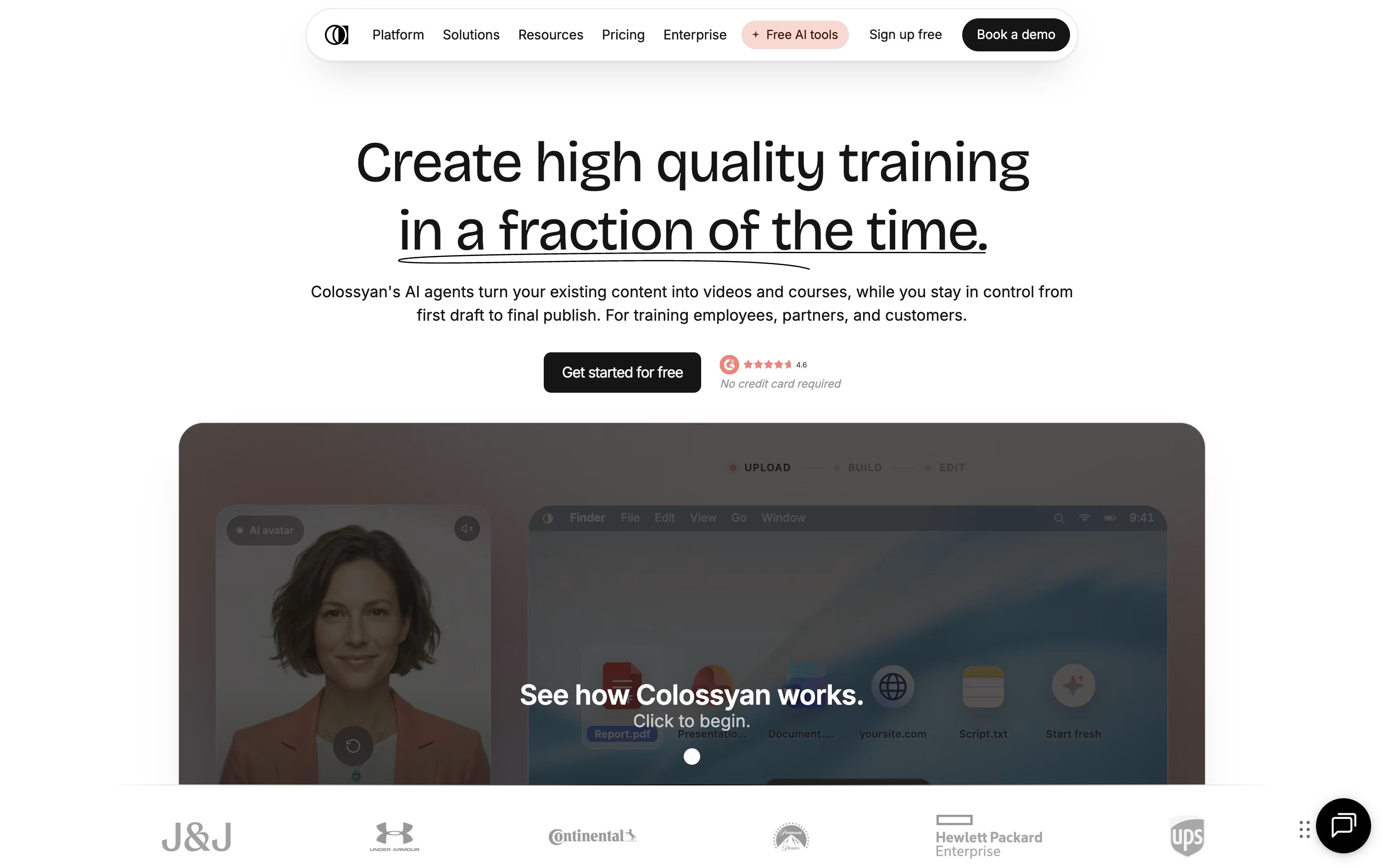
Once your content is in, you choose from hundreds of stock avatars and voices, or build a custom avatar from a short recording of yourself. The editor lays out scenes automatically, and you can drop in quizzes, branching scenarios, or clickable buttons so viewers actively engage instead of just watching.
A single video can also be auto translated into over 100 languages, with the lip sync and on screen text adjusted for each one, which saves a lot of manual localization work for global teams.
Pricing starts with a free Starter plan that includes 20 minutes of video a month and 15 custom avatars. Professional runs $89 a month, or $59 a month on the annual plan, a saving of about 34 percent, and unlocks more minutes, SCORM export, and watermark removal.
Enterprise teams get custom pricing with unlimited usage, 4K video, analytics, and dedicated account support.

Elai.io lets you turn text, a web article, or a PowerPoint file into a video with a realistic AI avatar speaking the content, without any filming.
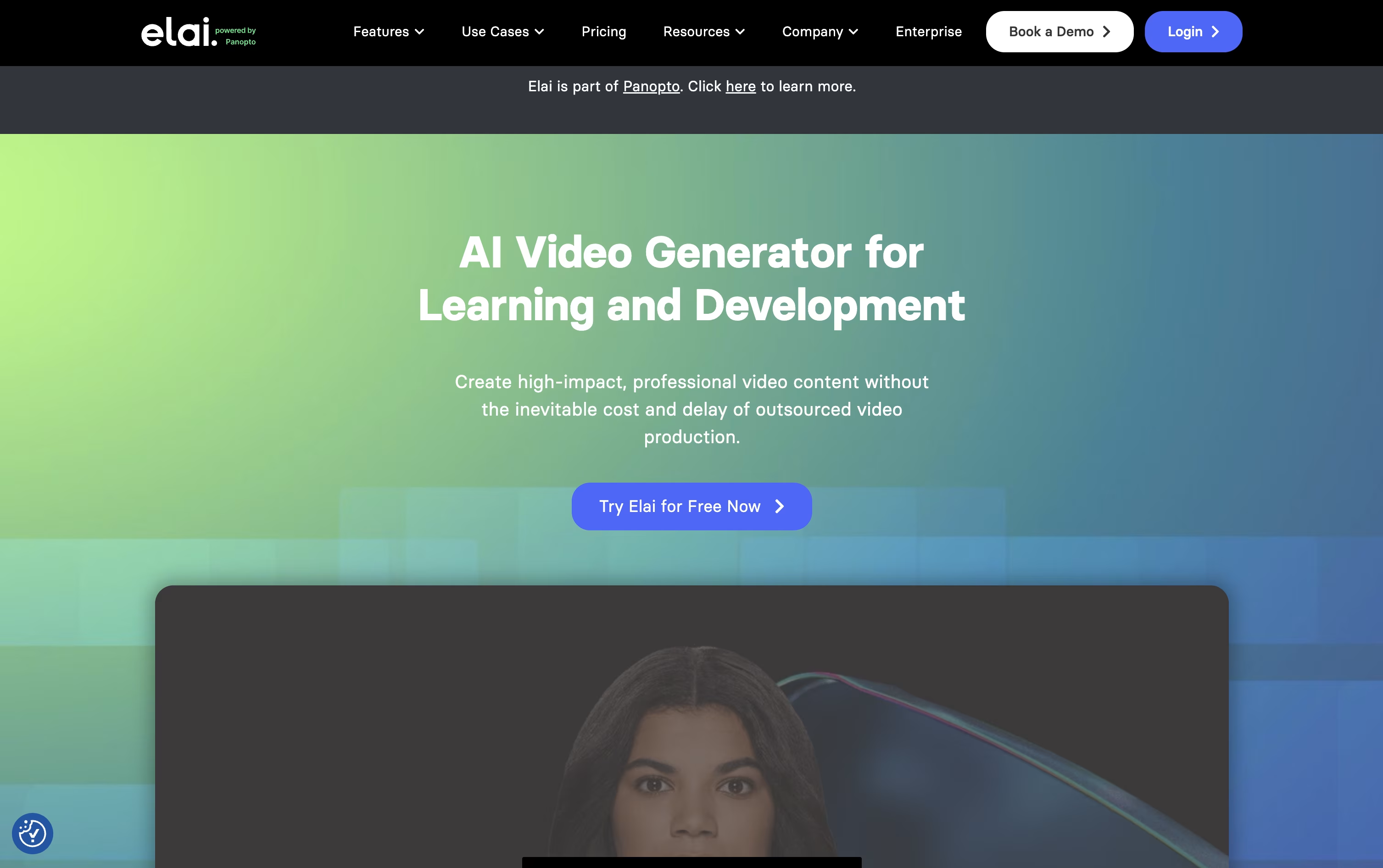
It leans heavily toward L&D and training use cases, with built in quizzes, branching paths, and SCORM export for learning platforms.
Anyone can start for free with 1 minute of video, 80+ avatars, and 75+ languages included from the start.
The Creator plan is $29 a month for 15 minutes, while Team is $125 a month for 50 minutes, 3 seats, and 4K video, and both drop 20% when billed yearly.
Enterprise pricing is custom and unlocks unlimited seats, SSO, and workspaces for bigger teams.
Being part of Panopto now also means Elai videos can be managed, shared, and tracked in one connected system.

Making a video with AI Studios starts with typing a script, pasting a link, uploading a document, or just describing an idea. The platform builds the rest, including a talking AI avatar, matching voice, scenes, and captions.
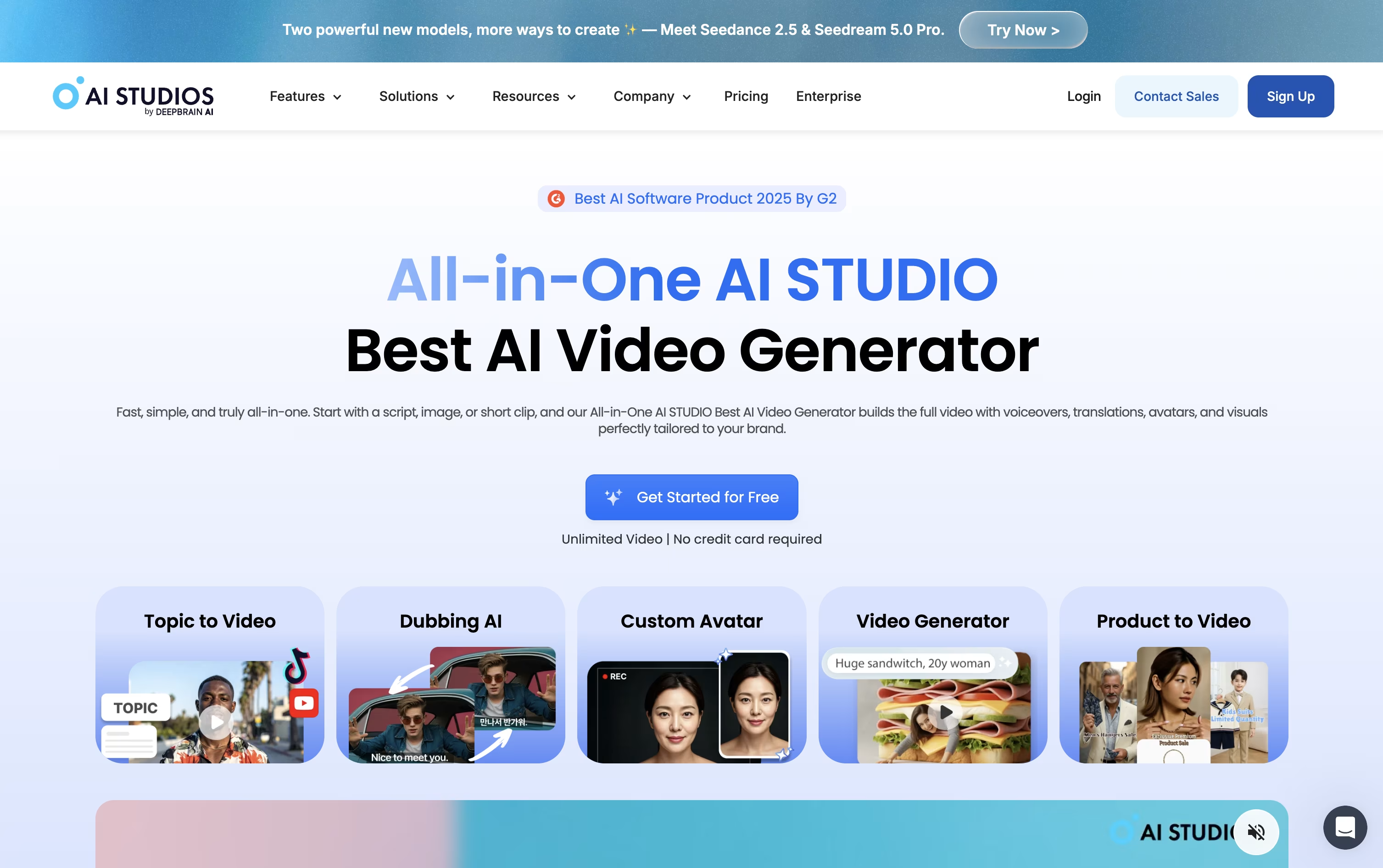
Avatars come from a library of over 2,000 options, or you can create your own from a short recording or a photo, complete with a cloned voice if you choose.
For existing videos, AI dubbing rewrites the spoken audio into another language while keeping the speaker's lips in sync, supporting more than 150 languages.
Pricing starts free, letting you try 3 short videos at 720p. Moving to Personal at $29 a month unlocks unlimited videos up to 30 minutes and 1080p export, with a lower $24 rate if billed yearly.
Teams pay $69 per seat monthly, or $55 annually, for 4K export, longer clips, and shared project spaces, while Enterprise moves to custom pricing with unlimited everything and priority support.
There's also a standalone Interactive Avatar plan for live, real-time avatar conversations, priced free to start and $99 a month for the Standard tier.




