

Best 5 AI Video Dubbing Tools in 2026
Last Updated: August 28, 2026
Reaching an international audience often means translating spoken dialogue into other languages while keeping lip movement believable. AI Video Dubbing tools translate and re voice video content automatically, matching tone and timing to the original speaker.
These tools are valuable for global content creators, educators, and marketing teams localizing video for new markets. What used to require a full voice cast and studio time can now be done in a fraction of the time and cost.
 Synthesia
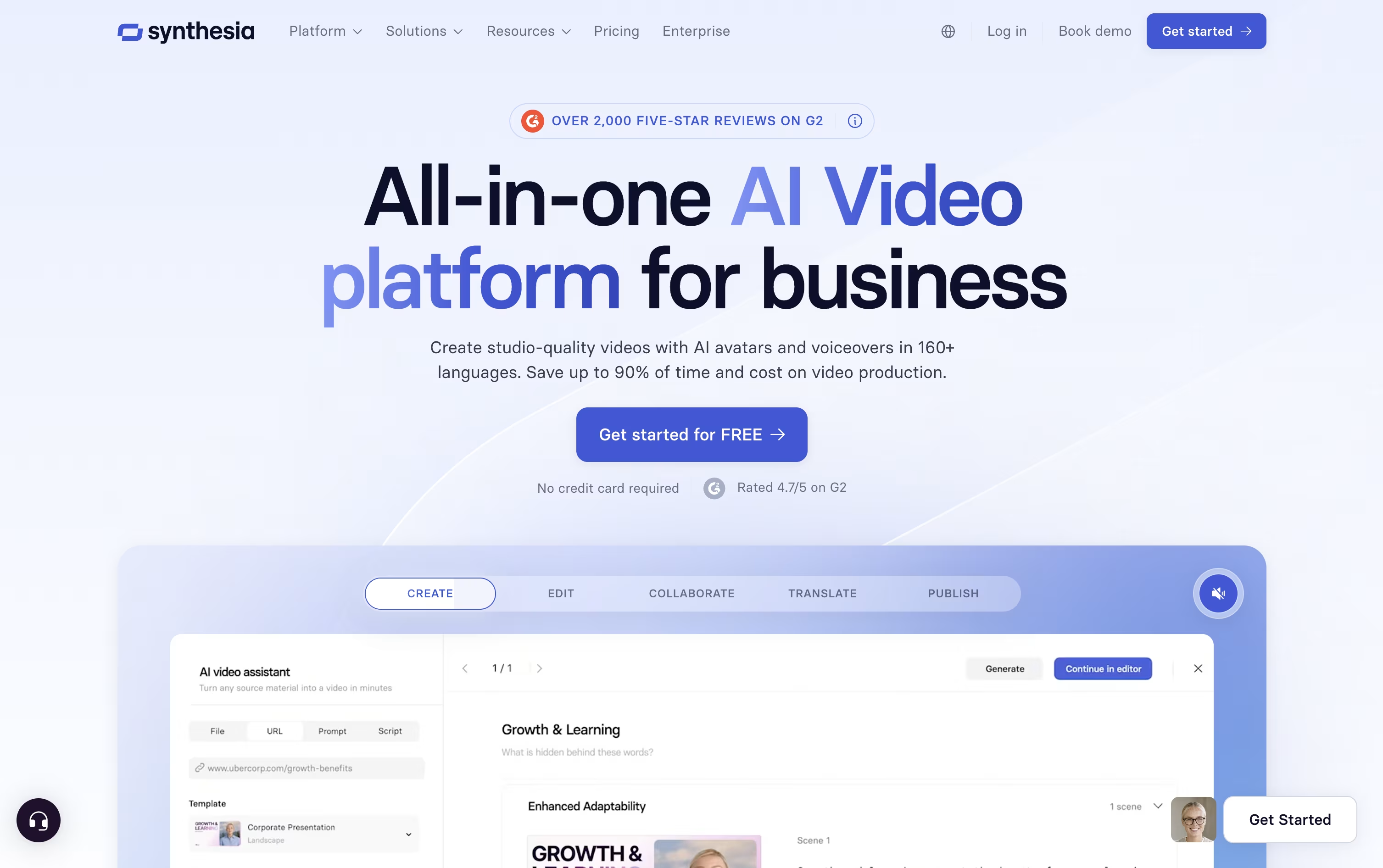 SynthesiaAI Avatar Video Creation Platform,
  HeyGen
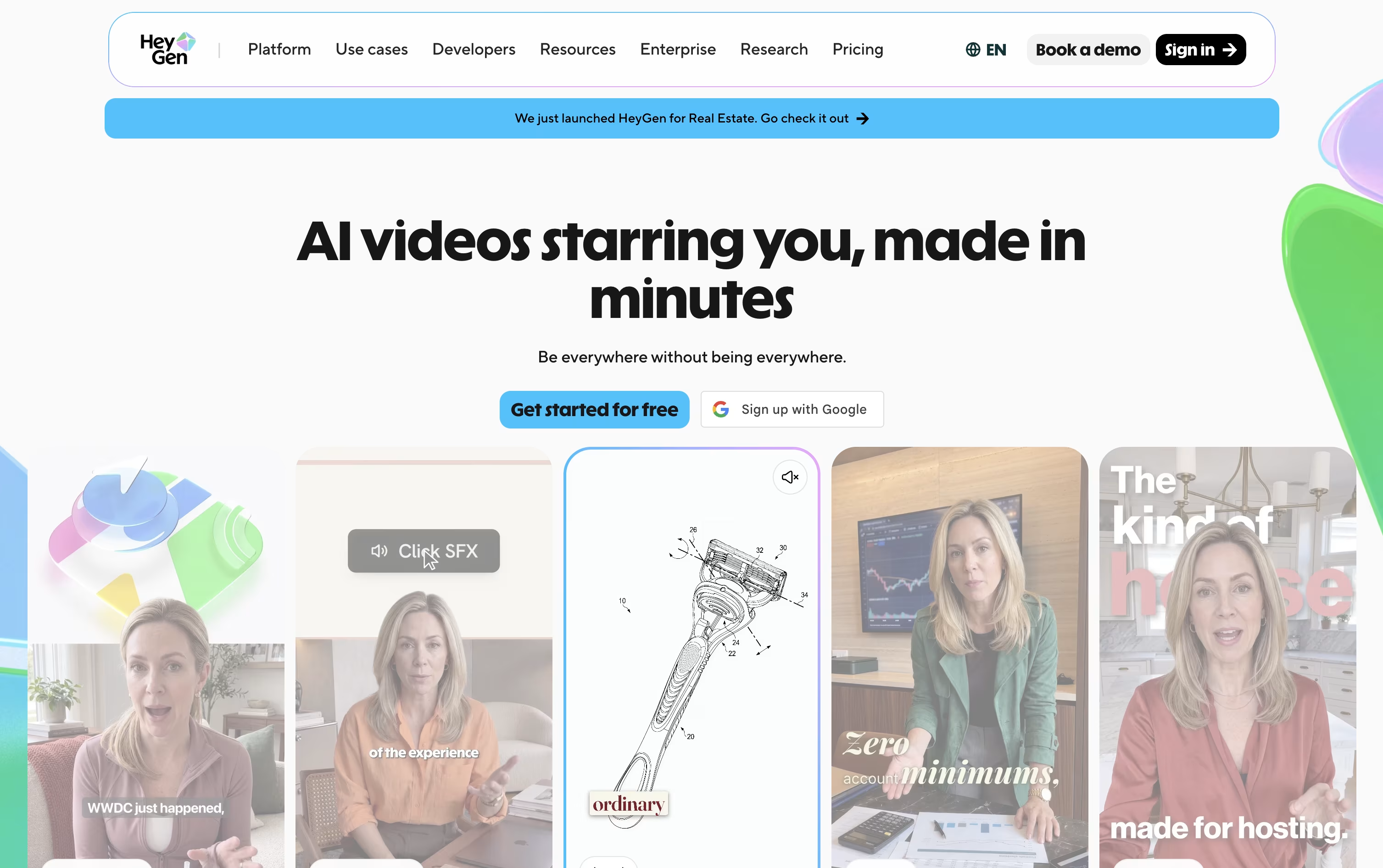 HeyGenCreate Realistic AI Avatar Videos Fast, and
  VEED
VEED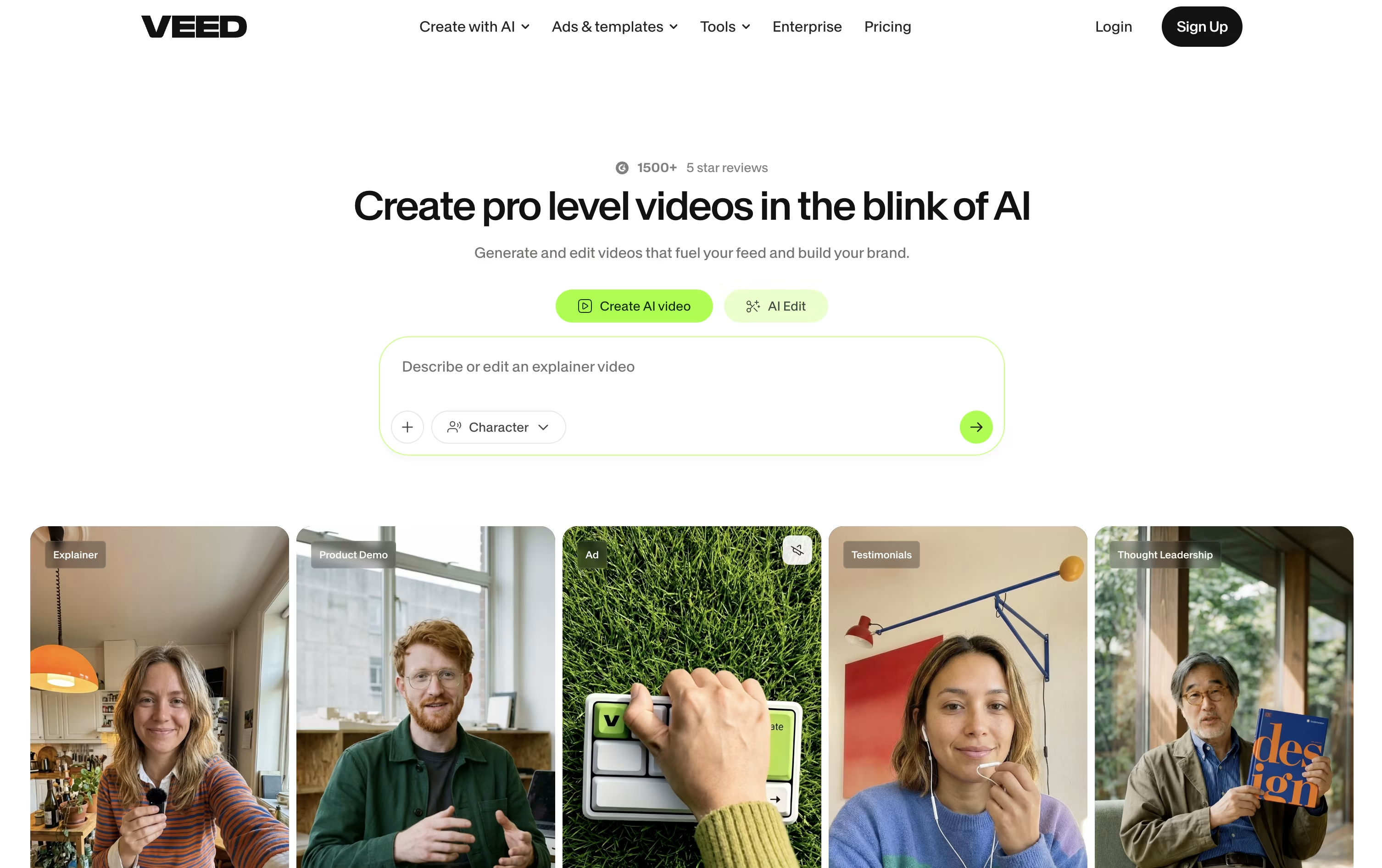 VEEDAI-Powered Online Video Editing Platform are the best for AI Video Dubbing. So, let’s take a closer look at all 5 tools.

Instead of hiring actors or booking a studio, Synthesia turns written text into a video with an AI avatar reading it aloud.
The avatar library has grown past 240 options, and you can also create a personal avatar plus a cloned voice so the video sounds and looks like you.
Getting started costs nothing on the Basic plan, which includes 10 minutes of video each month and 9 avatars.
Moving up, Starter is $18 a month on the yearly plan and adds downloads plus dubbing, while Creator at $64 a month brings API access, interactive elements, and branded pages, and is the most popular tier.
Enterprise drops the limits entirely with custom pricing, unlimited minutes, unlimited personal avatars, SSO, and hands-on onboarding support.
Since updates just mean changing the script rather than filming again, it fits well for training material and internal videos that change often.
Instead of hiring actors and booking a studio, HeyGen builds your video from a script, a photo, a document, or a simple text prompt using AI avatars.
You can create a digital twin from a short recording of yourself, turn a single photo into a talking presenter, or choose from hundreds of stock avatars, all with realistic lip-sync and body movement.
Getting started costs nothing: the free plan allows 3 short videos a month without asking for a card.
Once you need more, Creator at $29 a month adds 30-minute videos, 1080p exports, voice cloning, and over 175 languages.
Pro, from $49 a month, adds 4K export and more advanced models, and Business at $149 a month brings in team workspaces, single sign-on, and app integrations.
Larger organizations can move to Enterprise, which is priced individually with dedicated support.
VEED helps you make a video by typing a prompt, recording your screen, or uploading a clip, then lets AI handle the heavy editing work.
The AI Agent understands natural language, so requests like generate B-roll or make this fit TikTok get carried out automatically, while Edit with Script turns editing into simply deleting words from a transcript.
Every account, including the free one, gets auto subtitles and access to the full stock media catalog through Gen-AI Studio.
Creator starts the paid tiers at $20 a month, or $10 a month if billed yearly, and removes the watermark from exports.
Stepping up to Pro at $44 a month brings multiple Brand Kits, translation into more than 50 languages, and up to 12 hours of AI voice a month, and Studio at $70 a month multiplies the credits and adds Custom Templates.
Larger teams can move to Enterprise for custom pricing, centralized team management, and privacy controls.

Editing, recording, and translating video usually means jumping between several different apps. RecCloud tries to fix that by putting AI transcription, subtitles, translation, dubbing, and video generation next to basic screen recording and editing in one browser based platform.
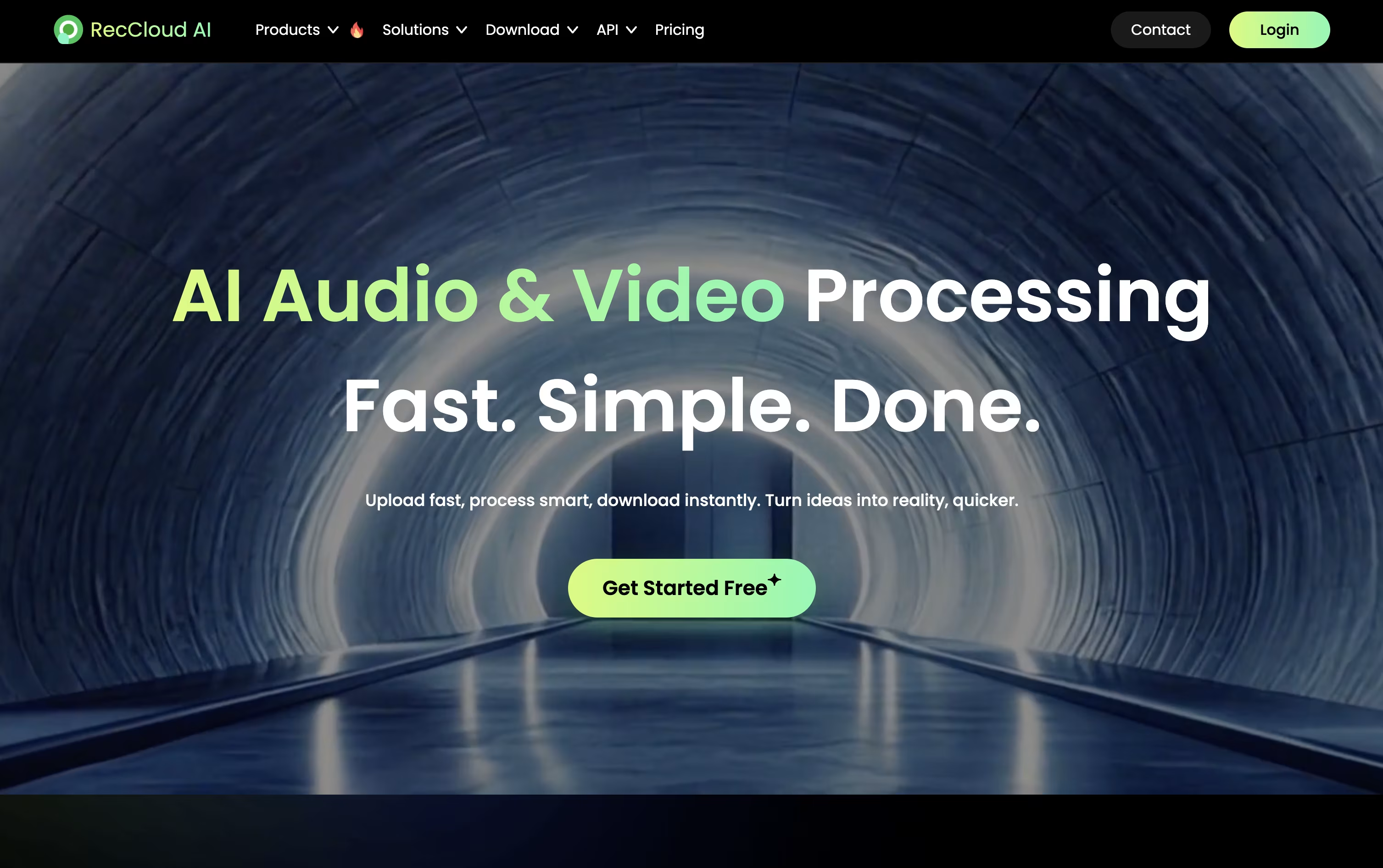
Speech is converted to text in over 99 languages, subtitles can be created and translated automatically, and full videos can be dubbed using cloned voices with lip sync. For creating new content, the AI Video Generation Agent can write a script, add voiceover, and build a video from just a short prompt.
Pricing is based on credits, which are spent as you use these AI tools. The Weekly plan is $15 for 300 credits, and Basic Annual works out to $4 a month, billed yearly at $48, for 3,000 credits.
Pro Annual costs $4.92 a month, billed at $59 a year, and includes a promotional bonus taking the yearly total to 6,000 plus 2,000 credits. Business Annual, at $188 a year, adds 24,000 credits, 100 GB storage, 10 concurrent tasks, batch processing, and commercial usage rights.
Additional credits and storage can be purchased separately, and a 7 day money back guarantee covers every plan.

Elai.io lets you turn text, a web article, or a PowerPoint file into a video with a realistic AI avatar speaking the content, without any filming.
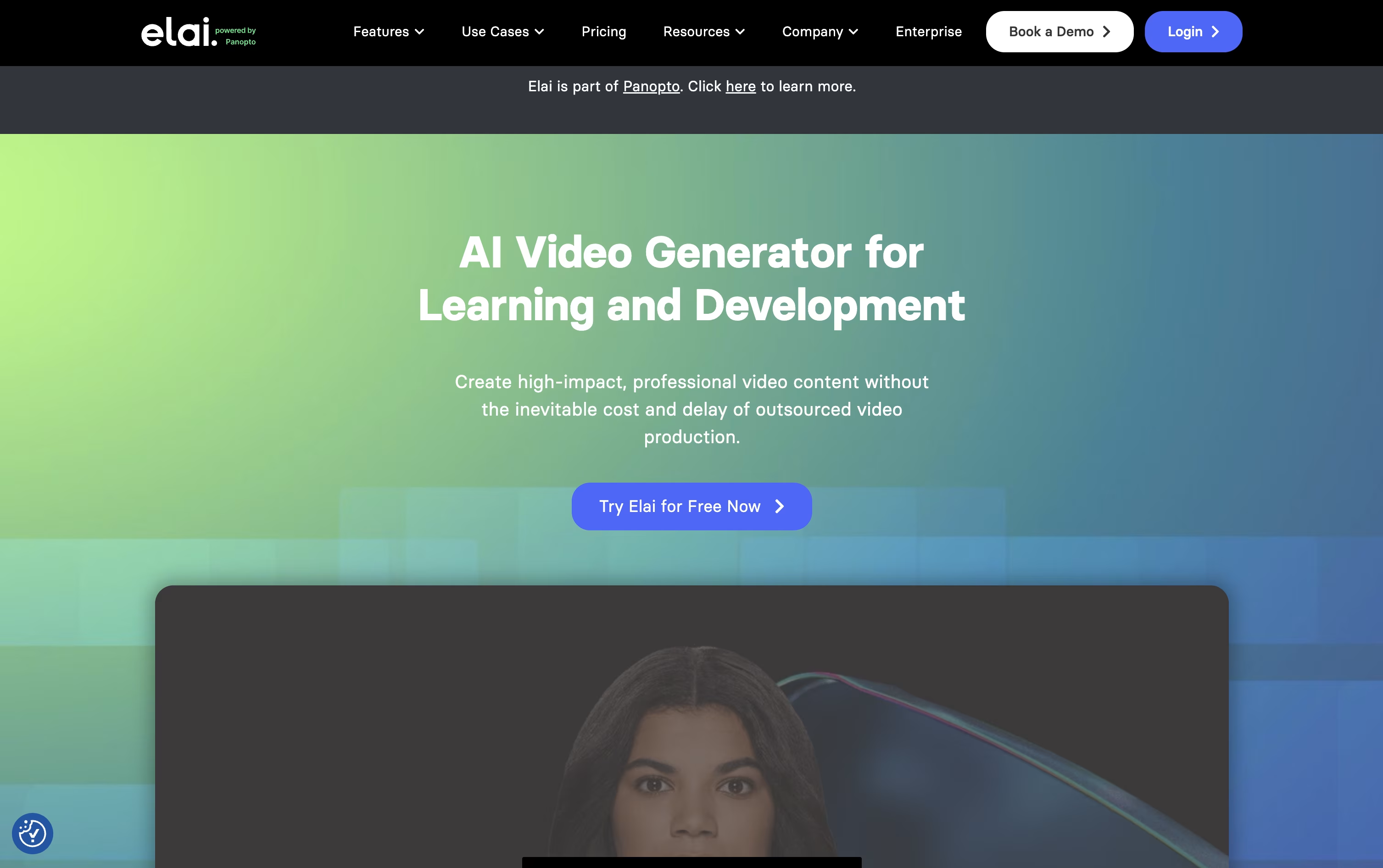
It leans heavily toward L&D and training use cases, with built in quizzes, branching paths, and SCORM export for learning platforms.
Anyone can start for free with 1 minute of video, 80+ avatars, and 75+ languages included from the start.
The Creator plan is $29 a month for 15 minutes, while Team is $125 a month for 50 minutes, 3 seats, and 4K video, and both drop 20% when billed yearly.
Enterprise pricing is custom and unlocks unlimited seats, SSO, and workspaces for bigger teams.
Being part of Panopto now also means Elai videos can be managed, shared, and tracked in one connected system.





