ToolQuestor Logo
Kommodo
No reviews yet
0 Saved
Added:10/27/2025
Type:Saas
Monthly Traffic:-
Pricing:
FREEMIUMSUBSCRIPTION
AI-PoweredCloud-BasedCollaborationAutomationTranscription
Wispr Flow

Wispr Flow

FEATURED
BASE44

BASE44

FEATURED
Granola

Granola

FEATURED
Kommodo screenshot 2
Kommodo screenshot 3
Kommodo screenshot 4
Kommodo screenshot 5

What is Kommodo

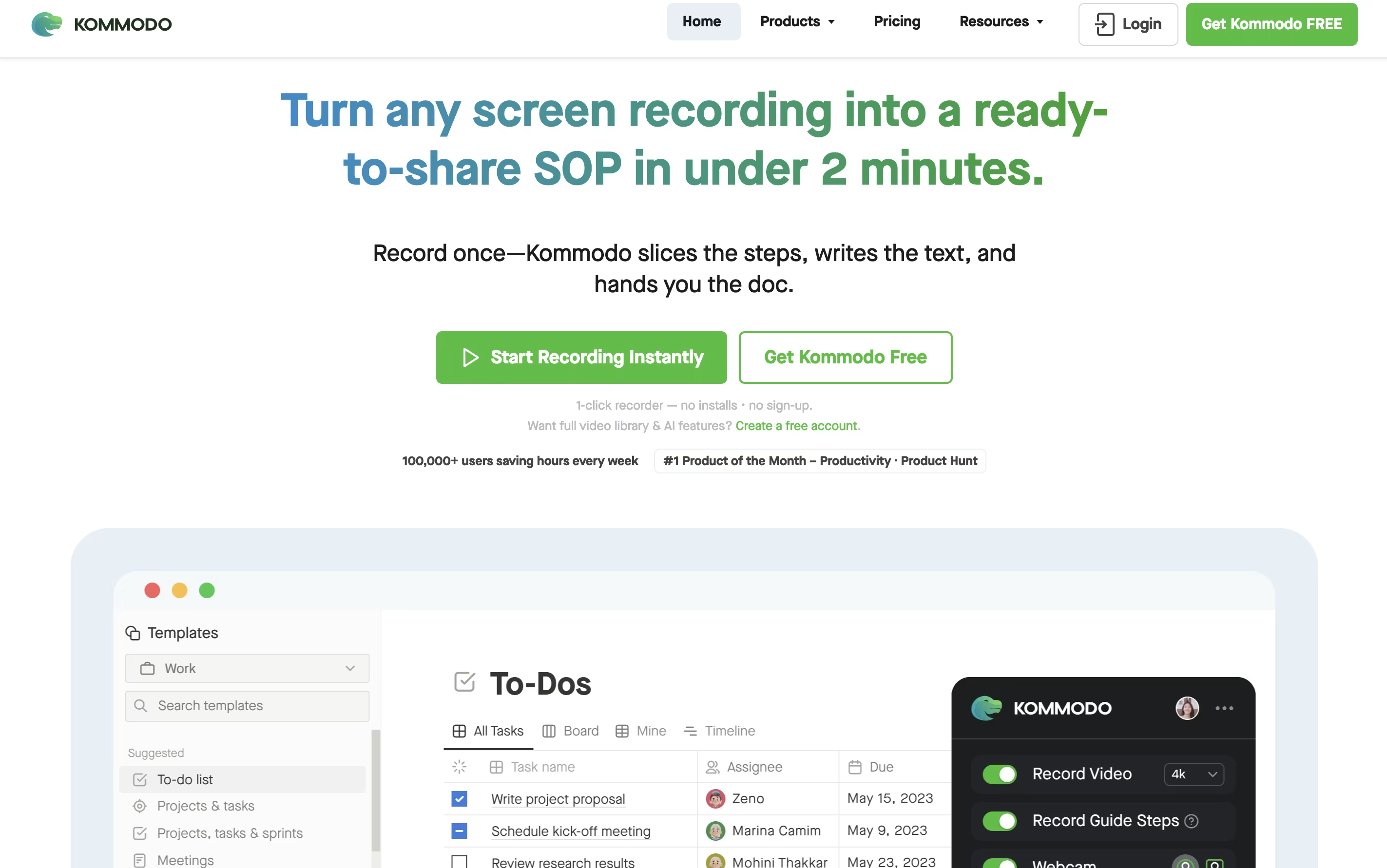
Kommodo is a recording platform that captures your screen, voice, and webcam, then transforms recordings into searchable documents. Unlike basic recorders, it includes AI features that work in the background to organize and analyze your content.

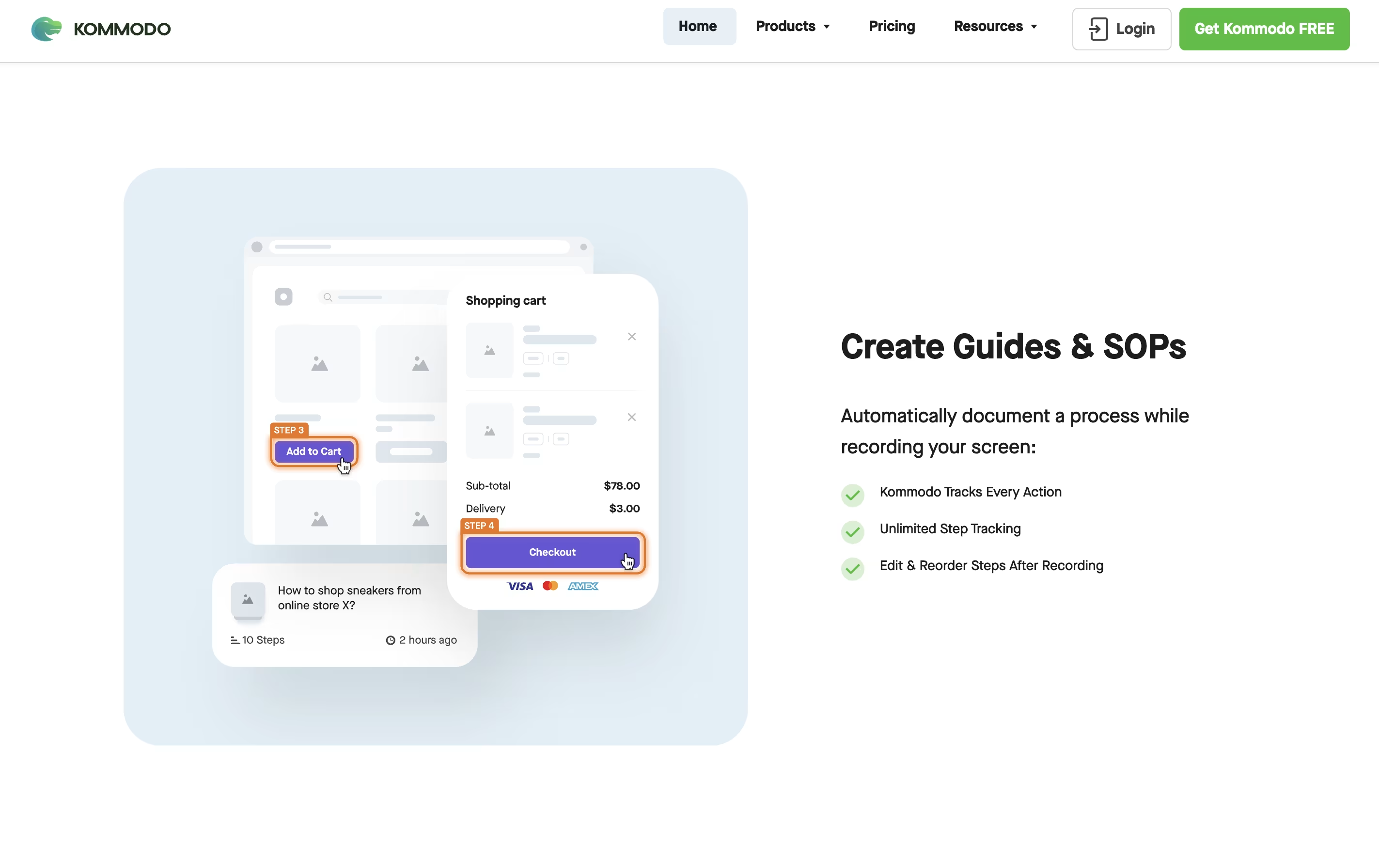
The tool automatically generates transcripts for every video, allowing you to search across your entire library instantly. It creates chapter markers, summaries, and action items from meetings without manual effort. You can also build step-by-step guides as you record, perfect for training materials and documentation.

Kommodo works across browsers, desktop apps, and mobile devices. The free version includes unlimited recording time with 60 days of access. Paid plans unlock permanent storage, unlimited AI features, custom branding, and advanced collaboration tools for teams.

How to Use Kommodo

Getting started with Kommodo is straightforward. Here are the steps:

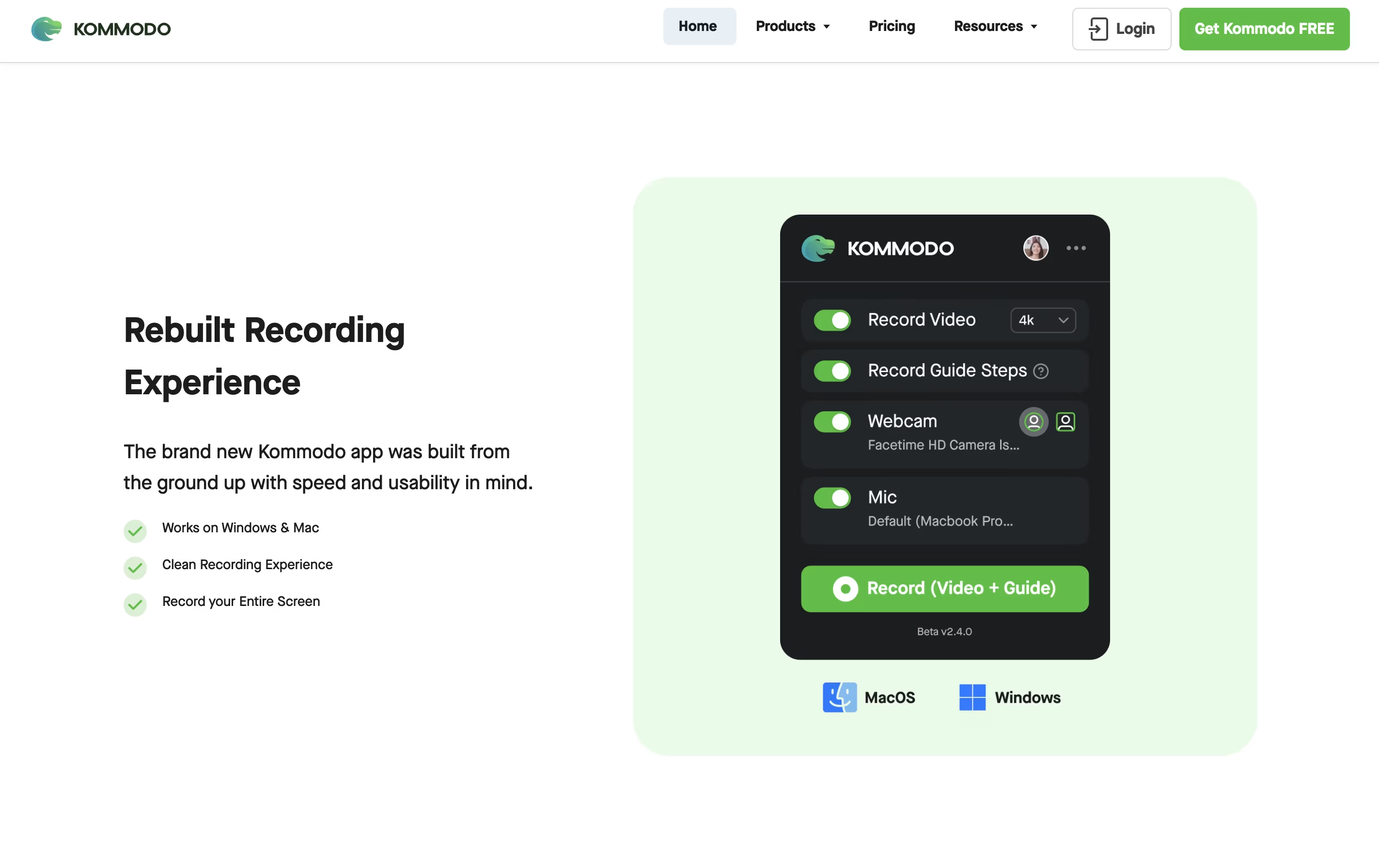
  • Visit the website or install the extension, then click the record button to start capturing your screen, webcam, or both together.

  • Choose what you want to record - your entire screen, a specific window, or just a browser tab. Add your webcam if you want to appear in the video.

  • While recording, Kommodo automatically captures step-by-step actions for guides. Speak naturally as the AI transcribes everything in real-time.

  • Stop recording when finished. Your video uploads automatically and appears in your library with a shareable link ready.

  • Use the AI assistant to ask questions about your videos, search for specific moments, or generate meeting summaries and action items.

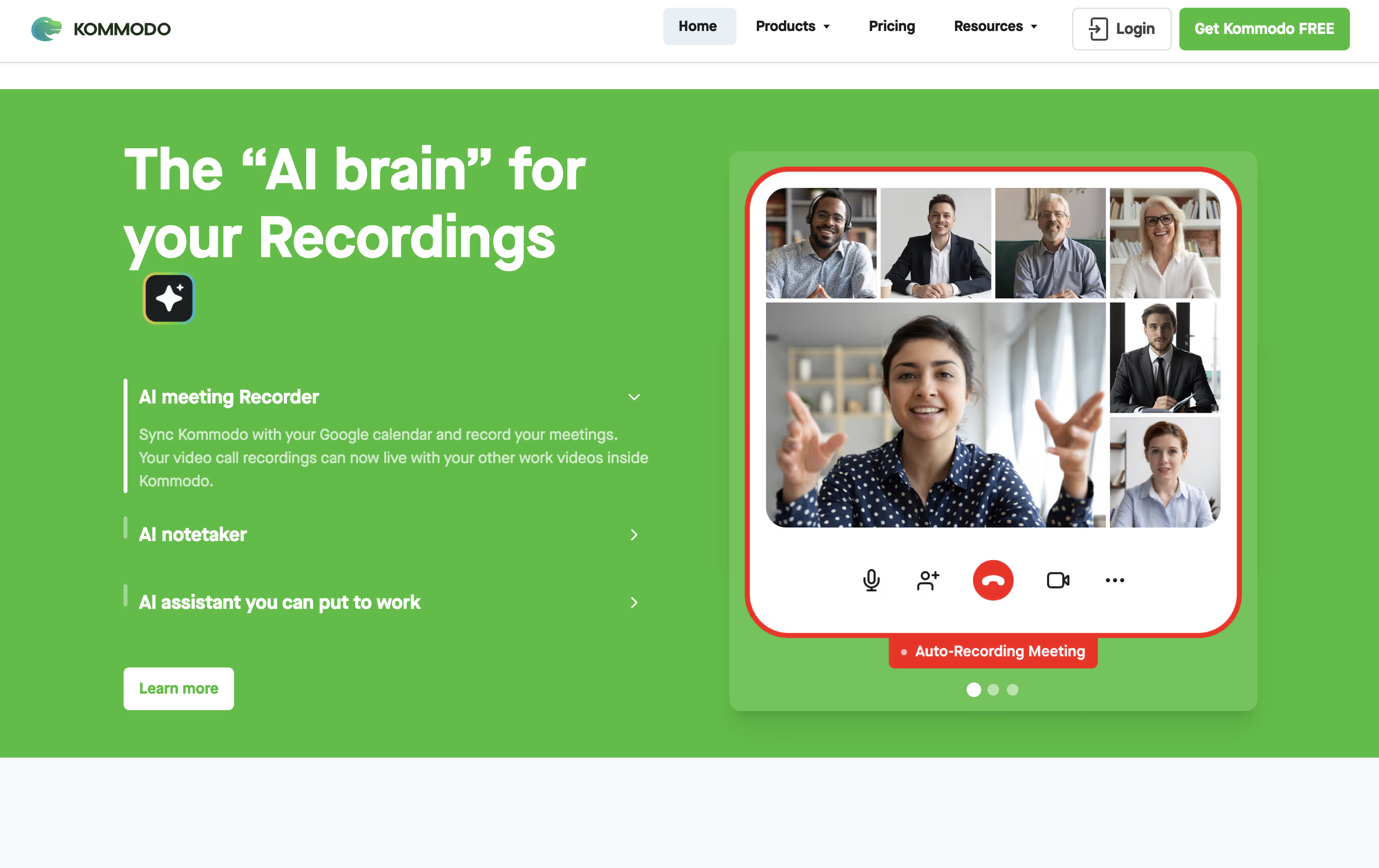
  • Connect your Google calendar to automatically record scheduled meetings and sync with your workflow.

Features of Kommodo

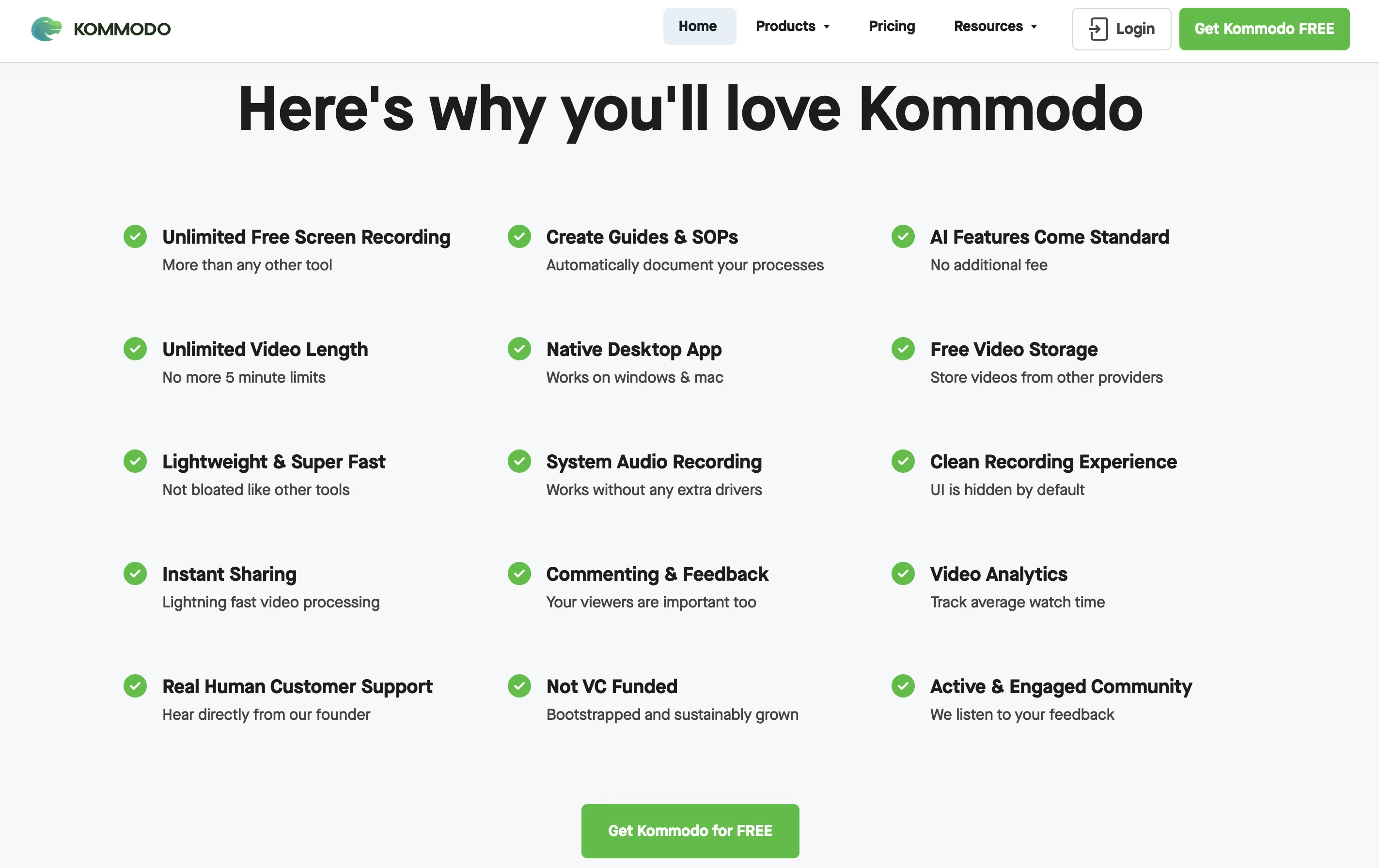
  • Unlimited screen and webcam recording

  • AI-generated meeting summaries and action items

  • Automatic transcripts and searchable chapters

  • Step-by-step guide creation from recordings

  • Built-in AI assistant like ChatGPT

  • Edit videos using timeline or transcript

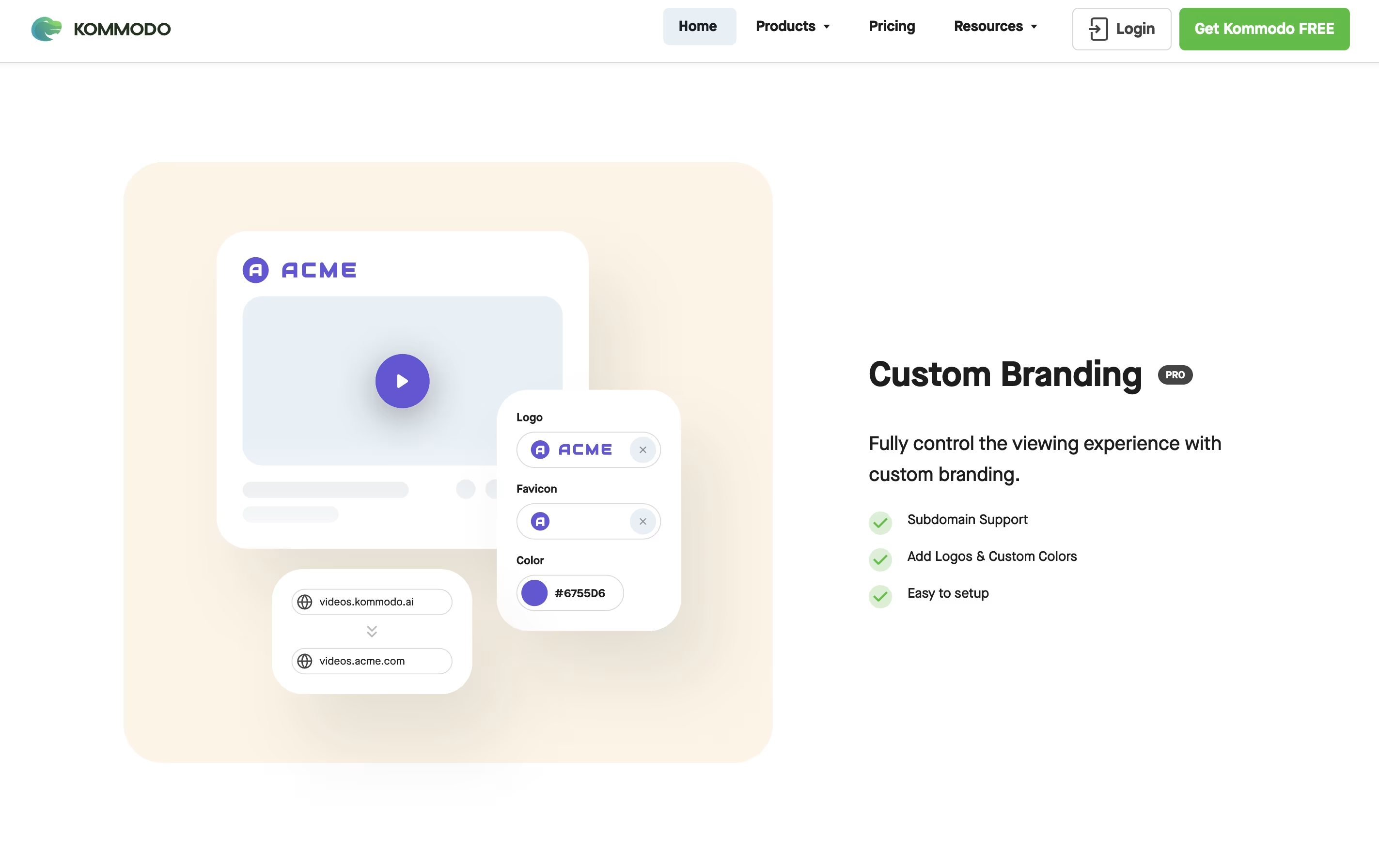
  • Custom branding and landing pages

  • Team collaboration with comments

  • Mobile and desktop apps available

  • Google Calendar integration

  • No watermarks on any plan

Kommodo Pricing

Starter

Free

What's included:
  • Unlimited video recordings
  • Access for 60 days
  • Screen + webcam recording
  • AI transcripts and summaries
  • Step-by-step guide creation
  • No watermarks
  • Shareable links
Most Popular
Monthly Plan

$15 /mo

What's included:
  • All Starter features
  • Permanent video access
  • Unlimited AI Assistant access
  • Create landing pages from videos
  • Upload external videos
  • Advanced video editing
  • Meeting note taker
  • Google Calendar integration
  • Custom branding
  • Priority support
Yearly Plan

$9 /mo

What's included:
  • All Monthly Plan features
  • Save 40% with annual billing
  • $108 billed annually
  • Permanent video access
  • Unlimited AI Assistant
  • All premium features included
  • Meeting summaries and action items
  • Smart video search
  • Team collaboration tools
  • Priority support

FAQ's About Kommodo

Is Kommodo completely free to use?
Yes, Kommodo offers a free Starter plan with unlimited video recording. You can record as many videos as you want with no watermarks. Free videos remain accessible for 60 days. To keep videos permanently and access unlimited AI features, upgrade to a paid plan starting at $9/month.
How is Kommodo different from Loom?
Kommodo offers unlimited free recording with no time limits, while Loom caps free recordings at 5 minutes. Kommodo includes automatic SOP guide creation, a built-in AI assistant for searching videos, and meeting summaries. Plus, free videos stay active for 60 days instead of being immediately deleted.
Can I use Kommodo to record meetings automatically?
Yes, Kommodo integrates with Google Calendar to automatically record scheduled meetings. After recording, the AI generates meeting summaries, action items, and weekly recaps that you can share in Slack or Jira. It works with Zoom, Google Meet, Microsoft Teams, and any video conferencing tool.
Does the AI assistant work with all my videos?
Yes, the AI assistant searches and analyzes your entire video library. You can ask questions about any content across all your recordings. The AI provides answers with direct links to specific moments in your videos. The more you record, the smarter it becomes.
What devices can I use Kommodo on?
Kommodo works on all major platforms. You can use the Chrome browser extension, desktop apps for Mac and Windows, mobile apps for iOS and Android, or record directly in your web browser without installing anything. All recordings sync across devices automatically.

Share your experience with Kommodo

Loading...

See what users are saying about Kommodo

0.0

0 Reviews

5
0
4
0
3
0
2
0
1
0

No reviews yet

Be the first to review Kommodo

Embed Kommodo badges

Show your community that Kommodo is featured on Tool Questor. Add these beautiful badges to your website, documentation, or social profiles to boost credibility and drive more traffic.

Light Badge Preview