

Best 3 Tools for Feedback Sharing in 2026
Last Updated: November 18, 2025
Getting input on work in progress is easier when feedback can be shared directly and clearly, in context. Feedback Sharing tools let people leave and receive comments on shared work.
Teams use feedback sharing to review and improve work collaboratively.
 Cap
Cap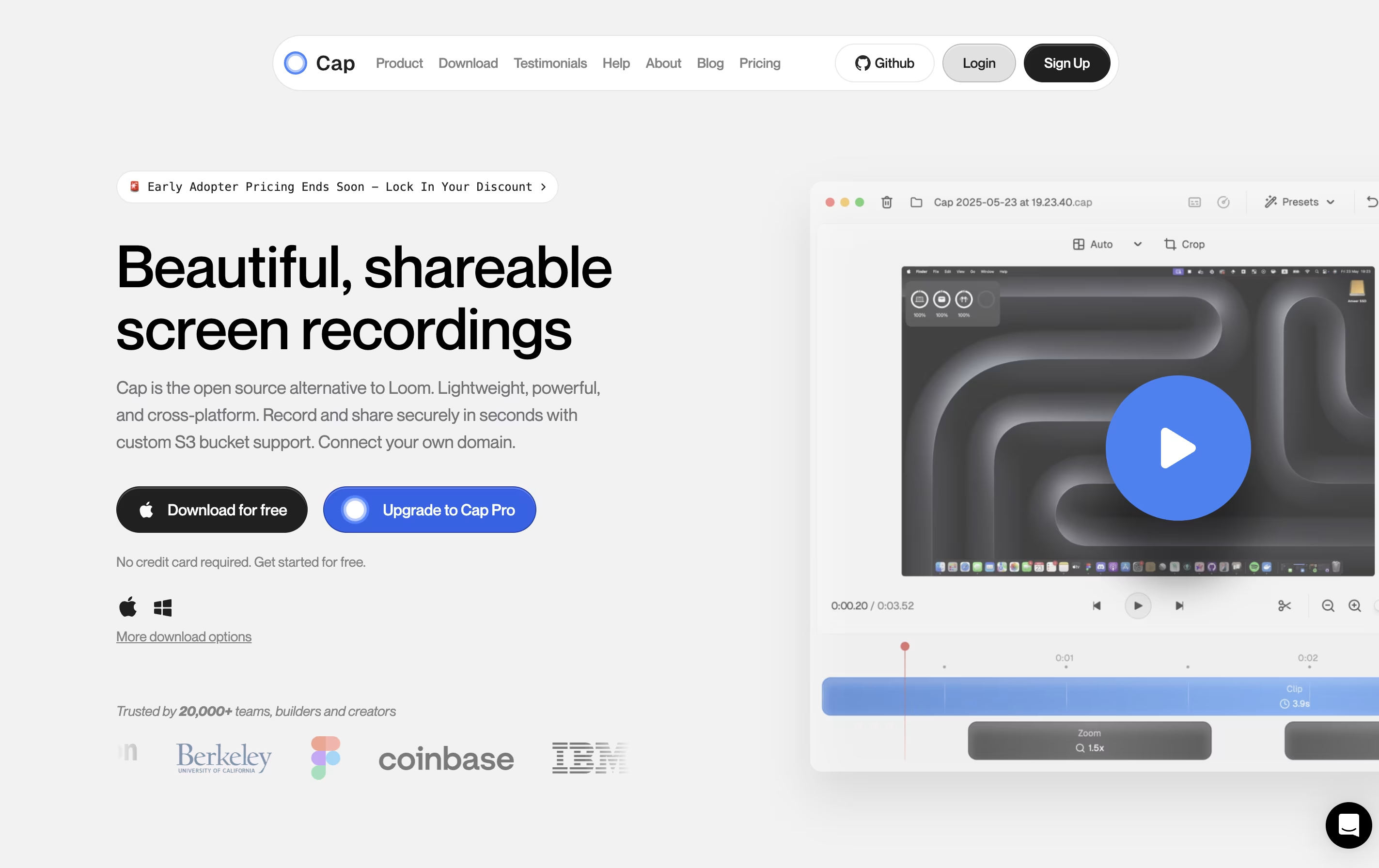 CapOpen Source Screen Recording with AI Features,
  Loom
Loom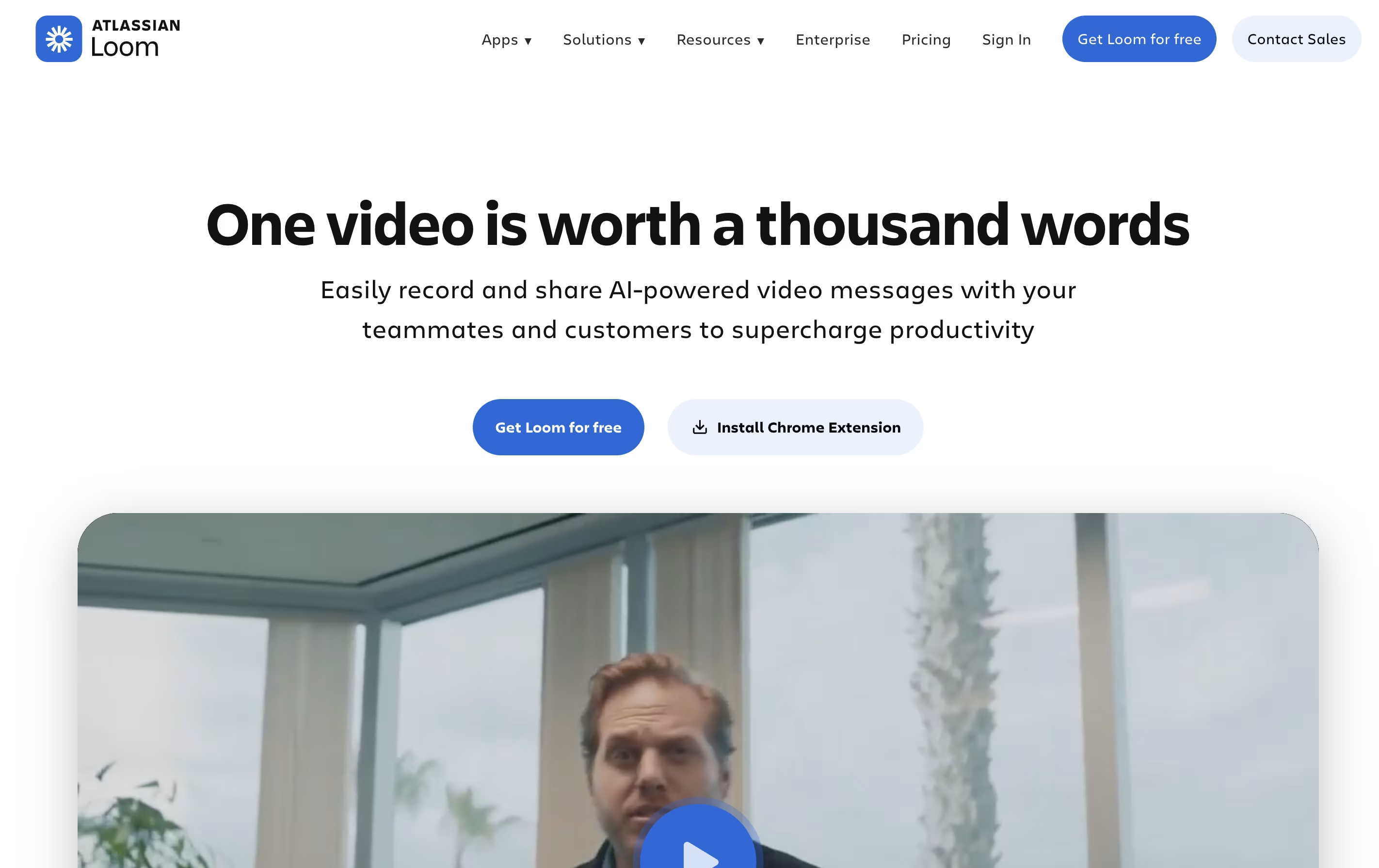 LoomEasy Video Messaging for Teams, and
  Sendspark
 SendsparkAI Video Platform for Sales Teams are the best for Feedback Sharing. So, let’s take a closer look at all 3 tools.
Cap is a screen recording application that offers two recording modes for different needs. Instant Mode lets you record and share immediately with automatic transcription and chapter generation. Studio Mode provides local recording with a full editing timeline for professional content creation.
The tool includes AI-powered features that automatically create titles, summaries, and chapters for each recording. You can record in up to 4K resolution at 60 frames per second, with separate tracks for screen, webcam, and audio.
Cap is completely open source, meaning you can see how it works and even host it yourself. It supports both quick team communication and high-quality content production in one application.
Loom is a tool that lets you create video messages by recording what's on your screen along with your voice and face. It's different from video calls because people can watch your message whenever it's convenient for them, without needing to schedule a meeting.
When you record with Loom, it saves the video to the cloud right away and creates a link you can share. The person watching can leave comments on specific parts of your video, making feedback easy and clear. Loom works through a Chrome extension, desktop app, or mobile app.
The platform includes smart AI features that automatically remove pauses and filler words from your videos, add titles and summaries, and create written versions of what you said. This makes your videos more professional without extra effort.
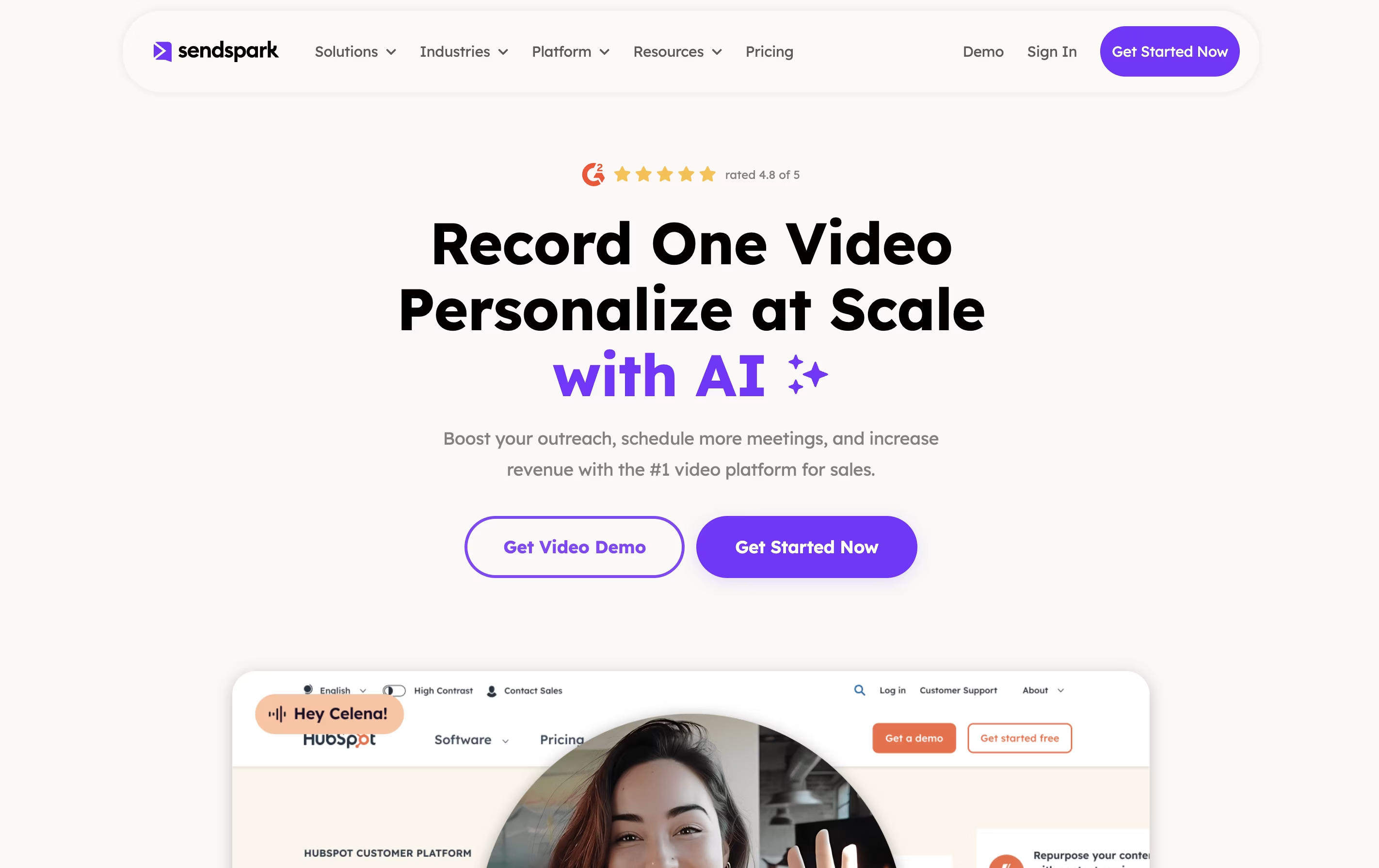
Sendspark is a video communication platform that combines screen recording with artificial intelligence to help businesses send personalized video messages at scale. You can record yourself, your screen, or both together, then use AI to automatically add personal touches like each viewer's name spoken naturally in your voice.
The platform's standout feature is dynamic backgrounds, which lets you overlay your video on top of a prospect's website or LinkedIn profile. This creates a highly personalized viewing experience that grabs attention and builds trust. Sendspark works through a web app, Chrome extension, and desktop application, making it easy to record and share videos anywhere.
The tool integrates with over 50 platforms including HubSpot, Salesforce, Outreach, and LinkedIn, fitting seamlessly into your existing sales and marketing workflow.