

Best 4 Tools for Bug Report Creation in 2026
Last Updated: November 18, 2025
A clear bug report, with steps to reproduce and relevant context, gets fixed much faster than a vague one. Bug Report Creation tools help capture and structure the details needed to reproduce and fix an issue.
QA teams and users use bug report tools to communicate issues clearly to developers.
 Screenity
 ScreenityFree Screen Recorder for Chrome with Annotation Tools,
  Cap
Cap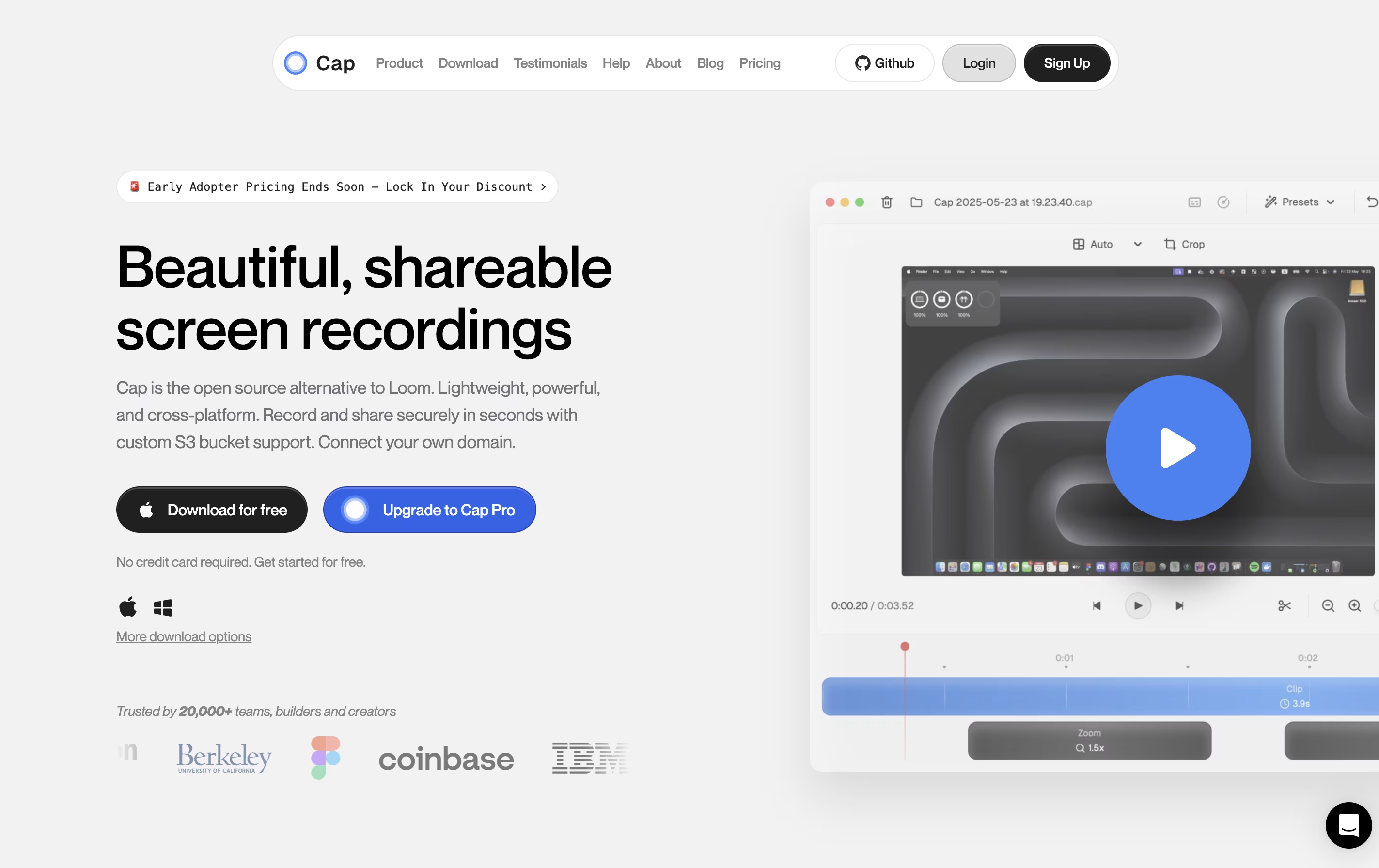 CapOpen Source Screen Recording with AI Features, and
  CleanShot X
 CleanShot XProfessional Mac Screenshot Tool are the best for Bug Report Creation. So, let’s take a closer look at all 4 tools.
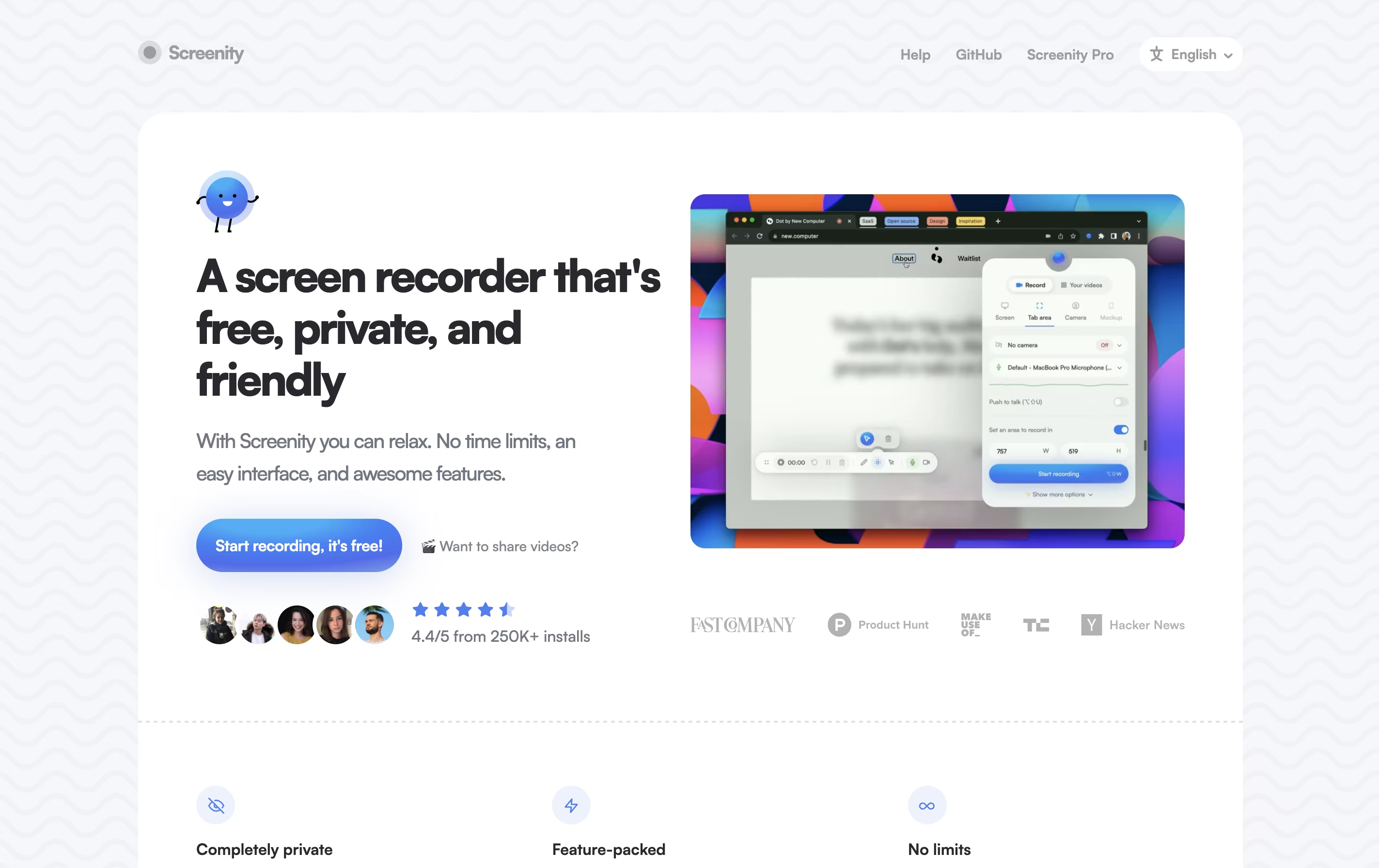
Screenity is a Chrome browser extension that records your screen and adds helpful tools for creating better videos. You can record any tab, a specific area, your desktop, applications, or your camera with your microphone or system audio.
What makes Screenity special is its annotation features. While recording, you can draw, add text, arrows, and shapes directly on your screen. It also highlights your clicks and cursor, which is helpful for tutorials. After recording, you can edit videos with trim, crop, and audio tools.
The extension is open source, meaning anyone can view and modify its code. All recordings stay on your computer unless you choose to save them elsewhere, keeping your content completely private.
Cap is a screen recording application that offers two recording modes for different needs. Instant Mode lets you record and share immediately with automatic transcription and chapter generation. Studio Mode provides local recording with a full editing timeline for professional content creation.
The tool includes AI-powered features that automatically create titles, summaries, and chapters for each recording. You can record in up to 4K resolution at 60 frames per second, with separate tracks for screen, webcam, and audio.
Cap is completely open source, meaning you can see how it works and even host it yourself. It supports both quick team communication and high-quality content production in one application.
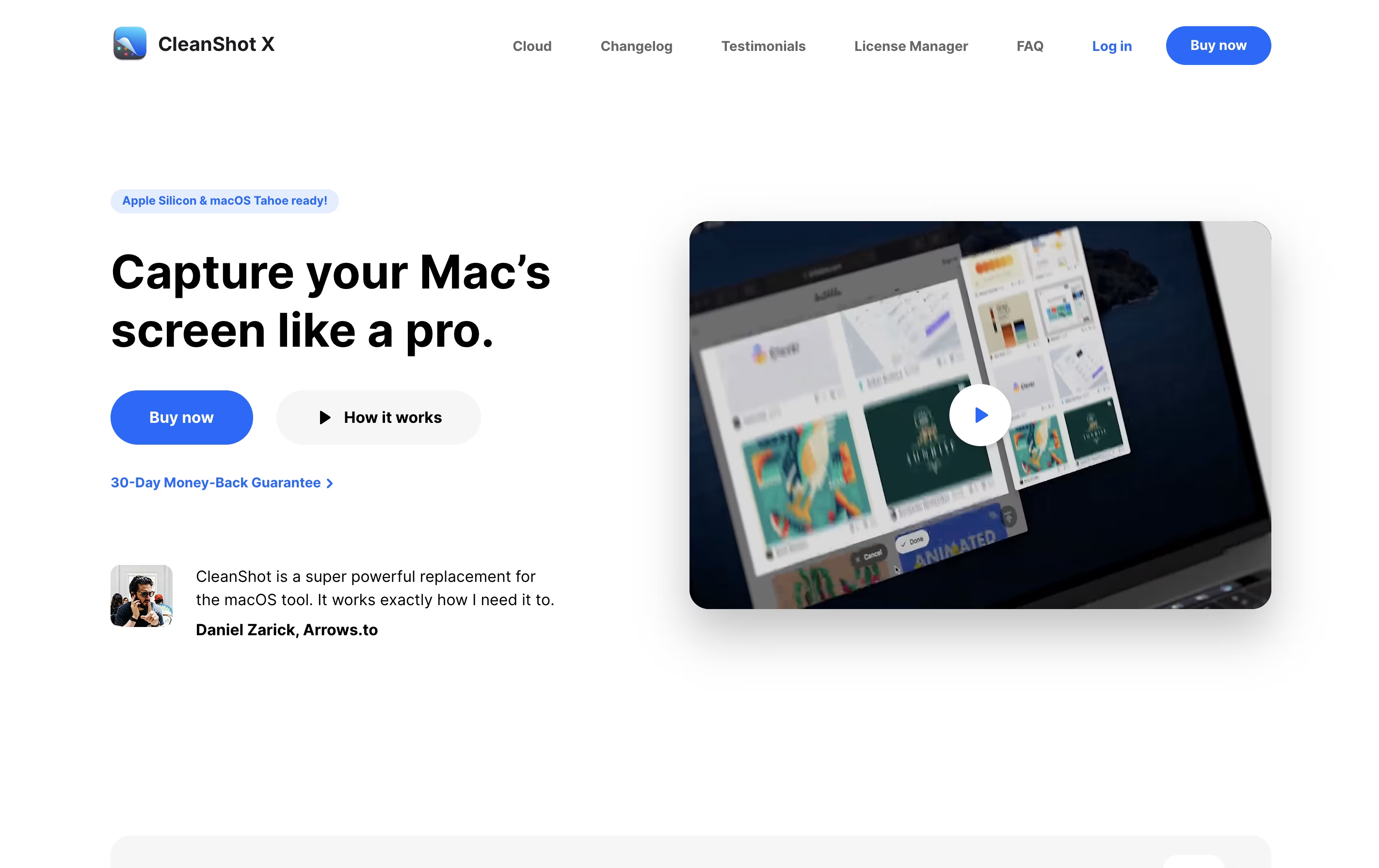
CleanShot X is an all-in-one screenshot and screen recording application designed for macOS. It goes far beyond basic screen capture by offering professional editing tools, cloud storage, and intelligent features that save time and improve the quality of your captures.
You can take screenshots of specific areas, full screens, windows, or even entire scrolling pages. The app includes a built-in editor with annotation tools like arrows, text, shapes, highlights, and blur effects. It can also hide desktop icons automatically, add custom backgrounds, and freeze your screen to capture tricky elements like dropdown menus.
For screen recordings, CleanShot X lets you create videos or GIFs with system audio, mouse clicks, and keyboard shortcuts visible. Everything integrates smoothly with its cloud service for instant sharing via links.

Snapify is a web-based screen recording platform that captures your screen activity, webcam, and audio simultaneously. You can use it to create video messages, tutorials, product demos, or bug reports in seconds. The tool runs entirely online, so there is no software to install on your computer.

One of the best features is instant sharing. After you finish recording, Snapify generates a unique link that you can send to anyone. They can watch your video immediately without signing up or downloading anything. The tool also supports self-hosting, which means companies can run Snapify on their own servers for better privacy and control. There is a free option for basic use and a paid plan for unlimited recordings and extra features.