


Screenity
Free Screen Recorder for Chrome with Annotation Tools
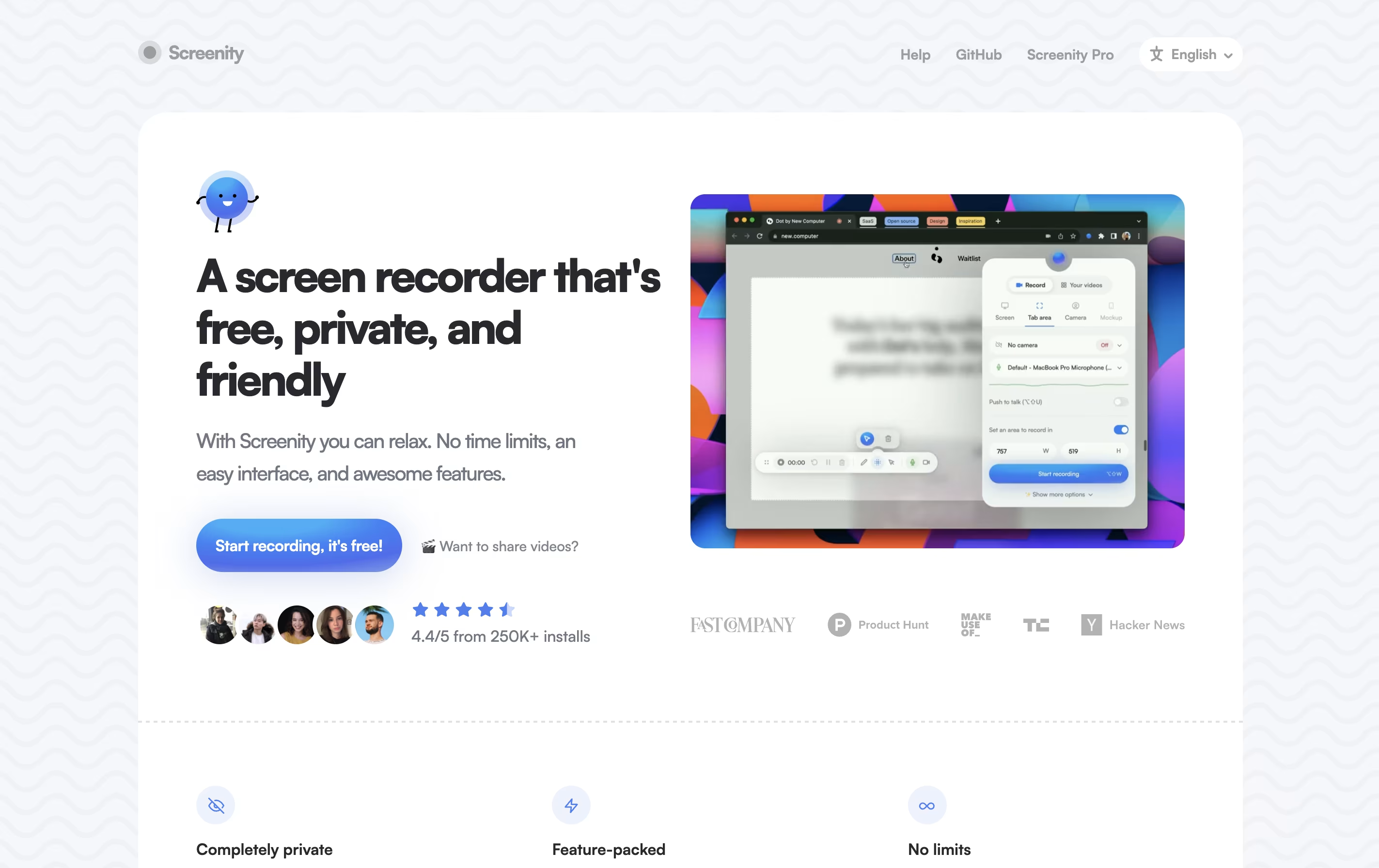
Screenity is a free, open source Chrome screen recorder with annotation tools, video editing, and privacy-friendly features for unlimited recording.



What is Screenity
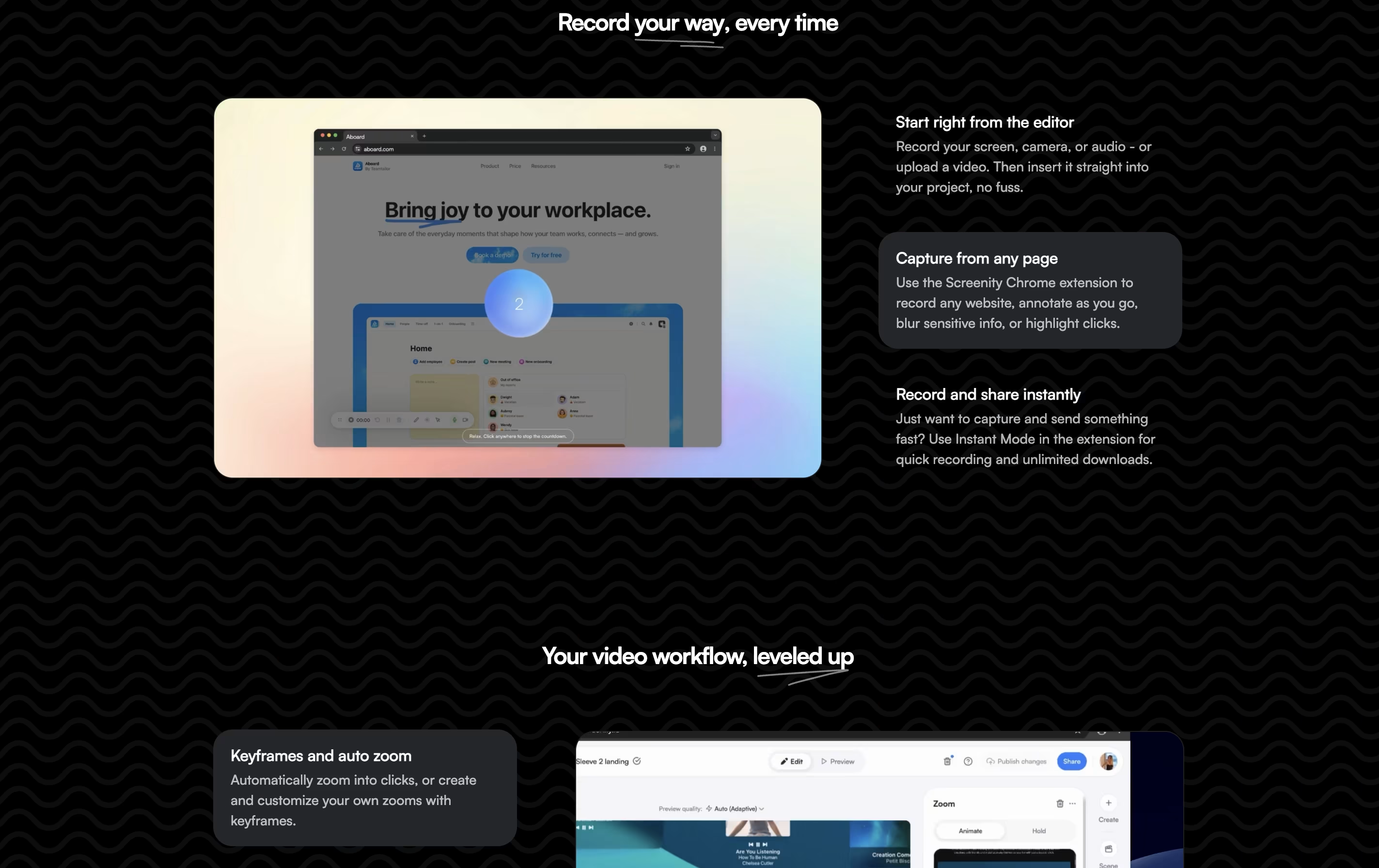
Screenity is a Chrome browser extension that records your screen and adds helpful tools for creating better videos. You can record any tab, a specific area, your desktop, applications, or your camera with your microphone or system audio.
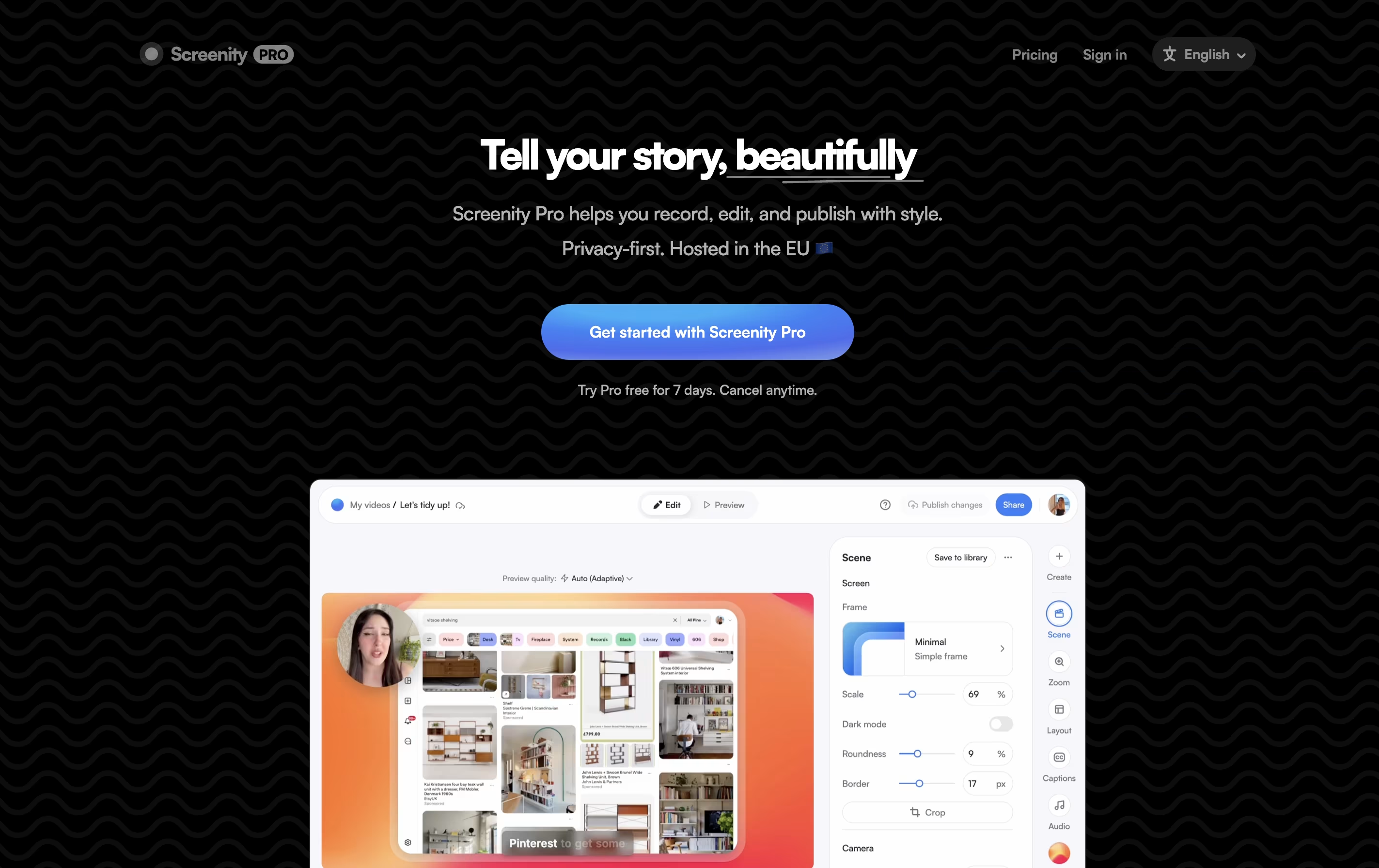
What makes Screenity special is its annotation features. While recording, you can draw, add text, arrows, and shapes directly on your screen. It also highlights your clicks and cursor, which is helpful for tutorials. After recording, you can edit videos with trim, crop, and audio tools.
The extension is open source, meaning anyone can view and modify its code. All recordings stay on your computer unless you choose to save them elsewhere, keeping your content completely private.
Features of Screenity
Record tabs, desktop, windows, and camera with unlimited duration
Live annotation with drawing, text, arrows, and shapes
Blur sensitive content and highlight clicks
Built-in video editor for trim, crop, and audio adjustments
Export as MP4, GIF, or WebM formats
Google Drive integration for sharing
Push-to-talk microphone control
Open source and privacy-focused
No sign-in required
Completely free with optional Pro upgrade
Screenity Pricing
Free
- Unlimited recordings with no time limits
- Record any tab, app, screen, or camera
- Annotate by drawing on any tab
- Blur sensitive content in tabs
- Highlight clicks and cursor
- Videos stored locally on device
- Basic video editor (trim, crop, audio)
- Export as MP4, GIF, or WebM
Pro
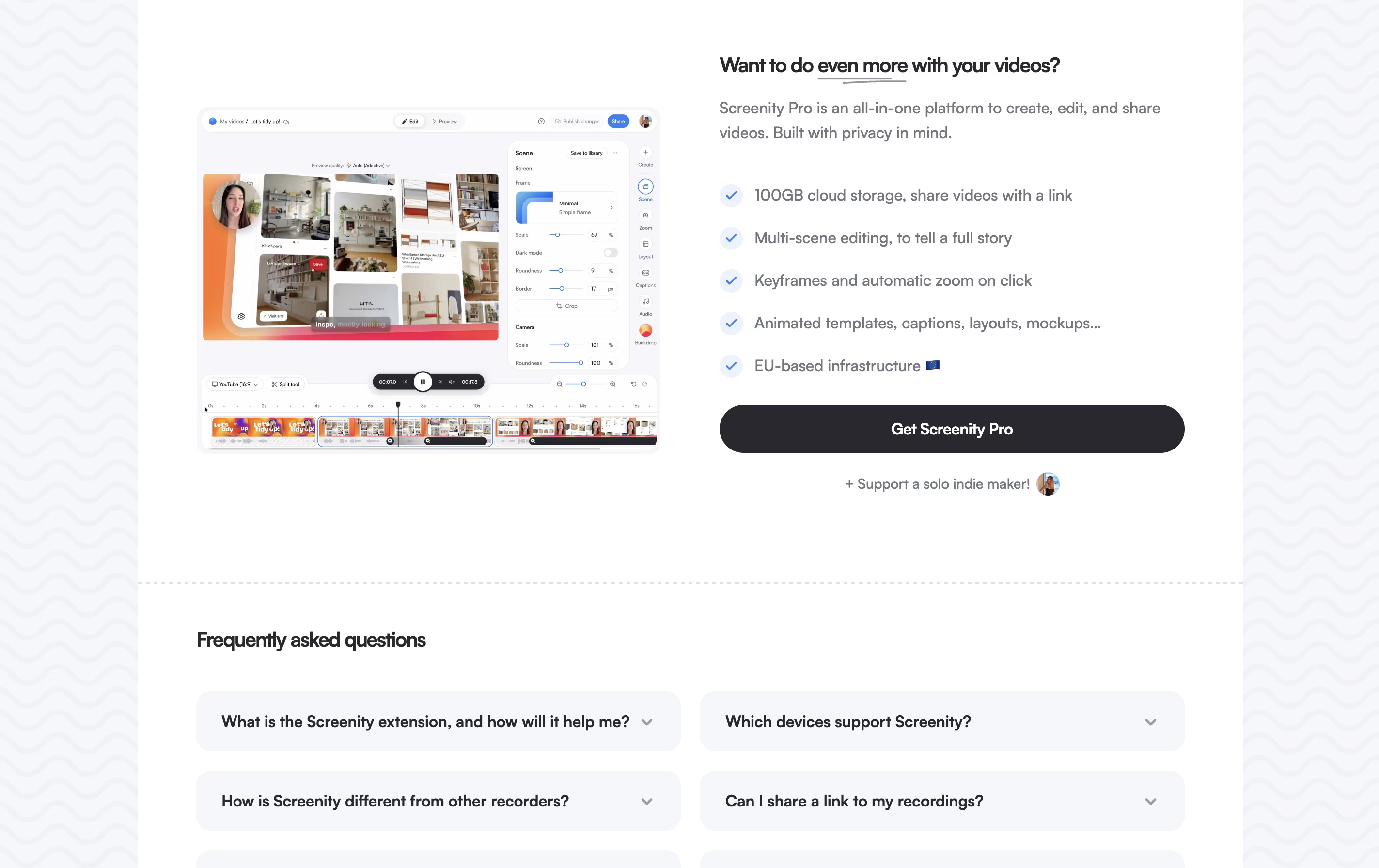
- 100GB cloud storage for all videos
- Share videos with link or keep private
- Record up to 1 hour per session
- 15 renders per month
- Unlimited Instant Mode downloads
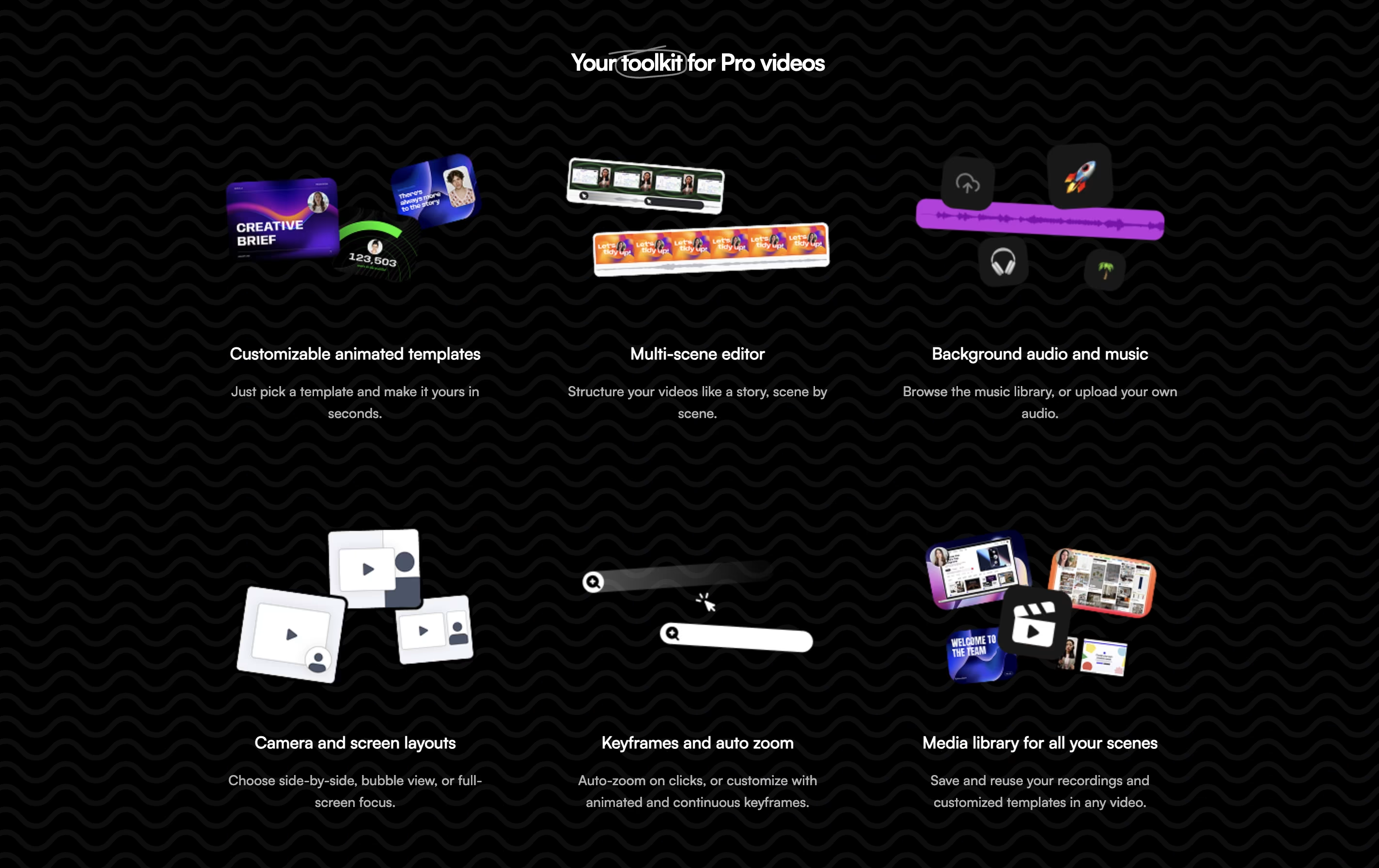
- Keyframes and automatic zoom on click
- Animated templates and layouts
- Auto-generated captions with custom styles
Screenity Use Cases
Screenity Repository
View on Github| Stars | 18,777 |
| Forks | 1,530 |
| Repository Age | 5 years |
| Last Commit | 8 days ago |
FAQ's About Screenity









See what users are saying about Screenity
0 Reviews
No reviews yet
Be the first to review Screenity