



Snapify
Simple Screen Recording & Video Sharing
Snapify is an open-source screen recording tool that lets you capture and share videos instantly through simple links.





What is Snapify
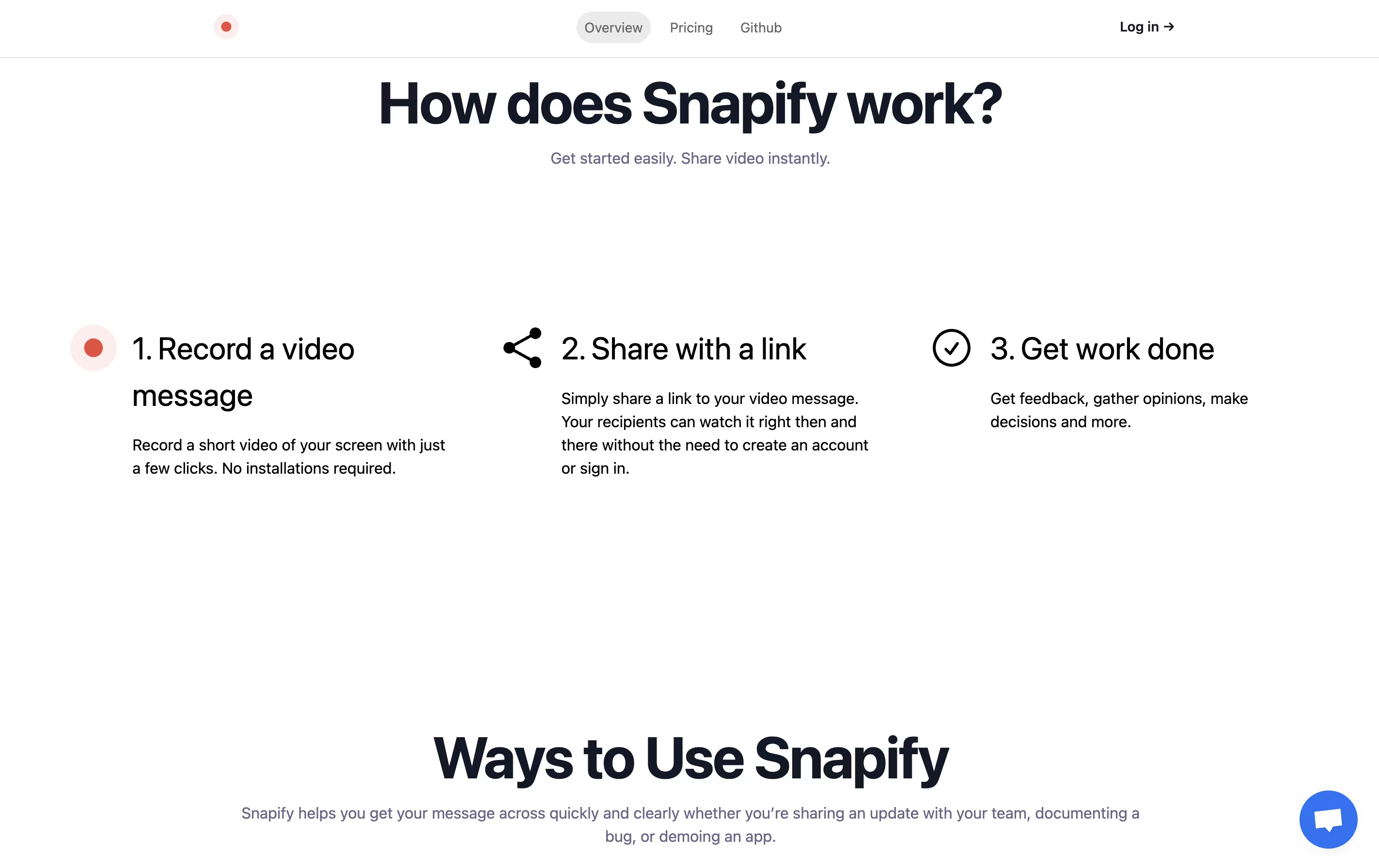
Snapify is a web-based screen recording platform that captures your screen activity, webcam, and audio simultaneously. You can use it to create video messages, tutorials, product demos, or bug reports in seconds. The tool runs entirely online, so there is no software to install on your computer.
One of the best features is instant sharing. After you finish recording, Snapify generates a unique link that you can send to anyone. They can watch your video immediately without signing up or downloading anything. The tool also supports self-hosting, which means companies can run Snapify on their own servers for better privacy and control. There is a free option for basic use and a paid plan for unlimited recordings and extra features.
Features of Snapify
One-click screen, camera, and audio recording
Instant video sharing with unique links
No viewer account required
Multiple capture modes available
Video download capability
External video upload support
Self-hosting option for privacy
Cloud hosting available
Open-source and free to use
WebM format support
Unlimited recordings on paid plan
Team collaboration friendly
Snapify Pricing
Free
- Basic screen recording
- Instant link sharing
- No account required for viewers
- Screen, camera, and audio capture
- WebM format support
- Open-source platform
Pro
- All Free features
- Unlimited recordings
- Video download
- External video upload
- No recording time limits
- Priority support
Enterprise
- All Pro features
- Custom onboarding process
- Dedicated support team
- Self-hosting options
- Team management features
- Custom integrations
- SLA guarantees
Snapify Repository
View on Github| Stars | 1,016 |
| Forks | 136 |
| Repository Age | 3 years |
| Last Commit | 1 year ago |
FAQ's About Snapify











See what users are saying about Snapify
0 Reviews
No reviews yet
Be the first to review Snapify