

Best 2 Networked Thought Tools in 2026
Last Updated: October 20, 2025
Ideas rarely exist in isolation, and the most valuable insights often come from connecting seemingly unrelated notes. Networked Thought tools help visualize and navigate the links between your notes, revealing patterns and connections over time.
These tools are popular with researchers, writers, and deep thinkers who want their notes to reflect the way ideas actually relate to each other. Visual graphs of linked notes can surface connections that a simple folder structure never would.
 Obsidian
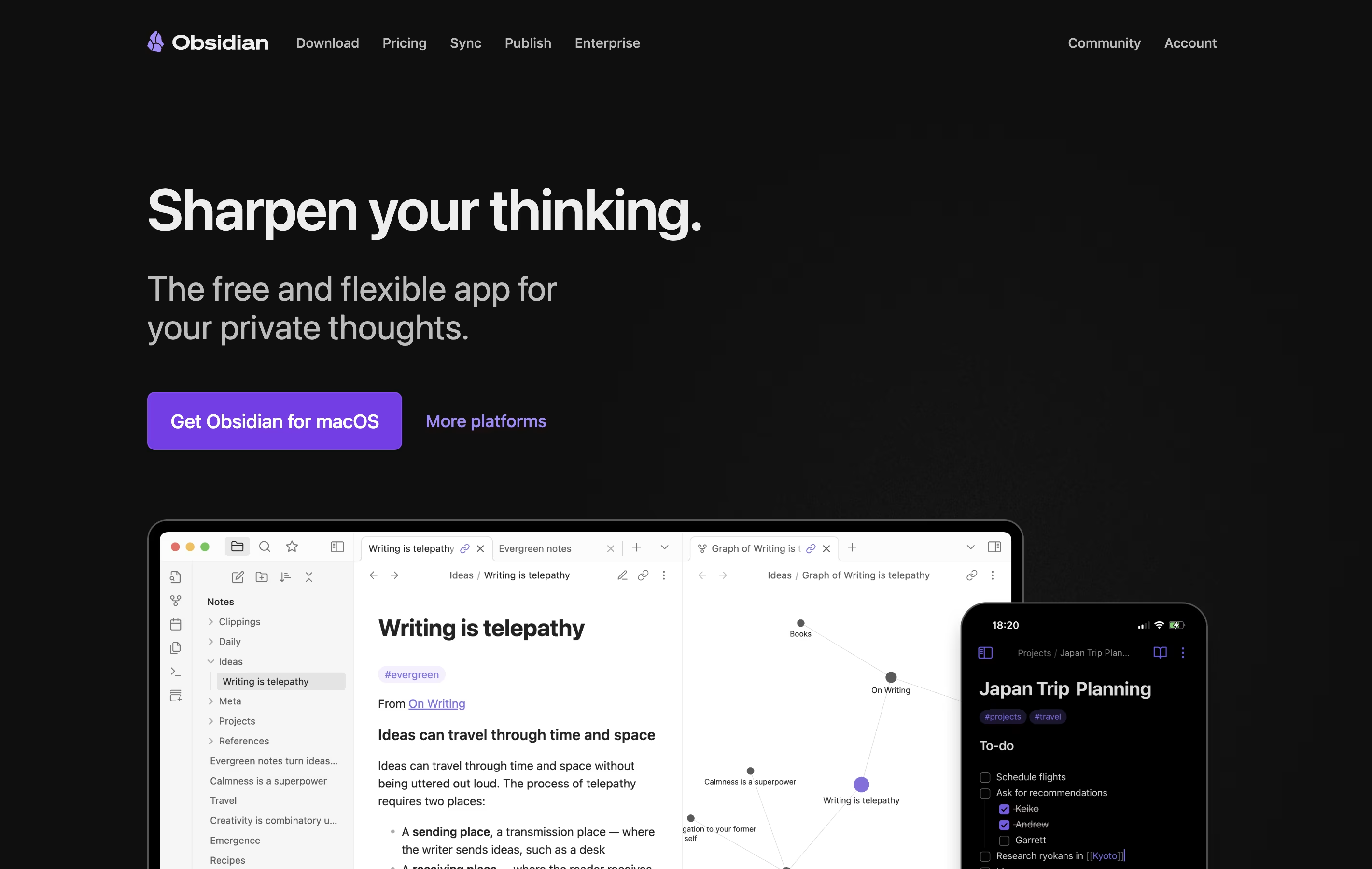 ObsidianFree Note-Taking App That Connects Your Ideas and
  Logseq
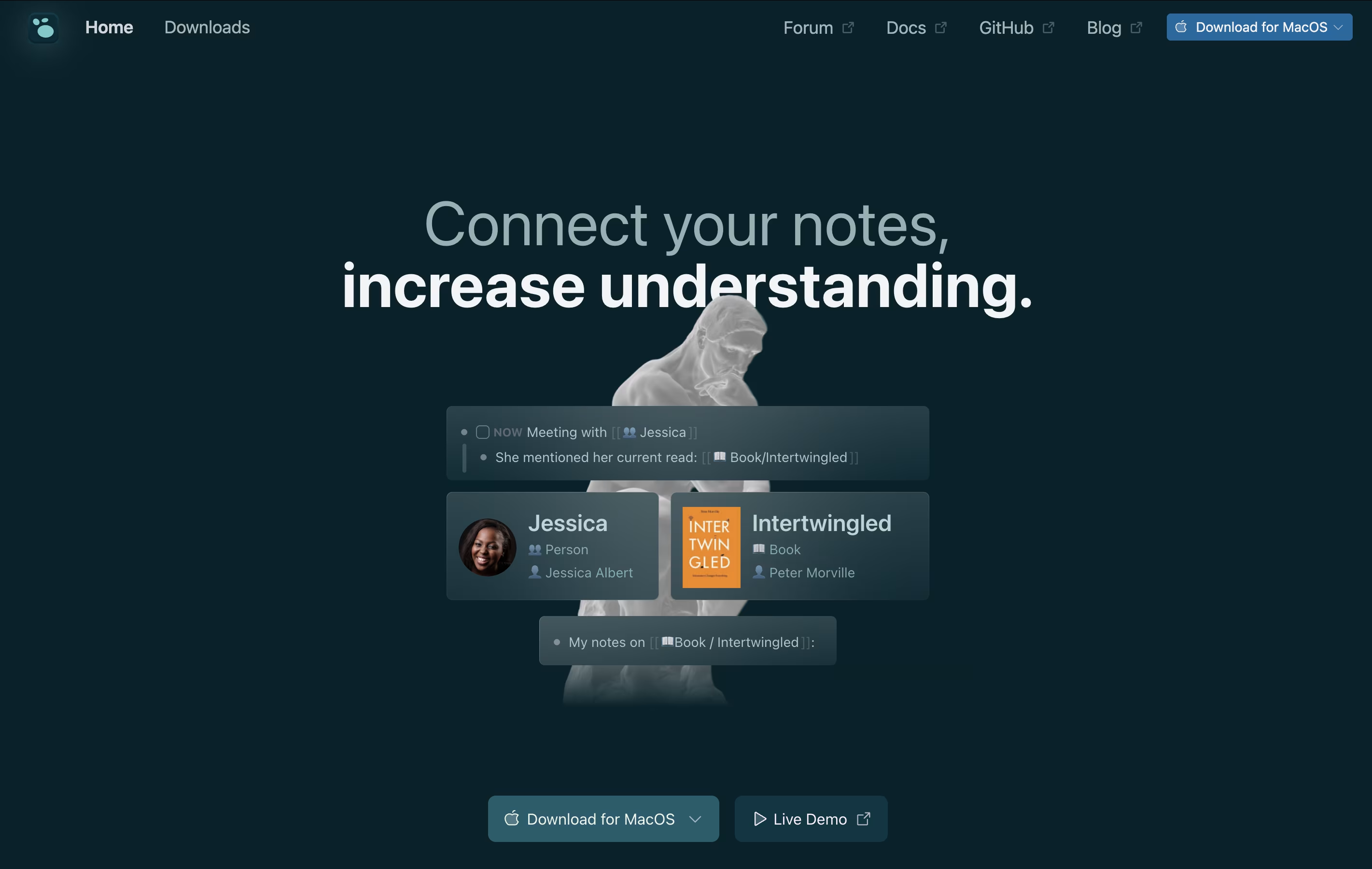 LogseqFree Open-Source Note-Taking & Knowledge Base are the best for Networked Thought. So, let’s take a closer look at both tools.
Obsidian is a note-taking app that works with plain text files stored directly on your device. You can write notes, link them together, and see how your ideas connect through a visual graph. Unlike cloud-based tools, everything stays private on your computer.
The app uses simple text files with basic formatting, which means your notes remain readable even without Obsidian. You can link any note to another, creating connections that help you discover patterns in your thinking. This makes it great for building knowledge over time.
There is a free version with all core features and optional paid services for cloud syncing and web publishing. The app works on computers, phones, and tablets.
Logseq is an open-source note-taking tool that helps you capture and connect your thoughts. Everything you write is stored as plain text files on your device, giving you complete control over your data. You never have to worry about a company shutting down or changing their prices because your files belong to you.
The app works with a daily journal where you can write notes, create tasks, and link ideas together. When you link notes, Logseq shows you all the connections, helping you see relationships between different topics. This creates a graph of your knowledge that grows over time.
You can use it on Windows, Mac, Linux, iPhone, and Android. The basic app is free forever, with optional paid sync to keep your notes updated across devices.





