

Best 2 Wiki Software Tools in 2026
Last Updated: October 21, 2025
Documenting shared knowledge for a team or community works best in a format that everyone can edit and reference together. Wiki Software gives groups a structured, linked space to build and maintain collective documentation.
These platforms are used by teams, communities, and organizations building a shared reference that grows and improves over time. Linked pages and version history make wikis a reliable long term home for institutional knowledge.
 Nuclino
 NuclinoSimple Team Knowledge Base and Collaboration Platform and
  Docmost
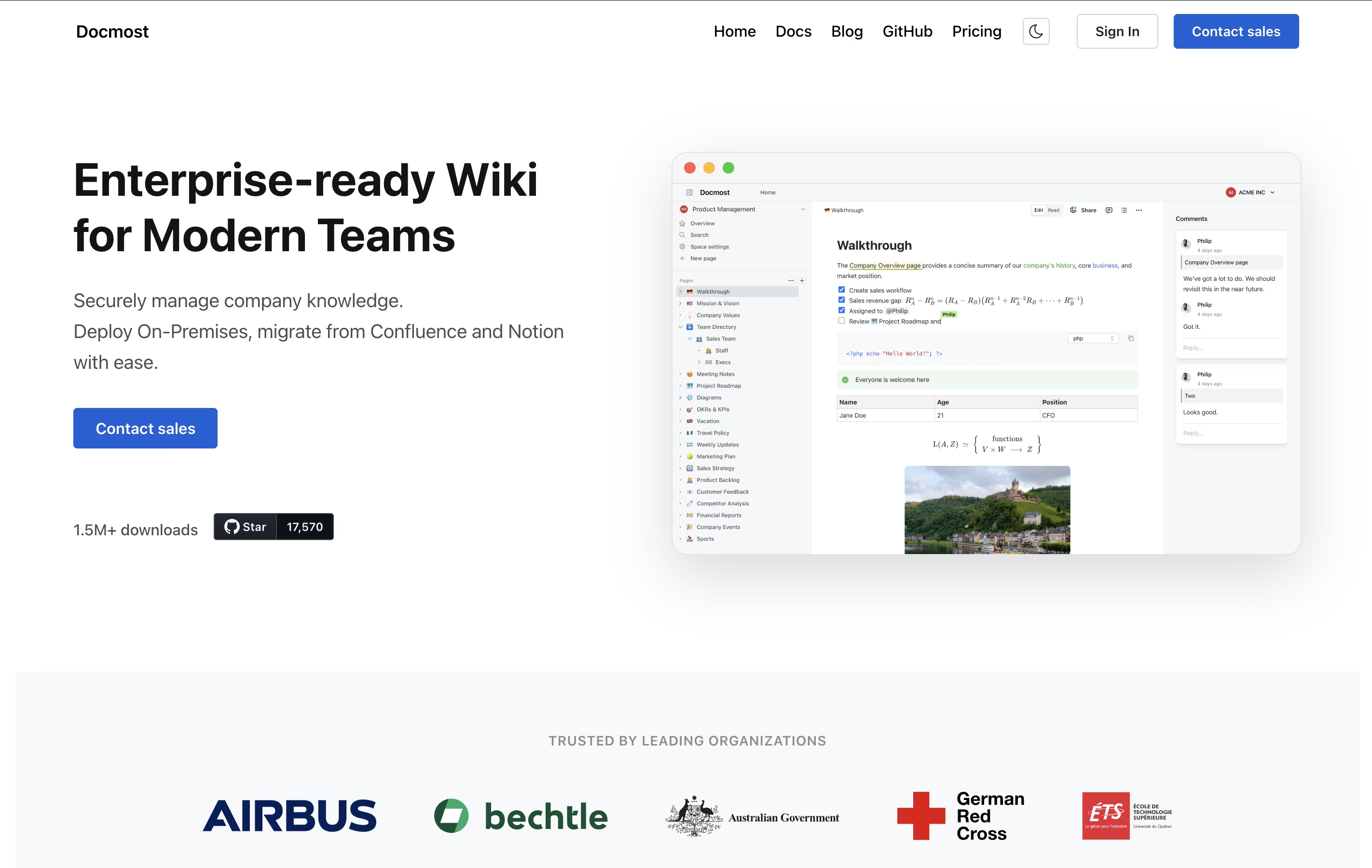 DocmostOpen-Source Wiki for Real-Time Team Collaboration are the best for Wiki Software. So, let’s take a closer look at both tools.
Nuclino is a collaborative workspace where teams create and connect documents in real time. You can think of it as a wiki, note-taking app, and project manager combined into one simple tool. Every piece of content you create is called an item, and items can be linked together to show relationships.
The platform offers different ways to view your content: as a list, a board like Kanban, a table, or a graph that shows how everything connects. This flexibility helps teams organize information the way that makes sense for them.
Nuclino also includes Canvas for visual collaboration with diagrams and whiteboards, plus an AI assistant called Sidekick. The Business plan unlocks AI features, advanced security, and unlimited version history for teams with more complex needs.
Docmost is a collaborative documentation platform that lets teams write and organize information together. You can create different spaces for different projects or departments, and each space can have its own set of permissions. This means you control exactly who can see or edit what.
The platform uses a rich text editor that supports everything from basic formatting to advanced features like diagrams, tables, and math formulas. Unlike traditional wikis, Docmost lets multiple team members work on the same document at the same time, and everyone sees the changes instantly.
You can choose to self-host Docmost on your own servers for complete control, or use their managed cloud version. Both options come with the same powerful features for organizing and sharing your team's knowledge.





