

Best 4 Encrypted Note Apps Tools in 2026
Last Updated: October 21, 2025
Some notes contain sensitive information that deserves stronger protection than a standard note app provides. Encrypted Note Apps secure your notes with end to end encryption, ensuring only you can access what you write.
These tools are important for privacy focused individuals, journalists, and professionals handling sensitive personal or client information. Strong encryption means your notes stay private even if the underlying service is ever compromised.
 Joplin
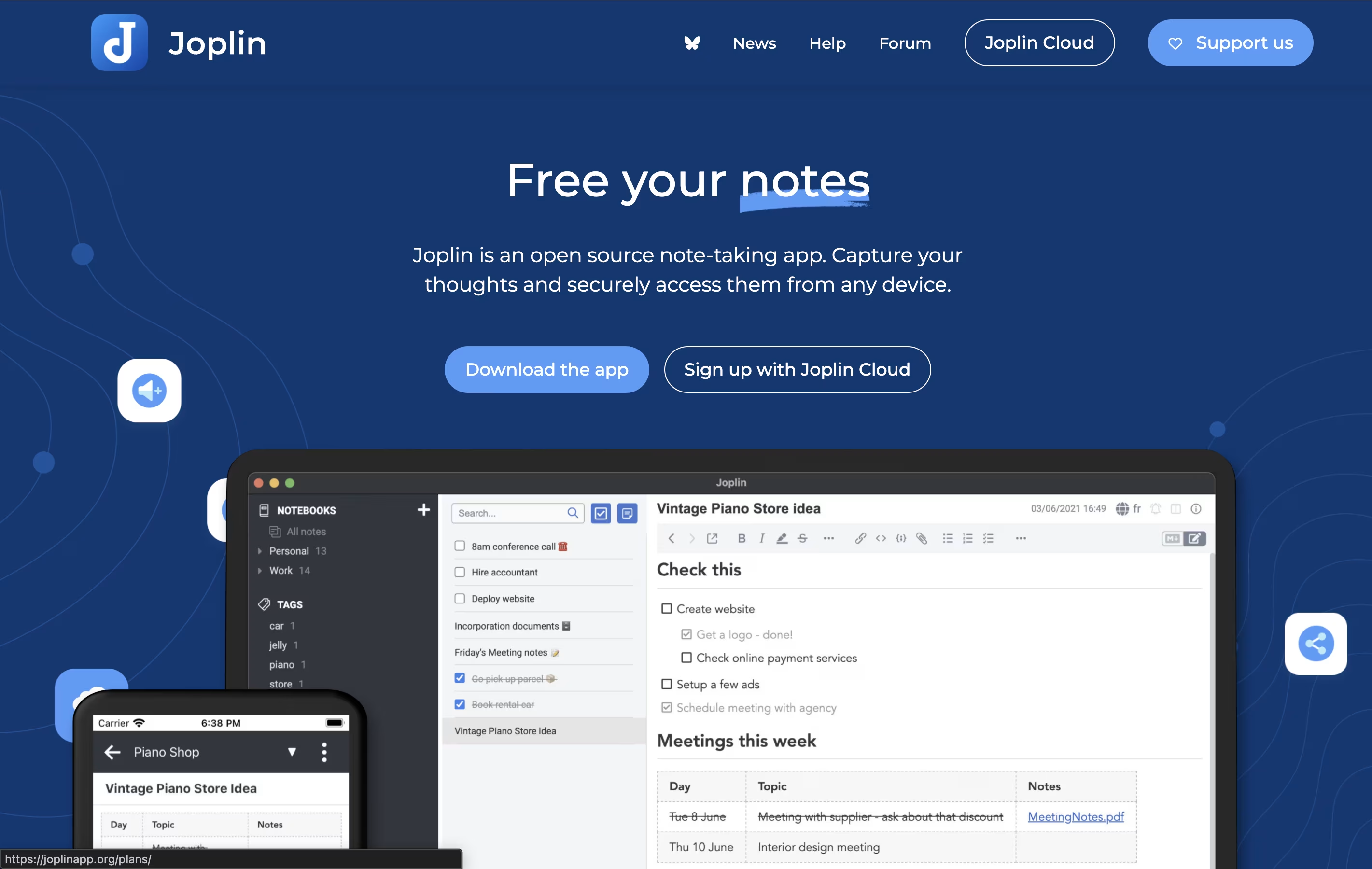 JoplinFree Open-Source Note-Taking App with Encryption,
  Standard Notes
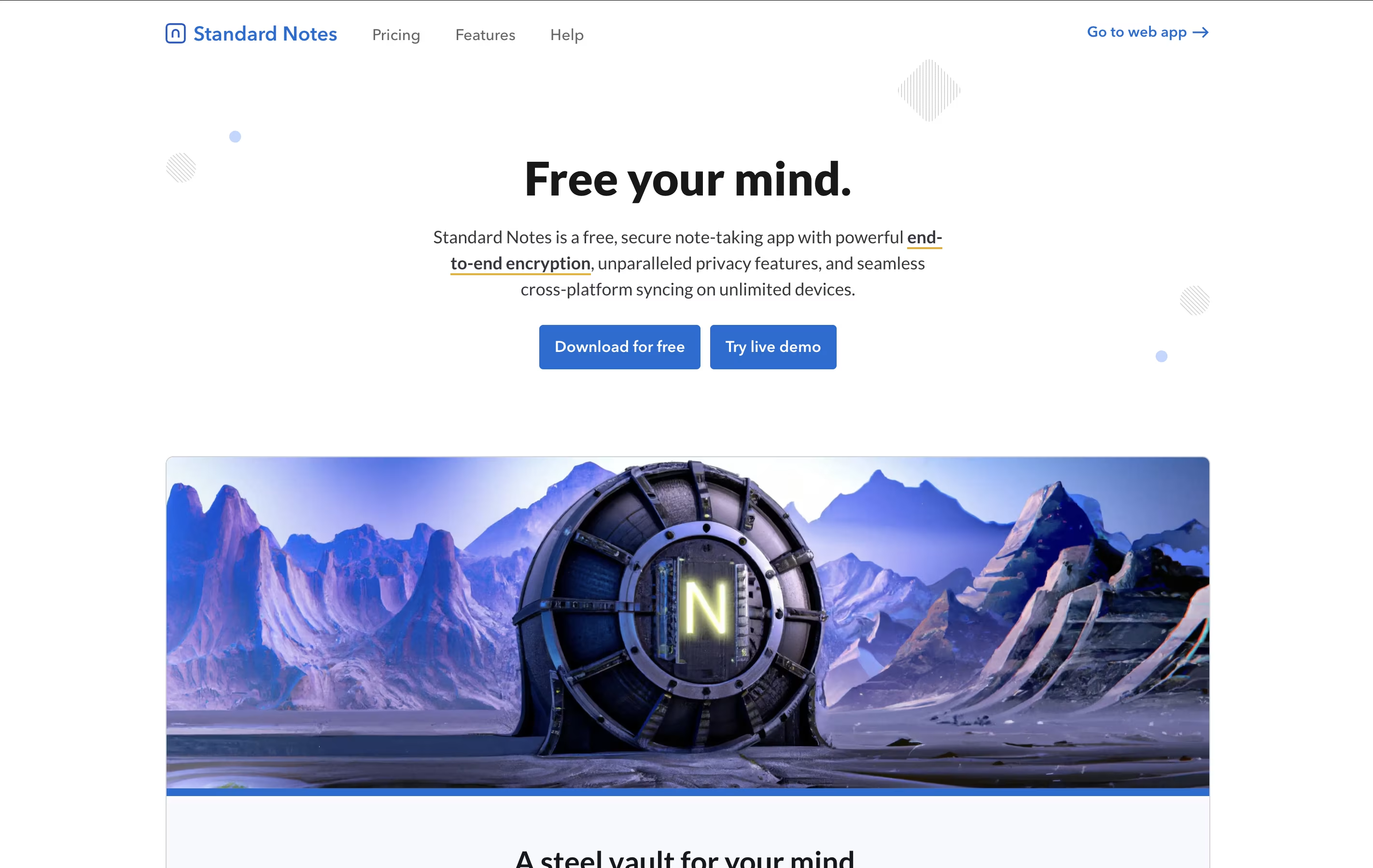 Standard NotesSecure Encrypted Note-Taking App, and
  Anytype
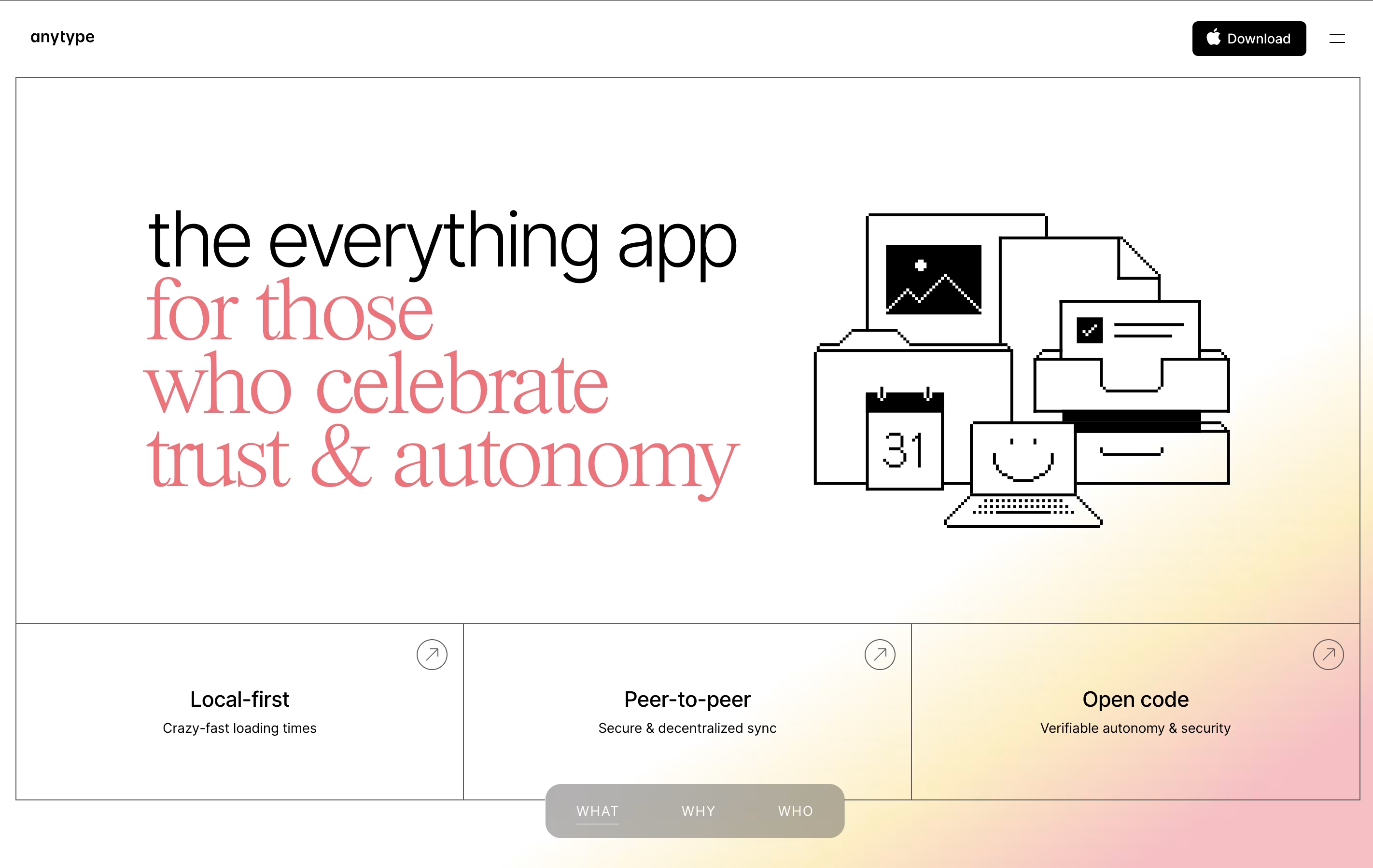 AnytypeSecure Private Workspace for Notes and Projects are the best for Encrypted Note Apps. So, let’s take a closer look at all 4 tools.
Joplin is a powerful tool for capturing and organizing your thoughts, to-do lists, and information. It supports rich text and Markdown formatting, allowing you to create notes with images, attachments, tables, and even code snippets. You can clip web pages directly from your browser and save them as notes for later reference.
What makes Joplin special is its focus on privacy and data ownership. Your notes are stored locally on your devices, not on someone else's server. When you sync across devices, everything is protected with end-to-end encryption, meaning only you can read your content.
The app offers multiple sync options including Dropbox, OneDrive, Nextcloud, or Joplin's own cloud service. You can also customize Joplin with plugins and themes to match your workflow perfectly.
Standard Notes is a note-taking tool that protects your data with strong encryption. When you write a note, it gets locked with a secret code that only you have. This means even the company that runs Standard Notes cannot read what you write. Your notes sync across all your devices automatically, so you can start writing on your phone and continue on your computer.
The app offers both free and paid plans. The free version includes basic note-taking with full encryption, while paid plans add features like rich text formatting, file storage, and advanced editors for different types of content. It works on web browsers, desktop computers, and mobile devices, giving you access everywhere.
Anytype is a tool for organizing your notes, tasks, files, and projects while keeping everything private on your device. You create content using objects, which are like structured notes with properties you can customize. For example, a book object can have an author, rating, and notes all connected together.
The app works offline and stores data locally with encryption, meaning your information stays on your device unless you choose to sync it. When you do sync, it uses secure connections between your devices. You can create databases, link related information, and build visual connections between different pieces of content.
There is a free plan with limited cloud storage, plus paid plans for those who need more backup space and advanced features like shorter custom names.

Notesnook is a note-taking tool that keeps your information completely private through strong encryption. Every note you write gets locked with special codes before leaving your device. This means even if someone breaks into the company's servers, your notes stay unreadable.
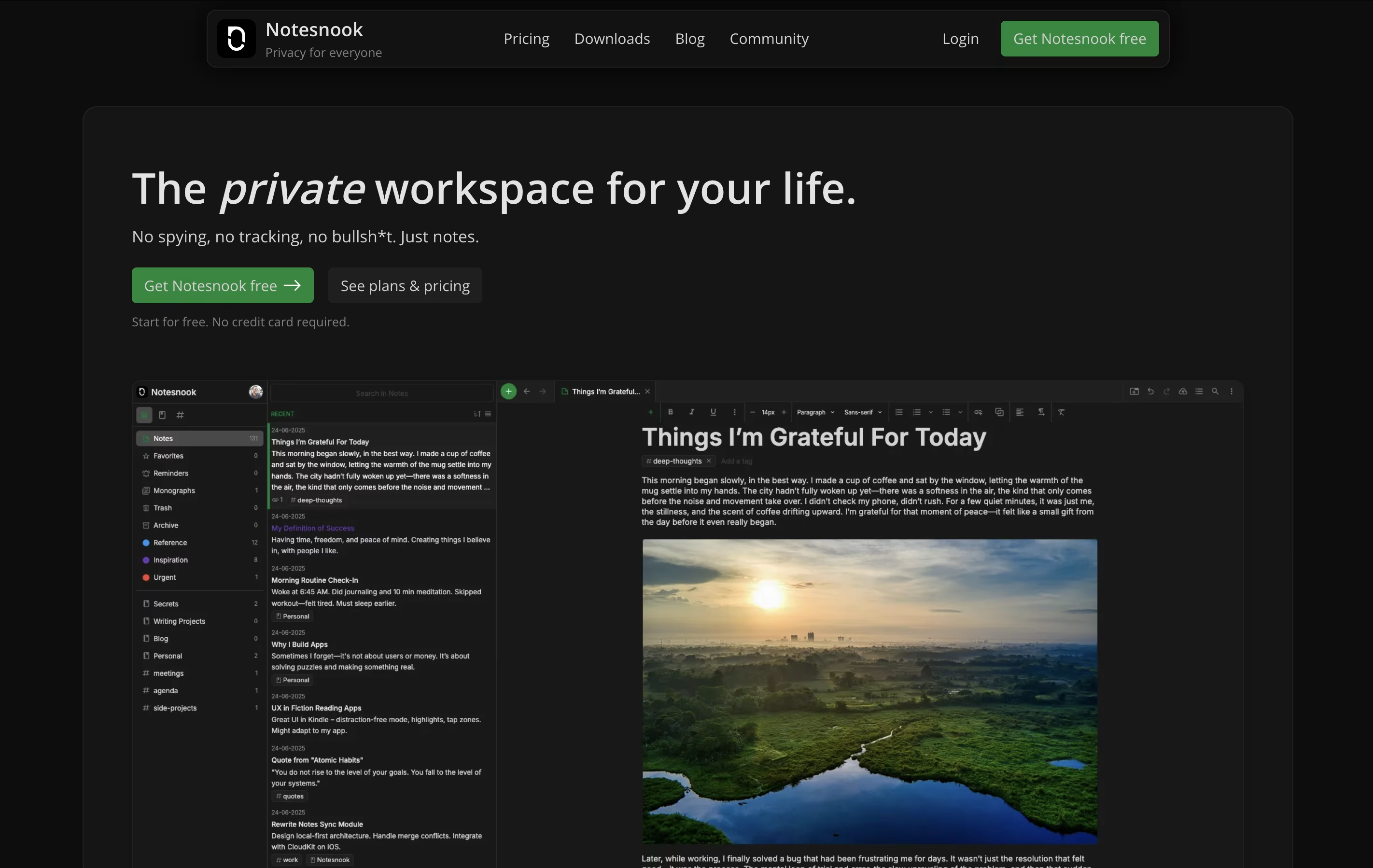
The app works across all your devices. You can start a note on your phone during lunch and finish it on your computer at home. Everything syncs automatically while staying protected.
It includes features like password-protected vaults for extra-sensitive notes, web clipping to save articles, and rich text editing with tables, task lists, and code blocks. The entire app is open source, so security experts can check the code to confirm it's truly safe.





