

Best 4 Team Wikis Tools in 2026
Last Updated: November 7, 2025
Sharing institutional knowledge across a growing team requires a central place that stays current as things change. Team Wikis give teams a collaborative space to document processes, policies, and knowledge everyone can access and edit.
These platforms are essential for growing teams and organizations that need consistent, up to date internal documentation. A well maintained team wiki significantly reduces repeated questions and onboarding friction.
 Confluence
 ConfluenceTeam Workspace for Documentation,
  Craft
Craft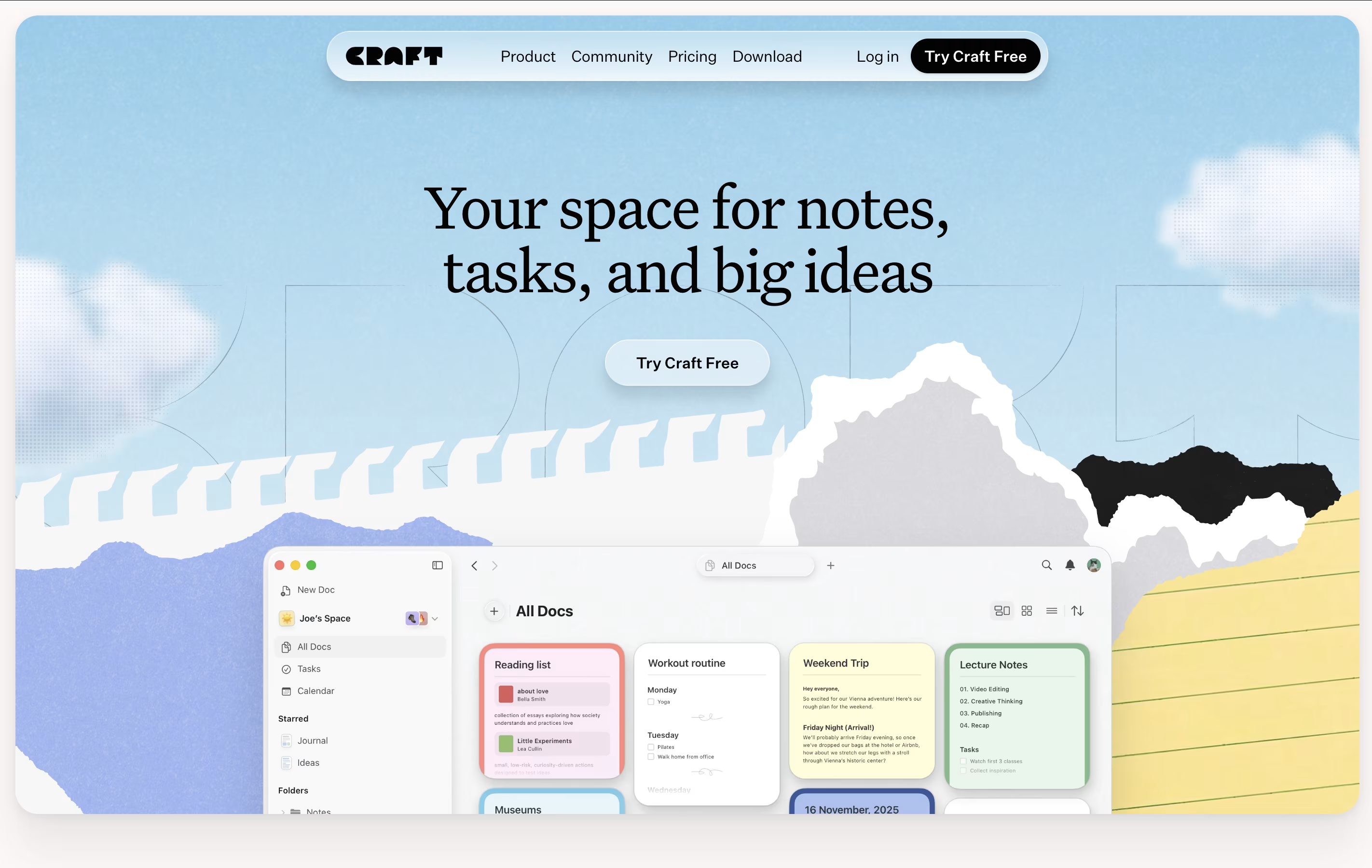 CraftBeautiful Document Editor with AI for Notes, Tasks & Collaboration, and
  Nuclino
 NuclinoSimple Team Knowledge Base and Collaboration Platform are the best for Team Wikis. So, let’s take a closer look at all 4 tools.
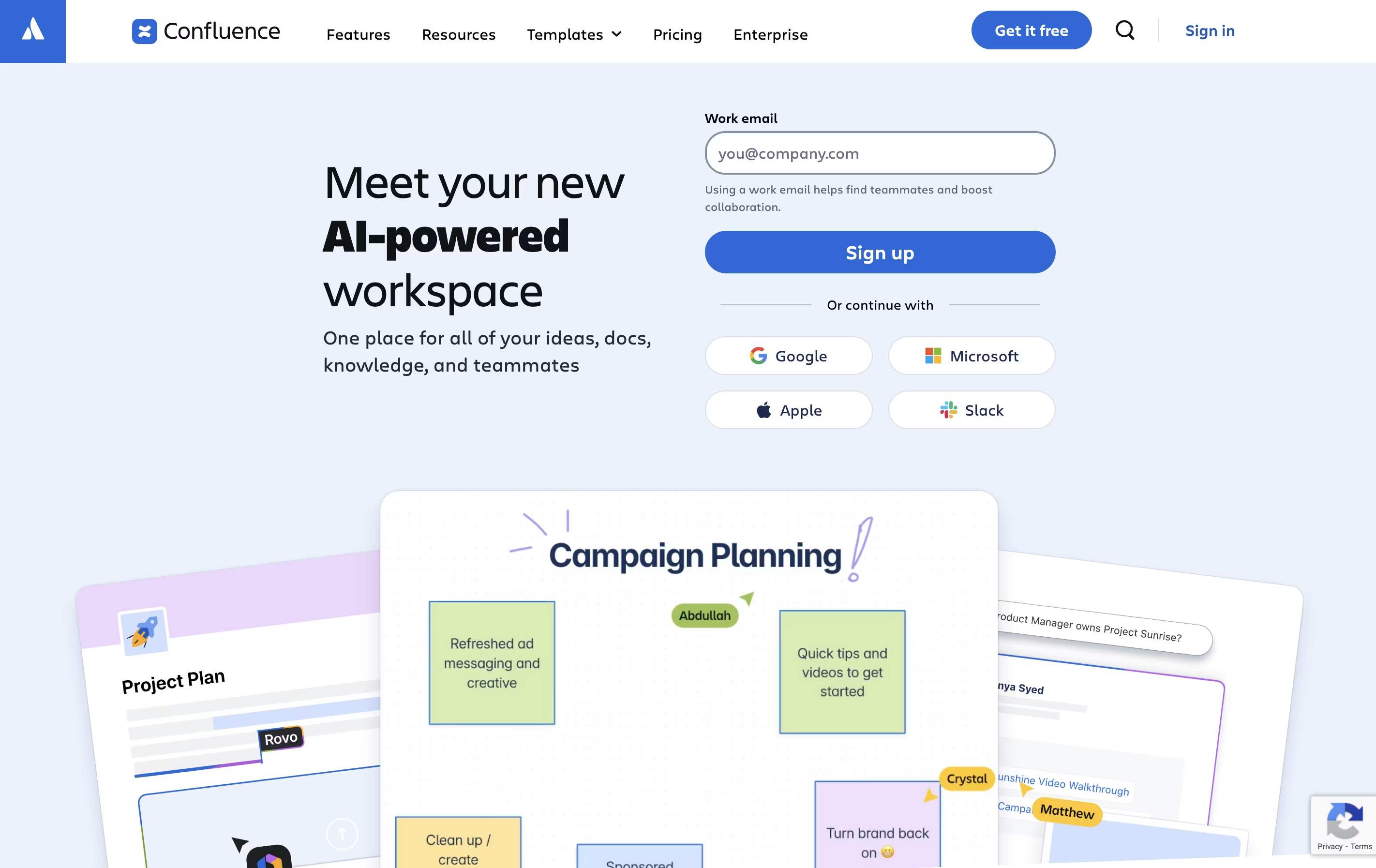
Confluence is an online workspace where teams create and share documents, project plans, and company knowledge. You can think of it as a shared notebook that your entire organization can access and update together.
It works in your web browser or through mobile apps. You build pages using a simple editor that looks similar to Microsoft Word or Google Docs. These pages can include text, images, videos, and links to other tools. You organize pages into spaces for different teams or projects.
The platform includes whiteboards for brainstorming, databases for organizing information, and templates for common documents. With AI features built in, Confluence can summarize long pages, help you write content, and quickly find information across all your team's documents.
Craft is a tool for creating documents that look great and work well. You can write notes, manage tasks, build collections of information, and share everything with others. Unlike basic note apps, Craft lets you organize content using cards, pages, and folders that connect together.
The app includes an AI assistant that helps with writing, editing, and organizing your work. You can format text beautifully, add images and videos, create linked pages, and build databases of information. Everything syncs across your iPhone, iPad, Mac, and web browser.
There is a free starter plan with basic features. The Plus plan removes all limits and adds advanced tools. Family and Team plans help groups work together with shared spaces and better collaboration features.
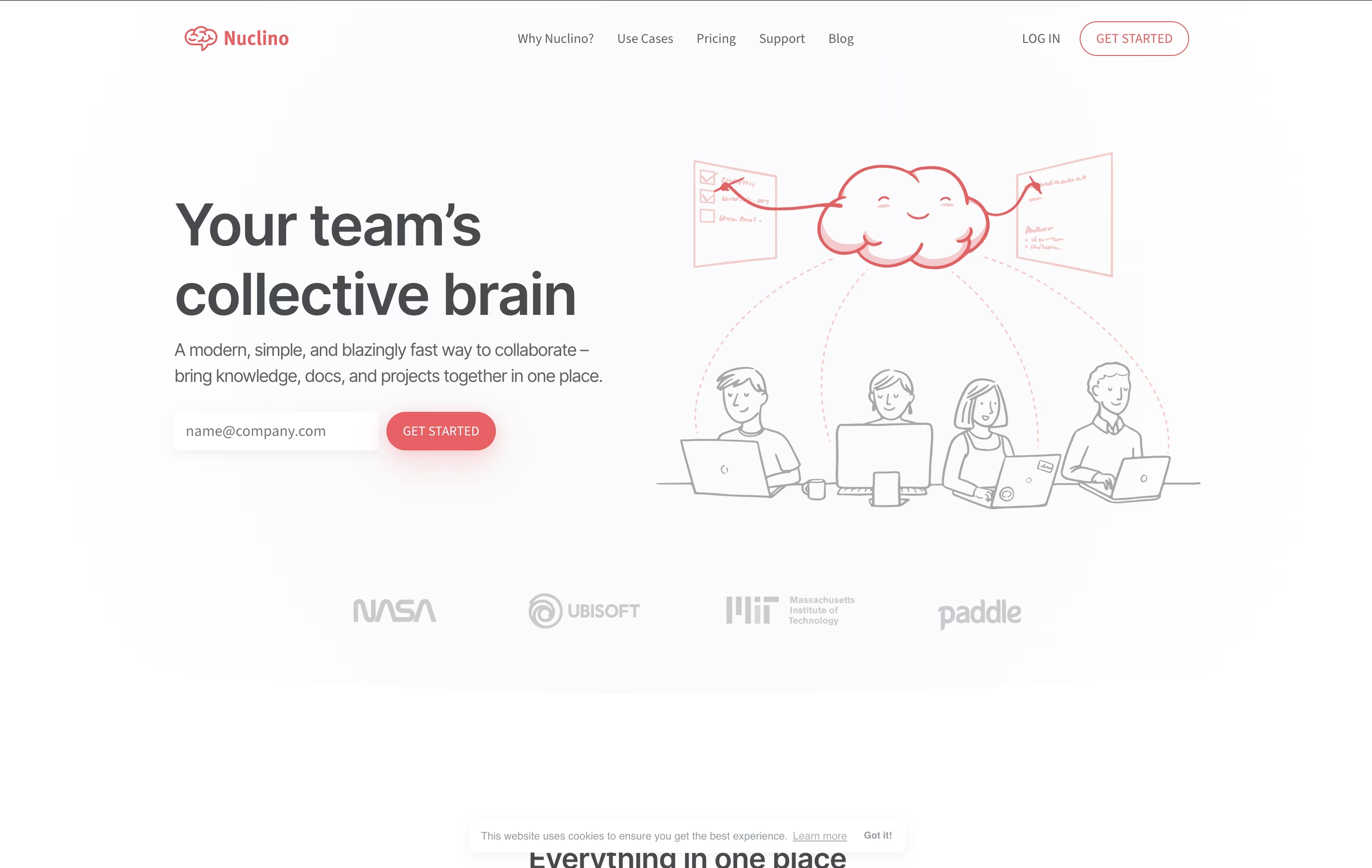
Nuclino is a collaborative workspace where teams create and connect documents in real time. You can think of it as a wiki, note-taking app, and project manager combined into one simple tool. Every piece of content you create is called an item, and items can be linked together to show relationships.
The platform offers different ways to view your content: as a list, a board like Kanban, a table, or a graph that shows how everything connects. This flexibility helps teams organize information the way that makes sense for them.
Nuclino also includes Canvas for visual collaboration with diagrams and whiteboards, plus an AI assistant called Sidekick. The Business plan unlocks AI features, advanced security, and unlimited version history for teams with more complex needs.

Docmost is a collaborative documentation platform that lets teams write and organize information together. You can create different spaces for different projects or departments, and each space can have its own set of permissions. This means you control exactly who can see or edit what.
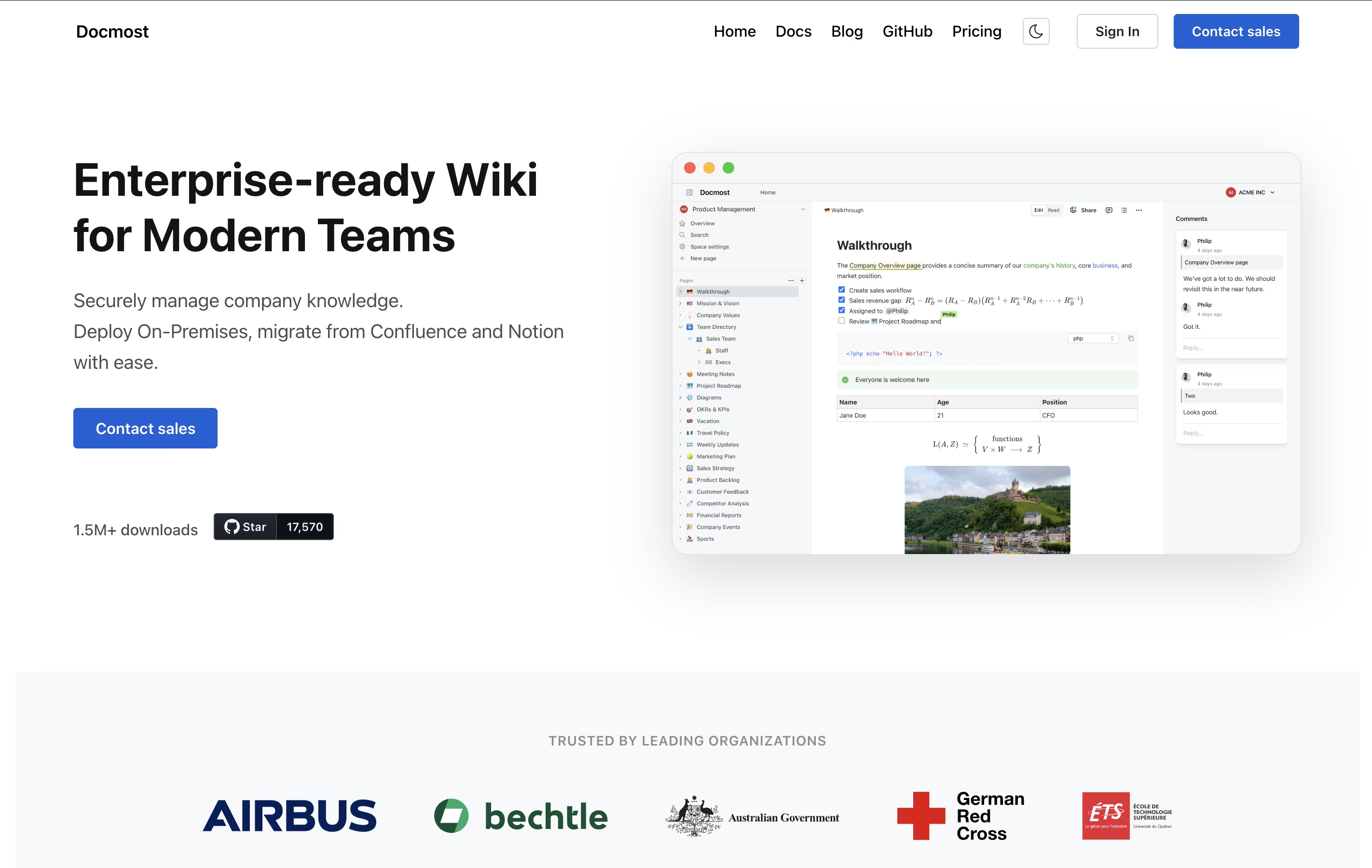
The platform uses a rich text editor that supports everything from basic formatting to advanced features like diagrams, tables, and math formulas. Unlike traditional wikis, Docmost lets multiple team members work on the same document at the same time, and everyone sees the changes instantly.
You can choose to self-host Docmost on your own servers for complete control, or use their managed cloud version. Both options come with the same powerful features for organizing and sharing your team's knowledge.





