

Best 14+ AI Meeting Assistant Tools in 2026
Last Updated: October 1, 2026
Meetings generate a lot of important information that is easy to lose without careful note taking. AI Meeting Assistants join calls automatically, transcribing discussions and summarizing key points and action items afterward.
These tools are widely used by sales teams, managers, and remote workers who attend back to back meetings and need reliable records. Automated summaries and searchable transcripts mean nothing important gets lost after the call ends.
 Granola
 GranolaAI Notepad for Smarter Meeting Notes,
  Poll Everywhere
 Poll EverywhereInteractive Live Polling for Engaging Presentations, and
  VideoSDK
 VideoSDKReal-Time Video & Voice API Platform for Developers are the best for AI Meeting Assistant. So, let’s take a closer look at all 14+ tools.

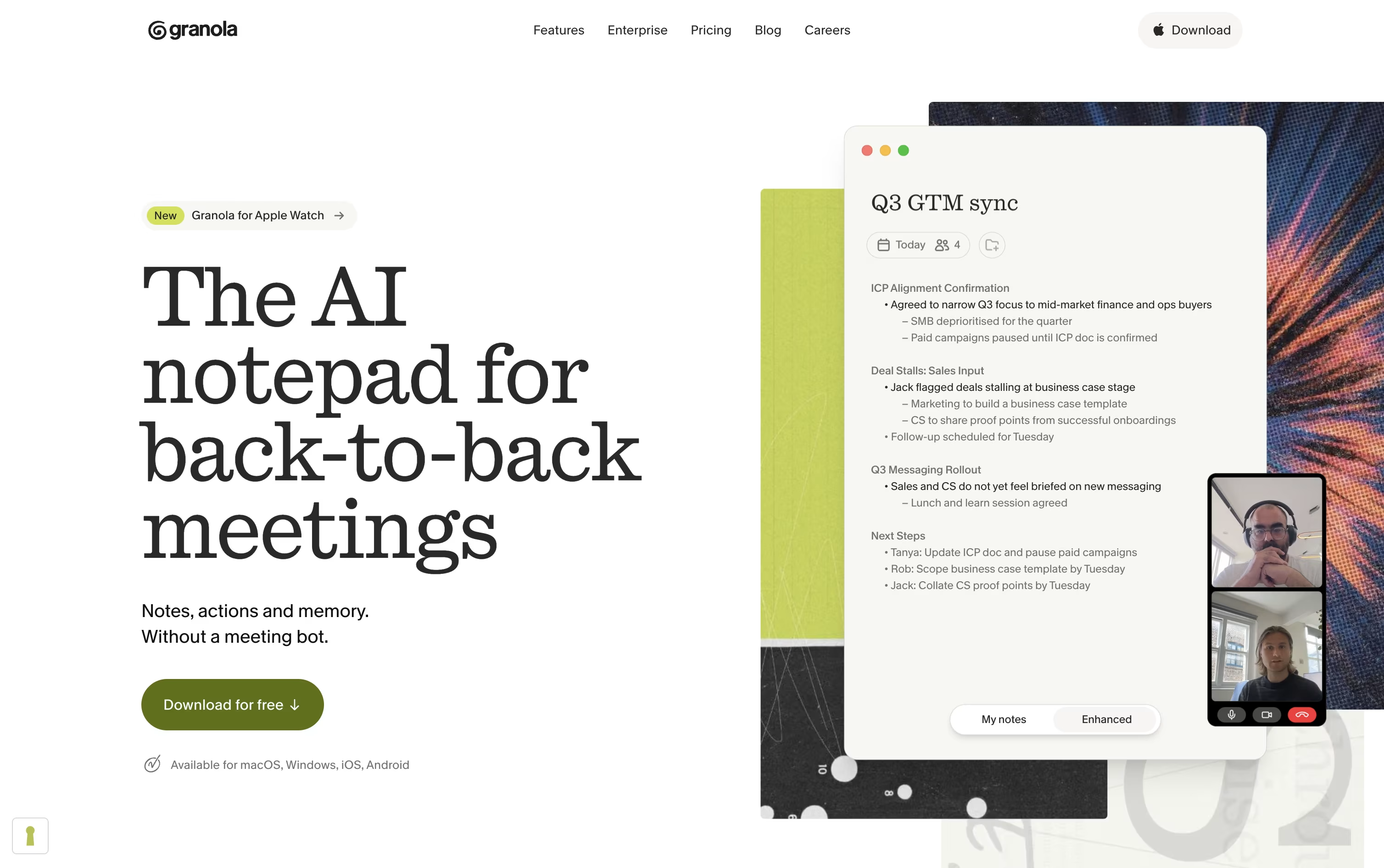
If your calendar is packed with back to back calls, Granola is built to take the note taking off your plate. It works alongside you rather than joining as a visible bot, capturing audio on your device and combining it with your own typed notes.
After each call, it hands you organized notes complete with decisions, highlights, and next steps, ready to edit or send along. It handles Zoom, Google Meet, Teams, phone calls, and face to face chats just as easily.
Granola also keeps a searchable memory of everything you have discussed, letting you chat with your meeting history through Granola Chat or plug it into tools like Slack, Notion, and HubSpot, with API and MCP support for connecting to other AI apps.
The free Basic plan covers the essentials with limited history. Business costs $14 a user each month for unlimited history and integrations, and Enterprise moves up to $35 a user each month, adding single sign on, priority support, and stronger admin controls for bigger organizations.
Poll Everywhere is an interactive presentation tool that bridges the gap between speakers and their audiences. Instead of traditional one-way presentations, it creates live, engaging experiences where audience members can participate using their mobile phones or web browsers.
The platform works by embedding interactive activities like multiple-choice polls, open-ended Q&A sessions, word clouds, and clickable images directly into your existing presentation slides. When you reach an interactive slide, the activity automatically activates, allowing participants to respond in real-time. Their responses appear instantly on screen for everyone to see.
What makes Poll Everywhere special is its simplicity - no apps to download for participants, no special hardware needed, and it works with the presentation tools you already use. It supports both in-person and virtual meetings, making it perfect for today's hybrid work environment.
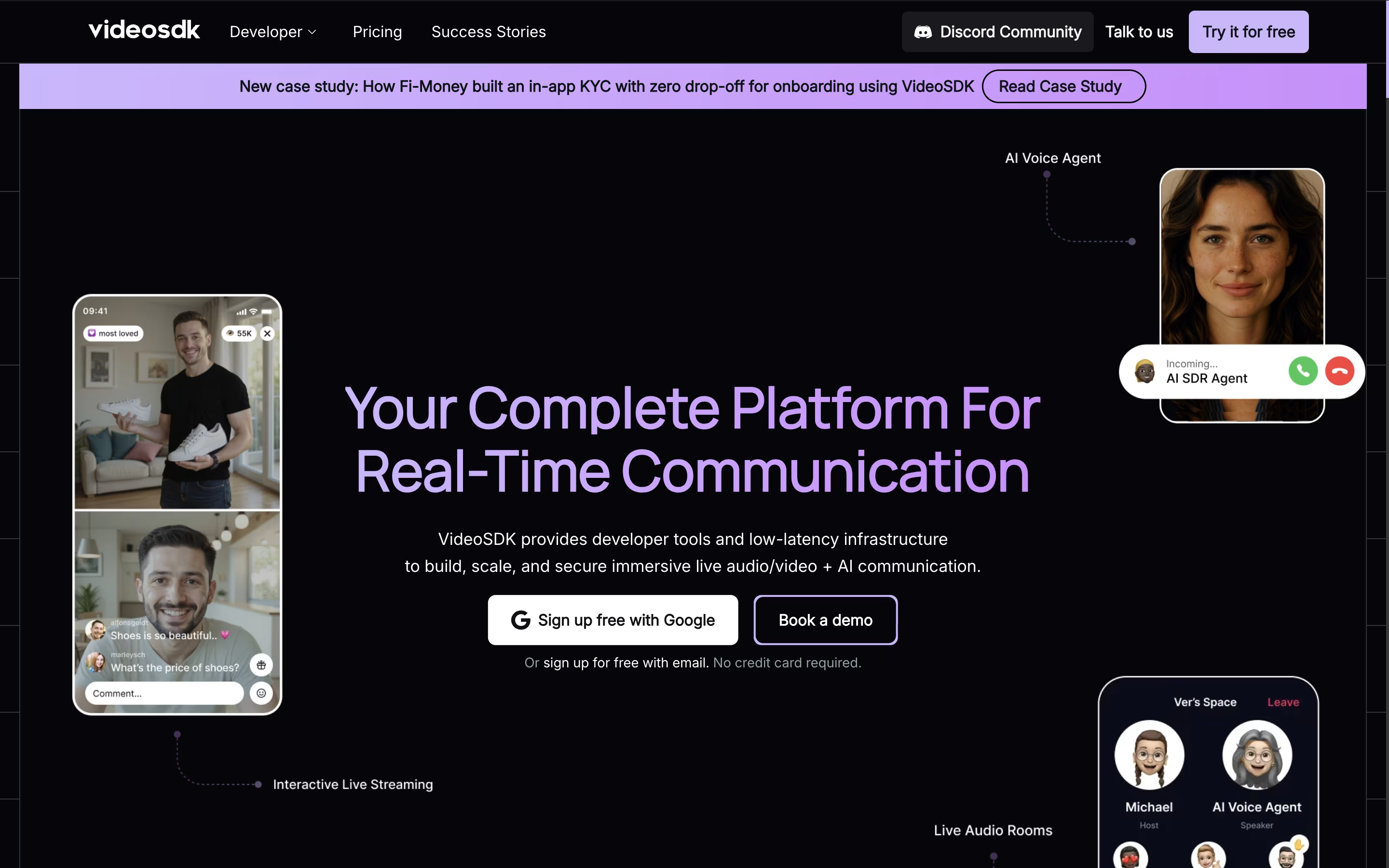
VideoSDK is a real-time communication platform that provides APIs and software tools for developers to build video and voice applications. Instead of creating video calling systems from scratch, developers can use VideoSDK's ready-made tools to add features like video meetings, live streaming, screen sharing, and AI-powered voice agents to their apps.
The platform works across all devices and operating systems, including web browsers, mobile apps, and desktop applications. It uses advanced technology to ensure smooth video quality even with poor internet connections and provides global infrastructure with 150ms worldwide latency.
VideoSDK offers both free and paid plans, starting with 10,000 free minutes every month. This makes it perfect for startups, small businesses, and large companies that need reliable video communication features without building everything from scratch.

Personio is an intelligent HR management platform that combines all essential HR functions into one easy-to-use system. Instead of using separate tools for recruiting, employee management, payroll, and reporting, everything works together in a single dashboard.
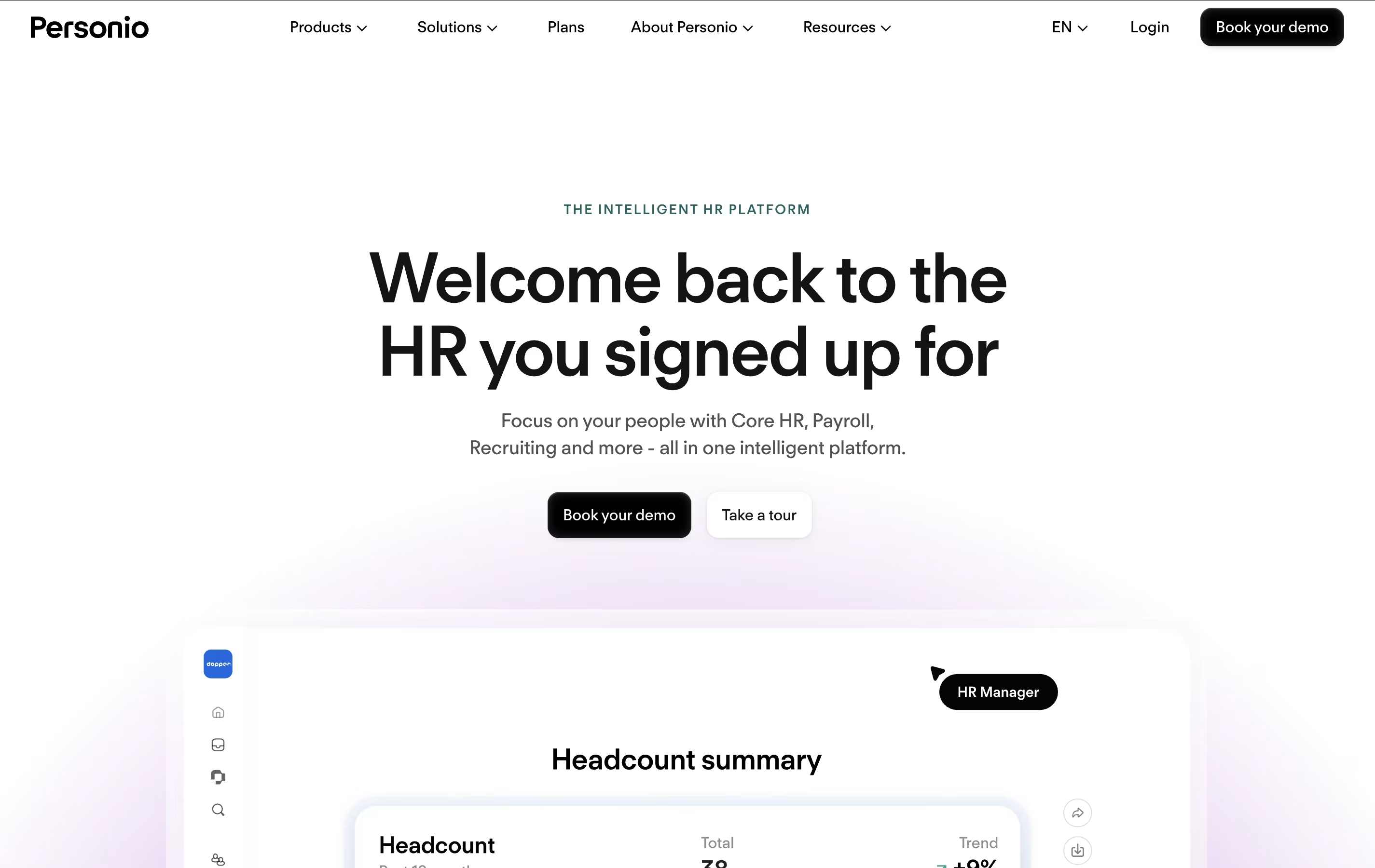
The software uses smart automation to handle routine tasks like onboarding new employees, tracking time off, and generating reports. It includes features for job posting, applicant tracking, employee records, performance reviews, and preliminary payroll processing.
Personio focuses strongly on European compliance, making it perfect for companies operating in the EU. It handles data protection rules, local labor laws, and tax requirements automatically. The platform offers two main plans - Core and CorePro - plus additional apps that you can add based on your needs. This flexible approach means you only pay for features you actually use.

Alter is a native macOS AI assistant designed specifically for Mac power users who want seamless AI integration across their entire workflow. It works as a system-wide productivity tool that understands context from any app you're using.
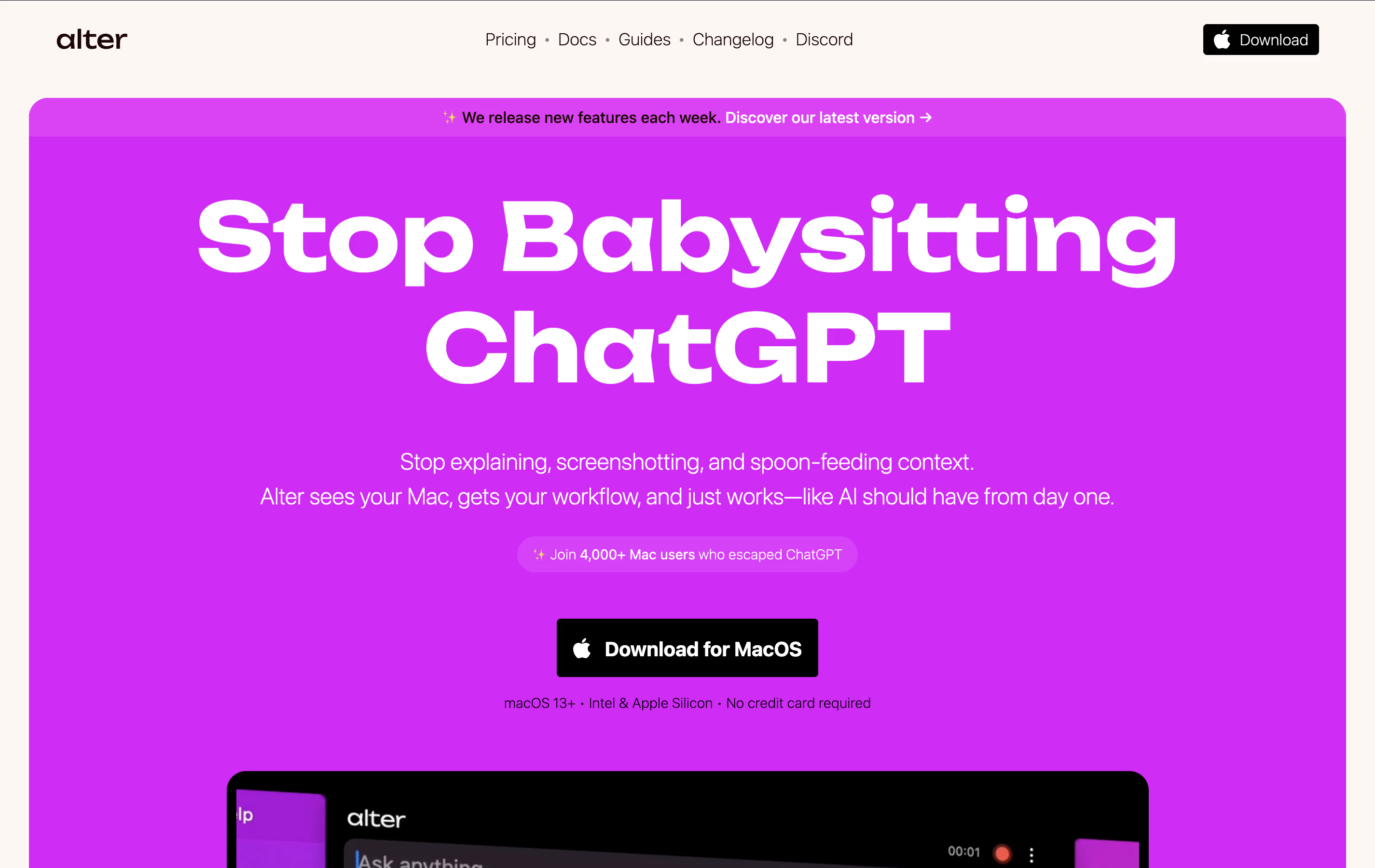
The tool operates through voice commands and contextual menus, allowing you to perform AI-powered actions without switching between applications. It can record meetings, transcribe audio, summarize content, write emails, create presentations, and handle complex tasks across apps like Finder, Keynote, and Apple Mail.
What sets Alter apart is its privacy-first approach. Your data stays encrypted locally, and you can run AI models completely offline using Ollama or LM Studio, ensuring sensitive information never leaves your device.

A lot of meeting tools work by dropping a visible bot into your call, which can feel awkward. Jamie takes a different route by recording straight from your device and staying invisible to everyone else in the meeting.
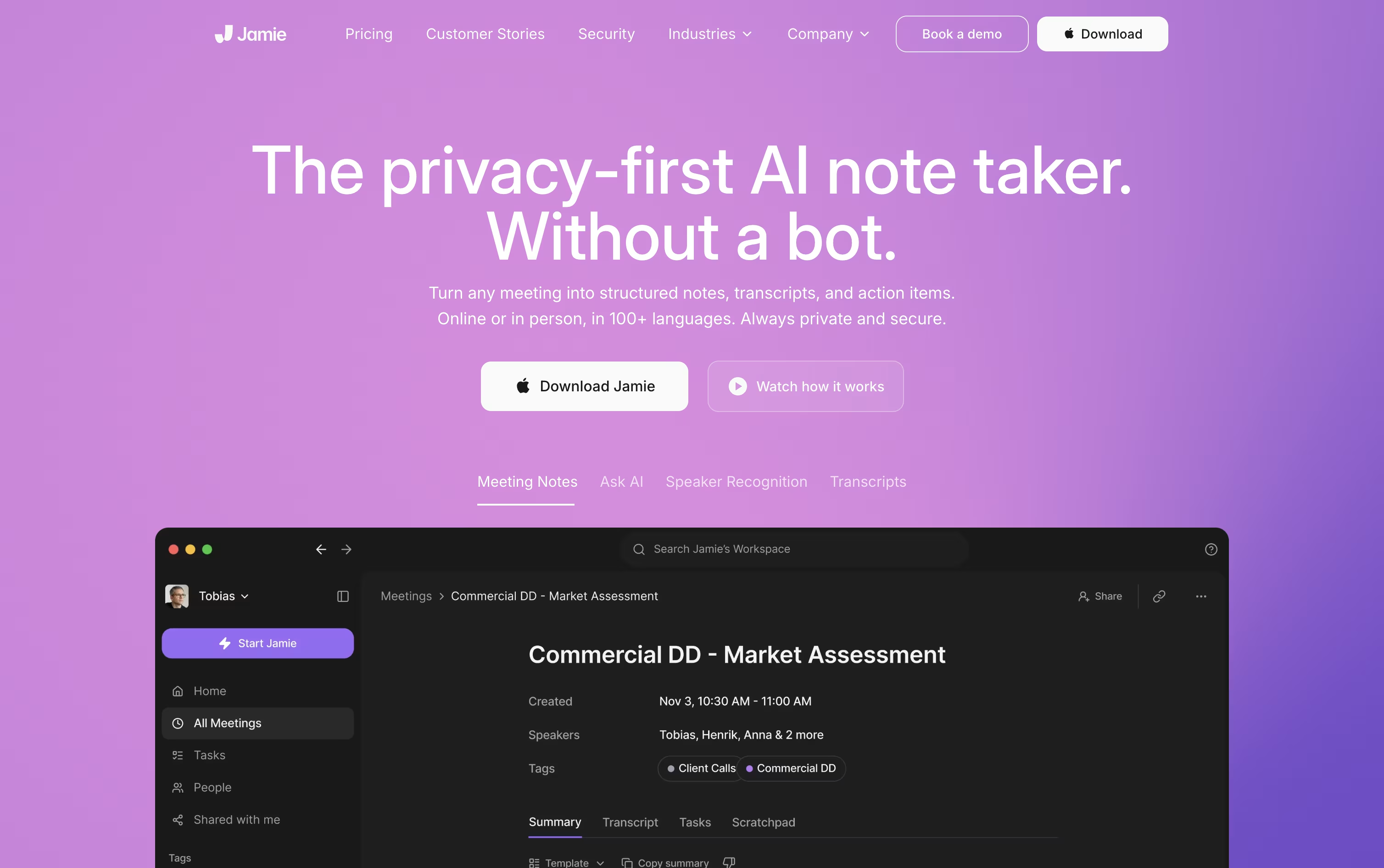
Once the call ends, it processes the audio into a clean transcript, a plain language summary, and a list of tasks with owners attached, then deletes the original recording.
Getting started costs nothing. The Free plan allows 10 AI notes a month with meetings capped at 30 minutes, using core integrations like Notion and Google Docs.
Plus runs €25 a month, or €21 when billed yearly, and raises the limits to 20 notes and 2 hour meetings.
Pro costs €47 a month, or €39 annually, and removes the note limit entirely while adding Salesforce, HubSpot, and MCP support for tools like Claude and ChatGPT.
Teams of 2 to 10 pay €39 per seat monthly, and larger organizations can move to Enterprise for custom pricing with added security controls.

Littlebird acts like a second mind for your work, remembering your screen activity and meetings so you do not have to repeat yourself or dig through old files.
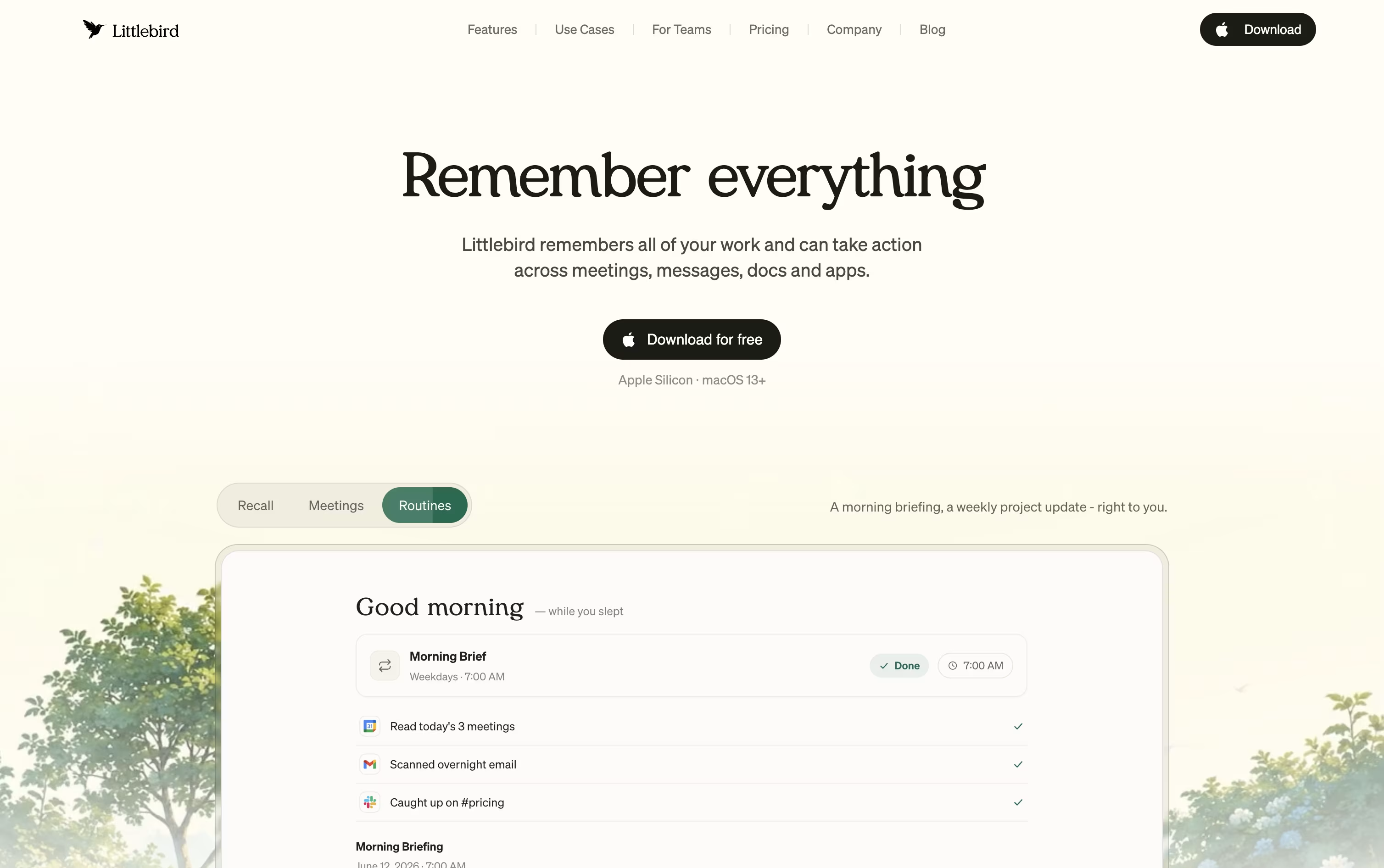
It captures text from whichever window is active on your desktop and listens in on meetings through system audio, without any bot joining the call. Everything it collects feeds into a private, searchable memory.
Chat lets you ask natural questions about anything you saw or discussed earlier, and it can also draft emails, documents, and reports using your own history as context. On Mac, the Hummingbird overlay answers quick questions about your current screen at any moment.
The free Basic plan gives you daily usage credits, limited meeting notes, and core screen context at no cost. Plus is priced at $17 a month with yearly billing, or $20 a month if billed monthly, and includes a 14 day trial along with unlimited meeting notes and image generation.
Power costs $42 a month yearly, or $50 monthly, adding MCP access, more credits, and priority support. Pro starts at $100 a month for the highest usage limits and earliest access to new features.
For groups, Team plans start at $17 per seat, and Enterprise pricing is custom with added security and support.
Wispr Notetaker takes a different approach to meeting notes: no bot joins your call. It runs quietly inside the Wispr Flow app on Mac, capturing system audio and your microphone so it works across Zoom, Google Meet, Teams, Slack Huddles, and in person conversations too.
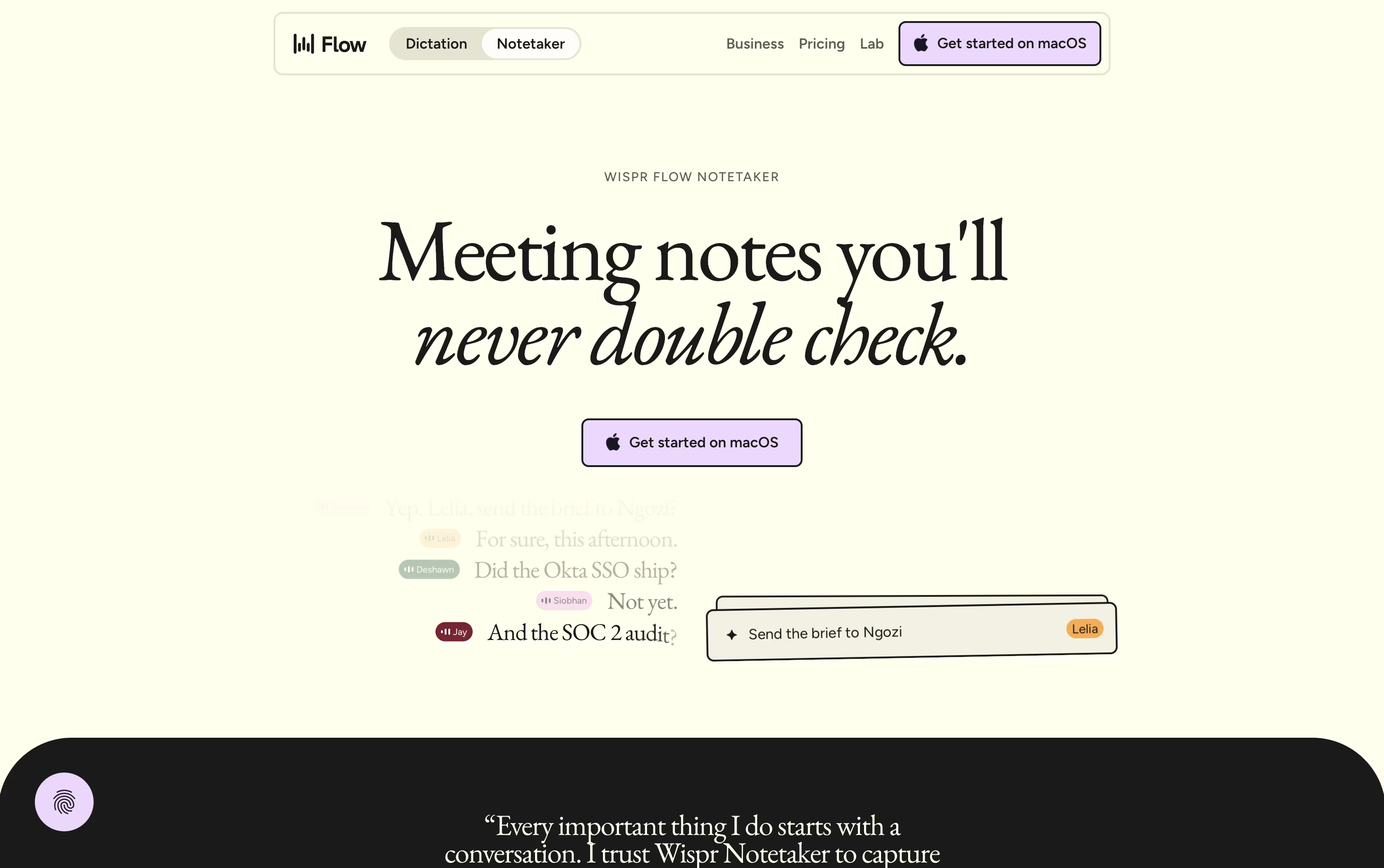
Because it already knows your calendar, personal dictionary, and connected apps like Gmail and Slack, it can label speakers by their real names instead of generic tags, and it catches jargon that other tools tend to miss.
After each call, you get a topic organized summary with decisions, dates, and next steps, plus the ability to ask questions across your entire meeting history.
Pricing starts at $0 a month on the Free plan, which includes weekly meeting limits. Pro runs $15 per user a month, dropping to $12 per user a month on the annual plan, and unlocks unlimited meetings, longer retention, and stronger AI models.
Larger teams needing SSO, audit logs, or SOC 2 and ISO 27001 compliance can reach out for custom Enterprise pricing, though a few Notetaker features are still rolling out there.
If you dread writing meeting notes, Otter.ai does that job for you. It joins your Zoom, Google Meet, or Microsoft Teams calls on its own, or records conversations through its apps when there is no meeting link at all.
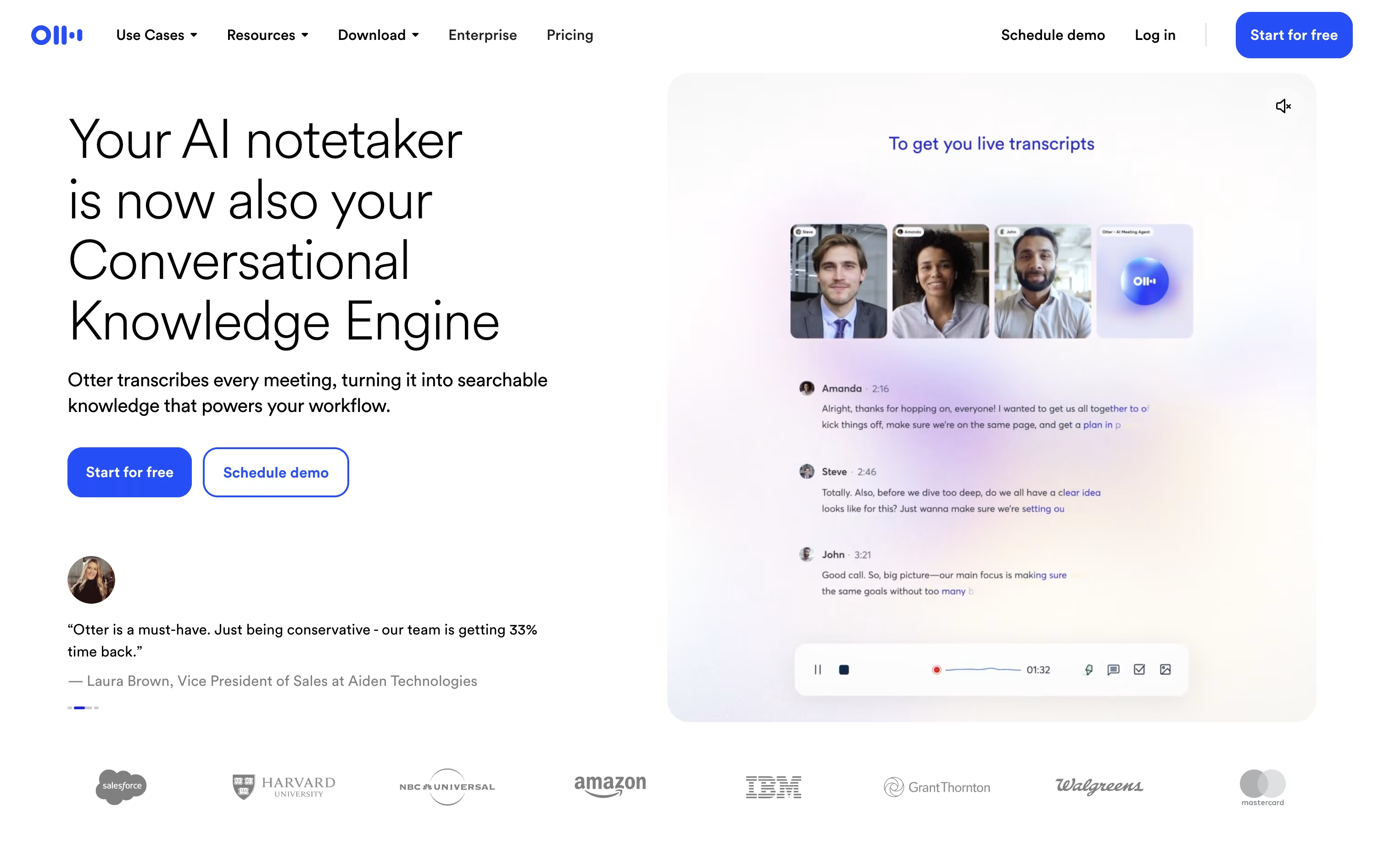
During the call, Otter builds a live transcript and labels each speaker by name. Once it ends, an AI summary appears with the topics covered, the decisions made, and any action items, so nothing gets lost.
You can chat with Otter AI Chat about what was said in one meeting or across your entire history, and send that information straight into Salesforce, HubSpot, Slack, or other connected tools.
Getting started costs nothing on the Basic plan, which covers 300 transcription minutes monthly for a small team of 5. Moving to Pro at $16.99 a month, or $8.33 a month paid yearly, opens up 1,200 minutes and full meeting history.
Business, at $24 a month or $19.99 a month yearly, removes the transcription cap entirely and adds analytics, activity logs, and faster support for teams up to 25 people.
Larger organizations can move to Enterprise, which is custom priced and includes SSO, SCIM, and additional security controls.

Meetings often produce information that gets lost the moment the call ends, and Grain was built to fix that.
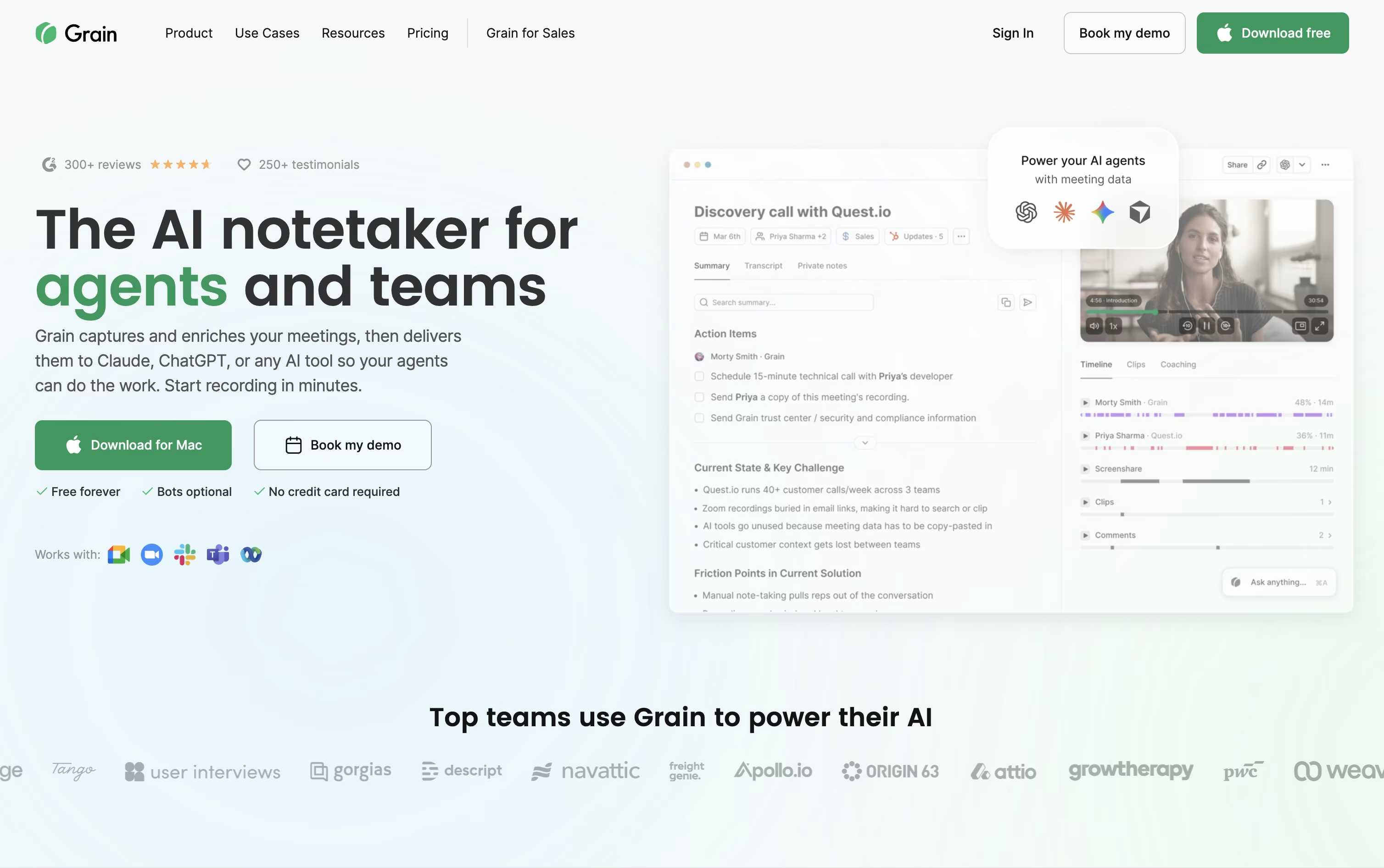
The tool records or quietly captures your calls through a desktop app, then writes clear notes, action items, and searchable transcripts without you lifting a finger.
Beyond notes, you can turn any moment into a short video clip, share it with clients or teammates, and keep a private or team library of past conversations.
Sales and customer success teams get extra value from built in coaching scorecards, trackers, and syncing straight into HubSpot or Salesforce.
Getting started costs nothing on the Free plan, which covers unlimited meetings up to 45 minutes with basic AI notes and a 30 day history.
Starter runs $15 a seat monthly when billed yearly, Business is $29 a seat monthly billed yearly with unlimited teams and AI coaching, and Enterprise adds custom pricing with SAML based SSO, audit logs, and a dedicated customer success manager.
Cluely runs quietly in the background on Mac, Windows, and iPhone, showing up during a call instead of waiting until it ends. It listens to the conversation and reads your screen, then displays answers and talking points in a widget most screen share tools do not pick up.
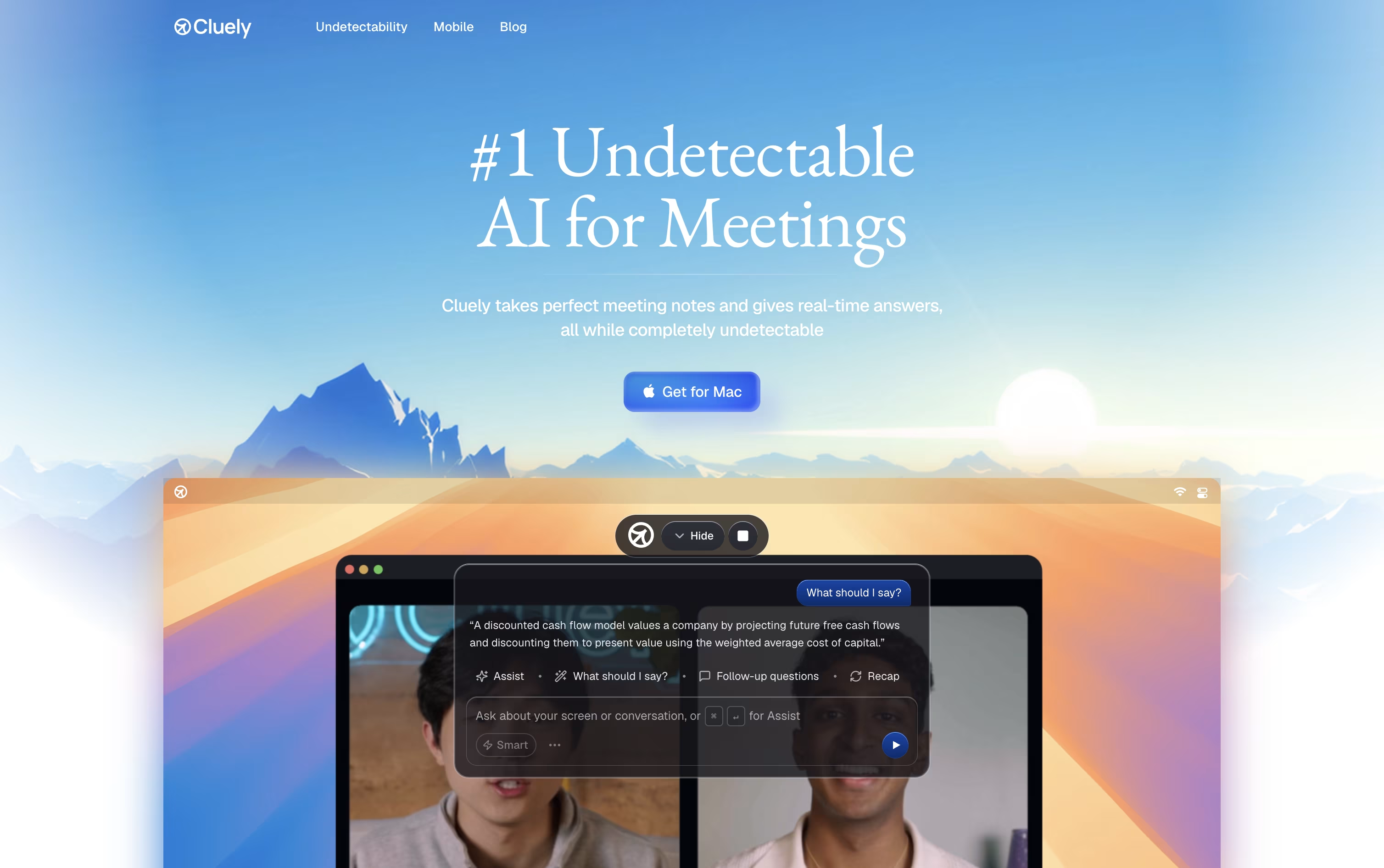
While you talk, it builds a live transcript and watches for questions, objections, or technical terms on screen, then pulls from your own files and instructions to suggest what to say next.
Once the call wraps up, Cluely writes the meeting notes, transcript, and action items for you, and drafts a follow-up email ready to send. Past meetings stay searchable too.
Starter is free but limits how many AI responses and notes you get. Pro removes those limits for $19.99 a month, or $11.99 a month if billed yearly, and adds the newest models plus priority support. Pro plus Undetectability goes further at $149.99 a month, or $44.99 a month billed yearly, for stronger hiding during screen share.
There is also a standalone mobile app at $8 a week or $144 a year for meetings and interviews on the go.
Instead of handing you a plain transcript, Circleback turns your meetings into organized notes with topics, decisions, and numbers pulled out clearly, across Zoom, Teams, Google Meet, and other platforms.
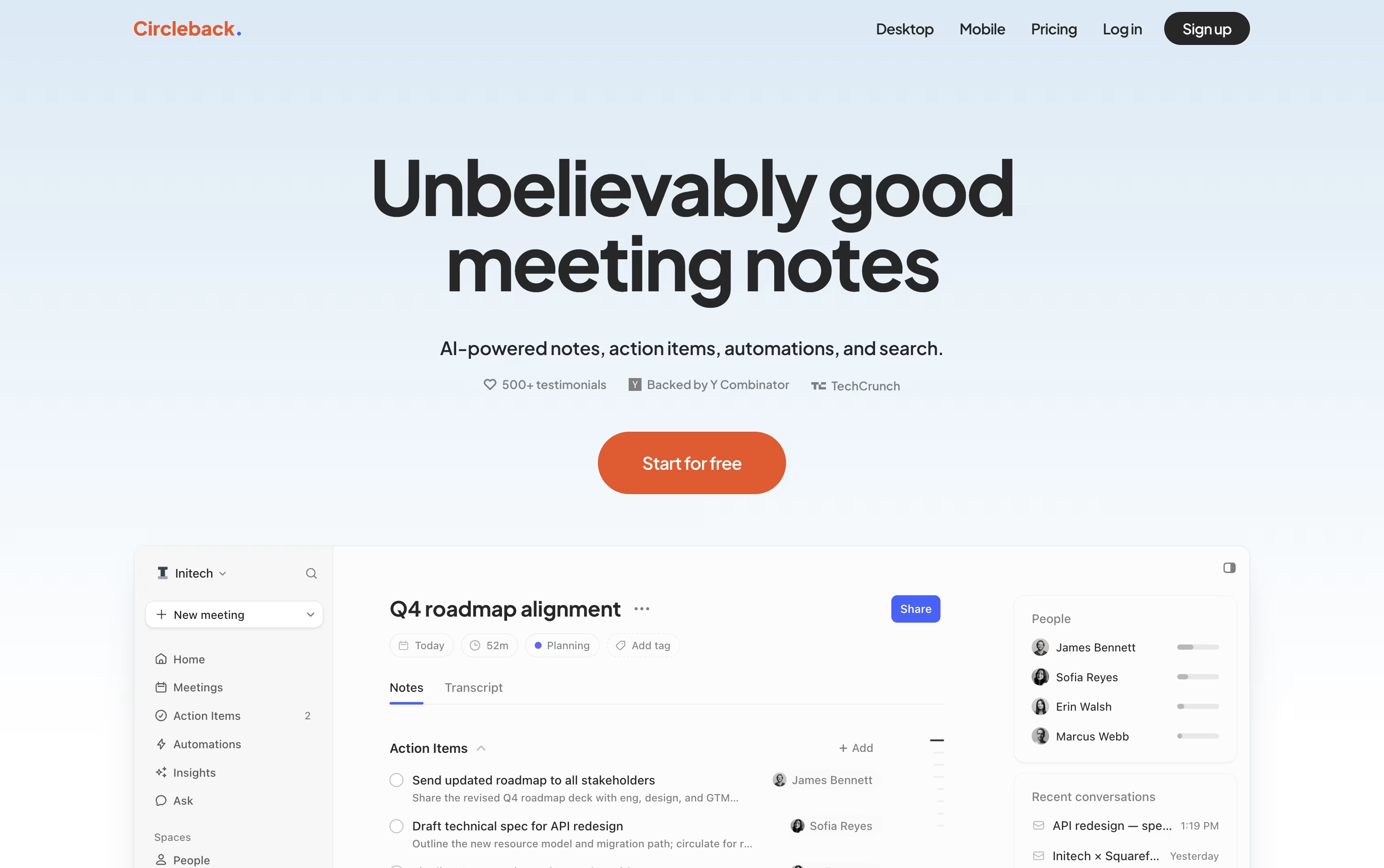
It picks out action items as people speak, assigns them to the right person, and keeps everything in one list you can check off later.
A built-in search lets you ask a question about one meeting or all of them at once, and every answer points back to the exact moment it came from.
Automations connect meetings to your other tools, so a demo call can automatically create a Linear ticket or update a deal in your CRM without extra typing.
The Individual plan starts at $25 a user per month, dropping to about $20.83 a month when billed yearly, while Team runs $30 a month, or $25 a month yearly, adding shared meetings, team search, and admin settings. Enterprise is priced by request and adds priority support and stronger security controls.
All paid plans can be tried for free before you commit to a subscription.

Instead of just recording a meeting, Supernormal captures the audio from your computer with no bot visibly joining the call, then hands back a transcript, a summary, and action items right after.
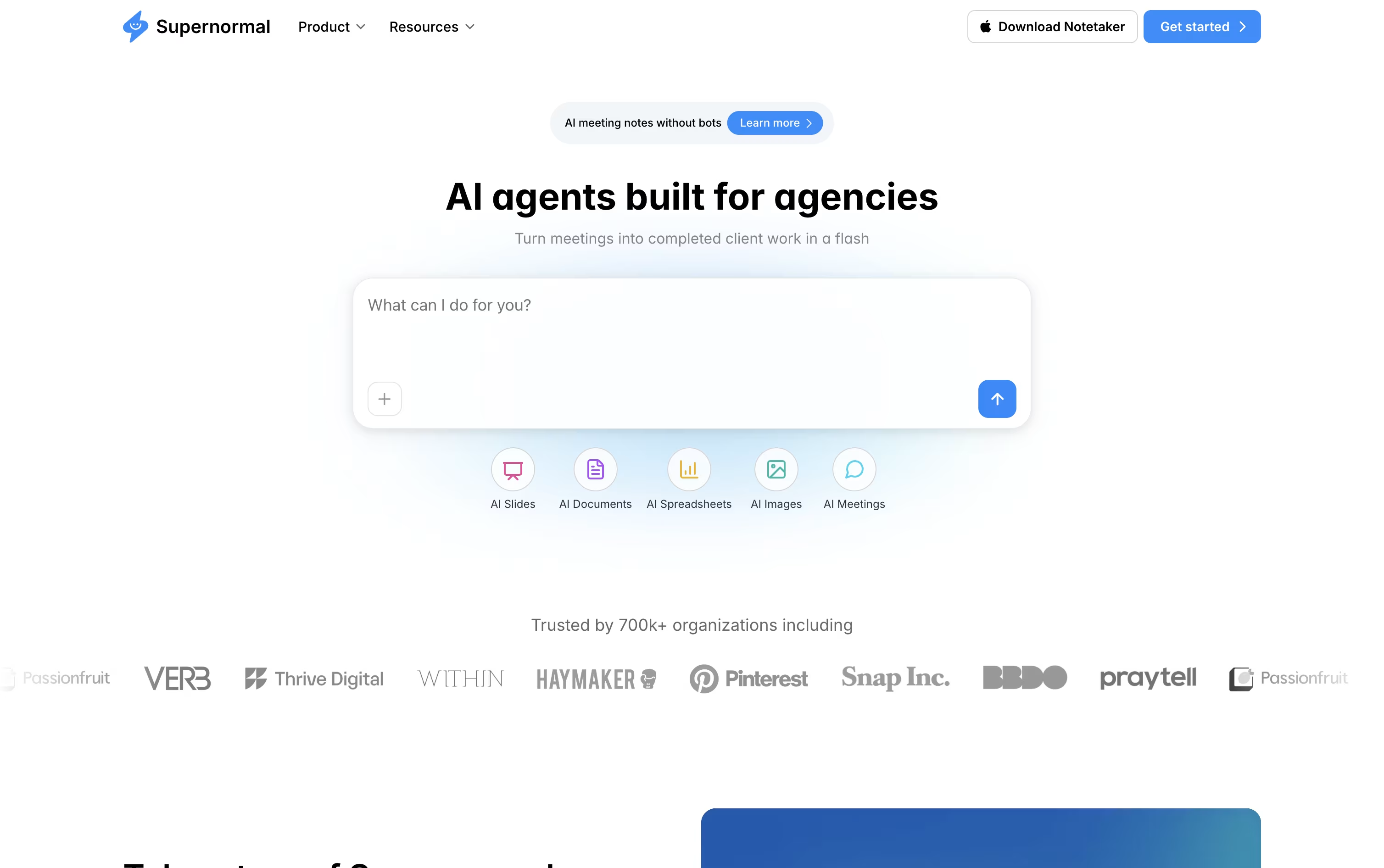
From there, AI agents pick up the work a meeting usually creates, turning a client call into a proposal, a kickoff into a brief, or a planning session into a set of slides.
Meetings can be organized into Projects, so an agent answering a question draws on everything discussed with a client, not just one recording. Through MCP, tools such as Claude, Cursor, and ChatGPT can also read that same meeting context.
Getting started costs nothing on the Free plan, which includes 15 monthly credits, 5 daily credits, and unlimited projects.
Growing teams can move to Team at $20 a month, or $18 a month billed annually, for unlimited seats and shared credits, while Business at $40 a month, or $36 a month billed annually, adds SSO, audit logs, and organization-wide admin controls.

Instead of manually taking notes, Read AI can sit in on your Zoom, Google Meet, or Microsoft Teams calls and hand you a full report once the meeting ends.
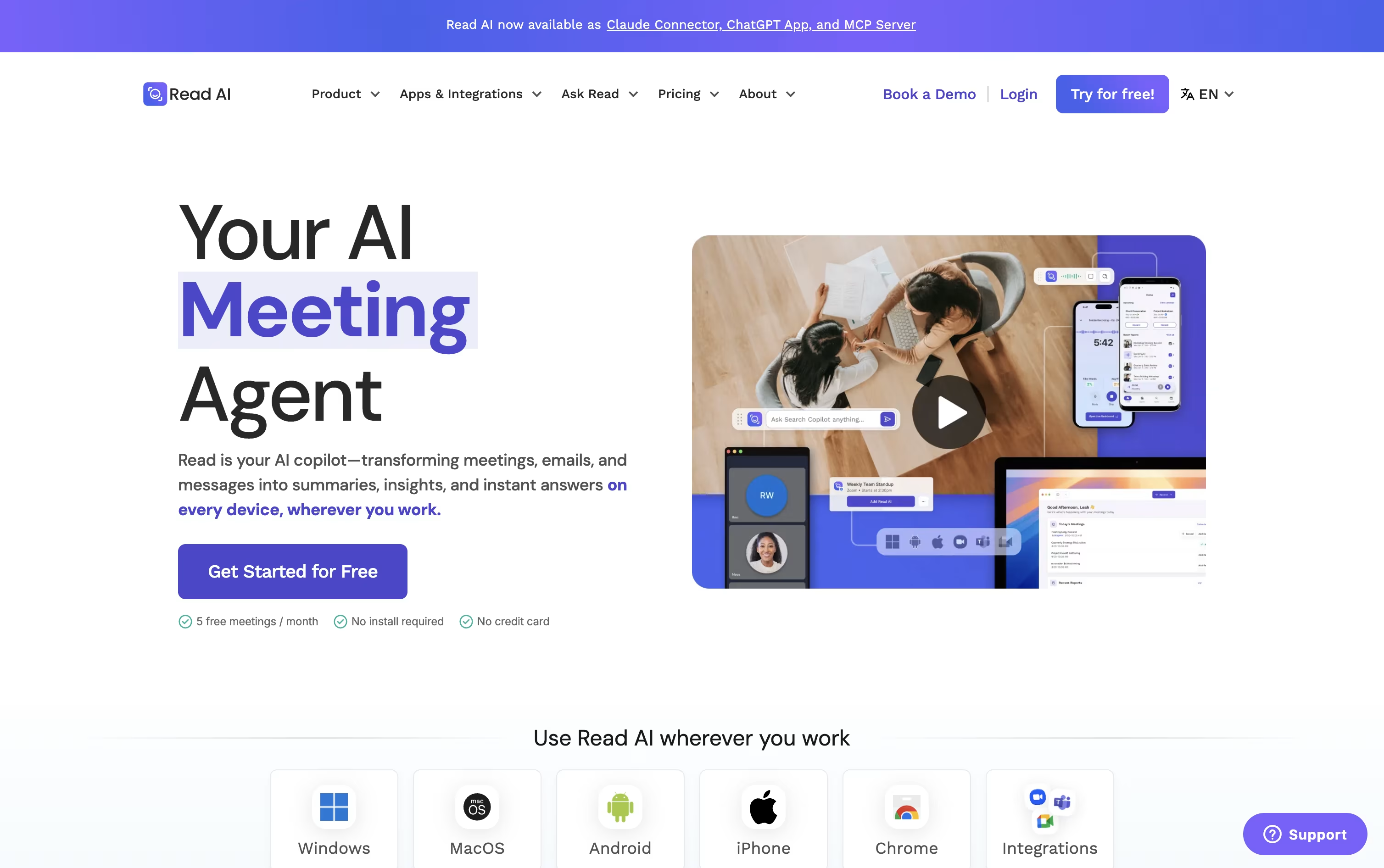
That report includes a summary, transcript, action items, and key questions, and on the higher plans you also get audio or video playback with clips of the key moments.
The tool doubles as a coach too, giving feedback on how much you talked, your pace, and how often you used filler words.
Its Ask Read search reaches beyond meetings into your connected email and chat apps, so you can look up what was said or decided across many sources at once.
For scheduling and email, Ada acts like a digital twin, proposing meeting times and drafting replies for you to approve.
The free plan covers 5 reports a month, Pro runs $19.75 per user monthly ($15 annually), Enterprise is $29.75 monthly ($22.50 annually) and adds playback, and Enterprise+ at $39.75 monthly ($29.75 annually) is built for security heavy teams of 5 or more.

Most meeting recorders add a visible bot to your call, but Bluedot skips that entirely and records straight from your own device instead, whether through Chrome, a desktop app, or your phone.
Once a meeting ends, it hands you a transcript, a plain-language summary, and a list of action items, and you can ask its AI chat questions about any single meeting or everything in your workspace at once.
The Free plan lets you try it with 5 lifetime meetings at no cost. From there, Basic runs $18 per user monthly for unlimited audio meetings, and Pro moves to $25 for unlimited video and recording length.
Business, at $39 per user a month, layers on CRM and ATS syncing, admin controls, and SSO for larger teams, and every paid plan gets noticeably cheaper if you pay yearly instead of monthly.
Companies that would rather pay one flat amount regardless of headcount can request custom pricing too.
Add in support for 100+ languages and solid privacy practices, and Bluedot works well for sales, recruiting, and support teams alike.

Sembly sits in on your meetings across Zoom, Google Meet, Teams, or Webex, records the conversation, and produces a clean transcript with each speaker labeled.
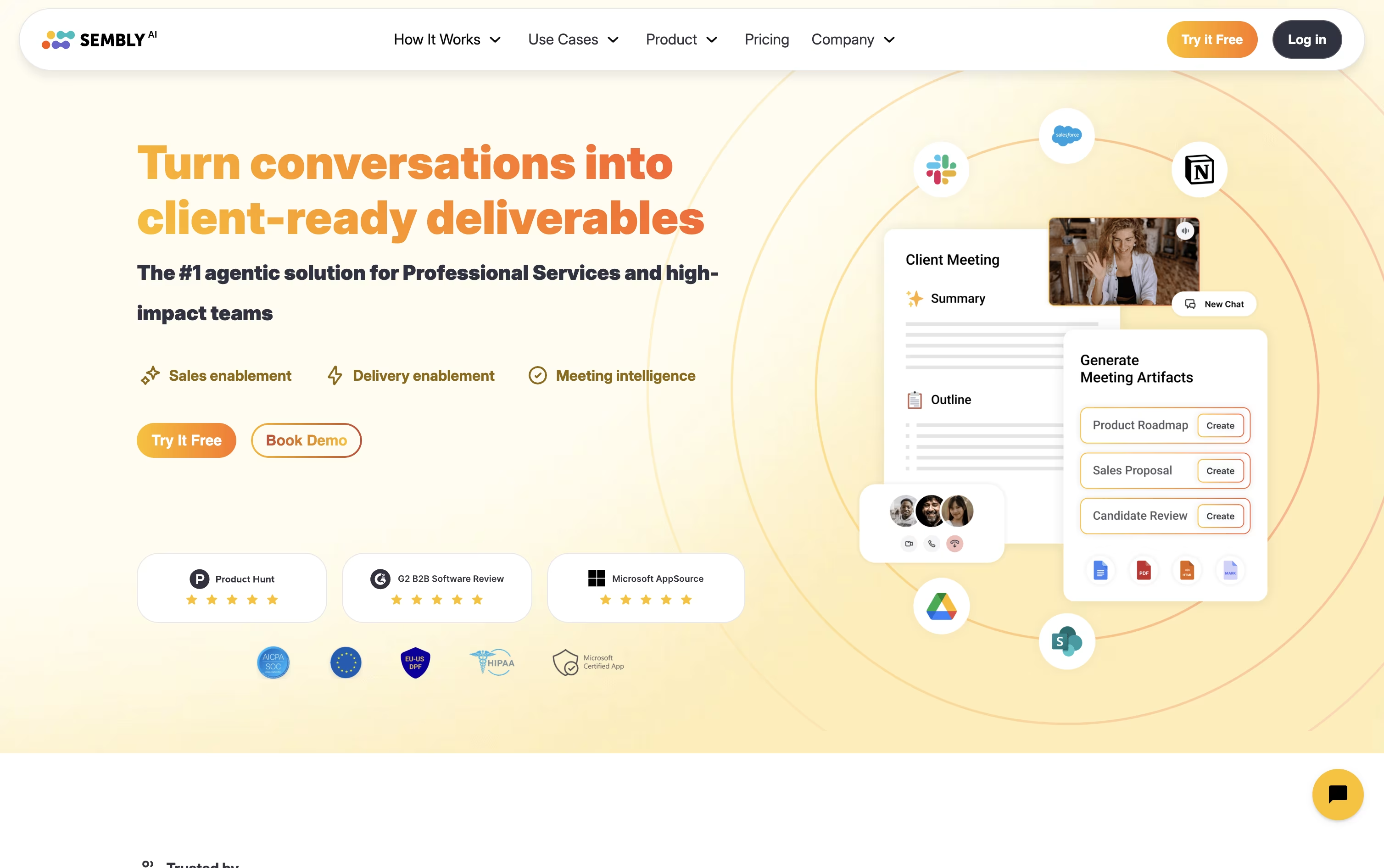
From that transcript it writes summaries, structured meeting notes, and a list of action items with owners and deadlines attached automatically.
Its assistant, Semblian, can be asked questions across a single meeting or your entire meeting history, and can draft documents such as proposals, status reports, or risk registers using real details pulled from what was actually said.
The Basic plan starts at $17 a month for one user, Pro runs $29 per user a month for teams up to 40 people, and MAX costs $39 per user a month for larger groups needing audit logs, HIPAA compliance, and single sign on. Paying yearly brings each price down, and bigger organizations can reach out for a custom Enterprise deal.
Sitting through a call and typing notes at the same time is hard, and Avoma was built to take that off your plate. It records meetings, writes a live transcript, and hands you AI notes with action items right after the call ends.
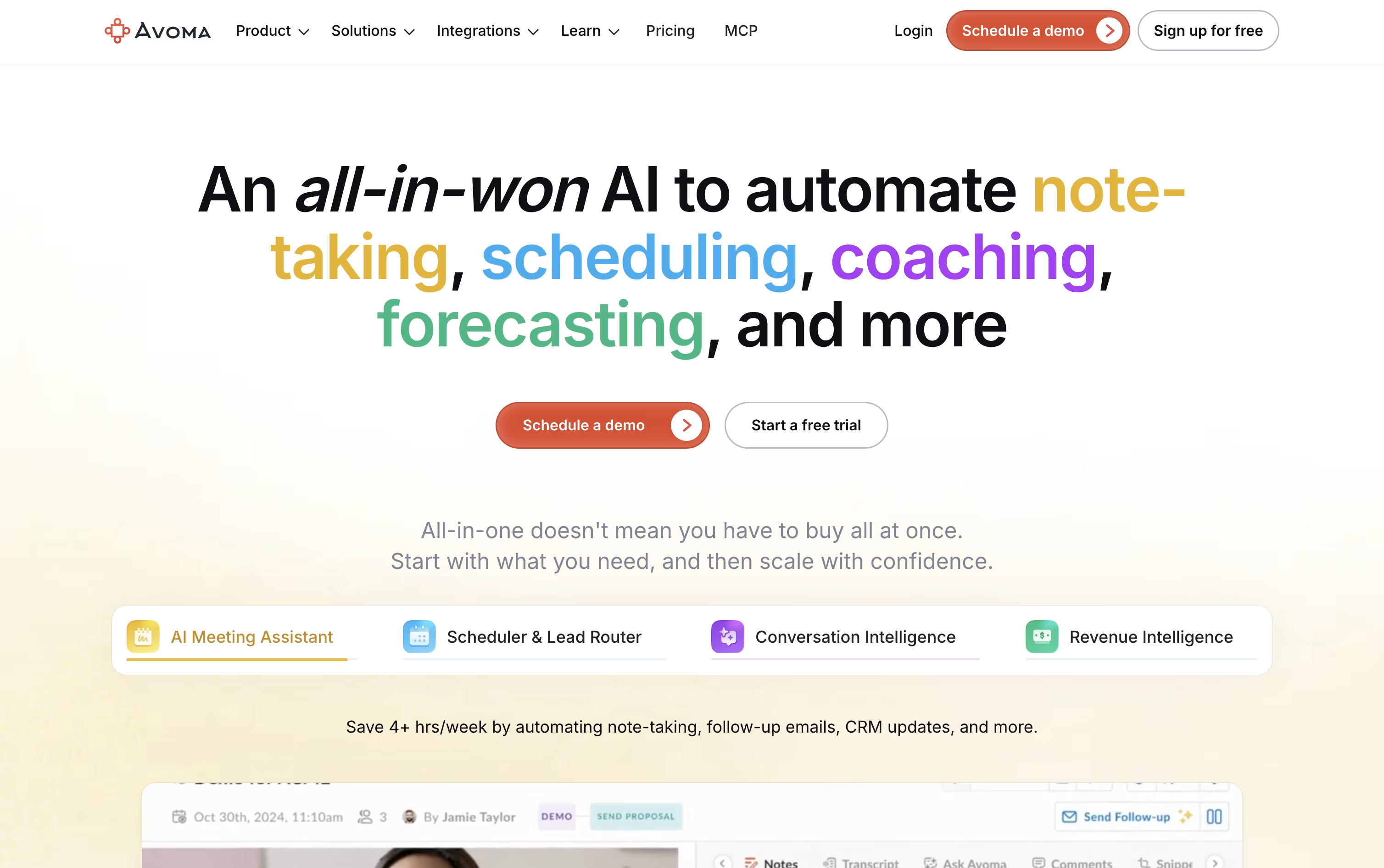
It goes further than note taking too. A built in scheduler handles 1:1, group, and round robin bookings, a lead router sends new leads to the right person automatically, and Ask Avoma lets you ask questions about any past meeting or deal.
Sales and success teams can add Conversation Intelligence for call scoring and coaching, or Revenue Intelligence for deal risk alerts, forecasting, and win loss analysis.
On price, Startup starts at $29 a seat a month, Organization is $39 a month and carries a most popular label, and Enterprise runs $39 a seat on annual billing with extras like SSO and HIPAA support.
Viewers who never record a call stay free, and a 14 day trial opens up every feature, add-ons included, without asking for a card.

Rather than handing you another meeting transcript to sort through, Timeless organizes calls, chats, and voice notes into Rooms, living spaces built around a project or client that keep every decision and next step in one place.
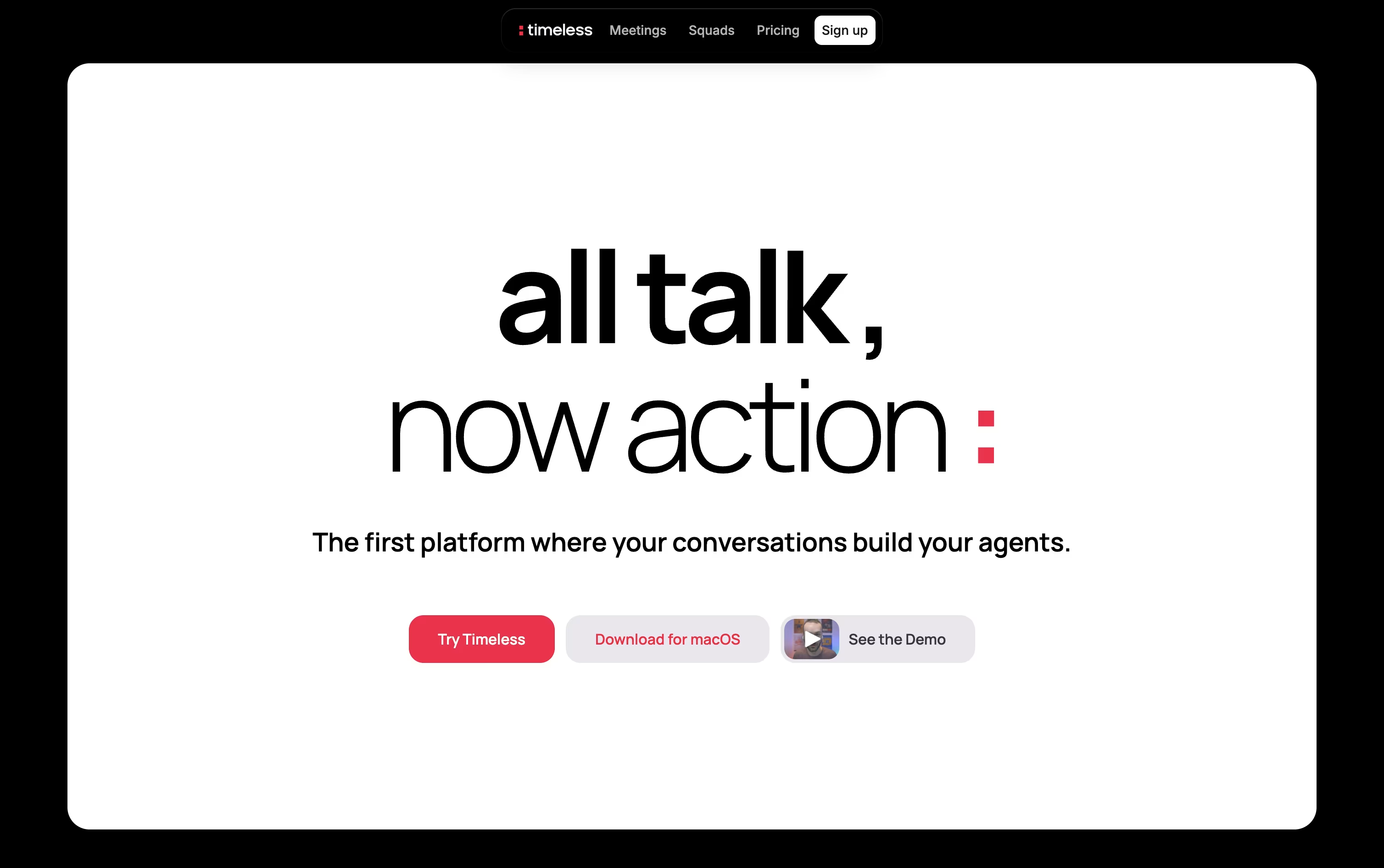
AI agents inside each Room pick up on spoken commitments, such as agreeing to send a proposal, and then complete the work themselves by drafting emails, updating tasks, or messaging teammates.
Getting started costs nothing, the Free plan includes up to 5 AI meetings with no credit card required.
Individuals who need more can move to Pro at $29 a month, or $19 a month when billed yearly, which adds unlimited notes and storage.
The Max plan at $39 a month opens up unlimited API and MCP access.
Teams and larger organizations can pick from Team, Business, or a custom Enterprise plan with added security.
Instead of typing notes during a call, Notta records the conversation and hands you a clean transcript afterward, complete with speaker labels and timestamps.
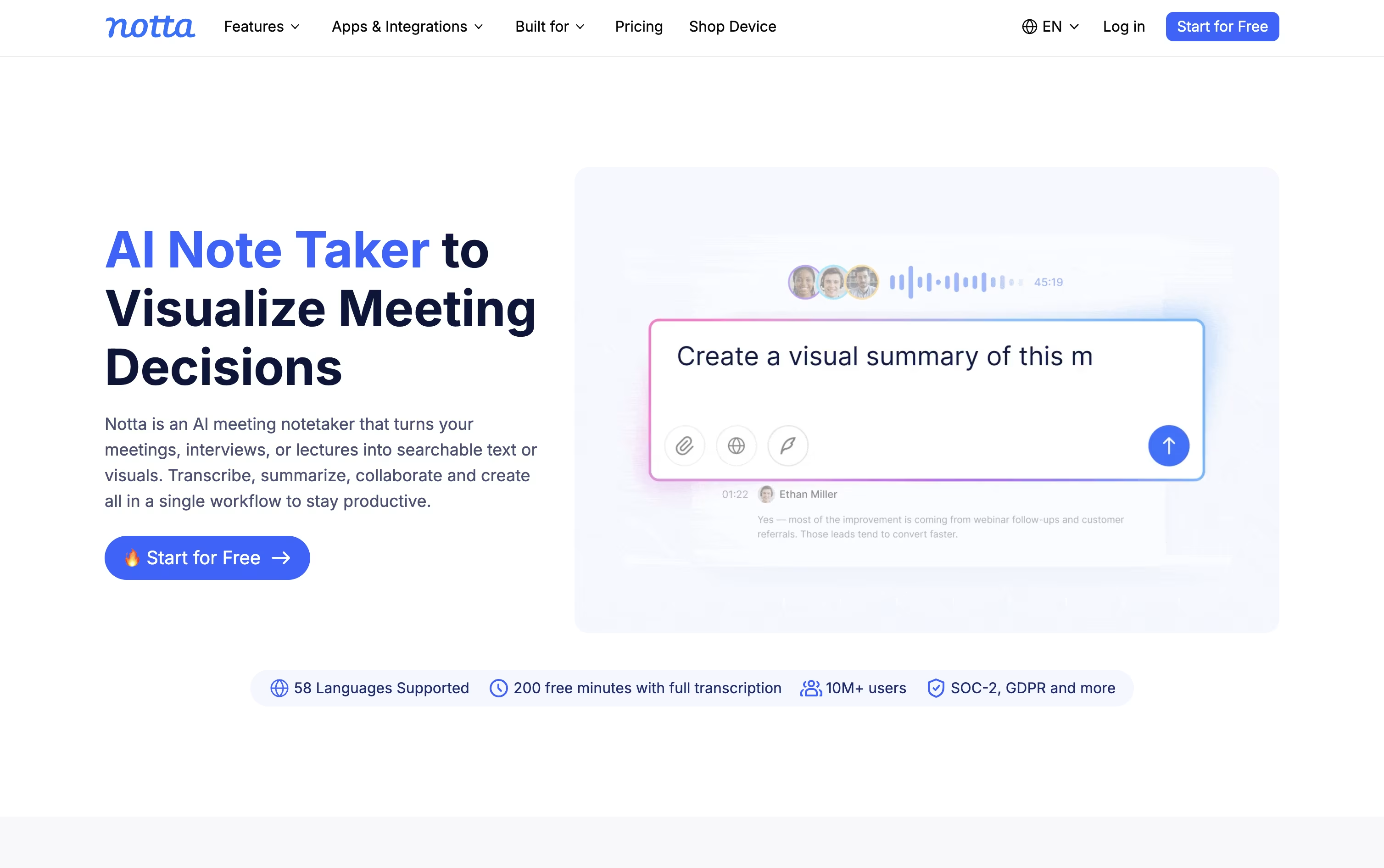
It joins Zoom, Google Meet, Microsoft Teams, and Webex meetings on its own, or you can let the desktop app capture audio in the background without anyone noticing a bot in the room.
Every recording comes with an AI summary and a list of action items, so catching up on a meeting takes minutes rather than a full replay.
Notta Brain builds on this by looking across many meetings and files at once, answering questions and turning them into slides, reports, or a follow-up email.
Pricing starts free with 120 minutes a month, moves to Pro at $13.49 a month for 1,800 minutes and translation tools, then Business at $27.99 a month per seat for unlimited transcription and team features.
Larger organizations can move to Enterprise for custom pricing with extra security, while the Notta Memo recorder and mobile apps extend capture beyond the desktop.
Fireflies.ai automatically joins your video calls, records them, and produces a transcript and summary without any manual effort. It works across Zoom, Google Meet, Microsoft Teams, and other tools, and it understands over 100 languages.
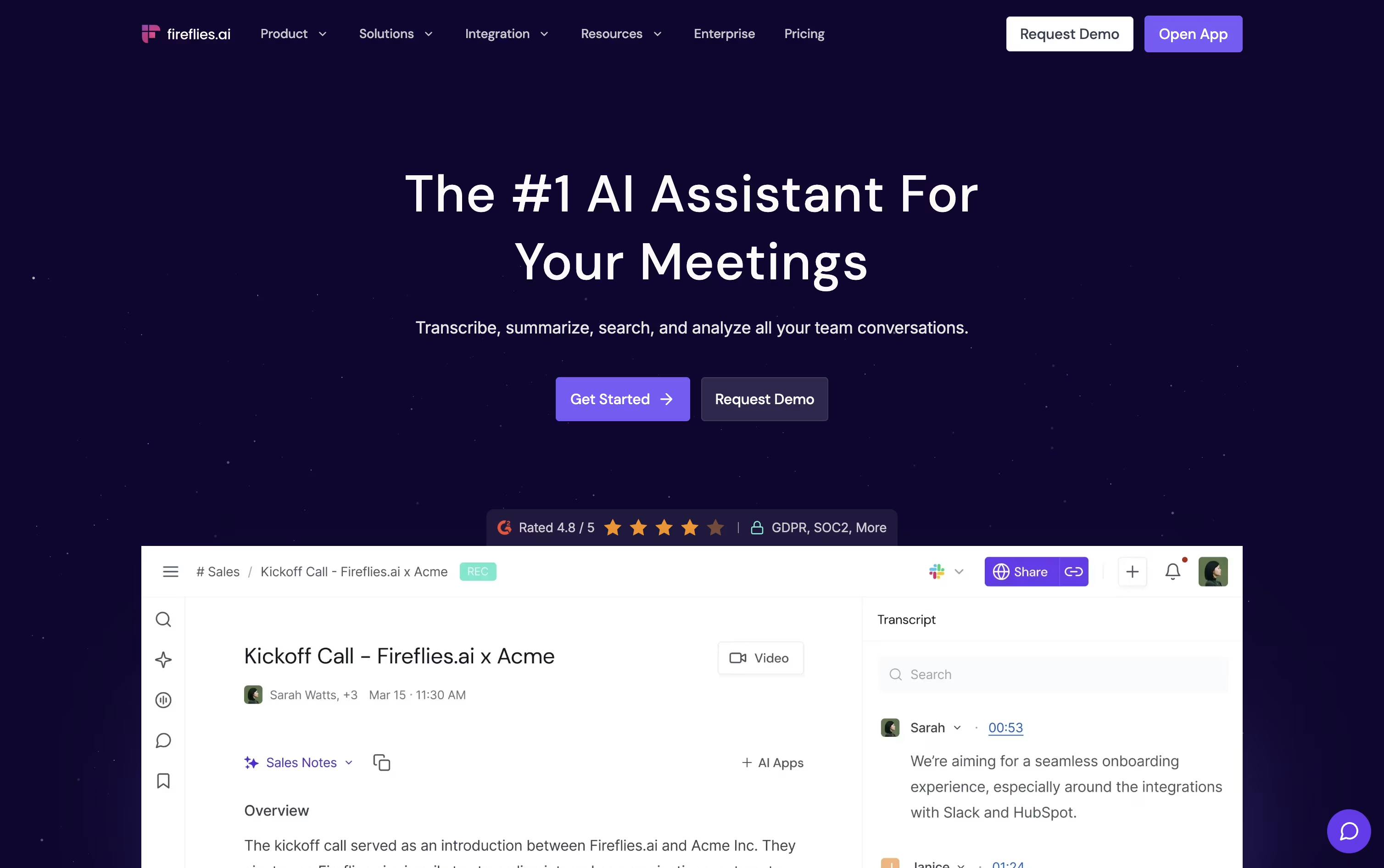
AskFred, the built in AI assistant, answers questions about any past meeting, while Live Assist offers real time notes and suggestions as the call happens.
The Free plan is free forever and covers unlimited transcription with 20 AI credits included. Pro is $18 a seat each month, or $10 on the annual plan, and adds video recording plus automation features like Voice Agents.
Business costs $29 a seat monthly, or $19 yearly, and brings unlimited storage along with Conversation Intelligence and team level analytics.
Enterprise is $39 a seat monthly on annual billing, adding SSO, SCIM, HIPAA compliance, and a dedicated account manager.
Because it connects with Salesforce, HubSpot, and Slack, teams in sales, recruiting, and support can push meeting insights straight into their existing workflow.

Instead of sending a bot into your meetings, Tactiq quietly reads the captions already provided by Google Meet, Zoom, or Microsoft Teams through its Chrome extension. No audio is ever recorded or stored.
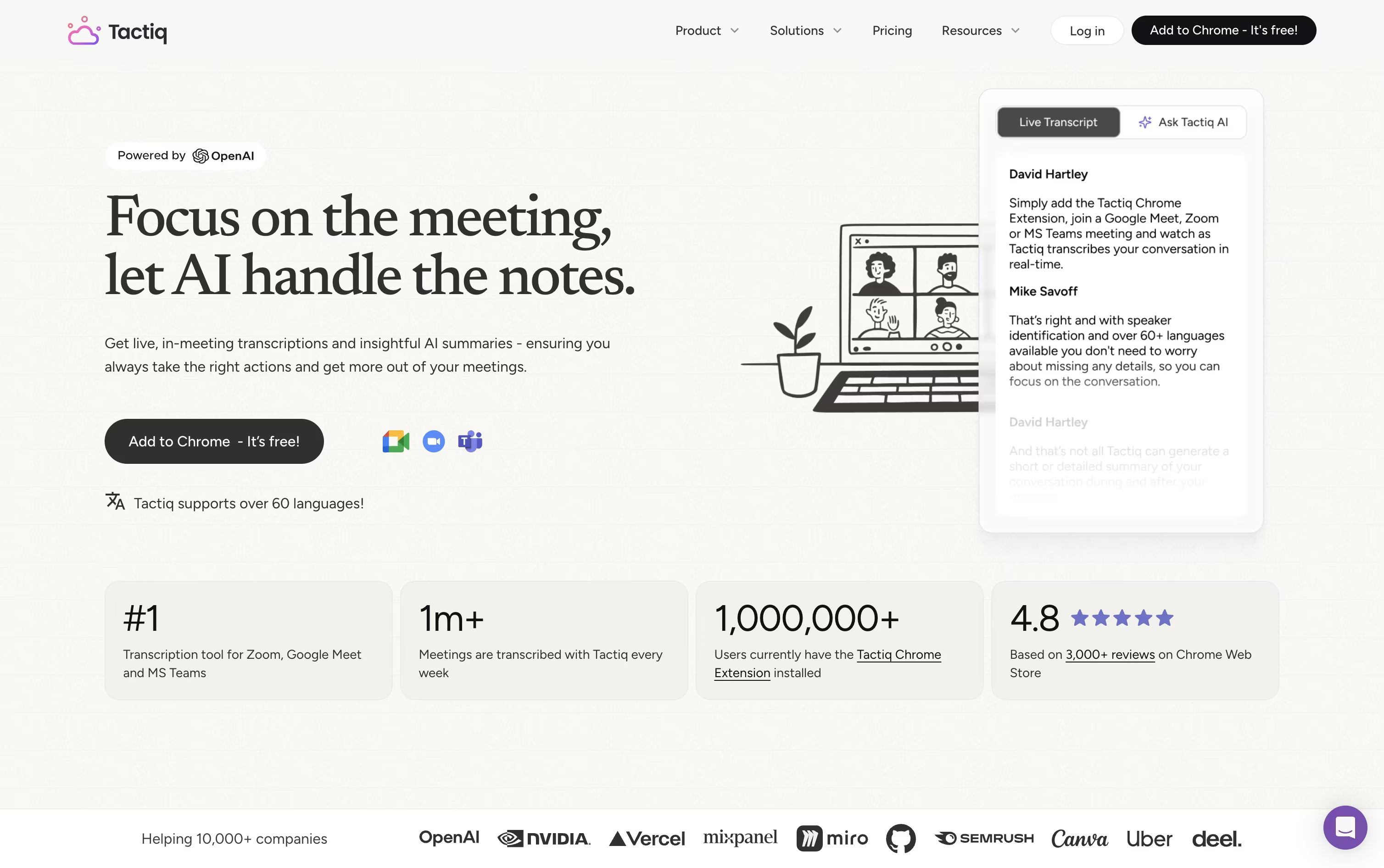
During the call, a live transcript appears in a side panel, letting you tag action items, highlight key lines, and ask the AI questions in real time.
Once the meeting wraps up, Tactiq can generate a summary, list out action items with names attached, or draft a follow up email automatically. Past transcripts stay searchable, and workflows can send that content straight to Slack, Notion, or your other tools.
The free plan gives one user 10 transcripts and 5 AI credits a month. Pro lifts the transcript limit for $12 a user monthly, Team unlocks unlimited AI credits at $20, and Business adds SSO and stronger data controls for $40. Enterprise pricing is negotiated directly for larger organizations.
With SOC 2, ISO 27001, GDPR, and HIPAA compliance in place, it also holds up for teams with stricter security needs.
Sitting through a meeting and typing notes at the same time is hard, MeetGeek handles the note taking part by recording and transcribing your calls automatically.
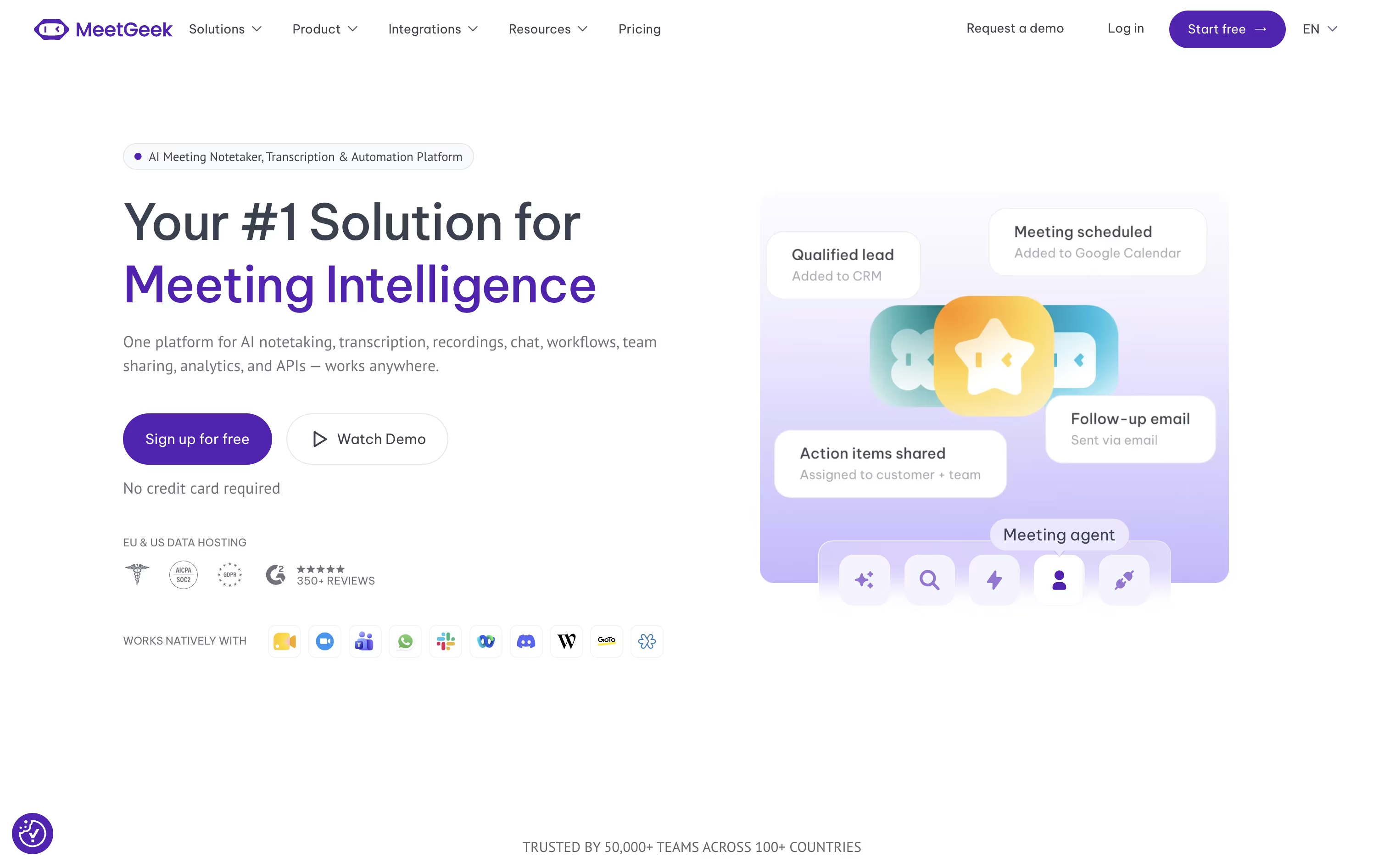
It can join scheduled meetings on Zoom, Google Meet, and Microsoft Teams, or skip the bot entirely and record through its browser extension, desktop app, or phone app instead.
Once a meeting ends, you get a written summary covering the main points, decisions made, and action items to follow up on, plus the option to chat with an AI about anything discussed.
Getting started costs nothing, the Basic plan is free forever with 3 hours of transcription each month.
Moving up, Pro costs $15.99 per user monthly, or $9.99 with yearly billing, and unlocks more storage and automation, while Business runs $27 per user monthly with a 14 day trial and adds unlimited transcription and team features.
Enterprise pricing is custom and built for organizations needing extra security and support.

Instead of taking your own notes during a call, Fellow listens in, records the meeting, and hands you a clean summary once it ends.
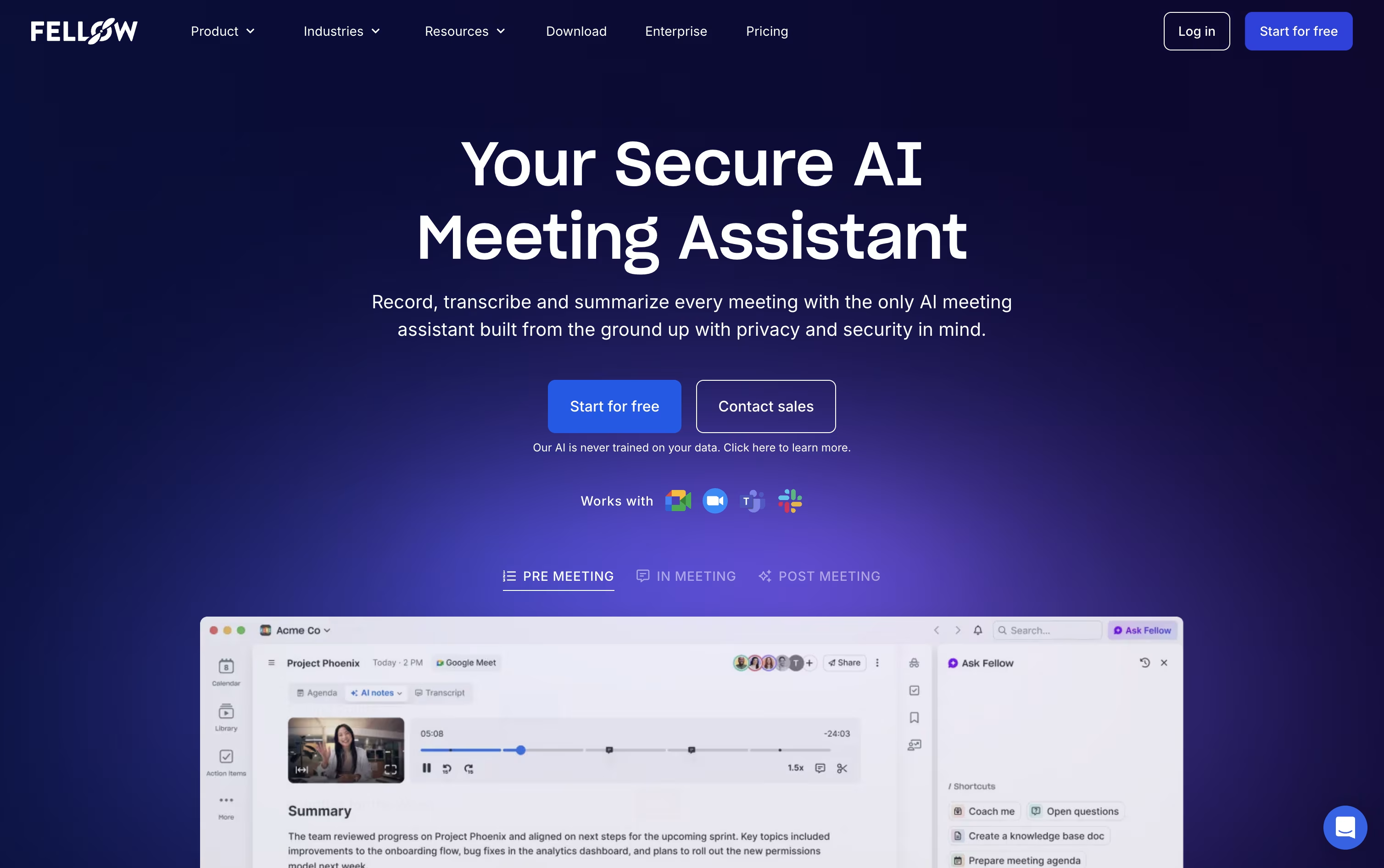
It connects with the tools you already use, Zoom, Google Meet, and Microsoft Teams, and it can also skip sending a bot altogether by recording straight from your desktop.
Every meeting gets turned into a transcript, a short summary, and a list of action items with names and due dates attached.
You can also chat with Ask Fellow, its built in AI helper, to pull up what was discussed weeks ago or get a quick recap of a meeting you missed.
The free plan covers the basics, Solo runs $19 a month for individuals, and team pricing runs from $7 to $25 per user a month, with the top plan adding stronger security for regulated industries.

Most meeting tools hand you a transcript and a summary once the call is over. Tana works differently, its AI agents are active participants during the meeting itself, filing tickets, drafting documents, and updating your other tools while the conversation is still going.
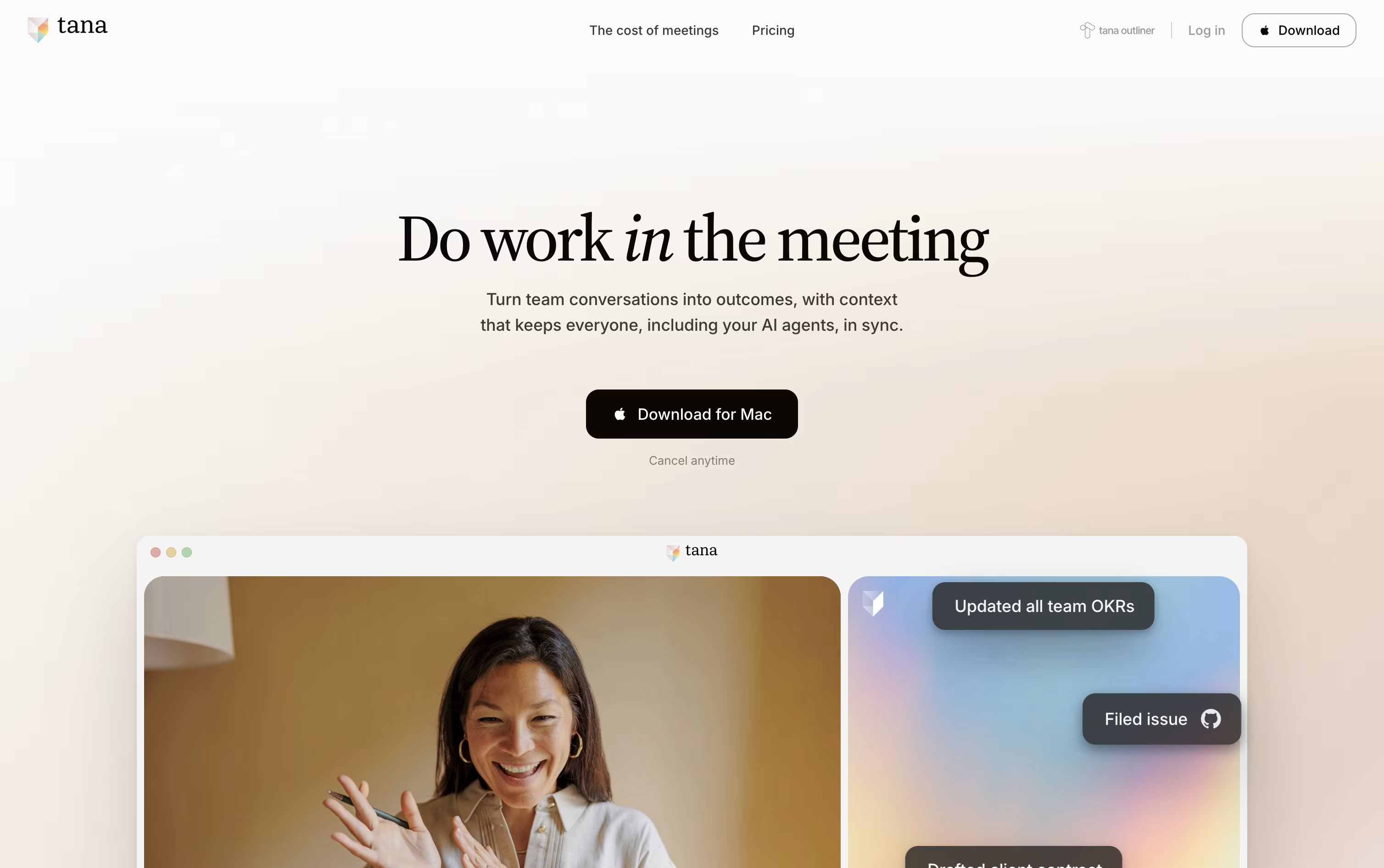
Because every meeting adds to a shared knowledge graph, agents and teammates arrive at future meetings already aware of past decisions and open items, so nobody has to repeat themselves.
Getting started costs nothing on the Free plan, which includes 5 hosted meetings a month, one connected calendar, and 50 AI queries.
Stepping up to Pro costs $25 per user a month, or $20 a month when paid yearly, and adds unlimited meetings, a botless agent that joins Zoom, Teams, and Google Meet calls, plus deeper integrations through MCP.
Max is priced at $100 a user monthly, or $80 yearly, and is built for teams that live in meetings, offering five times the AI capacity of Pro and dedicated onboarding support.
Larger organizations can move to the custom priced Business plan for SAML SSO, audit logs, and control over data residency and retention.
Krisp works quietly in the background of your calls, cleaning up audio before it ever reaches the other person. Instead of connecting to one specific app, it plugs into your device as a virtual microphone and speaker, so it works with Zoom, Teams, Slack Huddles, and most other calling tools.
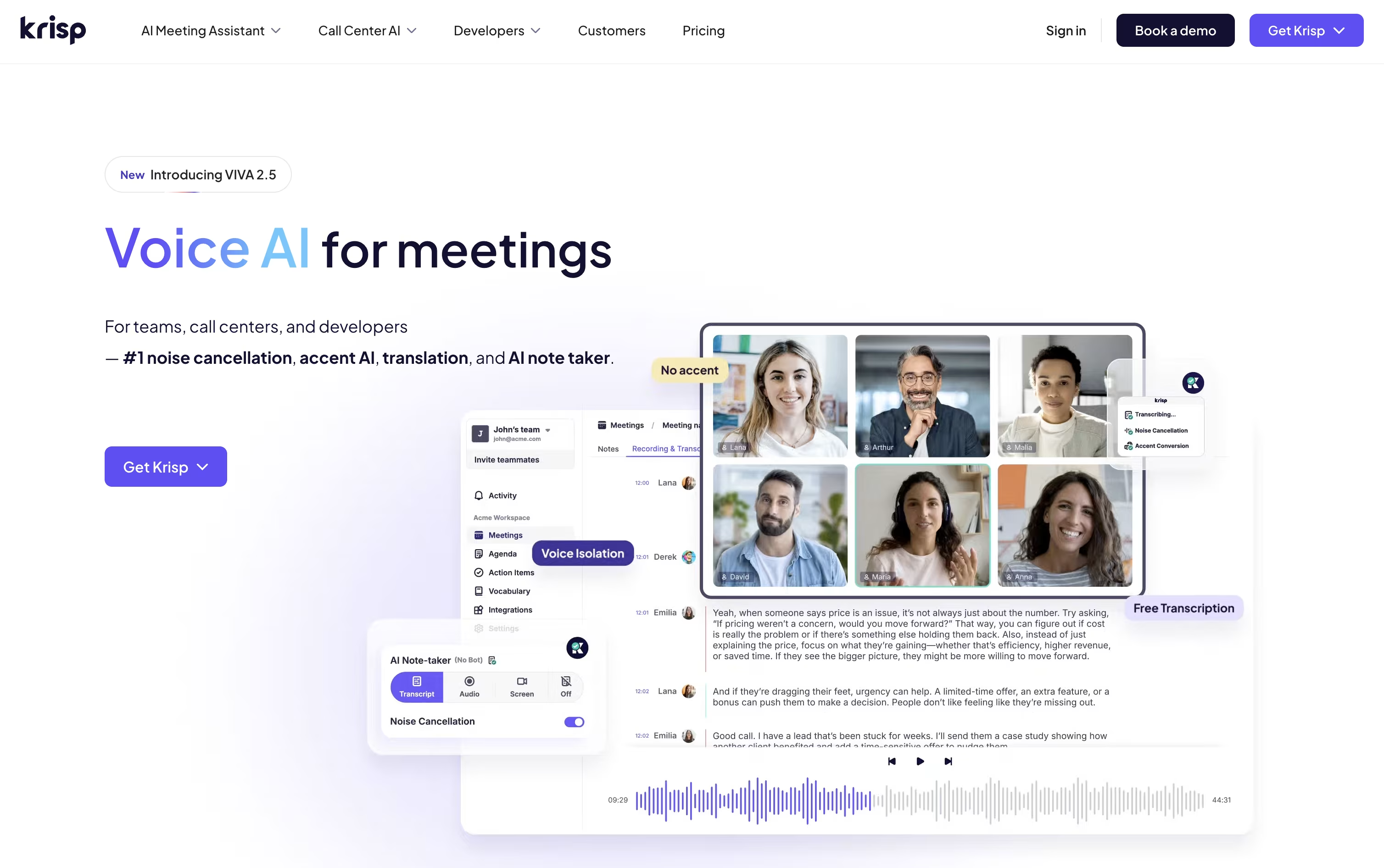
Its AI meeting assistant can sit in on meetings without a visible bot, then hand you a transcript, a summary, and a list of action items once the call ends.
New users get a 7 day free trial with no card required. After that, the Core plan runs $16 a month per seat, dropping to $8 with annual billing, and includes unlimited noise cancellation plus 10 GB of storage.
Advanced pricing sits at $30 monthly, or $15 annually, and unlocks longer accent conversion sessions, manager dashboards, and tools like Salesforce syncing. Larger organizations can move to a custom Enterprise plan for single sign on, HIPAA support, and unlimited storage.
A separate Call Center AI line starts near $10 per agent a month, and developers can apply for SDK access to build similar features themselves.
tl;dv automatically records, transcribes, and summarizes meetings across Zoom, Google Meet, and Microsoft Teams, turning calls into searchable notes without a human notetaker.
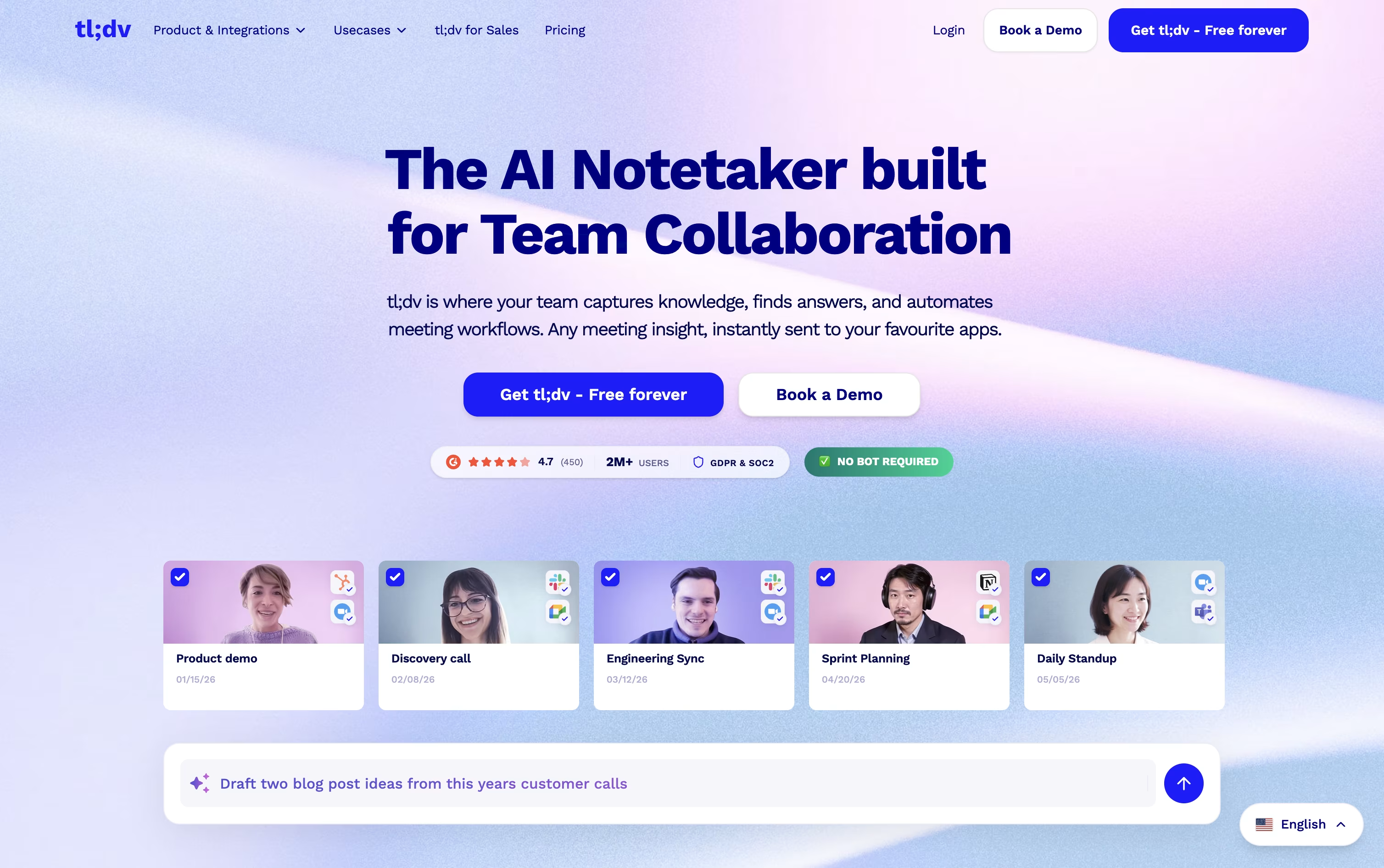
Getting started is free. The Free plan offers unlimited recordings and transcripts, though AI meeting notes are limited to 10 meetings a month and Ask AI queries are capped at 5.
Individuals and small teams often move to Pro, priced at $29 a month or $18 a month when billed annually, which removes the AI notes cap, adds unlimited single-meeting Ask AI, custom bot branding, and thousands of integrations.
Teams that need more automation choose Business, at $39 a month or $29 a month annually. It brings premium transcription, multi-language support, unlimited multi-meeting insights, coaching tools, and no usage-based AI charges.
Larger organizations can move to Enterprise, which uses custom pricing and adds org-wide admin controls, SCIM, custom SSO, privately hosted AI, and a dedicated success manager.
Backed by SOC 2 and GDPR compliance with EU data hosting, tl;dv fits everyone from solo users to enterprise teams.

Instead of scribbling notes during a call, Fathom sits in the background of your Zoom, Google Meet, or Microsoft Teams meetings and turns the conversation into a clean transcript and summary on its own.
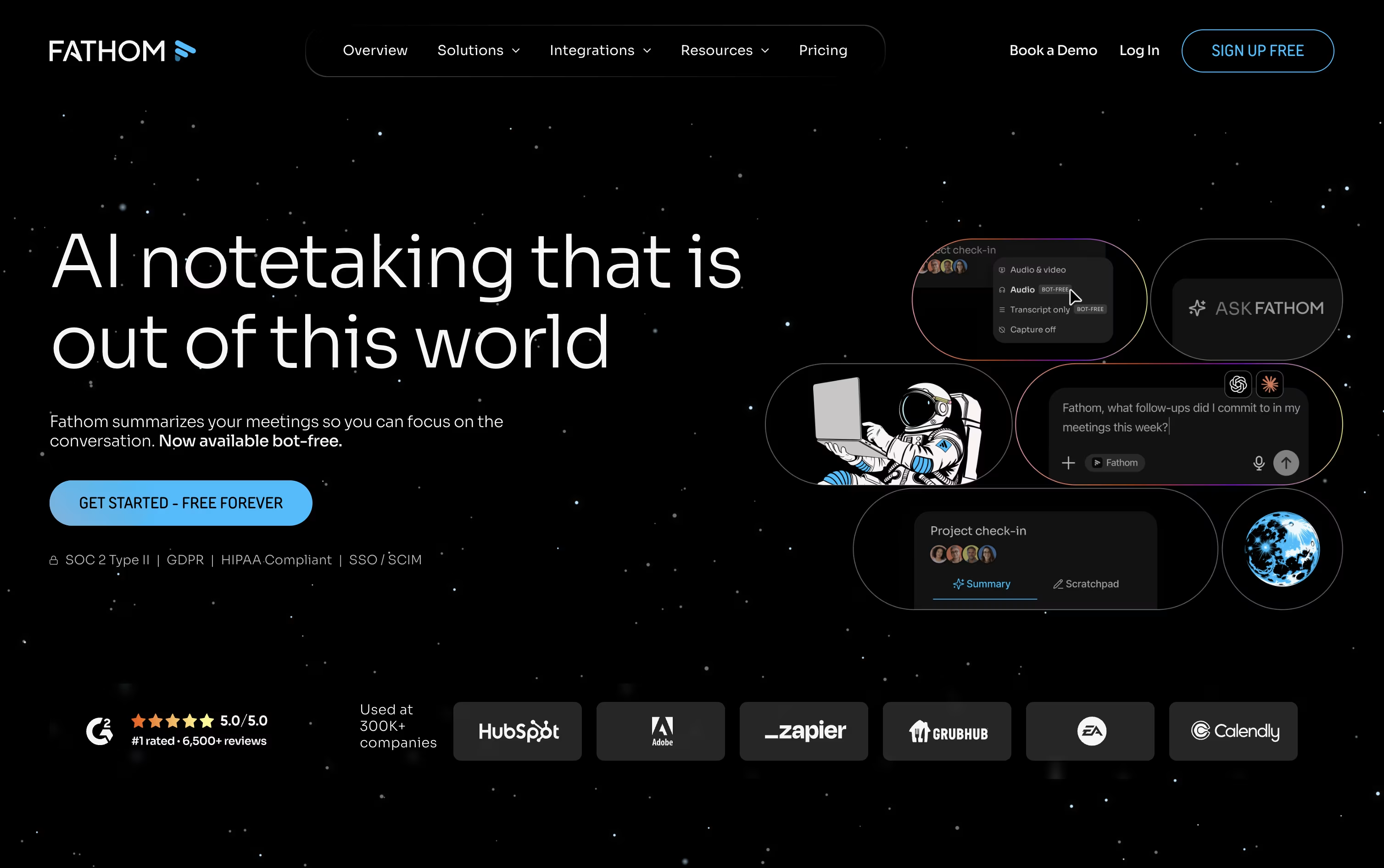
As soon as the call wraps up, you get a written summary, a full transcript with each speaker labeled, and a ready made list of action items. Past meetings stay searchable, so you can ask Fathom a question and jump straight to the moment it was discussed.
Getting started costs nothing. The Free plan includes unlimited recordings and instant summaries. Stepping up to Premium at $16 a month per user unlocks deeper summaries, automatic action items, and a chat style meeting assistant.
For groups working together, the Team plan runs $15 a month per user and adds shared search plus collaboration features, while Business at $25 a month per user brings CRM updates, deal tracking, and coaching scorecards for sales and support teams.
Enterprise customers get single sign on, custom data retention, and a dedicated success manager, with pricing arranged per organization. Across every plan, meeting data can also be connected directly into ChatGPT or Claude.




