


Wispr Notetaker
Bot-Free AI Meeting Assistant
Wispr Notetaker is a bot-free AI meeting assistant that records on Mac, transcribes calls, and creates organized summaries.
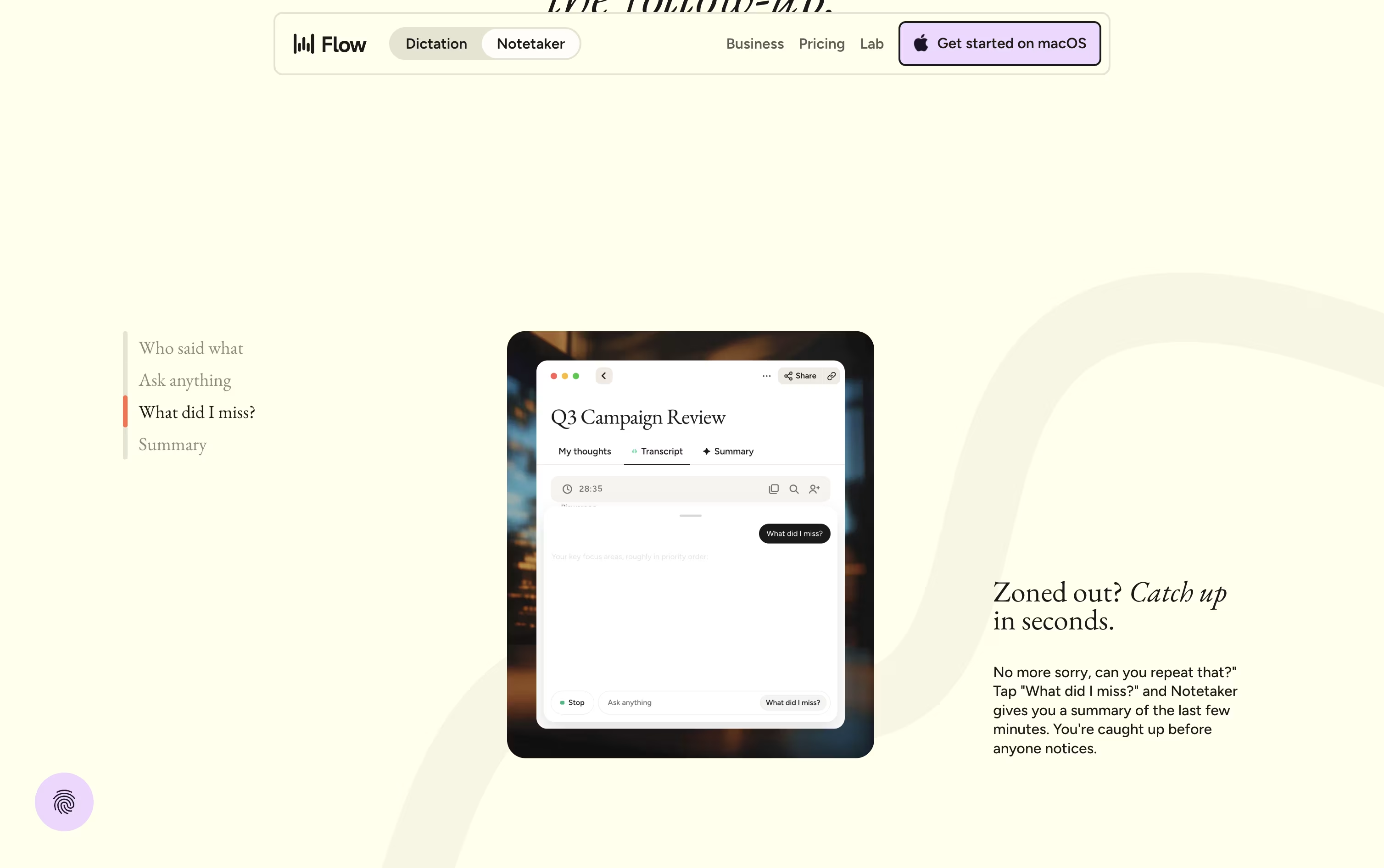


What is Wispr Notetaker
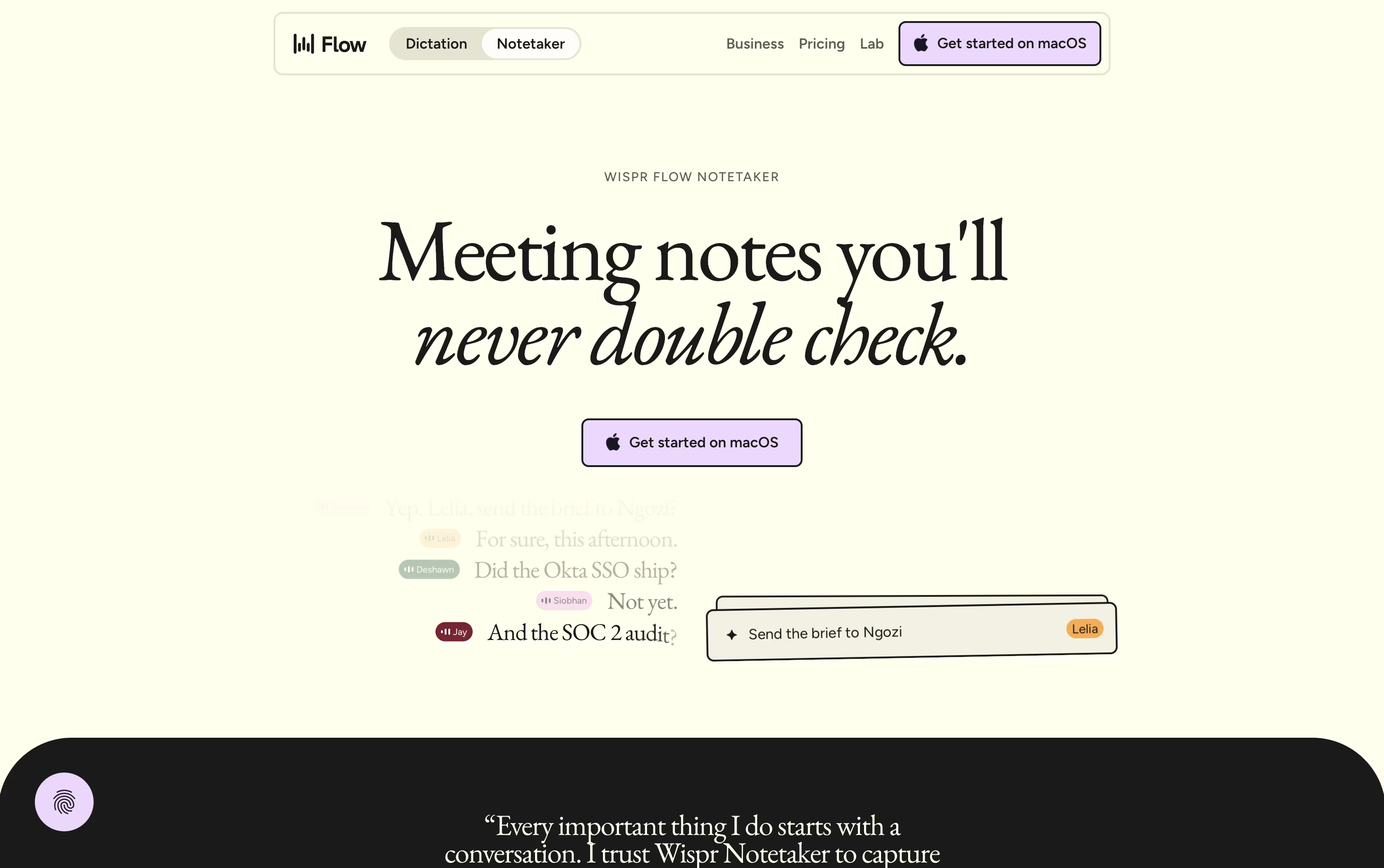
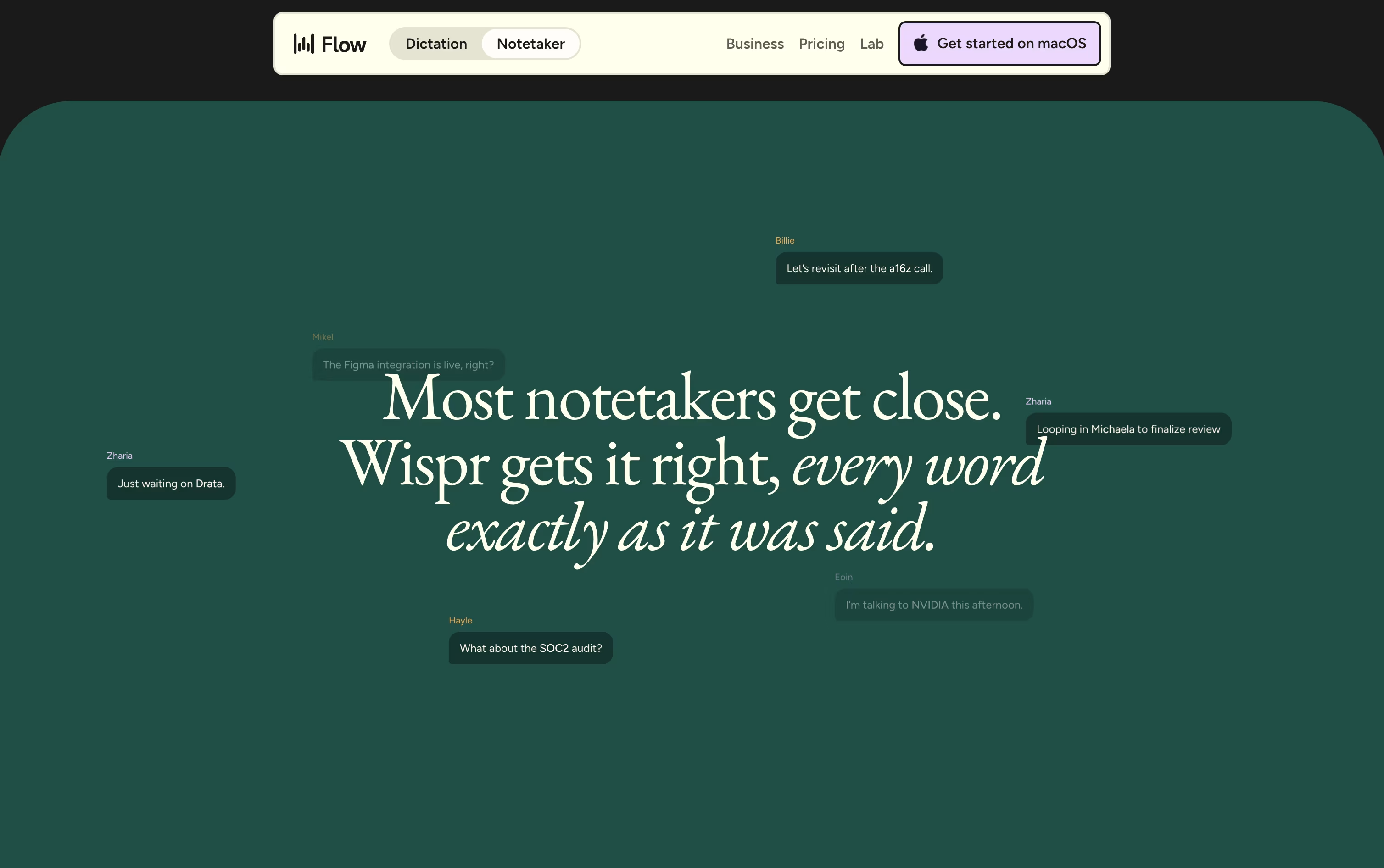
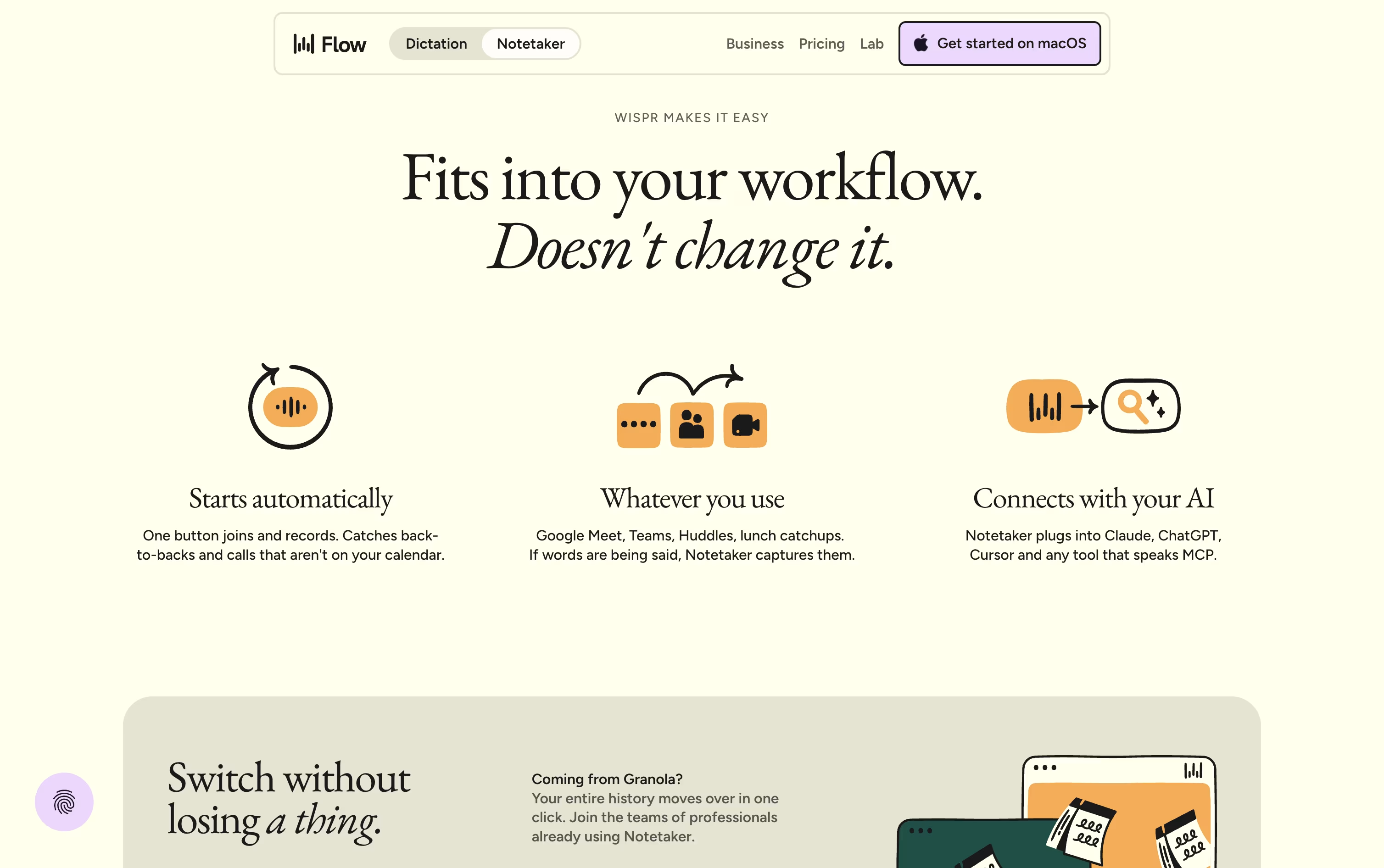
Wispr Notetaker is a meeting notes tool made by the team behind Wispr Flow. Instead of joining your call as a visible bot, it quietly captures system audio and your microphone right on your Mac. It works with Zoom, Google Meet, Microsoft Teams, Slack Huddles, and even face to face meetings.
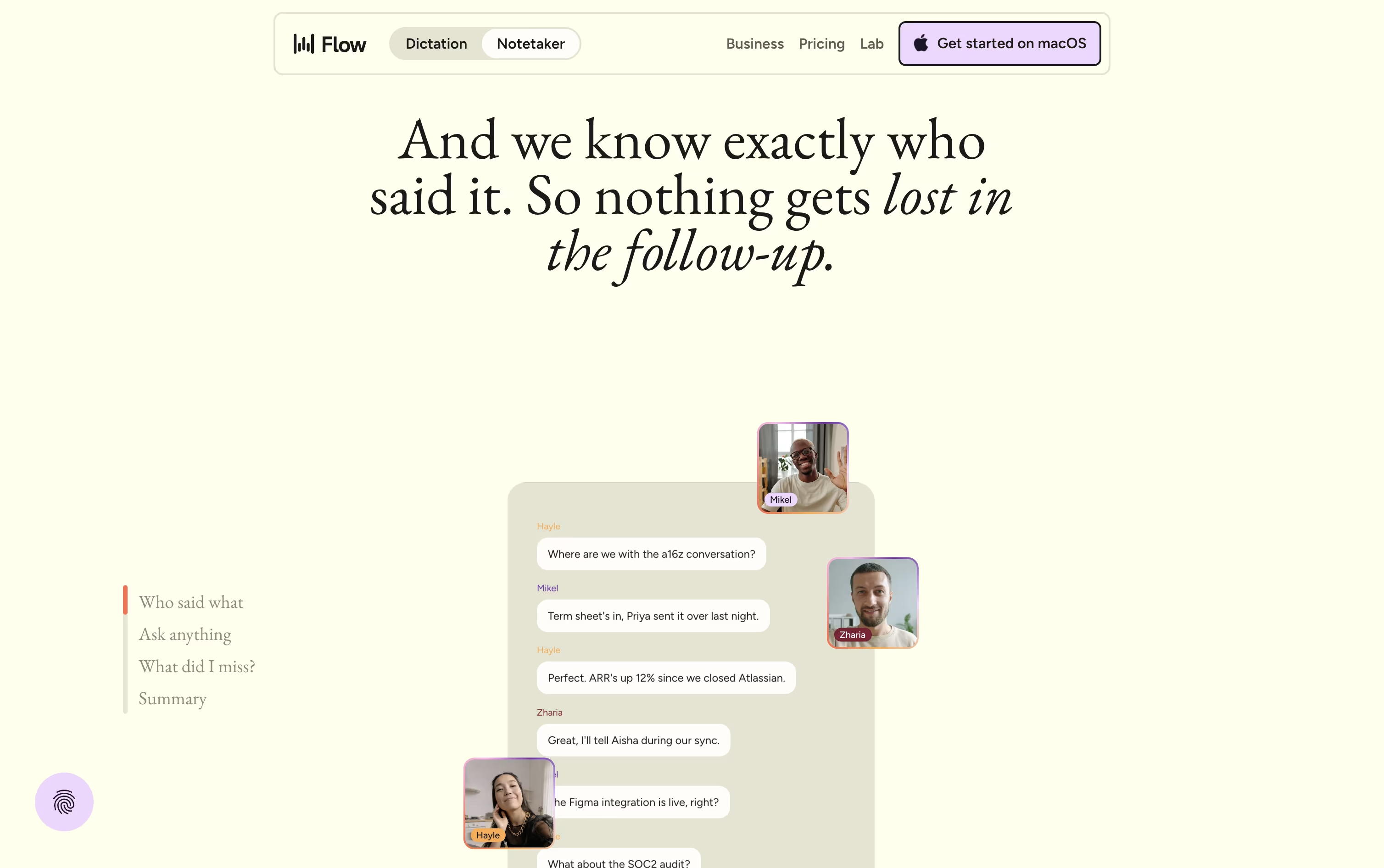
Before a meeting starts, it uses your calendar, personal dictionary, and connected apps like Gmail and Slack to learn names and terms, so speaker labels and notes come out more accurate. After the call ends, it produces a topic based summary with decisions, dates, and action items.
You can search or ask questions across all your past meetings, and even bring those notes into tools like Claude and ChatGPT through MCP.
Features of Wispr Notetaker
Bot-free recording on Mac
Real speaker names, not generic labels
Topic based summaries with action items
Live transcript and mid-call recap
Search and chat across past meetings
MCP access for Claude and ChatGPT
Shareable notes and Markdown export
Personal dictionary from Wispr Flow
Calendar, Gmail, and Slack connections
Wispr Notetaker Pricing
Free
- Speech-to-text and Notetaker on Mac
- Weekly meeting limit with standard retention
- Speaker identification in meeting notes
- Use notes in Claude, ChatGPT, and other AI tools via MCP
Pro
- Unlimited dictation and higher meeting limits
- Extended meeting note retention
- Access to advanced AI thinking models
- Centralized billing and shared dictionary
- Prioritized customer support
- $12 per user a month if billed annually
Enterprise
- Everything in Pro, for your whole team
- SSO, SCIM, and SOC 2 / ISO 27001 compliance
- Audit logs, MDM, and domain management
- Dedicated support and volume discounts
- Team-wide model training opt-out
Wispr Notetaker Use Cases
FAQ's About Wispr Notetaker









See what users are saying about Wispr Notetaker
0 Reviews
No reviews yet
Be the first to review Wispr Notetaker