

Best 4 Tools for Pre-Meeting Briefing Preparation in 2026
Last Updated: August 22, 2026
Walking into a meeting without context on who you're talking to or what was discussed last time puts anyone at a disadvantage. Automatically pulling together relevant history, notes, and background beforehand means every participant shows up already caught up.
For client-facing roles in particular, this kind of preparation can make the difference between a generic conversation and one that feels informed and personal. Instead of scrambling through old emails or notes right before a call, the key context is ready in advance.
 Littlebird
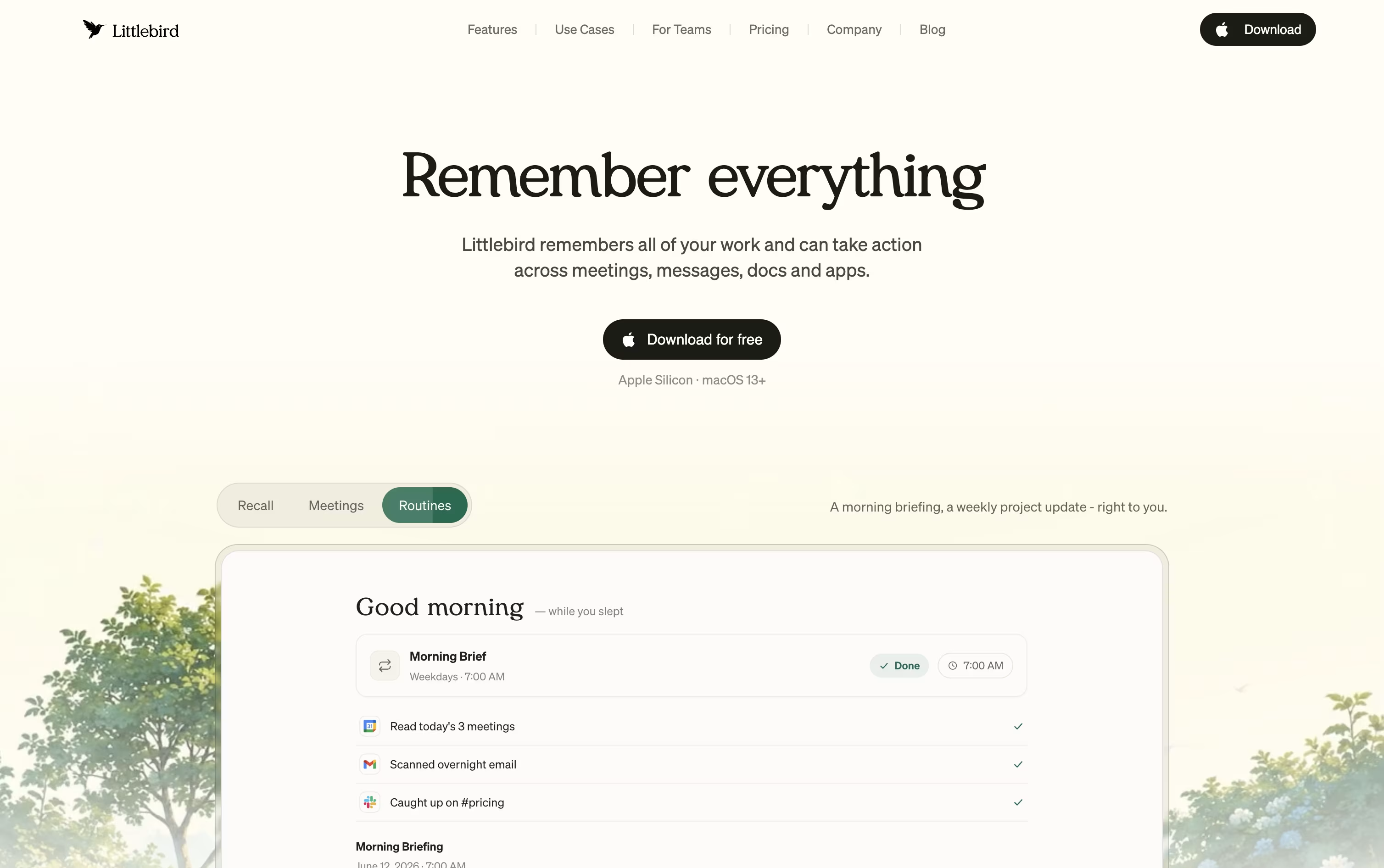 LittlebirdYour AI Powered Second Mind at Work,
  Wispr Notetaker
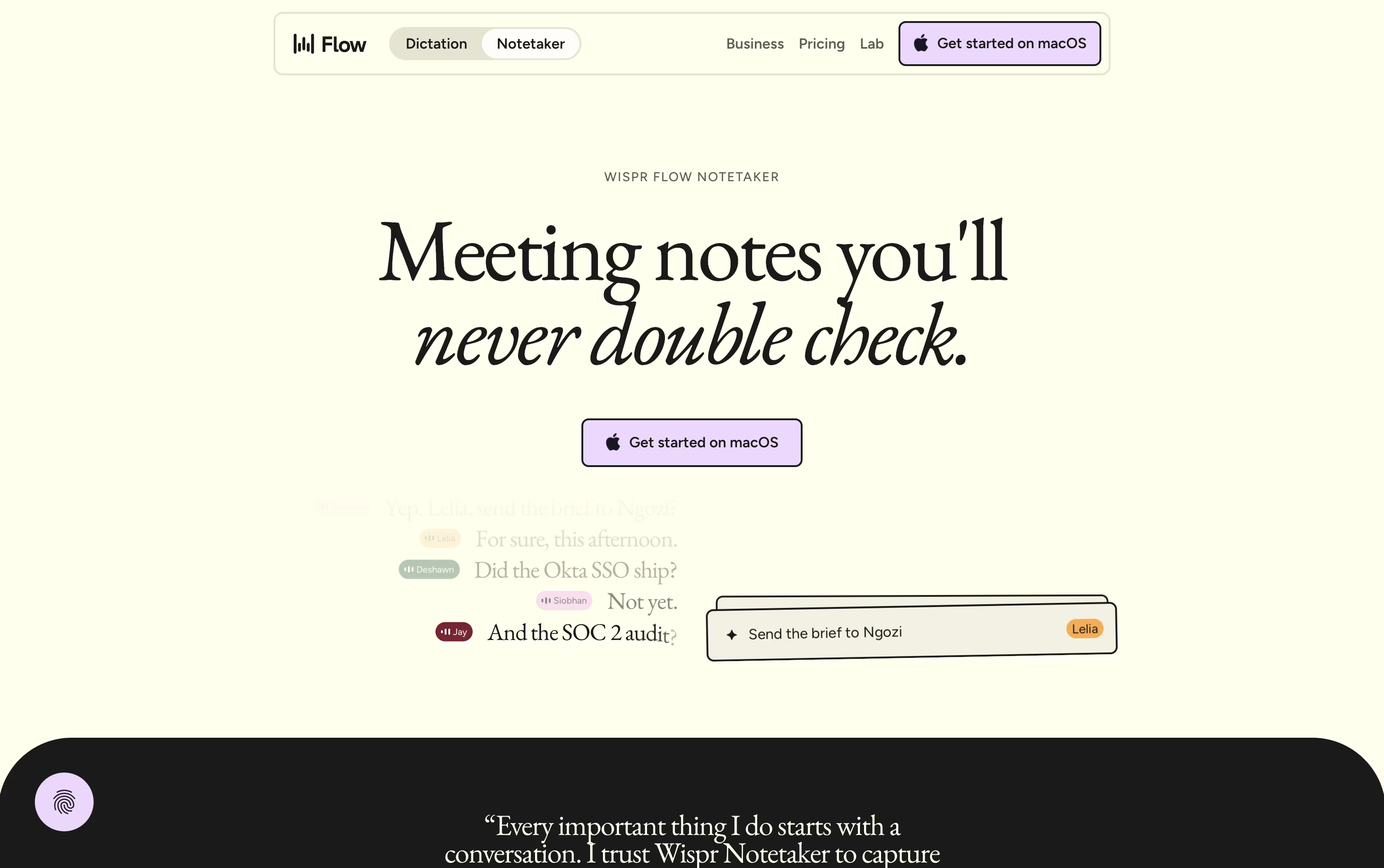 Wispr NotetakerBot-Free AI Meeting Assistant, and
  Timeless
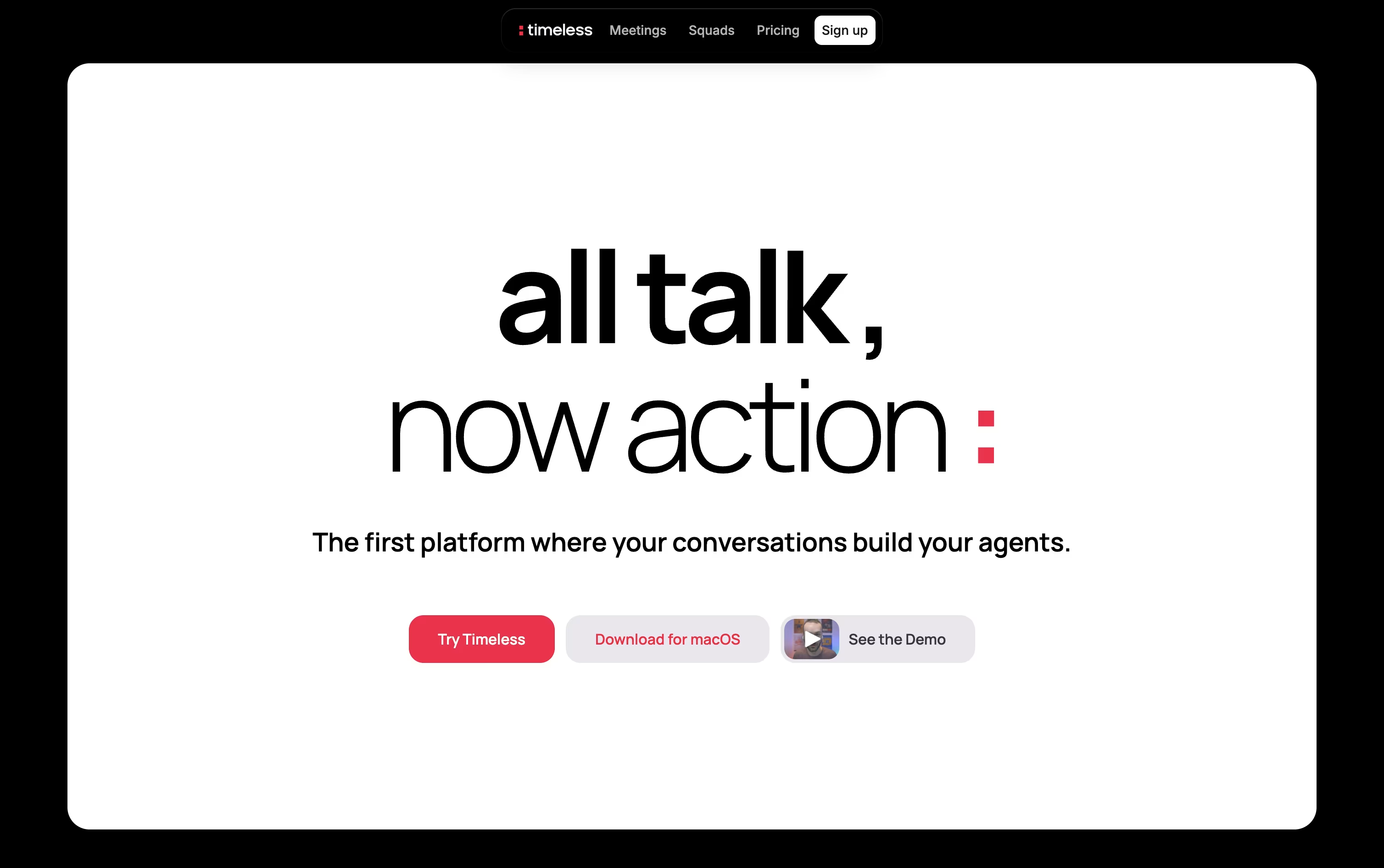 TimelessAI Meeting Notes & Agents Platform are the best for Pre-Meeting Briefing Preparation. So, let’s take a closer look at all 4 tools.

Littlebird acts like a second mind for your work, remembering your screen activity and meetings so you do not have to repeat yourself or dig through old files.
It captures text from whichever window is active on your desktop and listens in on meetings through system audio, without any bot joining the call. Everything it collects feeds into a private, searchable memory.
Chat lets you ask natural questions about anything you saw or discussed earlier, and it can also draft emails, documents, and reports using your own history as context. On Mac, the Hummingbird overlay answers quick questions about your current screen at any moment.
The free Basic plan gives you daily usage credits, limited meeting notes, and core screen context at no cost. Plus is priced at $17 a month with yearly billing, or $20 a month if billed monthly, and includes a 14 day trial along with unlimited meeting notes and image generation.
Power costs $42 a month yearly, or $50 monthly, adding MCP access, more credits, and priority support. Pro starts at $100 a month for the highest usage limits and earliest access to new features.
For groups, Team plans start at $17 per seat, and Enterprise pricing is custom with added security and support.
Wispr Notetaker takes a different approach to meeting notes: no bot joins your call. It runs quietly inside the Wispr Flow app on Mac, capturing system audio and your microphone so it works across Zoom, Google Meet, Teams, Slack Huddles, and in person conversations too.
Because it already knows your calendar, personal dictionary, and connected apps like Gmail and Slack, it can label speakers by their real names instead of generic tags, and it catches jargon that other tools tend to miss.
After each call, you get a topic organized summary with decisions, dates, and next steps, plus the ability to ask questions across your entire meeting history.
Pricing starts at $0 a month on the Free plan, which includes weekly meeting limits. Pro runs $15 per user a month, dropping to $12 per user a month on the annual plan, and unlocks unlimited meetings, longer retention, and stronger AI models.
Larger teams needing SSO, audit logs, or SOC 2 and ISO 27001 compliance can reach out for custom Enterprise pricing, though a few Notetaker features are still rolling out there.
Rather than handing you another meeting transcript to sort through, Timeless organizes calls, chats, and voice notes into Rooms, living spaces built around a project or client that keep every decision and next step in one place.
AI agents inside each Room pick up on spoken commitments, such as agreeing to send a proposal, and then complete the work themselves by drafting emails, updating tasks, or messaging teammates.
Getting started costs nothing, the Free plan includes up to 5 AI meetings with no credit card required.
Individuals who need more can move to Pro at $29 a month, or $19 a month when billed yearly, which adds unlimited notes and storage.
The Max plan at $39 a month opens up unlimited API and MCP access.
Teams and larger organizations can pick from Team, Business, or a custom Enterprise plan with added security.
Sitting through a call and typing notes at the same time is hard, and Avoma was built to take that off your plate. It records meetings, writes a live transcript, and hands you AI notes with action items right after the call ends.
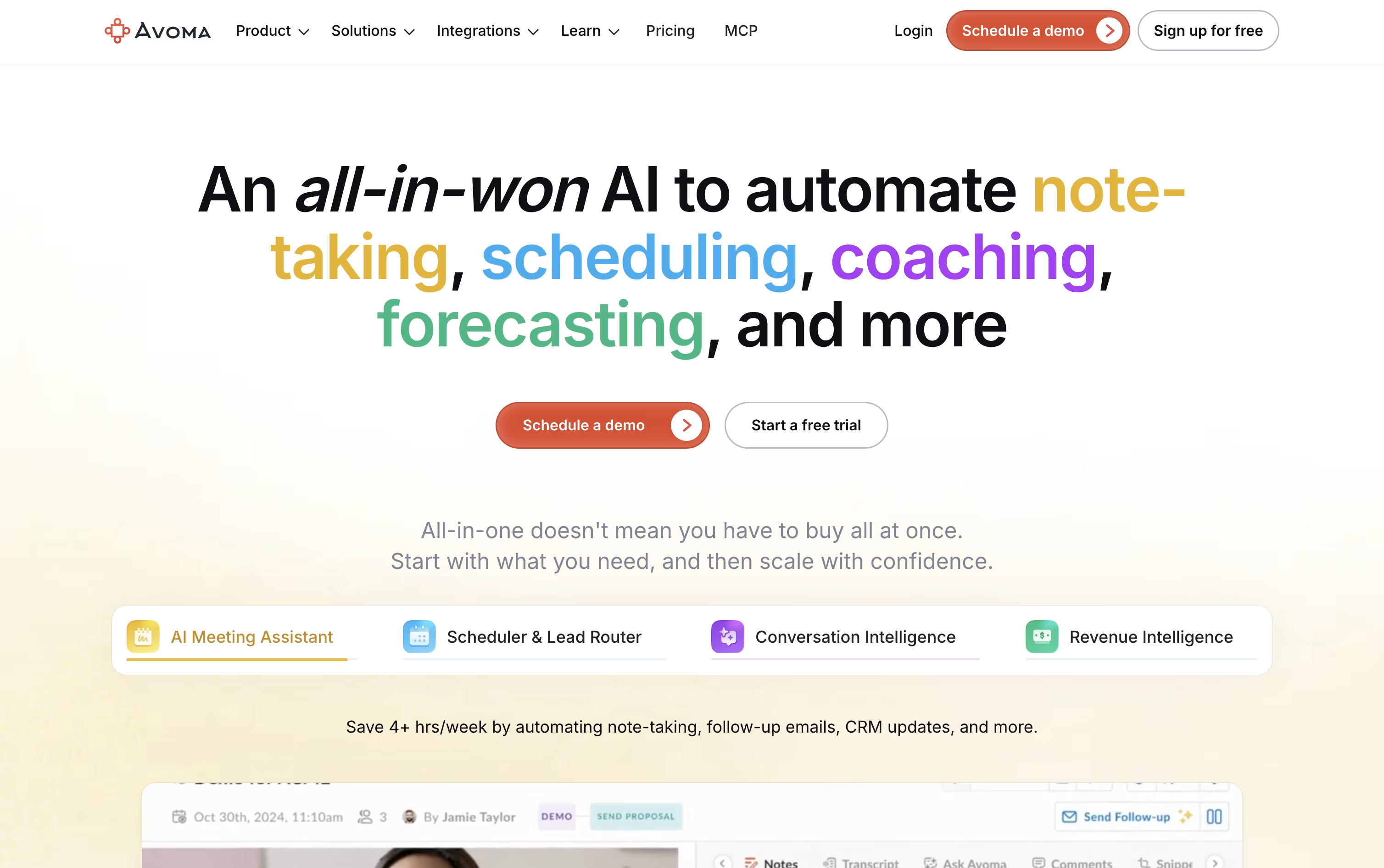
It goes further than note taking too. A built in scheduler handles 1:1, group, and round robin bookings, a lead router sends new leads to the right person automatically, and Ask Avoma lets you ask questions about any past meeting or deal.
Sales and success teams can add Conversation Intelligence for call scoring and coaching, or Revenue Intelligence for deal risk alerts, forecasting, and win loss analysis.
On price, Startup starts at $29 a seat a month, Organization is $39 a month and carries a most popular label, and Enterprise runs $39 a seat on annual billing with extras like SSO and HIPAA support.
Viewers who never record a call stay free, and a 14 day trial opens up every feature, add-ons included, without asking for a card.





