

Best 6 Markdown Editors Tools in 2026
Last Updated: October 21, 2025
Writing in plain text with lightweight formatting keeps content portable and free of the clutter that comes with heavier word processors. Markdown Editors give you a clean, distraction free writing environment with simple, readable formatting syntax.
These tools are favored by developers, technical writers, and bloggers who want fast, portable formatting that works well with version control and static sites. Plain text files also mean your writing is never locked into a proprietary format.
 Obsidian
 ObsidianFree Note-Taking App That Connects Your Ideas,
  Bear
Bear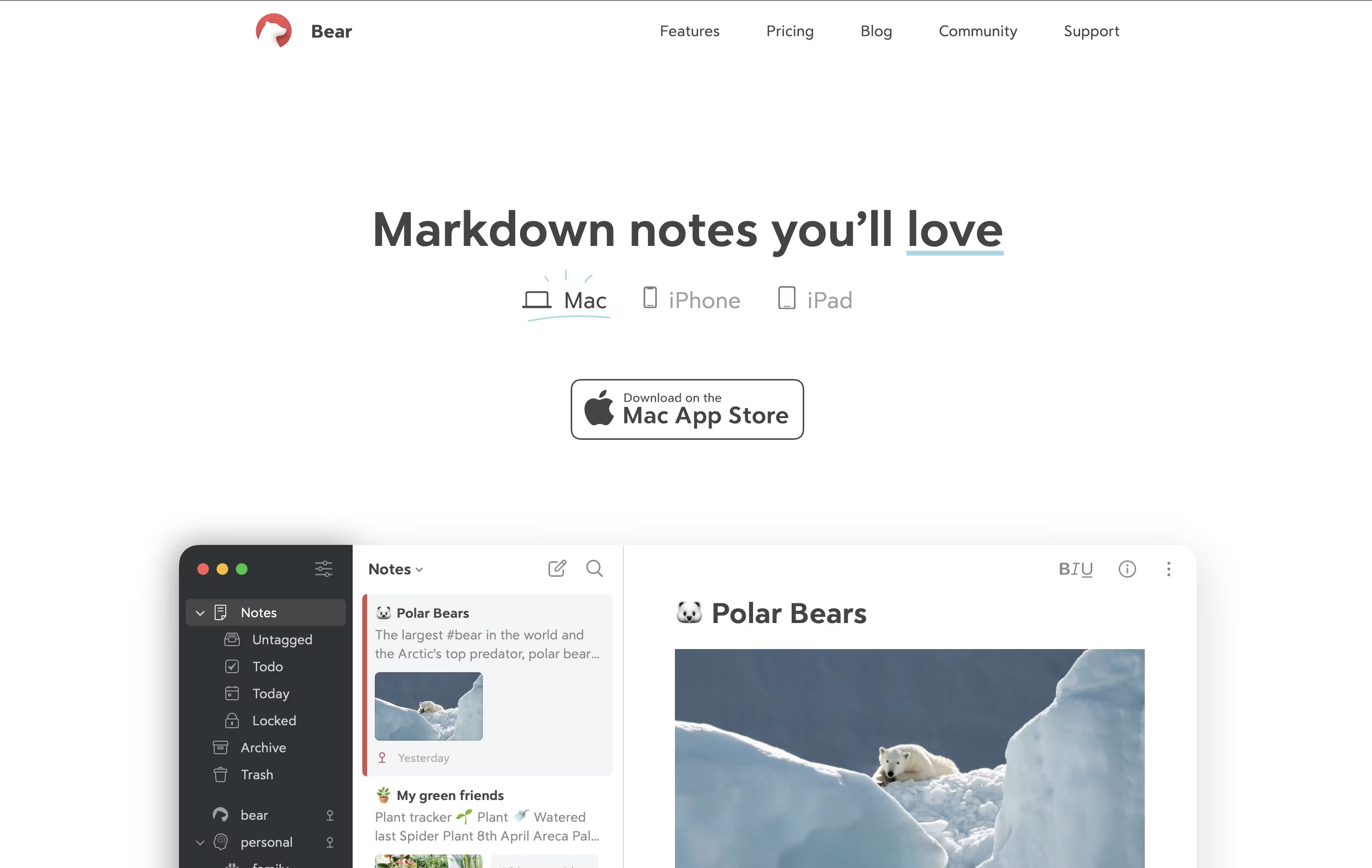 BearBeautiful Markdown Note-Taking App for Mac, iPhone & iPad, and
  Joplin
 JoplinFree Open-Source Note-Taking App with Encryption are the best for Markdown Editors. So, let’s take a closer look at all 6 tools.
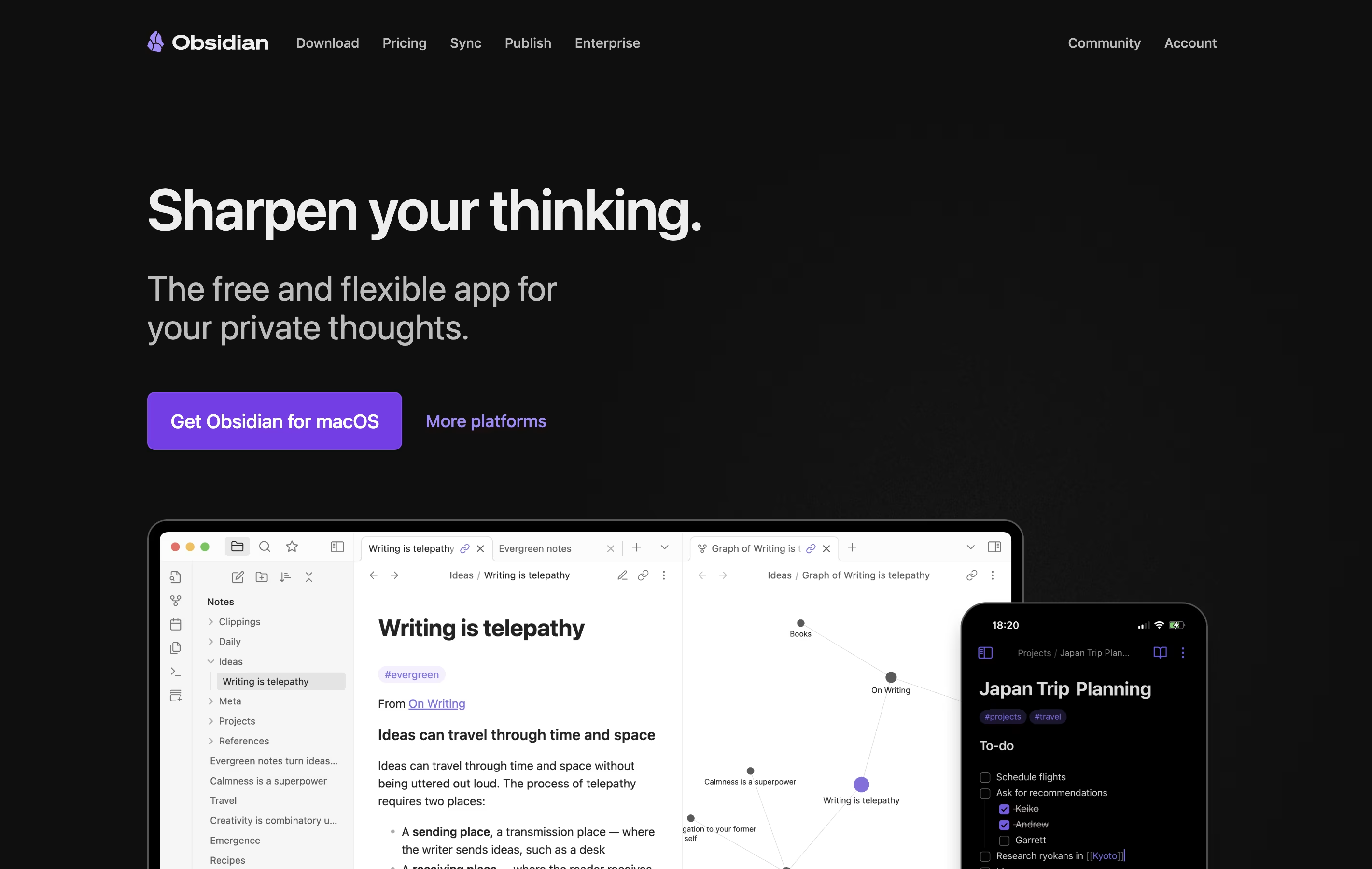
Obsidian is a note-taking app that works with plain text files stored directly on your device. You can write notes, link them together, and see how your ideas connect through a visual graph. Unlike cloud-based tools, everything stays private on your computer.
The app uses simple text files with basic formatting, which means your notes remain readable even without Obsidian. You can link any note to another, creating connections that help you discover patterns in your thinking. This makes it great for building knowledge over time.
There is a free version with all core features and optional paid services for cloud syncing and web publishing. The app works on computers, phones, and tablets.
Bear is a writing and note-taking tool that runs on Apple devices. You type notes in plain text and add formatting using simple Markdown commands. This means you can make text bold, create headers, add links, or insert images without reaching for your mouse.
The app organizes notes using tags. Instead of putting notes in folders, you add hashtags anywhere in your text. These tags appear in the sidebar, and you can nest them for deeper organization. For example, you might use tags like work, personal, or ideas.
Bear keeps everything private and stored locally on your device. The free version offers solid features, while Bear Pro adds extras like cloud sync between devices, more export options, and the ability to search text inside images and PDF files.
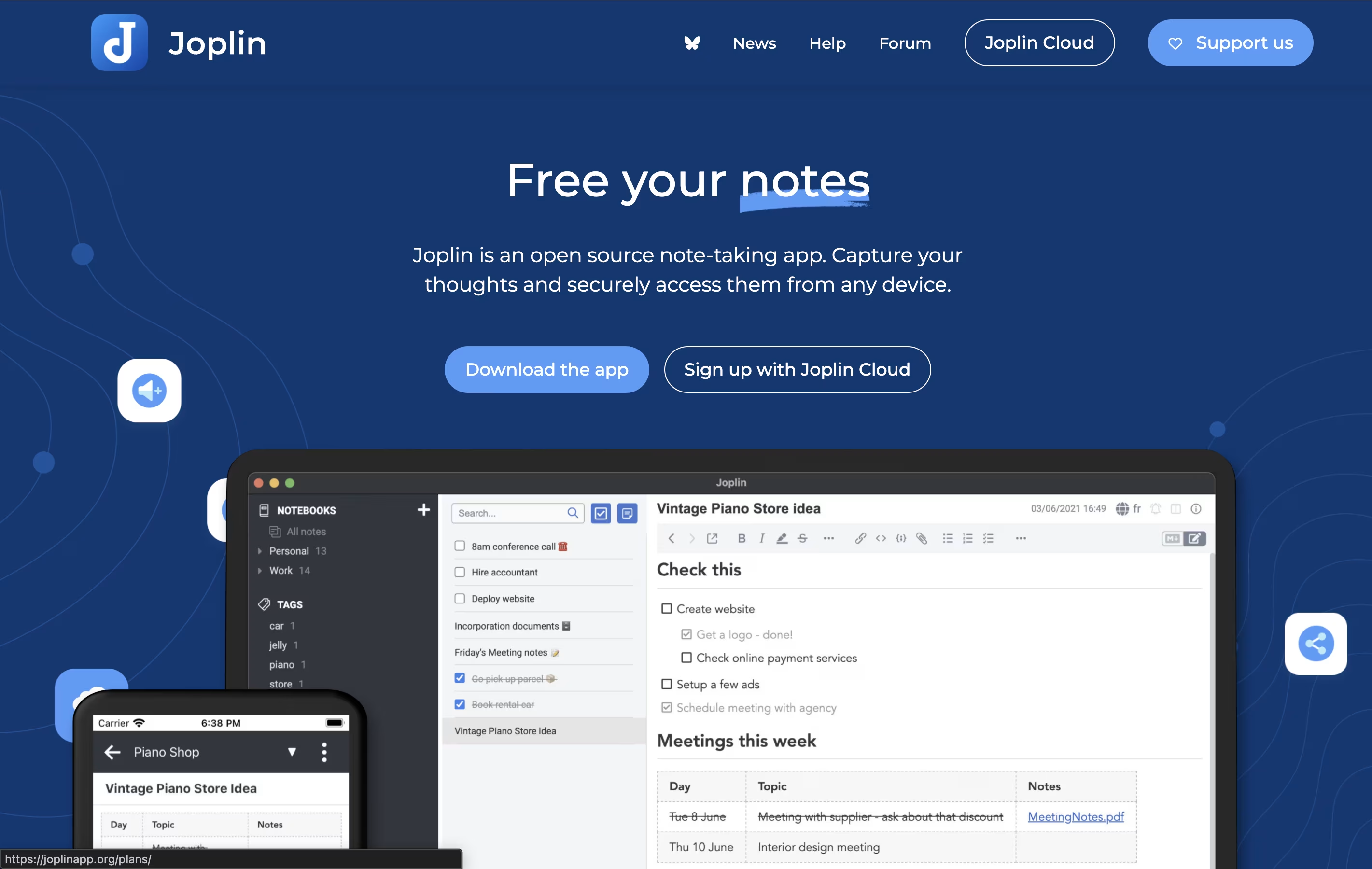
Joplin is a powerful tool for capturing and organizing your thoughts, to-do lists, and information. It supports rich text and Markdown formatting, allowing you to create notes with images, attachments, tables, and even code snippets. You can clip web pages directly from your browser and save them as notes for later reference.
What makes Joplin special is its focus on privacy and data ownership. Your notes are stored locally on your devices, not on someone else's server. When you sync across devices, everything is protected with end-to-end encryption, meaning only you can read your content.
The app offers multiple sync options including Dropbox, OneDrive, Nextcloud, or Joplin's own cloud service. You can also customize Joplin with plugins and themes to match your workflow perfectly.

Typora is a Markdown editor that hides the formatting codes and shows you the final result while you work. When you type something like bold text or create a heading, Typora instantly displays it in the proper format instead of showing symbols and codes.
The editor supports GitHub-style Markdown, which is widely used across the web. You can add images by dragging them in, create tables with a visual interface, write code with color highlighting, and even add diagrams or math formulas.
Typora works offline on your own computer, keeping your documents private and secure. You can organize files in folders, use different themes to change how things look, and export your work to PDF, Word documents, or HTML format when finished.

SiYuan is a personal knowledge management system that treats every piece of content as a block. These blocks can be linked, referenced, and organized in multiple ways. Unlike traditional note-taking apps, SiYuan gives you complete control by storing everything locally on your device.
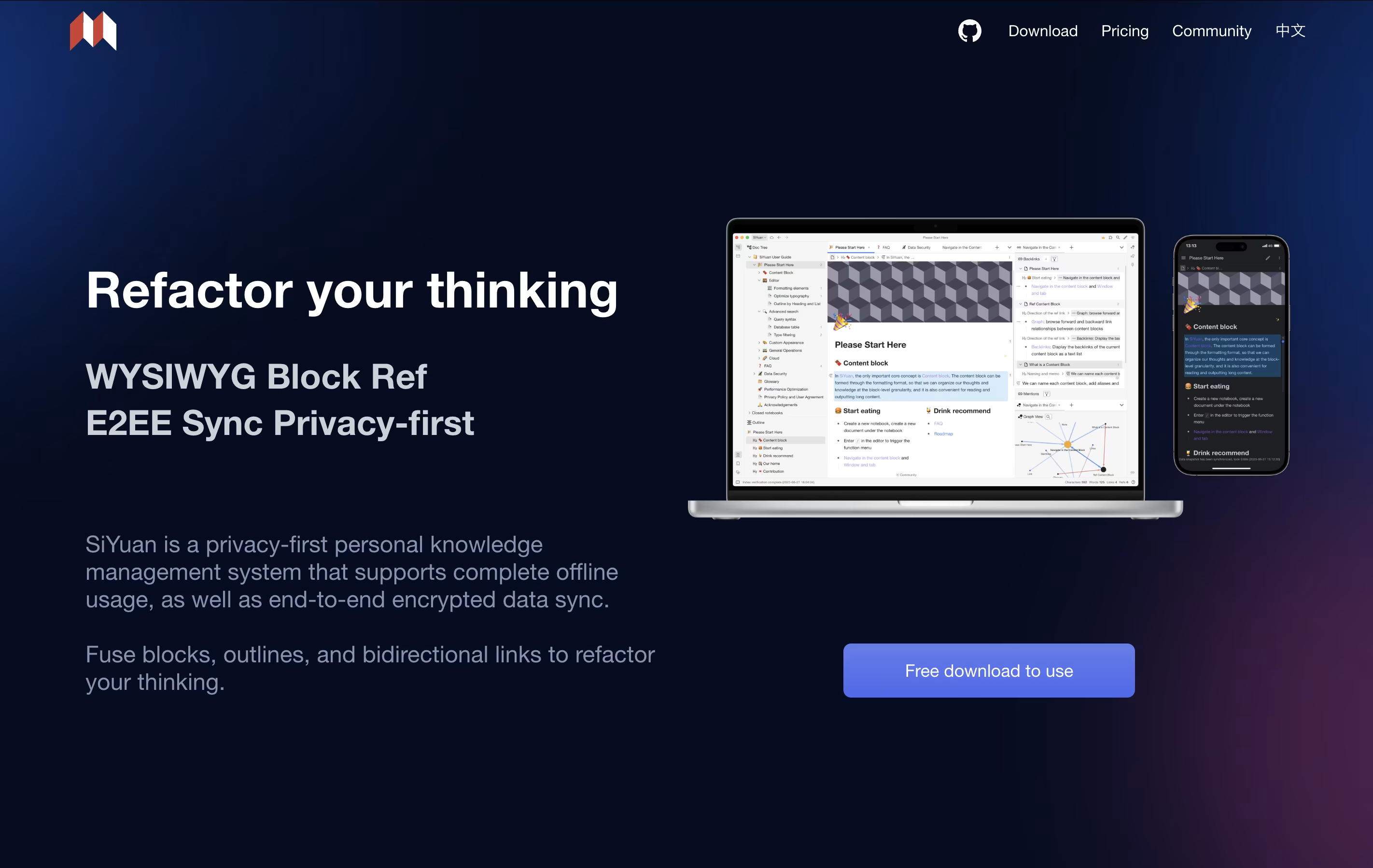
The tool uses a block-based approach where even whole documents are treated as blocks. This makes it easy to split, move, and connect information without breaking existing links. You can create bidirectional links between ideas, use outlines to organize thoughts, and view your knowledge as a graph.
It includes features like mathematical formulas, charts, flashcards for learning, and database views. The app is self-hosted, meaning you own your data completely.

Zettlr is a Markdown editor that lets you write in plain text while providing rich features for organizing and publishing your work. Unlike traditional word processors, it separates content from formatting, allowing you to focus on writing without distractions. The app supports linking between notes, tagging, and tracking your writing progress.
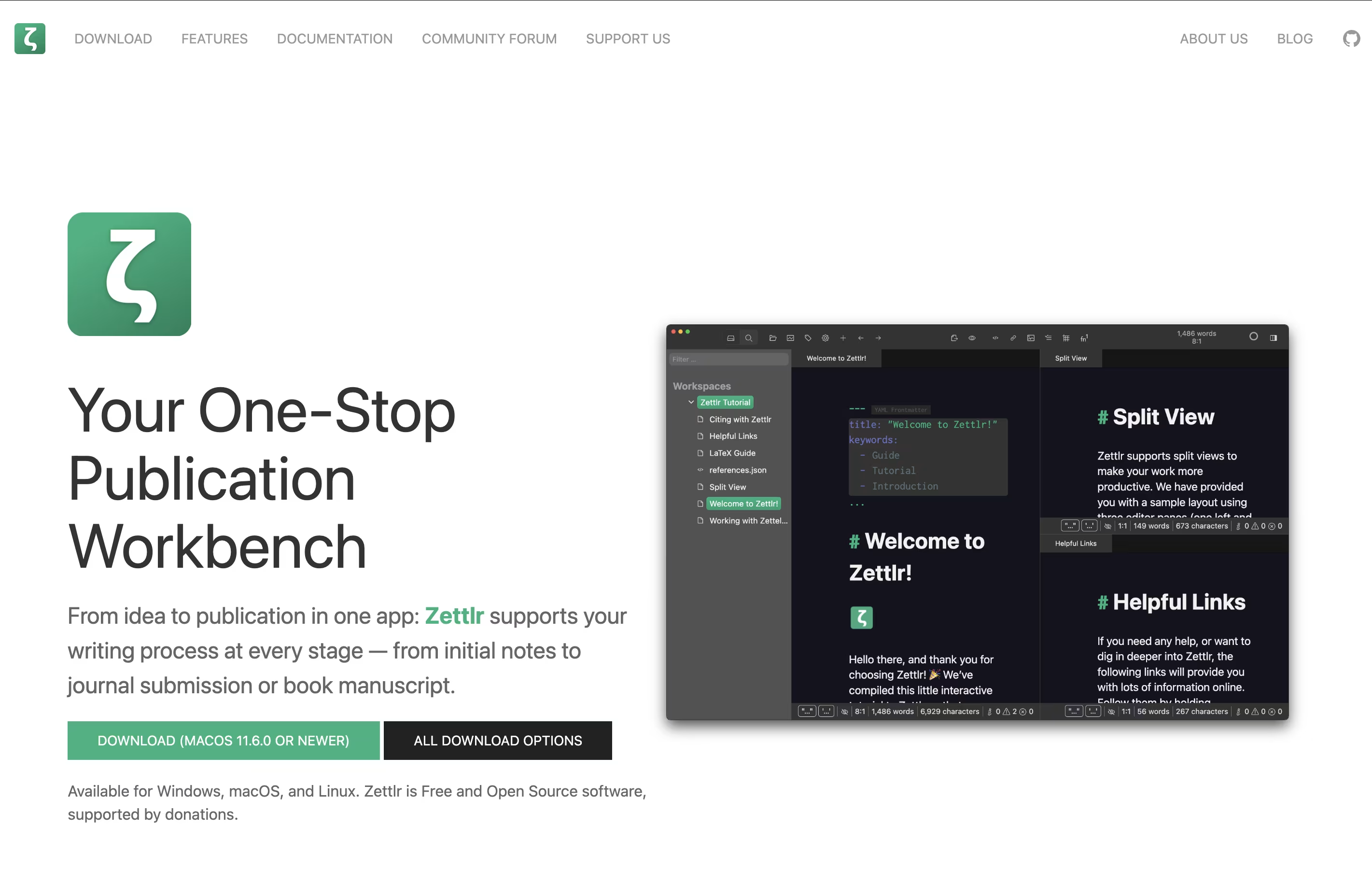
It includes built-in support for citations through Zotero and other reference managers, making it ideal for academic writing. You can work with multiple documents in tabs or split windows, and export your work to various formats using Pandoc. All your notes remain as simple text files on your computer, meaning you never lose access to them. The interface is clean and customizable to fit your writing style.



