

Best 3 Database Note Tools in 2026
Last Updated: October 21, 2025
Some information is better organized as structured, filterable records rather than freeform text. Database Note tools combine note taking with database style fields, letting you filter, sort, and view your notes in multiple ways.
These tools are useful for project managers, researchers, and teams tracking structured information alongside written notes. The ability to switch between views, like tables, boards, or calendars, makes the same data useful in different contexts.
 Capacities
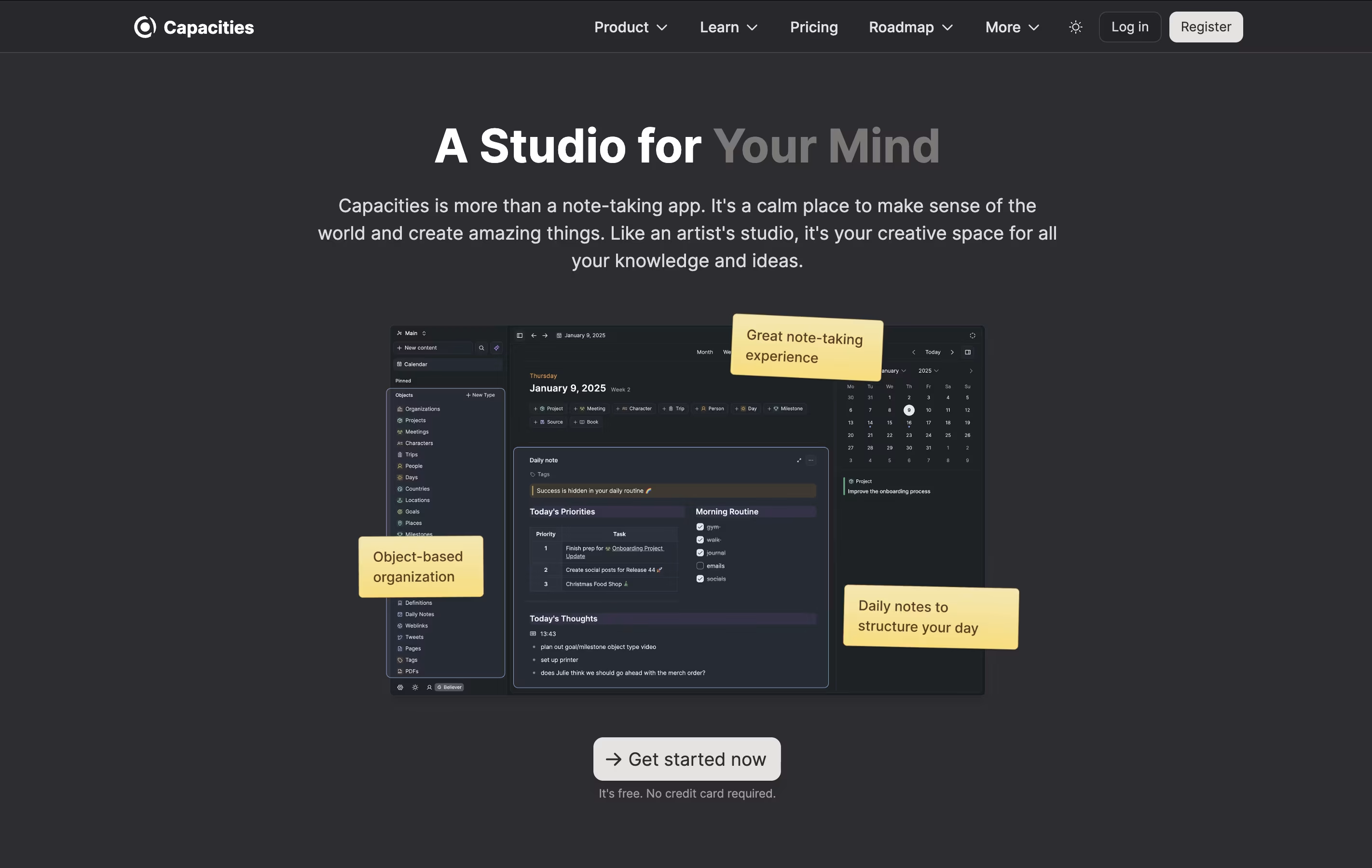 CapacitiesObject-Based Note-Taking App for Your Second Brain,
  Anytype
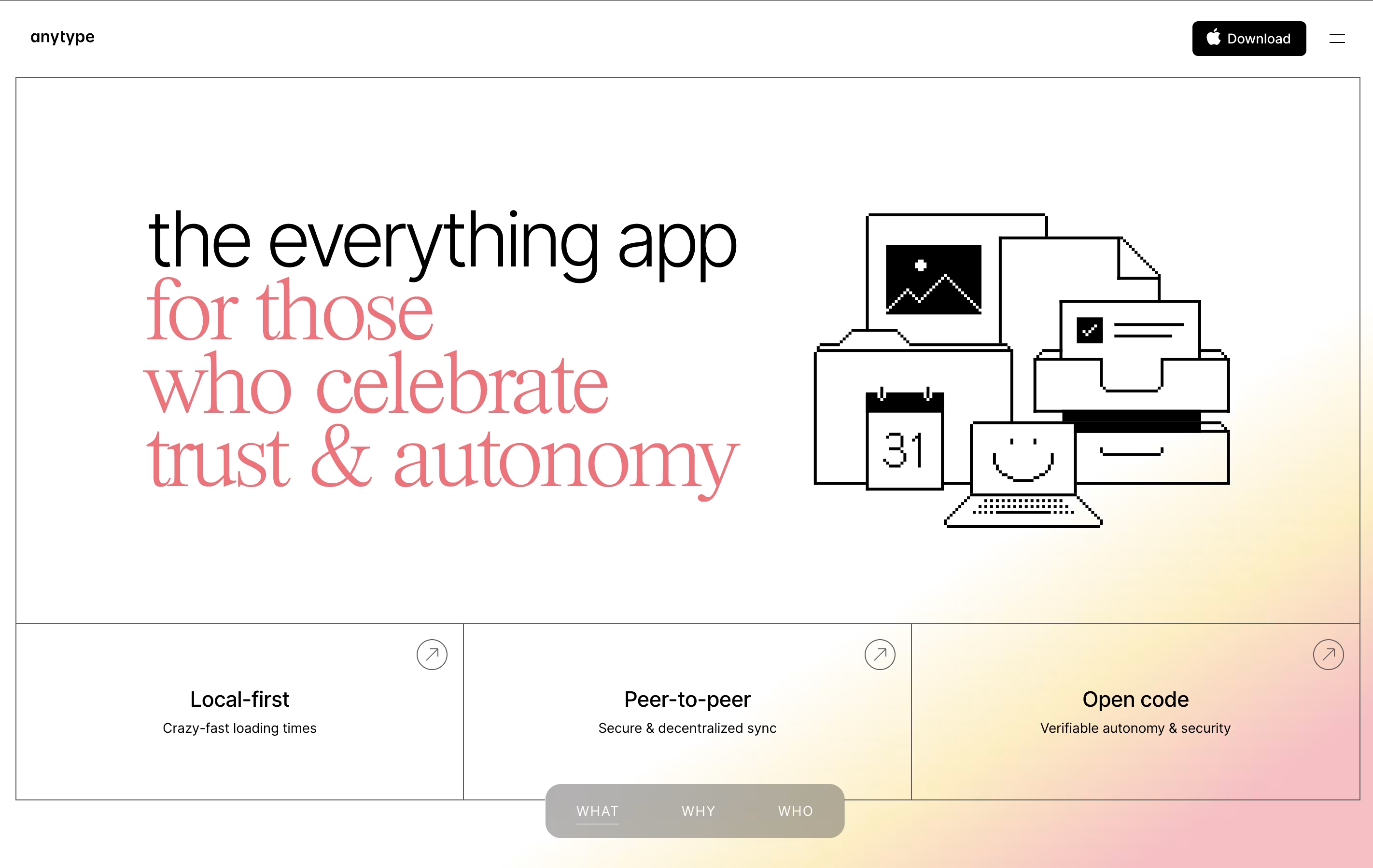 AnytypeSecure Private Workspace for Notes and Projects, and
  AppFlowy
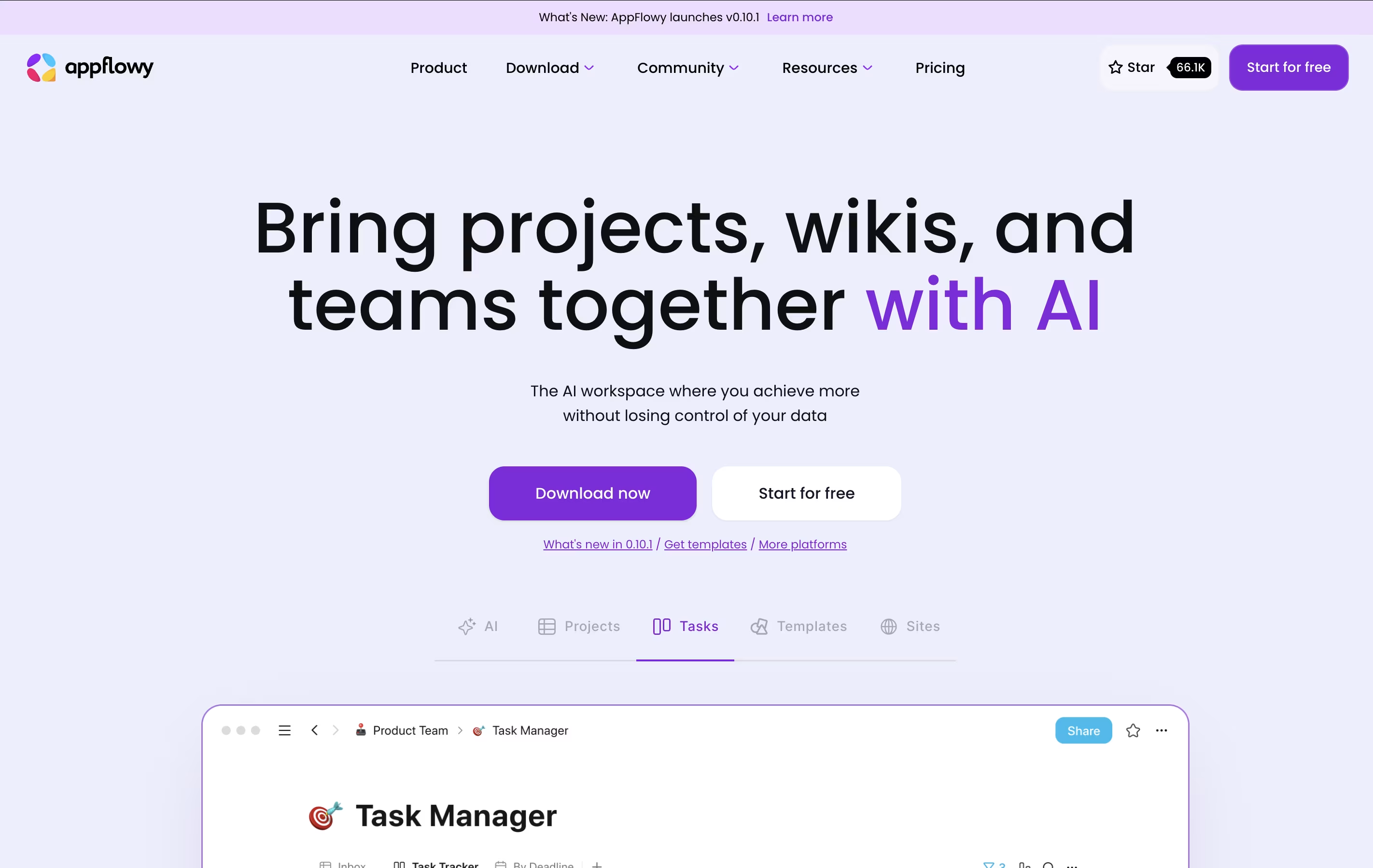 AppFlowyOpen-Source Workspace for Notes, Tasks & Projects are the best for Database Note. So, let’s take a closer look at all 3 tools.
Capacities is a note-taking and knowledge management app built around objects instead of traditional folders. When you create a note about a person, book, or project, it becomes an object you can easily link to other notes. This makes finding connections between your ideas much simpler.
The app includes daily notes for journaling and quick captures, full-text search across all content, and the ability to work offline. You can connect your calendar to automatically create notes for meetings and events. The Pro version adds an AI assistant that can help you think through ideas and answer questions based on your notes.
Capacities works on computers, phones, and tablets, keeping everything synced across your devices so you can access your notes anywhere.
Anytype is a tool for organizing your notes, tasks, files, and projects while keeping everything private on your device. You create content using objects, which are like structured notes with properties you can customize. For example, a book object can have an author, rating, and notes all connected together.
The app works offline and stores data locally with encryption, meaning your information stays on your device unless you choose to sync it. When you do sync, it uses secure connections between your devices. You can create databases, link related information, and build visual connections between different pieces of content.
There is a free plan with limited cloud storage, plus paid plans for those who need more backup space and advanced features like shorter custom names.
AppFlowy is a workspace application that brings together your notes, tasks, wikis, and projects. Unlike cloud-only tools, you can run AppFlowy entirely on your own computer or host it yourself for complete data control.
The tool uses AI to help you write, organize information, and find what you need quickly. You can create databases, calendars, task boards, and rich documents all in one place. Everything syncs across your devices when you want it to.
AppFlowy is open-source, which means anyone can see how it works and customize it. You get features like tables, boards, calendars, and a rich text editor. It works on Windows, Mac, Linux, and mobile devices, giving you flexibility in how and where you work.





