ToolQuestor Logo
AppFlowy
No reviews yet
0 Saved
Added:10/17/2025
Type:Saas
Monthly Traffic:-
Pricing:
FREEMIUMSUBSCRIPTION
AI-PoweredMachine LearningCloud-BasedSaaSMobile AppOpen SourceCollaborationAutomation
OpenArt AI

OpenArt AI

FEATURED
Vidnoz AI

Vidnoz AI

FEATURED
Bubble

Bubble

FEATURED
AppFlowy screenshot 2
AppFlowy screenshot 3
AppFlowy screenshot 4
AppFlowy screenshot 5

What is AppFlowy

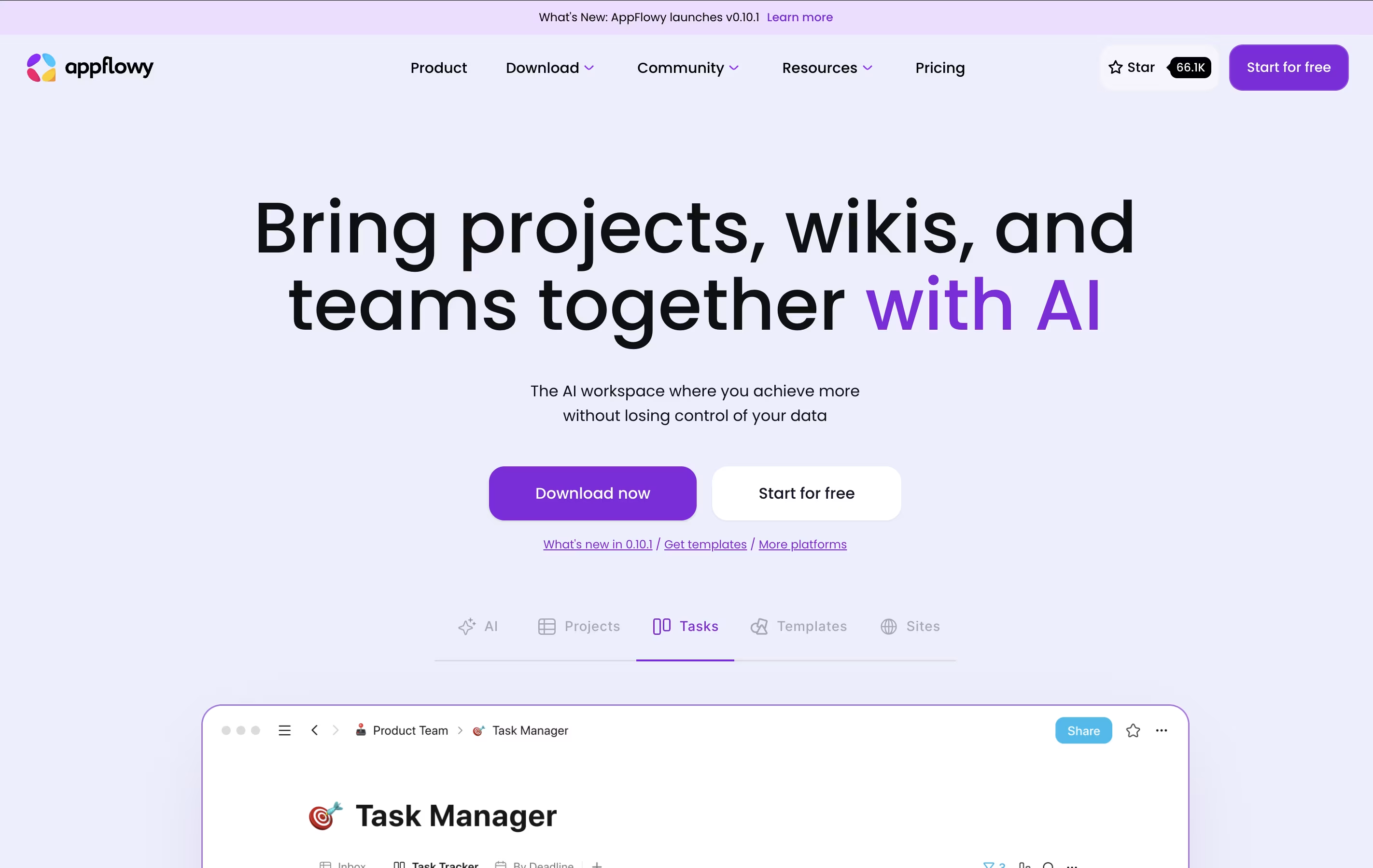
AppFlowy is a workspace application that brings together your notes, tasks, wikis, and projects. Unlike cloud-only tools, you can run AppFlowy entirely on your own computer or host it yourself for complete data control.

The tool uses AI to help you write, organize information, and find what you need quickly. You can create databases, calendars, task boards, and rich documents all in one place. Everything syncs across your devices when you want it to.

AppFlowy is open-source, which means anyone can see how it works and customize it. You get features like tables, boards, calendars, and a rich text editor. It works on Windows, Mac, Linux, and mobile devices, giving you flexibility in how and where you work.

How to Use AppFlowy

Getting started with AppFlowy is simple. Here are the steps:

  • Download the app for your device from the website, or use the web version in your browser.

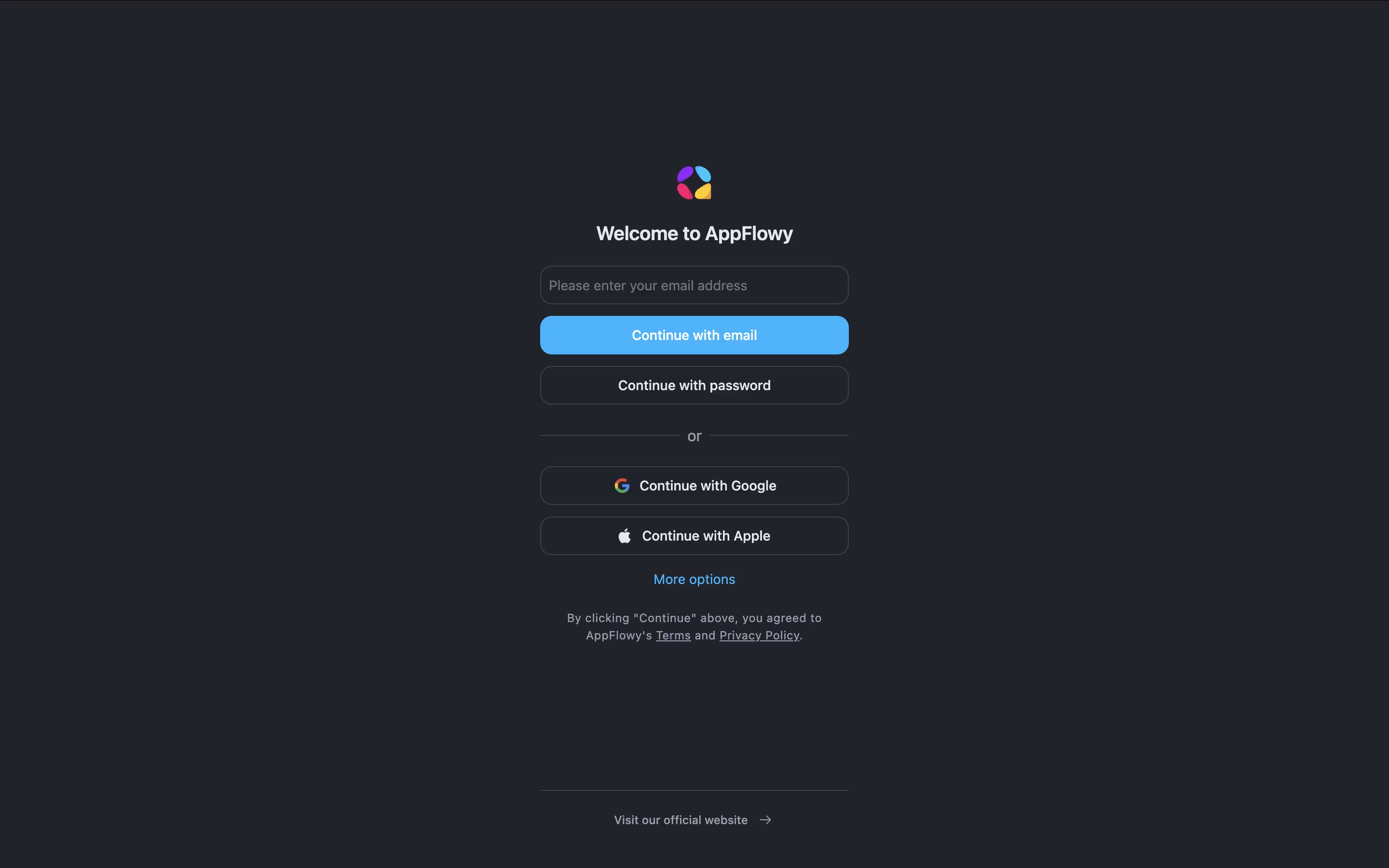
  • Create a free account or start working locally without any account if you prefer complete privacy.

  • Make your first page by clicking the plus button. You can add text, images, checklists, or database views.

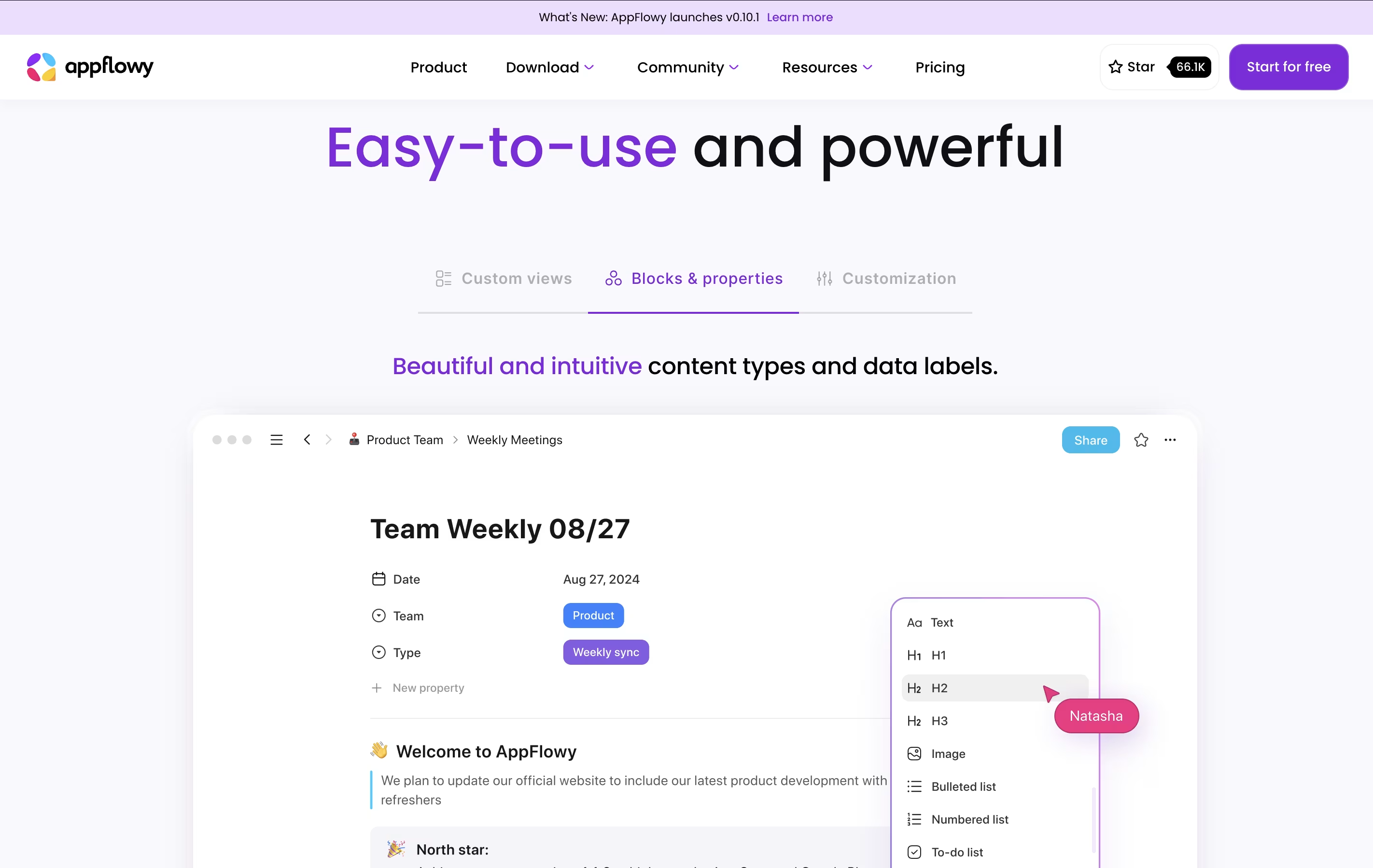
  • Use the slash command (type "/") to see all available blocks you can add, like tables, boards, or calendars.

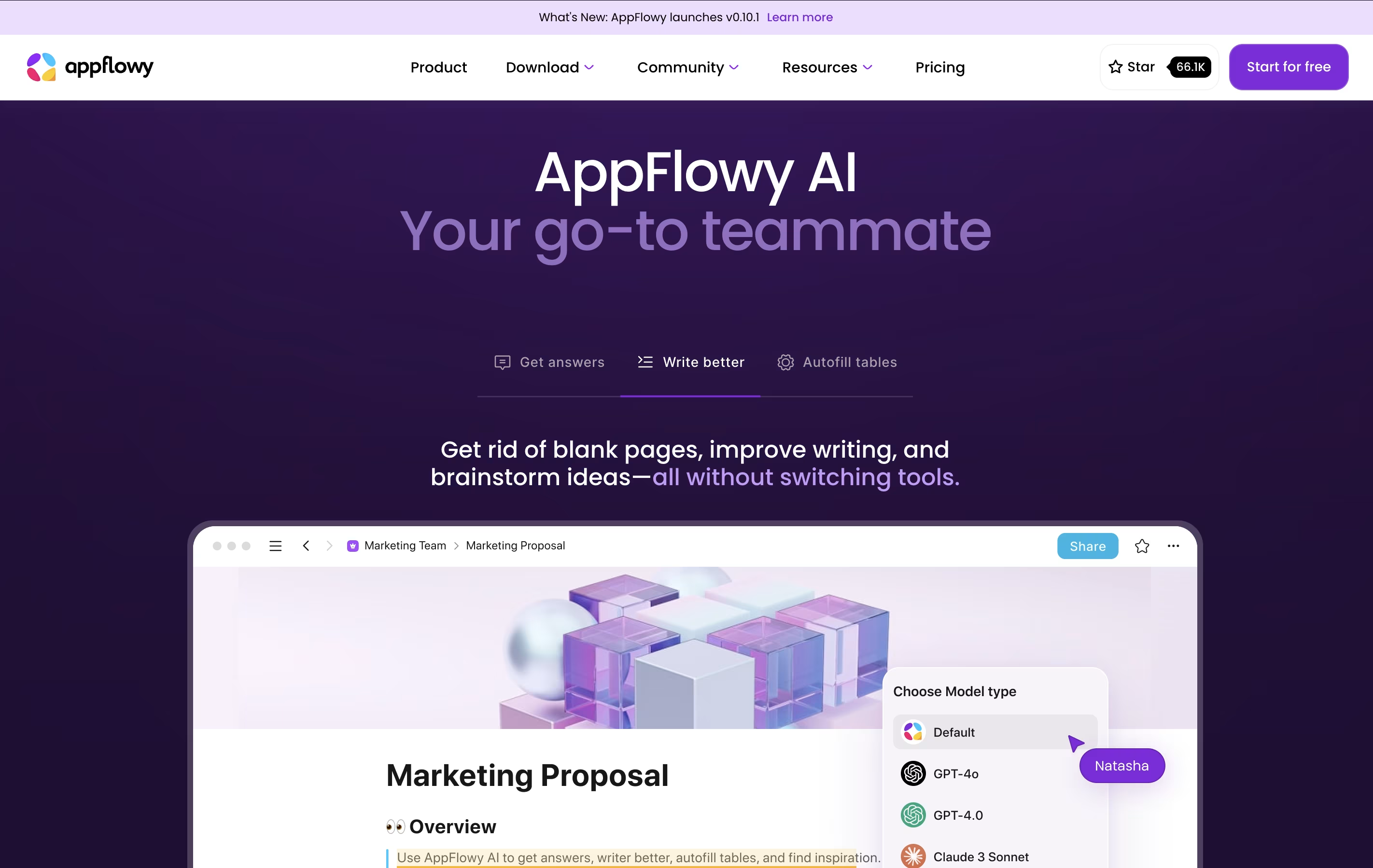
  • Turn on AI features if you want help with writing, summarizing, or organizing your content. You can choose between cloud AI or run models locally on your computer.

  • Invite team members to collaborate on pages by sharing links or adding them to your workspace.

  • Customize the look by changing themes, fonts, and colors to match your style.

Features of AppFlowy

  • Multiple database views (grid, board, calendar, list)

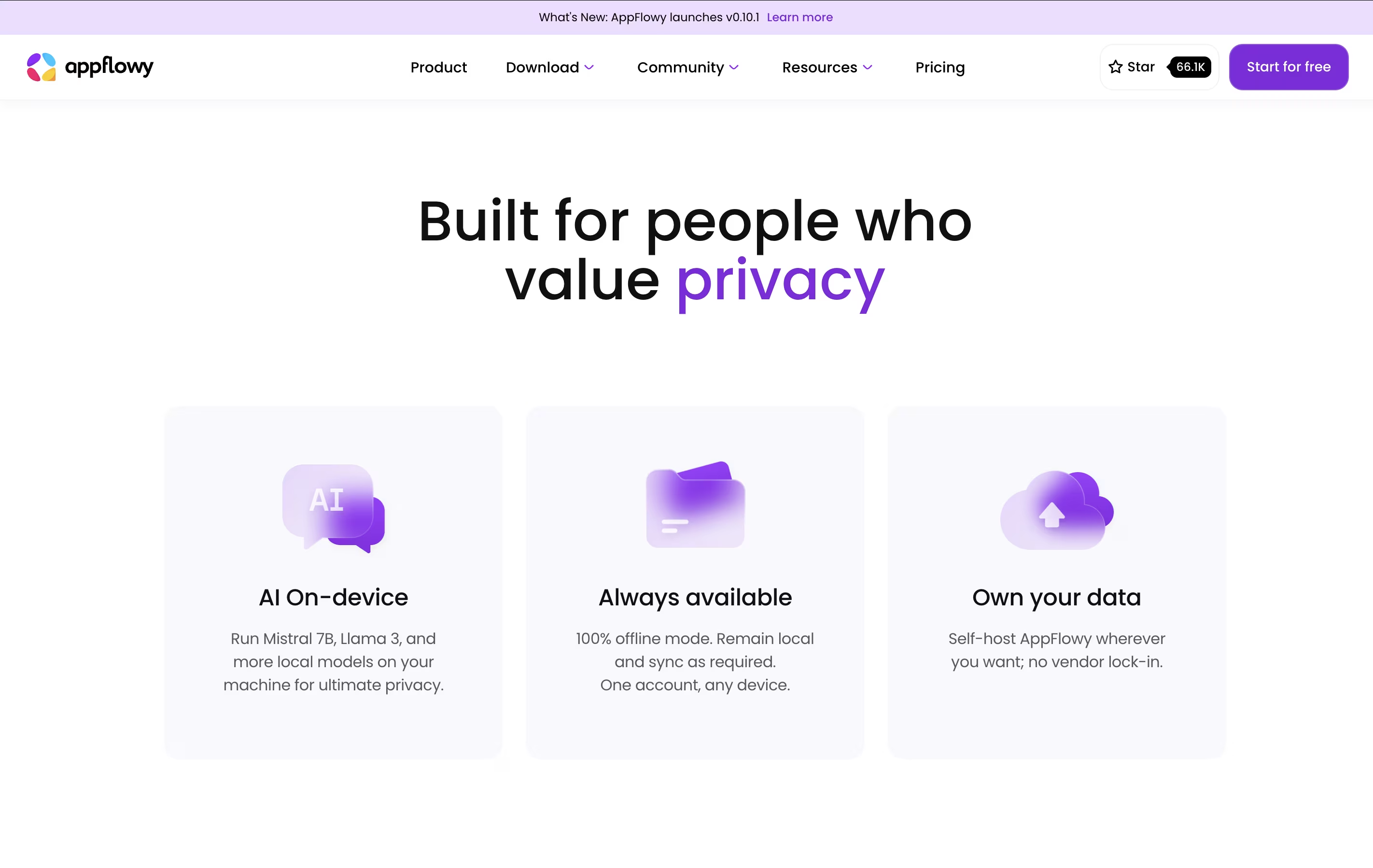
  • Built-in AI assistant with local or cloud options

  • Rich text editor with markdown support

  • Real-time team collaboration

  • Offline mode with local storage

  • Self-hosting capabilities

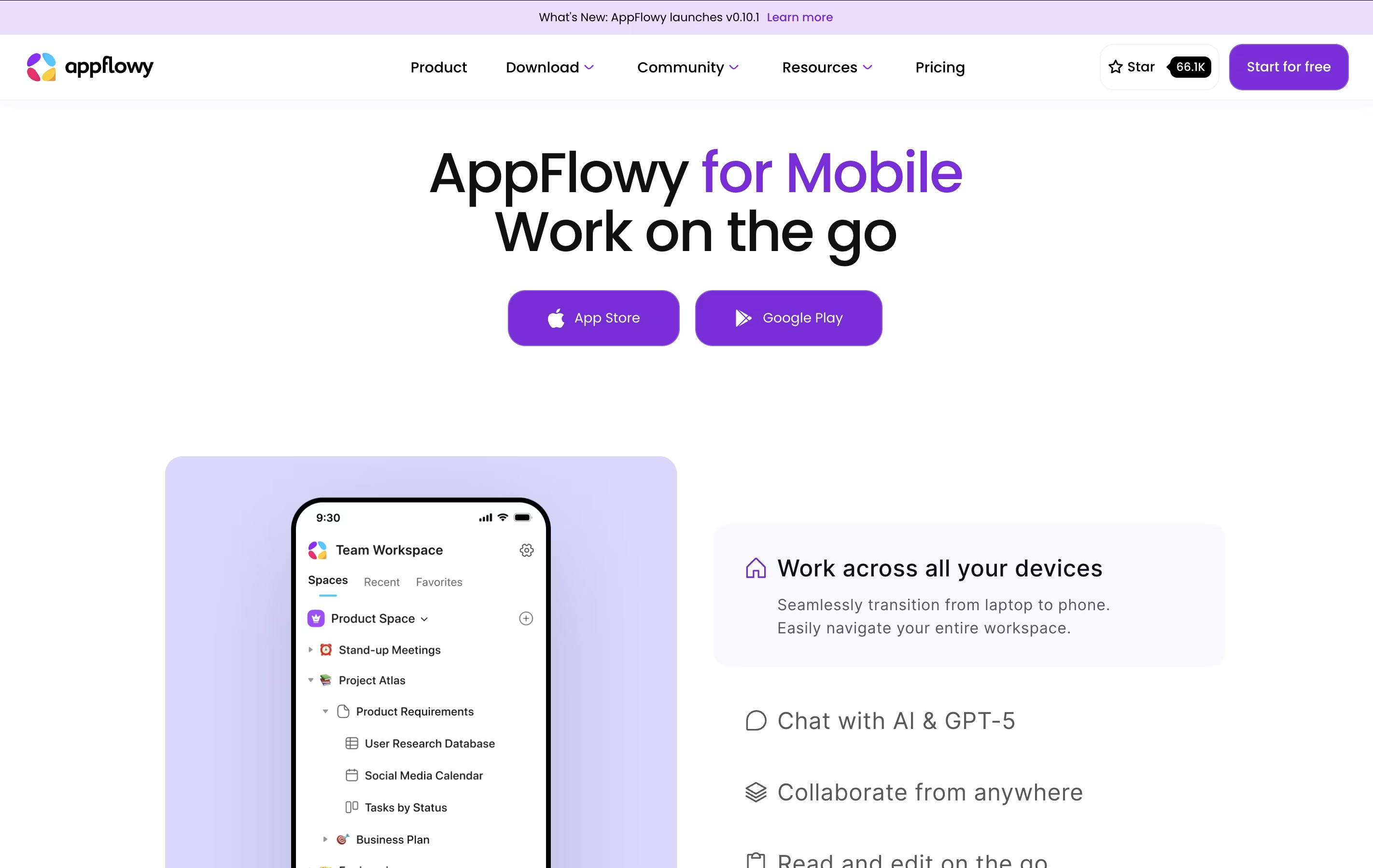
  • Cross-platform support (desktop and mobile)

  • End-to-end encryption available

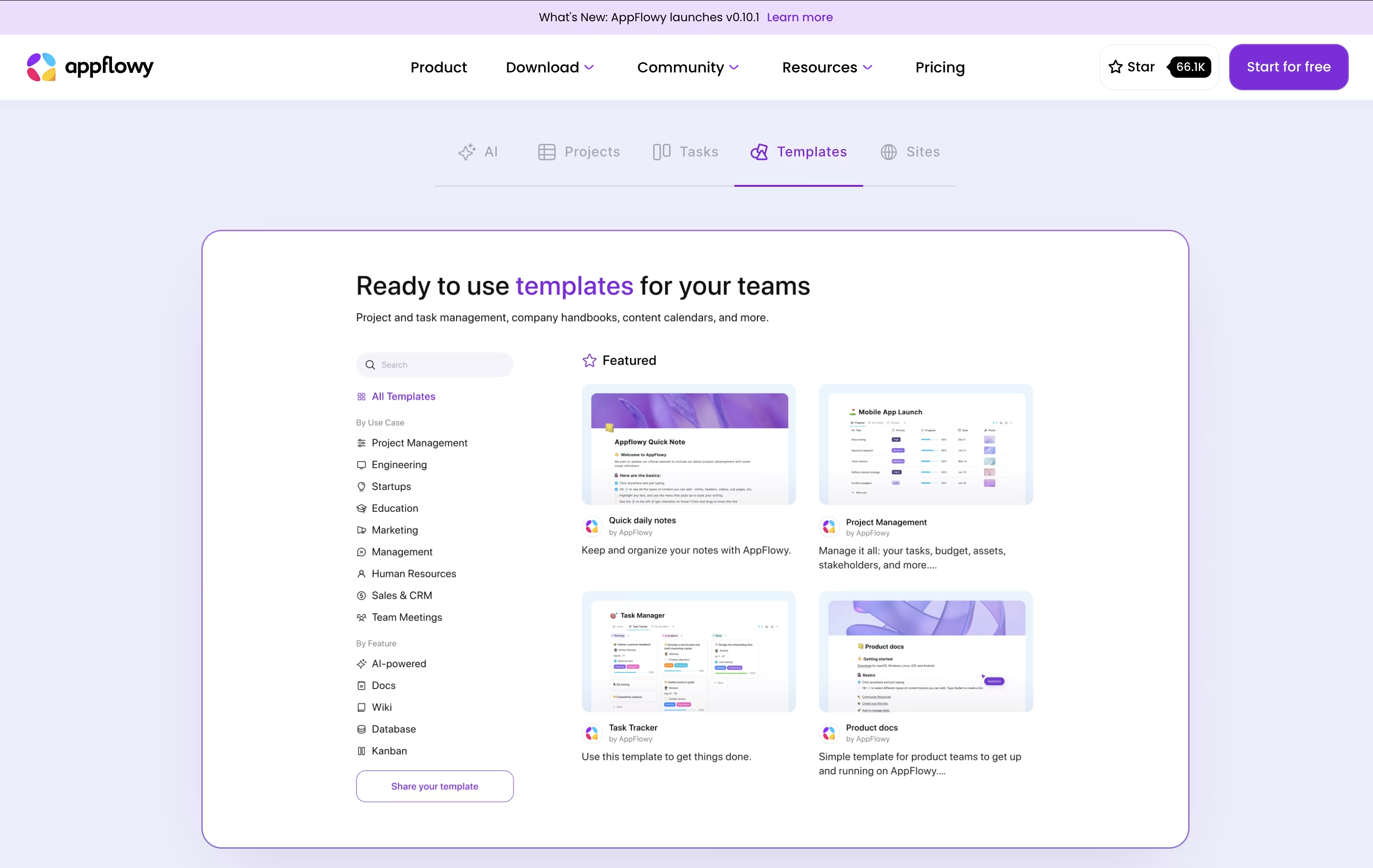
  • Custom templates and themes

  • Open-source and community-driven

AppFlowy Pricing

Free

Free

What's included:
  • 1 collaborative workspace up to 2 members
  • Unlimited pages & blocks
  • 5 GB storage
  • Intelligent search
  • 10 AI responses
  • 2 AI images
  • Mobile app
  • Real-time collaboration
Most Popular
Pro (Yearly)

$10

What's included:
  • Everything in Free
  • Unlimited storage
  • Up to 50 workspace members
  • Up to 100 guest editors
  • Unlimited AI responses
  • 50 AI images per month
  • Unlimited file uploads
  • Custom namespace
  • Billed annually
Pro (Monthly)

$12.5

What's included:
  • Everything in Free
  • Unlimited storage
  • Up to 50 workspace members
  • Up to 100 guest editors
  • Unlimited AI responses
  • 50 AI images per month
  • Unlimited file uploads
  • Custom namespace
  • Billed monthly
Self-Hosted

Free

What's included:
  • Complete data ownership
  • Host on your own server
  • No subscription required
  • Full privacy control
  • All features available
  • Community support
  • Open-source codebase access

AppFlowy Repository

View on Github
Stars66,068
Forks4,675
Repository Age4 years
Last Commit2 months ago

FAQ's About AppFlowy

Is AppFlowy completely free to use?
Yes, AppFlowy offers a free plan with one workspace for up to 2 members, unlimited pages, 5 GB storage, and basic AI features. You can also self-host AppFlowy entirely for free if you want complete control over your data without any subscription.
How is AppFlowy different from Notion?
Unlike Notion, AppFlowy is open-source and gives you full control over your data. You can work completely offline, self-host on your own server, and run AI models locally on your computer. AppFlowy also offers more privacy options and faster performance with local storage.
Can I use AppFlowy without internet connection?
Yes, AppFlowy works perfectly offline. You can create, edit, and organize your content without internet. When you reconnect, your changes automatically sync across your devices if you have cloud sync enabled.
What AI features does AppFlowy include?
AppFlowy includes AI writing assistance, content summarization, intelligent search, and image generation. You can choose between cloud AI models (GPT-4, Claude) or run models locally on your computer (Mistral, Llama) for complete privacy.
Can I migrate my data from Notion to AppFlowy?
Yes, AppFlowy supports importing data from other tools. While the import process may require some setup, the community provides guides and tools to help you move your content. You can export your data from Notion and import it into AppFlowy to get started.

Share your experience with AppFlowy

Loading...

See what users are saying about AppFlowy

0.0

0 Reviews

5
0
4
0
3
0
2
0
1
0

No reviews yet

Be the first to review AppFlowy

Embed AppFlowy badges

Show your community that AppFlowy is featured on Tool Questor. Add these beautiful badges to your website, documentation, or social profiles to boost credibility and drive more traffic.

Light Badge Preview