

Best 14+ Knowledge Management Tools in 2026
Last Updated: November 7, 2025
Organizing information so it can actually be found and reused later is harder than simply writing it down. Knowledge Management tools help structure notes, documents, and resources into a searchable, connected system.
These platforms are valuable for teams, researchers, and knowledge workers building a long term reference system rather than a pile of scattered notes. A well organized knowledge base compounds in value the longer it is maintained.
 Obsidian
 ObsidianFree Note-Taking App That Connects Your Ideas,
  Confluence
 ConfluenceTeam Workspace for Documentation, and
  GitBook
 GitBookCreate Beautiful Documentation with AI-Powered Features are the best for Knowledge Management. So, let’s take a closer look at all 14+ tools.
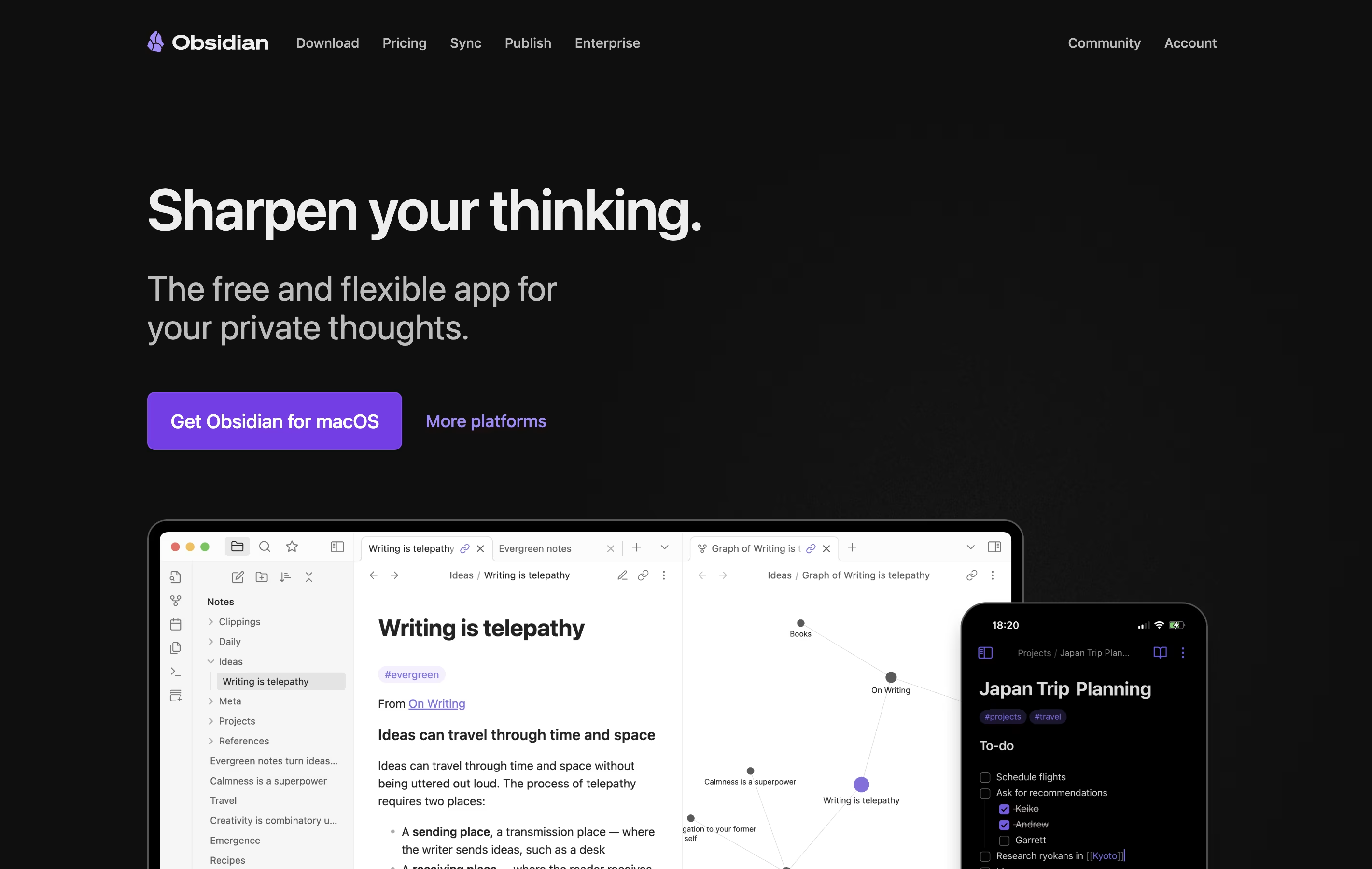
Obsidian is a note-taking app that works with plain text files stored directly on your device. You can write notes, link them together, and see how your ideas connect through a visual graph. Unlike cloud-based tools, everything stays private on your computer.
The app uses simple text files with basic formatting, which means your notes remain readable even without Obsidian. You can link any note to another, creating connections that help you discover patterns in your thinking. This makes it great for building knowledge over time.
There is a free version with all core features and optional paid services for cloud syncing and web publishing. The app works on computers, phones, and tablets.
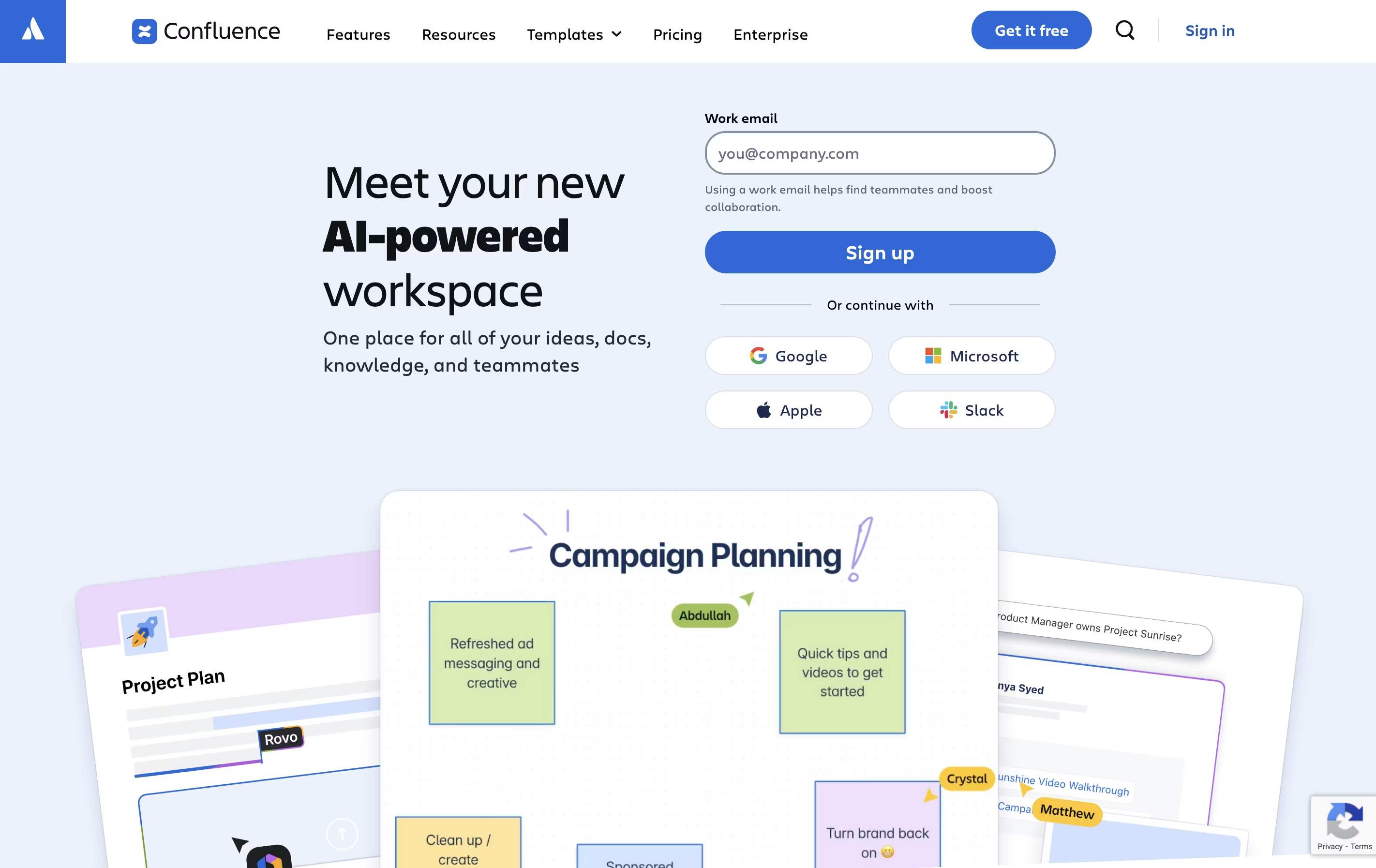
Confluence is an online workspace where teams create and share documents, project plans, and company knowledge. You can think of it as a shared notebook that your entire organization can access and update together.
It works in your web browser or through mobile apps. You build pages using a simple editor that looks similar to Microsoft Word or Google Docs. These pages can include text, images, videos, and links to other tools. You organize pages into spaces for different teams or projects.
The platform includes whiteboards for brainstorming, databases for organizing information, and templates for common documents. With AI features built in, Confluence can summarize long pages, help you write content, and quickly find information across all your team's documents.
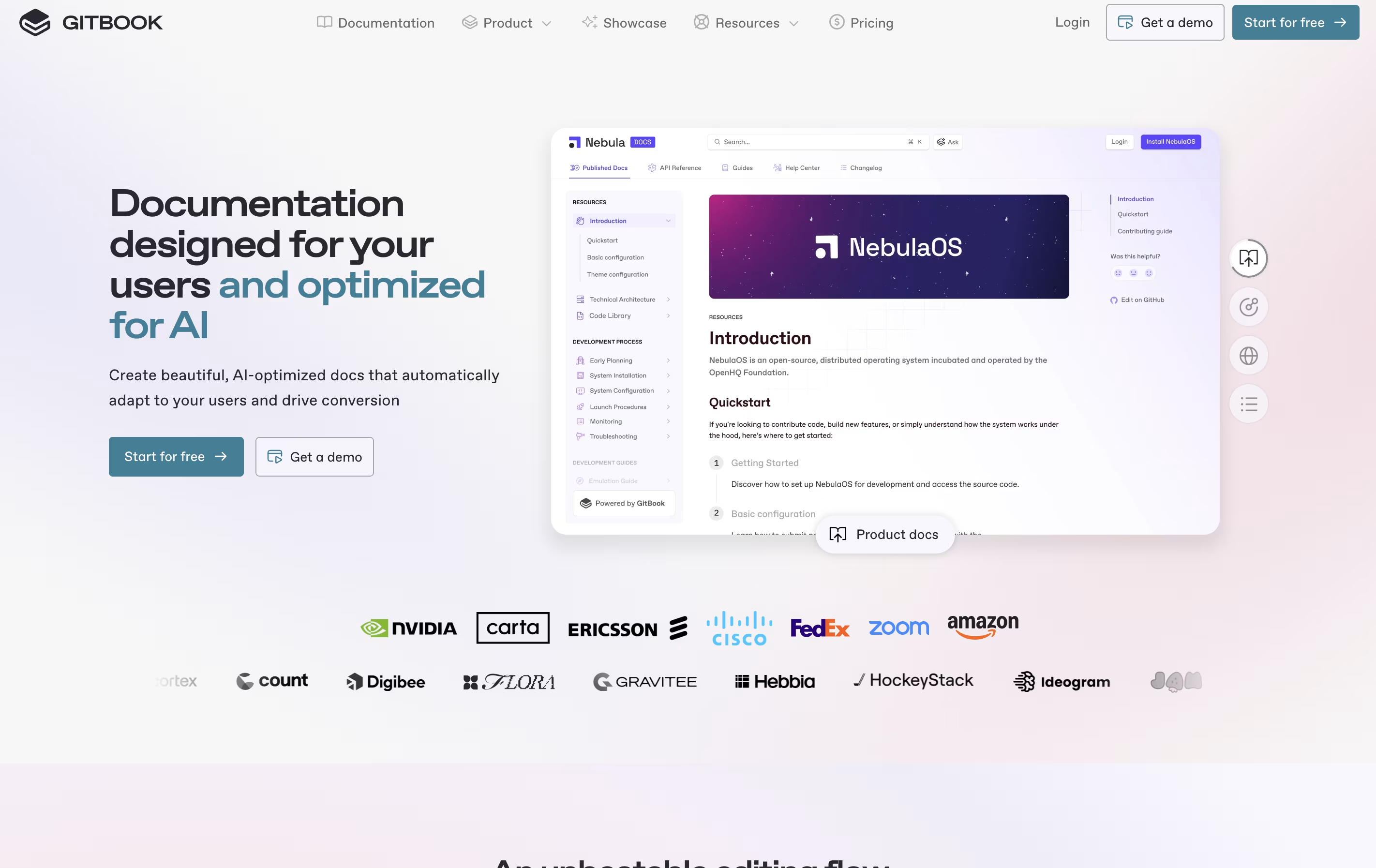
GitBook is a cloud-based tool designed specifically for creating documentation. Think of it as a specialized writing platform where you can build everything from simple user guides to complex API documentation. The platform uses a block-based editor, similar to modern website builders, making it easy to add text, images, code examples, and other content without coding knowledge.
What sets GitBook apart is its two-way sync with GitHub and GitLab. This means developers can write documentation directly in their code editor, while content teams work in GitBook's visual interface. Everything stays synchronized automatically. The platform also includes AI features that help users find information quickly and assist in creating content. You can publish documentation publicly or keep it private with password protection.
Logseq is an open-source note-taking tool that helps you capture and connect your thoughts. Everything you write is stored as plain text files on your device, giving you complete control over your data. You never have to worry about a company shutting down or changing their prices because your files belong to you.
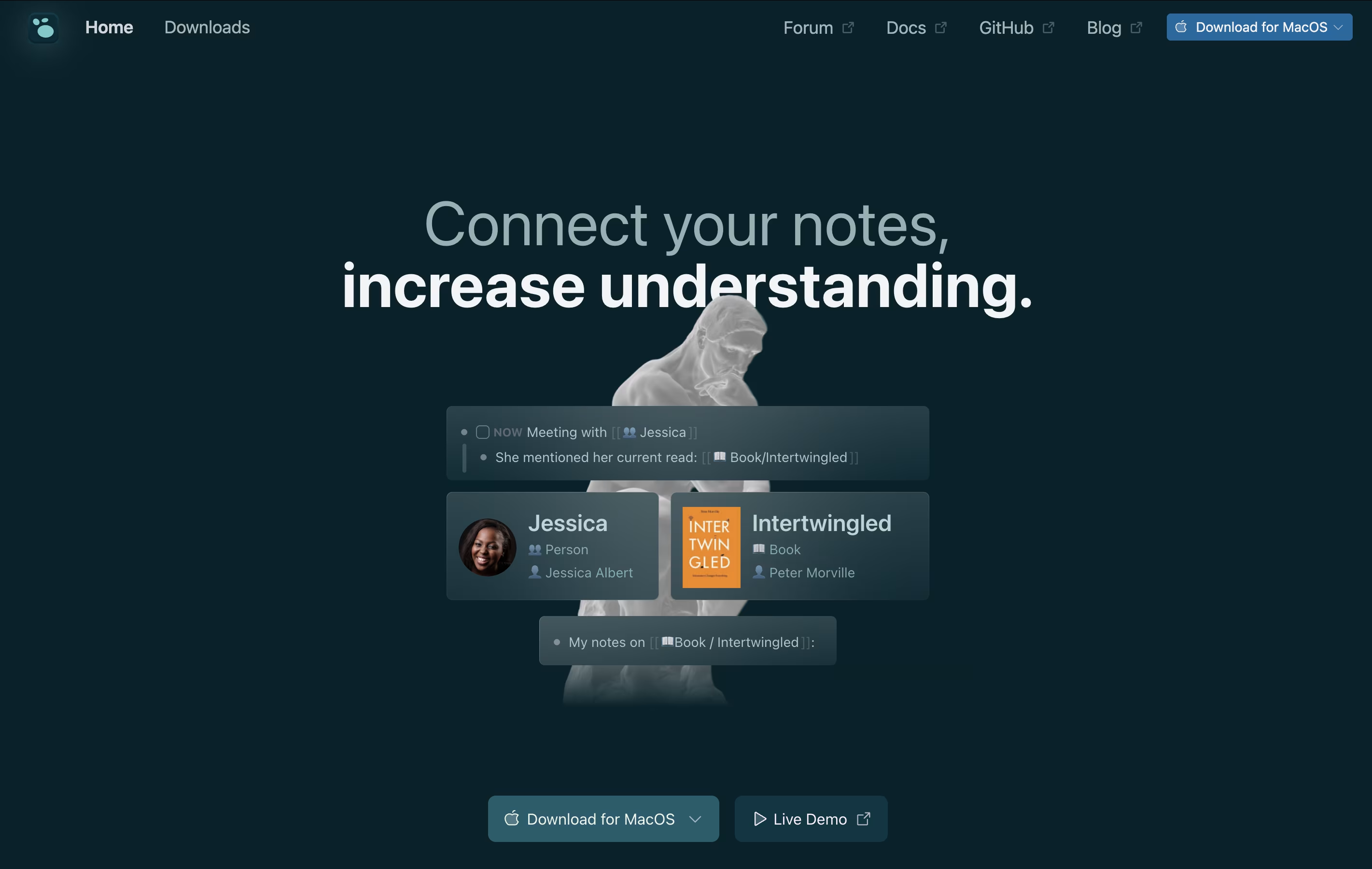
The app works with a daily journal where you can write notes, create tasks, and link ideas together. When you link notes, Logseq shows you all the connections, helping you see relationships between different topics. This creates a graph of your knowledge that grows over time.
You can use it on Windows, Mac, Linux, iPhone, and Android. The basic app is free forever, with optional paid sync to keep your notes updated across devices.
Document360 is a software tool that helps organizations create and maintain knowledge bases. A knowledge base is a central place where people can find answers, guides, and instructions about products or services. You can build both public knowledge bases for customers and private ones for employees.
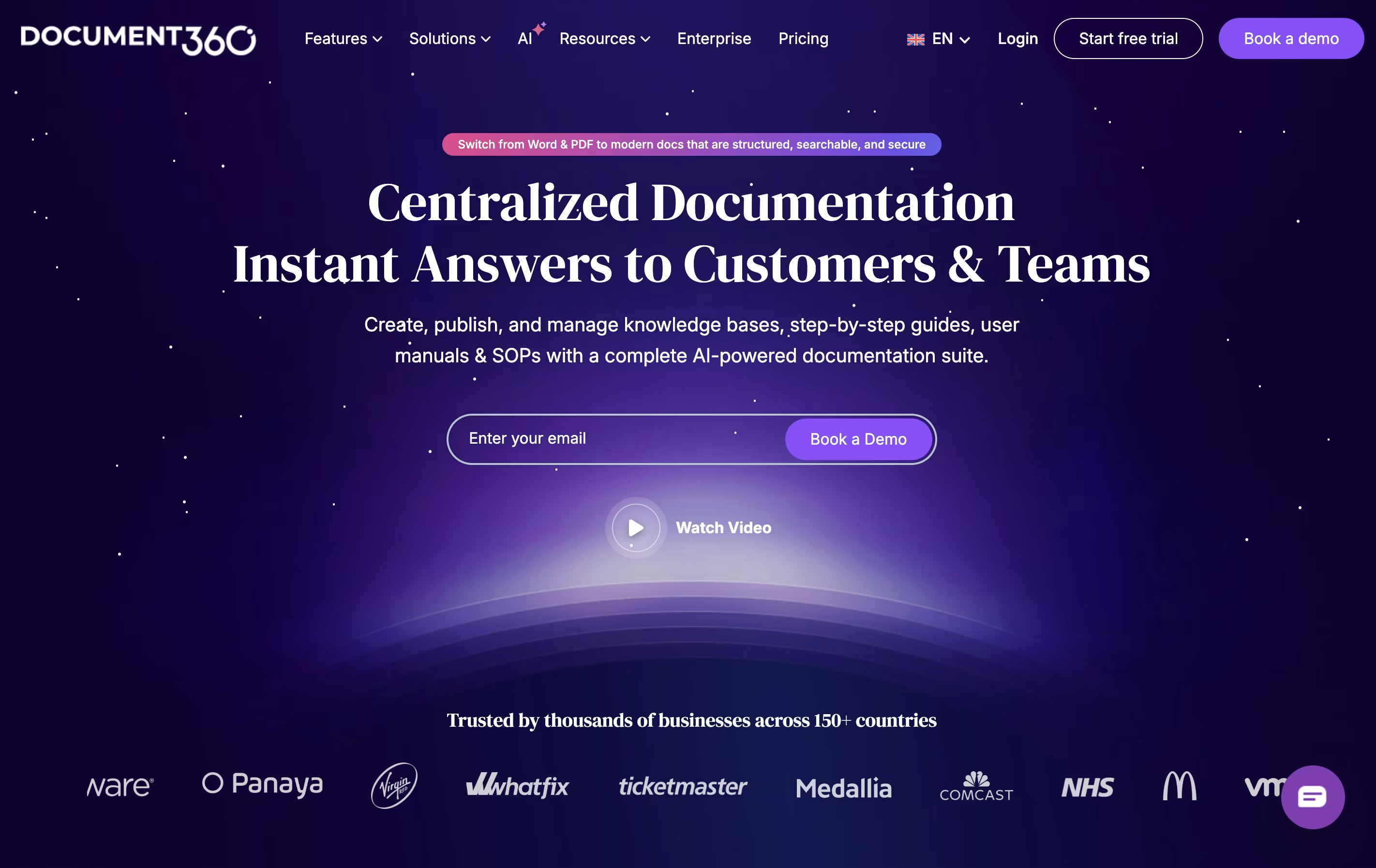
The platform includes powerful editing tools that work like a word processor, making it simple to write and format articles. It offers AI features that help with writing, searching, and translating content. Document360 also provides detailed tracking to see which articles get the most views and what people are searching for.
Companies can customize the appearance to match their brand and integrate Document360 with other tools they already use like support systems and communication platforms.

Bear is a writing and note-taking tool that runs on Apple devices. You type notes in plain text and add formatting using simple Markdown commands. This means you can make text bold, create headers, add links, or insert images without reaching for your mouse.
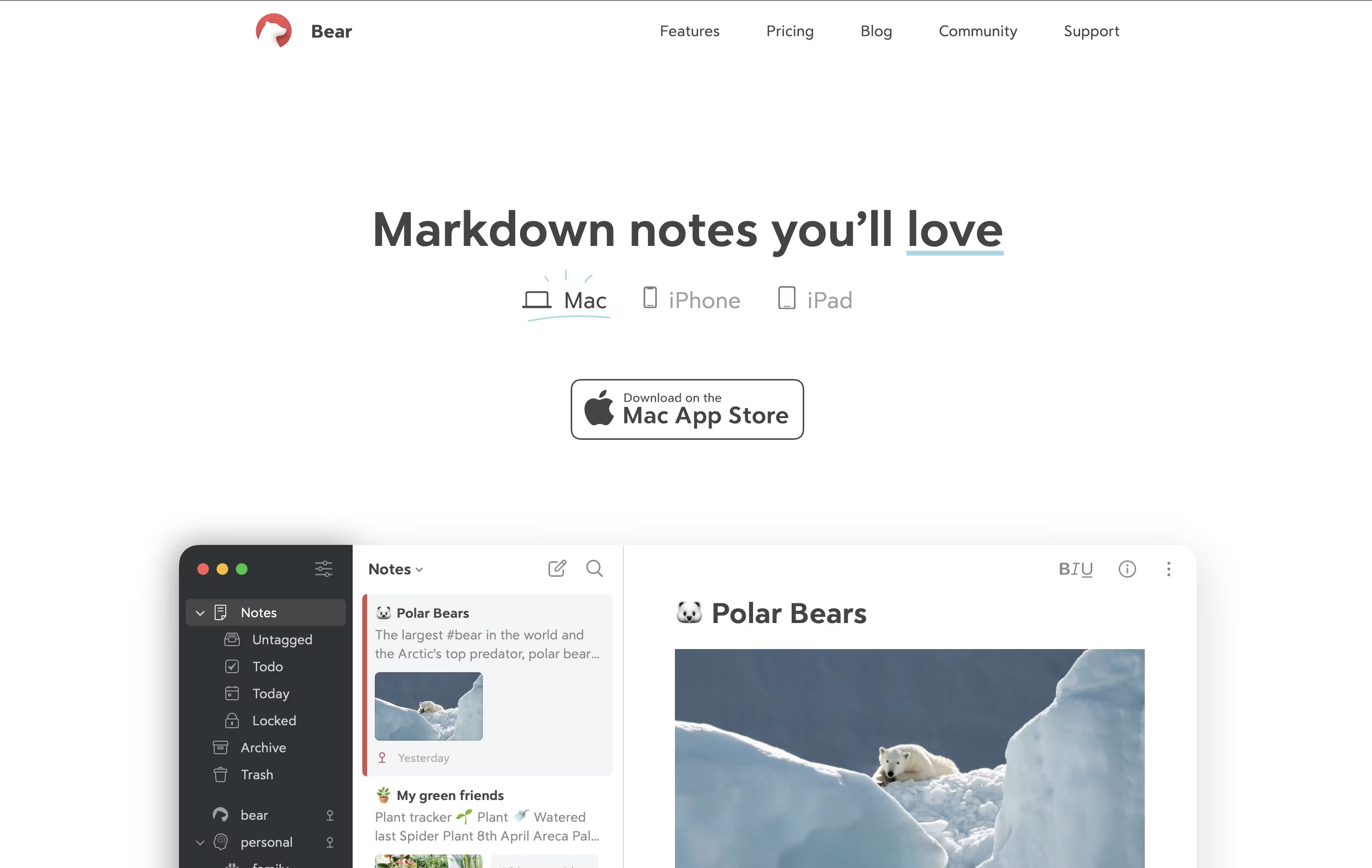
The app organizes notes using tags. Instead of putting notes in folders, you add hashtags anywhere in your text. These tags appear in the sidebar, and you can nest them for deeper organization. For example, you might use tags like work, personal, or ideas.
Bear keeps everything private and stored locally on your device. The free version offers solid features, while Bear Pro adds extras like cloud sync between devices, more export options, and the ability to search text inside images and PDF files.
KnowledgeBase is a cloud-based software that creates organized libraries of information for your business. You can build two types of knowledge bases: one for customers to find answers themselves, and one for your team to access company information and policies.
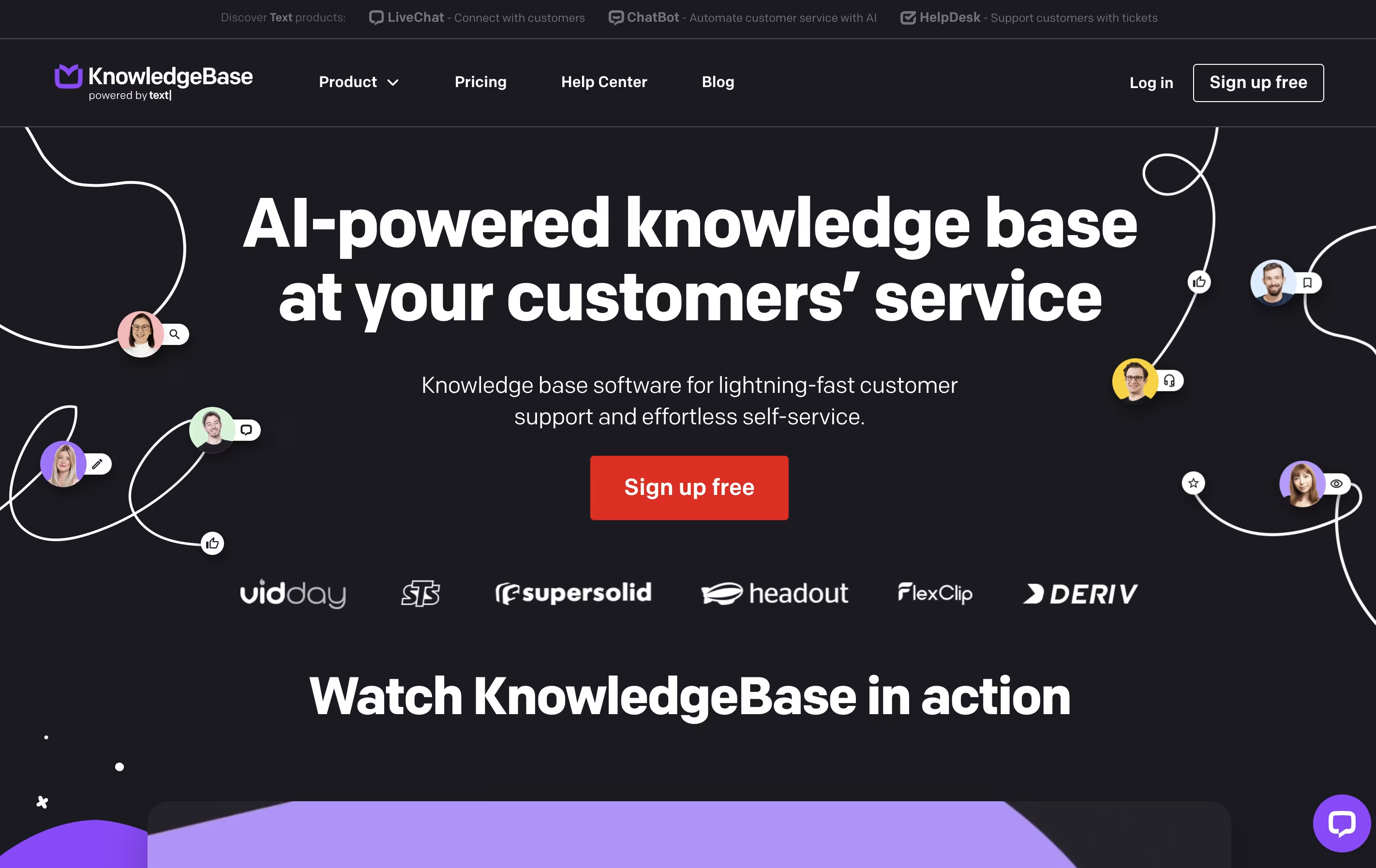
The platform includes a simple text editor similar to Google Docs, but with added AI features that help write articles faster. You can add images, videos, and other media to make your content more helpful. The tool automatically customizes your help center to match your company branding using your email address.
KnowledgeBase works standalone or integrates with other customer service tools like LiveChat and HelpDesk. The platform offers one pricing plan with all features included, making it straightforward for businesses to get started.
Capacities is a note-taking and knowledge management app built around objects instead of traditional folders. When you create a note about a person, book, or project, it becomes an object you can easily link to other notes. This makes finding connections between your ideas much simpler.
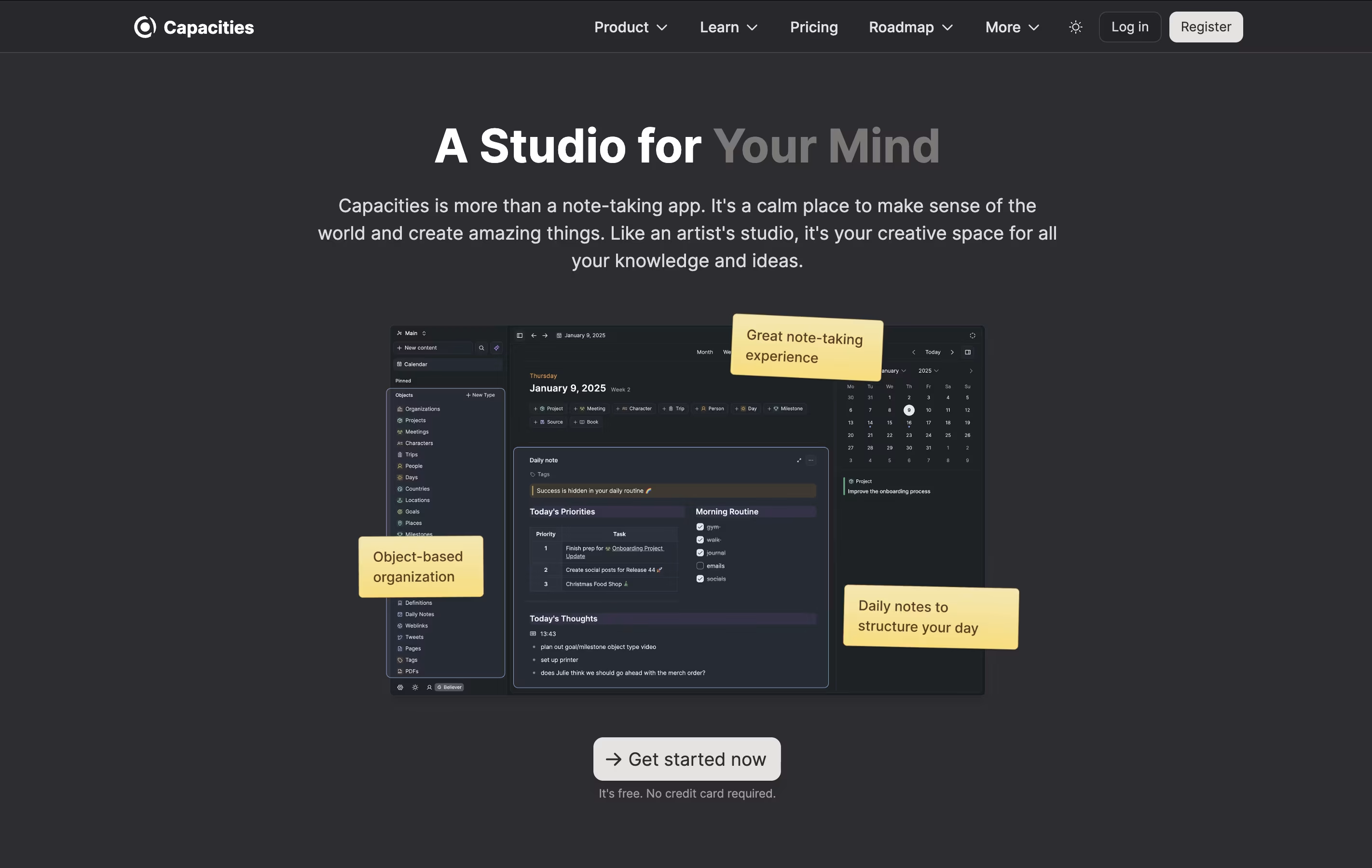
The app includes daily notes for journaling and quick captures, full-text search across all content, and the ability to work offline. You can connect your calendar to automatically create notes for meetings and events. The Pro version adds an AI assistant that can help you think through ideas and answer questions based on your notes.
Capacities works on computers, phones, and tablets, keeping everything synced across your devices so you can access your notes anywhere.
RemNote is a note-taking and learning platform that helps you remember what you learn. It combines several useful features in one place: organized note-taking, automatic flashcard creation, PDF reading and highlighting, and a smart review system.
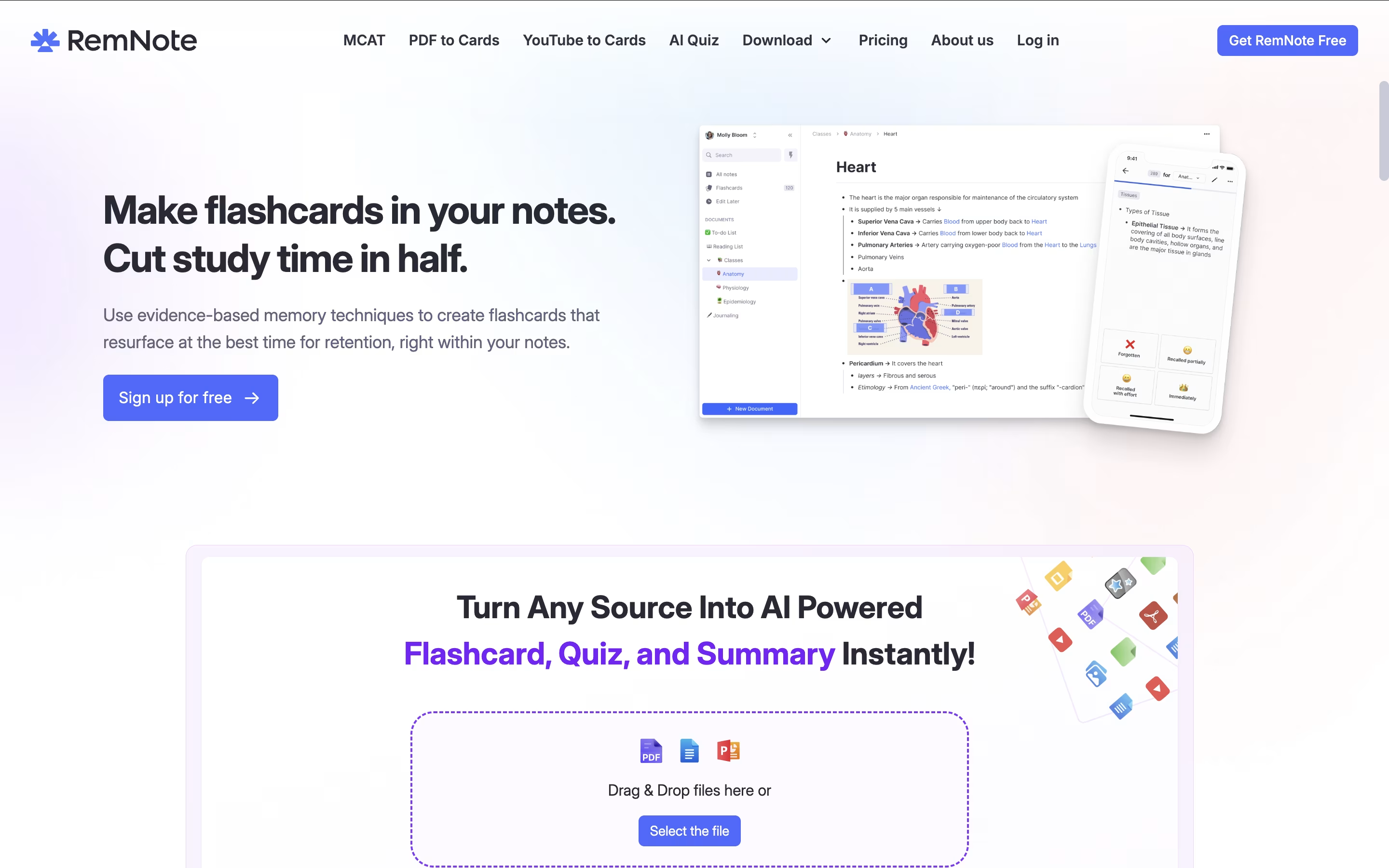
The app uses spaced repetition, which is a scientific method that shows you information at the right time to help your memory. Instead of cramming everything at once, you review material just before you might forget it, making your study time more effective.
You can create notes in an outline format, connect related ideas with links, and turn any part of your notes into flashcards instantly. RemNote also includes AI features that can generate flashcards automatically, summarize content, and even grade your answers, making learning more efficient and personalized to your needs.
Joplin is a powerful tool for capturing and organizing your thoughts, to-do lists, and information. It supports rich text and Markdown formatting, allowing you to create notes with images, attachments, tables, and even code snippets. You can clip web pages directly from your browser and save them as notes for later reference.
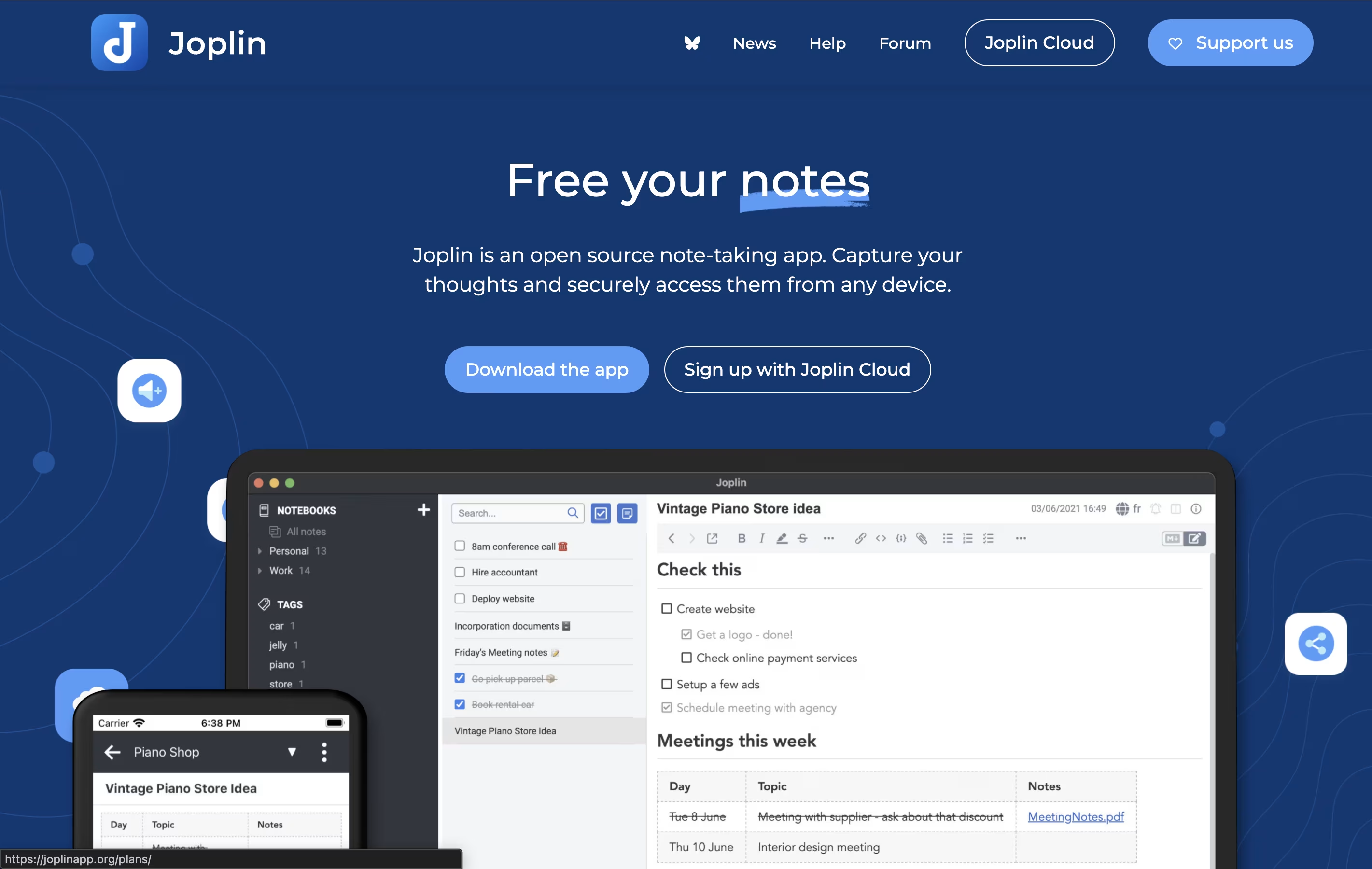
What makes Joplin special is its focus on privacy and data ownership. Your notes are stored locally on your devices, not on someone else's server. When you sync across devices, everything is protected with end-to-end encryption, meaning only you can read your content.
The app offers multiple sync options including Dropbox, OneDrive, Nextcloud, or Joplin's own cloud service. You can also customize Joplin with plugins and themes to match your workflow perfectly.

UpNote is a note-taking tool that helps you write, organize, and find your notes quickly. You can create notes with text, images, files, and even tables. The app works on iPhone, Android, Mac, Windows, and Linux, so you can access your notes from any device.
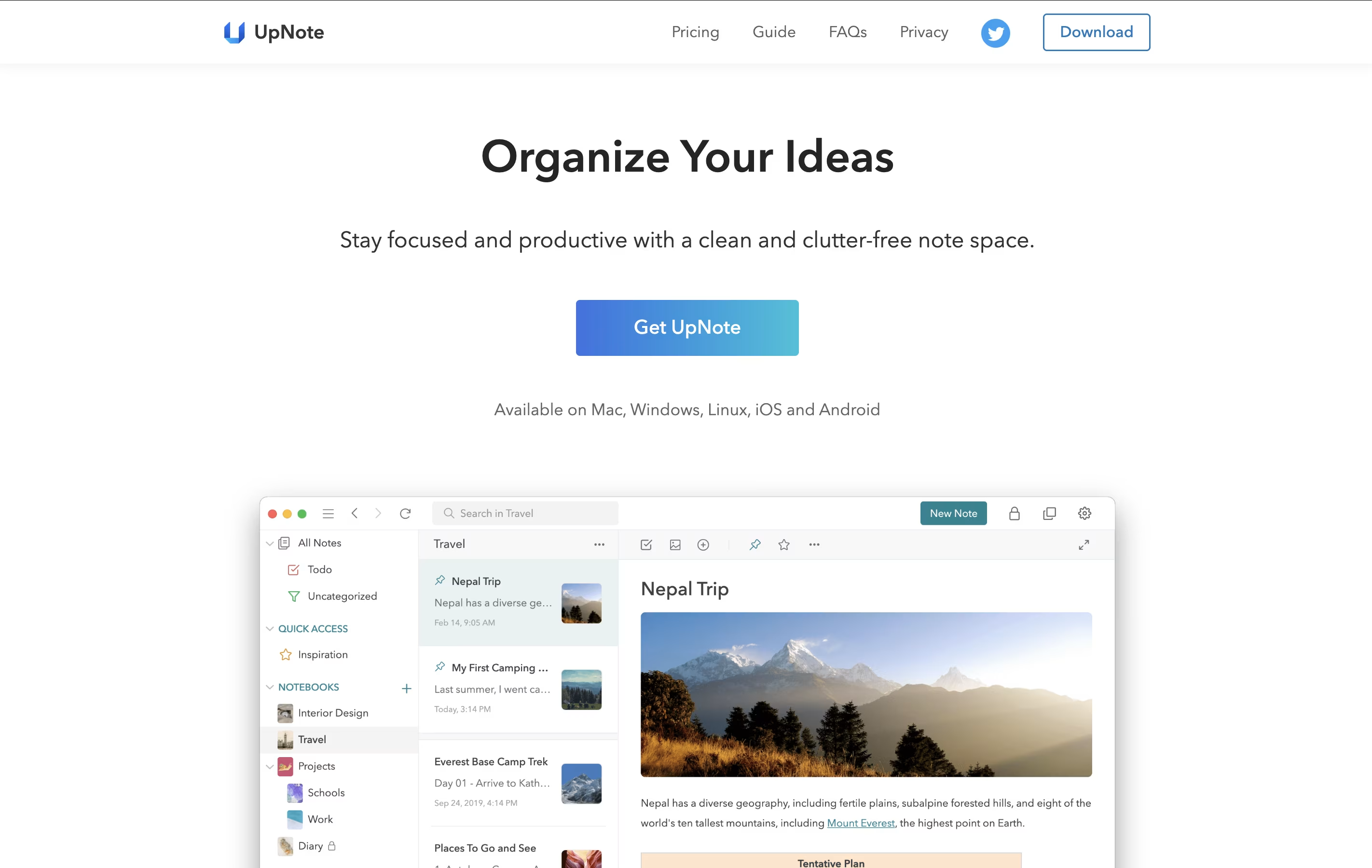
The app uses a simple system of notebooks and tags to keep everything neat. You can also protect your private notes with a password lock. UpNote works offline too, so you can write notes even without internet, and they sync automatically when you connect again.
There is a free version that lets you store up to 50 notes, and a premium version with unlimited notes and extra features.

AFFiNE is a workspace application that brings together three main tools in one place: documents for writing and note-taking, whiteboards for visual thinking and drawing, and databases for organizing information. Unlike cloud-first tools, AFFiNE takes a local-first approach, which means your data lives on your computer first and only syncs to the cloud if you choose.
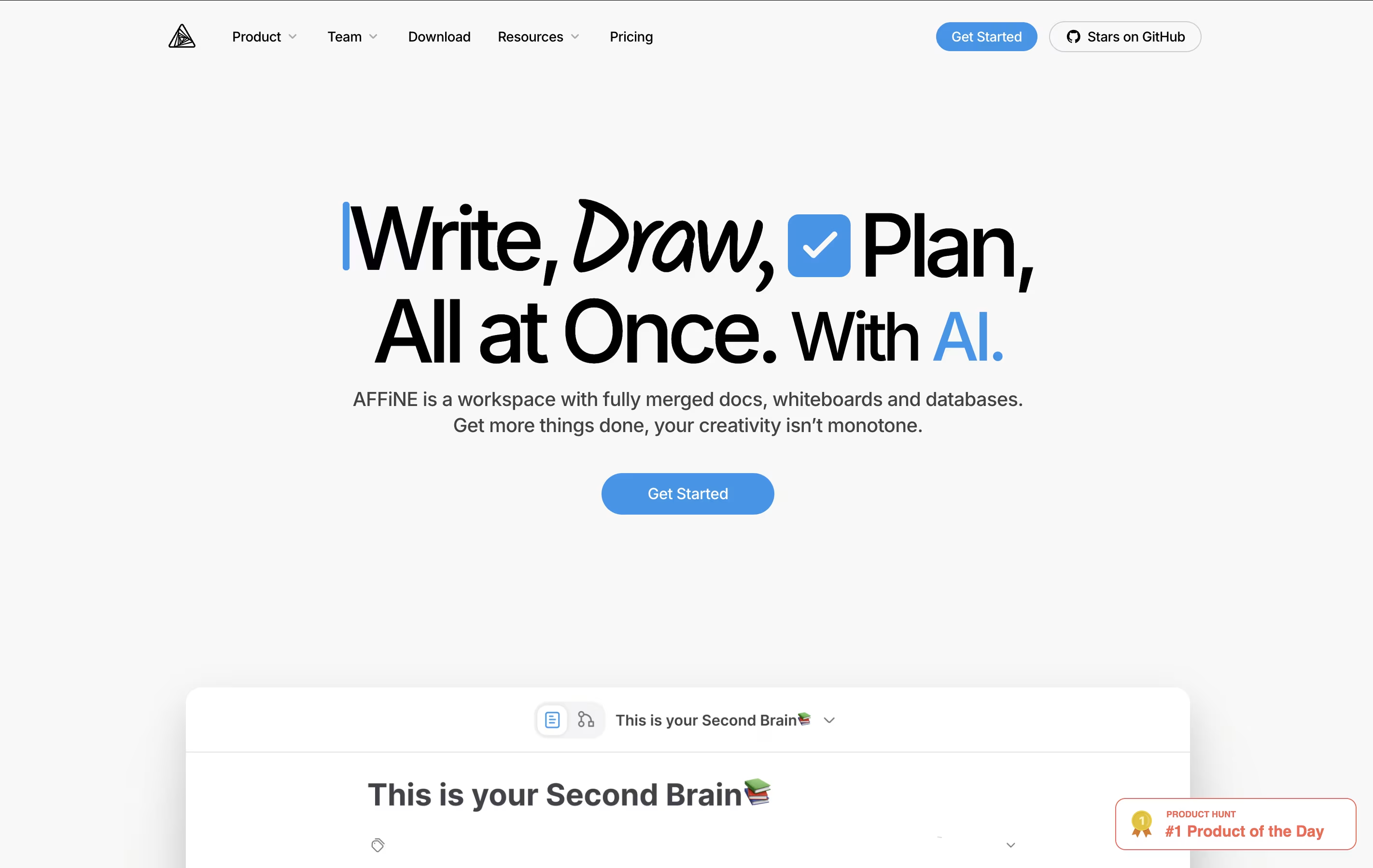
You can switch between document mode and whiteboard mode easily, turning any page into a drawing canvas and back again. This flexibility helps you work the way your mind works, not the way the software forces you to work. AFFiNE is completely open-source, meaning the code is public and can be customized. It works on Windows, Mac, Linux, and has mobile apps too.
Standard Notes is a note-taking tool that protects your data with strong encryption. When you write a note, it gets locked with a secret code that only you have. This means even the company that runs Standard Notes cannot read what you write. Your notes sync across all your devices automatically, so you can start writing on your phone and continue on your computer.
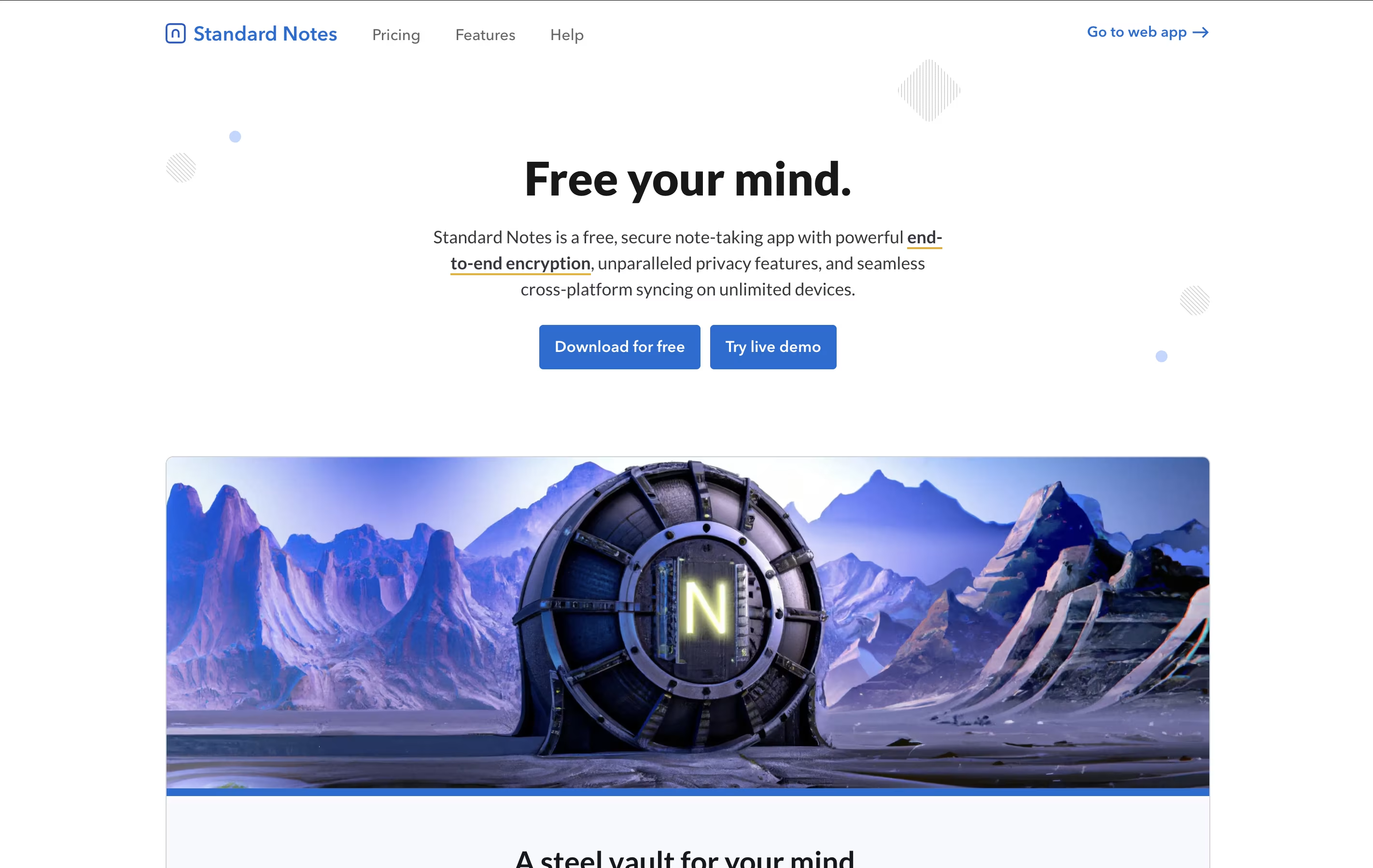
The app offers both free and paid plans. The free version includes basic note-taking with full encryption, while paid plans add features like rich text formatting, file storage, and advanced editors for different types of content. It works on web browsers, desktop computers, and mobile devices, giving you access everywhere.
Anytype is a tool for organizing your notes, tasks, files, and projects while keeping everything private on your device. You create content using objects, which are like structured notes with properties you can customize. For example, a book object can have an author, rating, and notes all connected together.
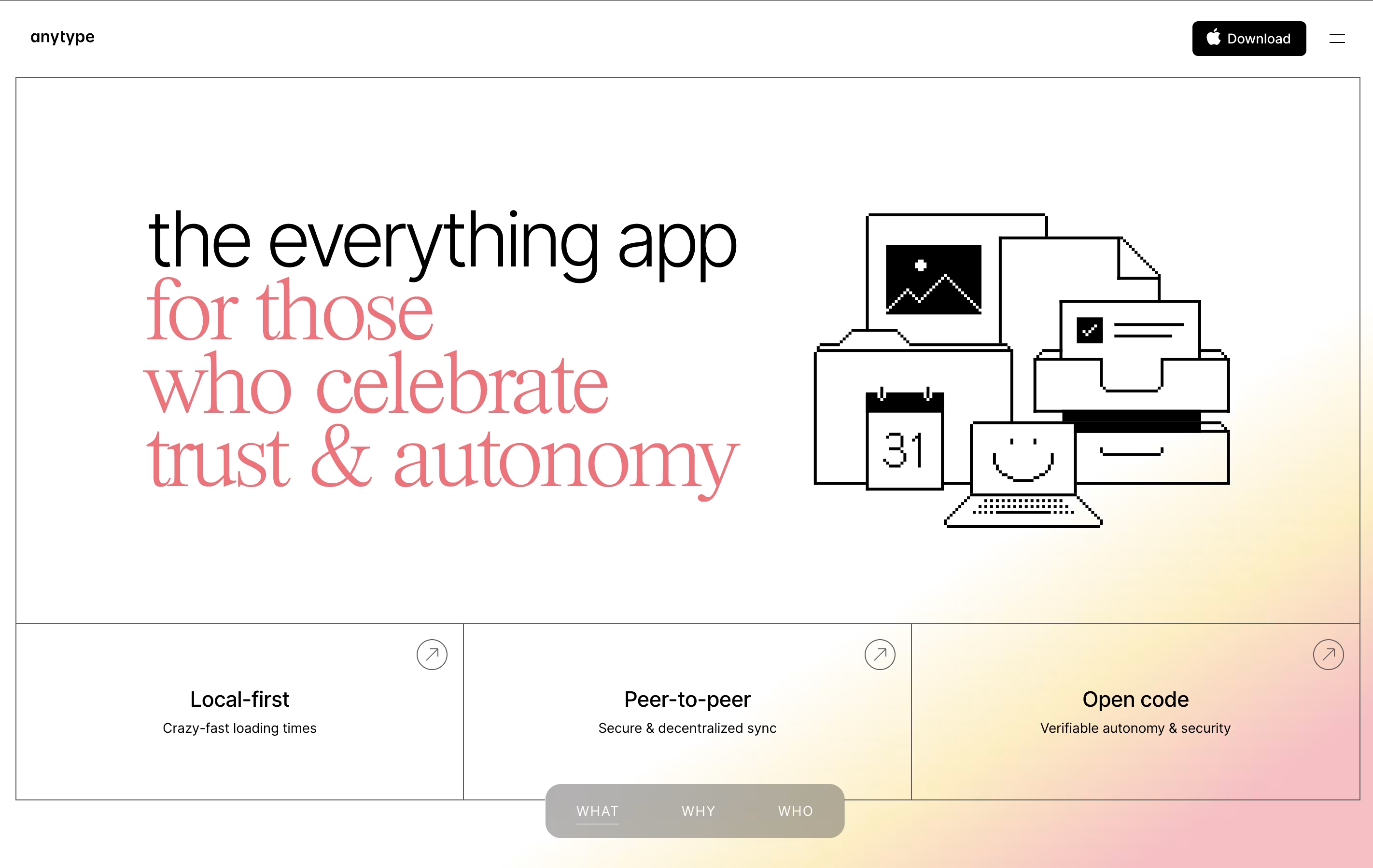
The app works offline and stores data locally with encryption, meaning your information stays on your device unless you choose to sync it. When you do sync, it uses secure connections between your devices. You can create databases, link related information, and build visual connections between different pieces of content.
There is a free plan with limited cloud storage, plus paid plans for those who need more backup space and advanced features like shorter custom names.
Tangent Notes is a note-taking app that treats your thoughts like a web of connected ideas. When you write, you can link notes together using simple double brackets, just like Wikipedia. As you follow these links, Tangent remembers where you have been and shows your path with sliding panels that move horizontally across your screen.
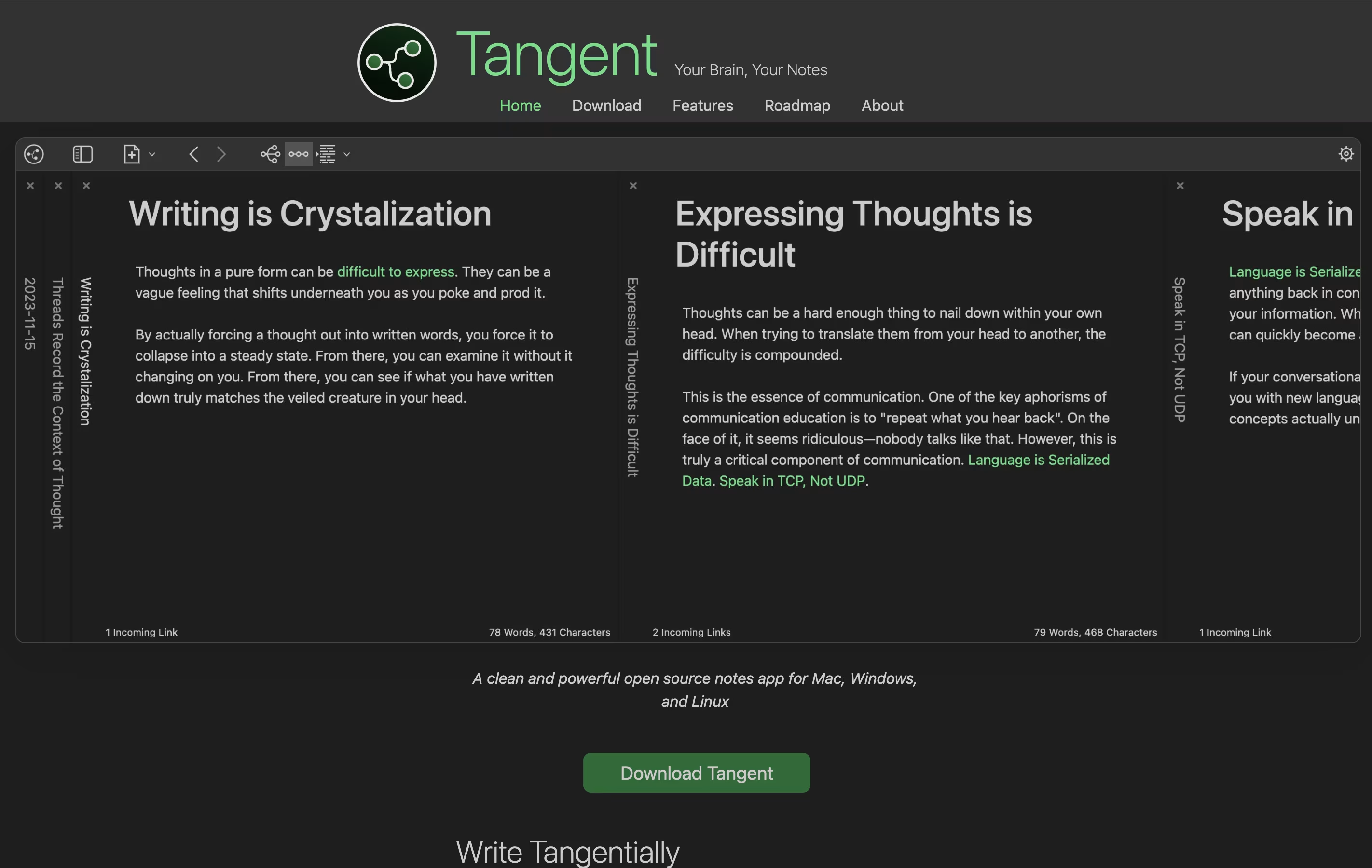
It uses markdown format, which means your notes are plain text files that any program can read. There is no cloud storage or login required—everything stays on your computer. The app also creates visual maps of how your notes connect, helping you see the big picture of your thinking.
Tangent is perfect for people who like to explore ideas deeply and want a simple tool that does not get in the way.
DeepNotes is a visual note-taking application that uses an infinite canvas approach. Instead of regular pages stacked on top of each other, you get unlimited space where notes can be placed anywhere and connected freely. Each note can contain other notes inside it, creating layers of information.
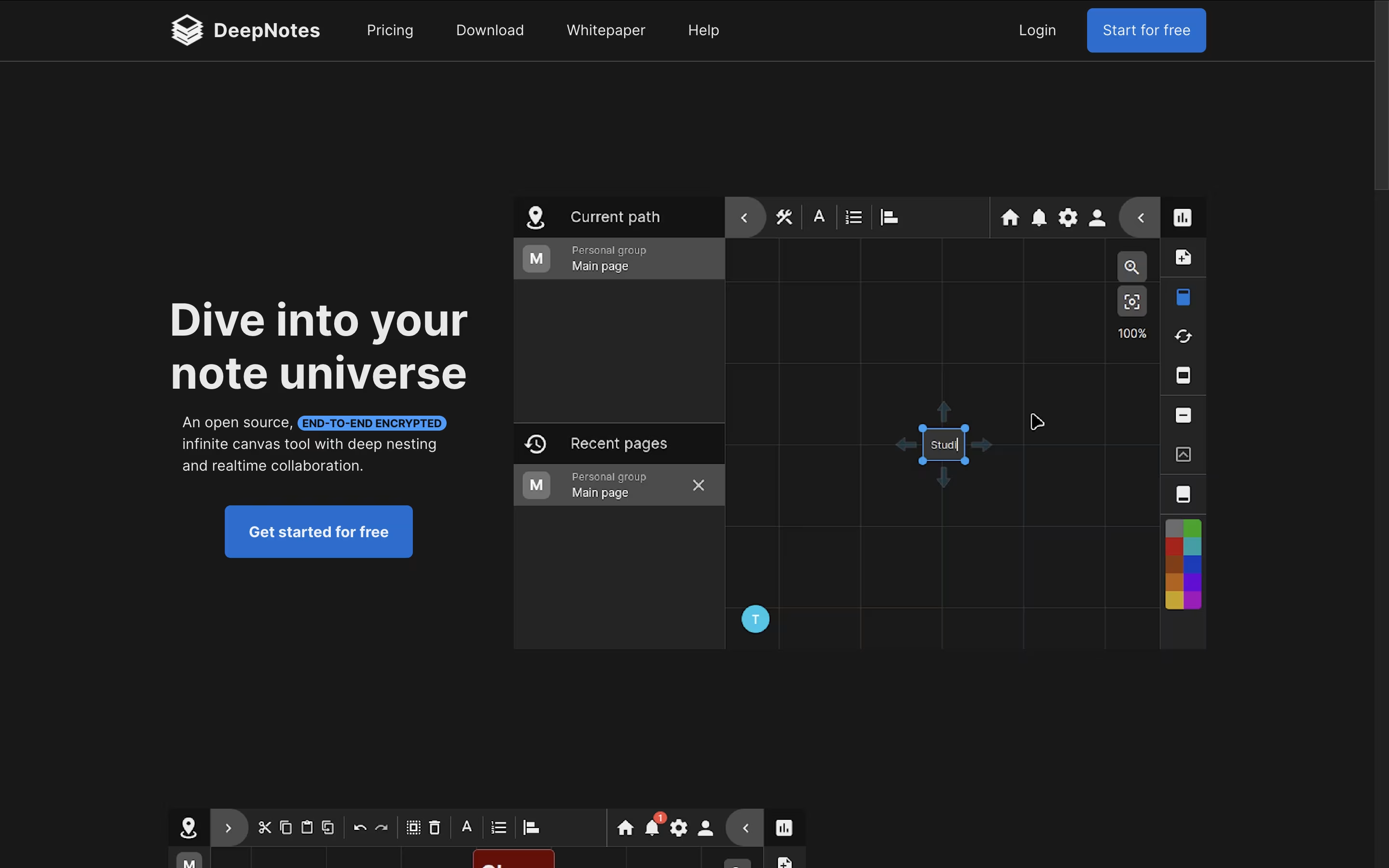
The tool focuses on privacy with end-to-end encryption, meaning your notes stay protected at all times. The graph-based navigation system helps you see connections between different ideas and jump between related topics quickly. You can create notes by double-clicking on the canvas, then move them around, change colors, and organize them in containers.
DeepNotes is available as a web app and desktop application. The Basic plan is free with 50 pages, while the Pro plan removes all limits and adds team collaboration features.

Blinko is a self-hosted note-taking application that combines simplicity with powerful features. Unlike cloud-based tools where companies store your data, Blinko runs entirely on your own computer or server, giving you complete privacy. The app organizes content into two categories: quick notes called "Blinkos" for instant capture, and full "Notes" for detailed information you want to keep long-term.
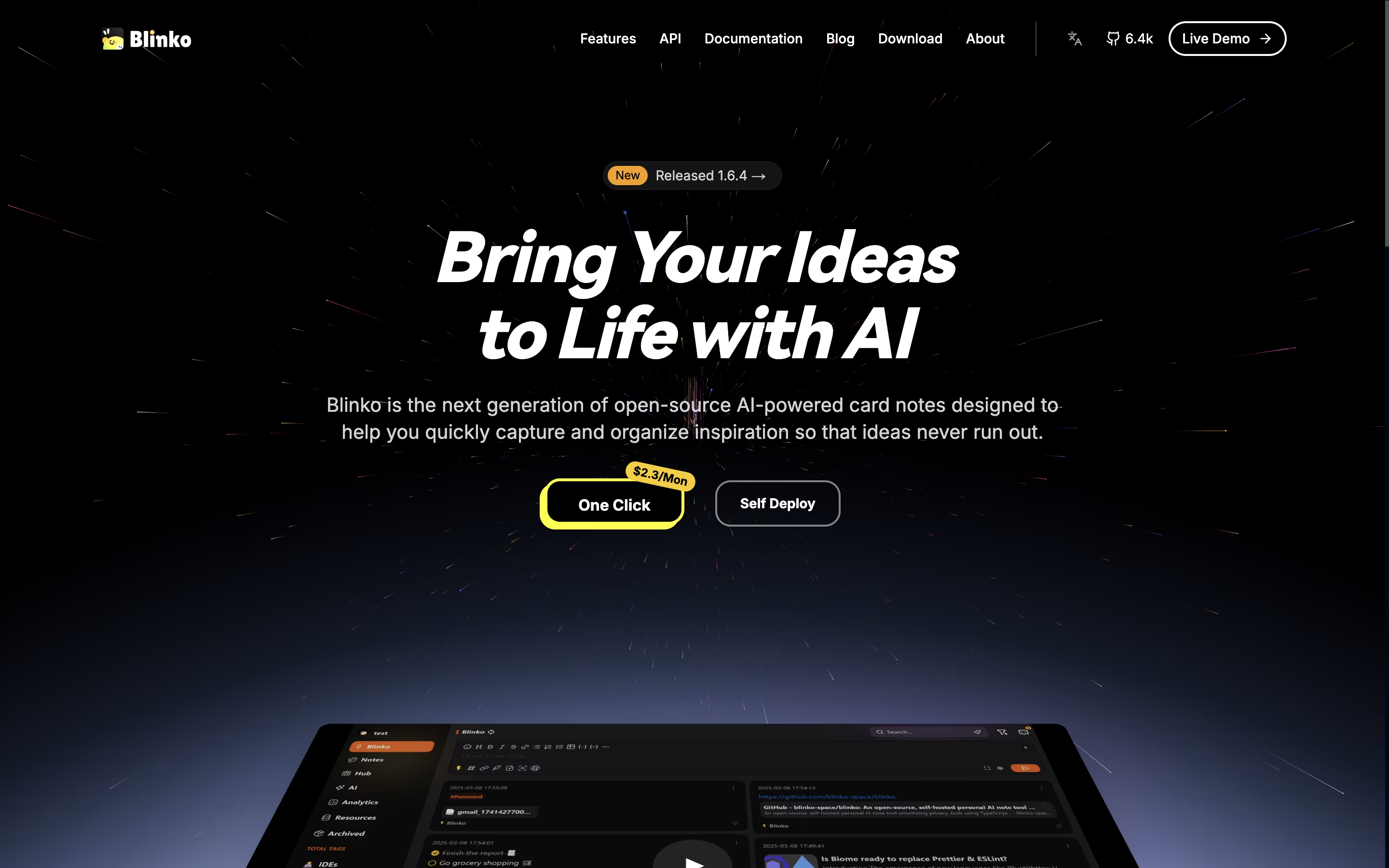
It includes support for tags, tasks with reminders, and formatted text using standard writing tools. The application can connect to AI models that help search your notes using normal language instead of exact keywords. You can add music playback, connect through browser extensions or mobile shortcuts, and even read news feeds directly inside the app. Everything is designed to help you think and create without worrying about where your data goes.
SiYuan is a personal knowledge management system that treats every piece of content as a block. These blocks can be linked, referenced, and organized in multiple ways. Unlike traditional note-taking apps, SiYuan gives you complete control by storing everything locally on your device.
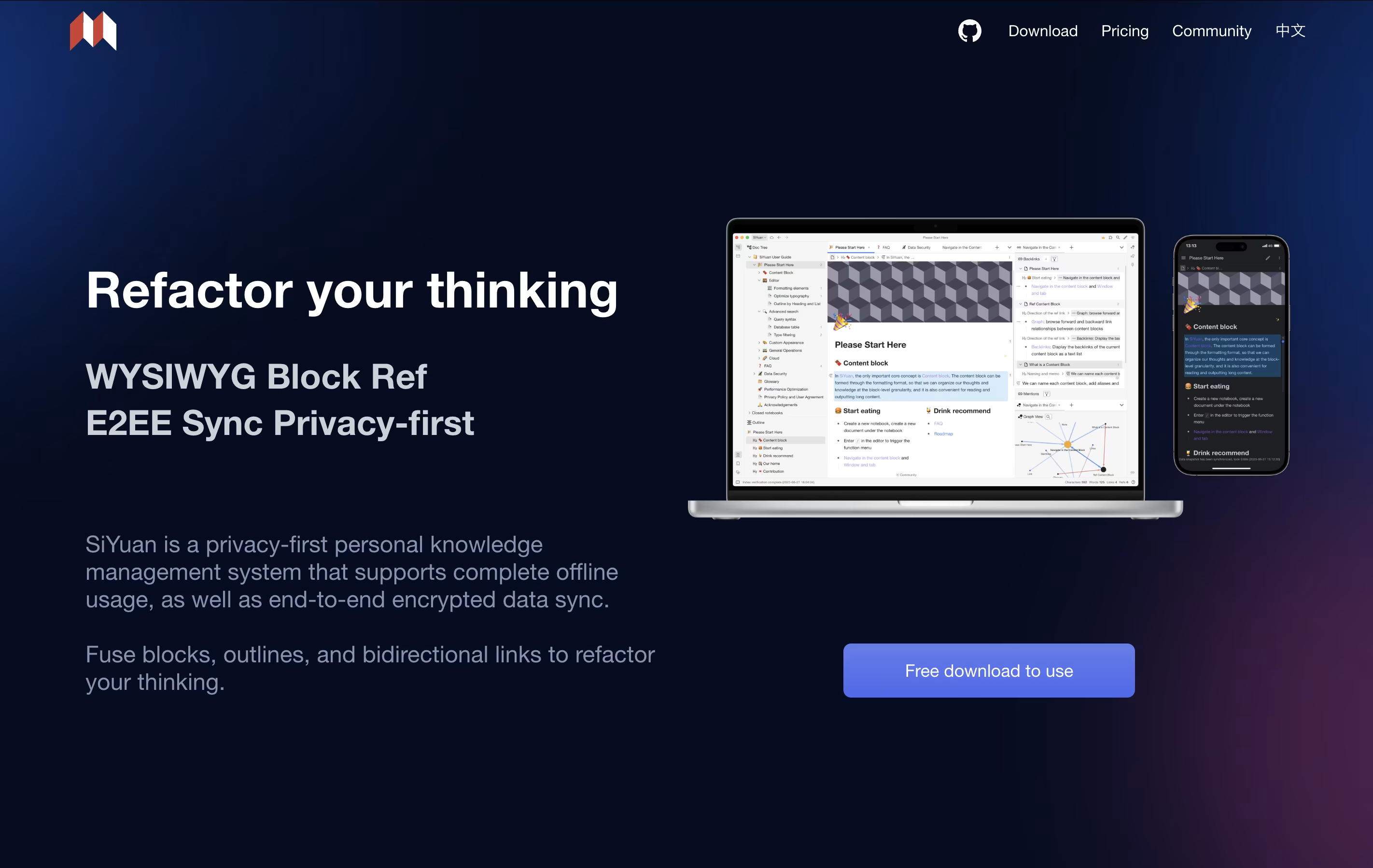
The tool uses a block-based approach where even whole documents are treated as blocks. This makes it easy to split, move, and connect information without breaking existing links. You can create bidirectional links between ideas, use outlines to organize thoughts, and view your knowledge as a graph.
It includes features like mathematical formulas, charts, flashcards for learning, and database views. The app is self-hosted, meaning you own your data completely.

Trilium Notes is a note-taking application that lets you organize information in a tree structure. Each note can contain text, images, code, diagrams, or other content types. Unlike basic note apps, Trilium allows one note to appear in multiple places in your tree without copying it, which is called cloning.
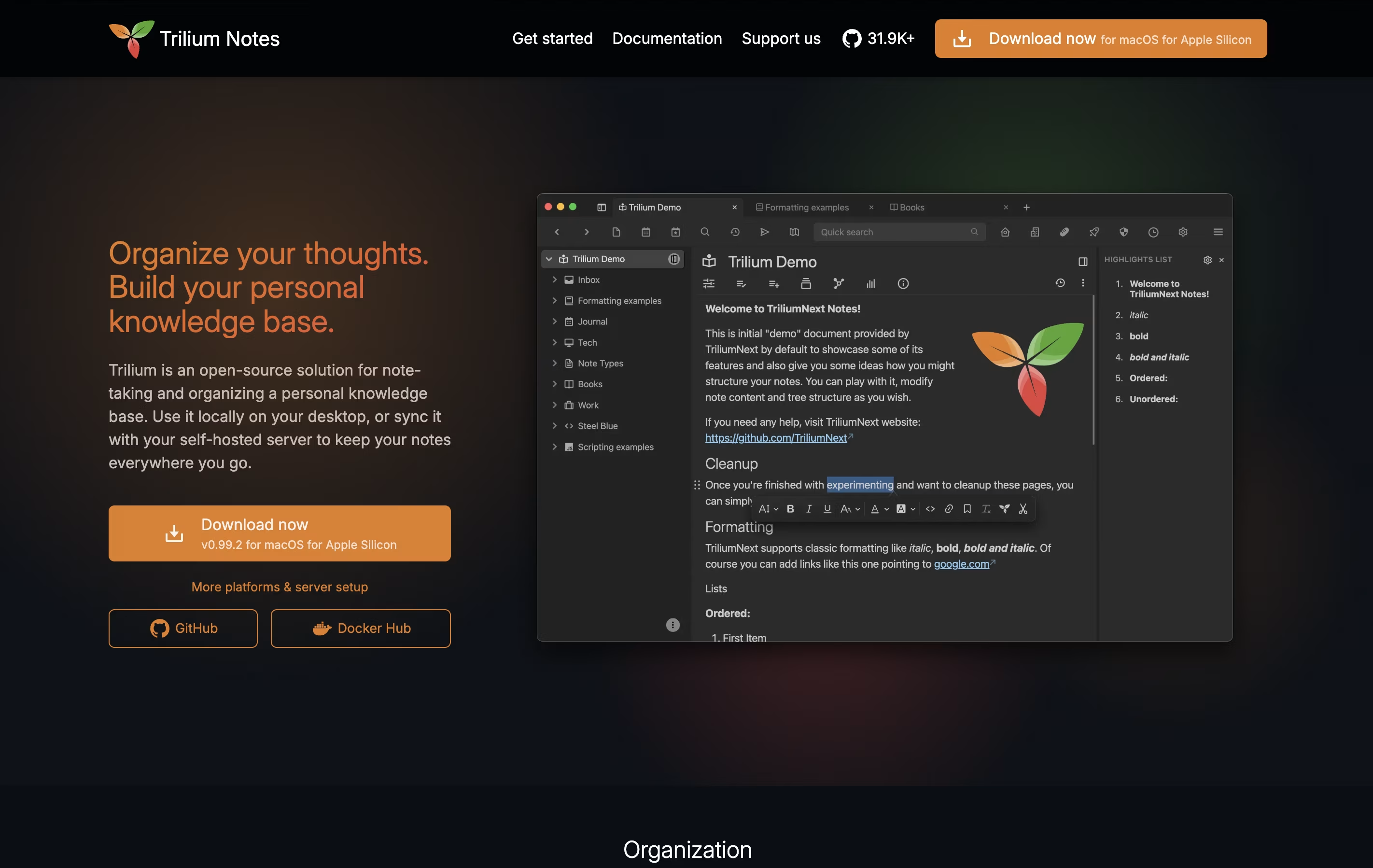
The app stores everything in a local database, making it fast even with thousands of notes. You can use a rich text editor for regular writing or a code editor for programming. It also includes features like note linking, full-text search, note encryption for privacy, and web clipping to save websites directly into your notes.
You can use Trilium offline on your computer or set up a sync server to access your notes from multiple devices and through a web browser.

AppFlowy is a workspace application that brings together your notes, tasks, wikis, and projects. Unlike cloud-only tools, you can run AppFlowy entirely on your own computer or host it yourself for complete data control.
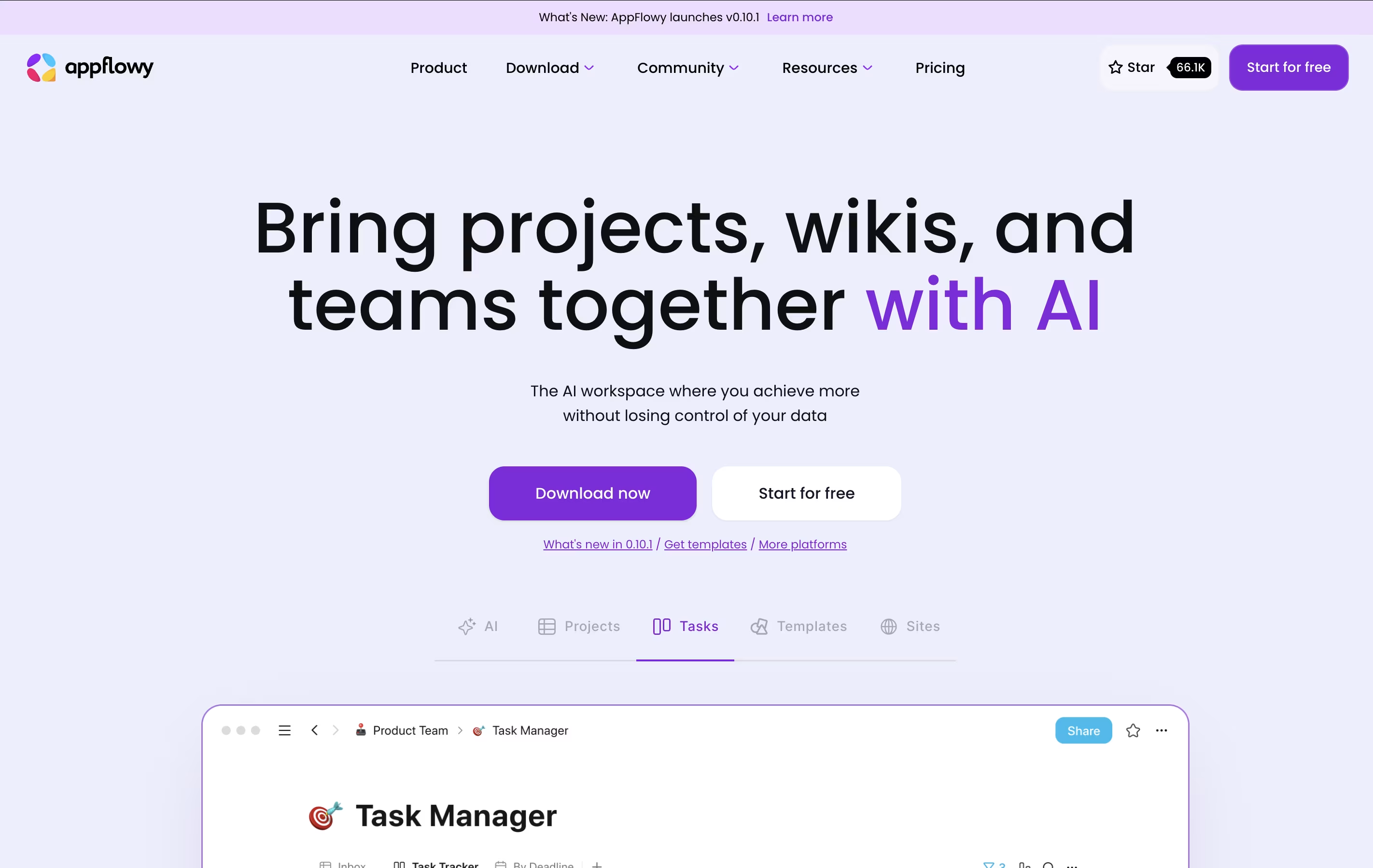
The tool uses AI to help you write, organize information, and find what you need quickly. You can create databases, calendars, task boards, and rich documents all in one place. Everything syncs across your devices when you want it to.
AppFlowy is open-source, which means anyone can see how it works and customize it. You get features like tables, boards, calendars, and a rich text editor. It works on Windows, Mac, Linux, and mobile devices, giving you flexibility in how and where you work.

Notesnook is a note-taking tool that keeps your information completely private through strong encryption. Every note you write gets locked with special codes before leaving your device. This means even if someone breaks into the company's servers, your notes stay unreadable.
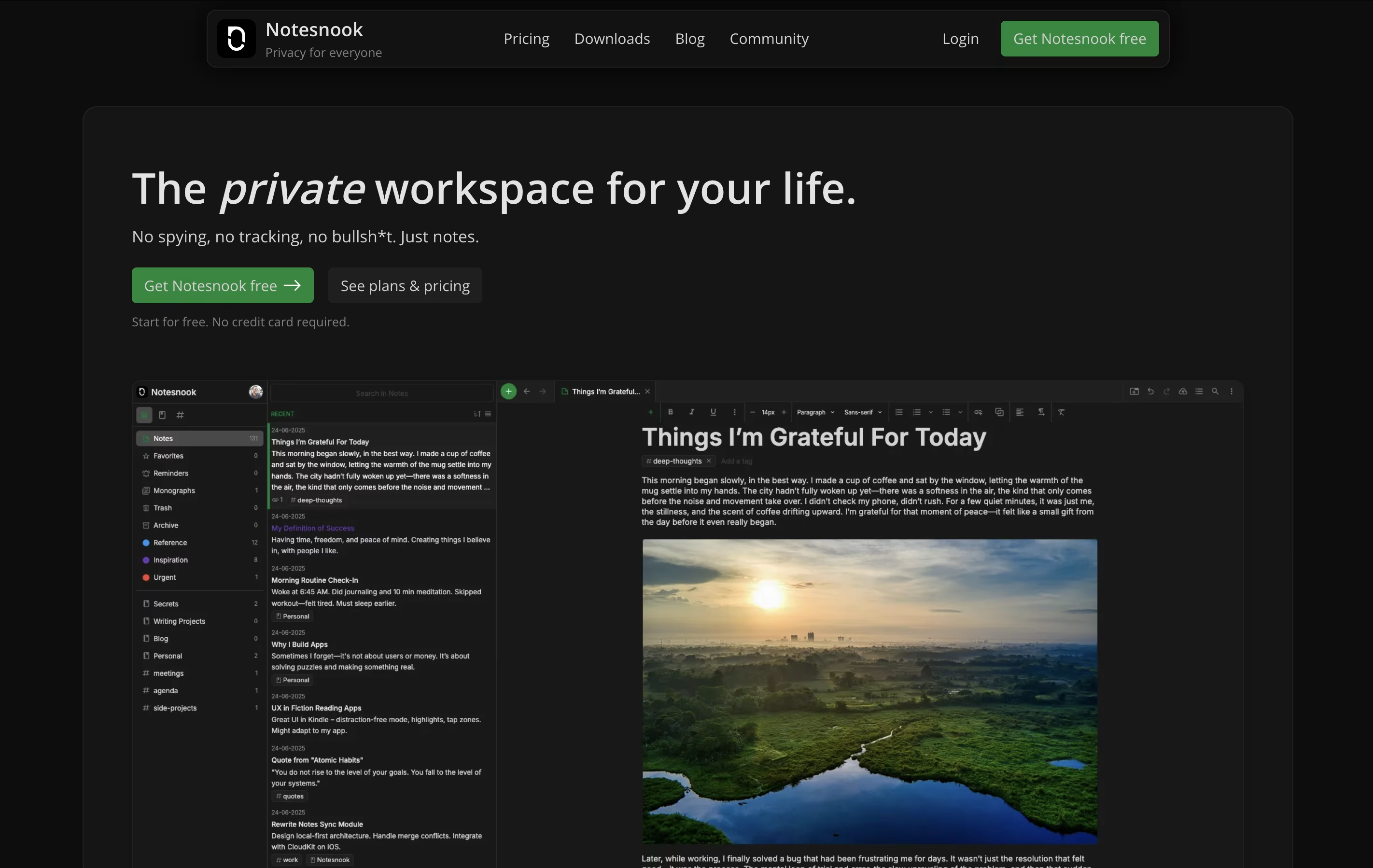
The app works across all your devices. You can start a note on your phone during lunch and finish it on your computer at home. Everything syncs automatically while staying protected.
It includes features like password-protected vaults for extra-sensitive notes, web clipping to save articles, and rich text editing with tables, task lists, and code blocks. The entire app is open source, so security experts can check the code to confirm it's truly safe.
Zettlr is a Markdown editor that lets you write in plain text while providing rich features for organizing and publishing your work. Unlike traditional word processors, it separates content from formatting, allowing you to focus on writing without distractions. The app supports linking between notes, tagging, and tracking your writing progress.
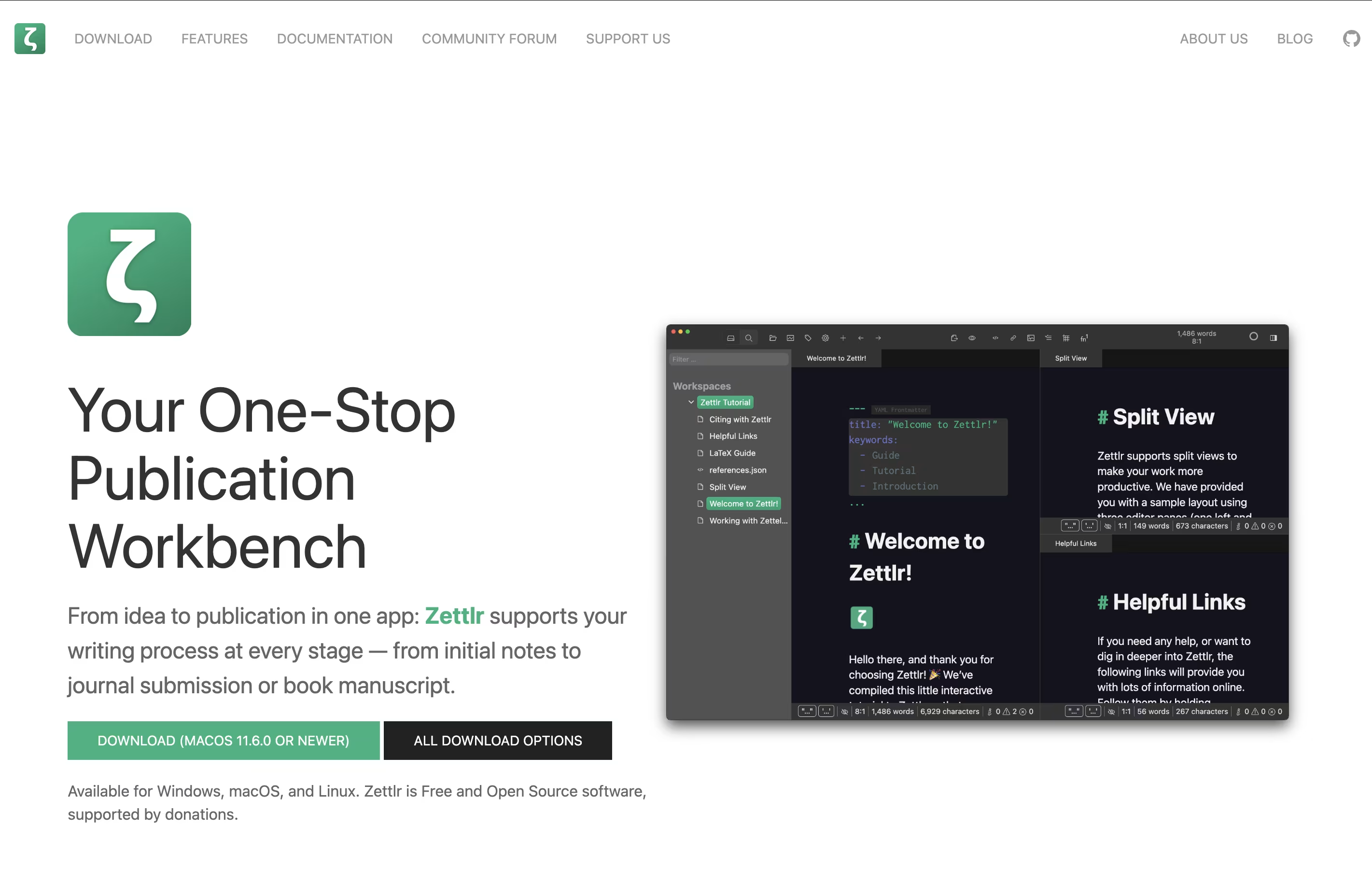
It includes built-in support for citations through Zotero and other reference managers, making it ideal for academic writing. You can work with multiple documents in tabs or split windows, and export your work to various formats using Pandoc. All your notes remain as simple text files on your computer, meaning you never lose access to them. The interface is clean and customizable to fit your writing style.
Related to
Knowledge Management Tools