

Best 12 Personal Knowledge Management Tools in 2026
Last Updated: August 22, 2026
Building a personal system for capturing and connecting ideas over time is different from simply taking notes. Personal Knowledge Management tools help you link ideas, resurface old notes, and build a growing web of personal insight.
These tools are popular with writers, researchers, and lifelong learners who want their notes to build on each other rather than sit in isolation. Linking related ideas together often leads to connections you would not have found by searching alone.
 Obsidian
 ObsidianFree Note-Taking App That Connects Your Ideas,
  Littlebird
 LittlebirdYour AI Powered Second Mind at Work, and
  Logseq
 LogseqFree Open-Source Note-Taking & Knowledge Base are the best for Personal Knowledge Management. So, let’s take a closer look at all 12 tools.
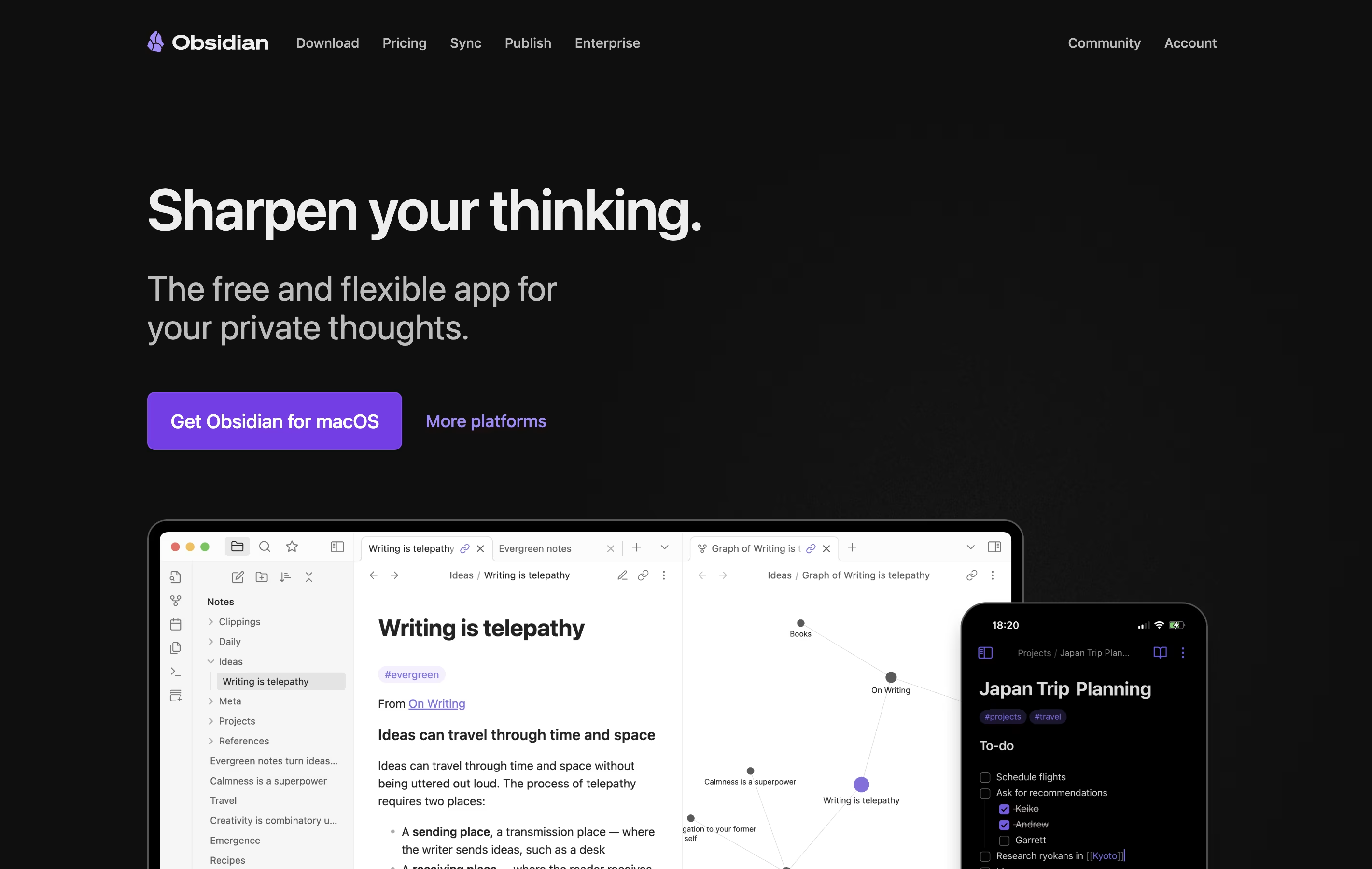
Obsidian is a note-taking app that works with plain text files stored directly on your device. You can write notes, link them together, and see how your ideas connect through a visual graph. Unlike cloud-based tools, everything stays private on your computer.
The app uses simple text files with basic formatting, which means your notes remain readable even without Obsidian. You can link any note to another, creating connections that help you discover patterns in your thinking. This makes it great for building knowledge over time.
There is a free version with all core features and optional paid services for cloud syncing and web publishing. The app works on computers, phones, and tablets.
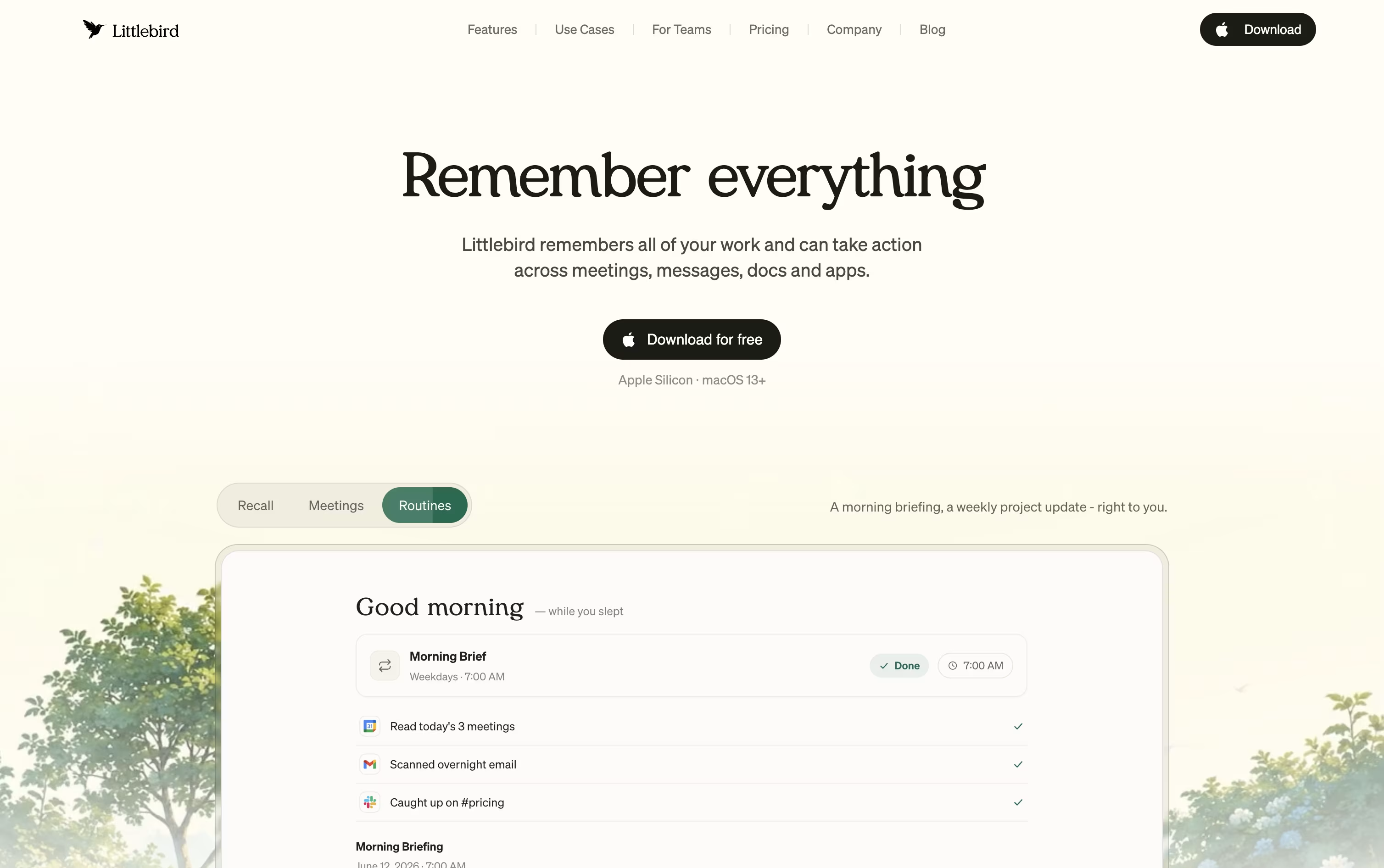
Littlebird acts like a second mind for your work, remembering your screen activity and meetings so you do not have to repeat yourself or dig through old files.
It captures text from whichever window is active on your desktop and listens in on meetings through system audio, without any bot joining the call. Everything it collects feeds into a private, searchable memory.
Chat lets you ask natural questions about anything you saw or discussed earlier, and it can also draft emails, documents, and reports using your own history as context. On Mac, the Hummingbird overlay answers quick questions about your current screen at any moment.
The free Basic plan gives you daily usage credits, limited meeting notes, and core screen context at no cost. Plus is priced at $17 a month with yearly billing, or $20 a month if billed monthly, and includes a 14 day trial along with unlimited meeting notes and image generation.
Power costs $42 a month yearly, or $50 monthly, adding MCP access, more credits, and priority support. Pro starts at $100 a month for the highest usage limits and earliest access to new features.
For groups, Team plans start at $17 per seat, and Enterprise pricing is custom with added security and support.
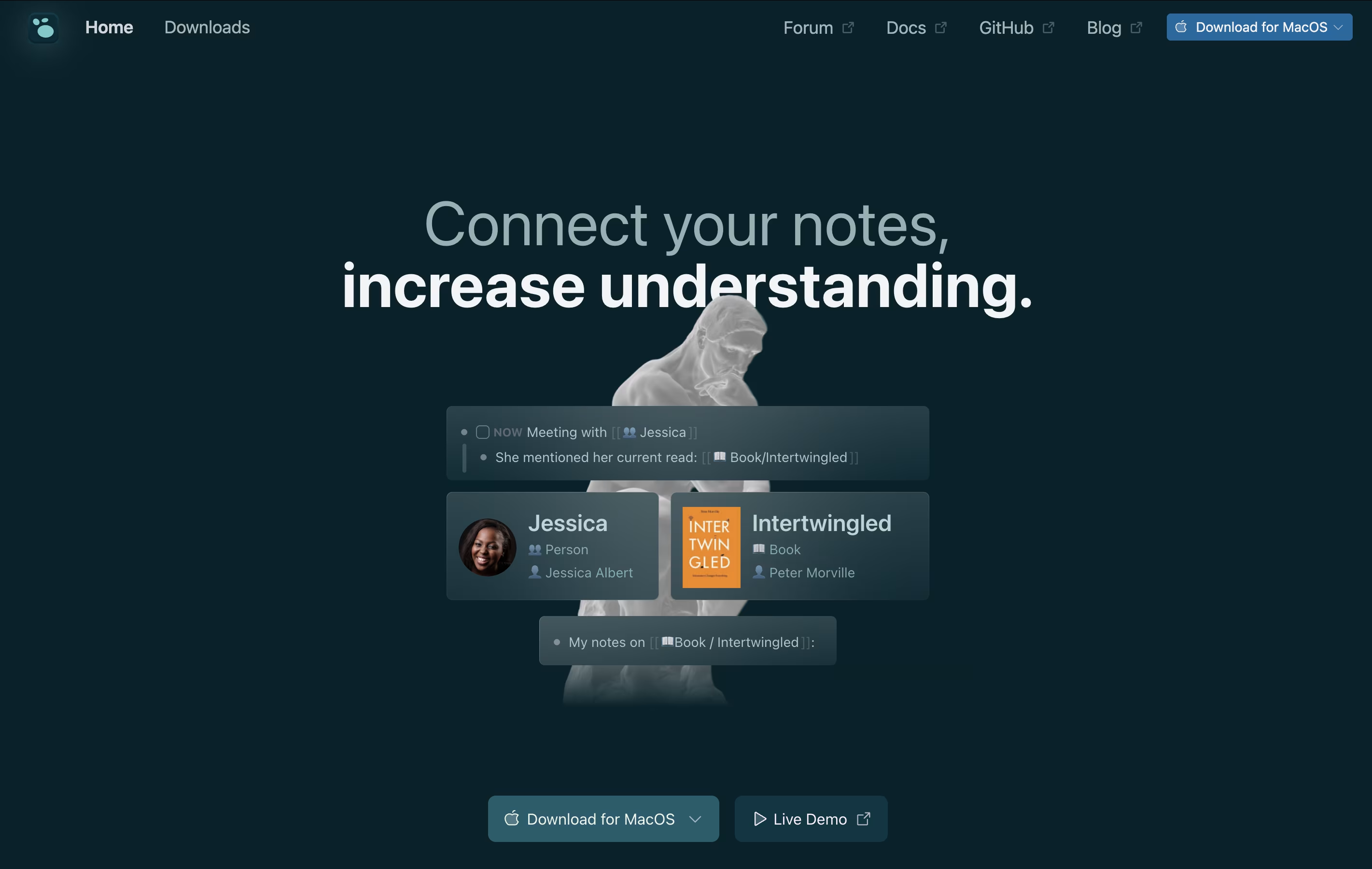
Logseq is an open-source note-taking tool that helps you capture and connect your thoughts. Everything you write is stored as plain text files on your device, giving you complete control over your data. You never have to worry about a company shutting down or changing their prices because your files belong to you.
The app works with a daily journal where you can write notes, create tasks, and link ideas together. When you link notes, Logseq shows you all the connections, helping you see relationships between different topics. This creates a graph of your knowledge that grows over time.
You can use it on Windows, Mac, Linux, iPhone, and Android. The basic app is free forever, with optional paid sync to keep your notes updated across devices.

Most meeting tools hand you a transcript and a summary once the call is over. Tana works differently, its AI agents are active participants during the meeting itself, filing tickets, drafting documents, and updating your other tools while the conversation is still going.

Because every meeting adds to a shared knowledge graph, agents and teammates arrive at future meetings already aware of past decisions and open items, so nobody has to repeat themselves.
Getting started costs nothing on the Free plan, which includes 5 hosted meetings a month, one connected calendar, and 50 AI queries.
Stepping up to Pro costs $25 per user a month, or $20 a month when paid yearly, and adds unlimited meetings, a botless agent that joins Zoom, Teams, and Google Meet calls, plus deeper integrations through MCP.
Max is priced at $100 a user monthly, or $80 yearly, and is built for teams that live in meetings, offering five times the AI capacity of Pro and dedicated onboarding support.
Larger organizations can move to the custom priced Business plan for SAML SSO, audit logs, and control over data residency and retention.
Instead of juggling recorders and notebooks, Voicenotes lets you hit record for any meeting, memo, or passing thought and get a clean transcript back in moments, without needing a meeting bot to join the call.
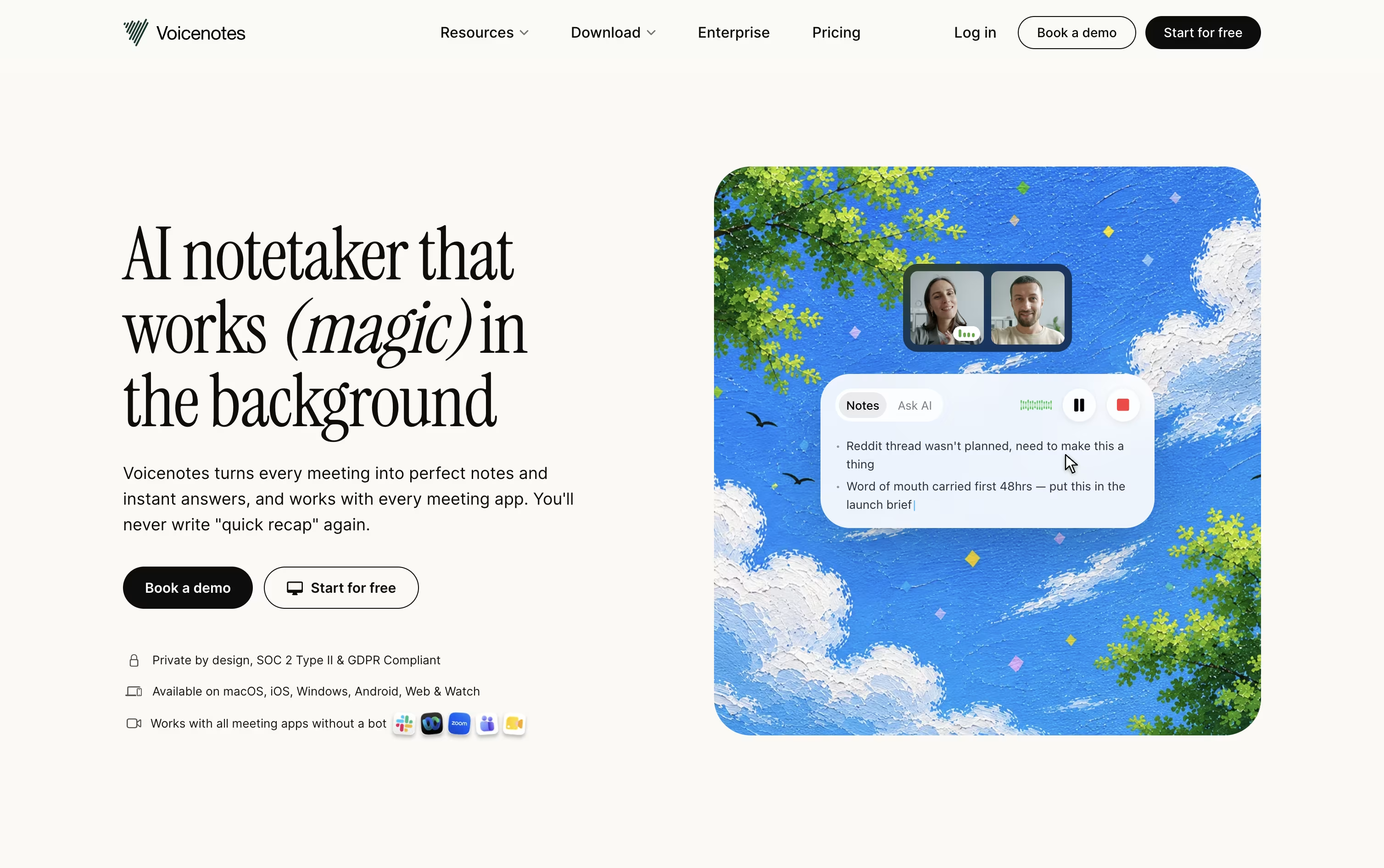
Every recording is followed by an automatic summary, key points, and action items, and the app understands 100+ languages, even with strong accents. It works the same way on web, iOS, Android, Mac, Windows, and Chrome.
Ask AI lets you search or ask questions across your entire note history whenever you need to recall something, and Voicenotes MCP connects your notes directly to tools like Claude and ChatGPT.
Getting started costs nothing on the Basic plan, which includes 100 weekly transcription minutes and 30 days of history. Pro is $9 per user a month for unlimited use, and Enterprise is $24 per user a month with added security, admin controls, and dedicated support.
Capacities is a note-taking and knowledge management app built around objects instead of traditional folders. When you create a note about a person, book, or project, it becomes an object you can easily link to other notes. This makes finding connections between your ideas much simpler.
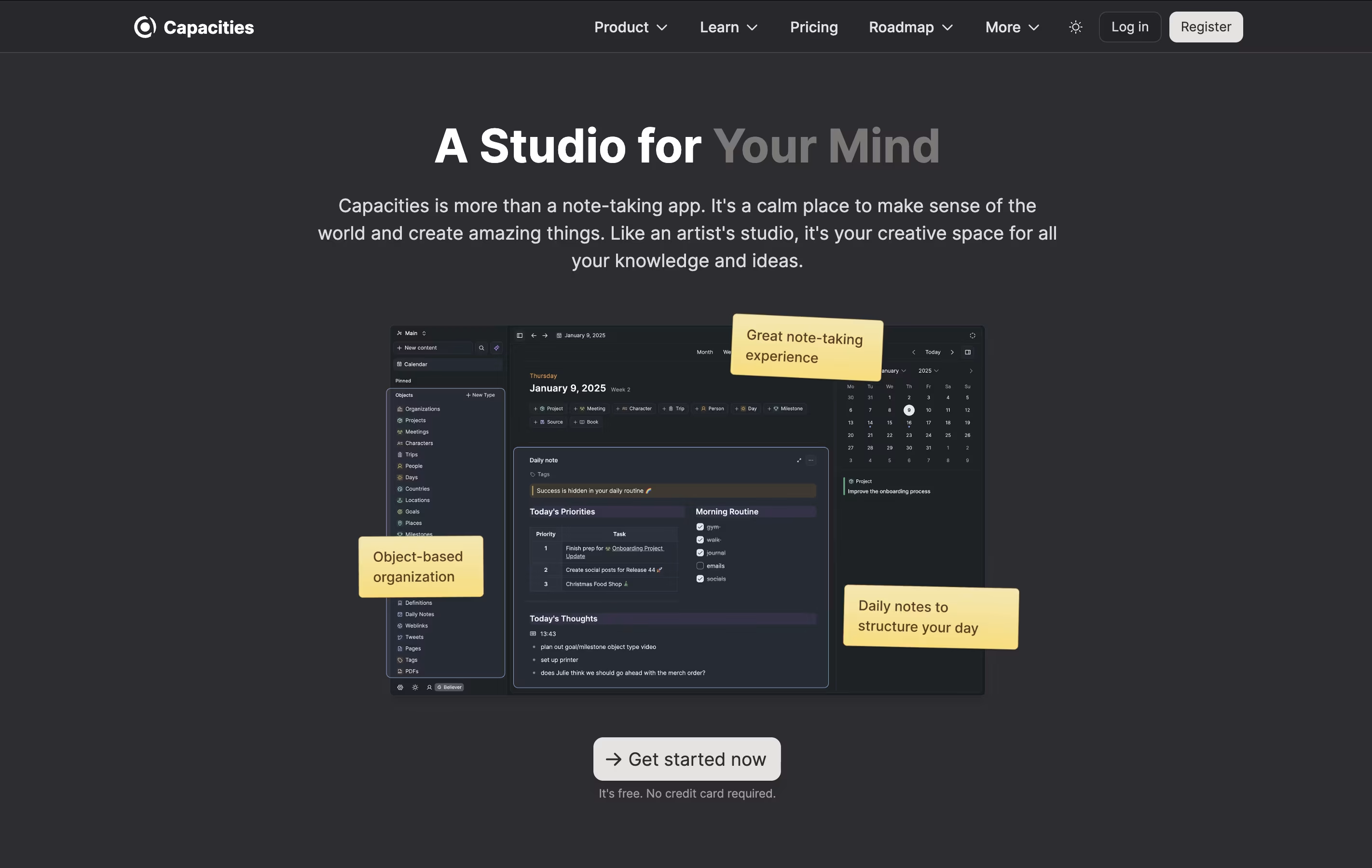
The app includes daily notes for journaling and quick captures, full-text search across all content, and the ability to work offline. You can connect your calendar to automatically create notes for meetings and events. The Pro version adds an AI assistant that can help you think through ideas and answer questions based on your notes.
Capacities works on computers, phones, and tablets, keeping everything synced across your devices so you can access your notes anywhere.
RemNote is a note-taking and learning platform that helps you remember what you learn. It combines several useful features in one place: organized note-taking, automatic flashcard creation, PDF reading and highlighting, and a smart review system.
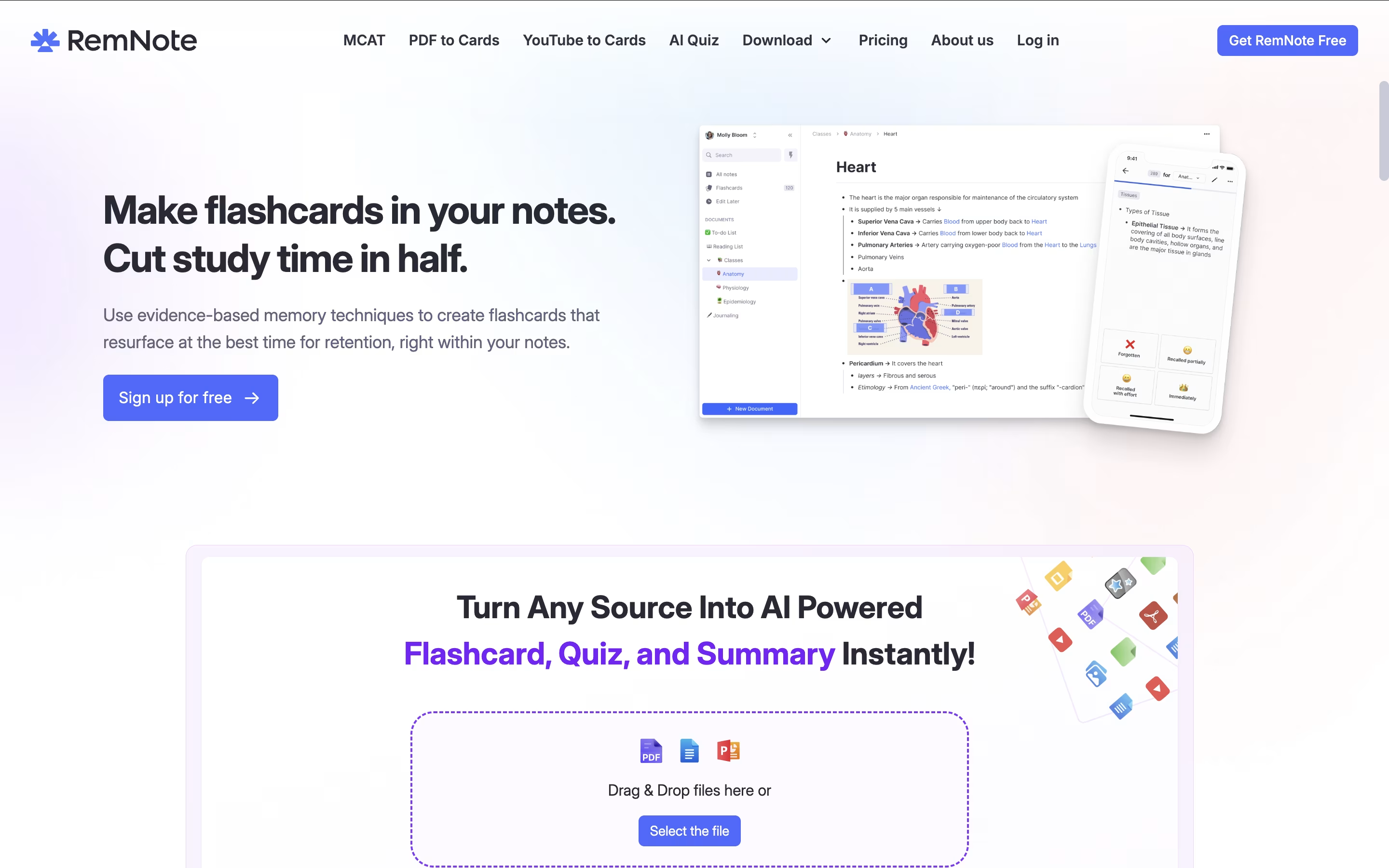
The app uses spaced repetition, which is a scientific method that shows you information at the right time to help your memory. Instead of cramming everything at once, you review material just before you might forget it, making your study time more effective.
You can create notes in an outline format, connect related ideas with links, and turn any part of your notes into flashcards instantly. RemNote also includes AI features that can generate flashcards automatically, summarize content, and even grade your answers, making learning more efficient and personalized to your needs.

Anytype is a tool for organizing your notes, tasks, files, and projects while keeping everything private on your device. You create content using objects, which are like structured notes with properties you can customize. For example, a book object can have an author, rating, and notes all connected together.
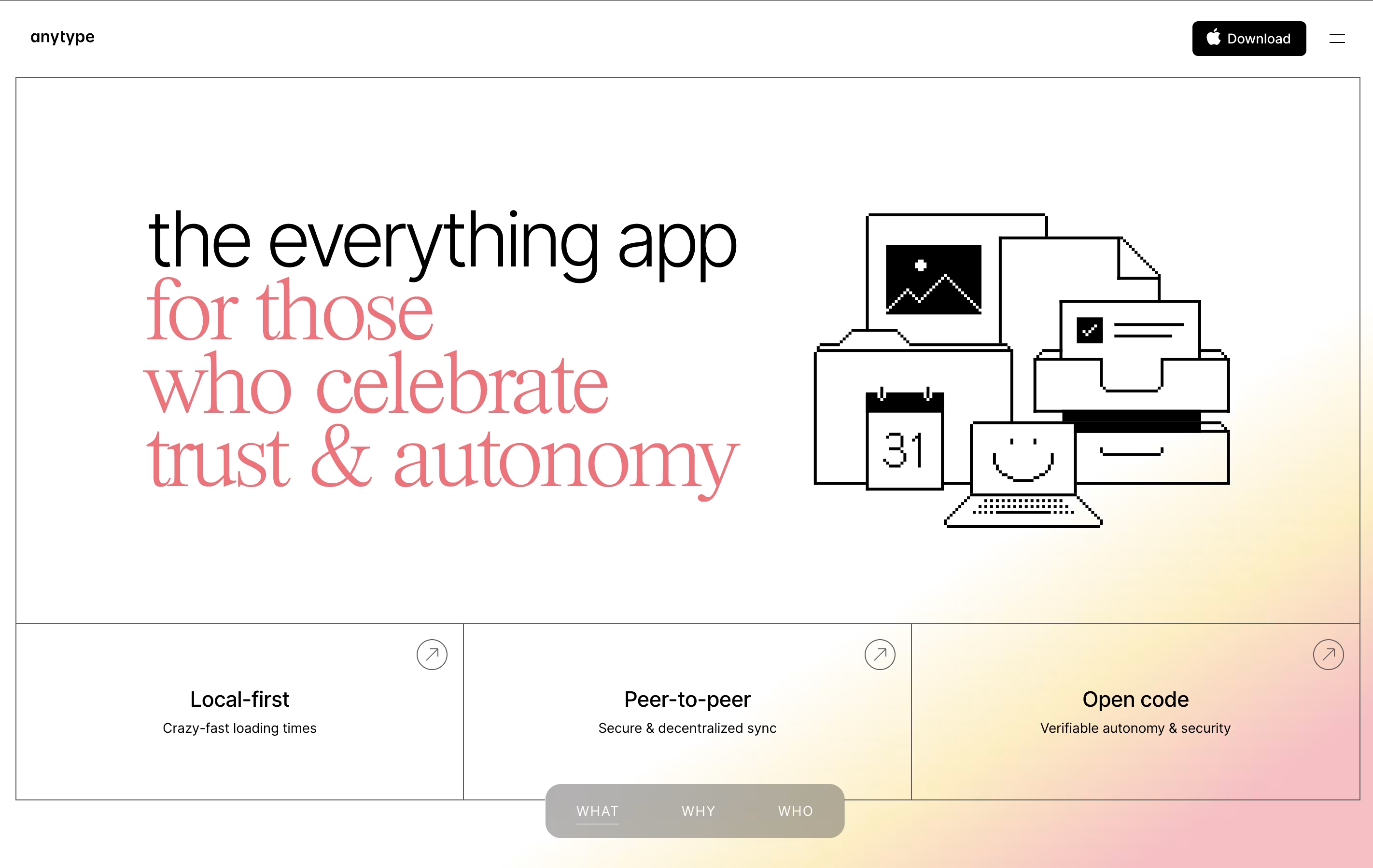
The app works offline and stores data locally with encryption, meaning your information stays on your device unless you choose to sync it. When you do sync, it uses secure connections between your devices. You can create databases, link related information, and build visual connections between different pieces of content.
There is a free plan with limited cloud storage, plus paid plans for those who need more backup space and advanced features like shorter custom names.
Tangent Notes is a note-taking app that treats your thoughts like a web of connected ideas. When you write, you can link notes together using simple double brackets, just like Wikipedia. As you follow these links, Tangent remembers where you have been and shows your path with sliding panels that move horizontally across your screen.
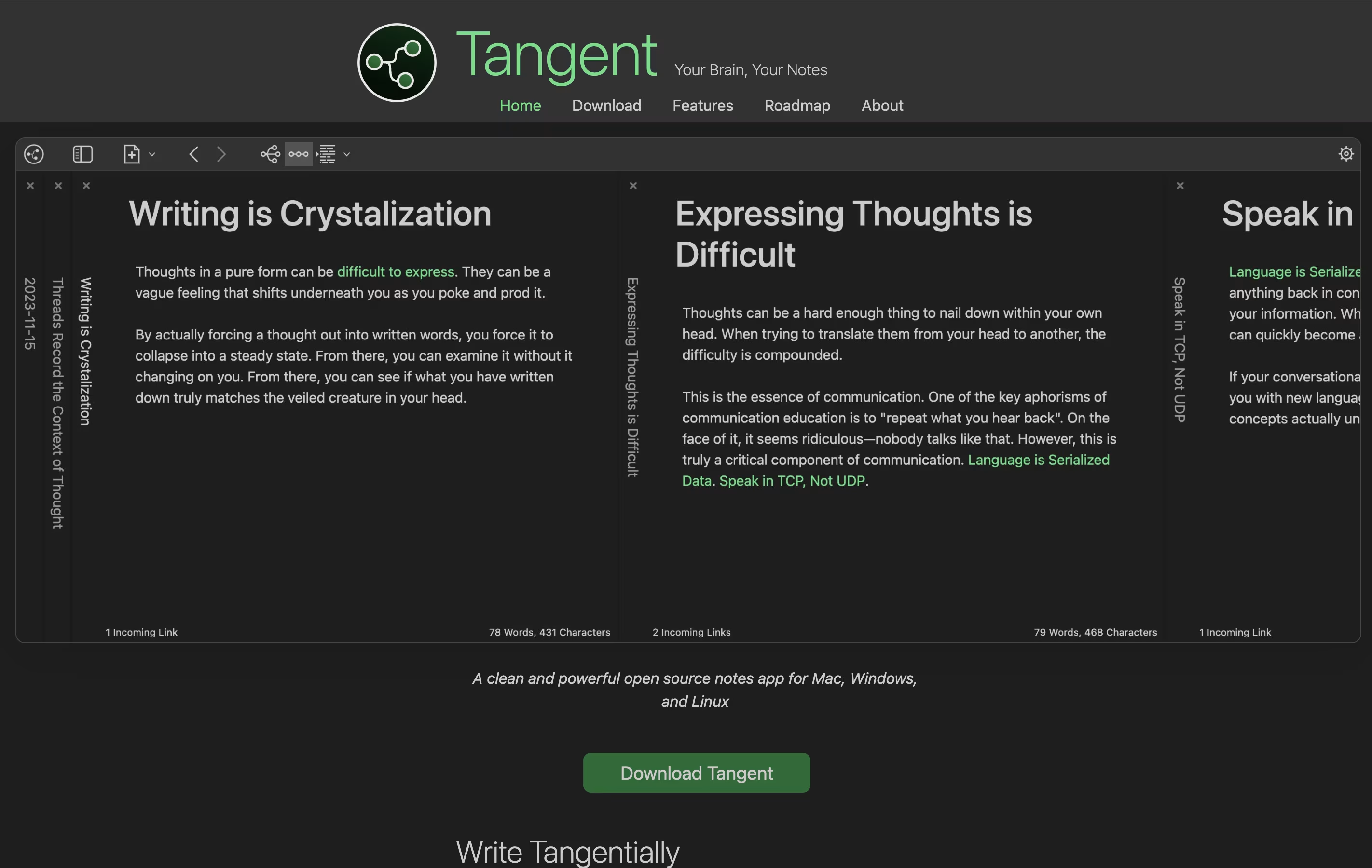
It uses markdown format, which means your notes are plain text files that any program can read. There is no cloud storage or login required—everything stays on your computer. The app also creates visual maps of how your notes connect, helping you see the big picture of your thinking.
Tangent is perfect for people who like to explore ideas deeply and want a simple tool that does not get in the way.
DeepNotes is a visual note-taking application that uses an infinite canvas approach. Instead of regular pages stacked on top of each other, you get unlimited space where notes can be placed anywhere and connected freely. Each note can contain other notes inside it, creating layers of information.
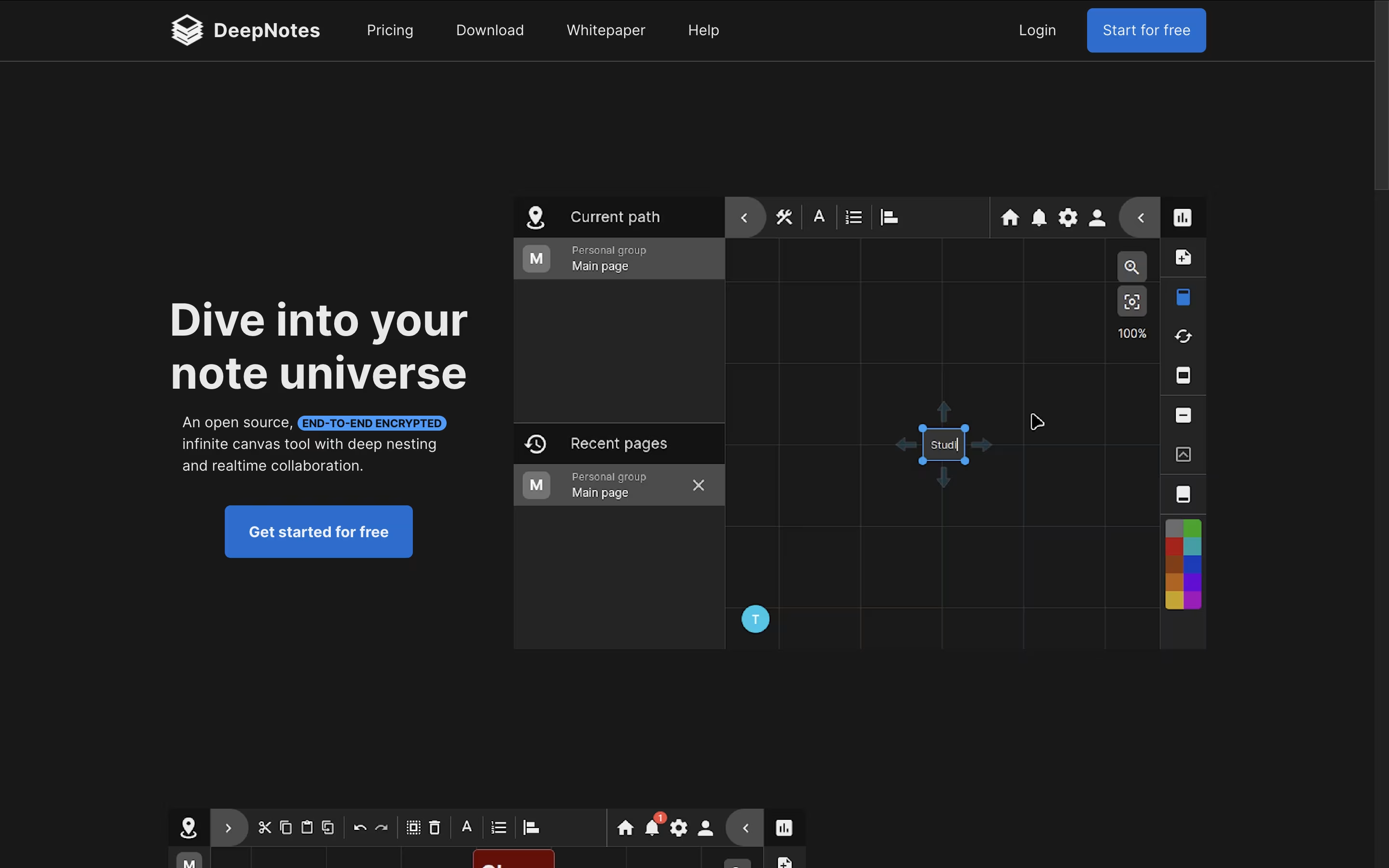
The tool focuses on privacy with end-to-end encryption, meaning your notes stay protected at all times. The graph-based navigation system helps you see connections between different ideas and jump between related topics quickly. You can create notes by double-clicking on the canvas, then move them around, change colors, and organize them in containers.
DeepNotes is available as a web app and desktop application. The Basic plan is free with 50 pages, while the Pro plan removes all limits and adds team collaboration features.

SiYuan is a personal knowledge management system that treats every piece of content as a block. These blocks can be linked, referenced, and organized in multiple ways. Unlike traditional note-taking apps, SiYuan gives you complete control by storing everything locally on your device.
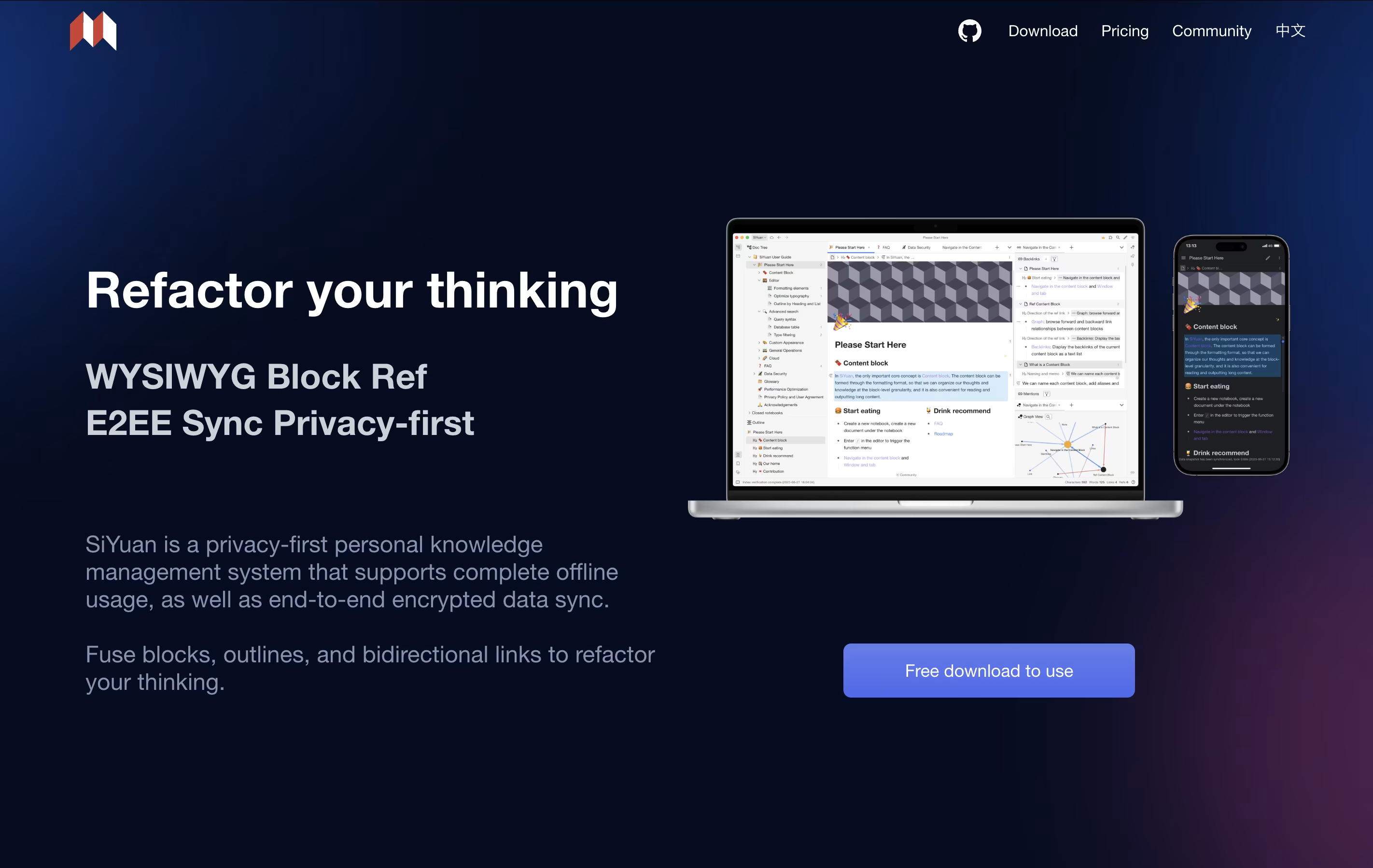
The tool uses a block-based approach where even whole documents are treated as blocks. This makes it easy to split, move, and connect information without breaking existing links. You can create bidirectional links between ideas, use outlines to organize thoughts, and view your knowledge as a graph.
It includes features like mathematical formulas, charts, flashcards for learning, and database views. The app is self-hosted, meaning you own your data completely.

Trilium Notes is a note-taking application that lets you organize information in a tree structure. Each note can contain text, images, code, diagrams, or other content types. Unlike basic note apps, Trilium allows one note to appear in multiple places in your tree without copying it, which is called cloning.
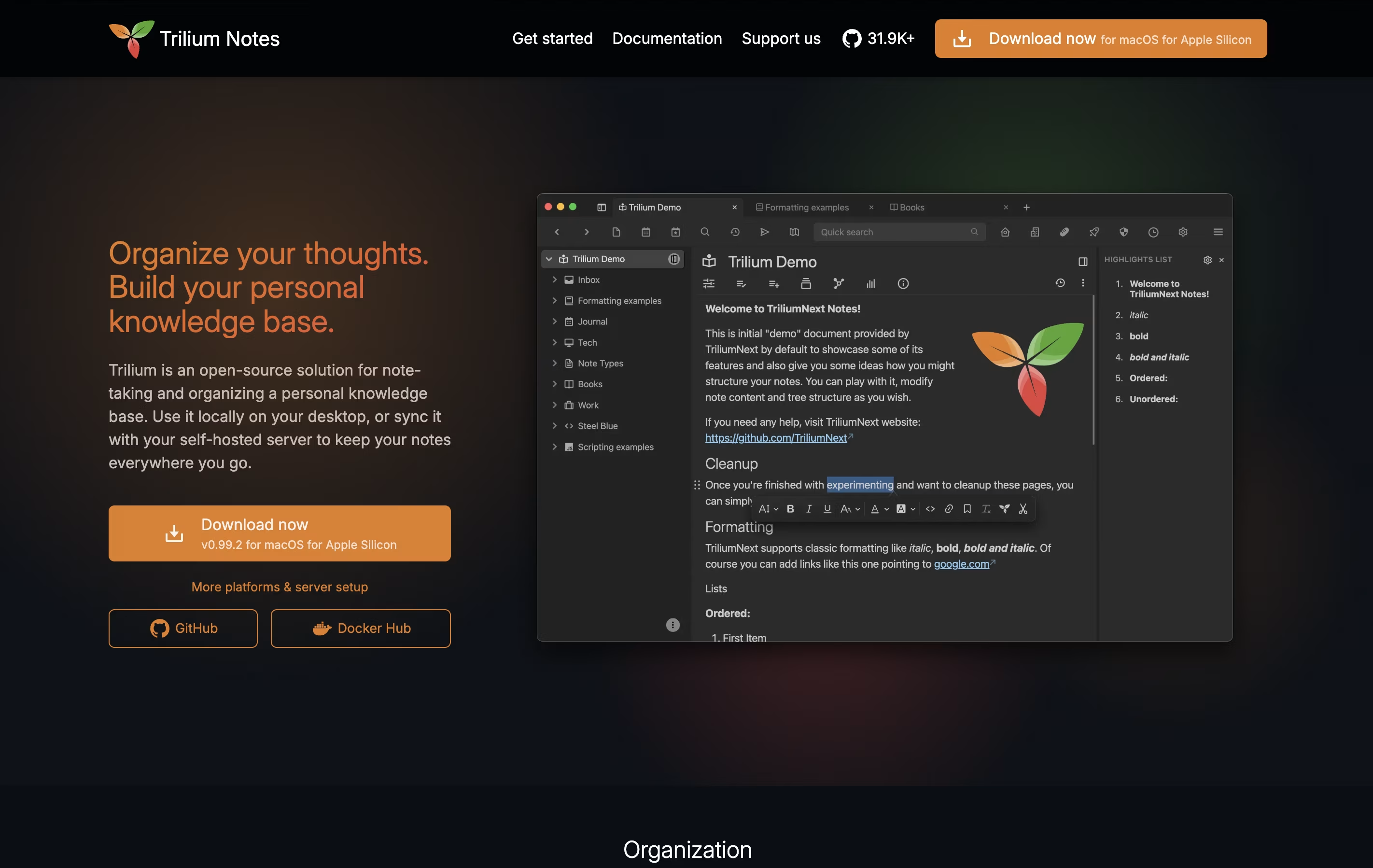
The app stores everything in a local database, making it fast even with thousands of notes. You can use a rich text editor for regular writing or a code editor for programming. It also includes features like note linking, full-text search, note encryption for privacy, and web clipping to save websites directly into your notes.
You can use Trilium offline on your computer or set up a sync server to access your notes from multiple devices and through a web browser.





