

Best 6 Data Orchestration Tools in 2026
Last Updated: September 12, 2026
Coordinating data pipelines across multiple systems and steps requires careful sequencing and monitoring. Data Orchestration tools manage the scheduling, dependencies, and monitoring of complex data workflows end to end.
These tools are essential for data engineers and platform teams managing pipelines that touch many systems and run on a schedule. Reliable orchestration keeps data flowing correctly even as pipelines grow more complex.
 Parabola
 ParabolaAI Agents for Ops and Finance Teams,
  Prefect
 PrefectOpen-Source Python Workflow Automation, and
  Dagster
 DagsterModern Data Orchestration Platform are the best for Data Orchestration. So, let’s take a closer look at all 6 tools.
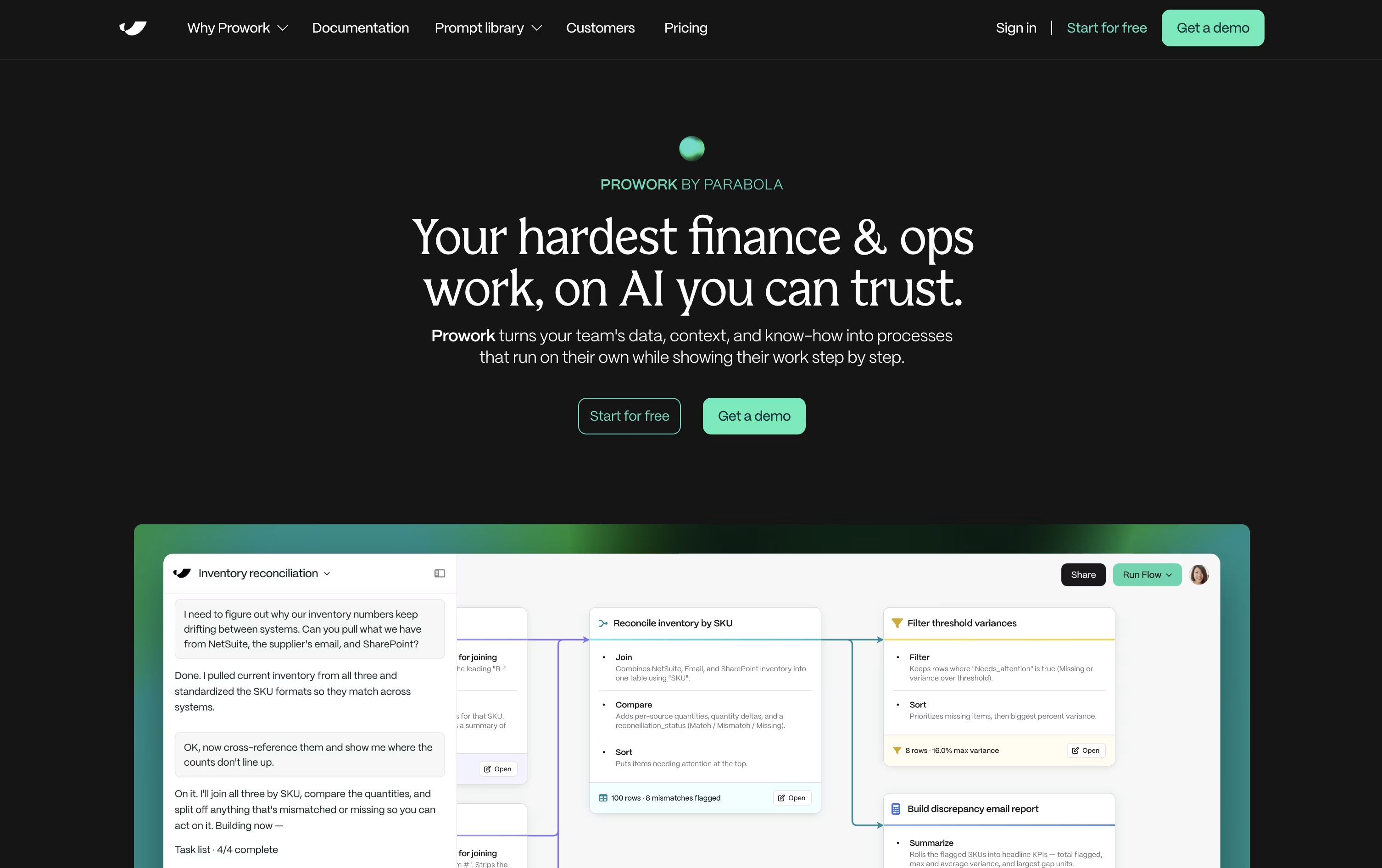
Parabola is built for the recurring, messy data work that operations and finance teams handle every week, like reconciliations, invoice checks, and inventory matching.
You explain the task in everyday language, and Prowork, Parabola's AI builder, turns it into a visual Flow made of clear, inspectable steps rather than a hidden script.
Live data previews appear at each step, so you can catch mistakes early and adjust the logic yourself whenever something needs to change.
Anyone can start for free with the Basic plan, which includes one user, 1,000 credits, and unlimited AI, plus the option to add pay-as-you-go credits later.
Teams that need more can move to the custom-priced Business plan, which brings in Parabola's Applied AI team, deeper integrations, permissions, version history, SSO, and SOC 2 Type II security.
Since every step of a Flow stays visible, it also doubles as documentation that new team members can actually follow.
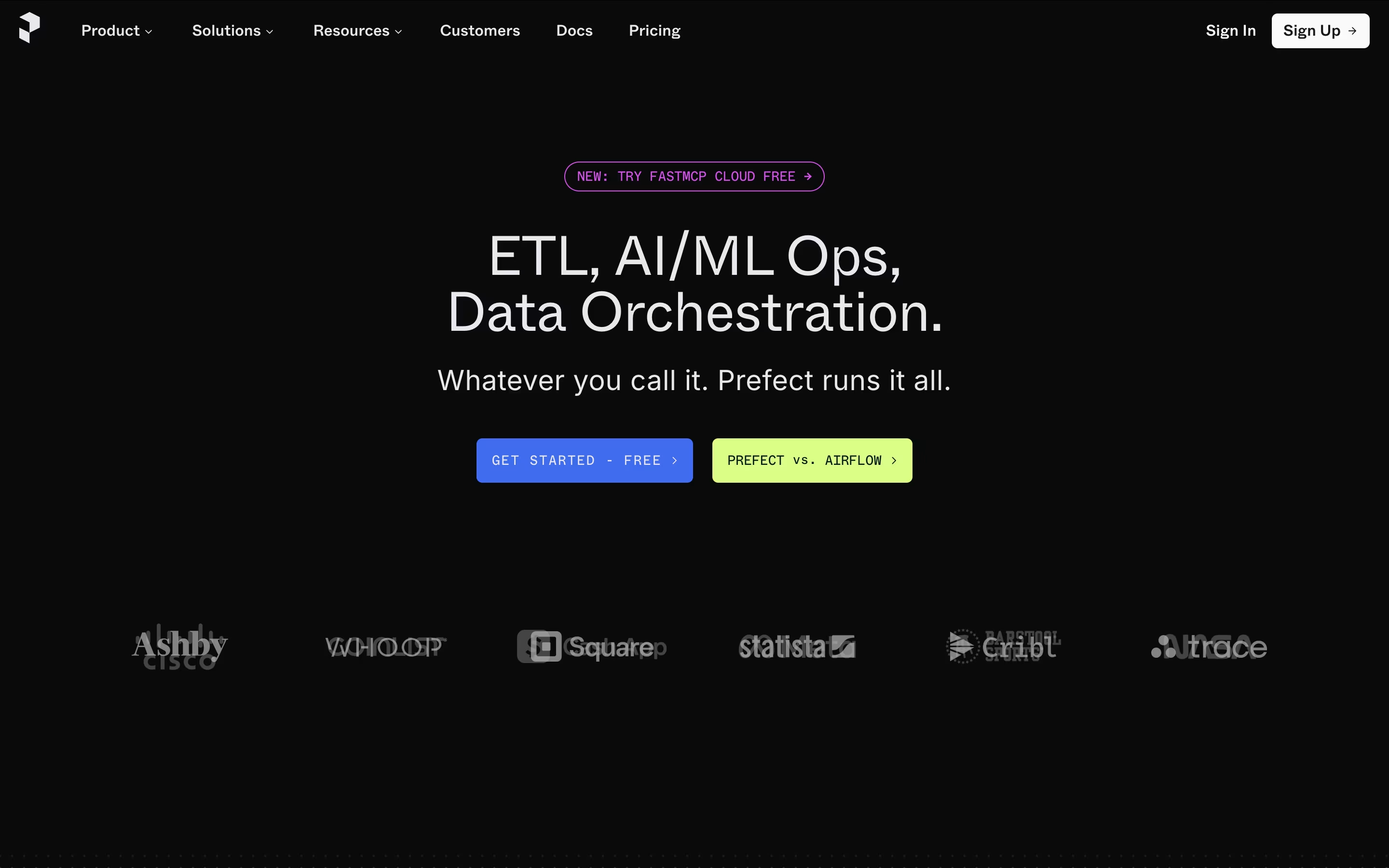
Prefect is a Python-based workflow management system that turns regular functions into production-ready data pipelines. You write your code in normal Python, add a few simple markers (called decorators), and Prefect handles the scheduling, monitoring, and error recovery automatically.
The tool works in two ways: you can run it on your own servers (open-source version) or use their hosted cloud service. Both options give you a clean dashboard to see what's running, what failed, and where problems occurred. Prefect automatically retries failed tasks, caches results to save time, and sends alerts when issues arise.
What makes Prefect special is its flexibility. It works with your existing code without forcing you to restructure everything, making it easier to adopt than many alternatives.
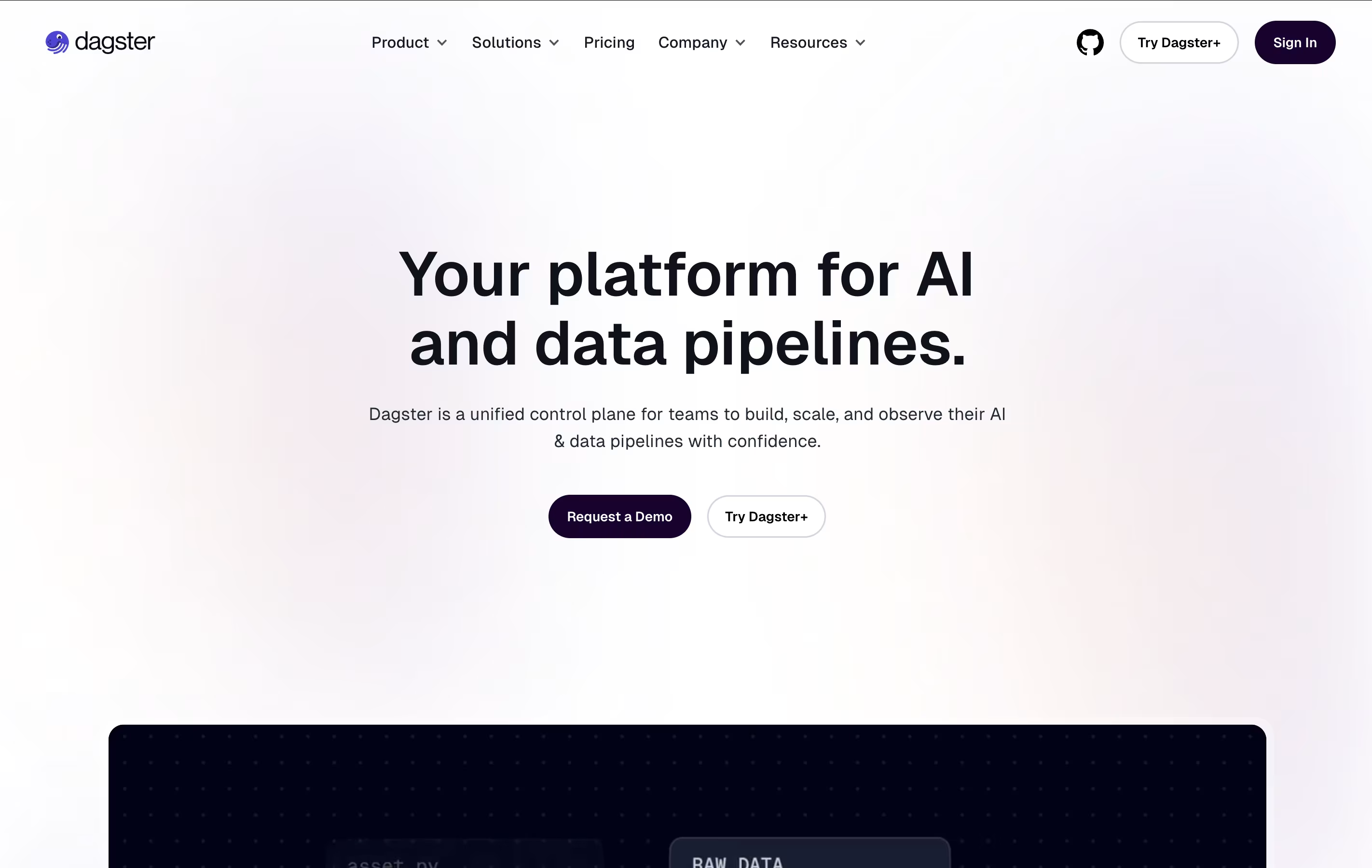
Dagster is a tool that helps organize and run your data workflows automatically. Think of it as a smart manager for all your data tasks. Instead of manually running scripts or remembering which files depend on others, Dagster handles this for you.
What makes Dagster different is how it thinks about data. It tracks your tables, files, and models as important items (called assets) rather than just focusing on the jobs that create them. This helps you see how all your data connects together.
The platform includes features for testing your code before it goes live, checking data quality automatically, and showing you how much your data processes cost. You can use it on your own servers or in the cloud through their managed service.

Apache Airflow is a tool that helps you create and manage automated workflows for processing data. Think of it as a smart coordinator that runs your tasks in the right order, at the right time, and handles problems when they occur.
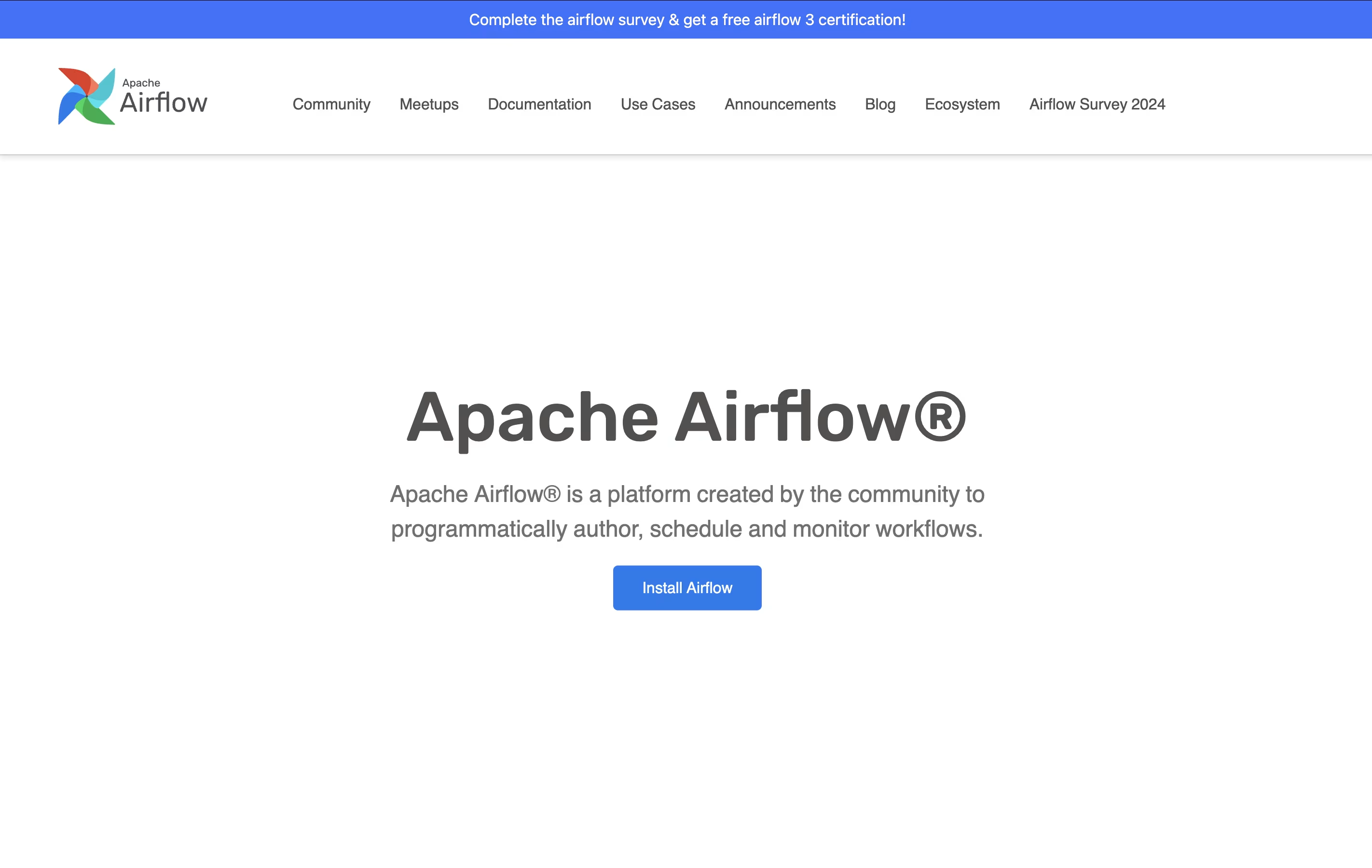
You define your workflows using Python code, which means you can use all the tools you already know. Each workflow is called a DAG, which shows how your tasks connect and depend on each other. Airflow comes with a visual web dashboard where you can see your workflows running, check logs, and restart failed tasks.
The platform works with cloud services like AWS, Google Cloud, and Azure, plus hundreds of other tools through ready-made connections. You can run it on your own servers or use managed services like Astronomer.

Kestra is a workflow orchestration platform that turns your tasks and processes into automated workflows. Think of it like creating a recipe: you list what needs to happen and when, and Kestra makes sure everything runs in the right order at the right time.
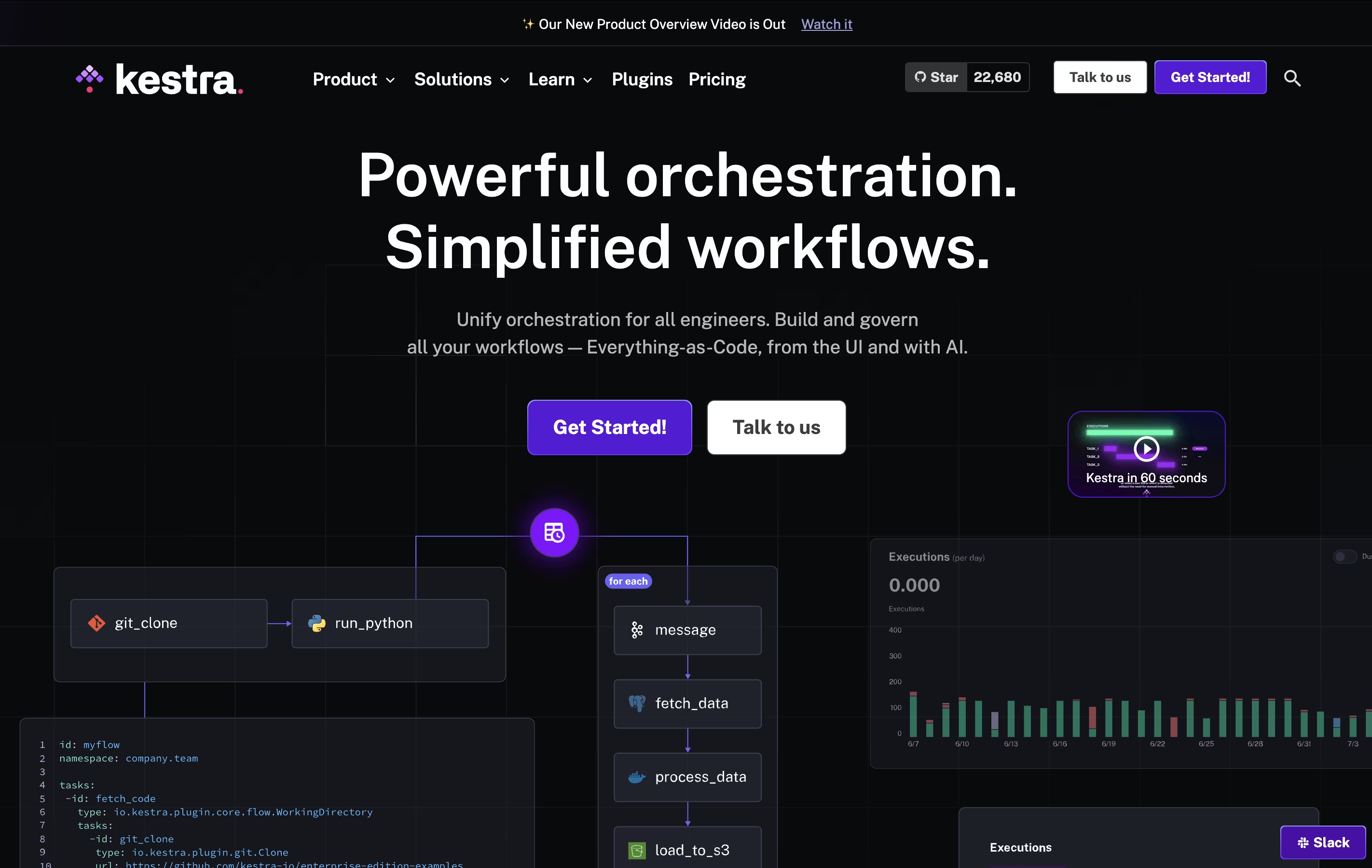
Unlike traditional automation tools that require deep programming knowledge, Kestra uses a straightforward approach. You can build workflows through a visual interface or write them in YAML, which is much easier to read and understand than regular code. The platform can run any programming language, connect to databases, send notifications, process files, and interact with cloud services.
There are two versions available: a free open-source edition for individuals and teams, and an Enterprise edition with advanced features for larger organizations.

Windmill is a developer platform that combines code with visual workflow building. You can write scripts in Python, TypeScript, Go, Bash, or SQL, and the platform automatically creates user interfaces for them. Unlike traditional low-code tools, Windmill lets you use real code while still providing visual tools for non-developers.
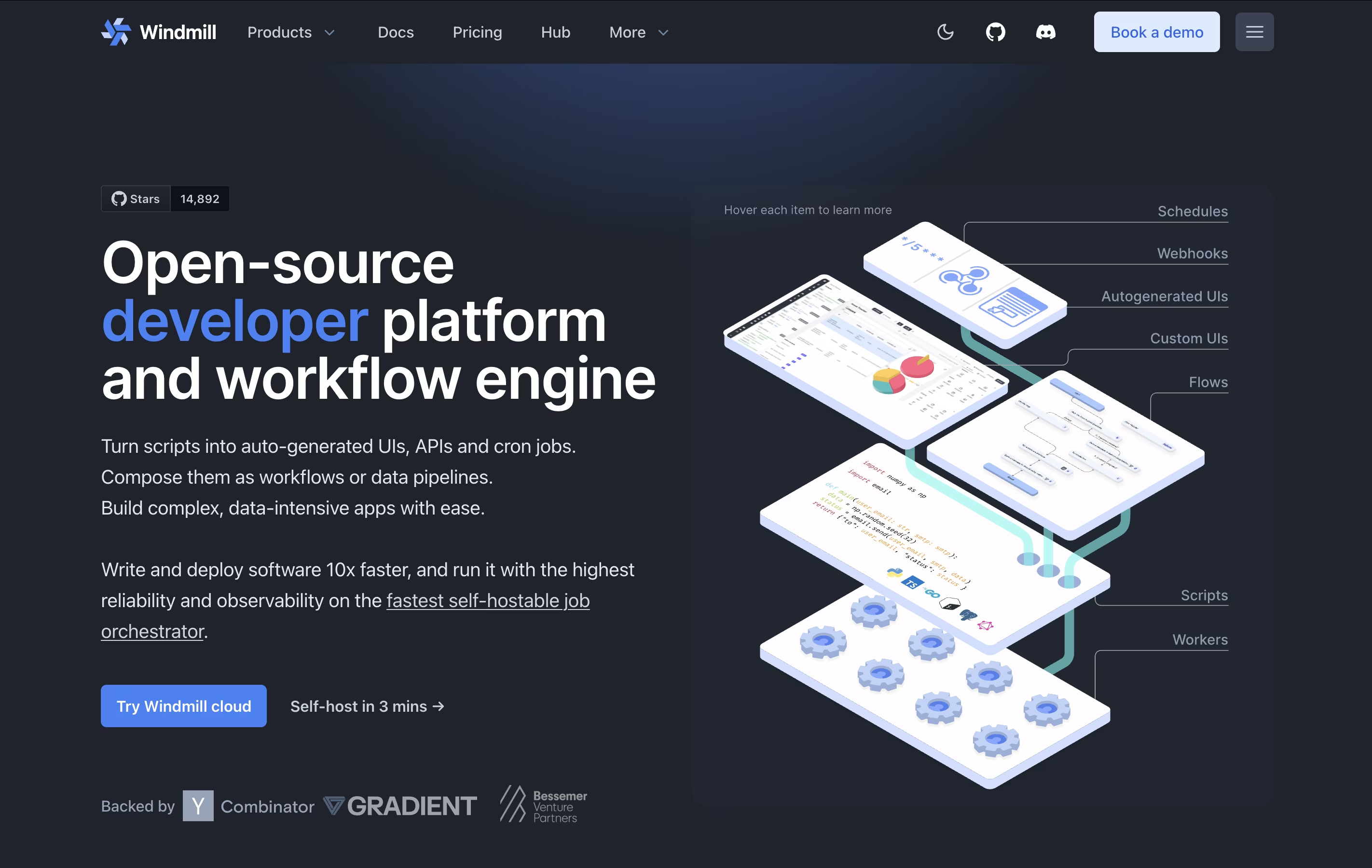
The platform works as a workflow engine that connects different scripts together. You can schedule tasks, create APIs from your scripts, and build custom apps with a drag-and-drop interface. Windmill supports both cloud hosting and self-hosting on your own servers.
There are free and paid versions. The free version includes unlimited script creation and basic features, while paid plans offer more executions, advanced support, and enterprise features like audit logs.





