

Best 8 AI Calendar Tools in 2026
Last Updated: March 23, 2026
Scheduling meetings and managing a busy calendar takes constant back and forth, especially across time zones. AI Calendars automate scheduling by finding optimal meeting times, sending invites, and adjusting for conflicts automatically.
These tools are useful for professionals, executive assistants, and remote teams coordinating meetings across multiple people and schedules. Automated scheduling removes a lot of the friction that normally comes with finding a time that works for everyone.
 TickTick
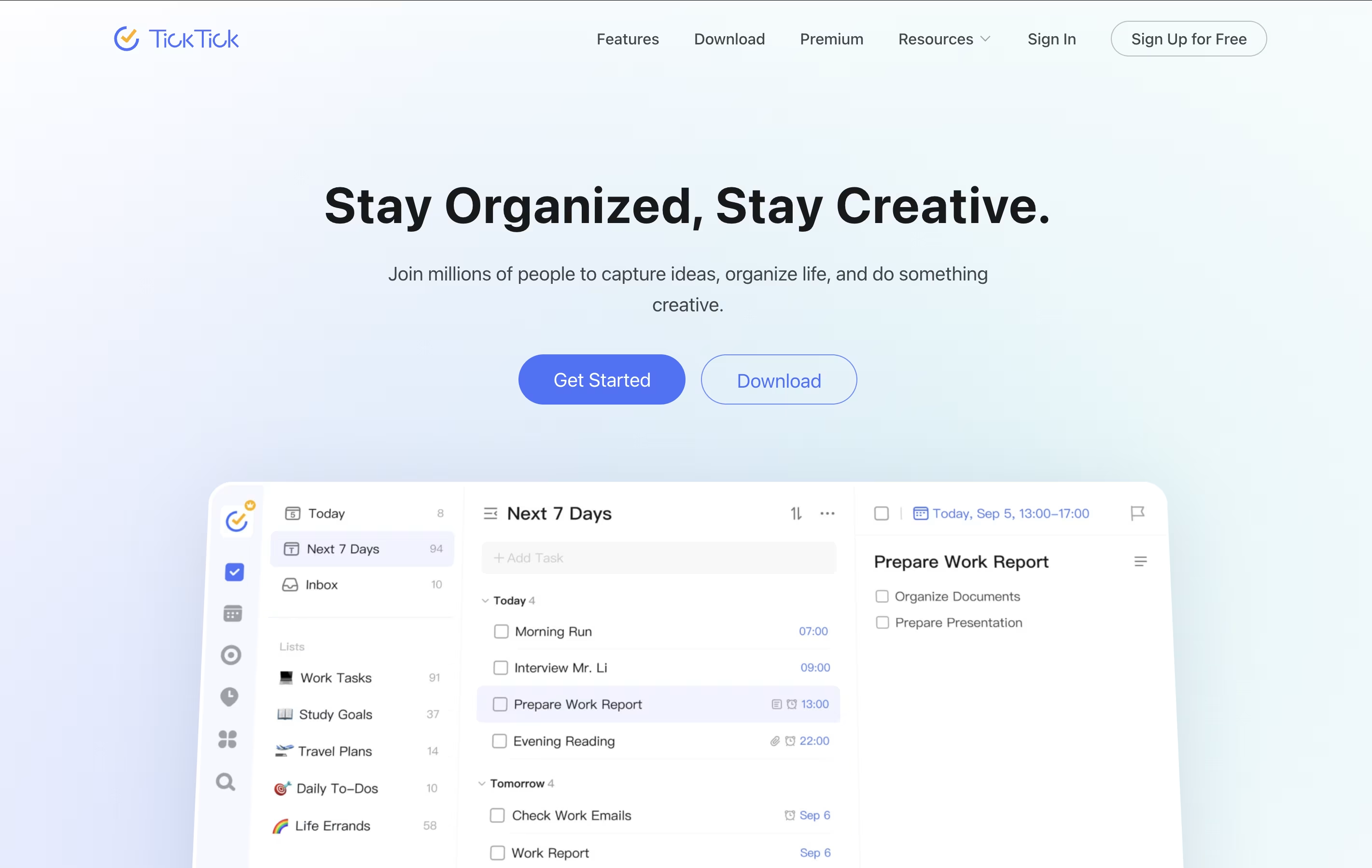 TickTickSmart Task Management with Calendar & Habits,
  Motion
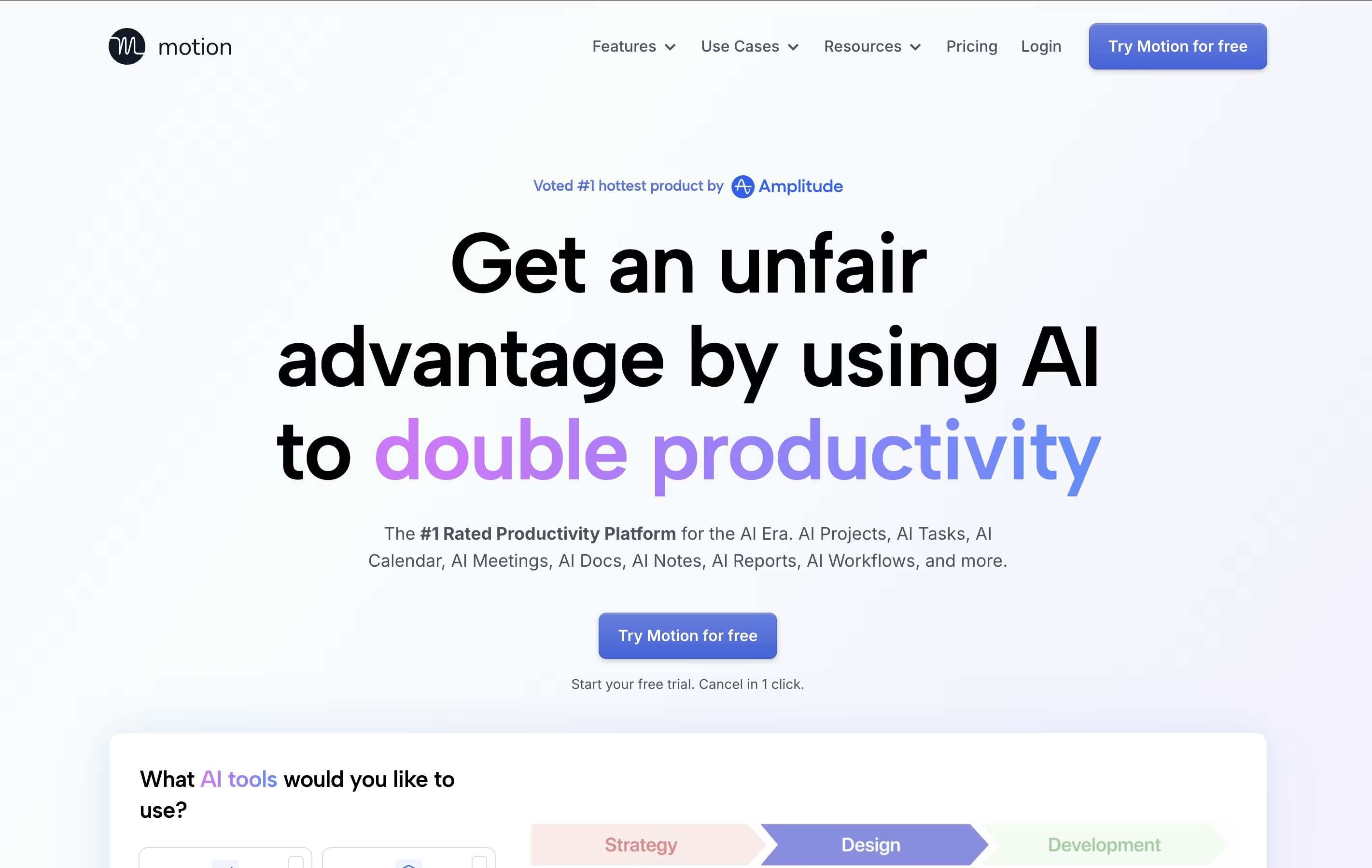 MotionAI-Powered Productivity & Task Management, and
  Morgen
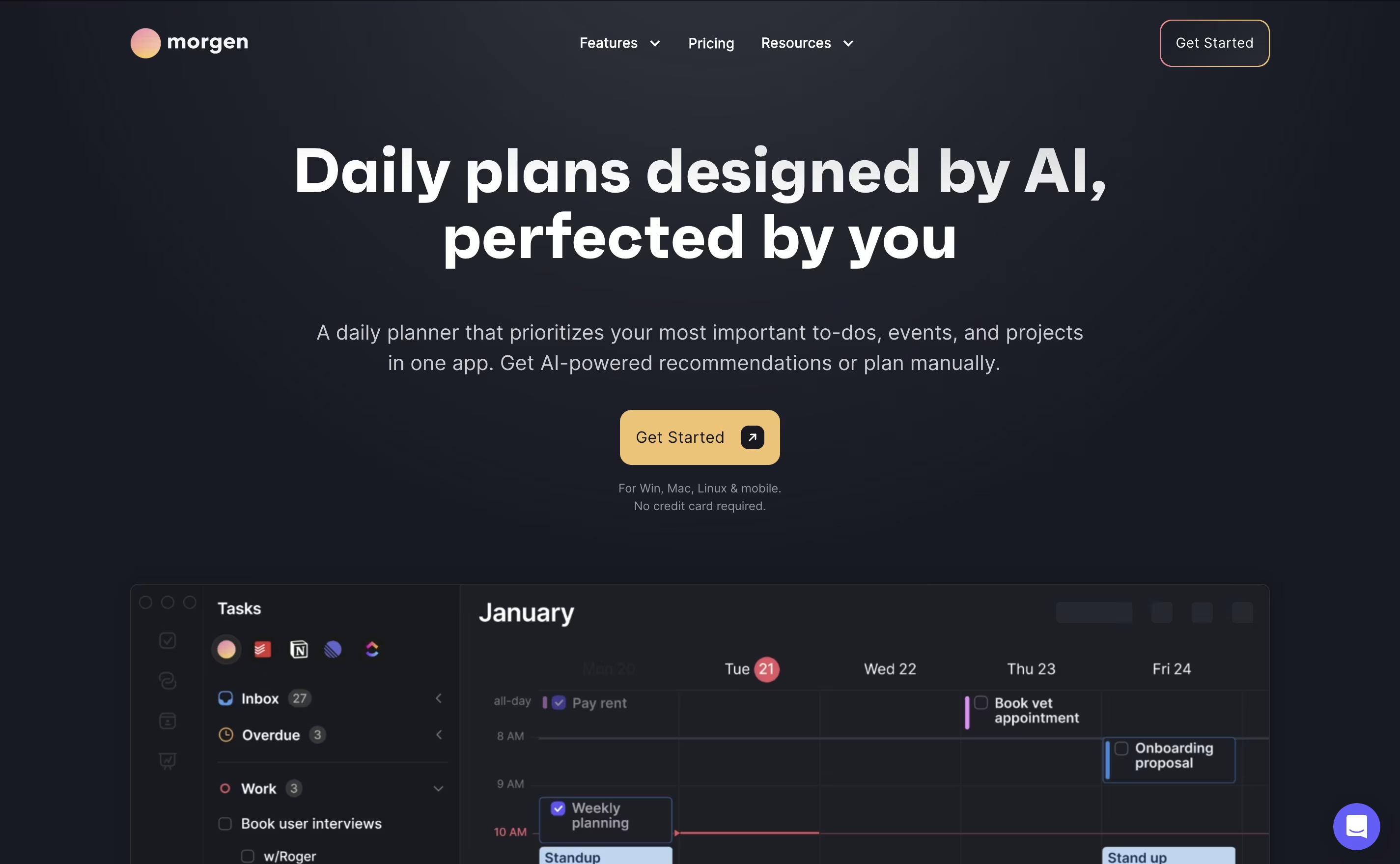 MorgenAI-Powered Time Management for Busy Professionals are the best for AI Calendar. So, let’s take a closer look at all 8 tools.

TickTick is a complete task management system that helps you organize everything you need to do. It lets you create tasks, set due dates, add reminders, and check things off when finished. Beyond simple to-do lists, it includes a built-in calendar to see your schedule, a Pomodoro timer to stay focused, and a habit tracker to build better routines.
The app uses cloud technology to keep your information synced across all your devices. You can access your tasks from your phone, tablet, computer, or web browser, and changes appear everywhere instantly. TickTick also includes natural language processing, which means you can type something like "call mom tomorrow at 3pm" and it automatically sets the right date and time. This makes adding tasks quick and natural.
Motion is an all-in-one productivity tool that uses artificial intelligence to manage your time and tasks. Instead of spending hours organizing your workday, Motion automatically schedules everything based on deadlines, priorities, and your available time.
The platform combines several tools into one: a smart calendar that syncs with Google Calendar and Outlook, a task manager that auto-schedules work, a project management system with Kanban and Gantt views, and meeting scheduling features similar to Calendly. Motion also includes AI Employees—smart assistants that can draft emails, create content, analyze data, and handle repetitive tasks.
Motion continuously monitors your schedule and adjusts tasks when meetings pop up or deadlines change, ensuring everything gets done on time.
Morgen is an AI-powered calendar and task management platform designed to help you manage all your time commitments in one place. Think of it as your personal scheduling assistant that combines multiple calendars with intelligent task planning.
The app works by connecting your existing calendars from Google, Outlook, Apple, and other providers, then adding powerful features like task integration, AI-powered scheduling, and workflow automation. The main difference from regular calendar apps is simple: instead of just showing events, Morgen helps you plan productive days by scheduling tasks alongside meetings.
Founded as a cross-platform solution, Morgen works on Windows, Mac, Linux, iOS, and Android. The AI Planner feature analyzes your available time and creates daily schedules that prioritize important tasks while protecting focus time. You can share booking links, automate calendar workflows, and sync tasks from your favorite productivity tools seamlessly.
Akiflow is a comprehensive productivity platform that combines task management, calendar scheduling, and time-blocking in one powerful application. Think of it as the control center for your entire work life, designed specifically for busy professionals who use multiple tools throughout their day.
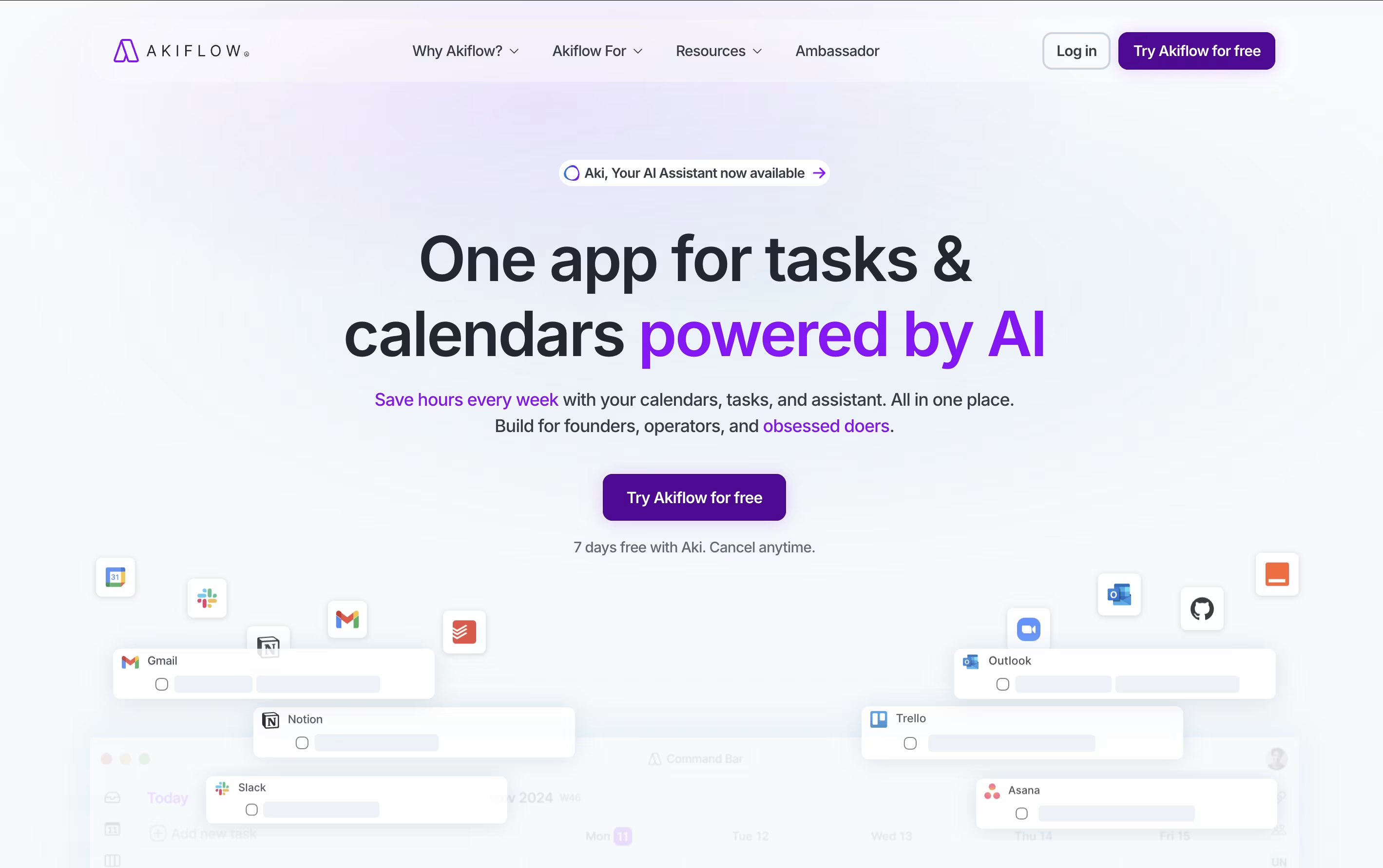
The platform automatically imports tasks from popular apps like Gmail, Slack, Asana, Notion, and thousands of others through smart integrations. What makes Akiflow special is its time-blocking approach - you can drag and drop tasks directly onto your calendar, ensuring every important item gets the time it deserves.
The platform also features an AI assistant called Aki that helps organize your schedule, suggests optimal time slots, and even handles routine scheduling tasks. Founded in 2020 and backed by Y Combinator, Akiflow has quickly become a favorite among founders, developers, and productivity enthusiasts who need to stay organized without the complexity.
Any.do is a tool that helps you manage your tasks and organize your time effectively. You can create lists of things to do, set reminders so you don't forget important items, and see your schedule in a calendar view. Unlike complicated project tools, Any.do keeps things simple and easy to understand.
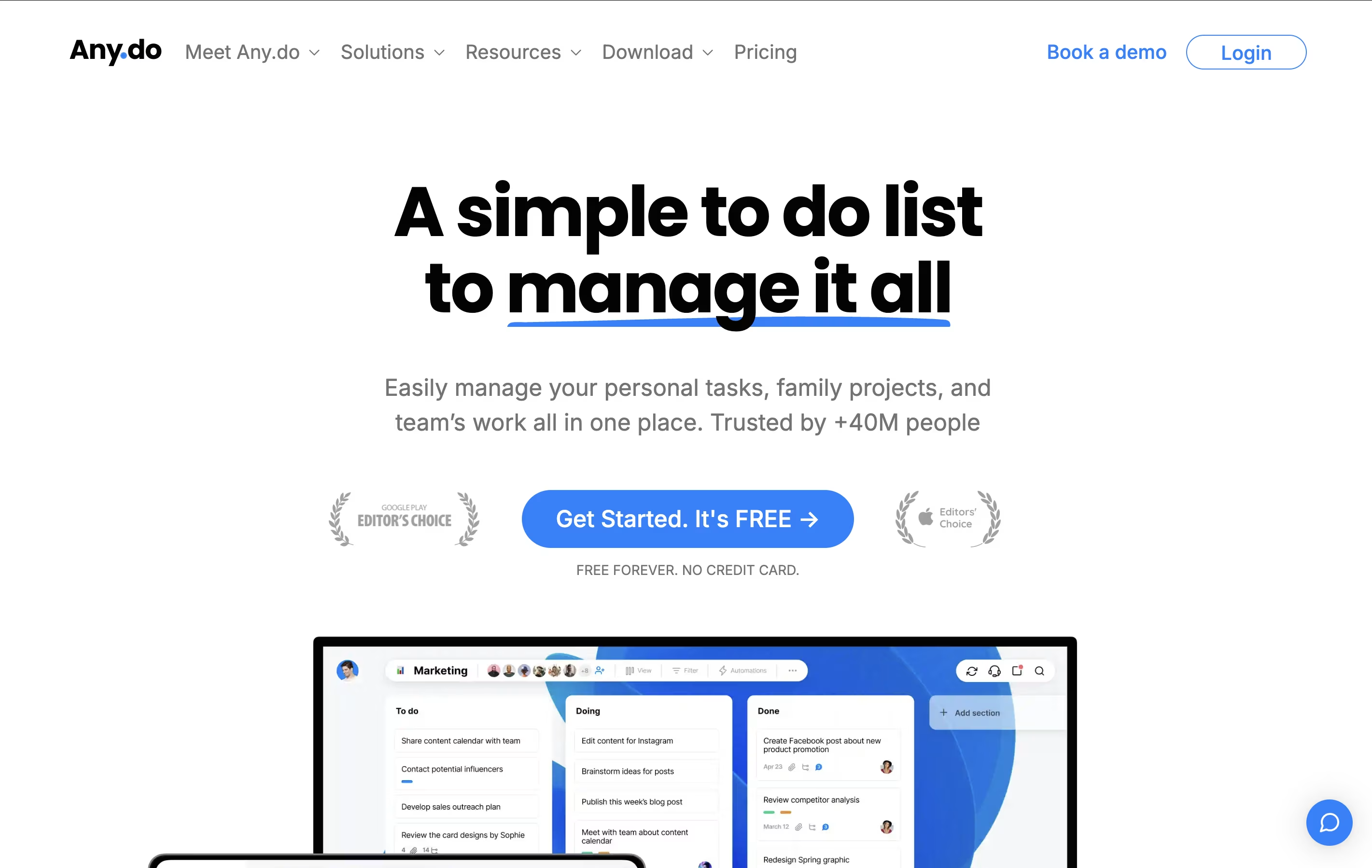
The app works on your phone, computer, and tablet, and everything stays in sync. This means you can add a task on your phone and see it on your computer later. It also lets you share lists with family members or team members, making it great for group projects or household planning.
Both free and paid versions are available, with the paid plans offering extra features like recurring tasks, color tags, and team collaboration tools.

Sunsama is a digital daily planner that combines task management with calendar planning. You can pull tasks from tools like Asana, Trello, Notion, and GitHub into one focused view. Each morning, Sunsama guides you through planning your day by setting time estimates and blocking time on your calendar.
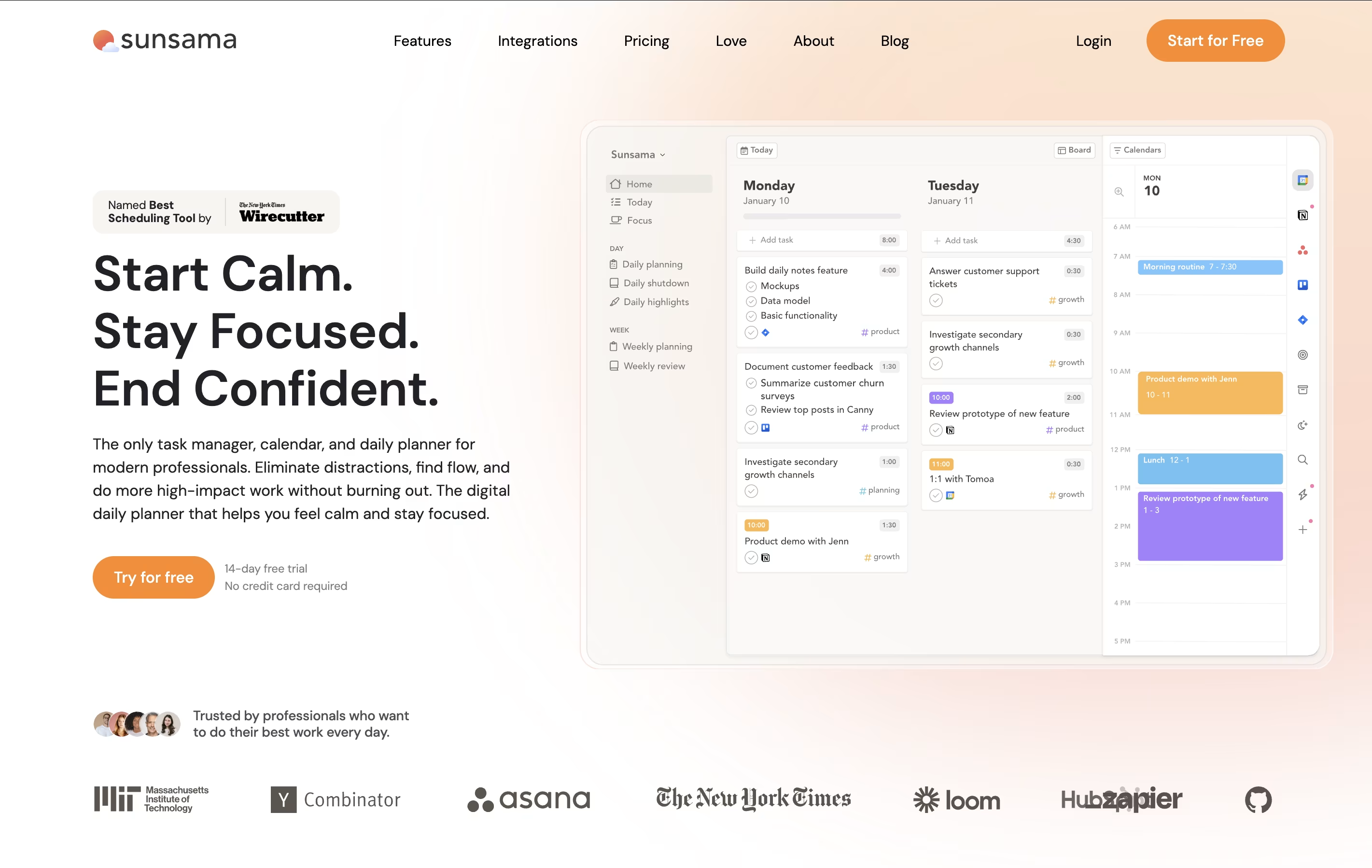
Unlike other task managers that just list everything you need to do, Sunsama helps you choose what to work on today. It syncs with your calendar so you can see meetings alongside tasks. The tool includes daily planning rituals, end-of-day reviews, and weekly reflection sessions to help you stay on track.
There is a 14-day free trial with no credit card required. After that, paid plans start at $16 per month when billed yearly, or $20 per month when billed monthly.

Routine is a workspace tool that helps you manage your time and tasks more effectively. You can connect your existing calendars from Google, Outlook, or iCloud, and view everything in one timeline. The app lets you create tasks, take notes, schedule events, and store contact information all in the same place.
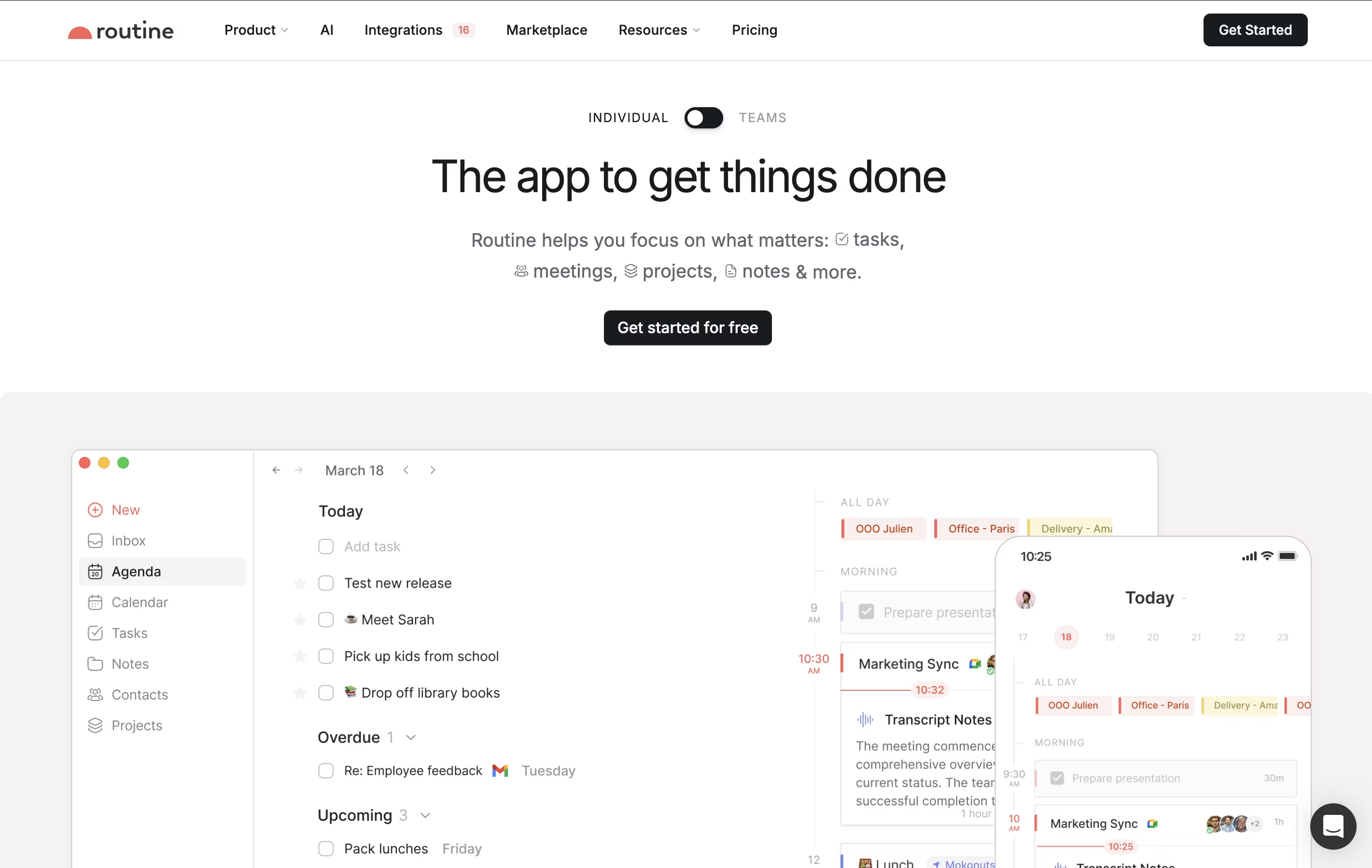
What makes Routine different is its quick capture feature called the Console. You can press a keyboard shortcut anywhere on your computer, type what you need to do, and it automatically gets organized. The app works offline, so you never lose access to your information. It also uses natural language, meaning you can type things like "meeting with John next Tuesday at 3pm" and it understands what you mean.

Amie is a calendar and productivity app that combines scheduling, task management, and email handling in one tool. You can view your calendar events and to-do lists side by side, making it easier to plan your day. The app connects with Google Calendar, Apple Calendar, and other services you already use.
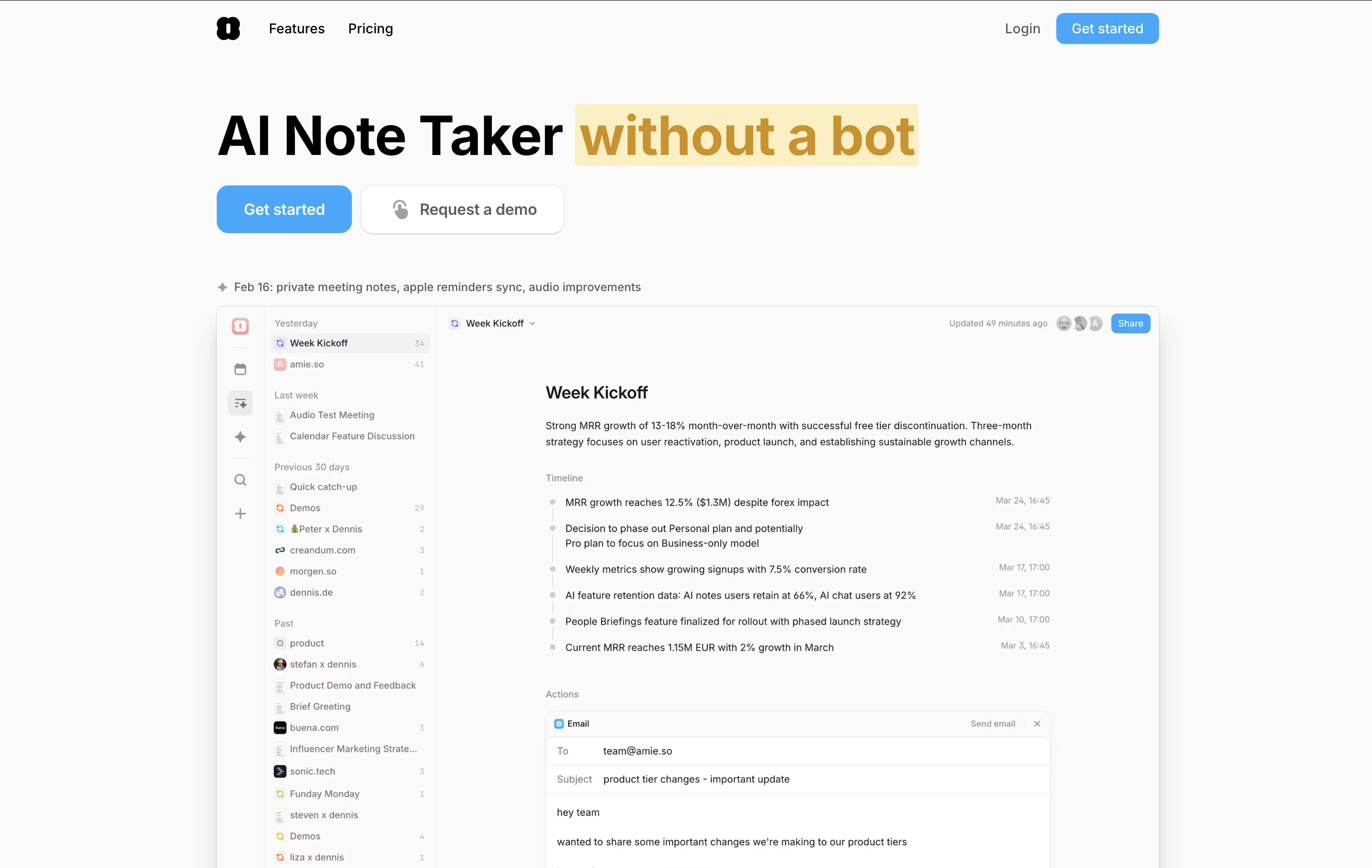
The standout feature is AI-powered meeting notes. Amie records your calls in the background without joining as a bot, then creates summaries and action items automatically. You can ask the AI questions about your meetings later, and it will pull information from all your past conversations.
Amie also lets you time-block tasks, color-code events, share scheduling links with others, and manage emails right from your calendar view.





