

Best 14+ Workflow Automation Tools in 2026
Last Updated: September 12, 2026
Repetitive manual steps between apps slow teams down and introduce room for error. Workflow Automation tools connect your apps and automate multi step processes, triggering actions automatically based on rules you set.
These platforms are widely used by operations teams, marketers, and developers looking to eliminate repetitive manual work across their tech stack. Once set up, automated workflows quietly handle tasks in the background so teams can focus on higher value work.
 n8n
n8n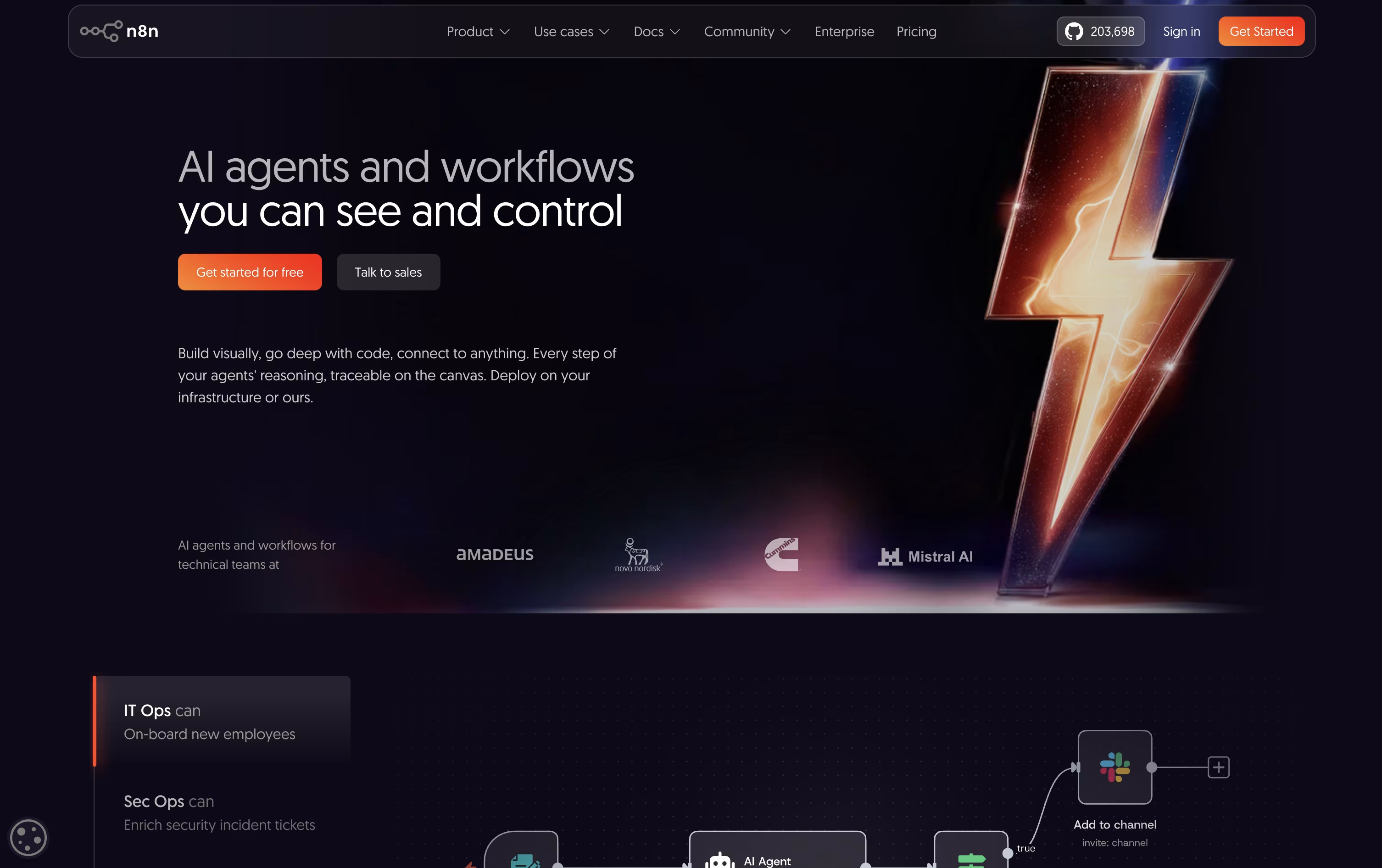 n8nAutomate Workflows with AI and Code Fast,
  Make
Make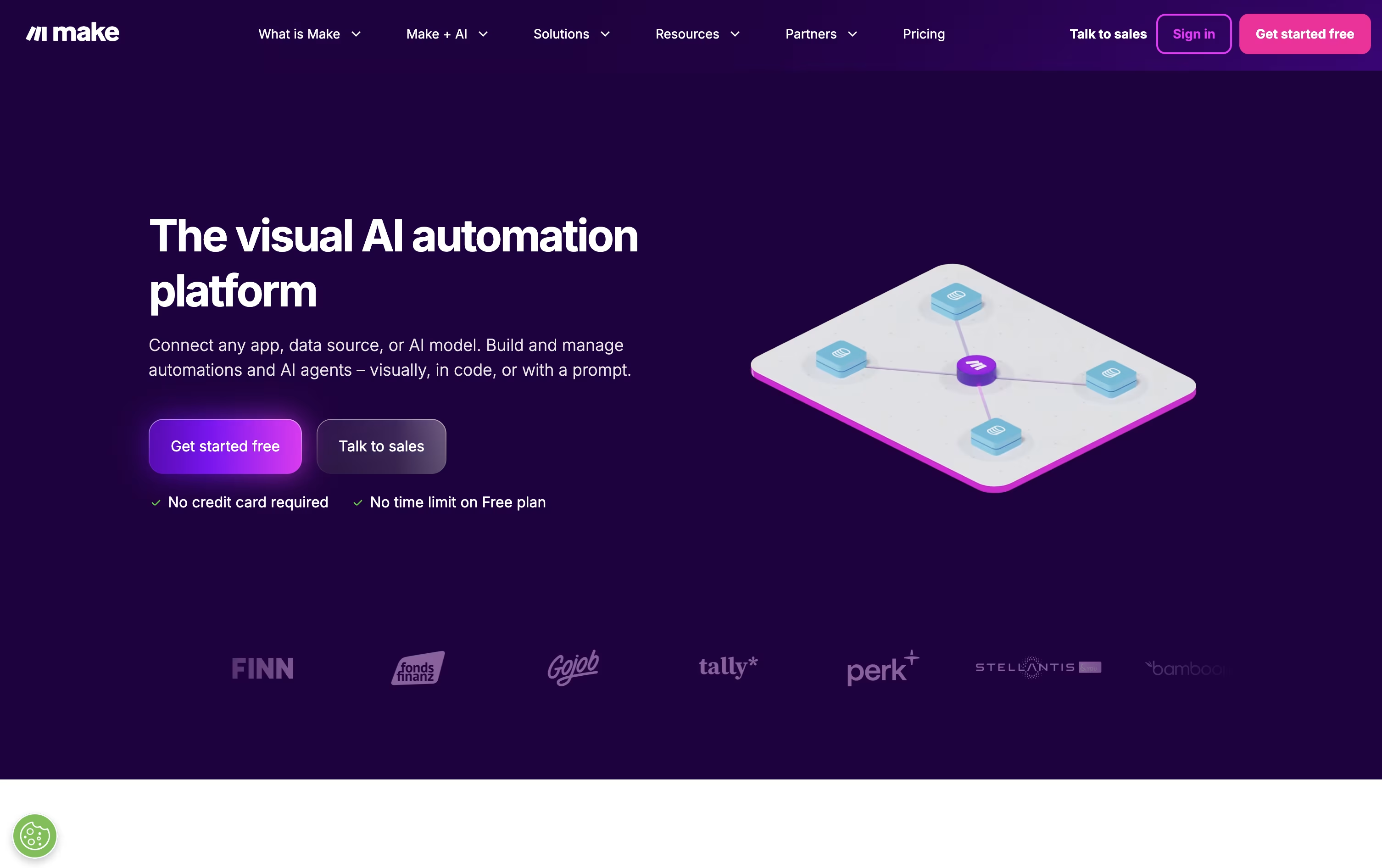 MakeVisual Automation and AI Agent Platform, and
  Zapier
 ZapierAI Automation for Apps and Workflows are the best for Workflow Automation. So, let’s take a closer look at all 14+ tools.

n8n lets you automate work by connecting apps, data, and AI models through a visual, node based editor. Instead of separate scripts, you build one workflow that runs the whole process.
What makes it flexible is the option to stay fully visual or drop in custom JavaScript or Python code whenever you need finer control, along with strong support for AI agents and RAG style pipelines.
Rather than charging per user, n8n prices its plans by how many workflow executions you use each month. Starter starts at $24 a month, Pro is $60, and Business is $960, with a discount if you pay yearly.
Enterprise pricing is custom and built for organizations needing tighter governance, unlimited projects, and dedicated support.
You can self-host n8n for complete control of your data or use the hosted cloud version, and Starter and Pro come with a no-card-required free trial.
Make gives you a visual way to automate work across apps, using a canvas where you drag modules and connect them into full workflows called scenarios.
Built-in AI tools set it apart. Maia writes and adjusts scenarios based on simple instructions, and Make AI Agents can be given a goal and left to use tools and make their own calls to reach it.
There are five pricing tiers. Free covers 1,000 credits monthly at $0, and at 10,000 credits, Core runs $10.59, Pro runs $18.82, and Teams runs $34.12 each month.
Pro, the most popular choice, adds priority runs and full log search, while Teams brings in team roles and reusable templates. Enterprise is priced individually and covers SSO, custom functions, and round the clock support.
Choosing annual billing cuts around 15% off the monthly rate for Core, Pro, and Teams, with costs climbing as your monthly credit needs grow.
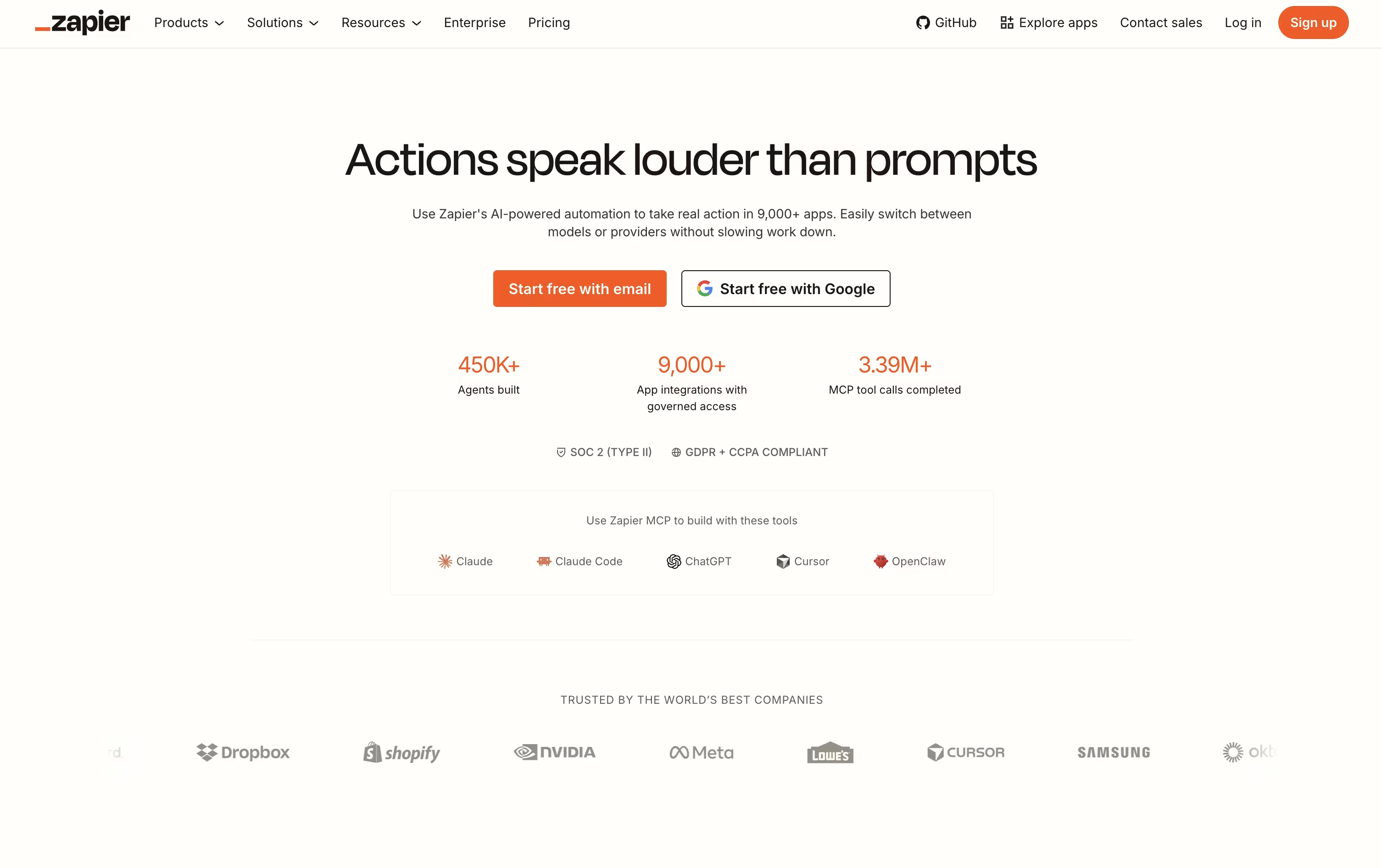
Most people open Zapier to stop doing the same task by hand every day. You pick a trigger, such as a new form entry or a new email, and Zapier moves the information into your other apps for you.
AI steps can be added along the way to summarize text, sort information, or make a decision, and the AI can even be given tools so it works through a task on its own.
Zapier MCP takes this further, letting AI tools like Claude or ChatGPT reach into your connected apps and complete actions right from a chat.
Getting started costs nothing, since the Free plan covers 100 tasks a month with unlimited Zaps, Tables, and Forms. Professional moves that up to $29.99 a month, or $19.99 a month paid yearly, adding multi step Zaps and premium apps.
Bigger teams can take the Team plan at $103.50 a month for 25 users, or contact sales for a custom Enterprise setup. Zapier also runs separate Agents and Chatbots plans, each with a free tier and paid options between $20 and $100 a month.

Paste is a clipboard manager that remembers everything you copy on your Apple devices. Think of it as a powerful upgrade to the standard clipboard that comes with your Mac, iPhone, or iPad.
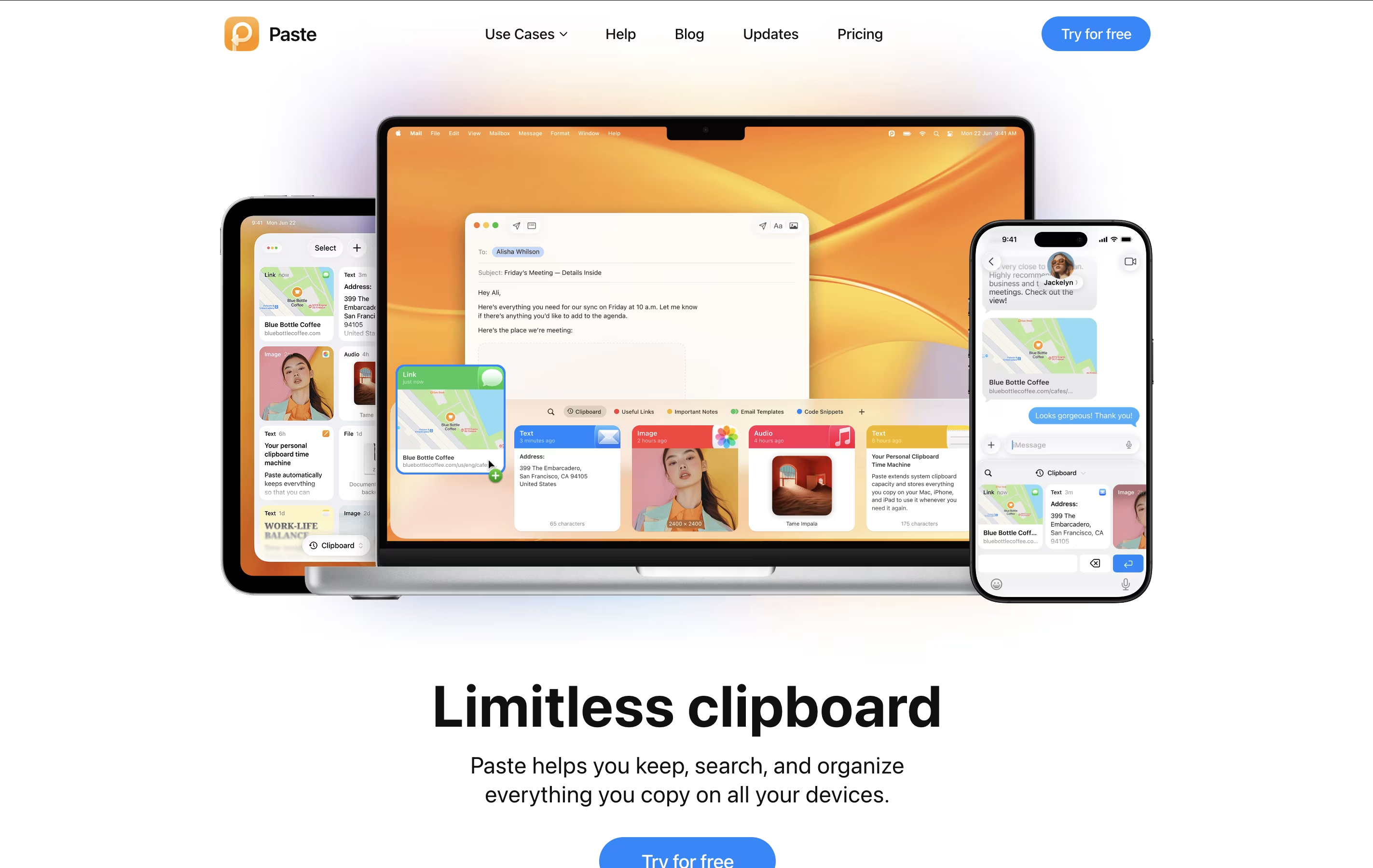
The regular clipboard only holds one item at a time. When you copy something new, the old item disappears. Paste changes this by keeping a visual history of everything you've copied – text, links, images, files, and even colors. You can scroll through your history, search for specific items, and paste them whenever you need them.
Paste also lets you create Pinboards, which are custom collections where you can store frequently used items like email templates, code snippets, or design assets. The app uses iCloud to sync everything across your devices, so your clipboard history follows you everywhere.

Lindy is an AI-powered automation platform that lets anyone create intelligent assistants called "Lindies" without any coding knowledge. Think of it as a smart combination of ChatGPT's intelligence and Zapier's connectivity, but much more powerful.
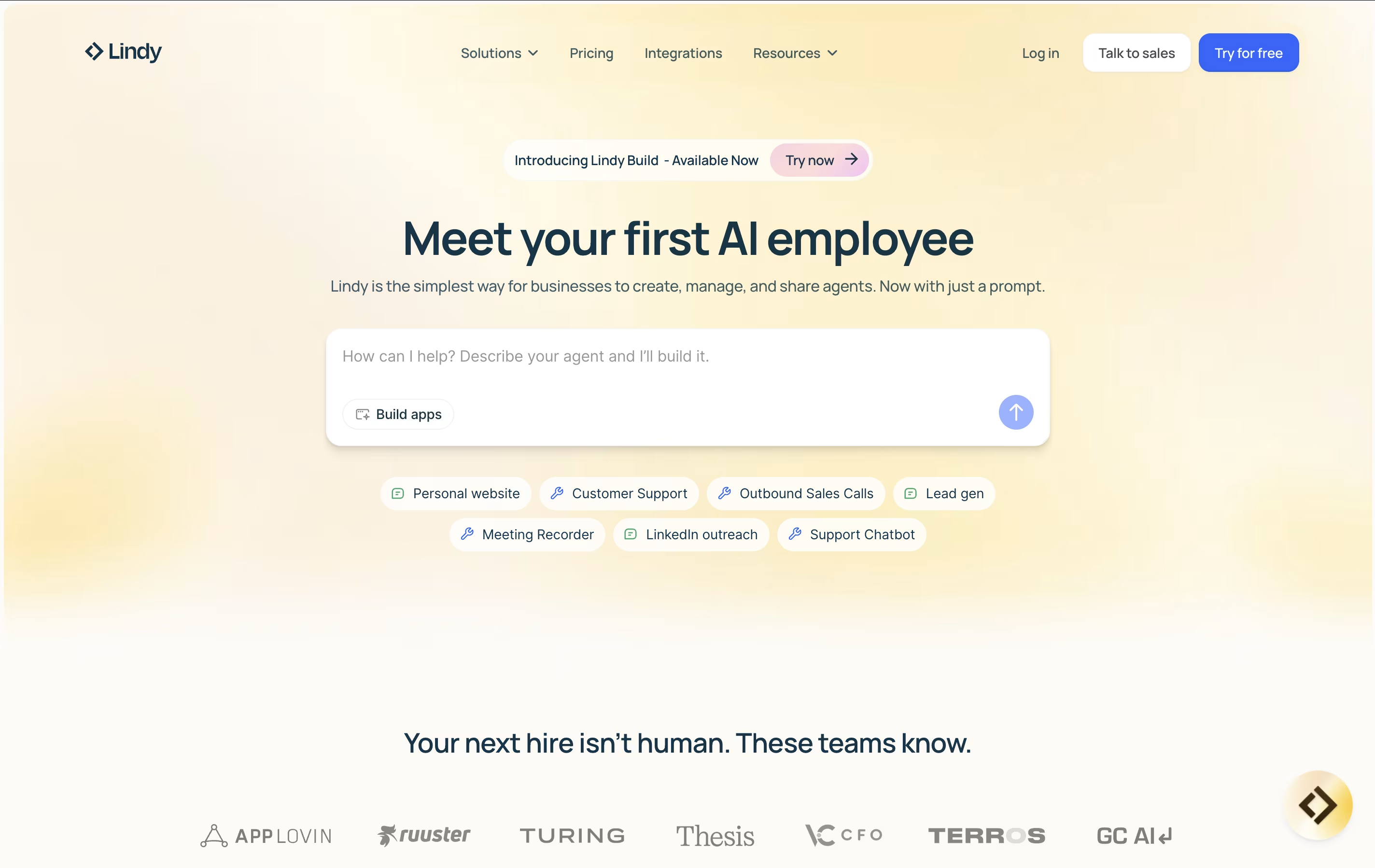
Each Lindy you create can understand context, make decisions, and take actions across your entire tech stack. Unlike basic automation tools that just move data around, Lindy's AI agents can read emails and understand what they mean, research leads and write personalized outreach, join meetings and take detailed notes, or handle customer support with human-like responses.
The platform uses simple "if this, then that" logic combined with natural language commands, making it accessible to everyone from small business owners to large enterprise teams. You can start with pre-built templates or create completely custom agents tailored to your specific business needs.

Integry is an enterprise-grade integration platform that serves as the bridge between SaaS applications and hundreds of third-party tools. Unlike traditional integration solutions, Integry focuses on embedded, user-facing integrations that work directly within your product interface.
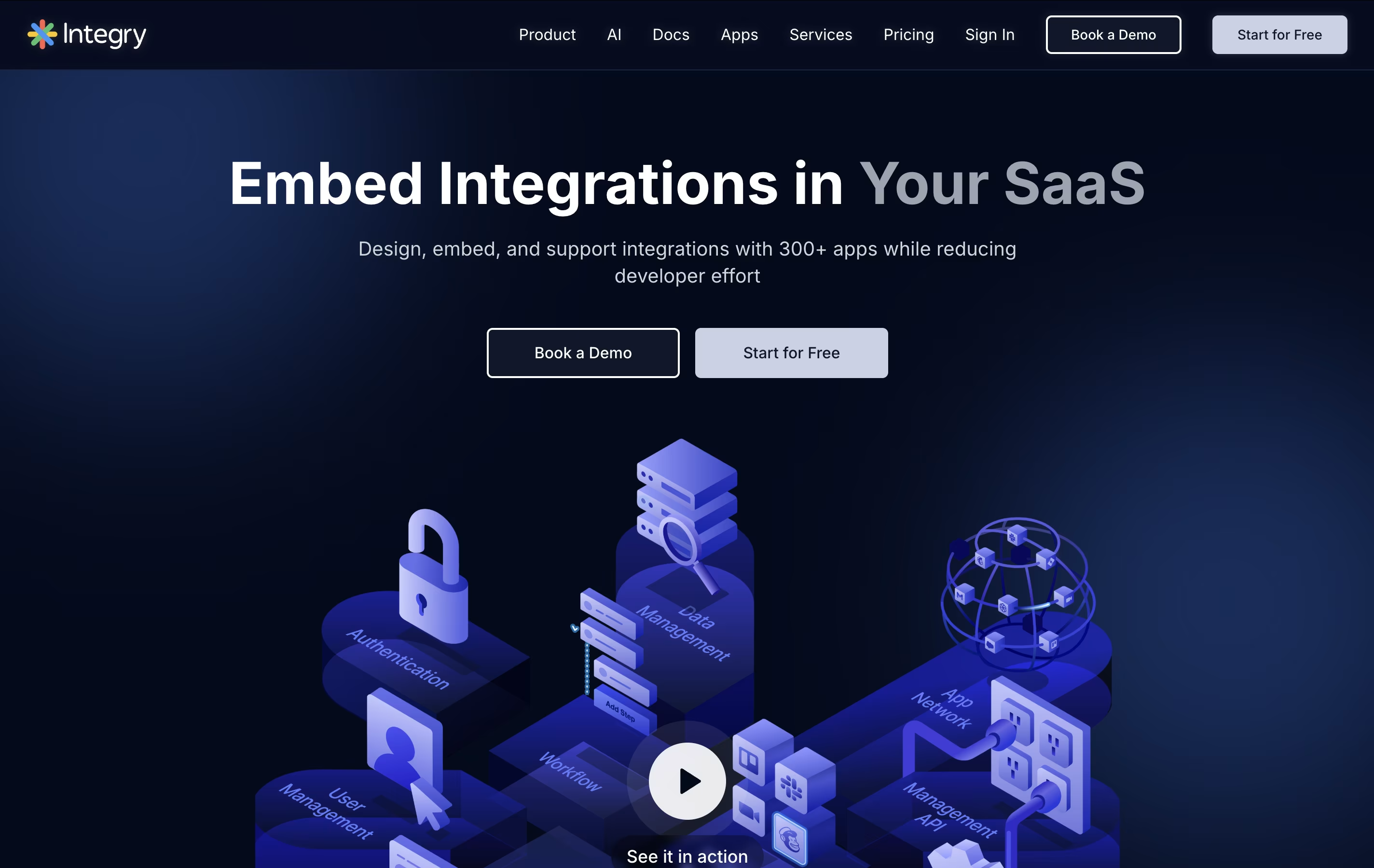
The platform offers AI-powered function calling capabilities, allowing artificial intelligence systems to predict and execute actions across different applications automatically. This makes it particularly valuable for AI agents and chatbots that need to interact with external tools.
Integry handles the complex technical aspects of integrations including OAuth authentication, data mapping, error handling, and API management. The visual programming environment lets product teams build sophisticated workflows without writing code, while the white-label components ensure the integration experience matches your brand perfectly.

Gumloop is an AI-native automation platform designed to help businesses automate complex workflows using artificial intelligence and machine learning. Think of it as a visual programming tool that connects your favorite business applications with cutting-edge AI models.
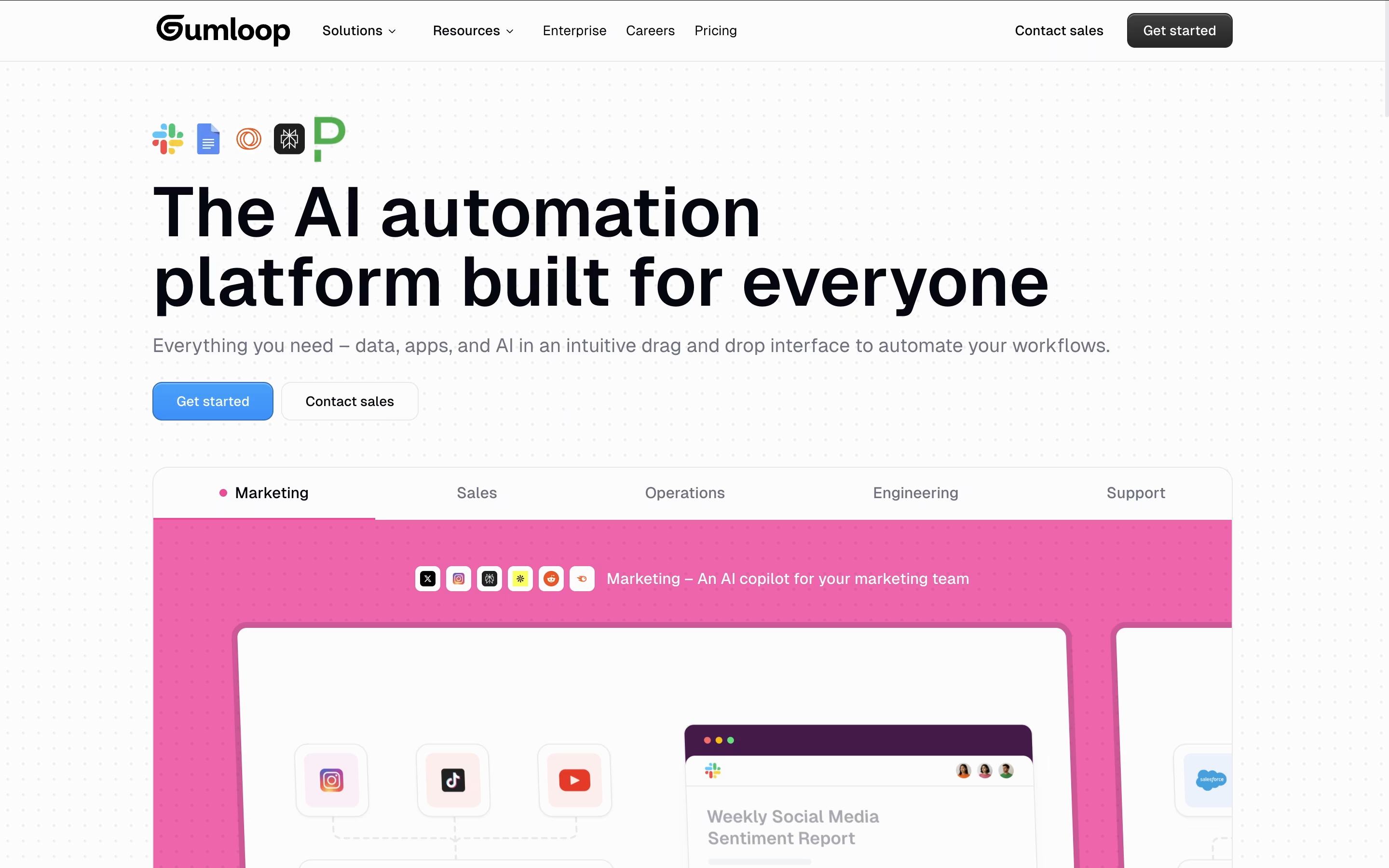
The platform works by letting users drag and drop "nodes" (individual components) onto a visual canvas to build complete automation workflows. These nodes can be anything from web scrapers and document processors to AI models like GPT-4 and Claude. Users connect these nodes together to create "flows" that can handle complex business processes automatically.
Founded in 2023, Gumloop has quickly gained popularity among teams at companies like Webflow, Instacart, and Shopify. What makes it special is its AI-first approach - instead of just moving data between apps, it can actually process, analyze, and make decisions about that data using artificial intelligence. This makes it perfect for automating tasks that previously required human judgment.

Hexomatic is a no-code automation platform designed to help businesses extract data from websites and automate time-consuming tasks. Think of it as your digital assistant that can visit websites, collect information, and perform actions automatically without any technical knowledge required.
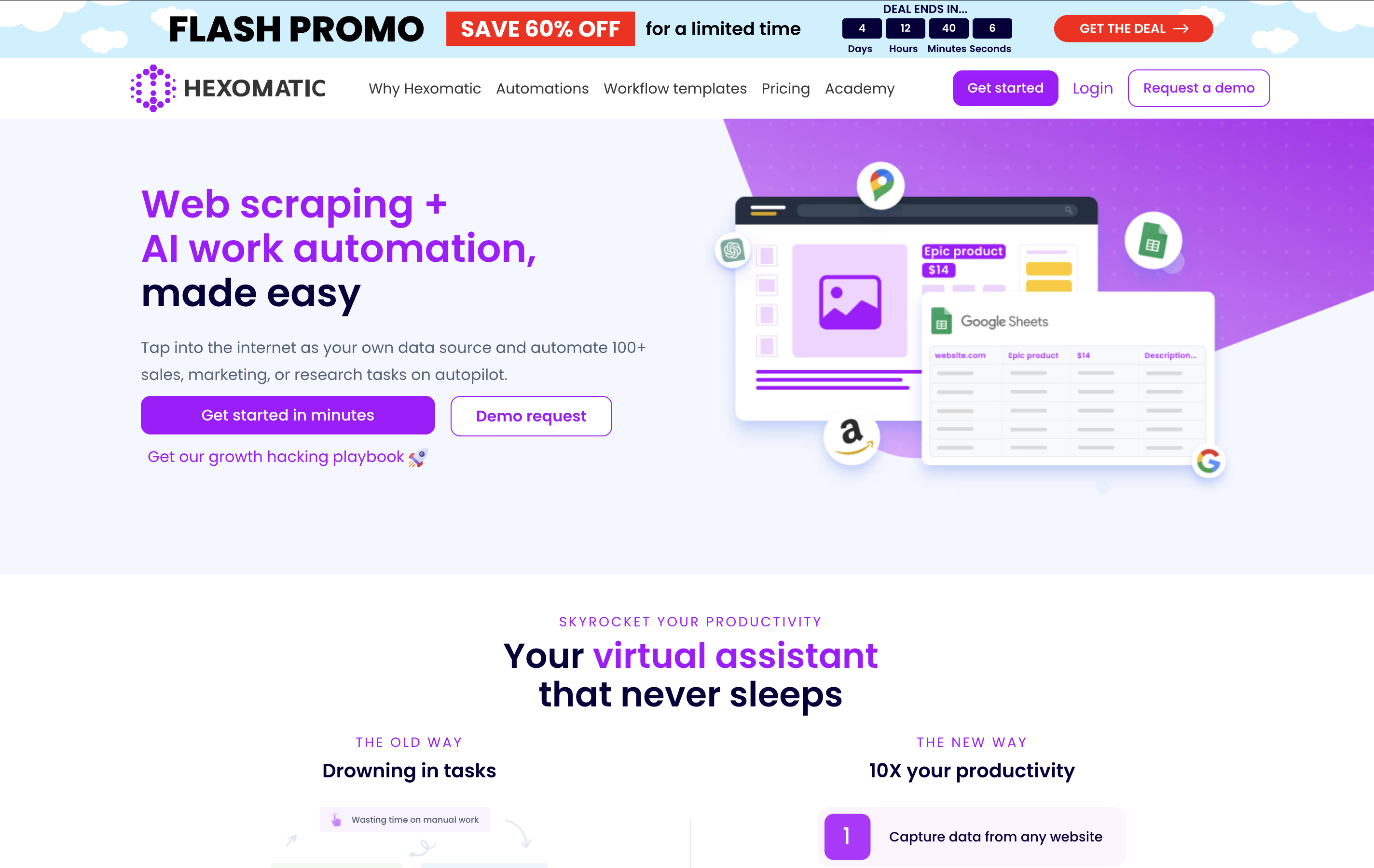
The platform works by combining web scraping capabilities with workflow automation. You can create "recipes" to extract specific data from websites like product prices, contact information, or social media profiles. Then, use over 100 built-in automations to process this data - validate emails, translate content, generate reports, or send notifications.
What makes Hexomatic special is its visual, drag-and-drop interface that lets anyone build complex automation workflows. It runs continuously in the cloud, so your automations work even when you're offline. The platform also includes AI-powered features through integrations with ChatGPT and Google Gemini for advanced content creation and data analysis tasks.

Relevance AI is a no-code platform where anyone can build AI agents and complete AI teams to handle business tasks automatically. These AI agents work like digital employees that can be trained to follow your exact processes and procedures.
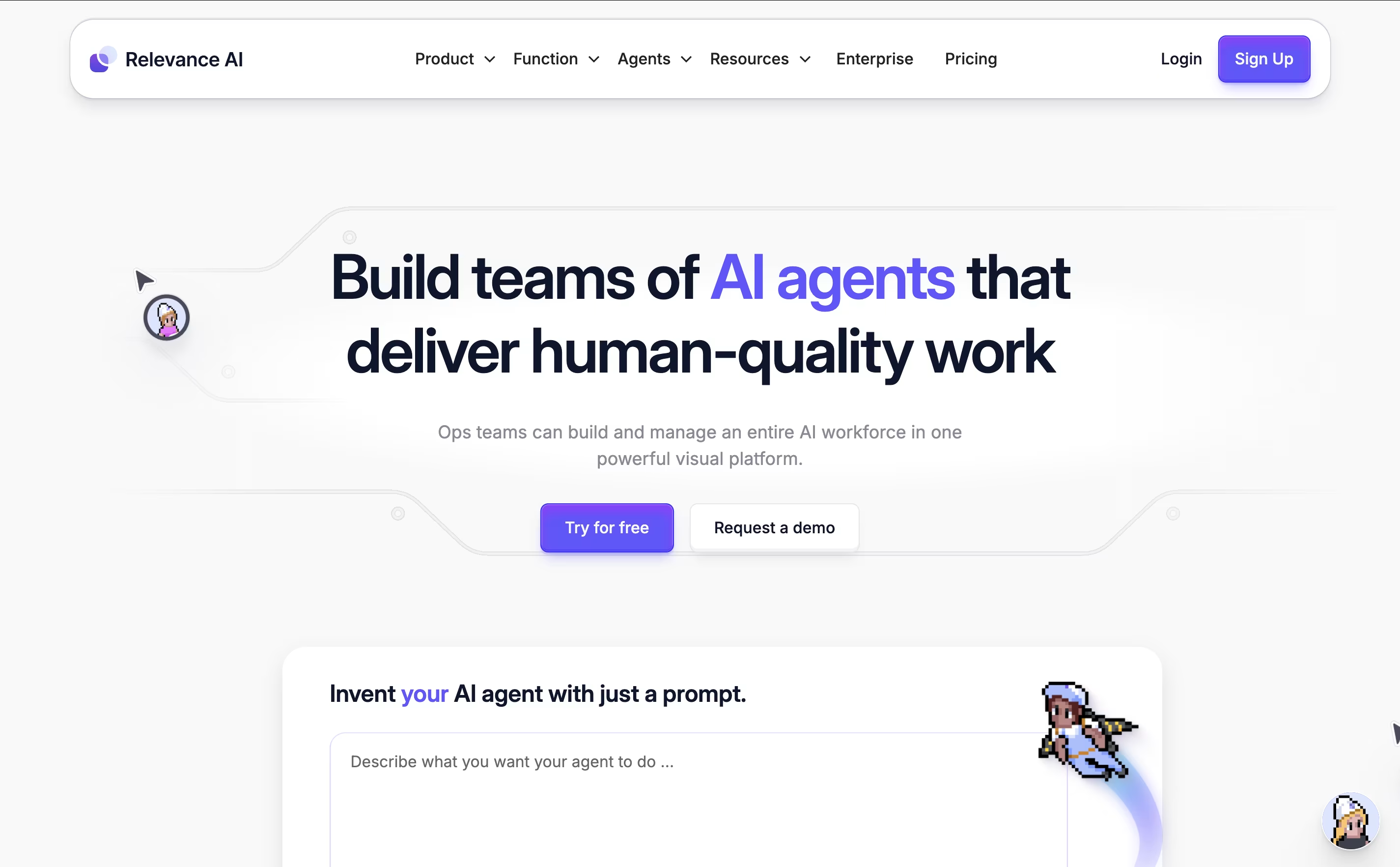
The platform supports multiple AI models including GPT-4, Claude, and Gemini, so you get access to the most advanced AI technology. You can create custom tools and workflows, then give these tools to your AI agents so they can complete complex tasks on their own.
What makes it special is that everything happens without coding. You simply drag and drop to build workflows, connect your existing apps, and train your agents using plain English. The platform is SOC 2 compliant and offers data centers in the US, EU, and Australia for security and privacy.

Zimyo is a comprehensive Human Resource Management System (HRMS) that runs in the cloud. It brings together all the important HR tasks that companies need - from hiring new employees to processing their monthly salaries. The platform works like a digital assistant for HR departments, handling time-consuming tasks automatically.
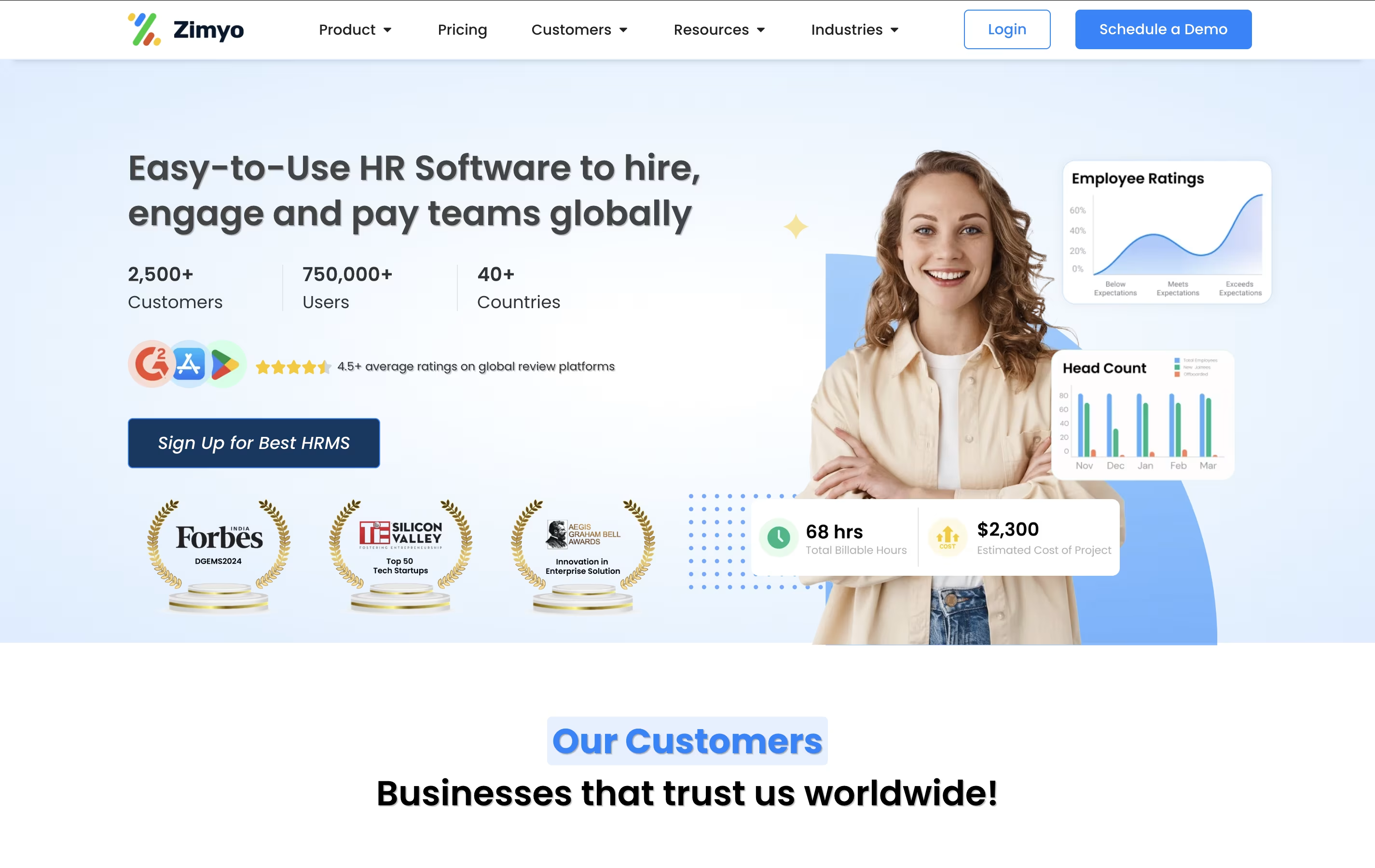
The software includes modules for employee data management, attendance tracking, leave management, payroll processing, performance reviews, and recruitment. It also has employee engagement features like surveys, announcements, and feedback systems. What makes Zimyo special is its user-friendly design - employees can access their information, apply for leaves, and view payslips through a simple mobile app or web portal.
The system ensures legal compliance and data security while providing real-time analytics to help managers make better decisions about their workforce.

CREAO is a "no-code AI app builder" that turns natural language descriptions into working software applications. When you describe your app idea in simple words, CREAO's AI automatically builds the complete application including the user interface, backend systems, database, and web hosting.
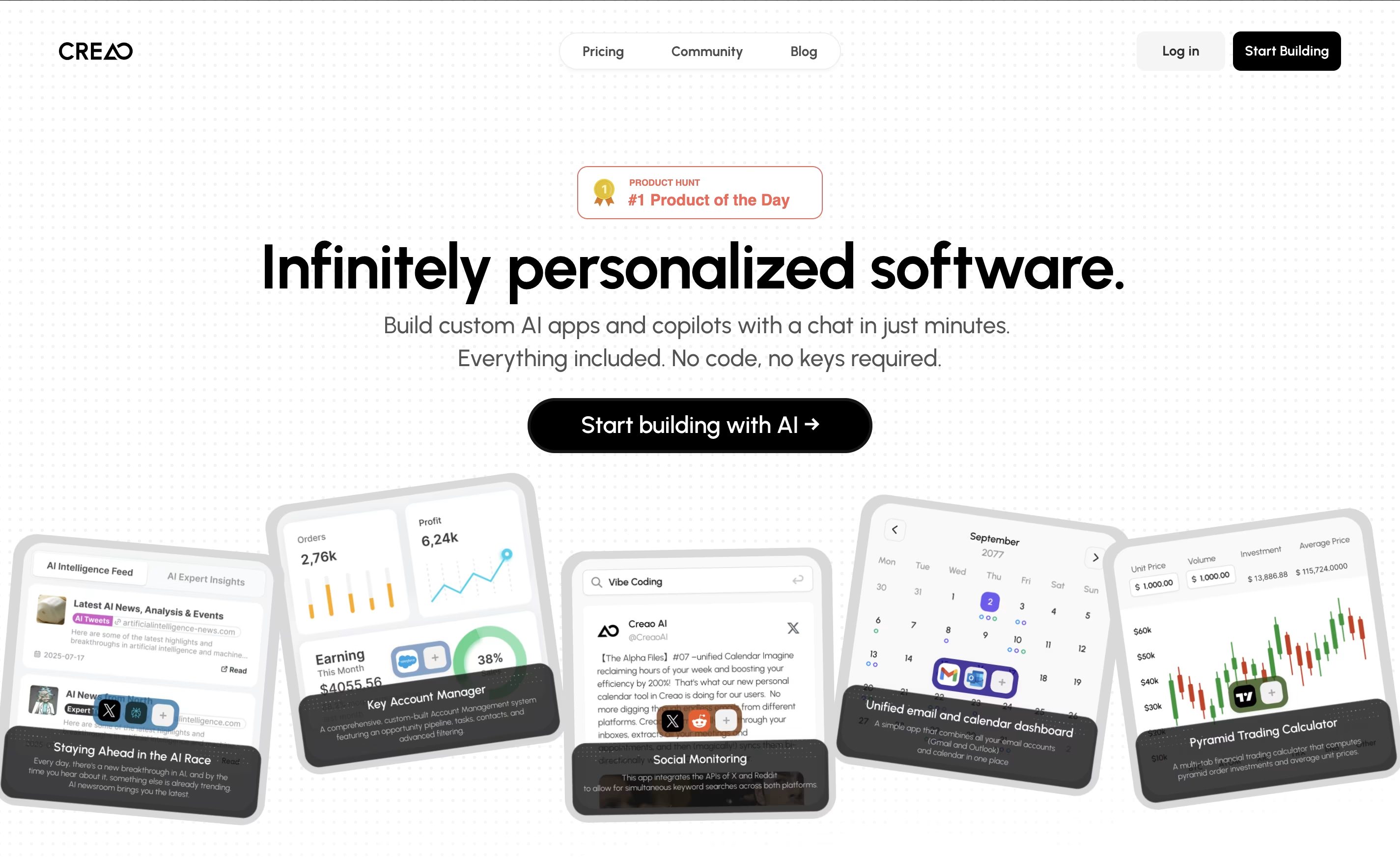
What makes CREAO special is that every app it creates is "AI-native," meaning each one includes a smart AI assistant that understands your specific workflow and data. This built-in copilot can answer questions, manage information, and help users complete complex tasks within the app.
The platform also offers easy connections to popular business tools and services, so your custom app can work alongside your existing software. This makes it perfect for creating internal business tools, customer portals, or workflow management systems.

Rize is an intelligent time tracking and productivity coaching application designed for macOS and Windows users who want to maximize their work efficiency. Think of it as a fitness tracker for your productivity - it automatically monitors how you spend time on your computer, identifies patterns, and provides personalized recommendations to improve focus and reduce distractions.
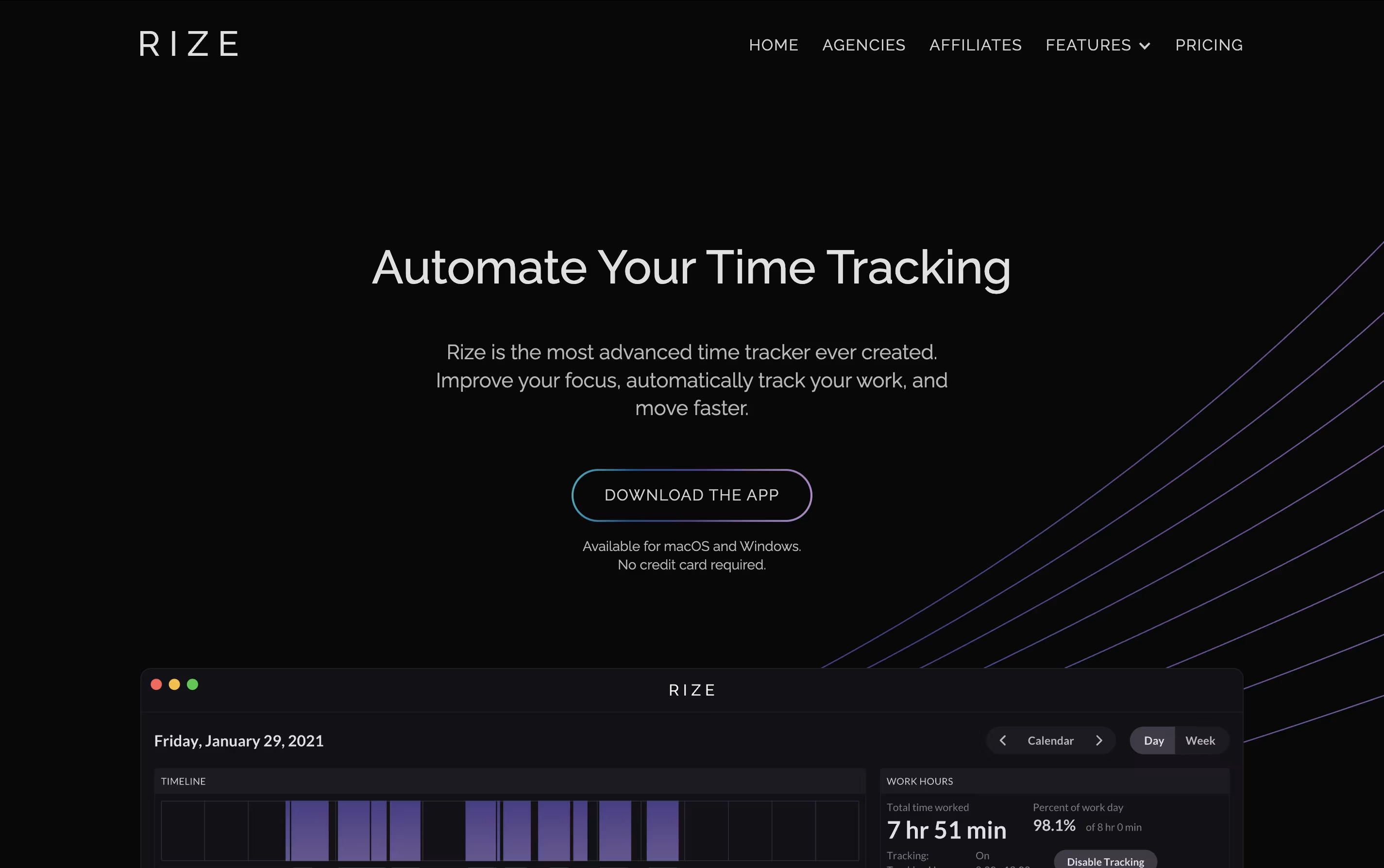
The software tracks your active windows, categorizes activities, and generates detailed reports without requiring you to start or stop timers manually. What sets Rize apart from basic time trackers is its AI-powered insights that help you understand not just where your time goes, but how to optimize it.
The platform includes focus-enhancement tools like website blocking, ambient focus music, break notifications, and detailed analytics that show you exactly which apps or websites interrupt your productive flow most frequently.

HeyForm is a powerful open-source form builder designed to make data collection simple and engaging for everyone. Think of it as the perfect mix between user-friendly design and powerful functionality, but completely free and open-source.
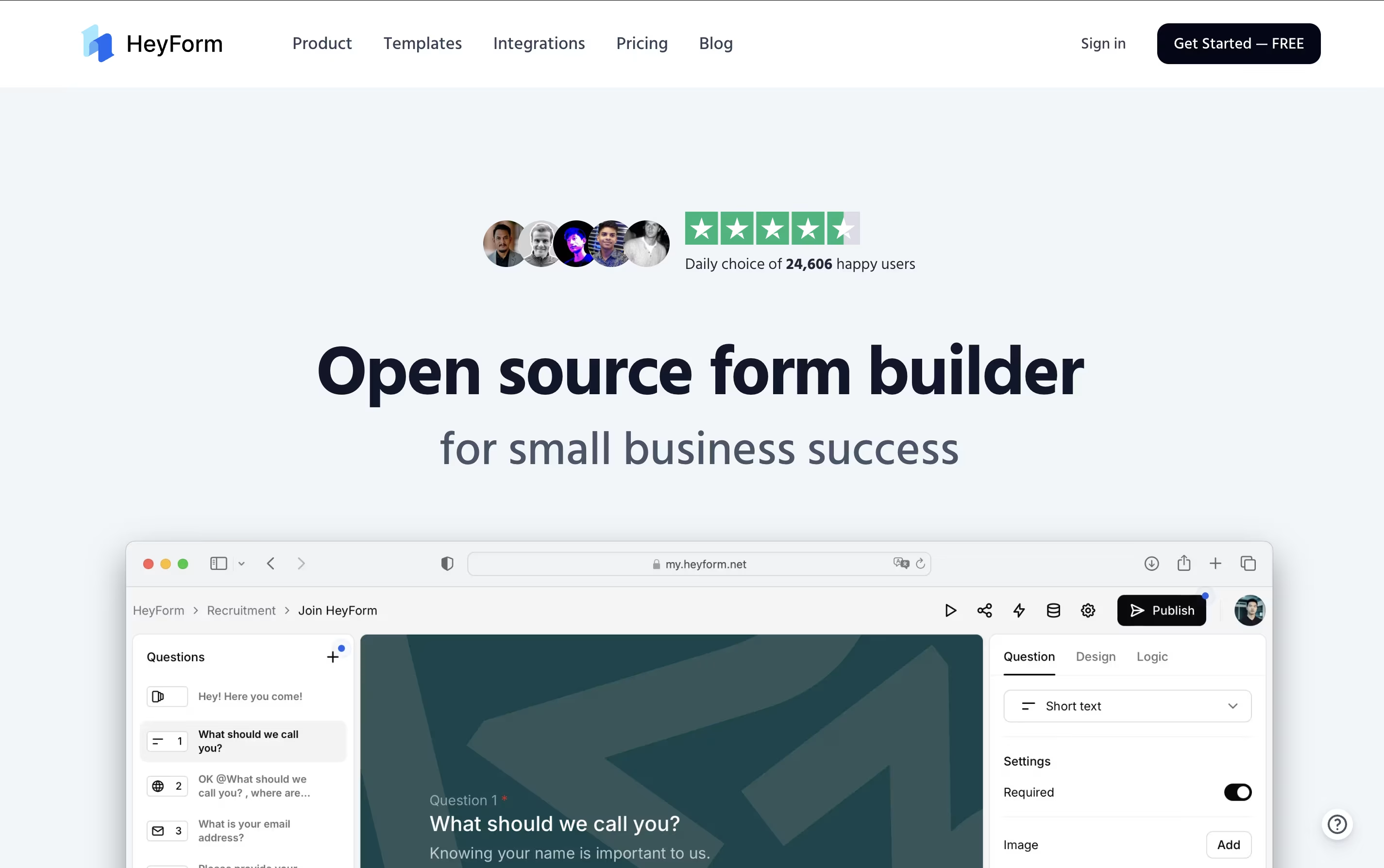
It uses modern technology to create conversational forms that feel natural and keep respondents engaged throughout the process. The main difference from regular form builders is simple: instead of creating boring, static forms, HeyForm creates interactive experiences that guide users through questions in a conversational way.
Each form includes smart features like conditional logic, custom branding, and real-time analytics, allowing you to gather better data while providing a pleasant experience for your respondents. Founded as an open-source project, HeyForm has become popular because it offers enterprise-level features for free, making professional form creation accessible to everyone from small startups to large organizations.

Raycast is a comprehensive productivity platform built specifically for Mac users that serves as both an app launcher and a complete workflow automation system. Think of it as a much more powerful version of Spotlight search, but with AI capabilities built right in.
At its core, Raycast lets you quickly launch applications, search files, perform calculations, and control your Mac entirely through keyboard shortcuts. What sets it apart is its extensive ecosystem of over 1000 free extensions that integrate with popular tools like GitHub, Slack, Notion, and Google Calendar. You can manage your entire digital workflow without ever leaving the Raycast interface.
The app also includes advanced AI features powered by leading models like GPT-4, Claude, and DeepSeek R1, allowing you to chat with AI, generate content, and automate repetitive tasks. Whether you need quick answers, help with coding, or assistance writing emails, Raycast's AI integration makes it feel like having a smart assistant built into your operating system.

Trigger.dev is an open source background jobs framework that allows developers to create reliable, long-running tasks directly in their codebase. Think of it as a better way to handle any job that takes more than a few seconds to complete, without worrying about timeouts or server management.
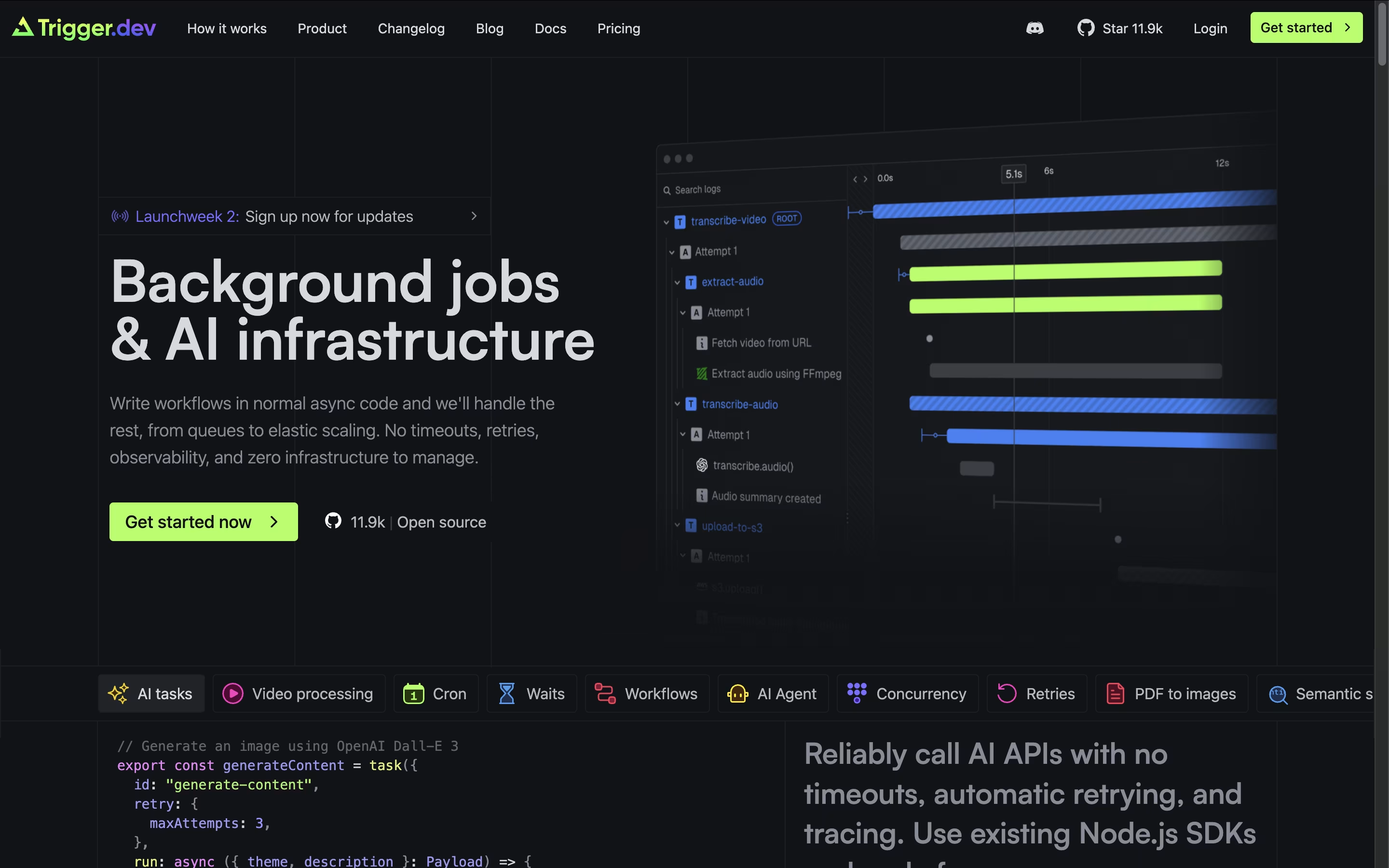
The platform excels at tasks like AI content generation, video processing, data analysis, email campaigns, and complex workflows that traditional serverless functions struggle with. What makes Trigger.dev special is its simplicity - you write regular JavaScript or TypeScript code, deploy it through their CLI, and it runs on their managed infrastructure with no timeout limits.
With automatic retries, real-time monitoring, and seamless integration with your existing codebase, Trigger.dev handles the complex parts of background job management while you focus on building great features. It supports multiple environments and can be self-hosted or used as a cloud service.

Browser Use is an AI-powered browser automation framework designed to make websites accessible for artificial intelligence agents. Think of it as giving AI the ability to see and interact with web pages just like a human would, but much faster and more accurately.
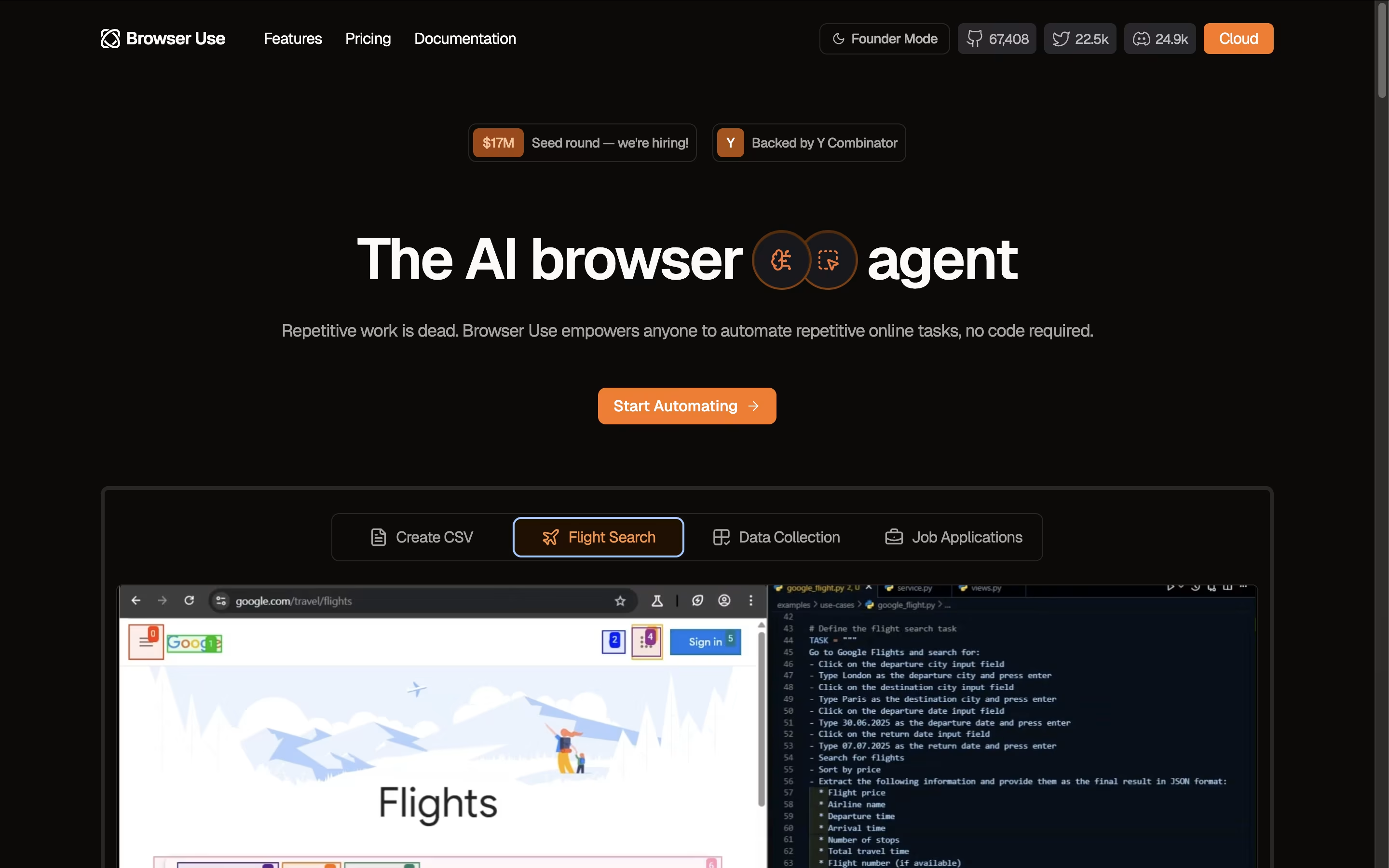
The key innovation lies in how Browser Use converts website elements like buttons, forms, and menus into a text-based format that AI models can easily understand and manipulate. Unlike traditional automation tools that rely on rigid scripts, Browser Use uses large language models to make intelligent decisions about how to navigate and interact with websites.
The framework supports multiple AI models including OpenAI GPT, Claude, Google AI, and others. It offers both an open-source version for developers and a cloud API service for businesses. Browser Use excels at complex tasks like logging into websites, extracting dynamic content, filling forms with contextual data, and performing multi-step web workflows automatically.

With Activepieces, you build automations called flows using a visual, no-code canvas. A trigger starts the flow, and a chain of actions carries out the work automatically.
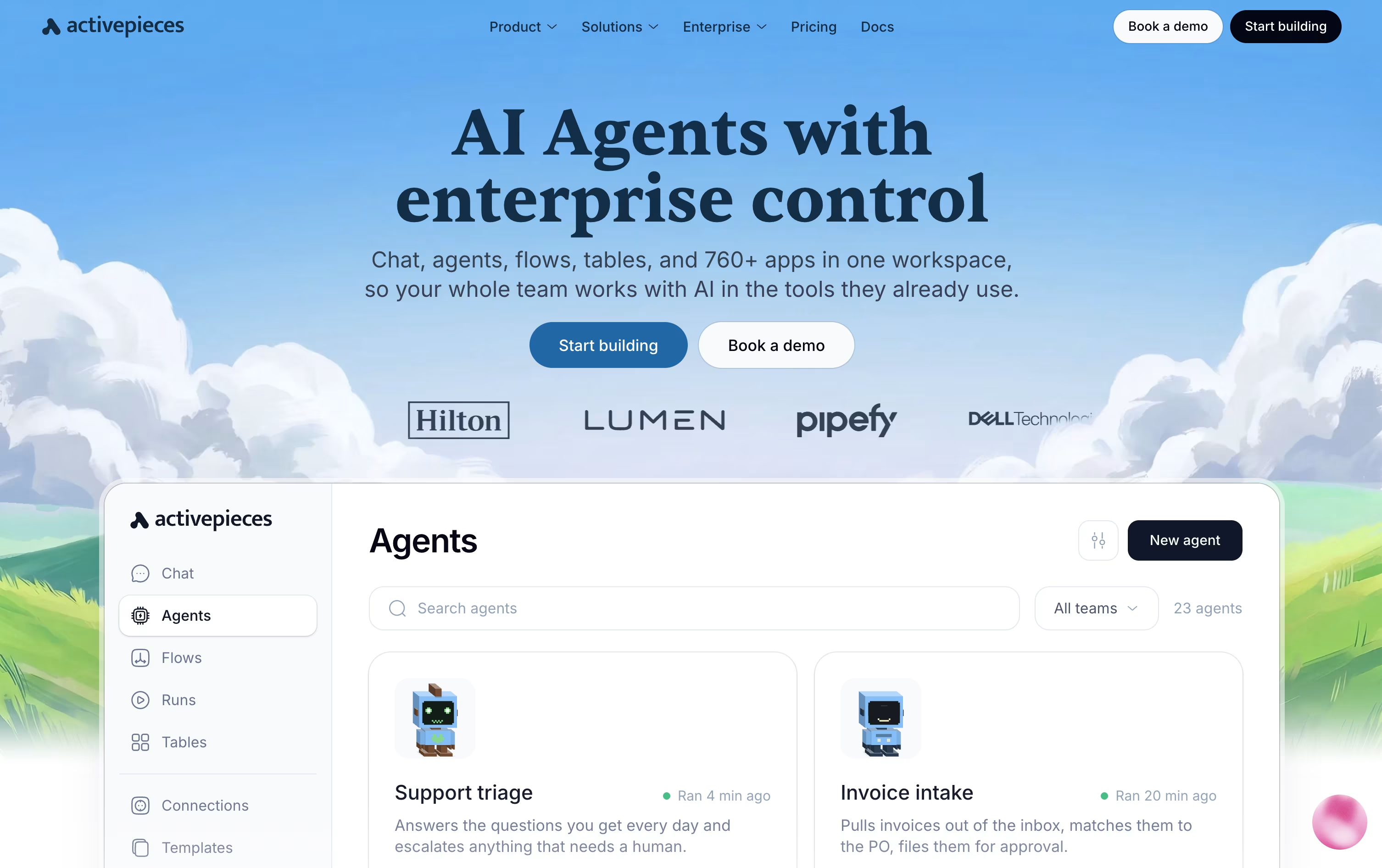
The platform also supports full AI agents that can think through a task and act on it across your connected apps, pausing for human approval when needed through tools like Slack or email.
Everything you connect doubles as a tool for outside AI assistants through the Model Context Protocol, and native Tables let you store and manage data right alongside your automations.
Costs are based on credits rather than a flat fee. The Free plan gives 100 credits a day at no cost, and Plus moves to 10,000 credits a month for $20, or $16 billed yearly.
The Team plan costs $200 a month with 25 users and single sign-on included, while Ultimate is priced individually for larger organizations that need deeper security controls.
Anyone wanting full control can also self-host the free, open-source Community Edition.

Pipedream is a serverless workflow automation platform designed specifically for developers who need to connect different applications and APIs. Think of it as a bridge that lets your apps talk to each other automatically.
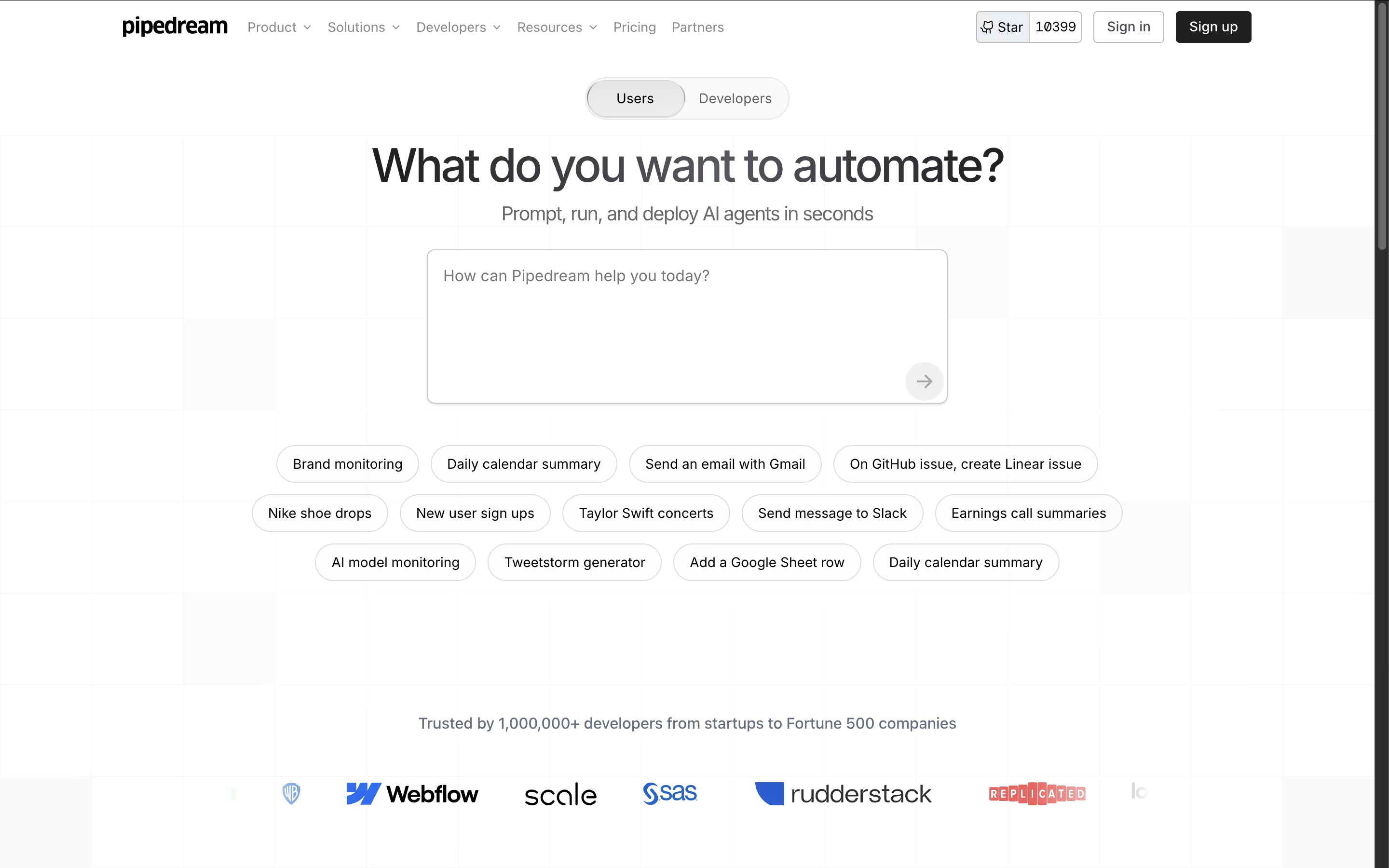
Unlike traditional automation tools, Pipedream gives you the power to write custom code when needed while providing thousands of pre-built components for common tasks. The platform handles all the infrastructure, authentication, and scaling automatically, so you can focus on building workflows instead of managing servers.
Each workflow is a series of steps that run when triggered by events like new emails, API calls, or scheduled times. With support for major programming languages and integration with popular services like Slack, Google Sheets, GitHub, and Stripe, Pipedream makes it easy to automate almost any business process or technical workflow.

Inngest is an event-driven durable execution platform built to run reliable, multi-step workflows on any platform without managing infrastructure. Think of it as a mix between traditional queues and modern serverless functions, but much better.
It uses step functions and incorporates real-time event processing, enabling developers to build complex workflows that can run for days or months with automatic error recovery. The main difference from regular workflow tools is simple: instead of setting up queues and managing state, you write normal code and Inngest handles all the infrastructure complexity.
Each step in your workflow automatically retries on failure and maintains state between executions, allowing you to easily build reliable systems. Founded in 2021, this tool has become popular because it eliminates infrastructure headaches and makes complex workflows easy. You can write functions in TypeScript, Python, or Go and deploy anywhere.

If you want automation without leaving WordPress or sending your data to another company's servers, Bit Flows is built for exactly that. It is a drag and drop workflow builder that lives inside your WordPress dashboard.
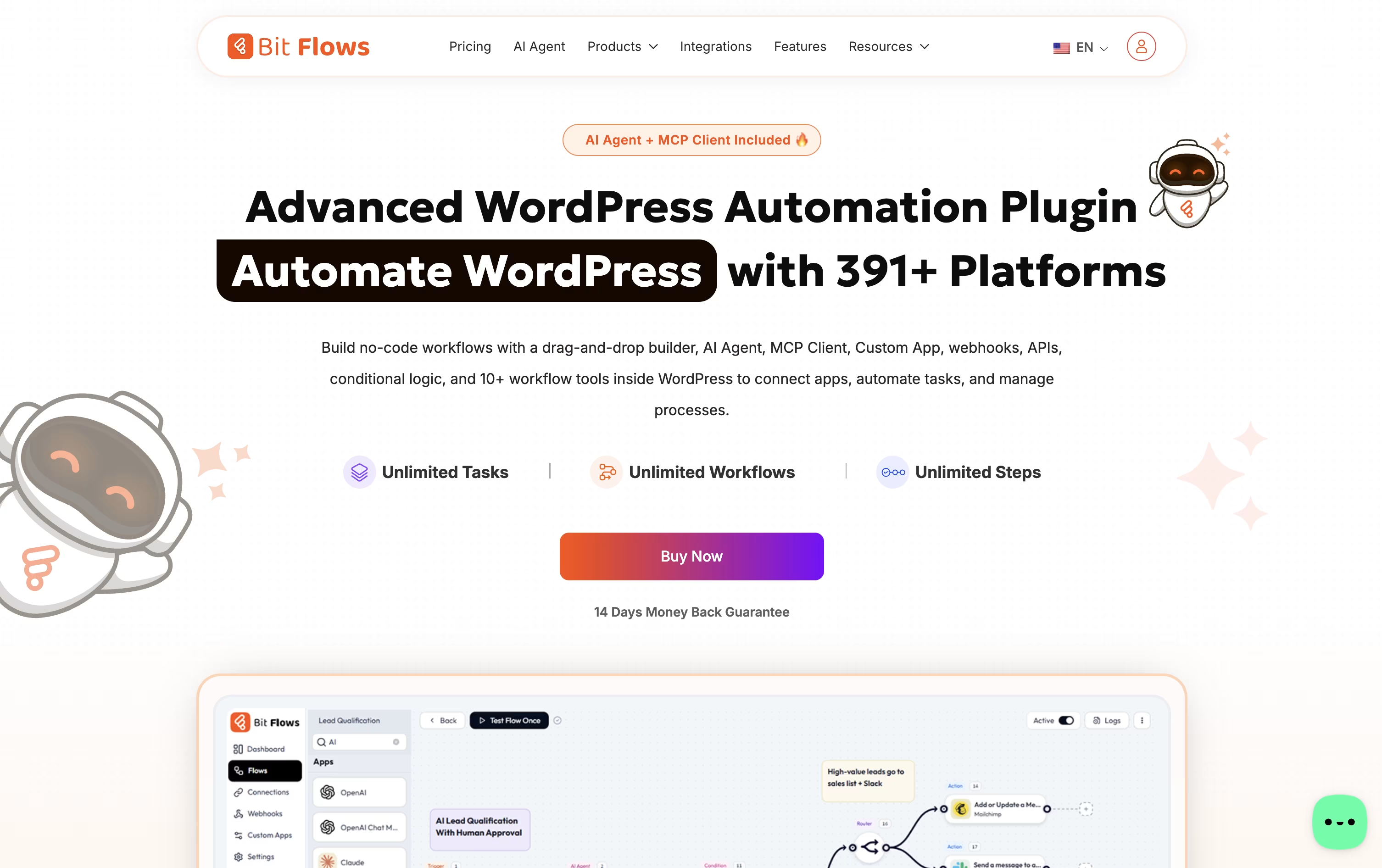
You can connect WordPress plugins, WooCommerce or Shopify orders, forms, CRMs, spreadsheets, chat apps, and AI models such as ChatGPT, Claude, or Gemini, all inside one visual flow.
Every plan includes unlimited workflows, steps, and task runs, and features like the AI Agent, MCP Client, and Human in the Loop approval steps help you build smarter, safer automations.
For pricing, yearly licenses run from $59 for one site up to $129 for unlimited sites, while one-time lifetime licenses run from $159 up to $499 for unlimited sites with premium lifetime support.
Bit Apps also sells a full bundle of its plugins, including Bit Flows, for a one-time $1,149, down from a combined value of $2,966.
A free version on WordPress.org covers the essential builder so you can try it before upgrading.

Parabola is built for the recurring, messy data work that operations and finance teams handle every week, like reconciliations, invoice checks, and inventory matching.
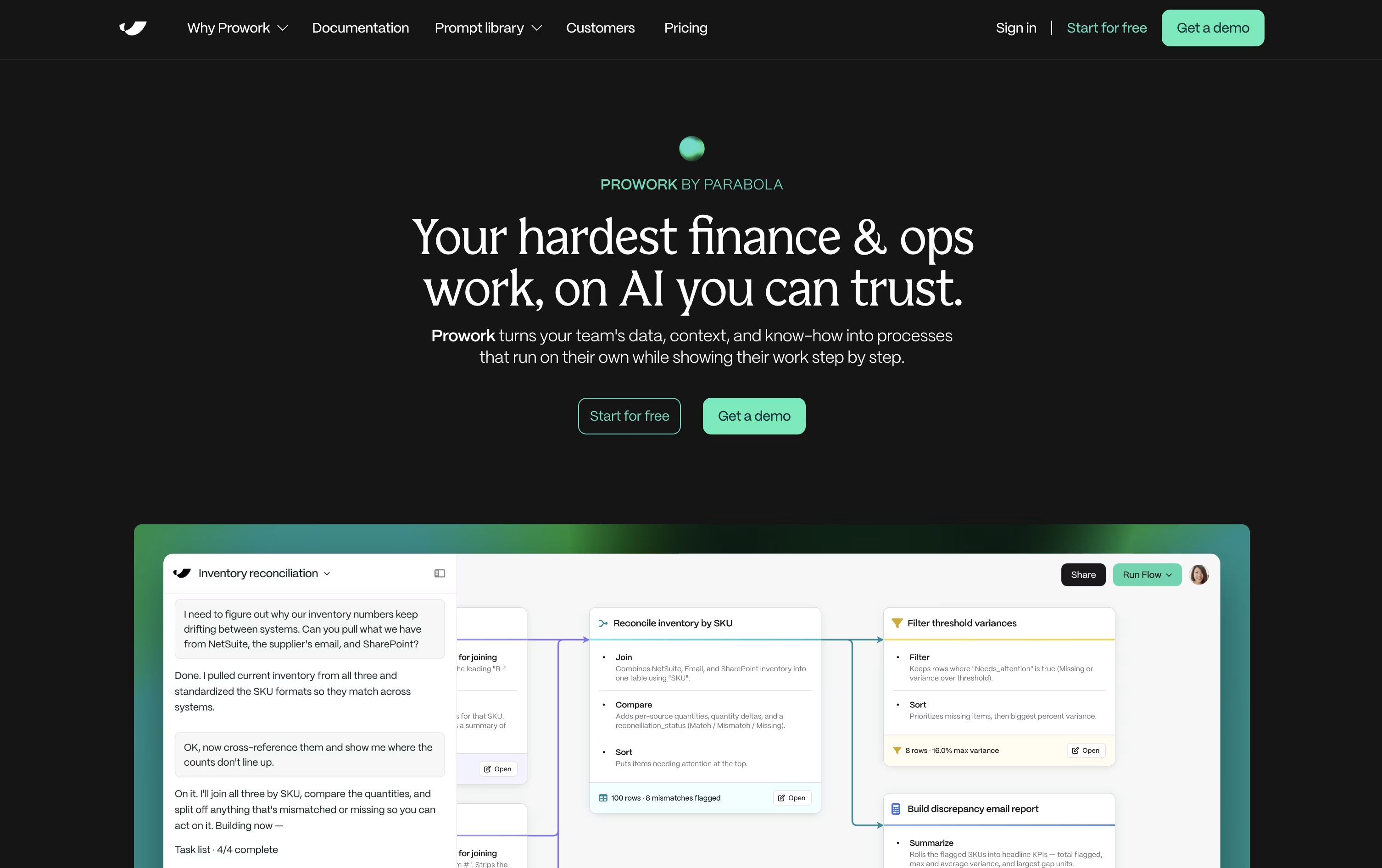
You explain the task in everyday language, and Prowork, Parabola's AI builder, turns it into a visual Flow made of clear, inspectable steps rather than a hidden script.
Live data previews appear at each step, so you can catch mistakes early and adjust the logic yourself whenever something needs to change.
Anyone can start for free with the Basic plan, which includes one user, 1,000 credits, and unlimited AI, plus the option to add pay-as-you-go credits later.
Teams that need more can move to the custom-priced Business plan, which brings in Parabola's Applied AI team, deeper integrations, permissions, version history, SSO, and SOC 2 Type II security.
Since every step of a Flow stays visible, it also doubles as documentation that new team members can actually follow.
Think of Automa as a digital worker: AI handles the thinking, and RPA handles the clicking, typing, and repeating. It automates work on the web, on your desktop, and even on mobile apps.
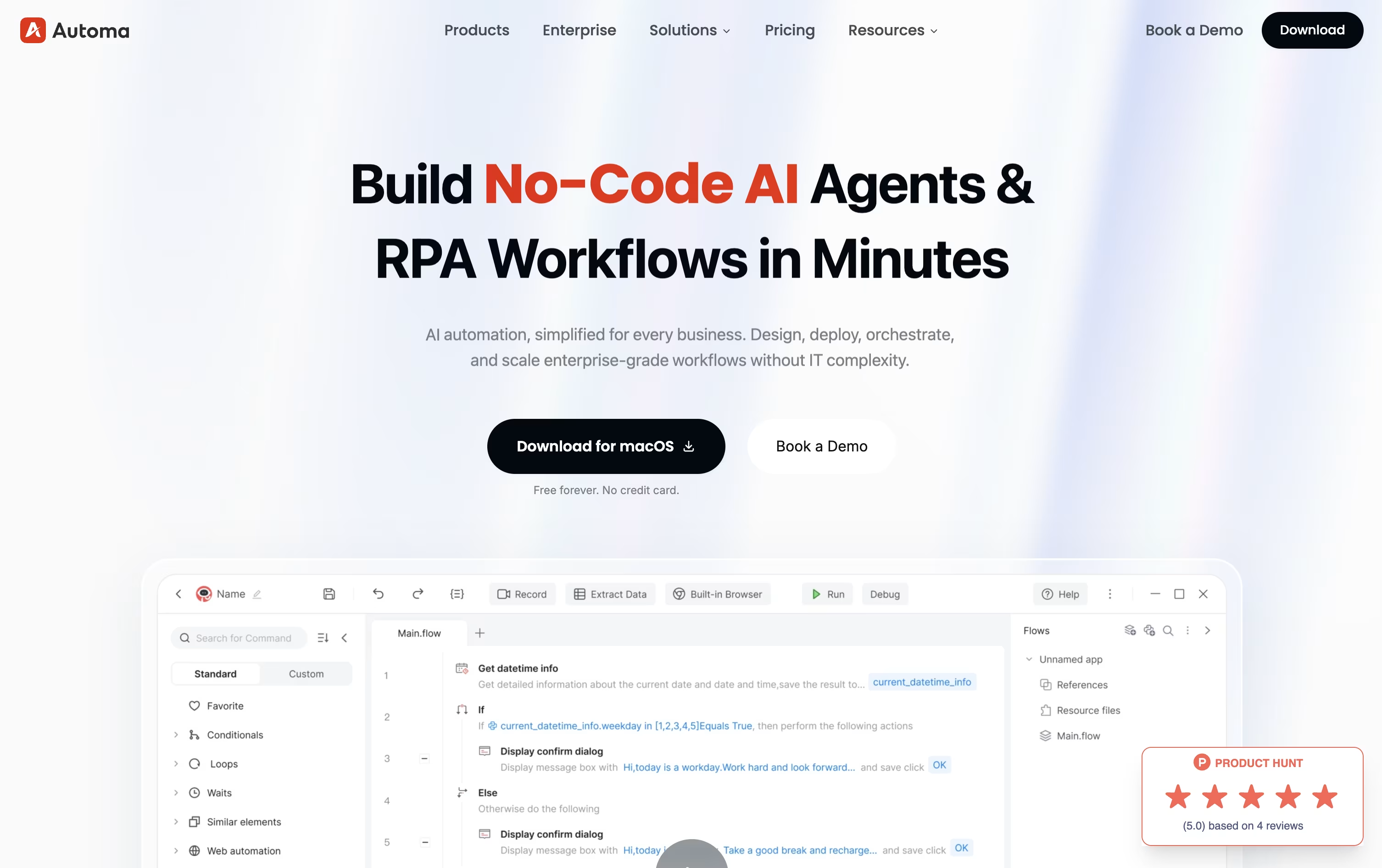
Workflows can be built by hand with a drag-and-drop editor, by recording your screen, or by typing a plain language request that AI turns into a working automation.
Getting started costs nothing on the Free plan, which includes one self-built app, limited access to third-party apps, custom triggers, and simple debugging, with no credit card required.
Stepping up to Pro runs $29 a month, or $14.50 a month with annual billing, and adds unlimited apps, Magic Flows, AI-powered element capture, OCR, CAPTCHA solving, and a virtual desktop for automation, plus a 14-day trial.
Businesses that need more control can move to the custom-priced Enterprise plan, which layers on single sign-on, role-based permissions, audit trails, custom APIs, and round-the-clock support across cloud, on-premise, or hybrid setups.

IFTTT gives you an easy way to connect apps, devices, and online services without writing any code. Automations, called Applets, follow a simple if this, then that setup.
Anyone can start for free, since the Free plan costs $0 forever and comes with 2 Applets and unlimited runs.
Stepping up to Pro costs $4.99 a month, or $2.99 a month on the yearly plan at $35.88, opening up 20 Applets, faster performance, multi-action Applets, and webhooks for custom connections.
For heavier use, Pro+ costs $14.99 a month, or $8.99 a month yearly at $107.88, and adds unlimited Applets, AI services, several connected accounts, and filter code for custom logic.
With support for AI tools like Claude and Gemini, plus IFTTT MCP for natural language automation, it fits both personal routines and small business workflows.
Think of Zoho Flow as a bridge between all the apps and systems your business uses. It links a trigger, like a new deal being closed, to a set of actions that run automatically, such as creating an invoice or notifying your team.
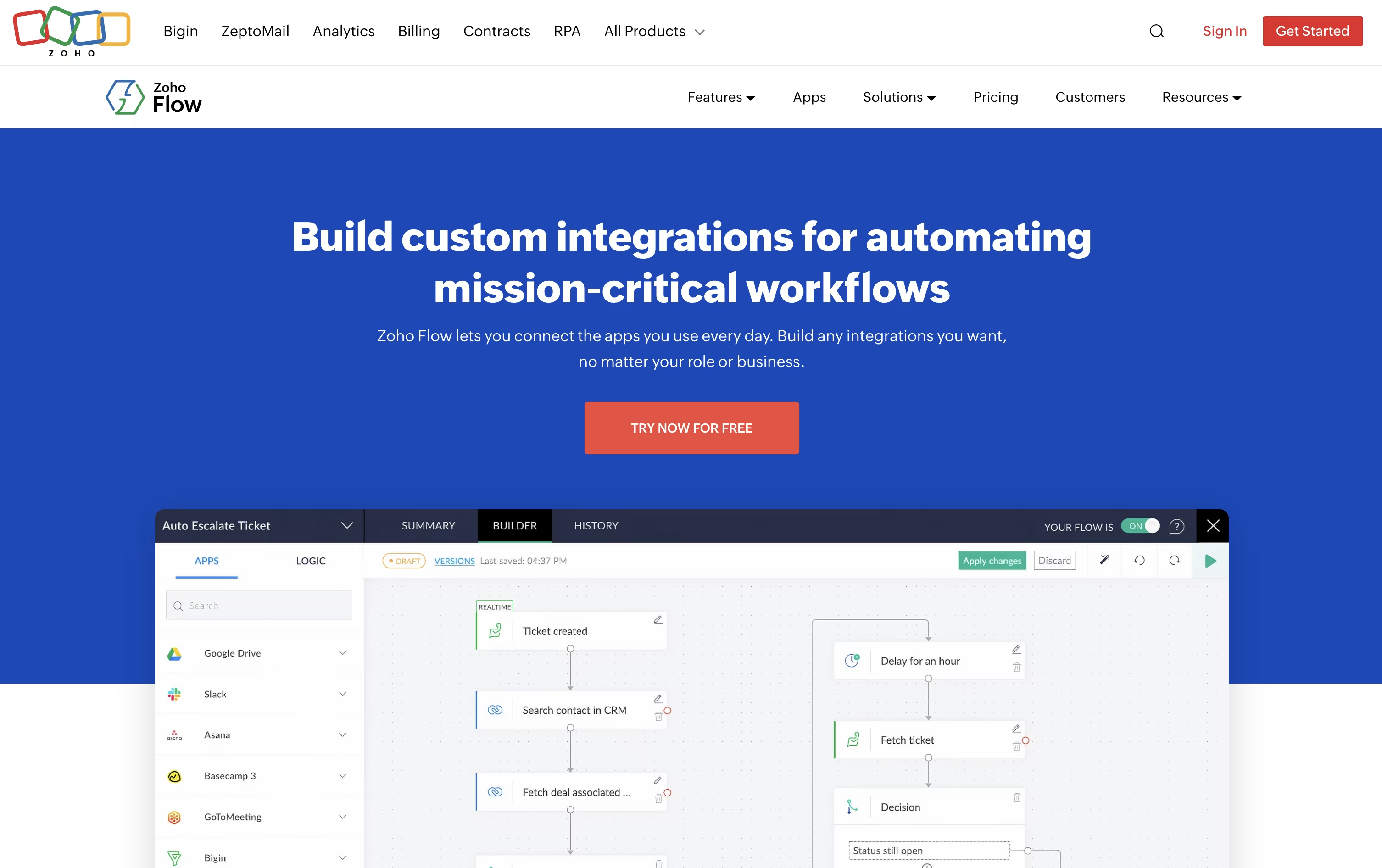
Over a thousand apps are supported out of the box, and a secure on premise agent lets it reach local databases, SAP systems, and other in house tools that normally stay behind a firewall.
Its AI assistant Zia can build a flow just from a plain English description, add smart writing and summarizing steps, and even make routing decisions inside a flow based on live data.
The Free plan costs $0 a month and covers 100 tasks with 5 flows. Standard runs $29 a month, or $25 a month if billed yearly, and unlocks 5,000 tasks, custom functions, and Zia AI tools.
Professional is $49 a month, or $41 a month yearly, the most popular tier, adding 10,000 tasks, premium apps, on premise connections, subflows, and automatic rerun of failed steps.
New users can try premium features free for 15 days without entering a credit card.

Pabbly Connect lets you connect apps and automate repetitive tasks without touching a line of code, using a straightforward trigger then action setup.
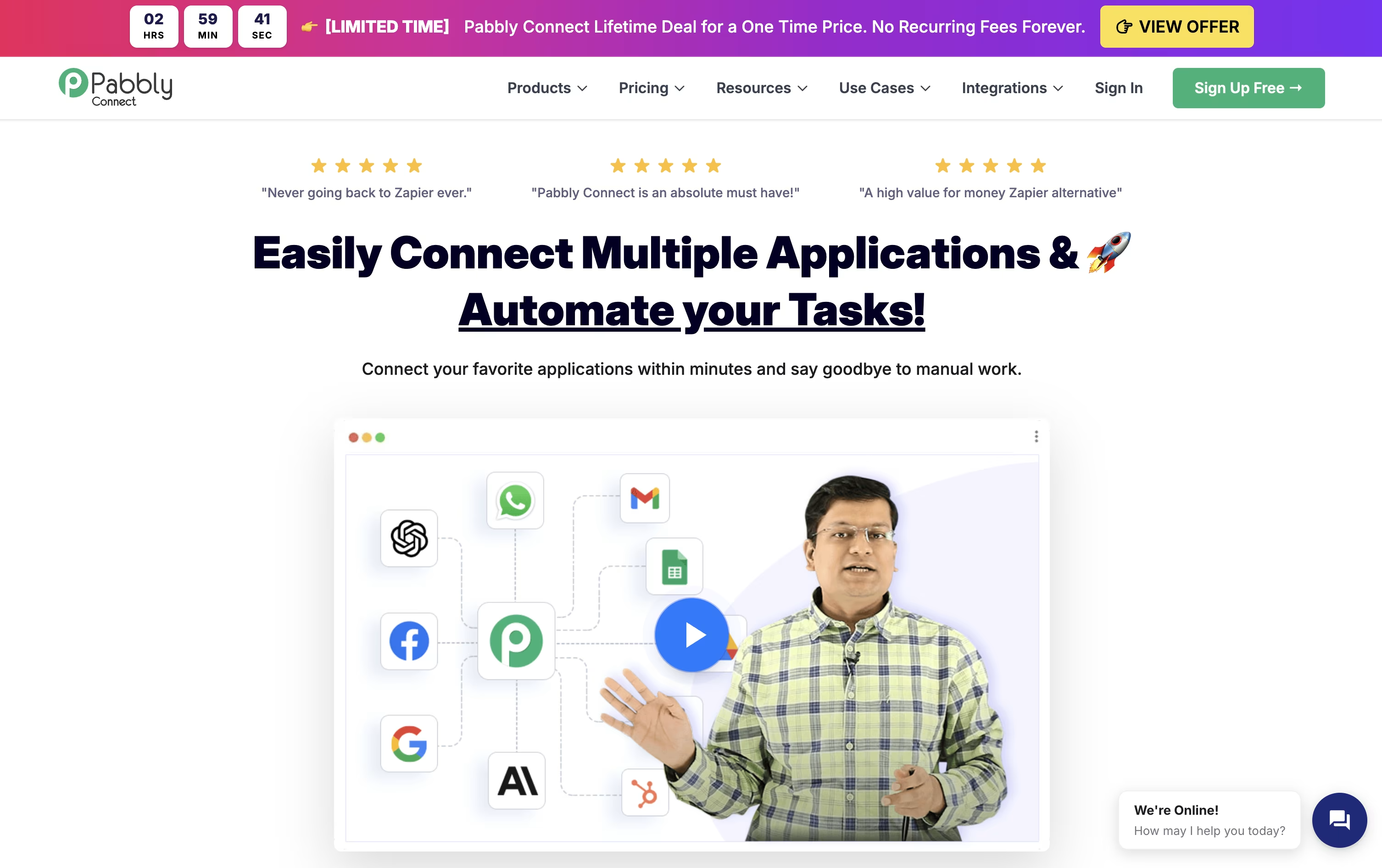
Internal steps such as filters, routers, formatters, and delays don't use up your task quota, so only the actions that actually send data to another app are counted and billed.
It also comes with modern AI tools, including an AI Assistant, an MCP Server that lets AI clients call your workflows directly, and AgenticAI, which builds automations from a plain English description.
Made by Magnet Brains, the platform holds SOC 2 and ISO 27001 certifications and serves more than 14,000 businesses worldwide.
On pricing, the Free plan gives 100 tasks a month at no cost, Standard runs $19 a month for 10,000 tasks, and Unlimited is $79 a month with no task cap, cheaper still with yearly billing.
Lifetime, one-time payment plans start at $349 for anyone who wants to skip recurring fees altogether.

Robomotion blends traditional RPA with AI agents, so it can handle both exact repeatable steps and tasks that need judgment or reading unstructured data.
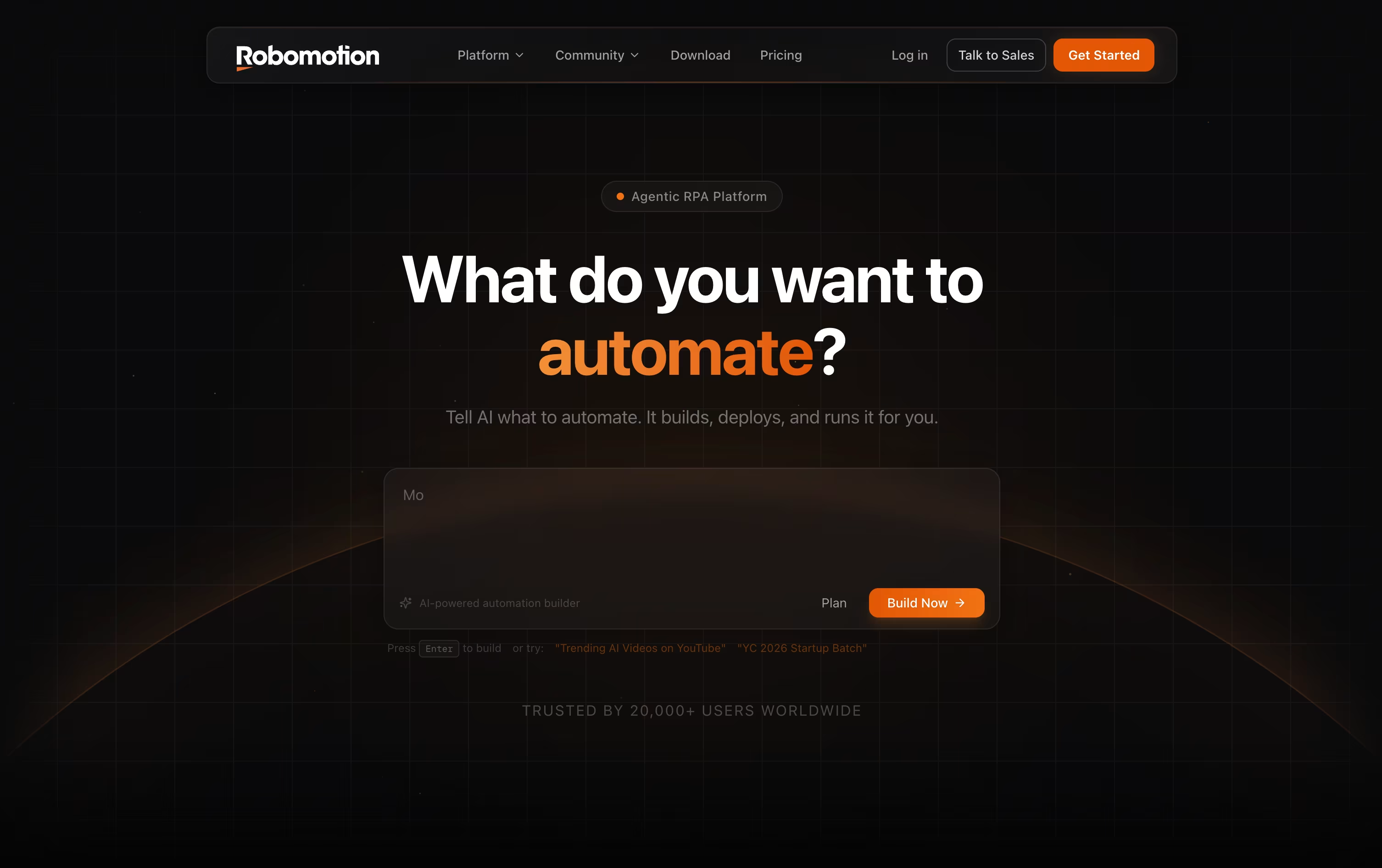
Instead of dragging every node onto the canvas yourself, you can type out what you want automated and let the AI Assistant put the flow together, which you can then edit.
Robots run on your own machine, in the cloud, or a mix of both, on Windows, macOS, Linux, and even Raspberry Pi.
The Cloud Free plan costs nothing and includes a 14 day trial, while Solo runs $49 a month, Pro is $129 a month, and Team costs $399 a month for growing teams.
If you need everything to live inside your own infrastructure, Self-Hosted plans start at $499 a month for Starter and $999 a month for Growth, with an Enterprise tier priced on request.
More than 220 integrations plus support for OpenAI, Gemini, and Claude models mean it can plug into CRMs, banks, tax portals, and other everyday business systems.
If you have outgrown simple no-code tools, Latenode gives you a visual builder plus real code, so you are not stuck when a workflow gets complicated. Nodes snap together on a canvas to form automations, AI agents, and data pipelines.
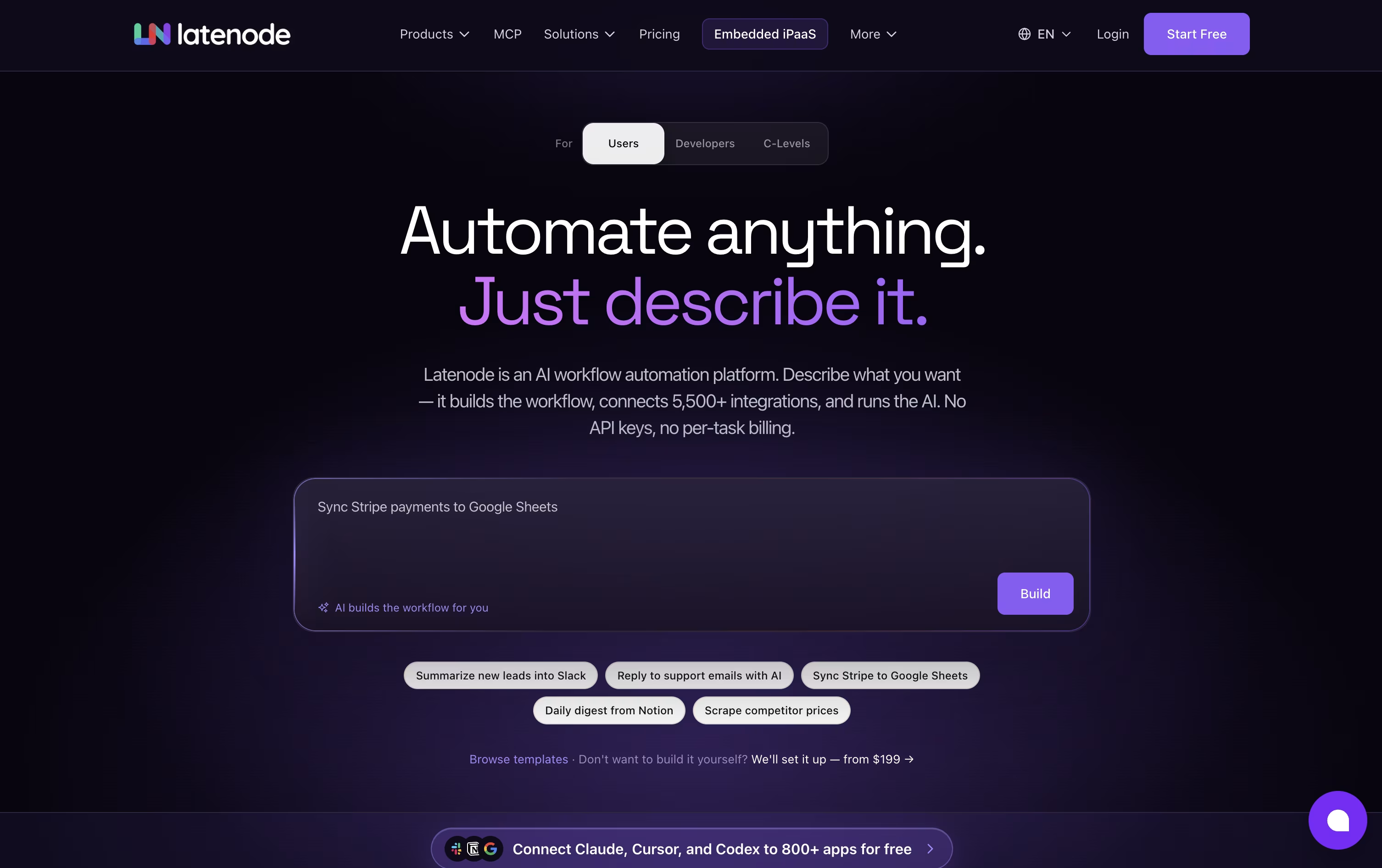
You can write JavaScript with NPM packages inside any step, and an AI Copilot is on hand to help generate or debug that code. There is also an AI Builder that can turn a written description of what you want into a ready scenario.
Access to hundreds of AI models, including GPT, Claude, and Gemini, is built right in, so you don't need to sign up for each one separately. Latenode also links to over 1,200 apps, plus tools for browser automation, document search through RAG, and an MCP server for external AI clients.
Cost is tied to runtime, measured in CPU seconds, instead of the number of nodes in a scenario. The Free plan hands you 10,000 CPU seconds every month at no charge.
Once you need more room, Pay as you go keeps that same free allowance, then bills a small, shrinking rate per extra CPU second, while opening up unlimited scenarios and longer execution windows.
Nodes that use paid outside providers are billed separately with Plug-n-Play tokens at $1 each, so those costs never get mixed into your runtime bill.

Rather than making you build automations from scratch, Integrately hands you a library of millions of ready-made workflows that you can activate in one click after connecting your accounts.
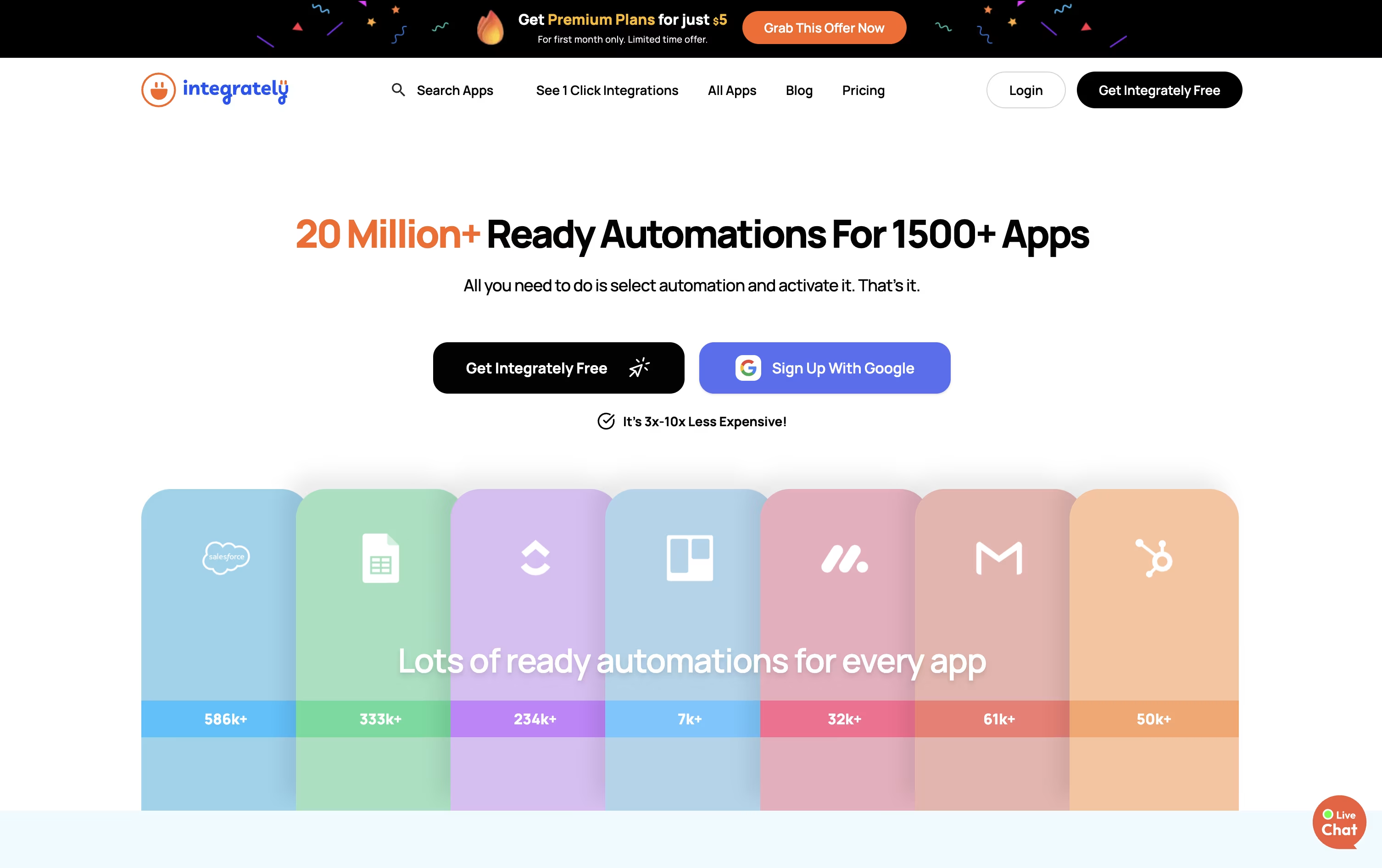
It connects with over 1,500 apps spanning CRM, email marketing, online stores, forms, and everyday work tools, and its AI Automation Builder can turn a plain language request into a working automation.
The Free plan gives you 100 tasks a month at no cost, plus a 14-day trial of paid features. Starter costs $29.99 a month, or $19.99 a month if billed yearly, and adds webhooks, filters, and 2,000 tasks.
Professional, priced at $49 a month or $39 annually, is described as covering most required features, with unlimited automations, branching, and 10,000 tasks. Growth and Business step up to 30,000 and 150,000 tasks with unlimited users and folder permissions.
Live chat support comes with every plan, and the top two tiers add a dedicated account manager. Since checks and triggers do not use up tasks, Integrately can be far more efficient than task-counting competitors like Make.

Think of Albato as a no-code bridge between your apps. You choose a starting trigger, line up actions across its library of 1,000+ connectors, and the workflow keeps running without you touching it again.
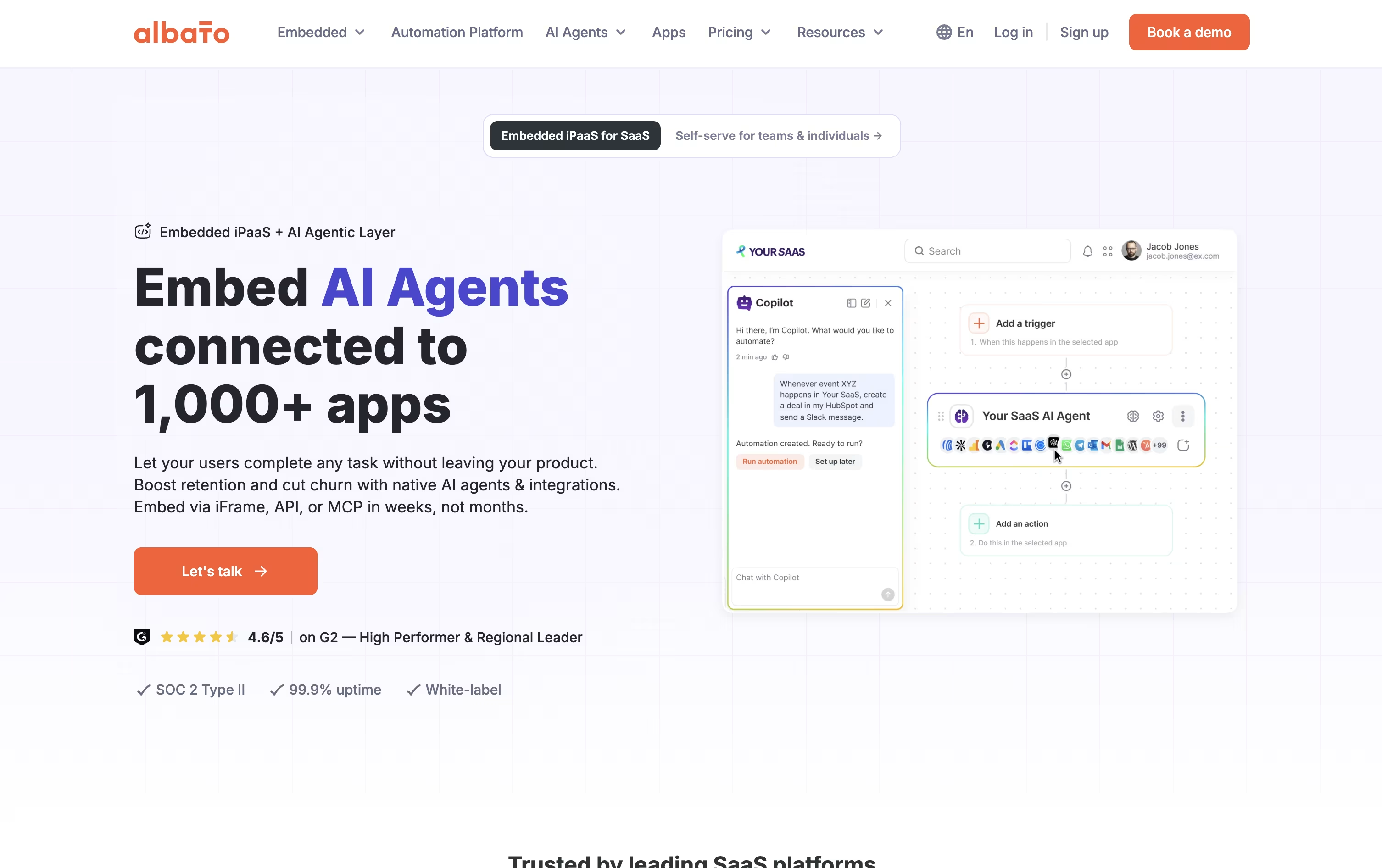
It is not just plain automation either. Albato AI handles text and data tasks inside a workflow, Copilot turns a written request into a working automation, and AI Agents can decide which action to take based on your instructions.
Missing an app? The App Integrator lets anyone add a new connection using a public API, so the library keeps growing with what you actually need.
On price, the Free plan gives 100 transactions with 5 automations of 2 steps each, enough to test the waters. Pro removes those caps for $22 a month, or $15 a month if billed yearly, and throws in AI Agents plus a 7-day trial.
Teams runs $93 a month, or $65 annually, with 5 seats and shared workspaces for agencies, and a Custom plan handles bigger volumes with a dedicated success manager.
For SaaS businesses, Albato Embedded offers the same integrations and AI agents white-labeled under your own product, starting from $5,000 a month.

Prefect is a Python-based workflow management system that turns regular functions into production-ready data pipelines. You write your code in normal Python, add a few simple markers (called decorators), and Prefect handles the scheduling, monitoring, and error recovery automatically.
The tool works in two ways: you can run it on your own servers (open-source version) or use their hosted cloud service. Both options give you a clean dashboard to see what's running, what failed, and where problems occurred. Prefect automatically retries failed tasks, caches results to save time, and sends alerts when issues arise.
What makes Prefect special is its flexibility. It works with your existing code without forcing you to restructure everything, making it easier to adopt than many alternatives.

Workato is an enterprise automation platform that works as an Integration Platform as a Service, or iPaaS. It connects your business applications together and automates the tasks between them. You can build workflows without writing code, using a drag-and-drop interface that makes setup quick and simple.
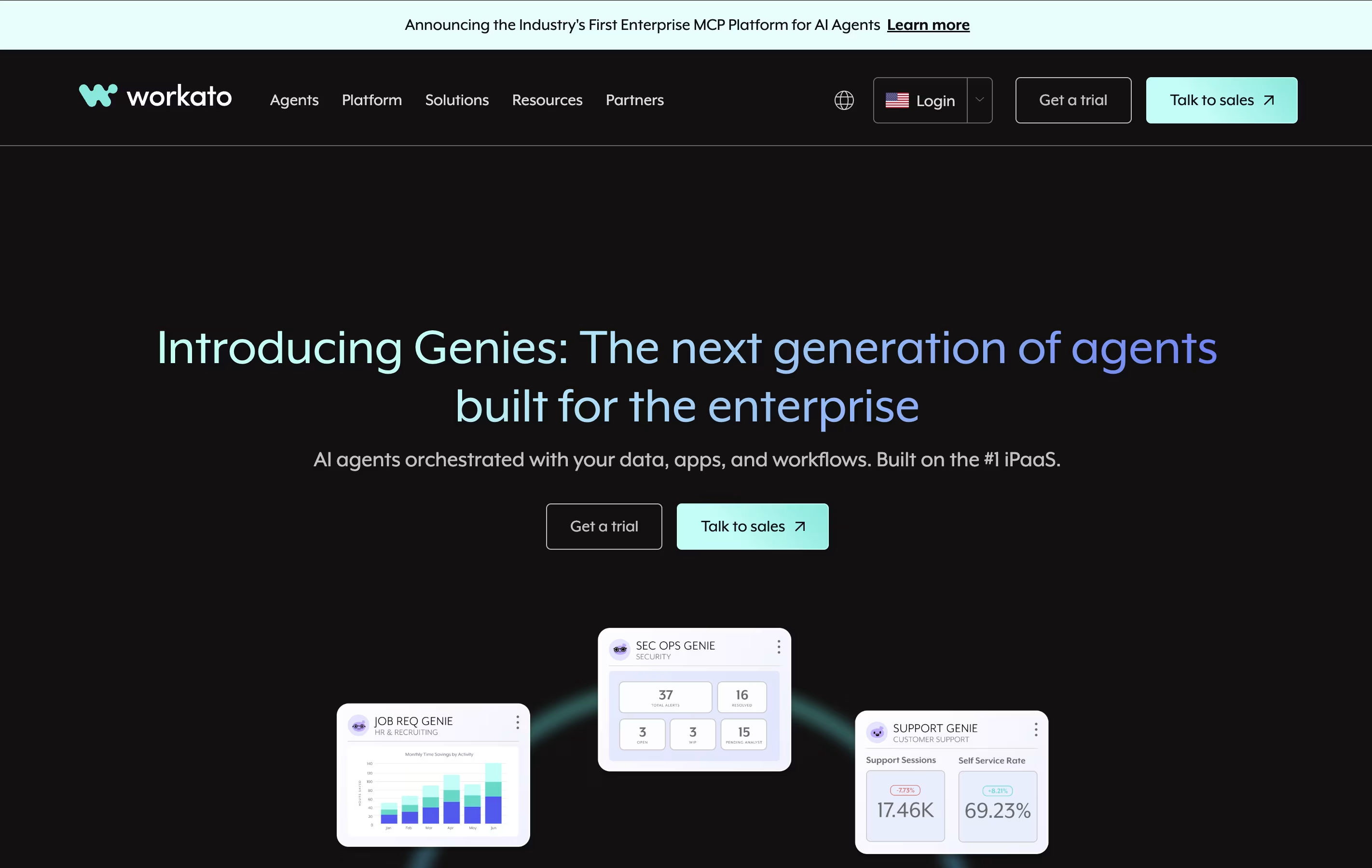
The platform offers over 1,200 ready-made connections to popular business tools like Salesforce, Slack, Google Workspace, and Microsoft 365. These connections allow data to flow automatically between systems in real time. Workato handles everything from simple data transfers to complex multi-step business processes.
Workato uses "recipes" as the name for its automated workflows. Each recipe includes a trigger that starts the automation and actions that happen automatically. It is built for both business users and IT teams to work together on automation projects.

SnapLogic is an Integration Platform as a Service that connects your business apps and data sources together. Think of it as a bridge that lets different software talk to each other. Instead of hiring programmers to build custom connections, SnapLogic gives you ready-made building blocks called Snaps.
These Snaps are like puzzle pieces that connect to popular apps such as Salesforce, Workday, and Microsoft systems. You can drag and drop them to build workflows that move data between systems automatically. The platform runs in the cloud but can also connect to software installed on your own computers.
SnapLogic includes AI helpers that write code for you, suggest improvements, and even create smart agents that work on their own.

Boomi is an integration platform as a service that connects different applications, databases, and systems in your business. Think of it as a translator that helps all your software speak the same language. Whether you use Salesforce for customer management, SAP for business operations, or cloud services like AWS, Boomi can link them together.
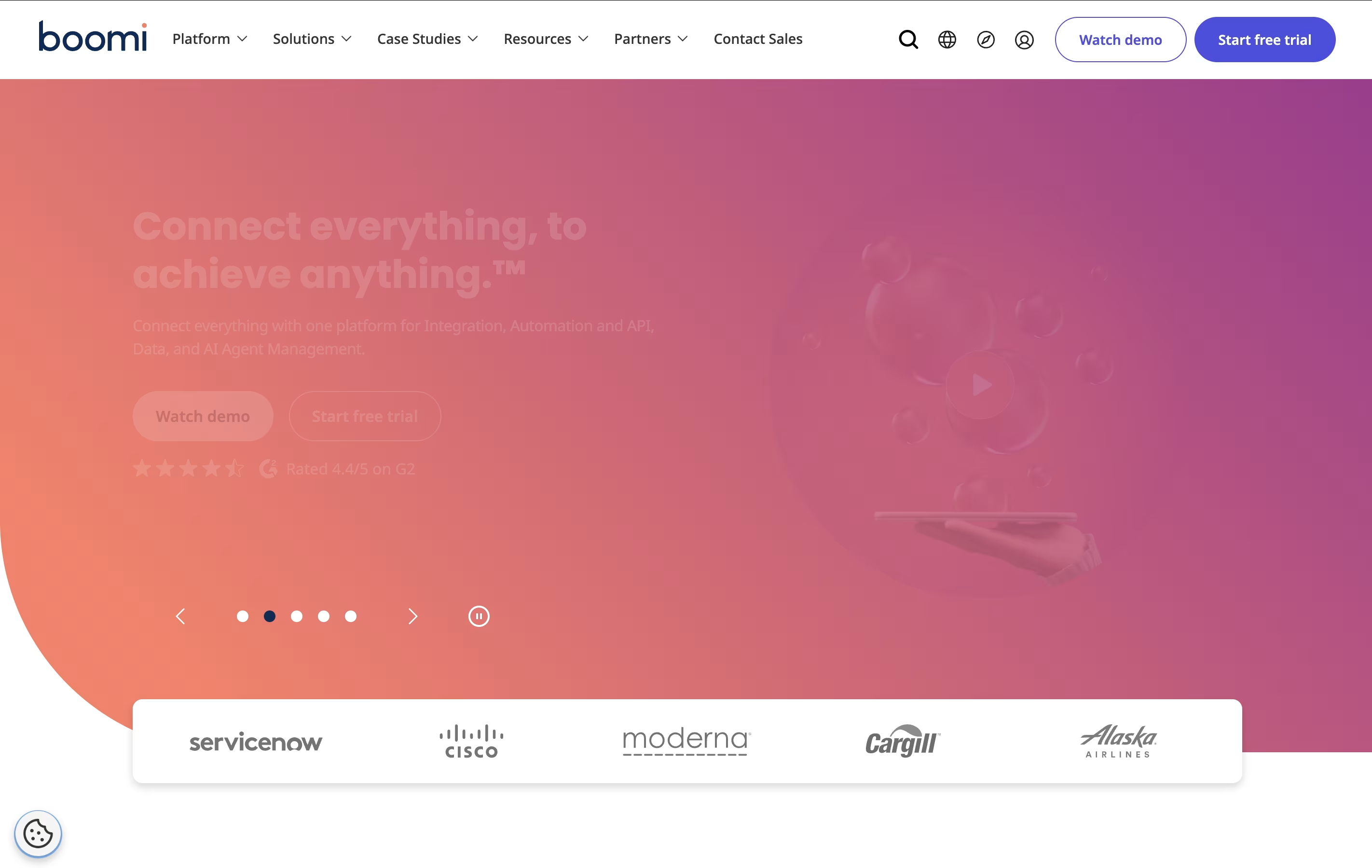
The platform offers four main services: Integration connects your apps and data, API Management helps you build and control programming interfaces, Data Management keeps your information organized and accurate, and AI Agent Management lets you control artificial intelligence tools safely.
Unlike traditional integration tools, Boomi runs entirely in the cloud, which means you do not need to install or maintain special hardware. It updates automatically and scales with your business needs.

Dagster is a tool that helps organize and run your data workflows automatically. Think of it as a smart manager for all your data tasks. Instead of manually running scripts or remembering which files depend on others, Dagster handles this for you.
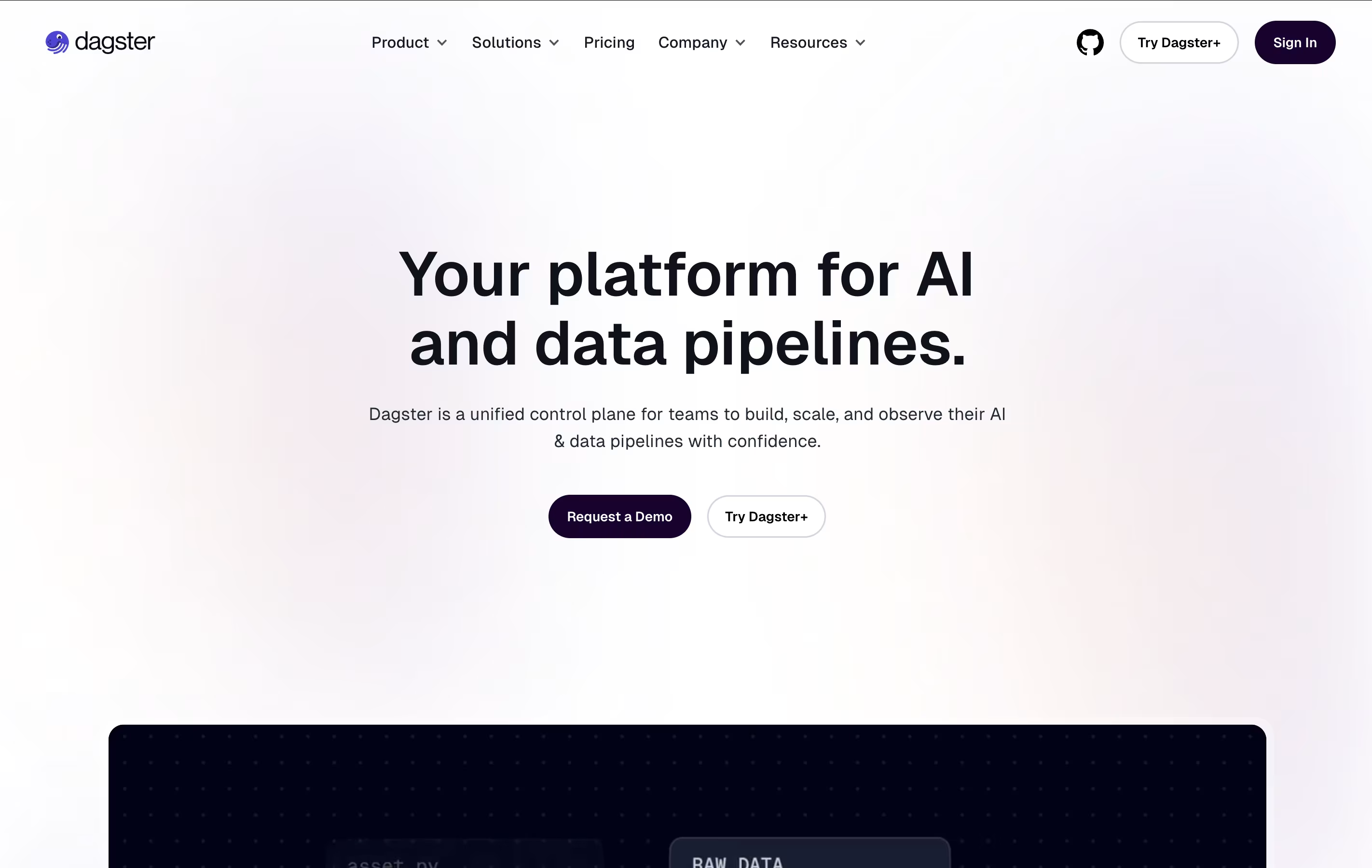
What makes Dagster different is how it thinks about data. It tracks your tables, files, and models as important items (called assets) rather than just focusing on the jobs that create them. This helps you see how all your data connects together.
The platform includes features for testing your code before it goes live, checking data quality automatically, and showing you how much your data processes cost. You can use it on your own servers or in the cloud through their managed service.

Apache Airflow is a tool that helps you create and manage automated workflows for processing data. Think of it as a smart coordinator that runs your tasks in the right order, at the right time, and handles problems when they occur.
You define your workflows using Python code, which means you can use all the tools you already know. Each workflow is called a DAG, which shows how your tasks connect and depend on each other. Airflow comes with a visual web dashboard where you can see your workflows running, check logs, and restart failed tasks.
The platform works with cloud services like AWS, Google Cloud, and Azure, plus hundreds of other tools through ready-made connections. You can run it on your own servers or use managed services like Astronomer.

Kestra is a workflow orchestration platform that turns your tasks and processes into automated workflows. Think of it like creating a recipe: you list what needs to happen and when, and Kestra makes sure everything runs in the right order at the right time.
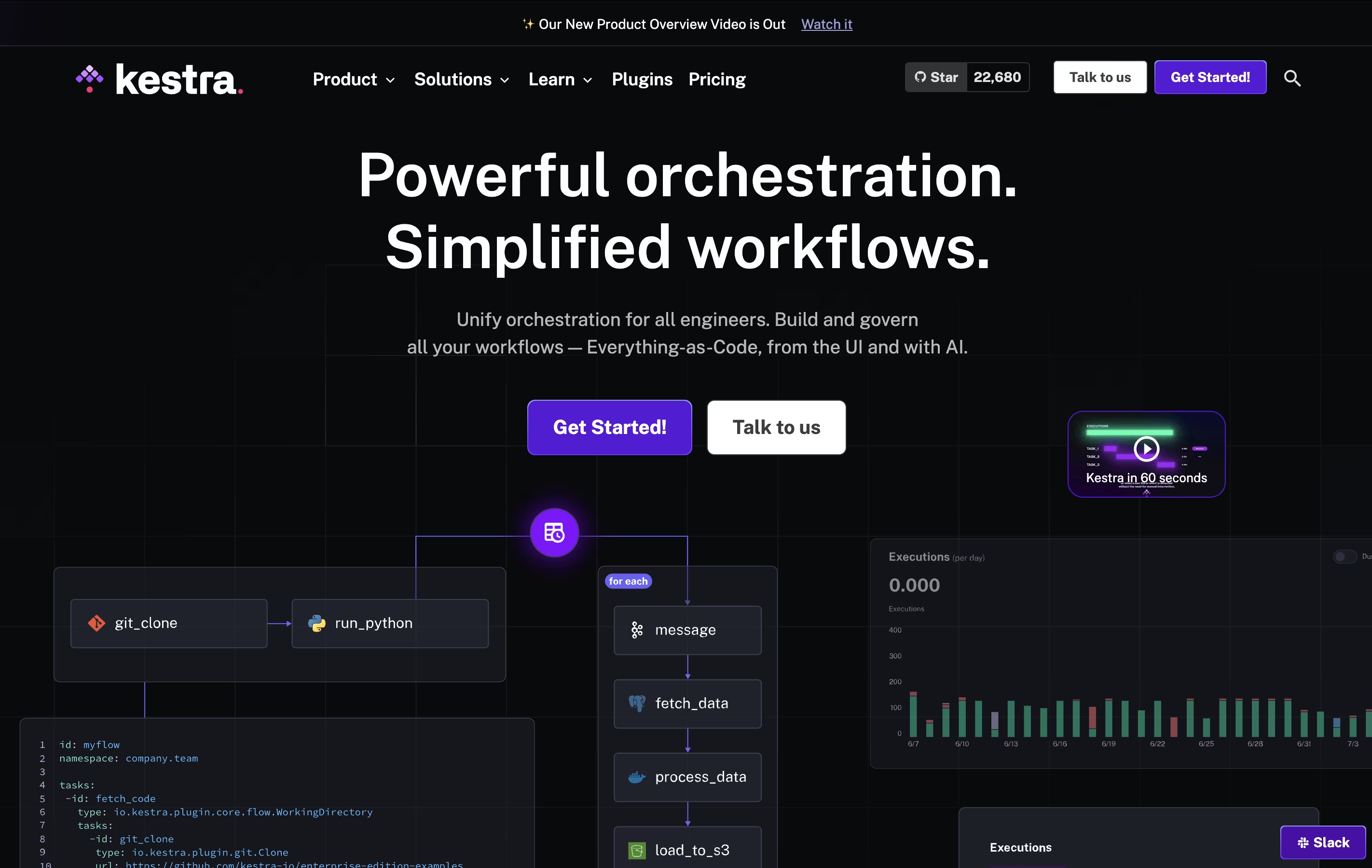
Unlike traditional automation tools that require deep programming knowledge, Kestra uses a straightforward approach. You can build workflows through a visual interface or write them in YAML, which is much easier to read and understand than regular code. The platform can run any programming language, connect to databases, send notifications, process files, and interact with cloud services.
There are two versions available: a free open-source edition for individuals and teams, and an Enterprise edition with advanced features for larger organizations.

Windmill is a developer platform that combines code with visual workflow building. You can write scripts in Python, TypeScript, Go, Bash, or SQL, and the platform automatically creates user interfaces for them. Unlike traditional low-code tools, Windmill lets you use real code while still providing visual tools for non-developers.
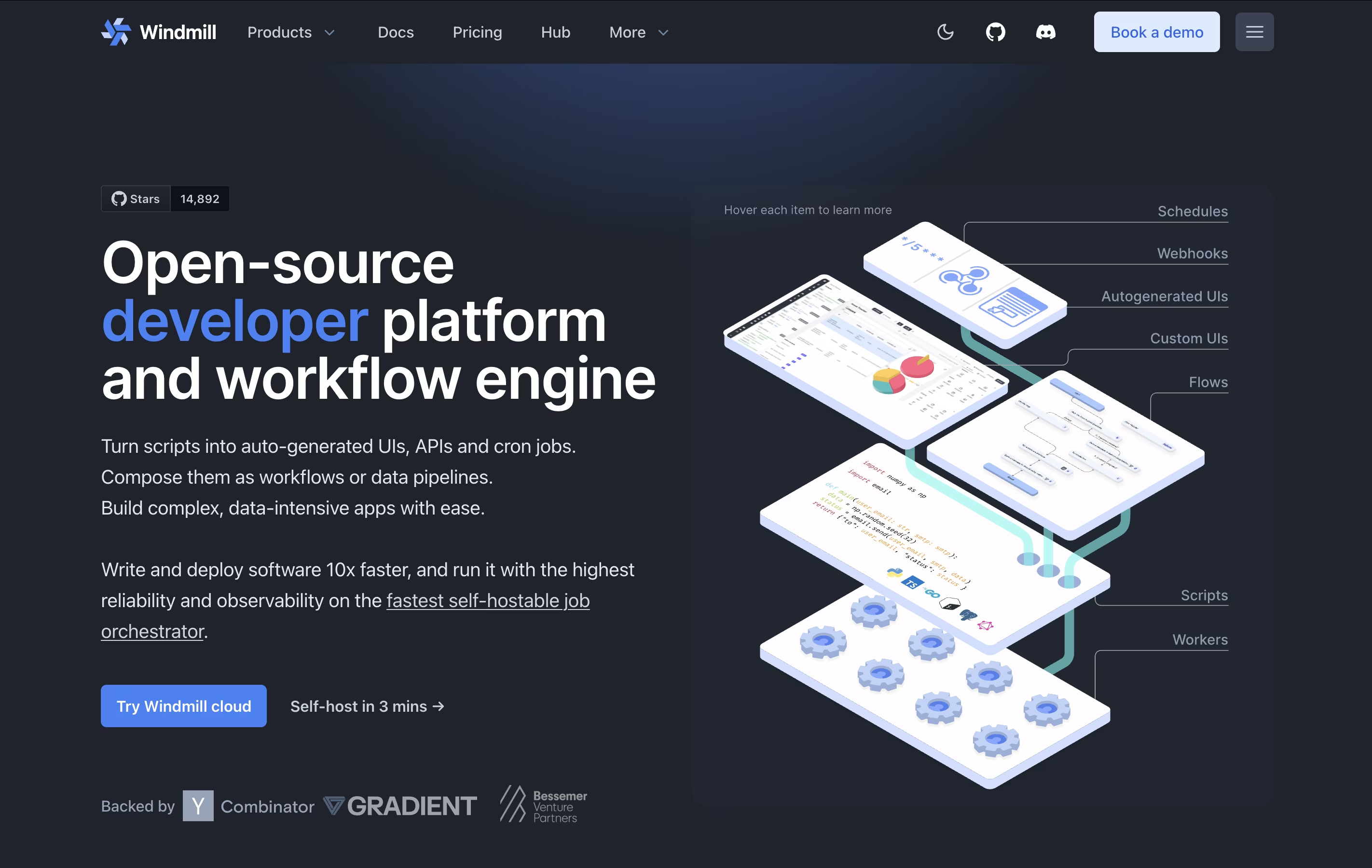
The platform works as a workflow engine that connects different scripts together. You can schedule tasks, create APIs from your scripts, and build custom apps with a drag-and-drop interface. Windmill supports both cloud hosting and self-hosting on your own servers.
There are free and paid versions. The free version includes unlimited script creation and basic features, while paid plans offer more executions, advanced support, and enterprise features like audit logs.

Budibase is an "open-source low-code platform" designed specifically for building internal business applications. This means you can create tools like admin panels, approval workflows, data dashboards, and form-based apps without writing extensive code.
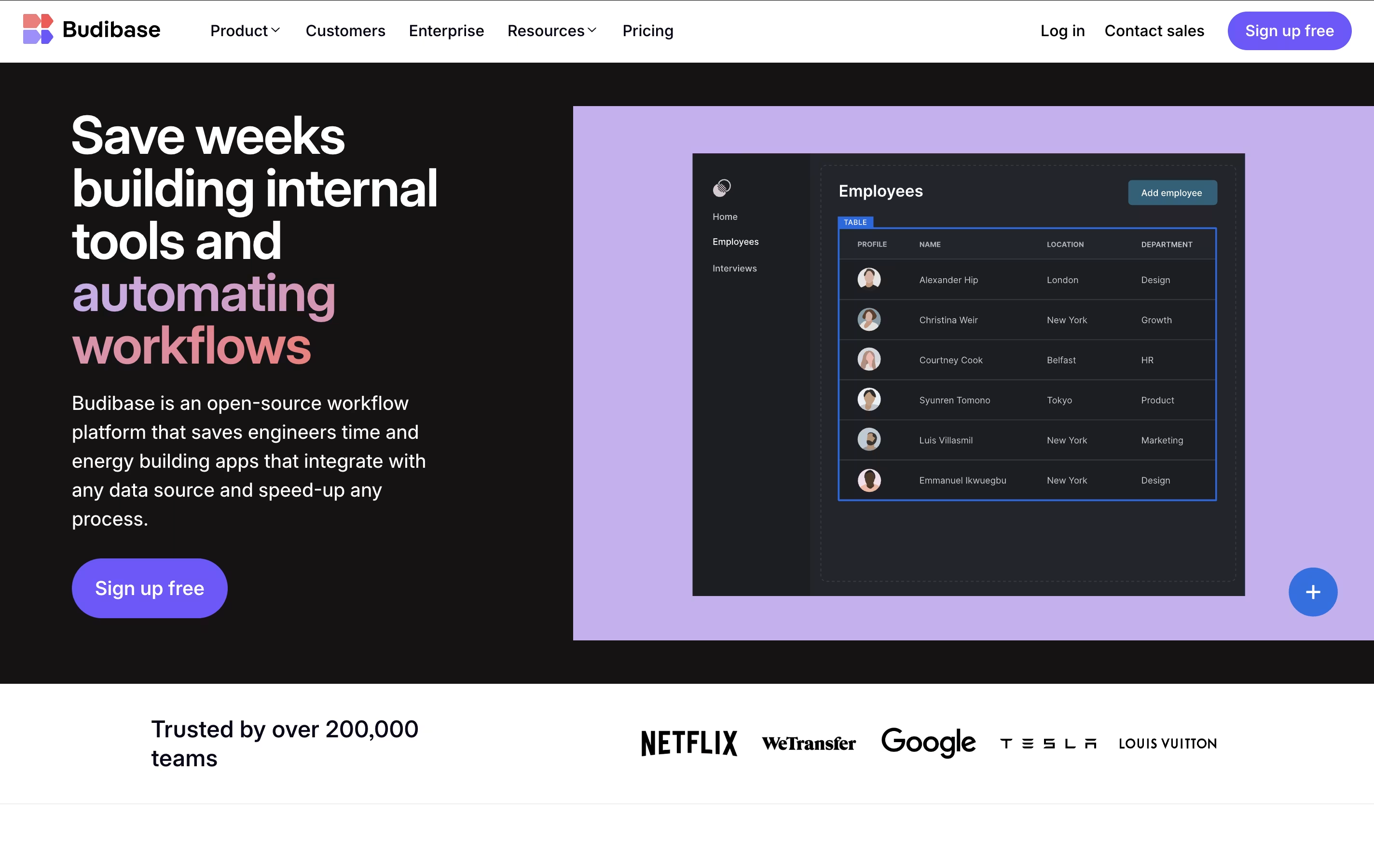
The platform works by connecting to your existing data sources - whether that's a SQL database, spreadsheet, or external API - and letting you build responsive user interfaces on top of that data. What makes Budibase unique is its complete approach: it includes a visual app builder, built-in database, automation engine, and hosting options all in one package.
The open-source nature means you can self-host it for free, customize the platform, and maintain full control over your data and applications.

Questflow is a decentralized AI automation platform that orchestrates multiple AI agents to complete tasks automatically across different platforms. Think of it as having a team of smart digital workers who never get tired and can handle repetitive tasks 24/7.
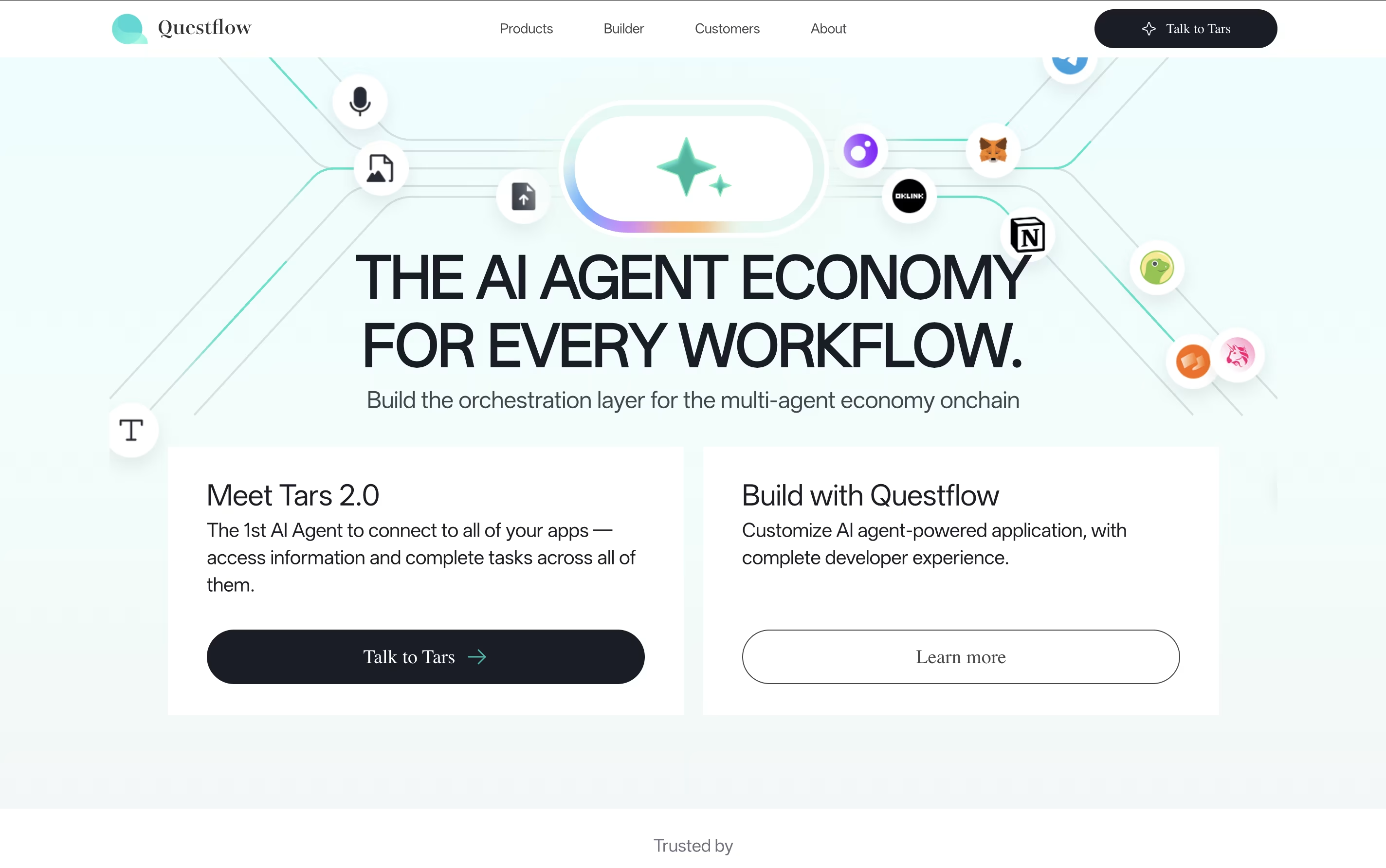
The platform uses a no-code approach, meaning you don't need programming skills to create powerful automation workflows. You simply describe what you want to accomplish, and Questflow's AI agents figure out how to do it. What makes it special is the multi-agent approach - instead of one AI doing everything, different specialized agents work together like a real team.
The platform also uses blockchain technology with QF Coin for secure transactions and rewards. Founded by experts in AI and automation, Questflow aims to make AI accessible to everyone, from small businesses to large enterprises.
BuildShip is an AI-powered visual backend builder designed to help businesses and developers create scalable backend infrastructure without extensive coding knowledge. Think of it as a smart toolbox that combines no-code simplicity with low-code flexibility.
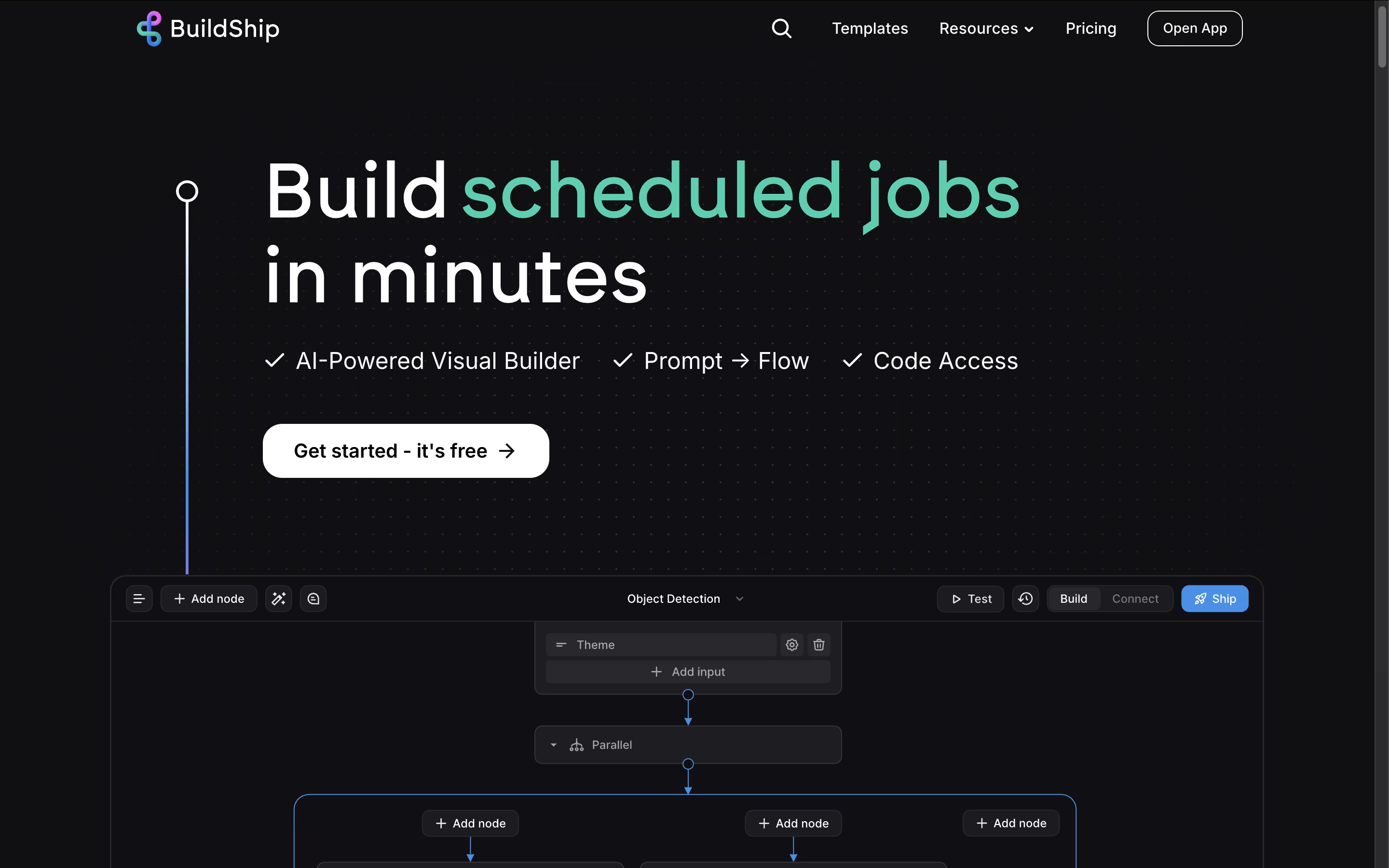
The platform uses a node-based system where you can drag and drop pre-built components or ask AI to generate custom nodes for your specific needs. It runs on Google Cloud Platform, ensuring enterprise-grade scalability and security. BuildShip connects seamlessly with popular AI models like ChatGPT, databases like Firebase and PostgreSQL, and hundreds of third-party services.
Founded in 2023 by the team behind Rowy, this platform has become popular because it eliminates the complexity of traditional backend development while giving you full control over your code when needed.

Celigo is an integration platform as a service that connects different business applications so they can share information and work together. Instead of manually entering the same data into multiple systems, Celigo automatically moves information between your tools in real time.
The platform uses artificial intelligence to understand and fix connection problems automatically. It comes with over 700 ready-made connections for popular business software like accounting systems, sales tools, and online stores. You can set up these connections without writing code, using simple point-and-click tools.
Celigo handles all types of data transfers including real-time updates, scheduled batches, and file exchanges. Whether you run a small business or a large company, the platform grows with your needs without surprise costs.

Tray.io is an integration platform as a service that connects different business applications and automates tasks between them. You can build workflows using a visual drag-and-drop interface without writing code, though developers can add custom scripts when needed.
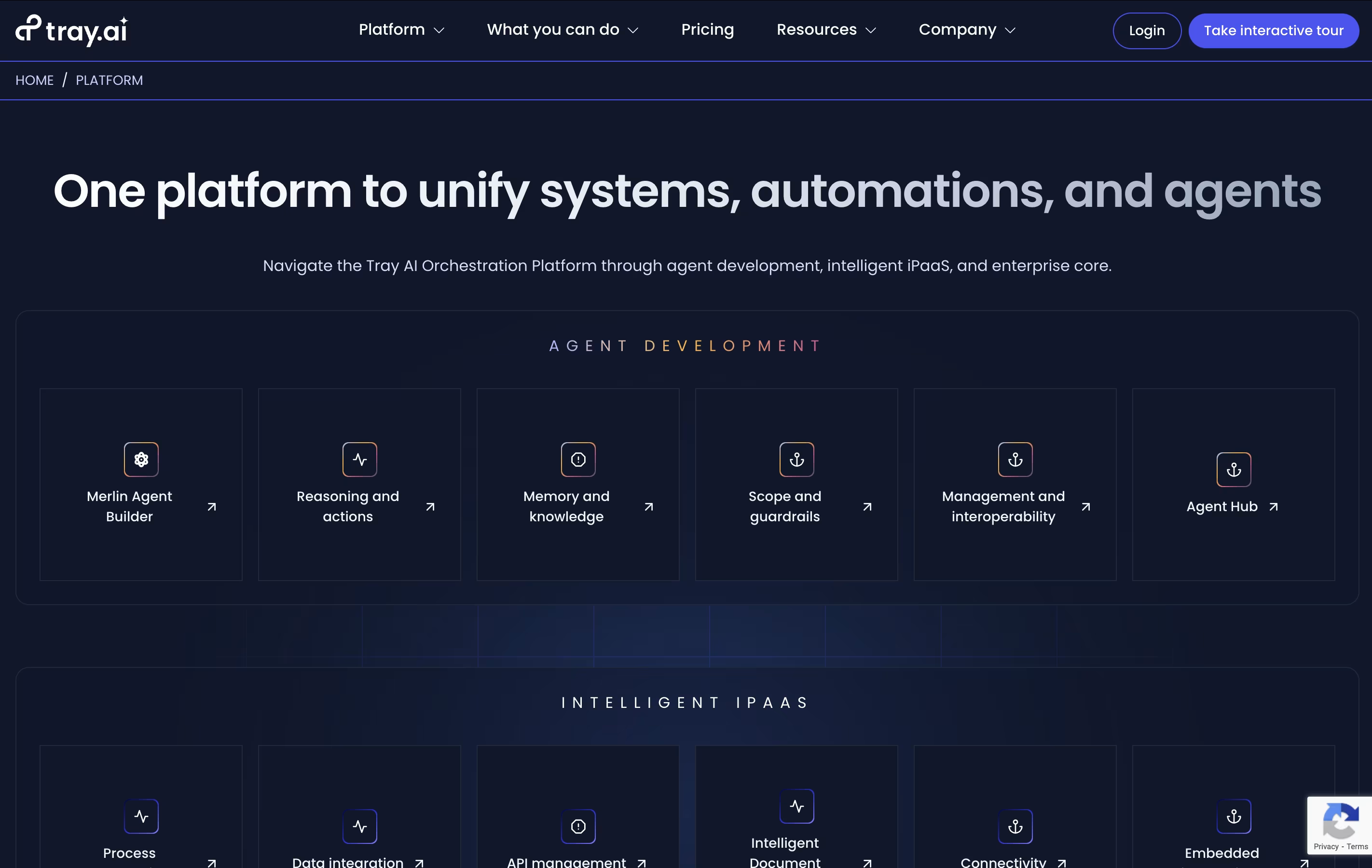
The platform includes Merlin Agent Builder, which lets you create AI agents that can understand requests, make decisions, and take actions across your connected systems. These agents work in Slack, Microsoft Teams, or through web interfaces.
Tray.io works with popular tools like Salesforce, HubSpot, Google Workspace, Slack, and hundreds more. You can sync data, trigger automated responses, and create complex processes that adapt to your business needs. The platform handles everything from simple two-app connections to enterprise-wide automation projects.

Process Street is the world's first AI-powered process management platform that helps teams document, share, and automate their core business processes. Think of it as turning your company handbook into smart, interactive workflows that guide your team through every step of important tasks.
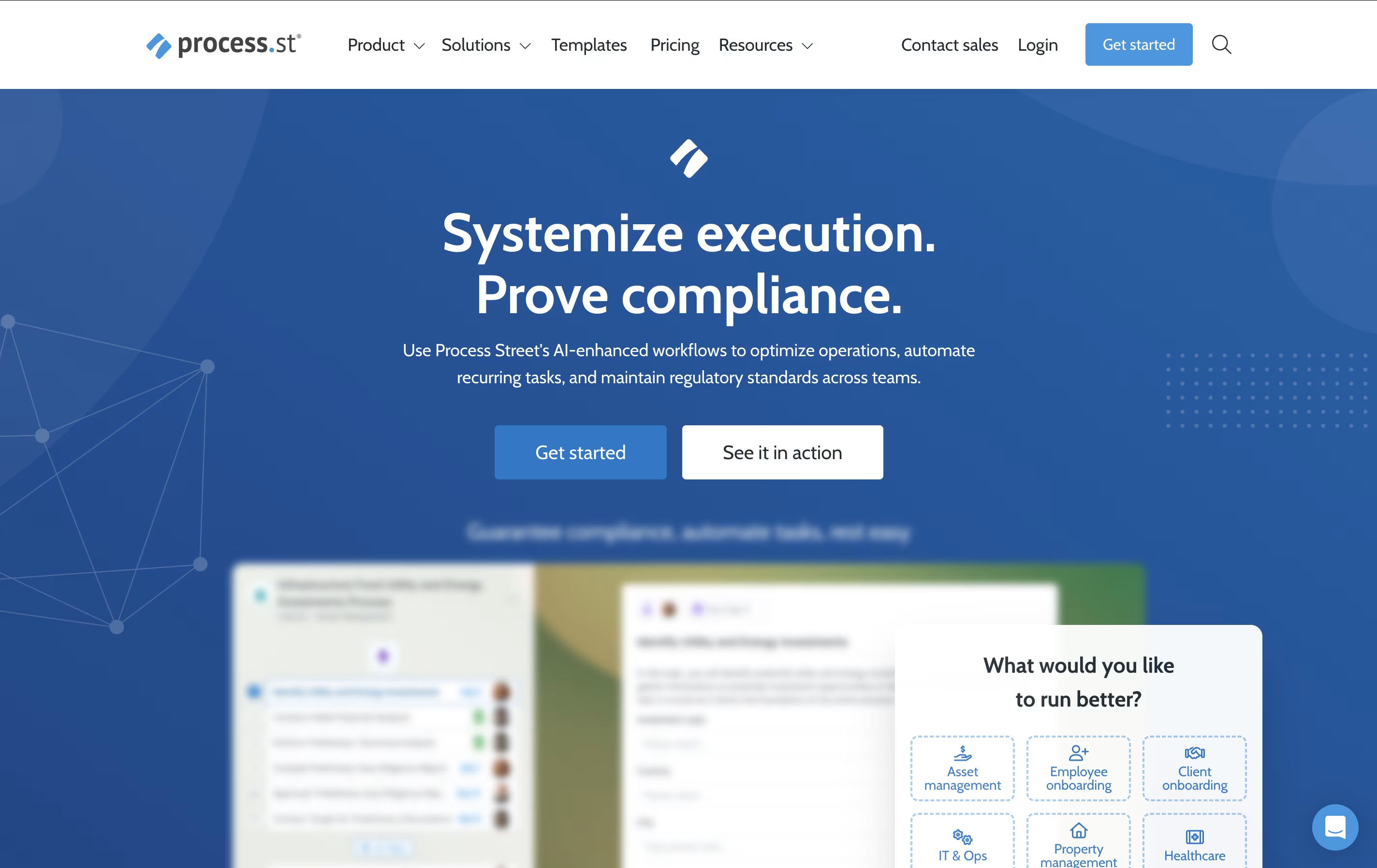
The platform allows you to create dynamic checklists with conditional logic, automated actions, and real-time tracking capabilities. Unlike static documents or basic task managers, Process Street creates living workflows that adapt based on different scenarios and automatically trigger actions across your tech stack.
From employee onboarding and customer implementations to compliance audits and quality control processes, the platform ensures nothing falls through the cracks. With features like AI-generated workflows, approval routing, and comprehensive analytics, Process Street transforms how organizations manage their operations. The result is improved consistency, reduced errors, faster completion times, and better team collaboration across all your business processes.

Paragon is an embedded integration infrastructure platform designed specifically for B2B SaaS companies that need to offer native integrations to their customers. Think of it as the backbone that powers all your app's connections to other software tools your customers use daily.
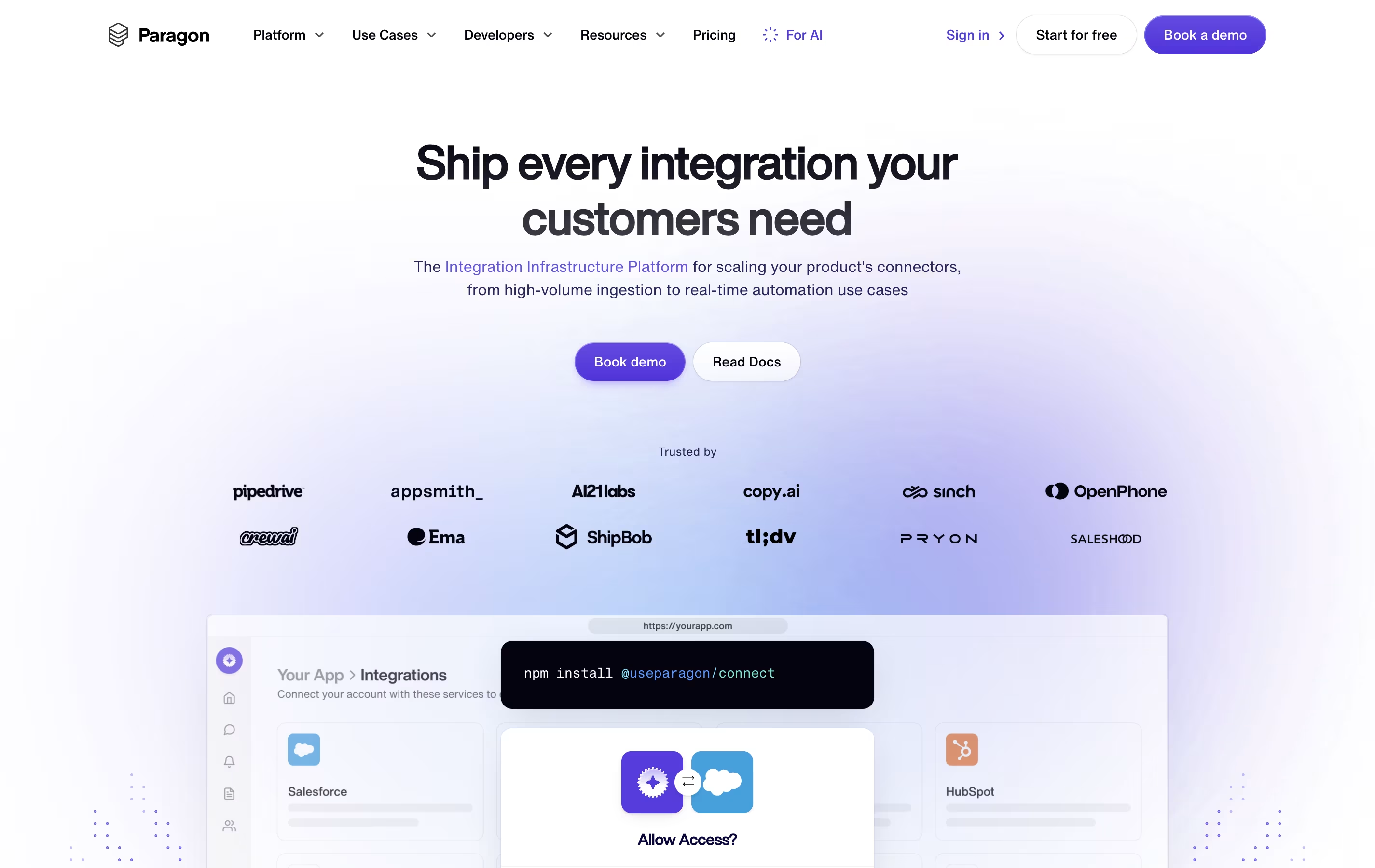
The platform provides over 130 pre-built connectors for popular business applications, along with the ability to create custom integrations for any third-party API. What makes Paragon special is that it handles all the technical complexity behind integrations - user authentication, data syncing, error monitoring, and maintenance - while providing your customers with a white-labeled, native experience that looks and feels like part of your product.
Founded in 2019 and backed by Y Combinator, Paragon processes over 100 million requests monthly for companies ranging from startups to enterprise organizations, making it a trusted solution for scaling integration needs.

Tonkean is an enterprise-grade process orchestration platform that uses artificial intelligence to automate and coordinate business workflows across teams and systems. Think of it as the missing link between all your business applications, creating seamless experiences for employees who need to get things done.
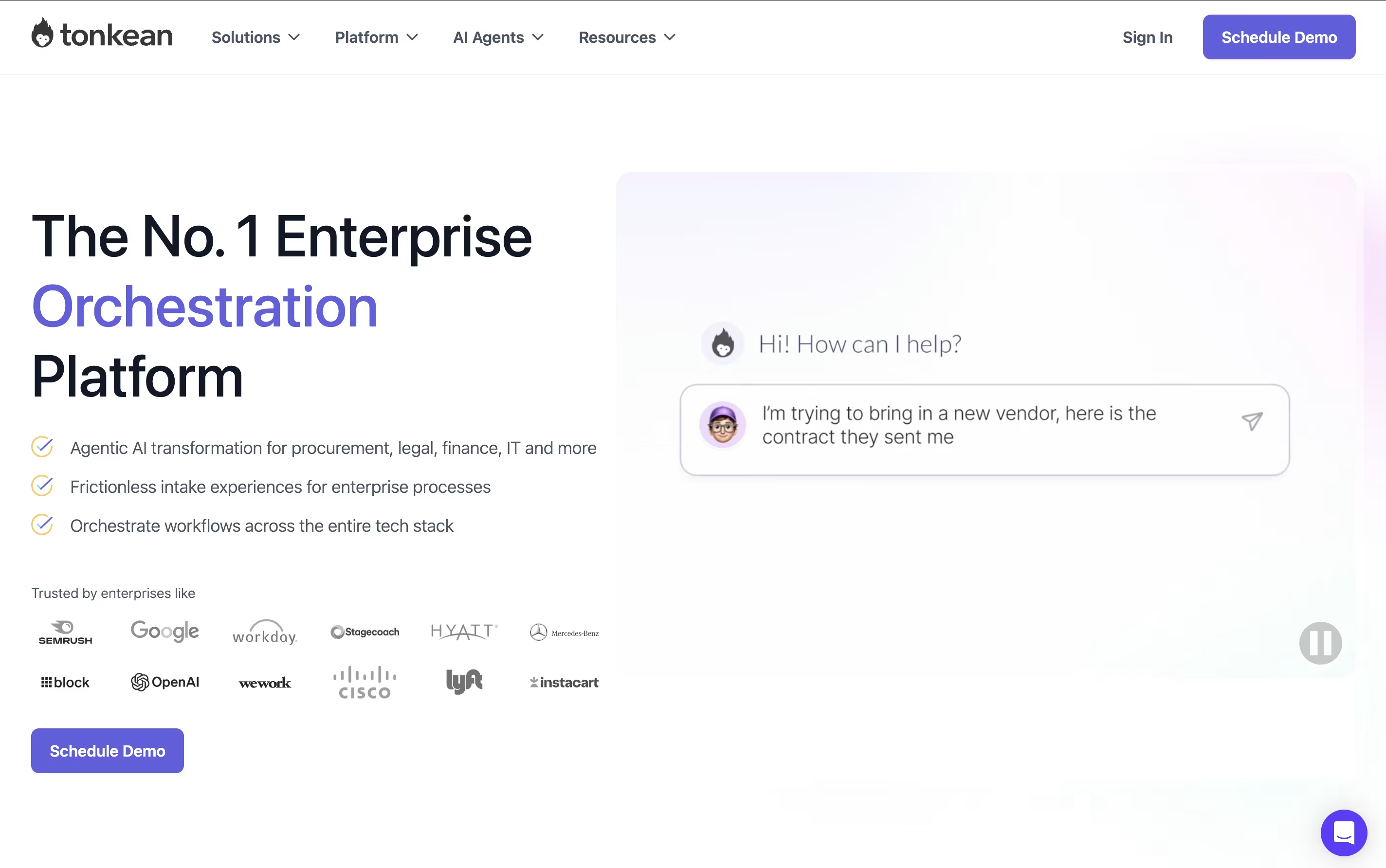
The platform specializes in "process orchestration," which means it doesn't just automate individual tasks—it manages entire workflows that involve multiple people, departments, and software systems. For example, when someone submits a purchase request, Tonkean can automatically check company policies, route it to the right approver, create purchase orders in your procurement system, and send updates to everyone involved.
Founded in 2015 and trusted by companies like Google, Netflix, and Instacart, Tonkean stands out because it requires no coding skills and works with your existing tools. You can build complex automated processes using simple drag-and-drop tools, making it accessible to business users rather than just IT professionals.

Temporal is a durable execution platform that guarantees your application code will run to completion, no matter what goes wrong. Think of it as a safety net for your software that automatically handles all the messy parts of distributed systems.
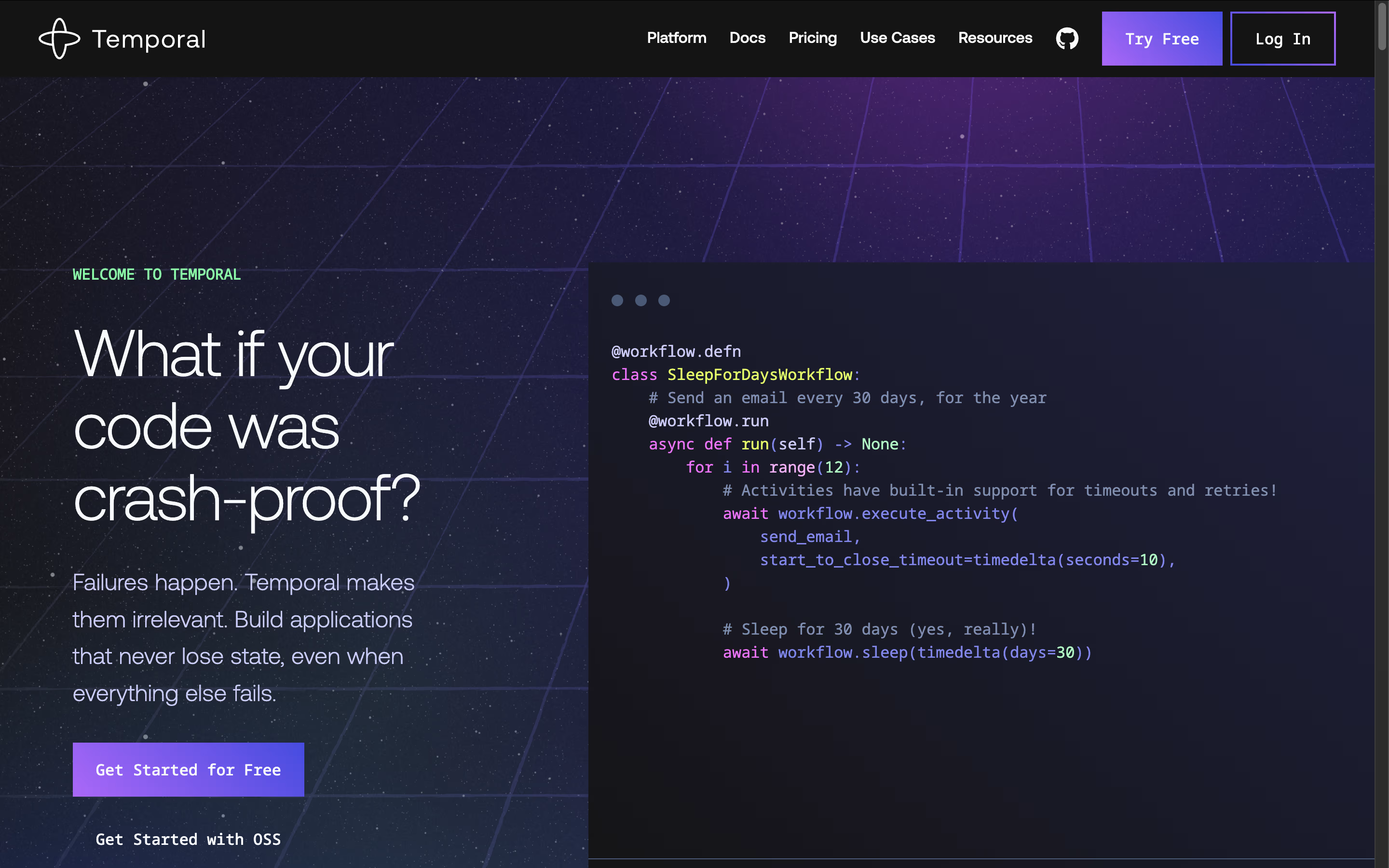
The platform consists of two main parts: an open-source server that manages workflow execution and SDKs for popular programming languages like Go, Java, Python, TypeScript, .NET, and PHP. Unlike traditional approaches where you write complex error-handling code, Temporal lets you write your business logic as simple workflows and activities.
Workflows define the overall process, while activities handle individual tasks like sending emails or processing payments. The system automatically persists your application's state at every step, so if something fails, execution picks up exactly where it left off. This approach eliminates the need for custom retry logic, state machines, and complex failure handling code.





